
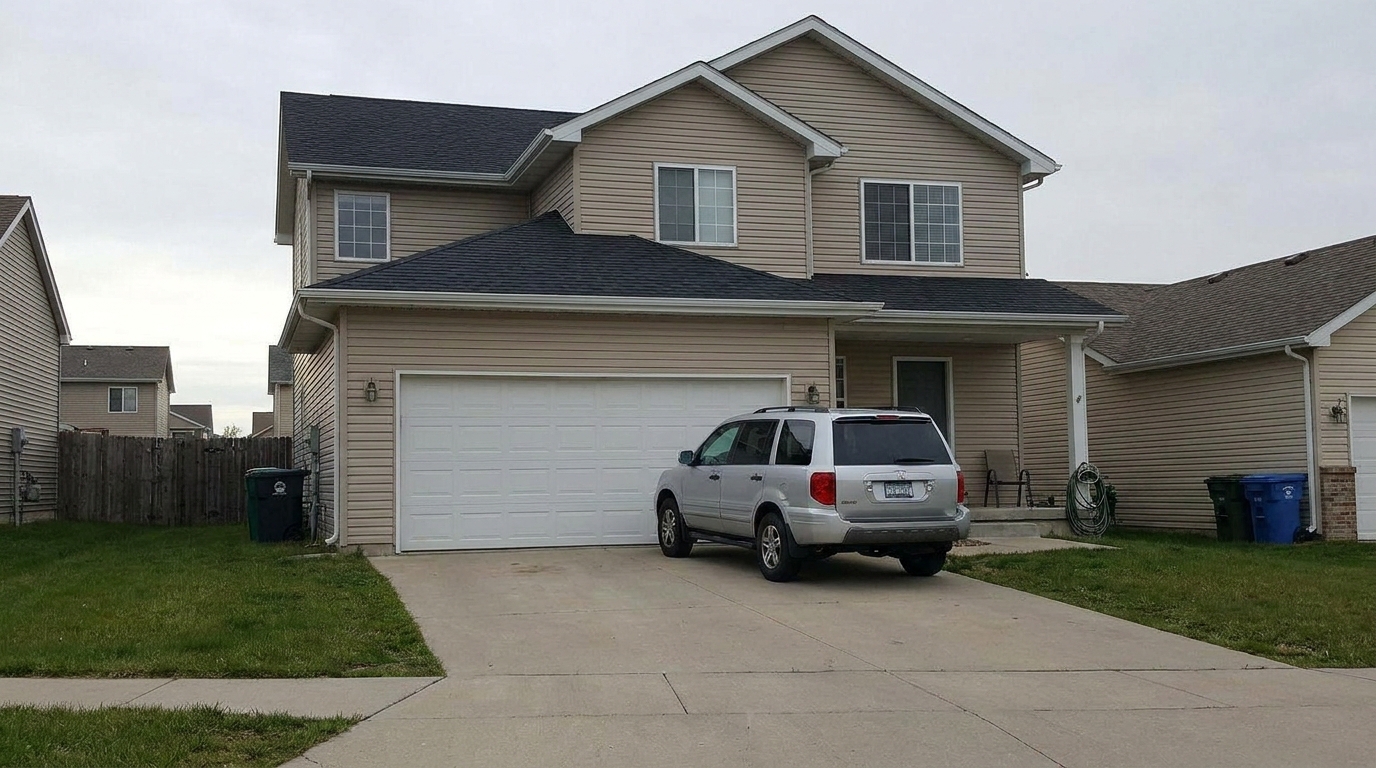
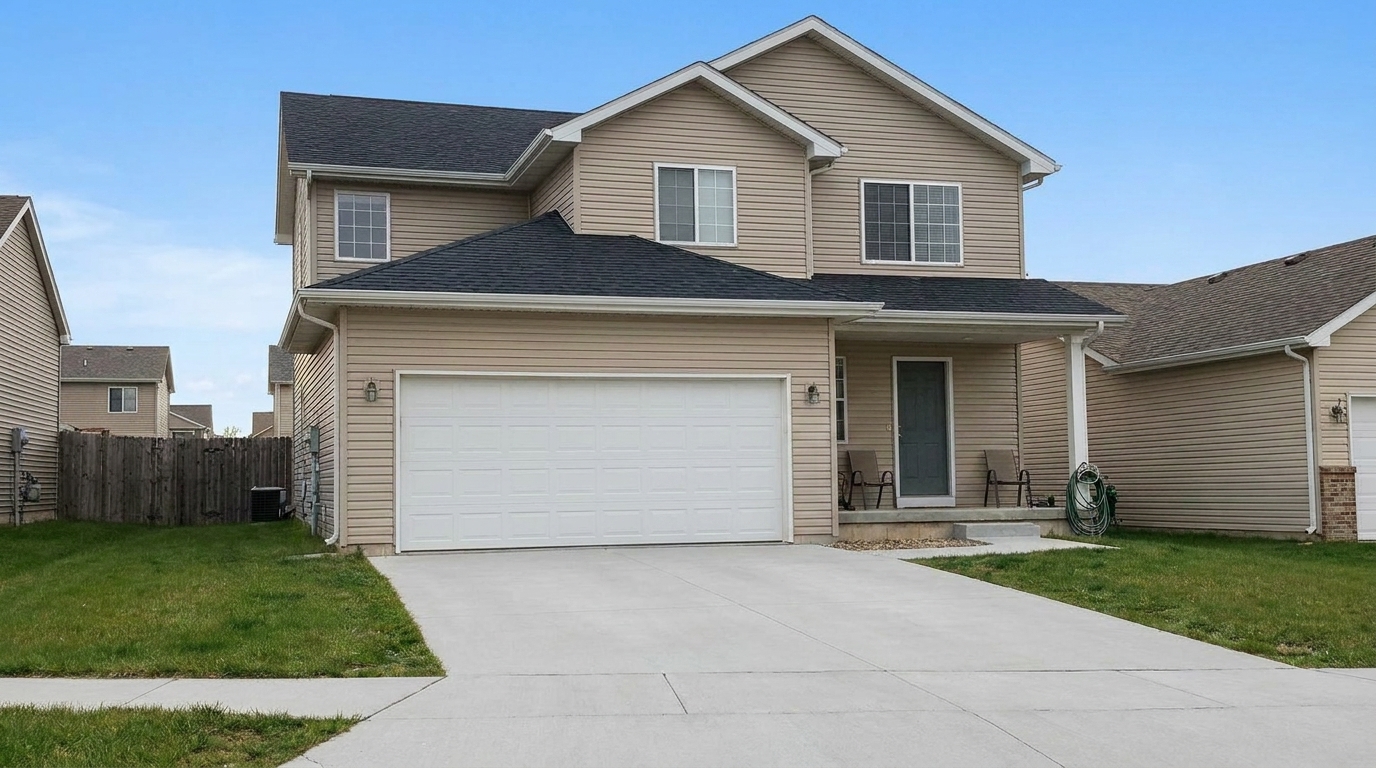

Driveway Car Removal
Driveway Car Removal updated with crack & wall repair styling.
Clean up distracting elements, remove unwanted objects, and refine specific details in your real estate photos. Create polished, professional listings instantly.
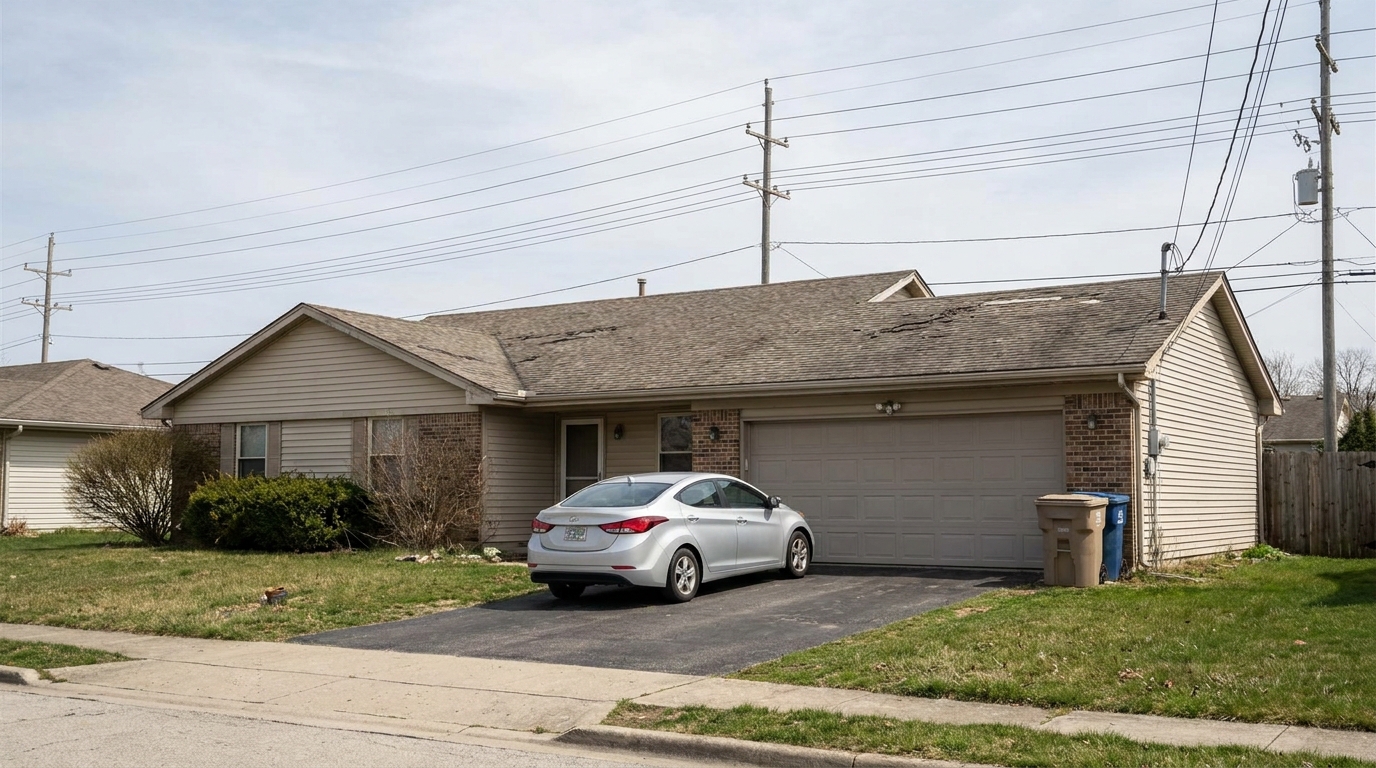
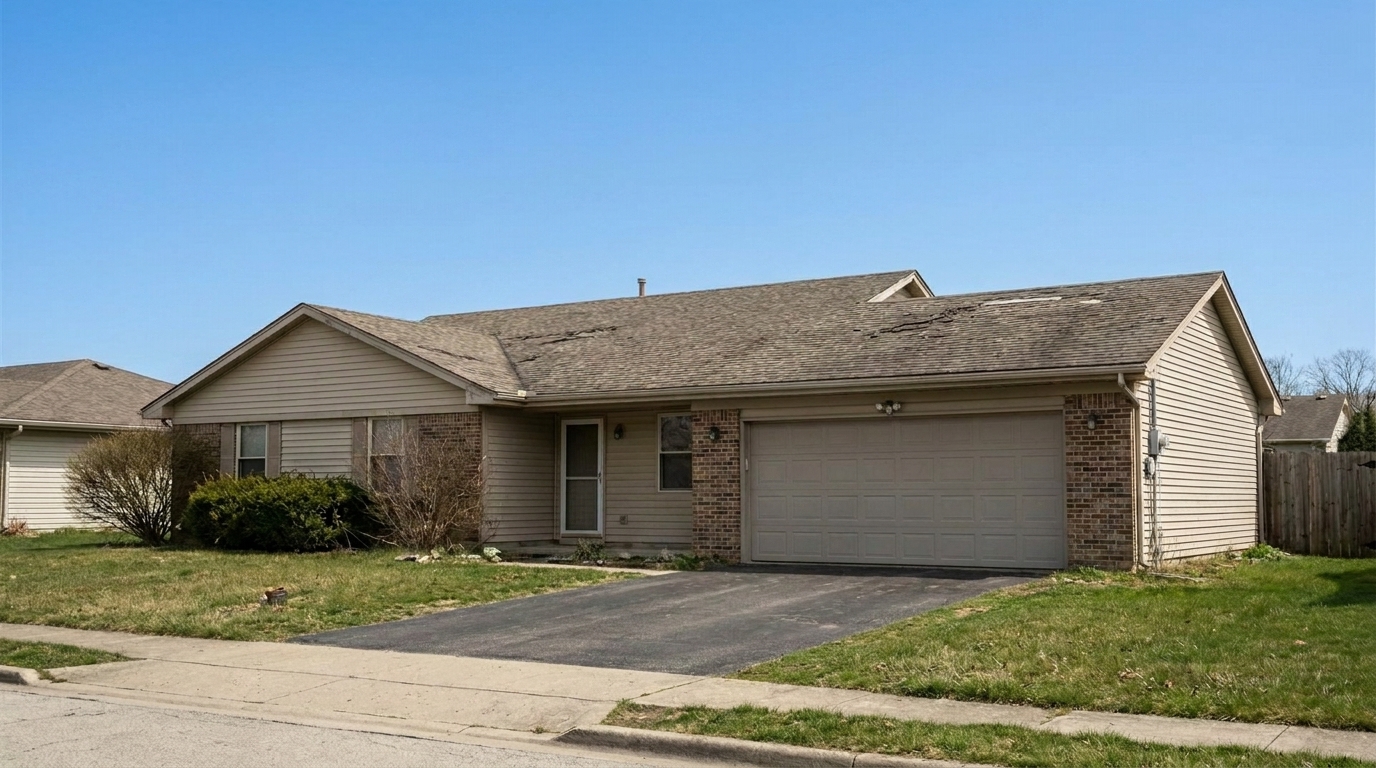
Browse real examples of clutter removal, reflection fixes, and surface repairs.
Driveway Car Removal updated with crack & wall repair styling.
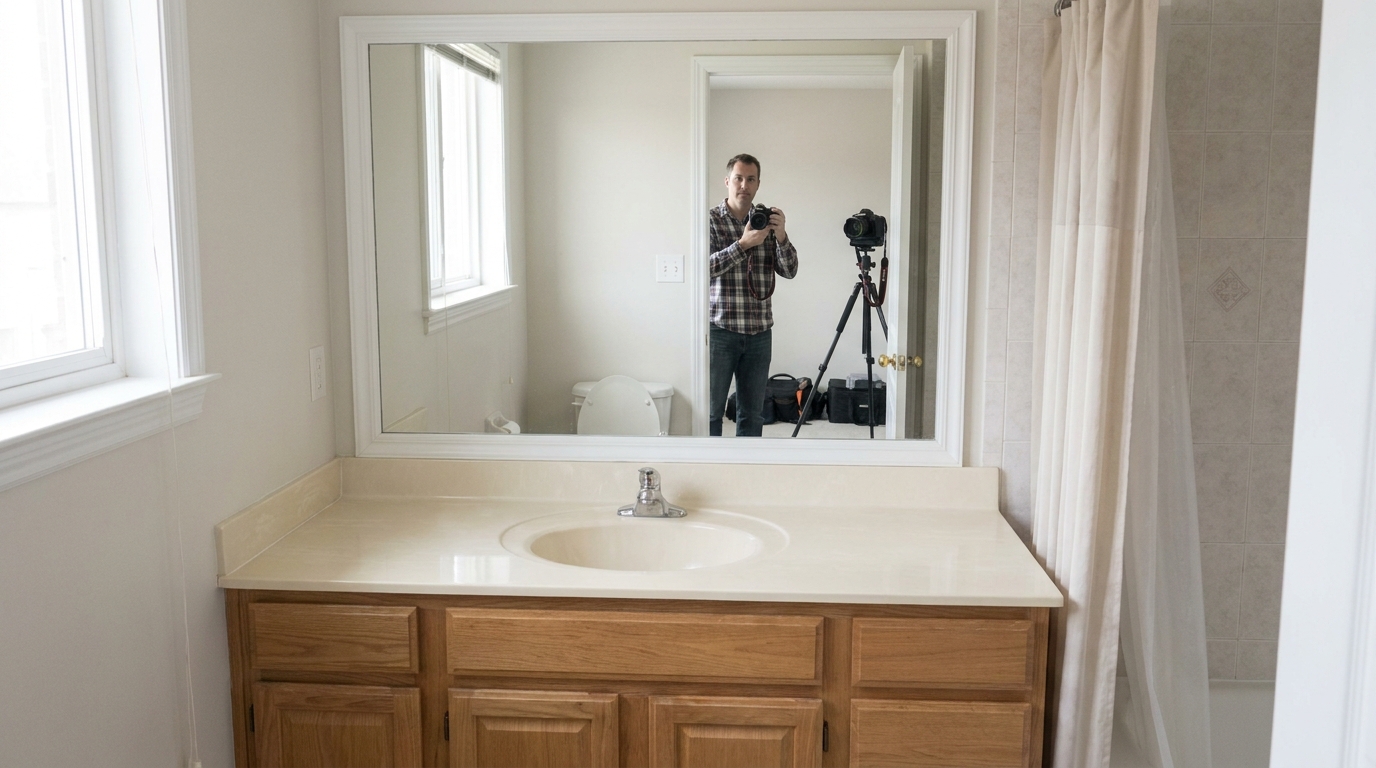
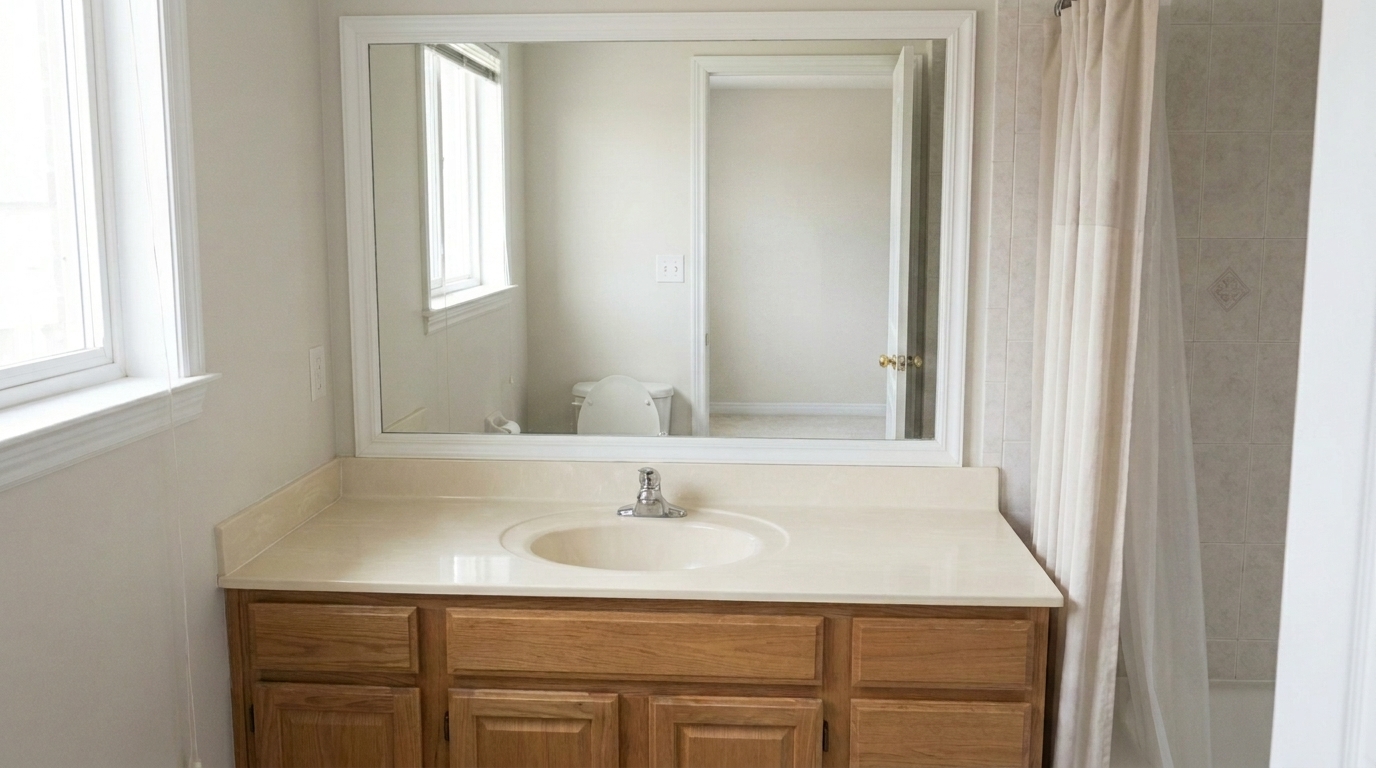
Bathroom Mirror Reflection updated with people & pet removal styling.
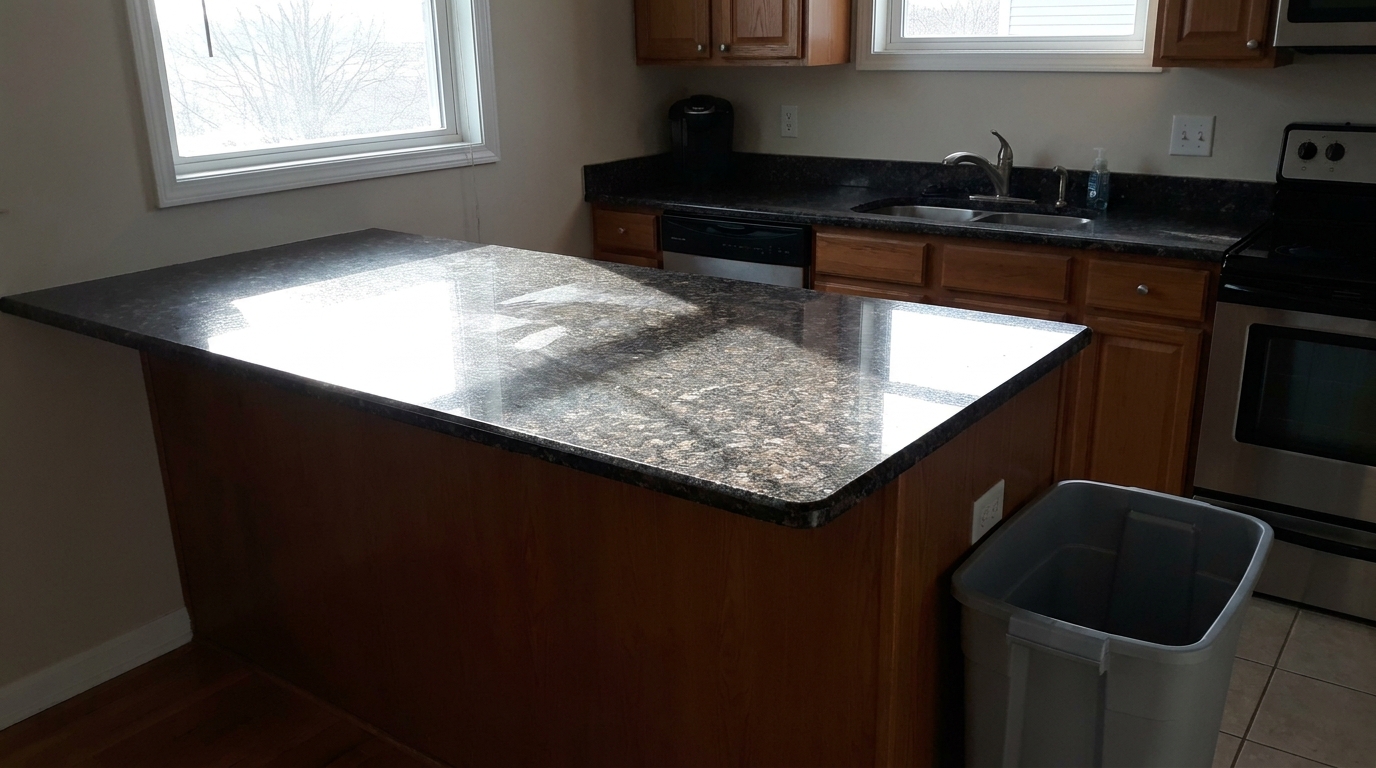
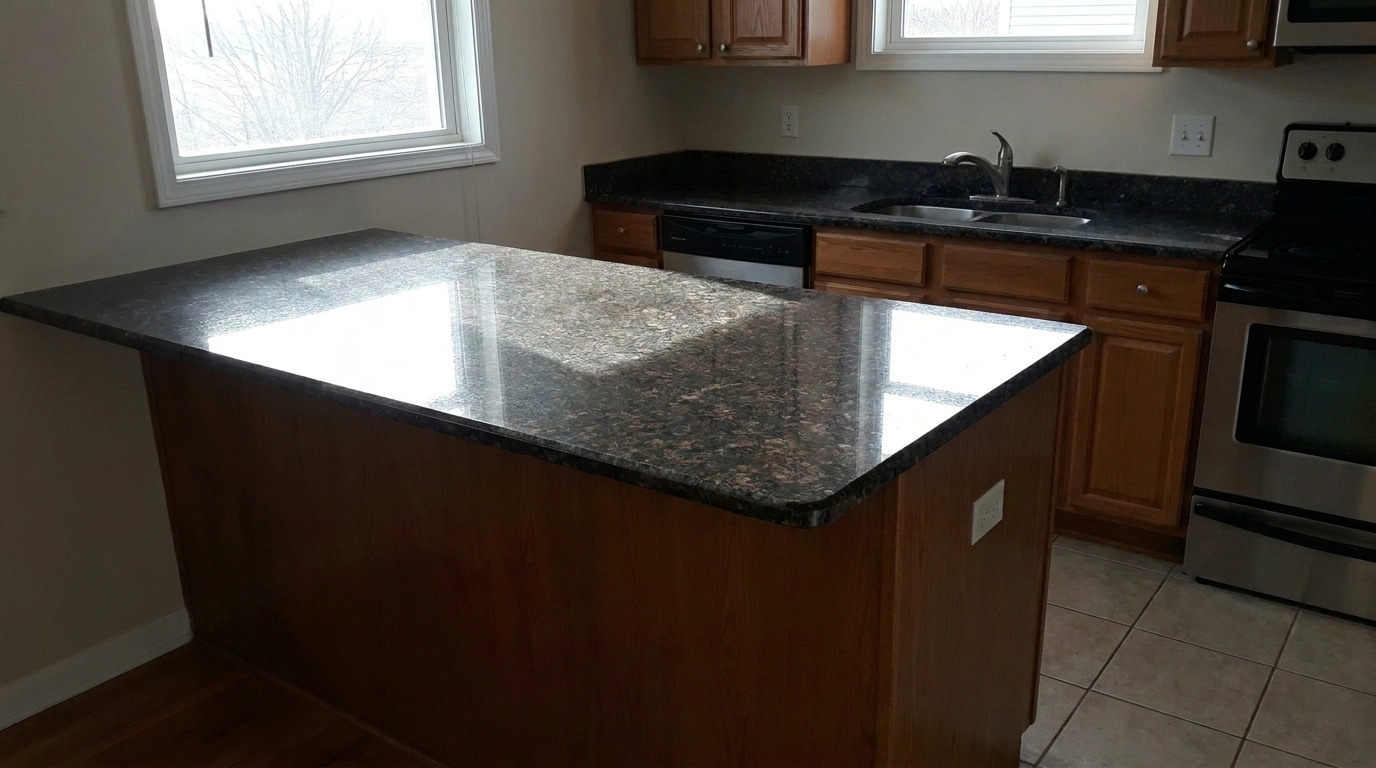
Kitchen Counter Glare & Trash updated with clutter removal styling.
Discover how our AI-driven tools isolate and perfect individual elements without affecting the rest of your photo.
Seamlessly eliminate distracting items like parked cars, trash cans, and pets while automatically reconstructing the background with matching textures.
Instantly clean up minor wall cracks, chips, and surface stains, restoring a freshly painted look while preserving natural wall textures and lighting.
Fix distracting mirror reflections, window glare, and harsh floor hotspots to ensure clean, balanced interior compositions.
Remove unsightly power lines, hanging cables, and tangled TV cords to present a cleaner, more modern, and open space.
Cleanly remove embedded date stamps, old watermarks, and temporary yard signs without leaving blurry patches or editing artifacts.
Our advanced AI analyzes surrounding pixels to fill in removed areas naturally, maintaining perfect perspective, shadows, and architectural lines.
See how real estate professionals and photographers use targeted cleanup to elevate their property presentations.
Remove parked vehicles and trash bins from the driveway to showcase the home's exterior architecture and landscaping clearly.
ExteriorsClear away personal items, counter clutter, and messy electronic cords to make rooms feel larger, cleaner, and more inviting.
InteriorsRepair minor scuffs, wall cracks, and floor stains in photos to present the property in its best, most well-maintained light.
MaintenanceErase accidental camera, tripod, or photographer reflections from bathroom mirrors and large windows for a professional finish.
PhotographyEliminate messy overhead power lines and utility wires that block beautiful sky views and detract from the property's exterior.
ExteriorsClean up old timestamps, agent signs, or outdated watermarks to prepare historical photos for a fresh, modern marketing campaign.
MarketingFollow three simple steps to target and clean up distracting objects in your listing images.
Drag and drop your high-resolution interior or exterior photo into the editor. Our system supports standard formats like JPEG and PNG.
Choose from our specialized tools—such as Clutter Removal, Remove Cars, or Mirror Reflection Fix—to automatically isolate and target the specific element.
Review the seamless, context-aware edit. Save your clean, distraction-free photo in high resolution, ready for your MLS listing or marketing materials.
Source-backed context for why object & element specific can strengthen real estate listing presentation and buyer evaluation.
Object & Element Specific evidence
Photos are one of the most valuable website features for home buyers; NAR's 2025 generational trends report says 83% of internet-using buyers rated photos as very useful. For Object & Element Specific pages, this supports explaining why that enhancement category can influence listing presentation, buyer confidence, and perceived property readiness.
Source: NAR 2025Object & Element Specific evidence
Zillow Research's 2025 prospective buyer report ranked high-resolution photos as the number two most important listing feature, selected by 26% of prospective buyers; floor plans ranked first at 33%. For Object & Element Specific pages, this supports explaining why that enhancement category can influence listing presentation, buyer confidence, and perceived property readiness.
Source: Zillow 2025Object & Element Specific evidence
Redfin reported that professionally photographed homes in the $400,000 range sold three weeks faster and for more than $10,000 relative to list price compared with amateur photos. Use this as supporting context, not as a guaranteed result. For Object & Element Specific pages, this supports explaining why that enhancement category can influence listing presentation, buyer confidence, and perceived property readiness.
Source: RedfinClean, distraction-free photos are essential for capturing buyer attention. Learn how to use targeted object-level enhancements to elevate your listing presentation.
Unlike global photo filters that adjust brightness or contrast across an entire image, object-specific editing targets isolated problem areas. This approach allows you to remove distracting elements—like a stray trash can, a parked car, or messy television wires—without altering the natural lighting, color balance, or architectural integrity of the rest of the room. By keeping the focus on the property's best features, you create a more professional and engaging visual experience for potential buyers browsing listings online.
When preparing a listing, choosing the correct targeted preset is essential for a natural look. Use 'Clutter Removal' or 'Remove Cars' for temporary, non-permanent items that distract from the space. For physical blemishes, 'Crack & Wall Repair' and 'Stain Removal' polish the presentation without misrepresenting the property's condition. However, do not use these tools to hide permanent structural damage, such as major foundation cracks or active water leaks, as this violates ethical disclosure standards. When comparing object-specific tools to broader 'Interior Enhancement' features, remember that targeted presets isolate edits to a specific bounding box. This preserves your original lighting, color balance, and architectural details, whereas global enhancements modify the entire image. For the best workflow, apply global lighting adjustments first, then use targeted object removal to clean up remaining distractions.
To get the most realistic results from our AI-powered tools, start with high-resolution, well-lit photos. When using presets like Mirror Reflection Fix or Glare Removal, ensure the surrounding areas have clear textures that the AI can reference for reconstruction. Avoid over-editing; removing too many elements can sometimes make a space look sterile or artificial. Instead, focus on eliminating high-contrast distractions that draw the eye away from the room's flow, such as bright plastic bins, colorful pet toys, or tangled black power cords.
Select a specialized tool to clean up, repair, or refine specific details in your property photos.
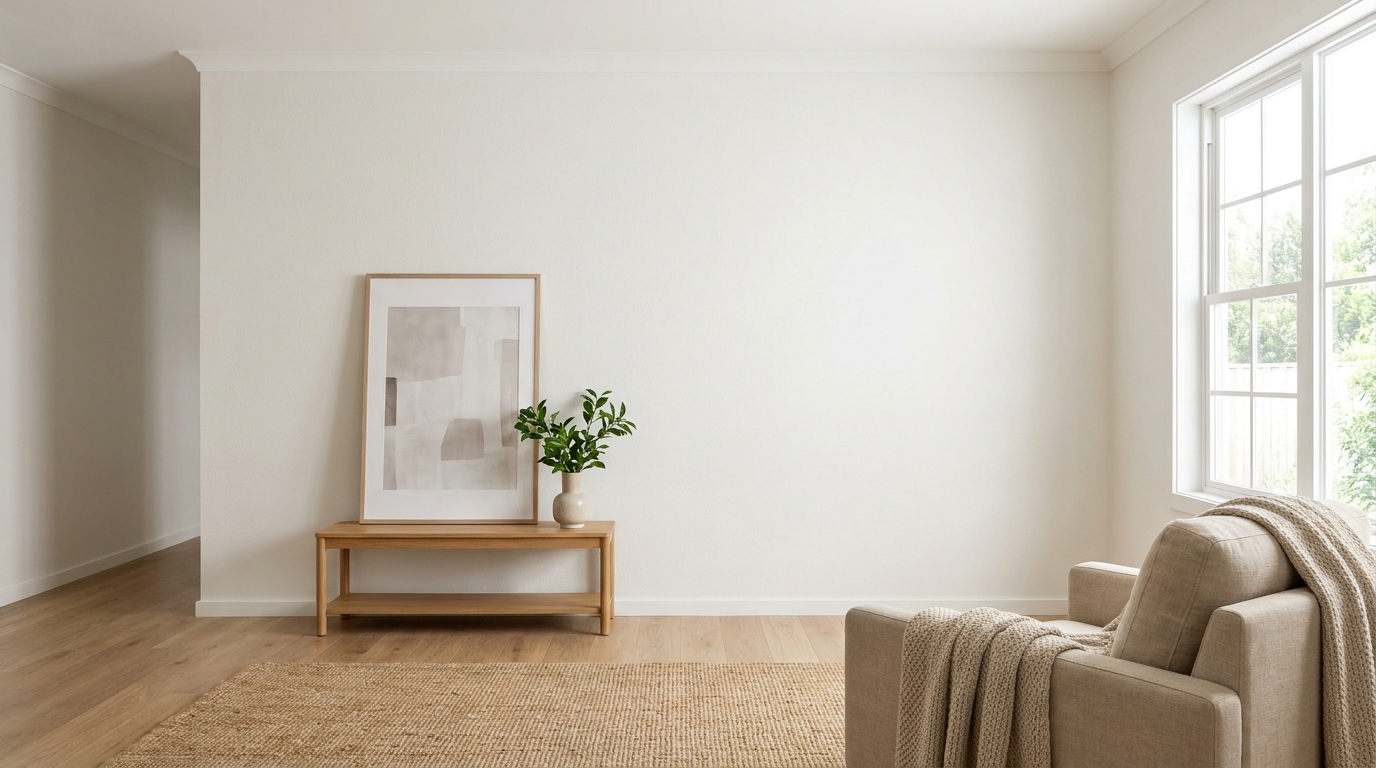
Clean up visible wall damage for a smoother, better-maintained interior finish.
Try This Tool →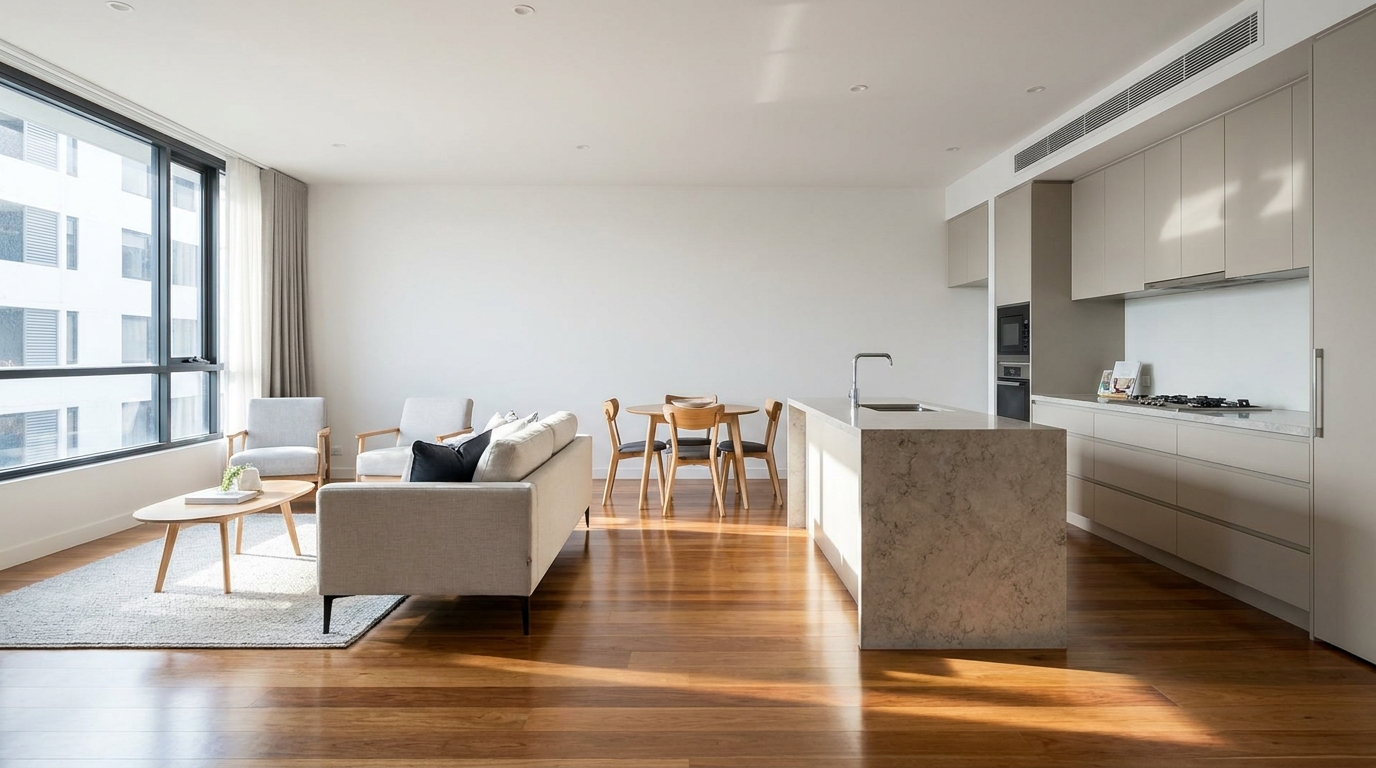
Refine floor reflections for a cleaner, glossier, more premium interior look.
Try This Tool →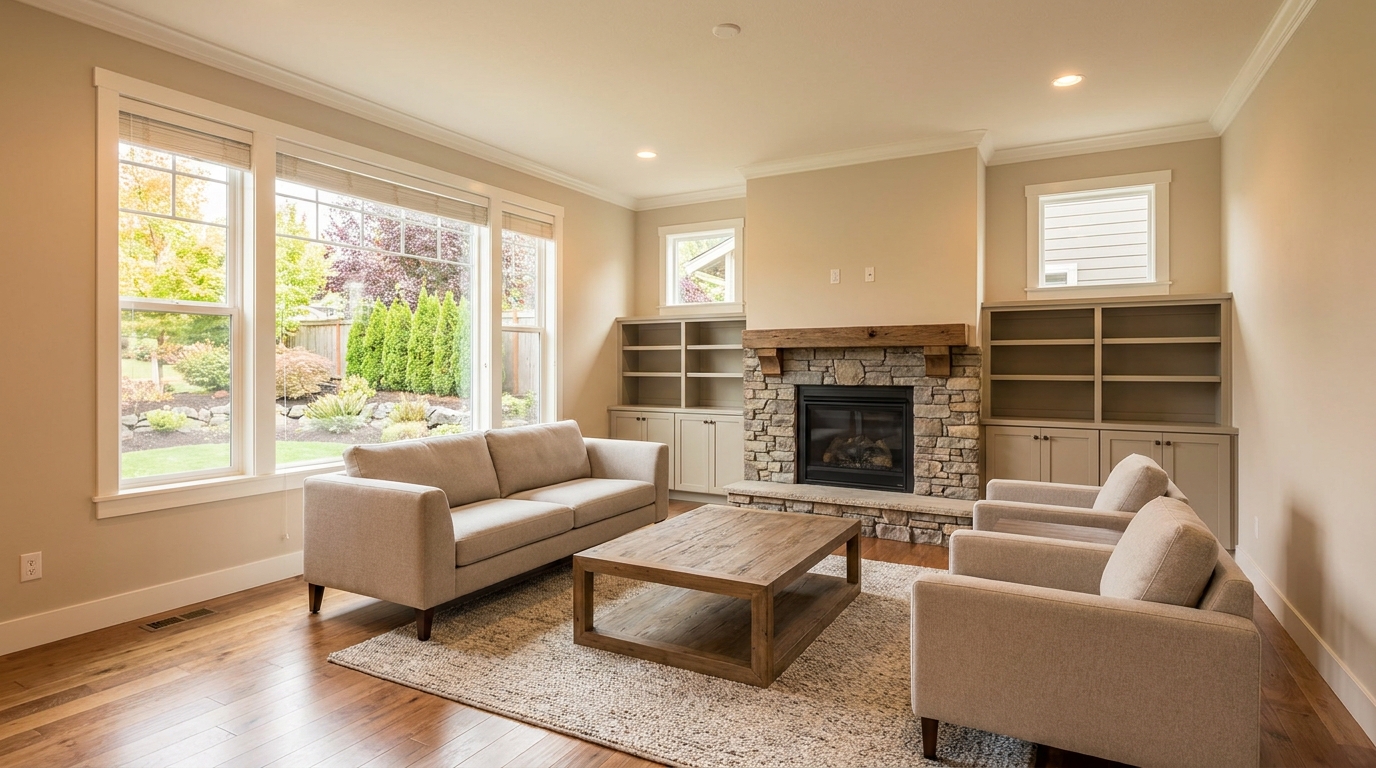
Remove people and pets for a cleaner photo that keeps attention on the property.
Try This Tool →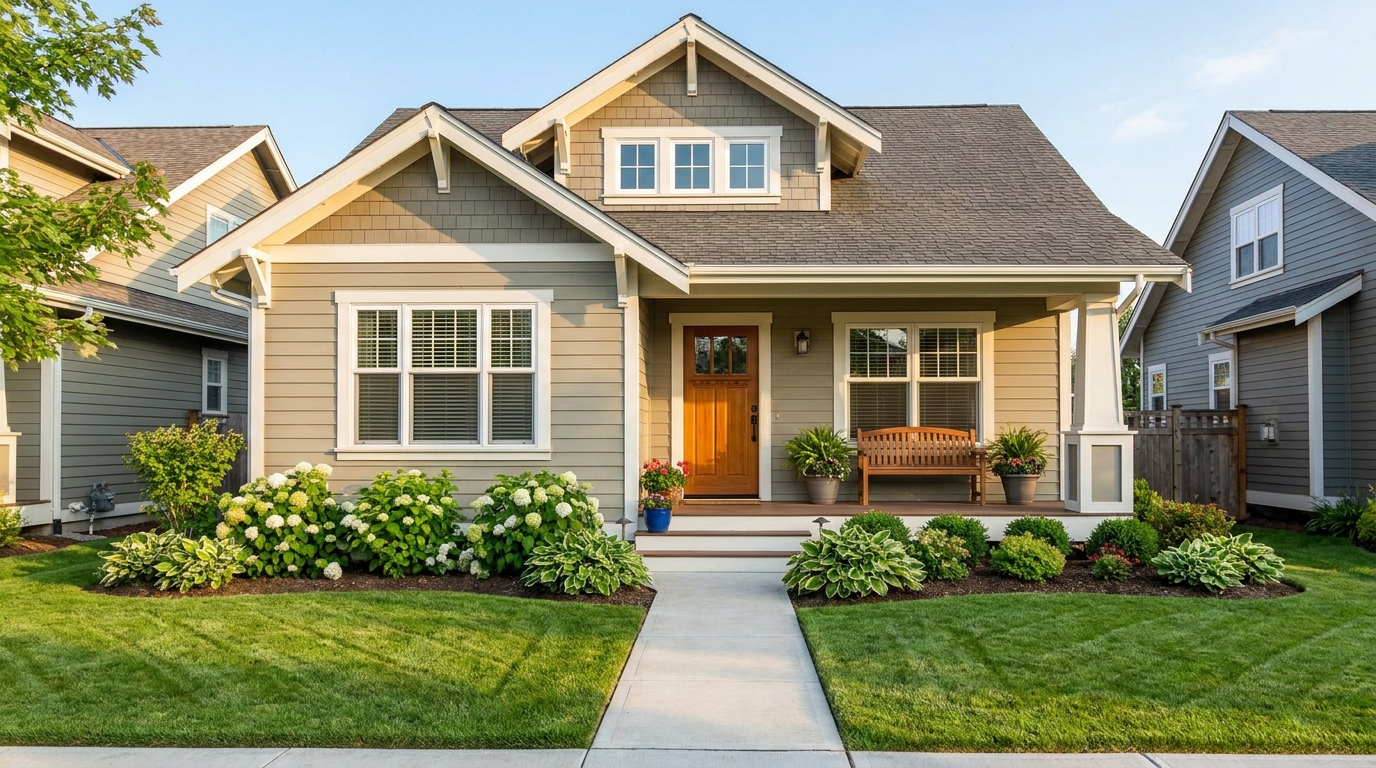
Eliminate bins and trash cans for tidier, more marketable exterior scenes.
Try This Tool →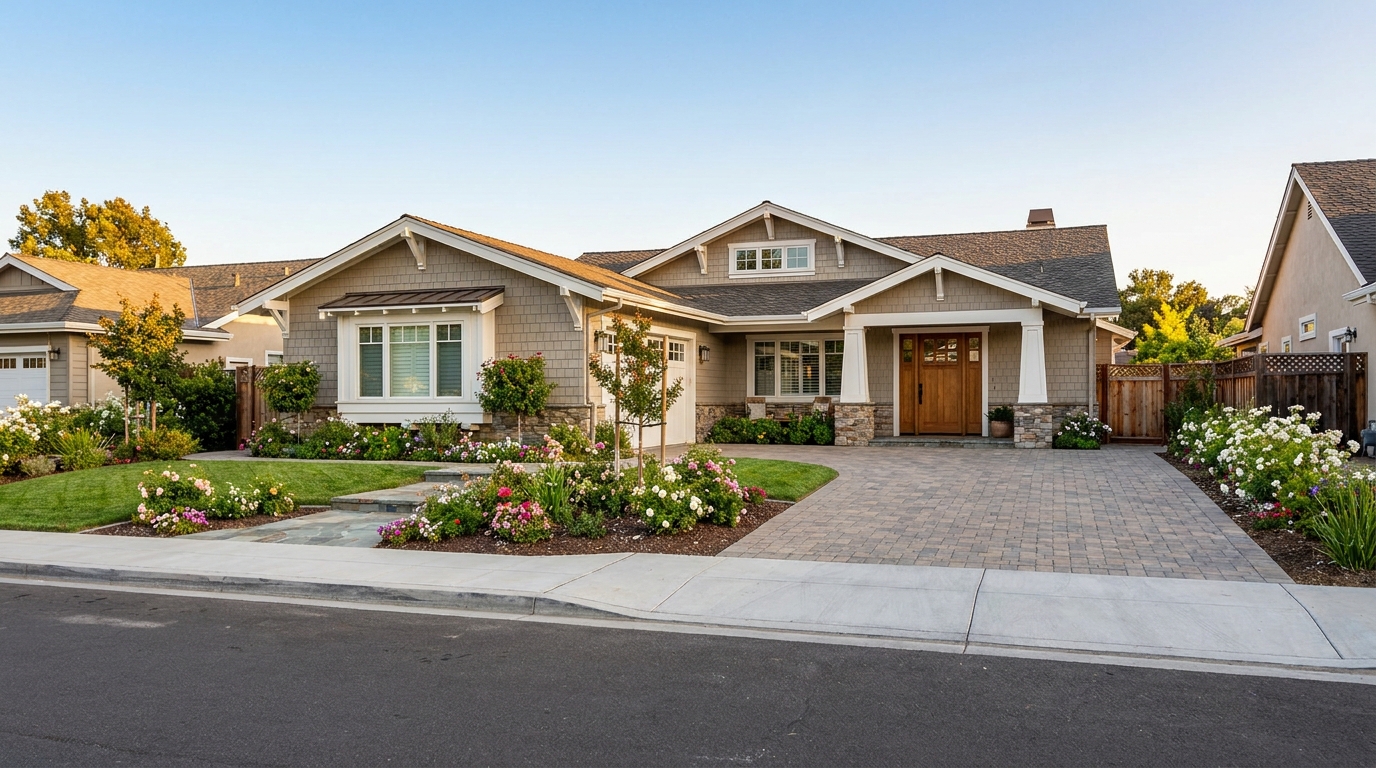
Remove parked vehicles to keep focus on the home and surrounding curb appeal.
Try This Tool →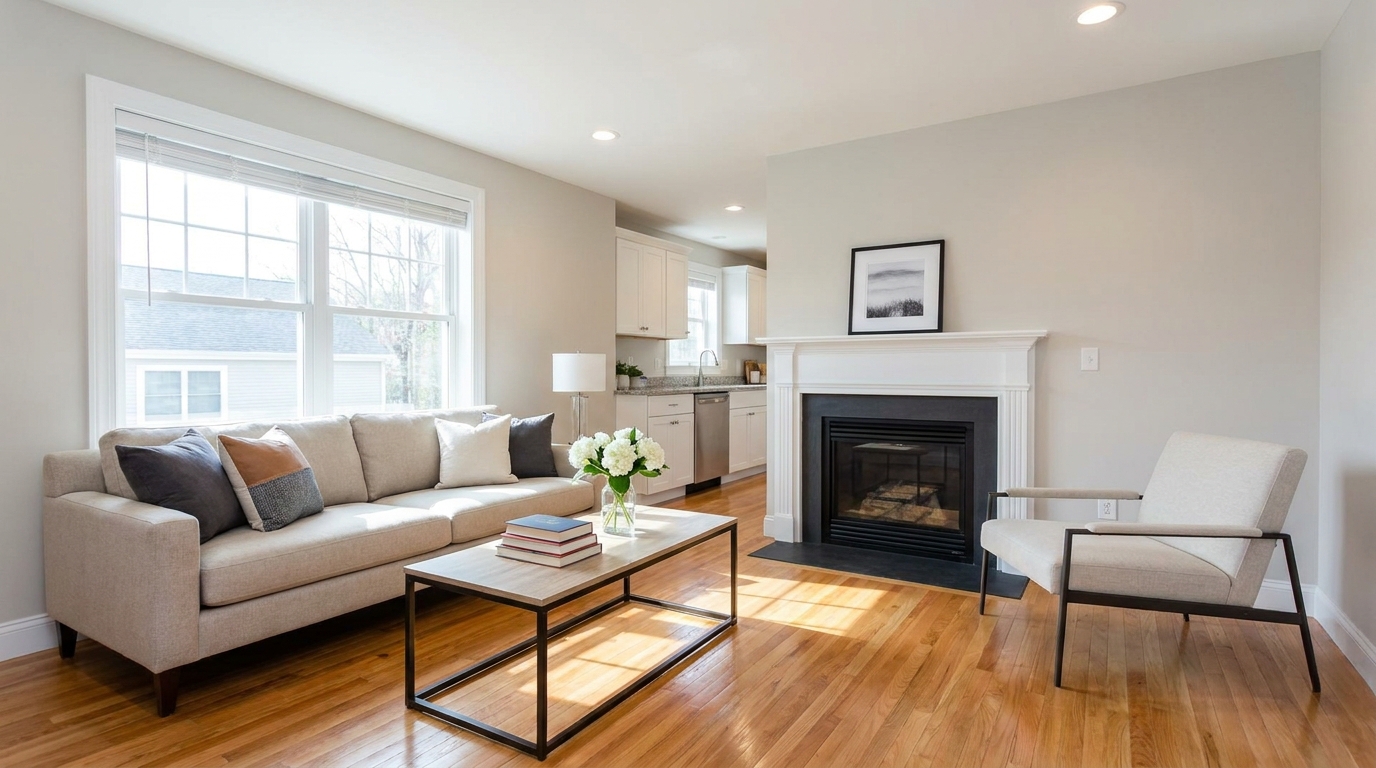
Clear visual distractions so rooms feel larger, cleaner, and easier to imagine.
Try This Tool →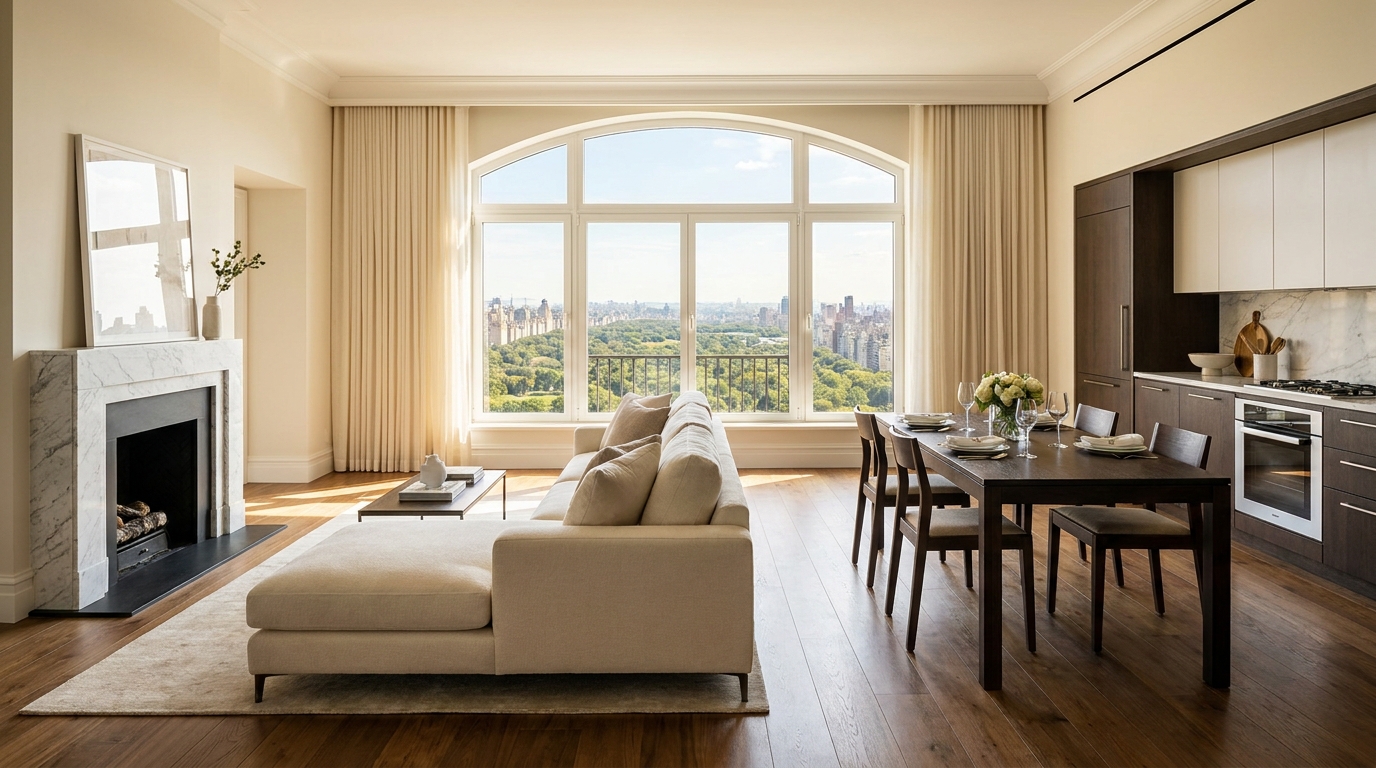
Remove timestamps and embedded text for a cleaner, more professional presentation.
Try This Tool →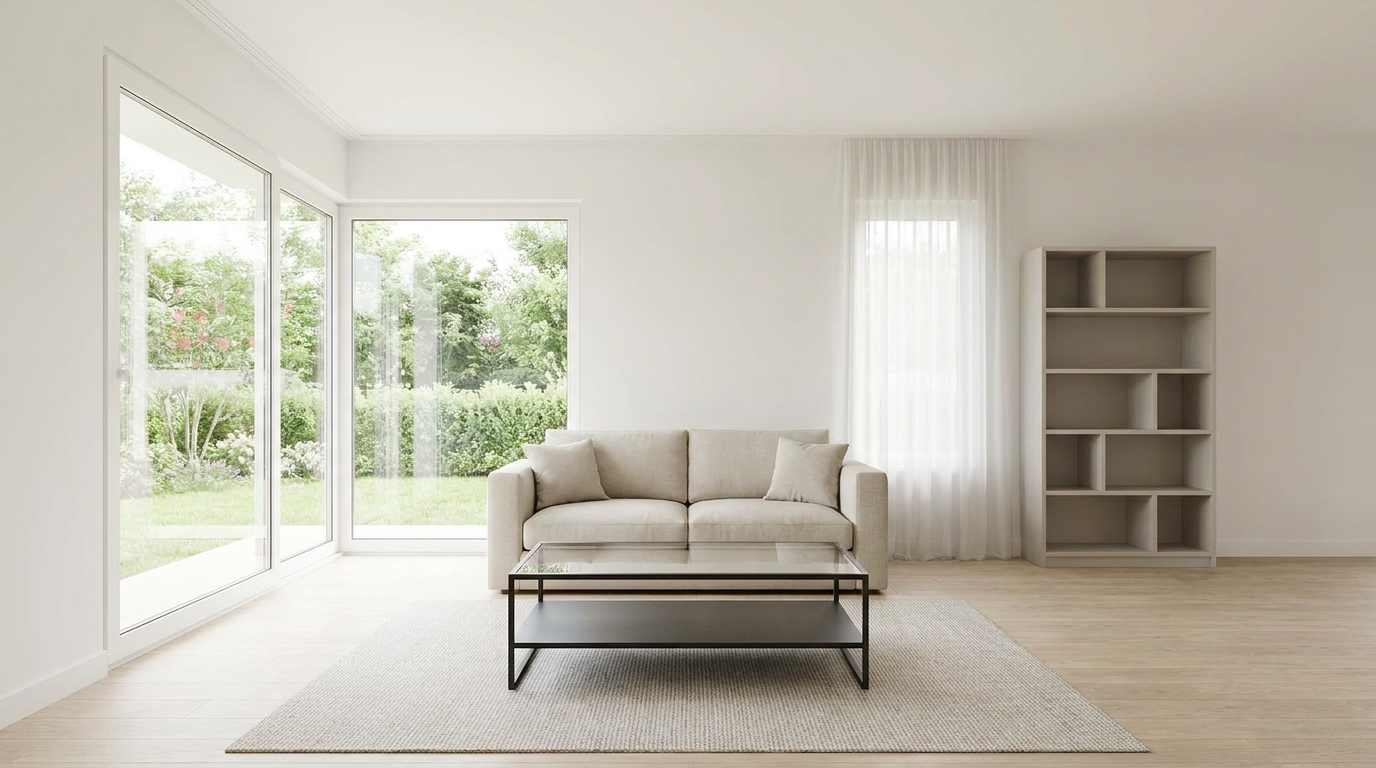
Remove signs and notices to keep the scene clean, polished, and distraction-free.
Try This Tool →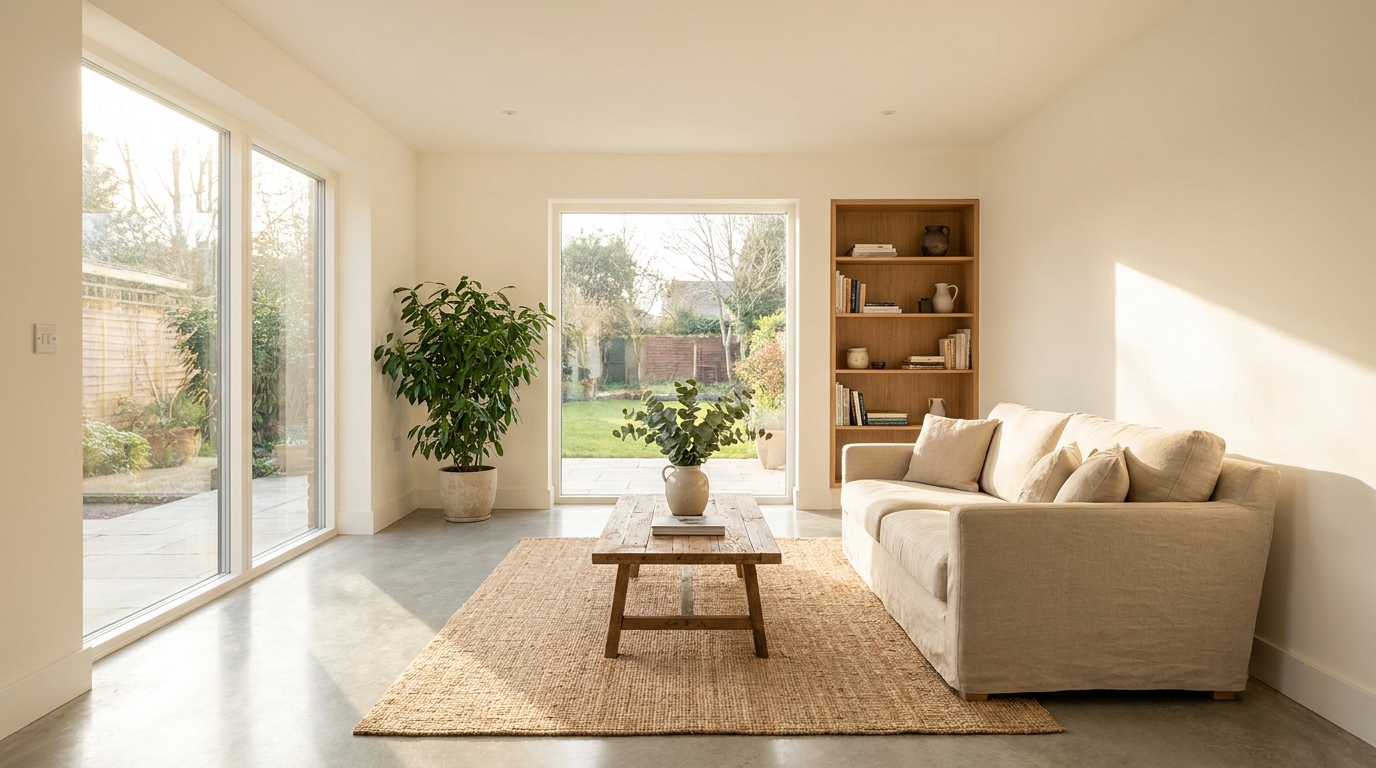
Tone down reflective hotspots for a clearer, cleaner image with better surface detail.
Try This Tool →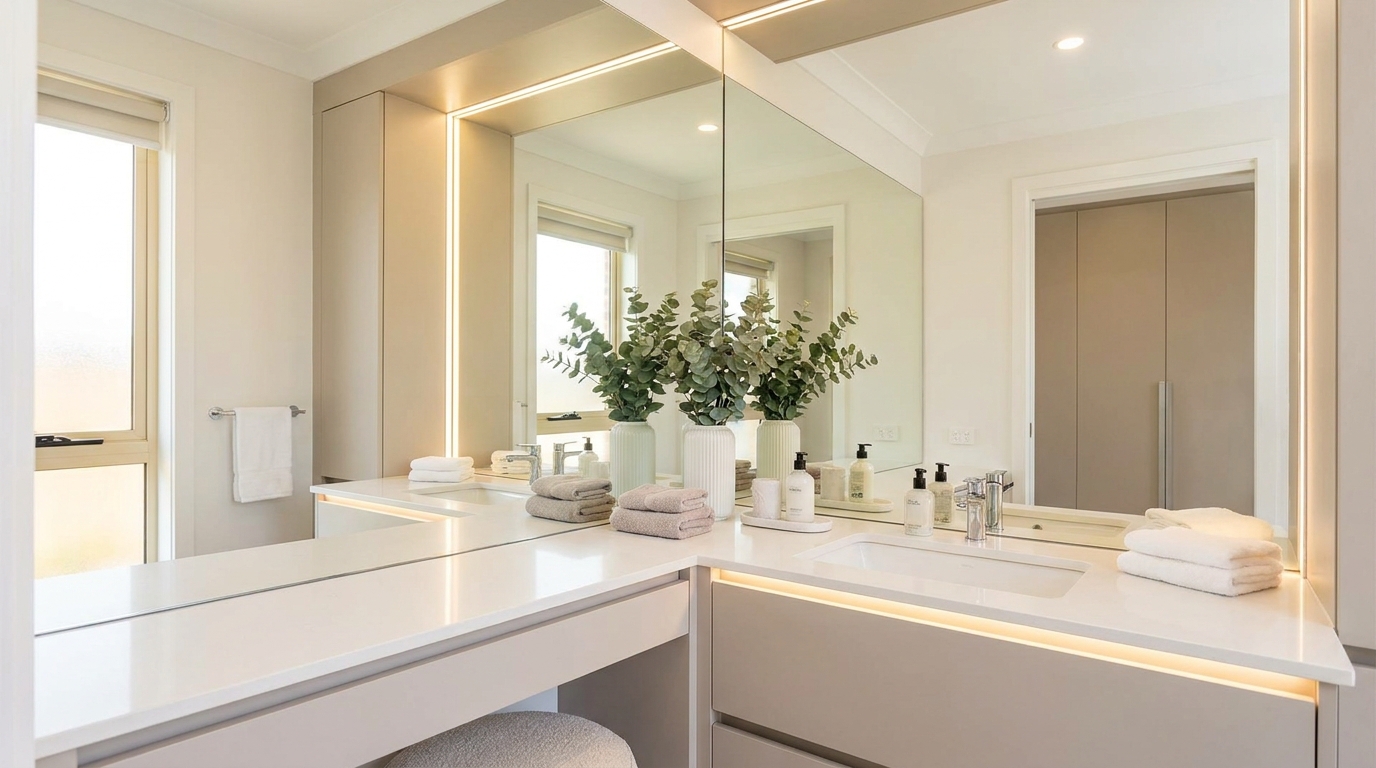
Remove unwanted mirror reflections for cleaner interiors and more polished composition.
Try This Tool →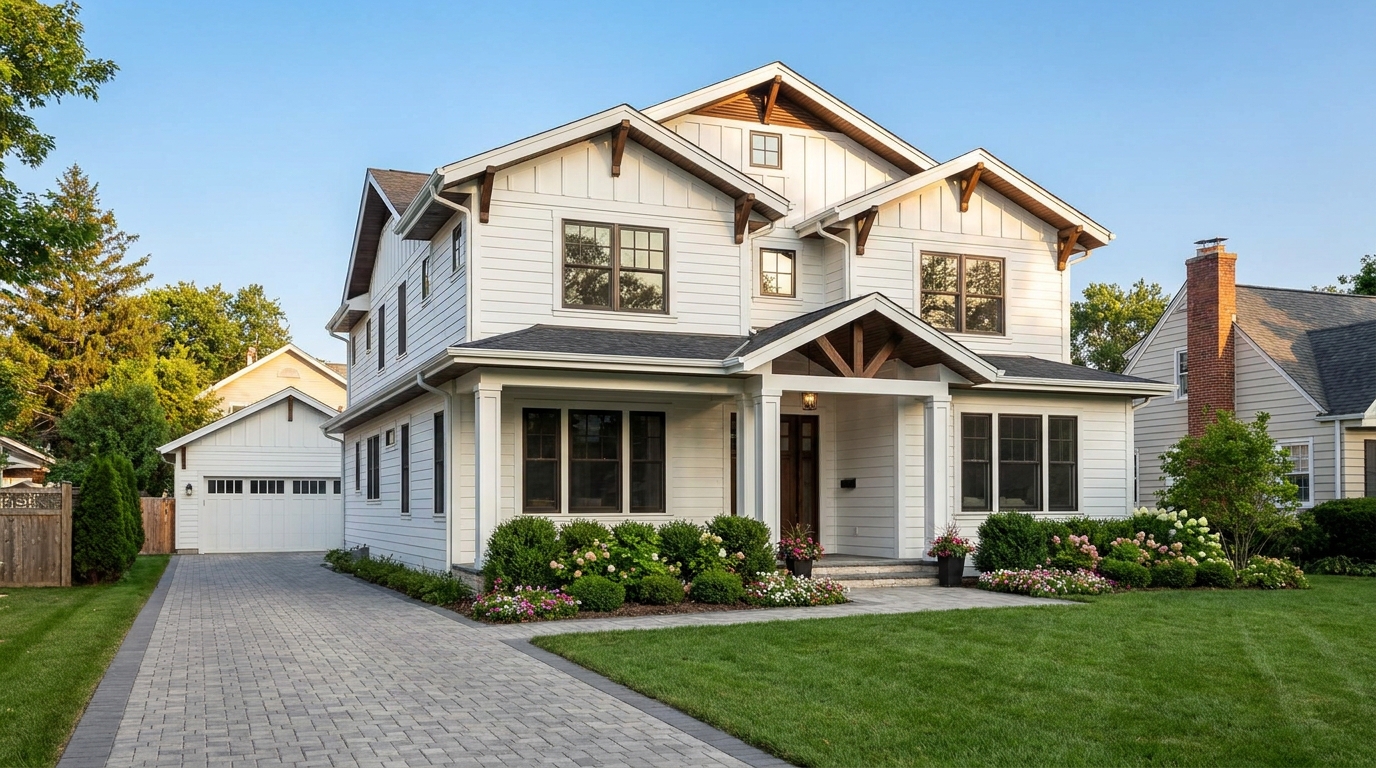
Clean up utility wires for a more open sky and stronger exterior presentation.
Try This Tool →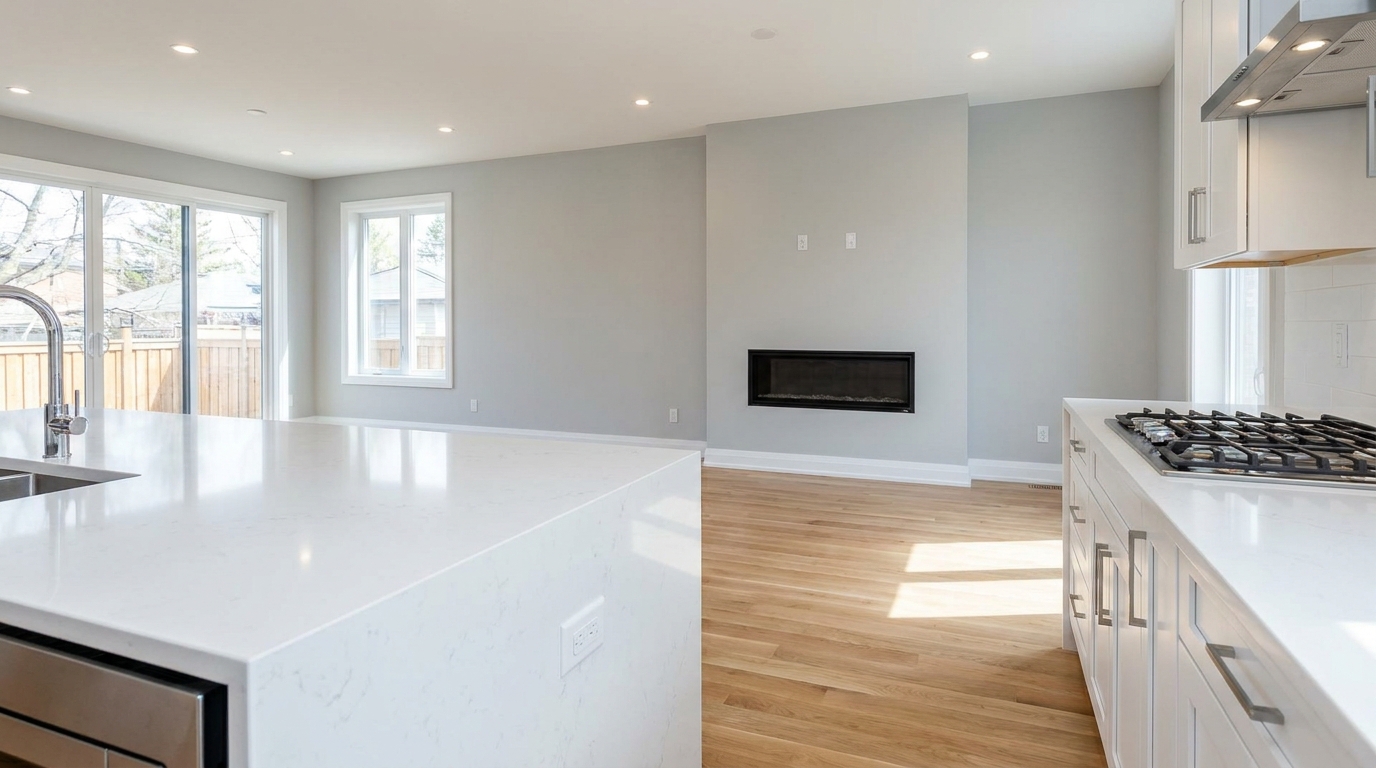
Remove stains and marks so surfaces look cleaner, fresher, and better cared for.
Try This Tool →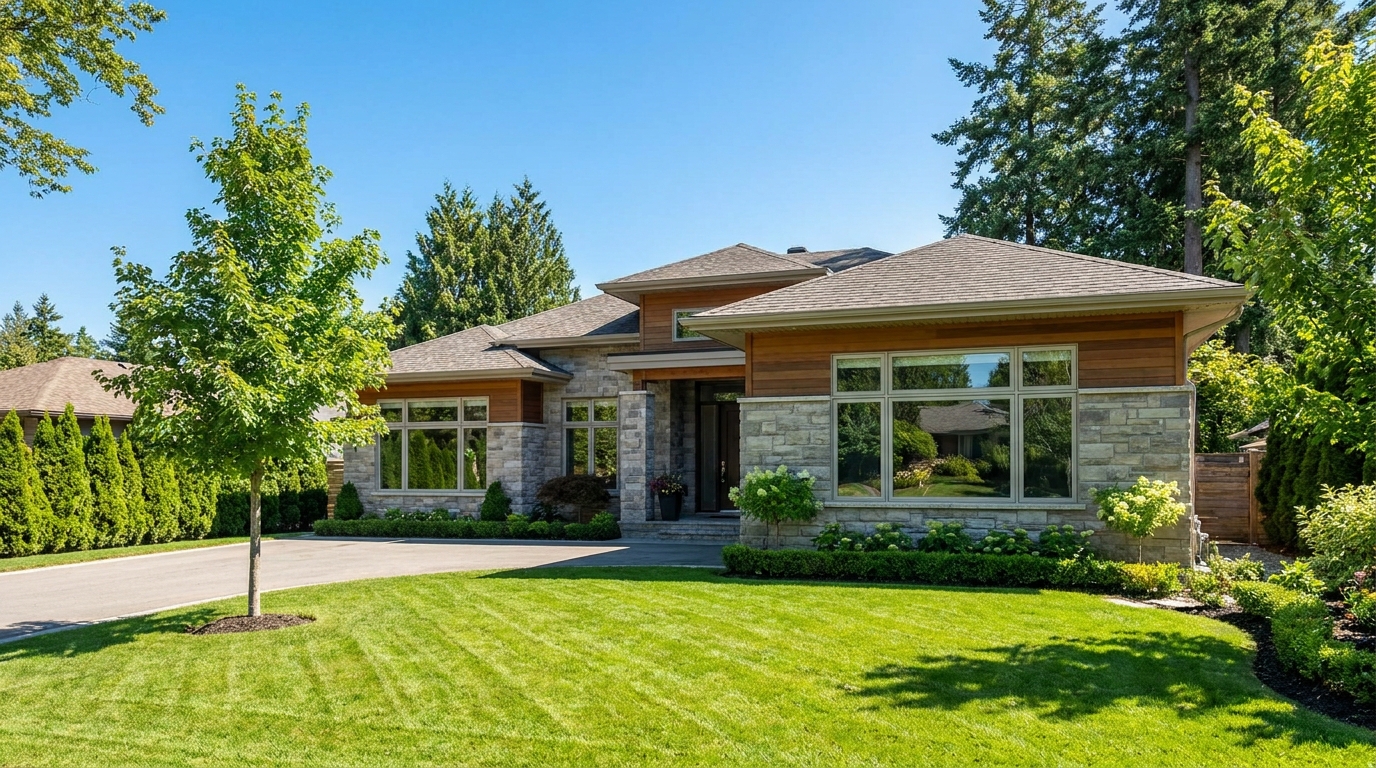
Eliminate logos and overlays for a clean image ready for marketing use.
Try This Tool →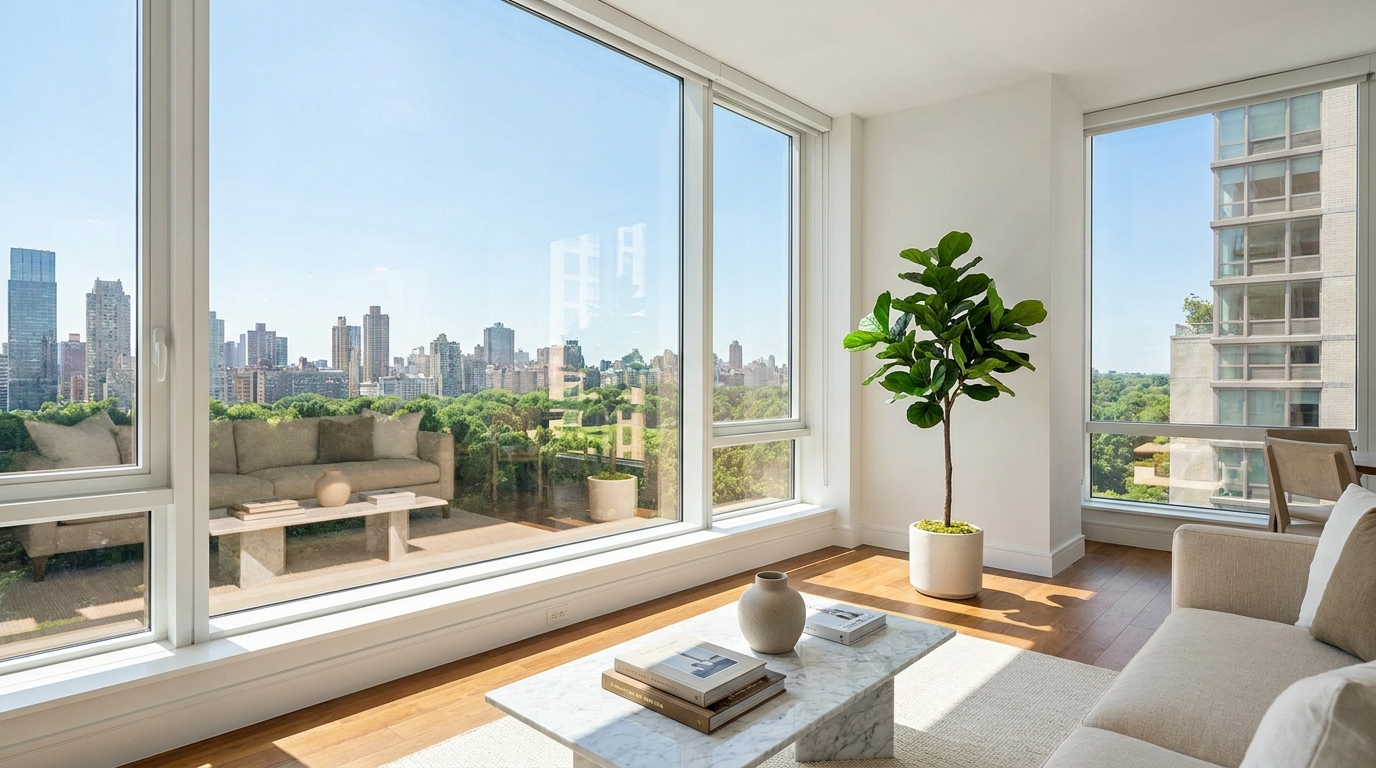
Reduce window reflections for clearer views and a cleaner glass finish.
Try This Tool →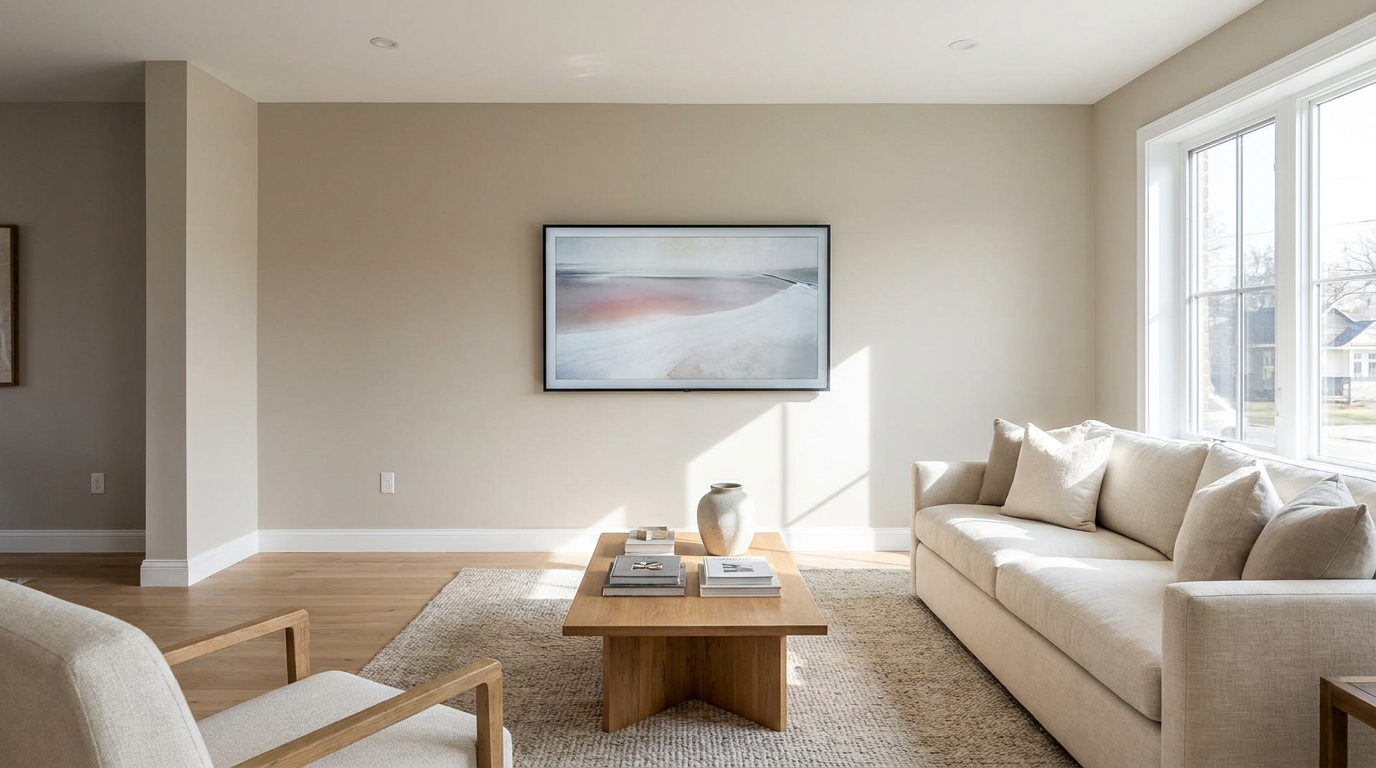
Replace distracting TV content with a clean dark screen that looks intentional and tidy.
Try This Tool →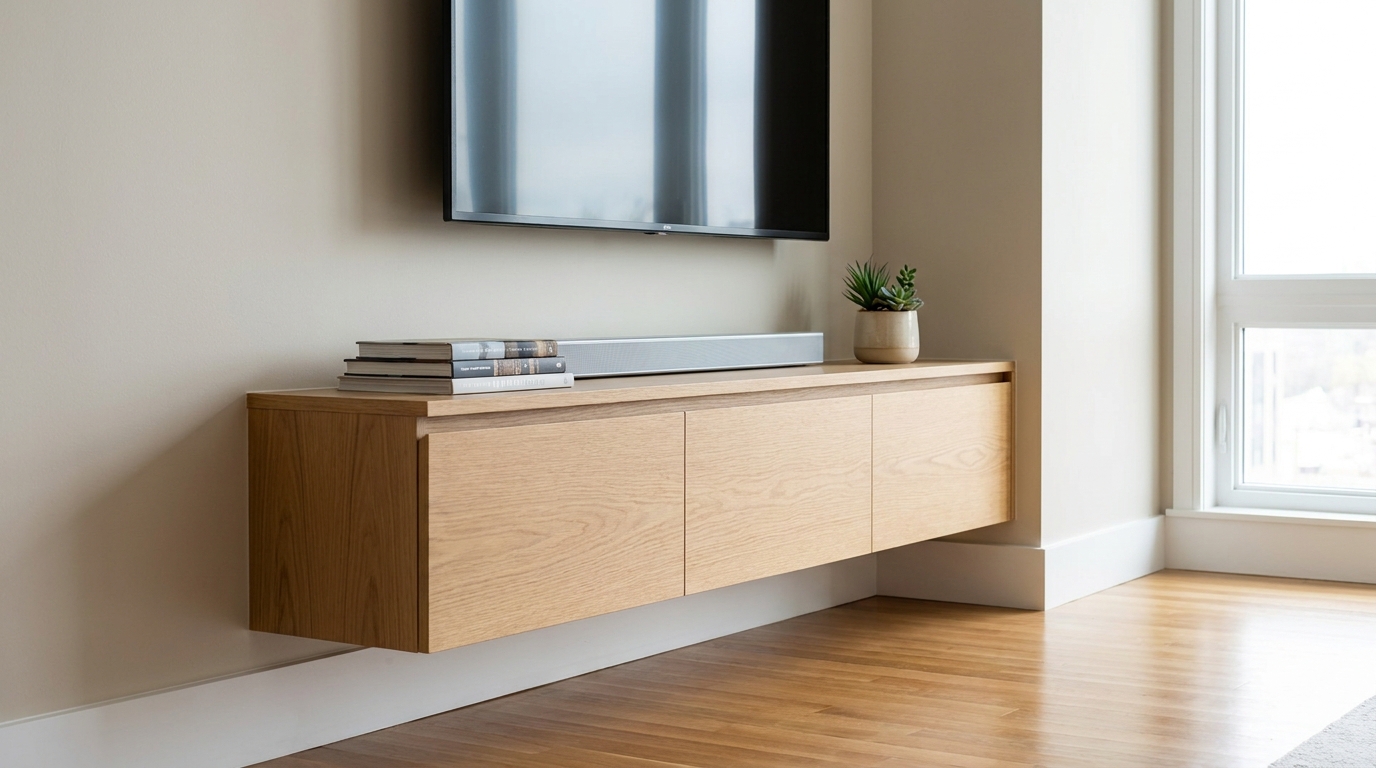
Remove visible cords and cables for a cleaner, more premium-looking space.
Try This Tool →Discover other specialized tools designed to optimize your interior and exterior property images.
AI image-to-video generation for turning home, room, and property photos into more vivid presentation videos.
02AI exterior renovation for visualizing facade updates, curb appeal improvements, and home exterior remodel ideas.
03AI landscaping design for exploring outdoor concepts, curb appeal upgrades, planting ideas, and yard layout directions.
04AI virtual staging for furnishing empty rooms and creating listing-ready interiors for real estate marketing.
05Free AI image generation for turning text prompts into unlimited visual ideas for home design, interiors, landscaping, renovation
06AI object removal for cleaning up distracting items from room, home, and property photos.
Remove distracting clutter, cars, power lines, and reflections in seconds. Try our targeted object-specific photo enhancer today and make your properties stand out.