logo

Ideal House APP

Your Go-To Interior Design Hub
Logo
Home
Explore
Log in
getApp
Get App
Download App QR CodeGet the Ideal House App
pricing
HomeHome
ExploreExplore
Logo
Generator
History
Design
Furnish
Present
Edit
Plan
Upload placeholder
Upload a photo to start
Add a photo
...
Room Type
Choose
...
Style
Choose
...
Elements
Choose
Looking for any specific?

Instantly Redecorate Your Space with Smart AI Furniture Replacer

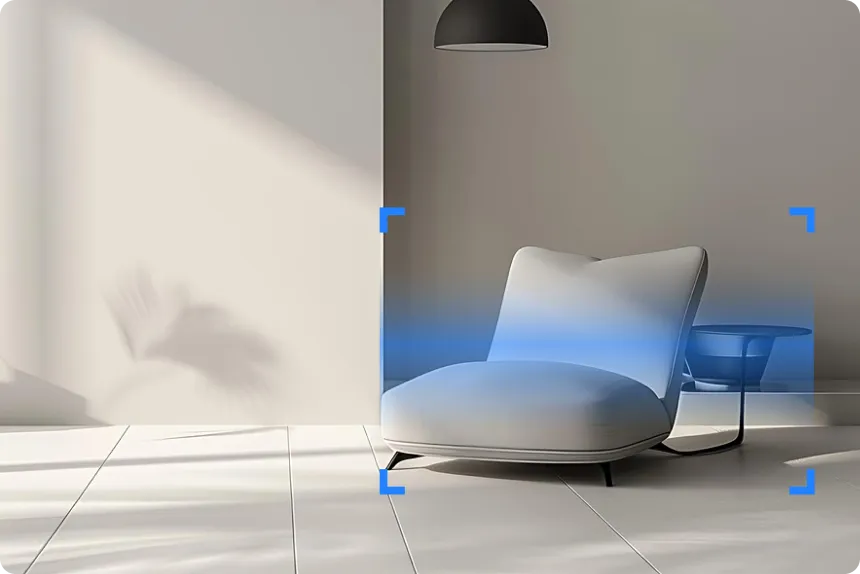
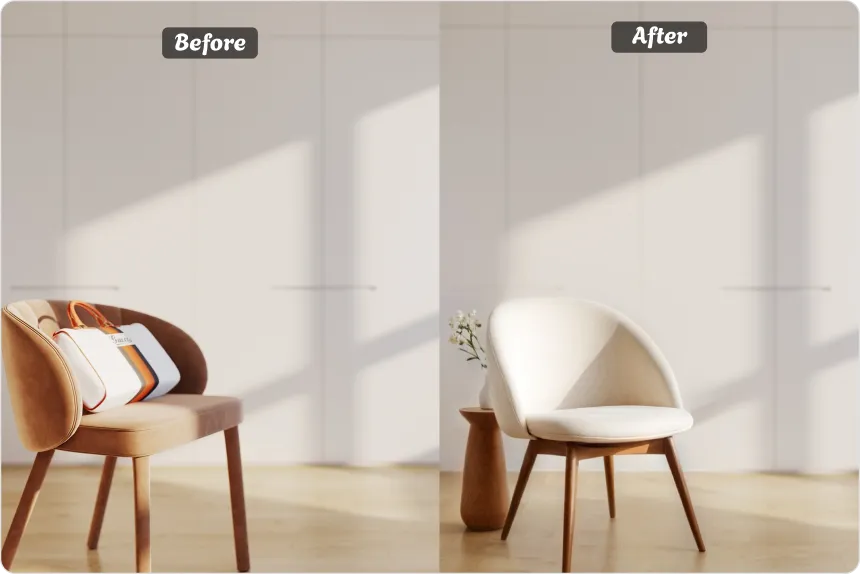
Ideal House’s Smart AI Furniture Replacer is an AI-powered tool designed for effortless AI room redesign. Upload a photo of your space and our system will intelligently detect furniture—like sofas, tables, beds, and decor—and let you replace them with stunning, photorealistic options. Whether you want to test new looks or stage a room virtually, this is your shortcut to AI-powered room transformation.
Redesign My Room
star_image
back_grey_line

Why Use This AI Furniture Replacement Tool?

Automatic Furniture Detection
AI scans your room photo and identifies key furniture items—no manual masking required.
Style-Based Smart Replacement
Replace furniture using design prompts or choose from prebuilt themes like “Scandinavian Living Room” or “Japandi Bedroom” to achieve a fast AI room redesign.
Photo-Realistic Output
All changes are generated to match lighting, angles, and proportions—ideal for previewing realistic room upgrades.
Redesign My Room
back_image_1

Use Cases: See It Before You Change It

Homeowners Planning a Redesign
Thinking of switching to a sectional sofa or a minimalist bed? Use our AI room redesign tool to see it first.
Interior Designers
Interior Designers
Help clients visualize furniture swaps before committing to a purchase.
Rental or Listing Prep
Give your listing photos a virtual makeover that feels natural and attractive—without touching the actual room.
Redesign My Room
back_green_circle

How to Use the Smart AI Room Redesign Tool⏰

1
Upload a clear, well-lit photo of your room.
2
The AI detects all major furniture in the image.
3
Choose a style template or describe what you’d like to change (e.g., “replace sofa with modern leather couch”).
4
Preview the AI room redesign instantly.
5
Download, iterate, or present it to clients or collaborators.

FAQs of AI Room Redesign Tool

Can I replace only one item?
Yes, you can update a single piece (like a rug or coffee table) or do a full AI room redesign.
Do I need design skills to use this?
Are style templates included?
Do mobile photos work?
Can I use this for client mockups?
Is it free to try?
Can I change layout, or only replace furniture?
Redesign My Room