
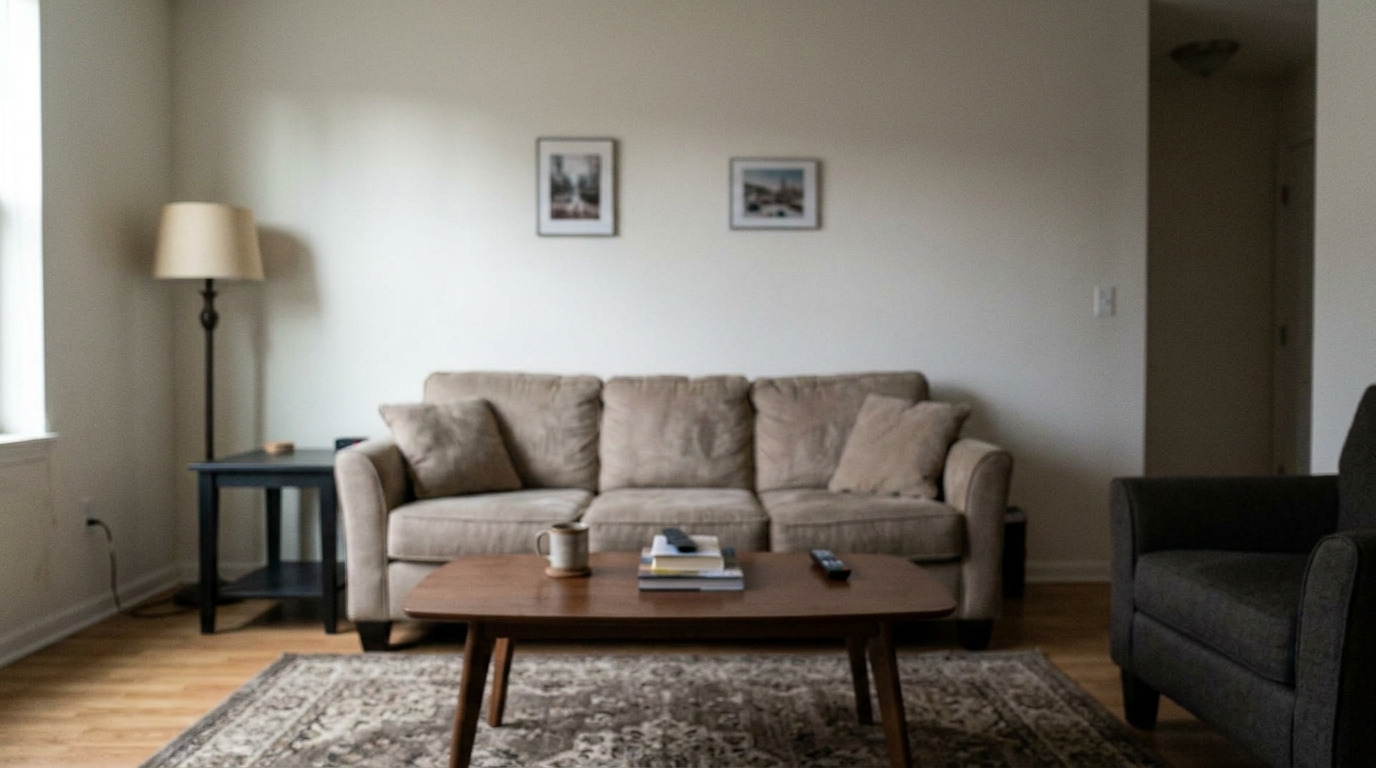
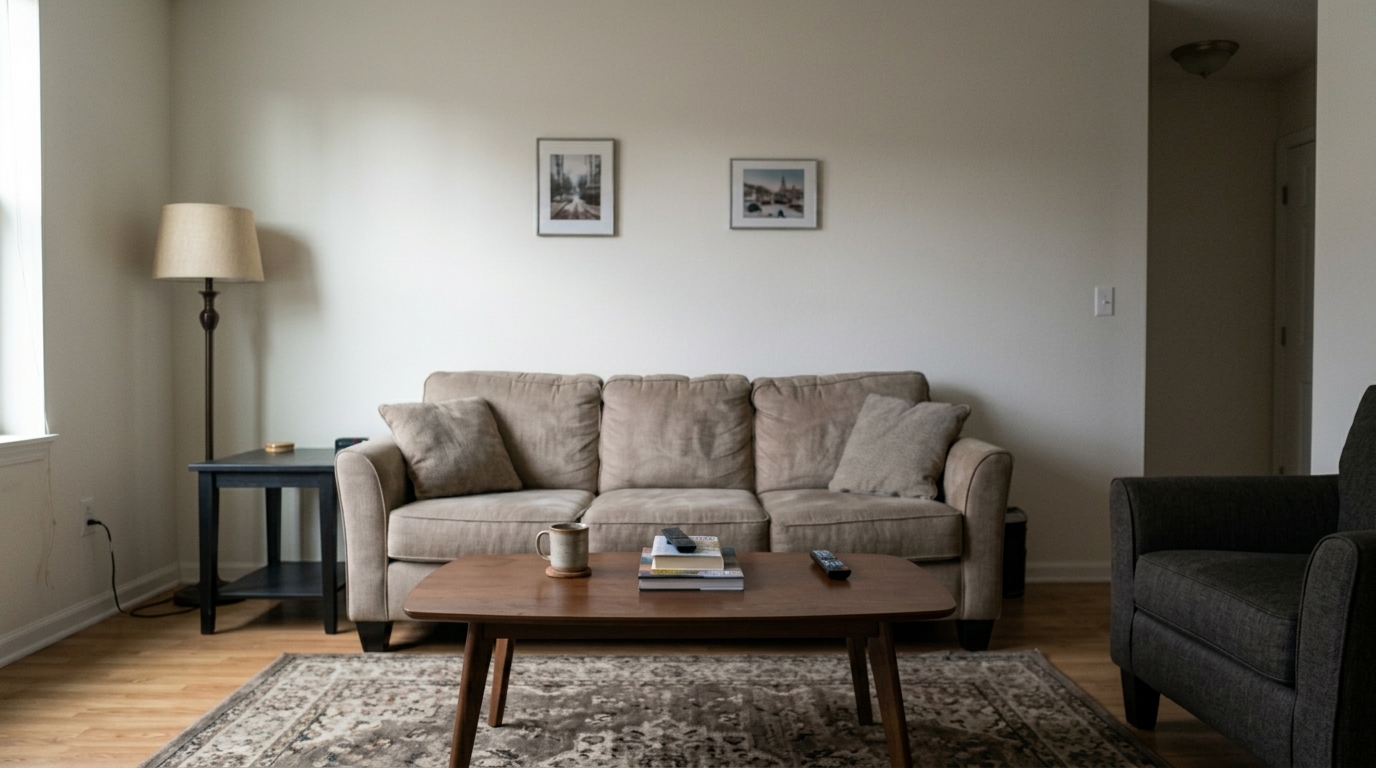

Modern Living Room
Modern Living Room updated with image upscaler styling.
Improve low-resolution photos, restore visible details, and make images look clearer for presentations, listings, design work, and everyday sharing.
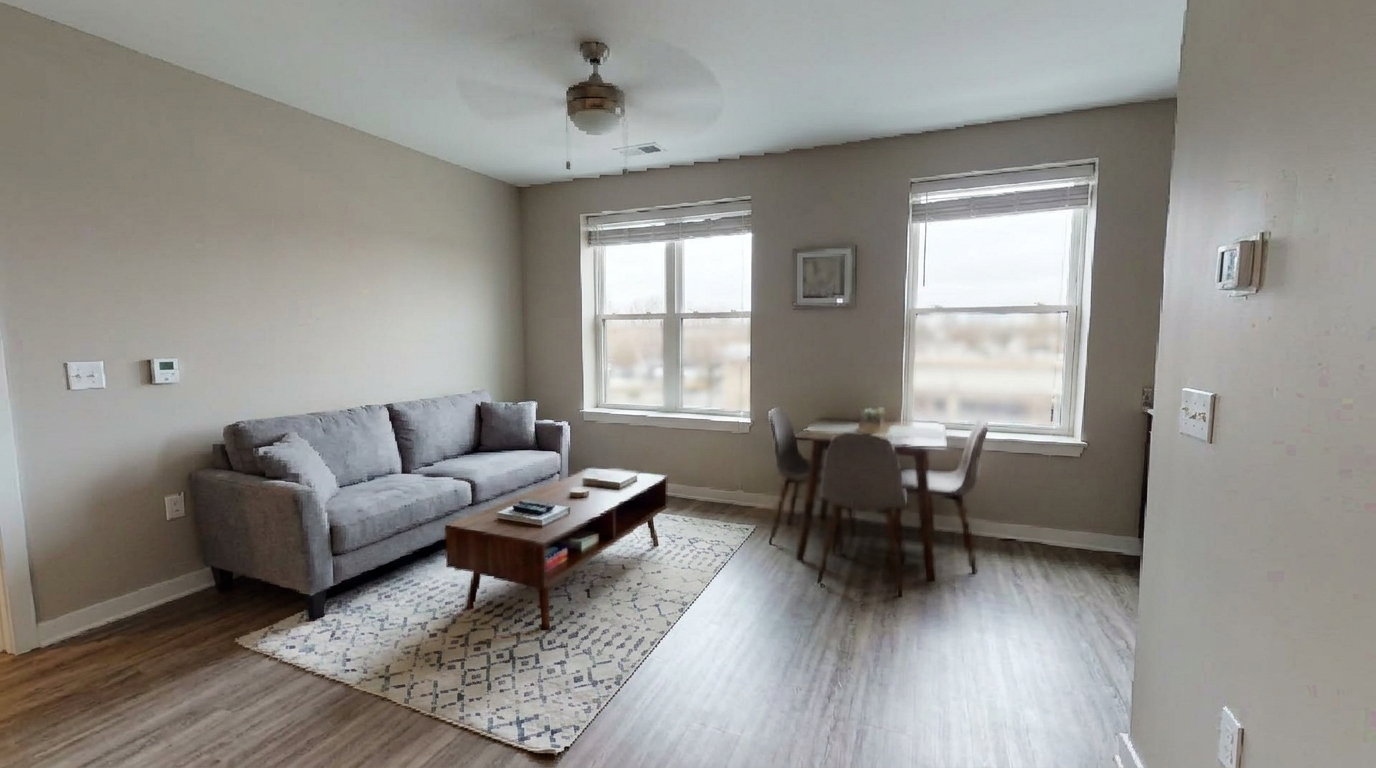
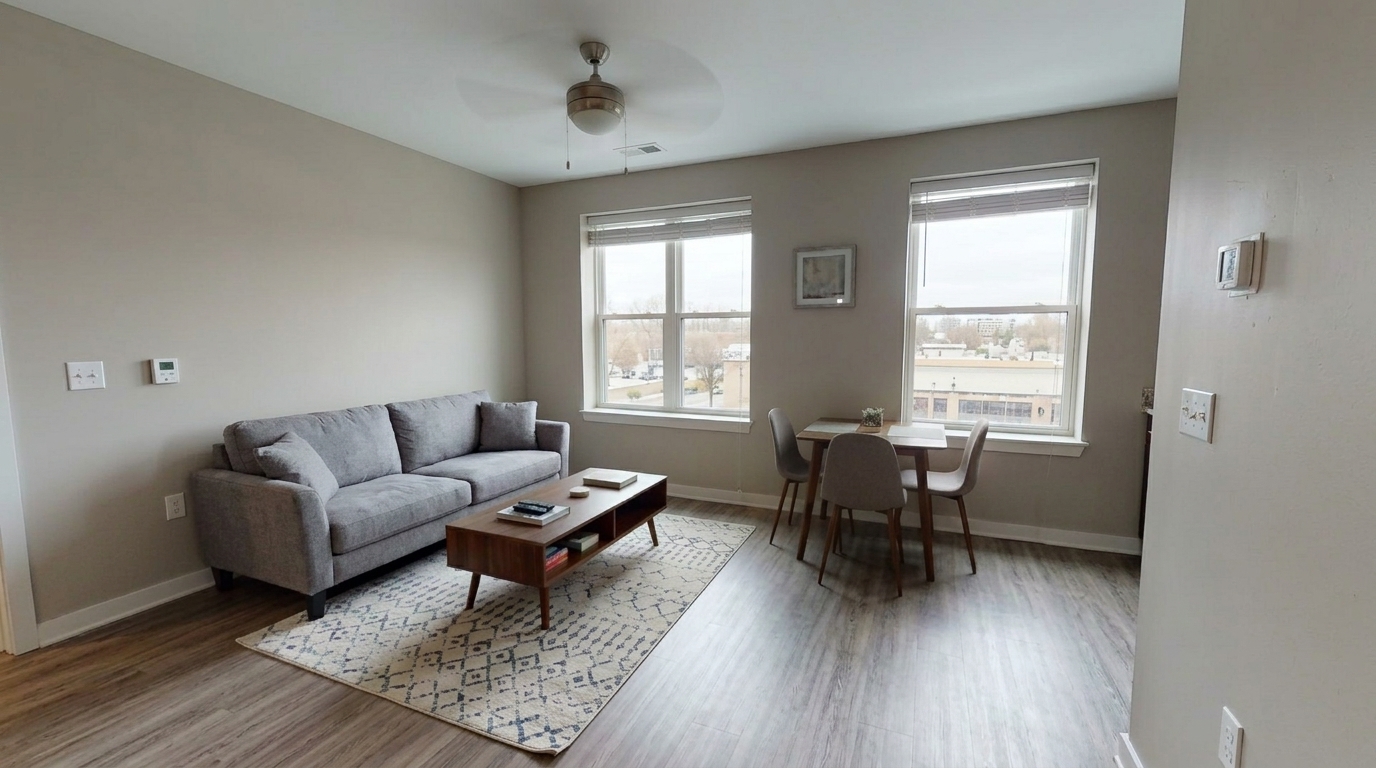
Compare original low-resolution images with cleaner, sharper AI-enhanced results.
Modern Living Room updated with image upscaler styling.
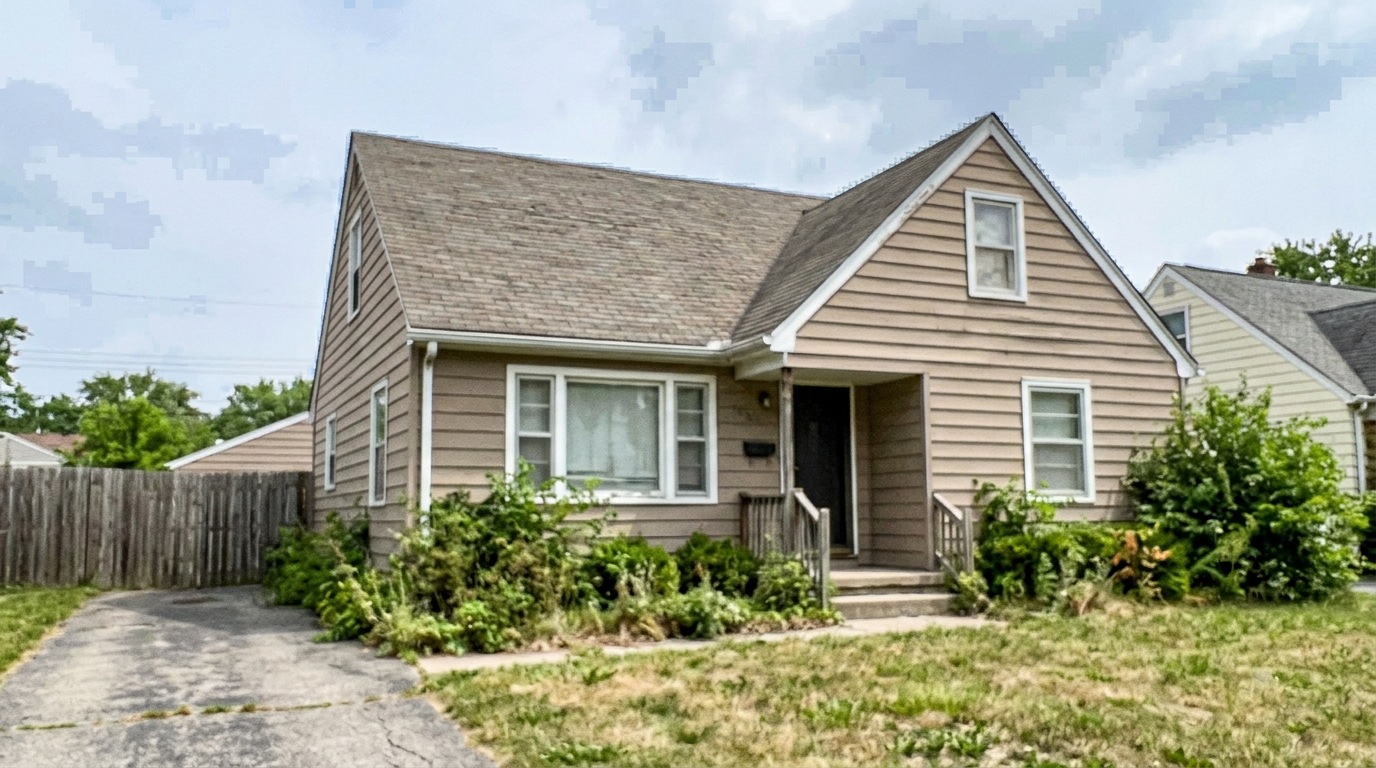
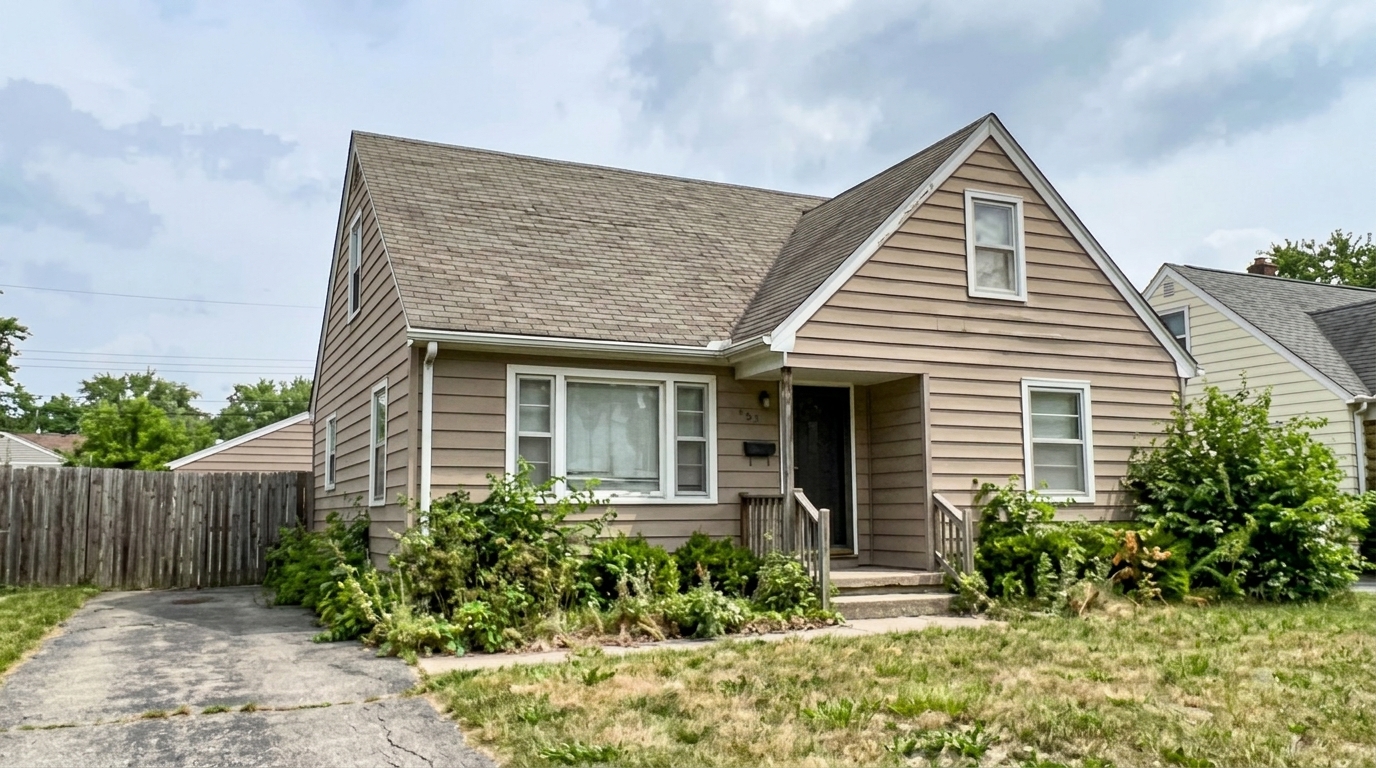
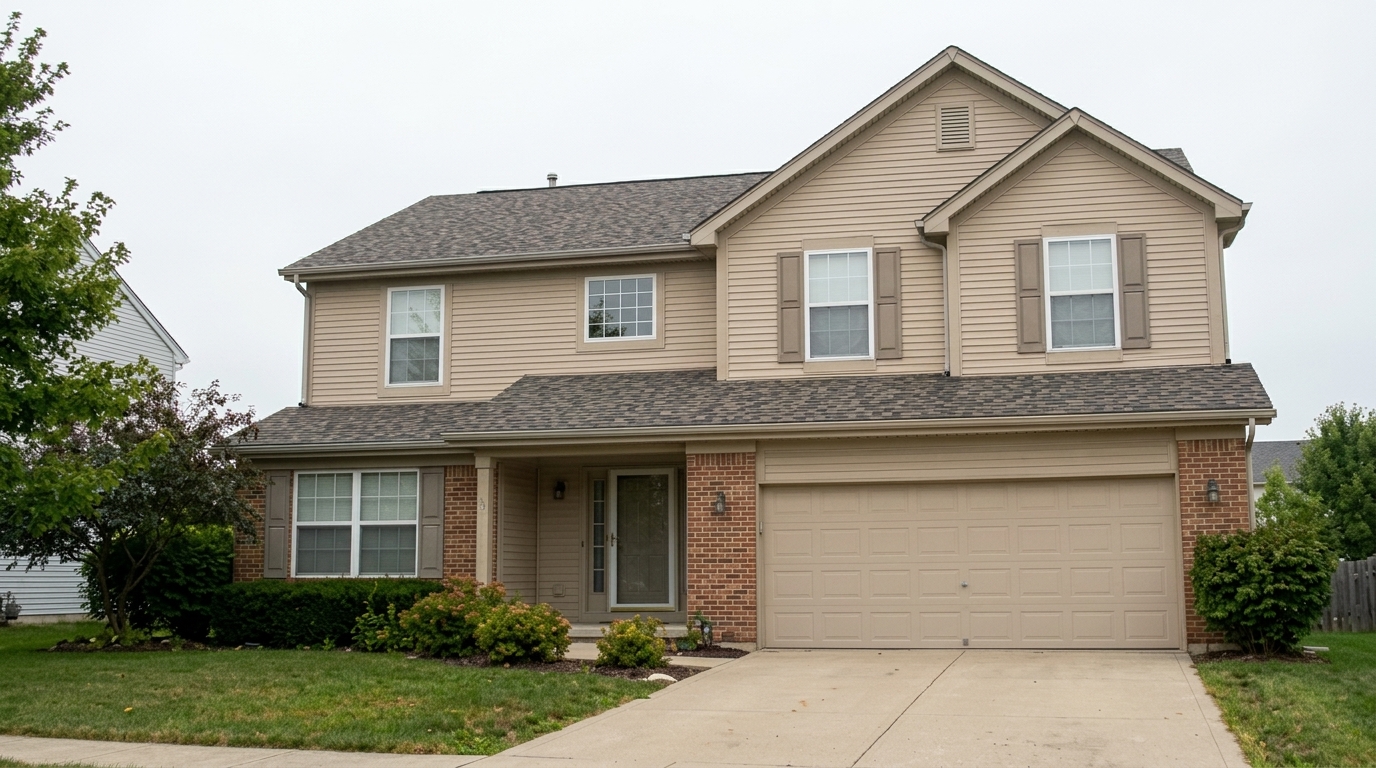
Exterior Listing Photo updated with image upscaler styling.

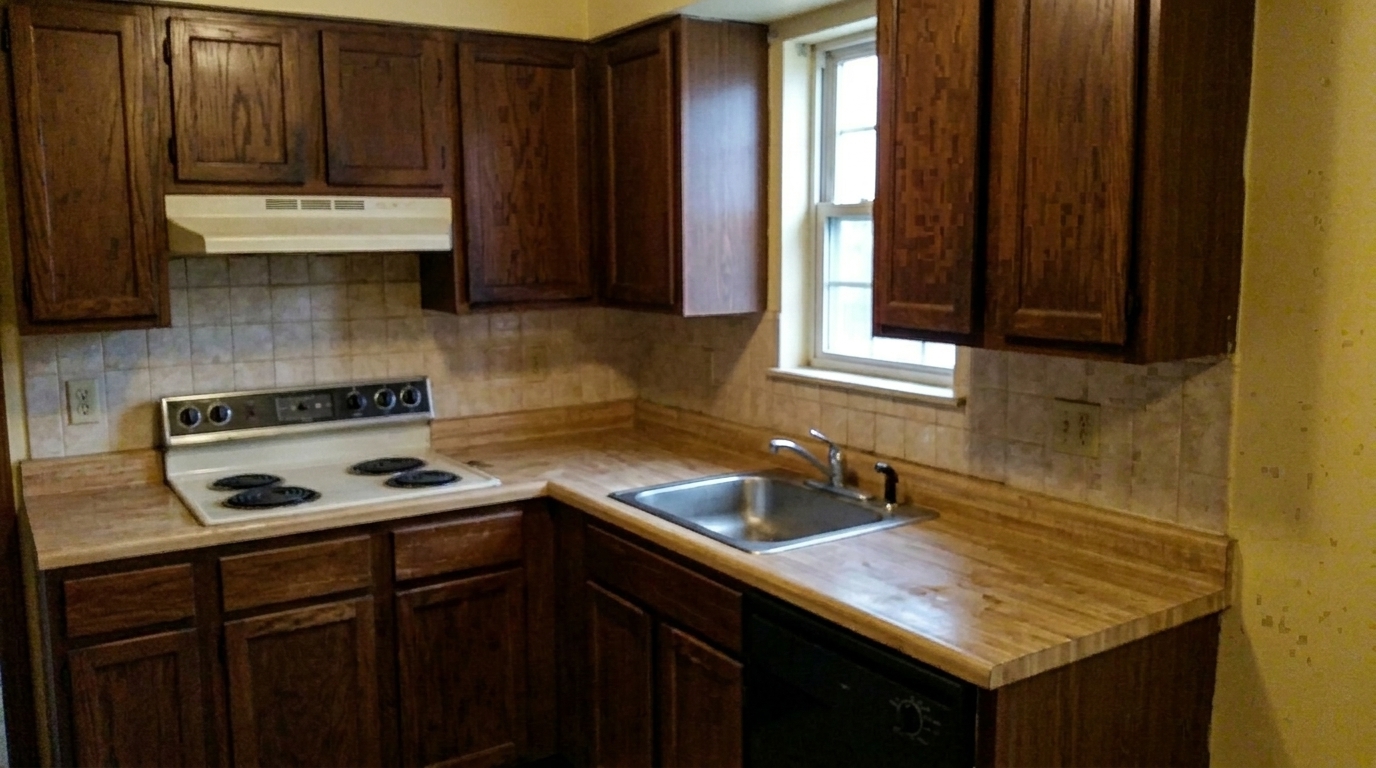
Kitchen Detail updated with image upscaler styling.
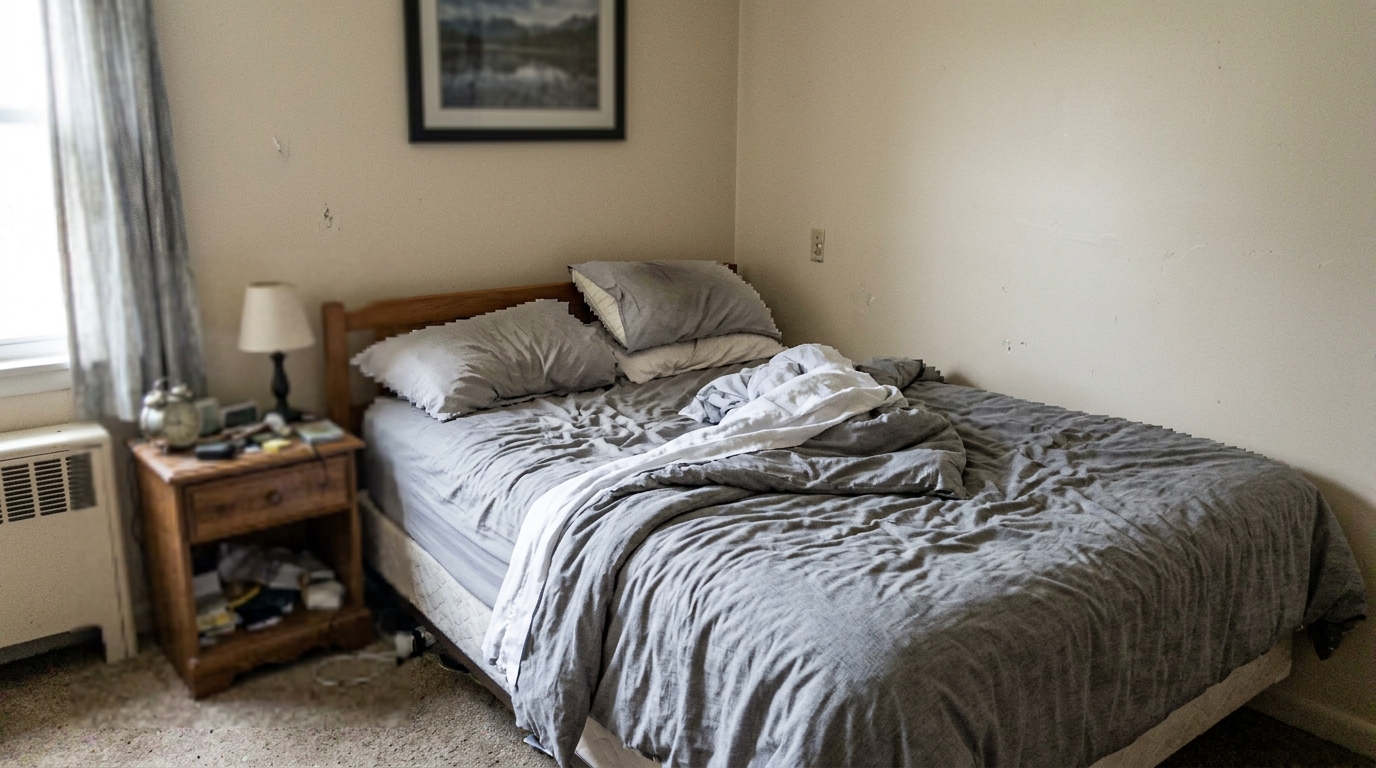
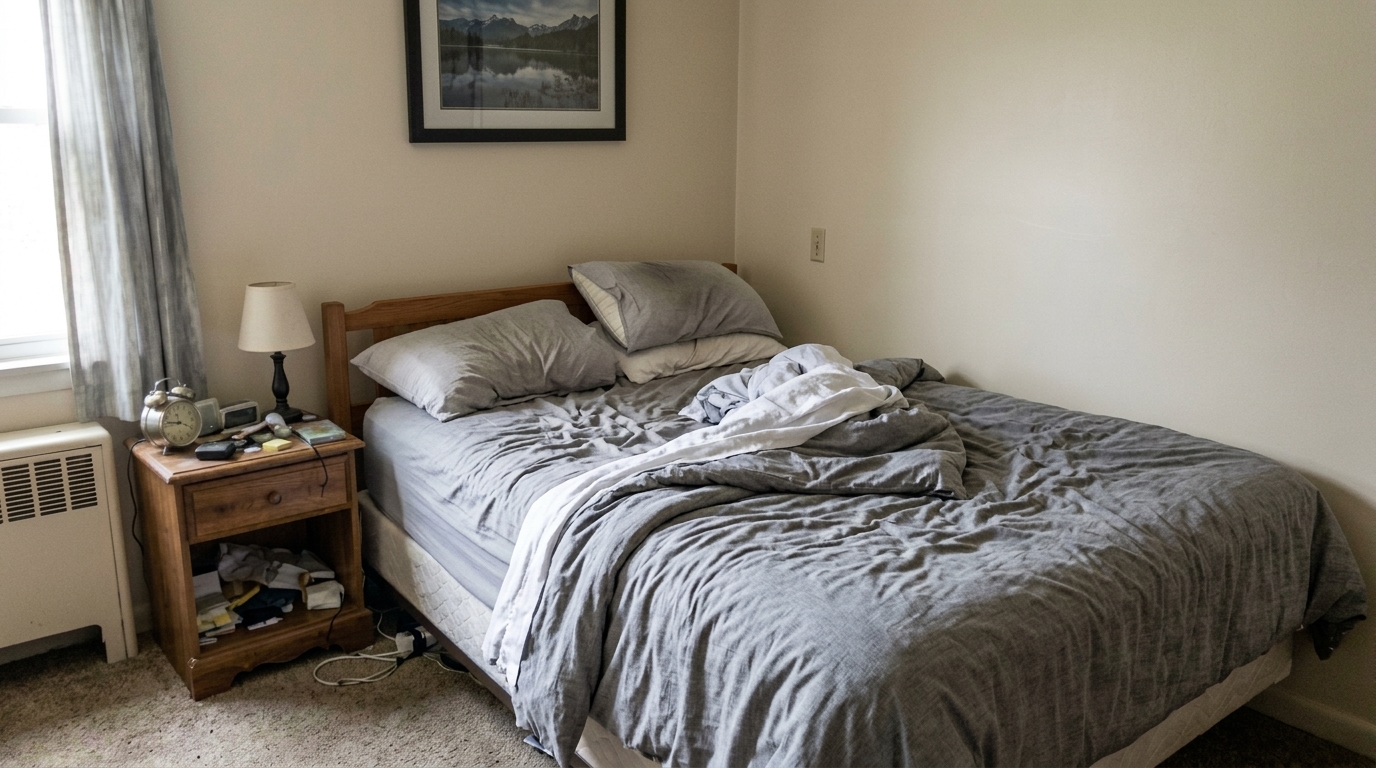
Upscale into a cleaner bedroom image with sharply defined bedding edges, clearer fabric texture, cleaner decor, and believable.
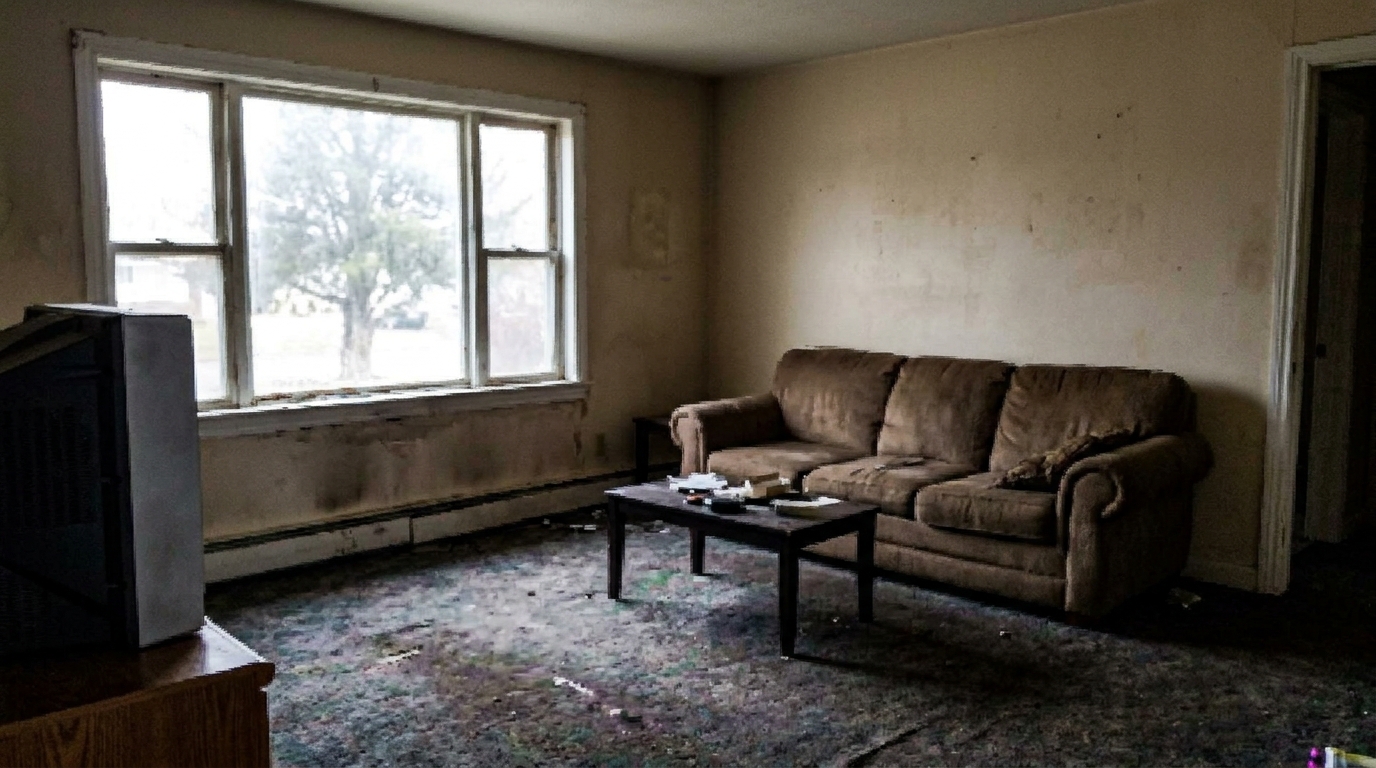
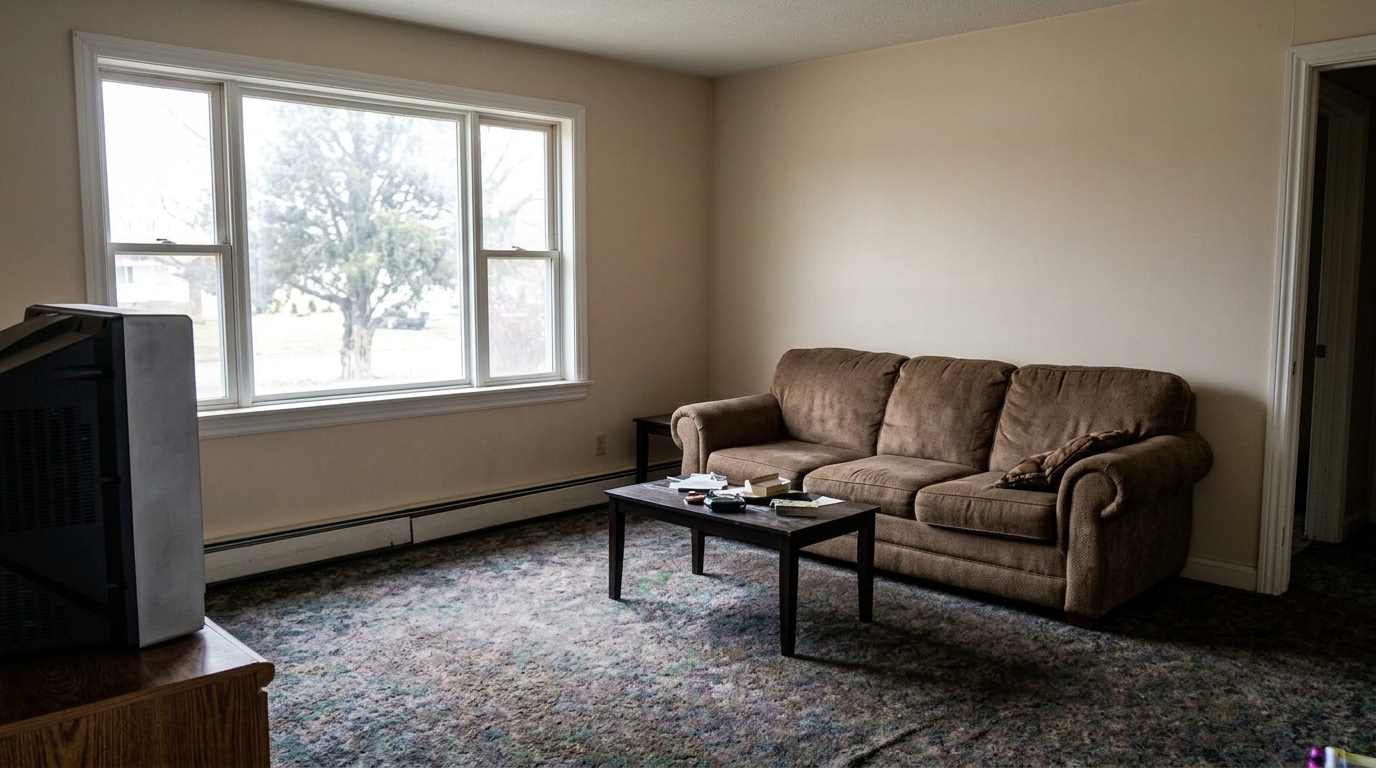
Increase clarity into a clearly sharper HD design preview with clean furniture and window edges, restored wall and floor texture.
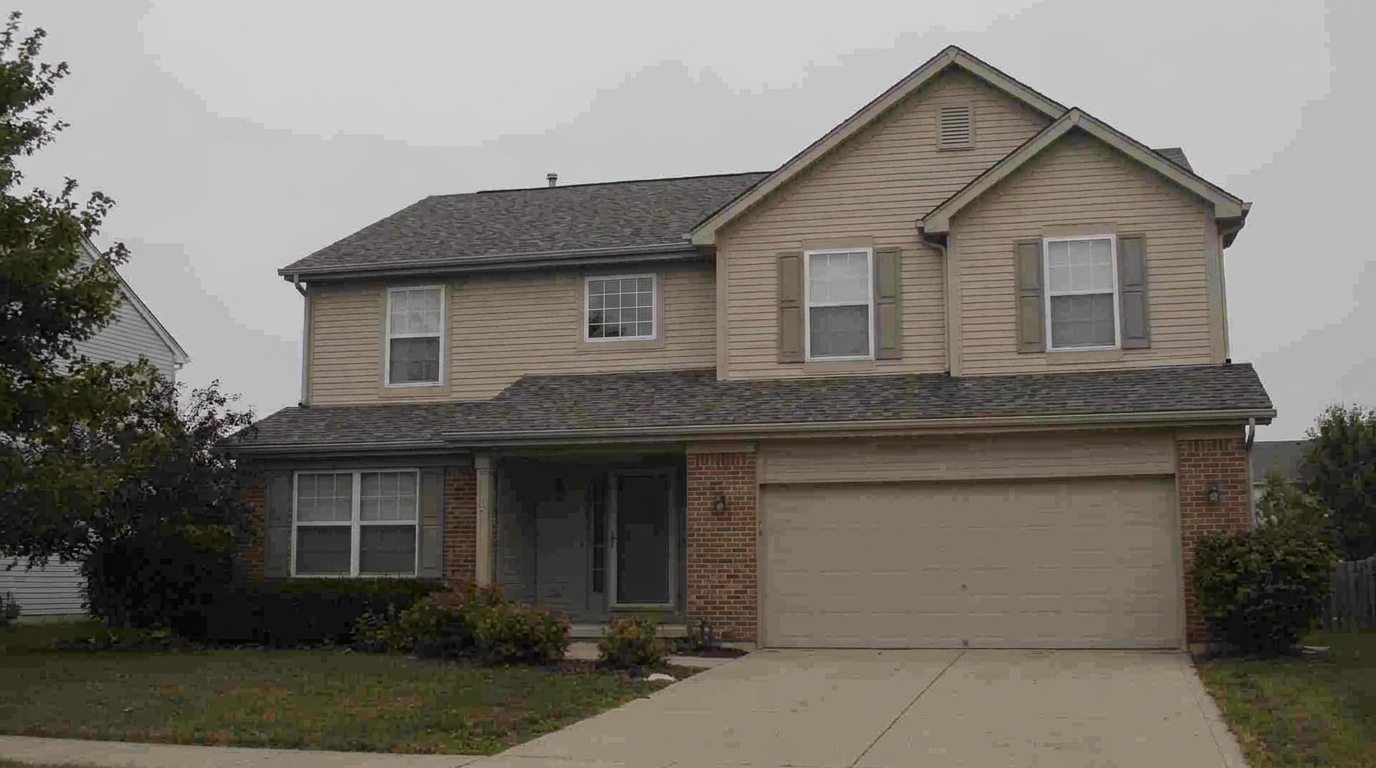
Create a polished HD result with clean edges, restored surface detail, stronger clarity, and presentation quality suitable for a.
Use AI to improve resolution, clarity, edges, and fine details without a complicated editing workflow.
Increase image resolution while preserving the original subject, framing, and visual intent.
Restore clearer lines, textures, and surface detail so images look less soft or compressed.
Prepare images for product pages, real estate visuals, portfolios, proposals, and social posts.
Upload an image and generate a clearer version without manual editing or complex software.
Improve older, cropped, or downloaded images that are too small for modern display needs.
Enhance clarity while keeping the image believable and avoiding an over-processed look.
Turn small, soft, or older images into clearer assets for practical use.
Improve small property photos so rooms, facades, and listing images look clearer online.
ListingsUpscale concept visuals, sketches, and presentation images for cleaner client review.
DesignPrepare sharper images for ads, landing pages, email, and social campaigns.
MarketingMake product visuals easier to inspect by improving clarity and visible detail.
CommerceRefresh older or compressed images so they feel more usable on modern screens.
RestoreAvoid pixelated images in decks, proposals, and client-facing visual materials.
PresentUpload a photo, run the AI upscaler, and download a sharper result.
Choose a photo, design image, or visual asset that needs more clarity.
Let the tool increase resolution and recover sharper visible details.
Use the enhanced image in listings, presentations, websites, or creative projects.
High-resolution photos in listing evidence
Zillow Research's 2025 prospective buyer report ranked high-resolution photos as the number two most important listing feature, selected by 26% of prospective buyers.
Source: Zillow 2025Sharp listing photo evidence
Redfin reported that the sharpest 10% of listing photos sold at or above list price 44% of the time, compared with 13% for listings with average sharpness.
Source: RedfinImage upscaling is most useful when an image is good enough to keep but too small, soft, or compressed for the place you want to use it.
Use Image Upscaler when your original file has a useful subject and composition, but lacks enough resolution for modern screens, marketing pages, listing galleries, or client presentations. It works especially well for slightly soft photos, older image exports, compressed web images, and visual concepts that need a cleaner final presentation.
The tool improves perceived clarity by increasing resolution, sharpening edges, and recovering visible texture. It does not replace the need for a strong original image. If the source is extremely distorted, heavily cropped, or missing important subject information, the result may still need manual review before being used in professional materials.
Start with the highest-quality version you have, avoid screenshots when a source file is available, and review the final image at the size where it will actually appear. For listing photos, product visuals, and design presentations, check important details such as text, edges, faces, materials, and architectural lines before publishing.
Try related AI tools for improving, presenting, and transforming visual content.
Improve lighting, color, and overall photo quality after upscaling.
02Remove distracting objects from clearer high-resolution images.
03Edit image details with simple text instructions after improving clarity.
04Create new visual ideas when the source image is too limited to upscale.
05Preview room surface and style updates with clearer interior images.
06Turn polished still images into short AI-generated presentation videos.
Upload your image and use AI to generate a cleaner, higher-resolution version.