AI Floor Plan Generator
Update
Model
Base
Switch

Total Area

Rooms

Bedroom
2
Bathroom
1.5

What Is This Tool?

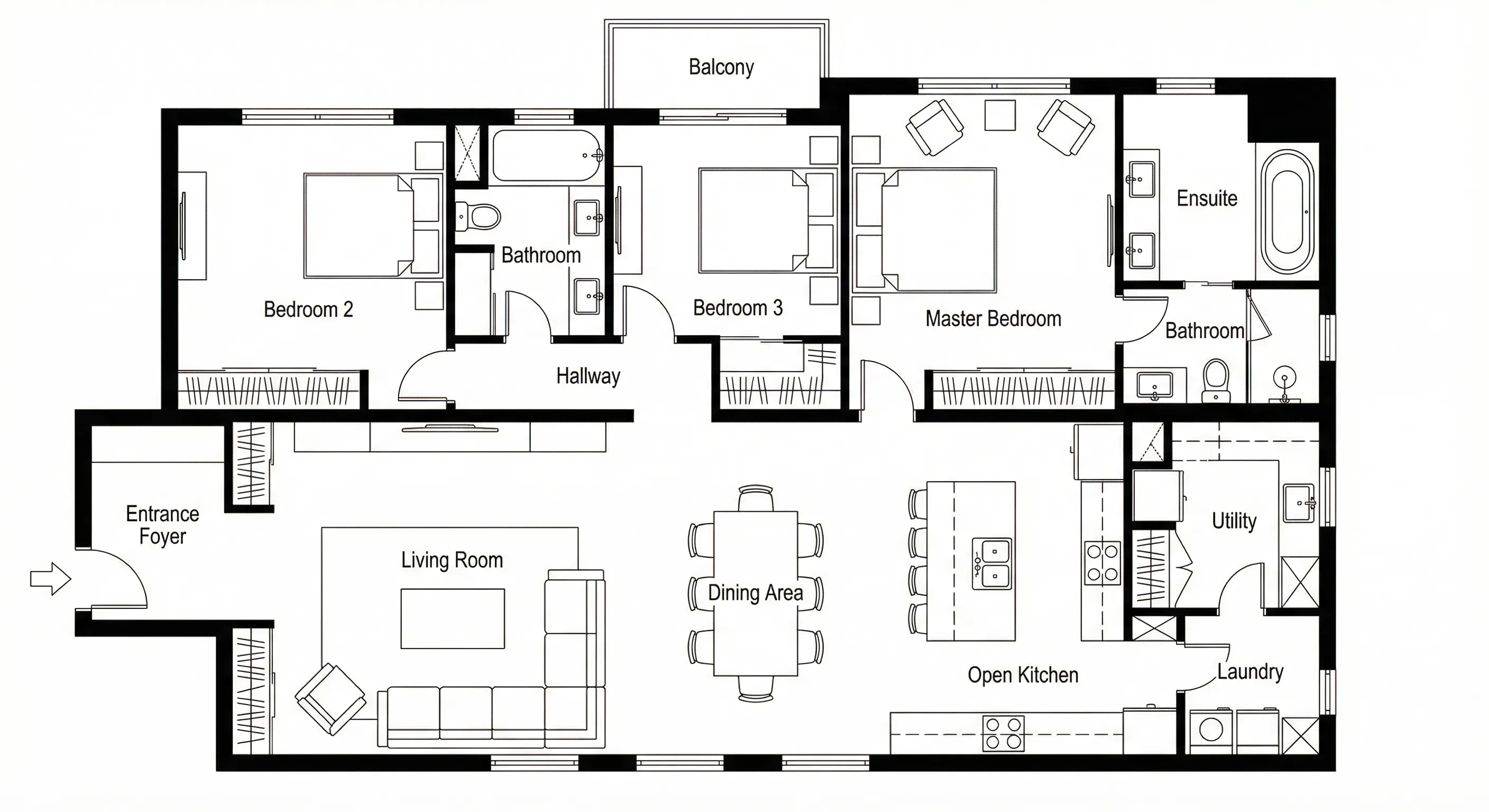
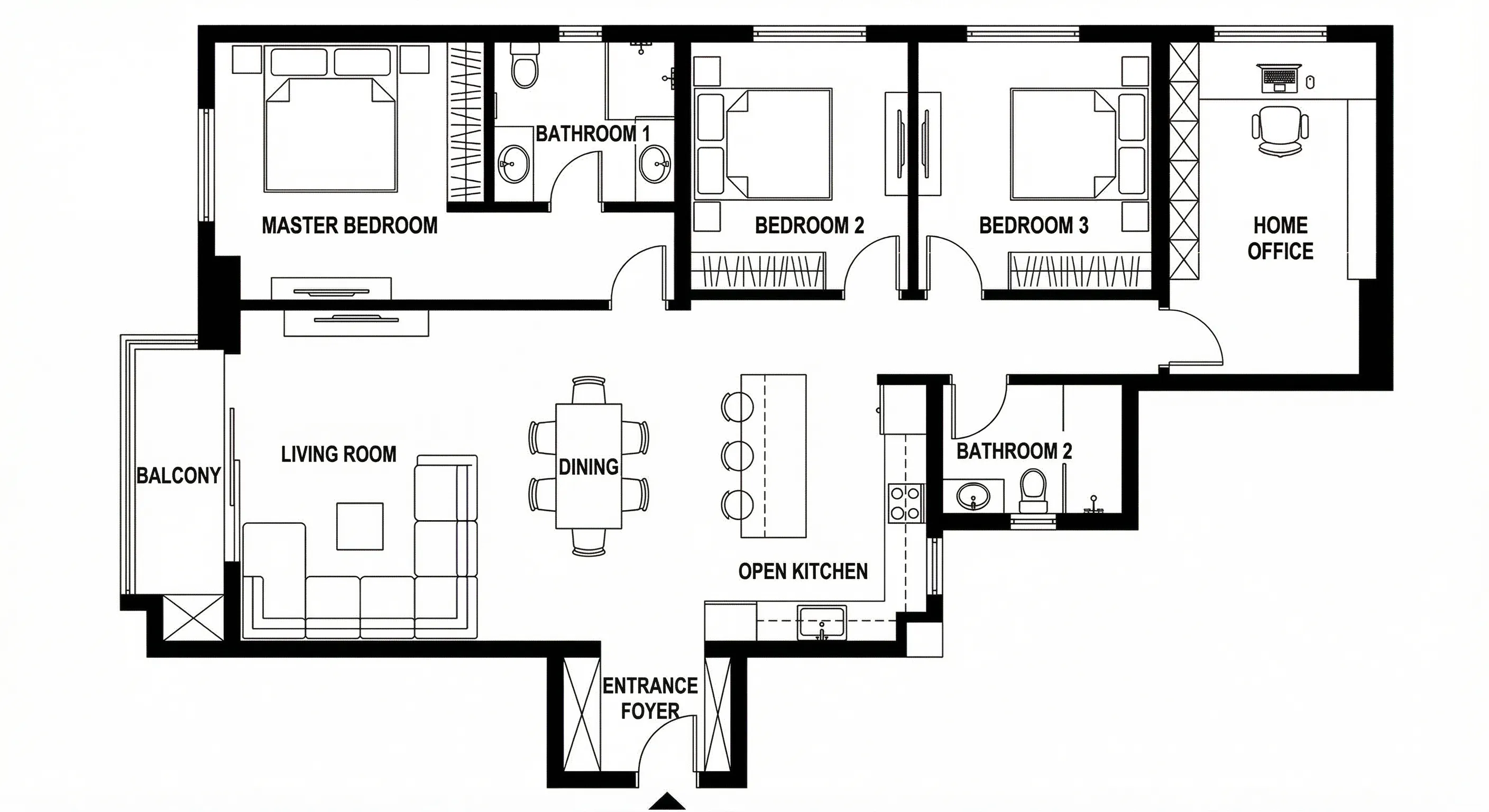
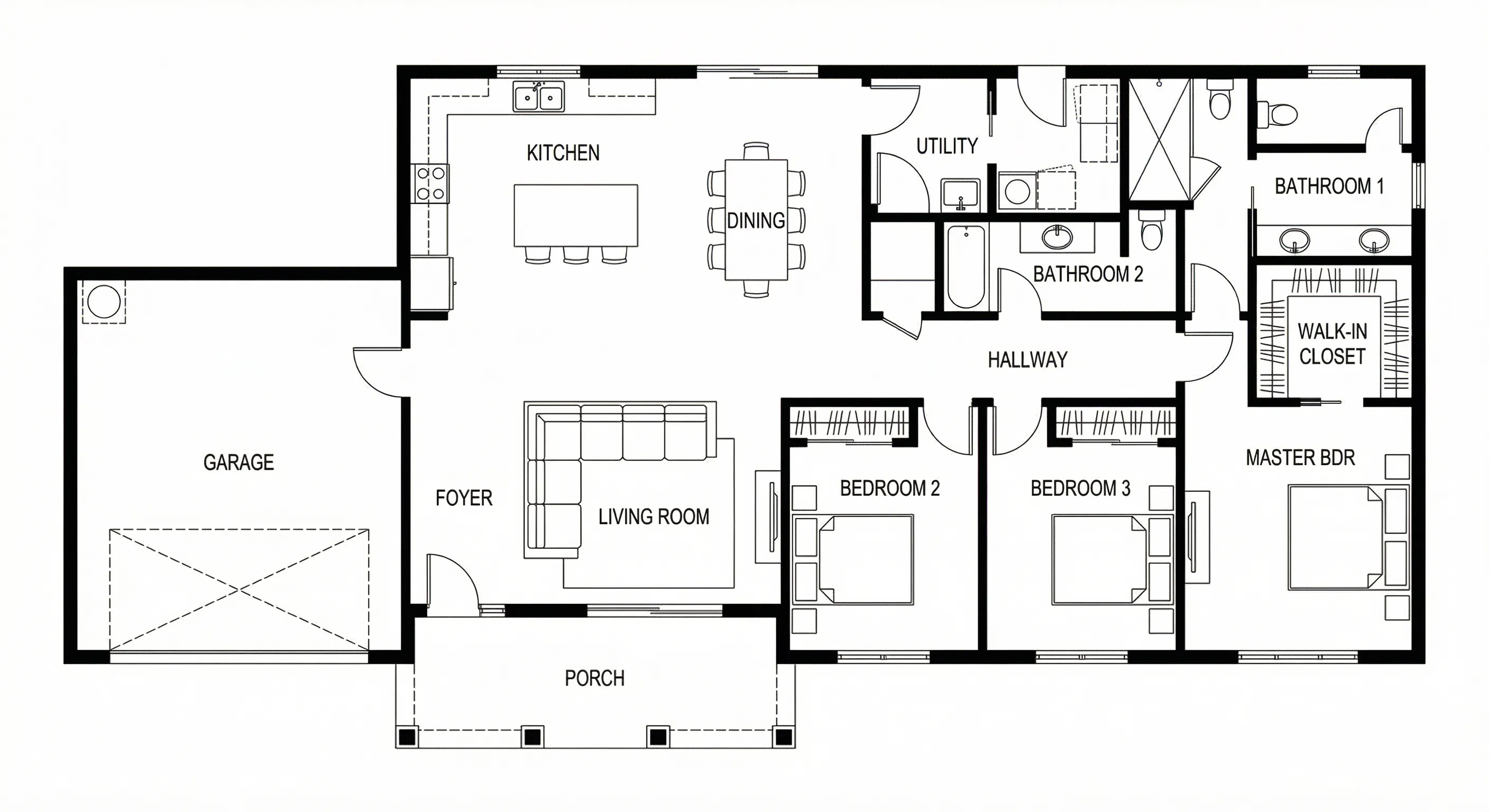
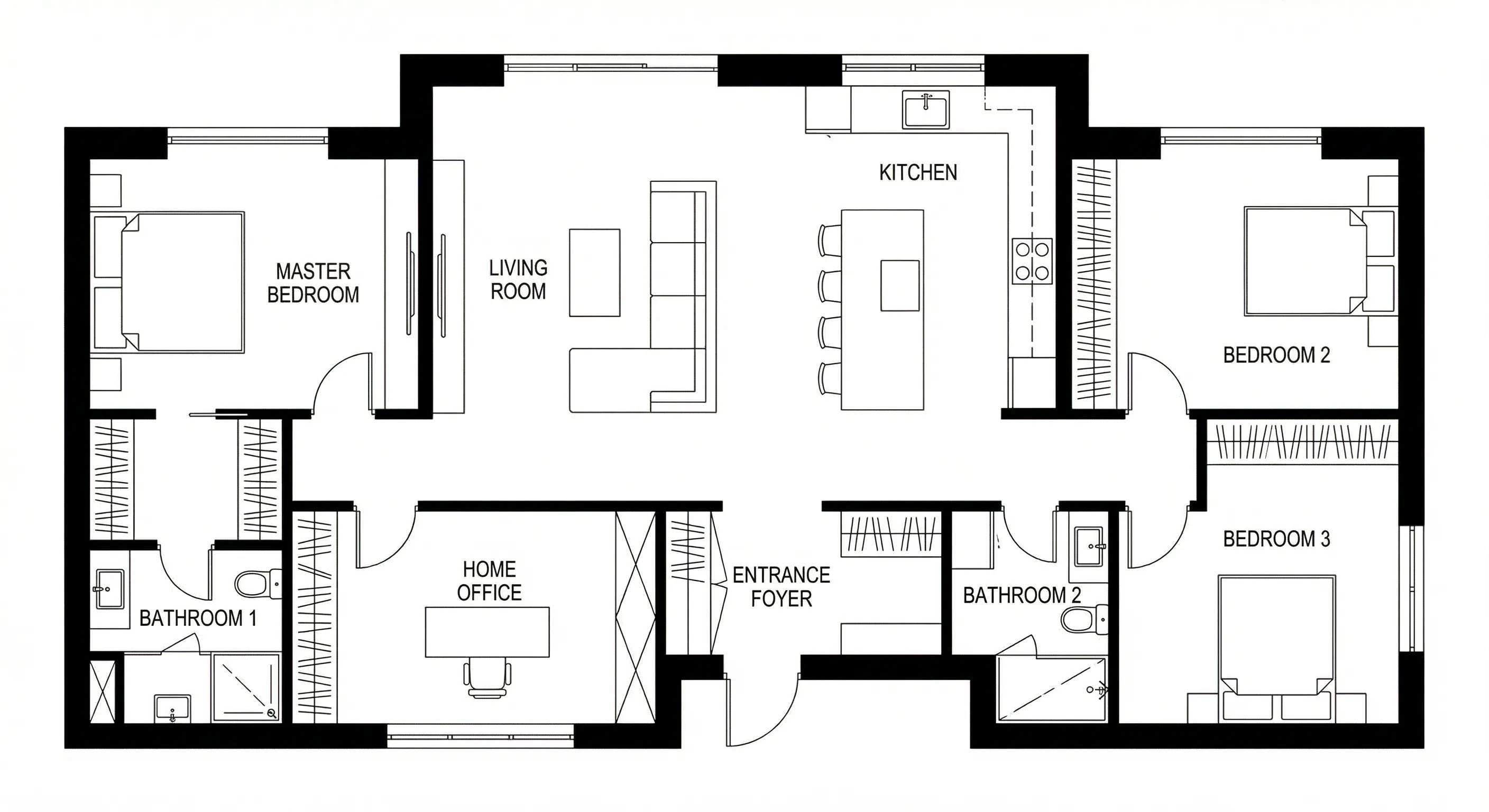
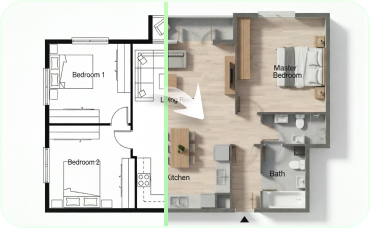
Ideal House’s AI Floor Plan Generator is an AI floor plan maker that turns your high-level requirements into clean 2D floor plan visuals in seconds. Set how many bedrooms and bathrooms you want, choose open or closed kitchen, pick a gross area range, and add extras like a walk-in closet, laundry room, home office, garage, pantry, combined living-dining, or balcony. Click Generate and get a clear, presentation-ready 2D plan—perfect for early layout exploration, listings, and client conversations.
Generate My Floor Plan
What Is This Tool?

Key Features

Parameter-Driven Planning
Dial in bedrooms (0–4), bathrooms (1–3), kitchen open/closed, and a gross area band (e.g., <50㎡, 50–80㎡, 80–100㎡, 100–120㎡, 120–150㎡, >150㎡) to guide the layout the moment you generate.
Extras That Shape the Plan
Select multiple extras—walk-in closet, laundry room, storage, utility room, home office, garage, pantry, combined living-dining, balcony—to steer zoning and room relationships.
History & Filtering
History & Filtering
Every result is saved in Generation History. Use the Created with AI Floorplan filter and grid/list views to compare drafts and pick a winner.

Use Cases

Homeowners & DIY Planners
Try different bedroom/bathroom counts, switch open vs. closed kitchen, and add a walk-in closet to see how the layout could work for everyday living.
Interior Designers & Decorators
Create quick, on-brand apartment floor plan concepts from a brief—then iterate with clients live by toggling extras and gross area bands.
Real Estate & Rentals
Generate simple, consistent 2D real estate floor plans for listings so buyers instantly grasp layout and flow.
Contractors & Consultants
Turn a verbal program into a clear 2D floor plan visual to align scope, discuss options, and move decisions forward.

How to Use This Tool

1
Set Rooms
Choose Bedroom (0–4; default 2) and Bathroom (1–3; default 1).
2
Choose Kitchen Style
Toggle Kitchen to open or closed (default: open).
3
Pick Gross Area
Select the range that best matches your target size to guide proportions.
4
Add Extras
Multi-select features like walk-in closet, laundry room, home office, garage, pantry, combined living-dining, balcony.
5
Generate & Review
Click Generate (uses credits shown on the button). Review results in the right preview panel and in Generation History; tweak chips and regenerate to compare versions.
6
Download & Share
Export the selected plan as image or PDF and share with teammates, clients, or on listing pages.

FAQs about AI Floor Plan Generator

Related Tools You Might Like🔧