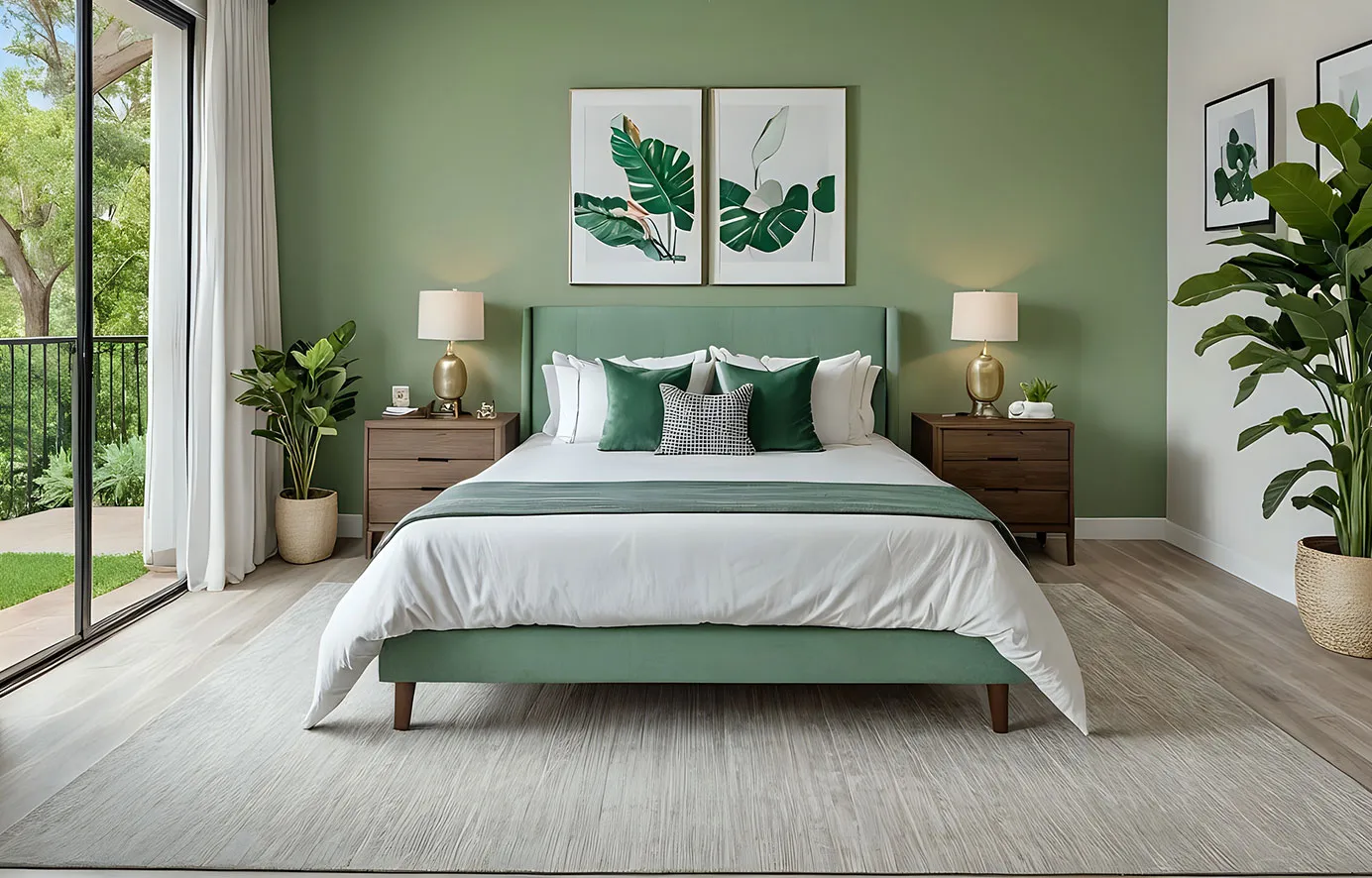
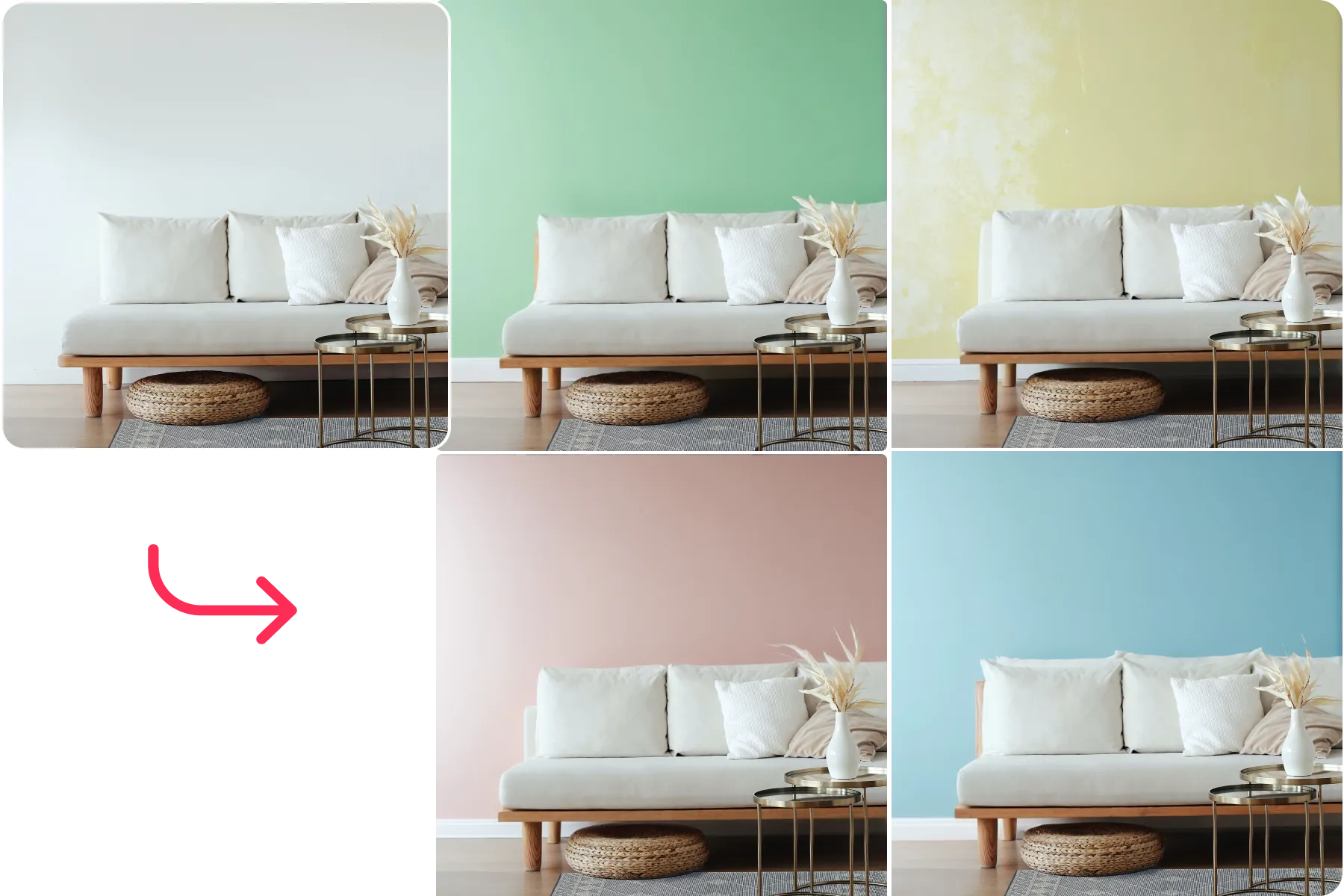
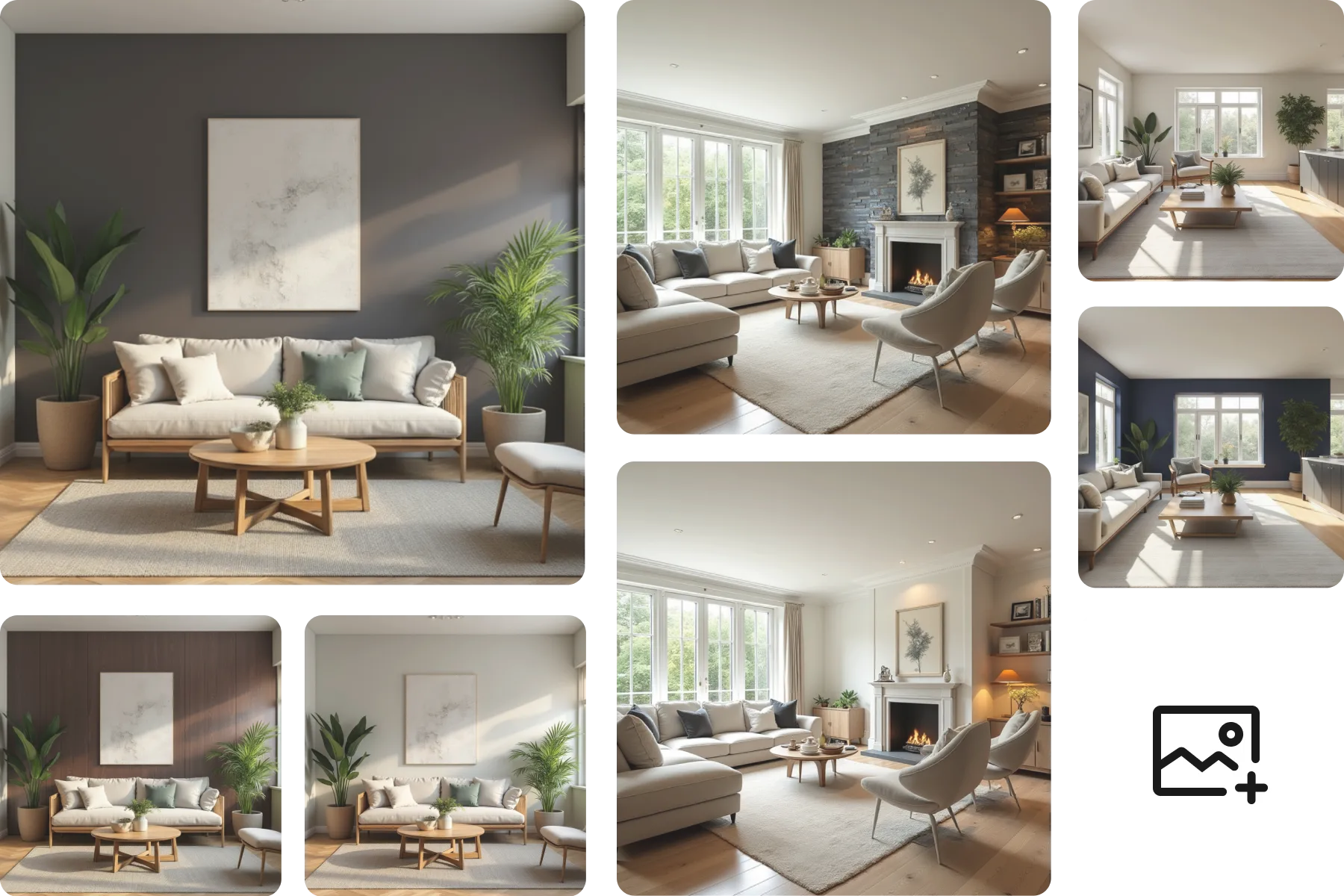
Picture New Surfaces in Seconds with Room Visualizer

Ideal House’s Room Visualizer is an AI-powered virtual material visualizer that lets you preview new floors, countertops, tiles, and wall paints on an indoor photo of your space. Upload any room image and the tool blends fresh surfaces seamlessly into the scene, so you can approve every finish before buying a single sample.
Remodel My Room
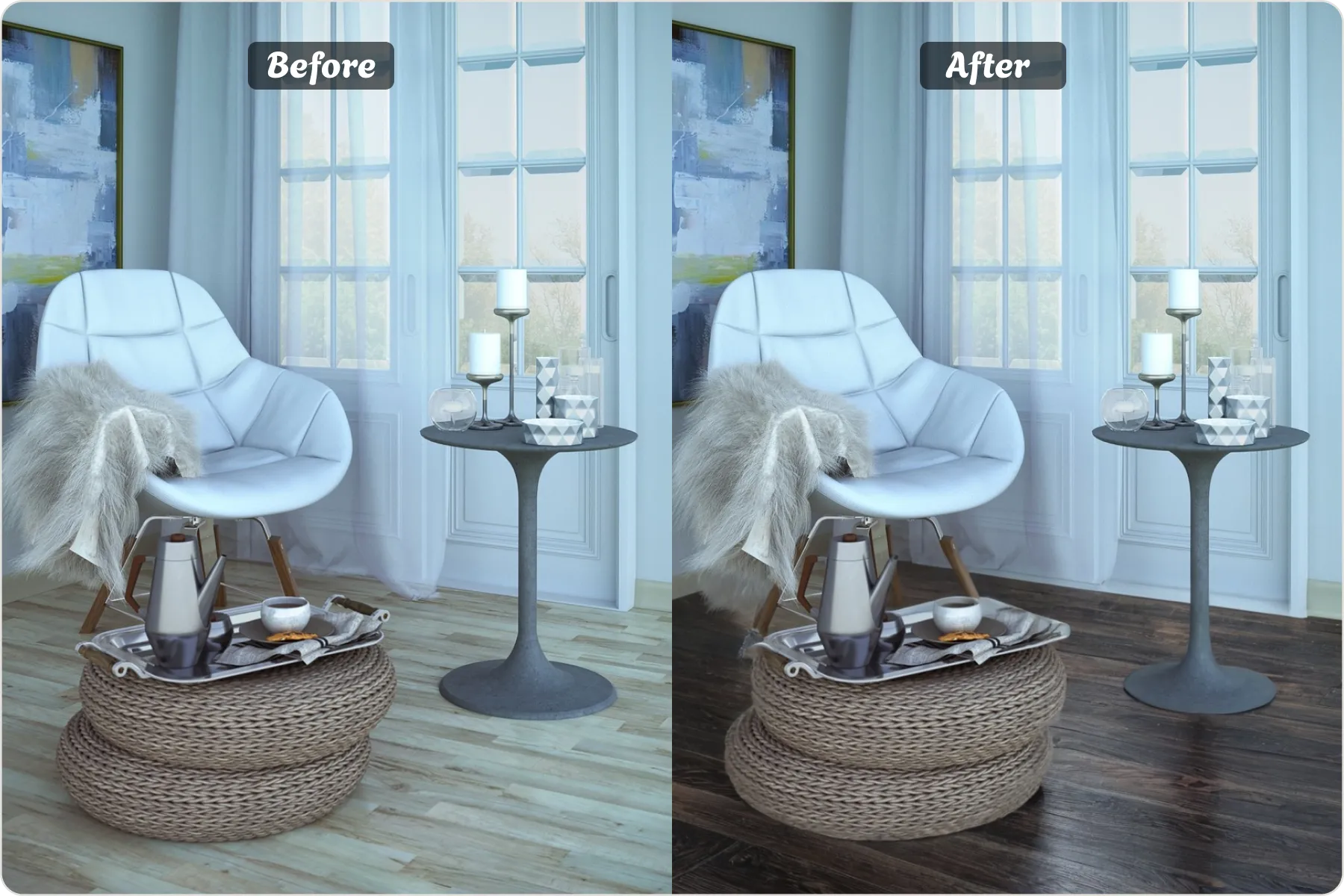
Before
After

Why Designers & DIYers Love This AI Material Visualizer

One-Click Surface Swapping
Replace flooring, backsplashes, or wall finishes in seconds and compare multiple options side-by-side.
True-to-Shade Color Matching
The AI material visualizer tool adjusts lighting and perspective automatically, so every wood grain, tile pattern, or paint tone looks realistic.
Huge Library + Custom Swatches
Browse hundreds of preset woods, stones, laminates, and paints—or upload supplier samples for personalized previews.

Where Room Visualizer Shines

Any Room Makeovers
Any Room Makeovers
Test quartz, marble, or patterned ceramics with the built-in countertop visualizer and tile visualizer before you commit.
Whole-Home Flooring Upgrades
Compare hardwood, LVT, or carpet textures via the flooring visualizer and choose the perfect finish for every room.
Accent Walls & Paint Experiments
Preview bold feature-wall colors or subtle neutrals and ensure they coordinate with existing décor.

How to Preview Materials with AI

1
Upload a clear, well-lit indoor photo.
2
Select the surface area (floor, wall, countertop, etc.) —AI refines the edges automatically.
3
Choose a preset material.
4
Generate multiple previews; tweak pattern direction if needed.
5
Order It: Click Shop Now and the Material Visualizer will send you to the matching product page on our partner site so you can check out instantly.

FAQs

Related Tools You Might Like