
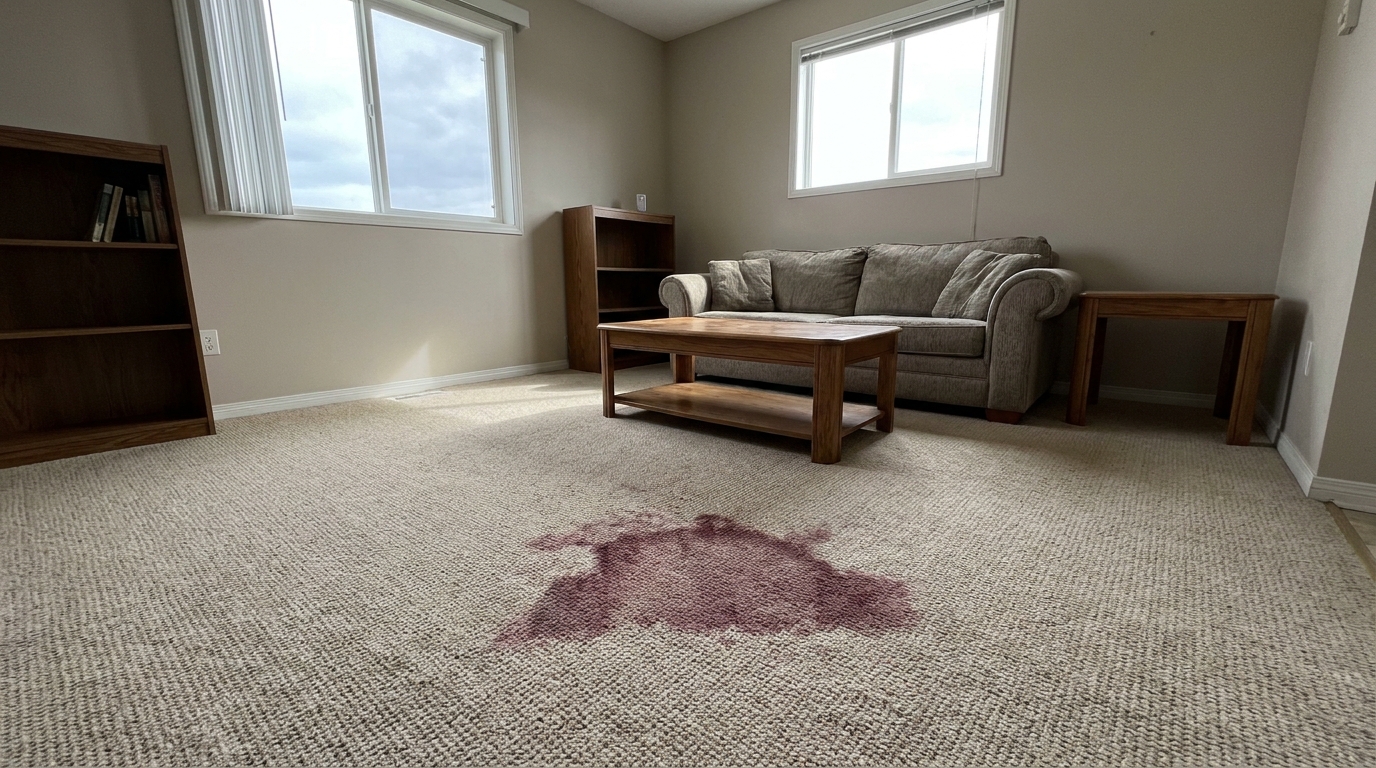
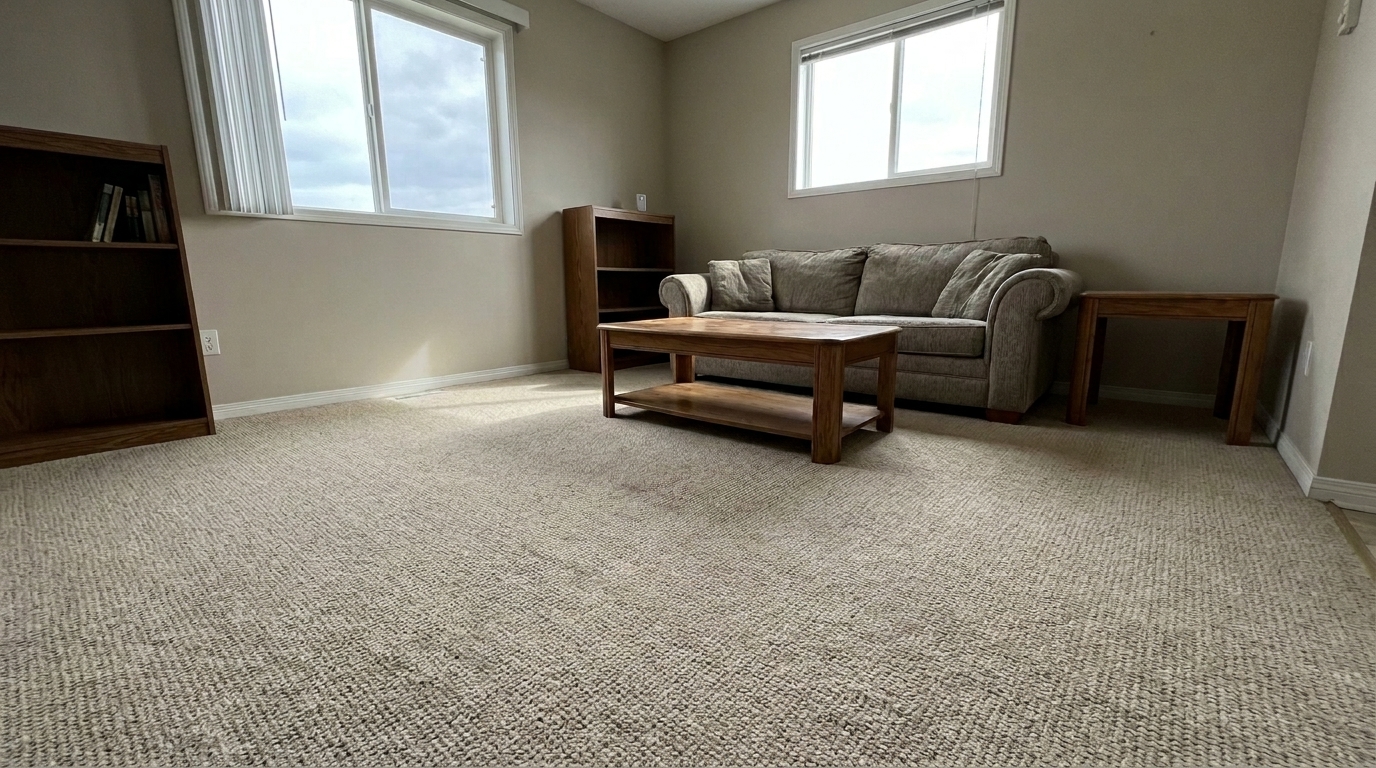

Living Room Carpet
Living Room Carpet updated with stain removal styling.
Clean up water damage, carpet stains, and wall discoloration with AI. Restore realistic textures and present pristine interiors to buyers.
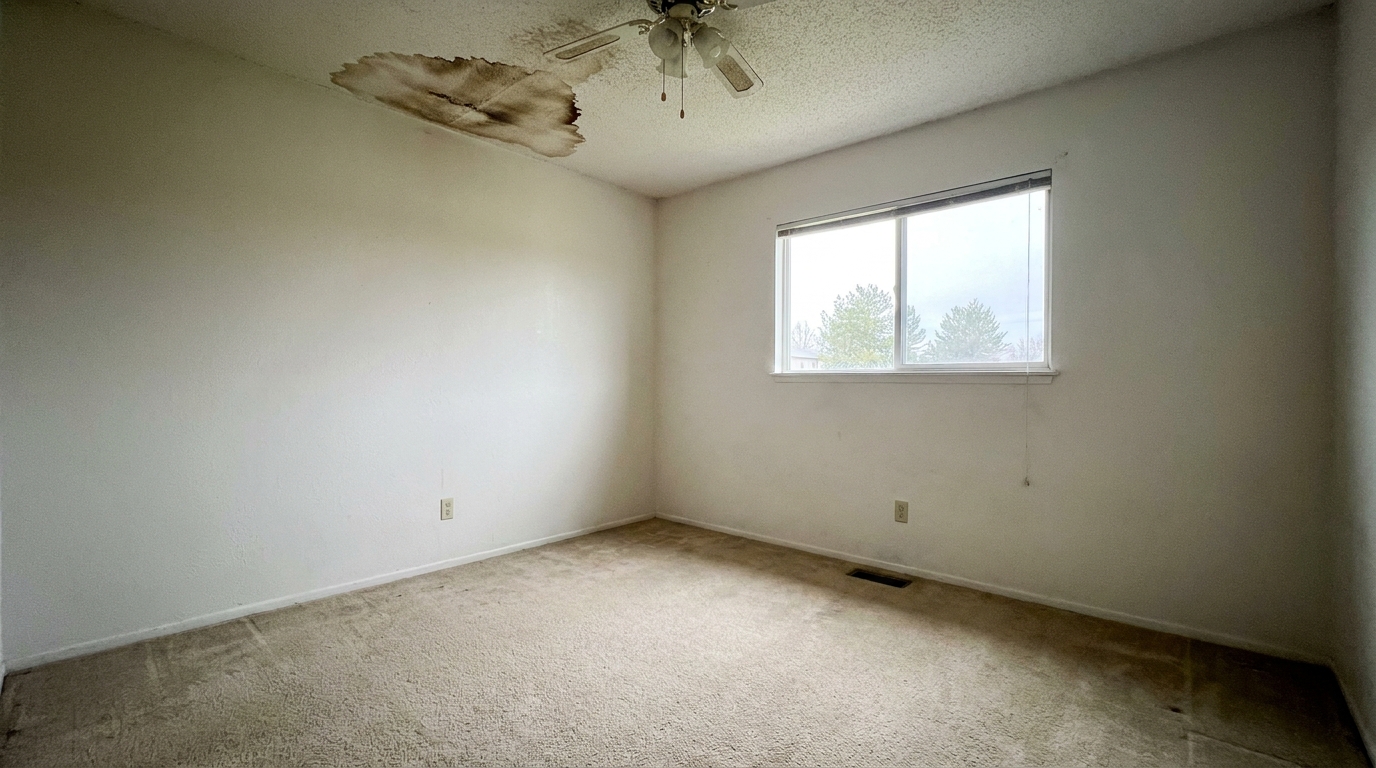
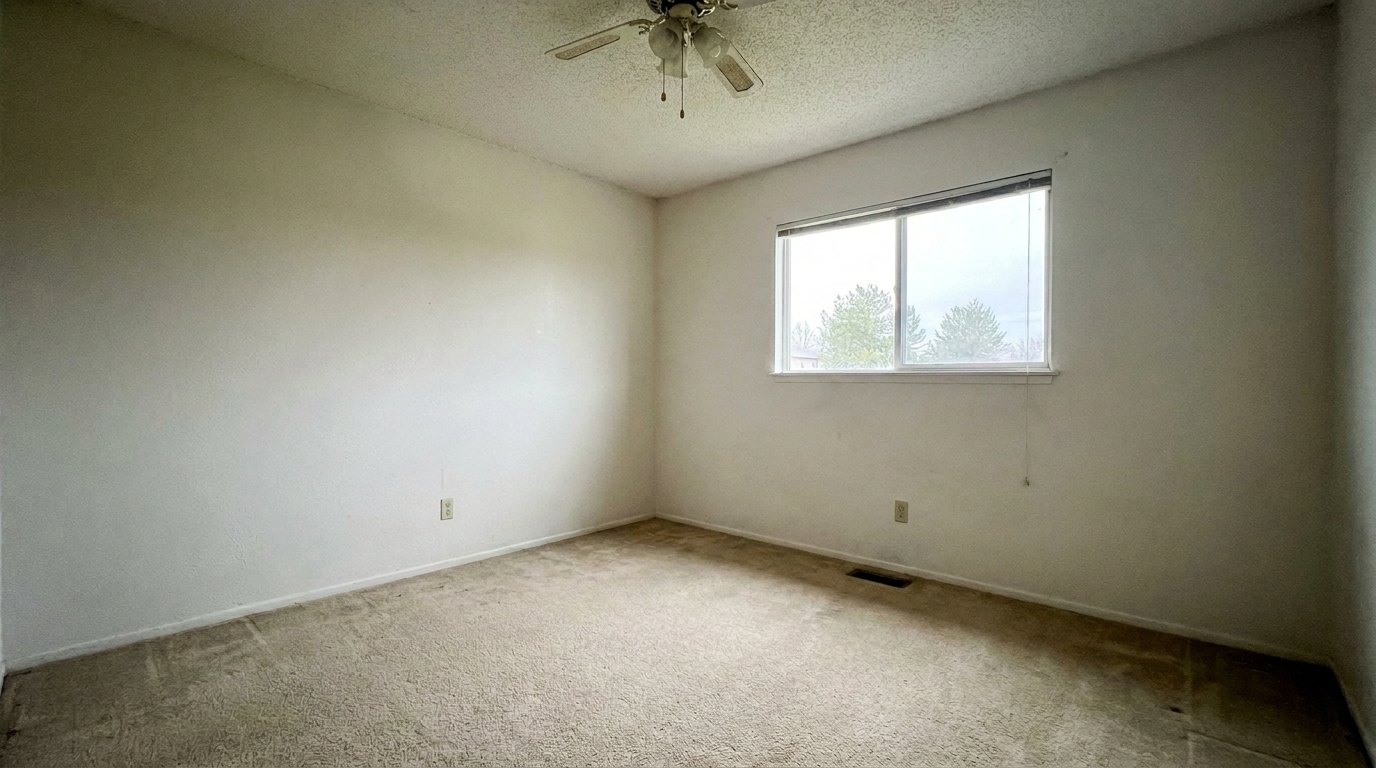
See how our intelligent stain removal tool cleans up real-world property imperfections.
Living Room Carpet updated with stain removal styling.
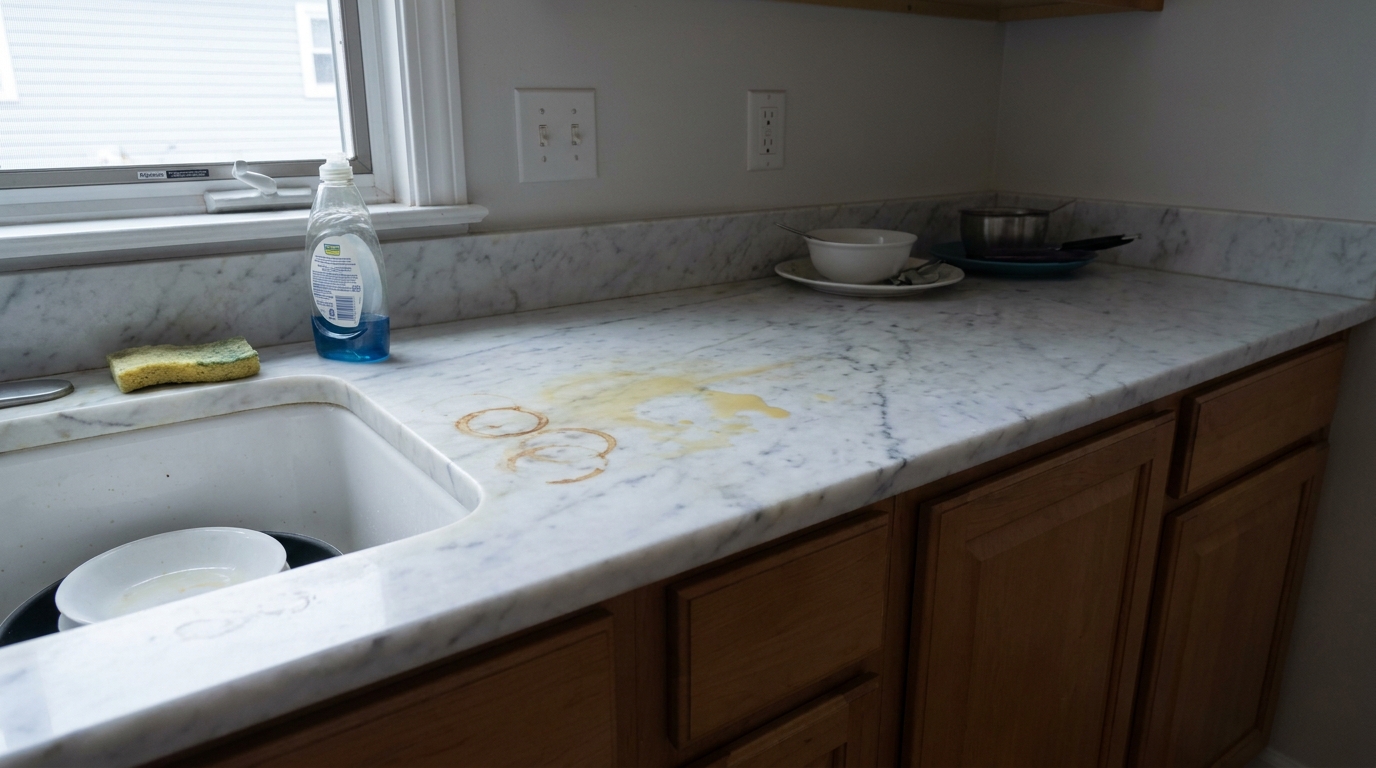
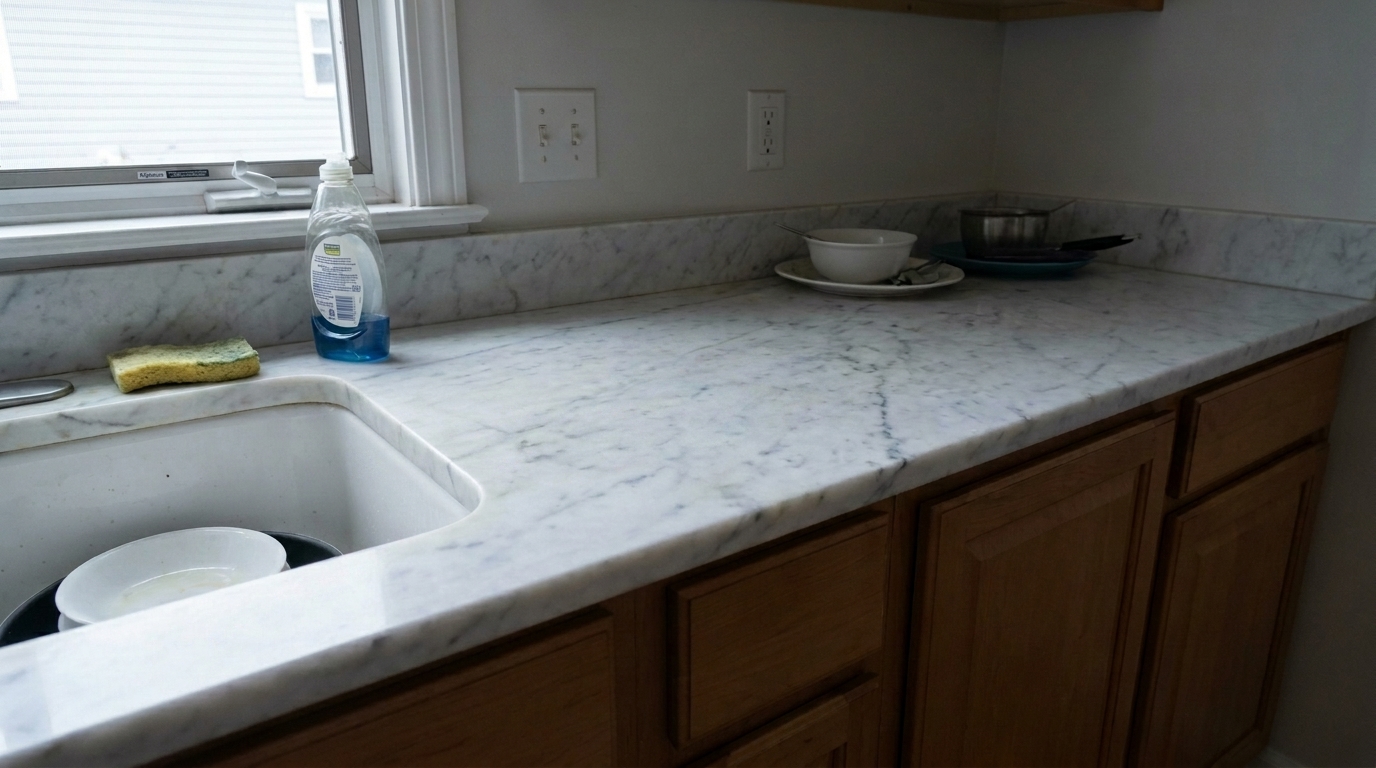
Kitchen Countertop updated with stain removal styling.
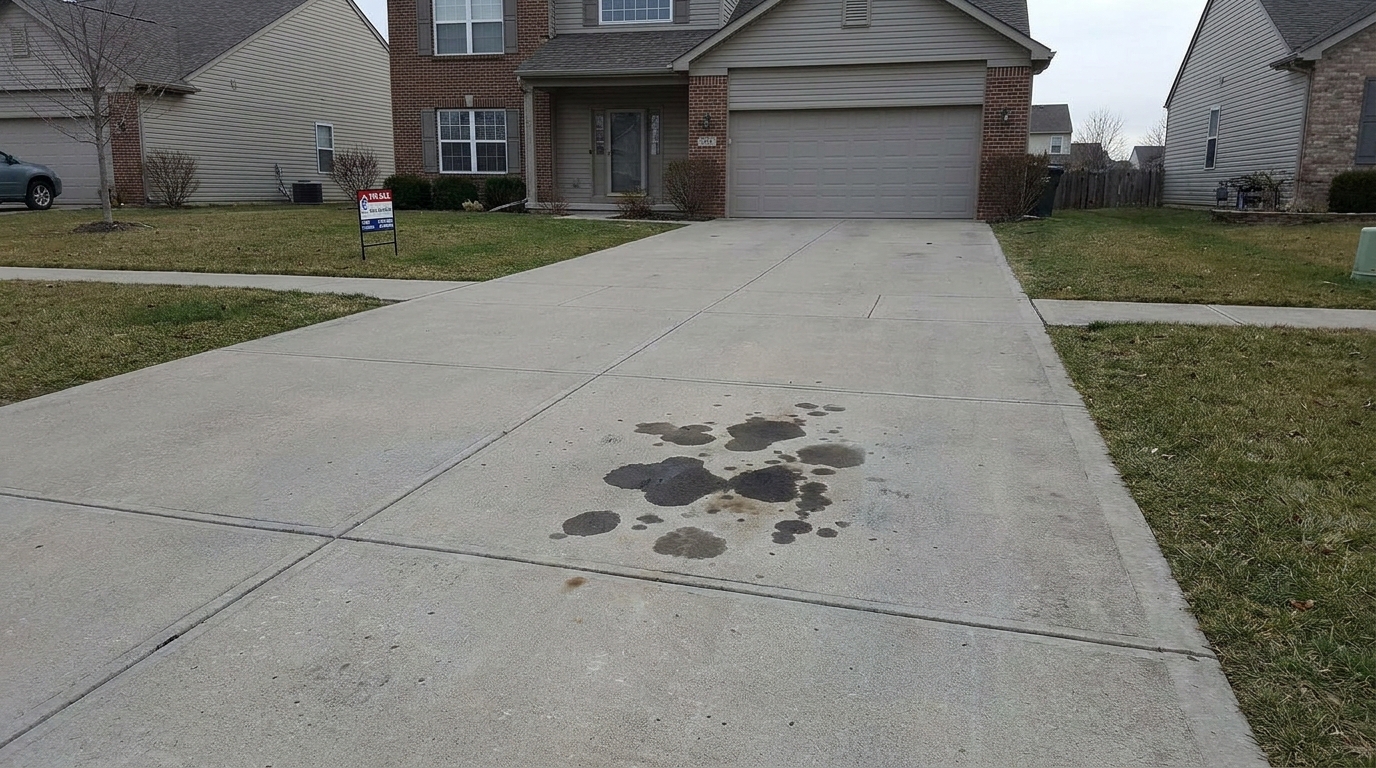
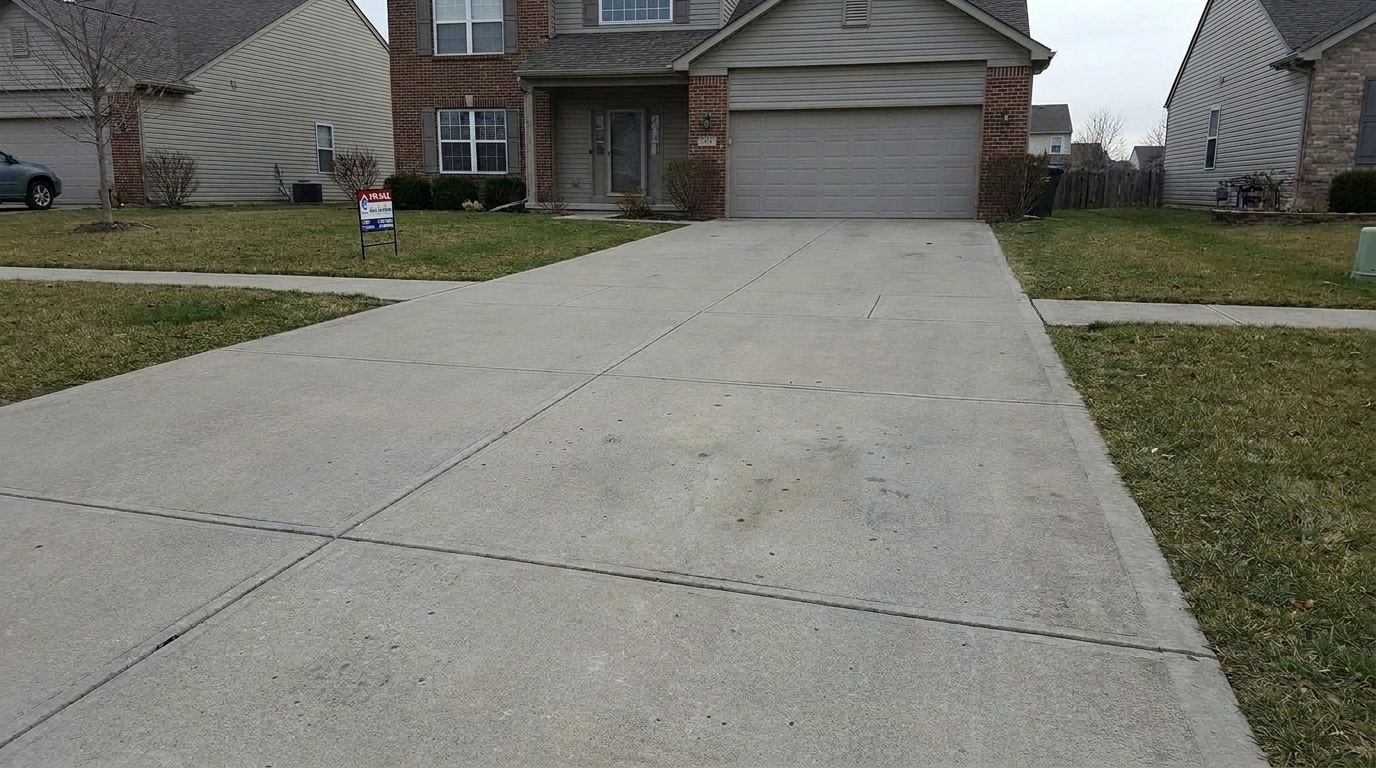
Clean the same grey concrete driveway by removing only the dark engine-oil spots and naturally reconstructing the concrete pores.
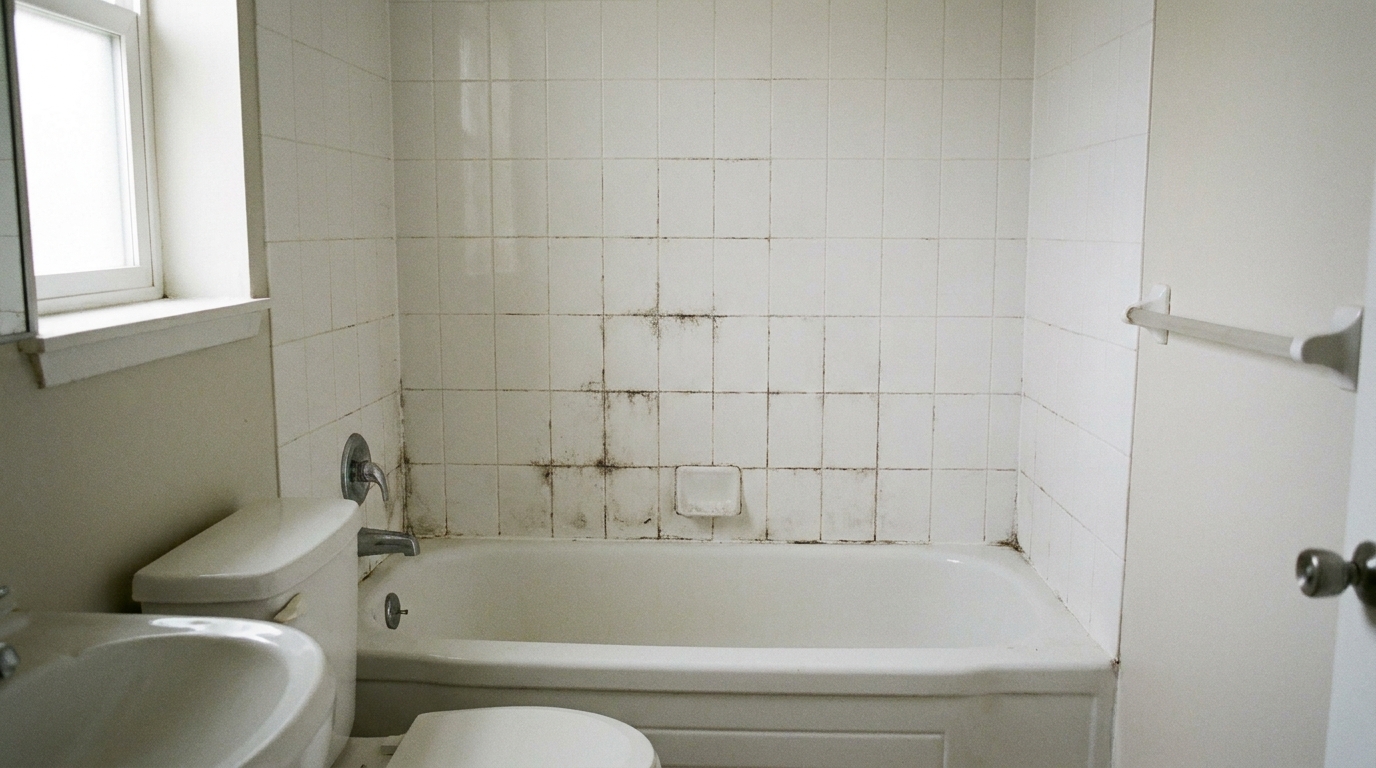
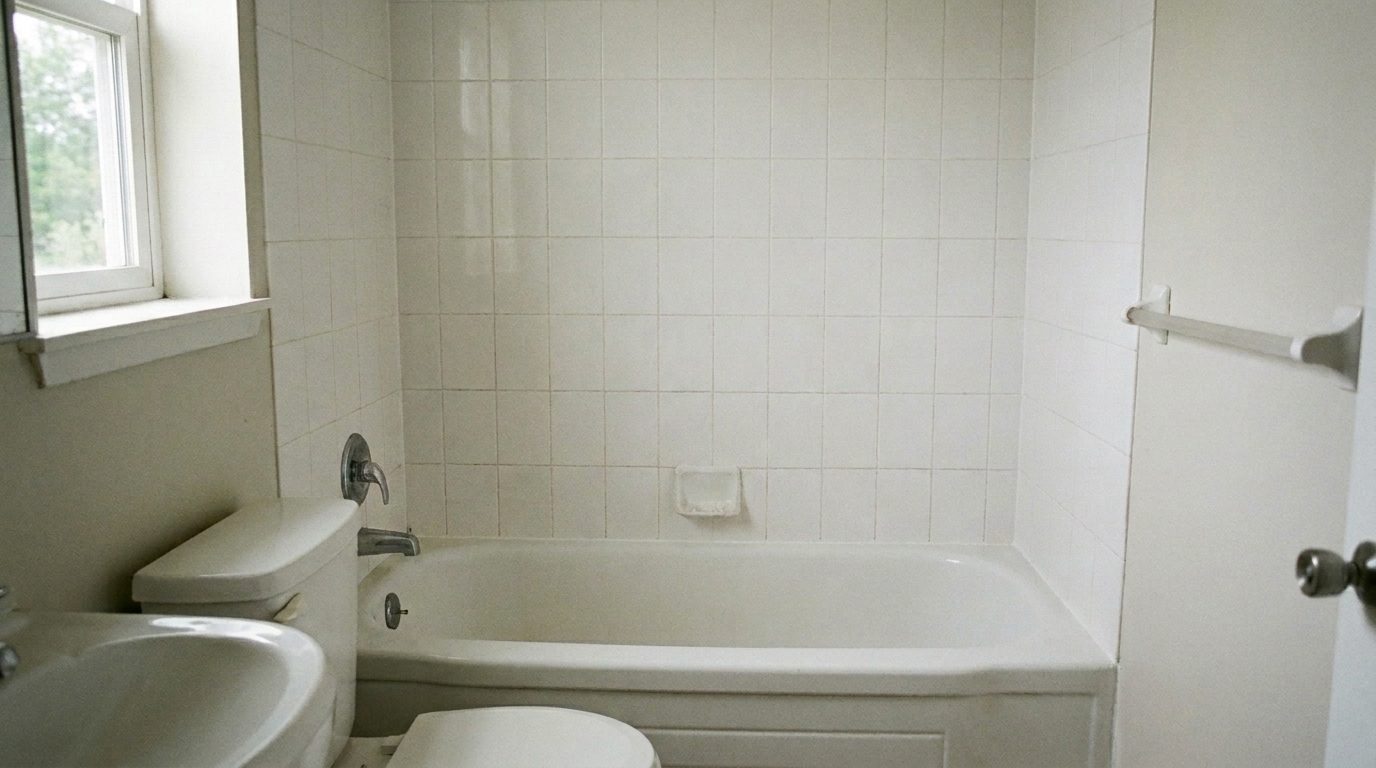
Clean the same bathroom tile wall by removing dark mildew stains only from the grout lines while preserving the exact tile layout.
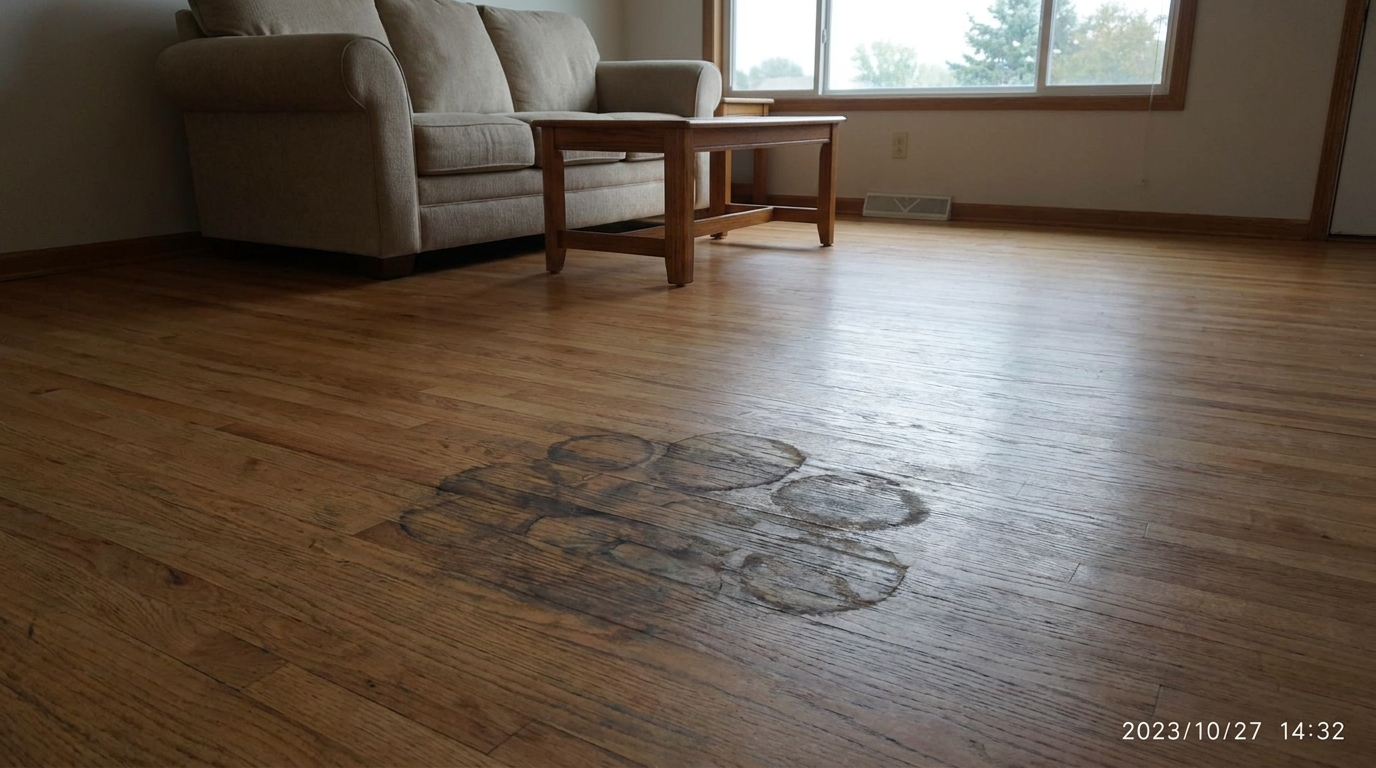
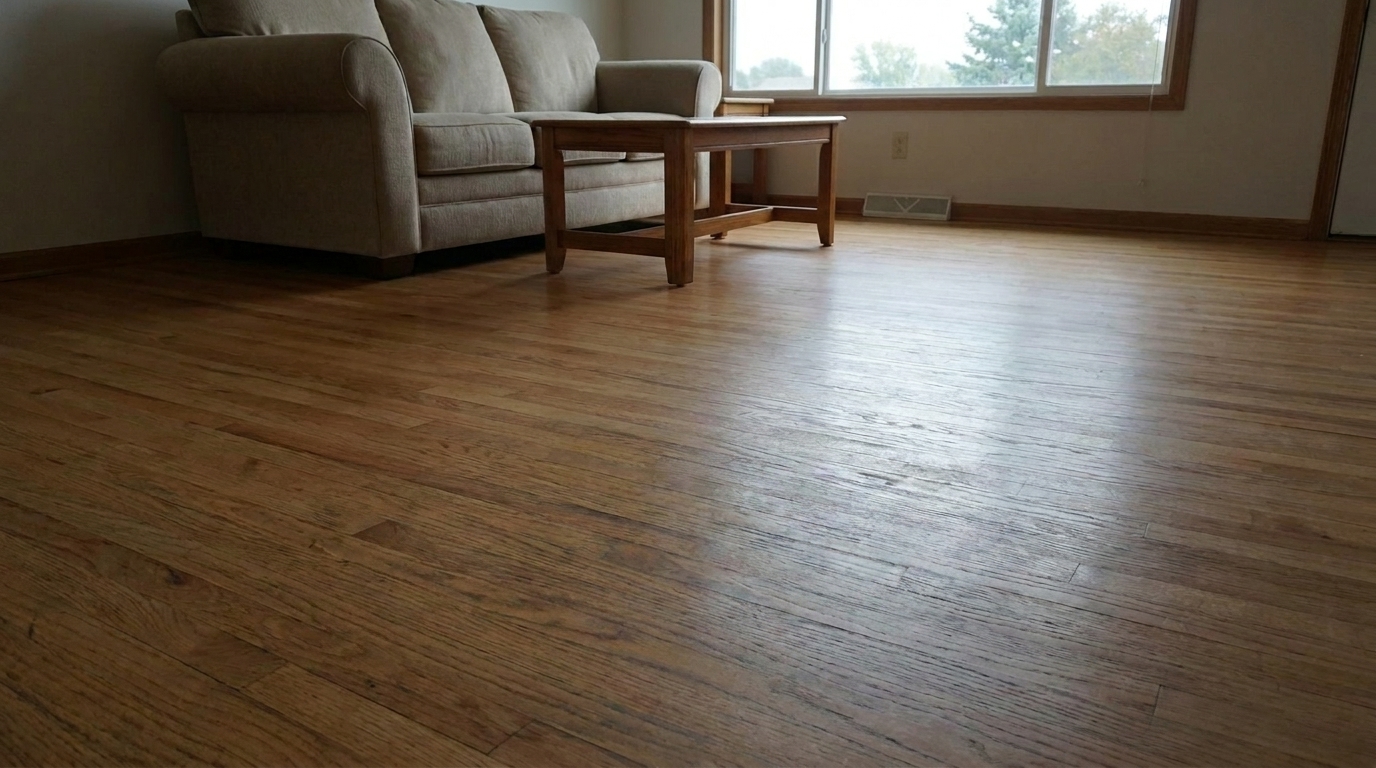
Remove only the dark water rings from the same oak hardwood floor and restore the natural wood grain, plank seams, color.
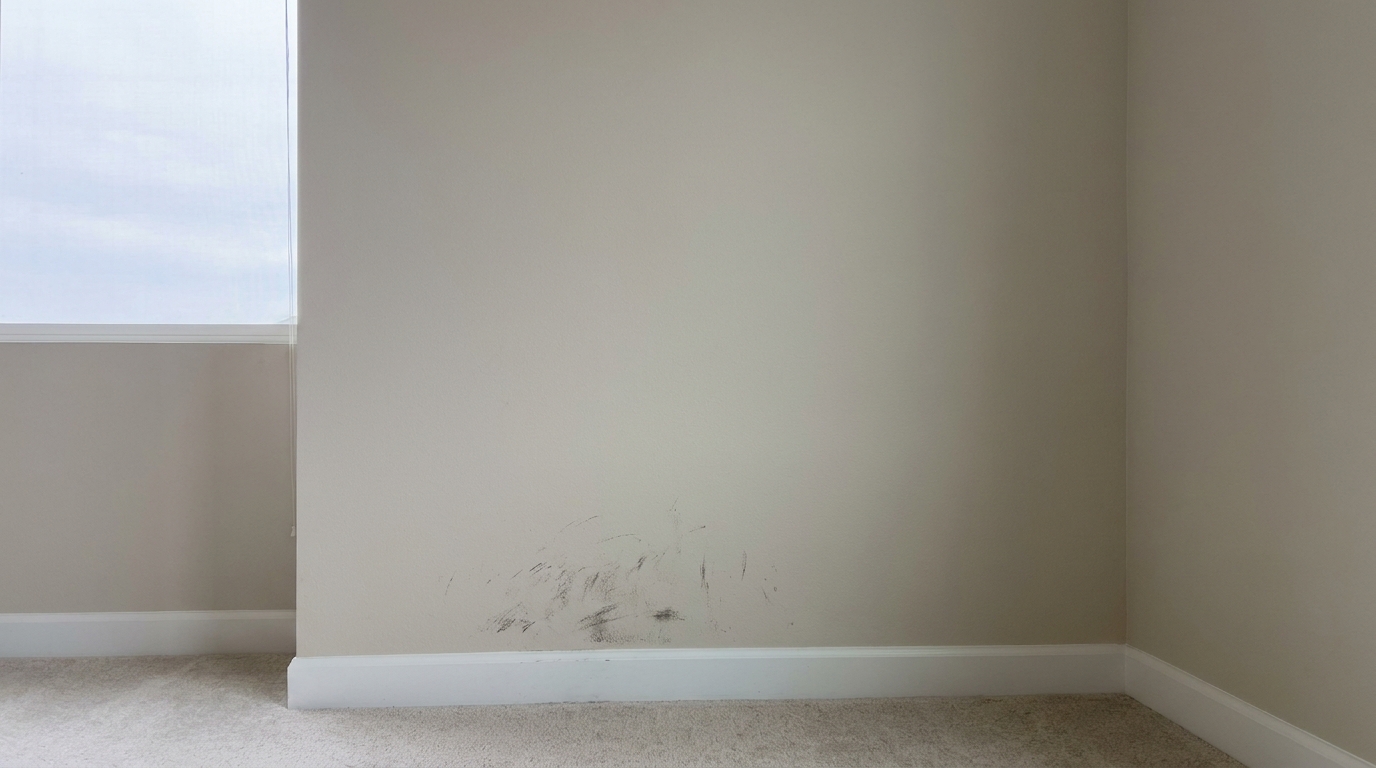
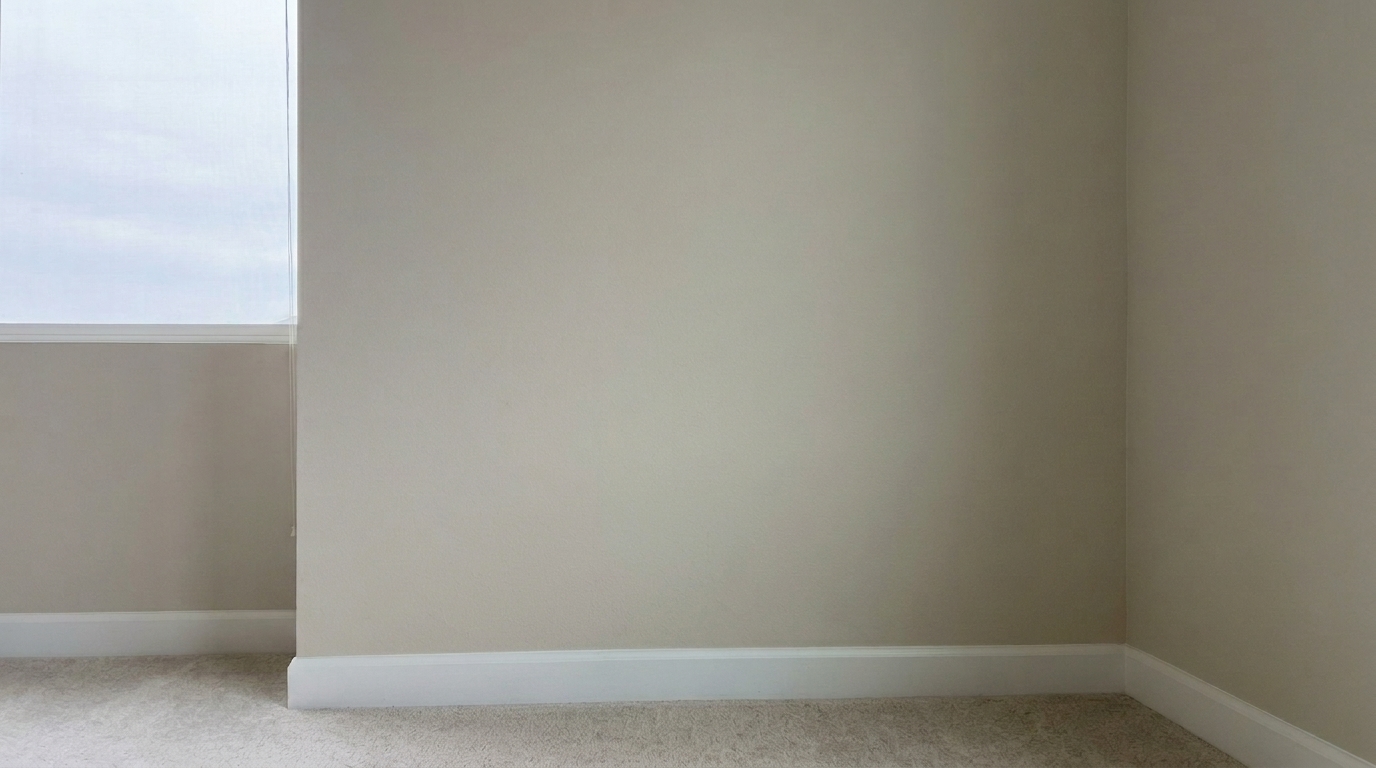
Remove only the scuff marks and dirt smudges from the same painted drywall wall, naturally matching the surrounding paint texture.
Engineered to preserve natural lighting, wood grain, and carpet fibers while erasing stains.
Intelligently preserves the original texture of wood grain, marble veins, carpet fibers, and drywall plaster while erasing stains.
Blends corrected areas flawlessly with surrounding paint tones or material colors, leaving no visible editing borders.
Maintains natural room lighting, reflections, and soft shadows over the corrected area to ensure a realistic, unedited look.
Engineered to work on a wide variety of surfaces including ceilings, walls, hardwood floors, carpets, concrete, and countertops.
Clean up multiple stained photos across your entire listing portfolio simultaneously to save valuable editing time.
Removes temporary blemishes and surface dirt to present the home beautifully while adhering to strict real estate marketing standards.
From water-damaged ceilings to high-traffic carpet wear, present every room at its best.
Erase unsightly yellow or brown water rings on plaster and drywall ceilings to present a well-maintained home.
CeilingsClean up dark walking paths, pet stains, and accidental spills on carpets and rugs in living areas and bedrooms.
FlooringRemove stubborn oil spots, coffee rings, and rust marks from granite, marble, or laminate countertops.
KitchensClean up dark automotive oil patches and rust stains on concrete, brick, or asphalt driveways to boost curb appeal.
ExteriorsErase dark scuff marks, water spots, and minor discoloration on polished wood or laminate flooring.
FlooringRemove dark mildew stains and hard water deposits from tile grout lines and shower surrounds.
BathroomsFollow three simple steps to erase blemishes and restore original textures.
Select and upload any interior or exterior real estate photo featuring stained, discolored, or marked surfaces.
Our AI automatically analyzes the image, identifies surface blemishes, and erases them while preserving the underlying material texture.
Save your polished, high-resolution photo, now completely free of distracting stains and ready for MLS listing.
Source-backed context for why stain removal edits matter inside object & element specific workflows.
Stain Removal within Object & Element Specific evidence
Photos are one of the most valuable website features for home buyers; NAR's 2025 generational trends report says 83% of internet-using buyers rated photos as very useful. For Stain Removal pages, this supports showing how a focused Object & Element Specific edit can make the listing photo feel clearer, more polished, and easier for buyers to evaluate.
Source: NAR 2025Stain Removal within Object & Element Specific evidence
Zillow Research's 2025 prospective buyer report ranked high-resolution photos as the number two most important listing feature, selected by 26% of prospective buyers; floor plans ranked first at 33%. For Stain Removal pages, this supports showing how a focused Object & Element Specific edit can make the listing photo feel clearer, more polished, and easier for buyers to evaluate.
Source: Zillow 2025Stain Removal within Object & Element Specific evidence
Redfin reported that professionally photographed homes in the $400,000 range sold three weeks faster and for more than $10,000 relative to list price compared with amateur photos. Use this as supporting context, not as a guaranteed result. For Stain Removal pages, this supports showing how a focused Object & Element Specific edit can make the listing photo feel clearer, more polished, and easier for buyers to evaluate.
Source: RedfinPhysical wear and tear can severely impact a property's perceived value online. This guide explains how to leverage AI-powered stain removal to present pristine interiors while maintaining absolute visual realism.
Traditional photo editing tools rely on manual cloning or healing brushes, which often leave behind blurry patches or repetitive patterns that look artificial. Our AI-powered Stain Removal tool operates differently. It utilizes neural networks to analyze the context of the entire surface—whether it is a textured carpet, a polished hardwood floor, or a matte painted wall. The AI then reconstructs the stained area by generating matching textures and blending the color seamlessly, all while preserving the original ambient lighting and shadows of the room.
To achieve the best results, it is crucial to understand when to use Stain Removal versus other specialized presets in our Object & Element Specific toolkit. Use Stain Removal when dealing with surface discoloration, water marks, spills, scuffs, or oil stains on flat or textured materials. If the surface has physical structural damage, such as holes, deep chips, or plaster cracks, opt for the 'Crack & Wall Repair' preset instead. For physical objects cluttering a room (like trash cans, cords, or personal items), use 'Clutter Removal' or 'Wire & Cable Removal'. If you are dealing with distracting light reflections on polished floors, choose 'Floor Reflection Real Estate'. Integrating these tools into your workflow after basic exposure adjustments but before final color grading ensures a flawless, professional presentation.
Digital stain removal is ideal for presenting a property's true potential by clearing away superficial blemishes, temporary dirt, and easily repairable cosmetic issues like carpet stains or scuffed walls. It helps buyers focus on the layout and architecture rather than minor maintenance oversights. However, you should avoid using this tool to hide major, unrepairable structural defects or active hazards (such as severe mold infestations or active roof leaks) without disclosing them, as this can lead to disclosure issues and violate ethical marketing standards. Use this tool to polish, not to deceive.
Discover specialized presets to remove clutter, cars, and imperfections from your listings.

Clean up visible wall damage for a smoother, better-maintained interior finish.
Try This Tool →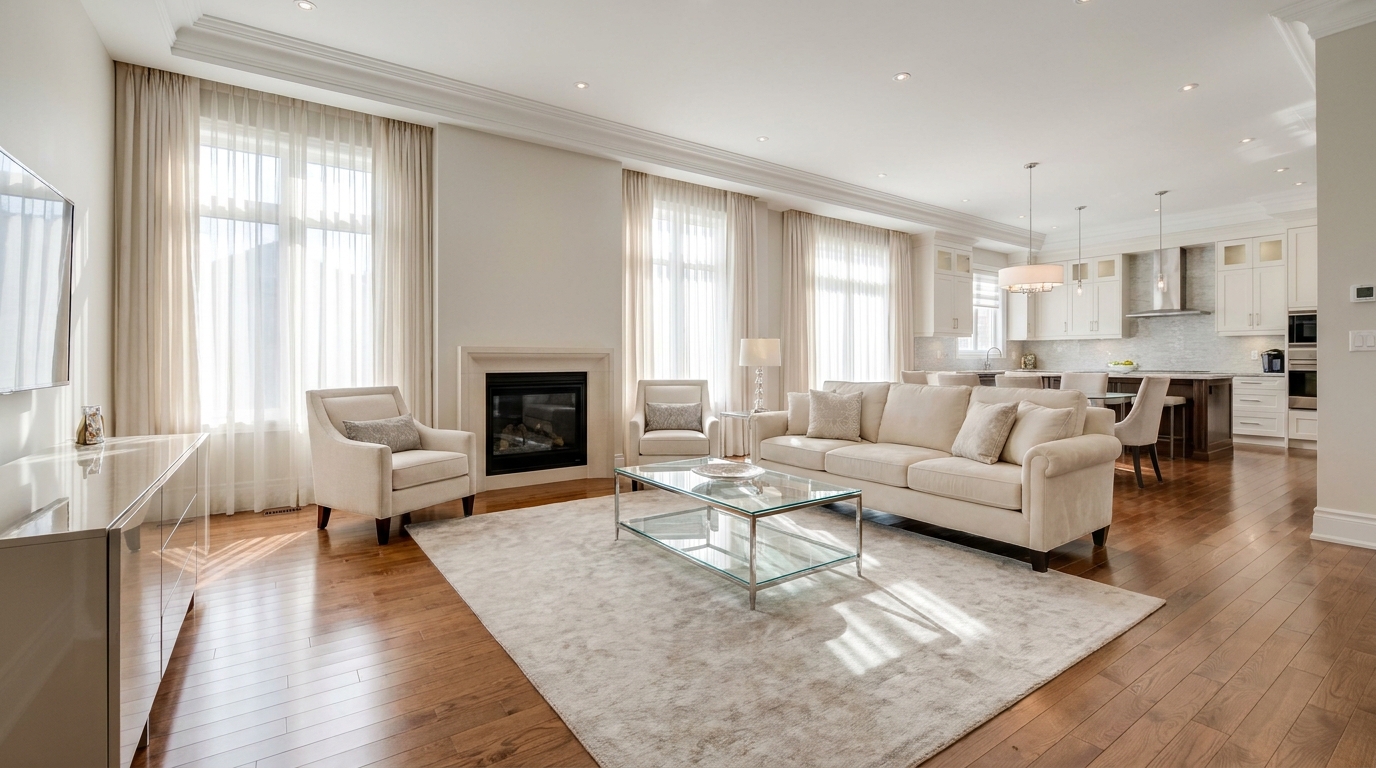
Refine floor reflections for a cleaner, glossier, more premium interior look.
Try This Tool →
Remove people and pets for a cleaner photo that keeps attention on the property.
Try This Tool →
Eliminate bins and trash cans for tidier, more marketable exterior scenes.
Try This Tool →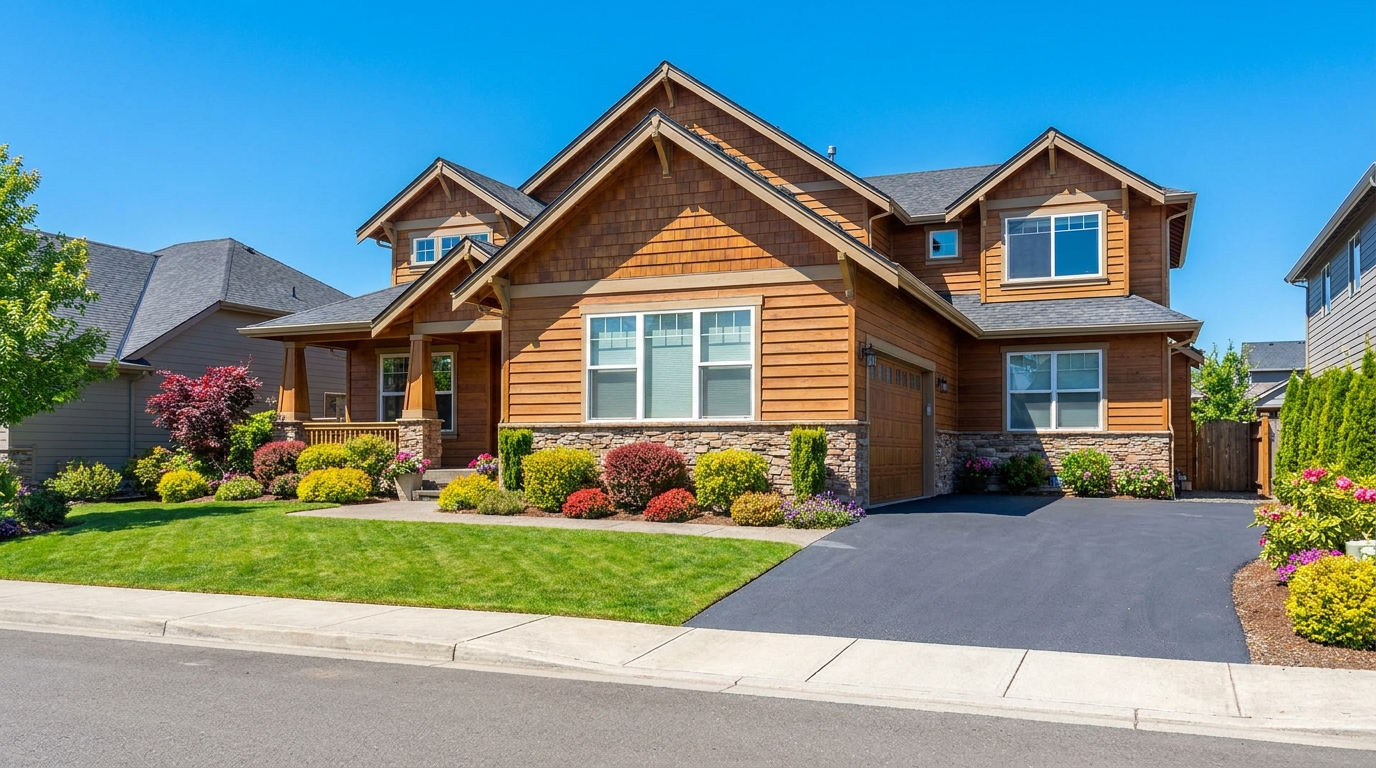
Remove parked vehicles to keep focus on the home and surrounding curb appeal.
Try This Tool →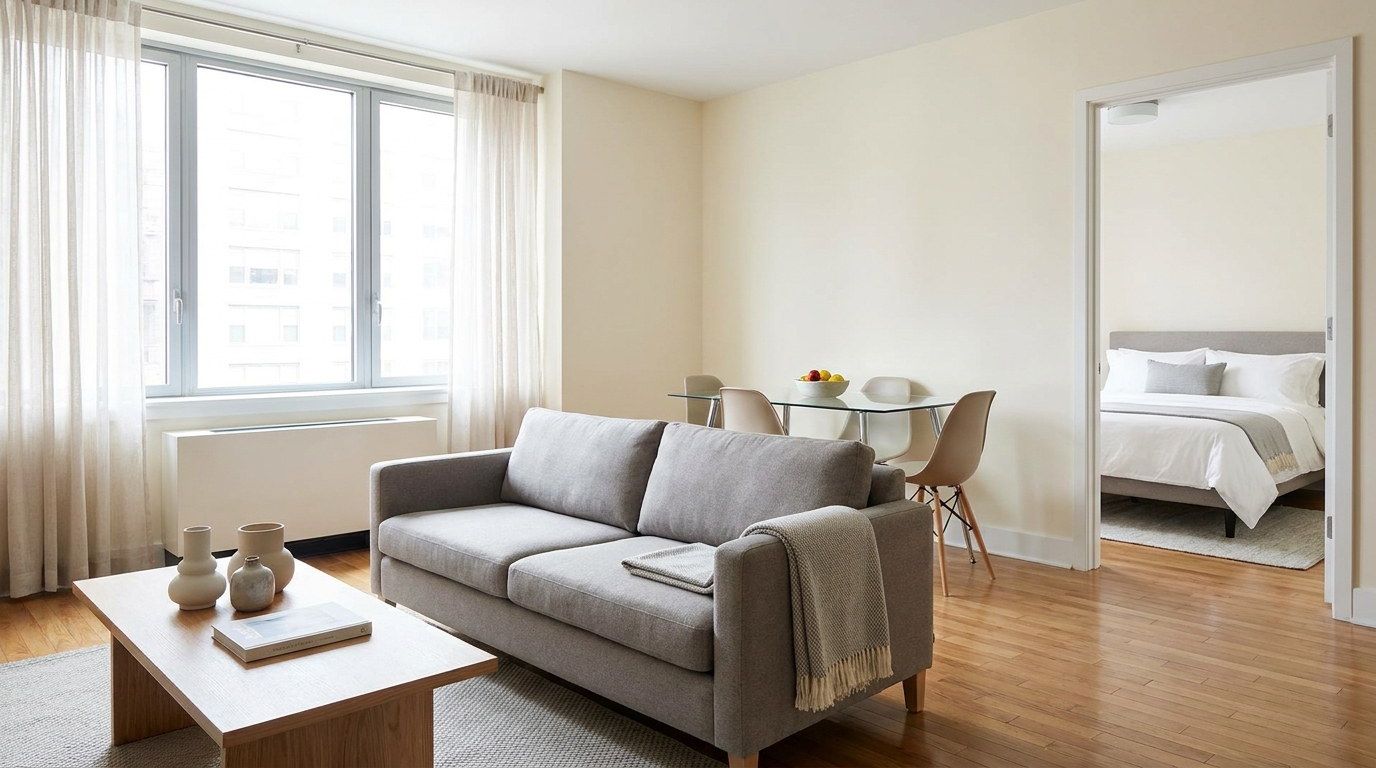
Clear visual distractions so rooms feel larger, cleaner, and easier to imagine.
Try This Tool →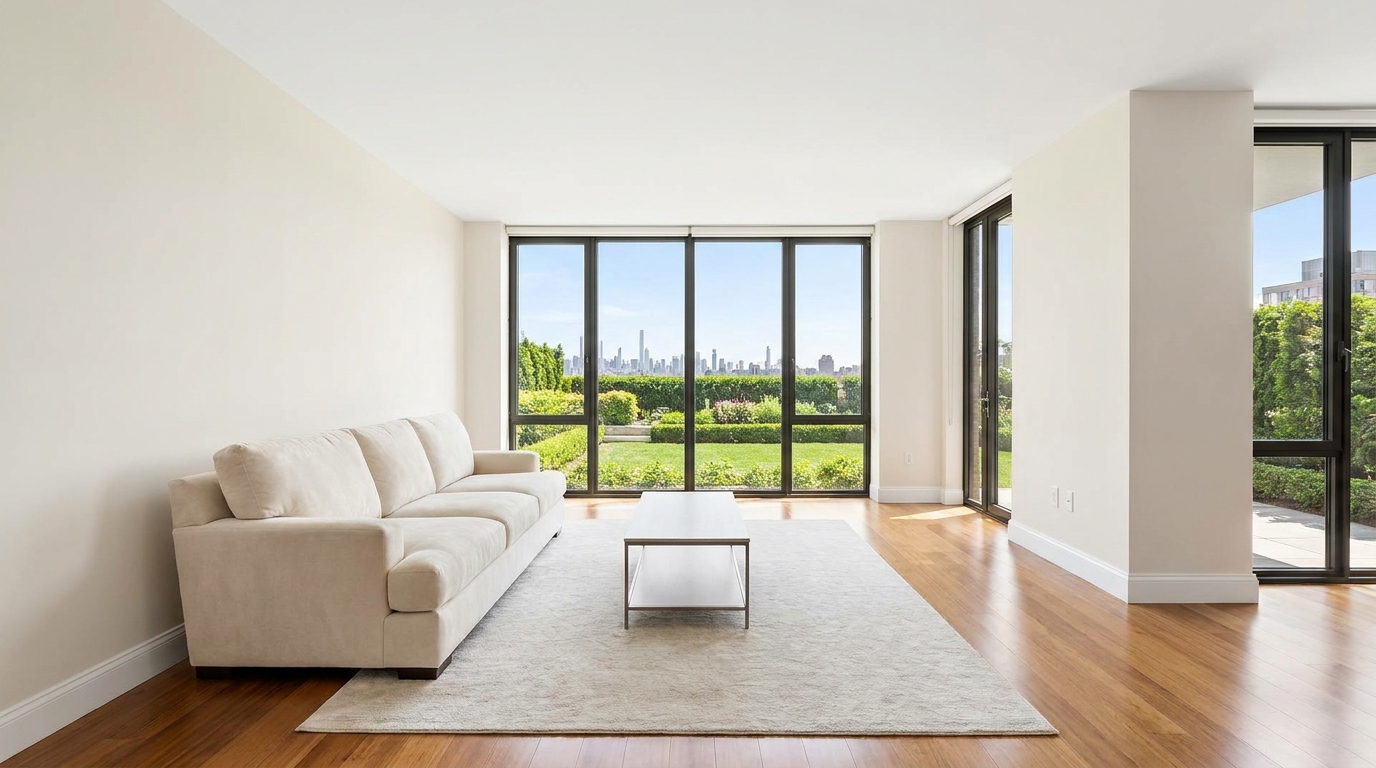
Remove timestamps and embedded text for a cleaner, more professional presentation.
Try This Tool →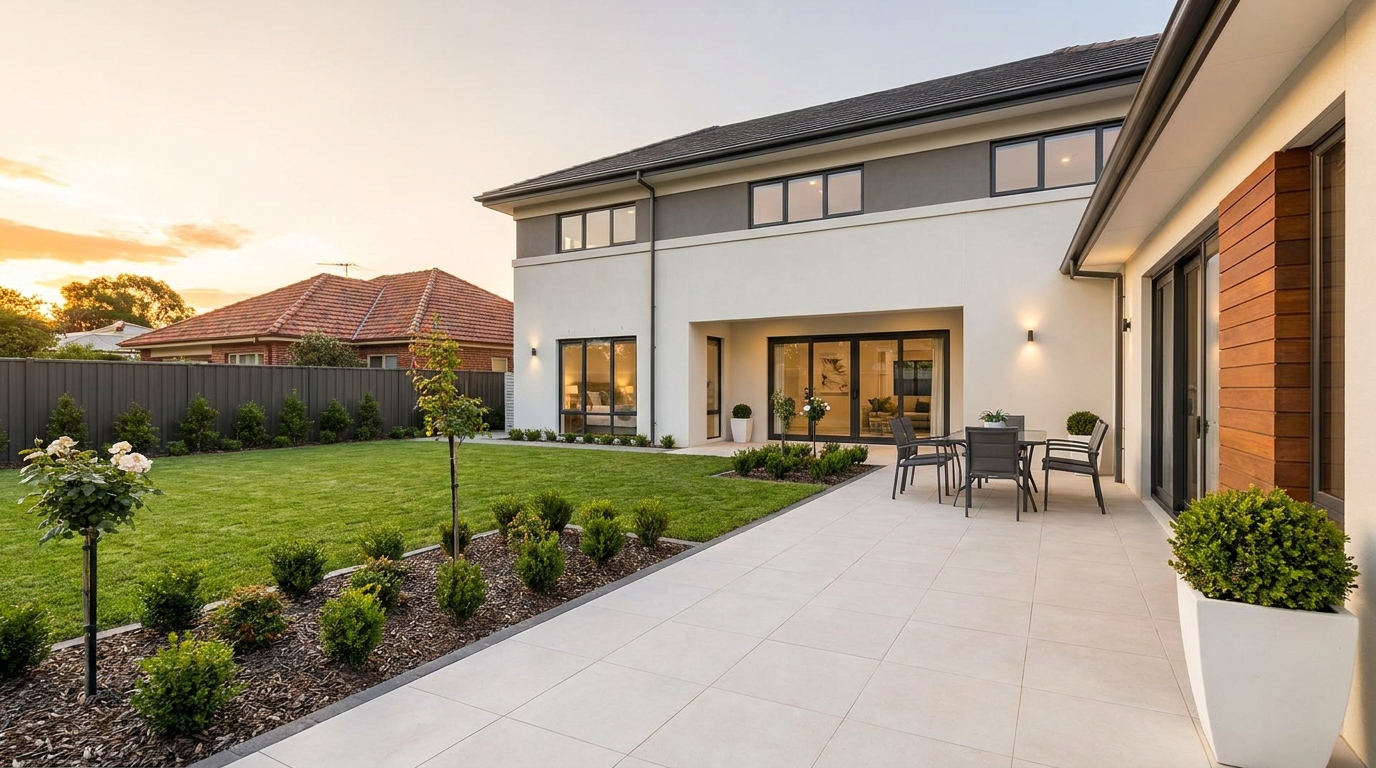
Remove signs and notices to keep the scene clean, polished, and distraction-free.
Try This Tool →
Tone down reflective hotspots for a clearer, cleaner image with better surface detail.
Try This Tool →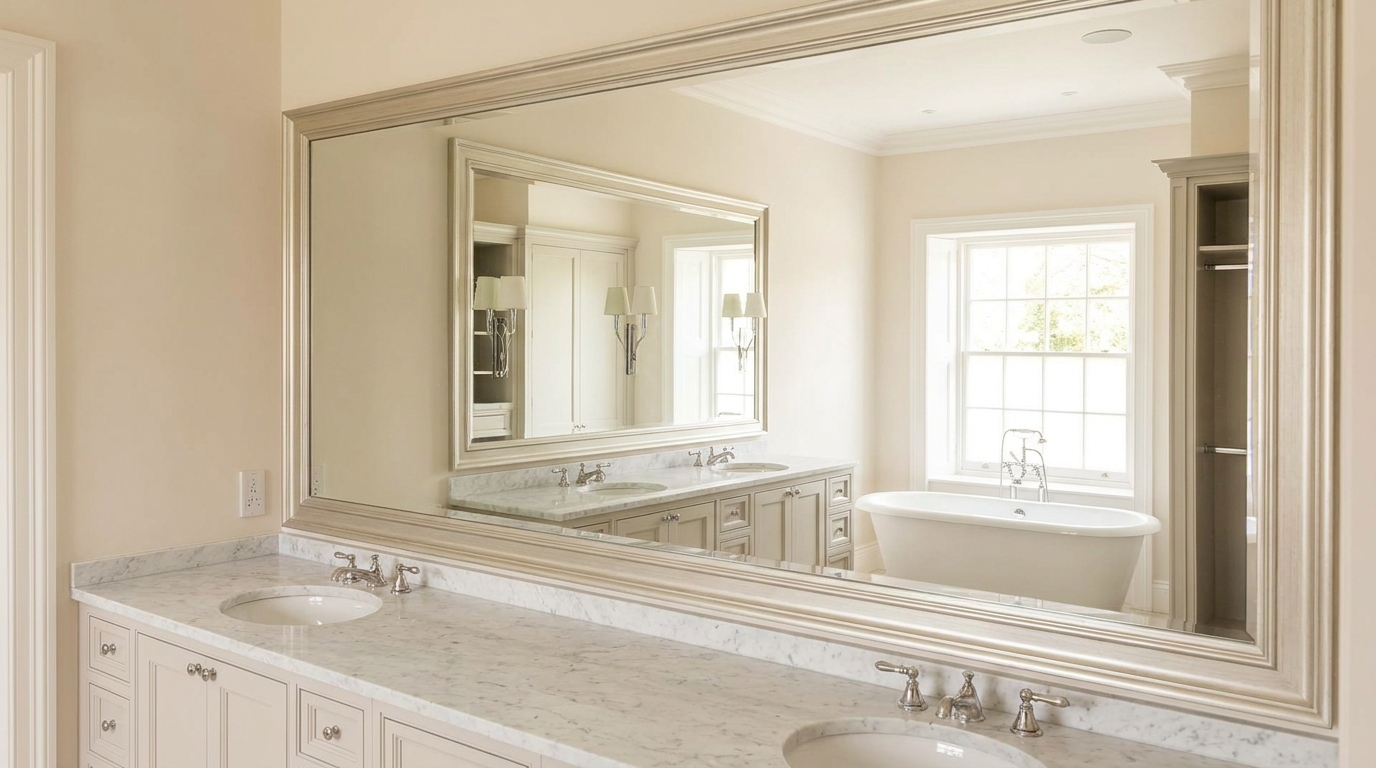
Remove unwanted mirror reflections for cleaner interiors and more polished composition.
Try This Tool →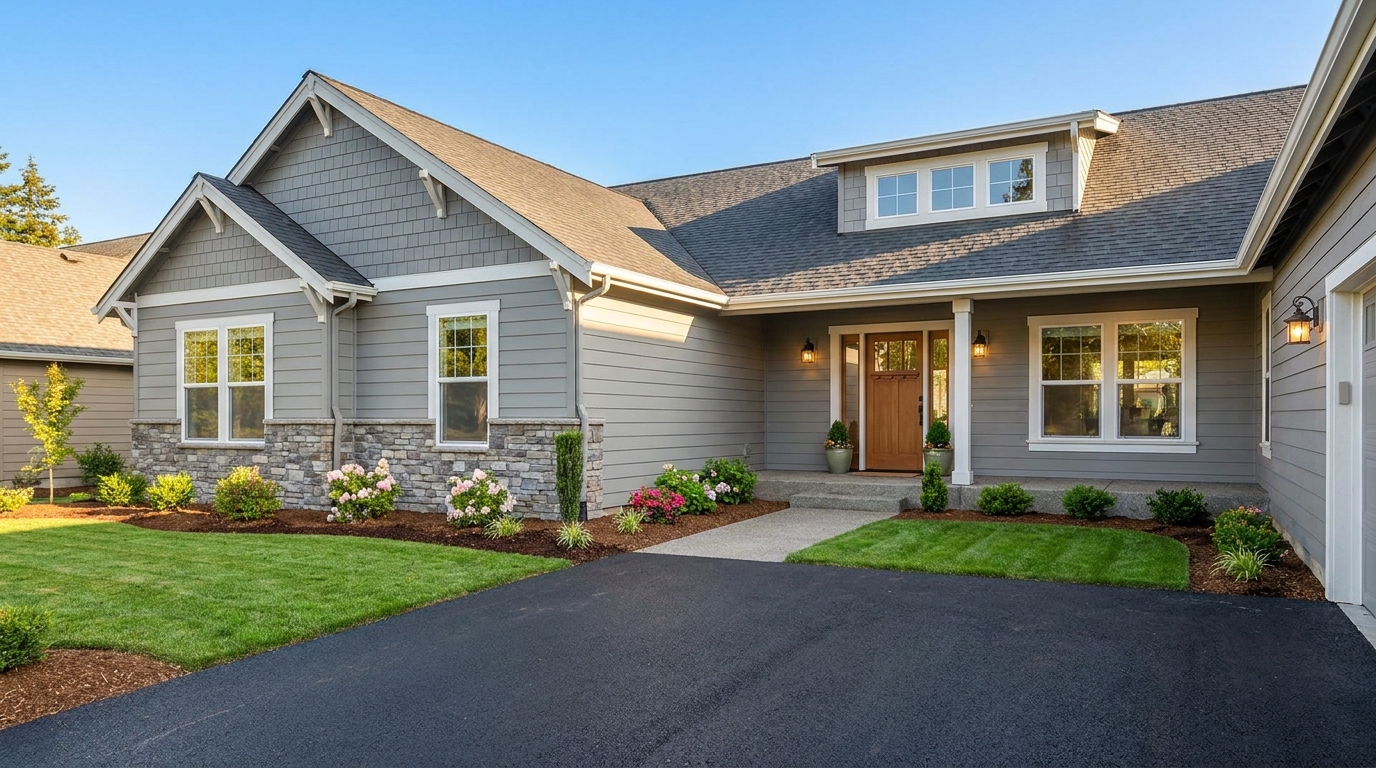
Clean up utility wires for a more open sky and stronger exterior presentation.
Try This Tool →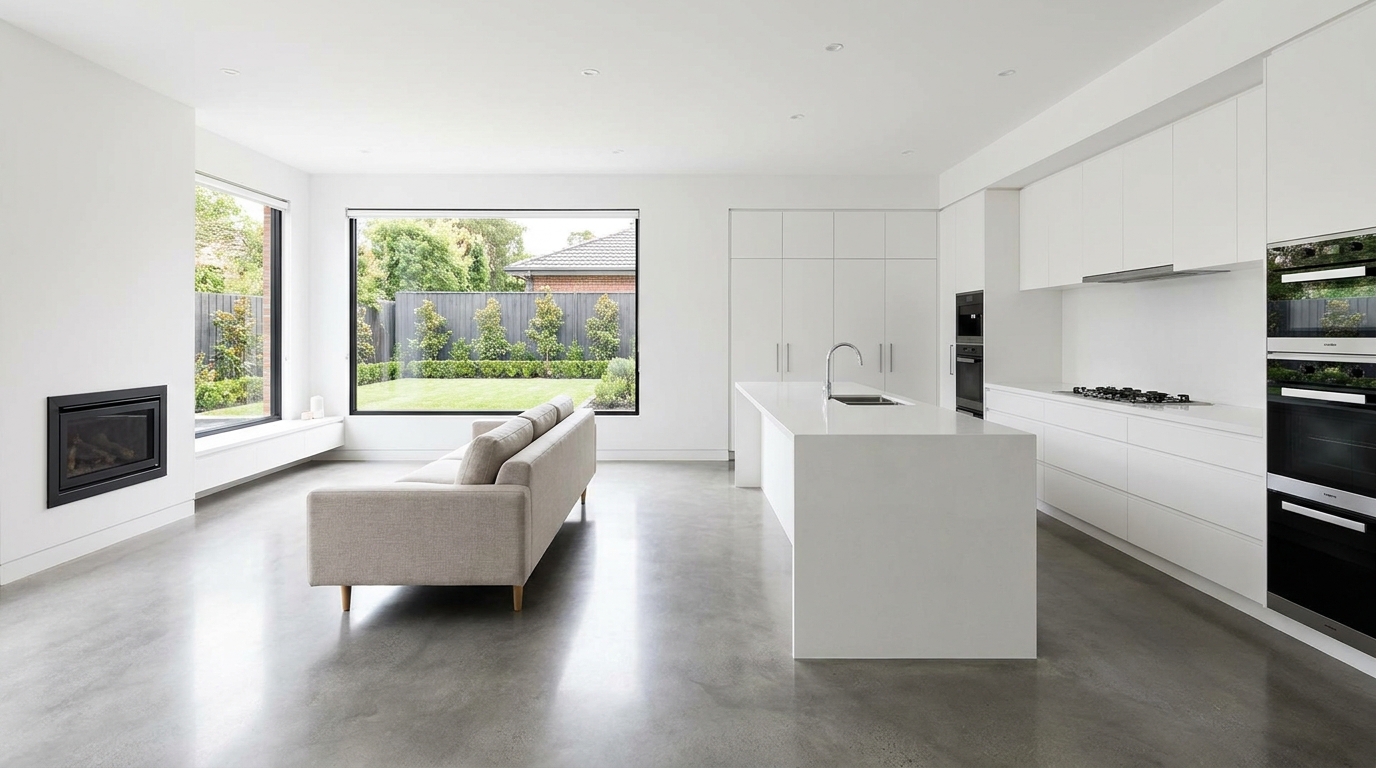
Eliminate logos and overlays for a clean image ready for marketing use.
Try This Tool →
Reduce window reflections for clearer views and a cleaner glass finish.
Try This Tool →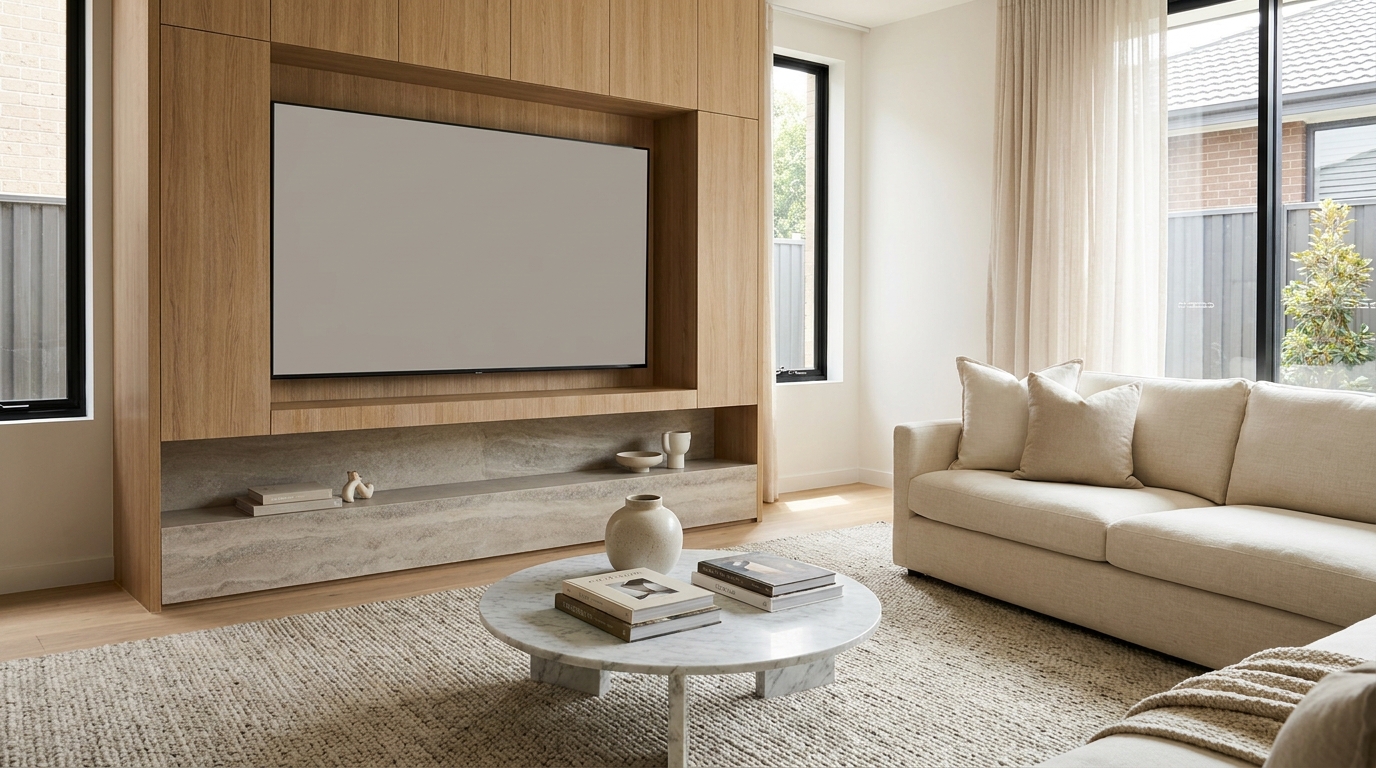
Replace distracting TV content with a clean dark screen that looks intentional and tidy.
Try This Tool →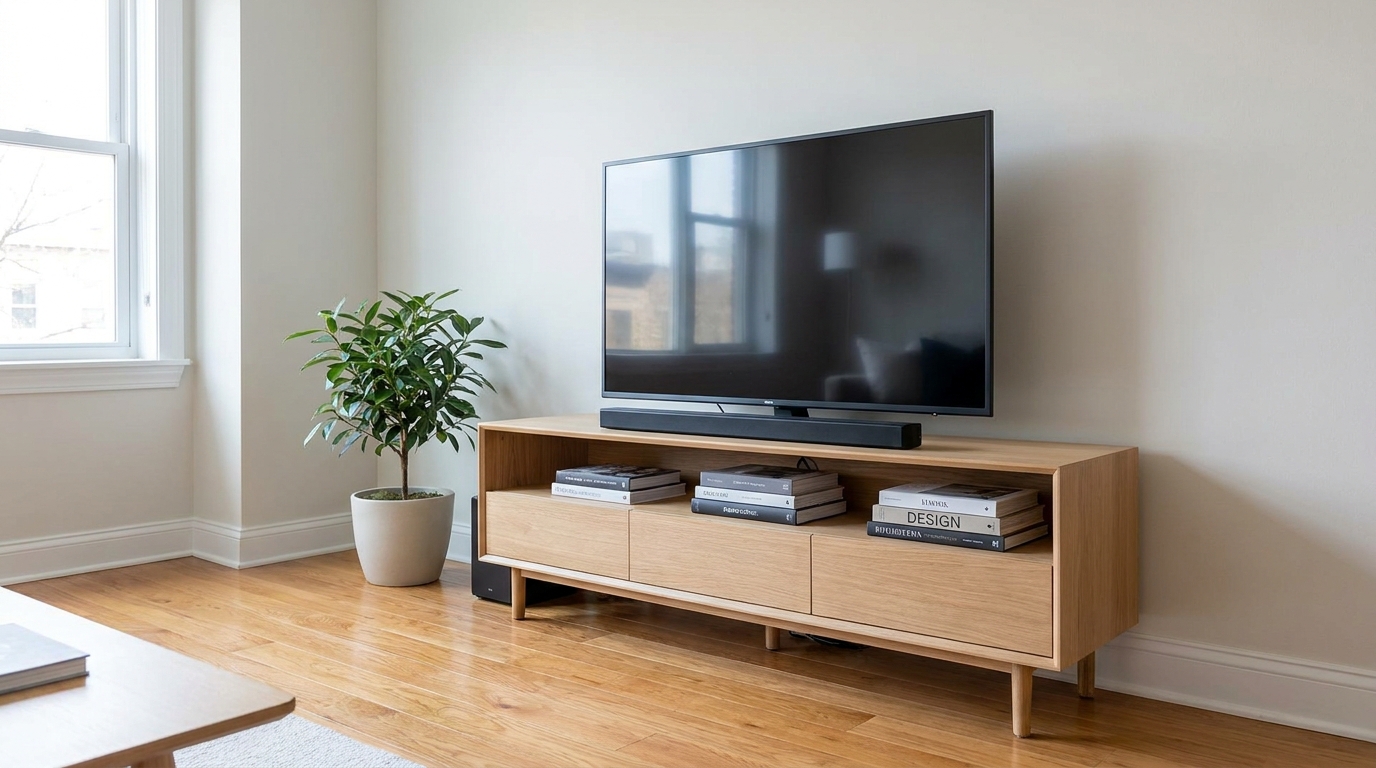
Remove visible cords and cables for a cleaner, more premium-looking space.
Try This Tool →Combine stain removal with other powerful presets to maximize your property's appeal.
AI image-to-video generation for turning home, room, and property photos into more vivid presentation videos.
02AI exterior renovation for visualizing facade updates, curb appeal improvements, and home exterior remodel ideas.
03AI landscaping design for exploring outdoor concepts, curb appeal upgrades, planting ideas, and yard layout directions.
04AI virtual staging for furnishing empty rooms and creating listing-ready interiors for real estate marketing.
05Free AI image generation for turning text prompts into unlimited visual ideas for home design, interiors, landscaping, renovation
06AI object removal for cleaning up distracting items from room, home, and property photos.
Don't let minor surface stains distract potential buyers from your listing's true value. Clean up your photos instantly with our AI Stain Removal tool.