
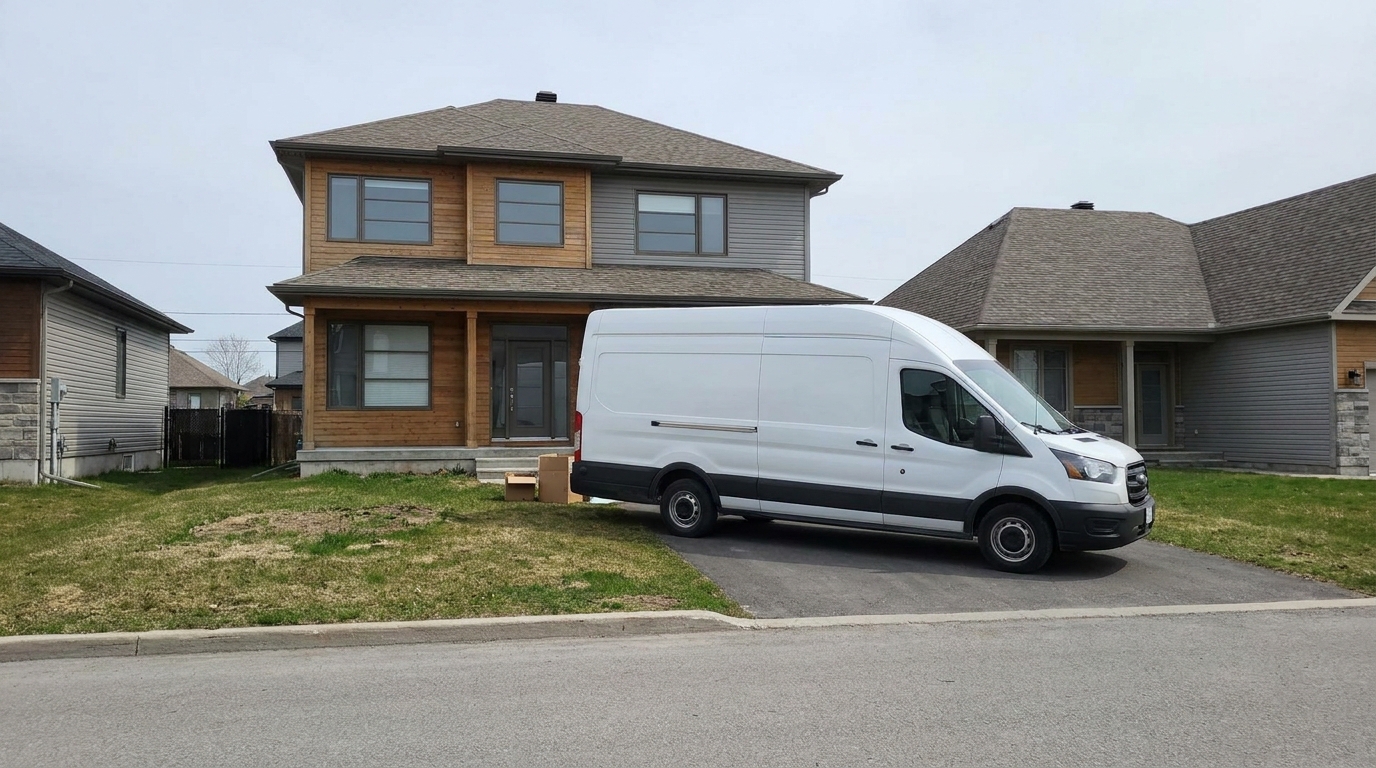
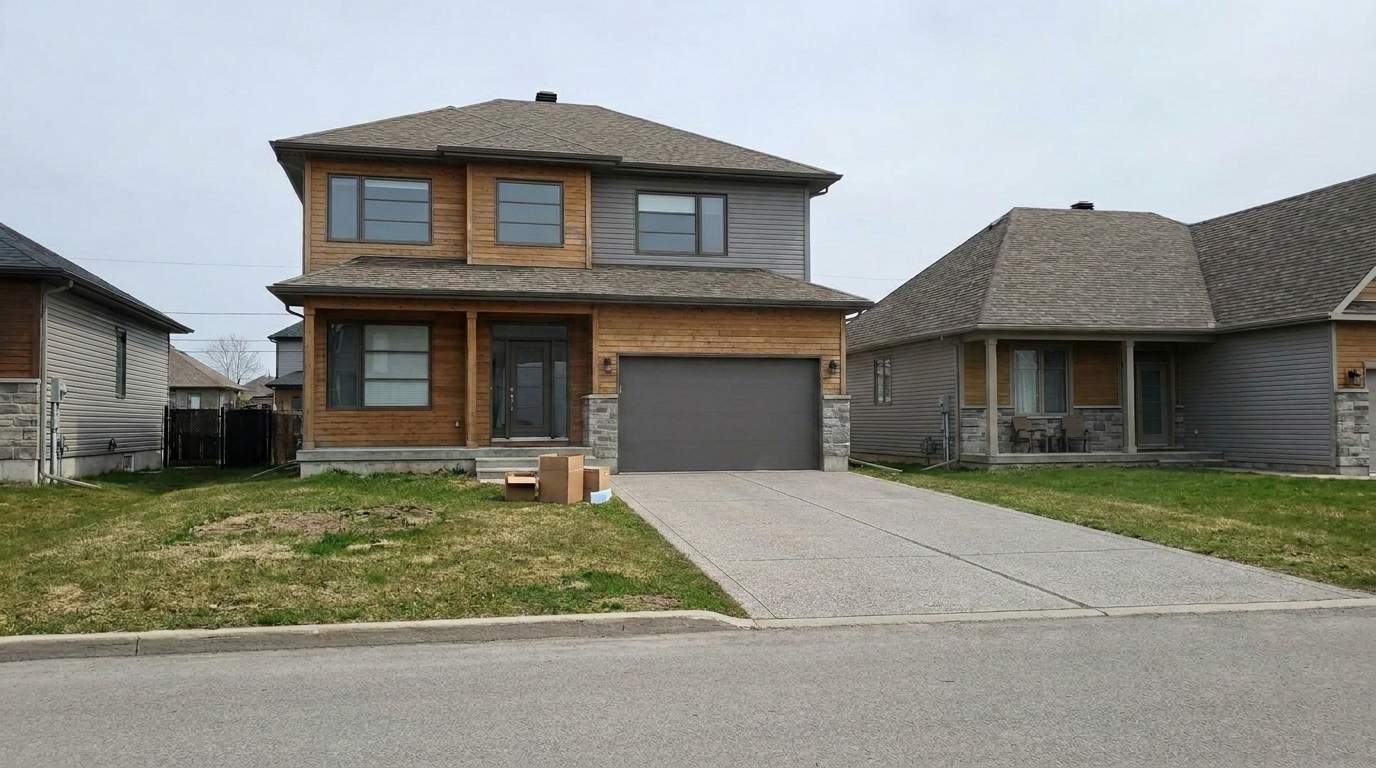

Street-Parked Delivery Van
Street-Parked Delivery Van updated with remove cars styling.
Clear parked vehicles from driveways and streets to showcase maximum curb appeal. Restore clean pavement and landscaping seamlessly with AI.
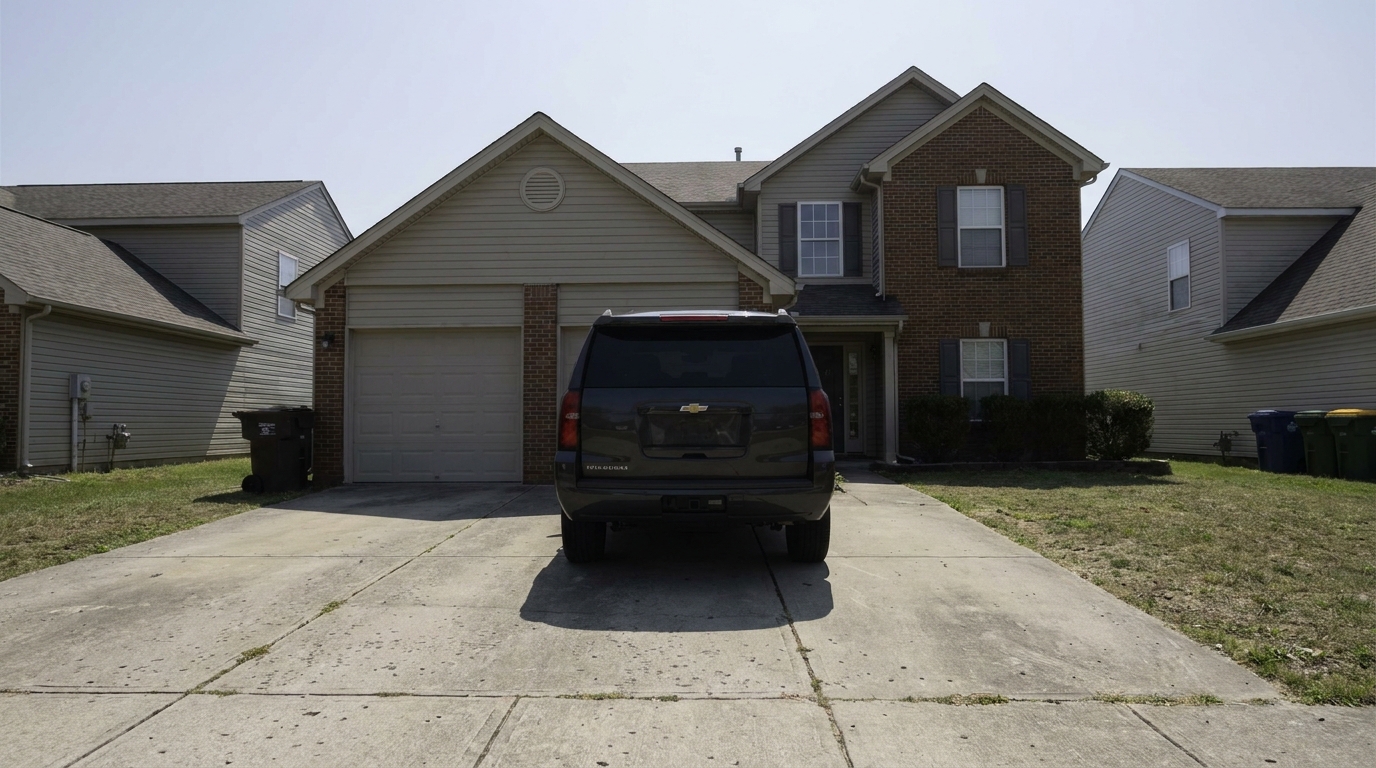
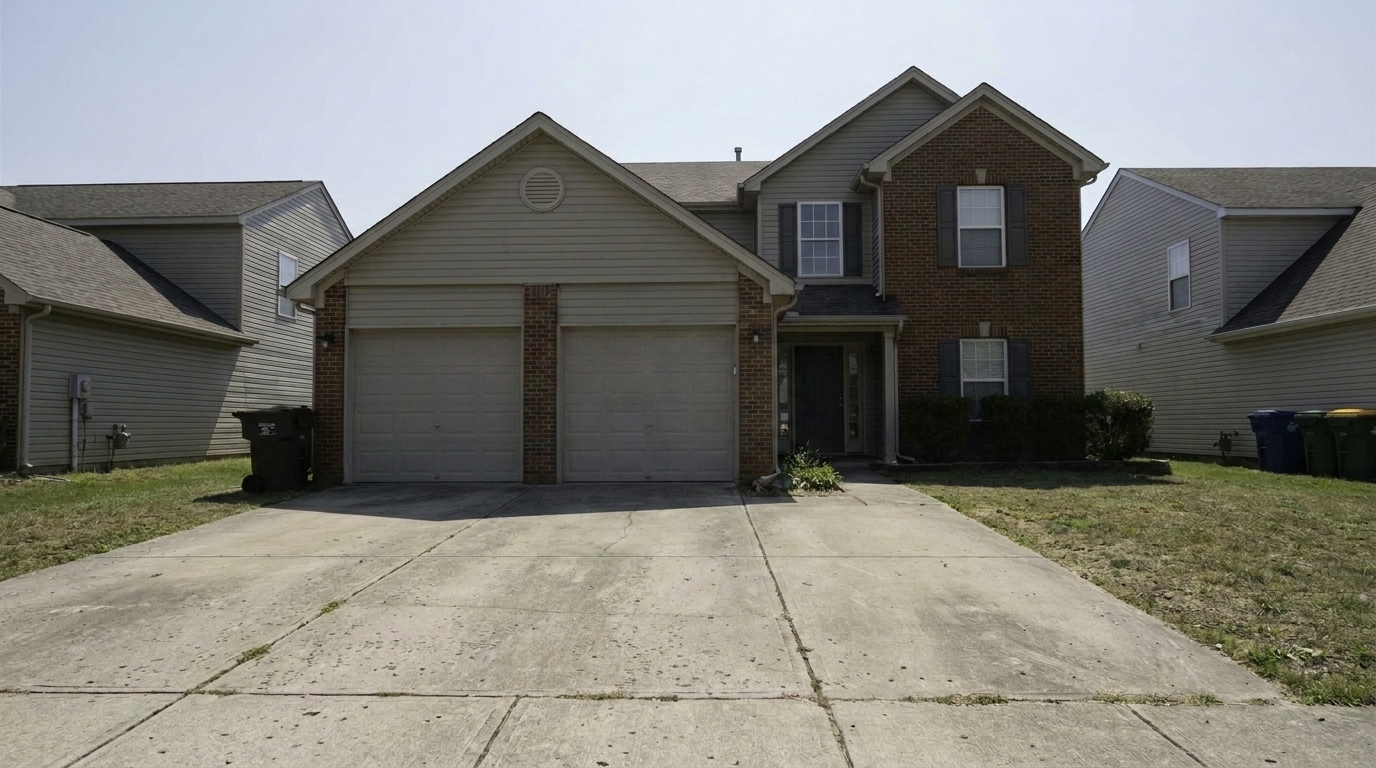
See how removing distracting vehicles instantly elevates curb appeal and listing value.
Street-Parked Delivery Van updated with remove cars styling.
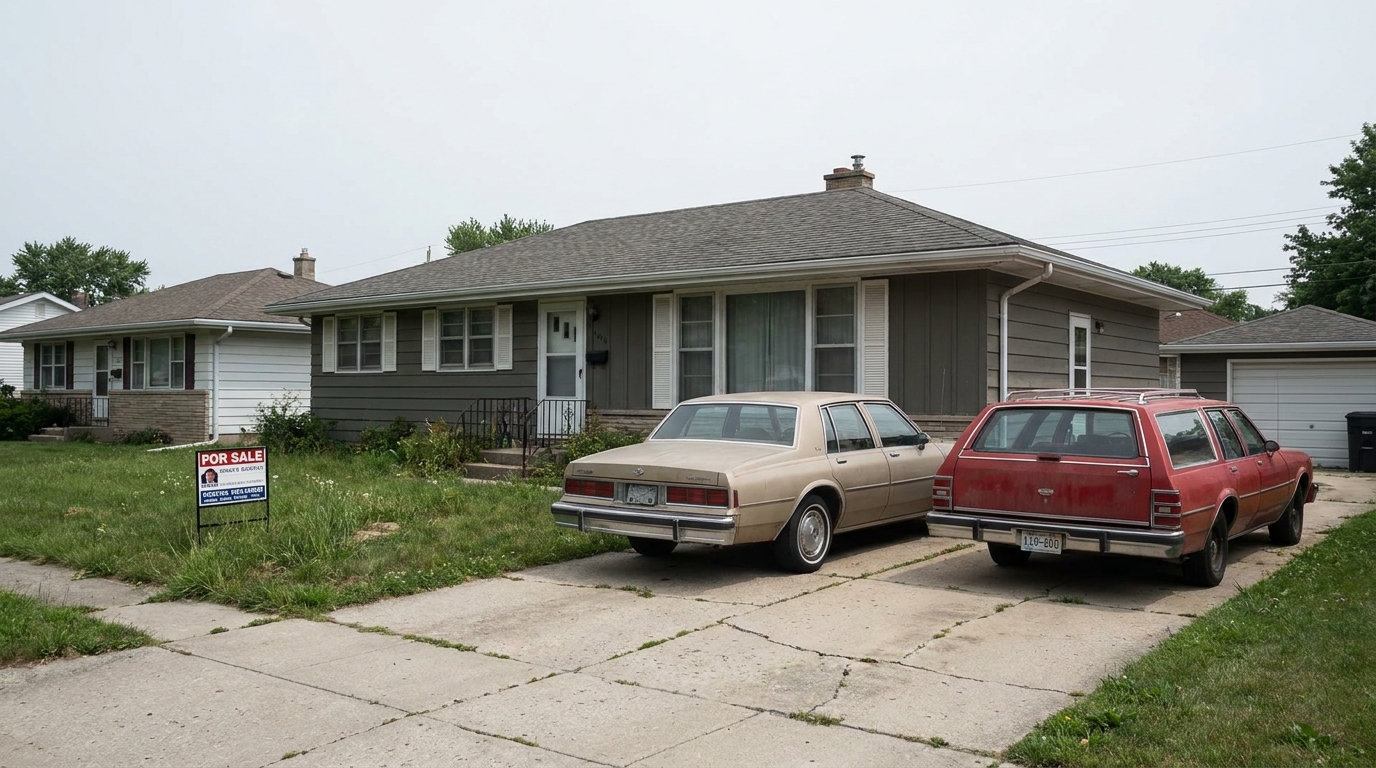
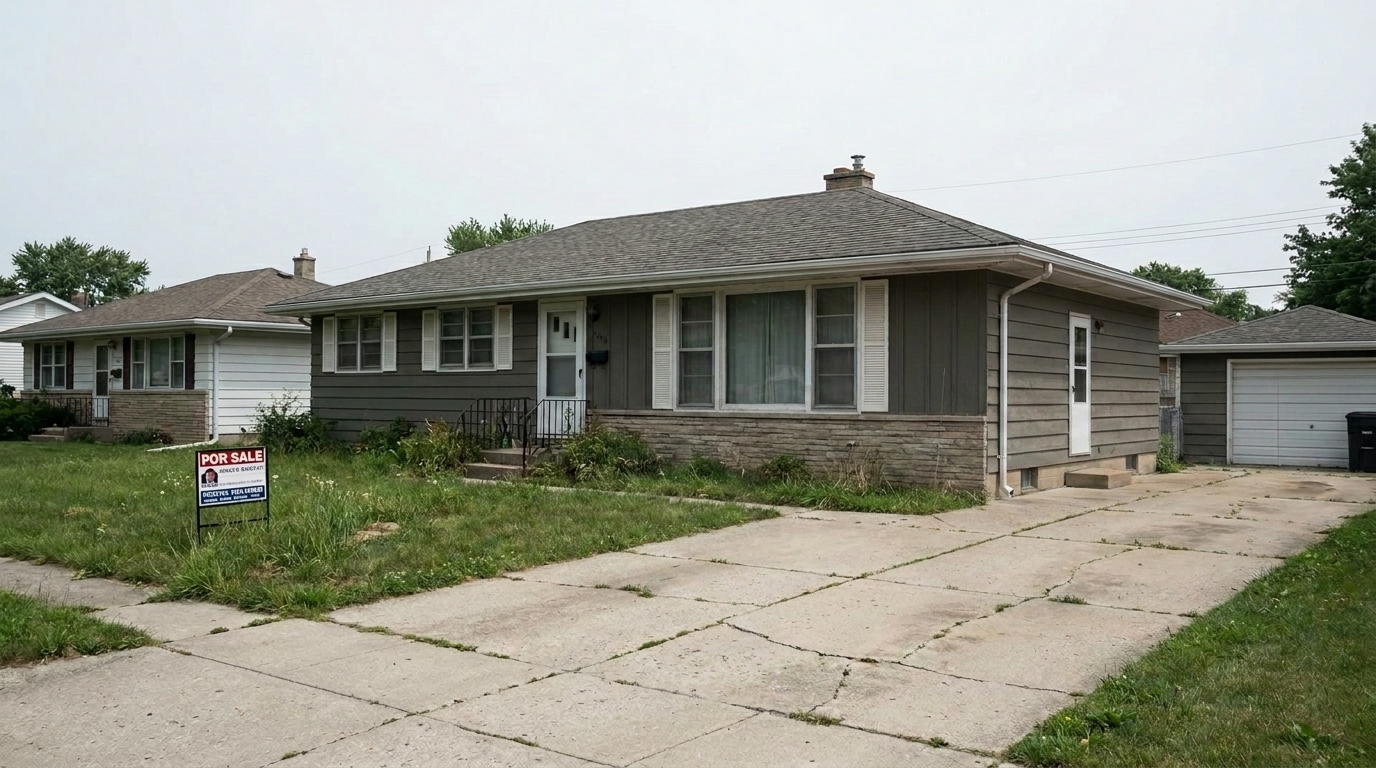
Tandem Parking Cars updated with remove cars styling.
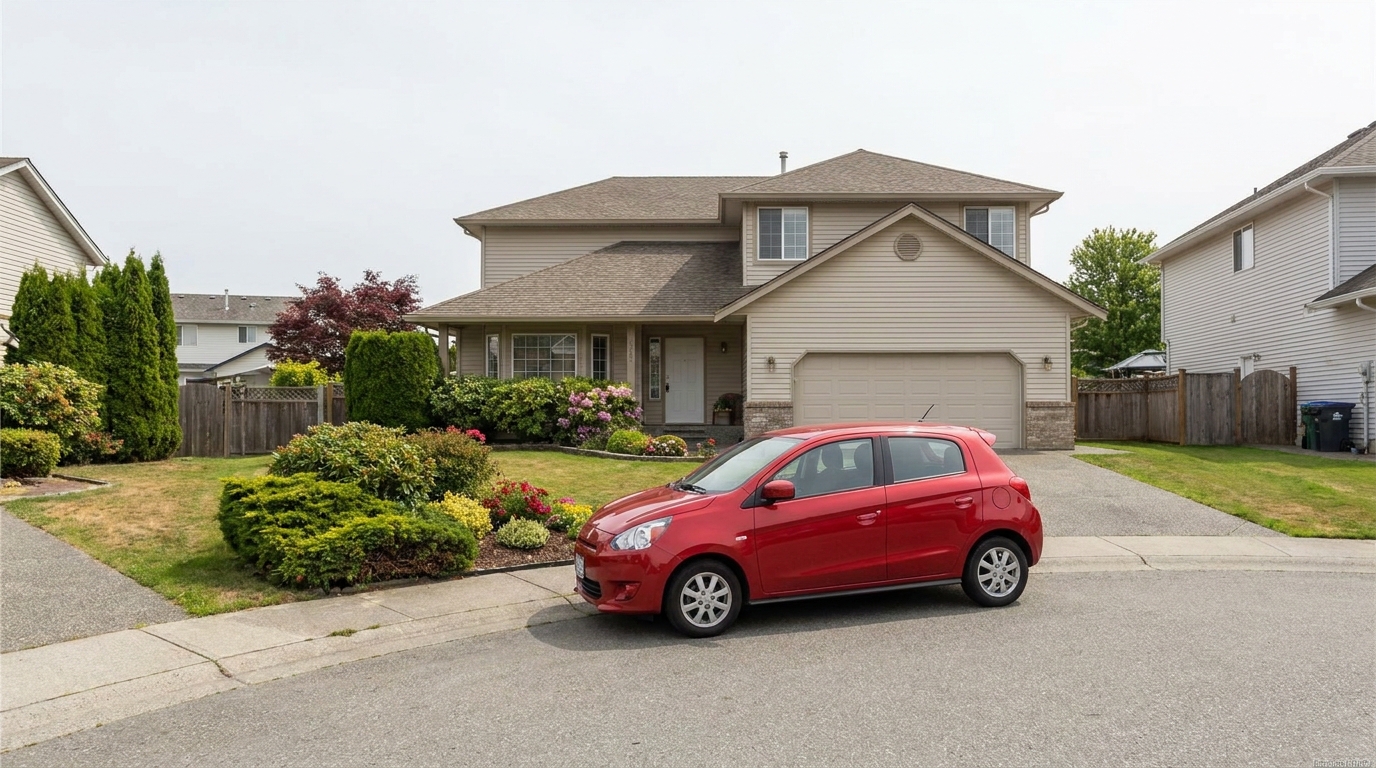
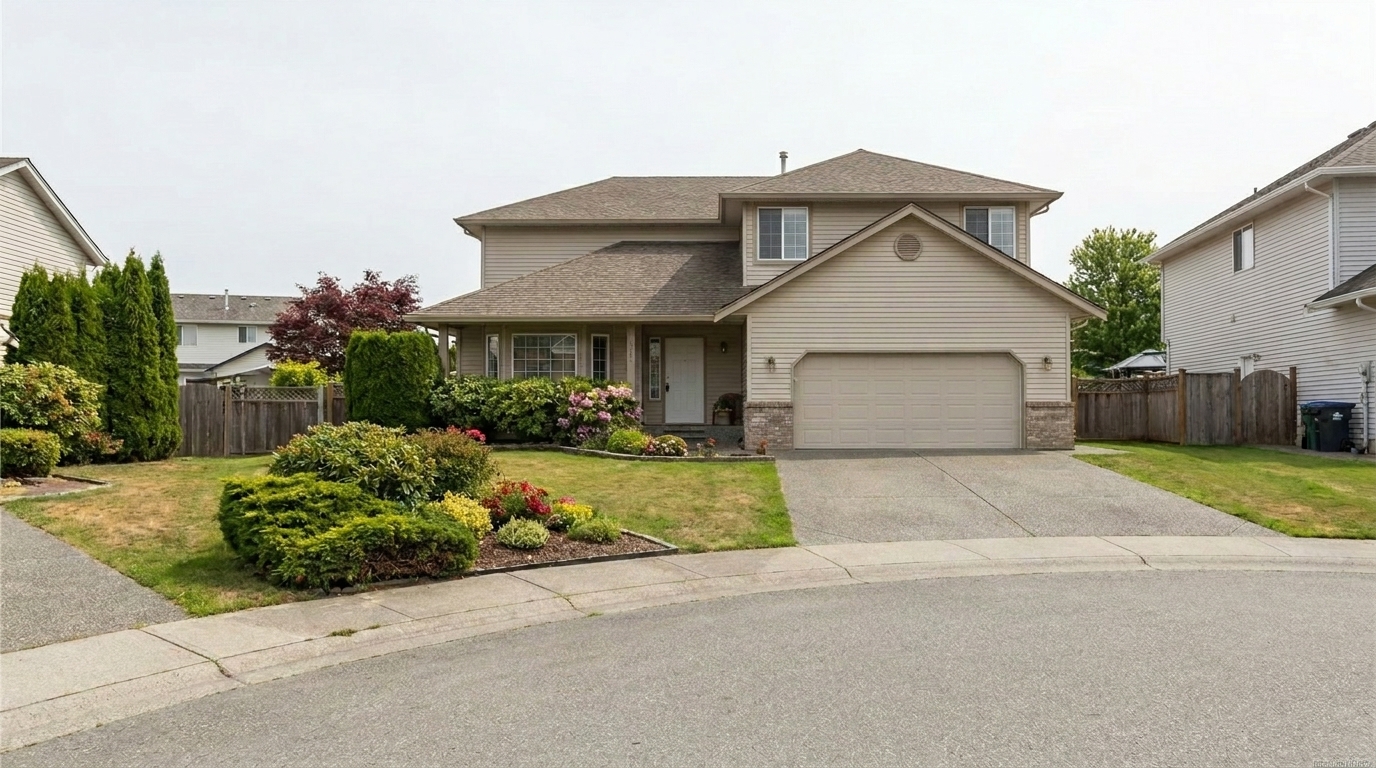
Cul-de-sac Curb Obstruction updated with remove cars styling.
Engineered specifically for real estate photography to ensure realistic, high-quality results.
Intelligently recreates concrete, asphalt, or brick driveway textures beneath the removed vehicle.
Seamlessly fills in grass, mulch, bushes, and curb lines that were partially blocked by the car.
Adjusts ambient lighting and removes the car's shadow while maintaining realistic sun angles on the property.
Identifies and removes multiple cars, trucks, or trailers from the driveway and street in a single pass.
Preserves the original photo quality and sharpness, ensuring print-ready files for MLS listings.
Keeps surrounding architectural details, fences, and neighboring homes completely untouched.
Perfect for real estate agents, photographers, and property managers aiming for flawless listings.
Remove seller or tenant vehicles parked directly in front of the garage to show off the full driveway space.
Curb AppealClear random cars parked on the public street in front of the home that block the front yard view.
Exterior ShotsEnsure high-end listings look pristine and exclusive by removing non-luxury or outdated vehicles.
Premium ListingsClear busy parking lots or delivery vans from commercial property photos to emphasize the building's architecture.
CommercialRemove cars that cast awkward, flat shadows on cloudy days, making the driveway look clean and bright.
Lighting FixesPrepare rental listings for the market without waiting for tenants to move their personal vehicles.
Property ManagementClean up driveways and streets in three simple steps using our AI-powered editor.
Select and upload your high-resolution property exterior photo showing the vehicle you want to remove.
Use the brush tool to highlight the car, or let our AI automatically detect and select the vehicle on the driveway or street.
Click apply to let the AI reconstruct the pavement, curb, and landscaping, then download your clean, high-appeal listing photo.
Source-backed context for why remove cars edits matter inside object & element specific workflows.
Remove Cars within Object & Element Specific evidence
Photos are one of the most valuable website features for home buyers; NAR's 2025 generational trends report says 83% of internet-using buyers rated photos as very useful. For Remove Cars pages, this supports showing how a focused Object & Element Specific edit can make the listing photo feel clearer, more polished, and easier for buyers to evaluate.
Source: NAR 2025Remove Cars within Object & Element Specific evidence
Zillow Research's 2025 prospective buyer report ranked high-resolution photos as the number two most important listing feature, selected by 26% of prospective buyers; floor plans ranked first at 33%. For Remove Cars pages, this supports showing how a focused Object & Element Specific edit can make the listing photo feel clearer, more polished, and easier for buyers to evaluate.
Source: Zillow 2025Remove Cars within Object & Element Specific evidence
Redfin reported that professionally photographed homes in the $400,000 range sold three weeks faster and for more than $10,000 relative to list price compared with amateur photos. Use this as supporting context, not as a guaranteed result. For Remove Cars pages, this supports showing how a focused Object & Element Specific edit can make the listing photo feel clearer, more polished, and easier for buyers to evaluate.
Source: RedfinLearn how removing parked vehicles can transform your property listings and help buyers focus on the home itself.
First impressions are critical in real estate marketing. A vehicle parked in the driveway or directly in front of a house acts as a massive visual roadblock. It draws the buyer's eye away from the architectural beauty of the home and onto the make, model, or condition of the car. Removing these vehicles opens up the composition, highlights the actual size of the driveway, and presents a clean, welcoming exterior that allows buyers to visualize themselves pulling into their new home.
To get the best results, start by uploading a high-resolution exterior photo. Use the brush tool to paint over the vehicle, making sure to cover the entire car, its windows, and its immediate shadow on the ground. Our AI will analyze the surrounding pavement, curb lines, and landscaping to fill in the space. Once processed, inspect the reconstructed area. If any minor artifacts remain, a quick secondary pass with a smaller brush can easily polish the texture to perfection.
When preparing a listing, it is important to use the right tool for the job. The 'Remove Cars' preset is specifically engineered to reconstruct large-scale outdoor surfaces like asphalt, concrete driveways, and curbs, while maintaining correct perspective and outdoor lighting. If you are dealing with smaller yard distractions like hoses, toys, or lawn chairs, our 'Clutter Removal' or 'Trash Can Removal' presets are better suited. Use 'Remove Cars' strictly for vehicles to ensure the AI applies the correct structural models for pavement and street lines.
While removing cars is highly effective for enhancing curb appeal, there are times when you should avoid it. Do not use this tool to hide permanent property defects or to misrepresent parking availability. For instance, if a driveway is shared or has structural damage beneath the car, reconstructing it as a flawless private driveway could mislead buyers. Always ensure the reconstructed surface accurately reflects the true physical condition of the property to maintain ethical marketing standards.
Discover other specialized presets to remove distractions and polish your property listings.

Clean up visible wall damage for a smoother, better-maintained interior finish.
Try This Tool →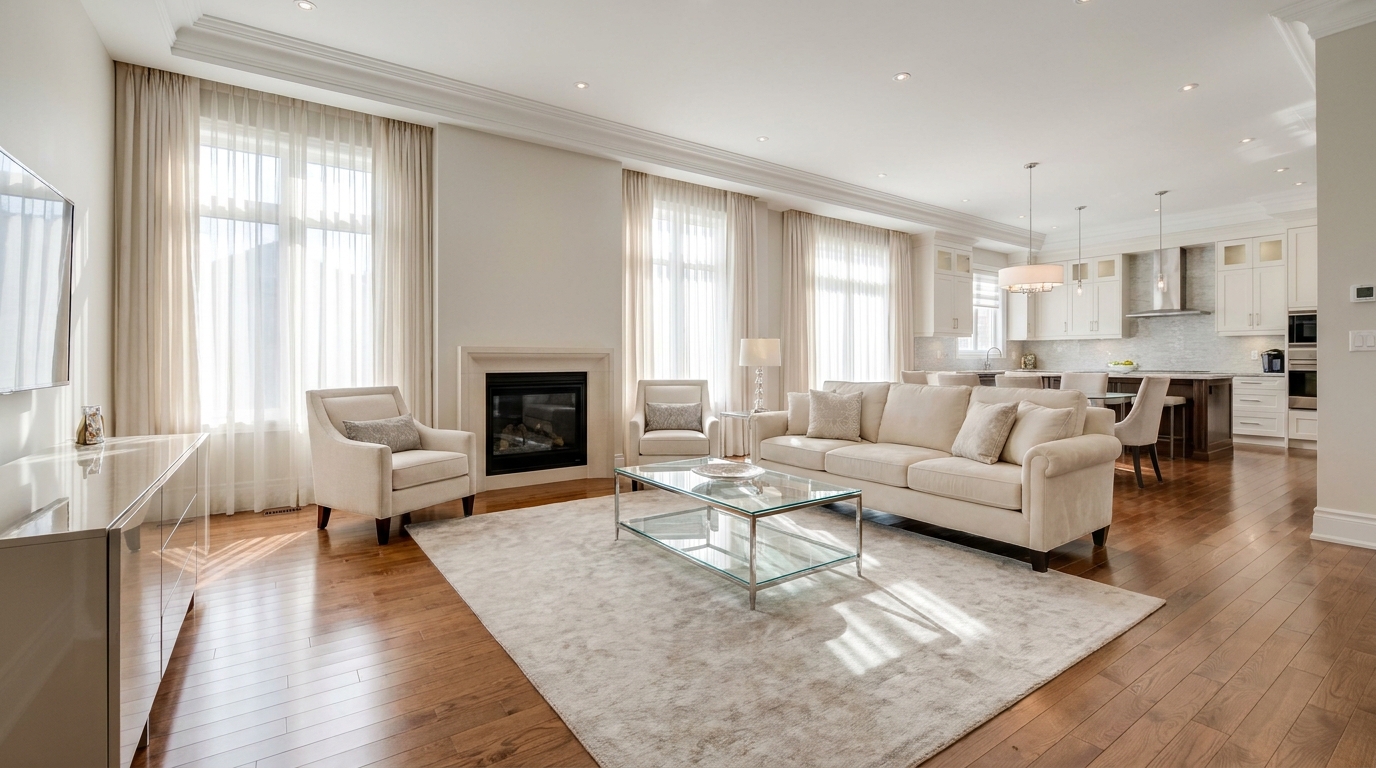
Refine floor reflections for a cleaner, glossier, more premium interior look.
Try This Tool →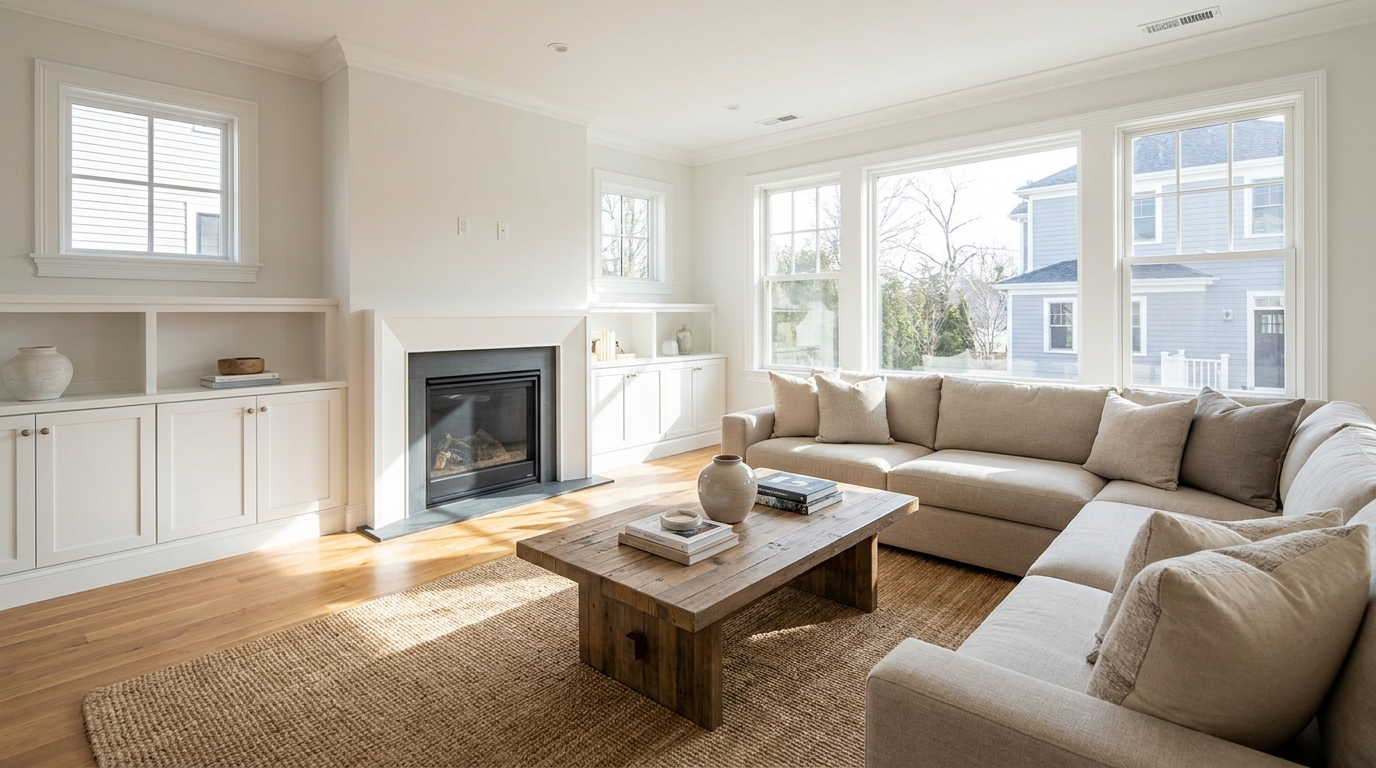
Remove people and pets for a cleaner photo that keeps attention on the property.
Try This Tool →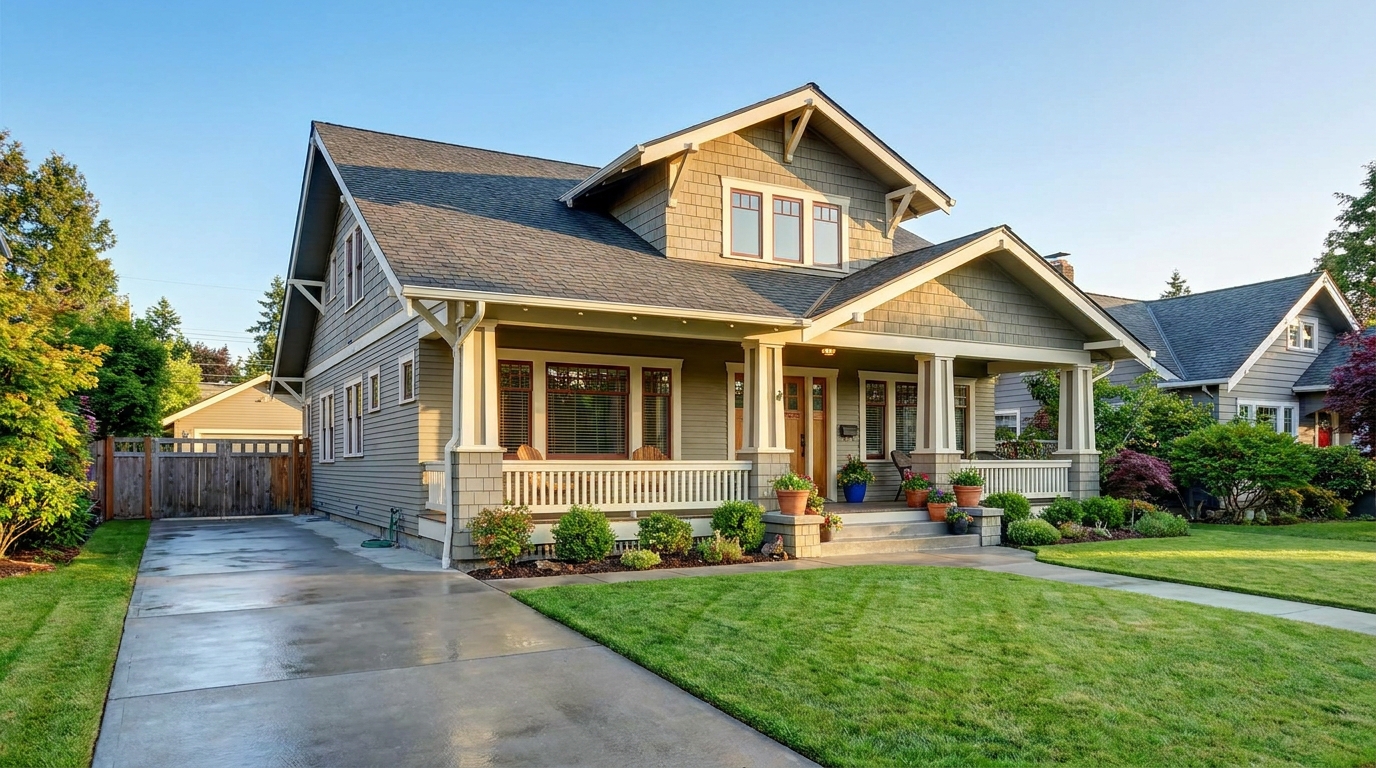
Eliminate bins and trash cans for tidier, more marketable exterior scenes.
Try This Tool →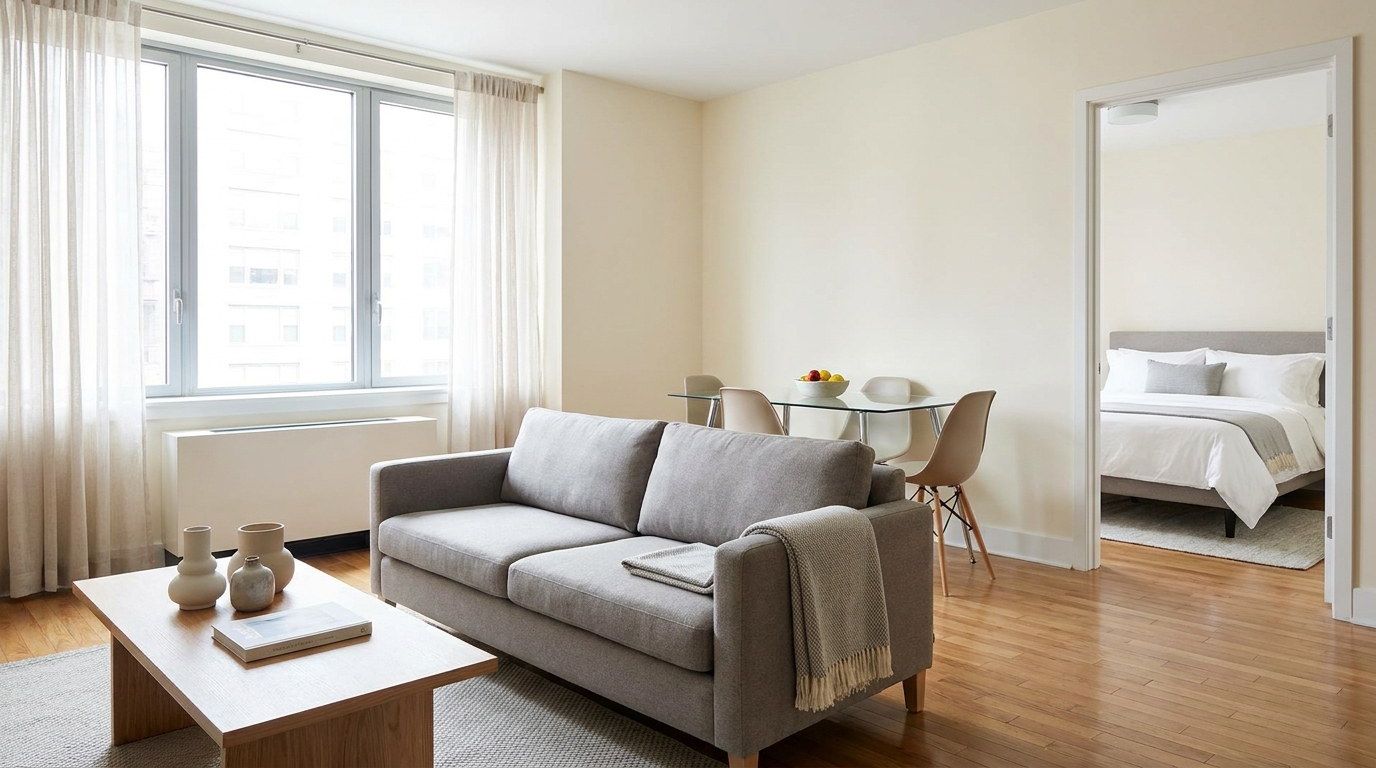
Clear visual distractions so rooms feel larger, cleaner, and easier to imagine.
Try This Tool →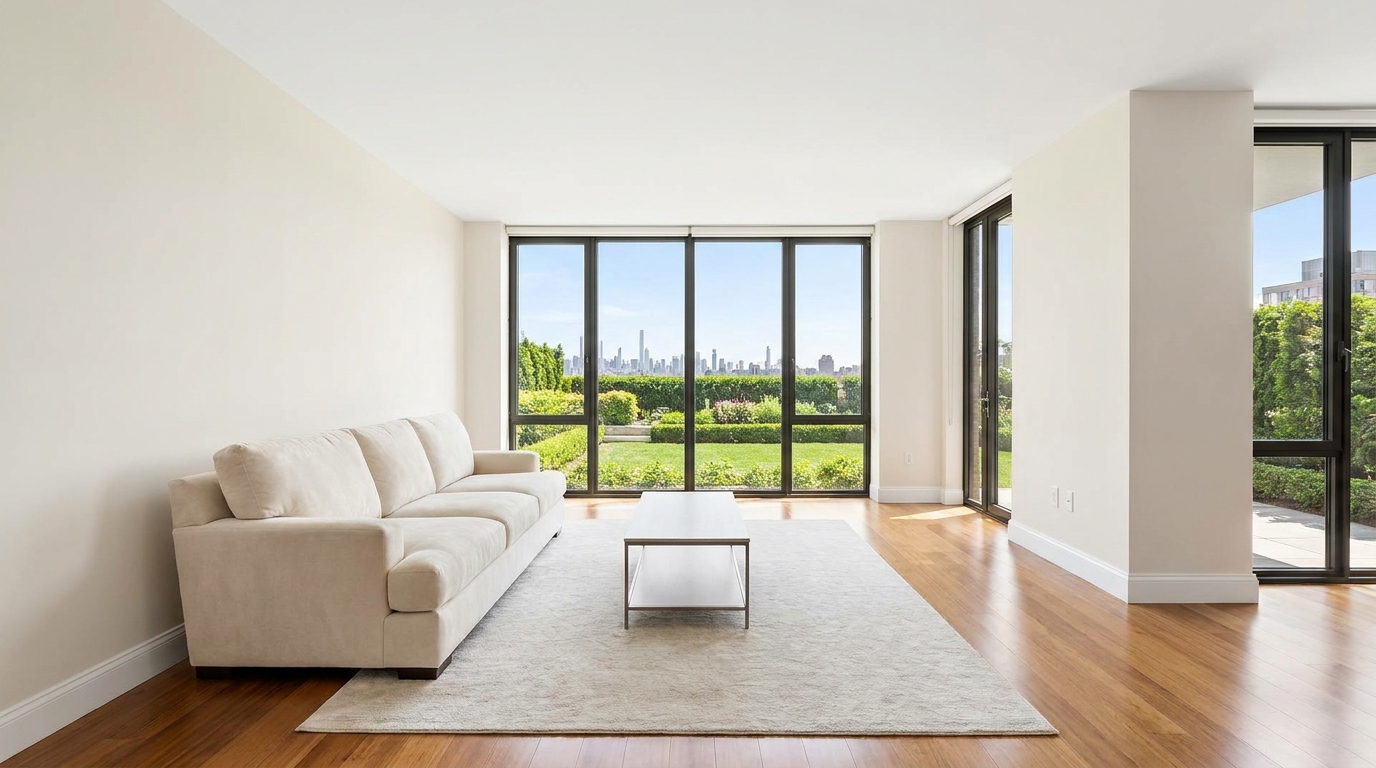
Remove timestamps and embedded text for a cleaner, more professional presentation.
Try This Tool →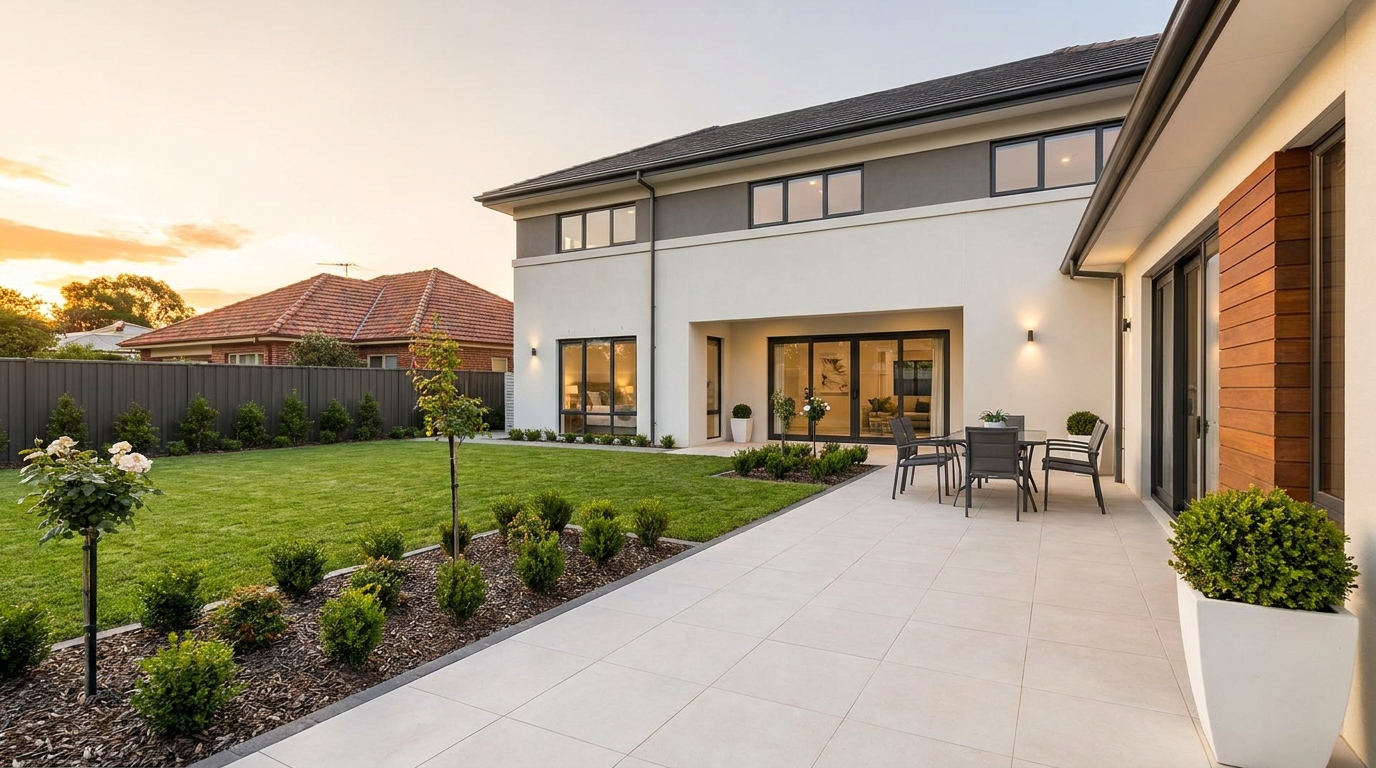
Remove signs and notices to keep the scene clean, polished, and distraction-free.
Try This Tool →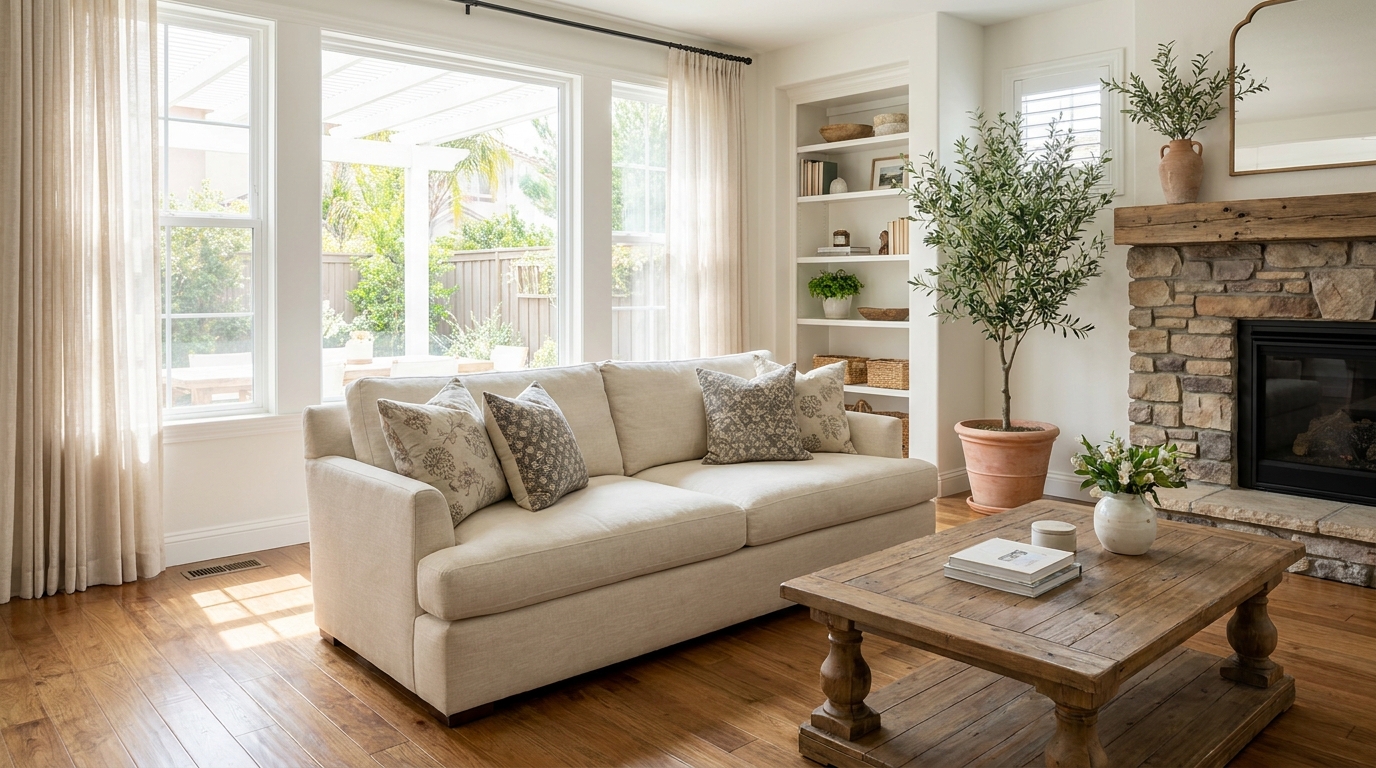
Tone down reflective hotspots for a clearer, cleaner image with better surface detail.
Try This Tool →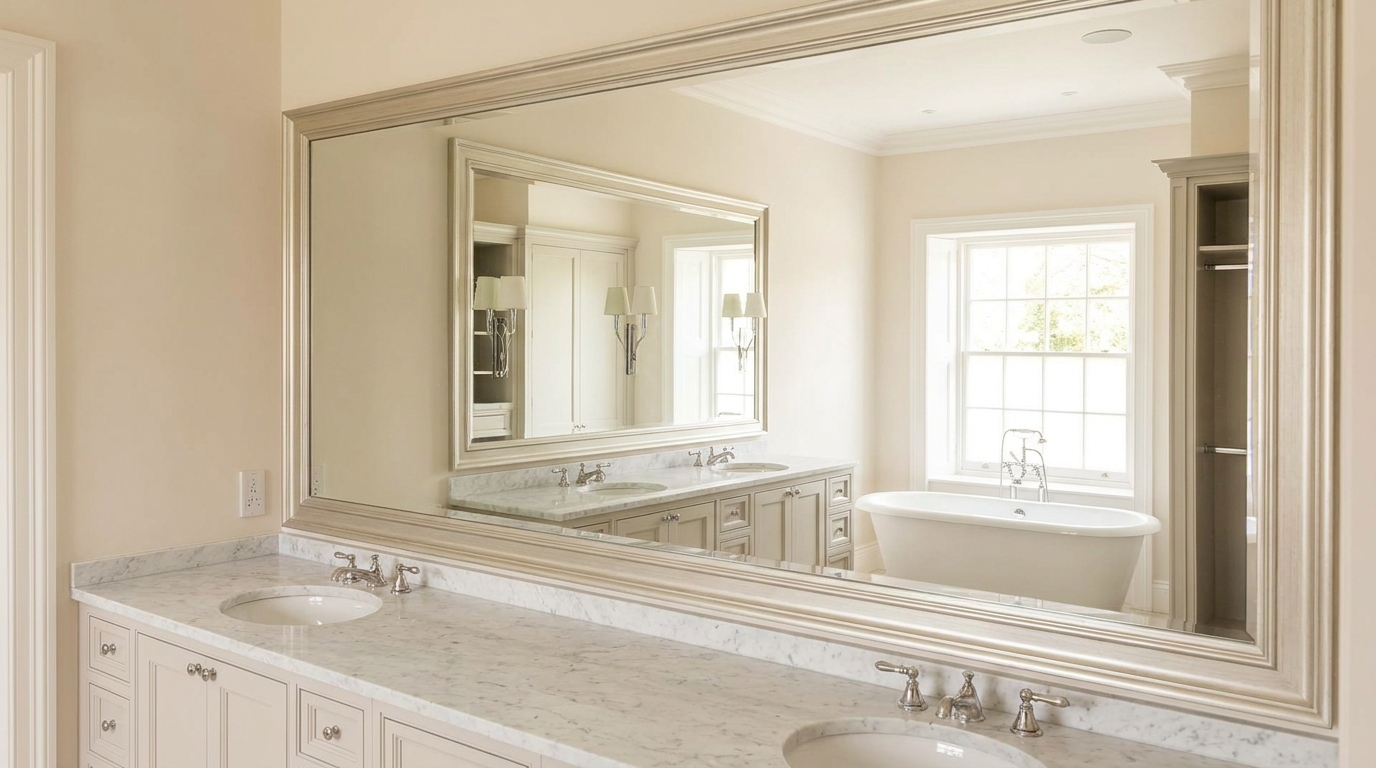
Remove unwanted mirror reflections for cleaner interiors and more polished composition.
Try This Tool →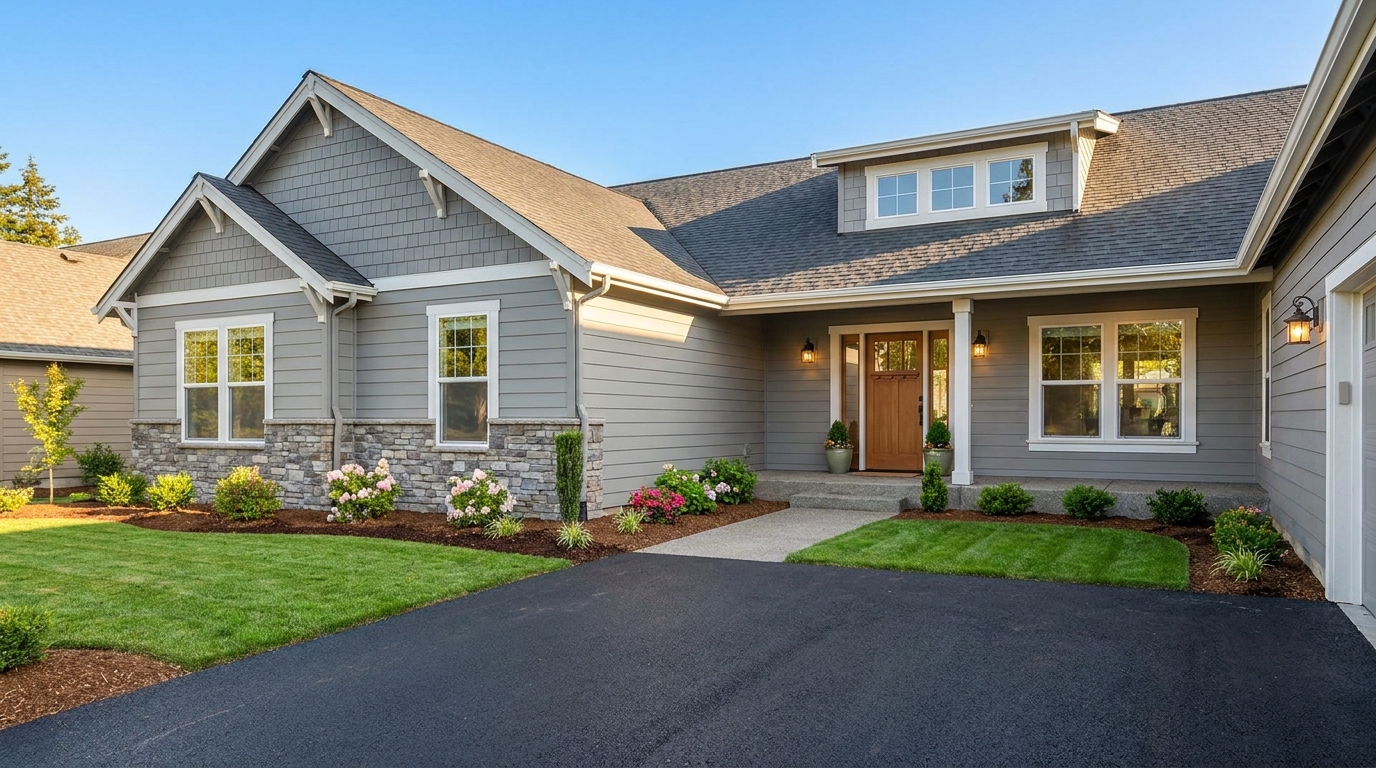
Clean up utility wires for a more open sky and stronger exterior presentation.
Try This Tool →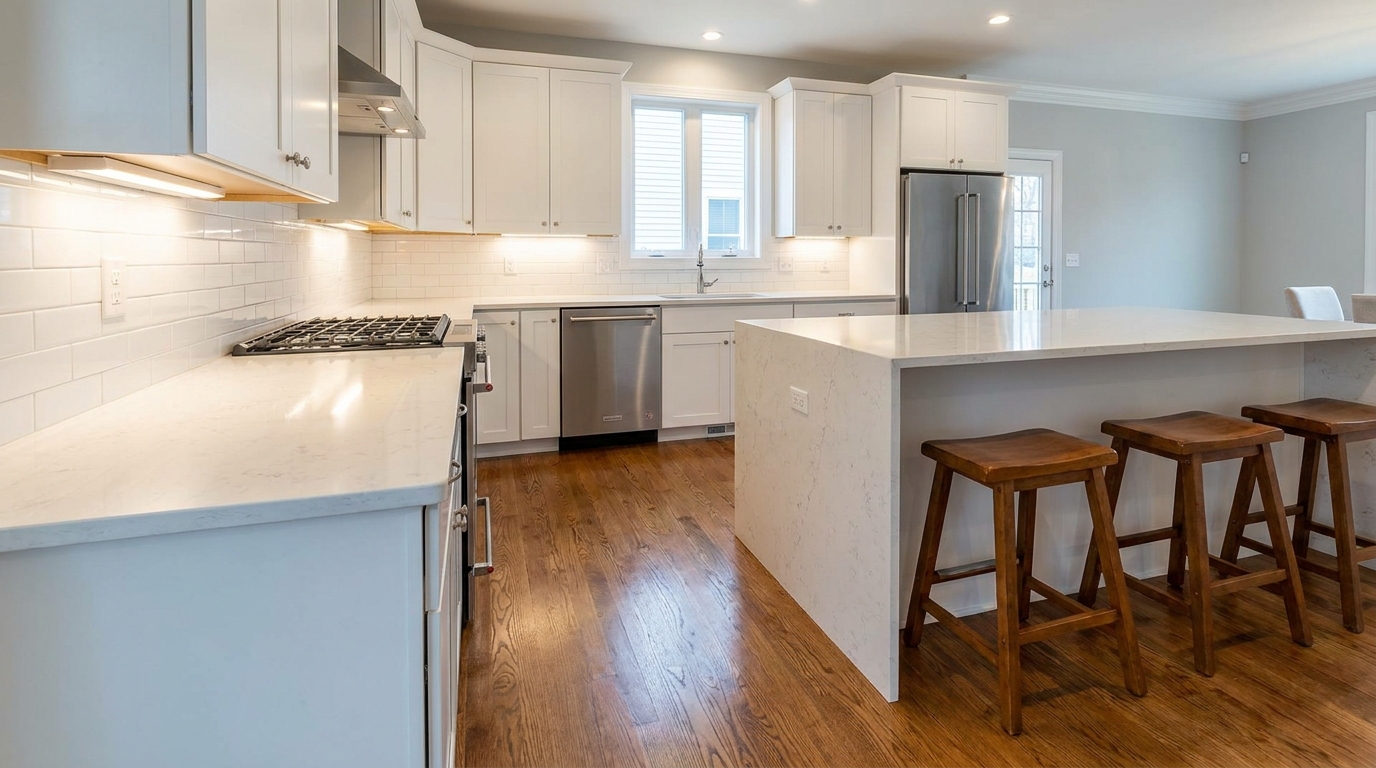
Remove stains and marks so surfaces look cleaner, fresher, and better cared for.
Try This Tool →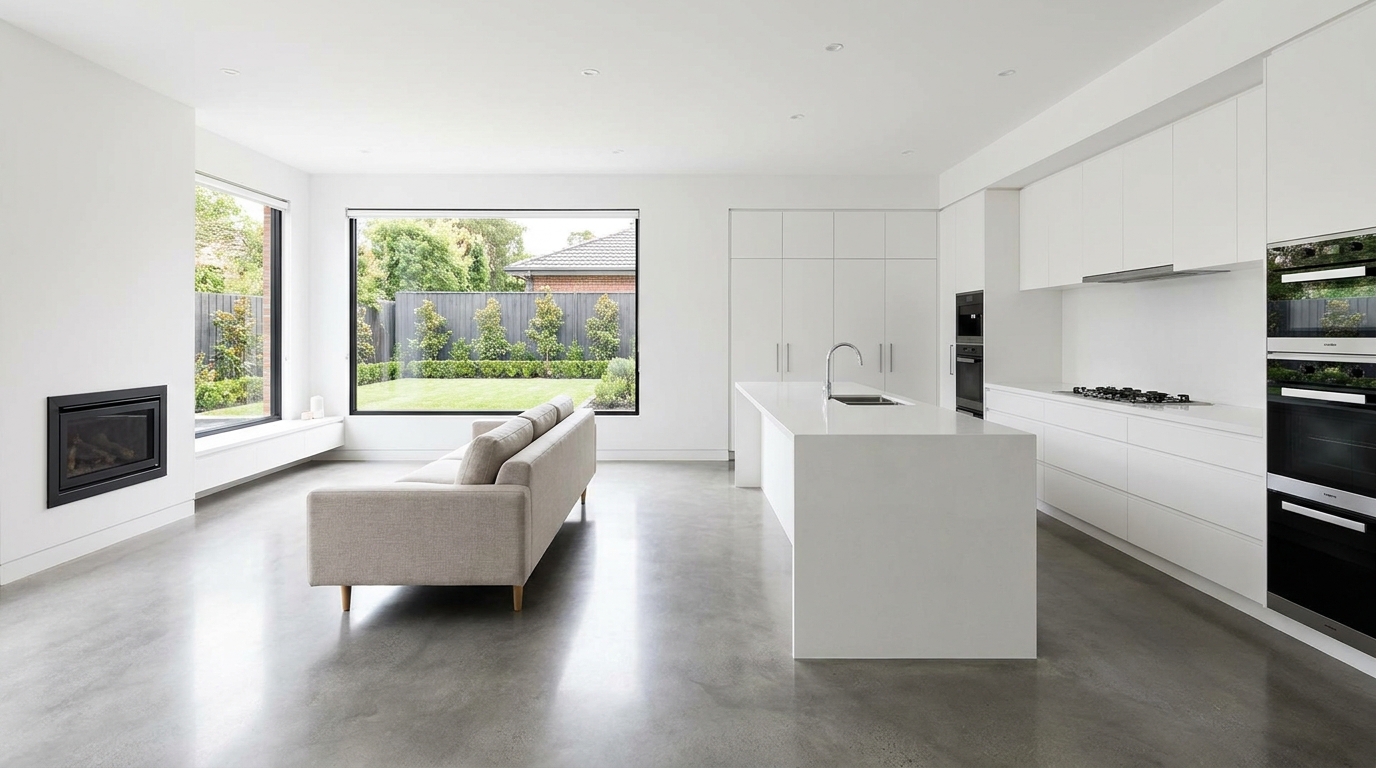
Eliminate logos and overlays for a clean image ready for marketing use.
Try This Tool →
Reduce window reflections for clearer views and a cleaner glass finish.
Try This Tool →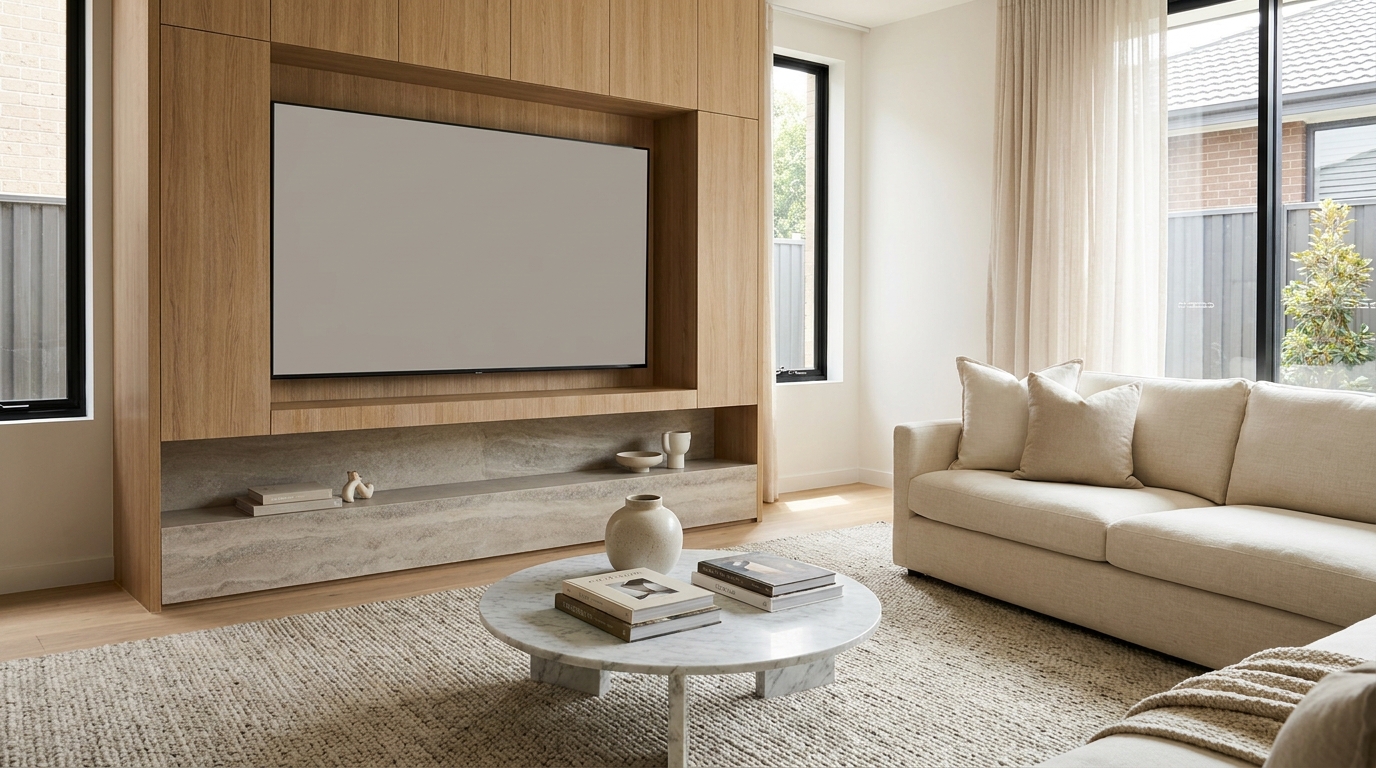
Replace distracting TV content with a clean dark screen that looks intentional and tidy.
Try This Tool →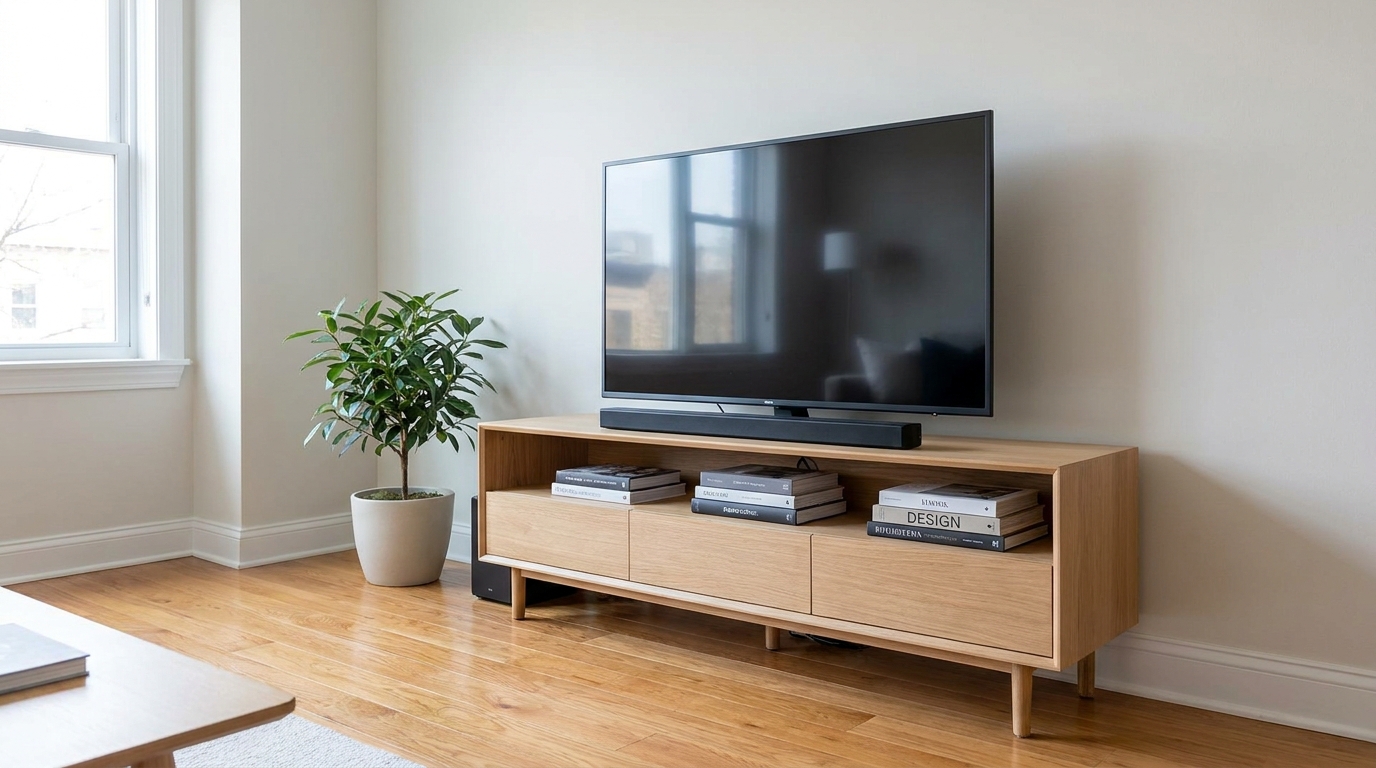
Remove visible cords and cables for a cleaner, more premium-looking space.
Try This Tool →Complementary tools to elevate your interior and exterior property presentations.
AI image-to-video generation for turning home, room, and property photos into more vivid presentation videos.
02AI exterior renovation for visualizing facade updates, curb appeal improvements, and home exterior remodel ideas.
03AI landscaping design for exploring outdoor concepts, curb appeal upgrades, planting ideas, and yard layout directions.
04AI virtual staging for furnishing empty rooms and creating listing-ready interiors for real estate marketing.
05Free AI image generation for turning text prompts into unlimited visual ideas for home design, interiors, landscaping, renovation
06AI object removal for cleaning up distracting items from room, home, and property photos.
Don't let distracting vehicles crowd your property photos. Use our AI-powered vehicle remover to showcase a clean, spacious driveway and attract more buyers.