
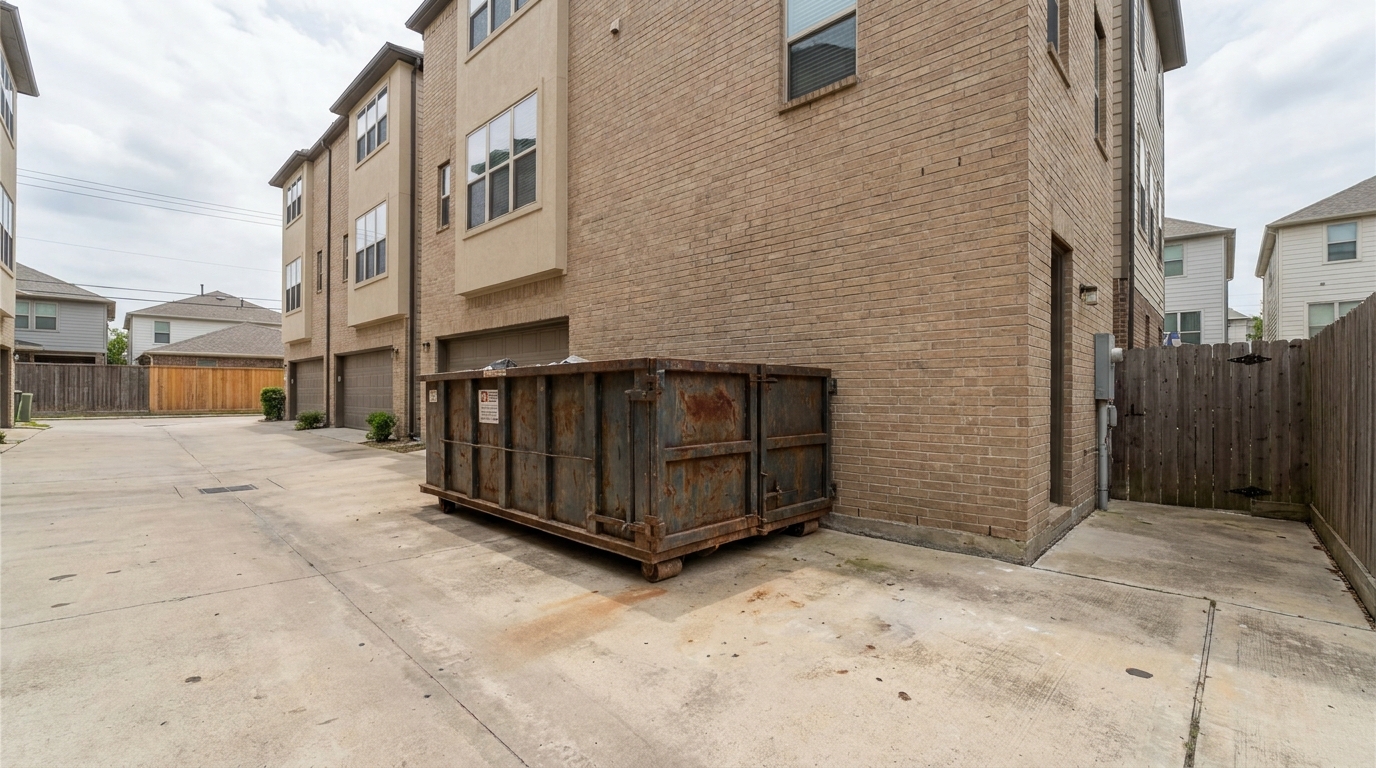
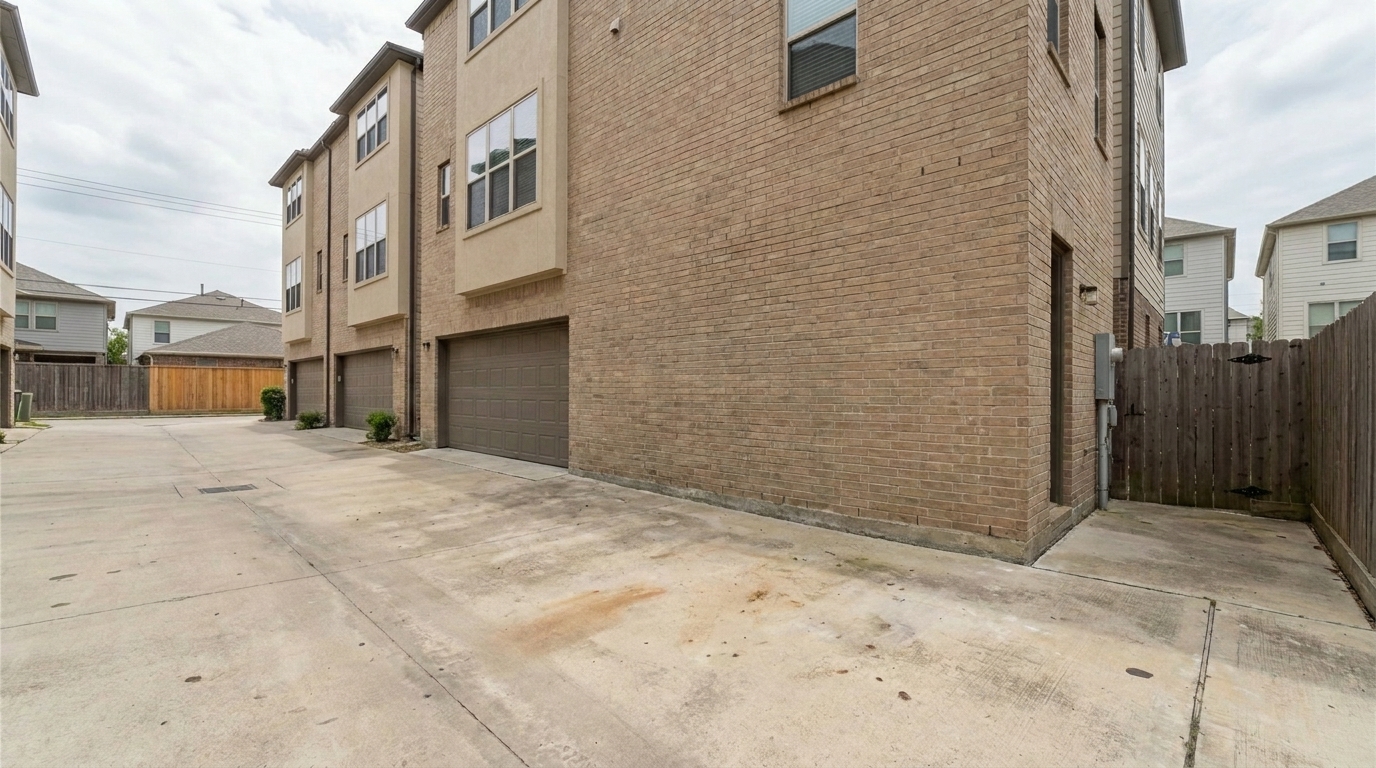

Alleyway Dumpster
Alleyway Dumpster updated with trash can removal styling.
Instantly eliminate unsightly waste bins and recycling cans from your exterior property photos. Restore landscaping details and boost listing appeal in seconds.
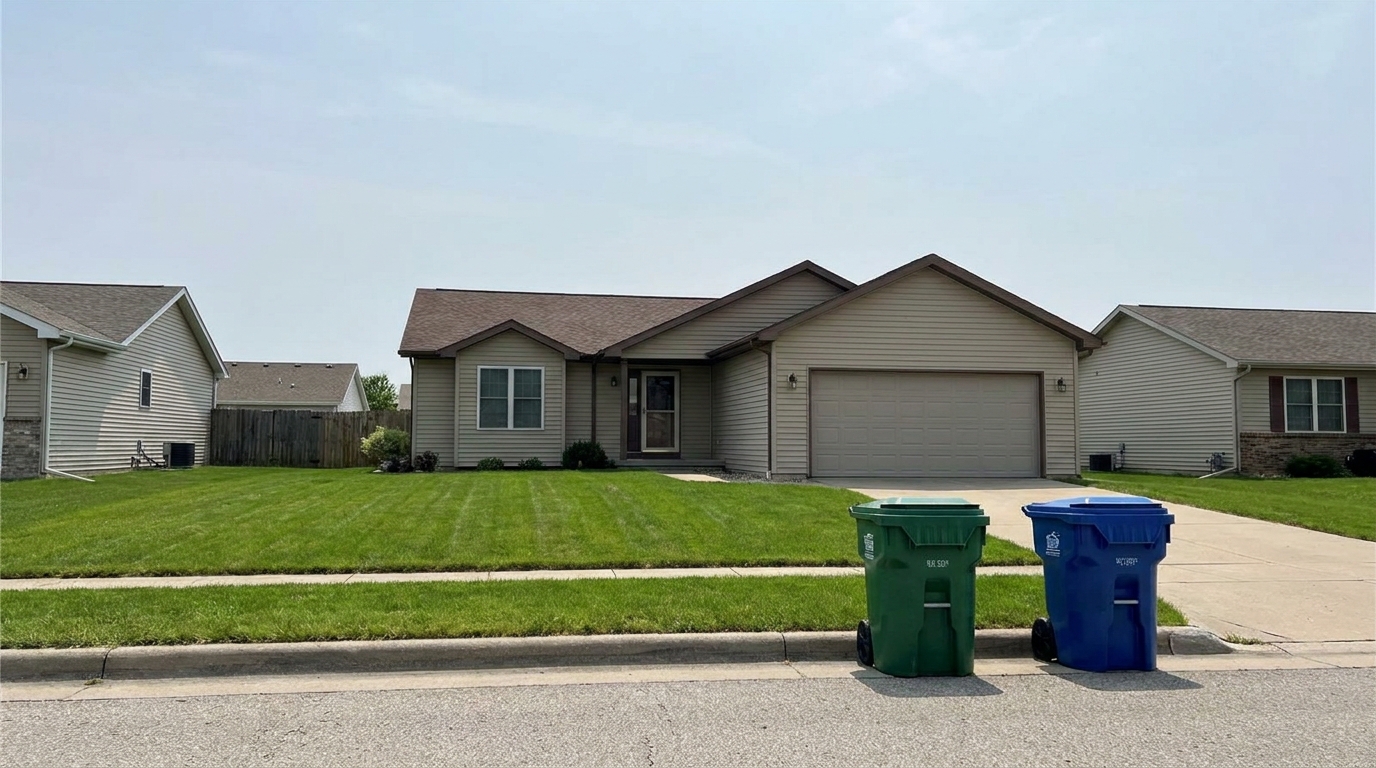
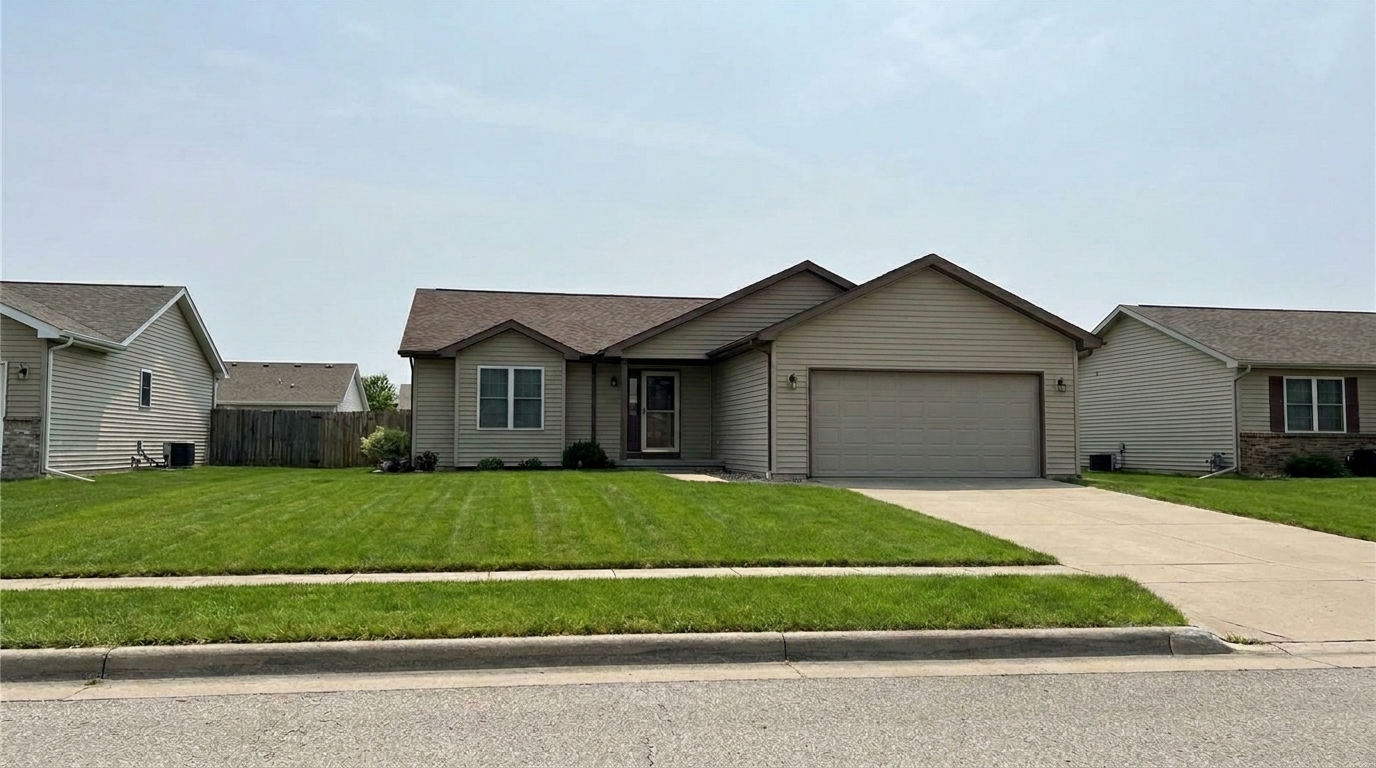
See how removing minor exterior distractions instantly elevates curb appeal.
Alleyway Dumpster updated with trash can removal styling.
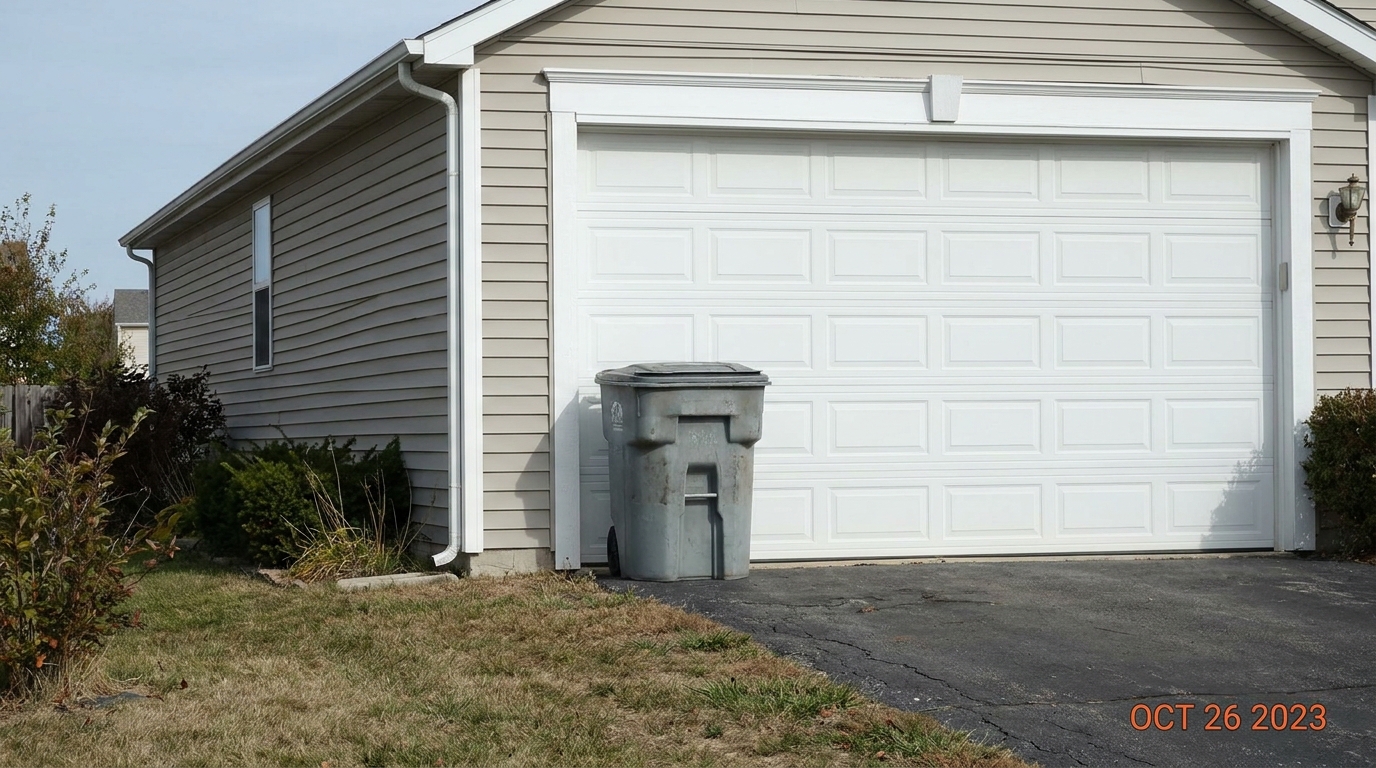
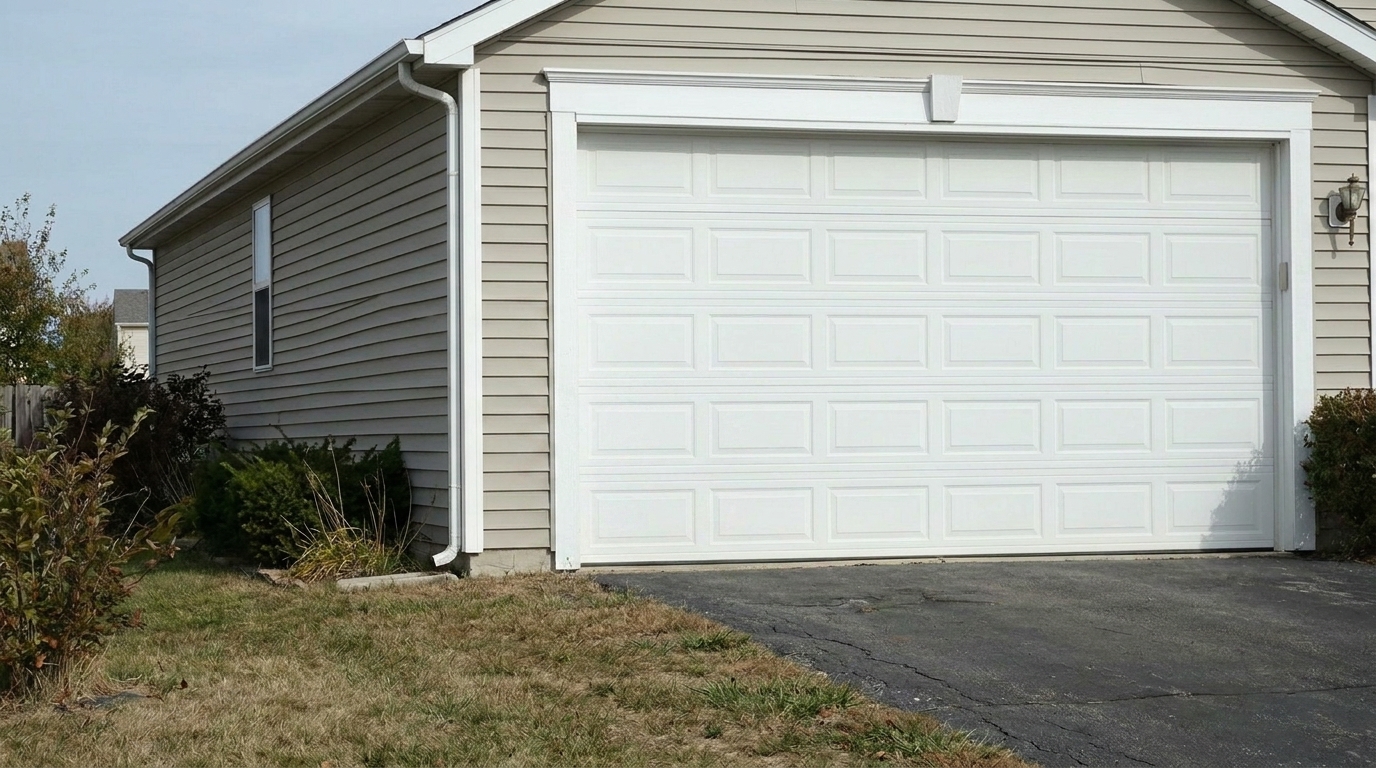
Garage-Side Clutter updated with trash can removal styling.
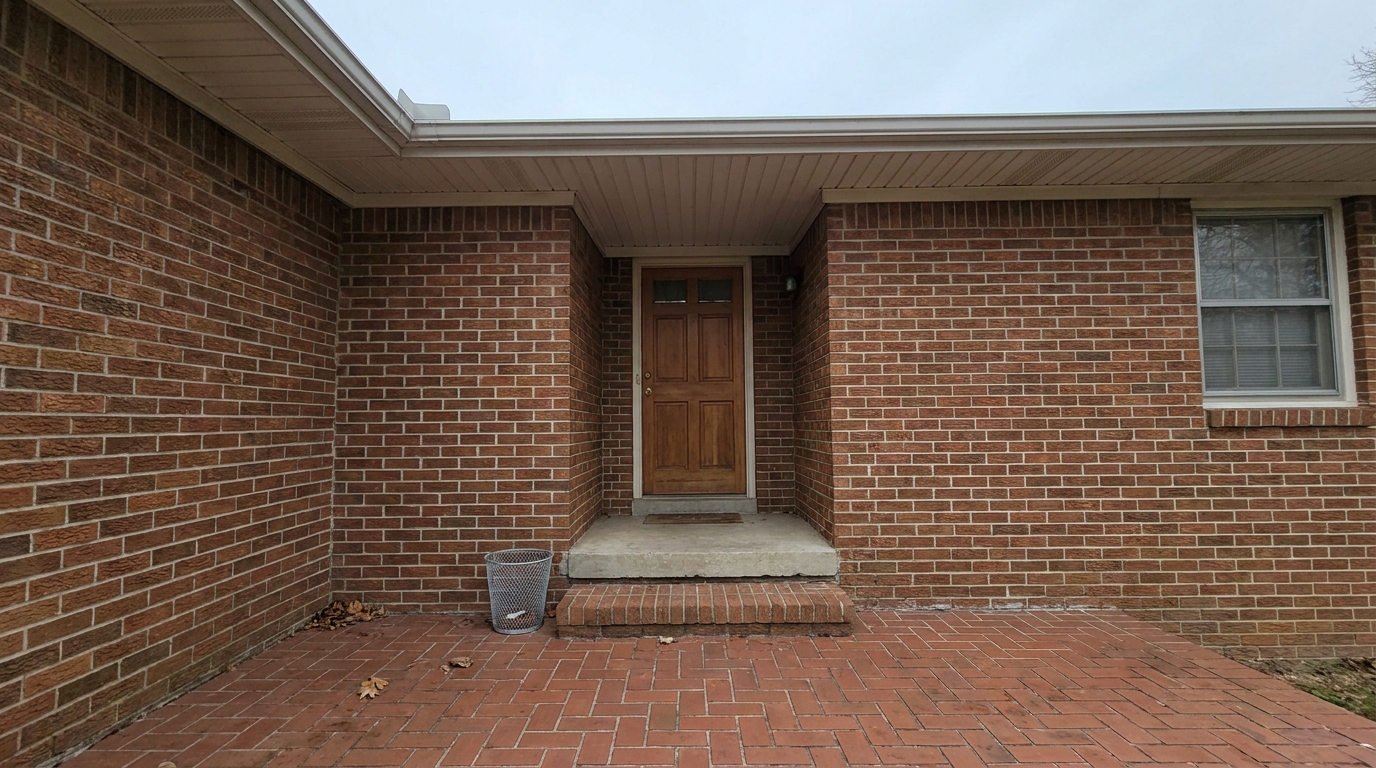
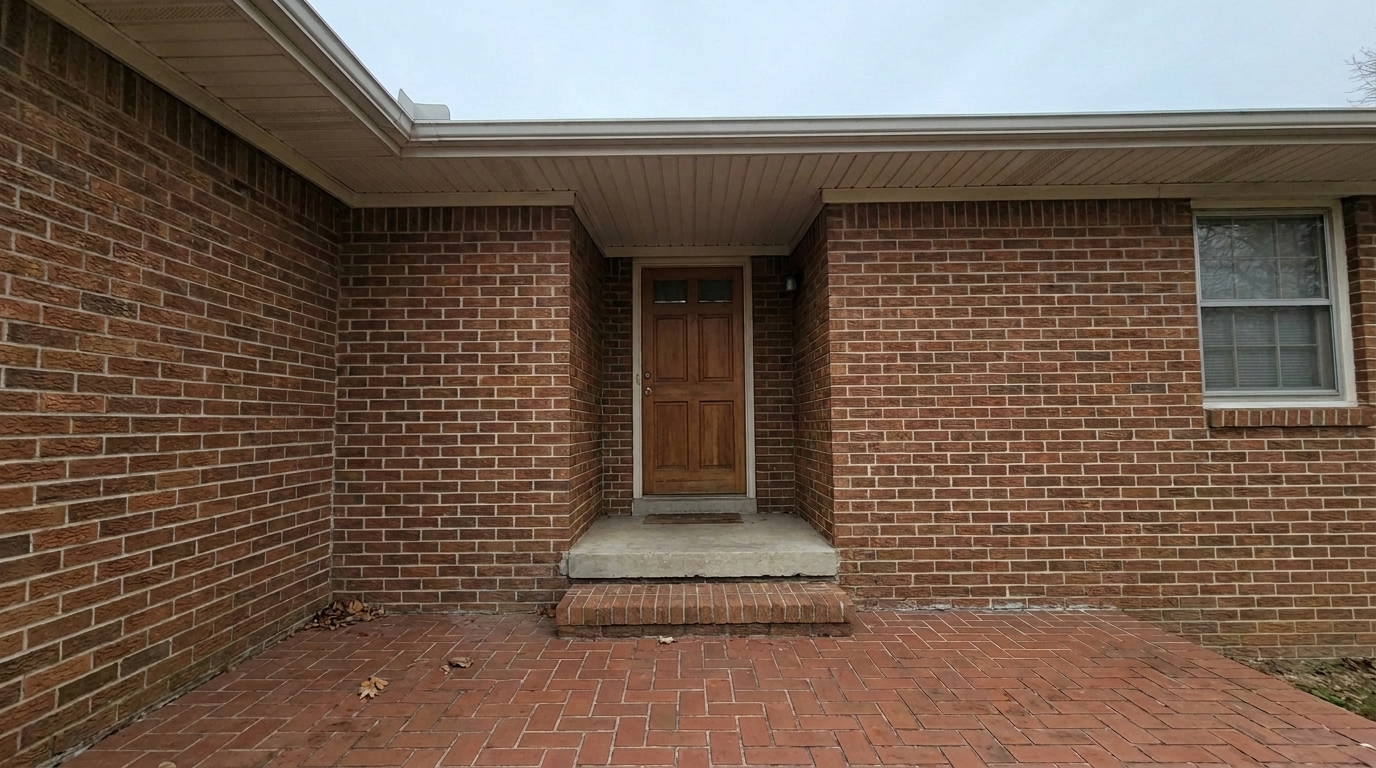
Front Porch Waste Basket updated with trash can removal styling.
Advanced AI technology tailored specifically for seamless real estate photo restoration.
Instantly recognizes standard plastic trash cans, recycling bins, and commercial dumpsters without manual brushing.
Reconstructs complex textures like brick driveways, manicured lawns, and wooden fences behind the removed objects.
Adjusts local lighting and removes cast shadows left by the bins to ensure a natural, unedited look.
Processes and outputs images in full print-ready resolution, maintaining sharp architectural details.
Clean up multiple exterior angles or entire listing portfolios simultaneously to save valuable editing time.
Eliminates blurriness or halo effects around the removal zone, ensuring flawless integration with the surrounding landscape.
Perfect for real estate agents, photographers, and homeowners preparing listings.
Remove unsightly street-side bins before publishing the primary listing photo.
ExteriorClear out recycling bins blocking the view of a spacious two-car garage or paved driveway.
DrivewayErase trash cans tucked along the side of the house to emphasize clean architectural lines.
LandscapingClean up outdoor living spaces or townhome back alleys for a more inviting atmosphere.
Outdoor LivingRemove large commercial dumpsters from retail or office building exterior shots.
CommercialSave photos from rainy or rushed shoot days when moving physical bins wasn't possible.
PhotographyClean up your exterior property shots in three simple, automated steps.
Select and upload your exterior property photo showing the unwanted trash cans or recycling bins.
Our specialized AI automatically identifies the bins and analyzes the surrounding driveway, grass, or fencing.
Get a polished, high-resolution photo with the trash cans seamlessly removed and the background perfectly restored.
Source-backed context for why trash can removal edits matter inside object & element specific workflows.
Trash Can Removal within Object & Element Specific evidence
Photos are one of the most valuable website features for home buyers; NAR's 2025 generational trends report says 83% of internet-using buyers rated photos as very useful. For Trash Can Removal pages, this supports showing how a focused Object & Element Specific edit can make the listing photo feel clearer, more polished, and easier for buyers to evaluate.
Source: NAR 2025Trash Can Removal within Object & Element Specific evidence
Zillow Research's 2025 prospective buyer report ranked high-resolution photos as the number two most important listing feature, selected by 26% of prospective buyers; floor plans ranked first at 33%. For Trash Can Removal pages, this supports showing how a focused Object & Element Specific edit can make the listing photo feel clearer, more polished, and easier for buyers to evaluate.
Source: Zillow 2025Trash Can Removal within Object & Element Specific evidence
Redfin reported that professionally photographed homes in the $400,000 range sold three weeks faster and for more than $10,000 relative to list price compared with amateur photos. Use this as supporting context, not as a guaranteed result. For Trash Can Removal pages, this supports showing how a focused Object & Element Specific edit can make the listing photo feel clearer, more polished, and easier for buyers to evaluate.
Source: RedfinLearn how to strategically manage exterior distractions to maximize your property's curb appeal and online engagement.
When preparing an exterior listing photo, different distractions require different approaches. Use the Trash Can Removal preset specifically for street-side bins, side-yard containers, and patio waste baskets. If you have vehicles blocking the driveway, pair this with our 'Remove Cars' tool. For general yard debris like hoses or toys, 'Clutter Removal' is your best option. Avoid using general object removal tools for these tasks, as they often lack the specialized training to reconstruct architectural elements like siding, driveways, and lawns, which can result in unnatural smudges.
For the best results, start by evaluating your primary hero shot. Upload the image to the Trash Can Removal tool first to clear the immediate perimeter. Once the bins are removed, inspect the driveway and lawn textures. If the property has other minor exterior defects, you can run the output through our 'Stain Removal' or 'Crack & Wall Repair' presets to polish the driveway concrete or foundation walls, creating a flawless first impression.
This AI tool is highly effective for bins positioned against flat or repeating backgrounds like lawns, brick walls, fences, and asphalt driveways. It saves hours of manual editing and allows photographers to shoot properties on trash-collection days without delay. However, if a trash can is physically blocking a critical, unique architectural feature—such as an intricate custom wrought-iron gate—it is always best to physically move the bin before shooting, as reconstructing highly unique, non-repeating details can occasionally challenge automated algorithms.
Discover specialized presets designed to remove distractions and polish every detail of your property photos.

Clean up visible wall damage for a smoother, better-maintained interior finish.
Try This Tool →
Refine floor reflections for a cleaner, glossier, more premium interior look.
Try This Tool →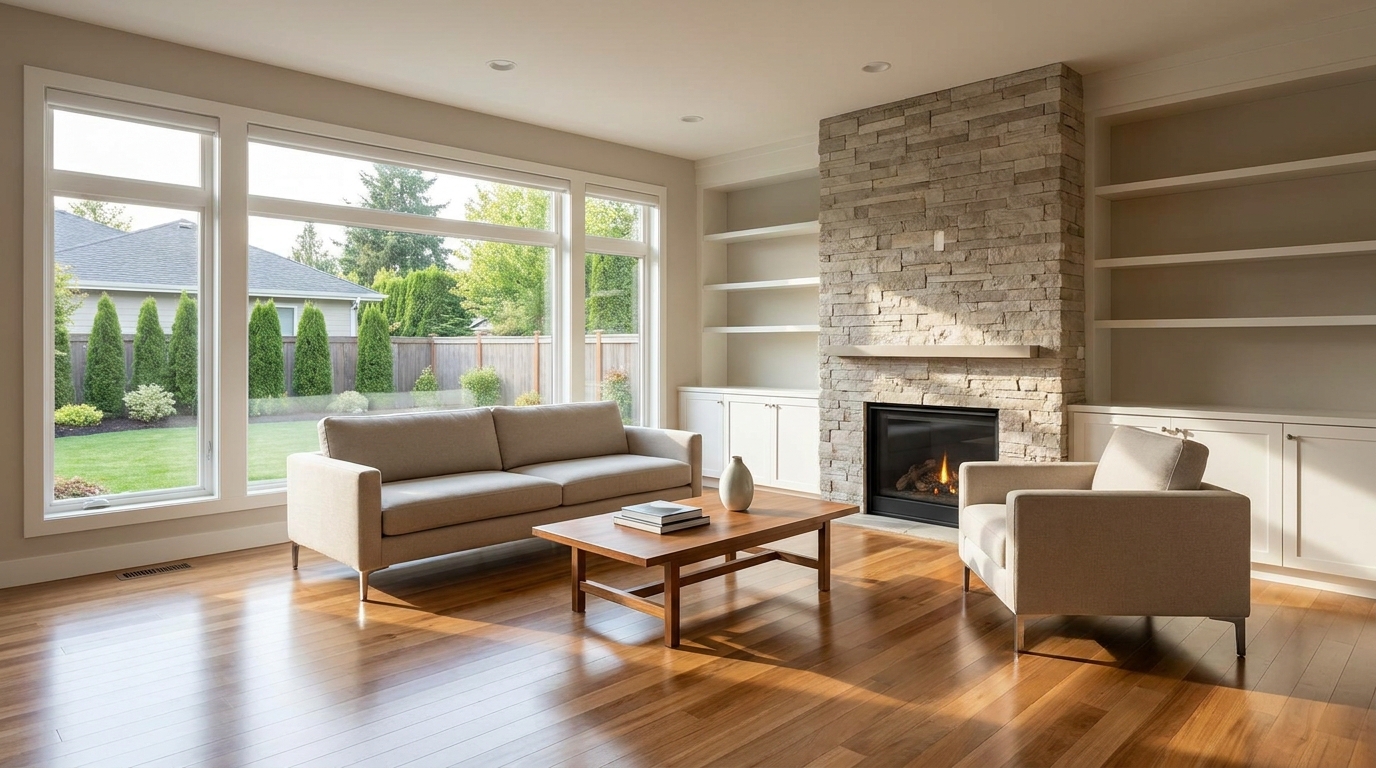
Remove people and pets for a cleaner photo that keeps attention on the property.
Try This Tool →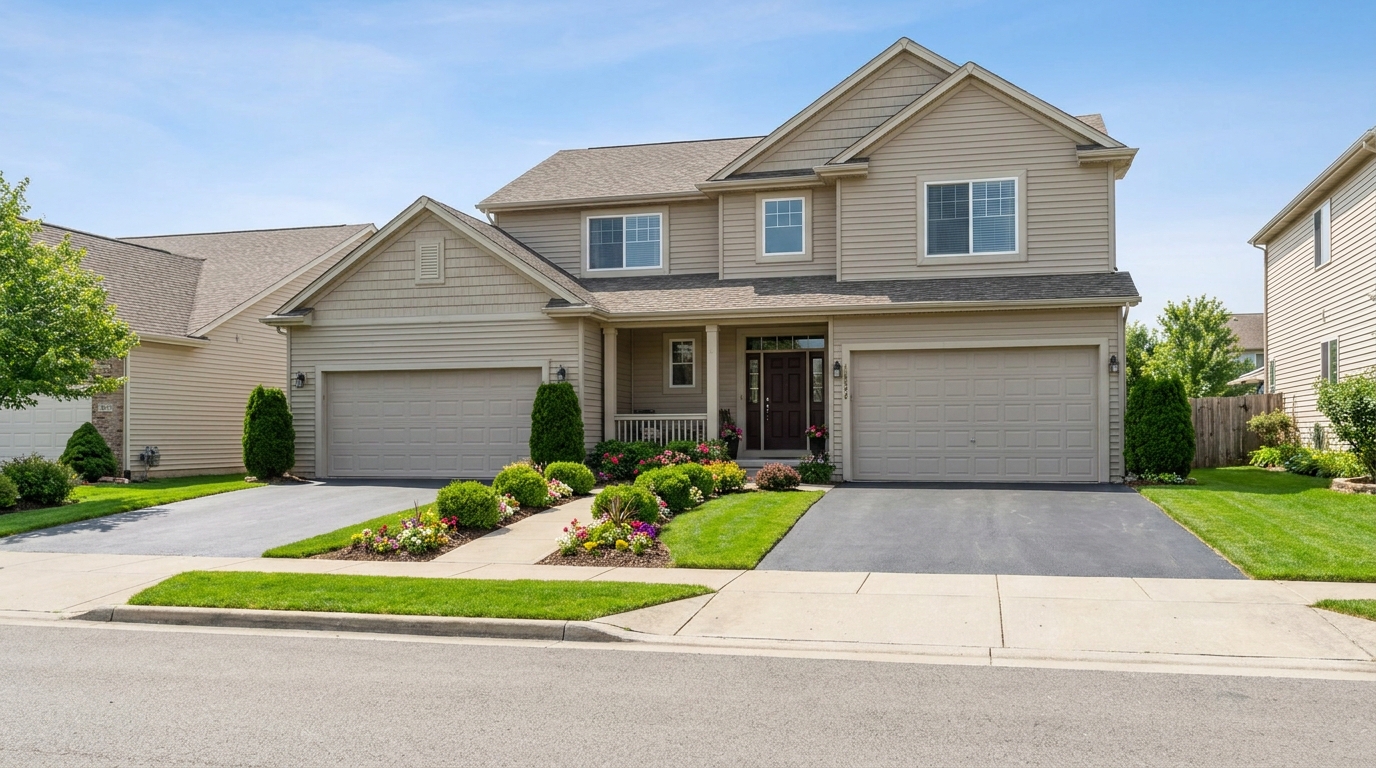
Remove parked vehicles to keep focus on the home and surrounding curb appeal.
Try This Tool →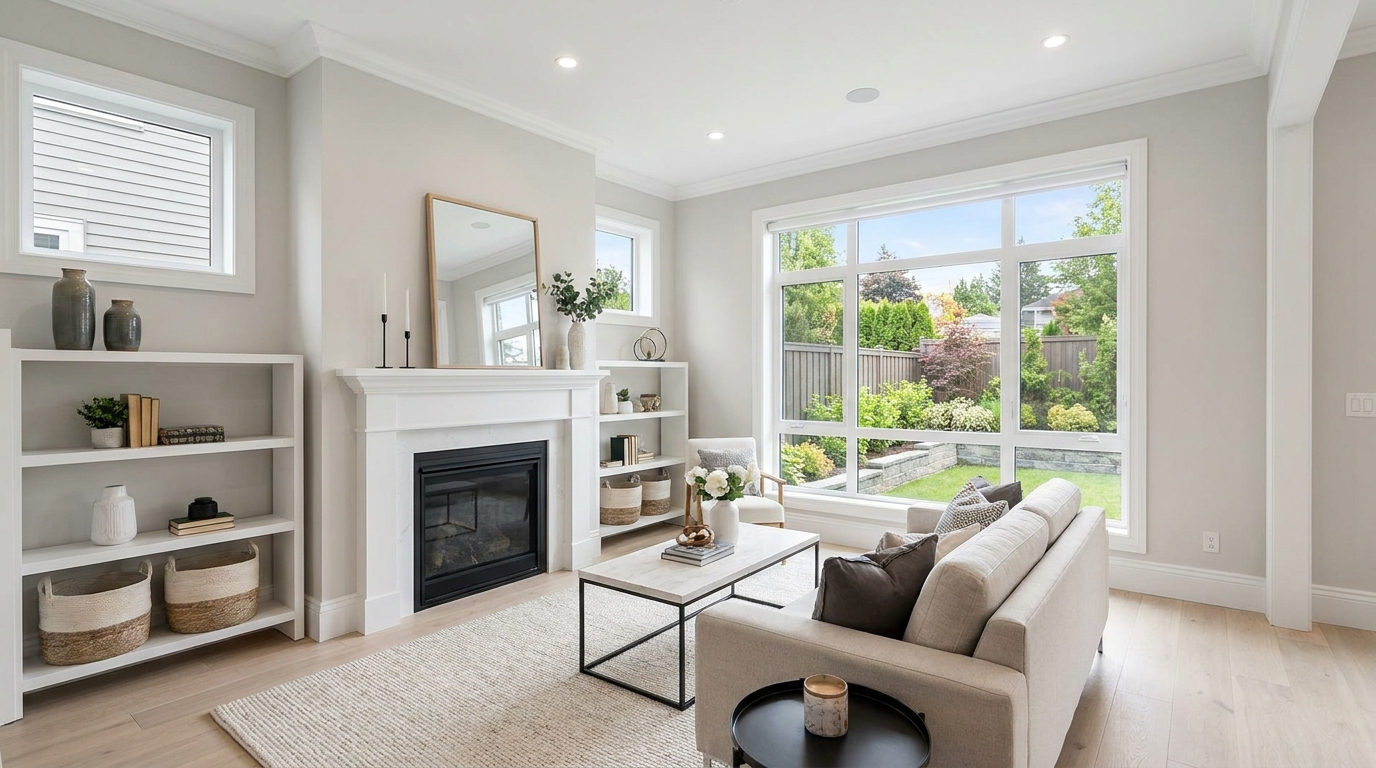
Clear visual distractions so rooms feel larger, cleaner, and easier to imagine.
Try This Tool →
Remove timestamps and embedded text for a cleaner, more professional presentation.
Try This Tool →
Remove signs and notices to keep the scene clean, polished, and distraction-free.
Try This Tool →
Tone down reflective hotspots for a clearer, cleaner image with better surface detail.
Try This Tool →
Remove unwanted mirror reflections for cleaner interiors and more polished composition.
Try This Tool →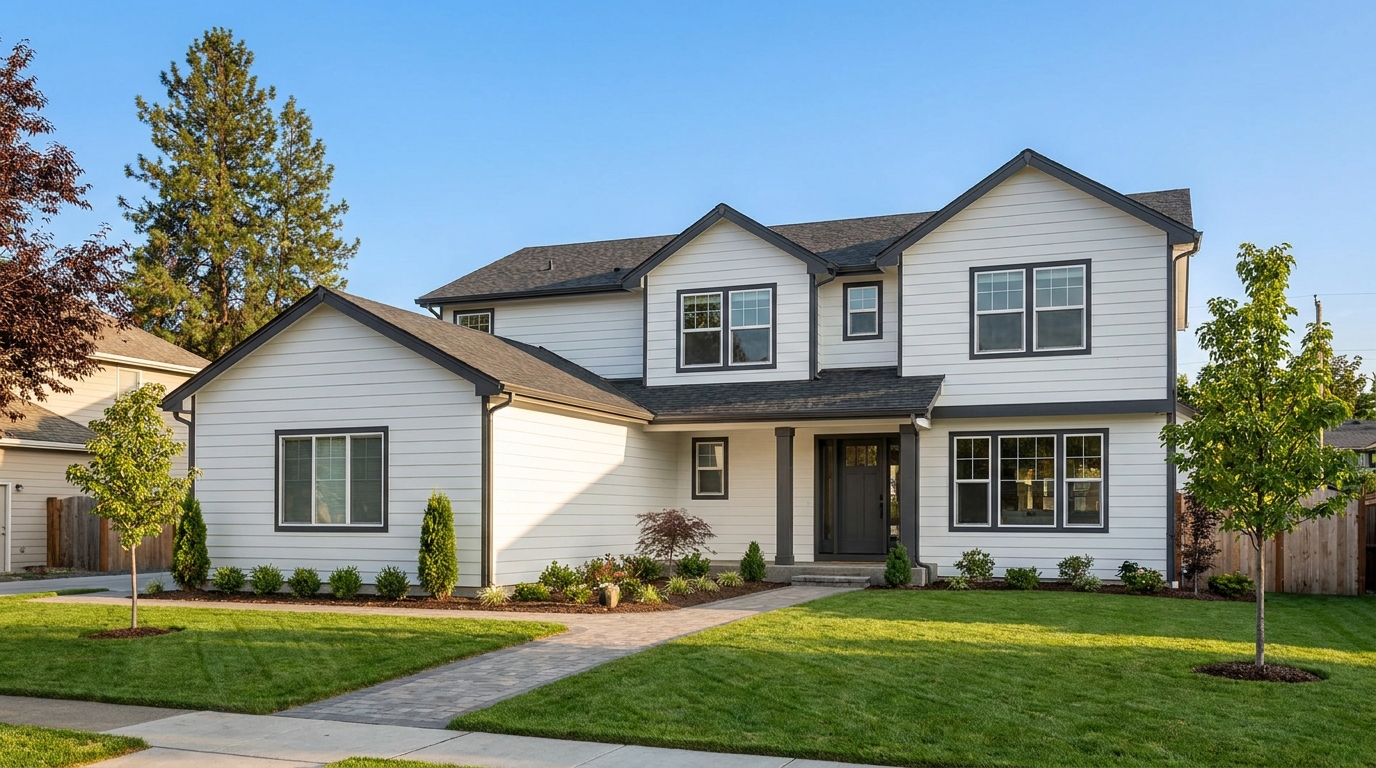
Clean up utility wires for a more open sky and stronger exterior presentation.
Try This Tool →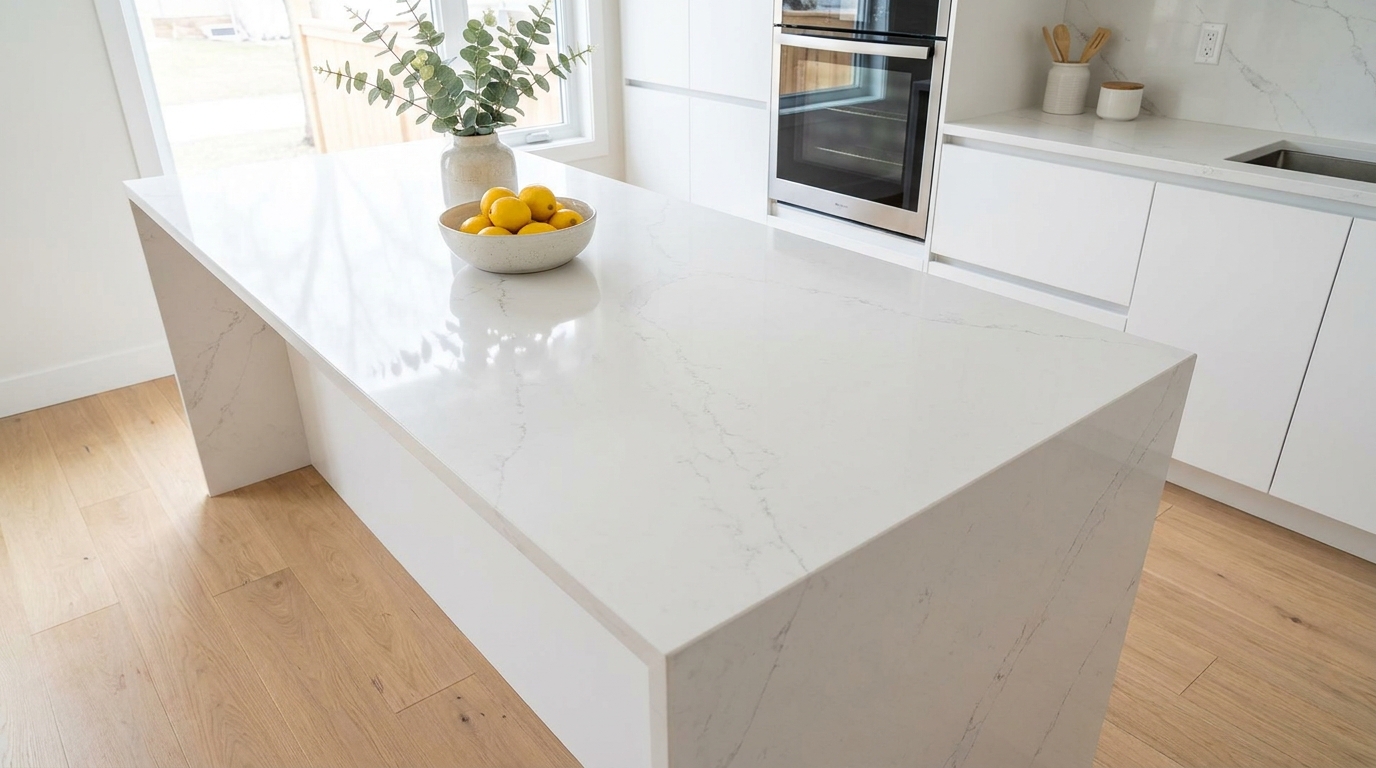
Remove stains and marks so surfaces look cleaner, fresher, and better cared for.
Try This Tool →
Eliminate logos and overlays for a clean image ready for marketing use.
Try This Tool →
Reduce window reflections for clearer views and a cleaner glass finish.
Try This Tool →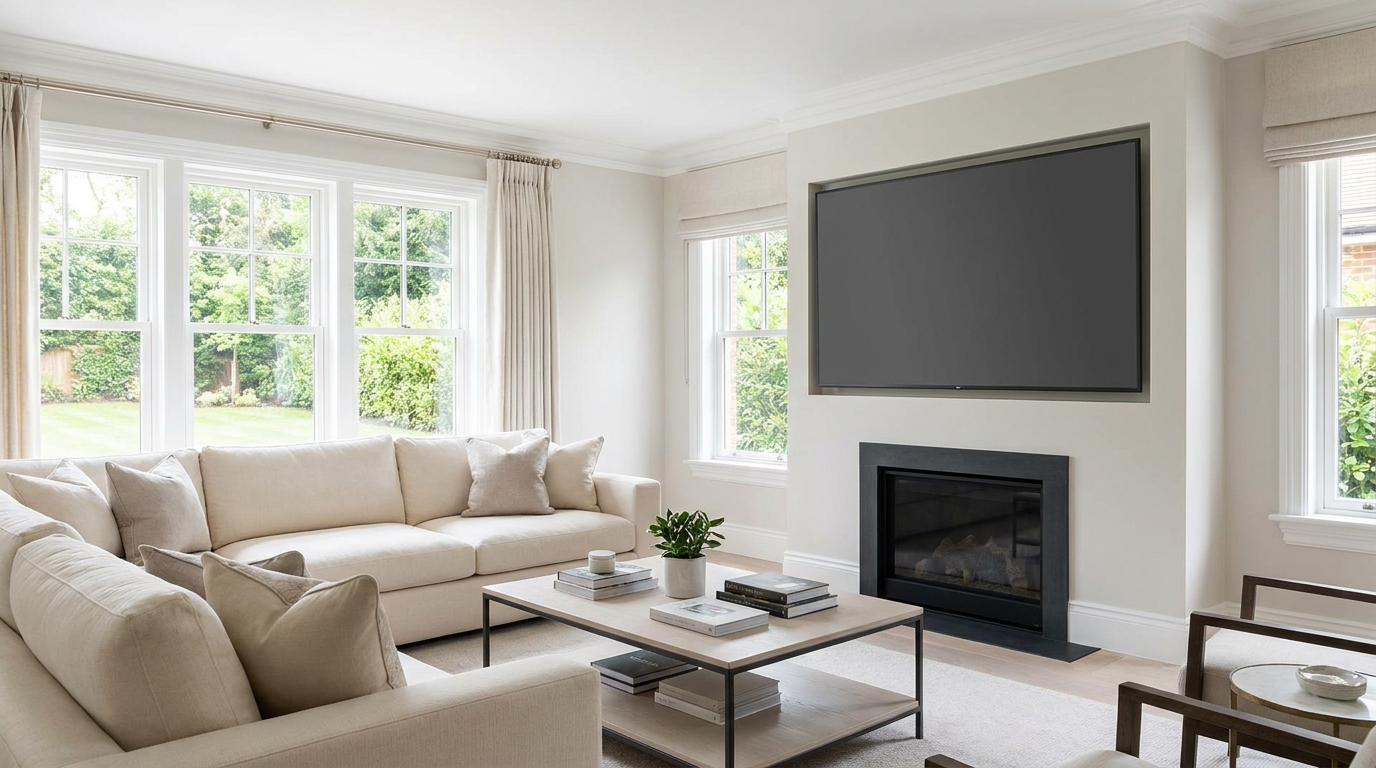
Replace distracting TV content with a clean dark screen that looks intentional and tidy.
Try This Tool →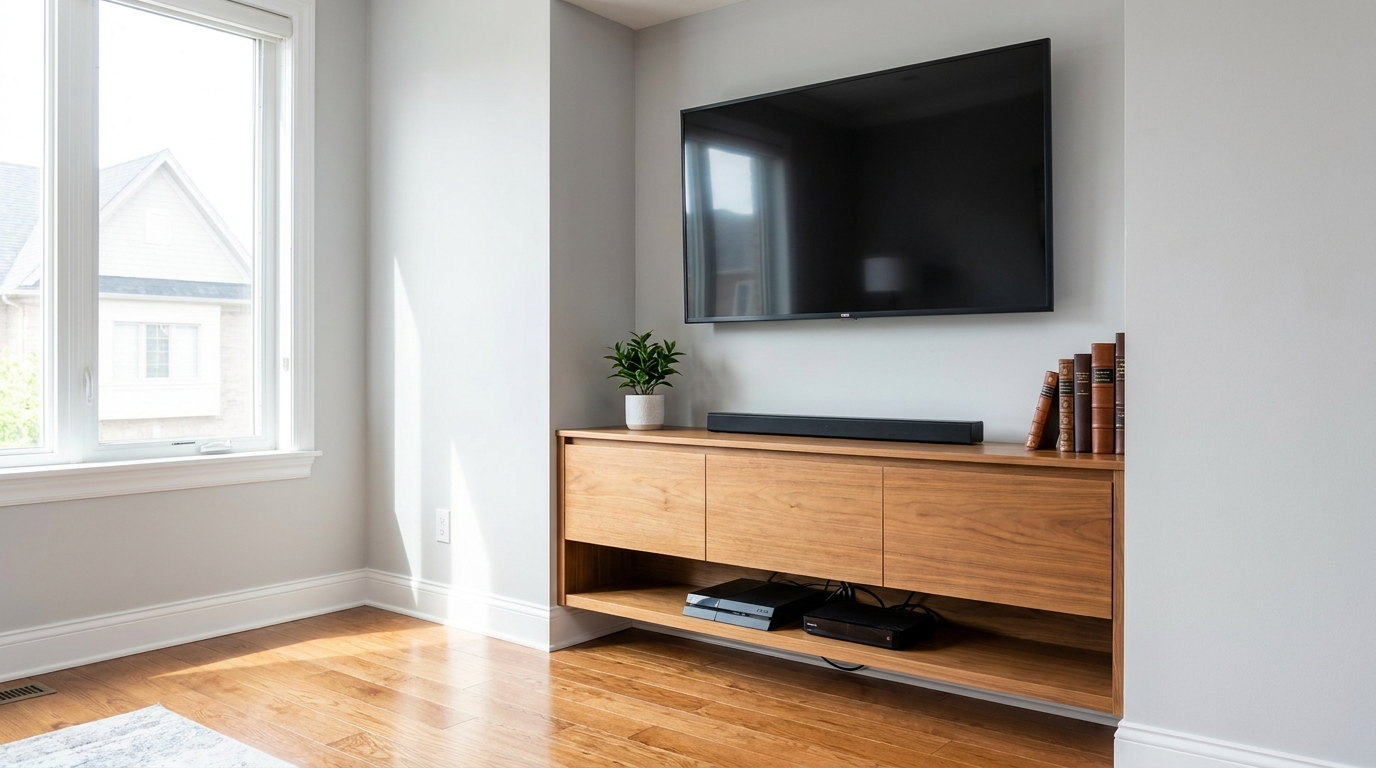
Remove visible cords and cables for a cleaner, more premium-looking space.
Try This Tool →Complementary tools to elevate your property's interior and exterior presentation.
AI image-to-video generation for turning home, room, and property photos into more vivid presentation videos.
02AI exterior renovation for visualizing facade updates, curb appeal improvements, and home exterior remodel ideas.
03AI landscaping design for exploring outdoor concepts, curb appeal upgrades, planting ideas, and yard layout directions.
04AI virtual staging for furnishing empty rooms and creating listing-ready interiors for real estate marketing.
05Free AI image generation for turning text prompts into unlimited visual ideas for home design, interiors, landscaping, renovation
06AI object removal for cleaning up distracting items from room, home, and property photos.
Don't let unsightly trash cans ruin a perfect listing photo. Use our AI-powered removal tool to instantly polish your exteriors and attract more buyers today.