
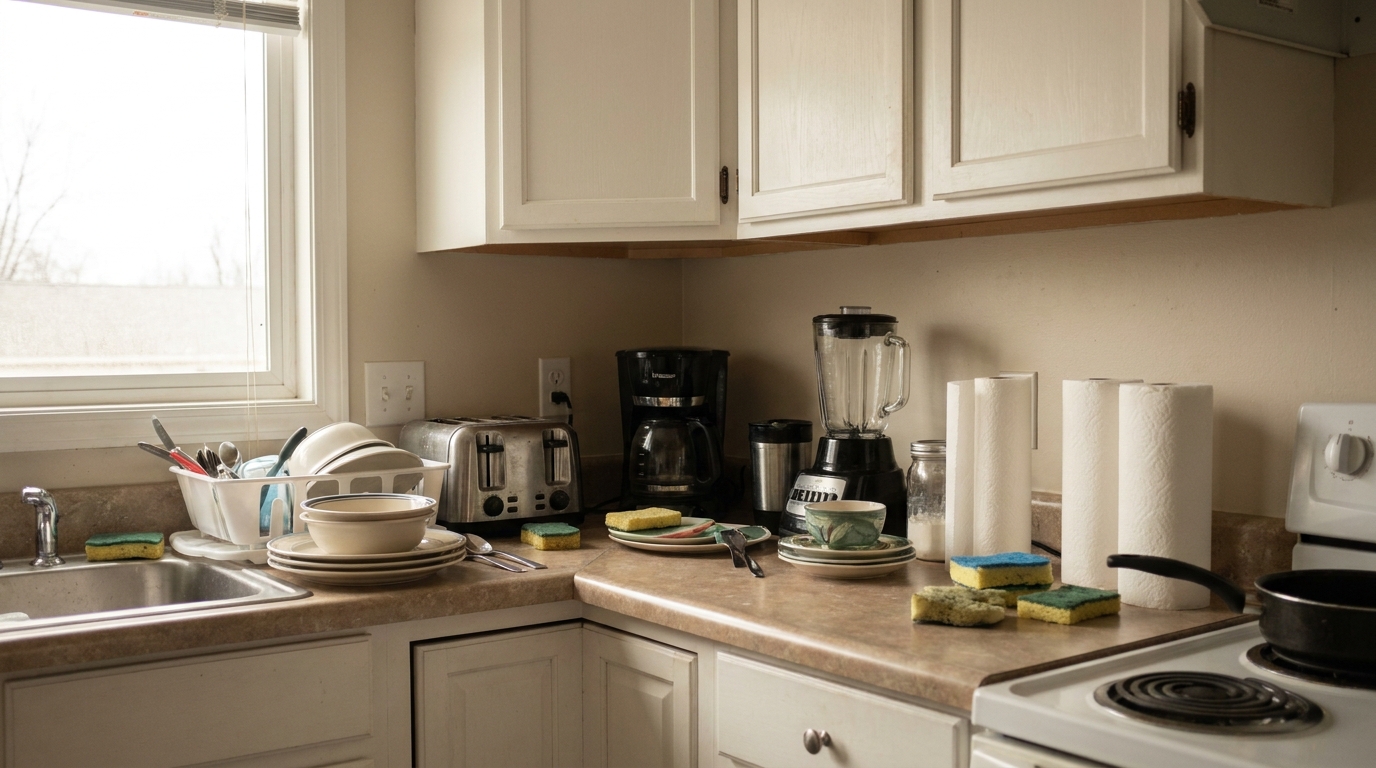
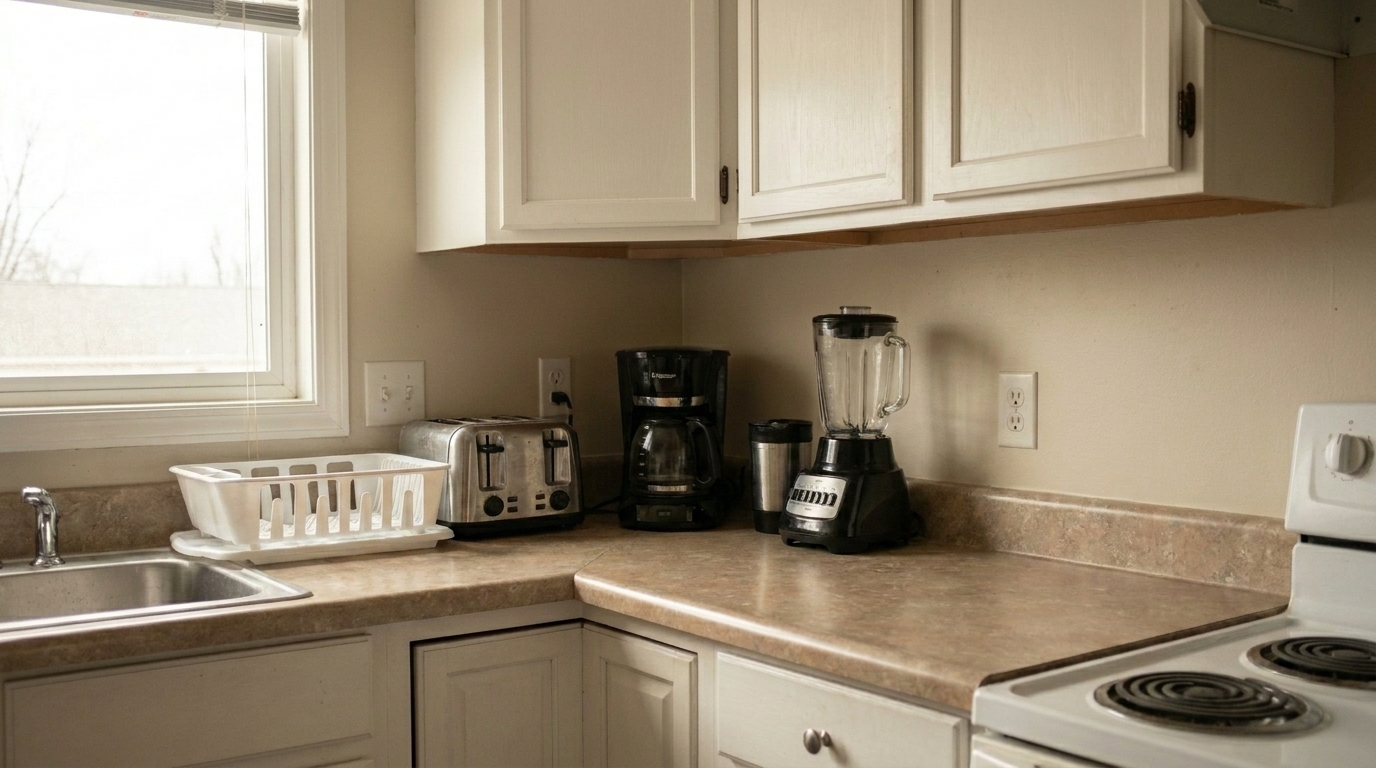

Kitchen Countertop Clutter
Kitchen Countertop Clutter updated with clutter removal styling.
Clear away distracting objects, personal items, and mess in seconds. Present clean, spacious, and highly marketable interiors that buyers can easily imagine living in.
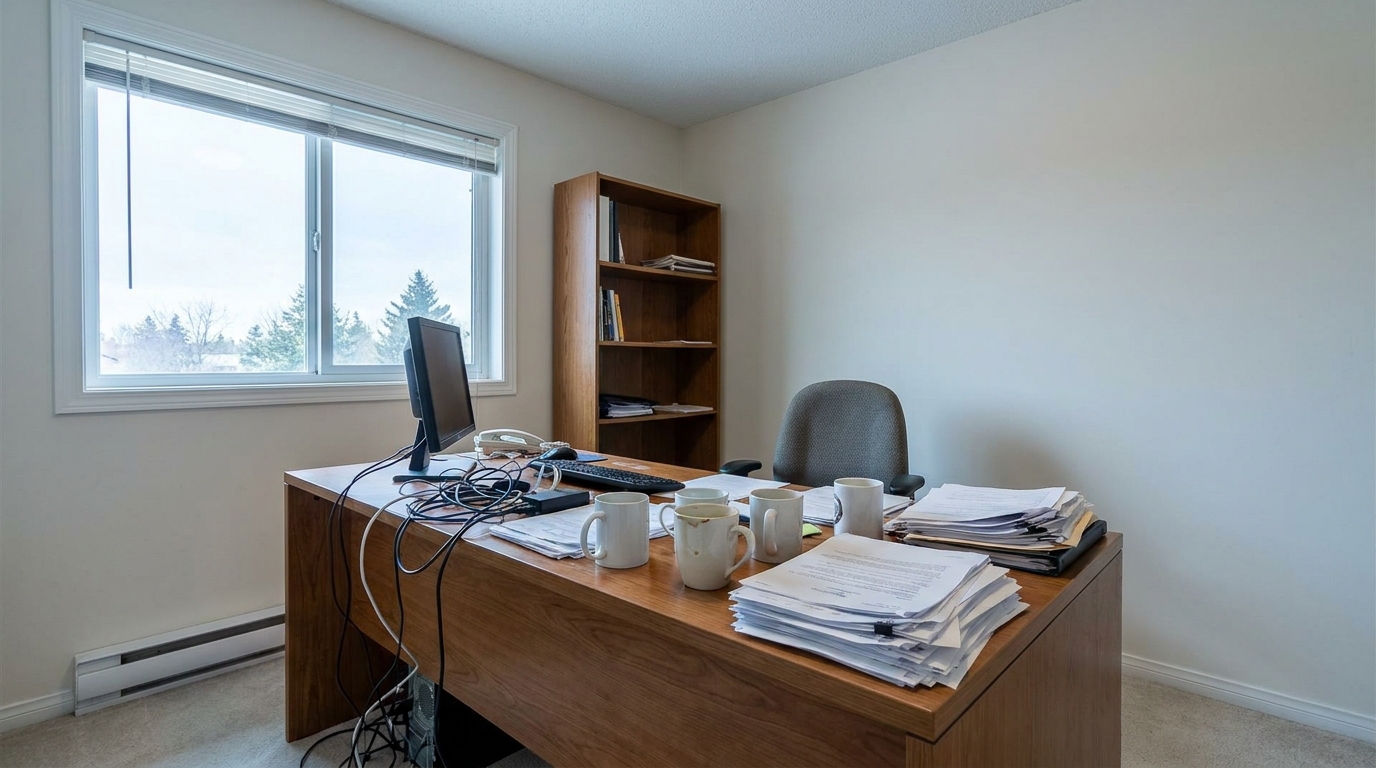
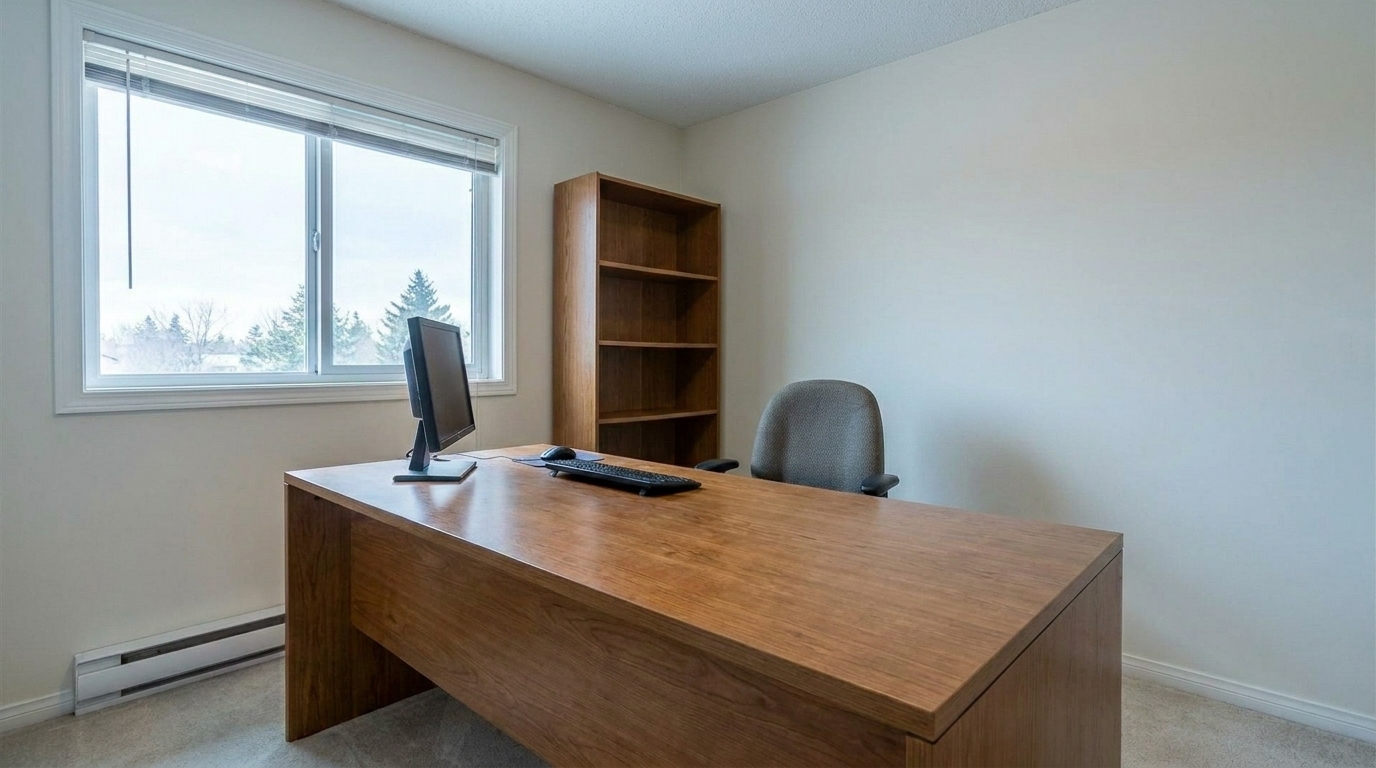
Compare original cluttered spaces with our clean, AI-enhanced listing photos.
Kitchen Countertop Clutter updated with clutter removal styling.
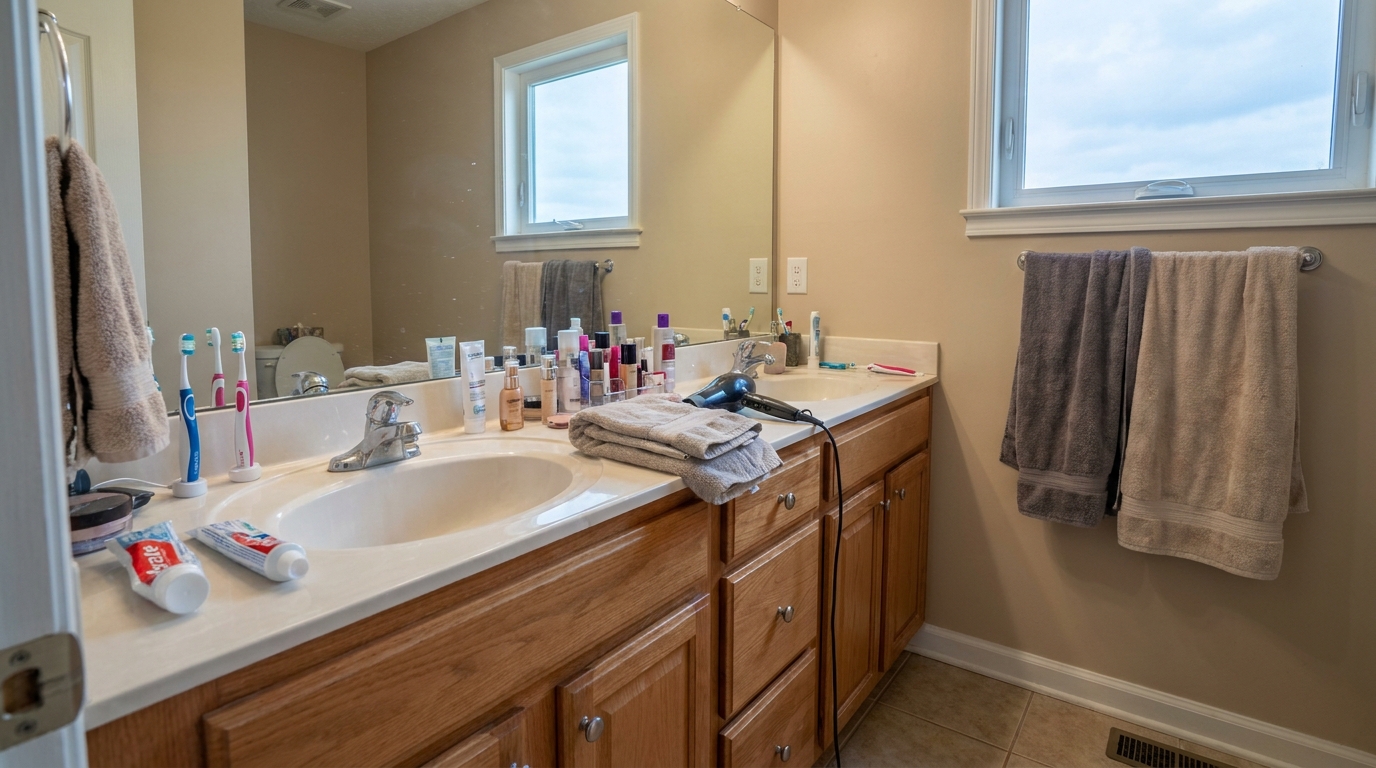
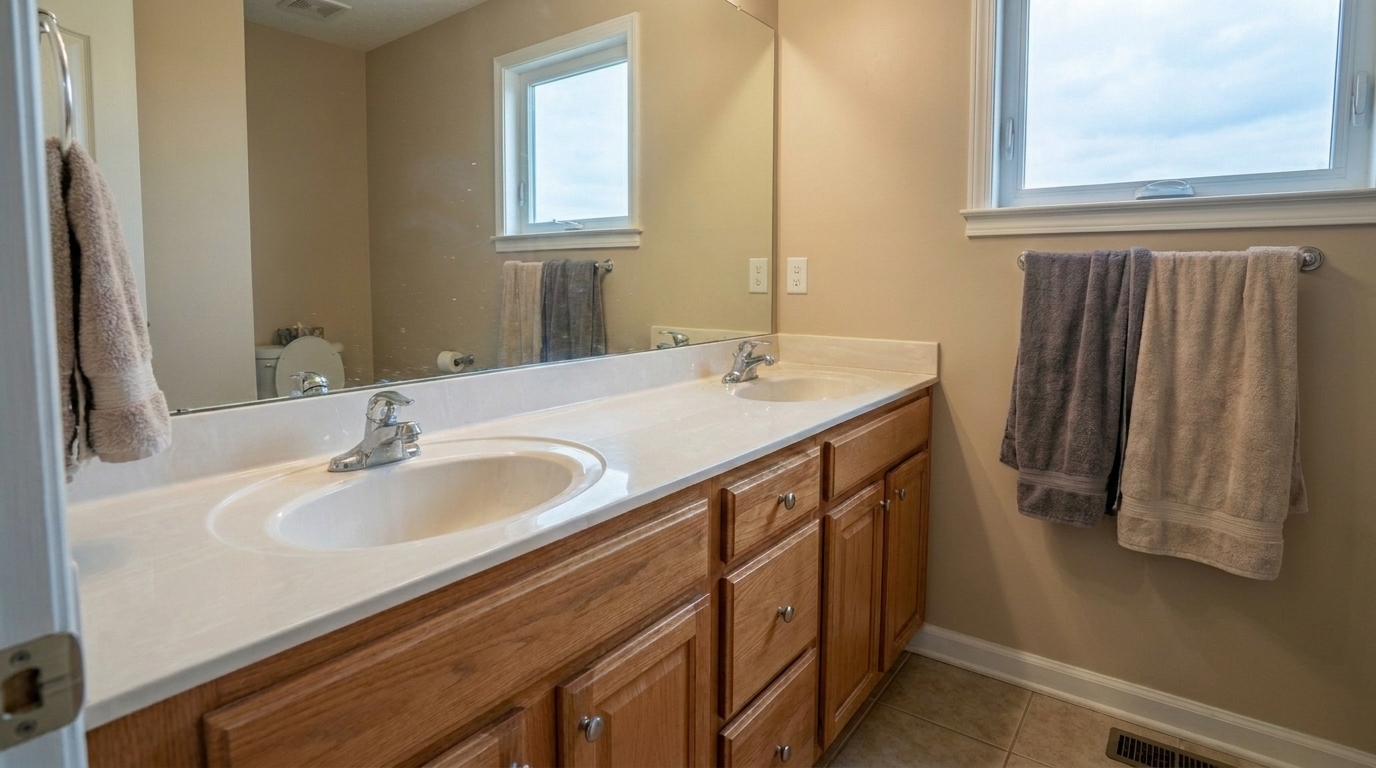
Bathroom Vanity Overcrowding updated with clutter removal styling.
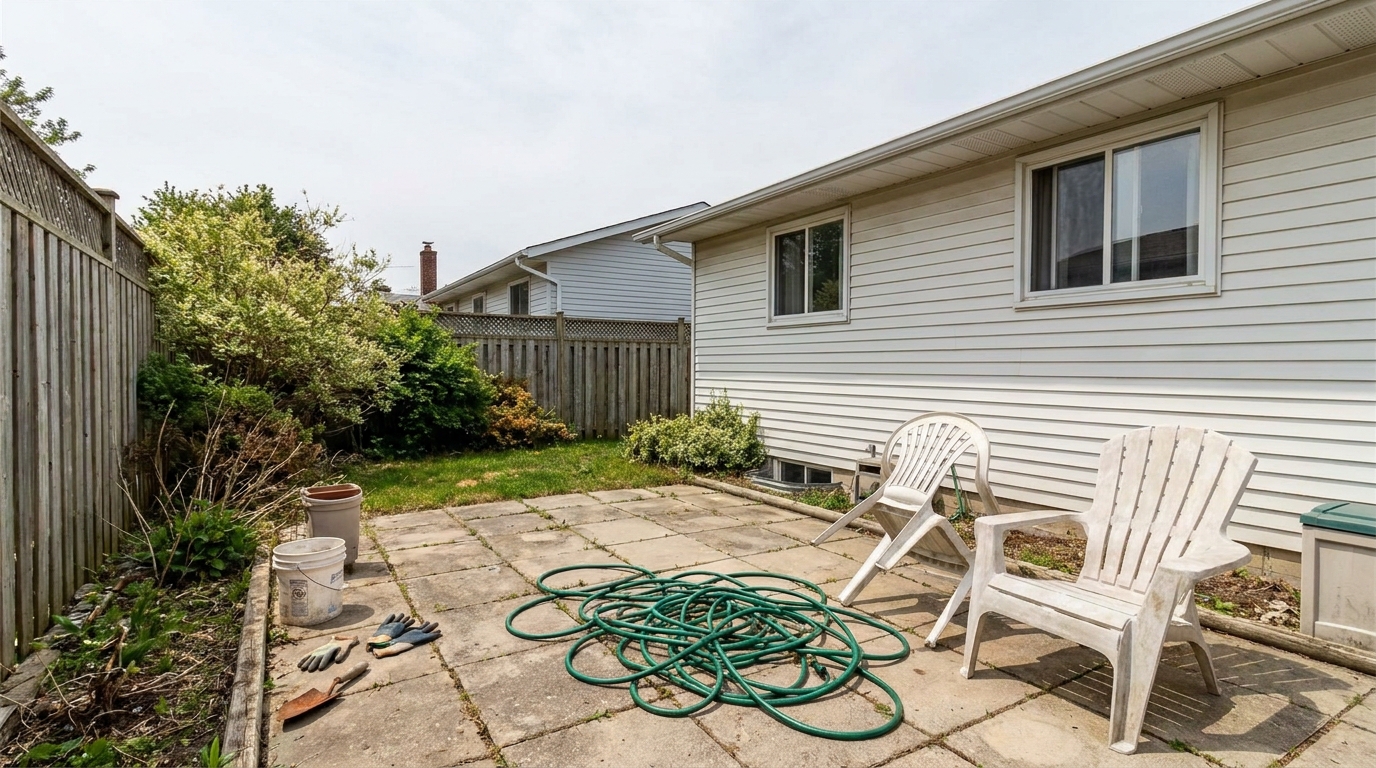
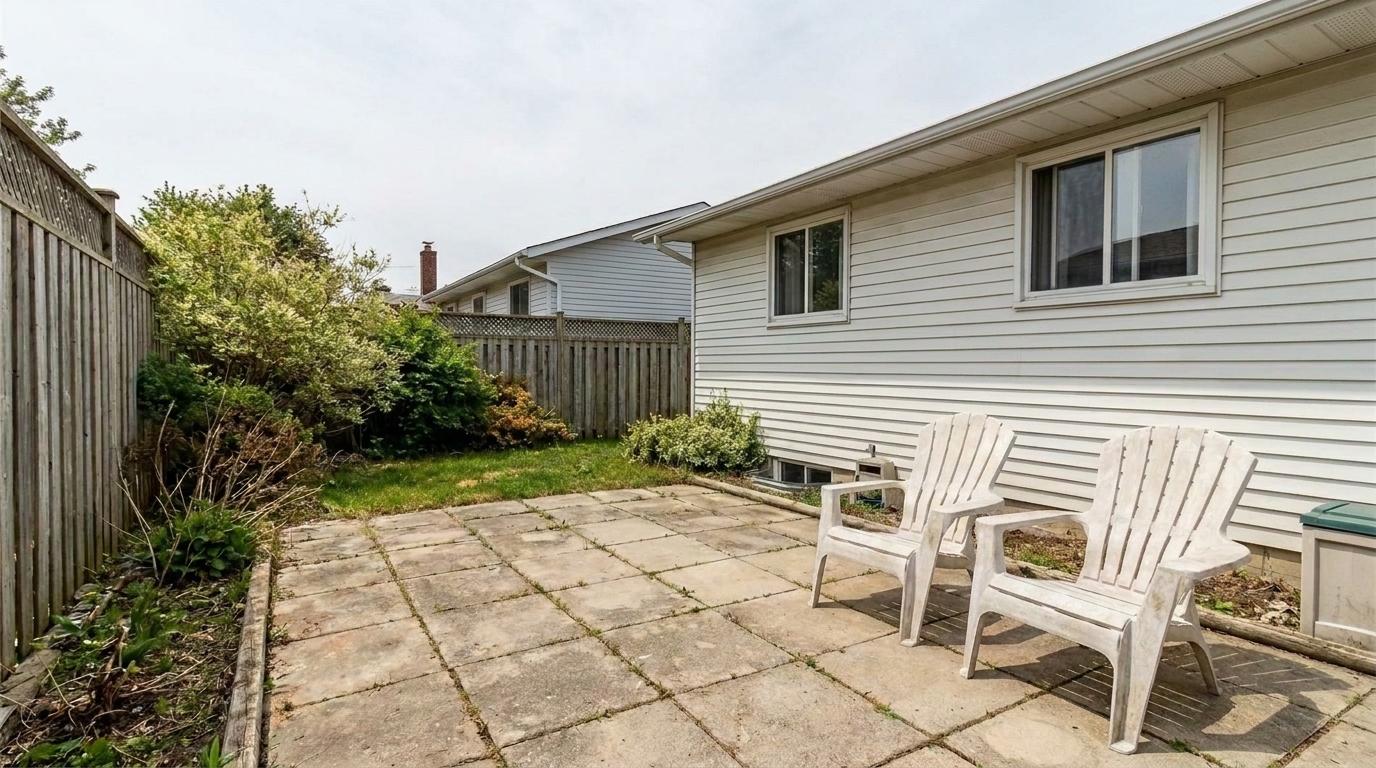
Backyard Patio Debris updated with clutter removal styling.
Our advanced AI identifies and removes distractions while preserving the natural architecture.
Automatically distinguishes between permanent staging furniture and temporary household clutter like mail, toys, and dishes.
Rebuilds complex textures behind removed items, including hardwood floor grain, carpet fibers, and painted drywall.
Adjusts surrounding light and removes shadows cast by deleted objects to ensure the final image looks completely natural.
Specially calibrated to clean up flat surfaces like kitchen countertops, dining tables, office desks, and bathroom vanities.
Cleans your photos without compressing or degrading the original image quality, keeping lines sharp and textures realistic.
Declutter an entire home's photo set simultaneously, saving hours of manual editing and keeping your listing pipeline moving.
See how different industries use clutter removal to accelerate sales and improve presentations.
Quickly clean up photos of occupied homes where sellers didn't have time to fully declutter before the shoot.
Listing PrepSave hours of tedious manual cloning and healing in Photoshop by automating the removal of minor room distractions.
EfficiencyClear out existing messy furniture and personal items to prepare a clean canvas for virtual staging and design overlays.
Design PrepRefresh rental listing photos by removing tenant clutter, trash bins, and personal items between lease cycles.
RentalsMake your home look professionally staged and spacious on a budget, attracting more online views and inquiries.
For Sale By OwnerRemove temporary styling tools, construction debris, or camera equipment from portfolio shots to focus on the design.
PortfolioClean up your interior and exterior shots in three simple, automated steps.
Drag and drop your interior or exterior image into the editor. We support high-resolution JPG, PNG, and WebP formats directly from your camera or phone.
Select the Clutter Removal tool. Our AI instantly scans the image, identifying transient items like toys, papers, and countertop mess while preserving structural furniture.
Review the clean, spacious result. Download your high-resolution, MLS-ready photo in seconds, completely free of distracting visual noise.
Source-backed context for why clutter removal edits matter inside object & element specific workflows.
Clutter Removal within Object & Element Specific evidence
Photos are one of the most valuable website features for home buyers; NAR's 2025 generational trends report says 83% of internet-using buyers rated photos as very useful. For Clutter Removal pages, this supports showing how a focused Object & Element Specific edit can make the listing photo feel clearer, more polished, and easier for buyers to evaluate.
Source: NAR 2025Clutter Removal within Object & Element Specific evidence
Zillow Research's 2025 prospective buyer report ranked high-resolution photos as the number two most important listing feature, selected by 26% of prospective buyers; floor plans ranked first at 33%. For Clutter Removal pages, this supports showing how a focused Object & Element Specific edit can make the listing photo feel clearer, more polished, and easier for buyers to evaluate.
Source: Zillow 2025Clutter Removal within Object & Element Specific evidence
Redfin reported that professionally photographed homes in the $400,000 range sold three weeks faster and for more than $10,000 relative to list price compared with amateur photos. Use this as supporting context, not as a guaranteed result. For Clutter Removal pages, this supports showing how a focused Object & Element Specific edit can make the listing photo feel clearer, more polished, and easier for buyers to evaluate.
Source: RedfinA clean, spacious home sells faster and for a higher price. This guide helps you integrate AI clutter removal into your marketing workflow, choose the right tools, and navigate ethical presentation standards.
To get the most natural results, start with a solid photography foundation. While AI clutter removal is incredibly powerful, it works best when the underlying room structure is visible. Before shooting, ask sellers to clear large, bulky items if possible. Once you have your photos, run them through the Clutter Removal preset first. This establishes a clean, open baseline. After clearing the general mess, apply specialized presets like Wire & Cable Removal or Glare Removal to polish the remaining details. This sequential workflow ensures that the AI doesn't have to guess too much background detail, resulting in a flawless, high-resolution finish that looks completely authentic.
Understanding when to use the general Clutter Removal preset versus specialized sibling tools will save you time and improve image quality. Use Clutter Removal when a room has multiple miscellaneous distractions like toys, papers, countertop items, and general untidiness. However, if your photo is already clean but has one specific issue, choose a targeted preset. For example, use 'People & Pet Removal' specifically to clear accidental photobombs, 'Wire & Cable Removal' for tangled entertainment centers, and 'Trash Can Removal' or 'Remove Cars' for exterior curb appeal. If you are dealing with physical damage, switch to 'Crack & Wall Repair' or 'Stain Removal' rather than trying to use general clutter tools, as specialized models preserve surface textures much better.
AI clutter removal is perfect for occupied homes, rental turnovers, and busy families who cannot keep a home perfectly staged. It allows you to present the home's true space and potential. However, there are clear boundaries to respect. Do use it to remove transient items like trash cans, dog bowls, laundry, and personal photos. Do not use it to remove permanent fixtures, neighboring power lines, or structural defects like water stains, mold, or wall cracks. Falsifying the physical condition of a property violates MLS guidelines and destroys buyer trust. Use clutter removal to reveal the home's space, not to conceal its true condition.
Discover specialized presets designed to polish every detail of your property listings.
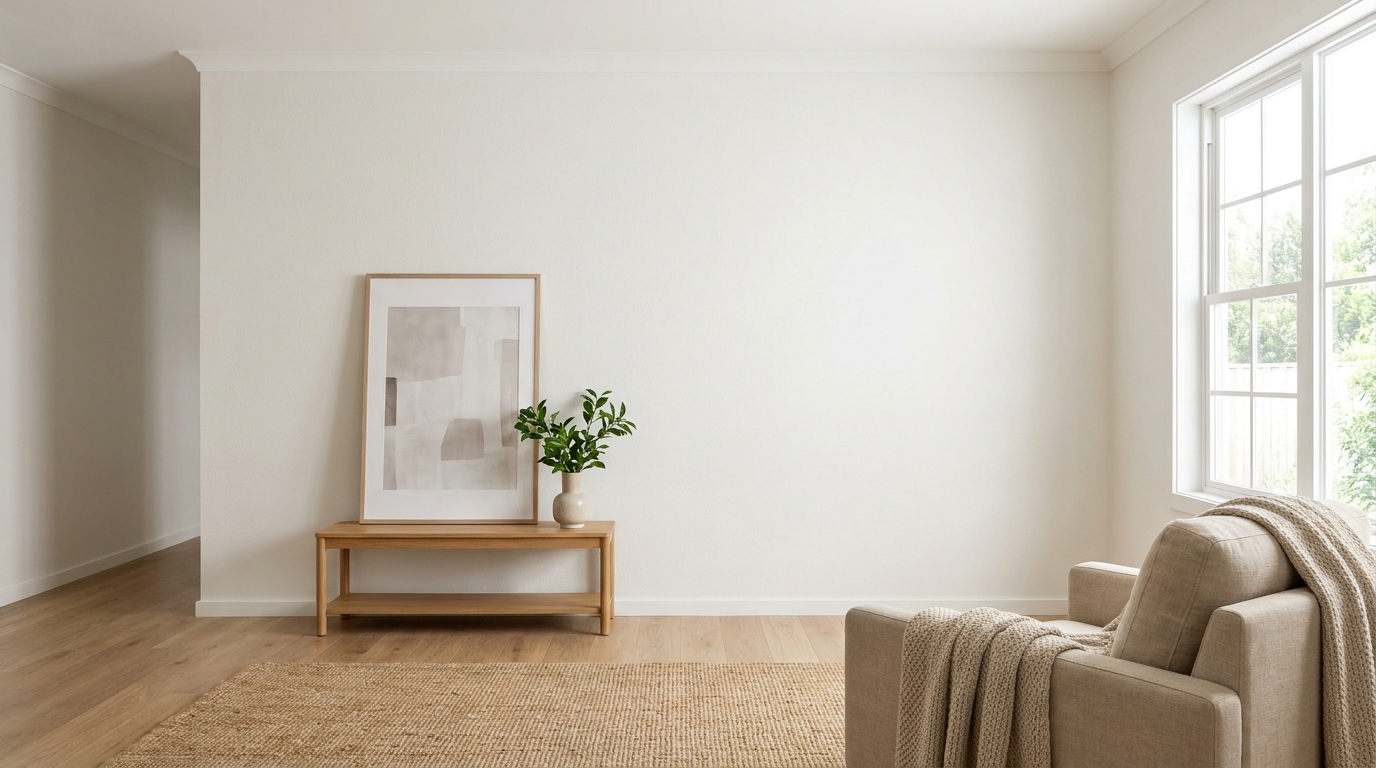
Clean up visible wall damage for a smoother, better-maintained interior finish.
Try This Tool →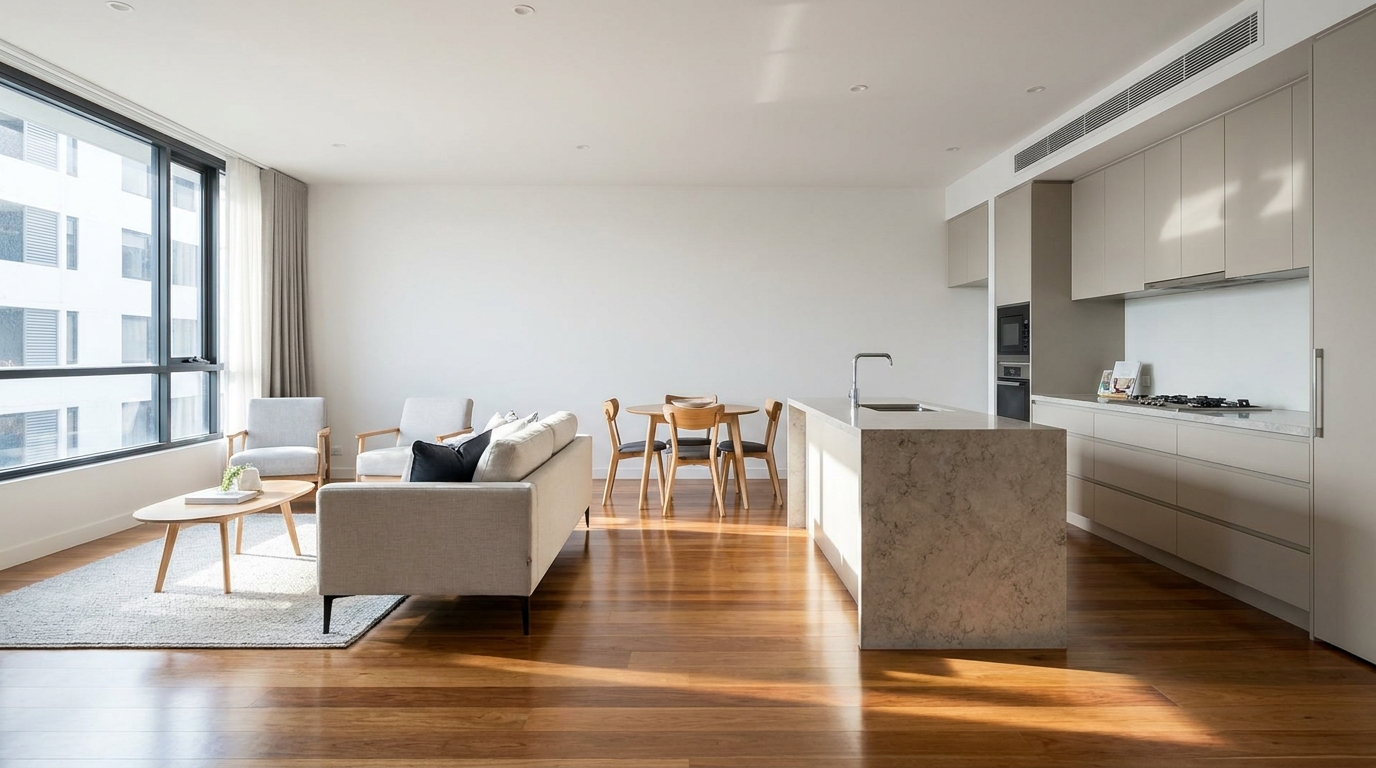
Refine floor reflections for a cleaner, glossier, more premium interior look.
Try This Tool →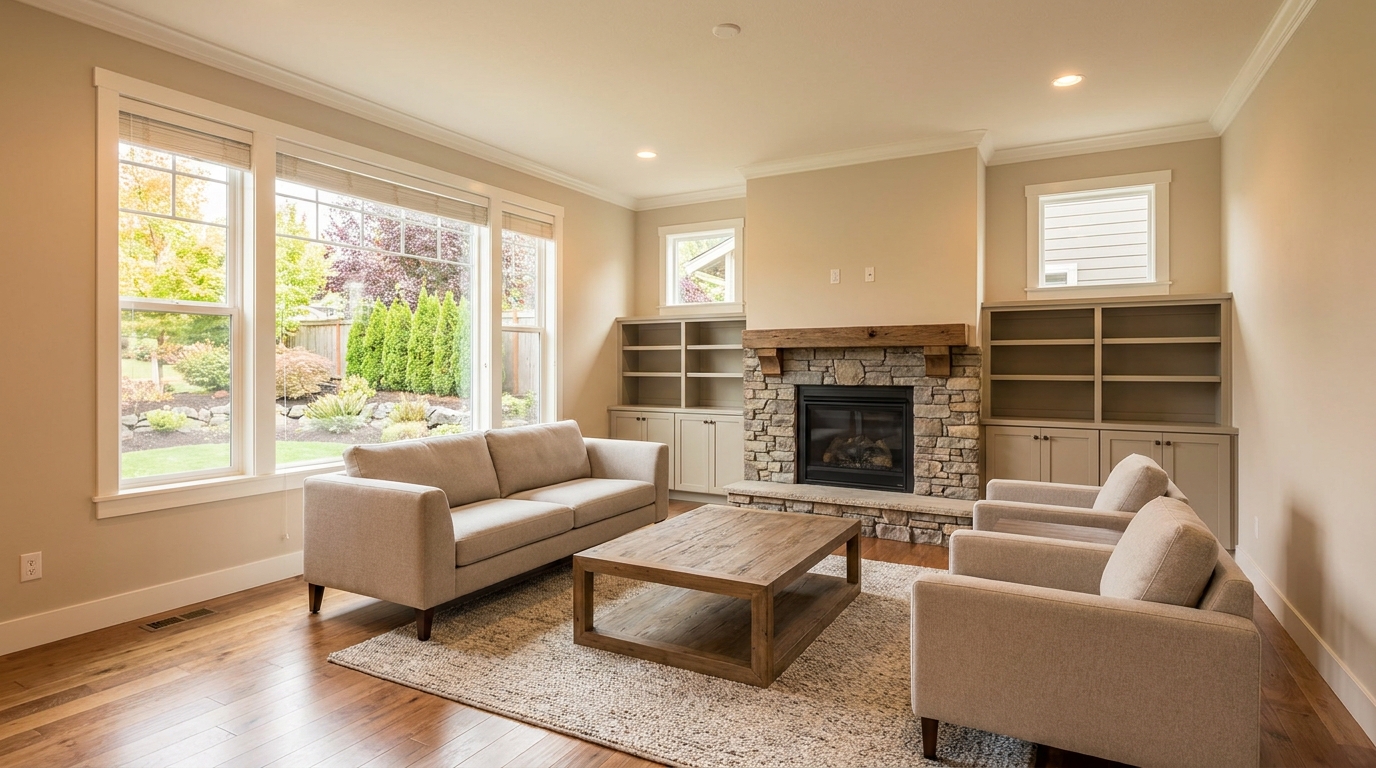
Remove people and pets for a cleaner photo that keeps attention on the property.
Try This Tool →
Eliminate bins and trash cans for tidier, more marketable exterior scenes.
Try This Tool →
Remove parked vehicles to keep focus on the home and surrounding curb appeal.
Try This Tool →
Remove timestamps and embedded text for a cleaner, more professional presentation.
Try This Tool →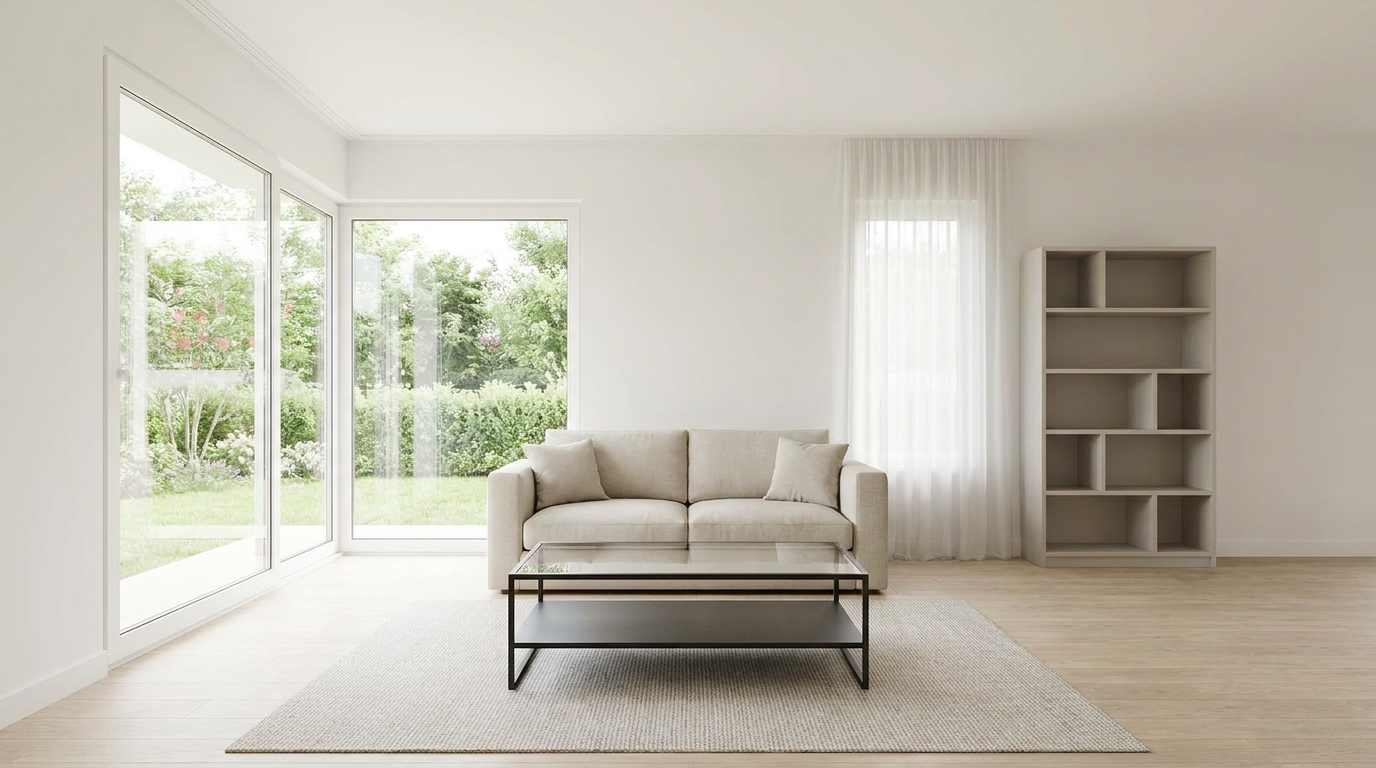
Remove signs and notices to keep the scene clean, polished, and distraction-free.
Try This Tool →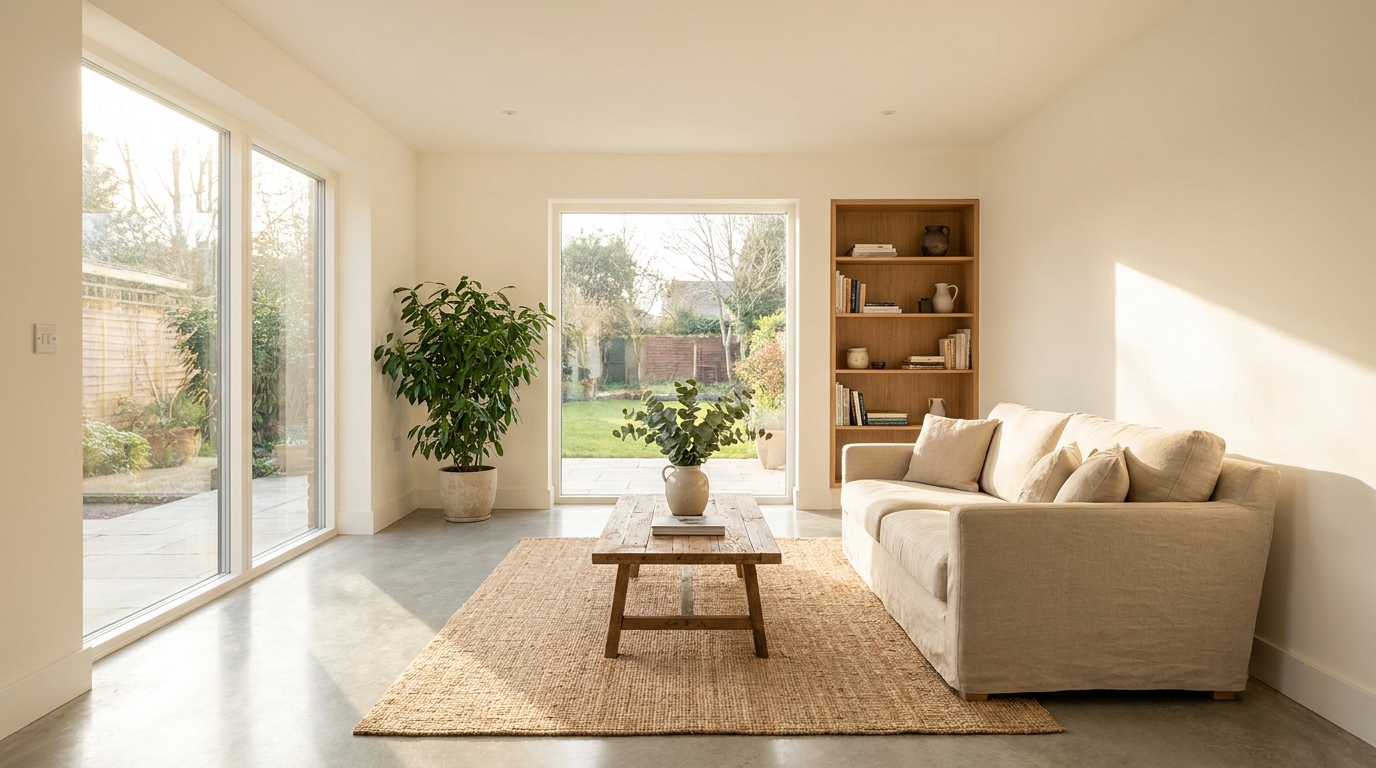
Tone down reflective hotspots for a clearer, cleaner image with better surface detail.
Try This Tool →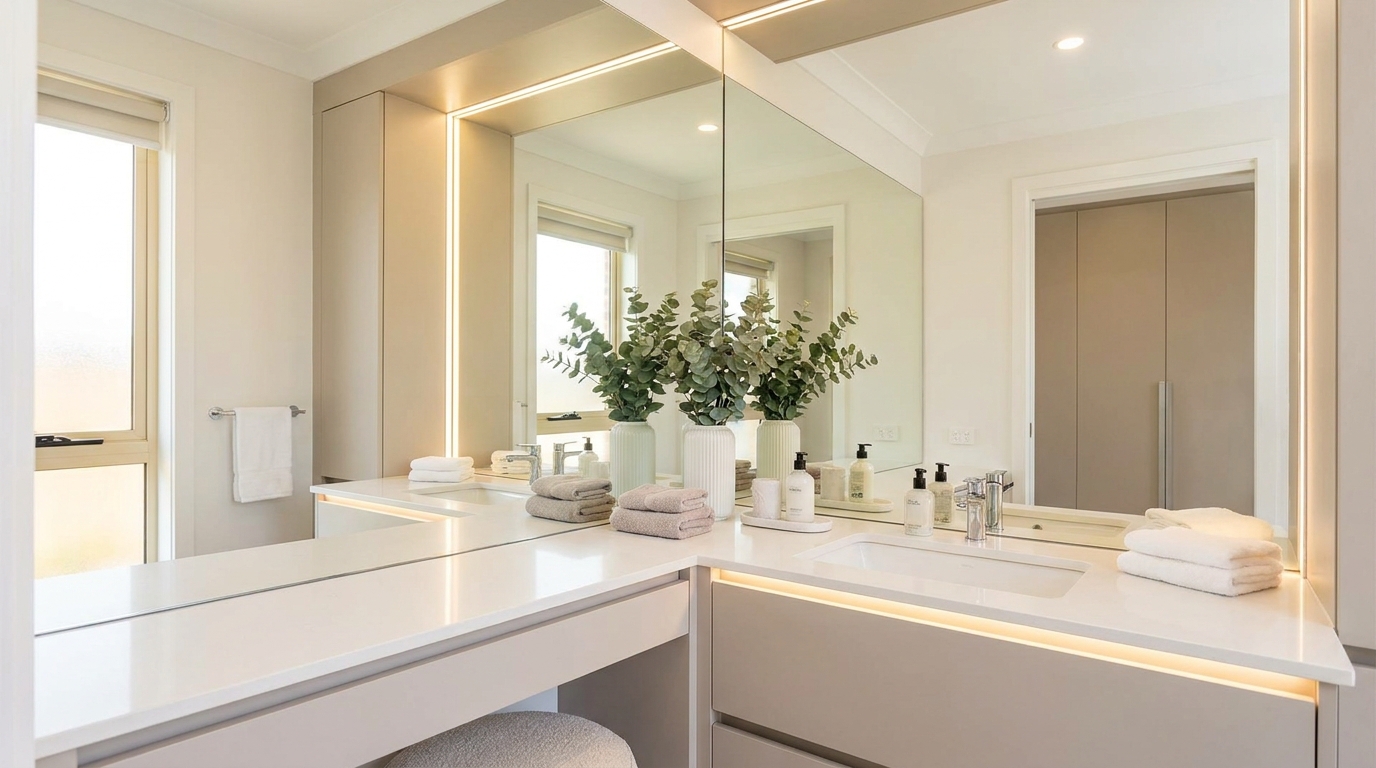
Remove unwanted mirror reflections for cleaner interiors and more polished composition.
Try This Tool →
Clean up utility wires for a more open sky and stronger exterior presentation.
Try This Tool →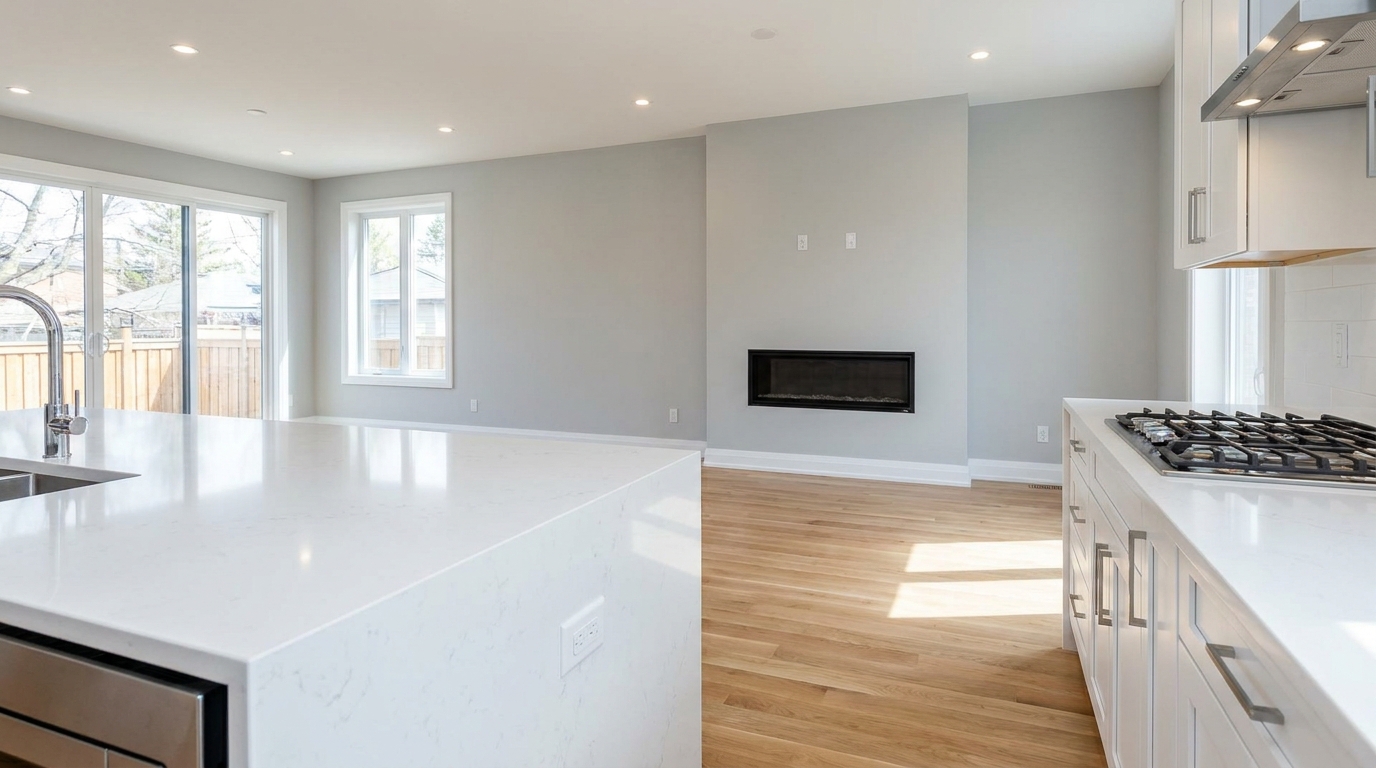
Remove stains and marks so surfaces look cleaner, fresher, and better cared for.
Try This Tool →
Eliminate logos and overlays for a clean image ready for marketing use.
Try This Tool →
Reduce window reflections for clearer views and a cleaner glass finish.
Try This Tool →
Replace distracting TV content with a clean dark screen that looks intentional and tidy.
Try This Tool →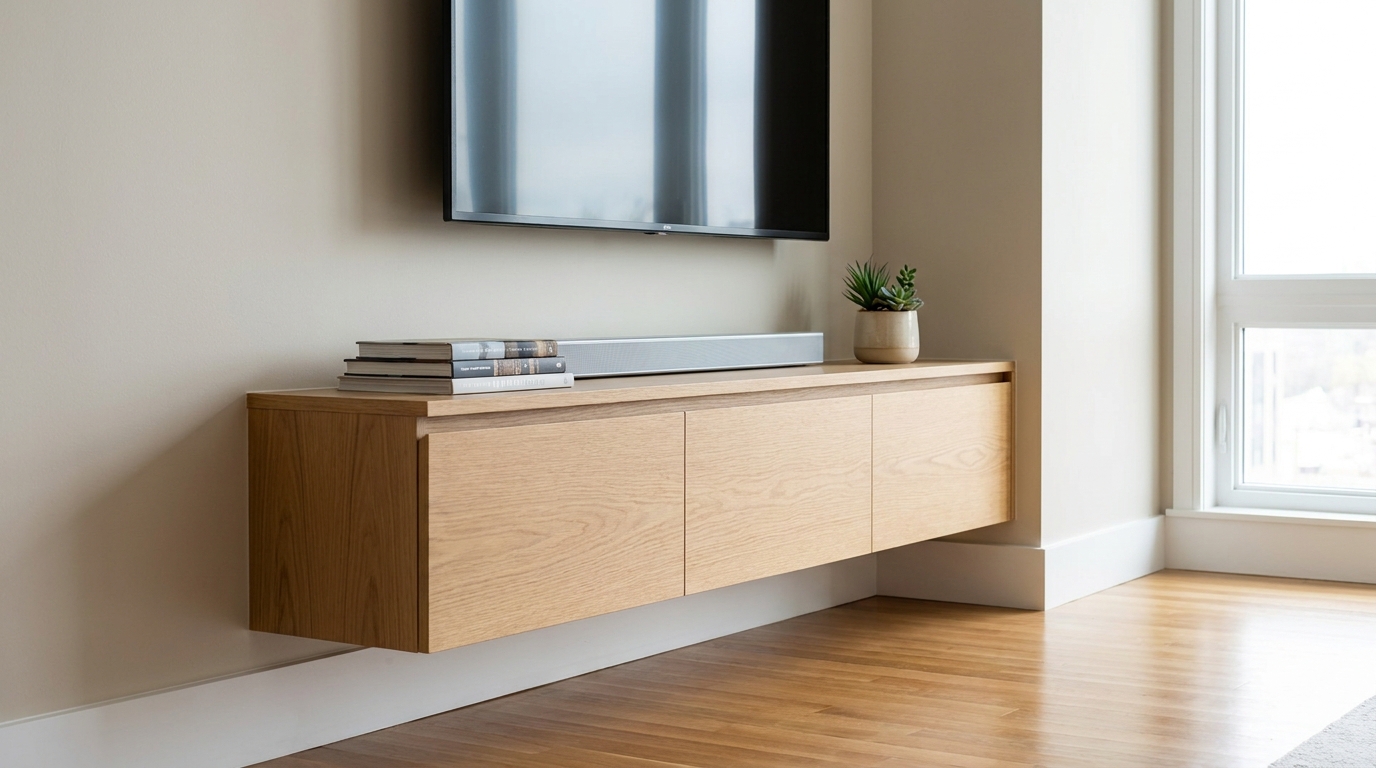
Remove visible cords and cables for a cleaner, more premium-looking space.
Try This Tool →Elevate your property marketing with our complete suite of image optimization presets.
AI image-to-video generation for turning home, room, and property photos into more vivid presentation videos.
02AI exterior renovation for visualizing facade updates, curb appeal improvements, and home exterior remodel ideas.
03AI landscaping design for exploring outdoor concepts, curb appeal upgrades, planting ideas, and yard layout directions.
04AI virtual staging for furnishing empty rooms and creating listing-ready interiors for real estate marketing.
05Free AI image generation for turning text prompts into unlimited visual ideas for home design, interiors, landscaping, renovation
06AI object removal for cleaning up distracting items from room, home, and property photos.
Don't let messy rooms turn buyers away. Use our AI Clutter Removal tool to present clean, spacious, and inviting homes today.