
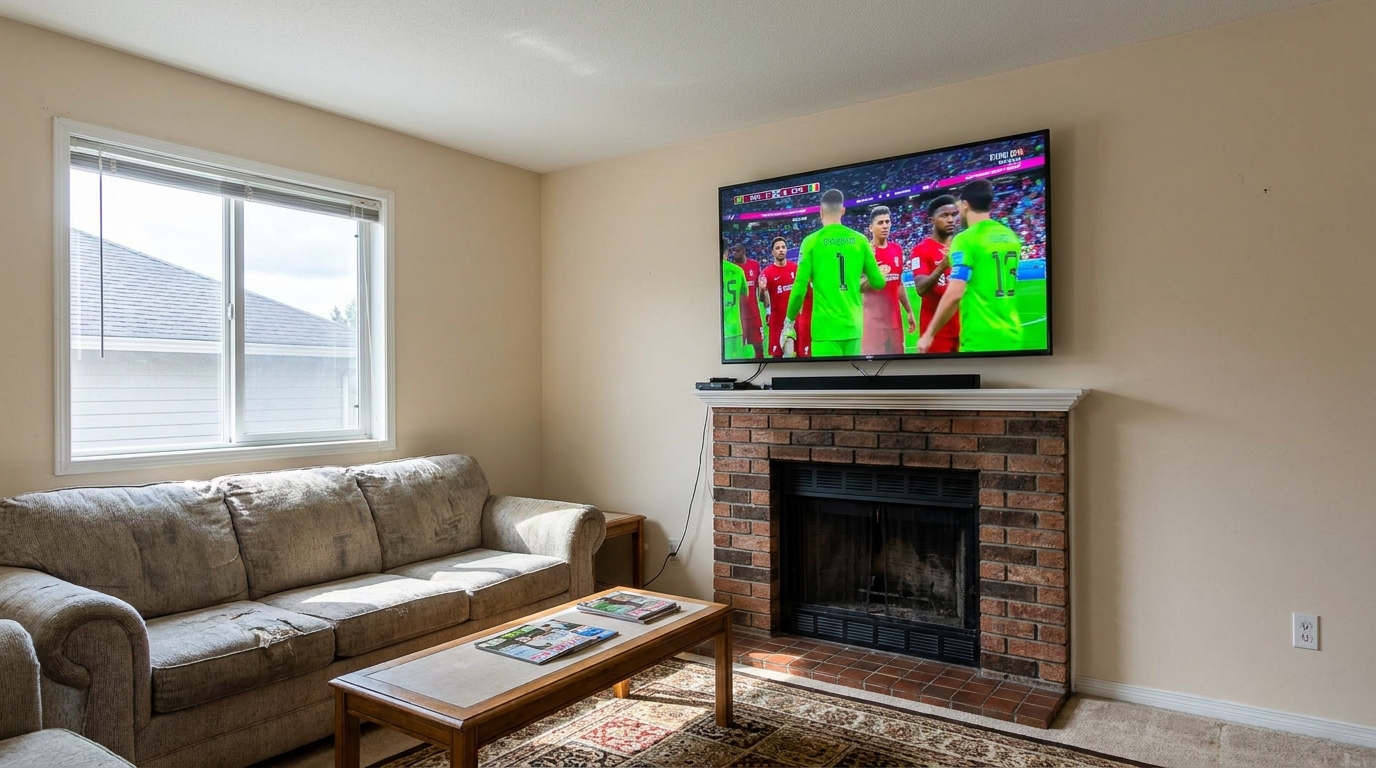
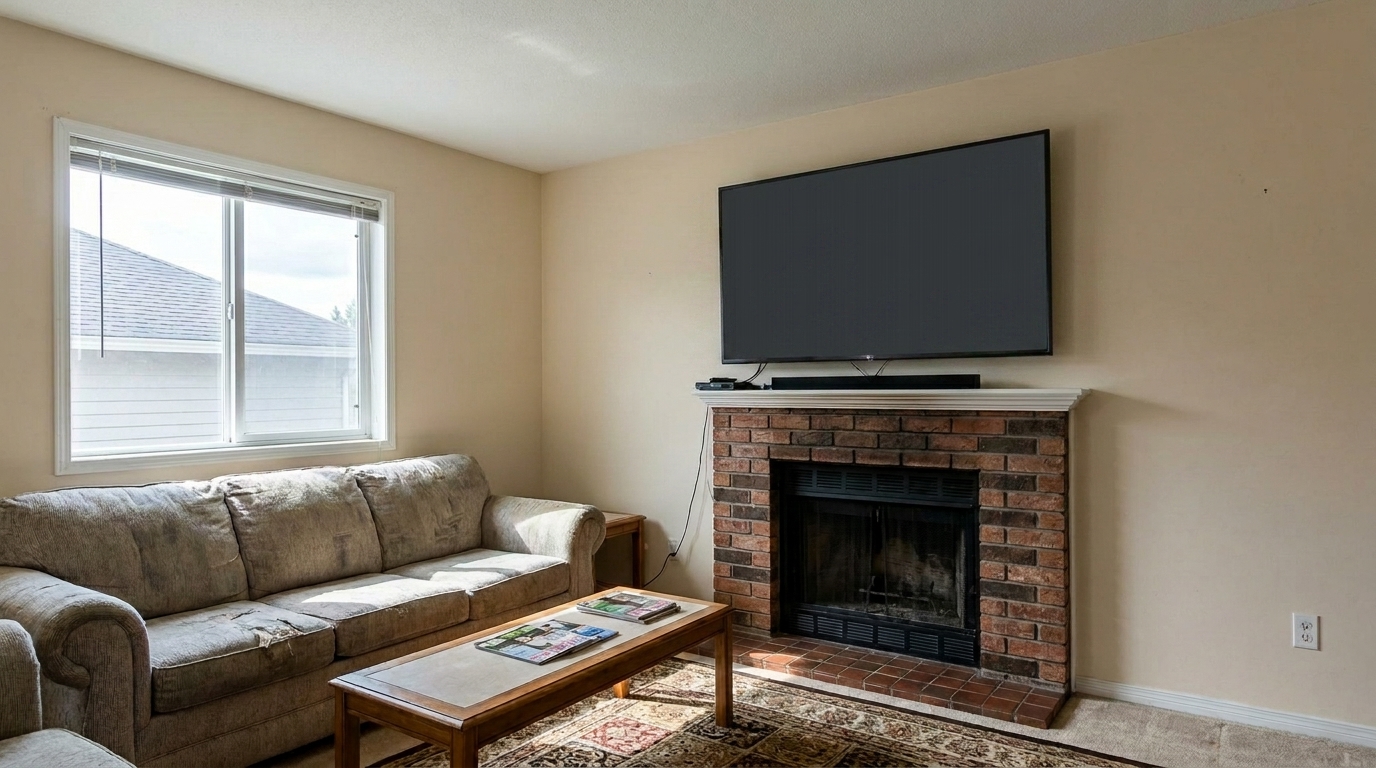

Living Room TV with Active Broadcast
Living Room TV with Active Broadcast updated with tv screen fix styling.
Replace glowing, mismatched, or reflective television screens with a clean, matte dark finish. Perfect for creating polished, professional listing photos.
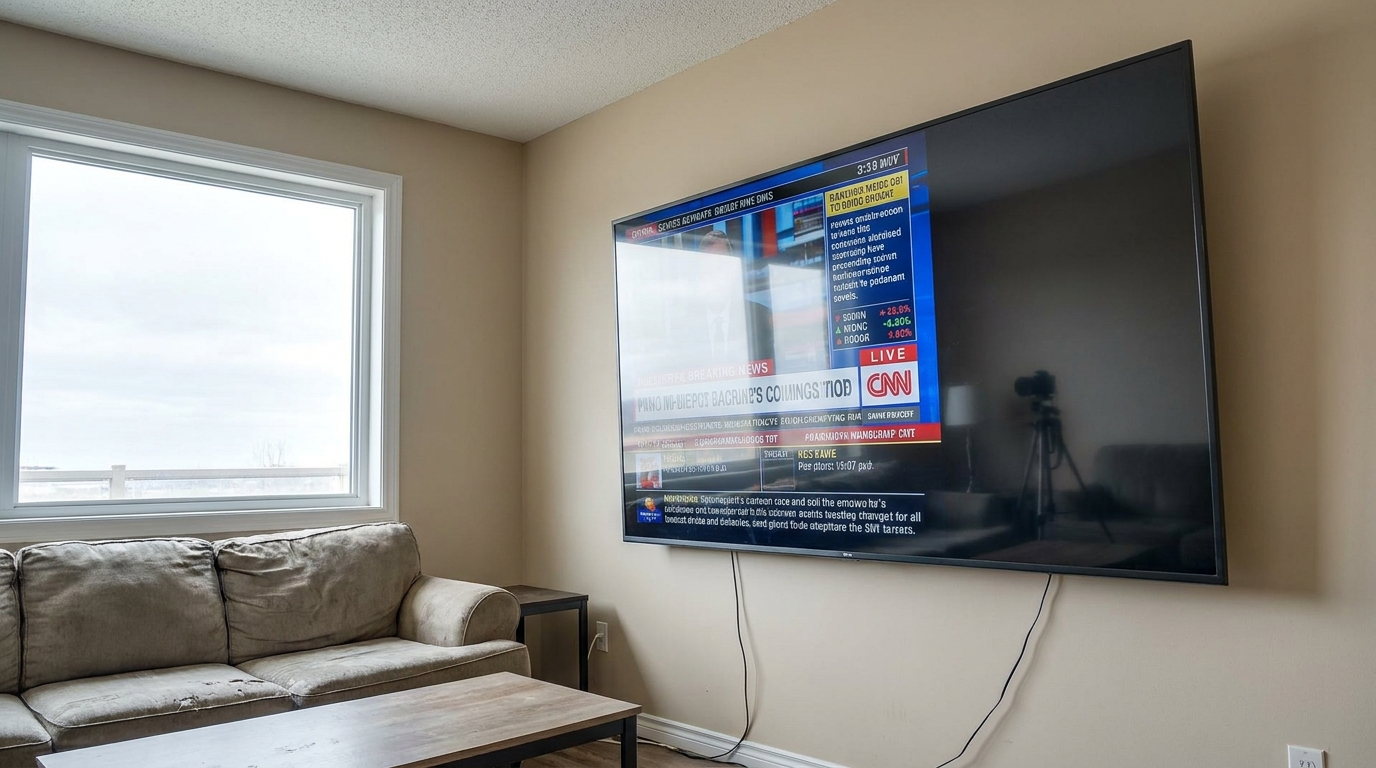
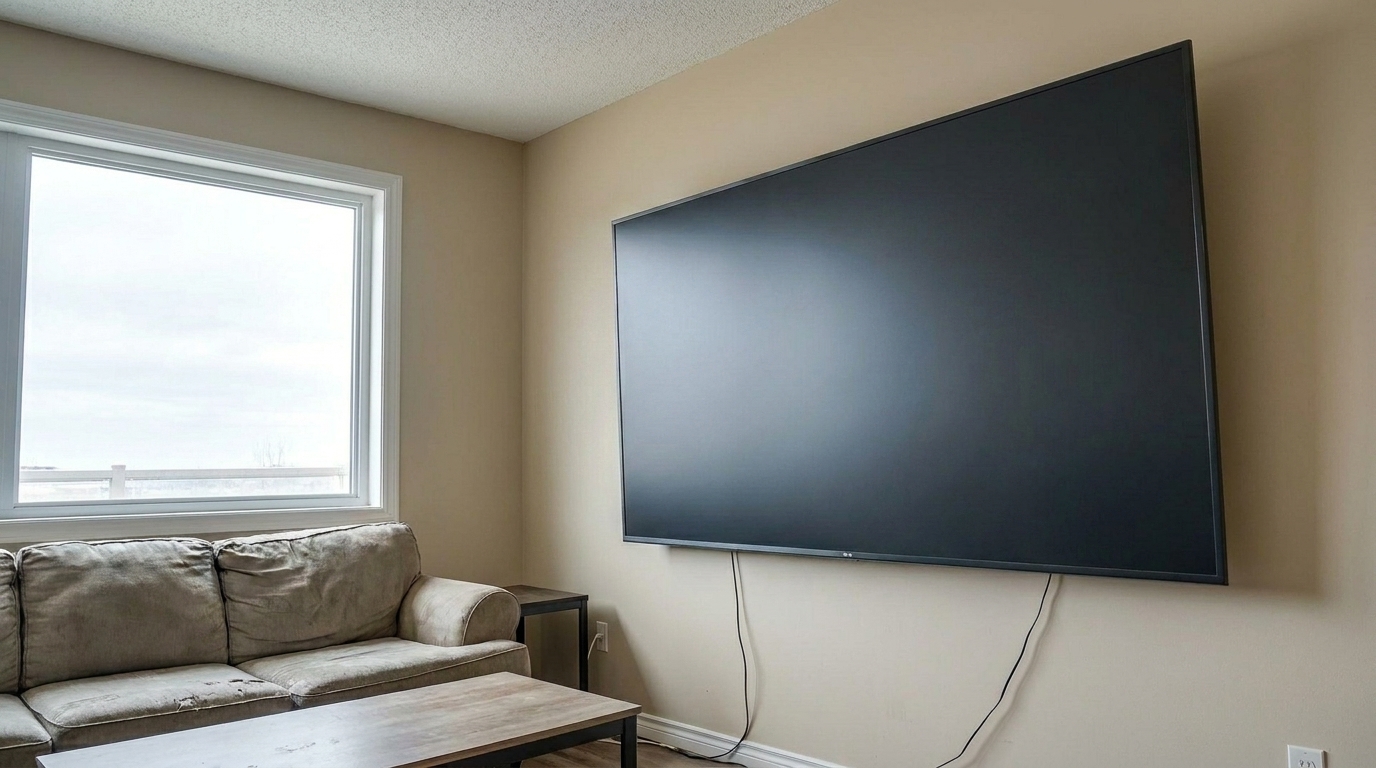
Compare the difference between distracting, glowing screens and clean, professional finishes.
Living Room TV with Active Broadcast updated with tv screen fix styling.
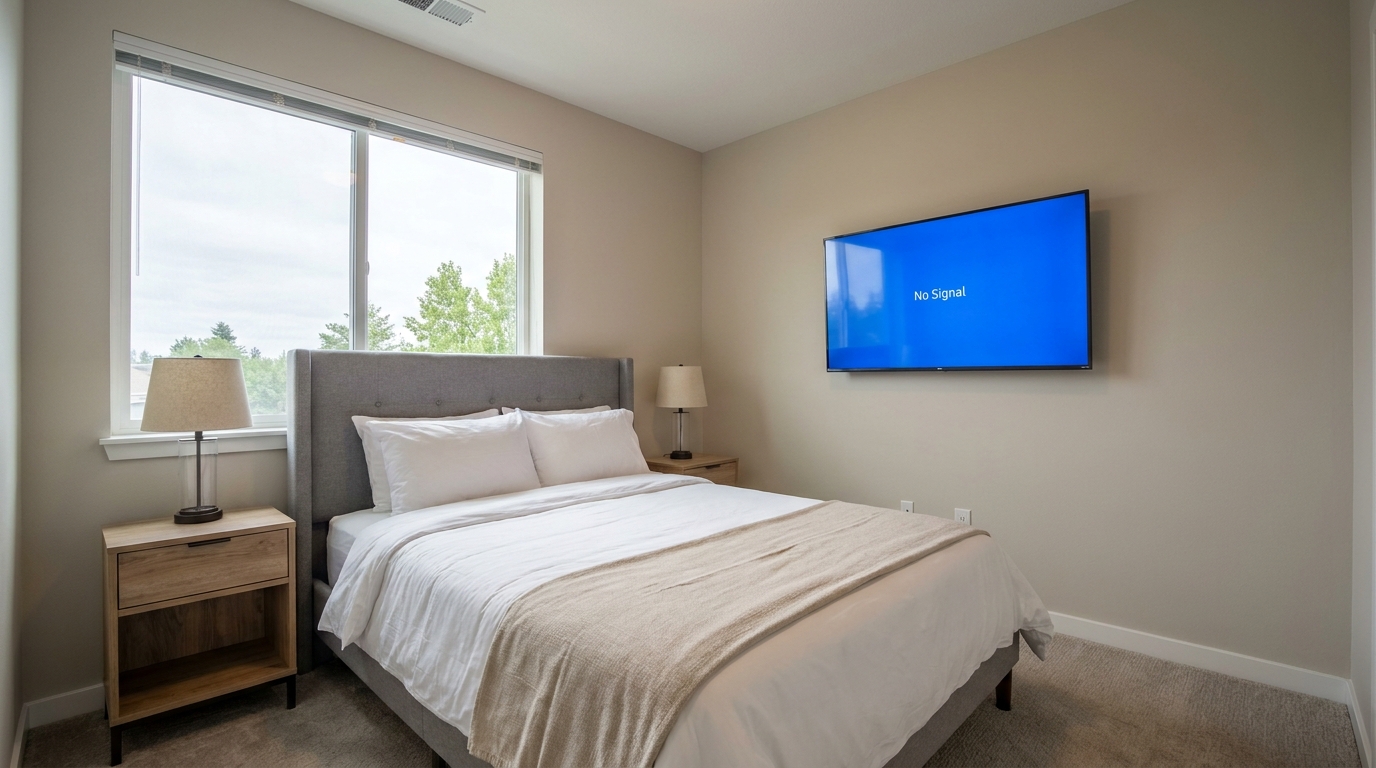
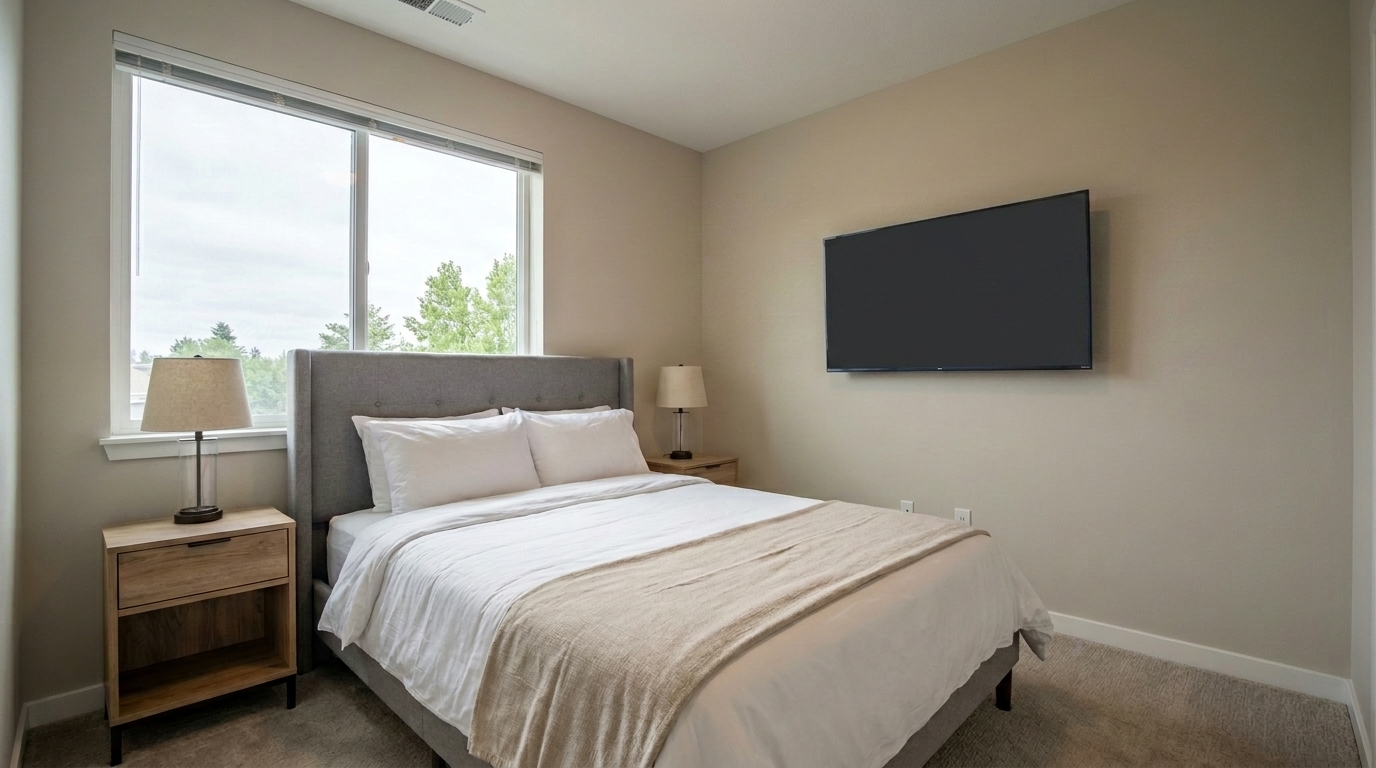
Bedroom TV with Blue Screen updated with tv screen fix styling.
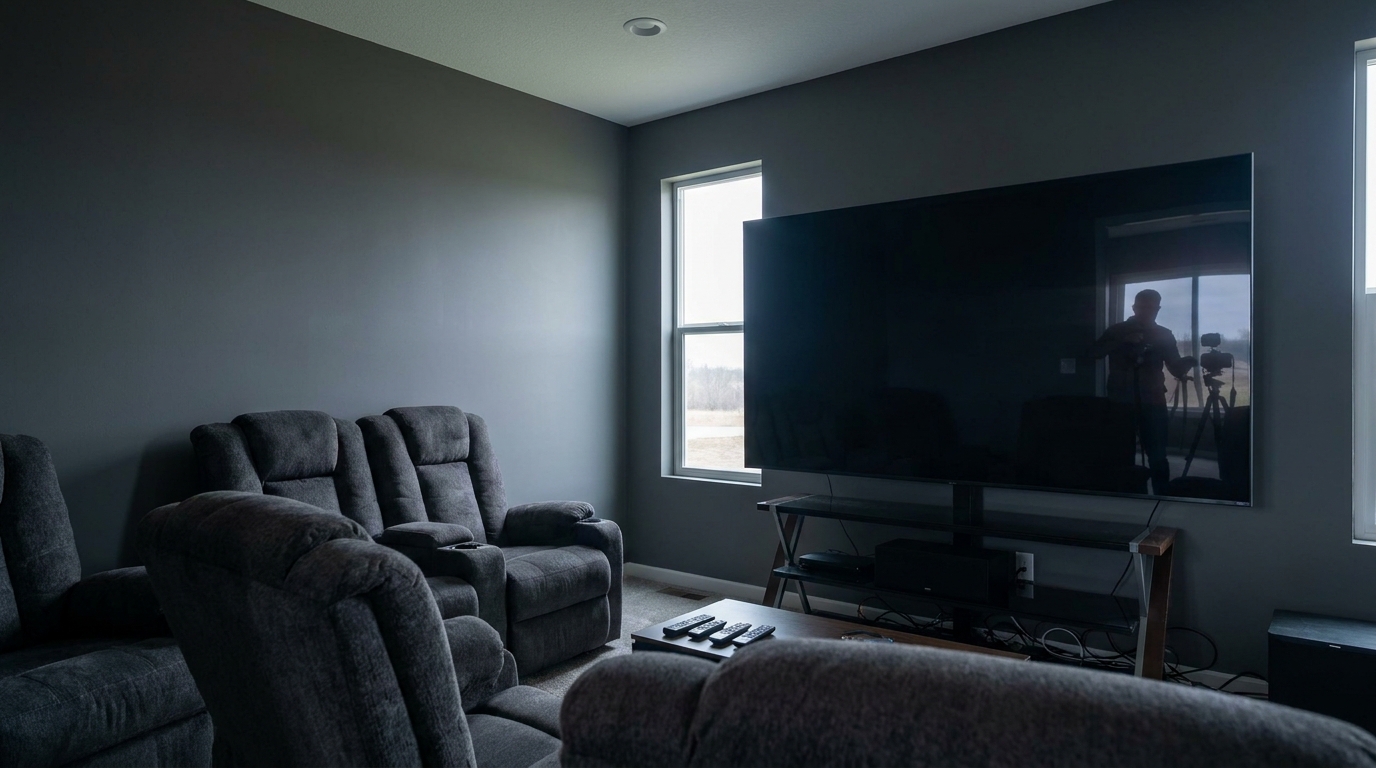
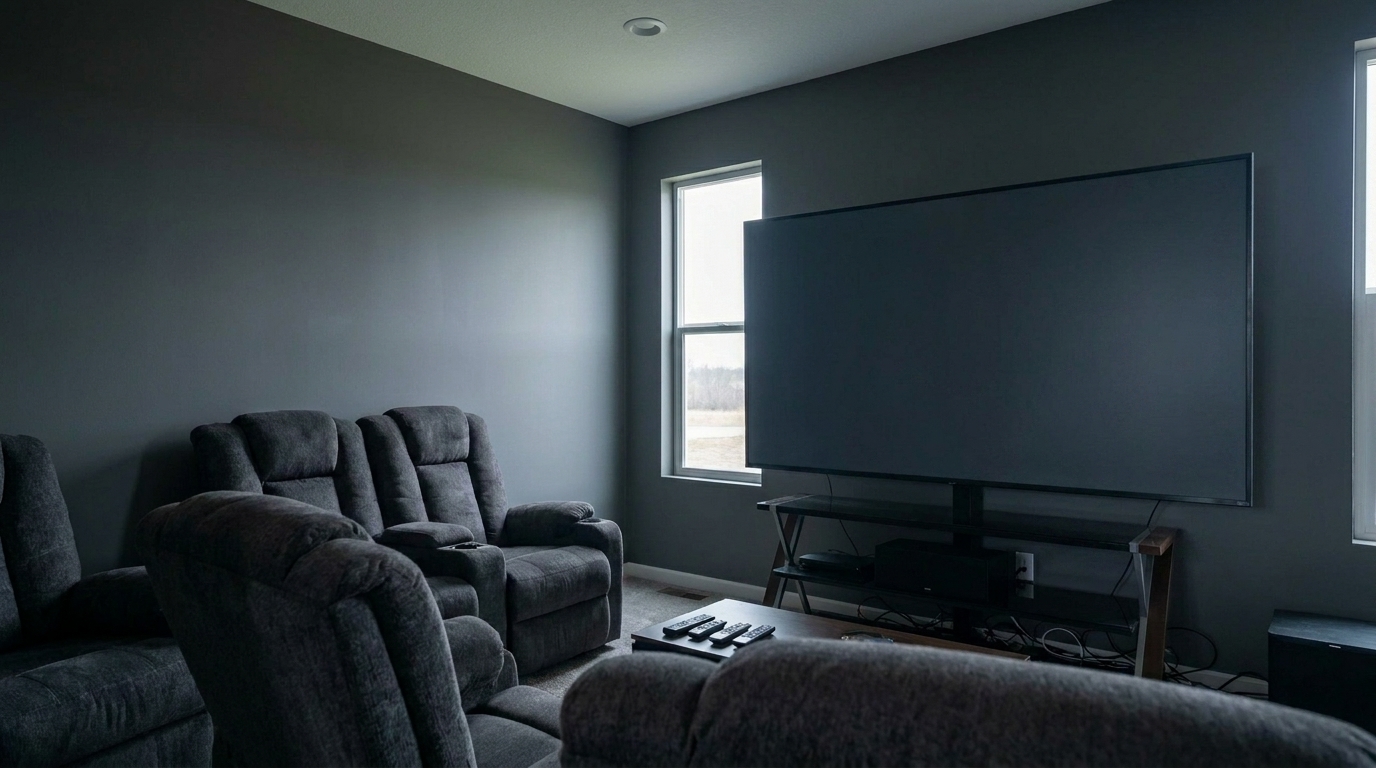
Home Theater with Photographer Reflection updated with tv screen fix styling.
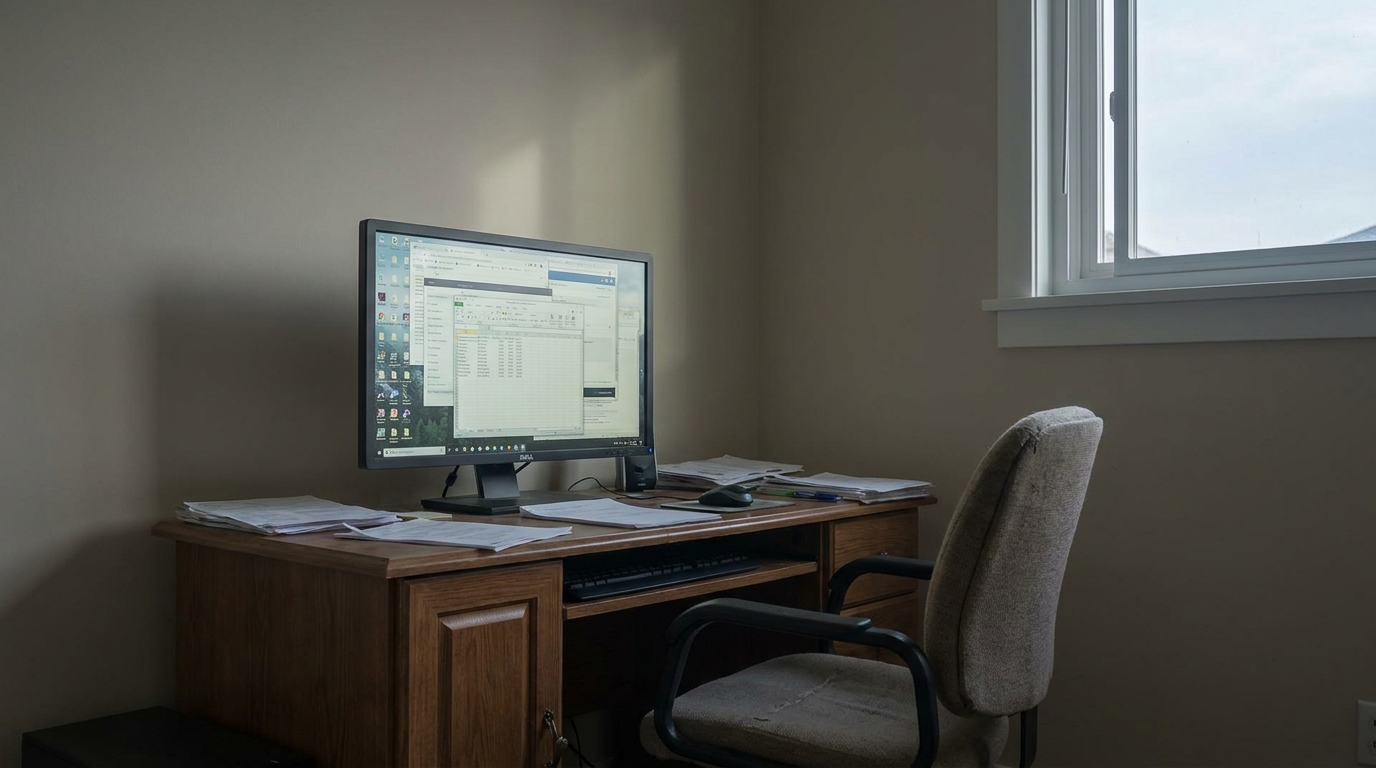
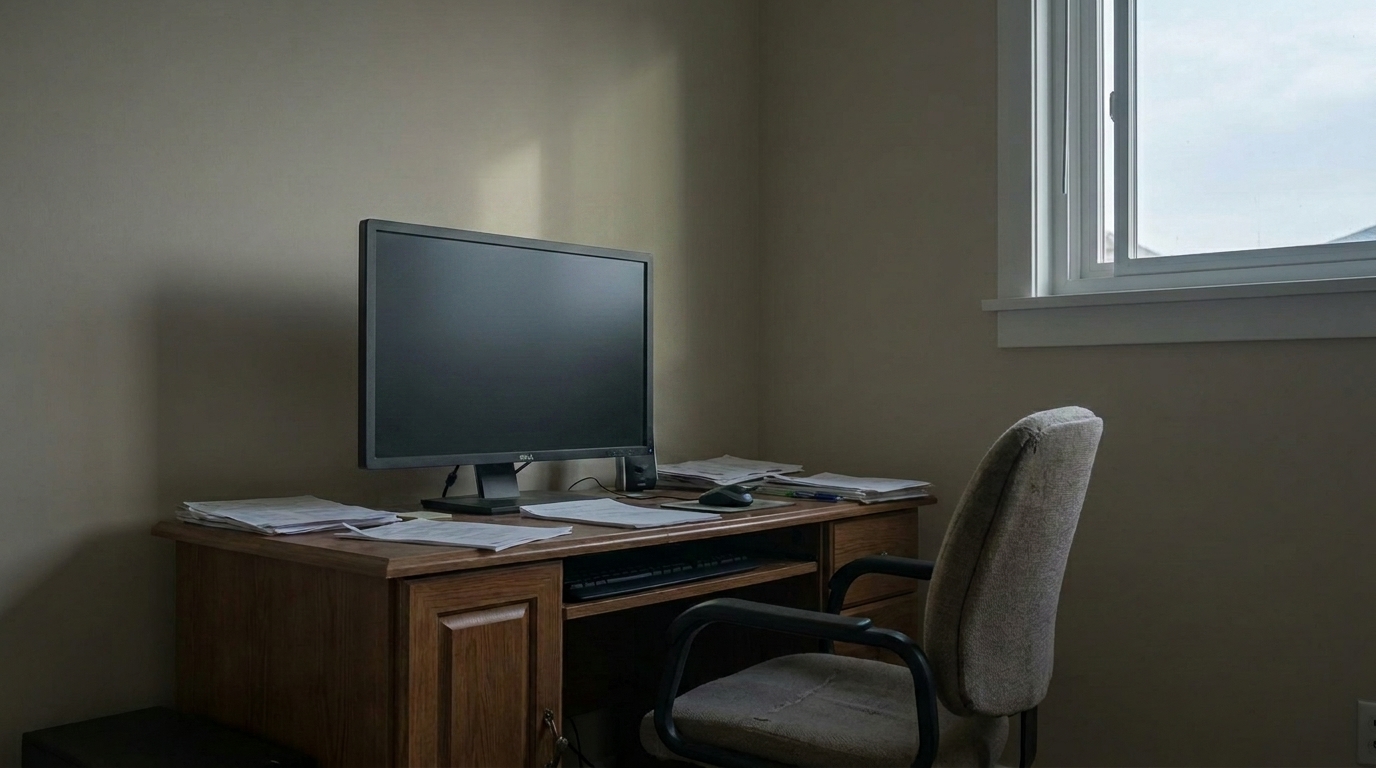
Office Monitor with Distracting Text updated with tv screen fix styling.
Advanced AI technology designed specifically to handle glass reflections and screen glare.
Instantly identifies television screens of any size, angle, or mounting style without requiring manual masking or pen-tooling.
Erases distracting window glare, bright light hotspots, and photographer reflections from the glass surface of the television.
Replaces active broadcasts, static, or blue screens with a realistic, neutral dark screen that looks naturally powered off.
Preserves the surrounding room's natural lighting and shadows, ensuring the TV blends seamlessly and realistically into the space.
Keeps the original TV frame, soundbar, and mounting hardware completely intact while only modifying the screen glass.
Clean up multiple interior photos simultaneously to maintain a consistent, distraction-free look across your entire property listing.
See how real estate professionals and photographers use this preset to polish their listings.
When a TV was left on during the shoot, showing distracting shows, sports, or bright logos that pull focus from the room.
Distraction CleanupWhen the camera, tripod, or photographer's silhouette is clearly visible in the highly reflective TV glass.
Reflection FixWhen natural light from adjacent windows creates harsh, washed-out white streaks across the television screen.
Glare ReductionWhen a TV is turned off but displays a bright blue 'No Signal' screen that ruins the room's color palette.
Color CorrectionEnsuring high-end media rooms and home theaters look clean, sophisticated, and ready for premium buyers.
Premium ListingsCleaning up existing screens before adding virtual furniture or decor to ensure a completely polished base image.
Staging PrepTurn off distracting screens and remove reflections in three simple steps.
Select and upload your interior real estate photo containing a distracting, glowing, or highly reflective TV screen.
Let the AI automatically detect the television boundaries and replace the screen with a clean, matte dark finish.
Preview the natural integration, verify that all distracting reflections are gone, and download your high-resolution listing photo.
Source-backed context for why tv screen fix edits matter inside object & element specific workflows.
TV Screen Fix within Object & Element Specific evidence
Photos are one of the most valuable website features for home buyers; NAR's 2025 generational trends report says 83% of internet-using buyers rated photos as very useful. For TV Screen Fix pages, this supports showing how a focused Object & Element Specific edit can make the listing photo feel clearer, more polished, and easier for buyers to evaluate.
Source: NAR 2025TV Screen Fix within Object & Element Specific evidence
Zillow Research's 2025 prospective buyer report ranked high-resolution photos as the number two most important listing feature, selected by 26% of prospective buyers; floor plans ranked first at 33%. For TV Screen Fix pages, this supports showing how a focused Object & Element Specific edit can make the listing photo feel clearer, more polished, and easier for buyers to evaluate.
Source: Zillow 2025TV Screen Fix within Object & Element Specific evidence
Redfin reported that professionally photographed homes in the $400,000 range sold three weeks faster and for more than $10,000 relative to list price compared with amateur photos. Use this as supporting context, not as a guaranteed result. For TV Screen Fix pages, this supports showing how a focused Object & Element Specific edit can make the listing photo feel clearer, more polished, and easier for buyers to evaluate.
Source: RedfinLearn how to handle reflective surfaces and glowing screens to create clean, professional interior photos that keep buyers focused on the property.
In real estate marketing, every detail in an interior photograph should guide the buyer's eye toward the home's architectural features, spaciousness, and natural light. Active television screens—whether displaying a colorful broadcast, a bright logo, or a stark blue 'No Signal' screen—act as visual magnets. Because the human brain is naturally drawn to faces, text, and high-contrast light sources, a glowing TV screen instantly pulls attention away from premium selling points like custom fireplaces, crown molding, or scenic window views. By replacing these distracting elements with a clean, matte dark screen, you restore visual balance to the room. The television recedes into the background as an intentional, tidy design element, allowing buyers to focus on the actual property rather than what was playing on TV during the photoshoot.
Integrating the TV Screen Fix into your post-processing workflow is seamless and highly efficient. Start by sorting your interior photos to identify any shots where a television or computer monitor is visible. Instead of spending hours manually drawing vector paths, creating complex masks, and painting soft gradients in Photoshop to hide reflections, simply upload your images to the Idealhouse Photo Enhancer. Apply the TV Screen Fix preset to let the AI automatically detect the screen boundaries. The tool instantly replaces the screen area with a realistic, non-reflective dark surface while perfectly preserving the TV's physical frame, stand, and surrounding wall textures. For real estate photographers handling dozens of listings weekly, this automated approach reduces editing time from fifteen minutes per photo to just a few seconds, maintaining a consistent, professional standard across all your interior portfolios.
When polishing interior property photos, choosing the right tool ensures realistic results. The TV Screen Fix is specifically engineered for television and monitor screens. It doesn't just reduce glare; it completely replaces the active screen content with a natural, matte dark-off state while preserving the physical bezel and frame. Use this when a TV was left on, shows a blue screen, or has heavy reflections of the photographer. However, if you have general glare on hardwood floors or polished countertops, use the Glare Removal preset instead. For reflections in actual mirrors where you want to preserve the room's depth but remove the camera, choose the Mirror Reflection Fix. Avoid using the TV Screen Fix if you intend to virtually stage a beautiful landscape or fire scene onto the screen; in those cases, a virtual staging tool is more appropriate. Understanding these boundaries keeps your listing photos looking authentic rather than over-processed.
A common decision for real estate agents is whether to leave a TV screen completely blank or to virtually stage an image onto it, such as a cozy fireplace scene or a beautiful landscape. The matte dark finish provided by the TV Screen Fix is the safest and most professional choice for standard listings. It keeps the focus entirely on the room's physical space and avoids looking artificial. However, virtual screen staging can be highly effective in dedicated luxury home theaters or media rooms where you want to showcase the lifestyle utility of a high-end projection system. If you do choose to stage an image, ensure it is subtle, high-resolution, and matches the room's ambient lighting. For standard living rooms, bedrooms, and kitchens, sticking to a clean, matte off-state is always recommended to maintain a clean, distraction-free aesthetic.
Discover more targeted tools to clean up and refine specific elements in your property photos.

Clean up visible wall damage for a smoother, better-maintained interior finish.
Try This Tool →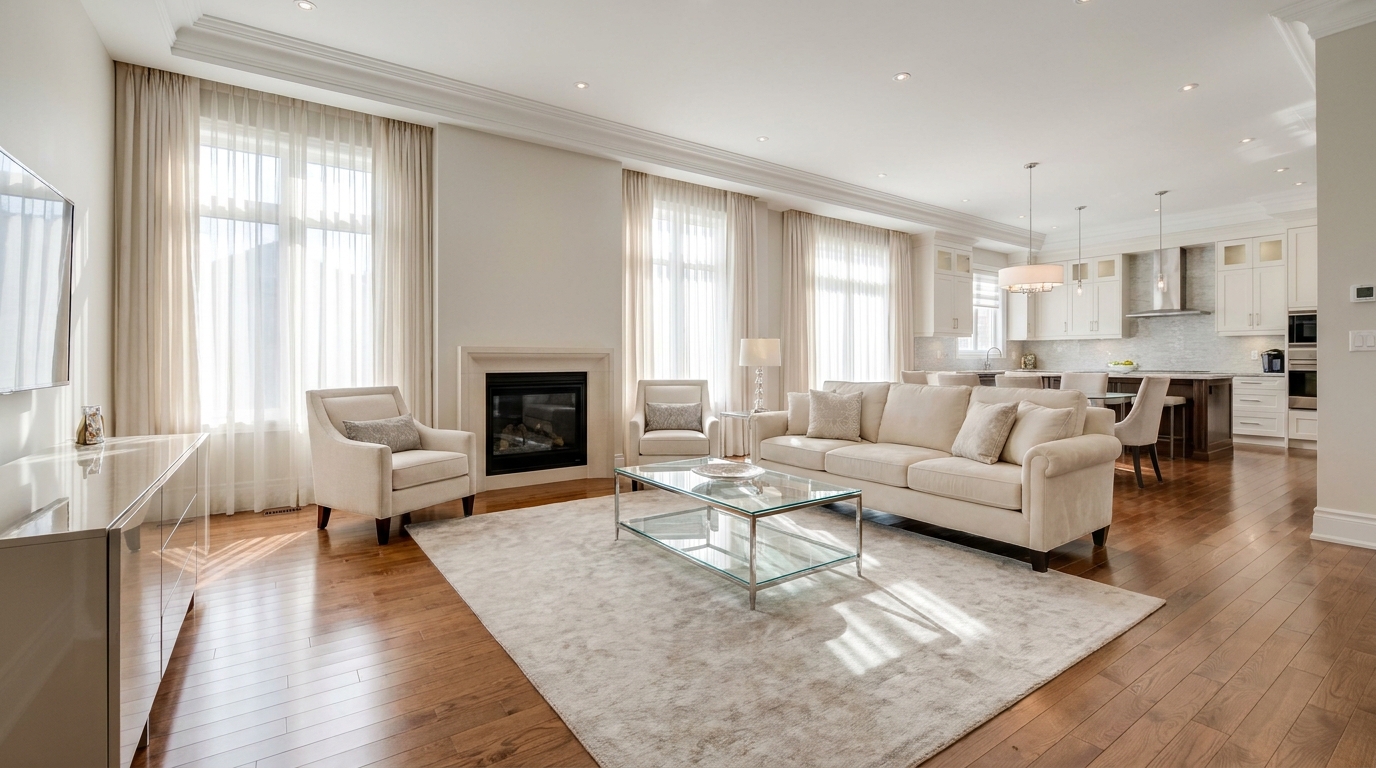
Refine floor reflections for a cleaner, glossier, more premium interior look.
Try This Tool →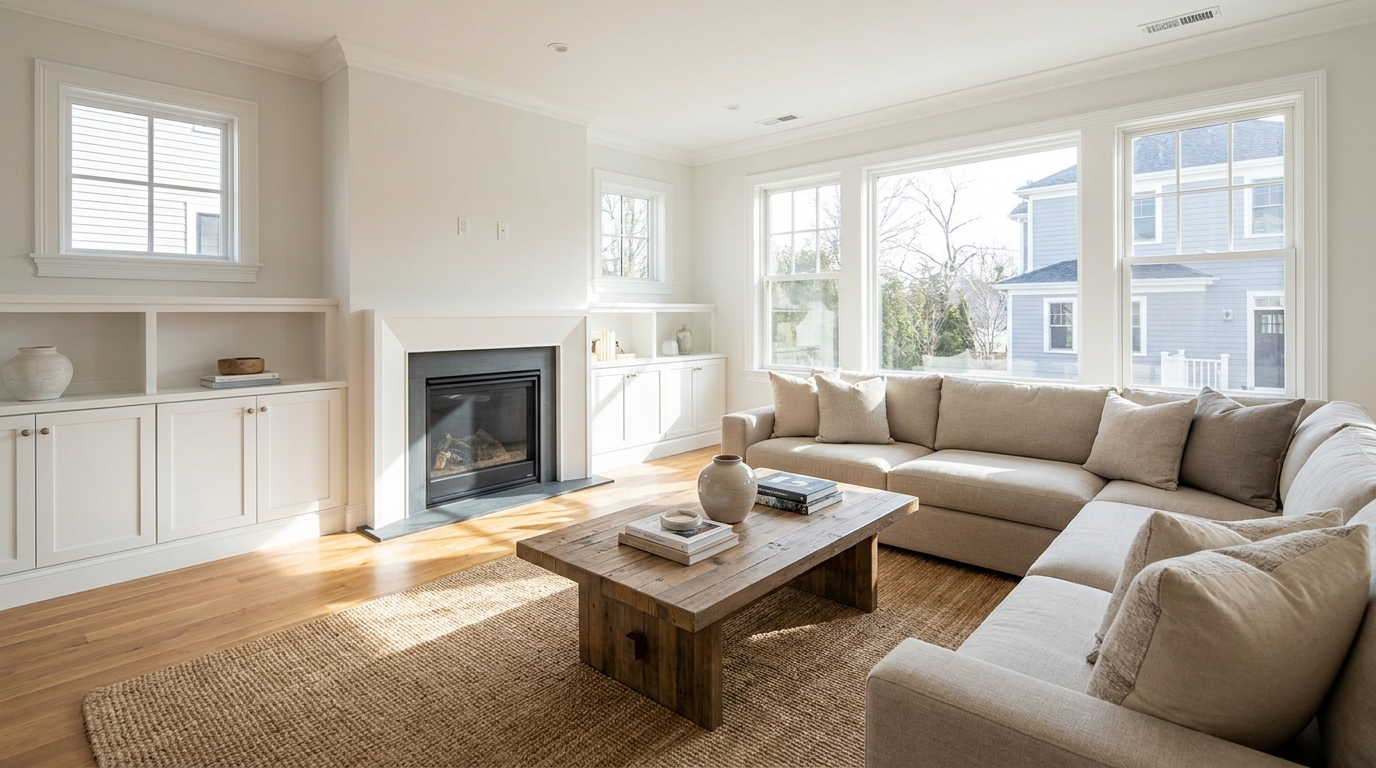
Remove people and pets for a cleaner photo that keeps attention on the property.
Try This Tool →
Eliminate bins and trash cans for tidier, more marketable exterior scenes.
Try This Tool →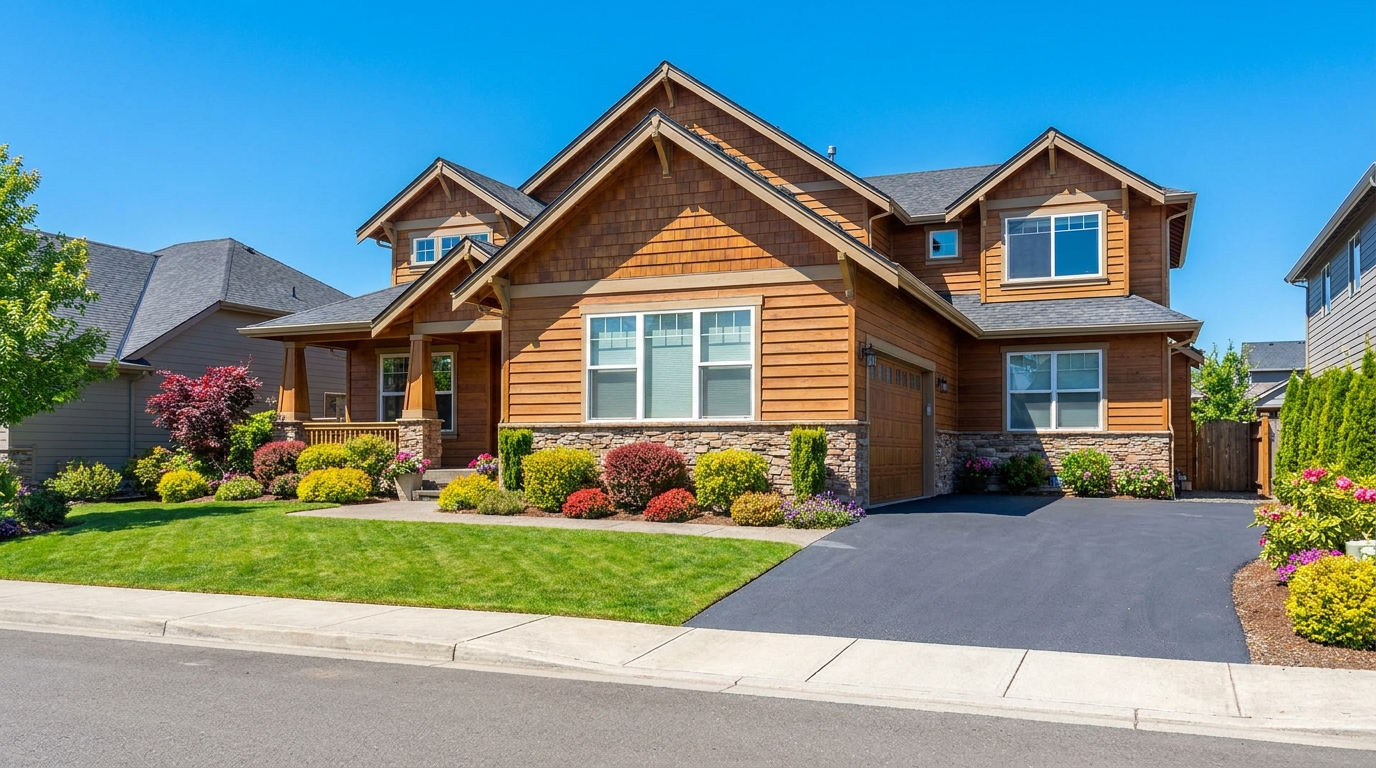
Remove parked vehicles to keep focus on the home and surrounding curb appeal.
Try This Tool →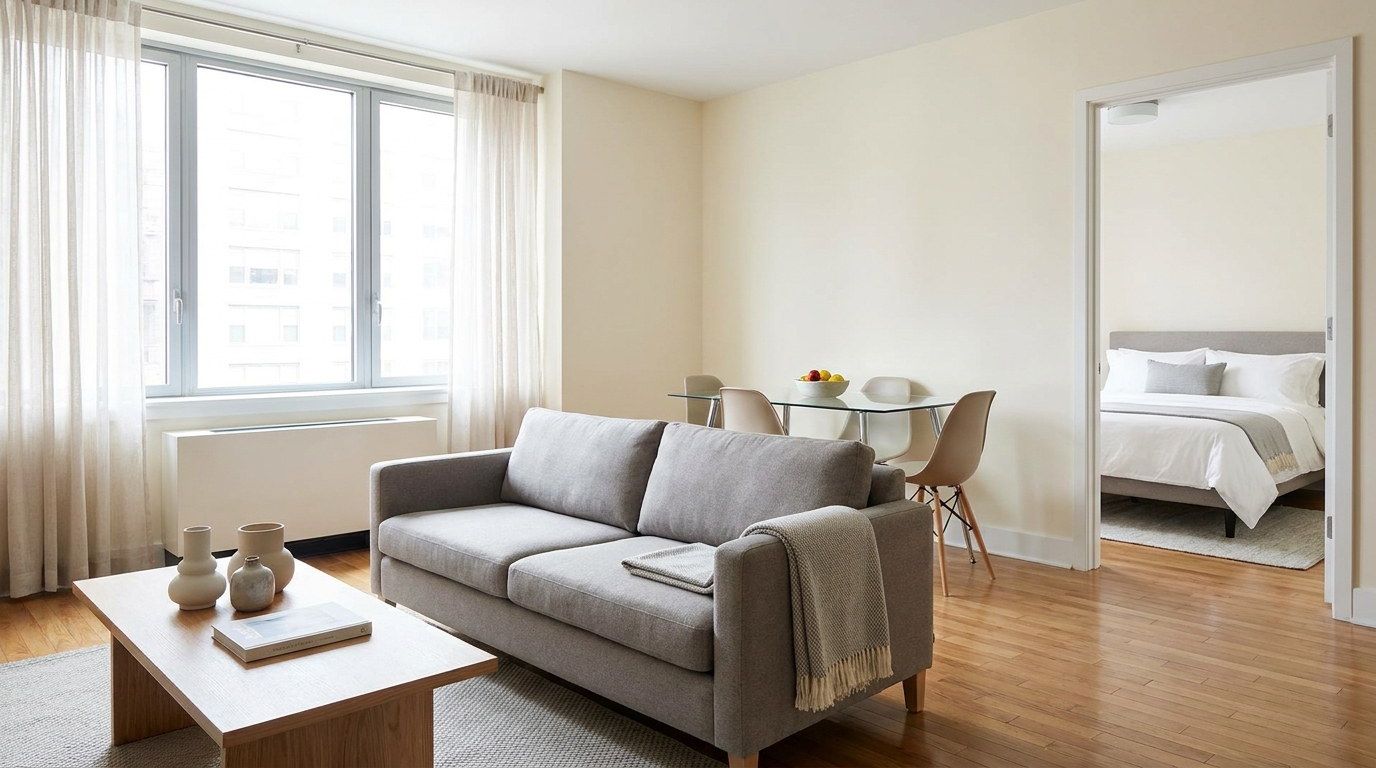
Clear visual distractions so rooms feel larger, cleaner, and easier to imagine.
Try This Tool →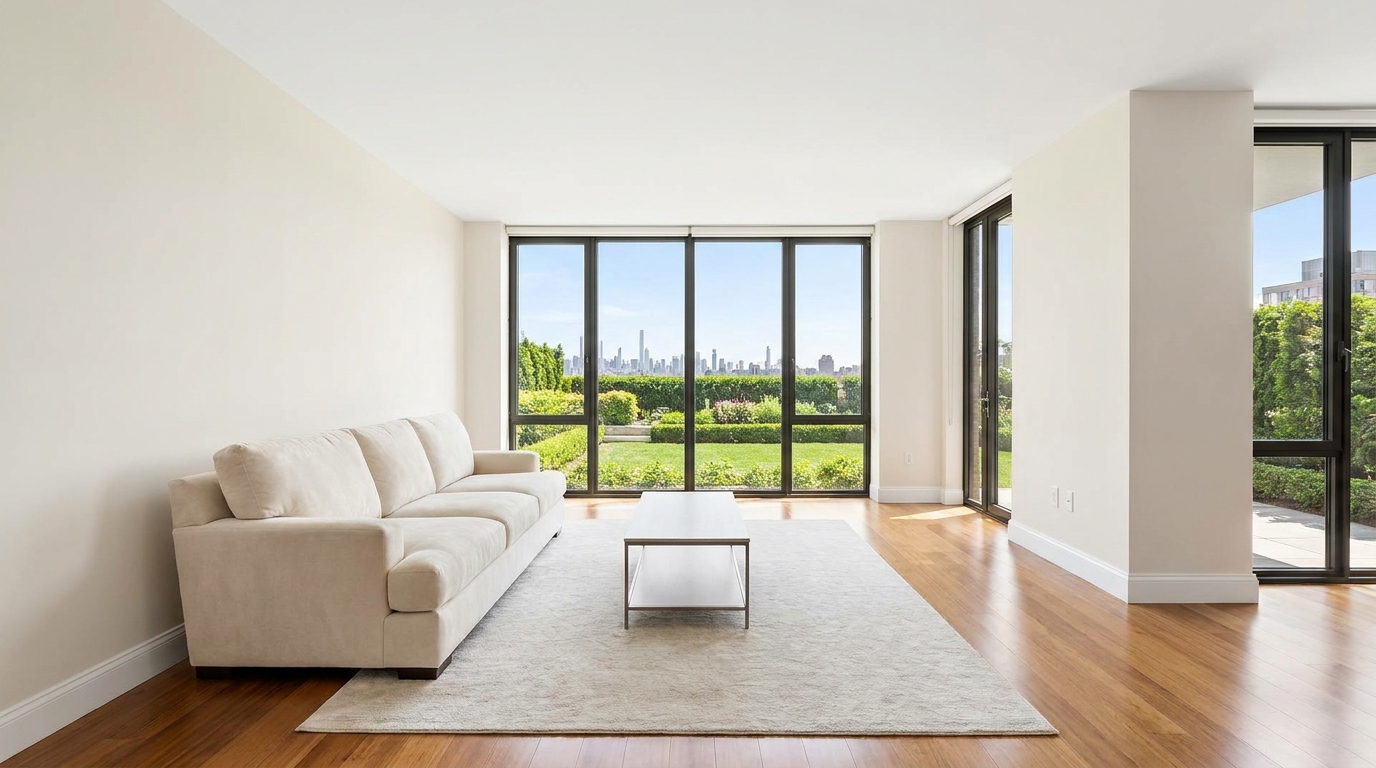
Remove timestamps and embedded text for a cleaner, more professional presentation.
Try This Tool →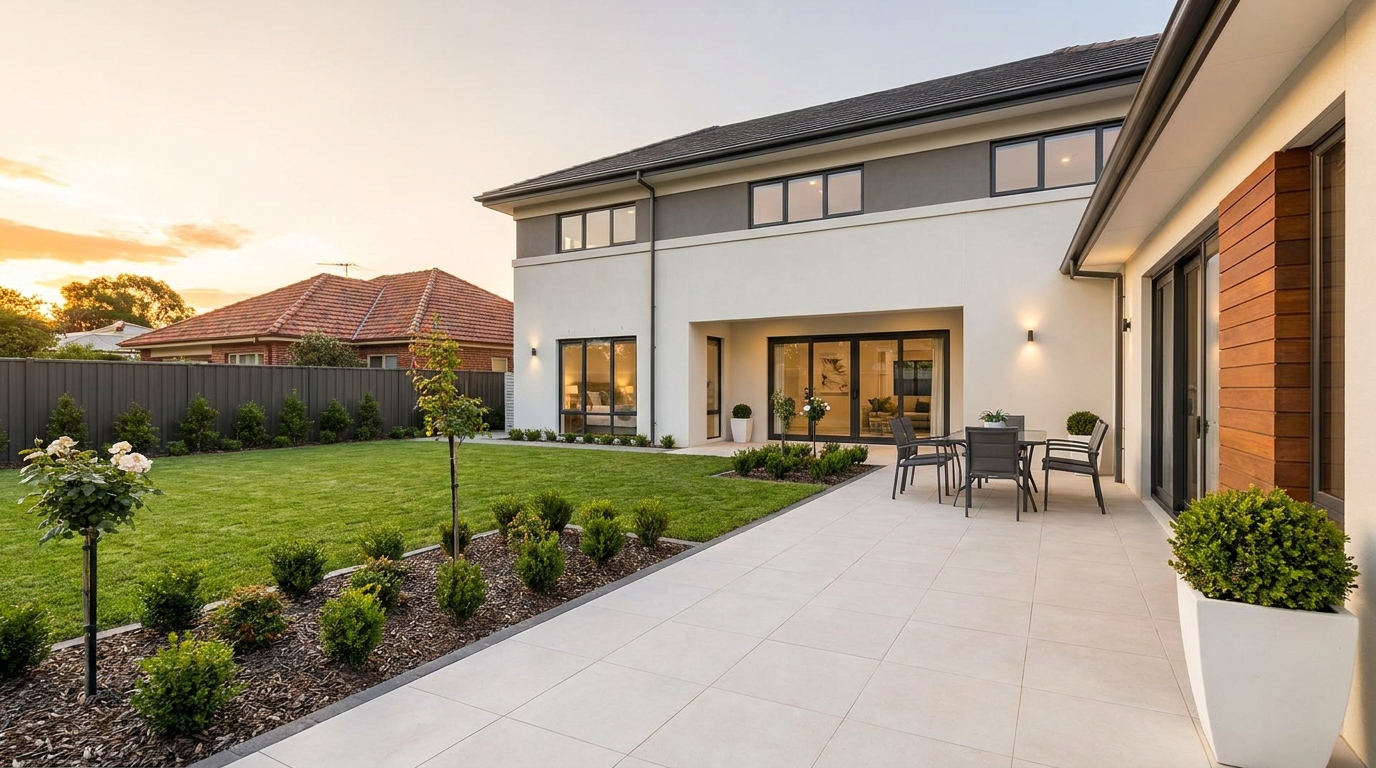
Remove signs and notices to keep the scene clean, polished, and distraction-free.
Try This Tool →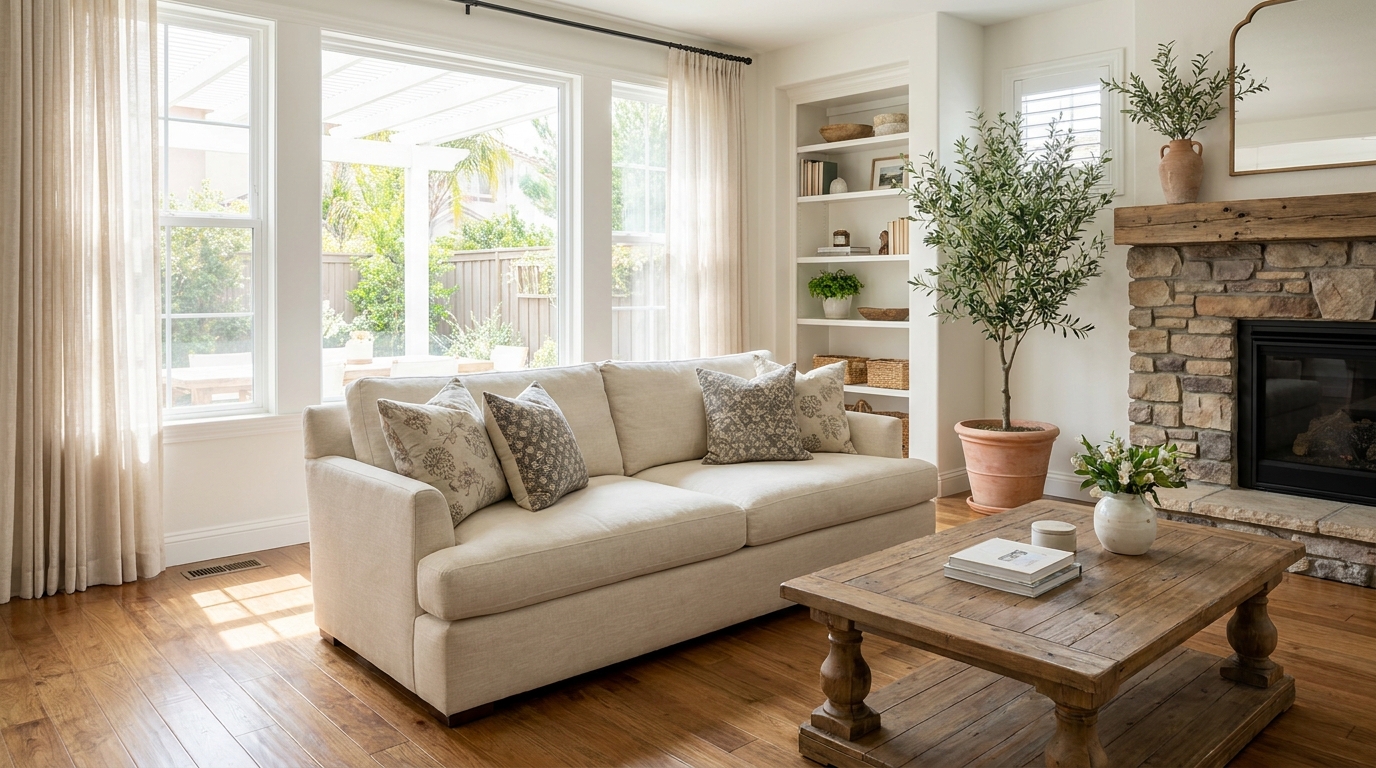
Tone down reflective hotspots for a clearer, cleaner image with better surface detail.
Try This Tool →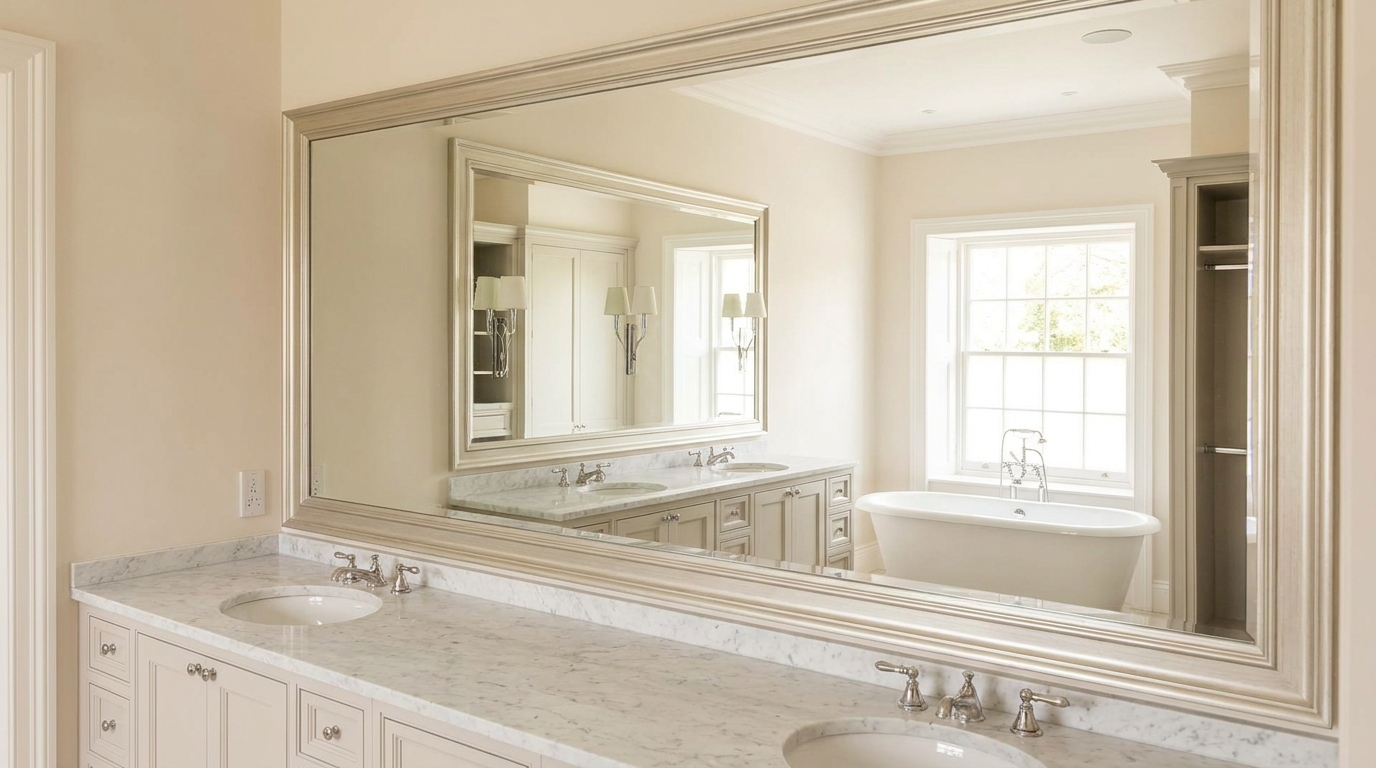
Remove unwanted mirror reflections for cleaner interiors and more polished composition.
Try This Tool →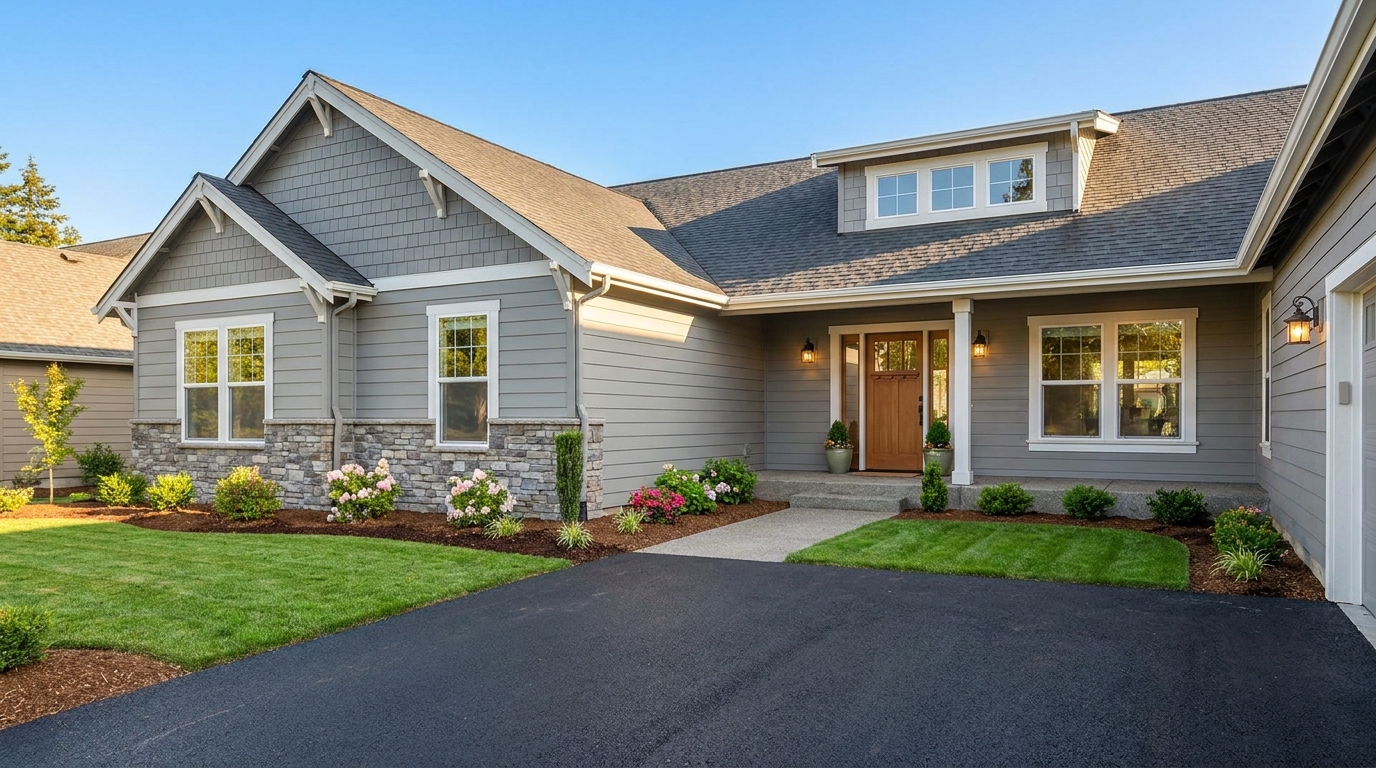
Clean up utility wires for a more open sky and stronger exterior presentation.
Try This Tool →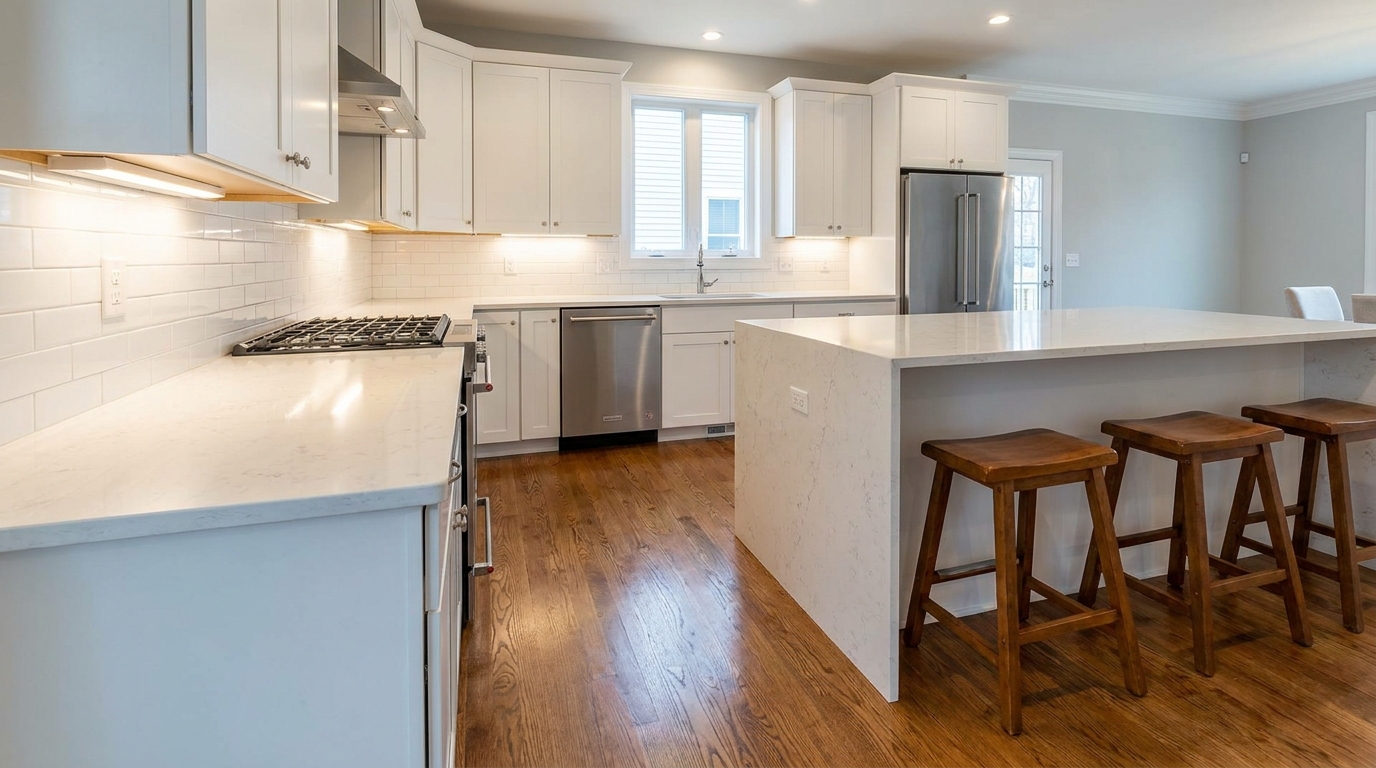
Remove stains and marks so surfaces look cleaner, fresher, and better cared for.
Try This Tool →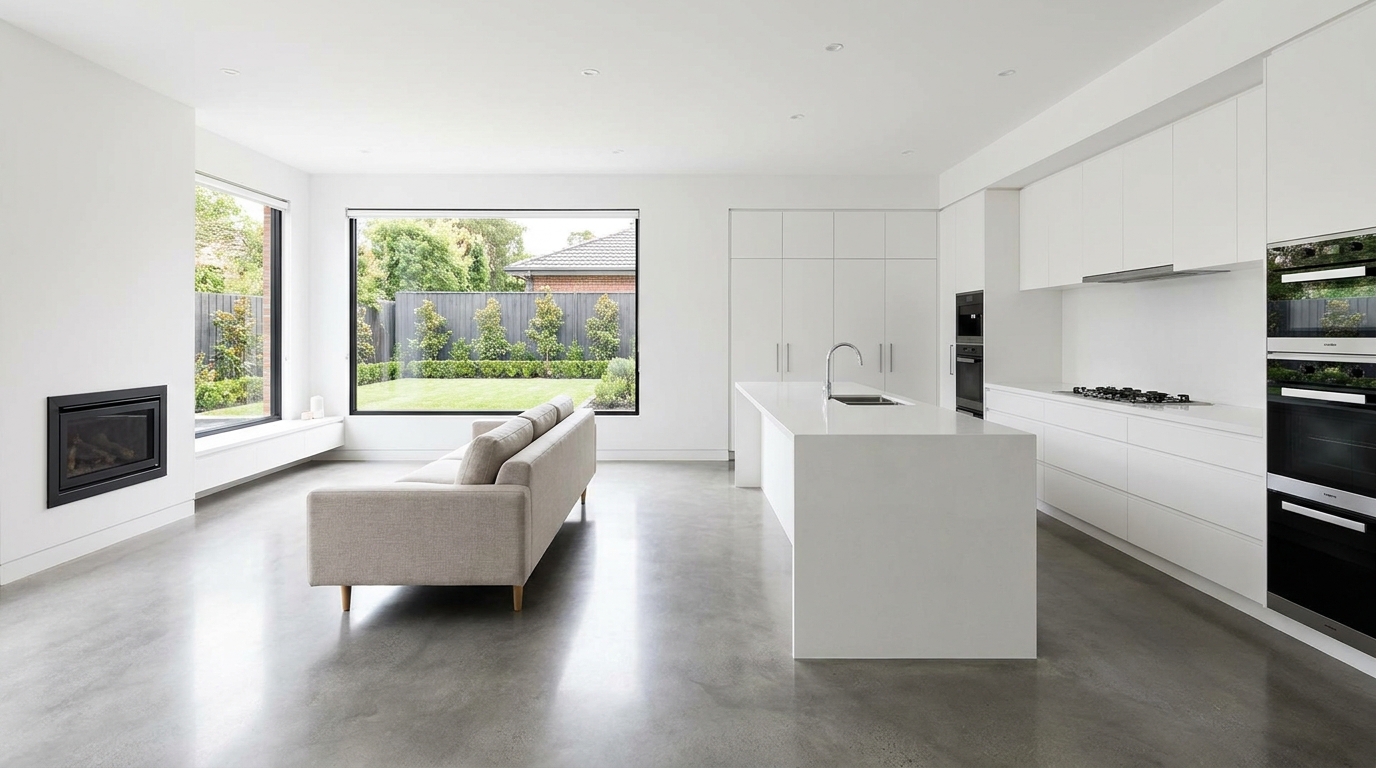
Eliminate logos and overlays for a clean image ready for marketing use.
Try This Tool →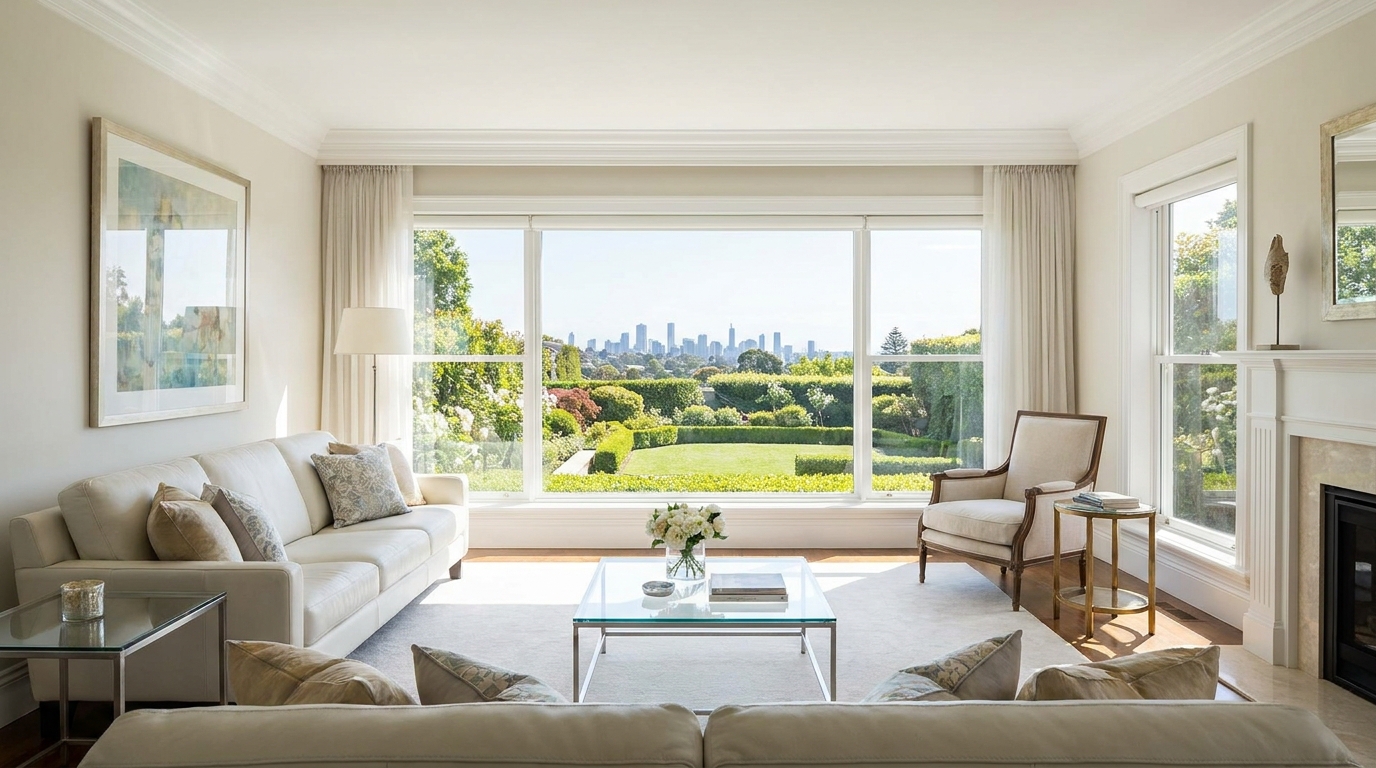
Reduce window reflections for clearer views and a cleaner glass finish.
Try This Tool →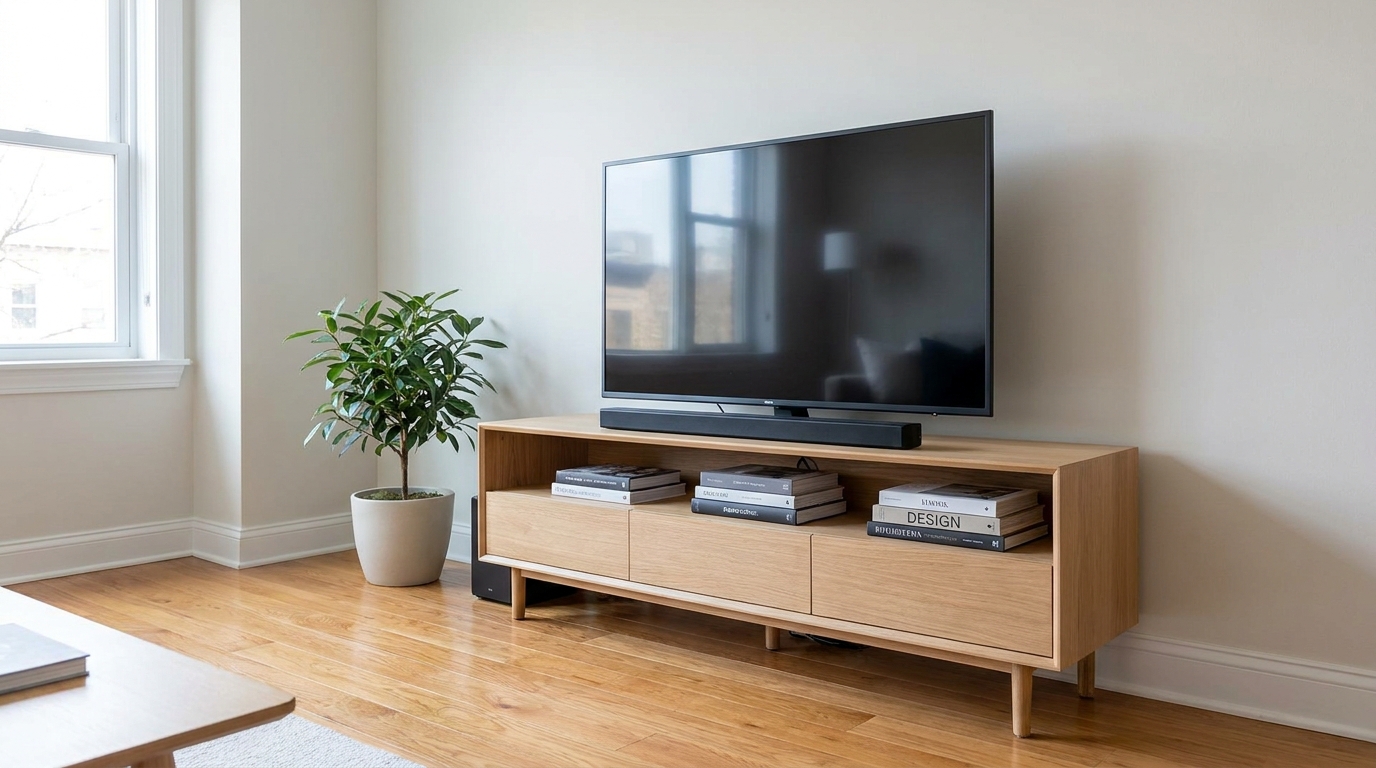
Remove visible cords and cables for a cleaner, more premium-looking space.
Try This Tool →Explore other powerful AI tools to elevate your real estate marketing images.
AI image-to-video generation for turning home, room, and property photos into more vivid presentation videos.
02AI exterior renovation for visualizing facade updates, curb appeal improvements, and home exterior remodel ideas.
03AI landscaping design for exploring outdoor concepts, curb appeal upgrades, planting ideas, and yard layout directions.
04AI virtual staging for furnishing empty rooms and creating listing-ready interiors for real estate marketing.
05Free AI image generation for turning text prompts into unlimited visual ideas for home design, interiors, landscaping, renovation
06AI object removal for cleaning up distracting items from room, home, and property photos.
Don't let distracting TV reflections or active screens ruin your property presentation. Use our AI-powered TV Screen Fix to polish your interiors in seconds.