
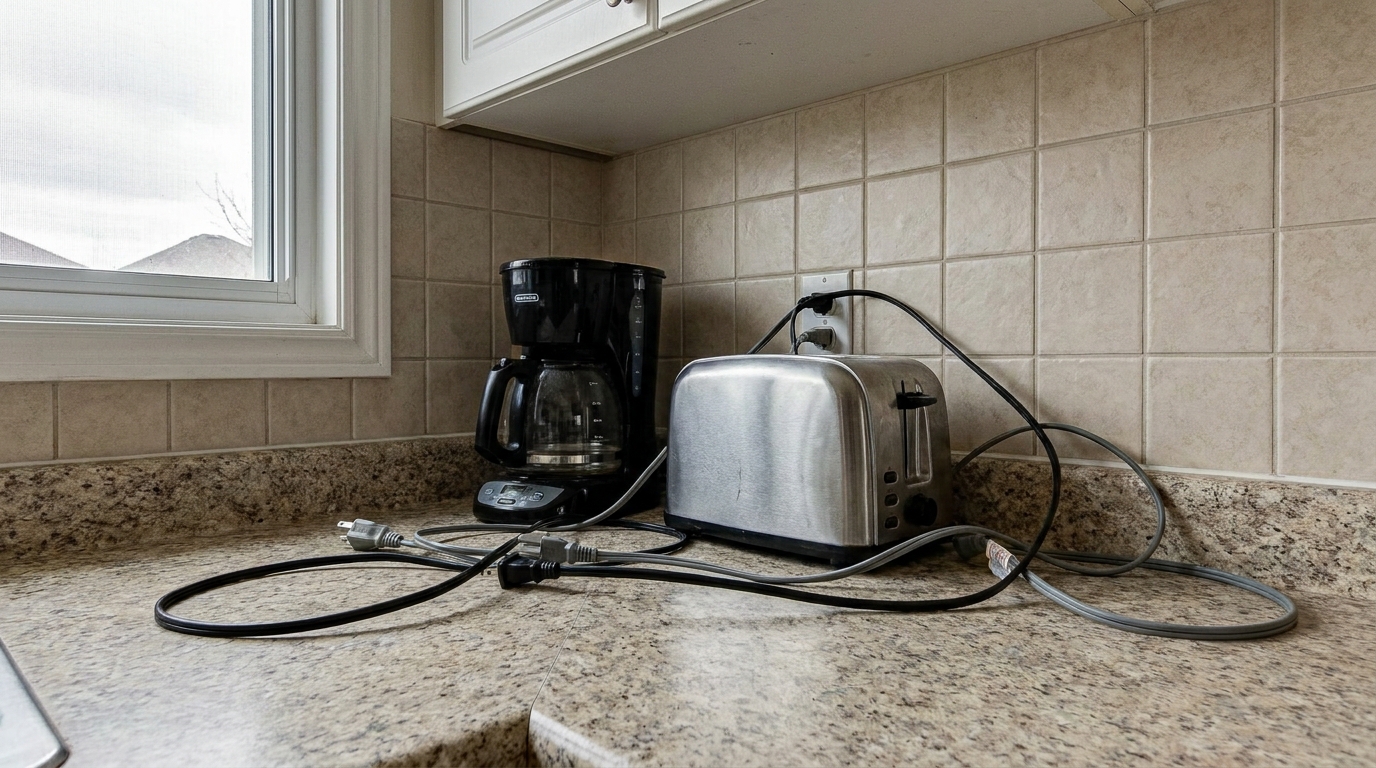
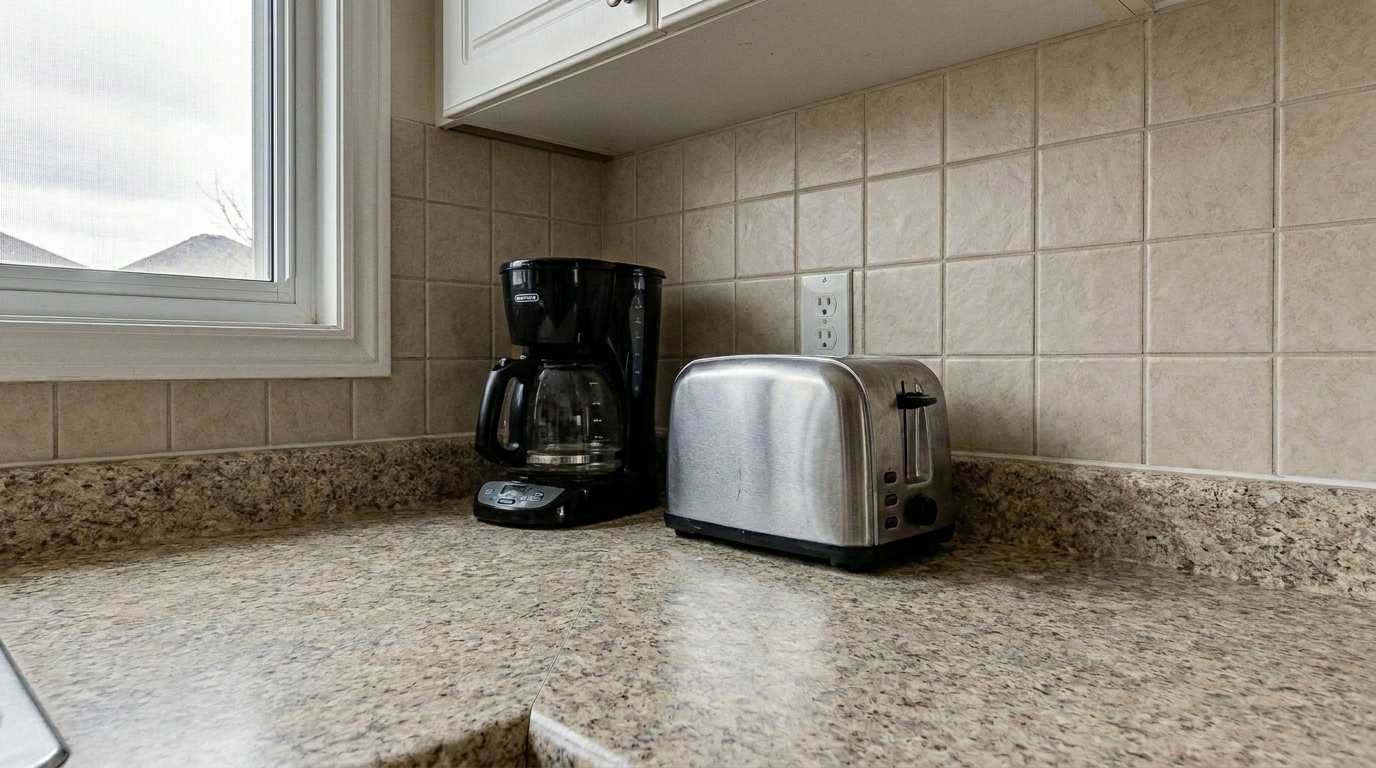

Kitchen Countertop Appliances
Kitchen Countertop Appliances updated with wire & cable removal styling.
Instantly erase distracting cords, tangled cables, and messy wires. Keep the focus entirely on your property's best architectural features.
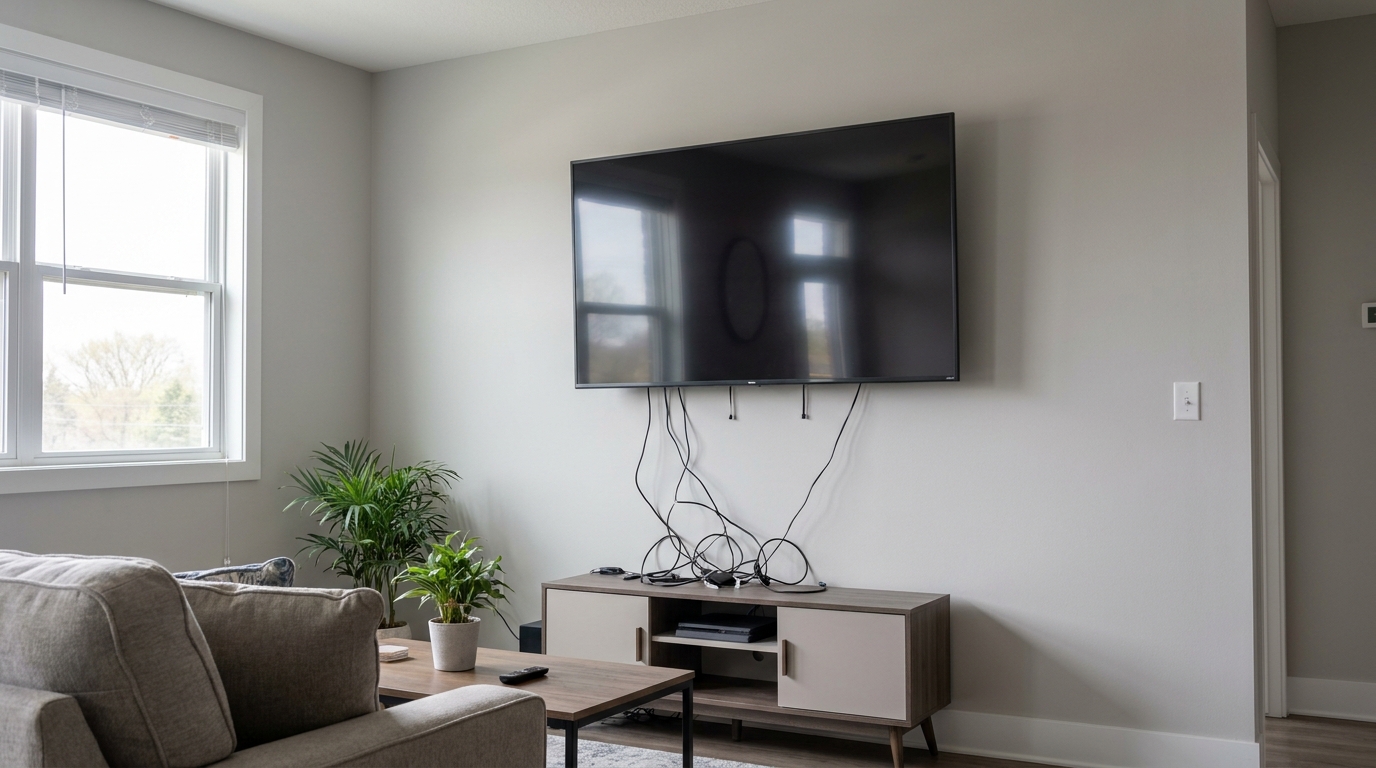
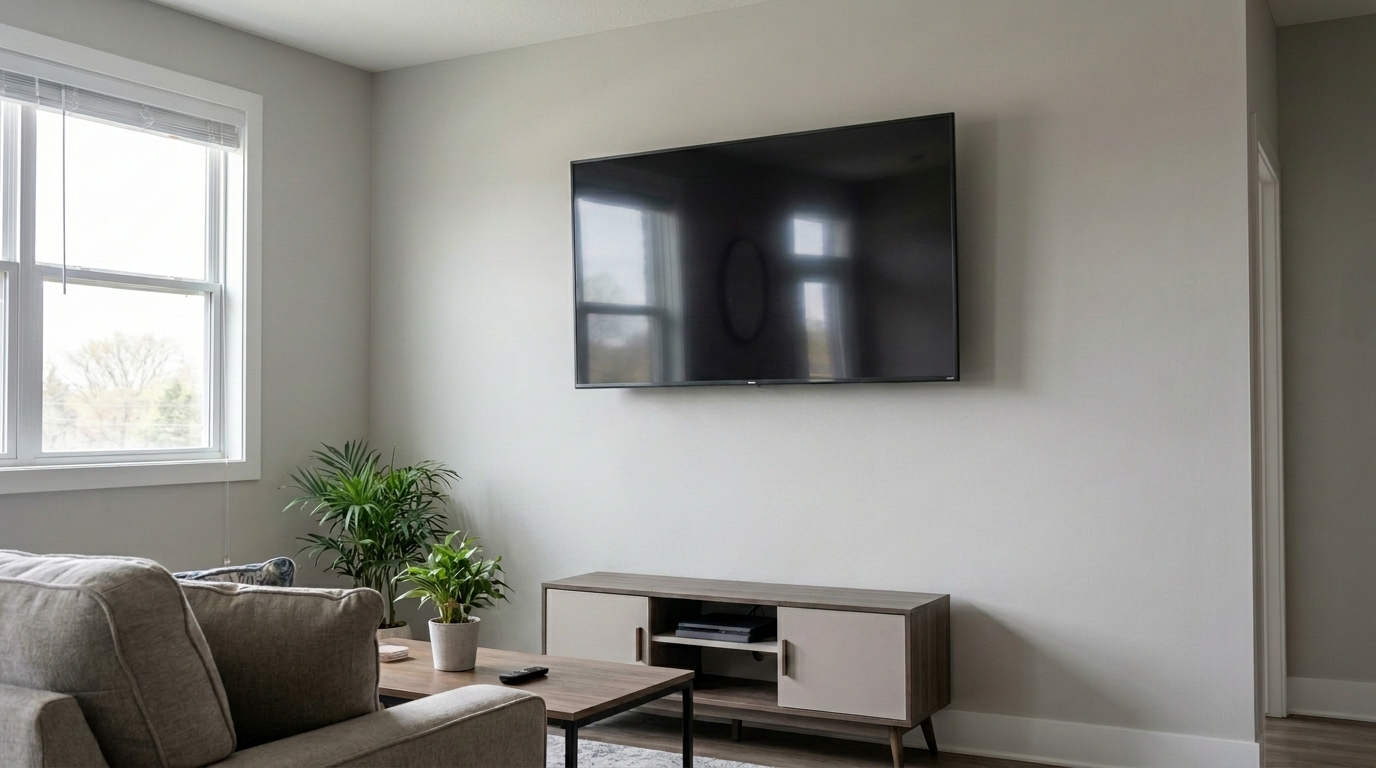
Compare original cluttered shots with our clean, professionally retouched results.
Kitchen Countertop Appliances updated with wire & cable removal styling.
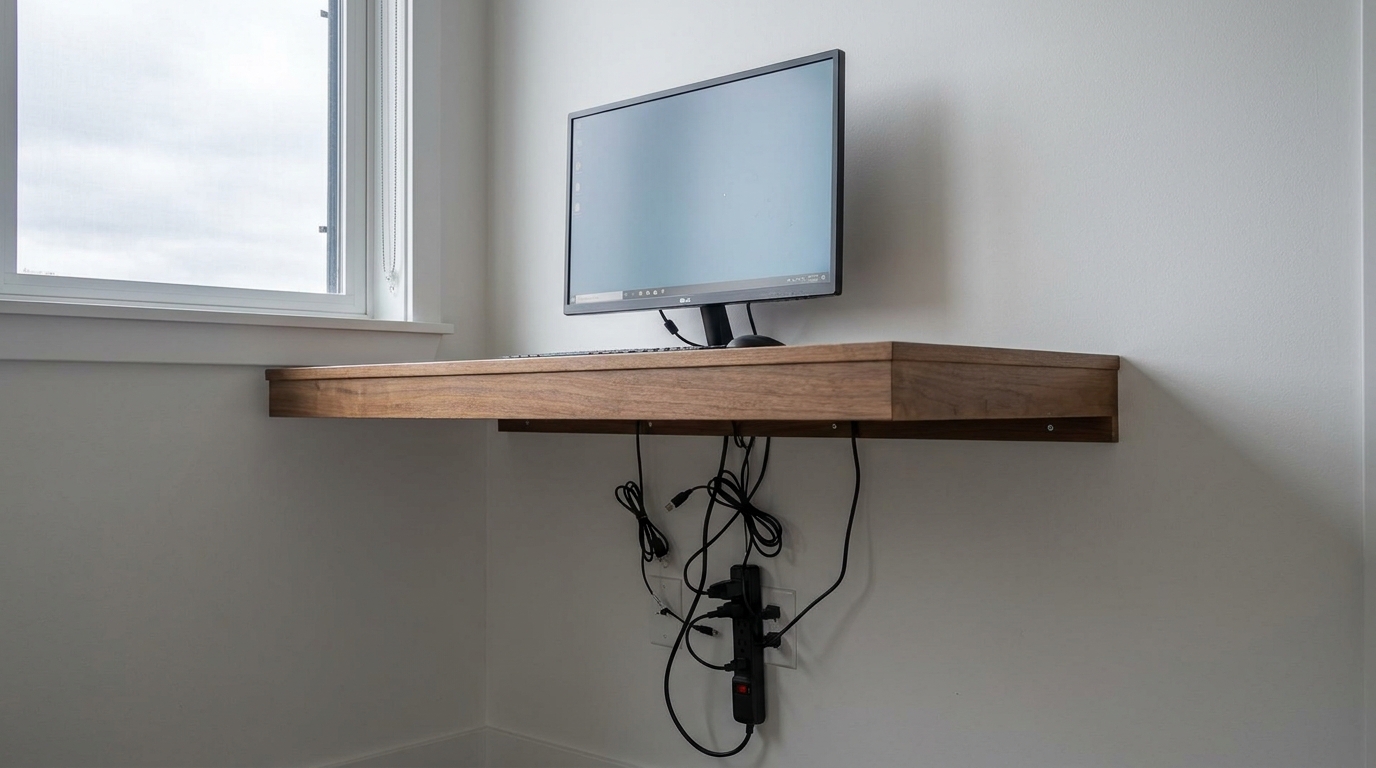
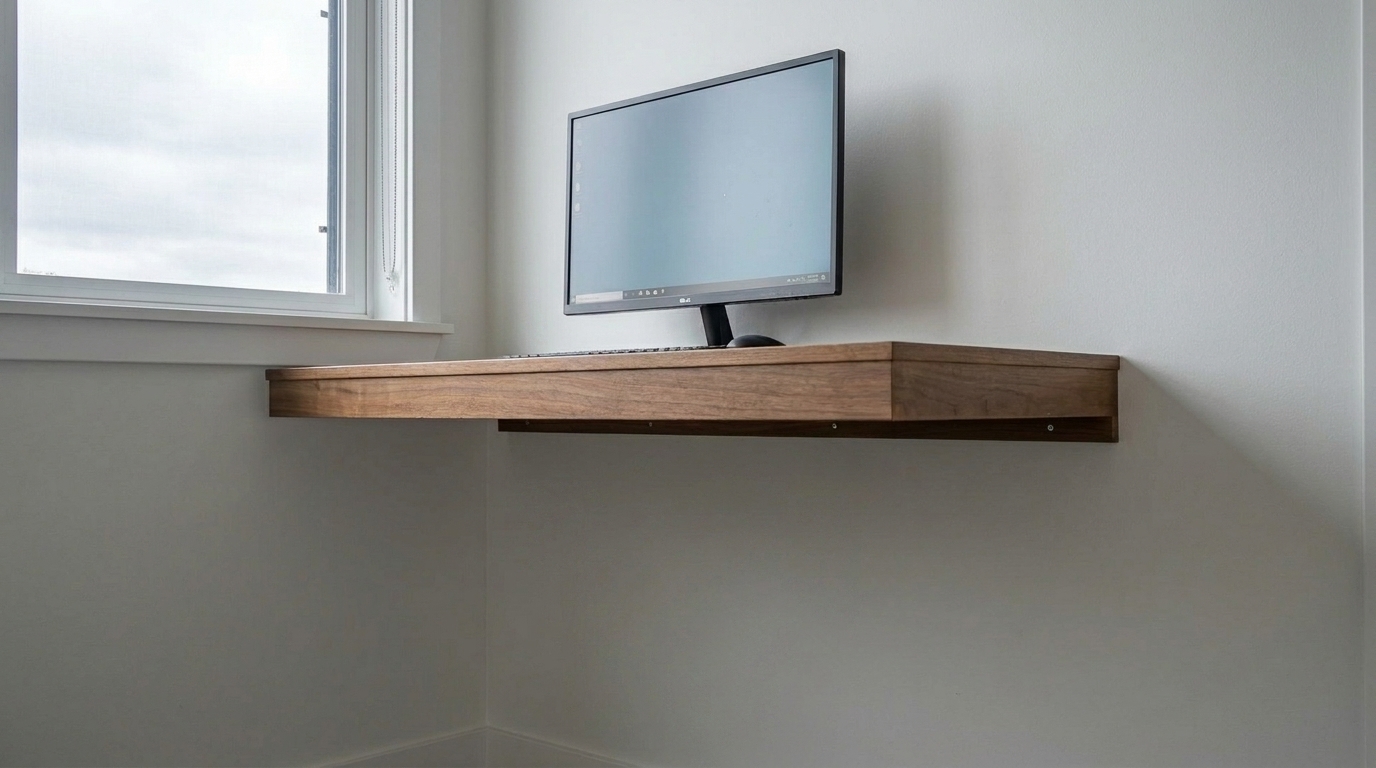
Home Office Floating Desk updated with wire & cable removal styling.
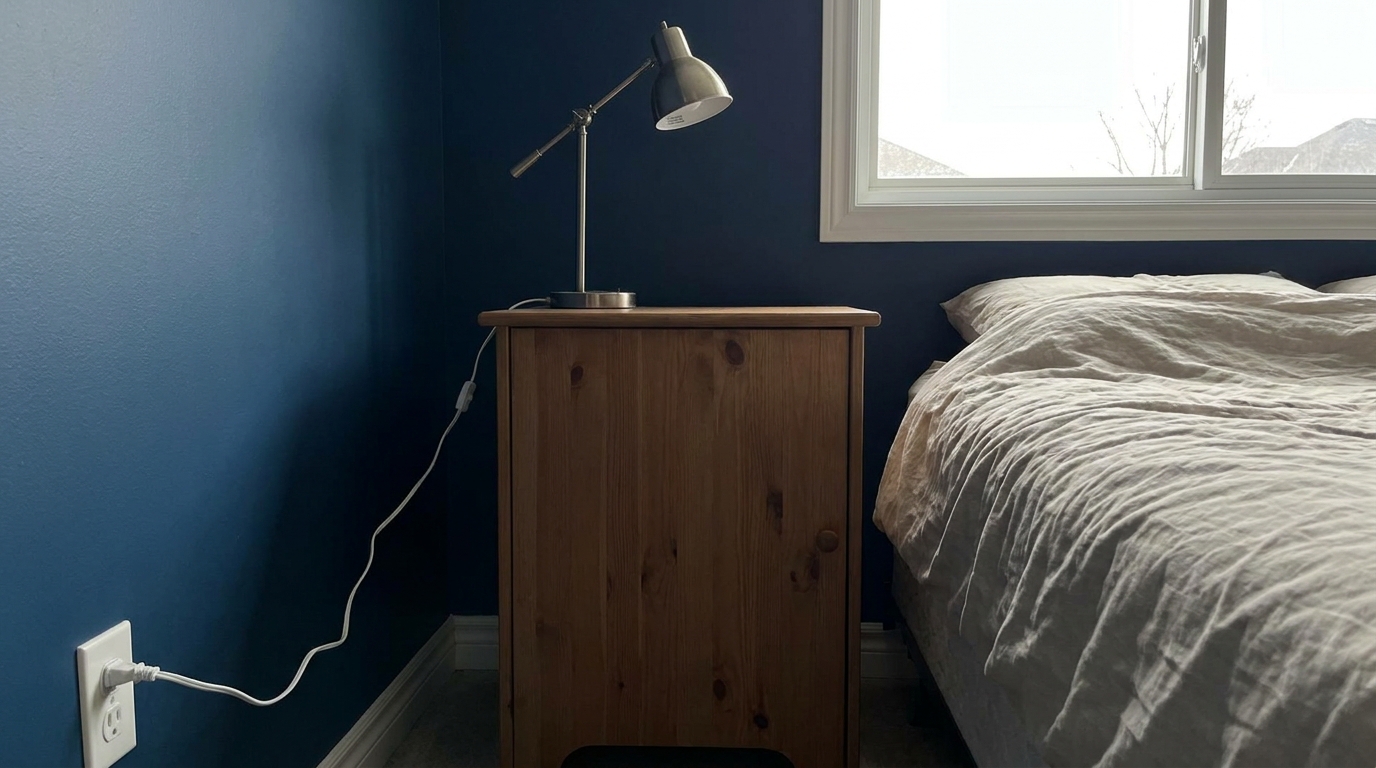
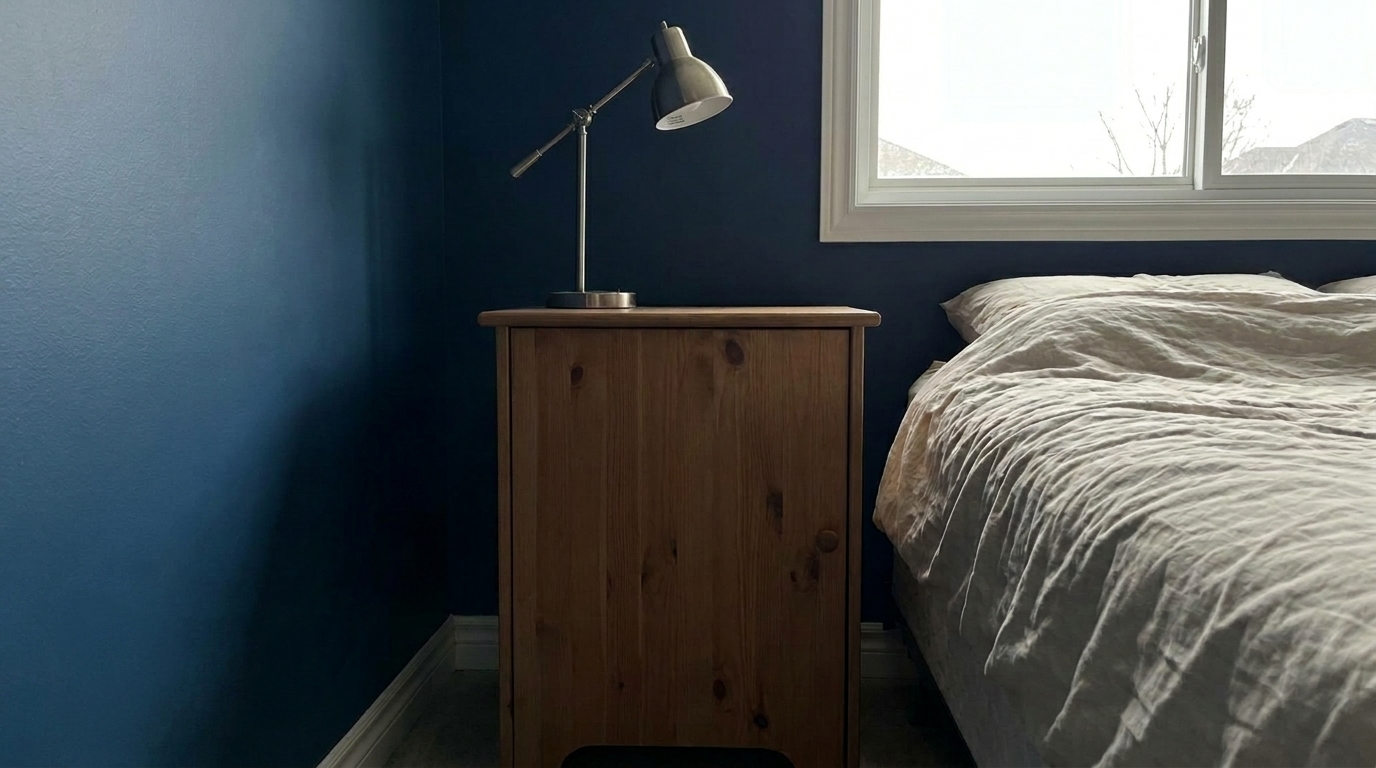
Bedroom Nightstand Lamp updated with wire & cable removal styling.
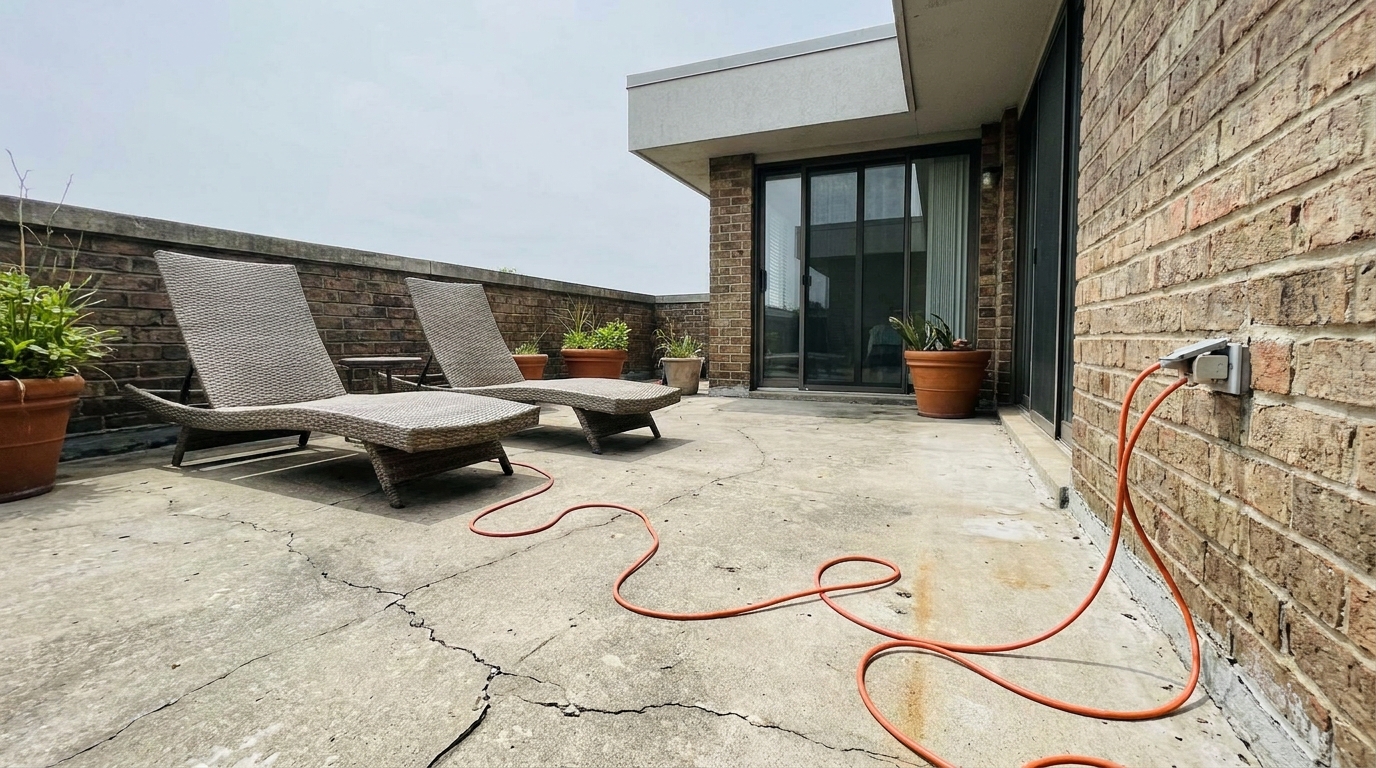
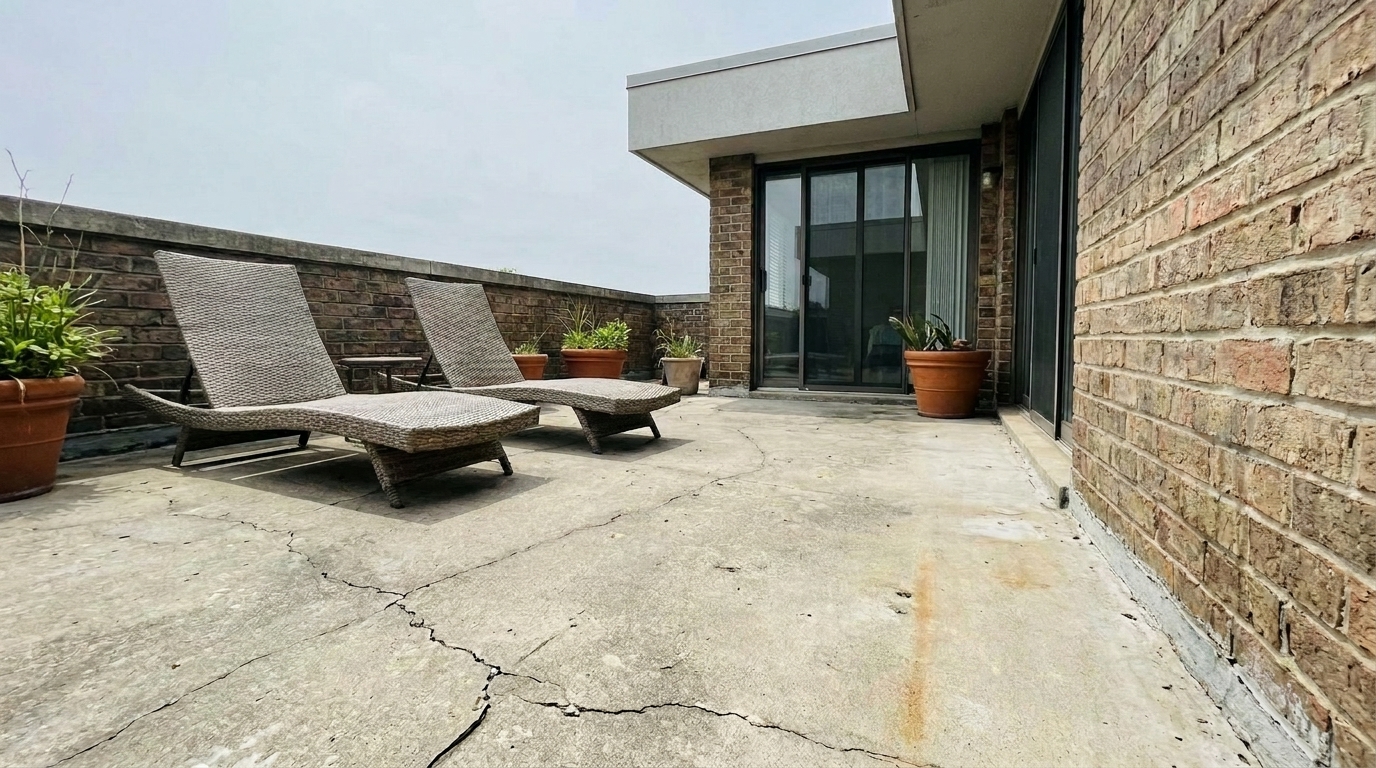
Outdoor Patio Extension Cord updated with wire & cable removal styling.
Advanced AI technology built specifically to handle complex backgrounds and fine details.
Advanced algorithms trace and isolate thin, winding cords and thick cables across complex surfaces without affecting adjacent objects.
Reconstructs wood grain, carpet fibers, tile grout, and drywall textures seamlessly behind the removed wires.
Maintains sharp, clean lines on baseboards, furniture legs, and wall corners without introducing unnatural blur.
Works flawlessly across diverse materials including hardwood floors, brick walls, glass backsplashes, and outdoor siding.
Intelligently adjusts local lighting and shadows where the wire was removed to ensure a natural, unedited look.
Removes only the specified cord clutter while keeping the original image resolution, sharpness, and metadata intact.
See how removing visual cord clutter elevates different spaces across your listings.
Erase tangled TV cords, speaker wires, and power strips under consoles for a clean, modern, and inviting living space.
InteriorsRemove dangling power cords from coffee makers, blenders, and microwaves to maximize the appearance of counter space.
KitchensClean up messy computer cables, monitor cords, and charging stations to present a tidy, productive workspace.
InteriorsEliminate phone charger cords and lamp wires trailing down walls or pooling on the floor next to the bed.
BedroomsRemove exposed surface-mounted wiring channels or hanging cords from sconces, pendant lights, and smart home devices.
LightingClear away temporary extension cords and messy outdoor wiring to highlight clean, safe entertainment areas.
ExteriorsClean up your property images with our simple, automated three-step workflow.
Upload your property image containing distracting wires, power cords, or tangled cables into the Idealhouse Photo Enhancer.
Select the Wire & Cable Removal preset. Our AI will automatically scan the image, trace the linear paths of the cords, and erase them.
Review the clean, wire-free result. Download your polished, high-resolution image ready for MLS and marketing platforms.
Source-backed context for why wire & cable removal edits matter inside object & element specific workflows.
Wire & Cable Removal within Object & Element Specific evidence
Photos are one of the most valuable website features for home buyers; NAR's 2025 generational trends report says 83% of internet-using buyers rated photos as very useful. For Wire & Cable Removal pages, this supports showing how a focused Object & Element Specific edit can make the listing photo feel clearer, more polished, and easier for buyers to evaluate.
Source: NAR 2025Wire & Cable Removal within Object & Element Specific evidence
Zillow Research's 2025 prospective buyer report ranked high-resolution photos as the number two most important listing feature, selected by 26% of prospective buyers; floor plans ranked first at 33%. For Wire & Cable Removal pages, this supports showing how a focused Object & Element Specific edit can make the listing photo feel clearer, more polished, and easier for buyers to evaluate.
Source: Zillow 2025Wire & Cable Removal within Object & Element Specific evidence
Redfin reported that professionally photographed homes in the $400,000 range sold three weeks faster and for more than $10,000 relative to list price compared with amateur photos. Use this as supporting context, not as a guaranteed result. For Wire & Cable Removal pages, this supports showing how a focused Object & Element Specific edit can make the listing photo feel clearer, more polished, and easier for buyers to evaluate.
Source: RedfinVisual clutter is one of the leading reasons buyers click away from a listing. Exposed cords and tangled cables make even the most luxurious spaces look disorganized and unfinished. This guide helps you understand how to leverage AI-powered wire removal to elevate your property presentations.
In real estate marketing, first impressions are digital. When a buyer views a listing photo, their eyes should be drawn to key selling points like spacious countertops, beautiful hardwood floors, or elegant architectural details. Exposed wires from TVs, computers, and kitchen appliances create visual noise that distracts the viewer. Removing these cords instantly makes rooms feel larger, cleaner, and more premium, allowing buyers to focus on the home's actual features rather than electronic distractions.
To achieve the best results, it is important to use the correct tool for the job. Use the 'Wire & Cable Removal' preset when dealing with interior cords, appliance cables, and ground-level extension cords where preserving floor or wall texture is critical. If you are dealing with overhead utility lines, poles, and street-level wires against the sky, choose the 'Remove Power Lines' preset instead. For larger, non-linear items like trash bins, boxes, or personal items, use the 'Clutter Removal' preset. Avoid using wire removal on structural elements like support cables or architectural tie-downs, as these are permanent features of the property.
For a seamless workflow, start by uploading your high-resolution interior or exterior photos. Apply the Wire & Cable preset first to handle the automated cleanup. If you have highly complex scenes—such as a wire running directly behind a detailed chair leg—examine the area closely. If any minor artifacts remain, use the manual touch-up brush with a small radius to restore the background. Always ensure that the lighting and shadows in the room remain consistent after the wire is removed to maintain absolute realism.
While removing temporary cords, chargers, and appliance cables is standard practice in digital staging, you should avoid removing permanent electrical fixtures or wiring that is built into the structure of the home (such as exposed conduit in industrial-style lofts, unless requested by the client for conceptual purposes). Always aim to represent the physical property accurately while cleaning up the temporary, everyday clutter that won't be there when the buyer moves in.
Discover specialized presets designed to remove clutter, repair walls, and polish every detail of your listing.
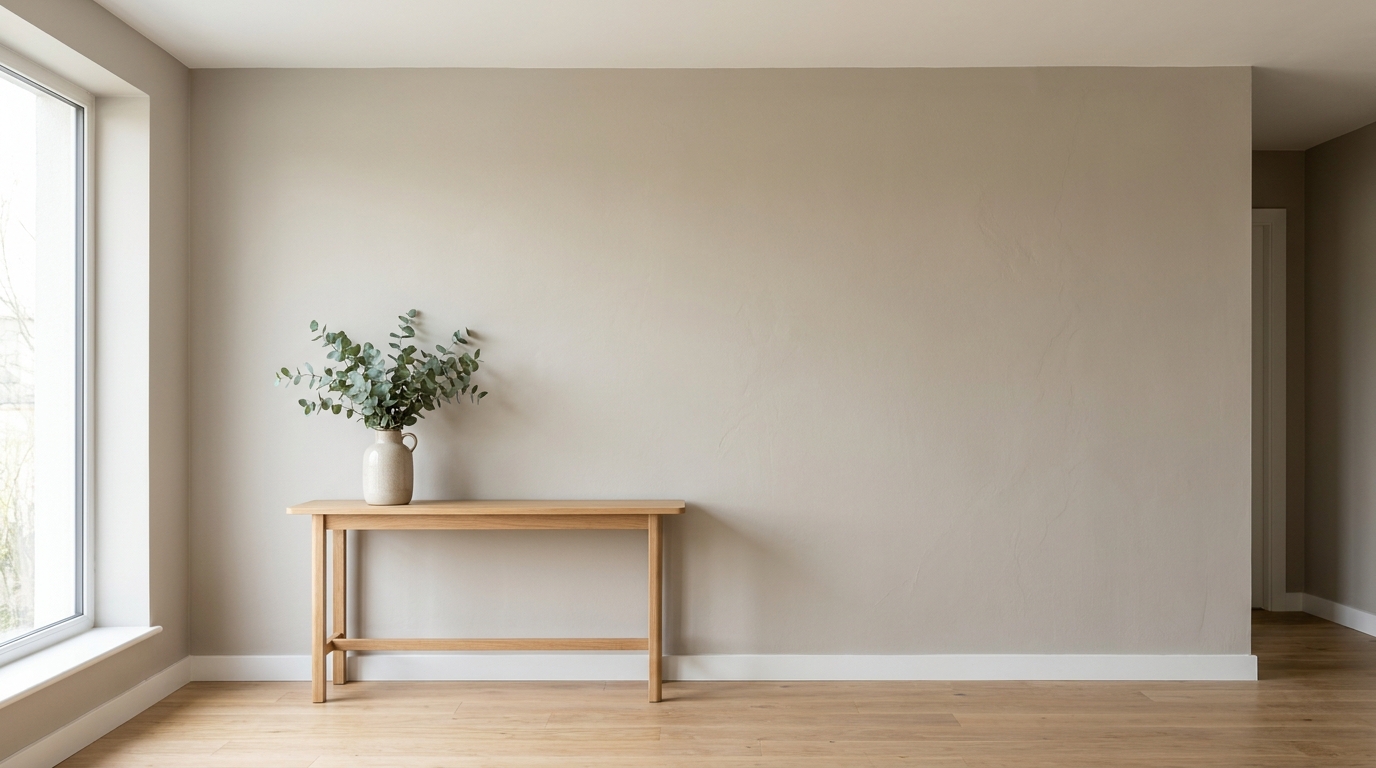
Clean up visible wall damage for a smoother, better-maintained interior finish.
Try This Tool →
Refine floor reflections for a cleaner, glossier, more premium interior look.
Try This Tool →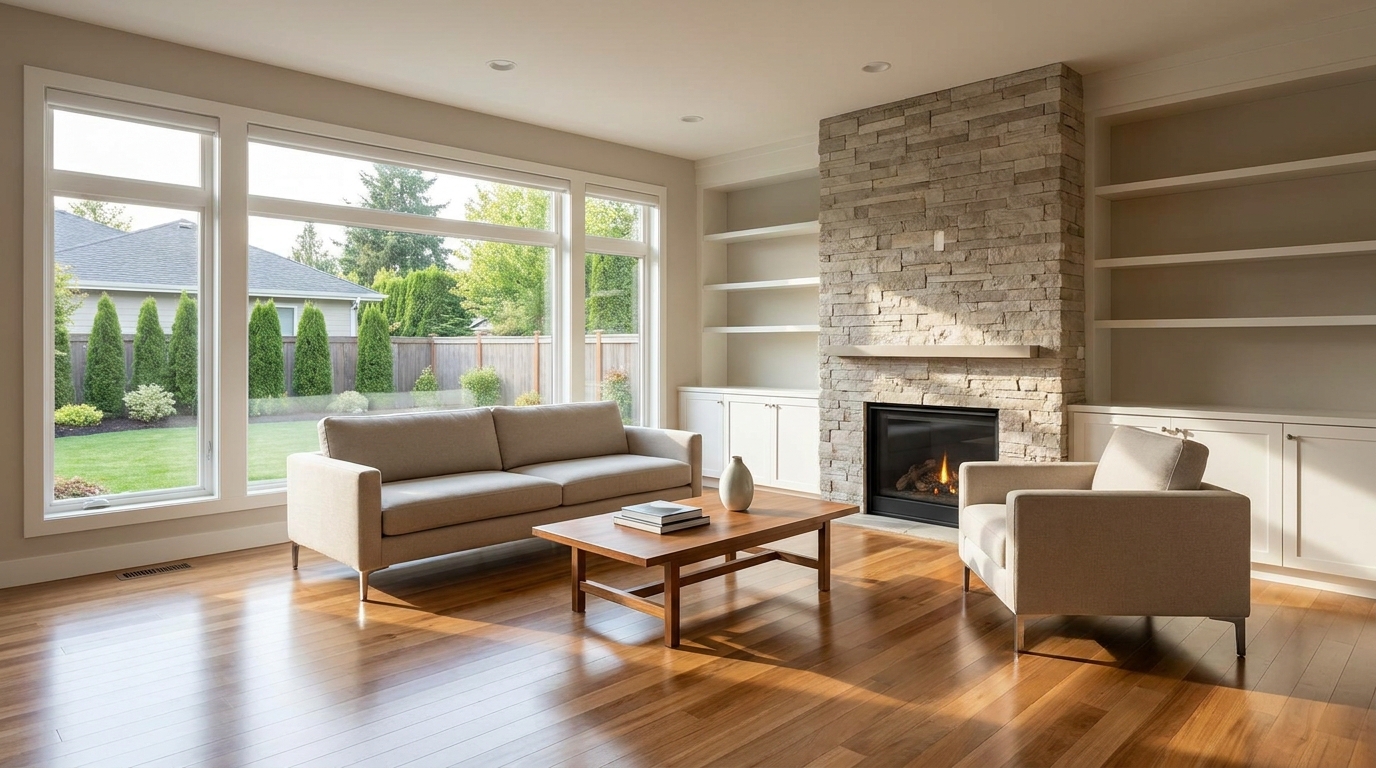
Remove people and pets for a cleaner photo that keeps attention on the property.
Try This Tool →
Eliminate bins and trash cans for tidier, more marketable exterior scenes.
Try This Tool →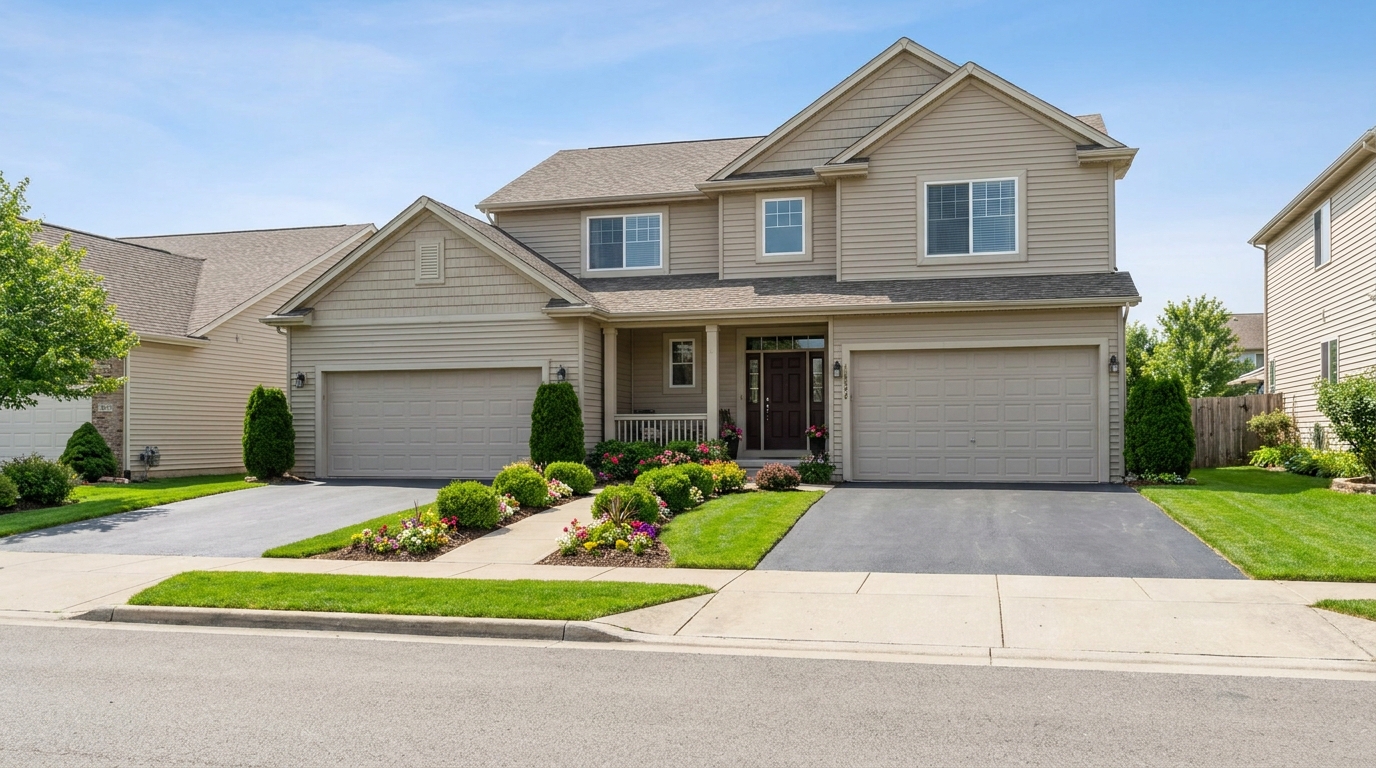
Remove parked vehicles to keep focus on the home and surrounding curb appeal.
Try This Tool →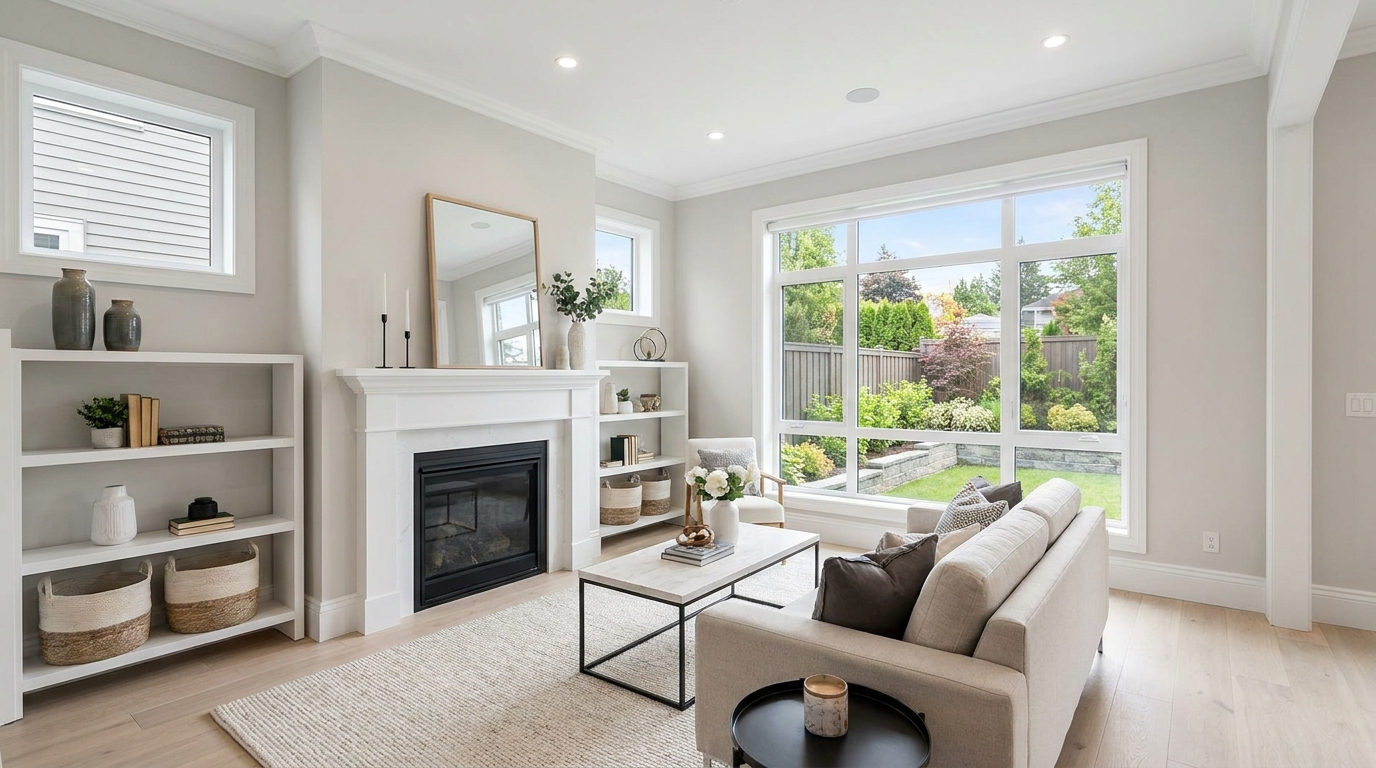
Clear visual distractions so rooms feel larger, cleaner, and easier to imagine.
Try This Tool →
Remove timestamps and embedded text for a cleaner, more professional presentation.
Try This Tool →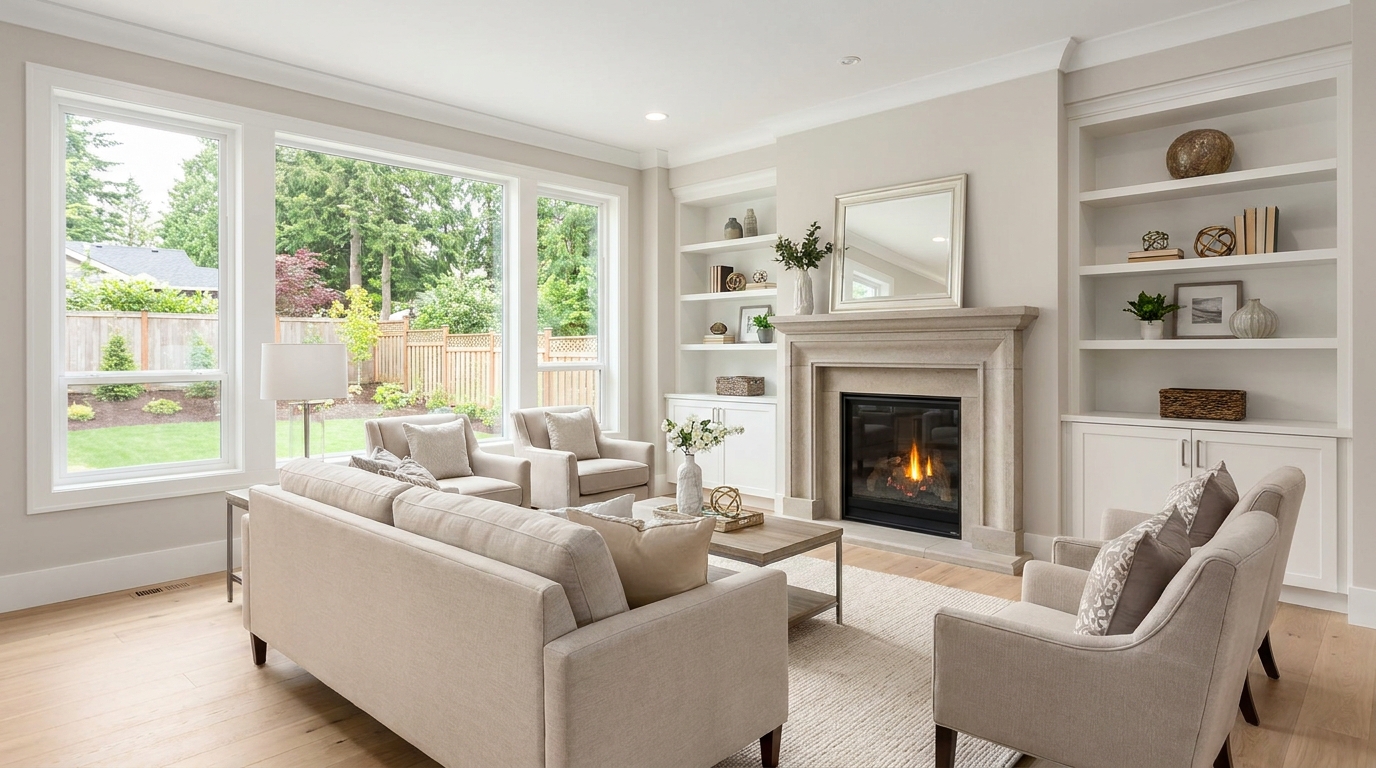
Remove signs and notices to keep the scene clean, polished, and distraction-free.
Try This Tool →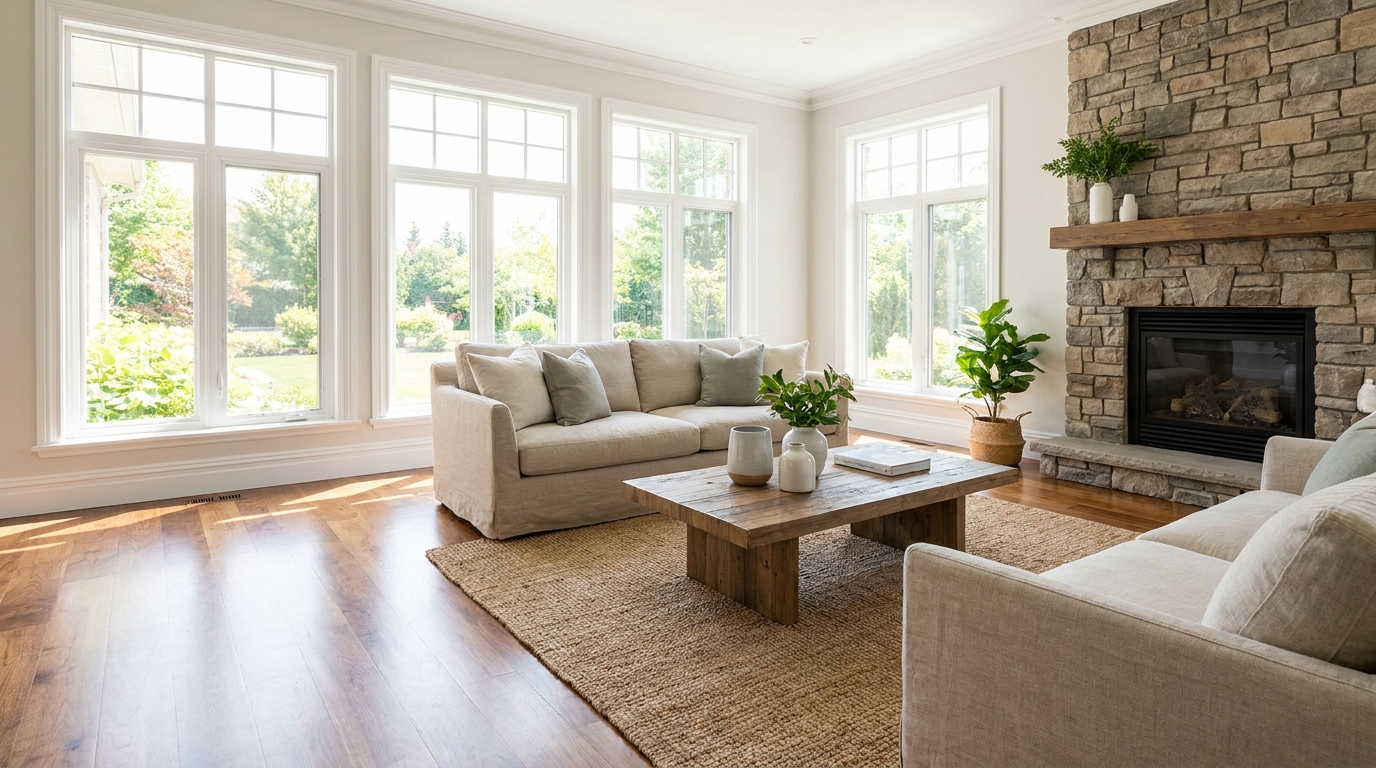
Tone down reflective hotspots for a clearer, cleaner image with better surface detail.
Try This Tool →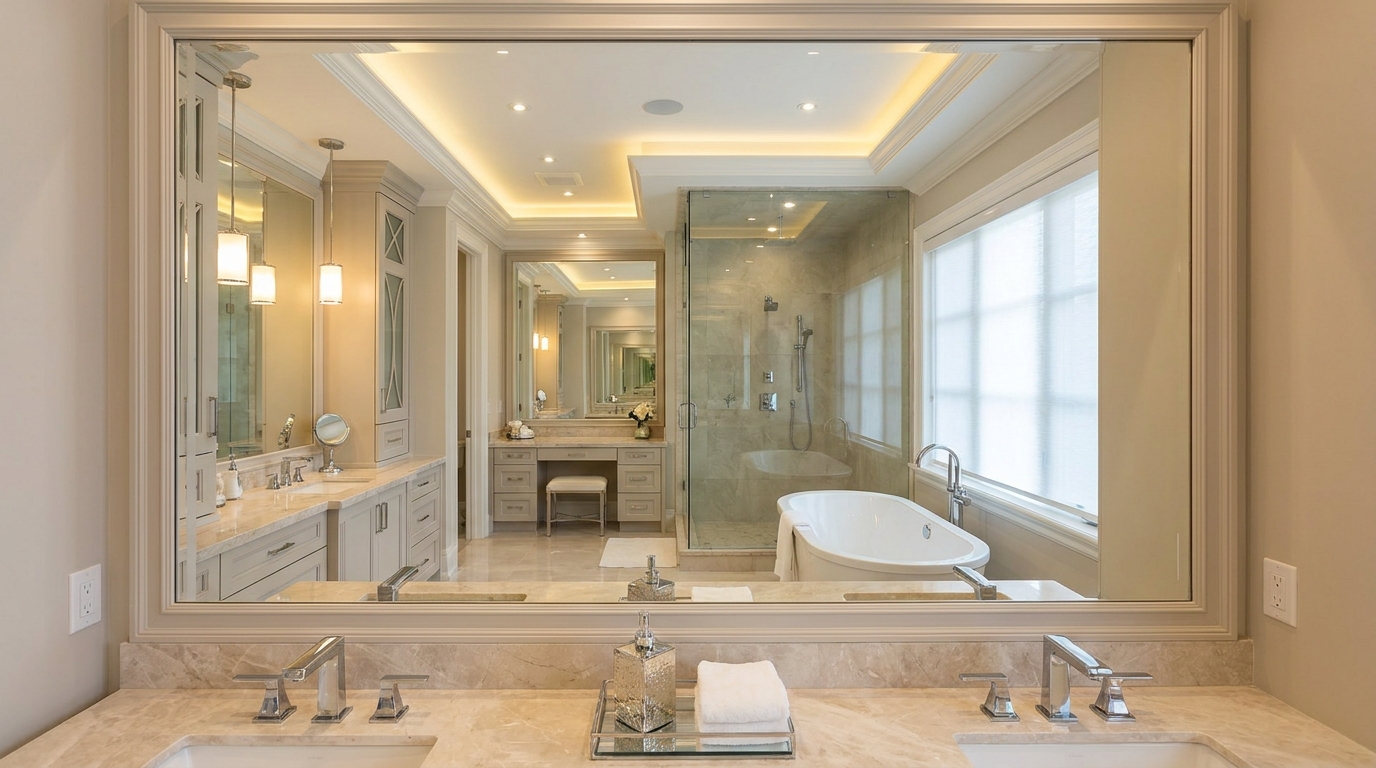
Remove unwanted mirror reflections for cleaner interiors and more polished composition.
Try This Tool →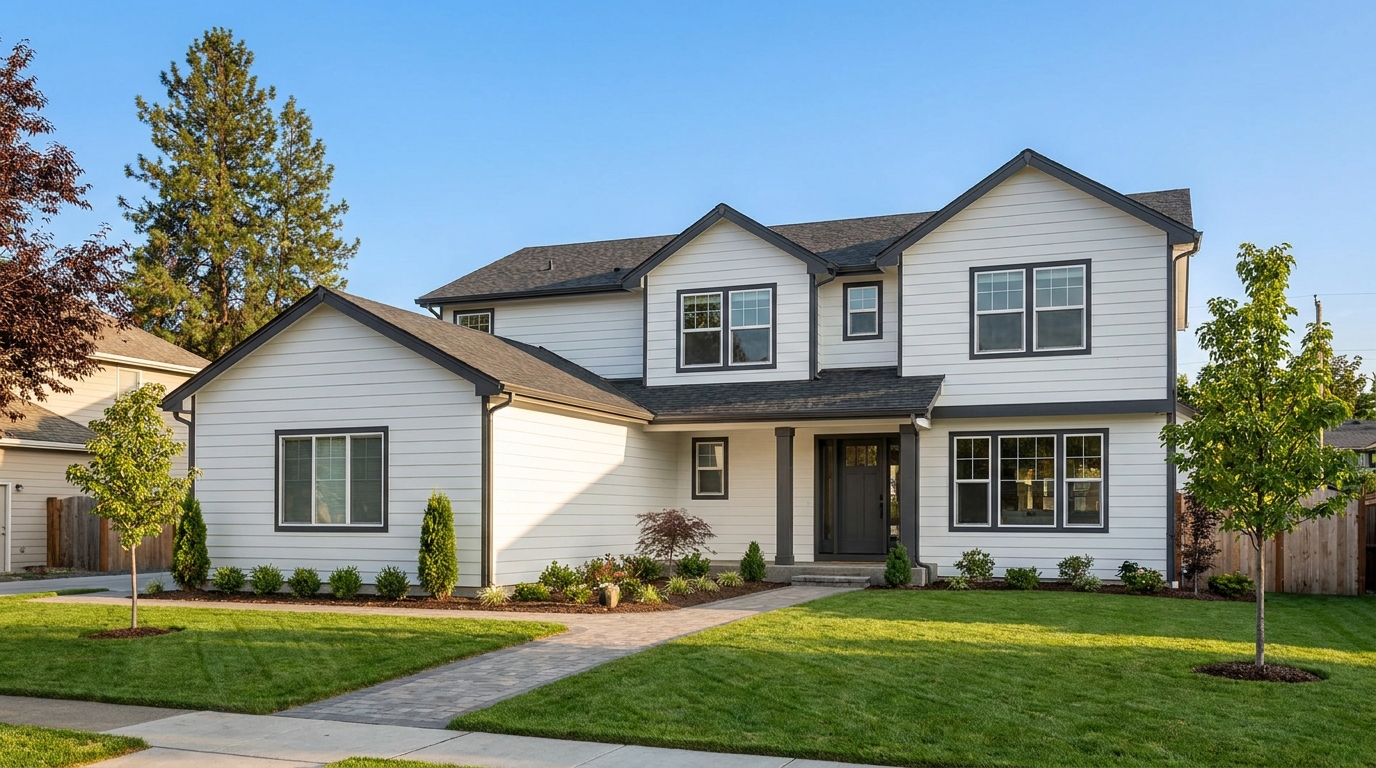
Clean up utility wires for a more open sky and stronger exterior presentation.
Try This Tool →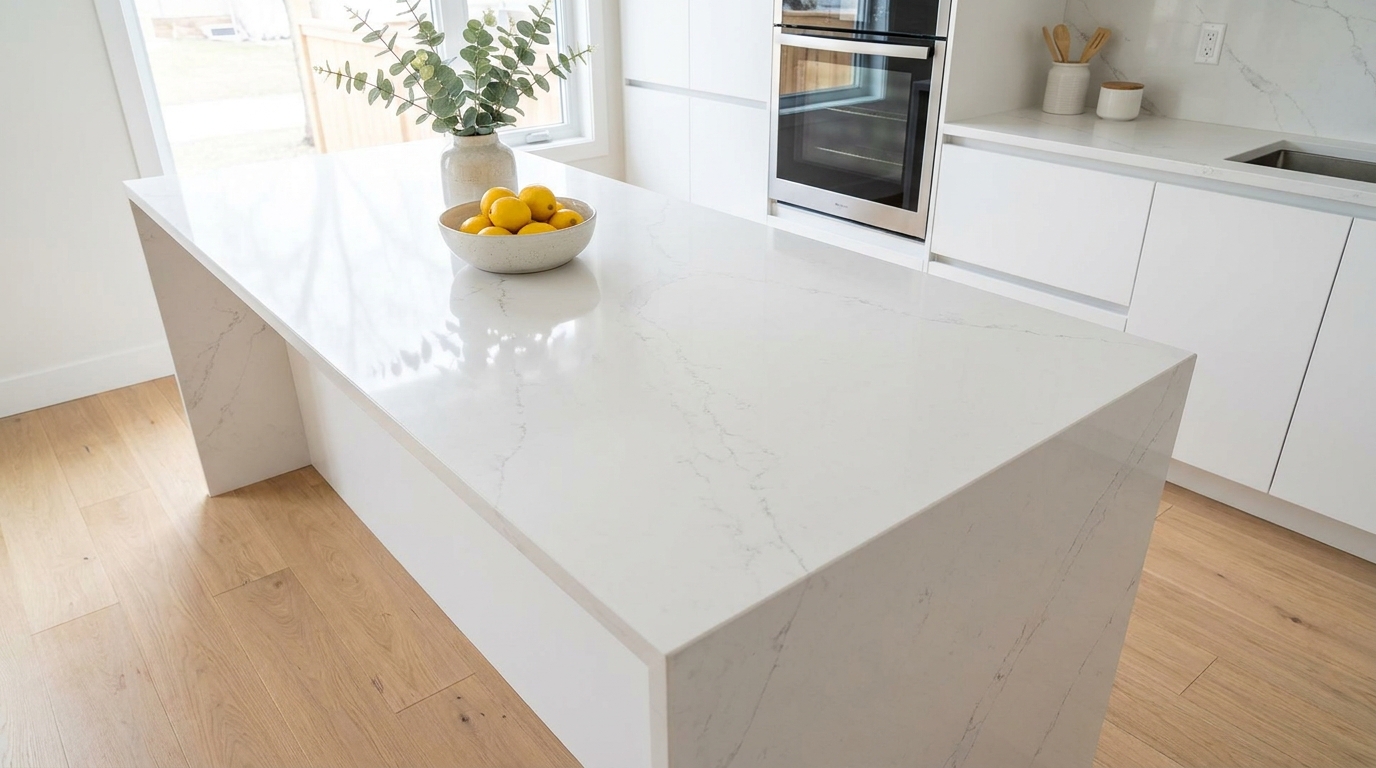
Remove stains and marks so surfaces look cleaner, fresher, and better cared for.
Try This Tool →
Eliminate logos and overlays for a clean image ready for marketing use.
Try This Tool →
Reduce window reflections for clearer views and a cleaner glass finish.
Try This Tool →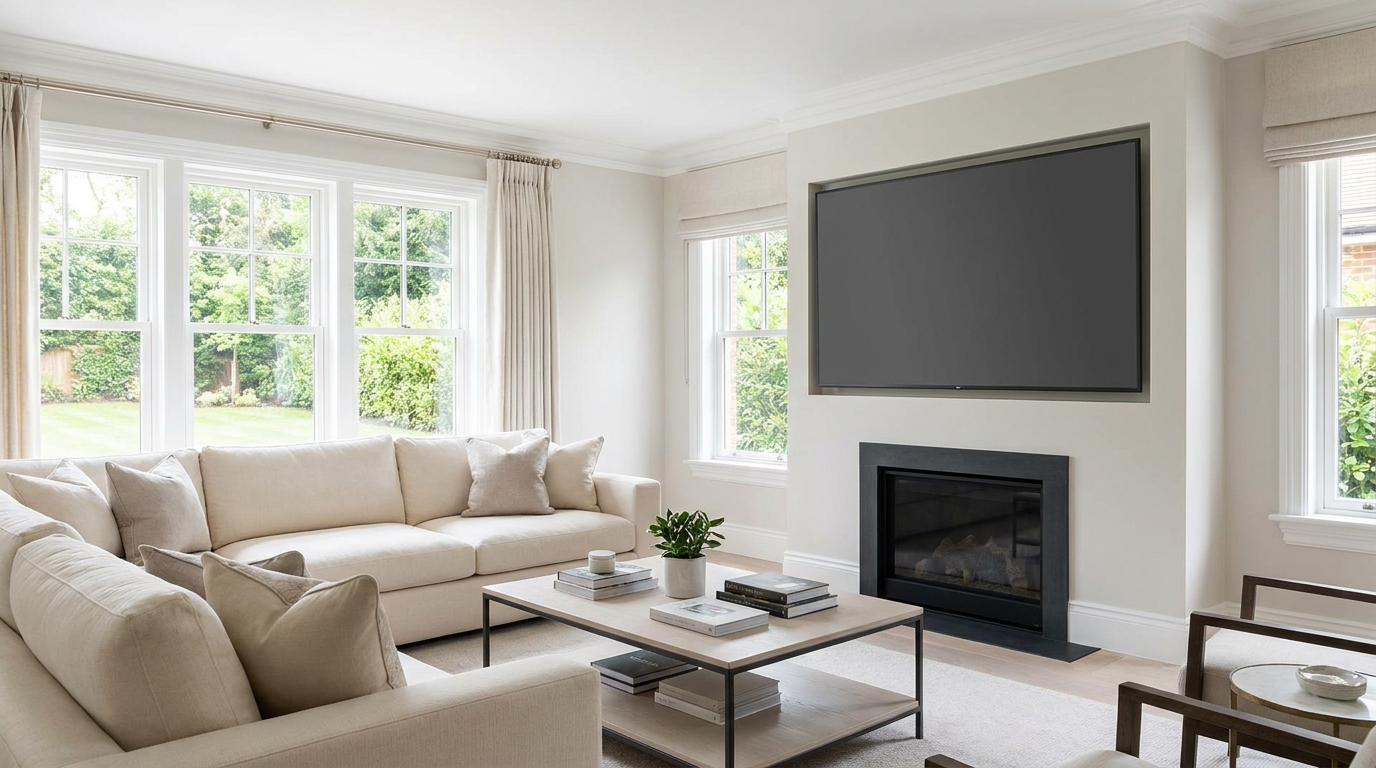
Replace distracting TV content with a clean dark screen that looks intentional and tidy.
Try This Tool →Complement your cleanup workflow with other powerful image optimization tools.
AI image-to-video generation for turning home, room, and property photos into more vivid presentation videos.
02AI exterior renovation for visualizing facade updates, curb appeal improvements, and home exterior remodel ideas.
03AI landscaping design for exploring outdoor concepts, curb appeal upgrades, planting ideas, and yard layout directions.
04AI virtual staging for furnishing empty rooms and creating listing-ready interiors for real estate marketing.
05Free AI image generation for turning text prompts into unlimited visual ideas for home design, interiors, landscaping, renovation
06AI object removal for cleaning up distracting items from room, home, and property photos.
Don't let messy cords and tangled cables distract potential buyers. Use our AI-powered Wire & Cable Removal tool to create flawless, professional property images in seconds.