
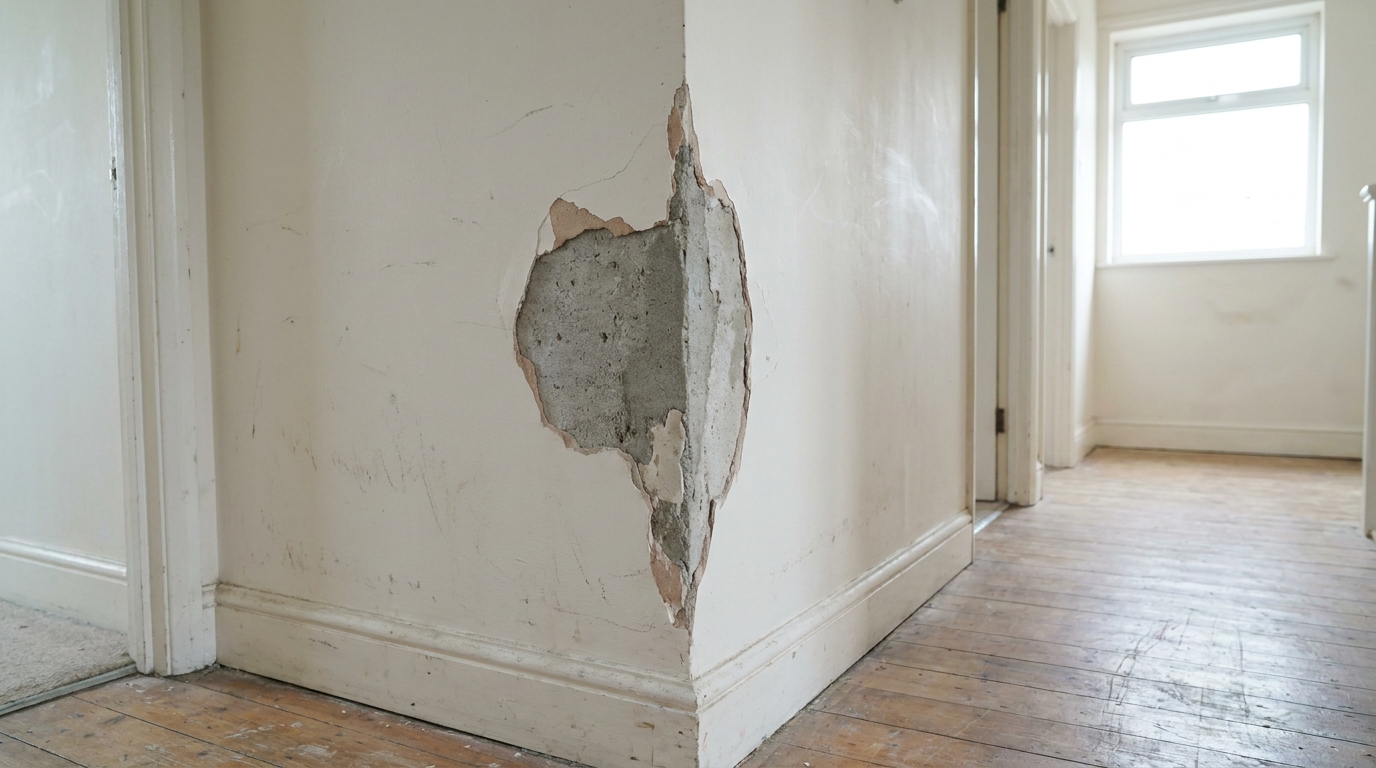
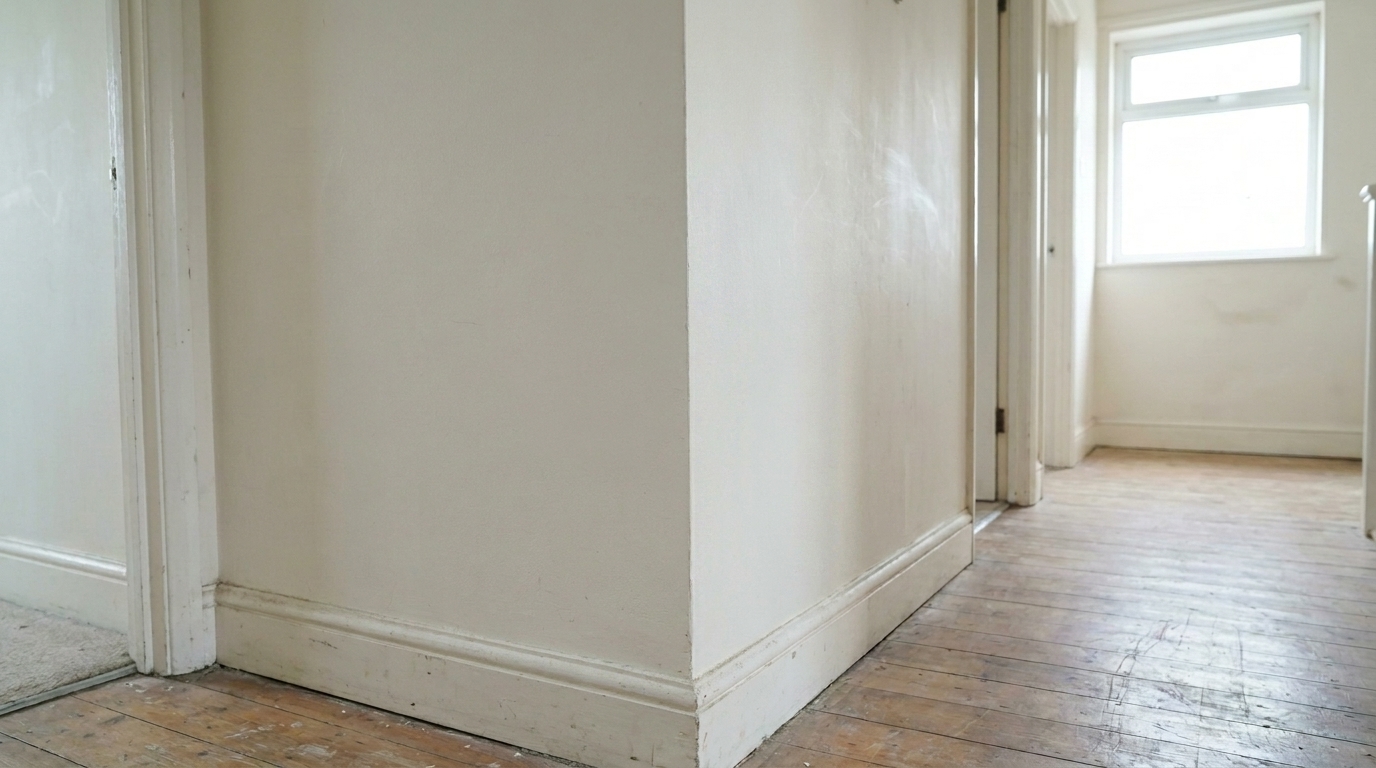

Hallway Corner Plaster Chips
Hallway Corner Plaster Chips updated with crack & wall repair styling.
Instantly erase cracks, chips, and plaster blemishes from your property photos. Maintain realistic wall textures and paint colors for professional real estate listings.
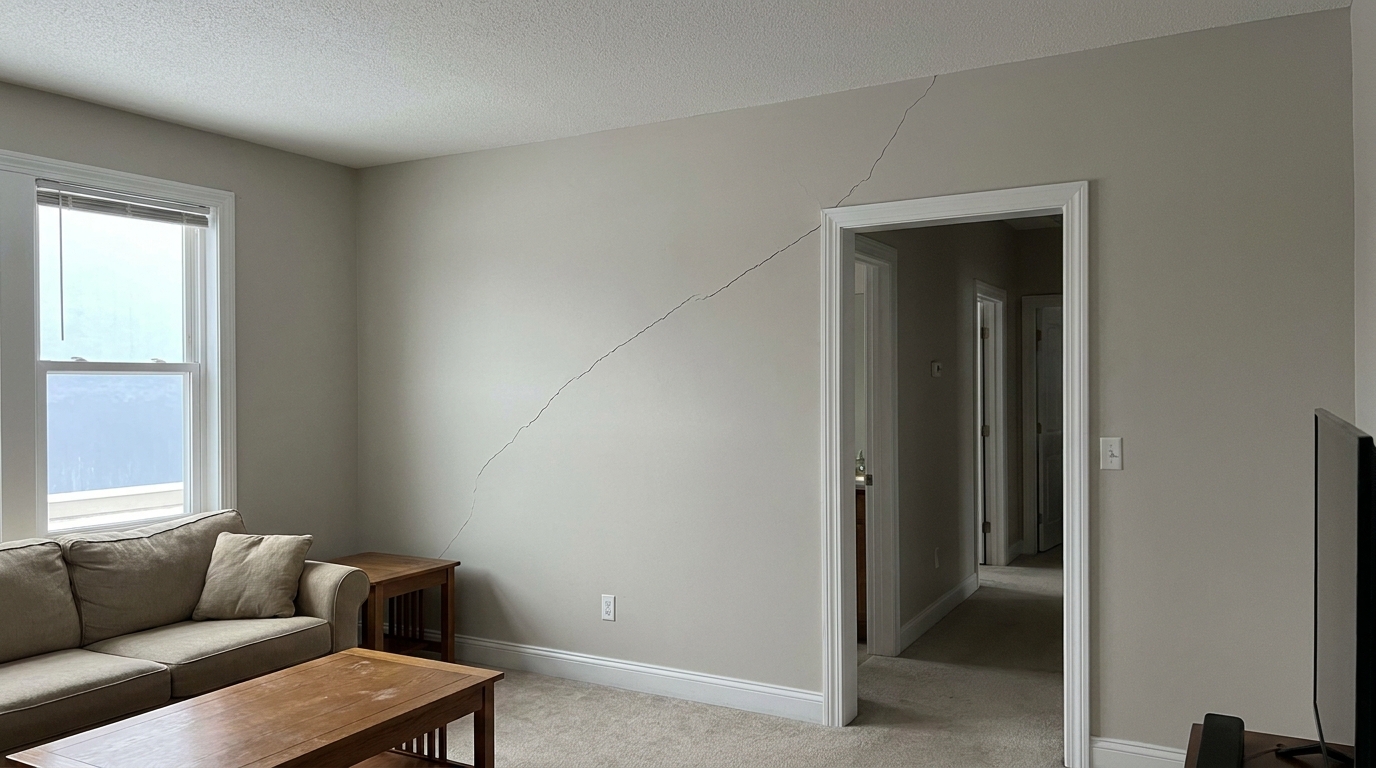
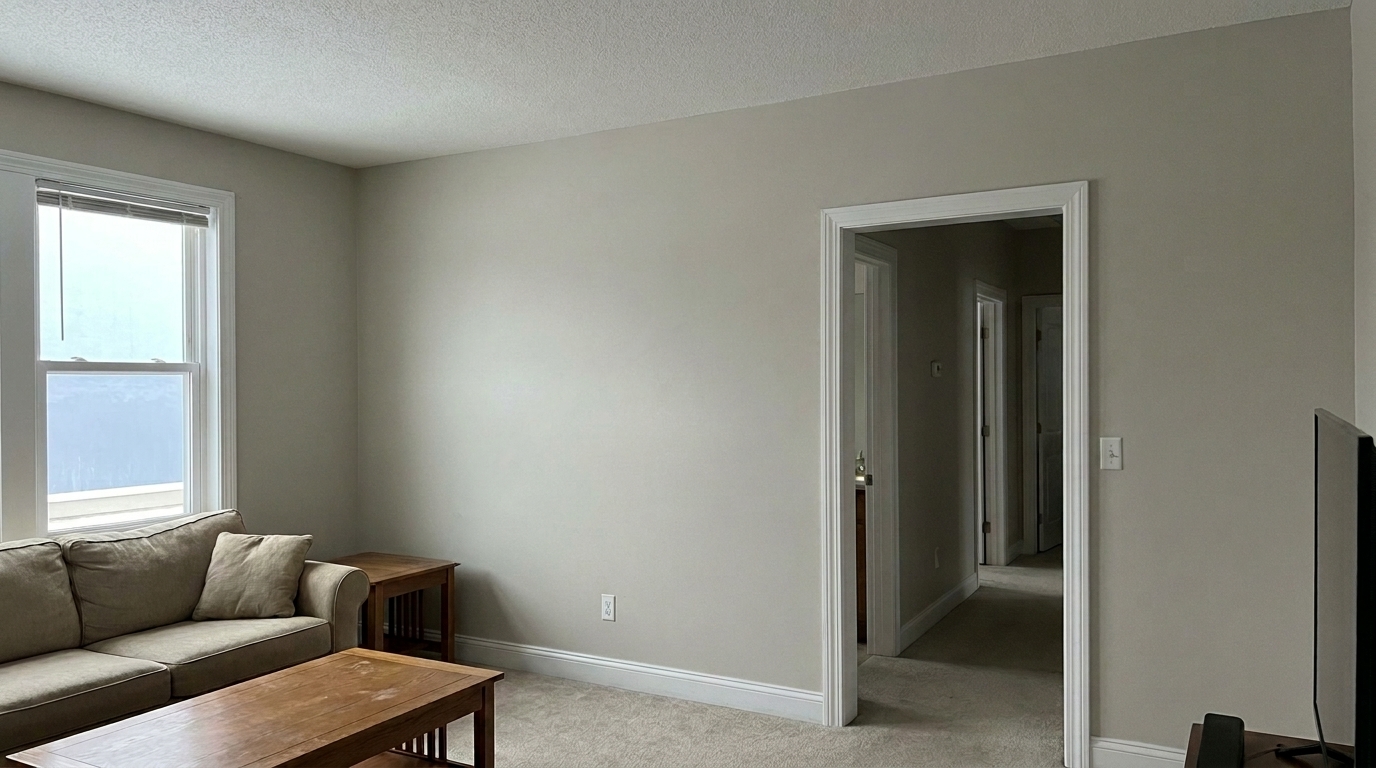
Compare original damaged walls with our clean, AI-restored marketing-ready finishes.
Hallway Corner Plaster Chips updated with crack & wall repair styling.
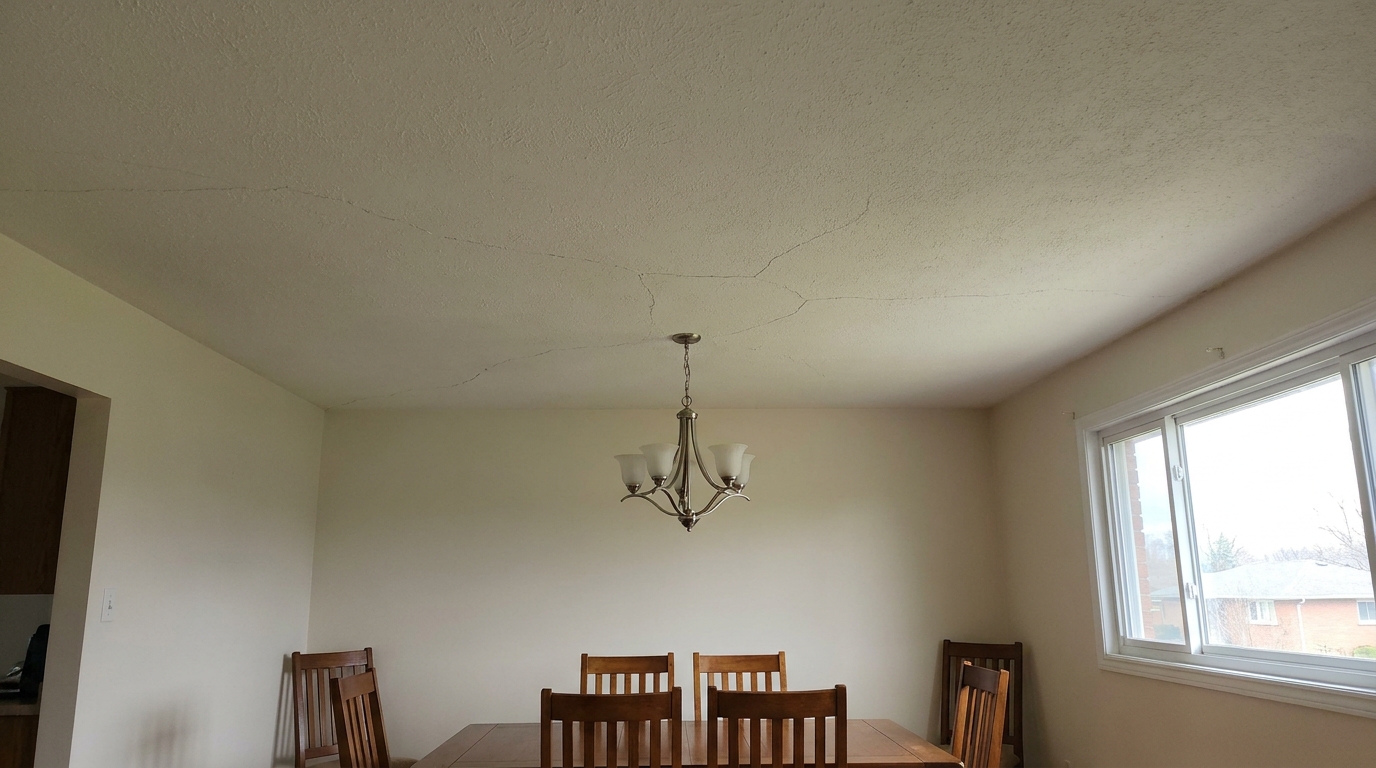
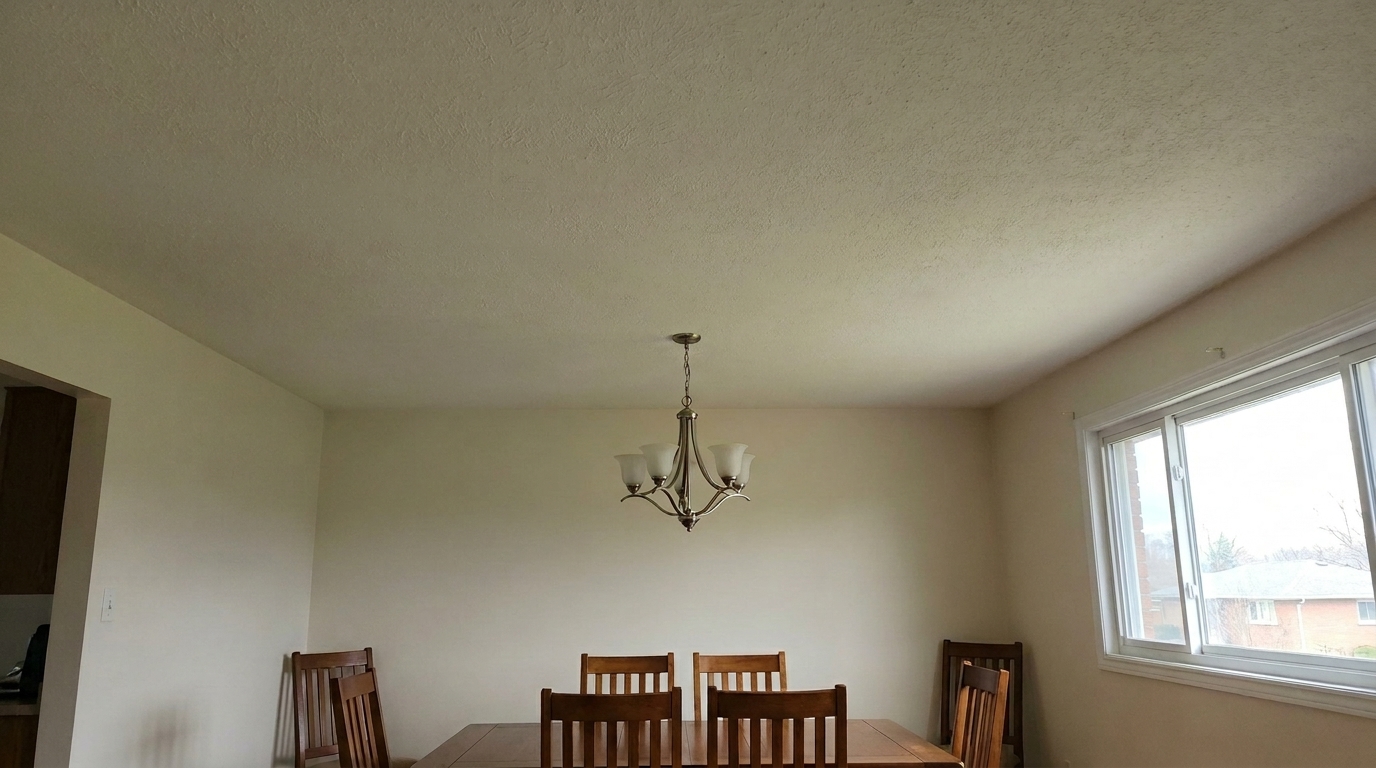
Ceiling Plaster Cracking updated with crack & wall repair styling.
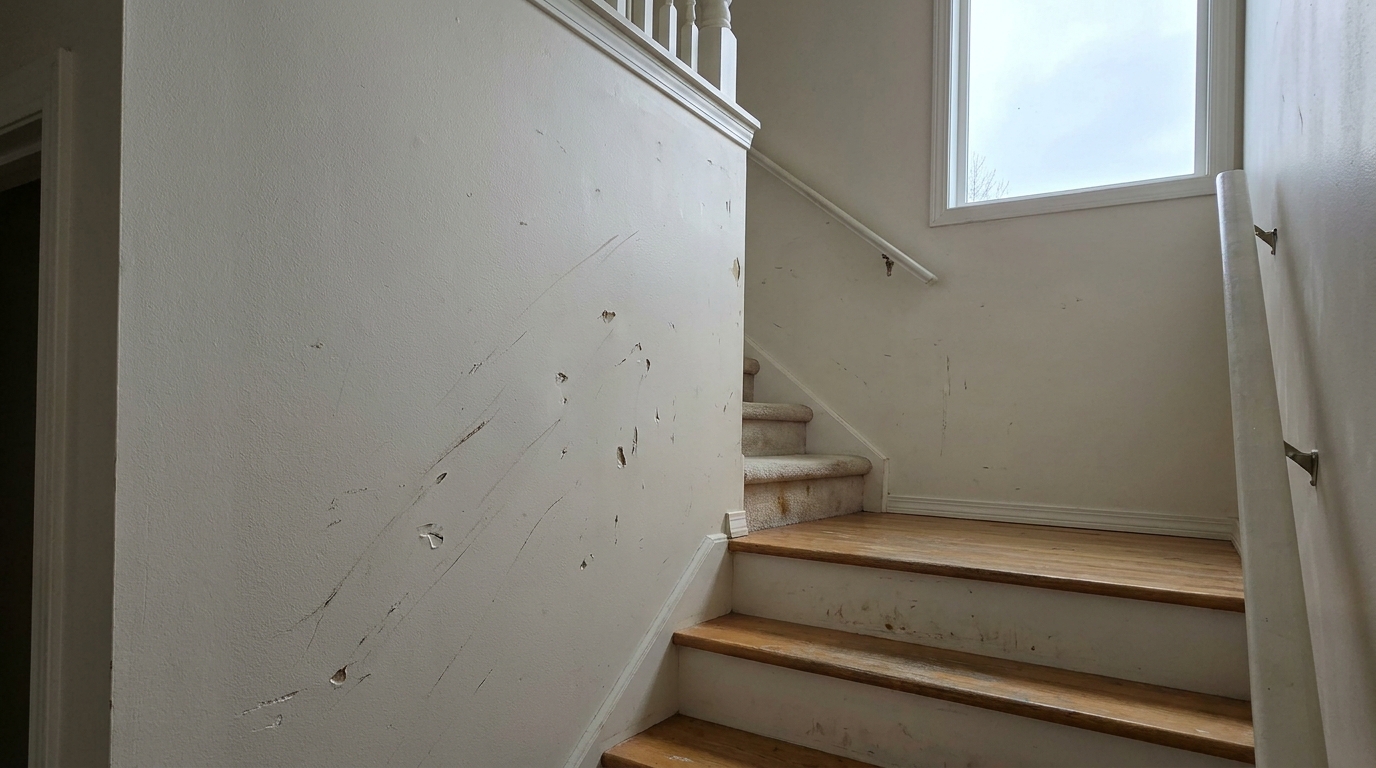
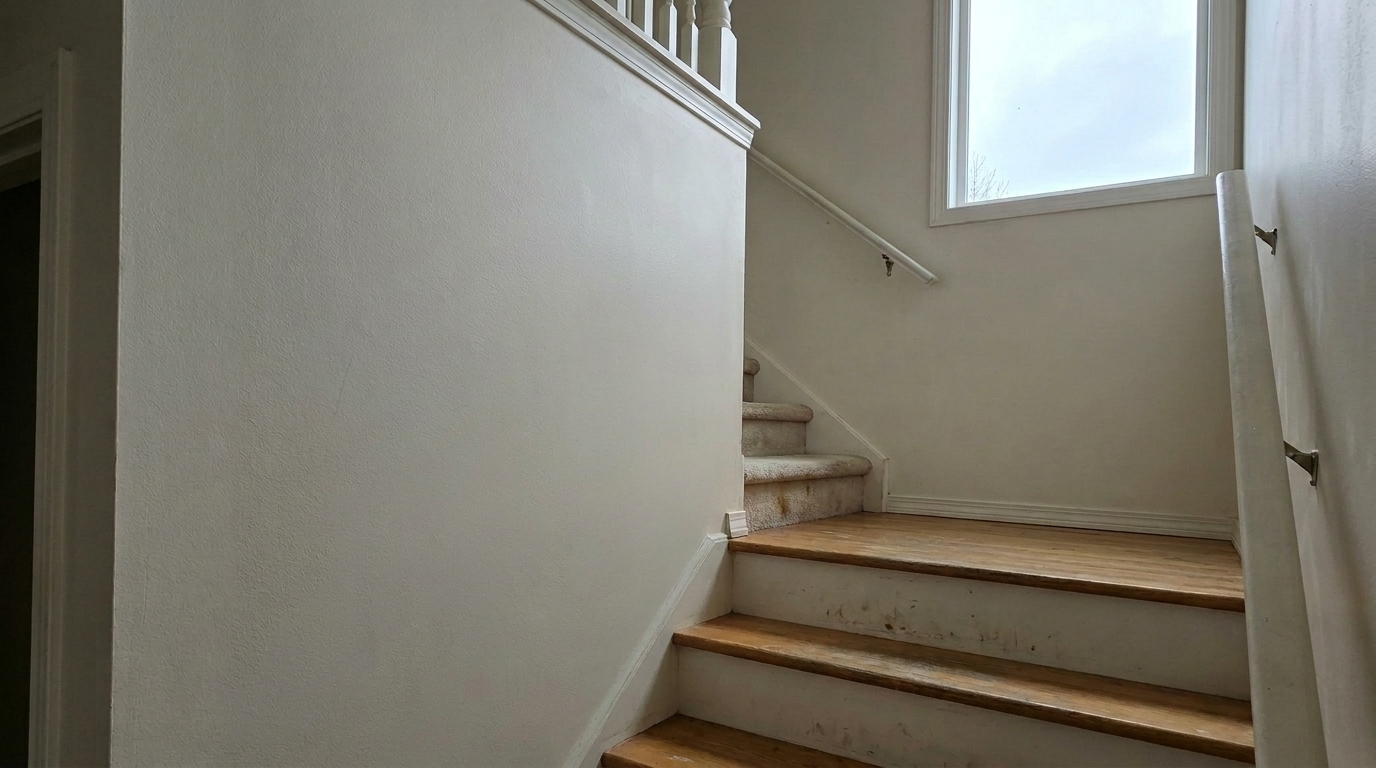
Staircase Scuff Marks and Dents updated with crack & wall repair styling.
Advanced AI tools engineered to repair blemishes while keeping structural details completely natural.
Erases cracks and chips while maintaining the original drywall, plaster, or concrete texture without flat-color smudging.
Automatically analyzes surrounding paint colors to blend repairs seamlessly, avoiding mismatched or patchy spots.
Ensures repaired areas reflect the room's natural and ambient light sources realistically, preserving shadows and highlights.
Automatically identifies hairline cracks, small nail holes, and minor paint chips across the entire wall surface.
Keeps structural elements like baseboards, crown molding, outlets, and switches perfectly intact during the repair process.
Apply wall repair to multiple listing photos simultaneously to save time and maintain consistency across your portfolio.
See how agents, photographers, and homeowners use wall repair to elevate their listings.
Ideal for older homes with harmless but unsightly settling cracks in drywall or plaster walls.
Real Estate ListingsQuickly patch up holes left behind by removed artwork, mirrors, or wall-mounted televisions.
Staging & PrepClean up high-traffic corner dings and scuffs in hallways, entryways, and kitchens.
Property PhotosMask minor, resolved water stains or discoloration on ceilings and walls before listing.
Pre-Sale MarketingHelp landlords visualize a clean, repaired unit by removing minor wall wear and tear from photos.
Rental ListingsSmooth out deep plaster cracks in historic properties while keeping the vintage wall character.
Luxury PropertiesFollow three simple steps to erase wall damage and present a well-maintained home.
Select and upload your interior property photo showing wall cracks, chips, or plaster damage to the Idealhouse editor.
Choose the specialized wall repair tool to automatically target, analyze, and heal the damaged areas of the wall.
Save and export your high-resolution, restored photo with smooth, natural-looking walls ready for your real estate listing.
Source-backed context for why crack & wall repair edits matter inside object & element specific workflows.
Crack & Wall Repair within Object & Element Specific evidence
Photos are one of the most valuable website features for home buyers; NAR's 2025 generational trends report says 83% of internet-using buyers rated photos as very useful. For Crack & Wall Repair pages, this supports showing how a focused Object & Element Specific edit can make the listing photo feel clearer, more polished, and easier for buyers to evaluate.
Source: NAR 2025Crack & Wall Repair within Object & Element Specific evidence
Zillow Research's 2025 prospective buyer report ranked high-resolution photos as the number two most important listing feature, selected by 26% of prospective buyers; floor plans ranked first at 33%. For Crack & Wall Repair pages, this supports showing how a focused Object & Element Specific edit can make the listing photo feel clearer, more polished, and easier for buyers to evaluate.
Source: Zillow 2025Crack & Wall Repair within Object & Element Specific evidence
Redfin reported that professionally photographed homes in the $400,000 range sold three weeks faster and for more than $10,000 relative to list price compared with amateur photos. Use this as supporting context, not as a guaranteed result. For Crack & Wall Repair pages, this supports showing how a focused Object & Element Specific edit can make the listing photo feel clearer, more polished, and easier for buyers to evaluate.
Source: RedfinLearn how to elevate your property photos by removing distracting wall damage while maintaining absolute realism.
When buyers browse online listings, their eyes naturally gravitate toward structural details. Visible wall cracks, plaster chips, or nail holes can inadvertently signal neglect, even if they are merely cosmetic settling issues. Repairing these blemishes digitally ensures that buyers focus on the home's layout, space, and potential rather than worrying about immediate maintenance tasks. Clean, smooth walls create a fresh canvas that makes rooms feel larger, brighter, and well-cared-for.
To achieve the best results, start by applying global adjustments like exposure and white balance to your photo. Once the lighting is set, run the Crack & Wall Repair preset. The AI will scan the image for linear cracks, localized chips, and texture inconsistencies. For complex scenes with overlapping shadows or nearby furniture, you can use the brush tool to guide the AI's focus. Finally, review the texture blend at 100% zoom to ensure a seamless transition before exporting.
Knowing when to use the Crack & Wall Repair tool versus other presets is key to a natural-looking edit. Use this preset specifically for physical wall damage like drywall cracks, plaster chips, nail holes, and dented corners. If the wall has dirt, grease, or water discoloration but no physical damage, use the Stain Removal preset instead. For unwanted objects mounted on the wall, such as old security panels or redundant outlets, the Clutter Removal preset is more appropriate. Avoid using this tool to cover up major structural failures or active water leaks that must be disclosed during a sale.
Traditional manual retouching using clone stamps or healing brushes often results in repetitive patterns or flat, blurry spots that look obviously edited. This is especially true on textured walls like orange peel or knockdown plaster. The Idealhouse AI Wall Repair preset overcomes this by generating unique, context-aware textures that match the surrounding wall perfectly. It also automatically adjusts for complex lighting gradients, saving photographers and editors hours of tedious manual pixel-pushing.
Discover specialized presets designed to remove distractions and polish every element of your property photos.
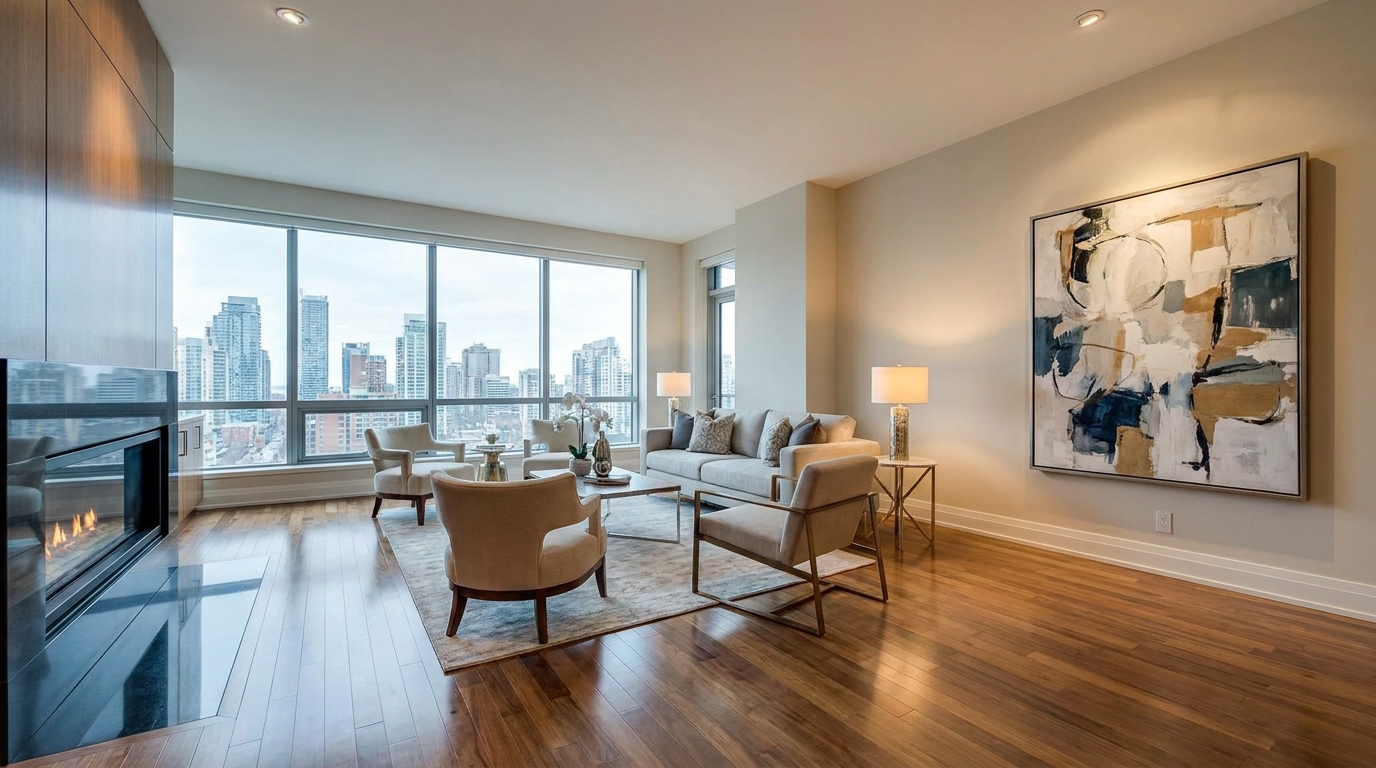
Refine floor reflections for a cleaner, glossier, more premium interior look.
Try This Tool →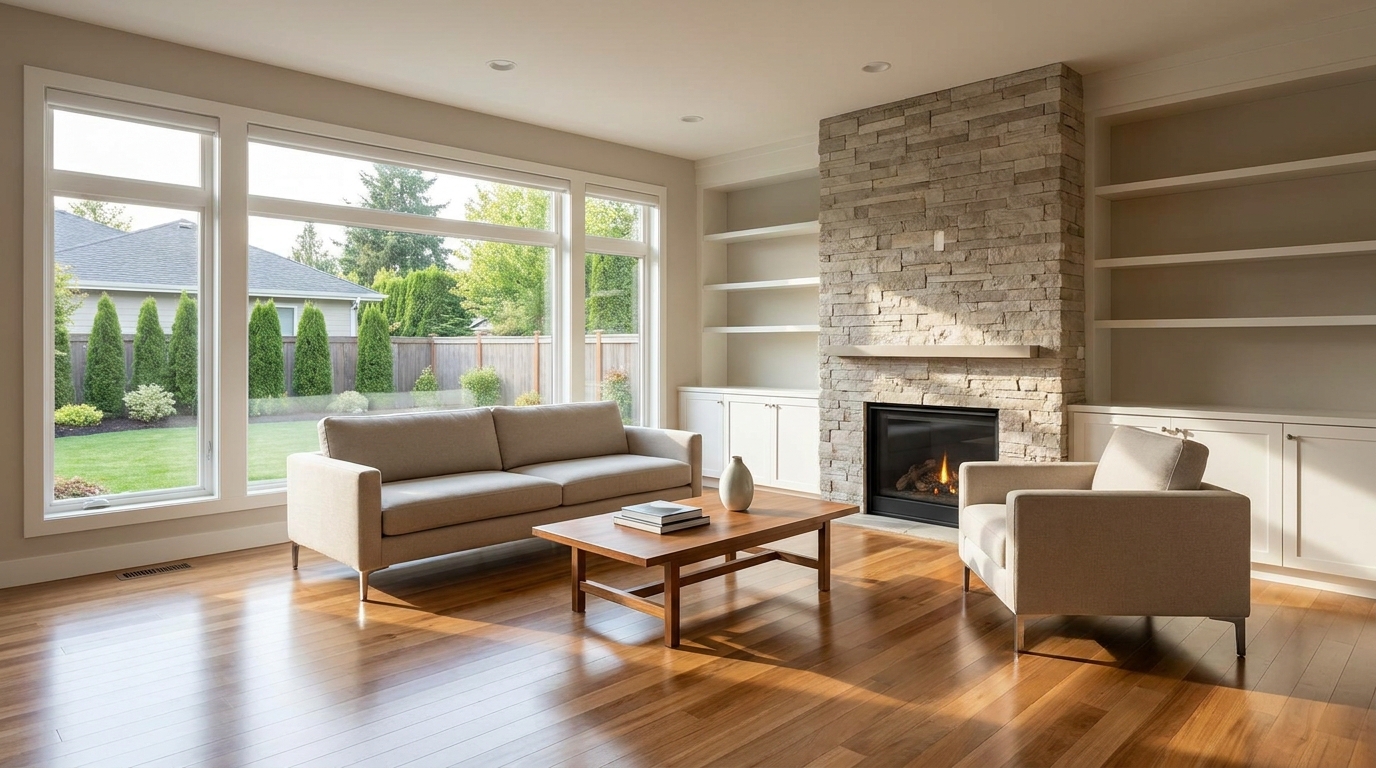
Remove people and pets for a cleaner photo that keeps attention on the property.
Try This Tool →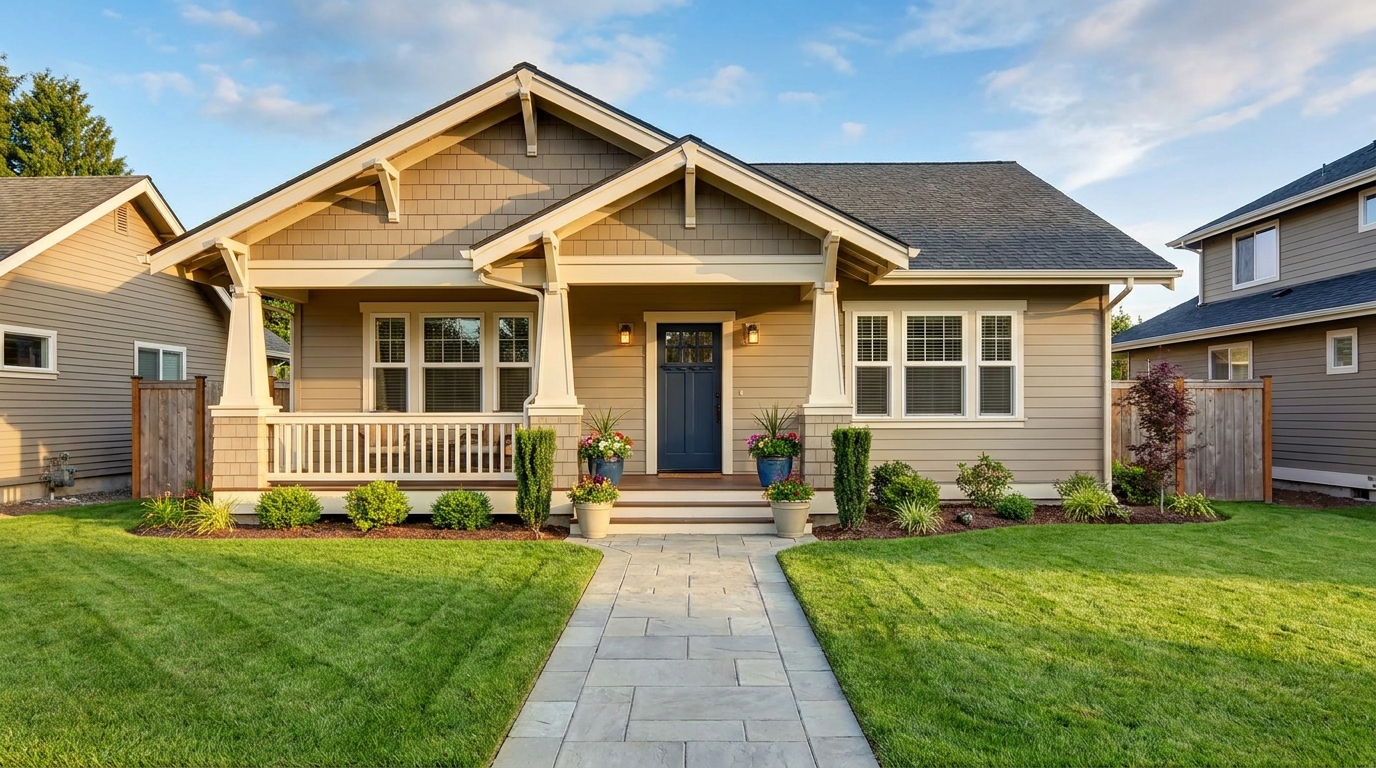
Eliminate bins and trash cans for tidier, more marketable exterior scenes.
Try This Tool →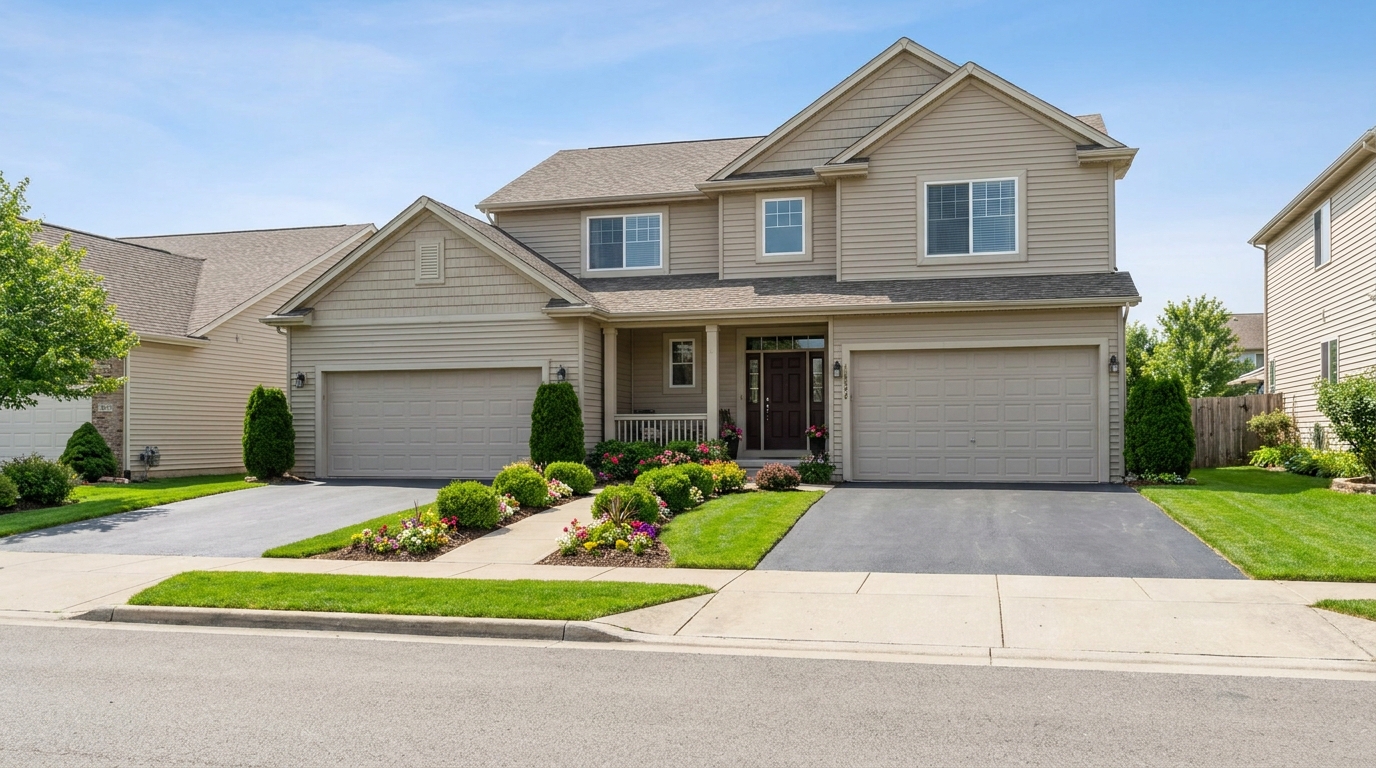
Remove parked vehicles to keep focus on the home and surrounding curb appeal.
Try This Tool →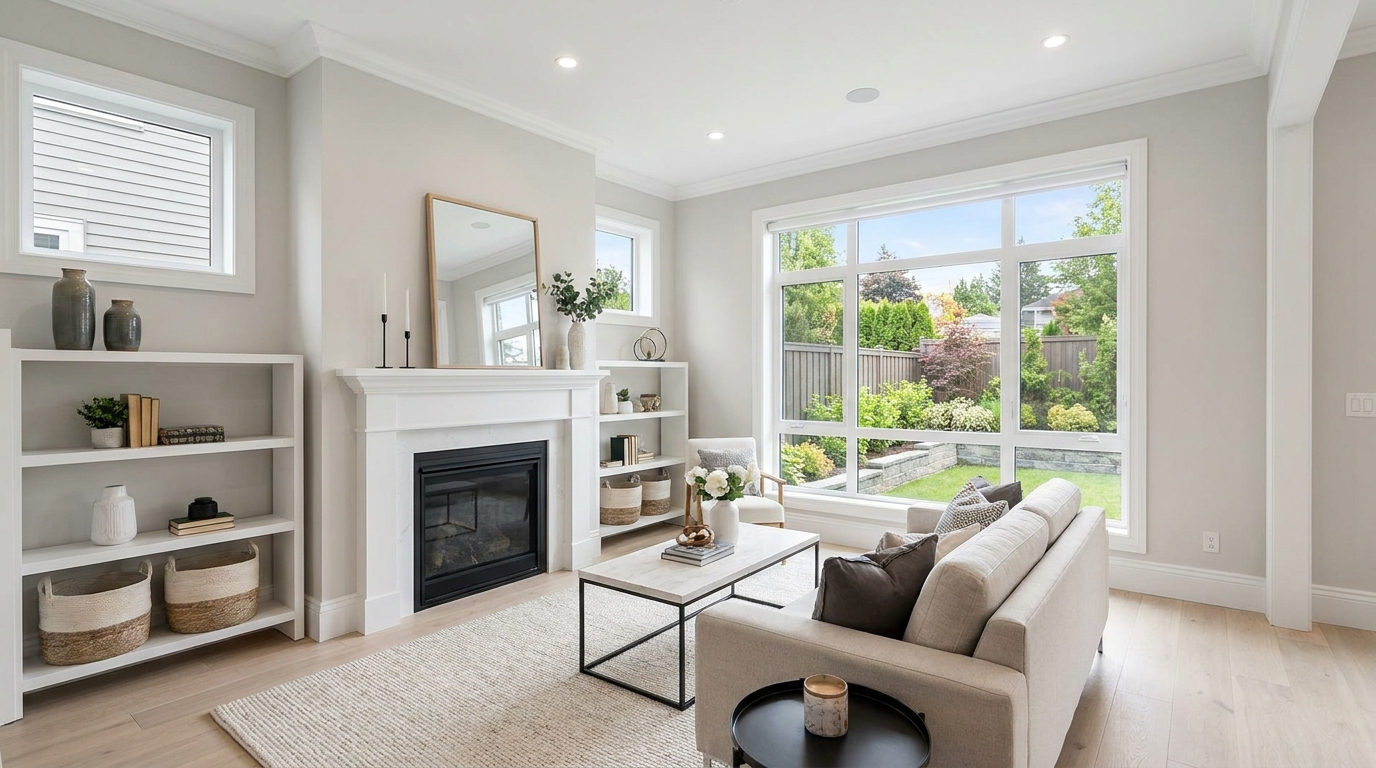
Clear visual distractions so rooms feel larger, cleaner, and easier to imagine.
Try This Tool →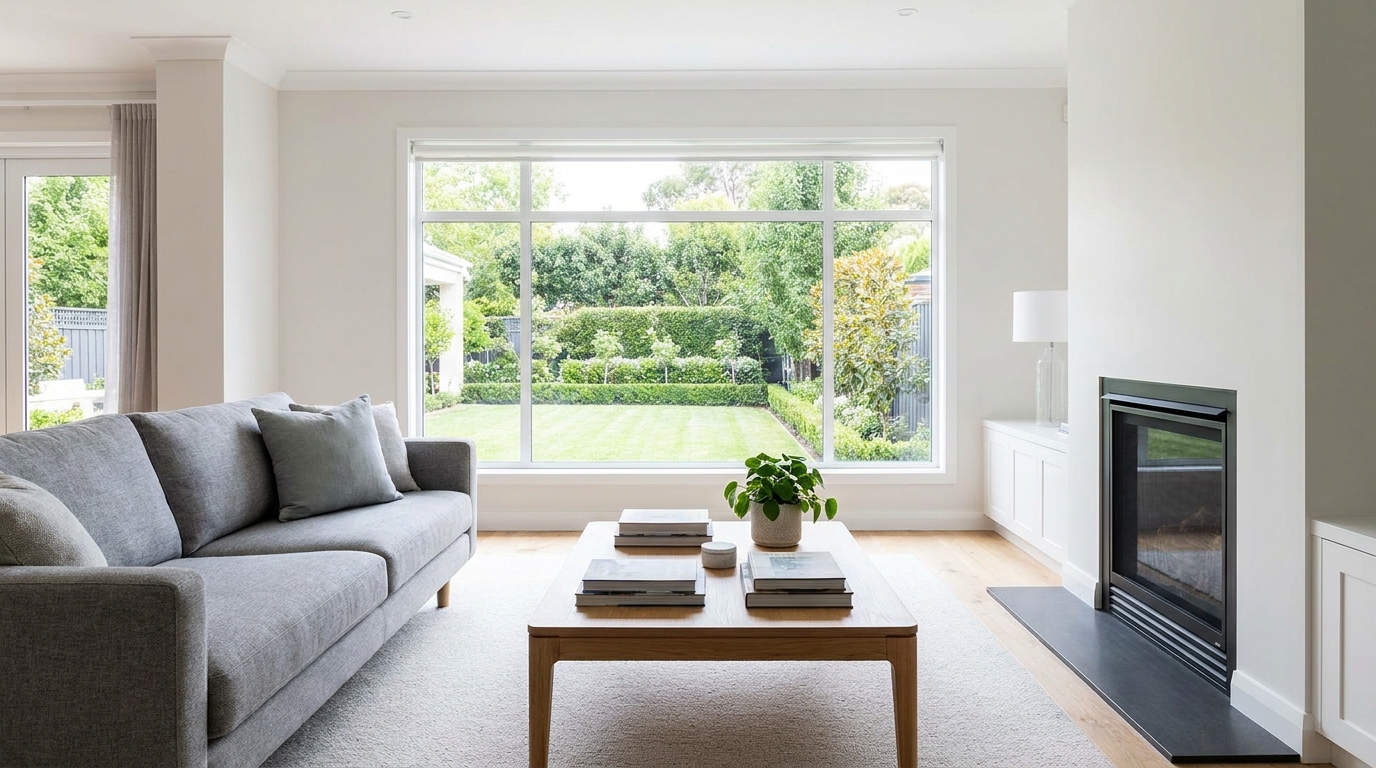
Remove timestamps and embedded text for a cleaner, more professional presentation.
Try This Tool →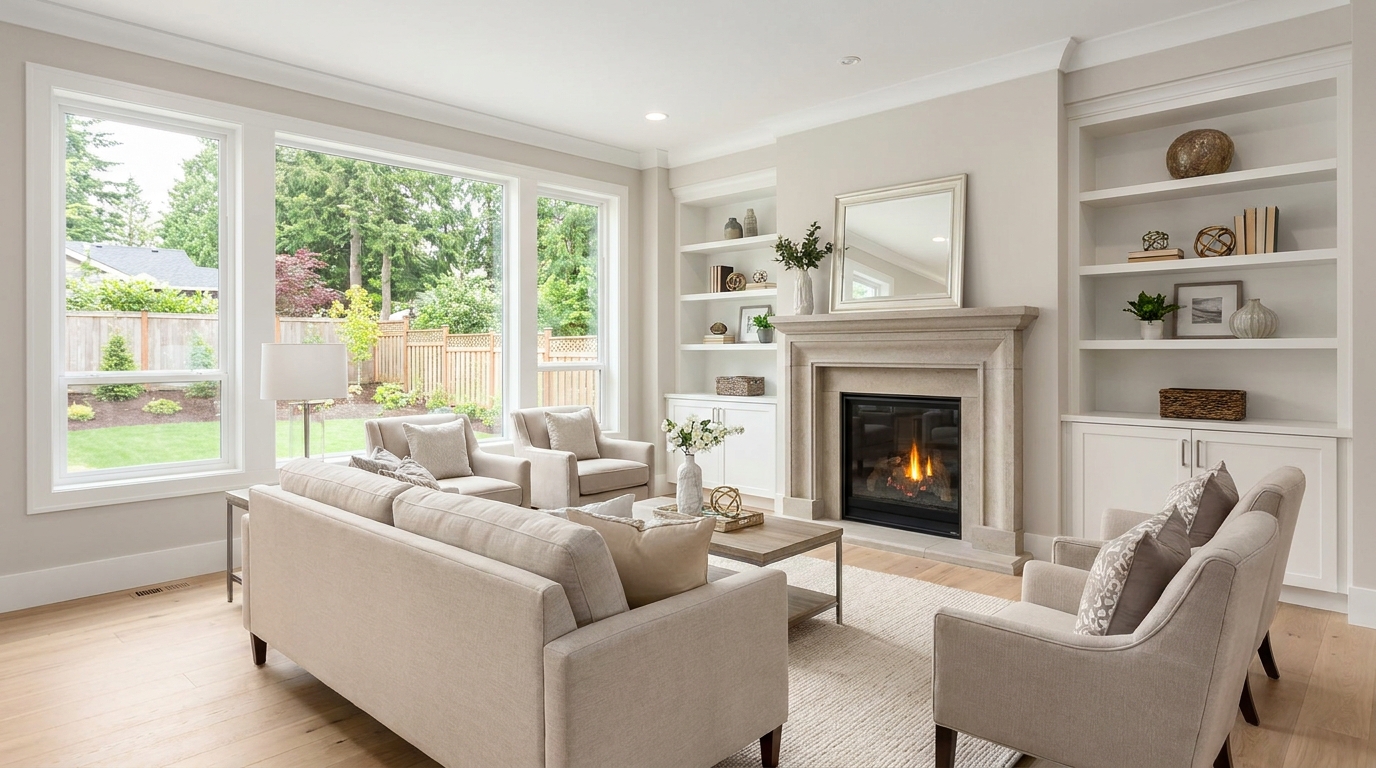
Remove signs and notices to keep the scene clean, polished, and distraction-free.
Try This Tool →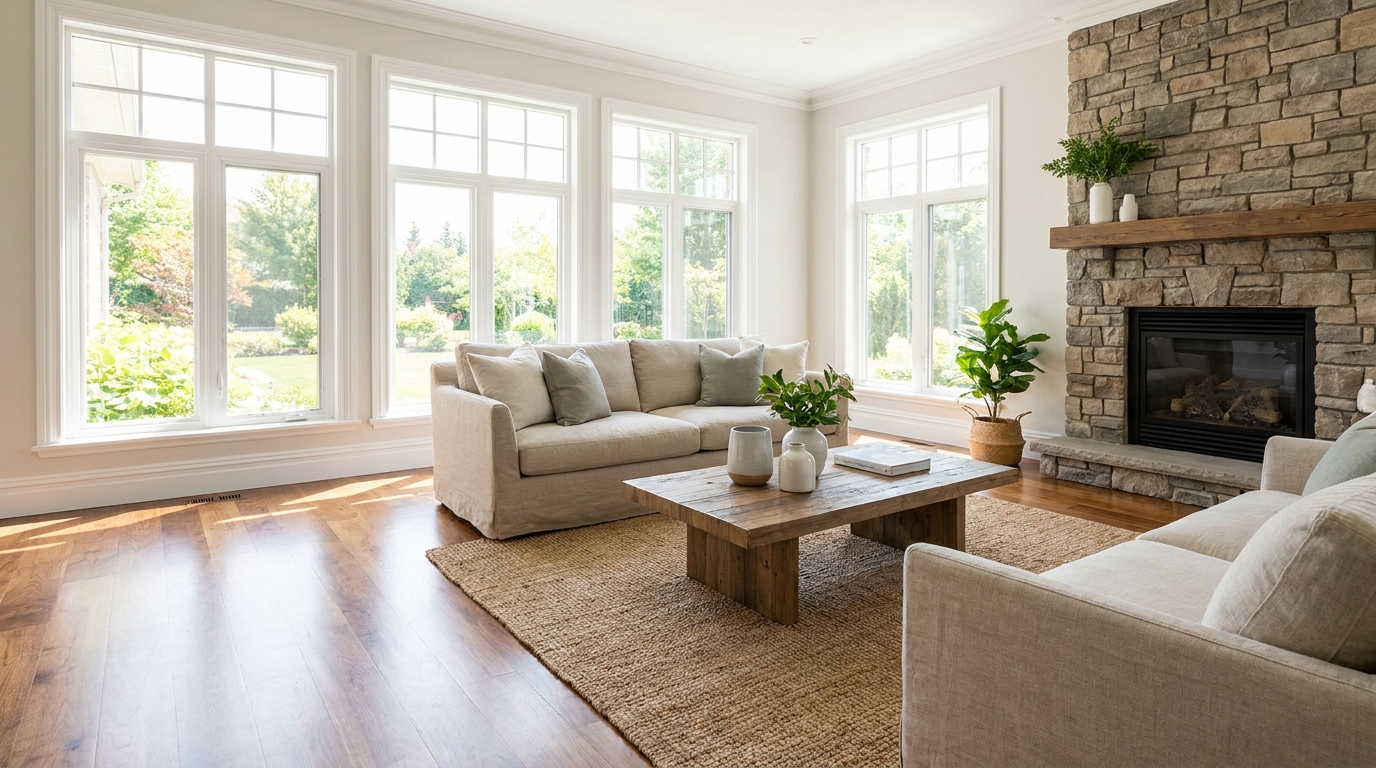
Tone down reflective hotspots for a clearer, cleaner image with better surface detail.
Try This Tool →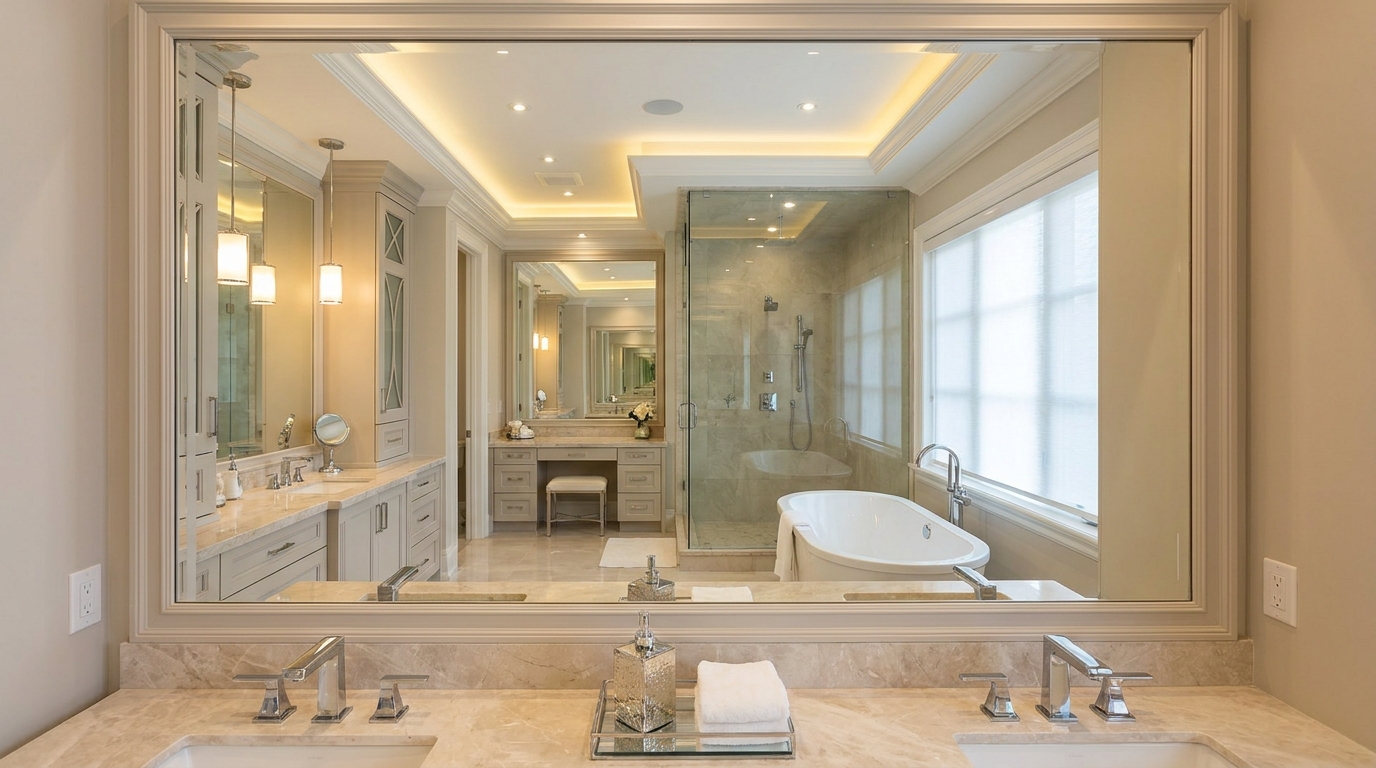
Remove unwanted mirror reflections for cleaner interiors and more polished composition.
Try This Tool →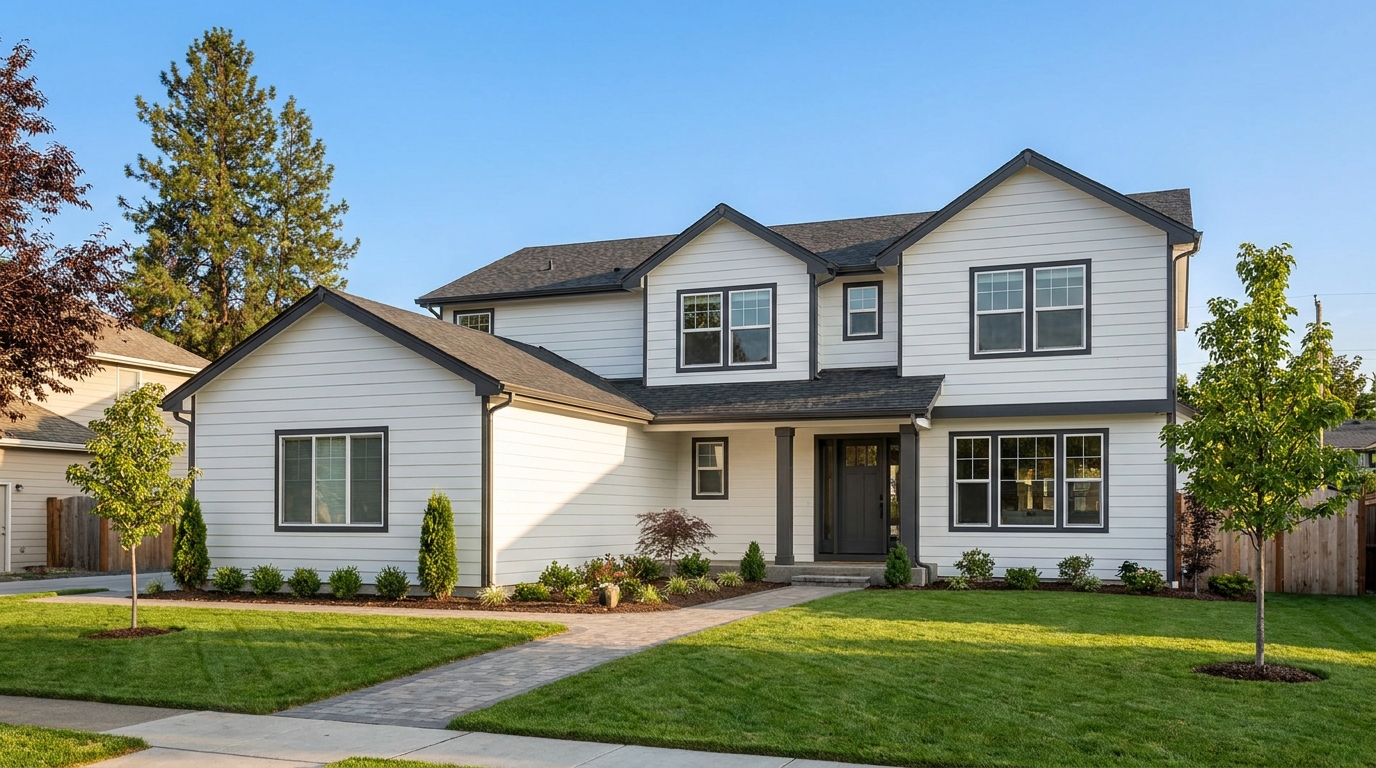
Clean up utility wires for a more open sky and stronger exterior presentation.
Try This Tool →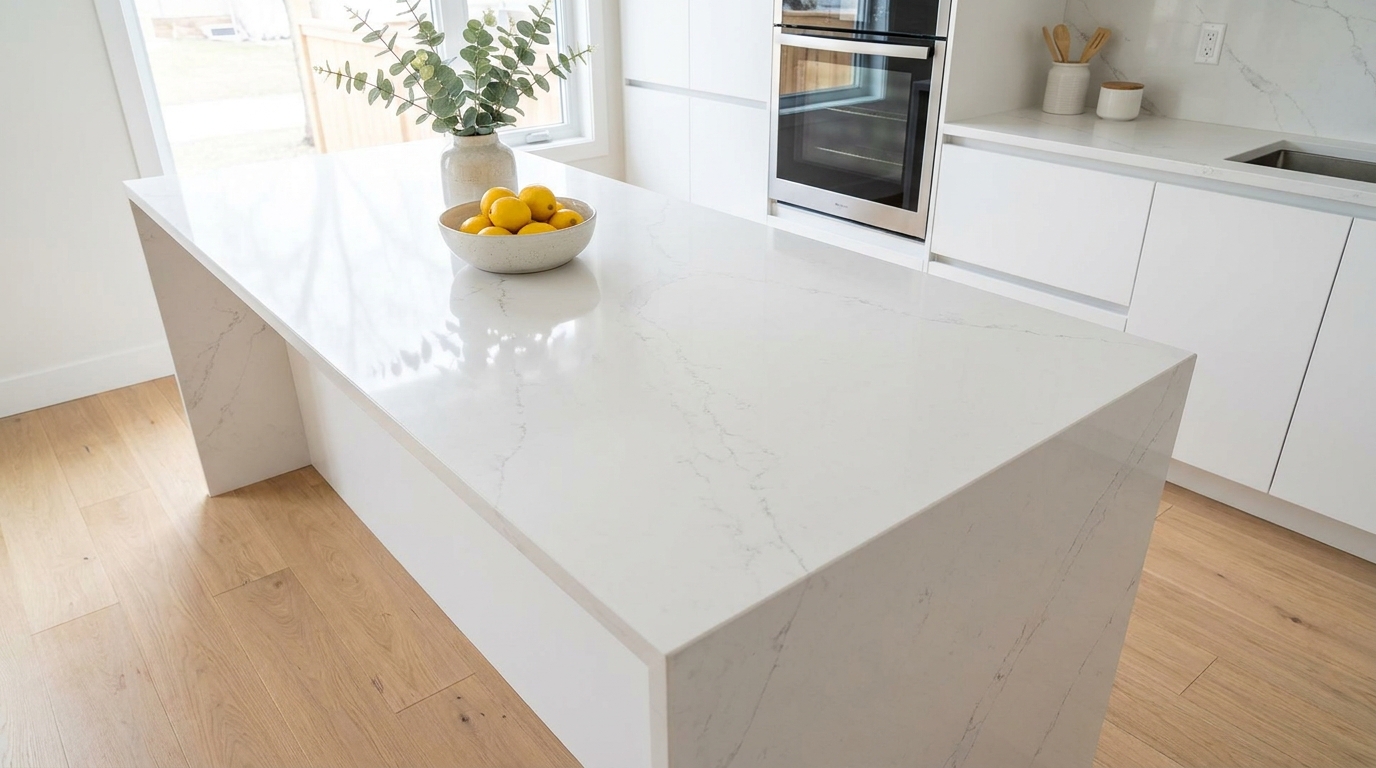
Remove stains and marks so surfaces look cleaner, fresher, and better cared for.
Try This Tool →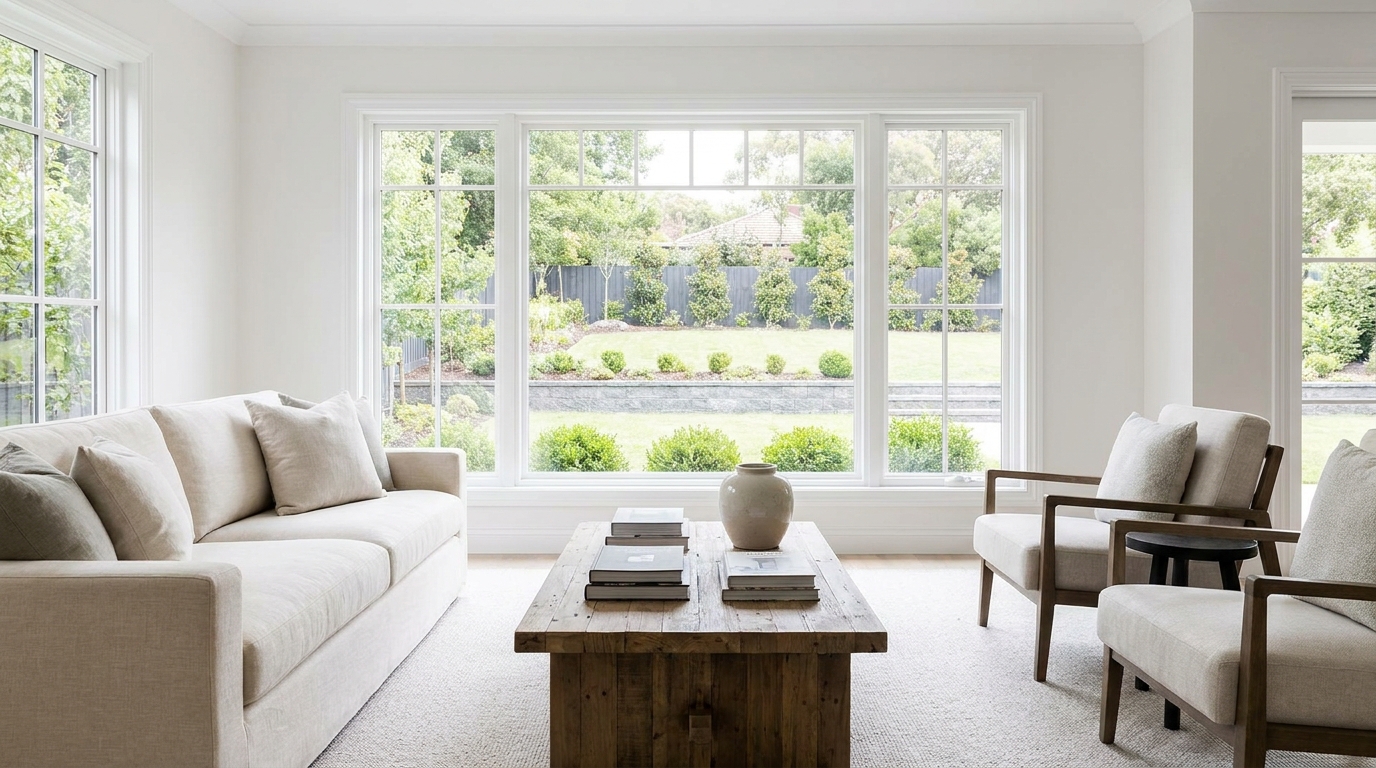
Eliminate logos and overlays for a clean image ready for marketing use.
Try This Tool →
Reduce window reflections for clearer views and a cleaner glass finish.
Try This Tool →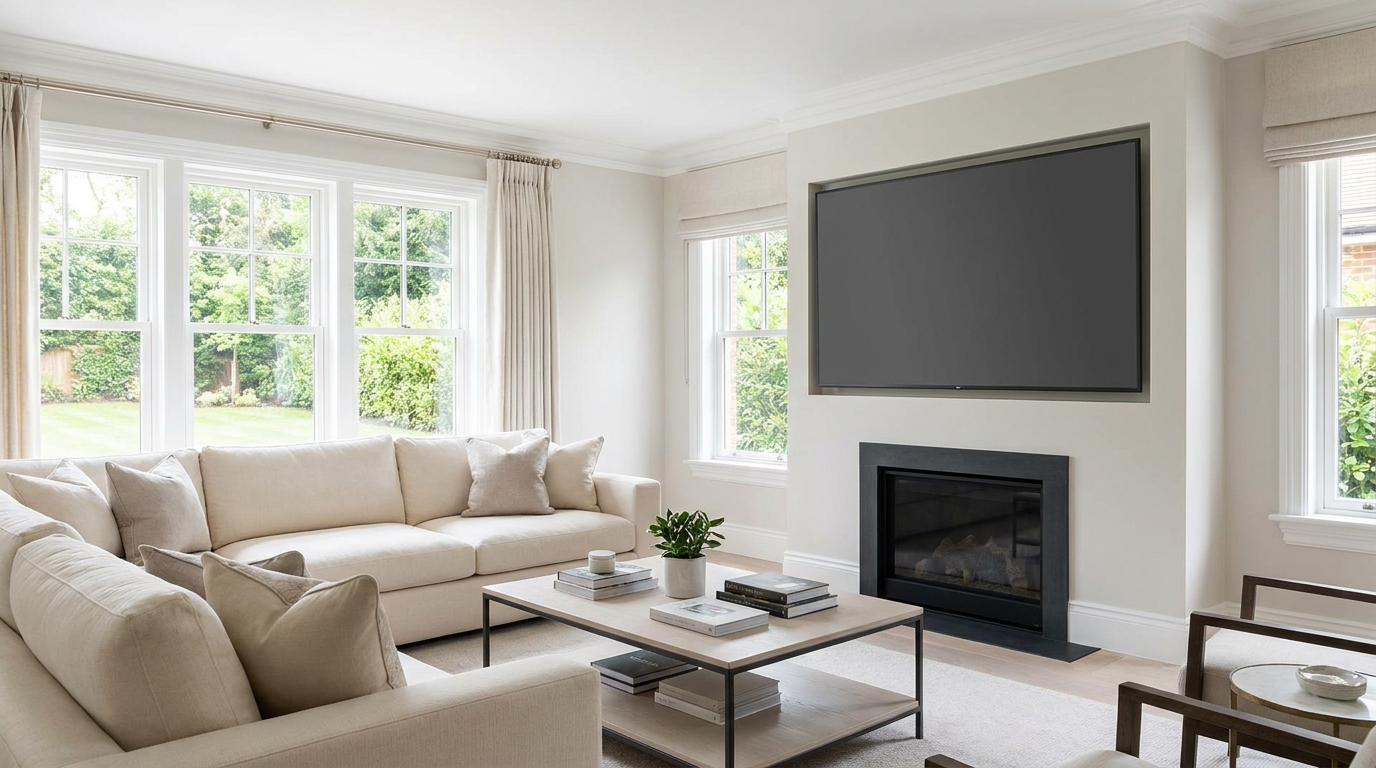
Replace distracting TV content with a clean dark screen that looks intentional and tidy.
Try This Tool →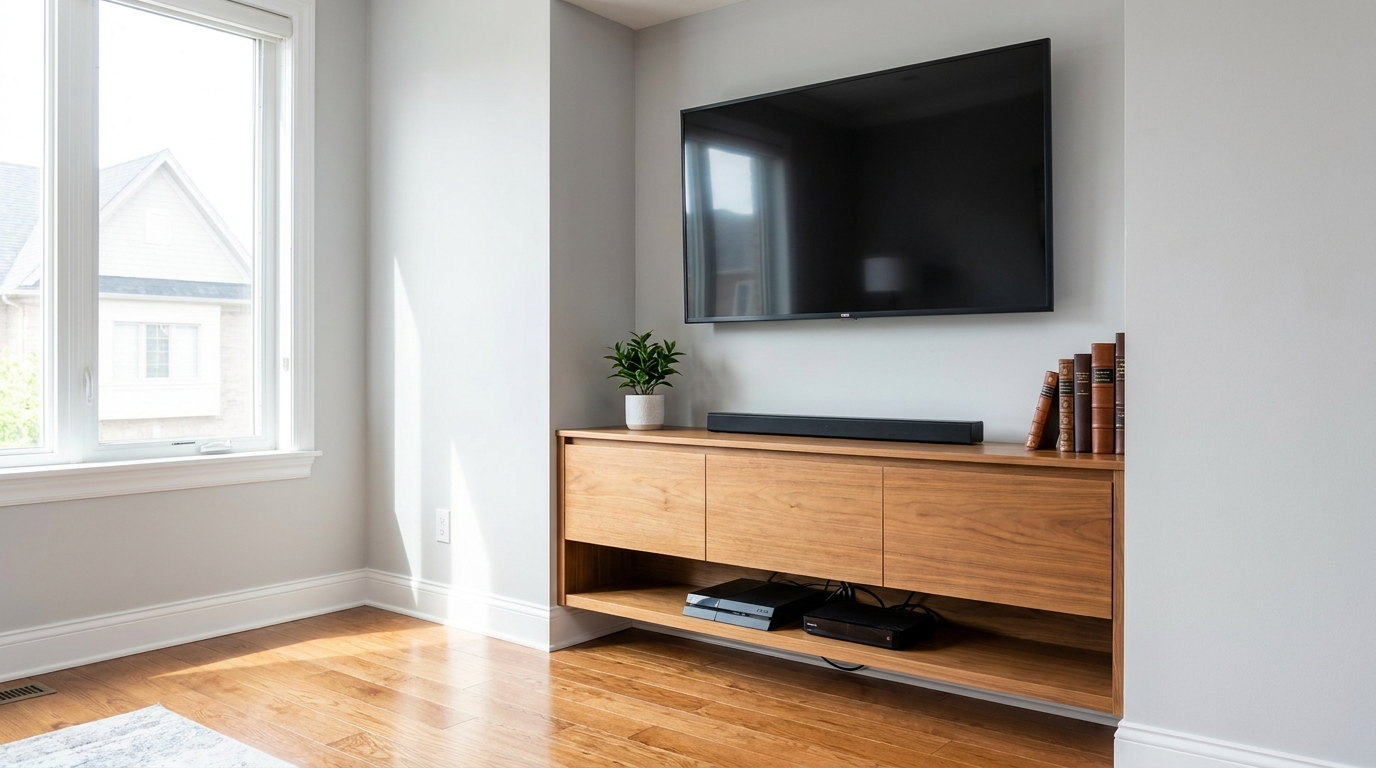
Remove visible cords and cables for a cleaner, more premium-looking space.
Try This Tool →Enhance other details of your property photos with our suite of targeted cleanup tools.
AI image-to-video generation for turning home, room, and property photos into more vivid presentation videos.
02AI exterior renovation for visualizing facade updates, curb appeal improvements, and home exterior remodel ideas.
03AI landscaping design for exploring outdoor concepts, curb appeal upgrades, planting ideas, and yard layout directions.
04AI virtual staging for furnishing empty rooms and creating listing-ready interiors for real estate marketing.
05Free AI image generation for turning text prompts into unlimited visual ideas for home design, interiors, landscaping, renovation
06AI object removal for cleaning up distracting items from room, home, and property photos.
Don't let minor cosmetic cracks and chips distract potential buyers. Use our AI-powered Crack & Wall Repair tool to present a beautifully maintained home instantly.