

Kitchen Open House
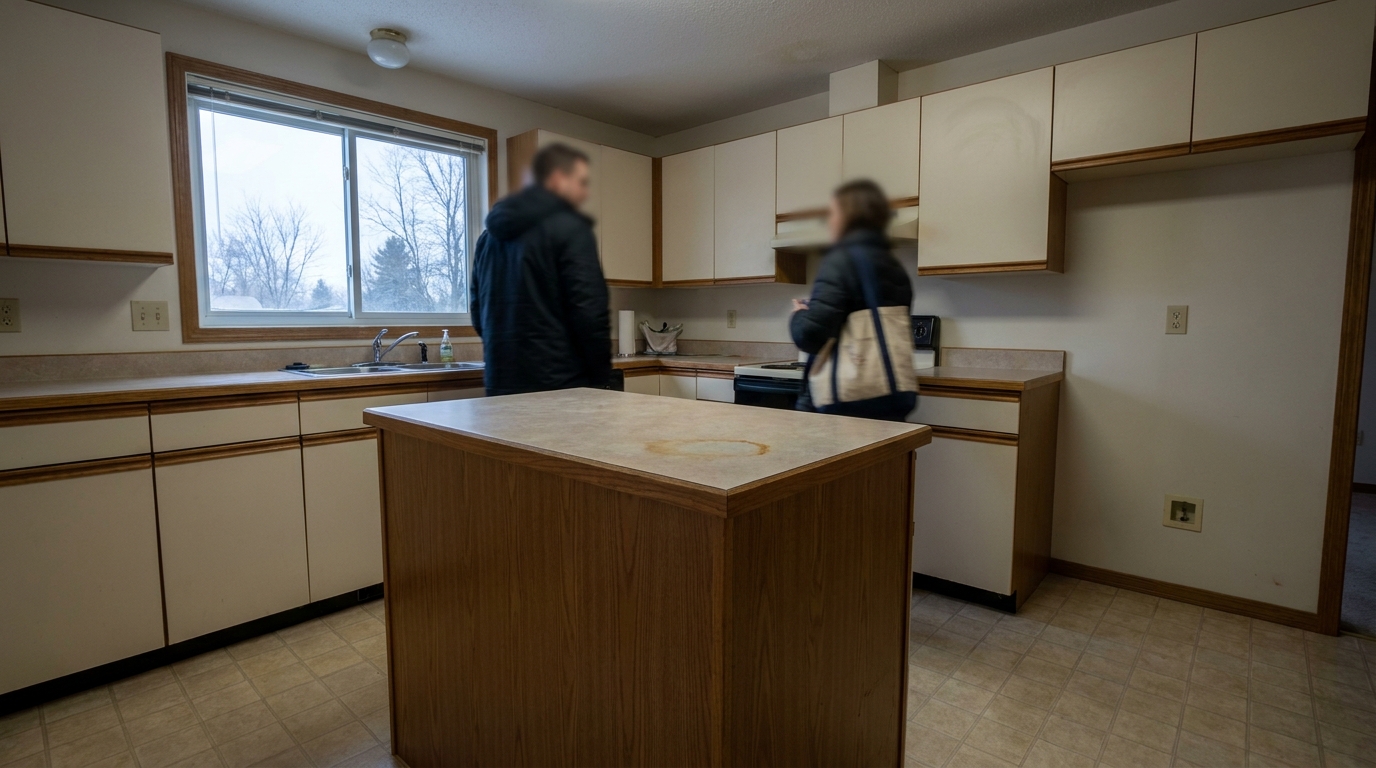
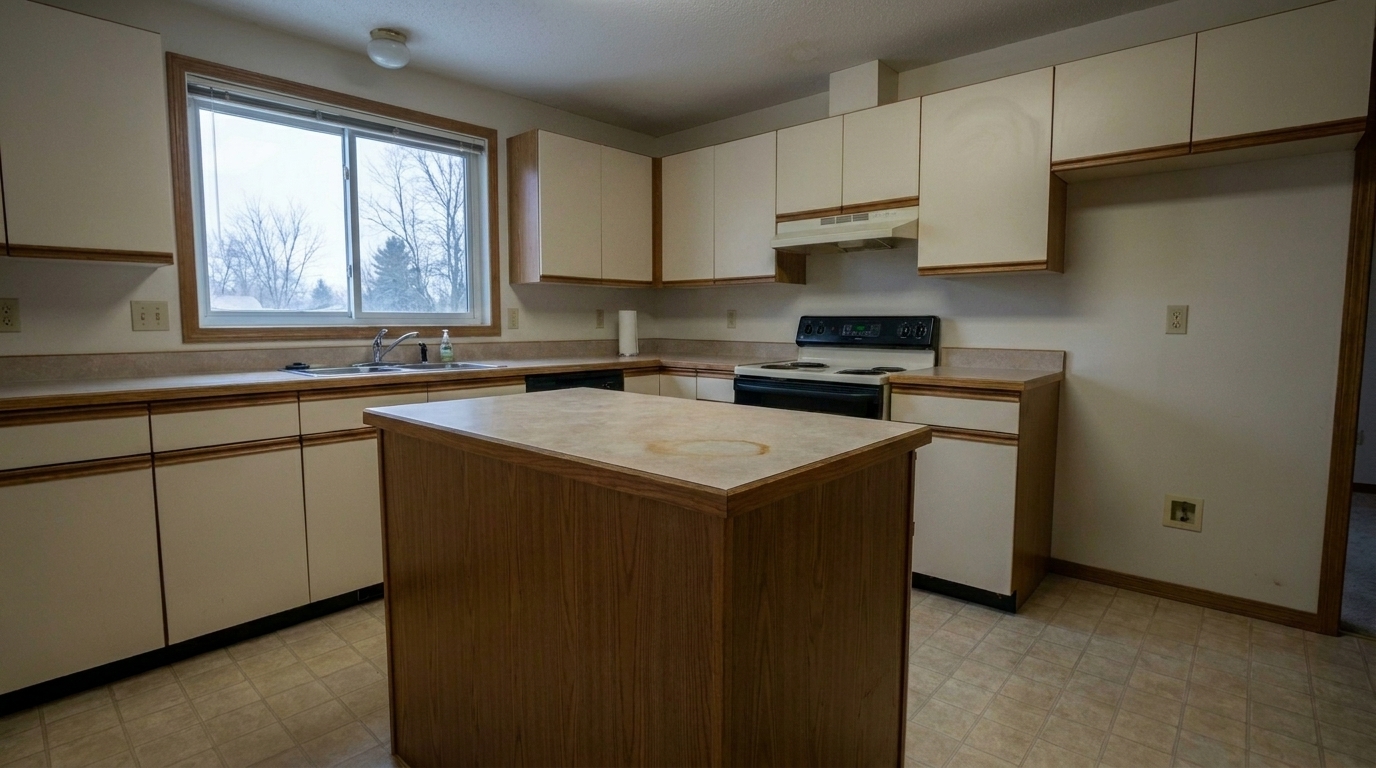
Kitchen Open House updated with people & pet removal styling.
Clean up distracting elements and photobombs. Keep buyer attention focused entirely on the property's architectural details and layout.
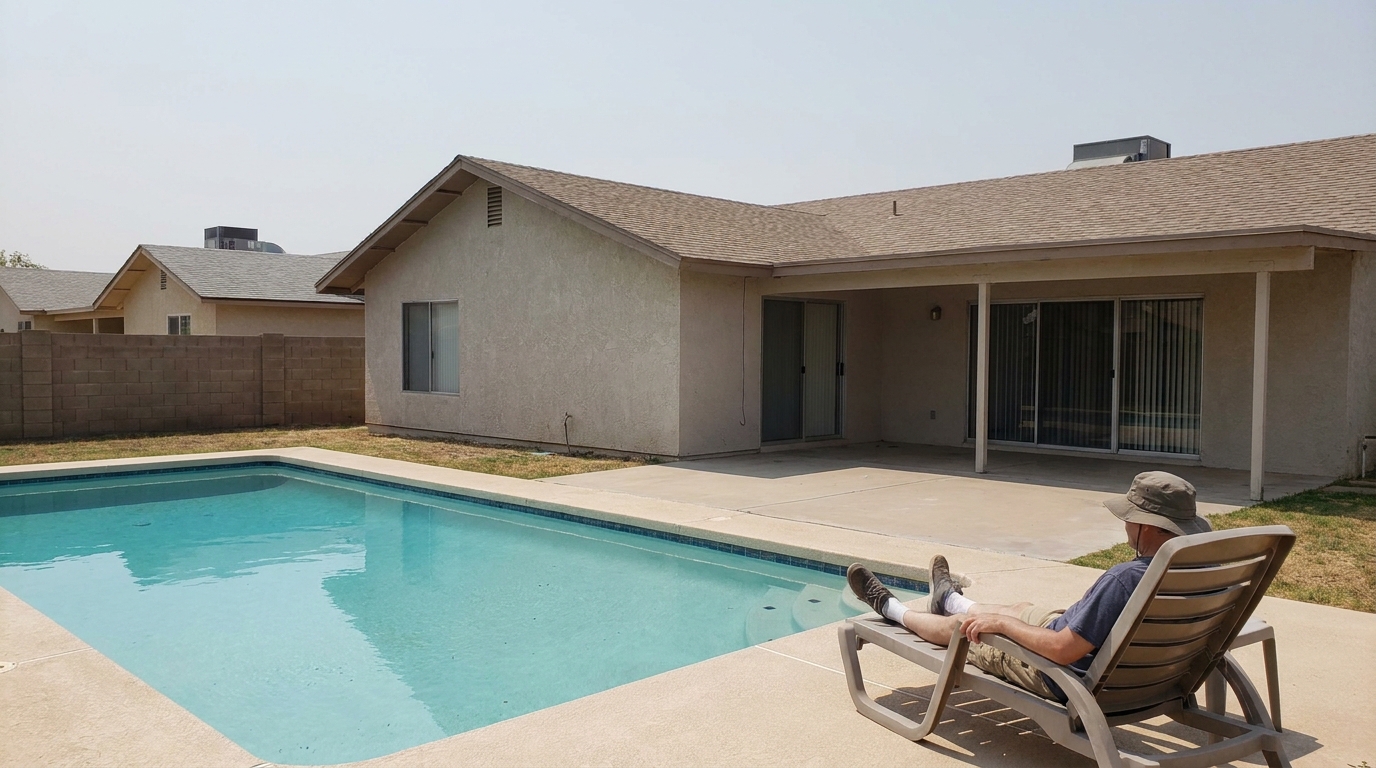
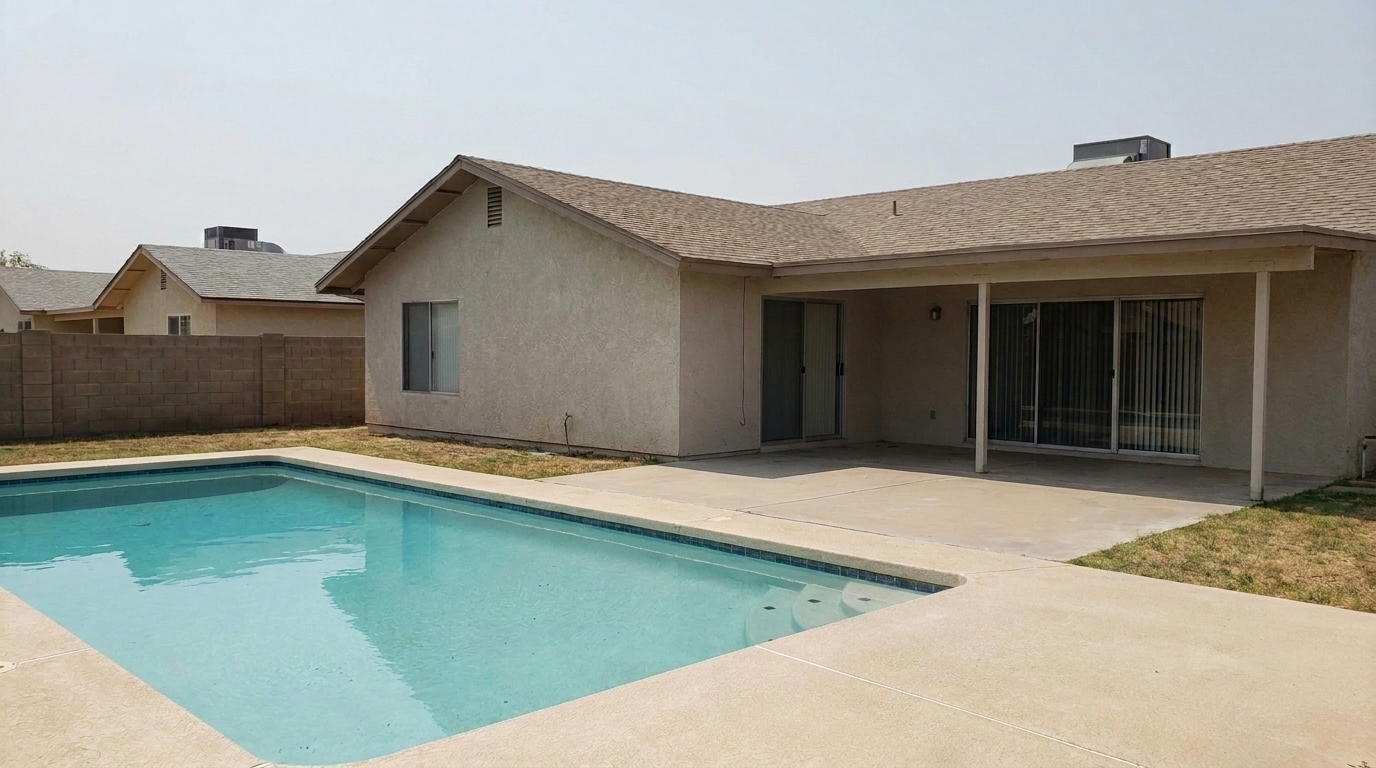
Compare original photos with our AI-cleaned versions to see the flawless background reconstruction.
Kitchen Open House updated with people & pet removal styling.
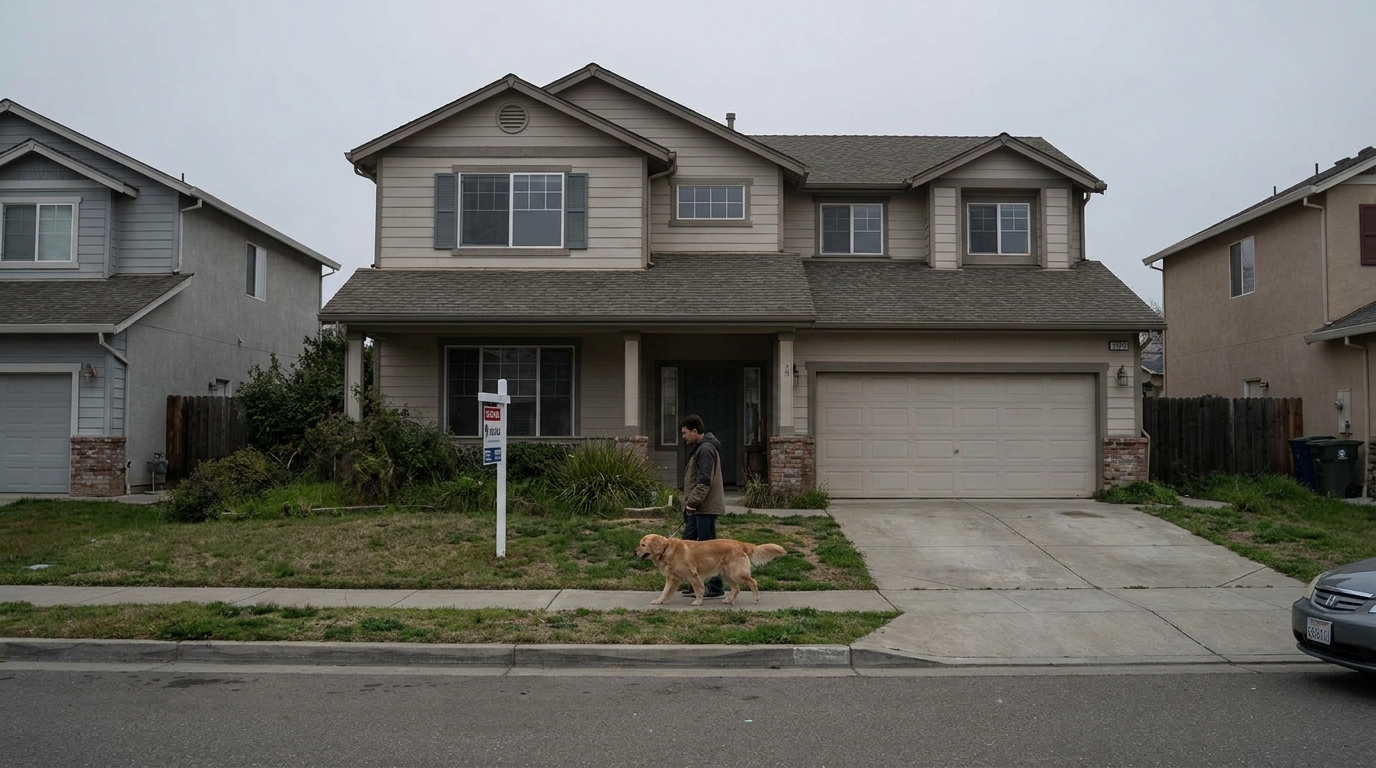
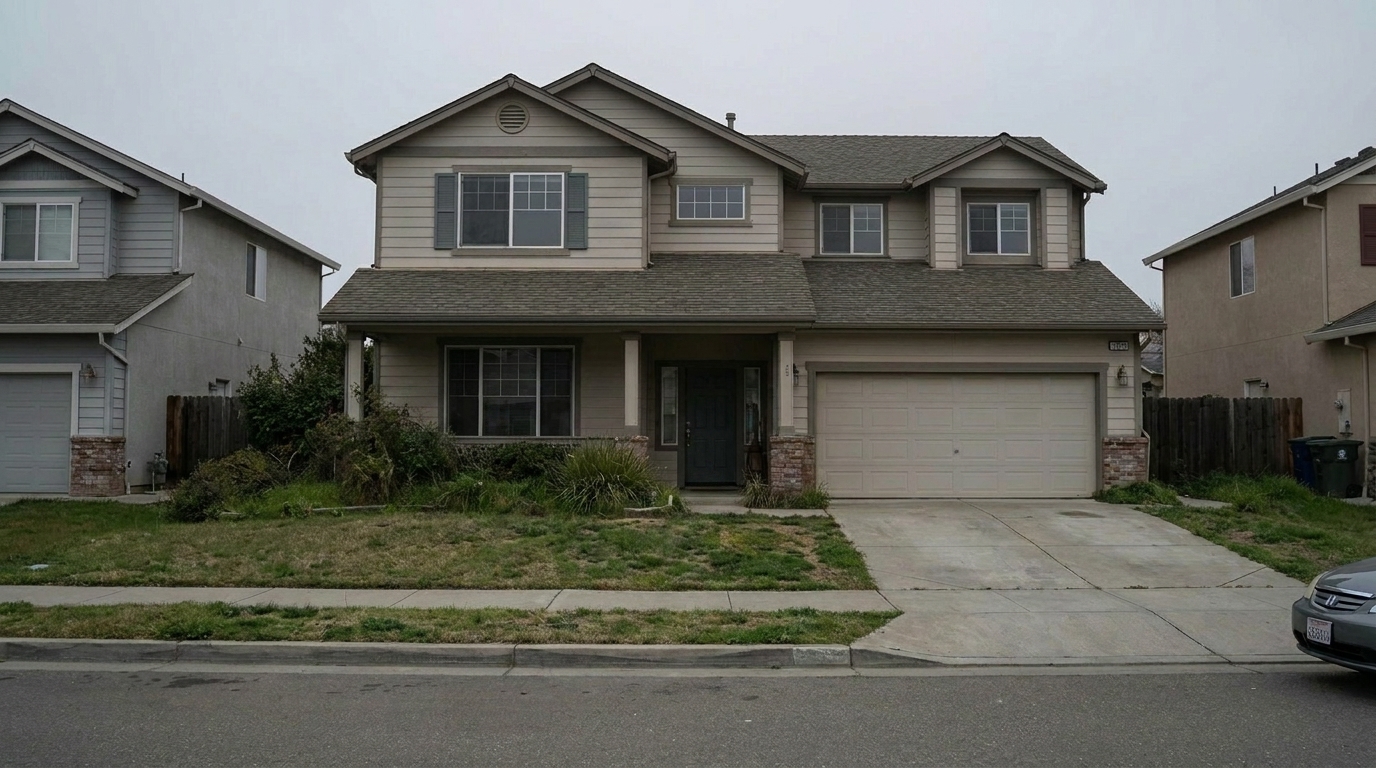
Suburban Sidewalk Pedestrian updated with people & pet removal styling.
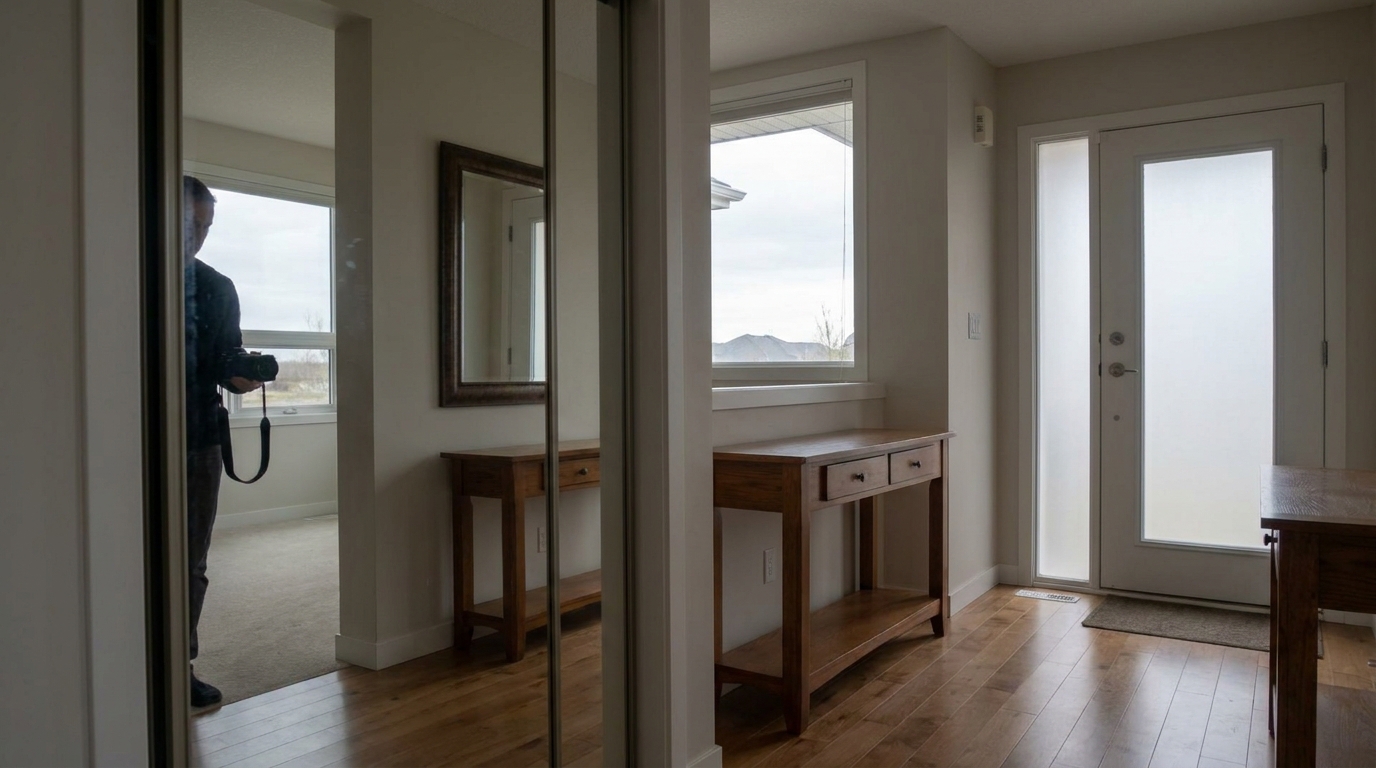
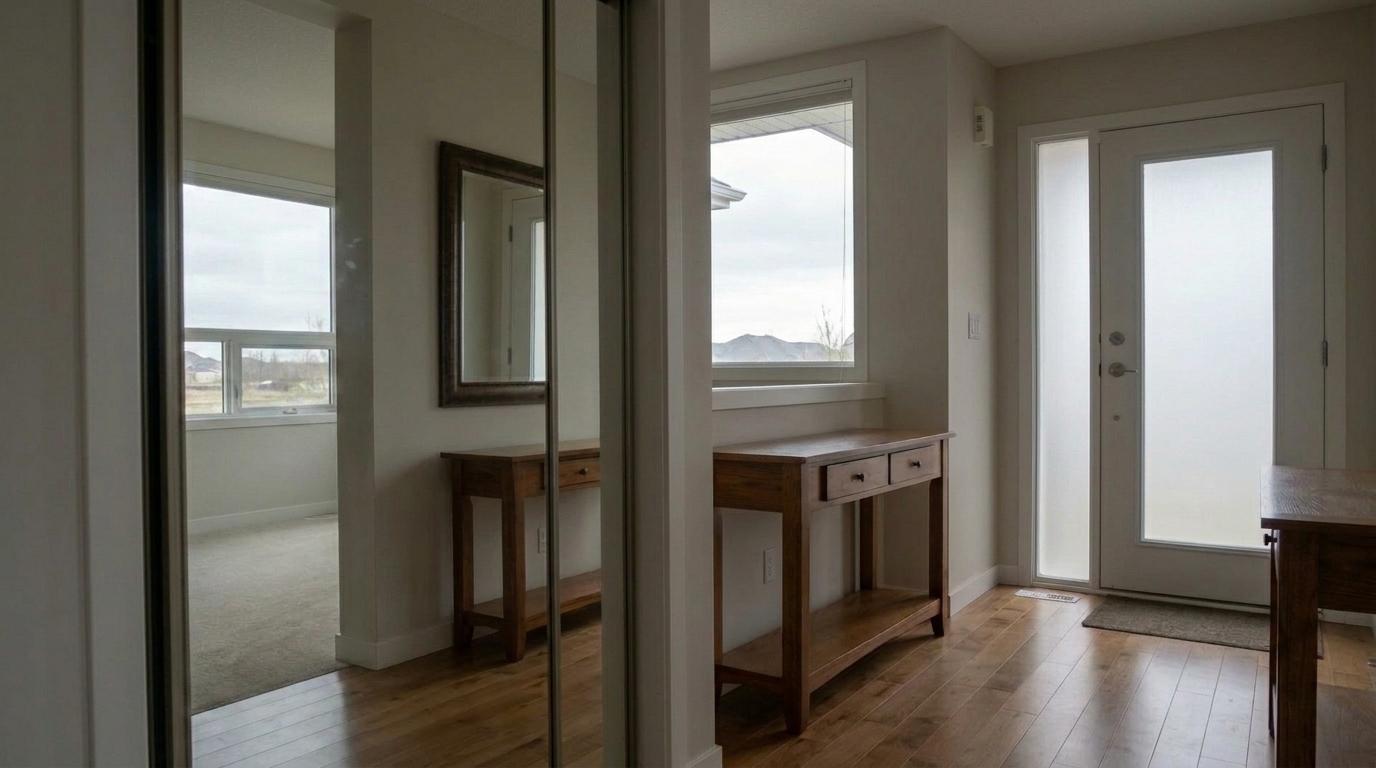
Hallway Mirror Reflection updated with people & pet removal styling.
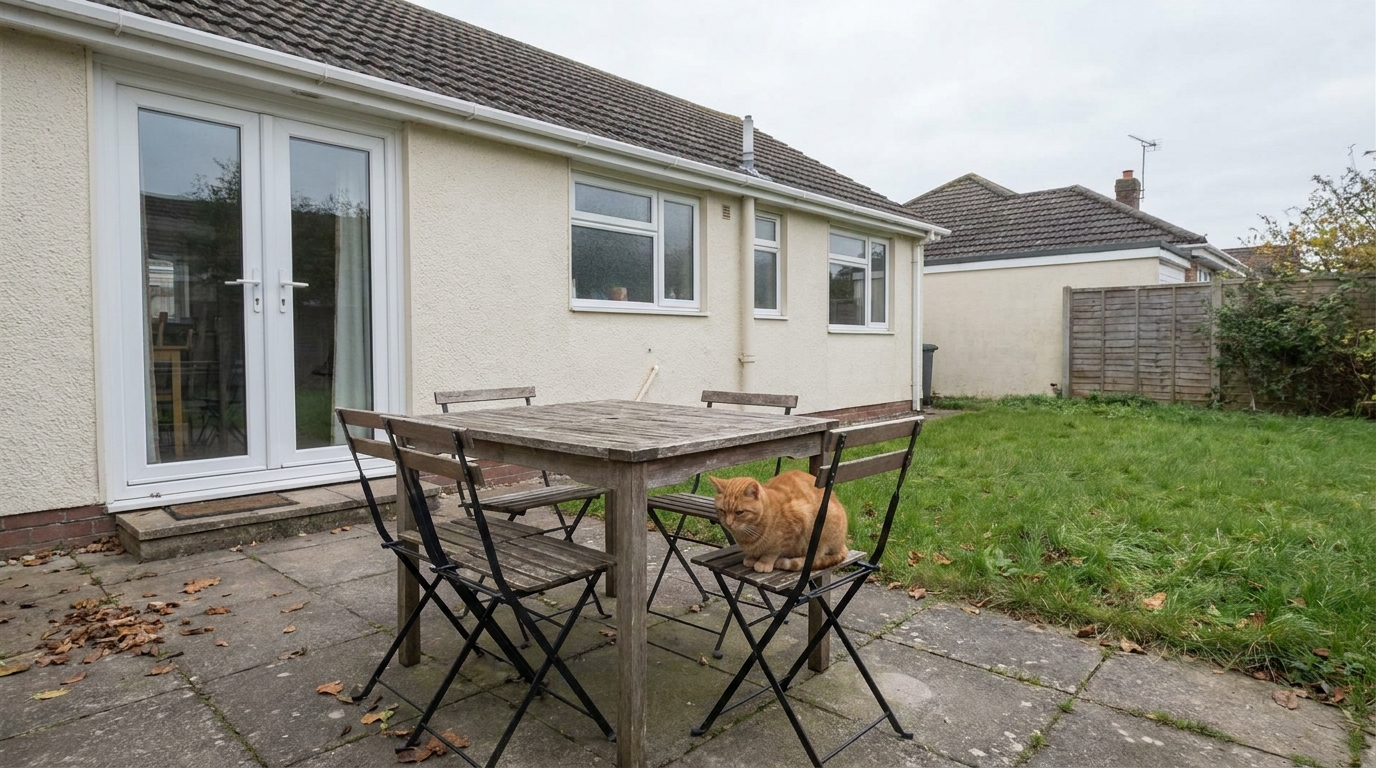
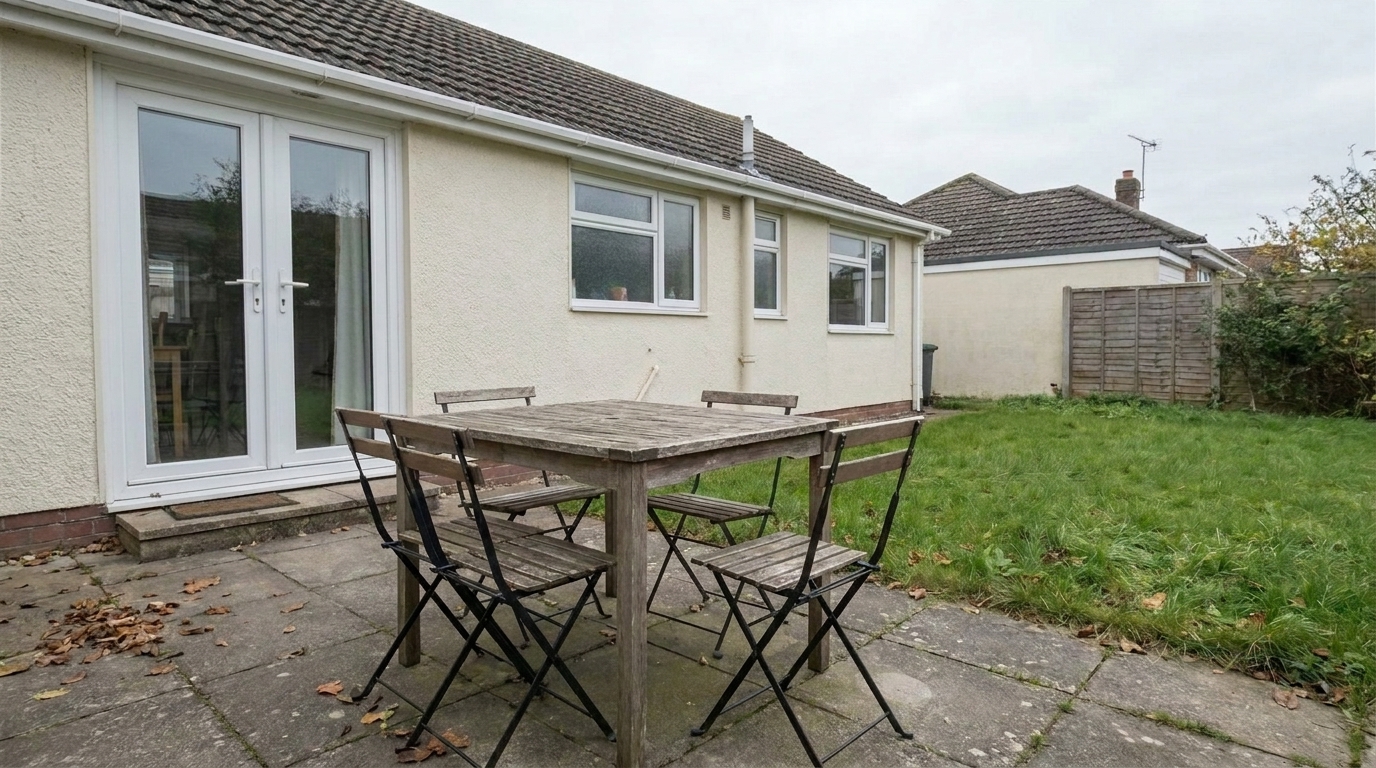
Patio Dining Distraction updated with people & pet removal styling.
Our intelligent object removal engine is built specifically for real estate and property presentation.
Intelligently rebuilds complex flooring, carpets, and wall textures behind removed subjects without leaving blurry spots.
Detects and eliminates cast shadows and reflections associated with people or pets to ensure a natural final look.
Maintains correct architectural lines, baseboards, and furniture geometry when filling in the erased areas.
Clean multiple photos from the same shoot simultaneously to streamline your real estate marketing workflow.
Retains the original image quality, sharpness, and metadata, making the output ready for MLS and print media.
Blends the edited region naturally with the surrounding ambient lighting, color tones, and exposure levels.
See how agents, photographers, and homeowners use pet and people removal to elevate their listings.
Remove visiting buyers who accidentally walked into your interior or exterior frames during active showings.
AgentsErase walking bystanders from curb-appeal photos to keep the focus entirely on the home's exterior.
PhotographersRemove dogs or cats from living rooms or yards to present a neutral, allergen-free space to prospective buyers.
HomeownersClean up accidental self-shadows or silhouettes cast on walls and polished floors during shooting.
PhotographersCreate clean, distraction-free lifestyle images optimized for high engagement on Instagram and Facebook.
Marketing TeamsEnsure 360-degree panoramas and standard photos are completely empty and ready for virtual staging.
DesignersFollow these three simple steps to clean up your real estate images and create distraction-free listings.
Select and upload your real estate image containing unwanted people, pets, or pedestrians into the Idealhouse editor.
Use the intuitive smart brush to highlight the people or pets you want to remove, including any shadows they cast.
Let the AI instantly reconstruct the background, then download your clean, professional, and distraction-free listing photo.
Source-backed context for why people & pet removal edits matter inside object & element specific workflows.
People & Pet Removal within Object & Element Specific evidence
Photos are one of the most valuable website features for home buyers; NAR's 2025 generational trends report says 83% of internet-using buyers rated photos as very useful. For People & Pet Removal pages, this supports showing how a focused Object & Element Specific edit can make the listing photo feel clearer, more polished, and easier for buyers to evaluate.
Source: NAR 2025People & Pet Removal within Object & Element Specific evidence
Zillow Research's 2025 prospective buyer report ranked high-resolution photos as the number two most important listing feature, selected by 26% of prospective buyers; floor plans ranked first at 33%. For People & Pet Removal pages, this supports showing how a focused Object & Element Specific edit can make the listing photo feel clearer, more polished, and easier for buyers to evaluate.
Source: Zillow 2025People & Pet Removal within Object & Element Specific evidence
Redfin reported that professionally photographed homes in the $400,000 range sold three weeks faster and for more than $10,000 relative to list price compared with amateur photos. Use this as supporting context, not as a guaranteed result. For People & Pet Removal pages, this supports showing how a focused Object & Element Specific edit can make the listing photo feel clearer, more polished, and easier for buyers to evaluate.
Source: RedfinIn real estate marketing, the property itself must always be the hero. Unwanted people, pets, or pedestrians distract buyers and make it difficult for them to envision themselves living in the space. This guide covers how to achieve flawless removal results while maintaining absolute visual integrity.
When buyers browse listings online, they make decisions in seconds. A photo featuring a homeowner's pet or a random pedestrian on the sidewalk immediately pulls focus away from the home's architectural features. Removing these temporary elements creates a clean, aspirational canvas. It allows prospective buyers to focus on the layout, natural light, and finishes rather than the current occupants' lifestyle.
To get the best results, start by uploading your highest-resolution image. Use a brush size slightly larger than the subject you want to remove to ensure you capture the edges. Be sure to brush over any cast shadows on the floor or reflections in nearby glass or mirrors. Once you apply the edit, inspect the reconstructed background. If the texture looks slightly off, a quick second pass with a smaller brush will refine the details perfectly.
It is important to use the correct tool for your specific cleanup needs. Use the 'People & Pet Removal' preset when temporary living elements disrupt the scene. However, if the room is filled with physical mess, toys, or excess furniture, you should use 'Clutter Removal' instead. For vehicles blocking the driveway or curb, select 'Remove Cars'. While 'People & Pet Removal' is highly effective for moving subjects, it is designed for cleanup rather than staging; if you need to add furniture to an empty room, look into virtual staging options.
When shooting active listings, open houses, or public spaces, getting a completely empty shot can be nearly impossible. Instead of waiting hours for a clear moment, take multiple shots from the exact same tripod position. This gives our AI engine consistent background data to reference, making the removal of pedestrians or visitors incredibly fast, seamless, and completely undetectable.
Discover specialized presets to remove clutter, fix reflections, and polish every detail of your listing.
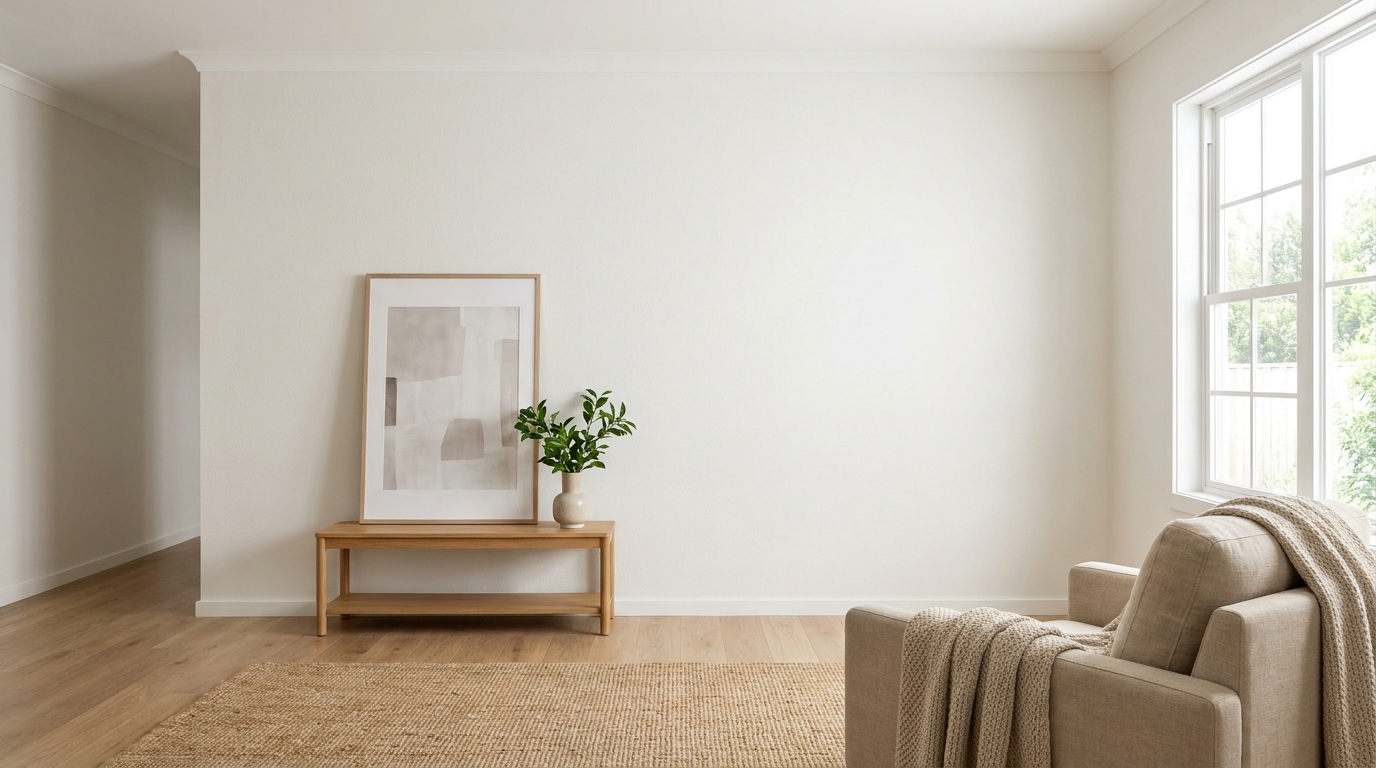
Clean up visible wall damage for a smoother, better-maintained interior finish.
Try This Tool →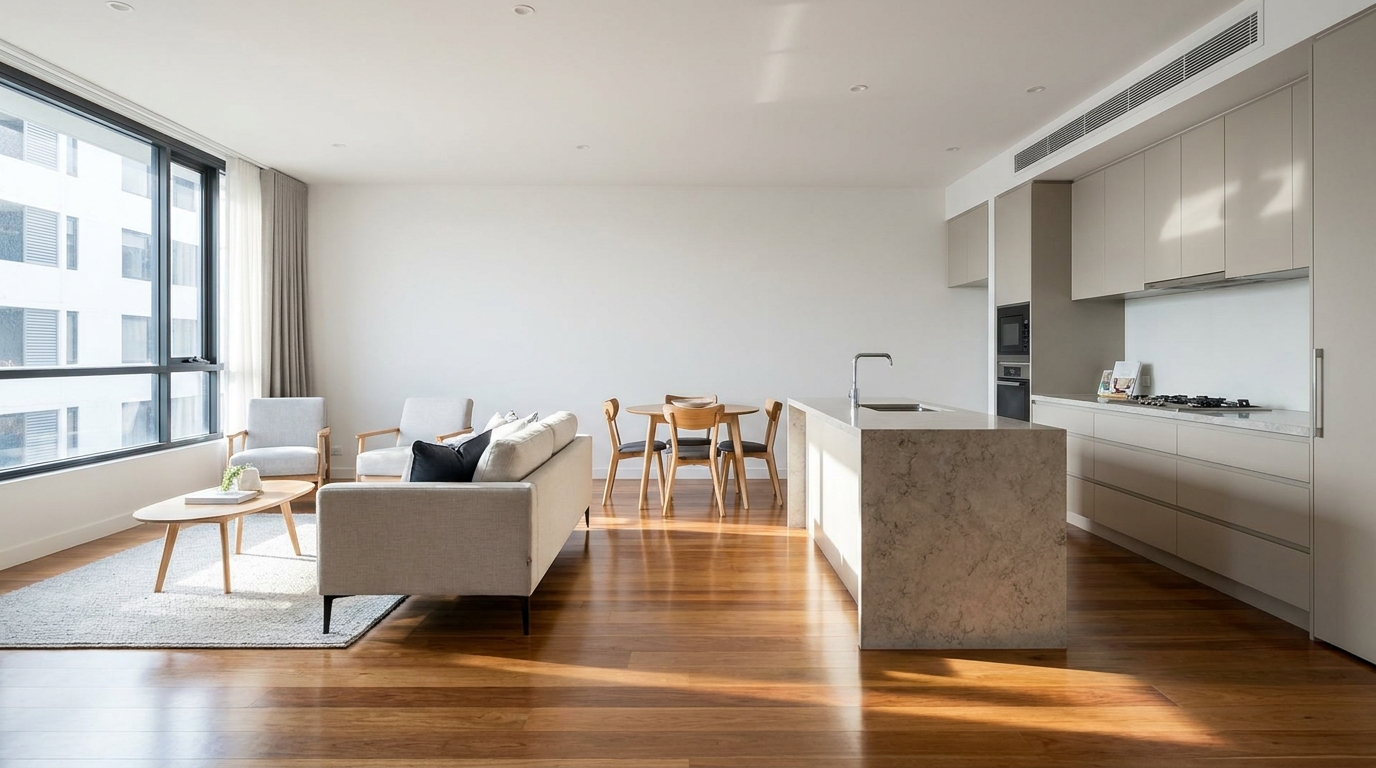
Refine floor reflections for a cleaner, glossier, more premium interior look.
Try This Tool →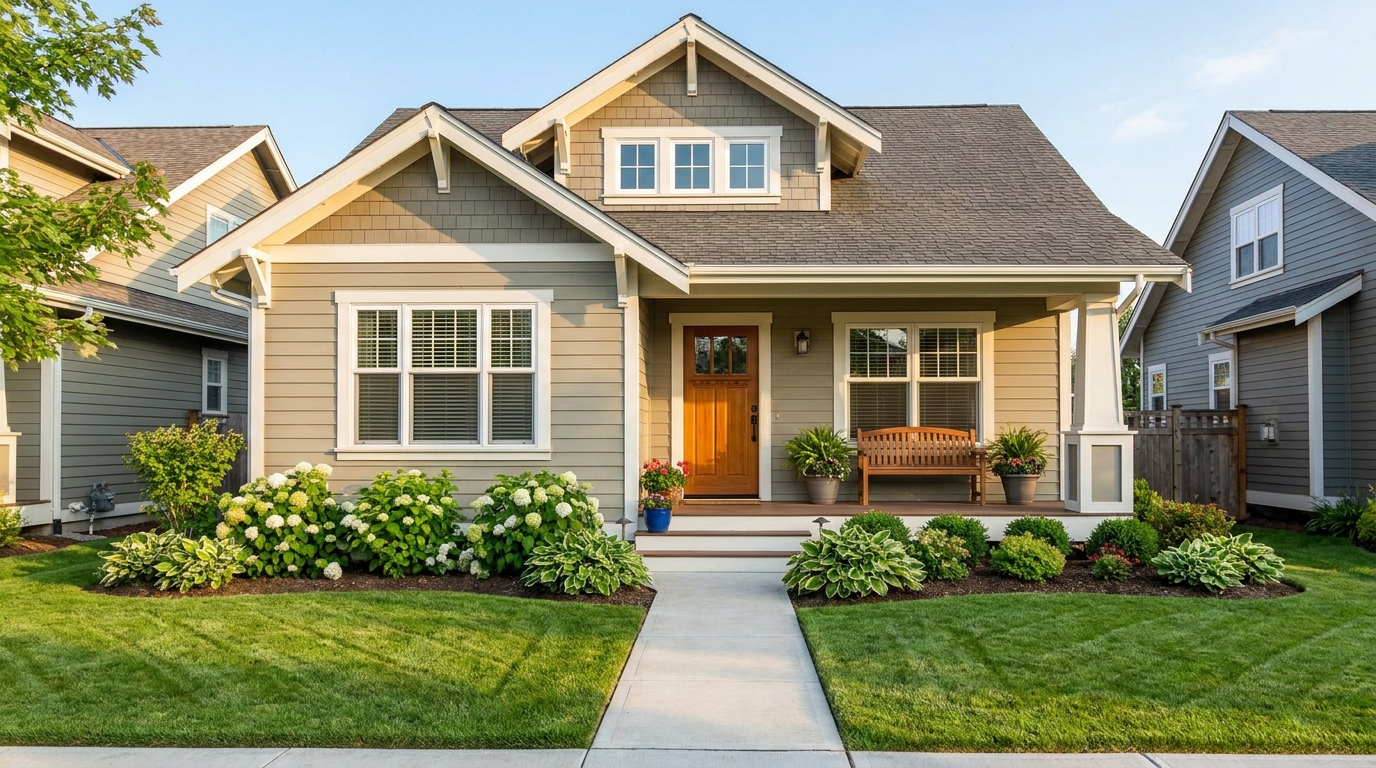
Eliminate bins and trash cans for tidier, more marketable exterior scenes.
Try This Tool →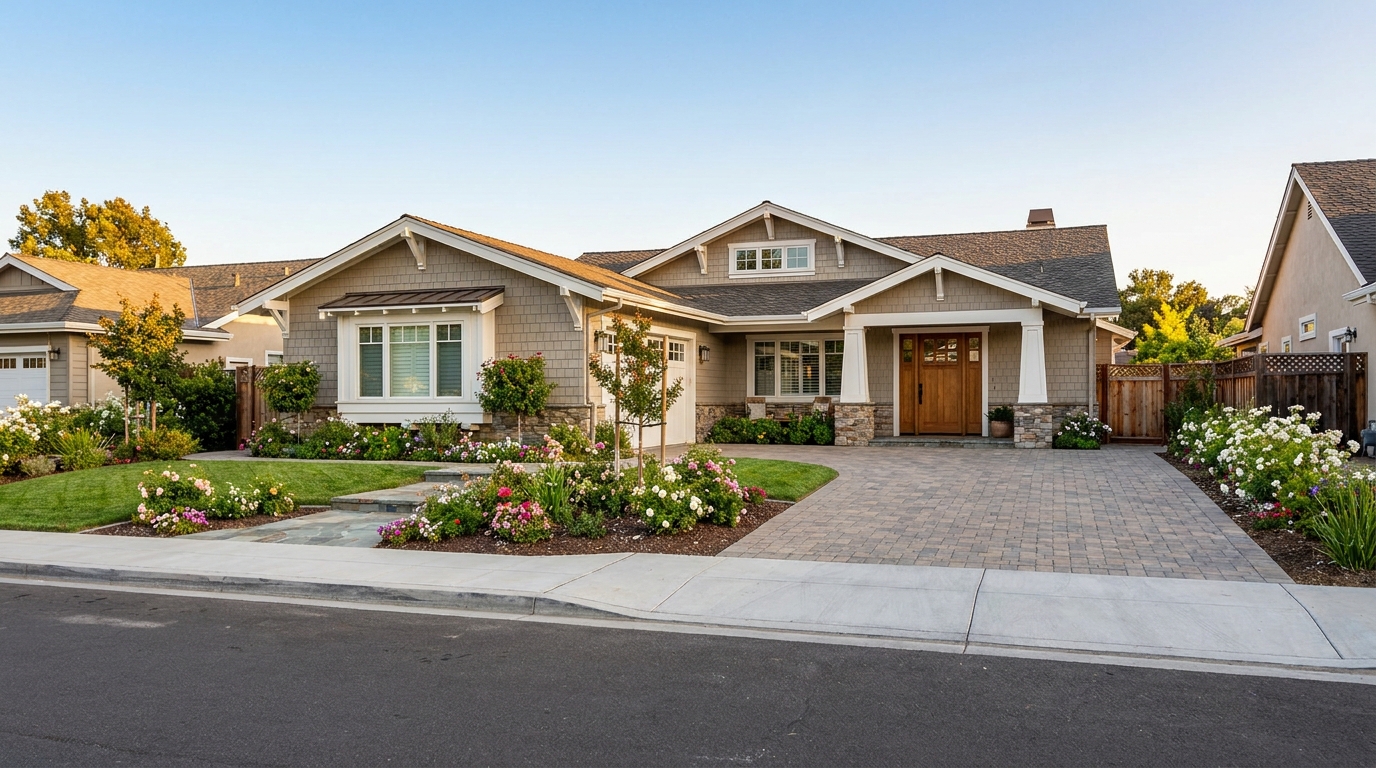
Remove parked vehicles to keep focus on the home and surrounding curb appeal.
Try This Tool →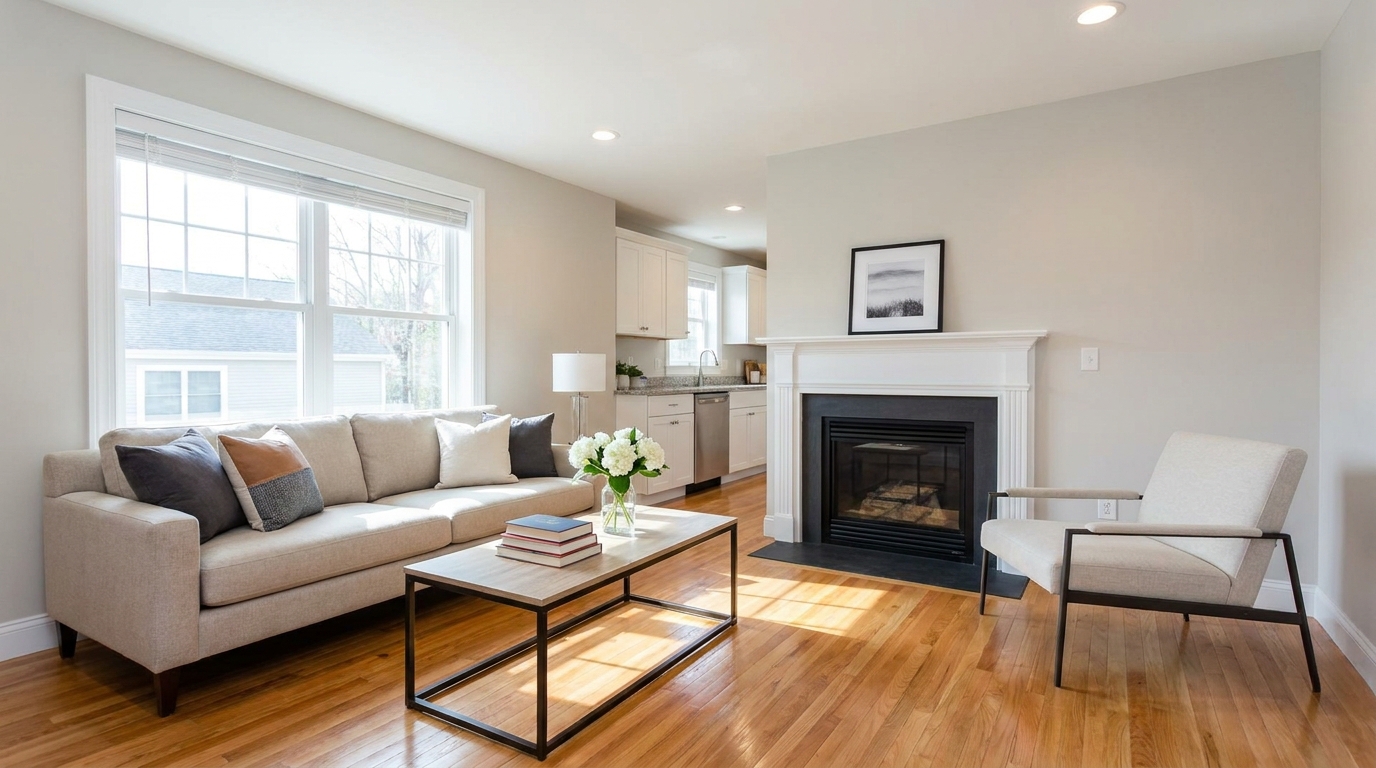
Clear visual distractions so rooms feel larger, cleaner, and easier to imagine.
Try This Tool →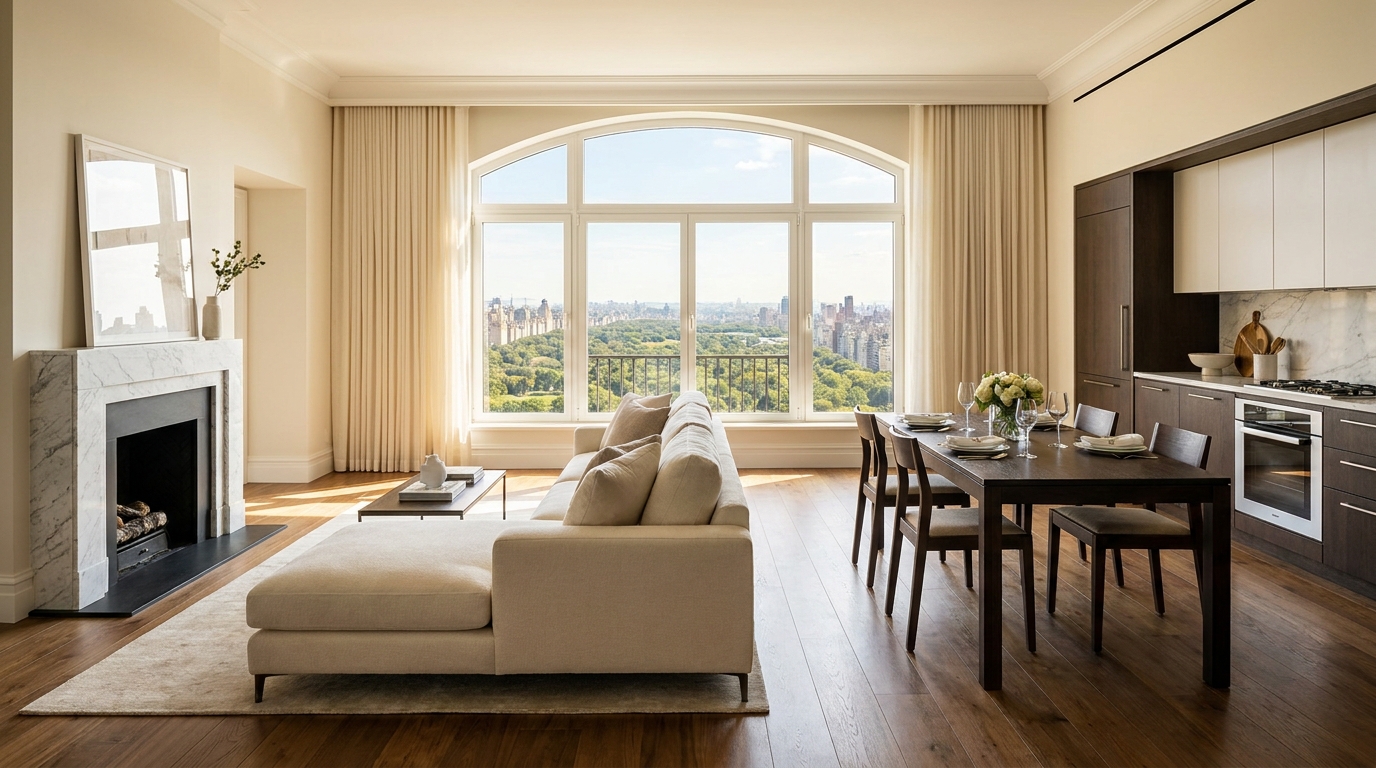
Remove timestamps and embedded text for a cleaner, more professional presentation.
Try This Tool →
Remove signs and notices to keep the scene clean, polished, and distraction-free.
Try This Tool →
Tone down reflective hotspots for a clearer, cleaner image with better surface detail.
Try This Tool →
Remove unwanted mirror reflections for cleaner interiors and more polished composition.
Try This Tool →
Clean up utility wires for a more open sky and stronger exterior presentation.
Try This Tool →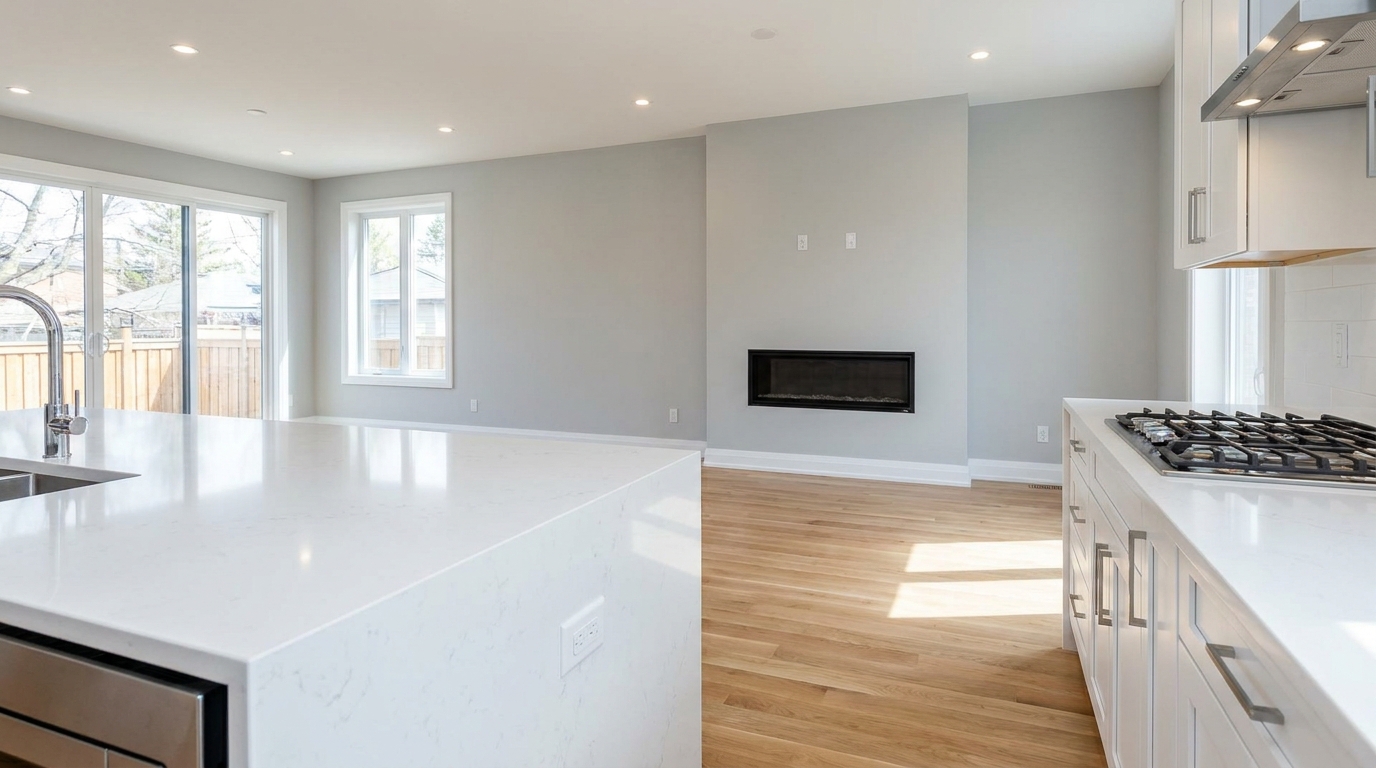
Remove stains and marks so surfaces look cleaner, fresher, and better cared for.
Try This Tool →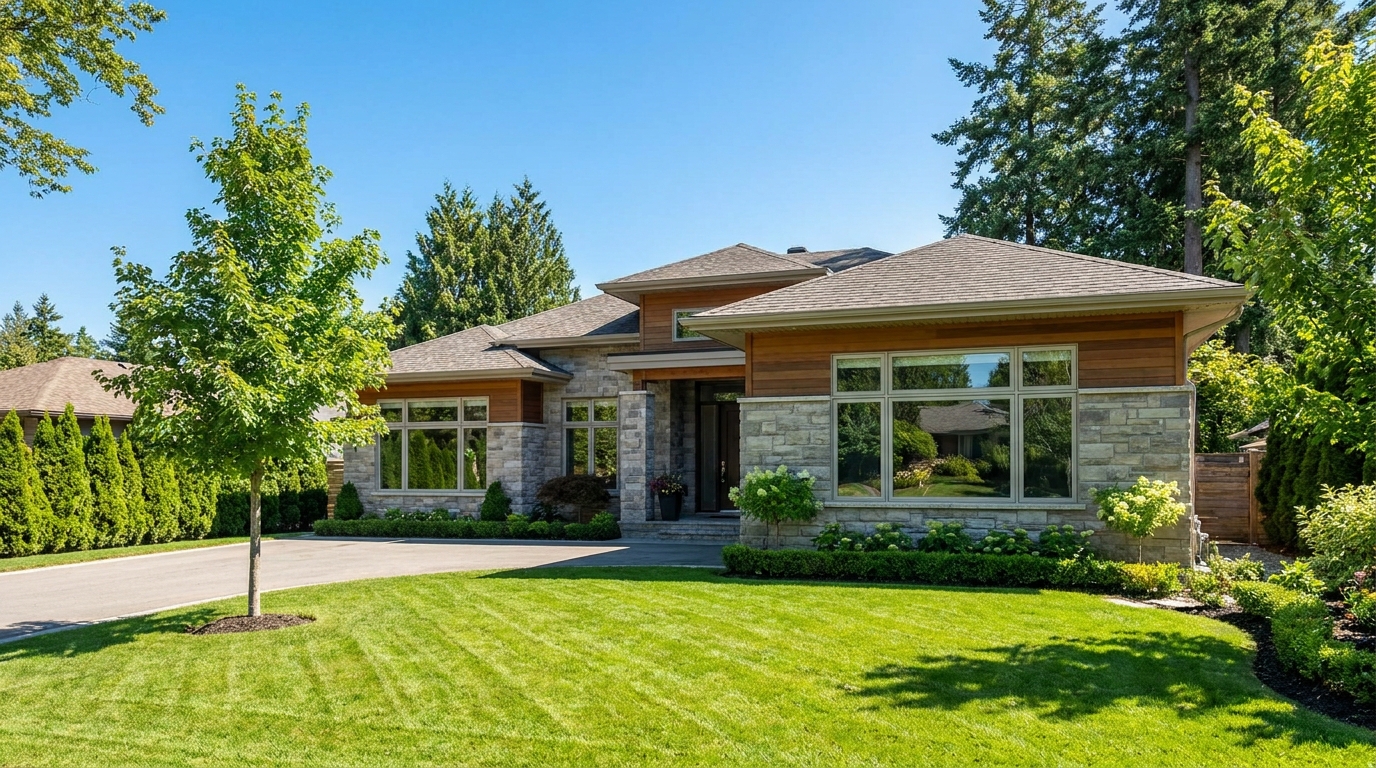
Eliminate logos and overlays for a clean image ready for marketing use.
Try This Tool →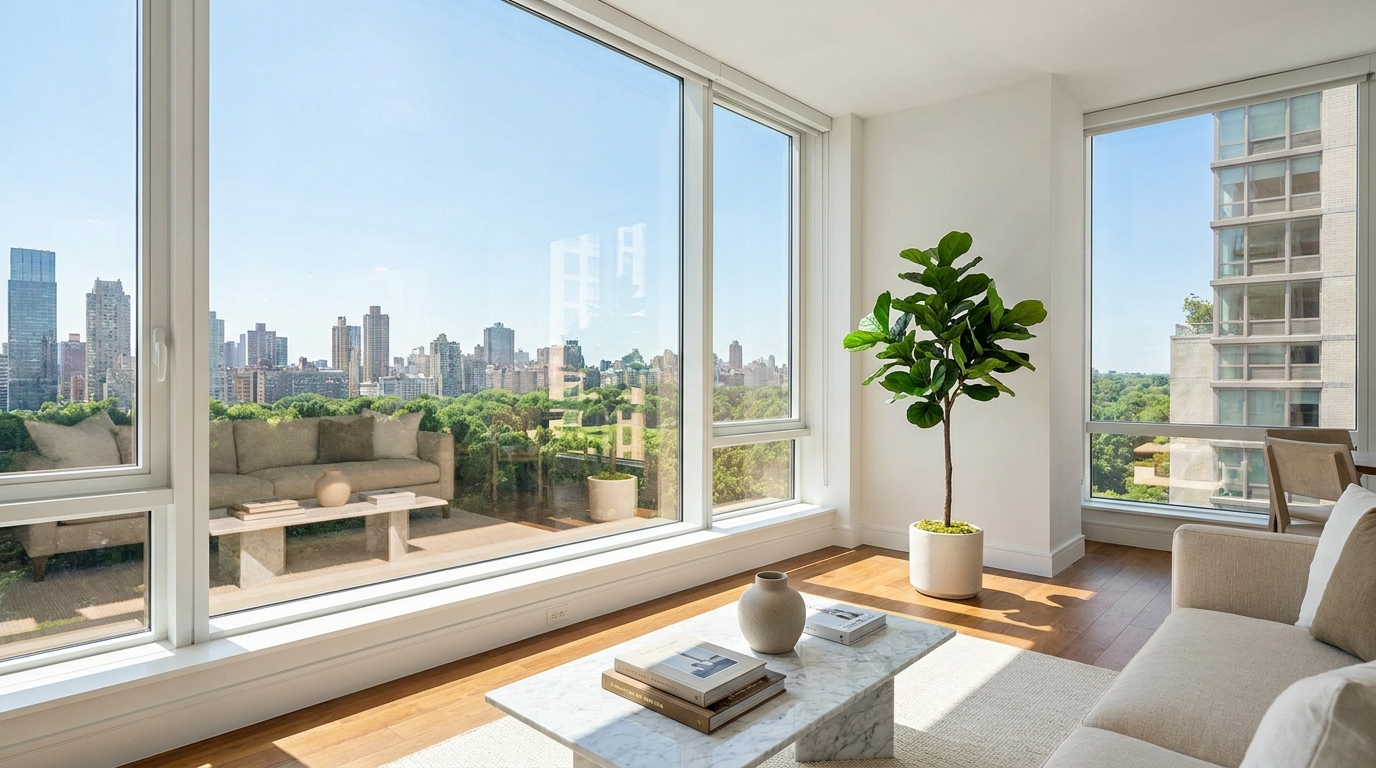
Reduce window reflections for clearer views and a cleaner glass finish.
Try This Tool →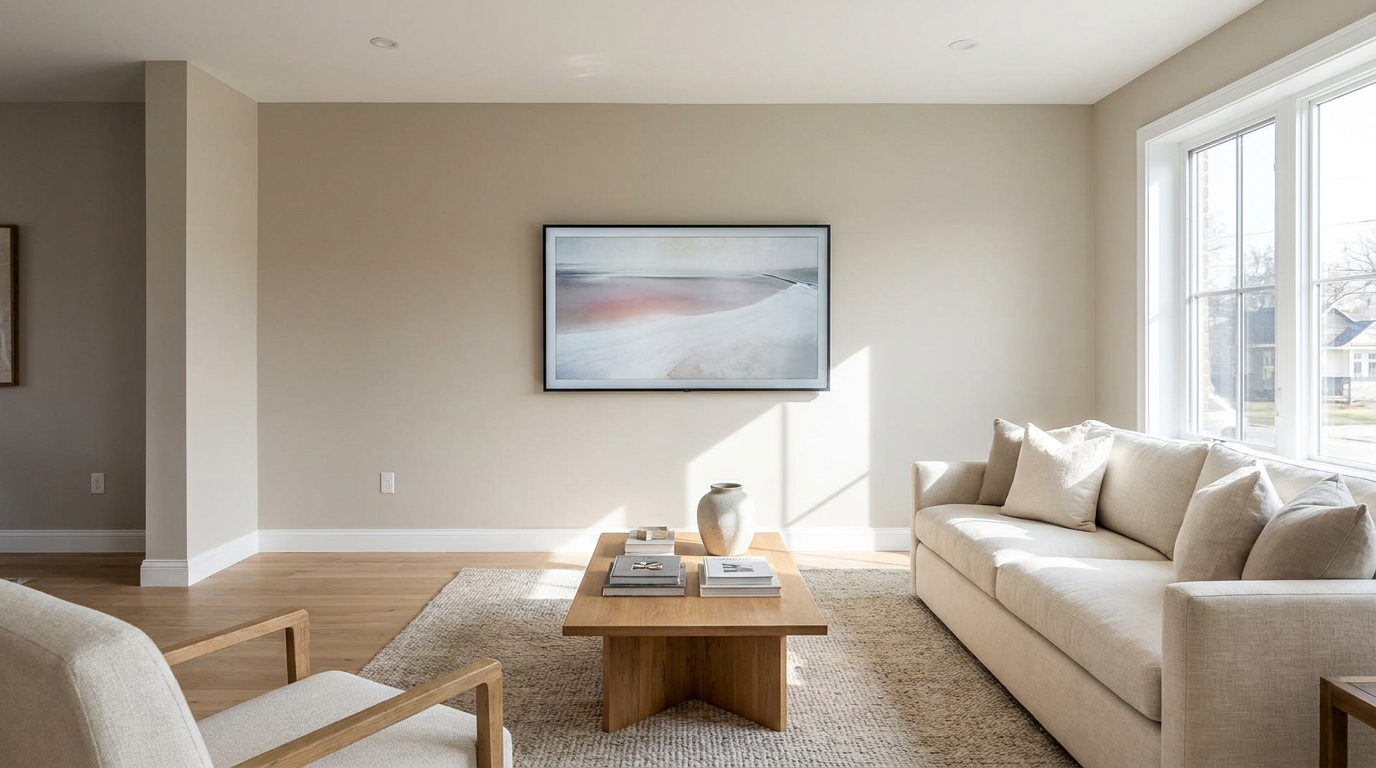
Replace distracting TV content with a clean dark screen that looks intentional and tidy.
Try This Tool →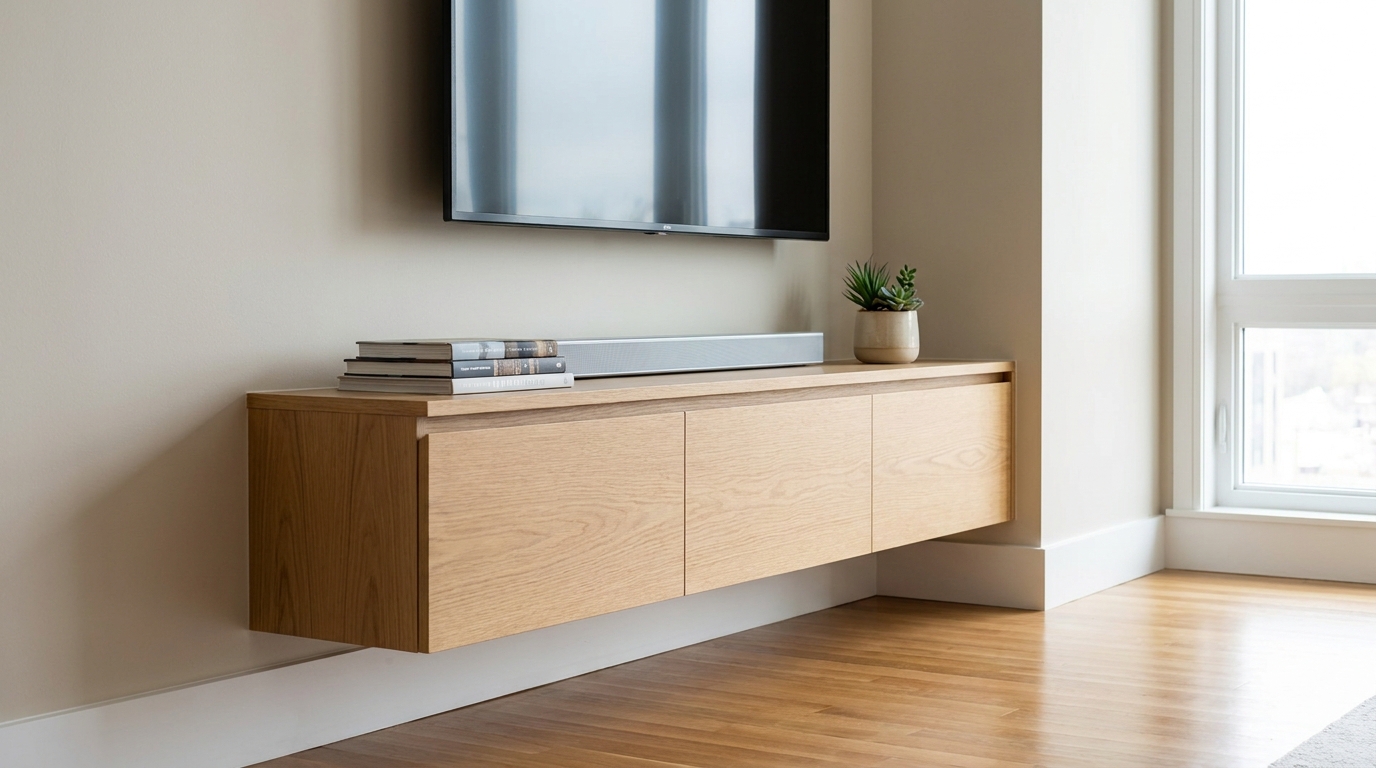
Remove visible cords and cables for a cleaner, more premium-looking space.
Try This Tool →Enhance your entire marketing portfolio with our suite of specialized AI editing tools.
AI image-to-video generation for turning home, room, and property photos into more vivid presentation videos.
02AI exterior renovation for visualizing facade updates, curb appeal improvements, and home exterior remodel ideas.
03AI landscaping design for exploring outdoor concepts, curb appeal upgrades, planting ideas, and yard layout directions.
04AI virtual staging for furnishing empty rooms and creating listing-ready interiors for real estate marketing.
05Free AI image generation for turning text prompts into unlimited visual ideas for home design, interiors, landscaping, renovation
06AI object removal for cleaning up distracting items from room, home, and property photos.
Remove unwanted distractions instantly. Try our AI-powered People & Pet Removal tool today and make your property the center of attention.