
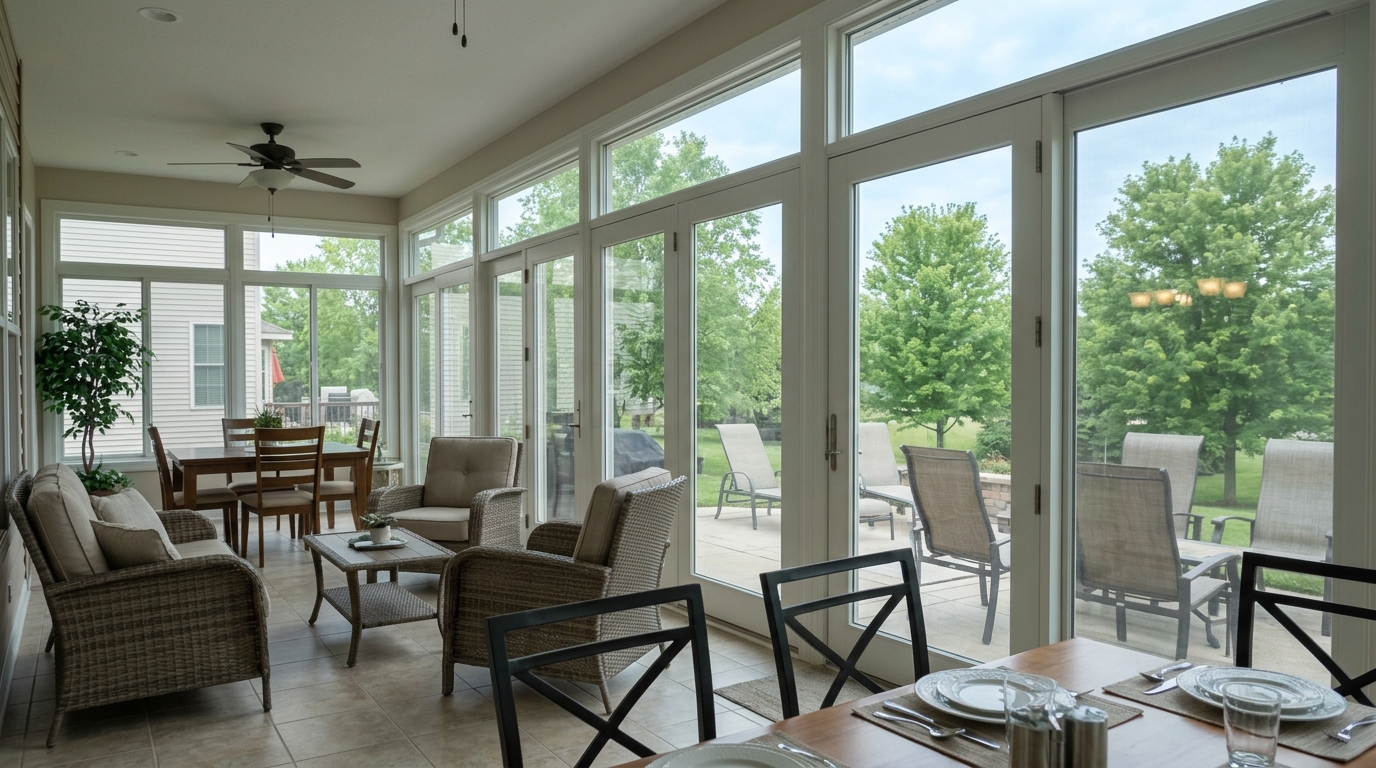
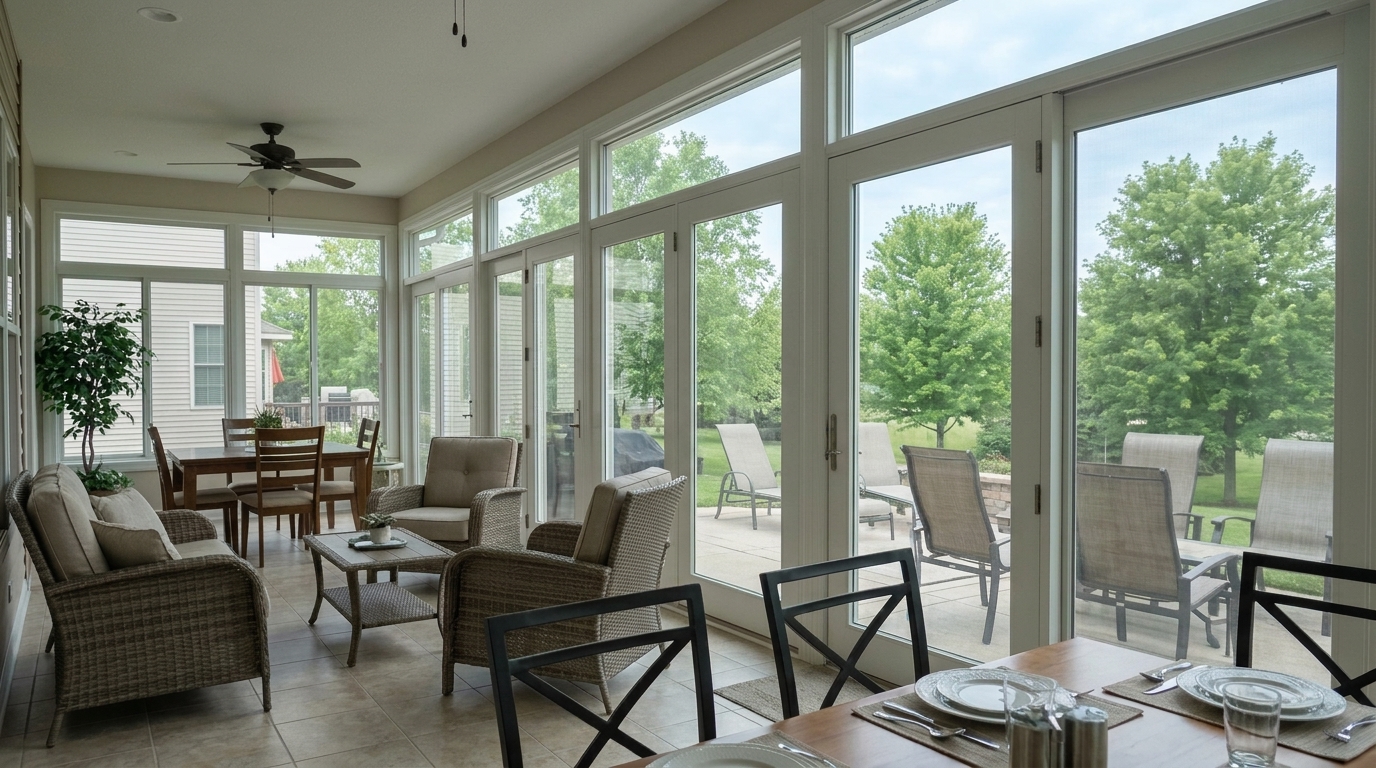

Sunroom Glass Enclosure
The result must look like a realistic edit of the exact same property photo, not a new scene.
Eliminate glare, camera reflections, and outdoor bounce-back on glass surfaces. Restore crystal-clear views and showcase interior details with AI-powered precision.
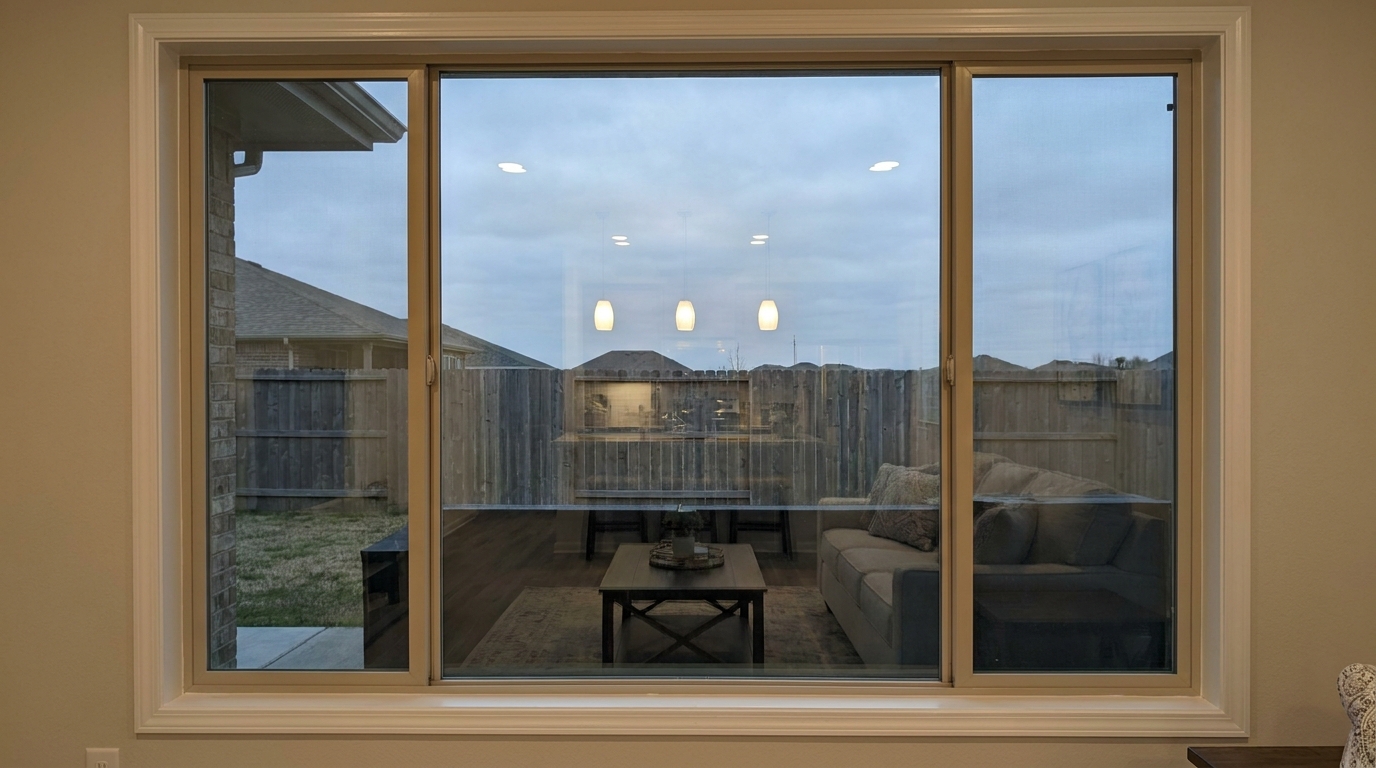
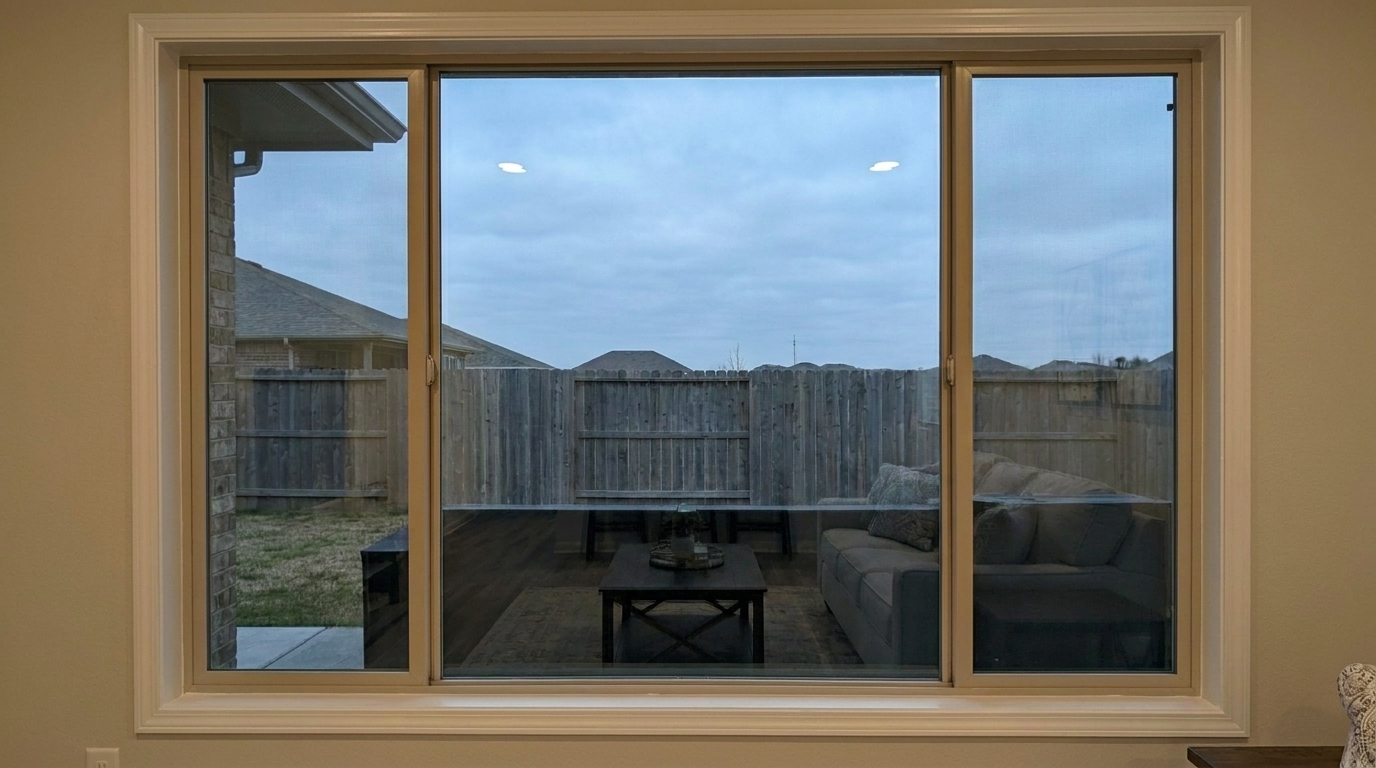
See how removing glare and reflections dramatically improves view-through clarity.
The result must look like a realistic edit of the exact same property photo, not a new scene.
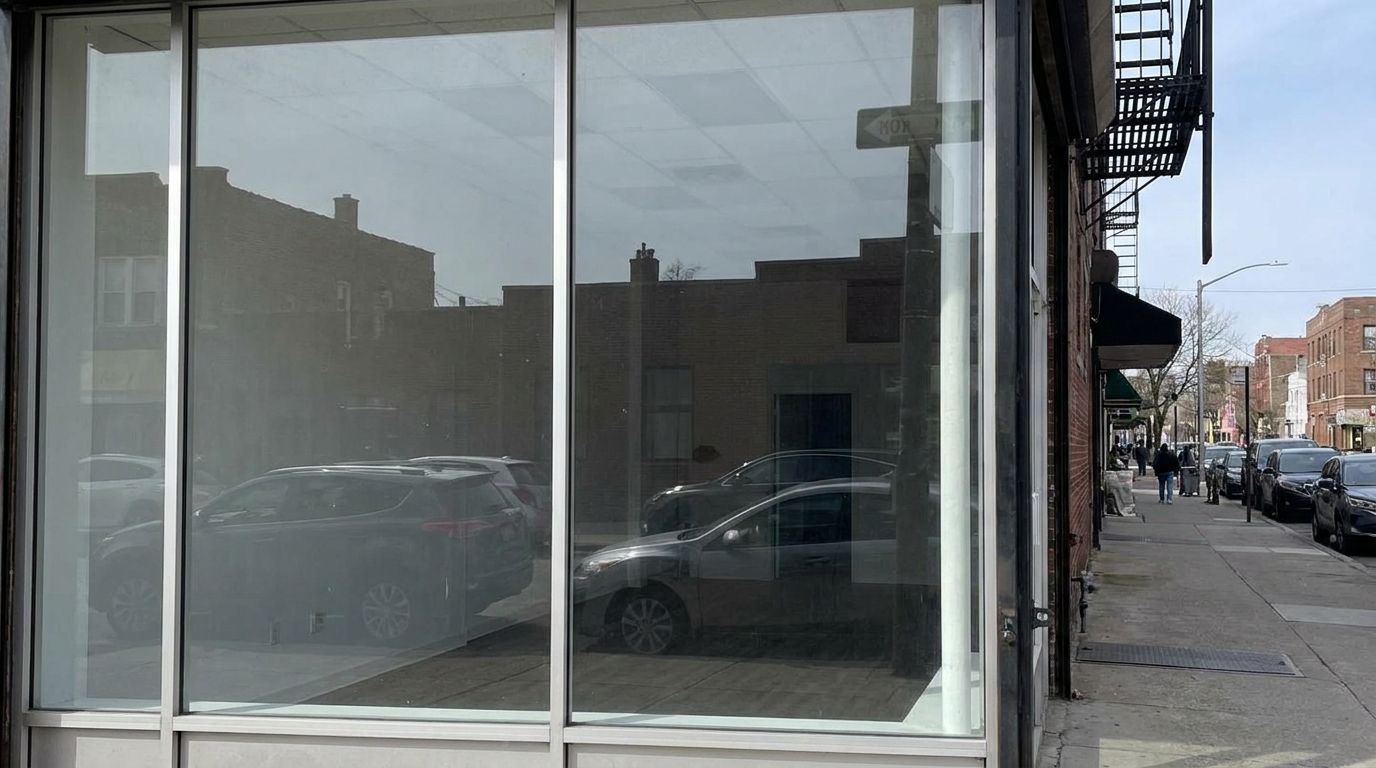
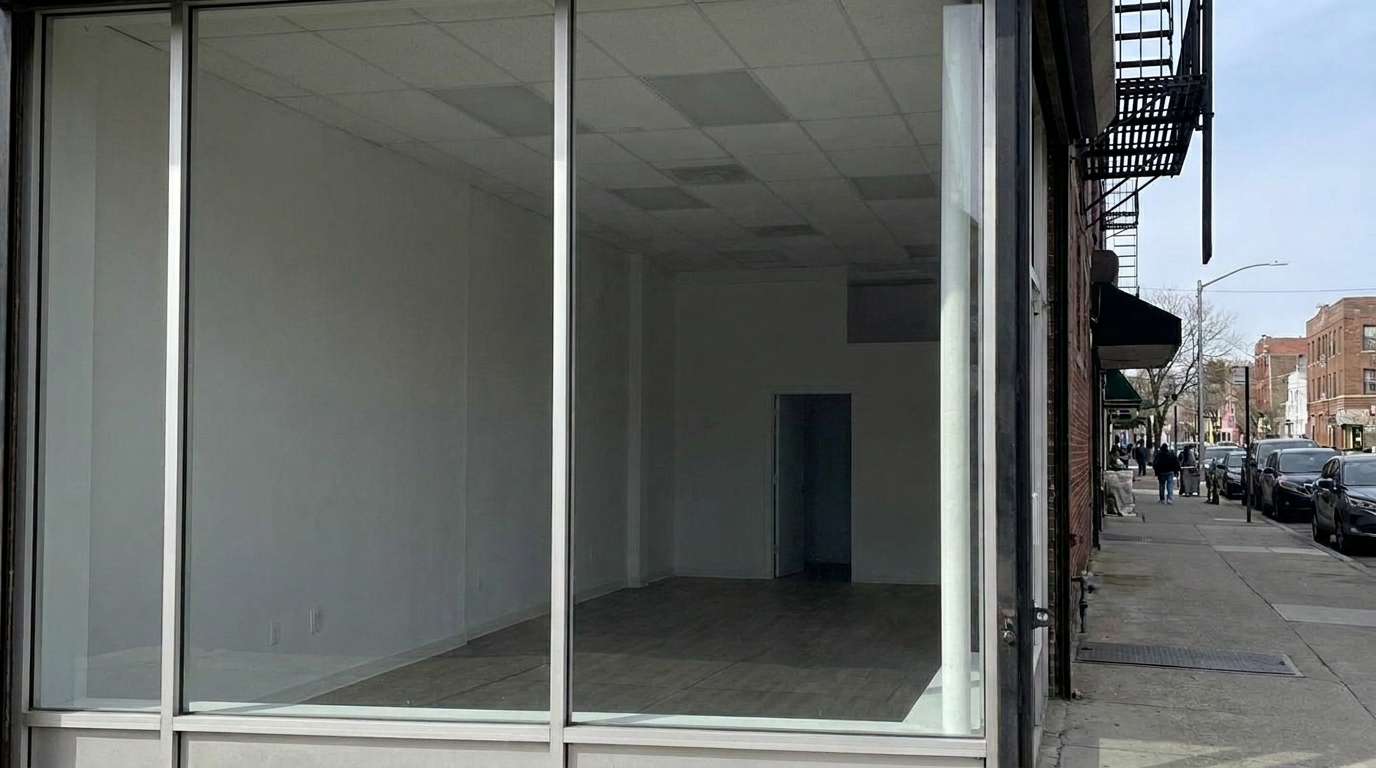
Reduce storefront glass reflections while preserving the same empty commercial space.
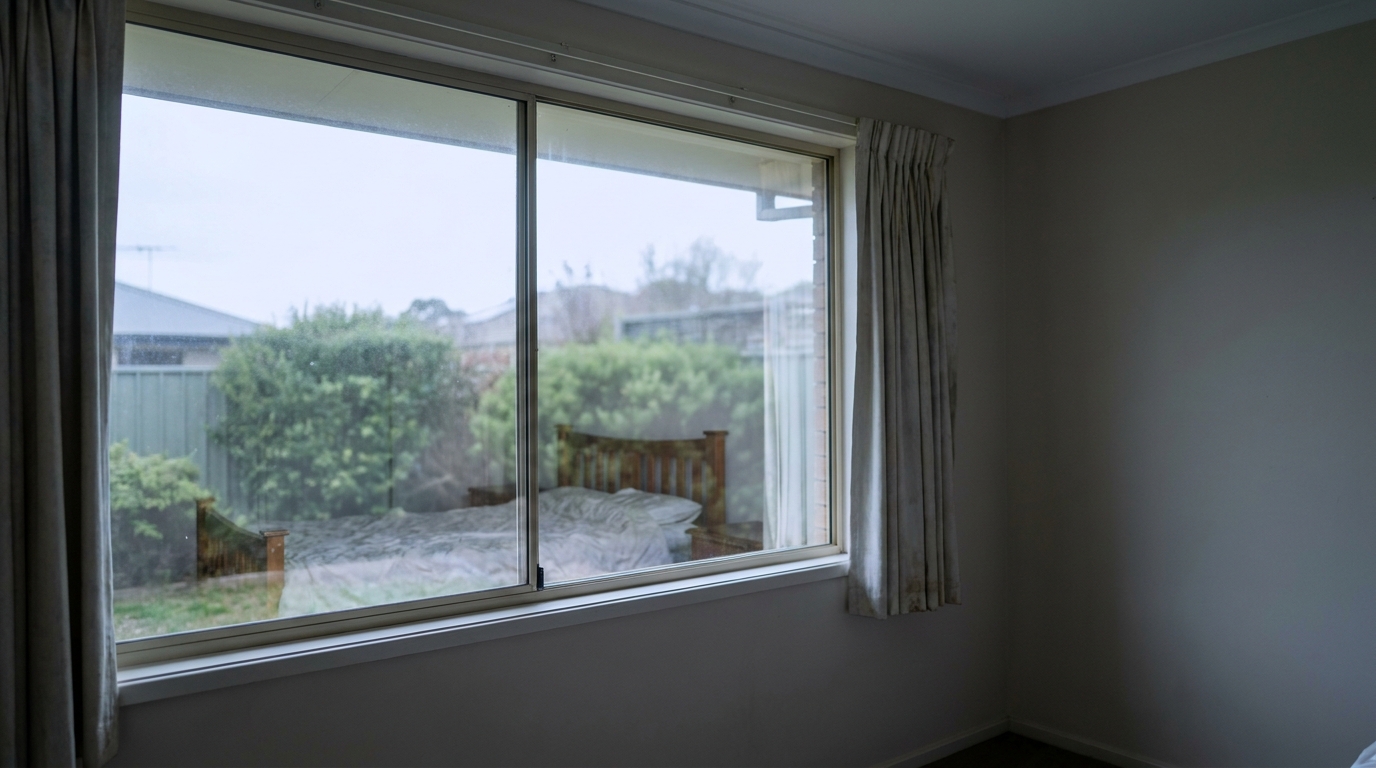
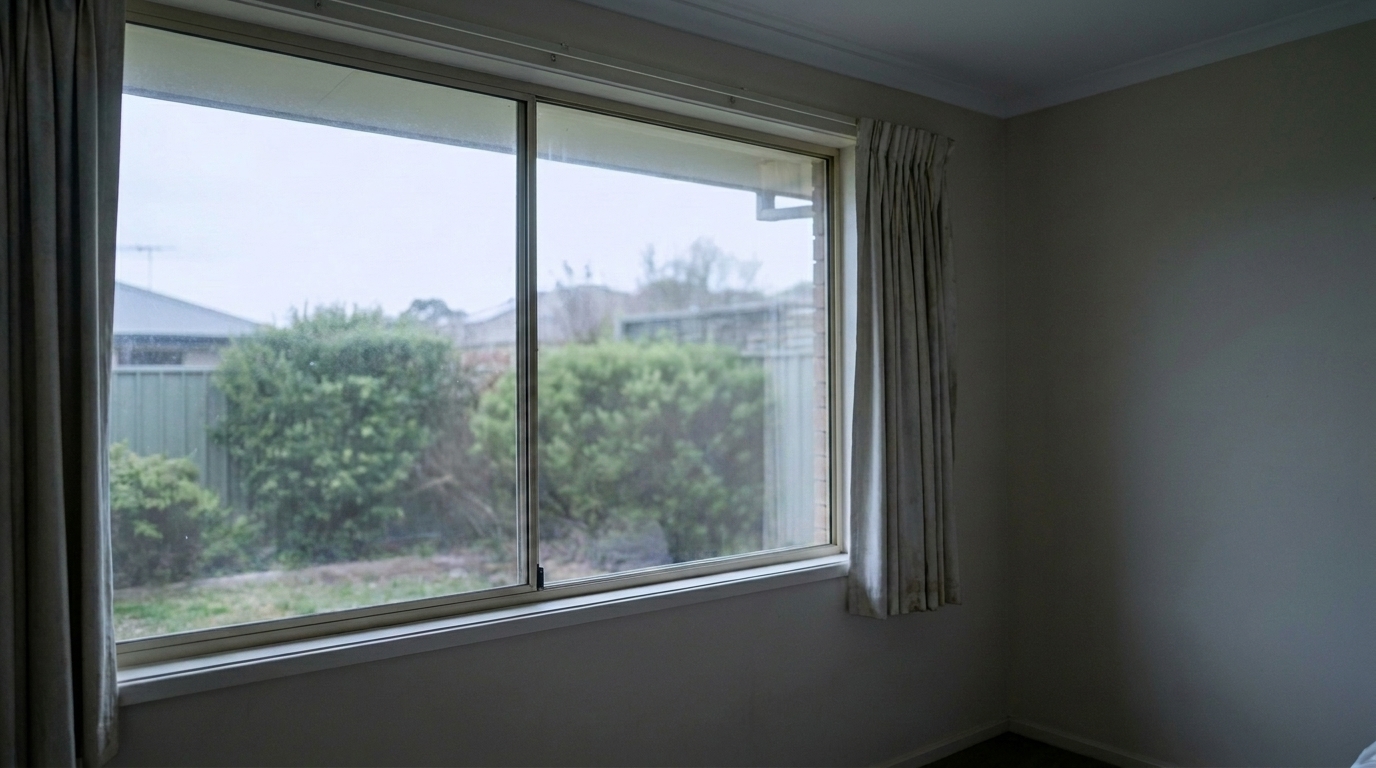
Remove bedroom reflections from the same window while keeping the garden view intact.
Our AI-driven engine targets reflections while preserving natural lighting and texture.
Automatically detects window panes and glass doors without requiring tedious manual masking or brush strokes.
Recovers hidden outdoor scenery, landscaping, and natural light that are blocked by surface glare.
Retains subtle glass highlights and depth cues so windows look realistic rather than like empty cutouts.
Resolves complex double-pane or angled reflections caused by interior light fixtures and camera gear.
Adjusts the exposure of the view-through area to match the interior lighting seamlessly for a natural look.
Clean up window reflections across an entire listing photoshoot simultaneously to save valuable editing time.
Perfect for real estate listings, interior design portfolios, and commercial spaces.
Perfect for properties with ocean, mountain, or city views that are blocked by interior window glare.
High-End ListingsEliminates heavy reflections of interior lights bouncing off dark window glass during evening shoots.
Twilight ShootsRemoves street traffic and building reflections from large glass storefronts to highlight interior displays.
CommercialCleans up room shots where window reflections distract from decor details and furniture placement.
PortfoliosTones down intense white hotspots on glass panes caused by harsh midday sunlight.
Daytime ShootsPrepares windows by removing glare before adding virtual furniture to ensure a flawless backdrop.
Virtual StagingFollow three simple steps to eliminate glass glare and reveal clear views.
Select and upload your real estate image containing distracting window reflections, glare, or obscured outdoor views.
Our AI automatically detects the glass boundaries, isolates the reflections, and restores the underlying view-through details.
Review the clean, crystal-clear glass finish and download your high-resolution, professional-grade listing photo.
Source-backed context for why window reflection removal edits matter inside object & element specific workflows.
Window Reflection Removal within Object & Element Specific evidence
Photos are one of the most valuable website features for home buyers; NAR's 2025 generational trends report says 83% of internet-using buyers rated photos as very useful. For Window Reflection Removal pages, this supports showing how a focused Object & Element Specific edit can make the listing photo feel clearer, more polished, and easier for buyers to evaluate.
Source: NAR 2025Window Reflection Removal within Object & Element Specific evidence
Zillow Research's 2025 prospective buyer report ranked high-resolution photos as the number two most important listing feature, selected by 26% of prospective buyers; floor plans ranked first at 33%. For Window Reflection Removal pages, this supports showing how a focused Object & Element Specific edit can make the listing photo feel clearer, more polished, and easier for buyers to evaluate.
Source: Zillow 2025Window Reflection Removal within Object & Element Specific evidence
Redfin reported that professionally photographed homes in the $400,000 range sold three weeks faster and for more than $10,000 relative to list price compared with amateur photos. Use this as supporting context, not as a guaranteed result. For Window Reflection Removal pages, this supports showing how a focused Object & Element Specific edit can make the listing photo feel clearer, more polished, and easier for buyers to evaluate.
Source: RedfinWindow reflections can ruin an otherwise perfect listing photo by hiding beautiful views or introducing distracting interior glare. This guide helps you understand how to use our AI tool to achieve professional results.
In real estate marketing, the view from a window is often a major selling point. When reflections of furniture, interior lights, or camera gear block that view, the property loses visual appeal. Removing these reflections restores the connection between the indoor space and the outdoor environment, making rooms feel larger, brighter, and more inviting to potential buyers.
It is important to use the correct tool for your specific photo issue. Use Window Reflection Removal when you need to see through a glass pane to reveal an outdoor view or clean up a window surface. Use Glare Removal when dealing with bright, blown-out hotspots on non-transparent surfaces like hardwood floors, polished countertops, or stainless steel appliances. For reflective silvered glass where you want to remove the photographer's reflection but keep the room's reflection, use the Mirror Reflection Fix instead.
Use this tool for twilight shots, scenic view properties, and rooms with large glass doors where interior lights create distracting bounce-back. However, avoid removing reflections entirely if they contribute to the architectural context or artistic mood of the photo. For example, in ultra-modern homes, subtle reflections on glass partitions can help define the structure and depth of the space. Always aim for a balance that looks clean but realistic.
For the best outcome, start with a well-exposed photo. If the outdoor view is extremely overexposed, consider using an HDR blend first, then apply the Window Reflection Removal preset to clean up any remaining glass glare. This ensures that once the reflection is removed, the revealed outdoor scenery is crisp, clear, and perfectly balanced with the interior lighting.
Discover more targeted AI tools to clean up and refine specific elements in your property photos.
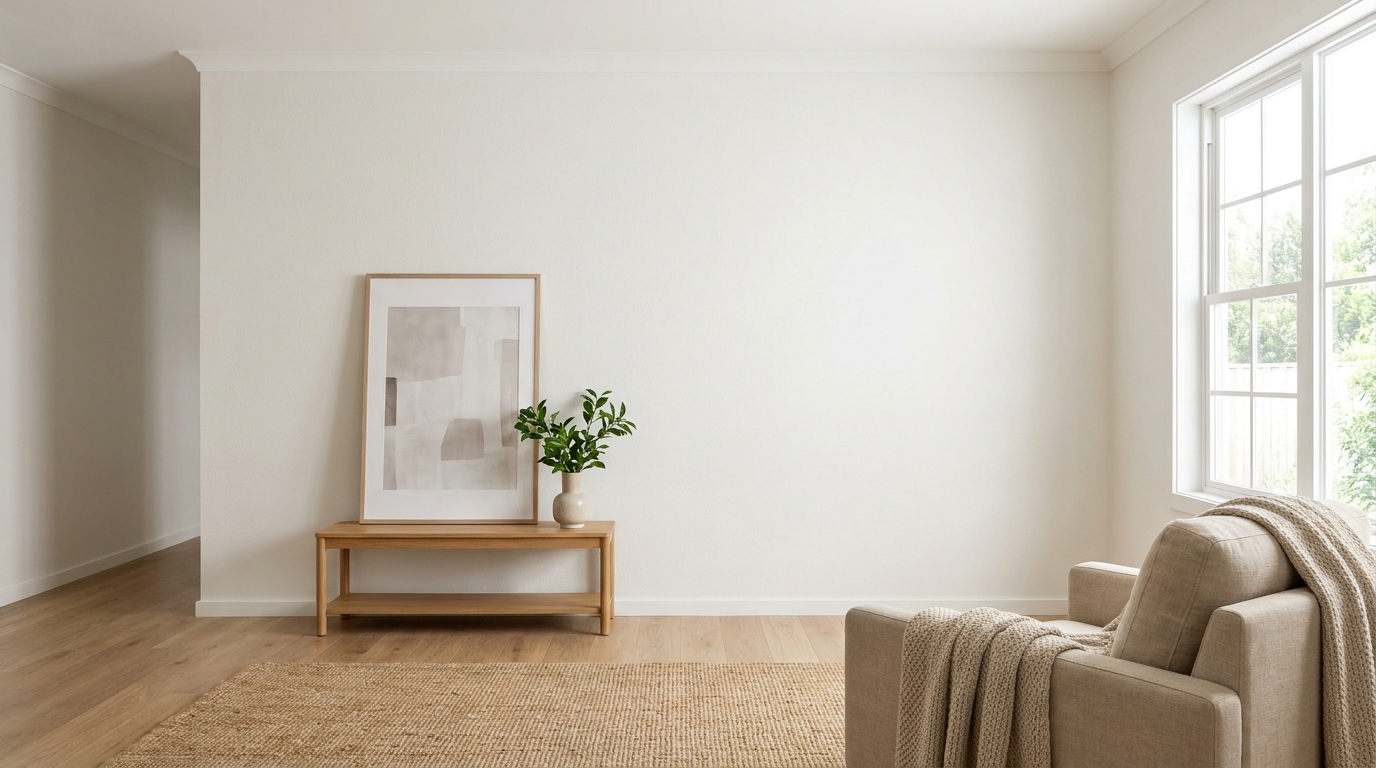
Clean up visible wall damage for a smoother, better-maintained interior finish.
Try This Tool →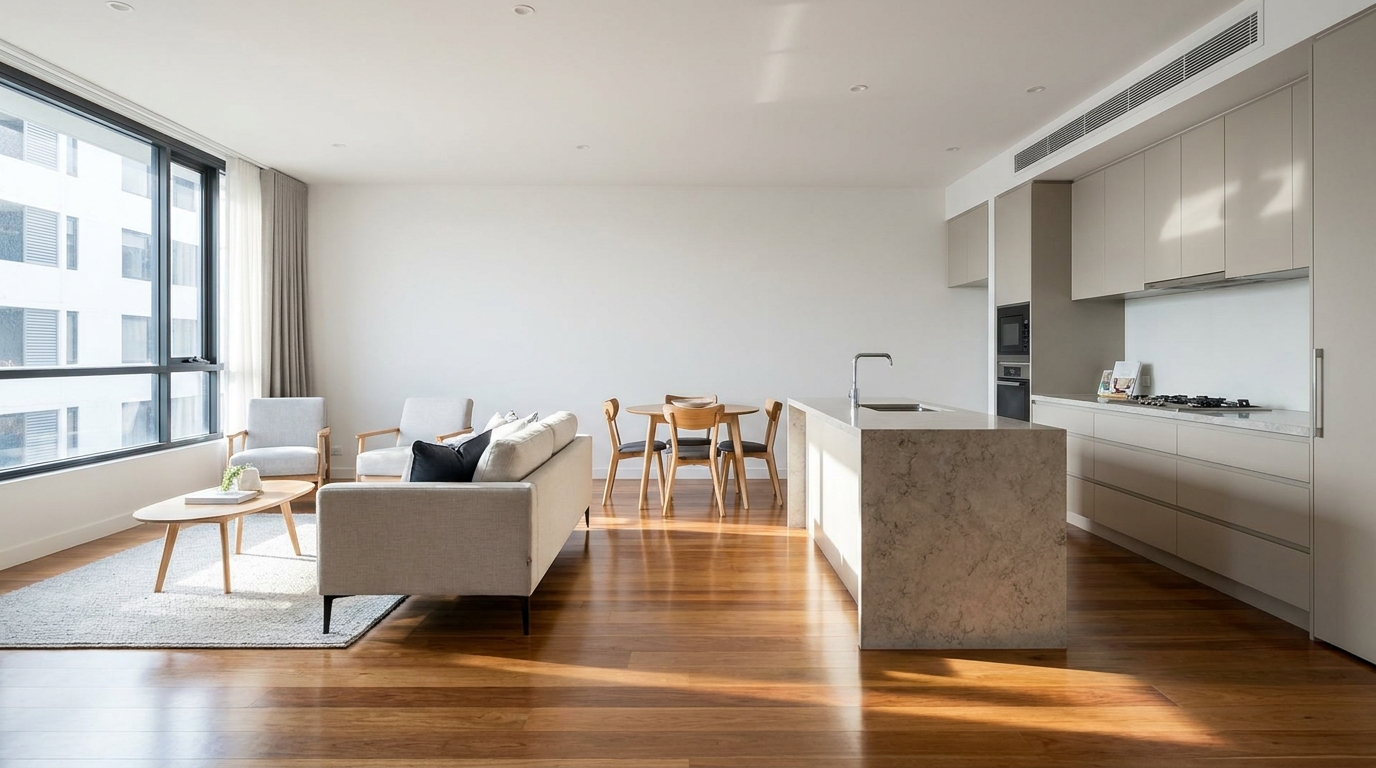
Refine floor reflections for a cleaner, glossier, more premium interior look.
Try This Tool →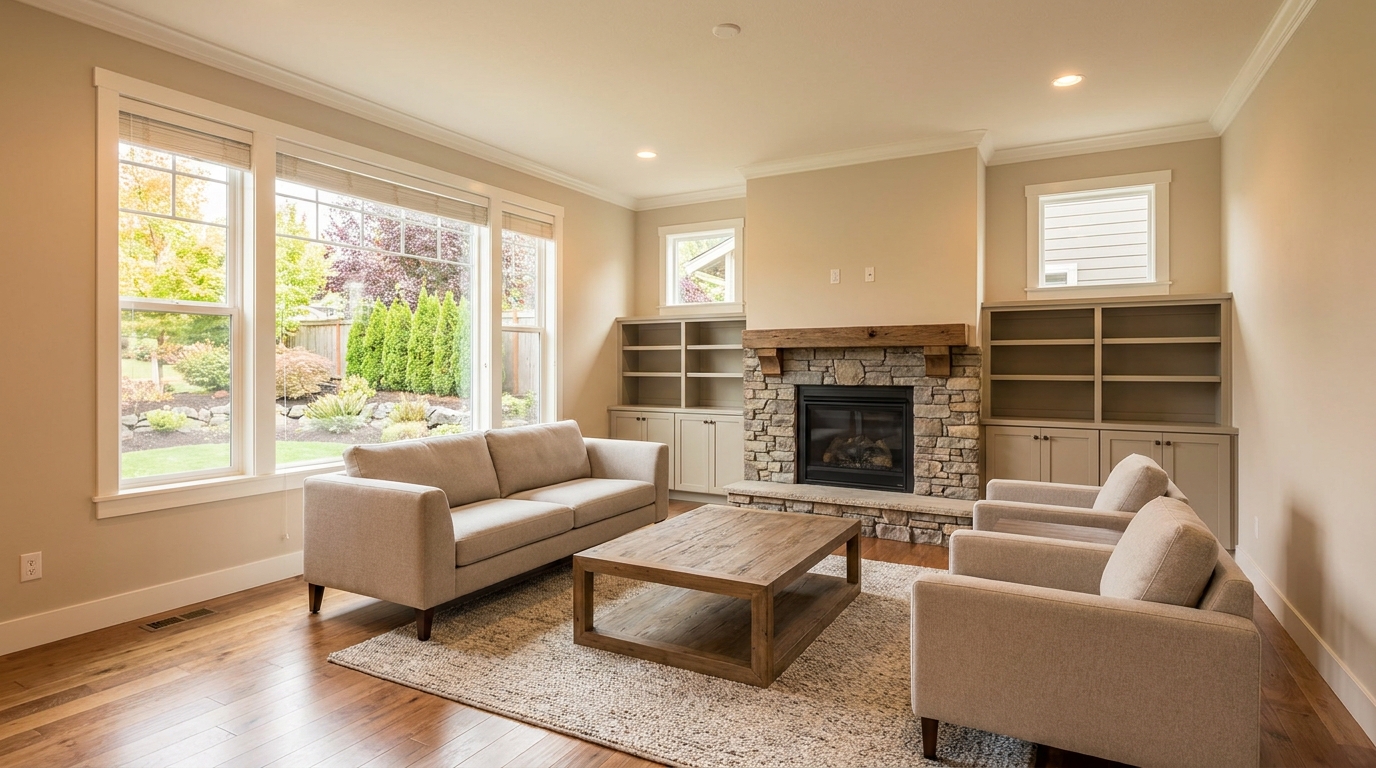
Remove people and pets for a cleaner photo that keeps attention on the property.
Try This Tool →
Eliminate bins and trash cans for tidier, more marketable exterior scenes.
Try This Tool →
Remove parked vehicles to keep focus on the home and surrounding curb appeal.
Try This Tool →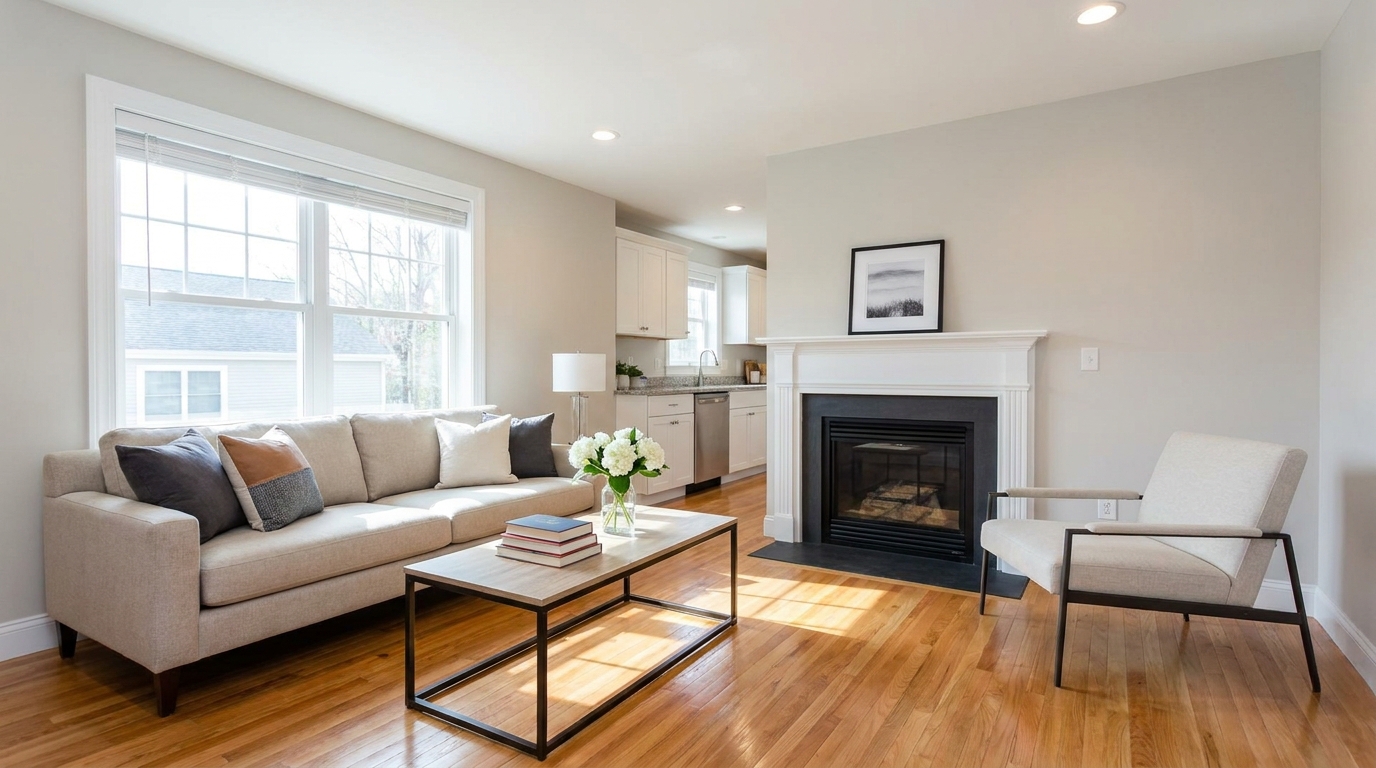
Clear visual distractions so rooms feel larger, cleaner, and easier to imagine.
Try This Tool →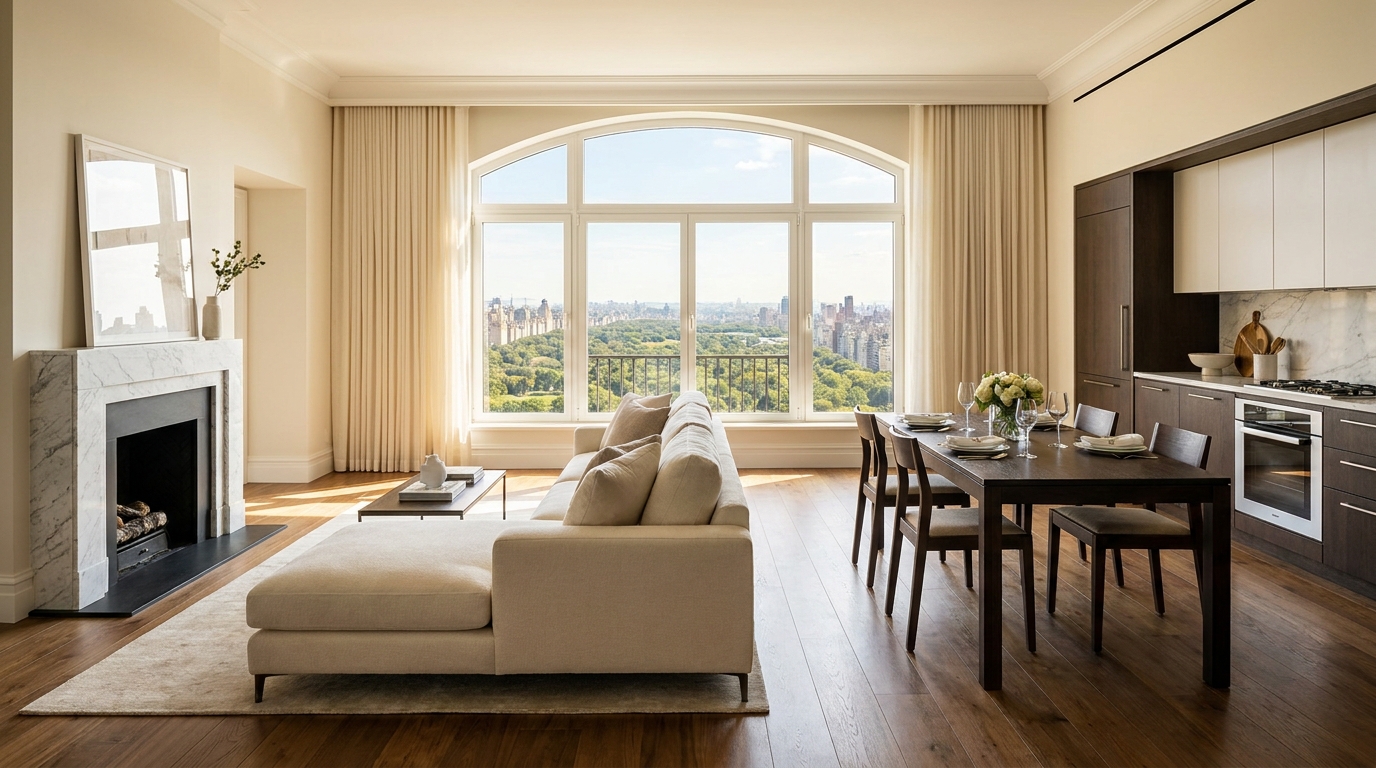
Remove timestamps and embedded text for a cleaner, more professional presentation.
Try This Tool →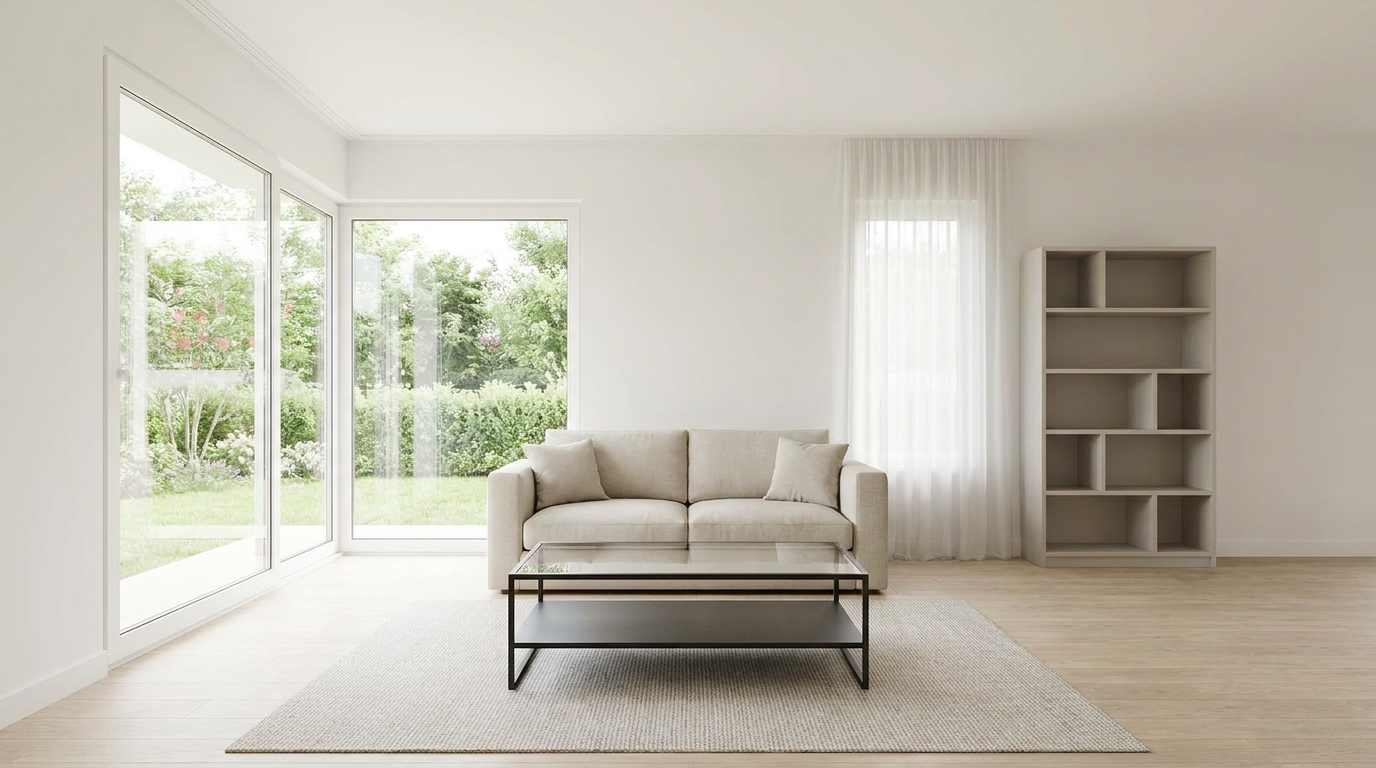
Remove signs and notices to keep the scene clean, polished, and distraction-free.
Try This Tool →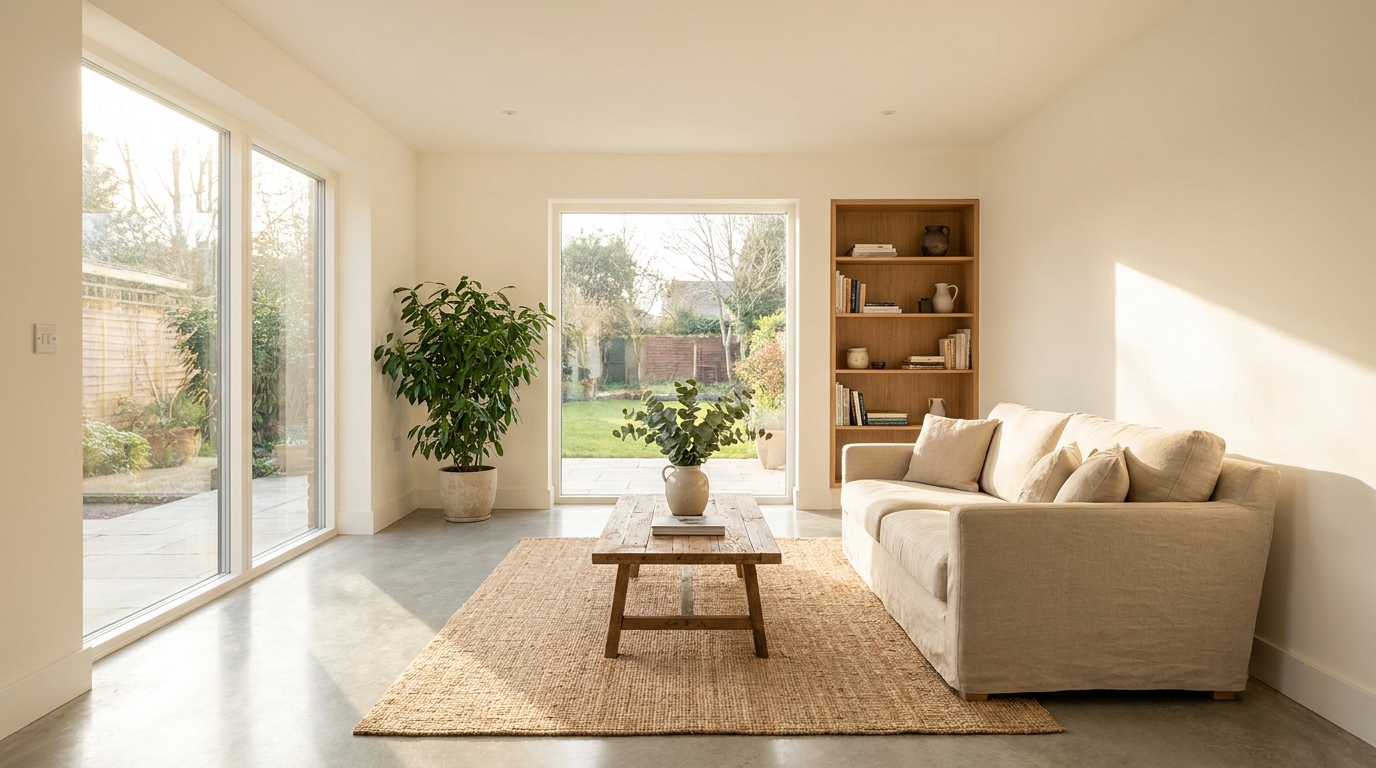
Tone down reflective hotspots for a clearer, cleaner image with better surface detail.
Try This Tool →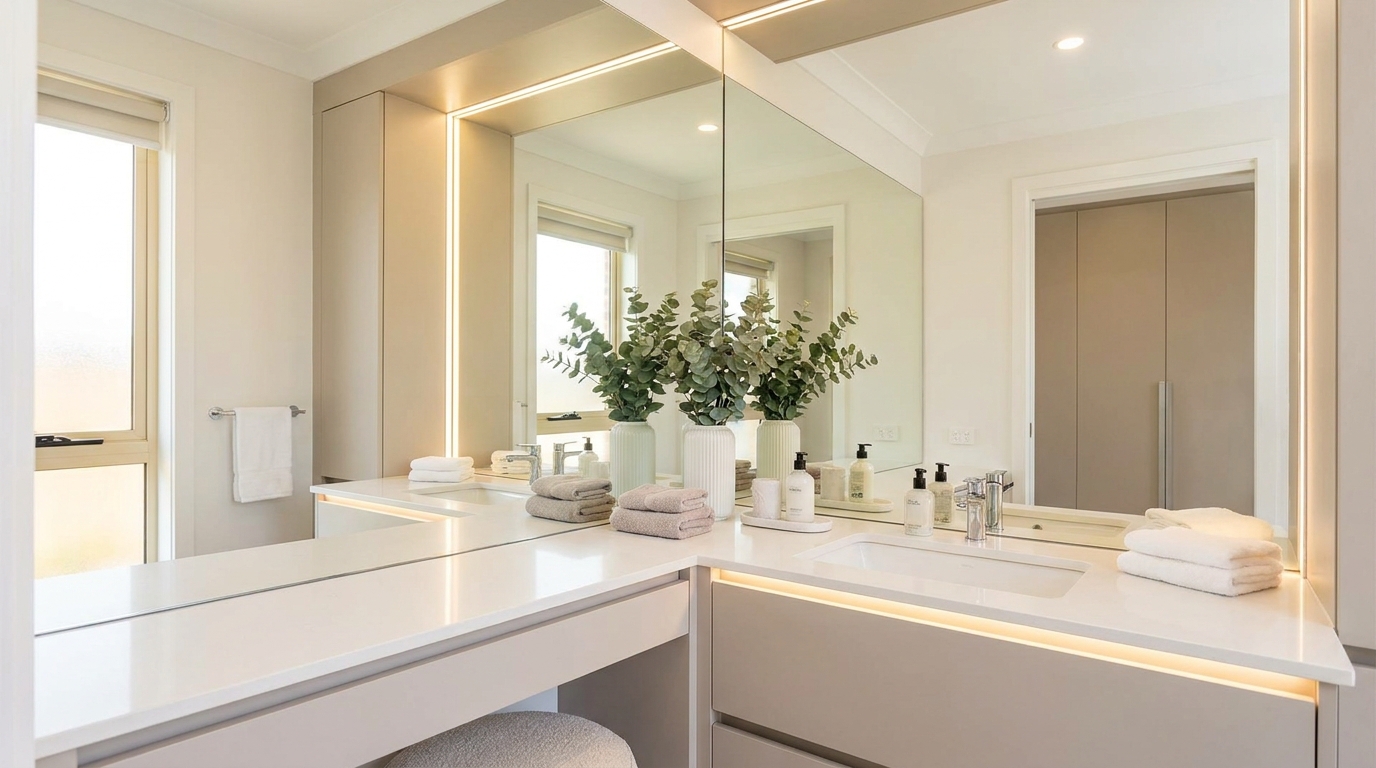
Remove unwanted mirror reflections for cleaner interiors and more polished composition.
Try This Tool →
Clean up utility wires for a more open sky and stronger exterior presentation.
Try This Tool →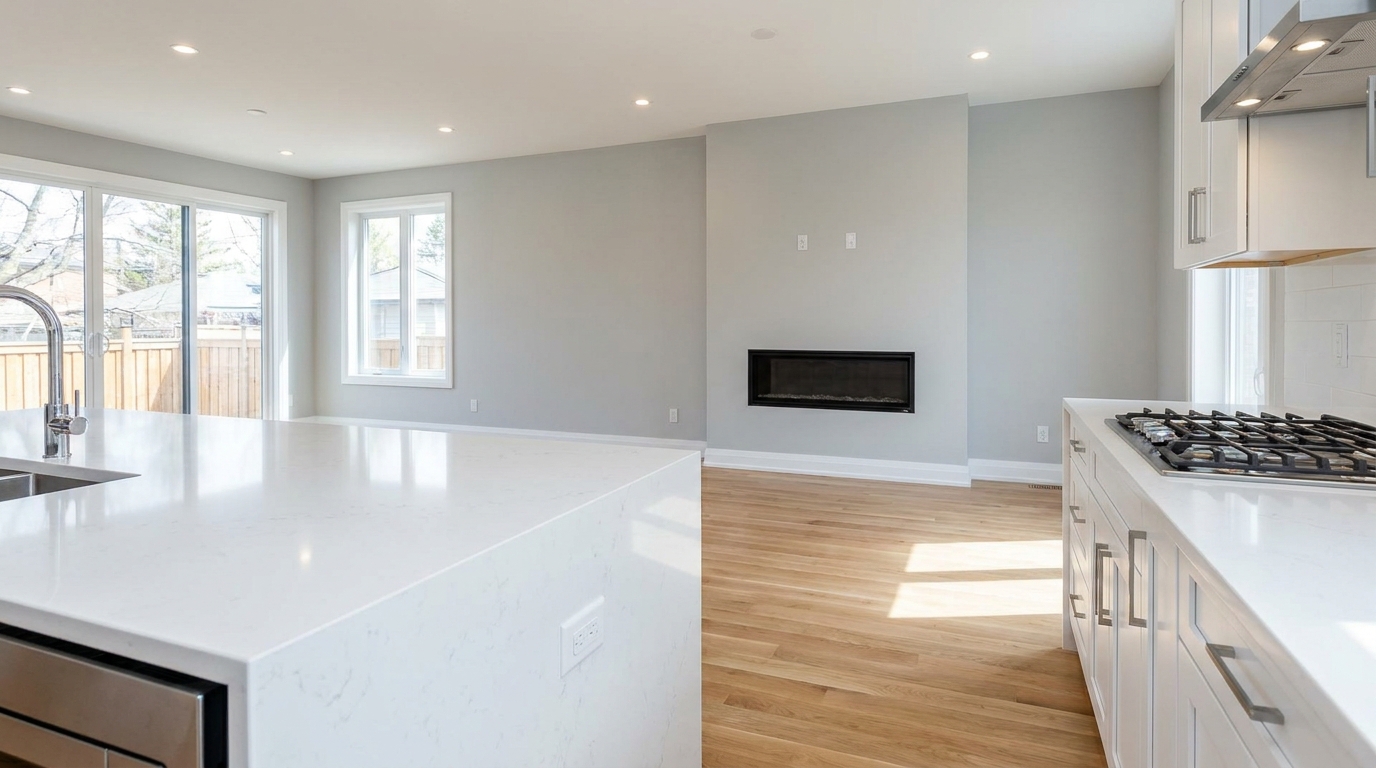
Remove stains and marks so surfaces look cleaner, fresher, and better cared for.
Try This Tool →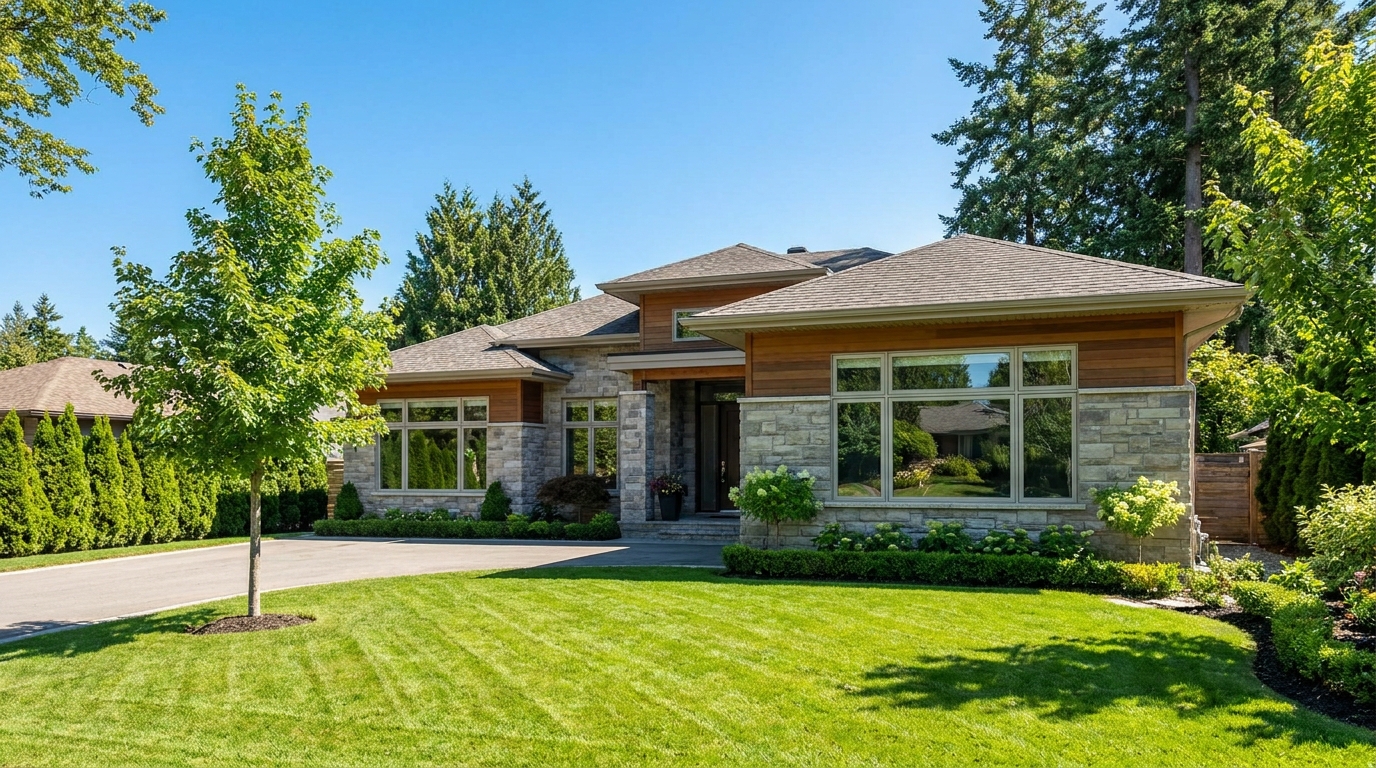
Eliminate logos and overlays for a clean image ready for marketing use.
Try This Tool →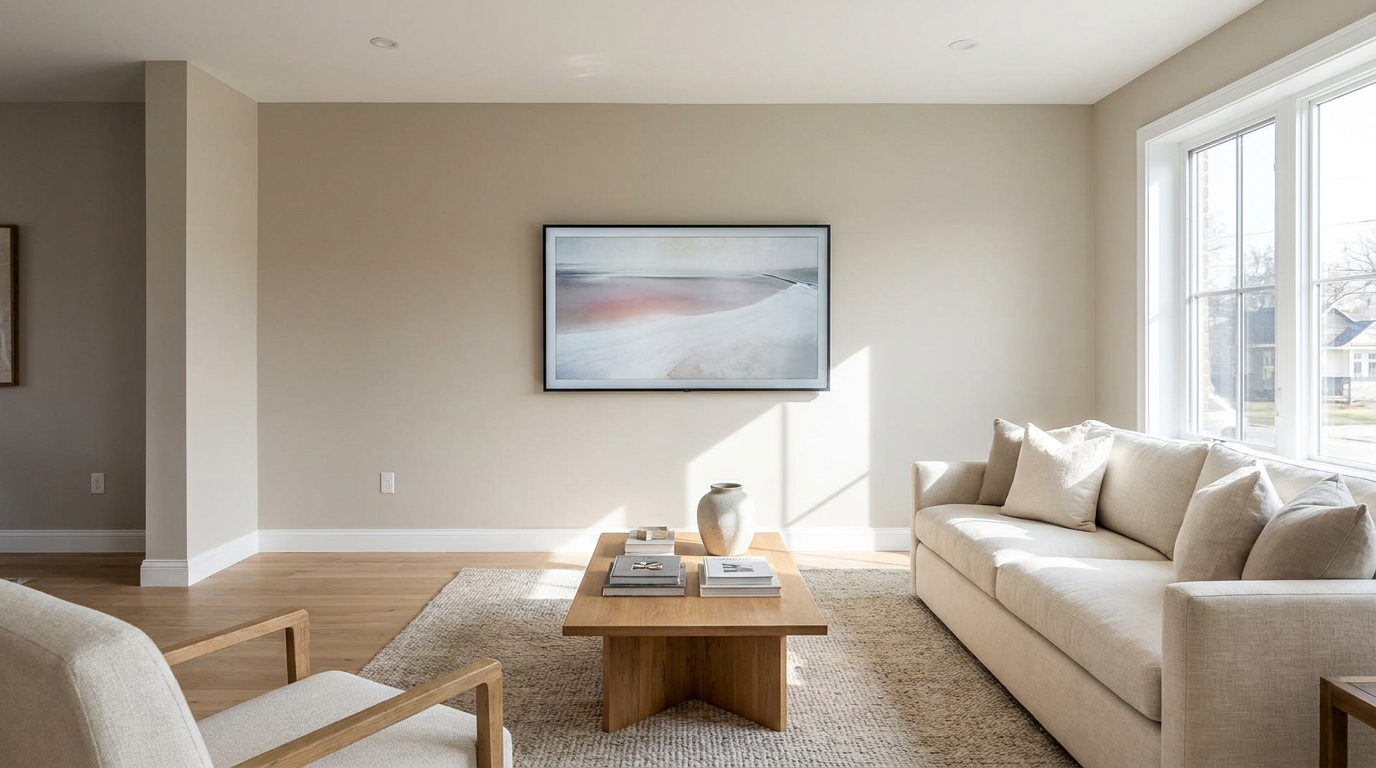
Replace distracting TV content with a clean dark screen that looks intentional and tidy.
Try This Tool →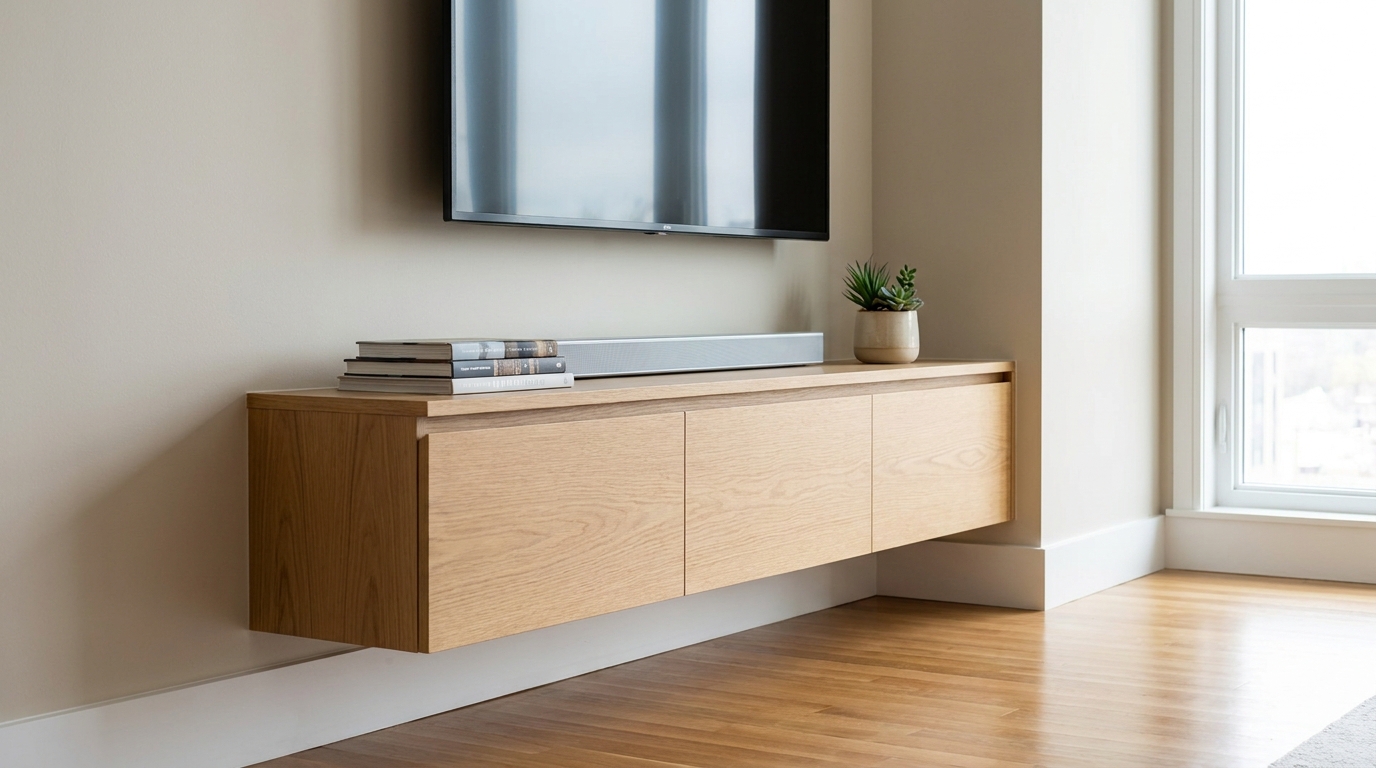
Remove visible cords and cables for a cleaner, more premium-looking space.
Try This Tool →Explore other powerful AI tools designed to elevate your real estate marketing.
AI image-to-video generation for turning home, room, and property photos into more vivid presentation videos.
02AI exterior renovation for visualizing facade updates, curb appeal improvements, and home exterior remodel ideas.
03AI landscaping design for exploring outdoor concepts, curb appeal upgrades, planting ideas, and yard layout directions.
04AI virtual staging for furnishing empty rooms and creating listing-ready interiors for real estate marketing.
05Free AI image generation for turning text prompts into unlimited visual ideas for home design, interiors, landscaping, renovation
06AI object removal for cleaning up distracting items from room, home, and property photos.
Don't let distracting reflections hide your property's best views. Use our AI-powered Window Reflection Removal tool to elevate your listing photos instantly.