
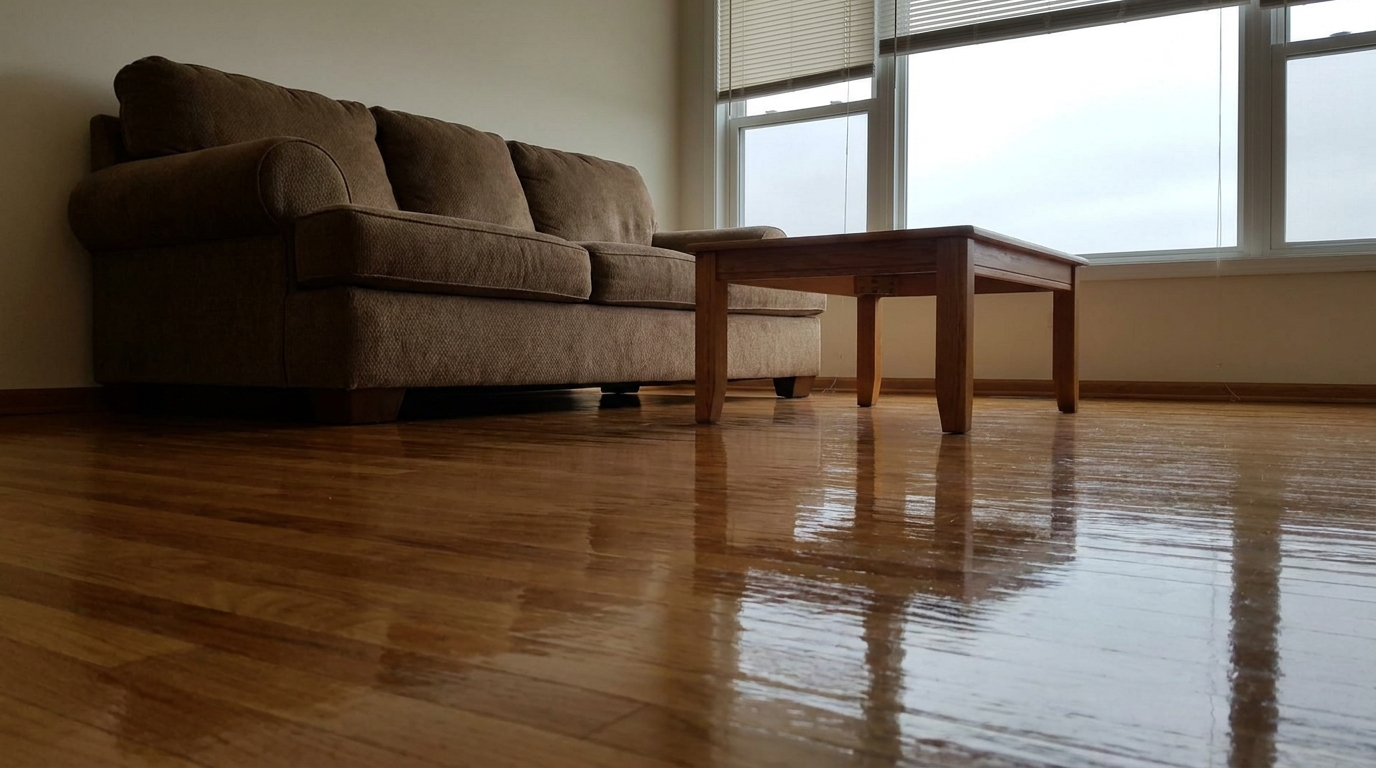
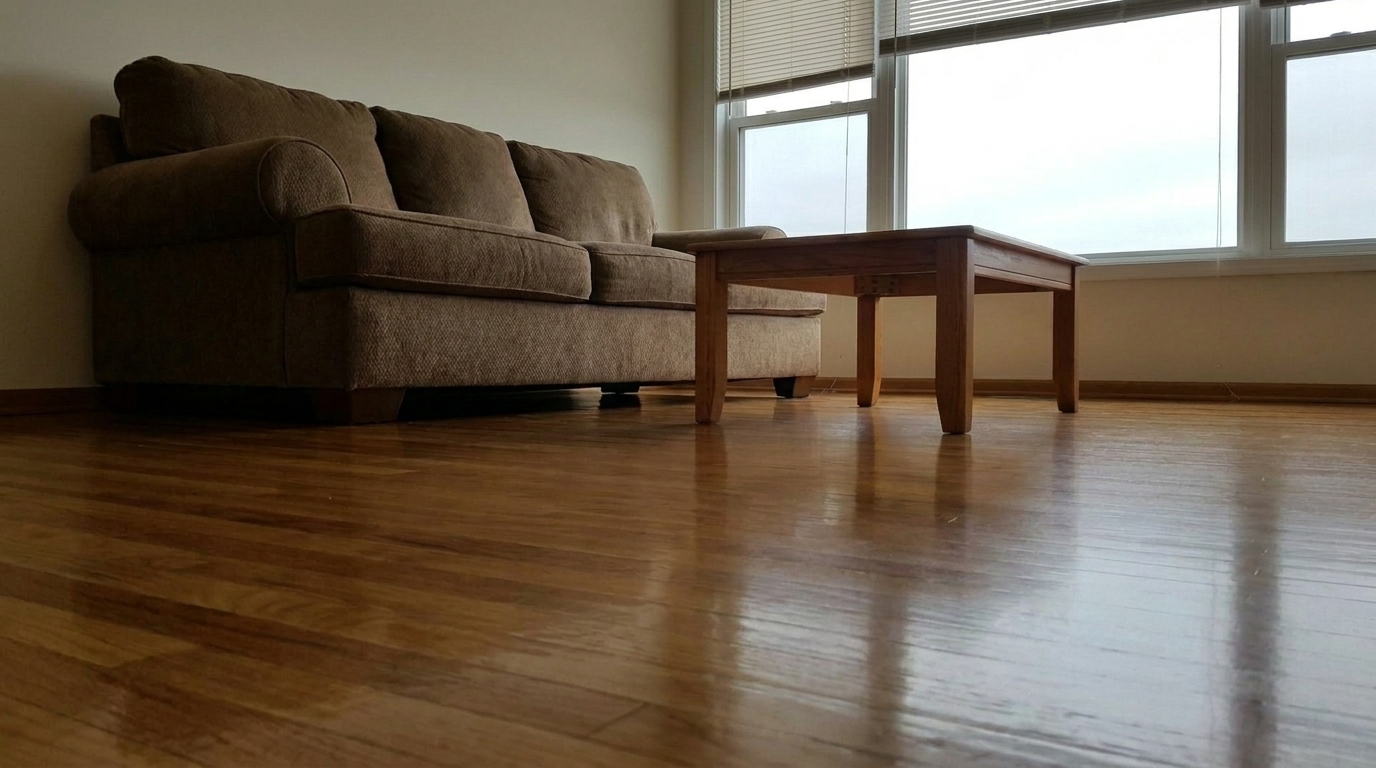

Classic Hardwood Living Room
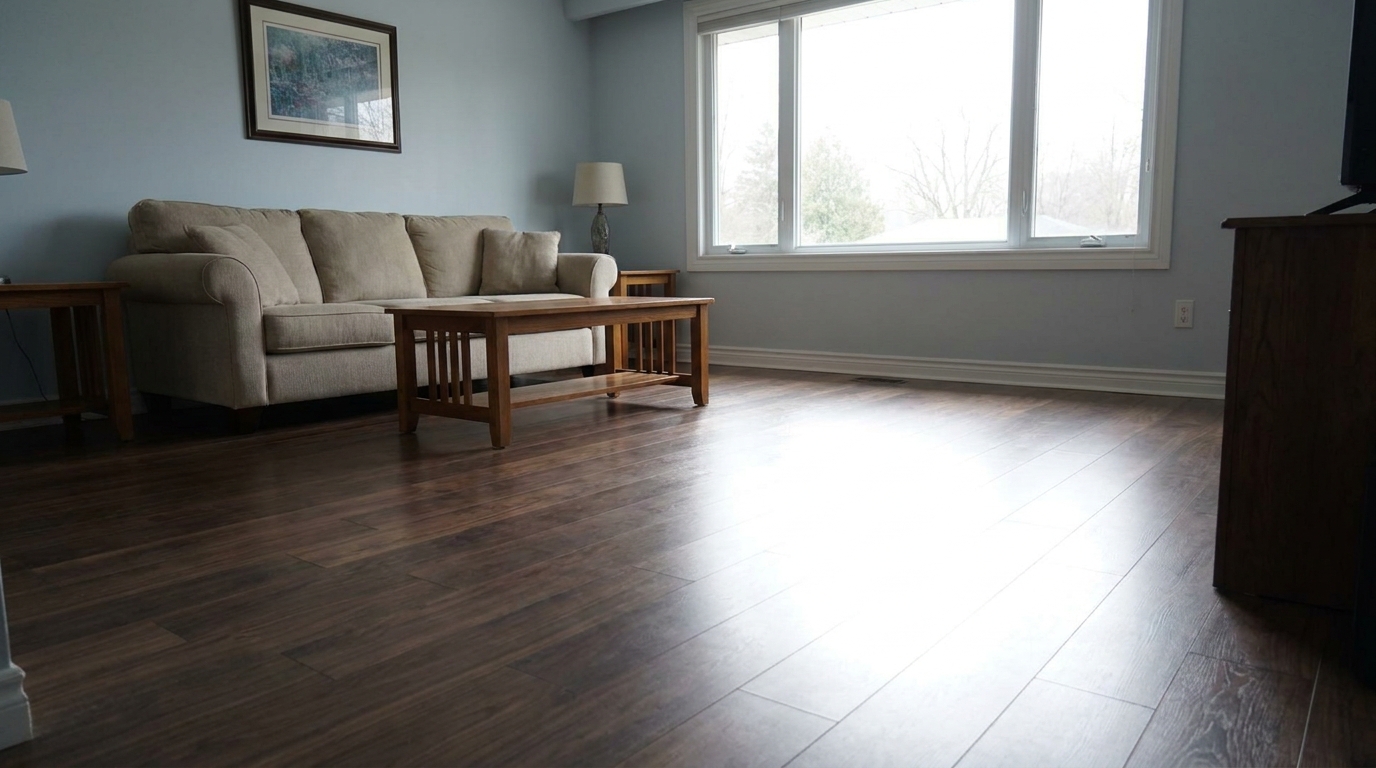
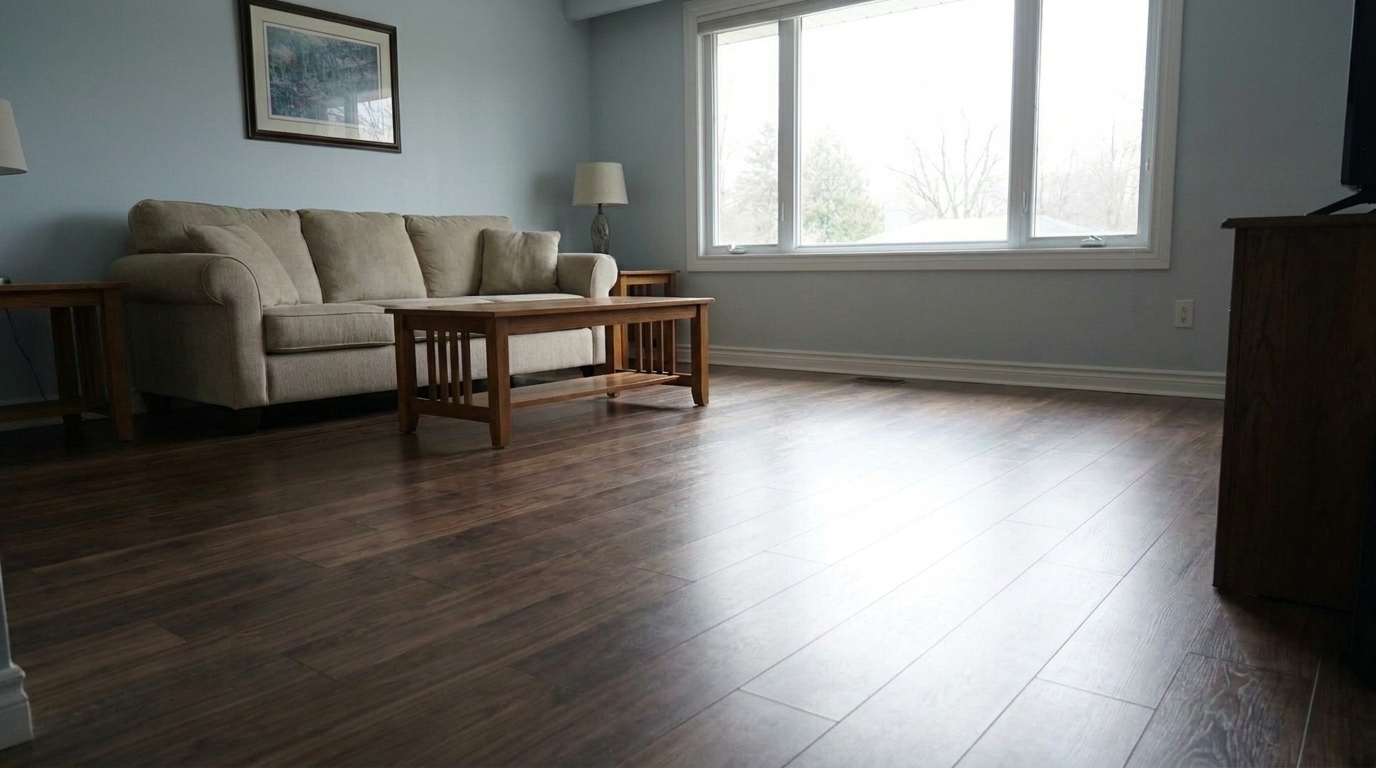
Classic Hardwood Living Room updated with floor reflection real estate styling.
Refine reflections on hardwood, tile, and polished floors. Clean up distracting glare and create a premium, high-end interior look instantly.
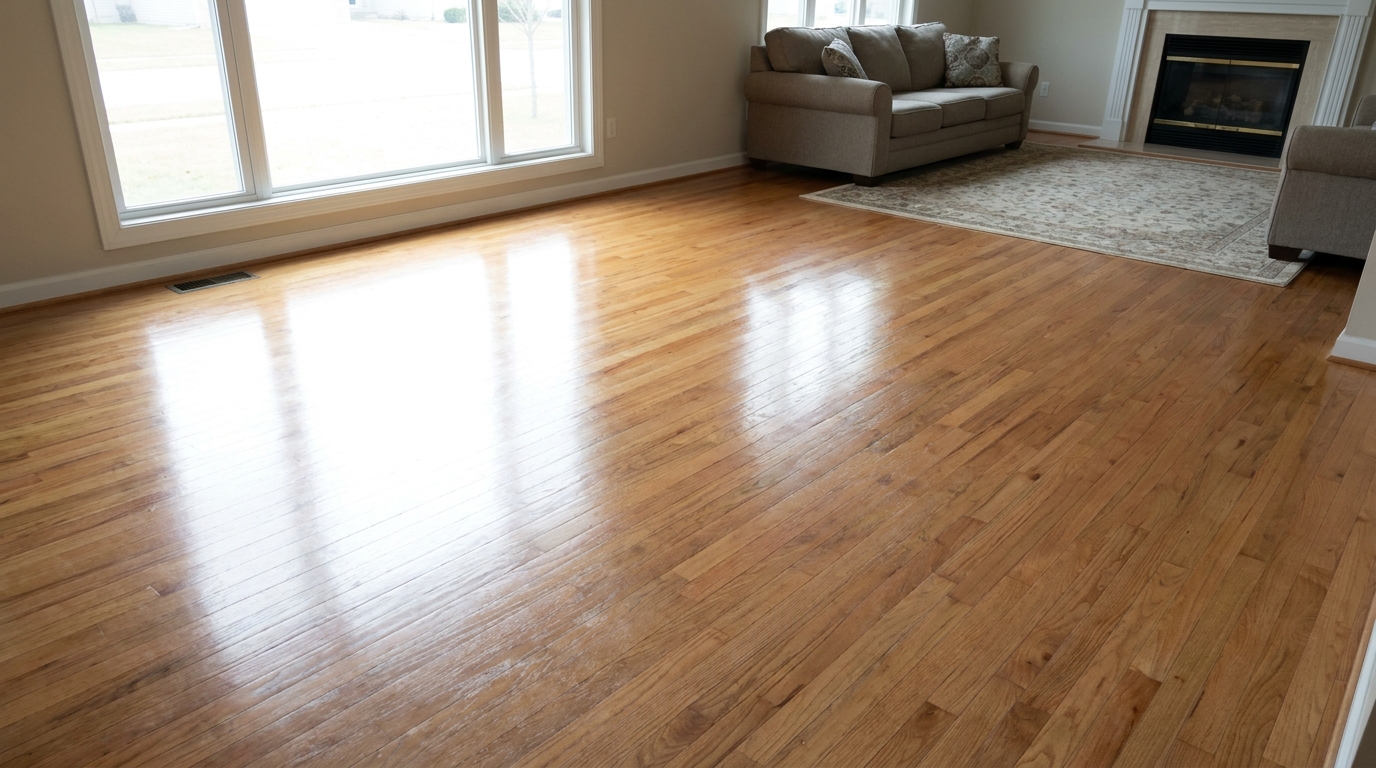
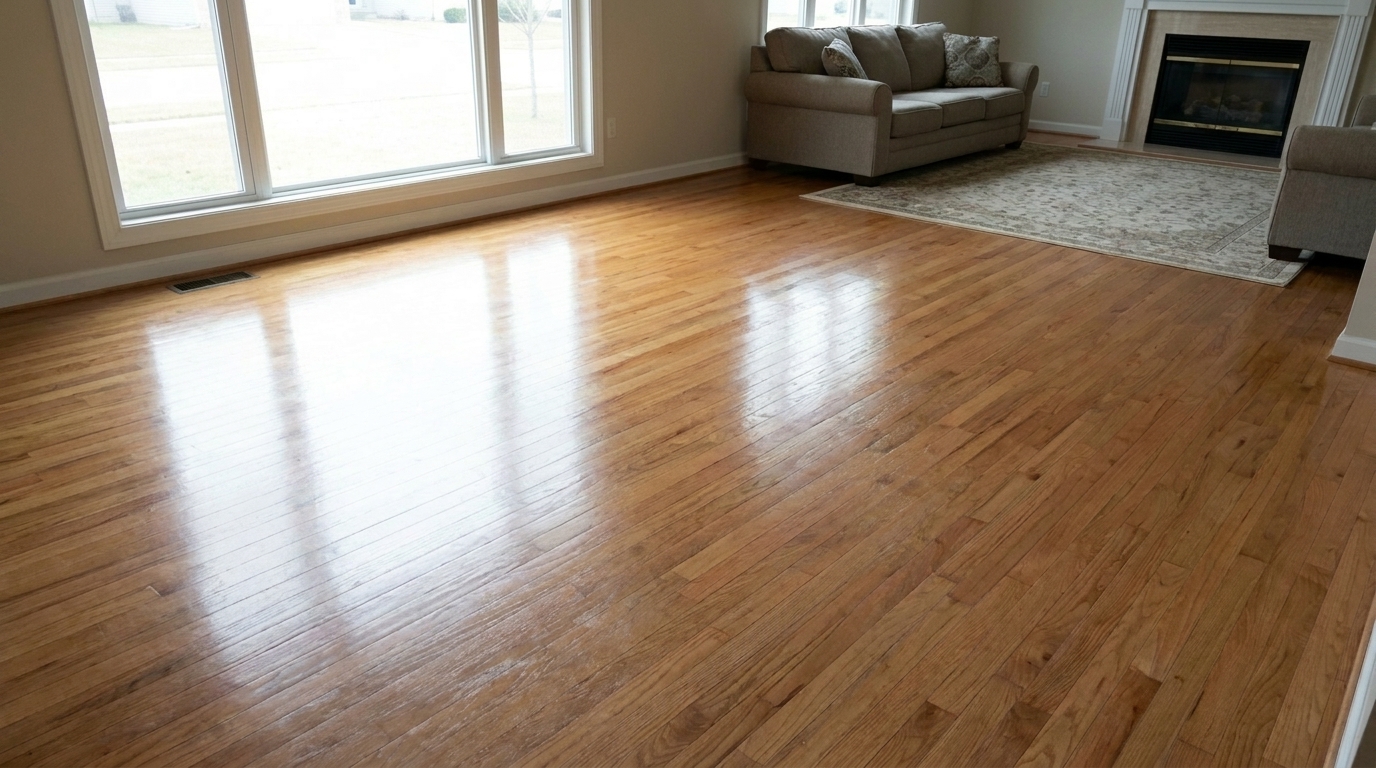
Compare the difference that clean, balanced floor reflections make in interior spaces.
Classic Hardwood Living Room updated with floor reflection real estate styling.
Sunlit Dining Area updated with floor reflection real estate styling.
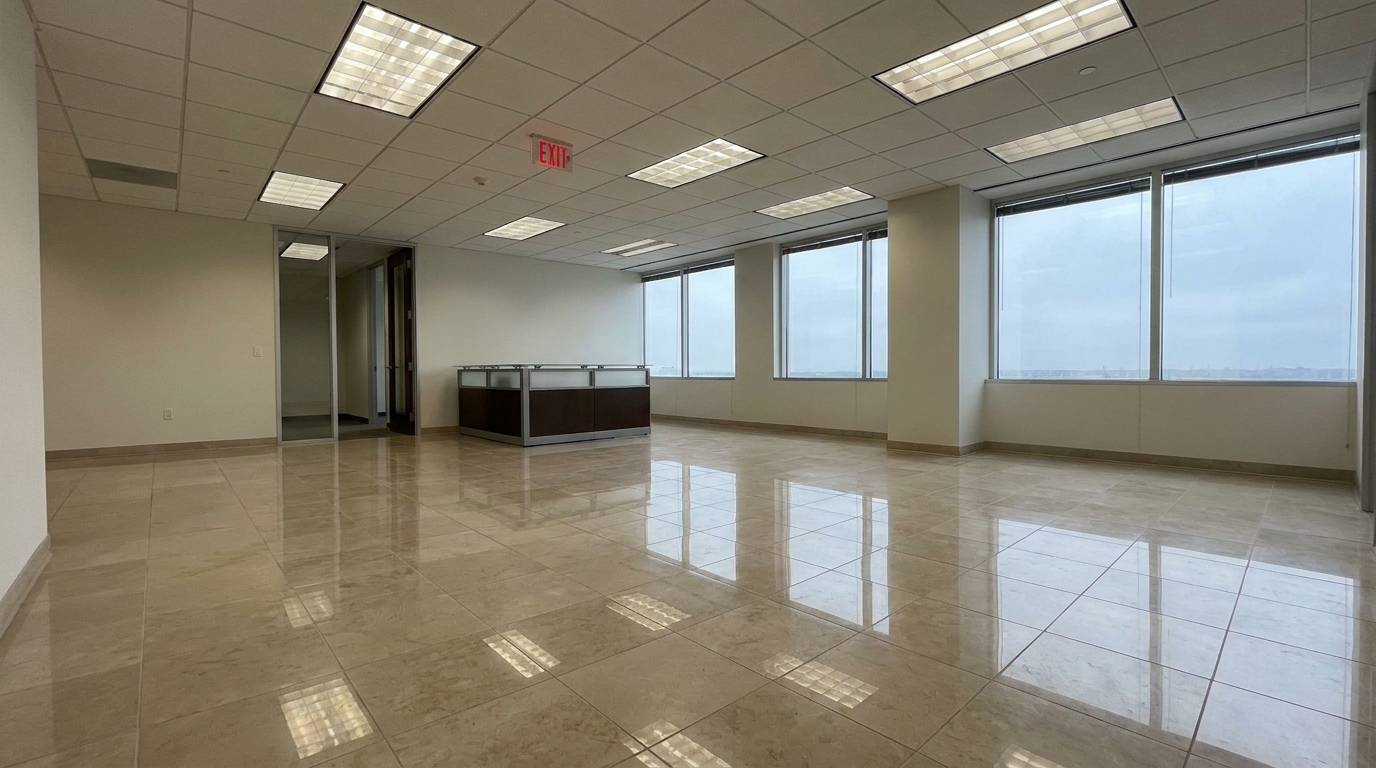
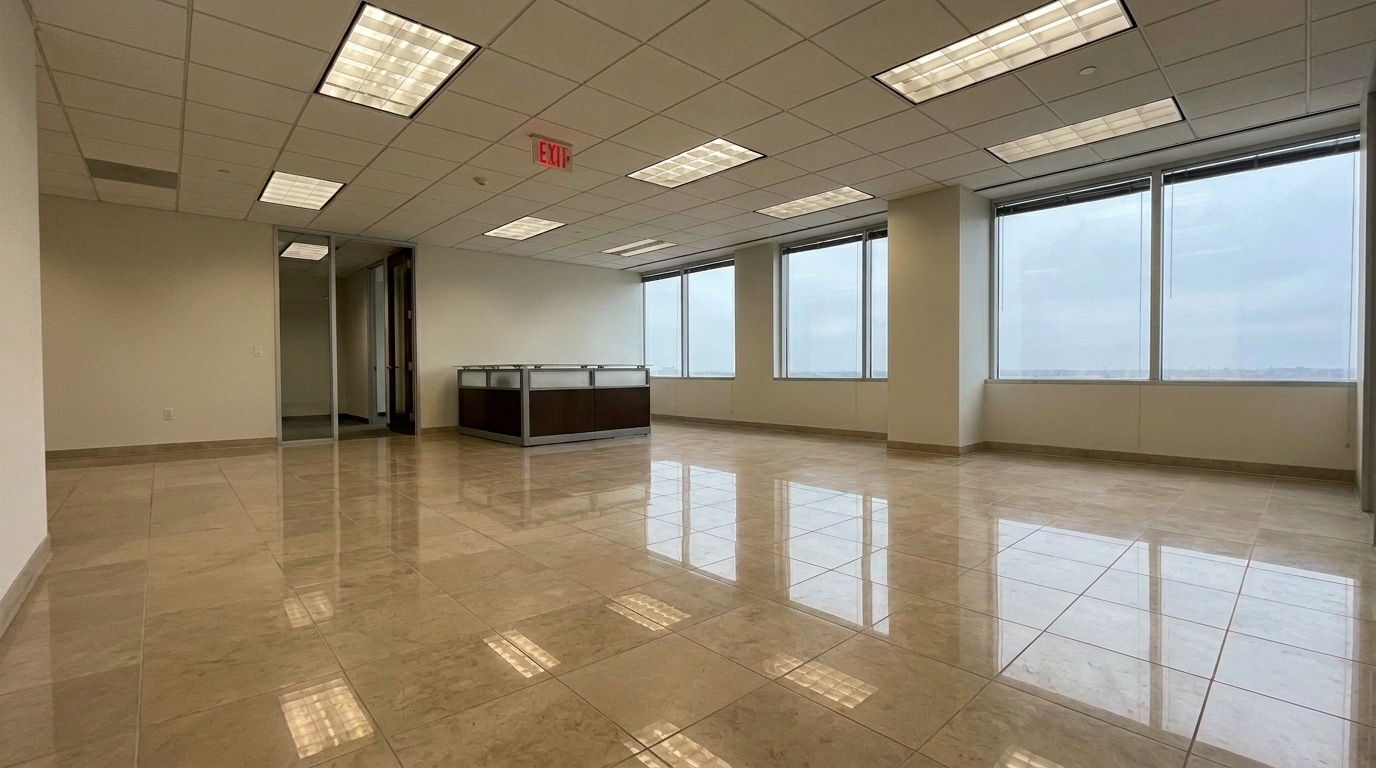
Commercial Office Lobby updated with floor reflection real estate styling.
Powerful AI tools designed to balance light, remove glare, and elevate interior depth.
Automatically identifies different flooring materials like hardwood, marble, polished concrete, and ceramic tile to apply material-specific reflection physics.
Tames harsh, overexposed light reflections from windows and overhead fixtures, turning distracting white spots into soft, balanced highlights.
Calculates realistic depth of field for reflections, ensuring objects closer to the floor reflect more sharply than distant ceiling elements.
Enhances reflections without losing the underlying material details, keeping wood grains, marble veins, and tile grout lines perfectly sharp.
Ensures all generated floor reflections align perfectly with the actual light sources, windows, and fixtures present in the room.
Provides a precise slider to adjust the reflection strength, allowing you to choose between a subtle satin sheen and a high-gloss luxury finish.
See how real estate professionals use floor reflection enhancement to elevate listings.
Elevate high-end properties by giving marble, granite, or exotic hardwood floors a pristine, showroom-quality gloss.
Luxury Real EstateHighlight the craftsmanship of newly polished or refinished floors by accentuating their clean, reflective properties.
Property RenovationFix interior photos taken during peak daylight hours where intense sunbeams create ugly, washed-out glare on polished surfaces.
Daytime PhotographyMake large commercial spaces, office lobbies, and hotel reception areas look grander and cleaner with polished concrete reflections.
Commercial ListingsClean up empty floors before adding digital furniture, ensuring the virtual staging reflections look natural and integrated.
Virtual StagingHelp flooring installers and refinishing companies showcase their work with professional-grade portfolio imagery.
Contractor MarketingGet polished, professional flooring reflections in three simple steps.
Drag and drop your high-resolution interior property photo into the Idealhouse editor, ensuring the flooring is clearly visible.
Choose the Floor Reflection Real Estate preset. Our AI will automatically analyze the floor material, whether it is hardwood, tile, or polished concrete.
Use the intensity slider to fine-tune the gloss and reflection levels to match the room's natural lighting, then export your polished image.
Source-backed context for why floor reflection real estate edits matter inside object & element specific workflows.
Floor Reflection Real Estate within Object & Element Specific evidence
Photos are one of the most valuable website features for home buyers; NAR's 2025 generational trends report says 83% of internet-using buyers rated photos as very useful. For Floor Reflection Real Estate pages, this supports showing how a focused Object & Element Specific edit can make the listing photo feel clearer, more polished, and easier for buyers to evaluate.
Source: NAR 2025Floor Reflection Real Estate within Object & Element Specific evidence
Zillow Research's 2025 prospective buyer report ranked high-resolution photos as the number two most important listing feature, selected by 26% of prospective buyers; floor plans ranked first at 33%. For Floor Reflection Real Estate pages, this supports showing how a focused Object & Element Specific edit can make the listing photo feel clearer, more polished, and easier for buyers to evaluate.
Source: Zillow 2025Floor Reflection Real Estate within Object & Element Specific evidence
Redfin reported that professionally photographed homes in the $400,000 range sold three weeks faster and for more than $10,000 relative to list price compared with amateur photos. Use this as supporting context, not as a guaranteed result. For Floor Reflection Real Estate pages, this supports showing how a focused Object & Element Specific edit can make the listing photo feel clearer, more polished, and easier for buyers to evaluate.
Source: RedfinFlooring makes up a massive percentage of any interior photo. Learn how to manage, enhance, and balance floor reflections to create a premium sense of space and cleanliness.
In real estate marketing, clean and polished floors are psychological indicators of a well-maintained, high-value home. When light bounces naturally off a hardwood or marble floor, it guides the viewer's eye through the room, creating a sense of depth, cleanliness, and luxury. However, raw camera sensors often struggle with highly reflective surfaces, resulting in either flat, dull floors or chaotic, high-contrast glare that distracts from the room's features. Enhancing these reflections digitally restores the natural balance of light.
To get the best results, start by cleaning up any physical distractions on the floor using the Clutter Removal or Stain Removal tools. Once the floor surface is clear of debris, apply the Floor Reflection Real Estate preset. The AI will automatically map the floor's plane and identify light sources. Adjust the intensity slider until the reflections of windows and furniture look clear but soft. Avoid pushing the slider too high, as overly sharp reflections can make the floor look wet or icy.
It is important to use the right tool for the specific floor issue you are facing. Use the Floor Reflection preset when your floors look dull, dry, or have uneven, muddy reflections that need depth and gloss. Choose the Glare Removal preset instead if your main issue is blinding, overexposed white hotspots from direct sunlight or flash units that completely wash out the floor's texture. Finally, use the Stain Removal preset for physical defects like scuffs, water spots, or dirt. Combining these tools in sequence yields the ultimate professional finish.
While glossy floors look spectacular in luxury listings, high-gloss reflections are not suitable for every property. Avoid adding strong reflections to naturally matte materials like rustic hand-scraped wood, unpolished travertine, slate, or concrete. Forcing a high-gloss look onto these materials looks artificial and can mislead buyers about the home's actual finishes. In these cases, use the preset at a very low intensity (10-20%) simply to clean up existing light bounces without adding artificial shine.
Discover other targeted tools to clean up and perfect specific details in your property photos.

Clean up visible wall damage for a smoother, better-maintained interior finish.
Try This Tool →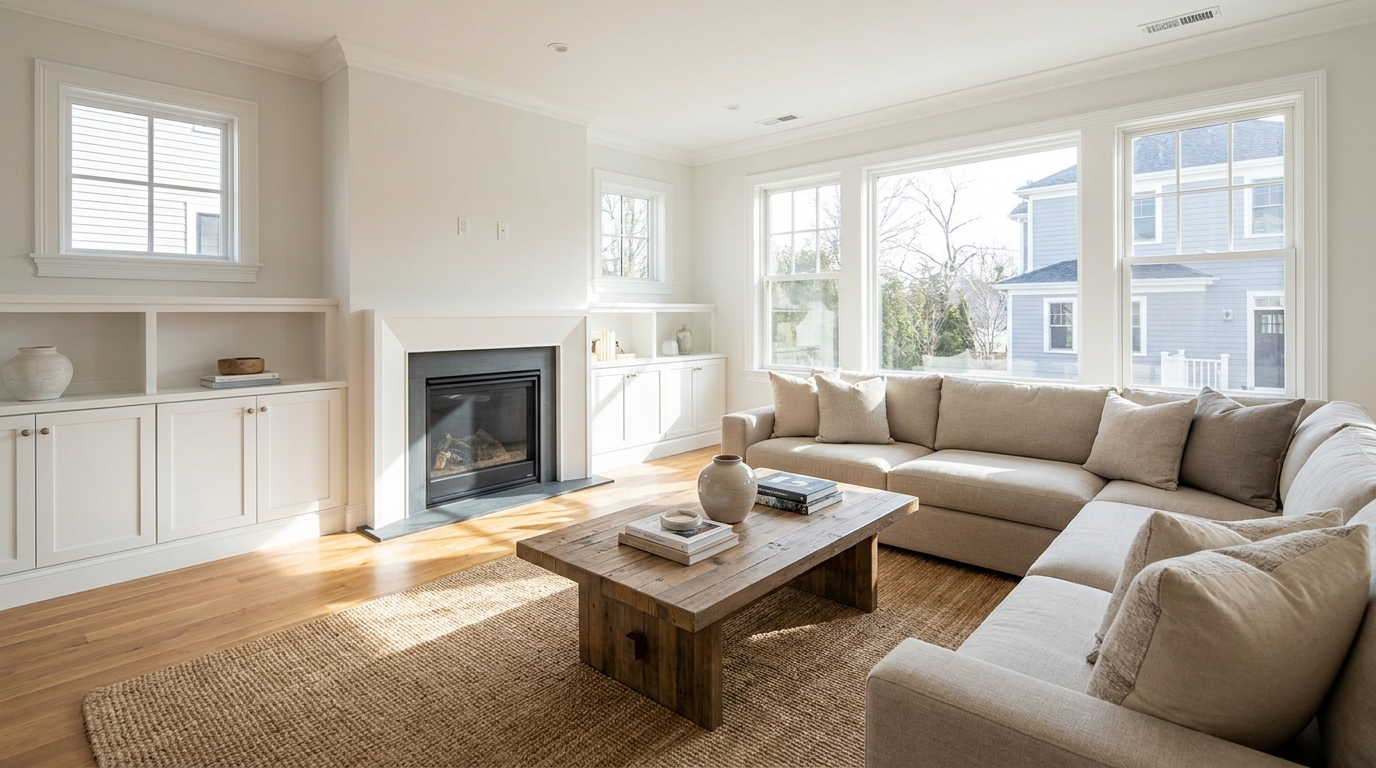
Remove people and pets for a cleaner photo that keeps attention on the property.
Try This Tool →
Eliminate bins and trash cans for tidier, more marketable exterior scenes.
Try This Tool →
Remove parked vehicles to keep focus on the home and surrounding curb appeal.
Try This Tool →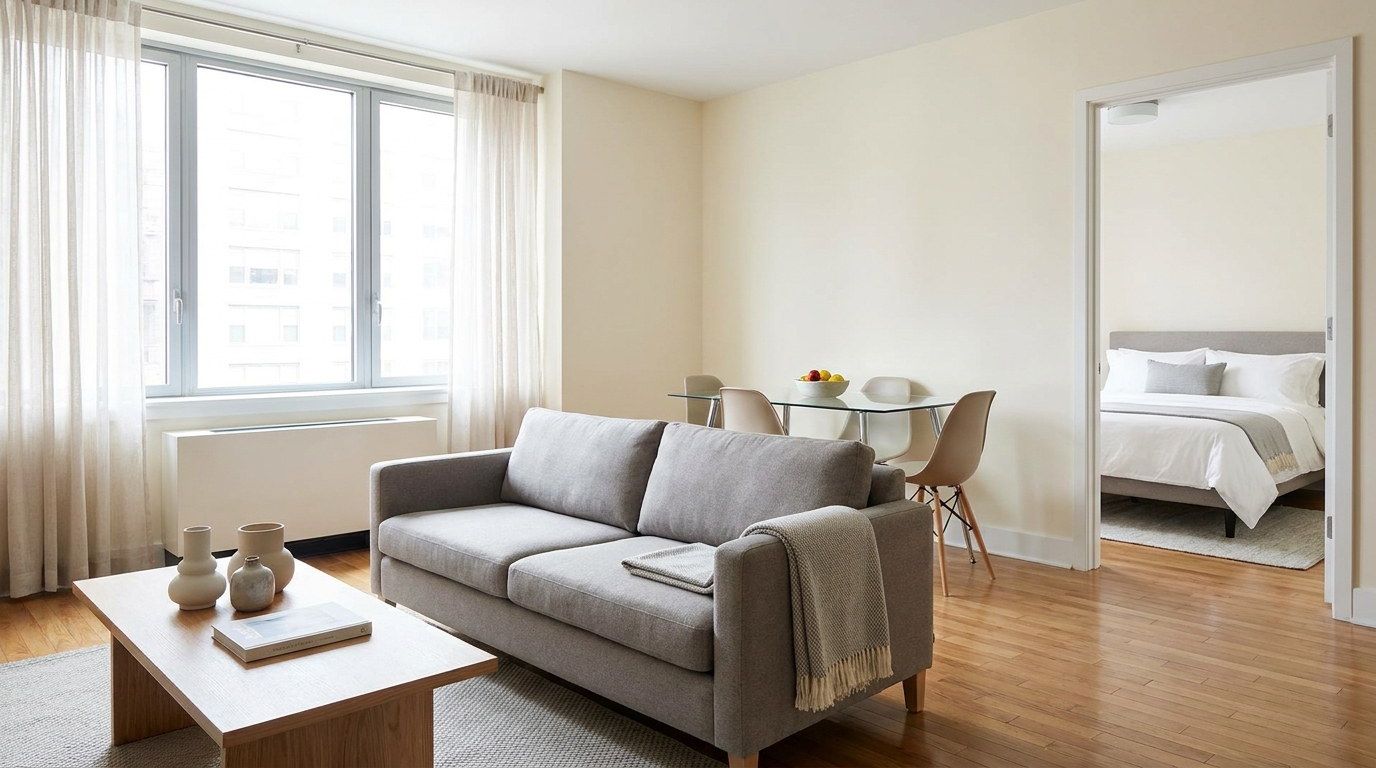
Clear visual distractions so rooms feel larger, cleaner, and easier to imagine.
Try This Tool →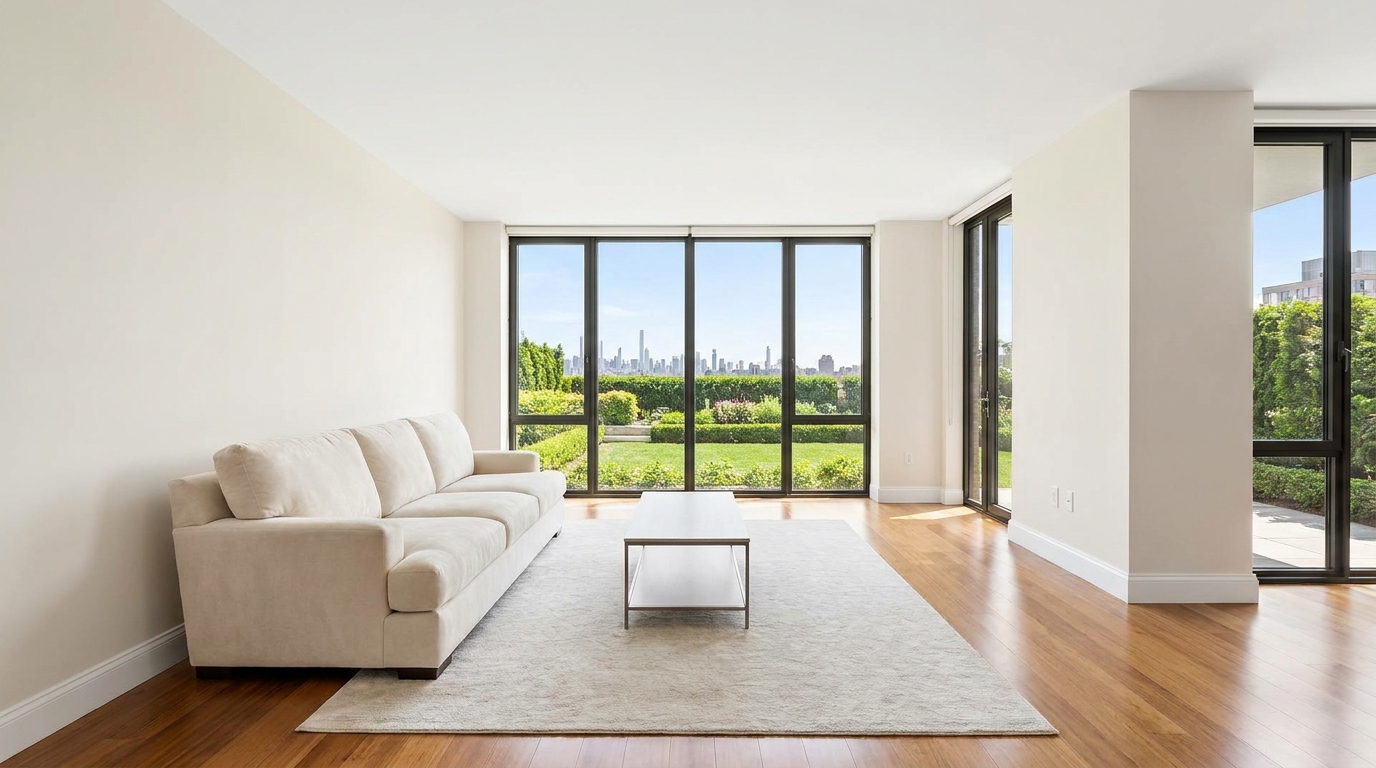
Remove timestamps and embedded text for a cleaner, more professional presentation.
Try This Tool →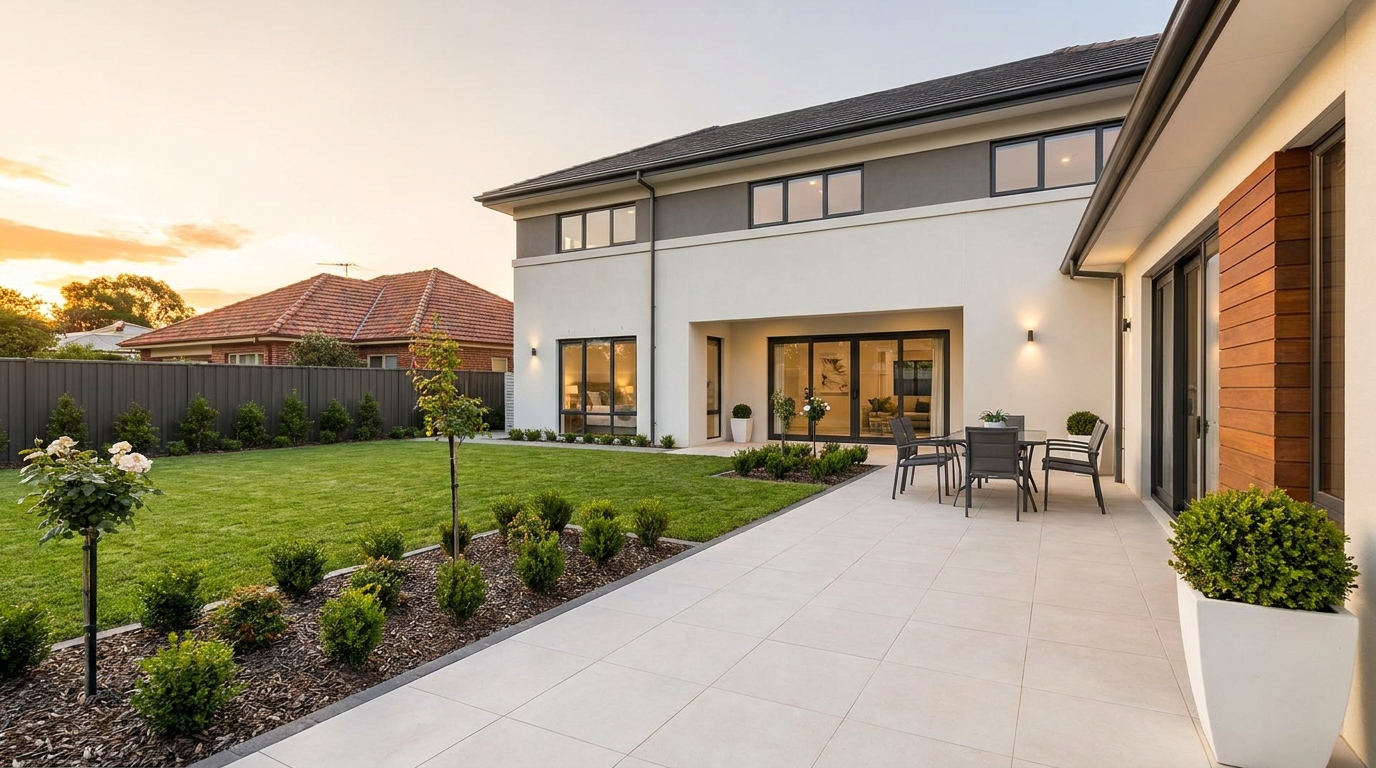
Remove signs and notices to keep the scene clean, polished, and distraction-free.
Try This Tool →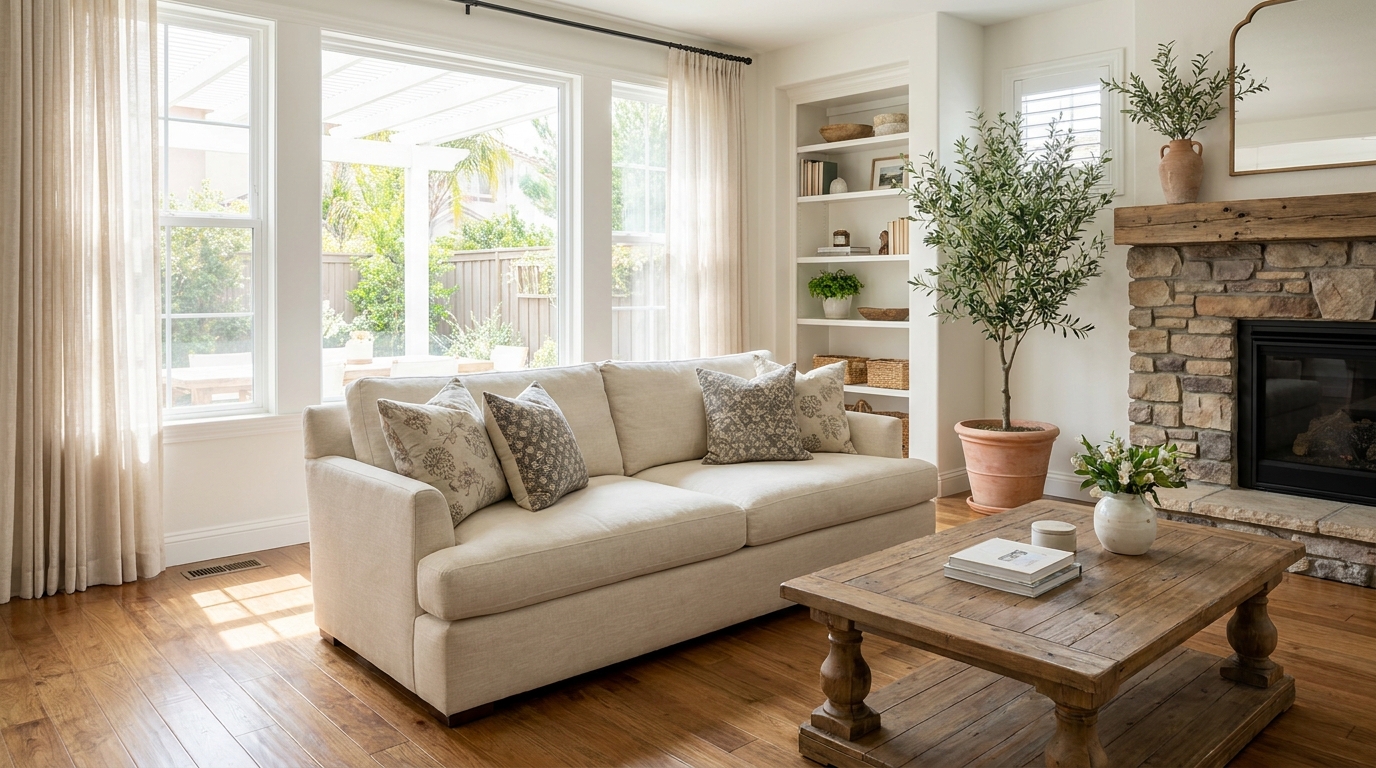
Tone down reflective hotspots for a clearer, cleaner image with better surface detail.
Try This Tool →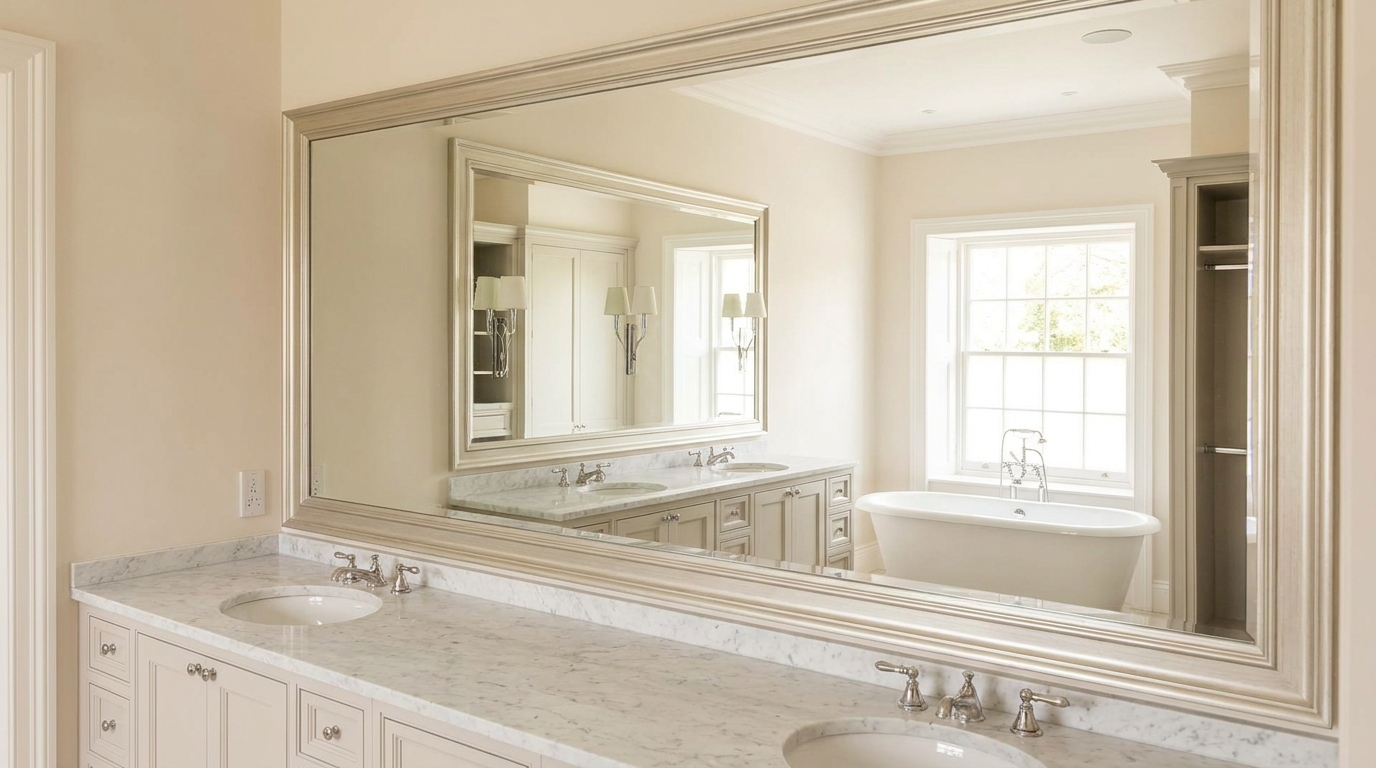
Remove unwanted mirror reflections for cleaner interiors and more polished composition.
Try This Tool →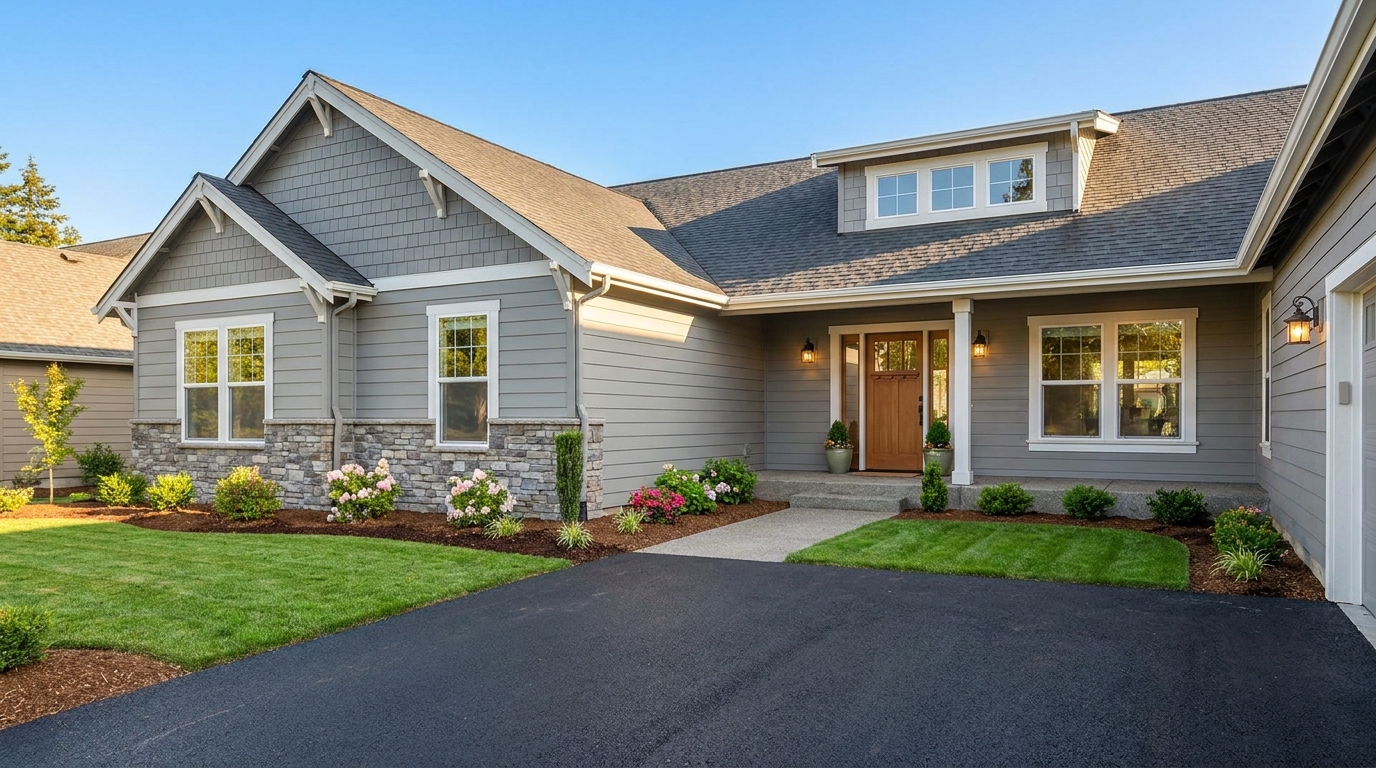
Clean up utility wires for a more open sky and stronger exterior presentation.
Try This Tool →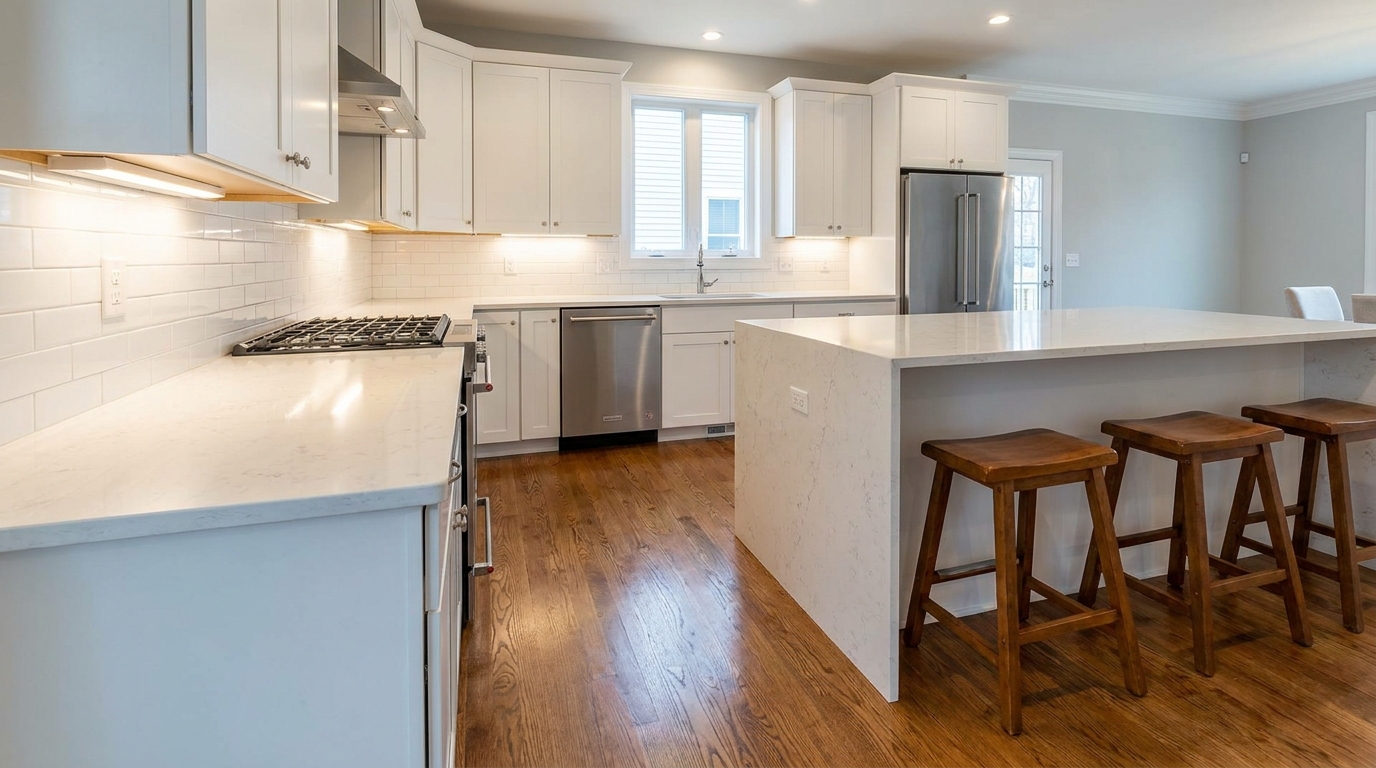
Remove stains and marks so surfaces look cleaner, fresher, and better cared for.
Try This Tool →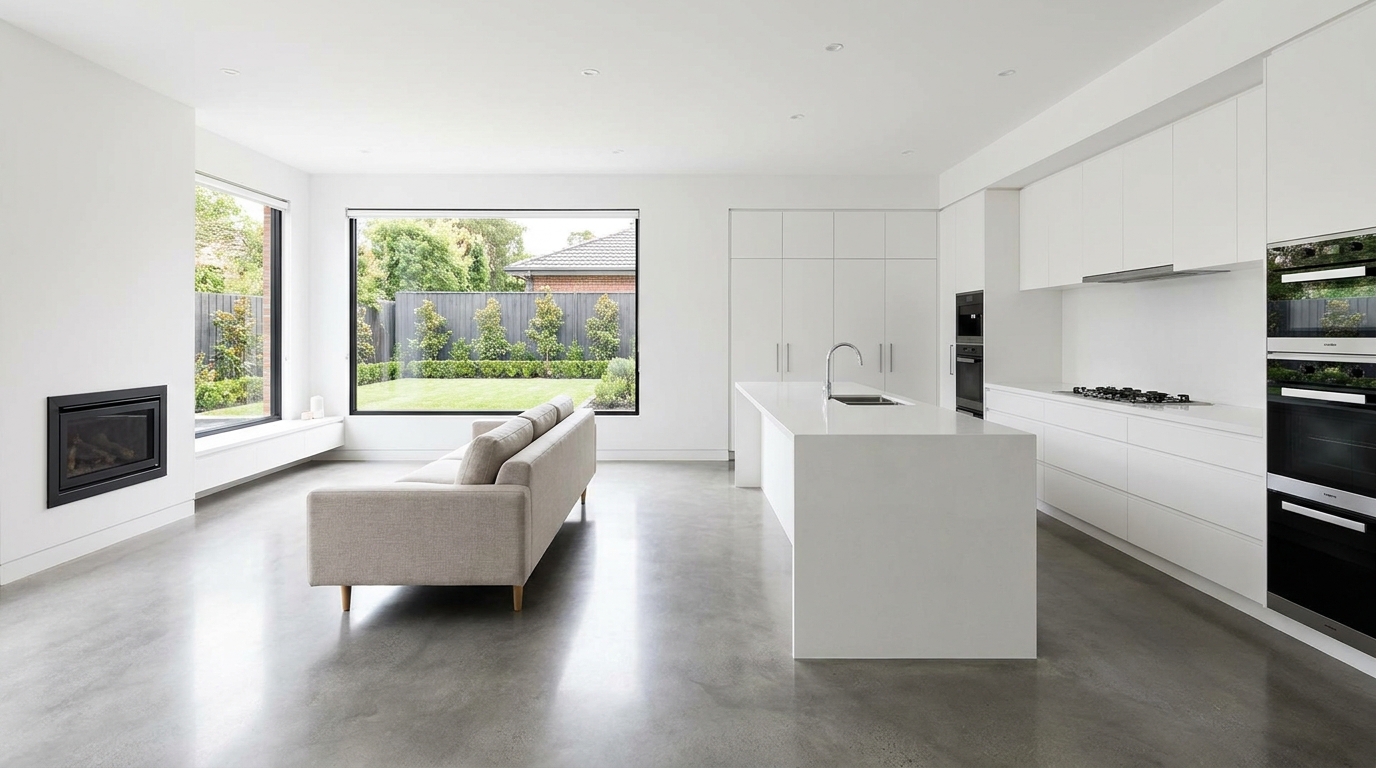
Eliminate logos and overlays for a clean image ready for marketing use.
Try This Tool →
Reduce window reflections for clearer views and a cleaner glass finish.
Try This Tool →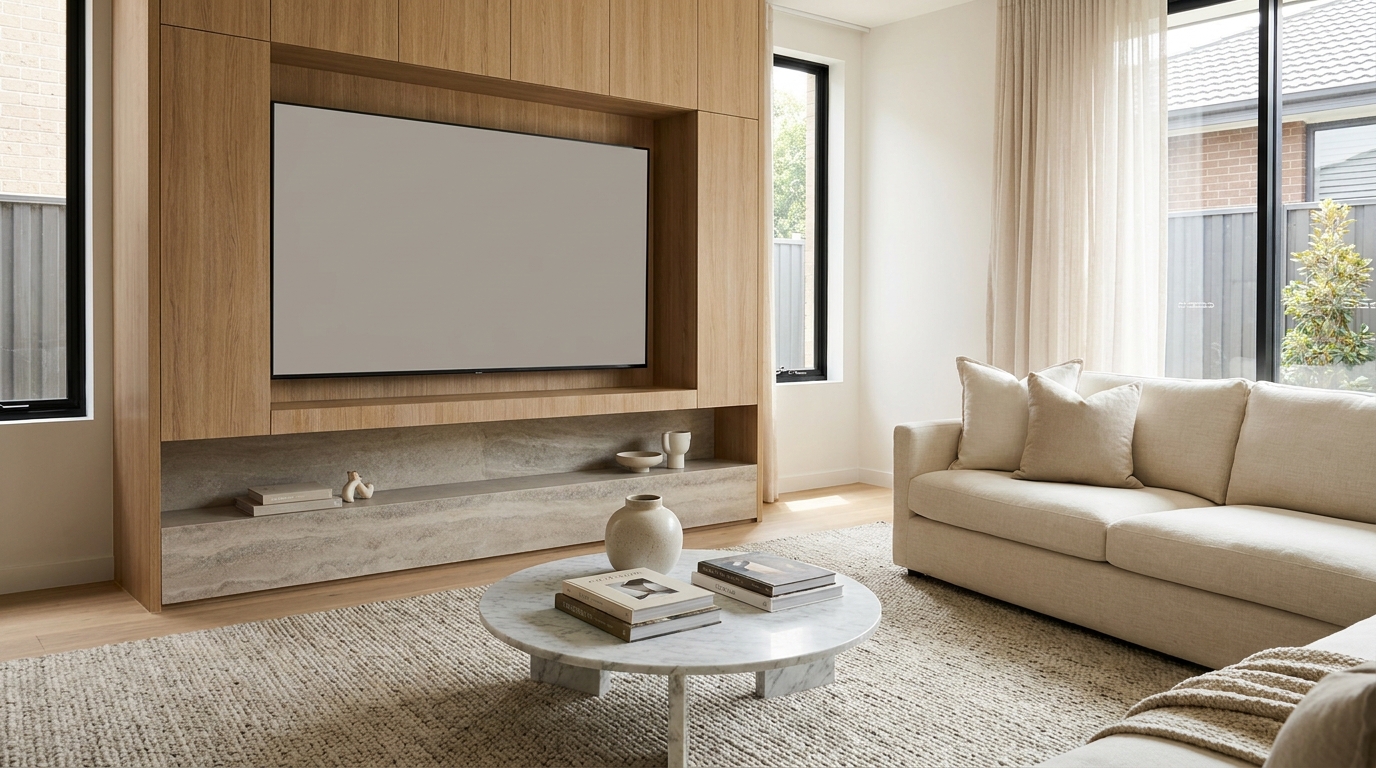
Replace distracting TV content with a clean dark screen that looks intentional and tidy.
Try This Tool →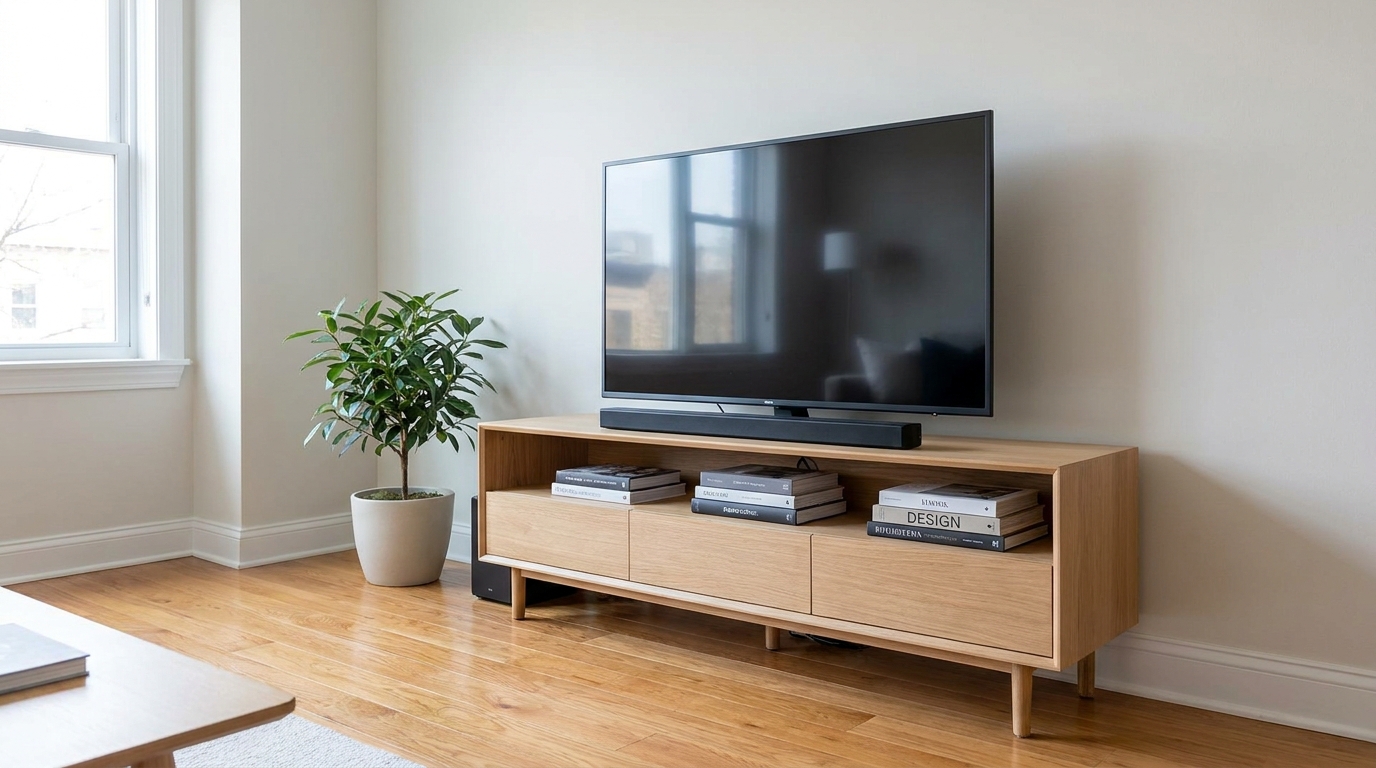
Remove visible cords and cables for a cleaner, more premium-looking space.
Try This Tool →Explore more AI-powered tools to optimize your property listings and interior shots.
AI image-to-video generation for turning home, room, and property photos into more vivid presentation videos.
02AI exterior renovation for visualizing facade updates, curb appeal improvements, and home exterior remodel ideas.
03AI landscaping design for exploring outdoor concepts, curb appeal upgrades, planting ideas, and yard layout directions.
04AI virtual staging for furnishing empty rooms and creating listing-ready interiors for real estate marketing.
05Free AI image generation for turning text prompts into unlimited visual ideas for home design, interiors, landscaping, renovation
06AI object removal for cleaning up distracting items from room, home, and property photos.
Don't let dull floors or distracting glare ruin your interior shots. Use our AI-powered Floor Reflection Enhancer to create clean, elegant, and high-end real estate photos in seconds.