
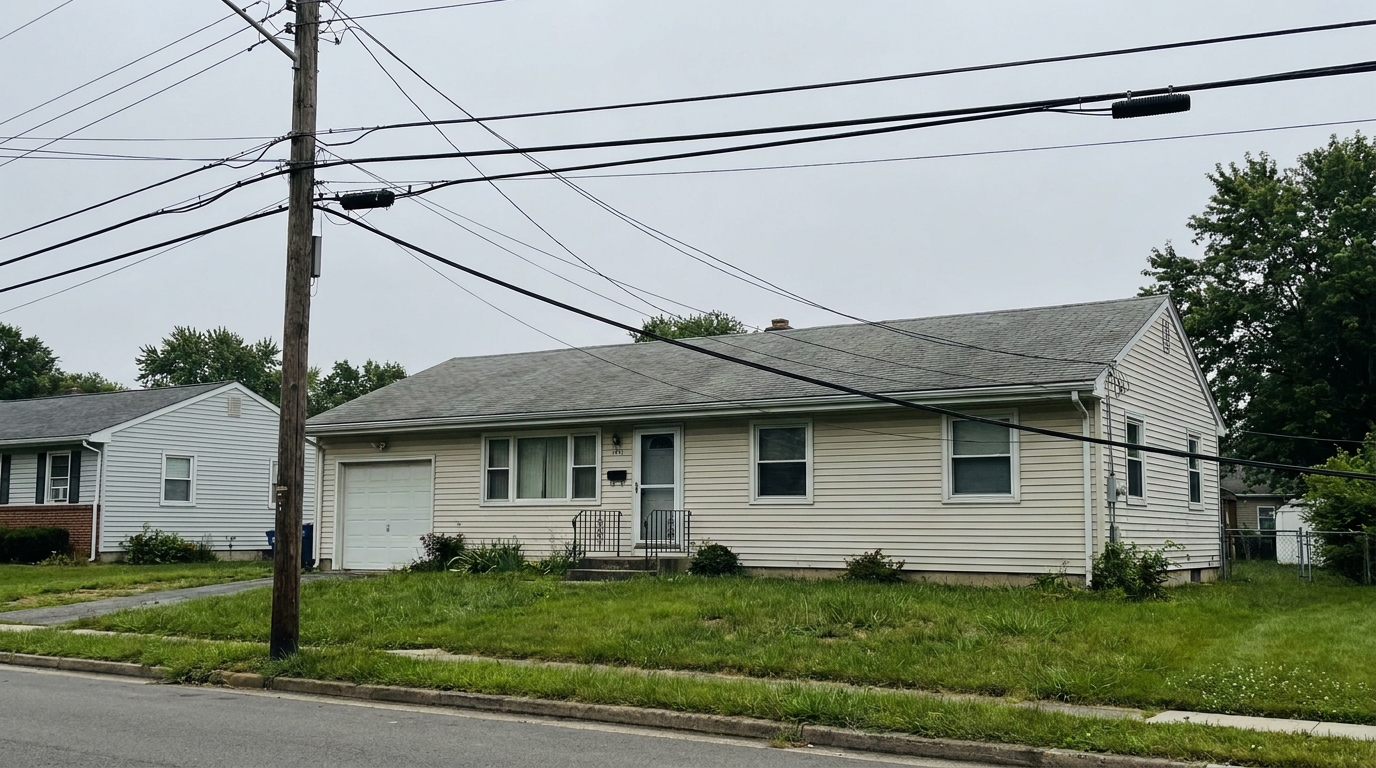
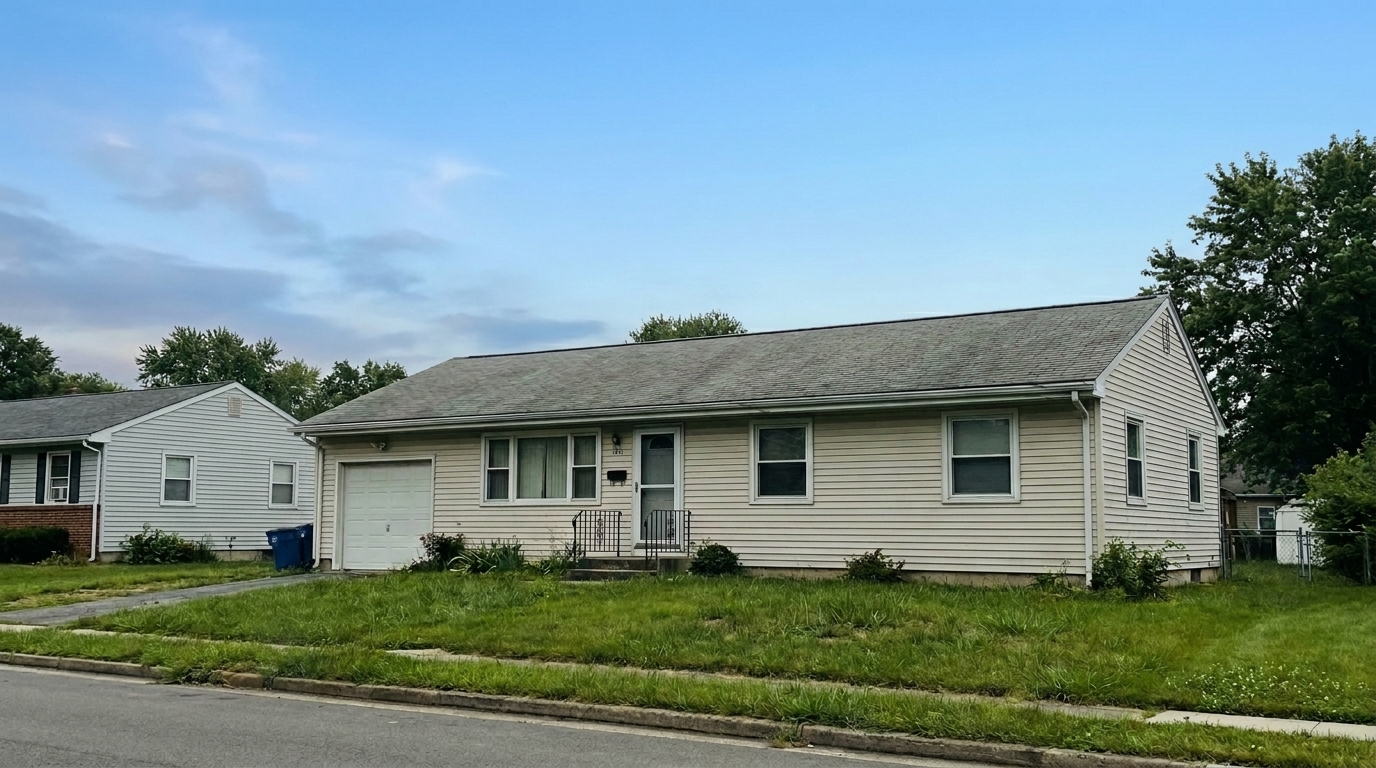

Suburban Street View
Suburban Street View updated with remove power lines styling.
Clean up cluttered skies and restore unobstructed views instantly. Enhance your real estate exterior listings with seamless AI-powered wire removal.
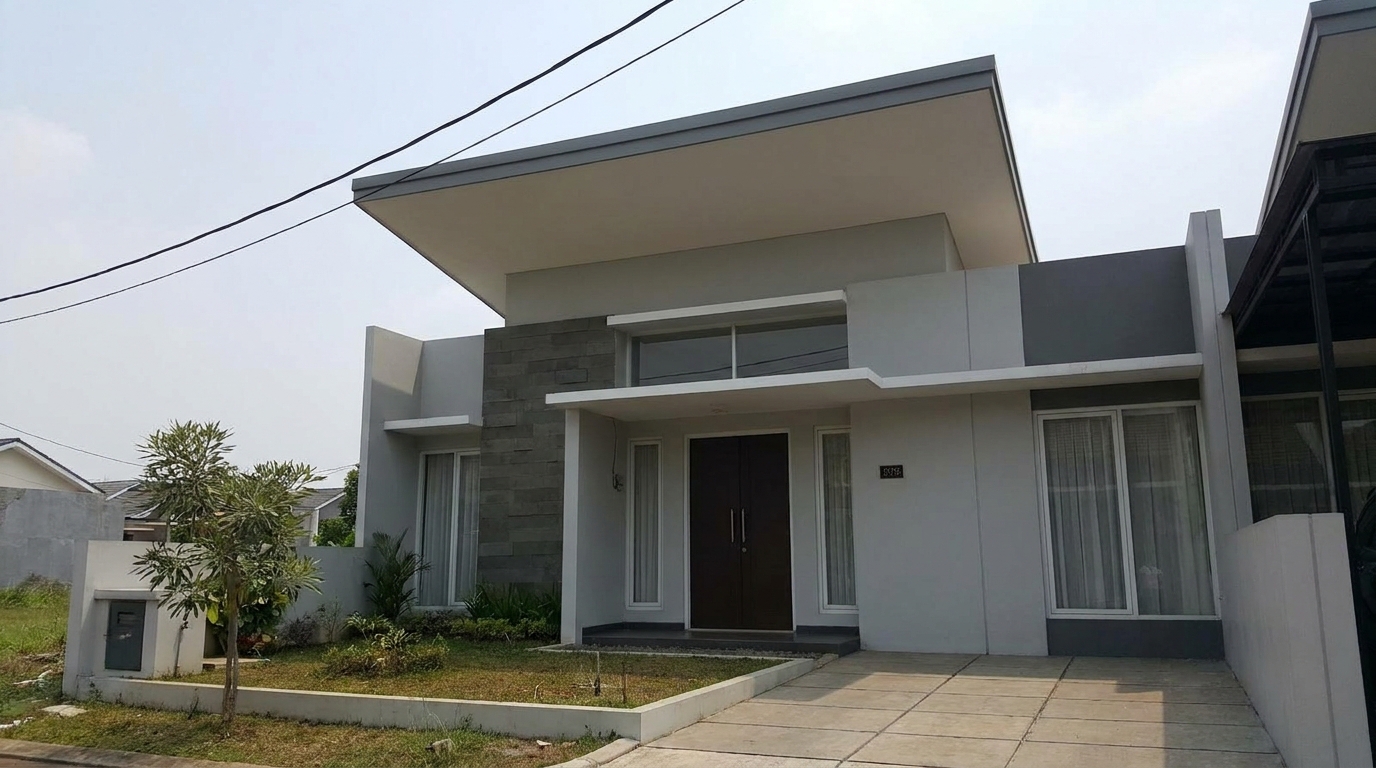
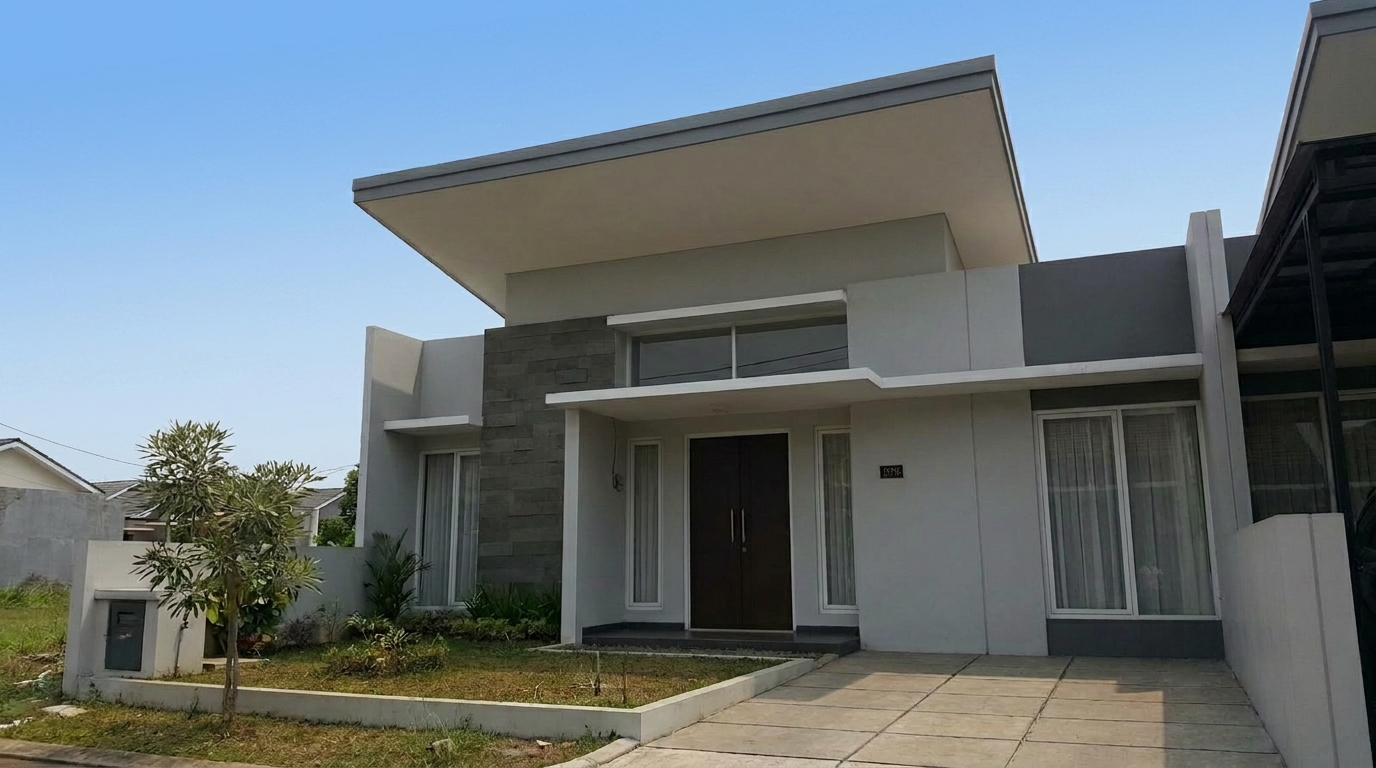
Compare original cluttered shots with our clean, wire-free exterior enhancements.
Suburban Street View updated with remove power lines styling.
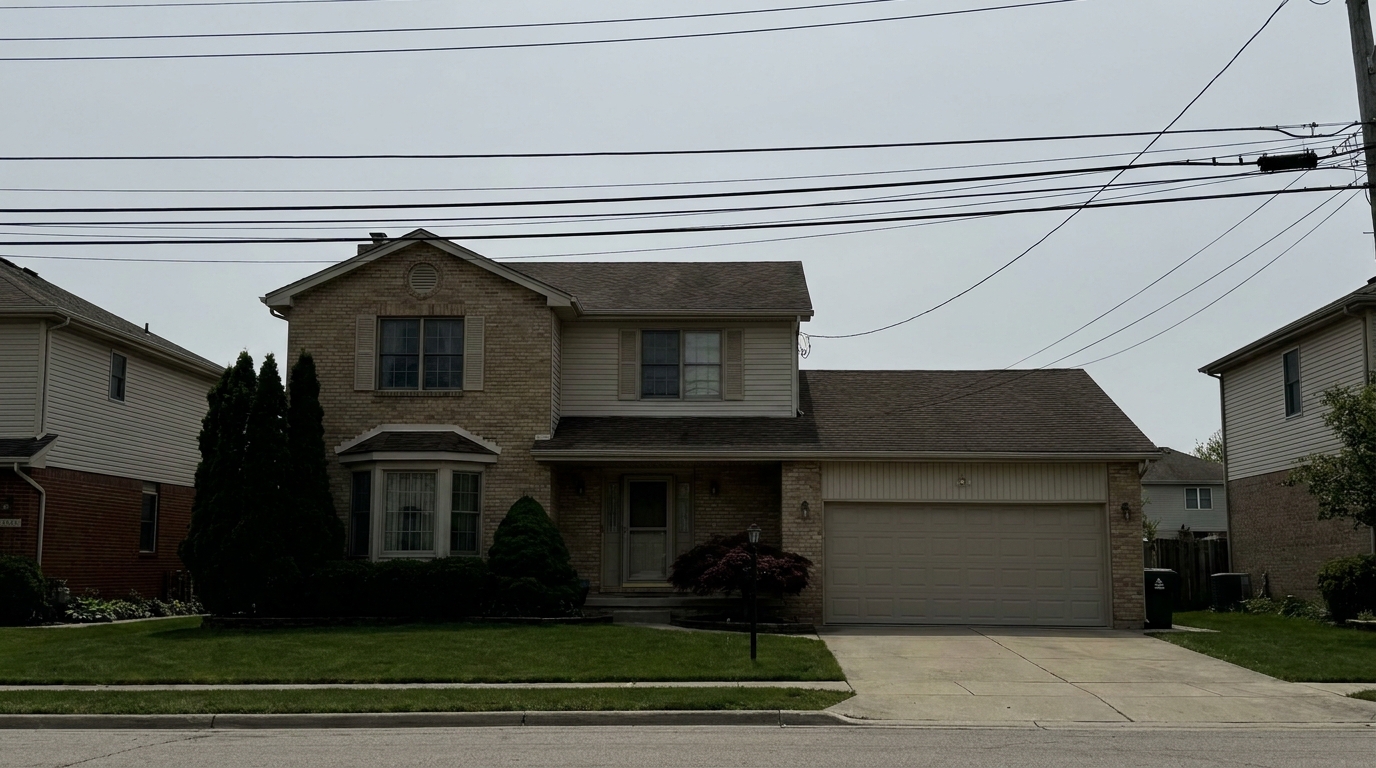
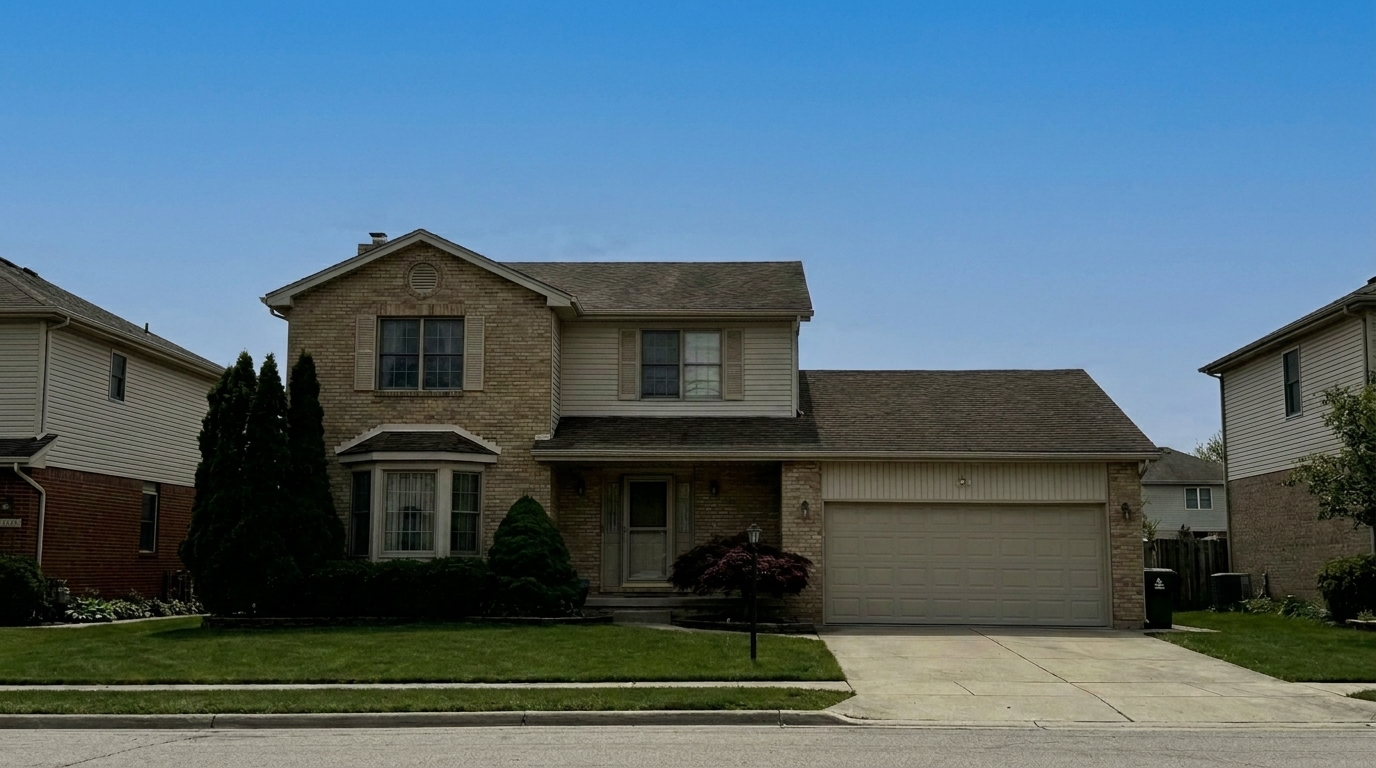
Twilight Exterior updated with remove power lines styling.
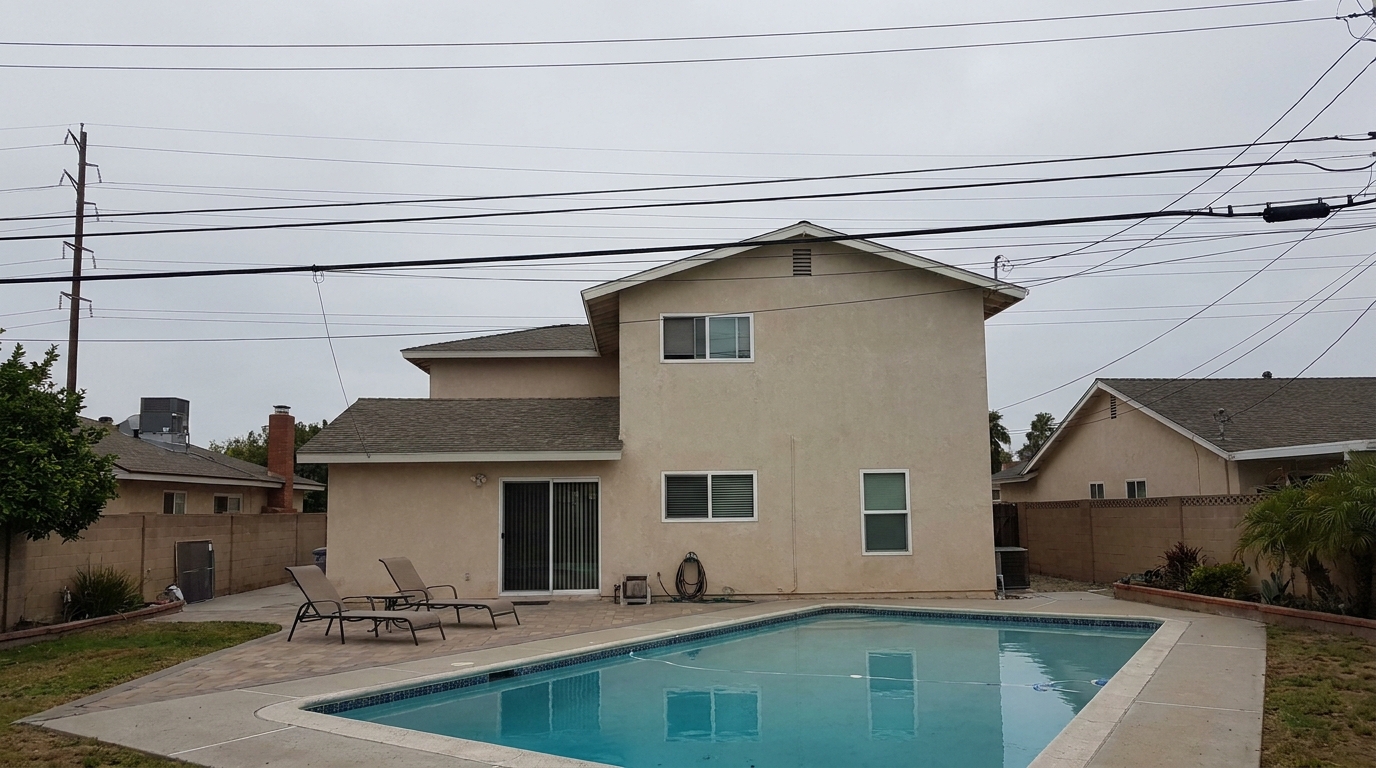
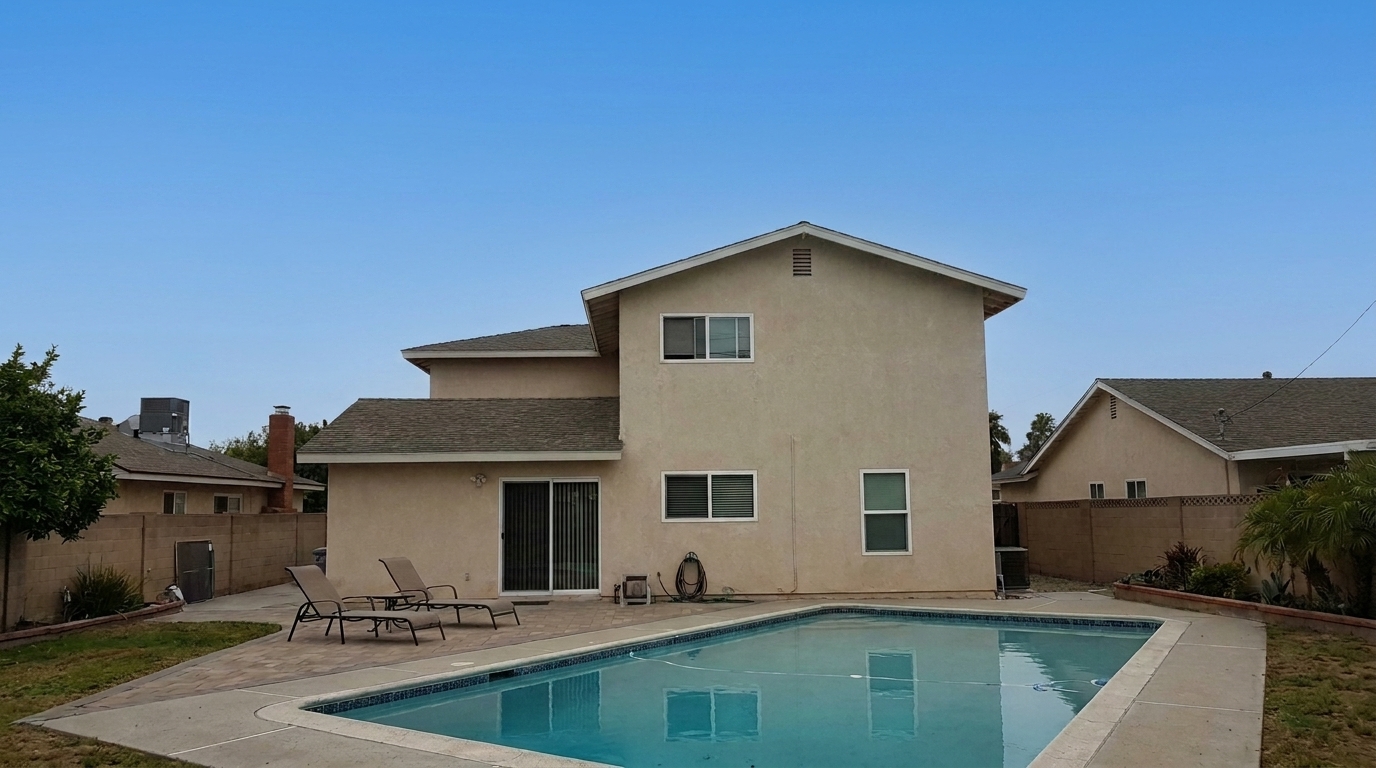
Backyard Oasis updated with remove power lines styling.
Our AI-driven tool intelligently reconstructs skies and rooflines for a flawless finish.
Automatically identifies thin utility lines, thick cables, and complex wire webs across any sky background.
Rebuilds natural gradients, clouds, and blue skies behind the removed power lines without leaving smudges.
Preserves sharp architectural edges, gutters, and shingles where wires cross directly in front of the home.
Intelligently separates wires from overlapping tree branches and leaves, maintaining natural organic textures.
Clean up multiple exterior angles simultaneously to maintain consistent, high-quality listing photos.
Retains the original image quality, sharpness, and metadata, making it perfect for MLS and print marketing.
See how real estate professionals and photographers use wire removal to boost listing value.
Clear messy overhead wires from front-facing exterior shots to make the home look instantly more inviting.
Exterior MarketingRestore the classic, timeless look of historic homes by removing modern, distracting utility lines.
Specialty ListingsClean up complex wire grids captured from high angles that slice through the property's boundary view.
Aerial ViewsOpen up the sky above outdoor living spaces, pools, and decks for a more spacious and luxurious feel.
Outdoor LivingPresent office buildings and retail spaces without distracting street-level utility cables and infrastructure.
CommercialEnsure dramatic twilight skies are completely unobstructed by dark, crisscrossing utility wires.
Twilight ShotsFollow these simple steps to clear utility wires and elevate your exterior property shots.
Select and upload your high-resolution property exterior photo containing distracting power lines or utility wires.
Choose the 'Remove Power Lines' preset. Our AI will automatically detect, trace, and erase the utility lines.
Preview the seamless results and download your enhanced, wire-free listing photo with a perfectly restored sky.
Source-backed context for why remove power lines edits matter inside object & element specific workflows.
Remove Power Lines within Object & Element Specific evidence
Photos are one of the most valuable website features for home buyers; NAR's 2025 generational trends report says 83% of internet-using buyers rated photos as very useful. For Remove Power Lines pages, this supports showing how a focused Object & Element Specific edit can make the listing photo feel clearer, more polished, and easier for buyers to evaluate.
Source: NAR 2025Remove Power Lines within Object & Element Specific evidence
Zillow Research's 2025 prospective buyer report ranked high-resolution photos as the number two most important listing feature, selected by 26% of prospective buyers; floor plans ranked first at 33%. For Remove Power Lines pages, this supports showing how a focused Object & Element Specific edit can make the listing photo feel clearer, more polished, and easier for buyers to evaluate.
Source: Zillow 2025Remove Power Lines within Object & Element Specific evidence
Redfin reported that professionally photographed homes in the $400,000 range sold three weeks faster and for more than $10,000 relative to list price compared with amateur photos. Use this as supporting context, not as a guaranteed result. For Remove Power Lines pages, this supports showing how a focused Object & Element Specific edit can make the listing photo feel clearer, more polished, and easier for buyers to evaluate.
Source: RedfinClean, unobstructed views are crucial for capturing a buyer's attention. Learn how to leverage AI-powered wire removal to elevate your property listings.
First impressions are formed within seconds of a buyer viewing an online listing. Crisscrossing power lines and utility wires create visual noise that distracts from a home's architectural beauty and curb appeal. By removing these overhead distractions, you open up the sky, make the property feel more spacious, and present a polished, premium aesthetic that can lead to higher engagement and faster inquiries.
Traditional photo editing requires tedious manual cloning, which often leaves noticeable smudges or repetitive patterns, especially across sky gradients and complex rooflines. Our AI-driven preset solves this by analyzing the surrounding pixels and intelligently predicting what lies behind the wires. Whether it is a clear blue sky, a dramatic sunset, or dense tree foliage, the AI reconstructs the background with pixel-perfect accuracy, preserving the original lighting and texture.
When preparing a listing, different types of visual clutter require specific tools. The 'Remove Power Lines' preset is engineered specifically for outdoor utility wires, utilizing advanced sky-reconstruction algorithms to handle complex gradients and high-contrast backdrops. If you are dealing with indoor clutter like power strips, TV cords, or charger cables, you should use the 'Wire & Cable Removal' preset instead, which is optimized for interior wall textures and floor patterns. For larger physical obstructions on the ground, choose 'Remove Cars' or 'Trash Can Removal' to restore driveways and curbs. Avoid using the power line remover on structural elements like support pillars or permanent fixtures, as MLS guidelines generally prohibit altering the physical structure of the home. Use this preset strictly to clear overhead sky clutter and restore the natural view.
To get the best results from the AI wire remover, try to capture your exterior shots on clear days or during golden hour when the contrast between the wires and the sky is distinct. Avoid shooting directly into harsh sunlight, which can cause extreme lens flare around the wires. When uploading to Idealhouse, ensure your images are high-resolution; this provides the AI with more detail to accurately separate thin wires from delicate background elements like tree branches and roof shingles.
Discover specialized presets to remove distractions and polish every detail of your property photos.
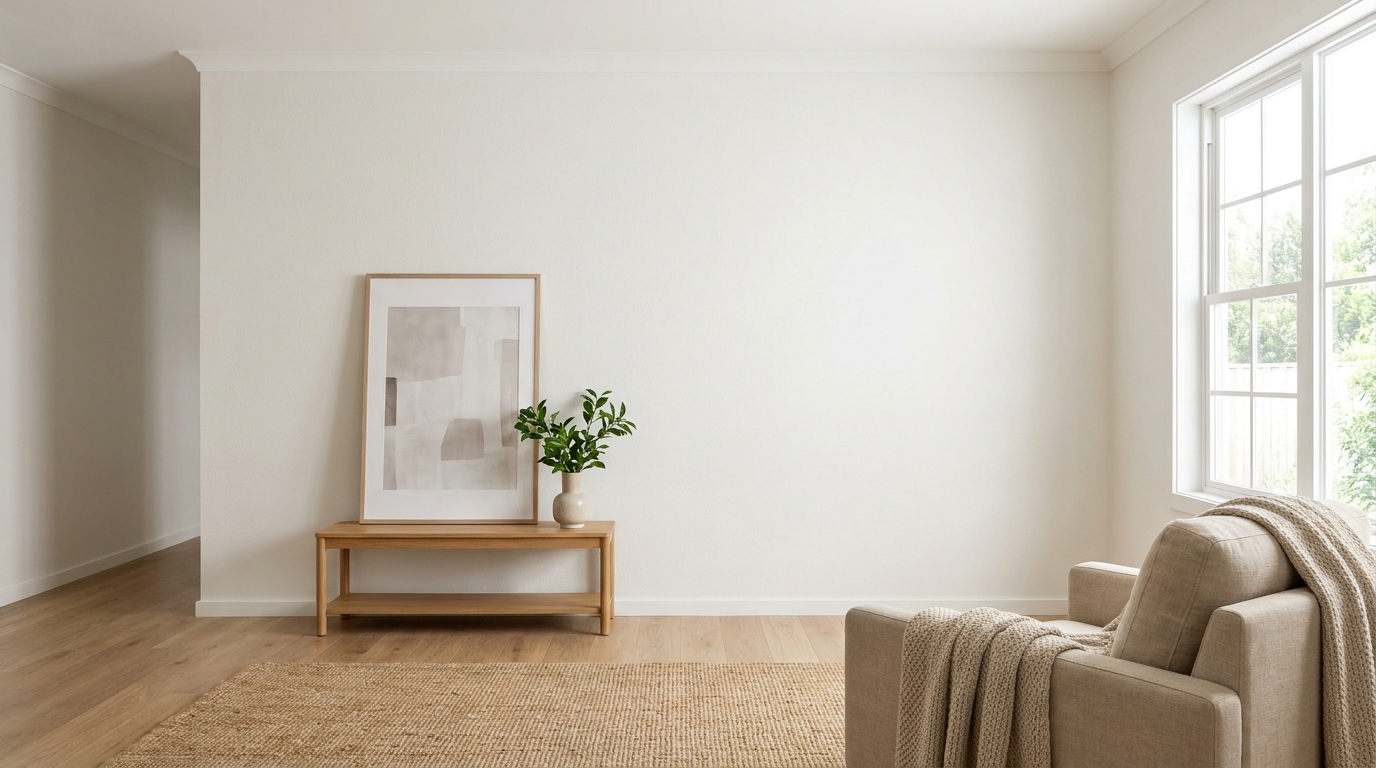
Clean up visible wall damage for a smoother, better-maintained interior finish.
Try This Tool →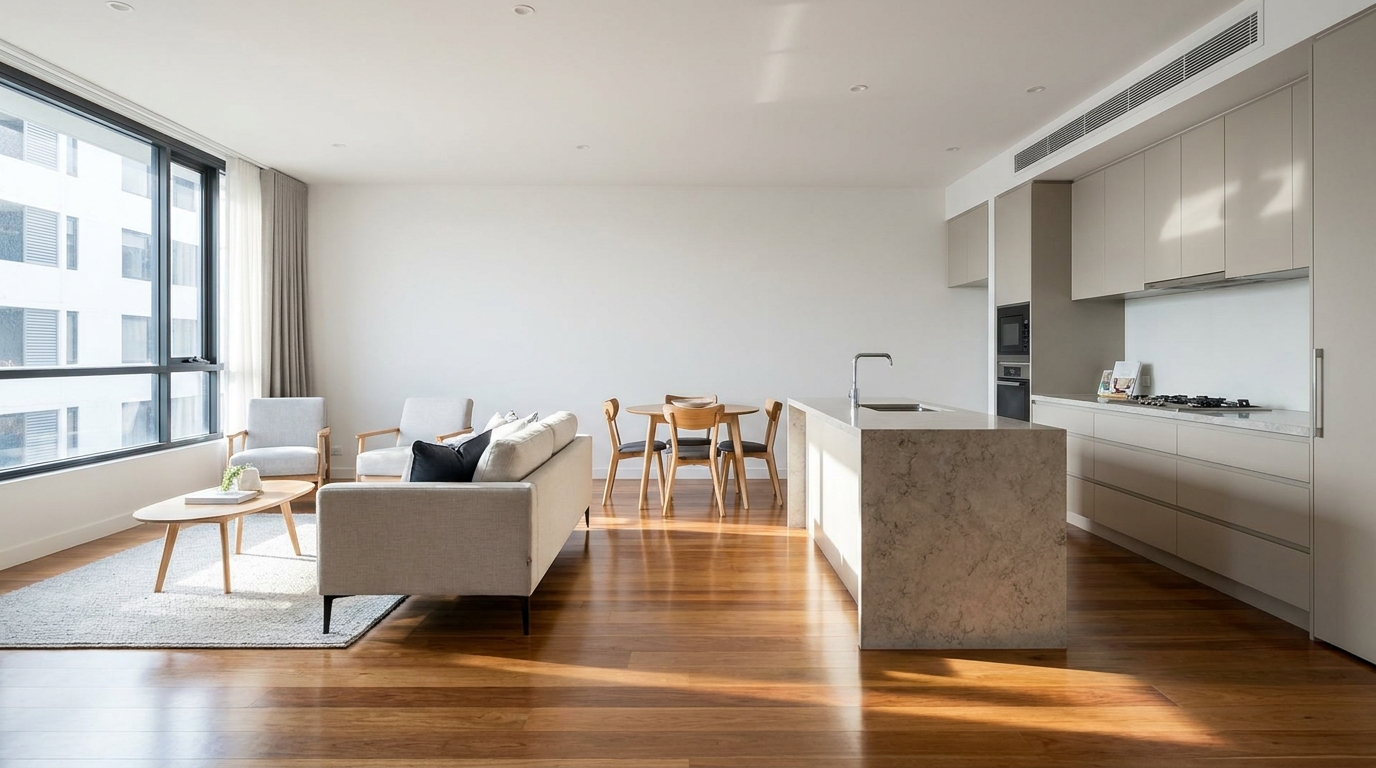
Refine floor reflections for a cleaner, glossier, more premium interior look.
Try This Tool →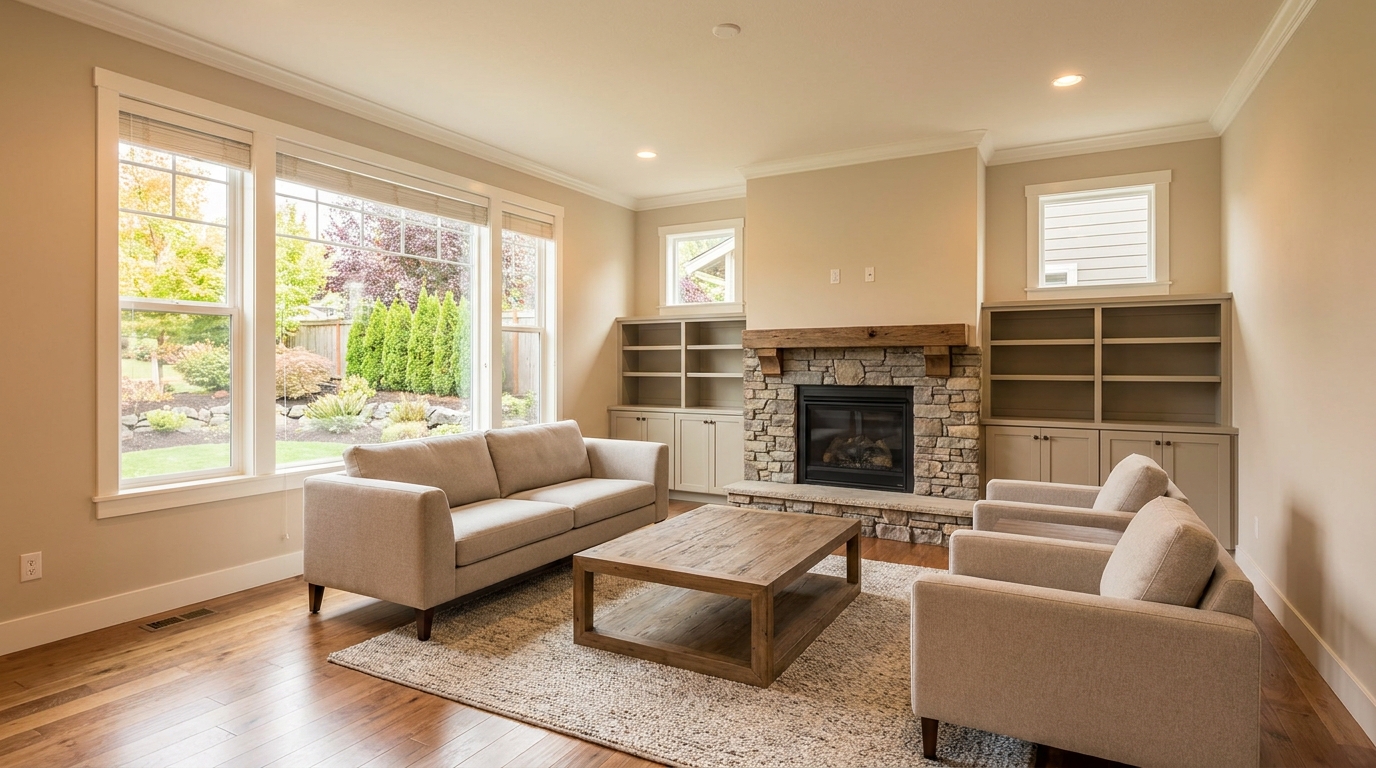
Remove people and pets for a cleaner photo that keeps attention on the property.
Try This Tool →
Eliminate bins and trash cans for tidier, more marketable exterior scenes.
Try This Tool →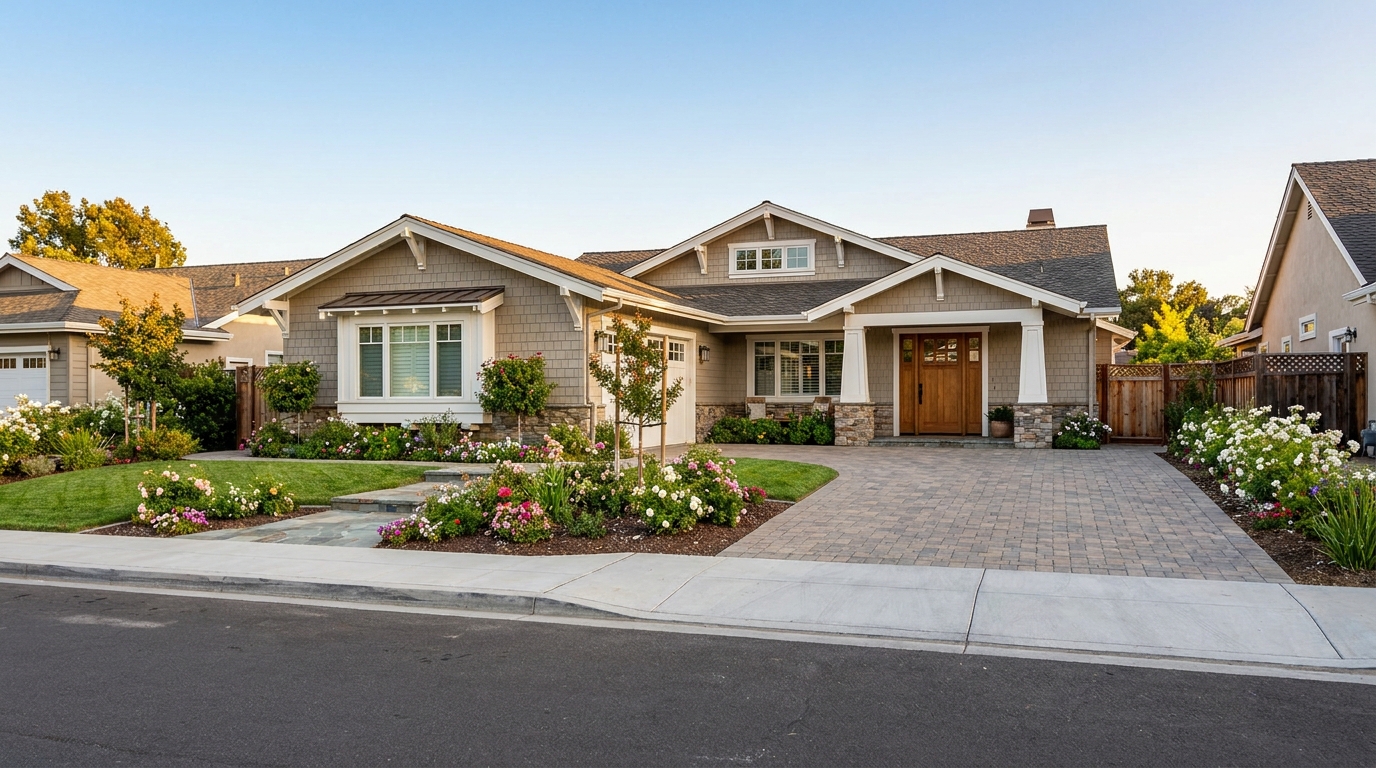
Remove parked vehicles to keep focus on the home and surrounding curb appeal.
Try This Tool →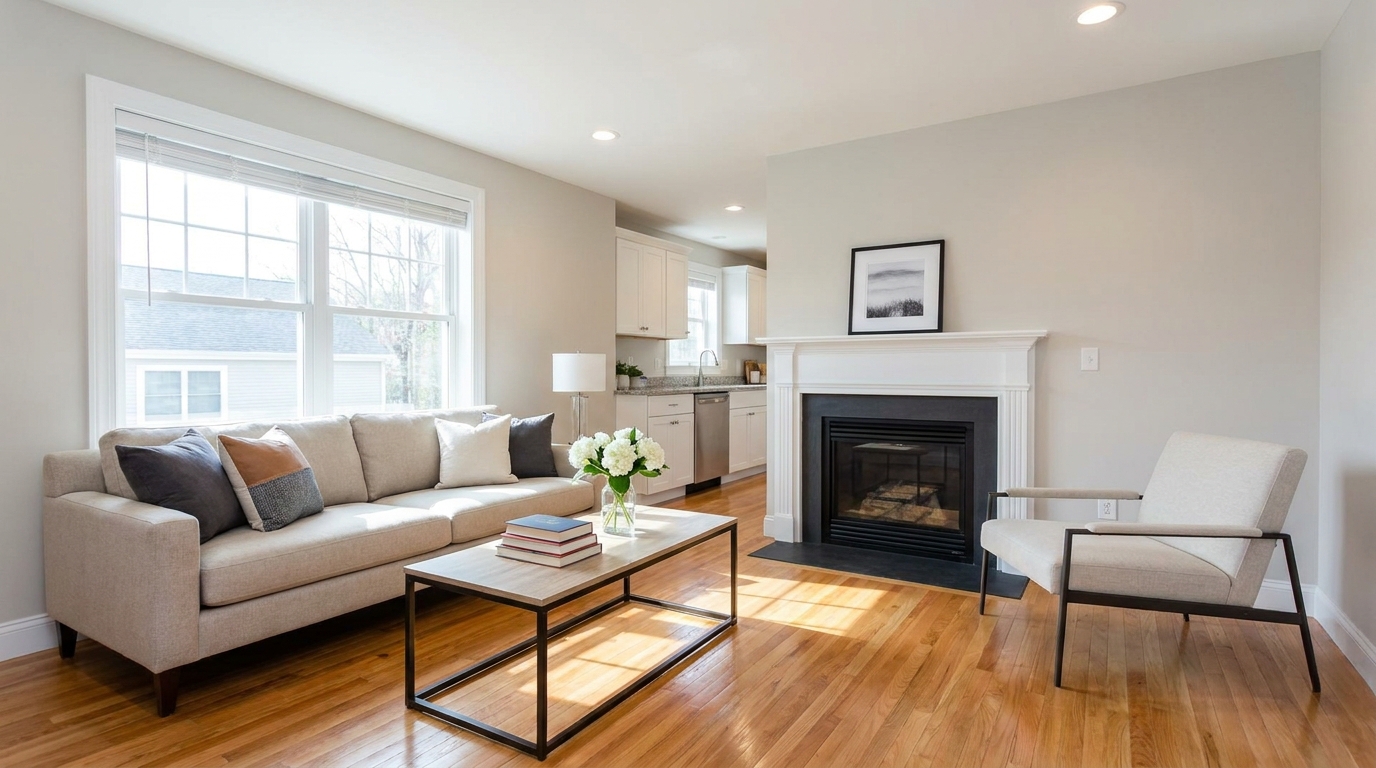
Clear visual distractions so rooms feel larger, cleaner, and easier to imagine.
Try This Tool →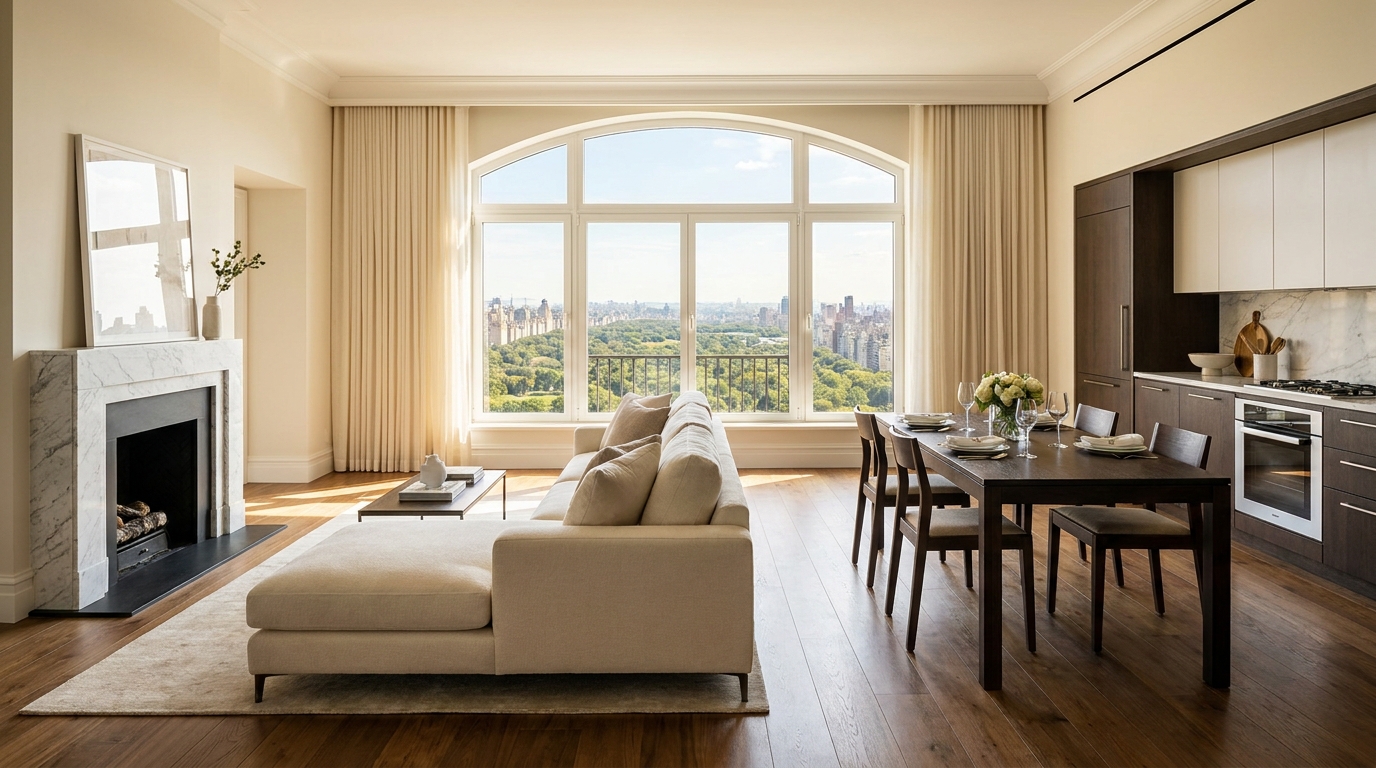
Remove timestamps and embedded text for a cleaner, more professional presentation.
Try This Tool →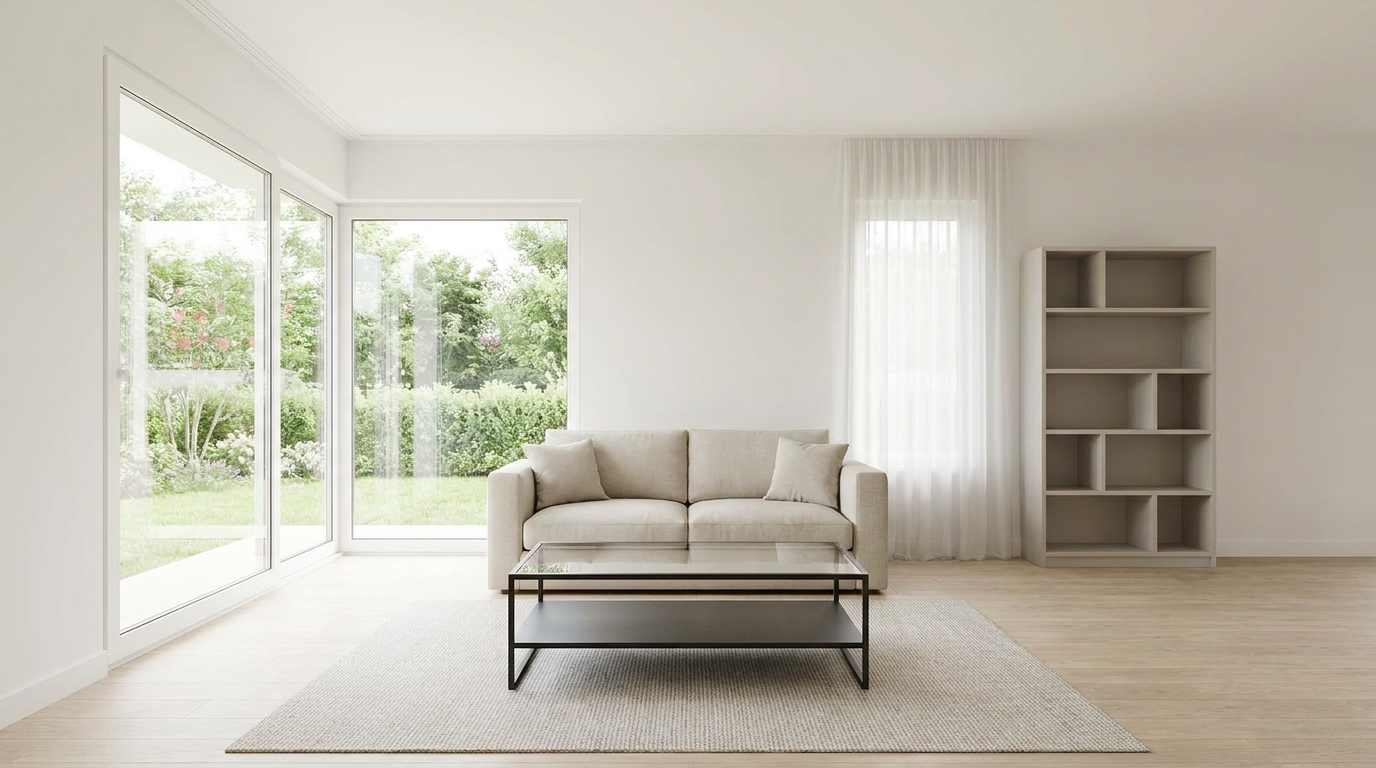
Remove signs and notices to keep the scene clean, polished, and distraction-free.
Try This Tool →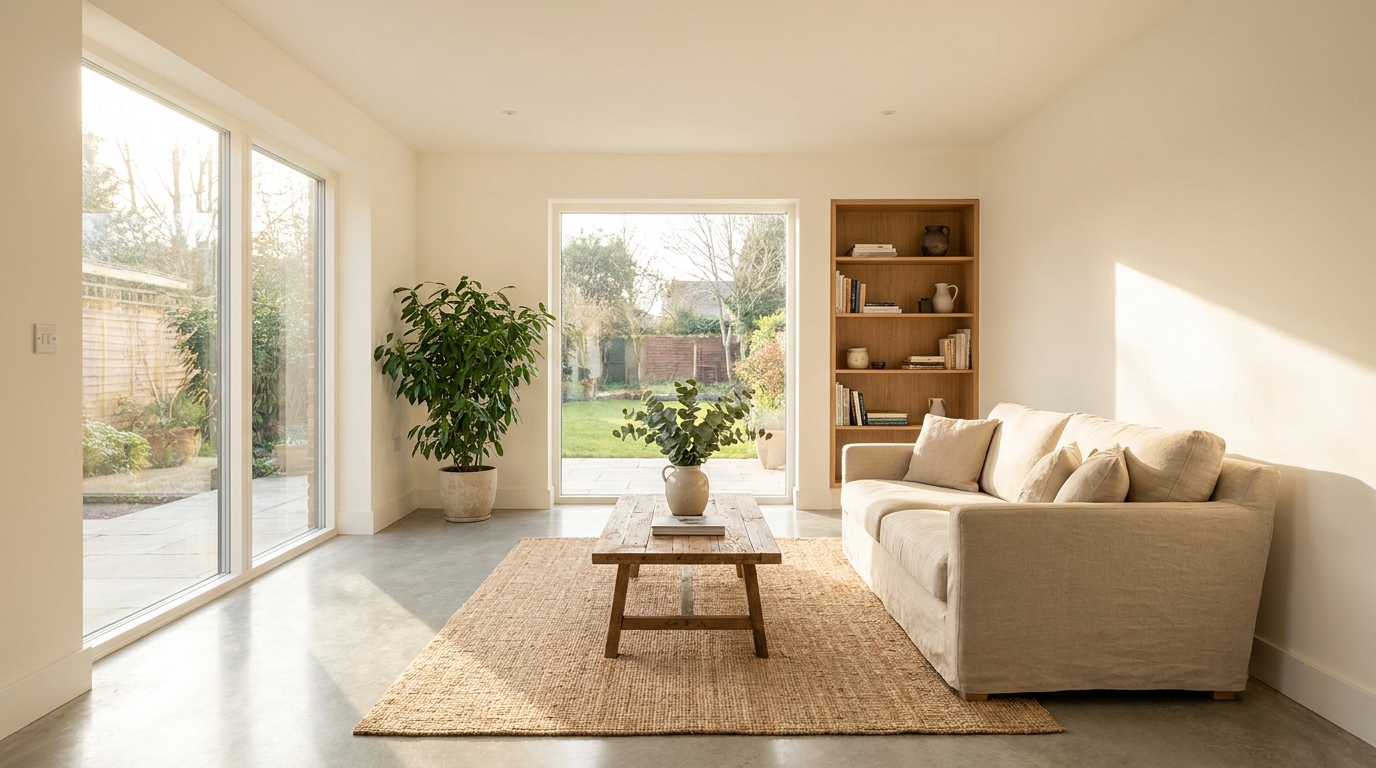
Tone down reflective hotspots for a clearer, cleaner image with better surface detail.
Try This Tool →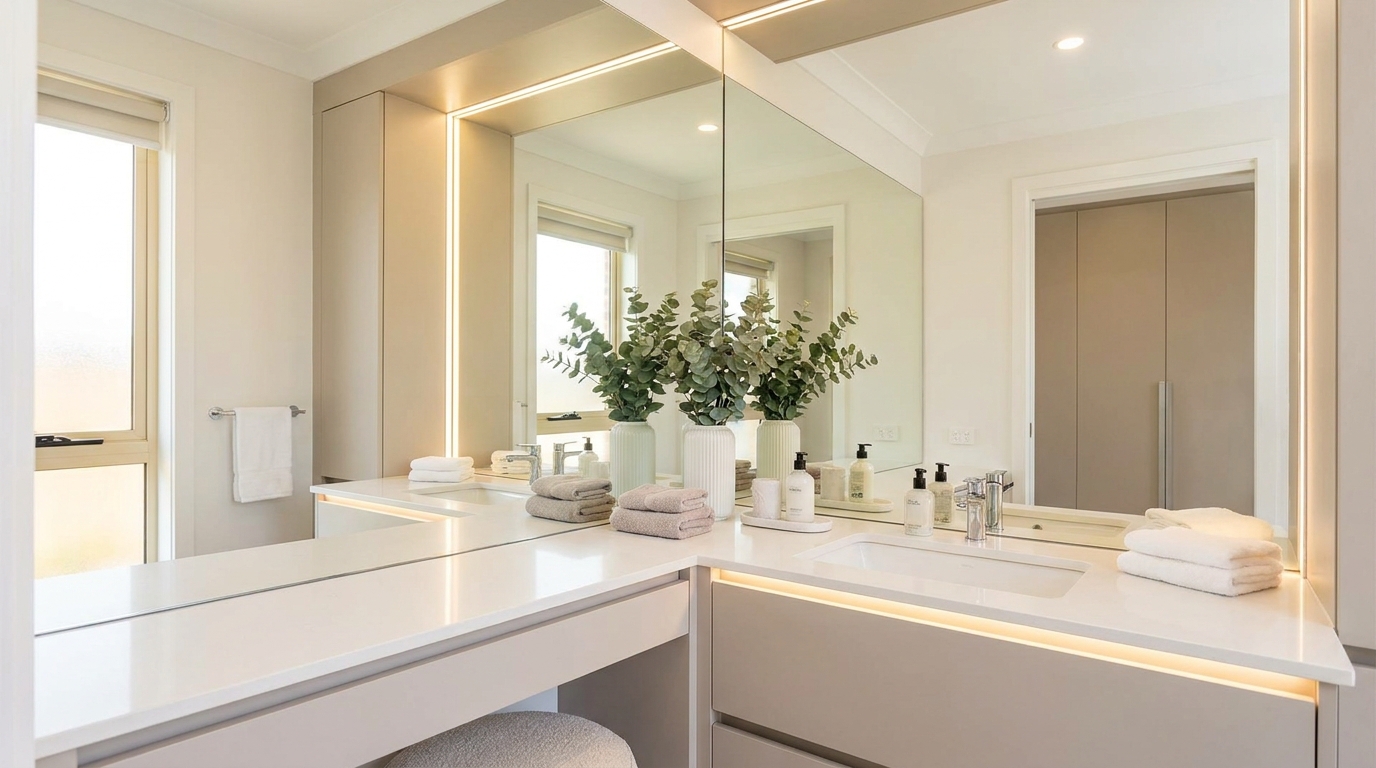
Remove unwanted mirror reflections for cleaner interiors and more polished composition.
Try This Tool →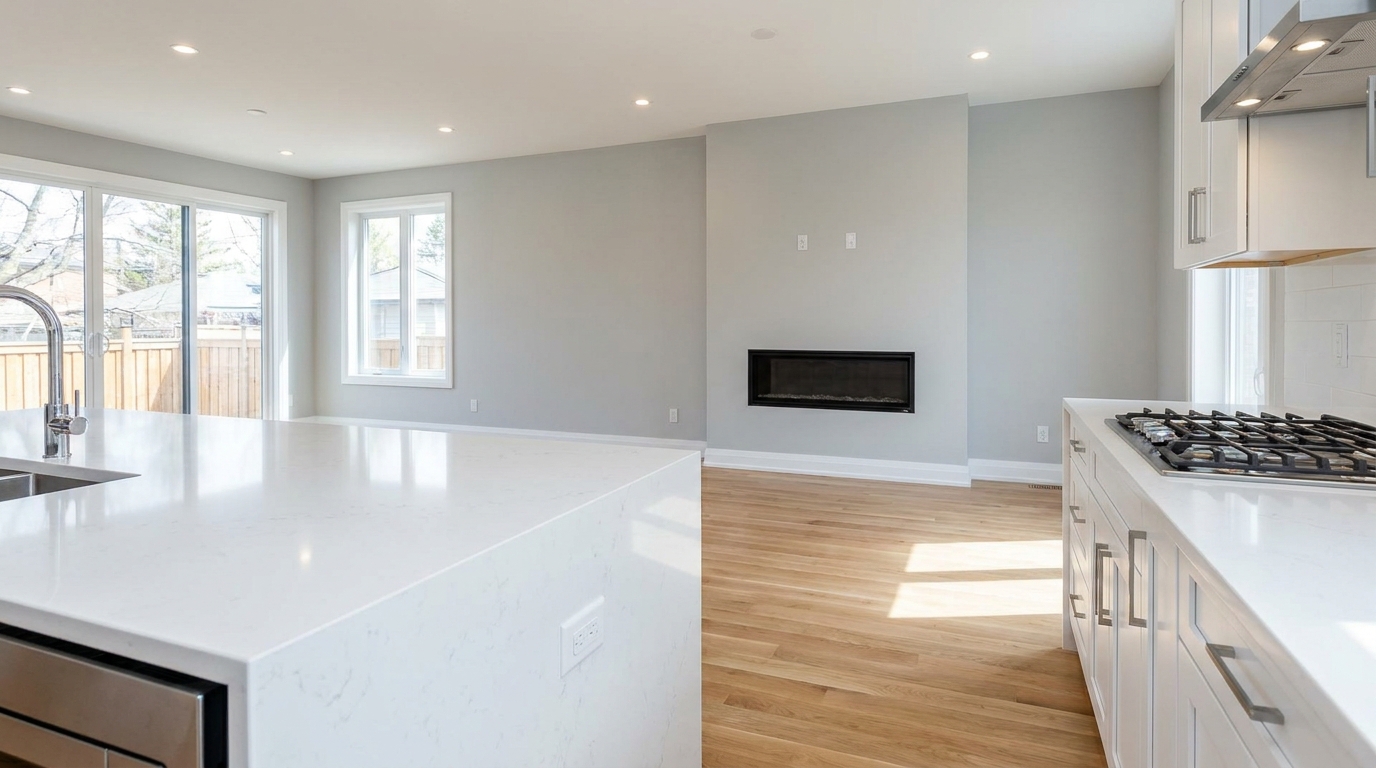
Remove stains and marks so surfaces look cleaner, fresher, and better cared for.
Try This Tool →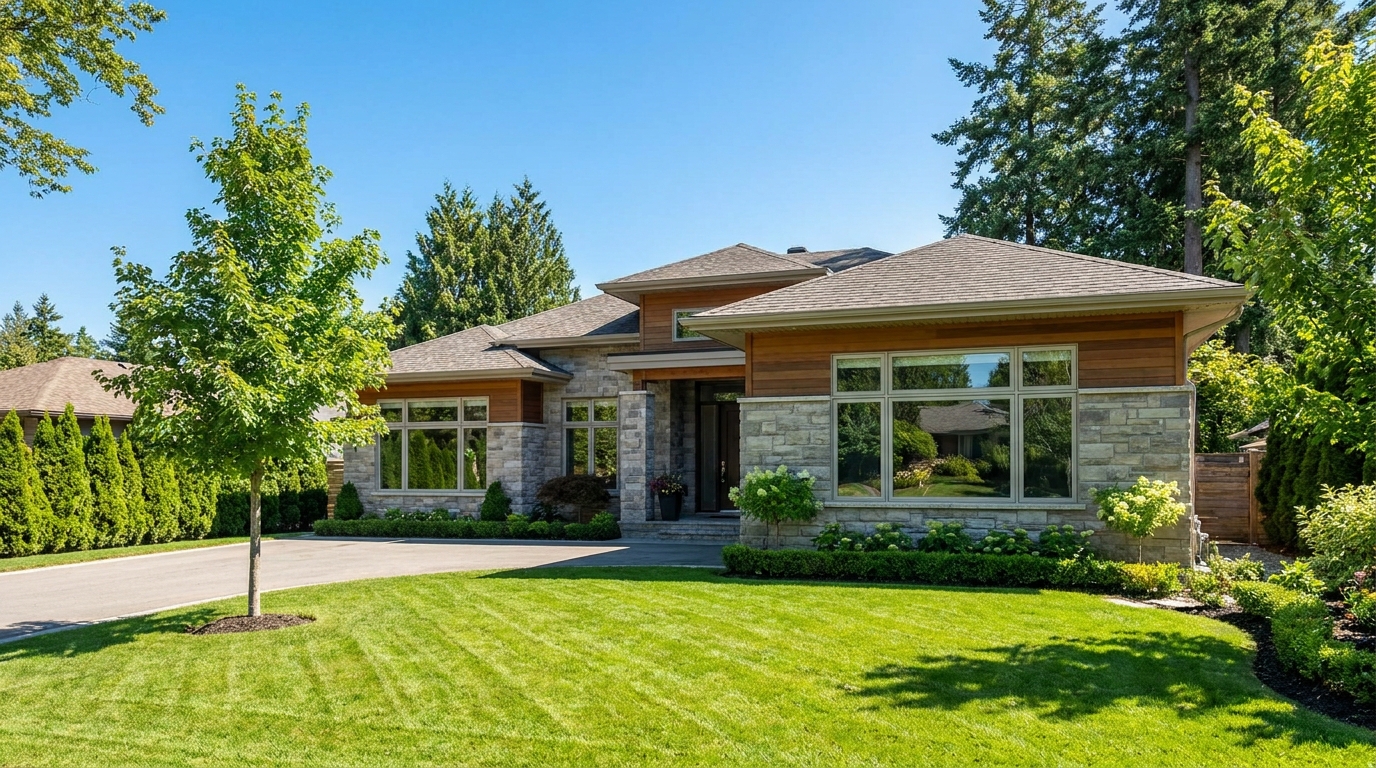
Eliminate logos and overlays for a clean image ready for marketing use.
Try This Tool →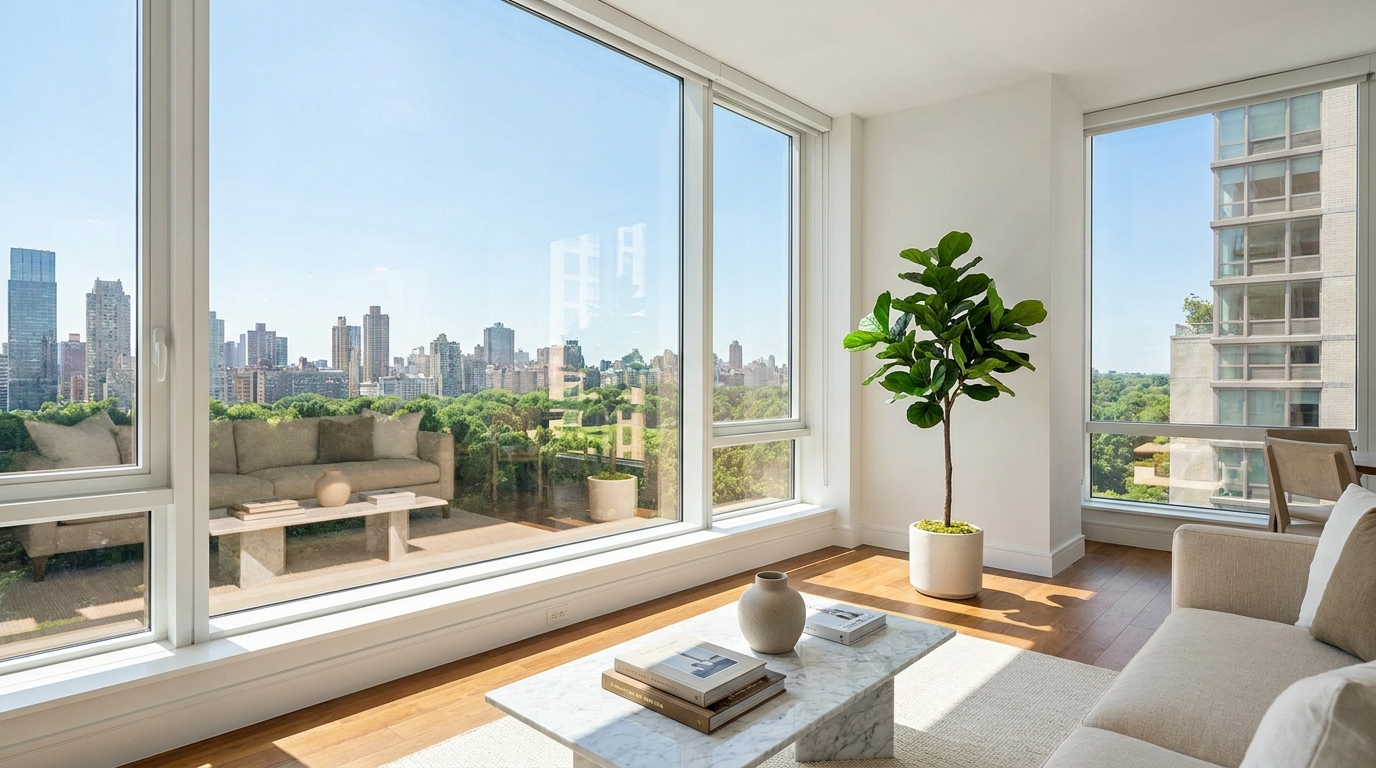
Reduce window reflections for clearer views and a cleaner glass finish.
Try This Tool →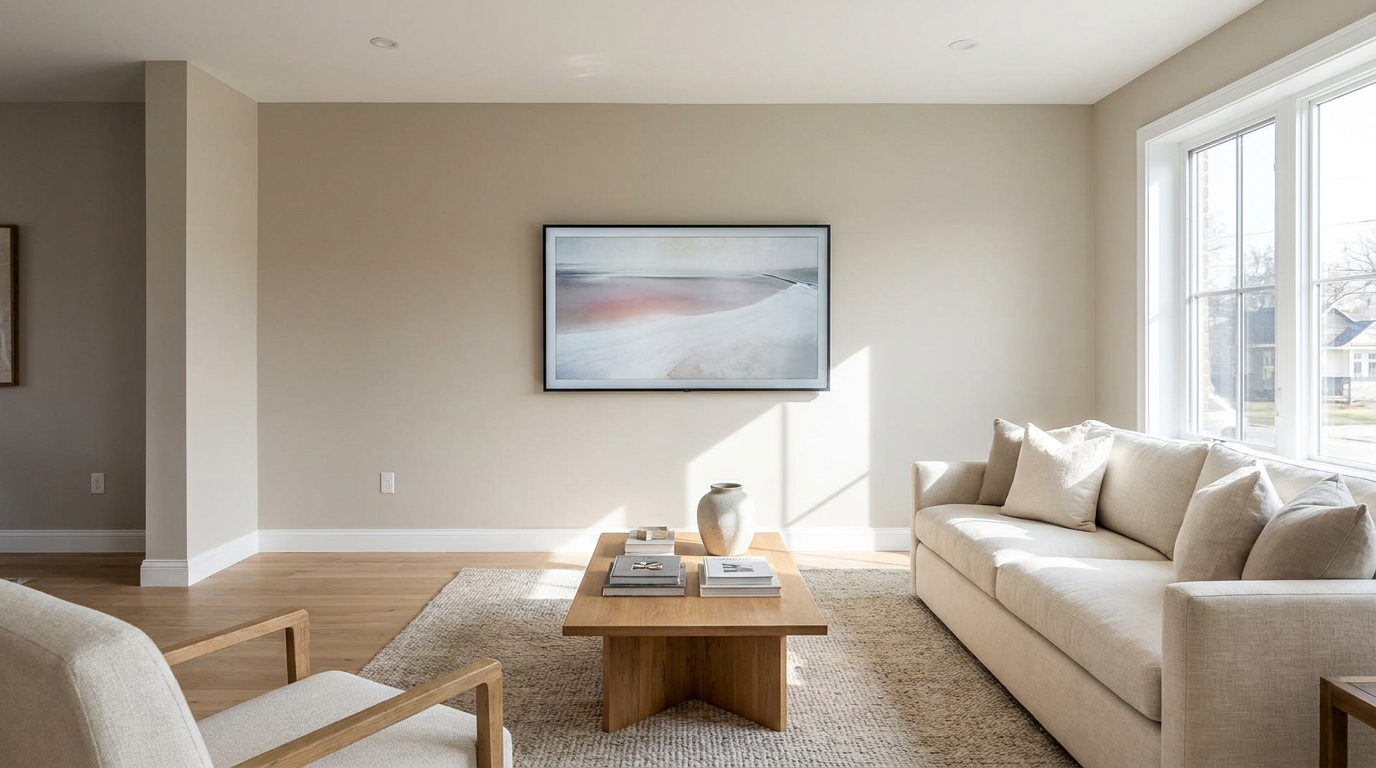
Replace distracting TV content with a clean dark screen that looks intentional and tidy.
Try This Tool →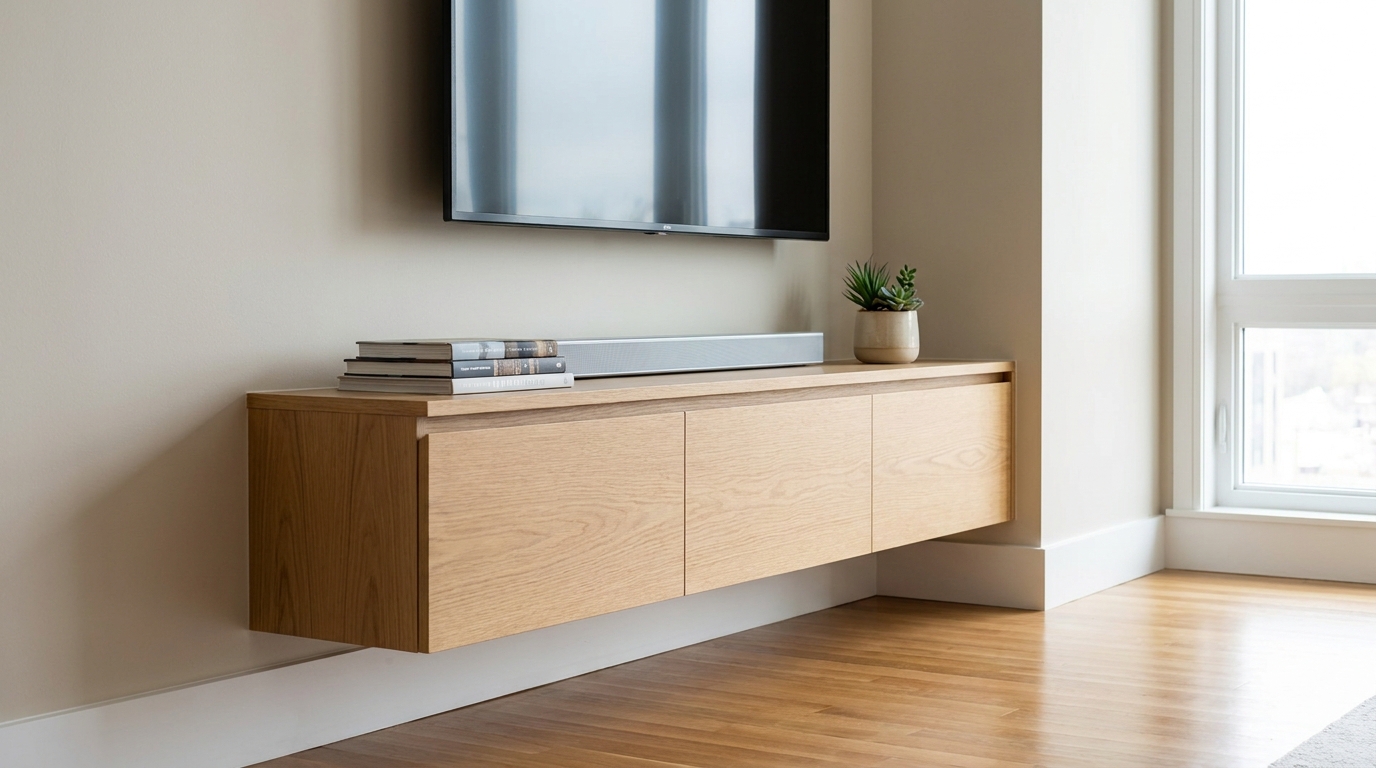
Remove visible cords and cables for a cleaner, more premium-looking space.
Try This Tool →Explore more AI tools designed to optimize your interior and exterior property marketing.
AI image-to-video generation for turning home, room, and property photos into more vivid presentation videos.
02AI exterior renovation for visualizing facade updates, curb appeal improvements, and home exterior remodel ideas.
03AI landscaping design for exploring outdoor concepts, curb appeal upgrades, planting ideas, and yard layout directions.
04AI virtual staging for furnishing empty rooms and creating listing-ready interiors for real estate marketing.
05Free AI image generation for turning text prompts into unlimited visual ideas for home design, interiors, landscaping, renovation
06AI object removal for cleaning up distracting items from room, home, and property photos.
Don't let messy utility wires distract buyers from your property's true beauty. Use our AI-powered photo enhancer to clean up your listings in seconds.