
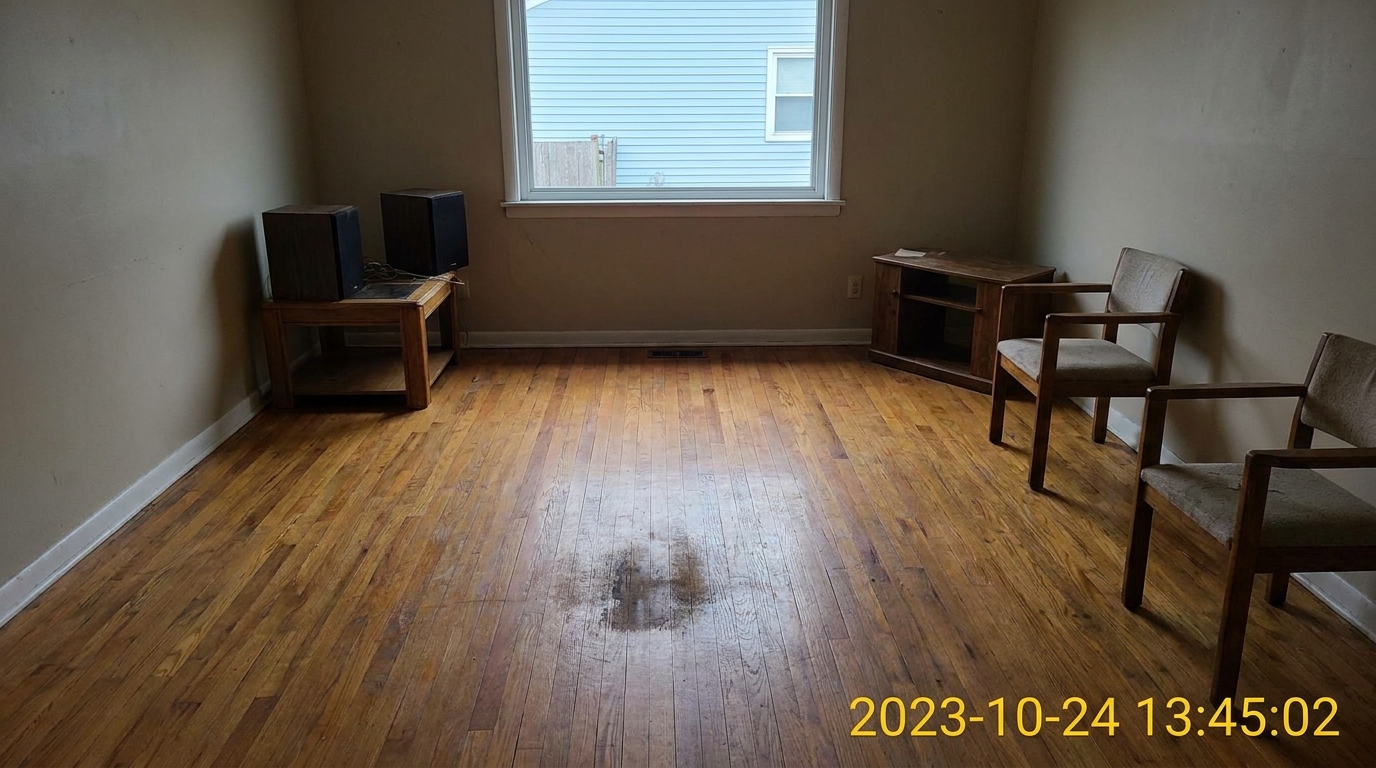
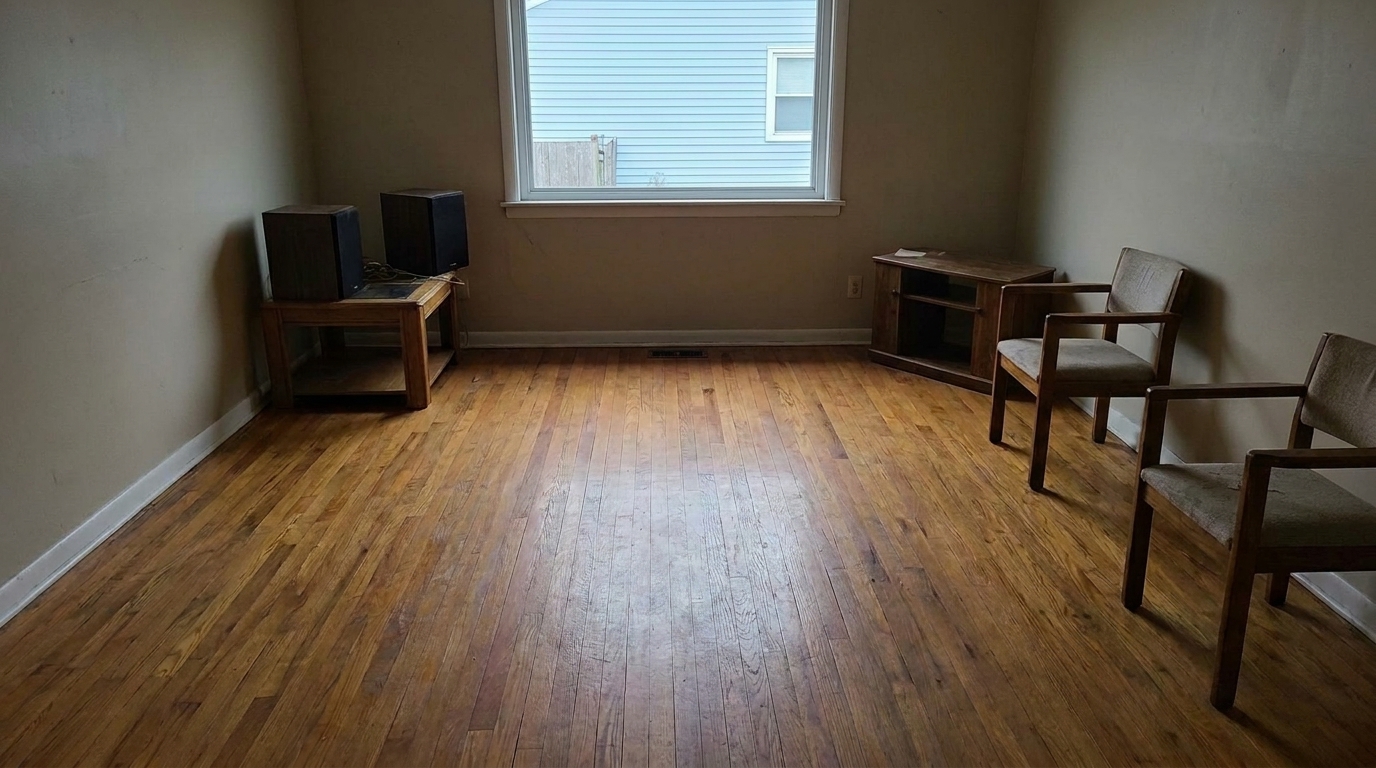

Living Room Hardwood Floor
A clean, professionally restored photo with the date stamp completely removed and the underlying texture naturally reconstructed.
Erase distracting embedded text and camera timestamps. Our advanced AI seamlessly reconstructs the underlying background for a clean, professional property listing.
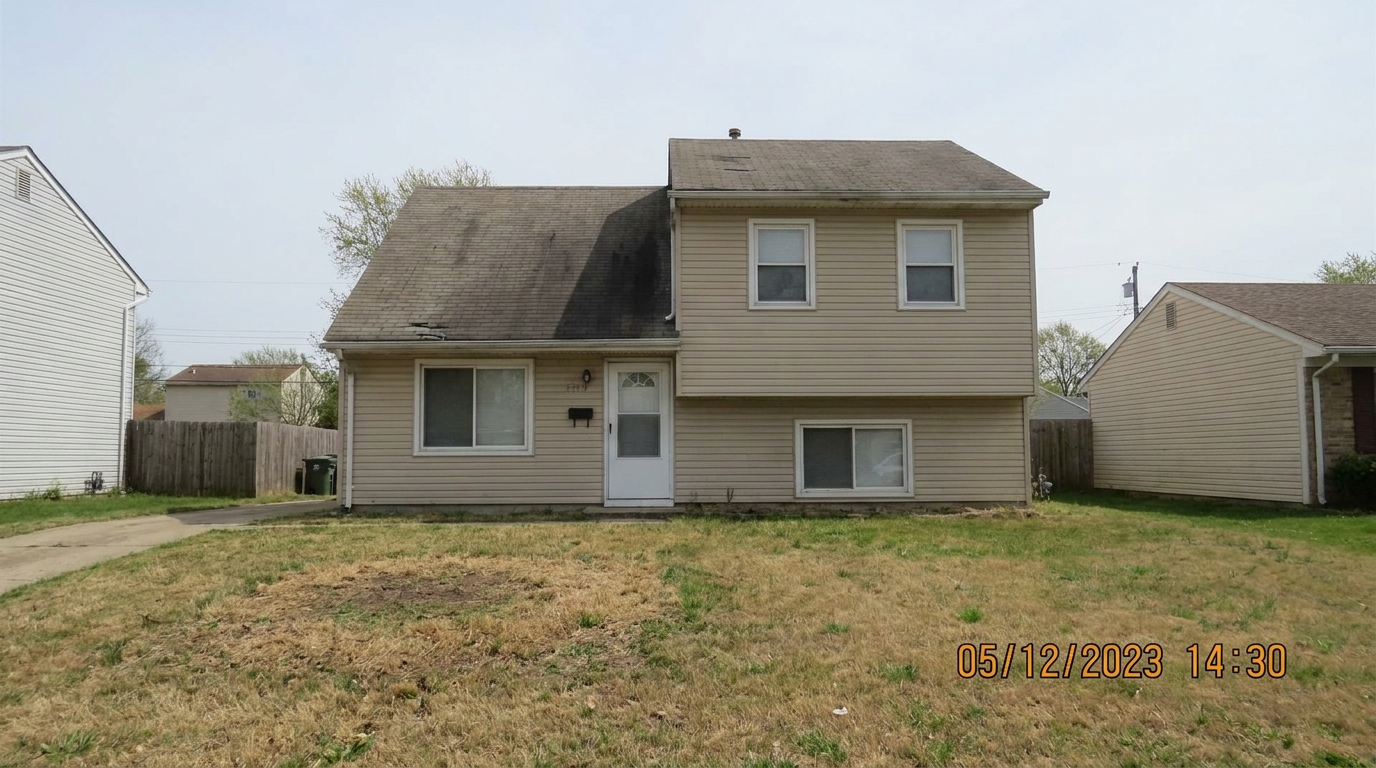
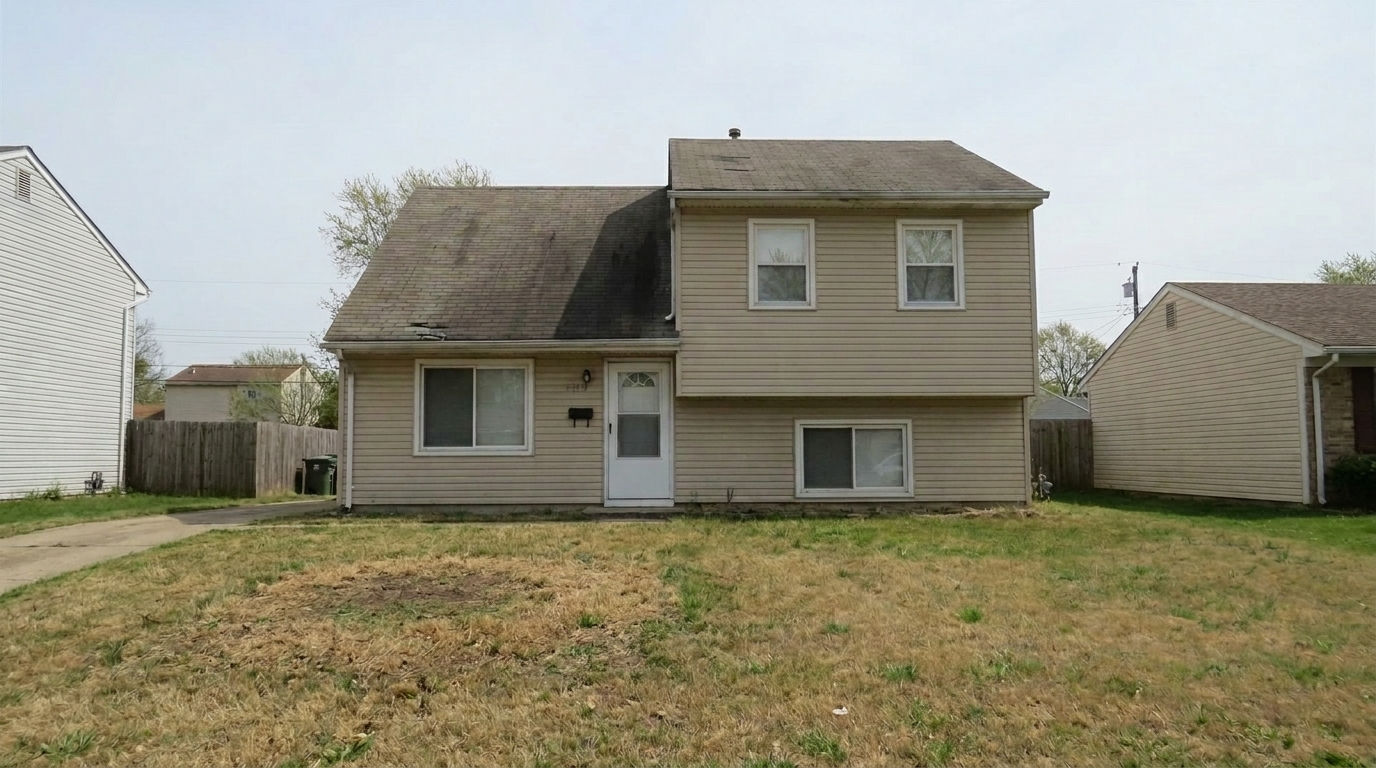
Compare original camera-stamped photos with our clean, professionally restored results.
A clean, professionally restored photo with the date stamp completely removed and the underlying texture naturally reconstructed.
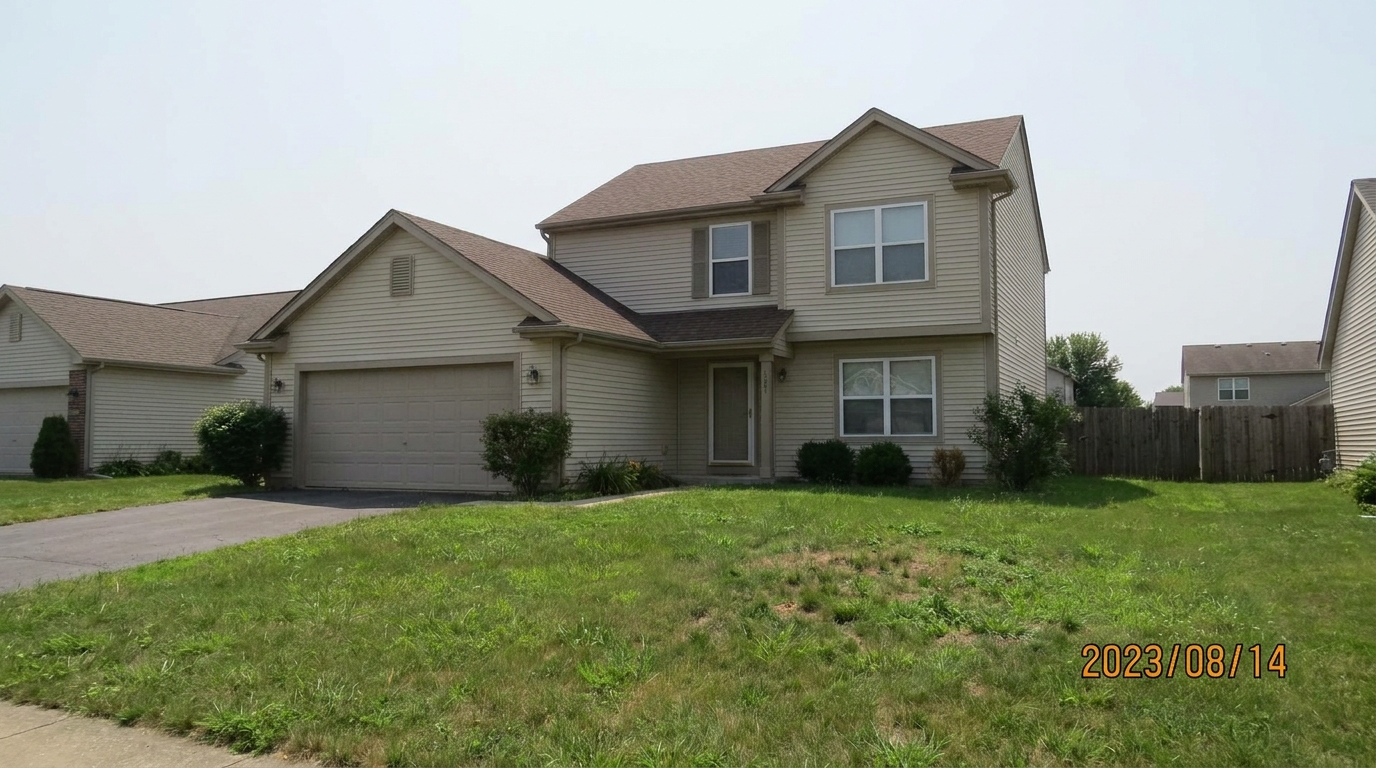
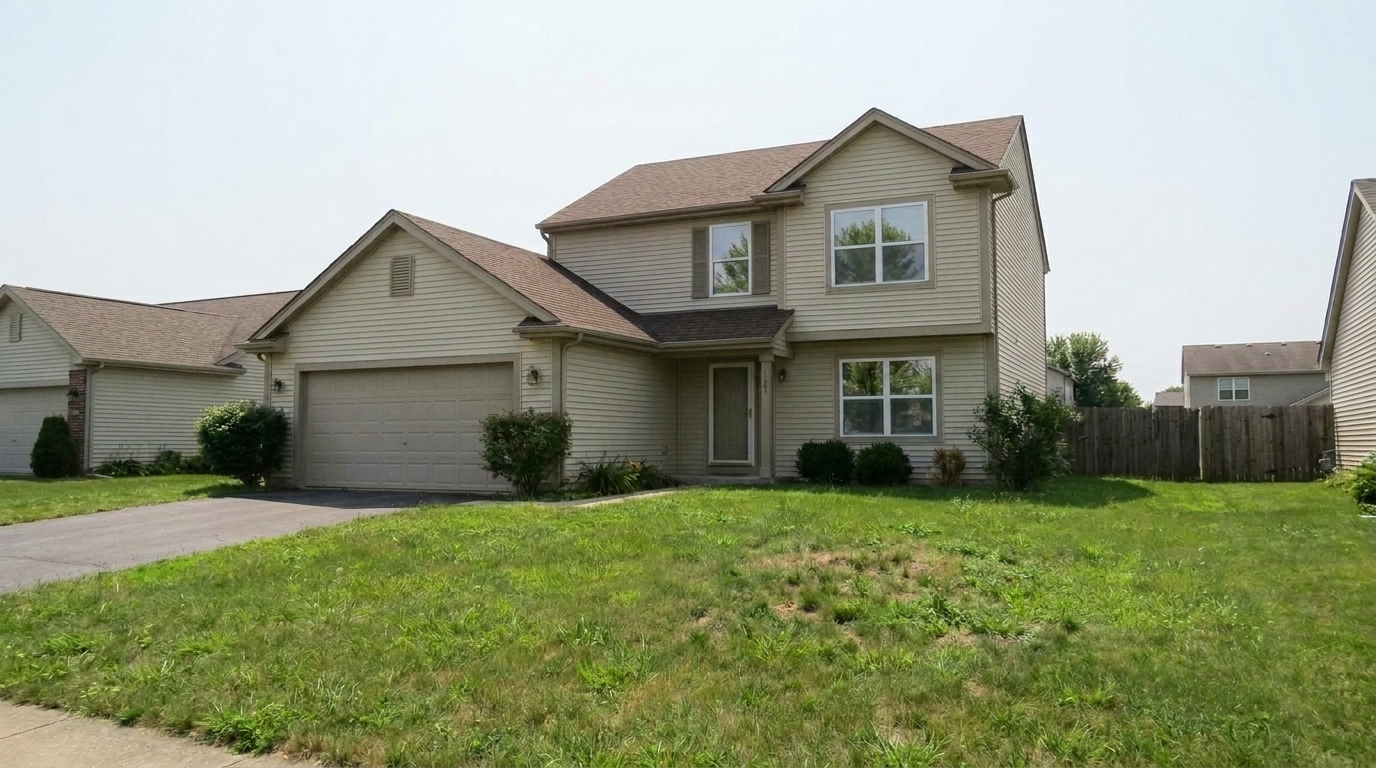
A clean, professionally restored photo with the date stamp completely removed and the underlying texture naturally reconstructed.
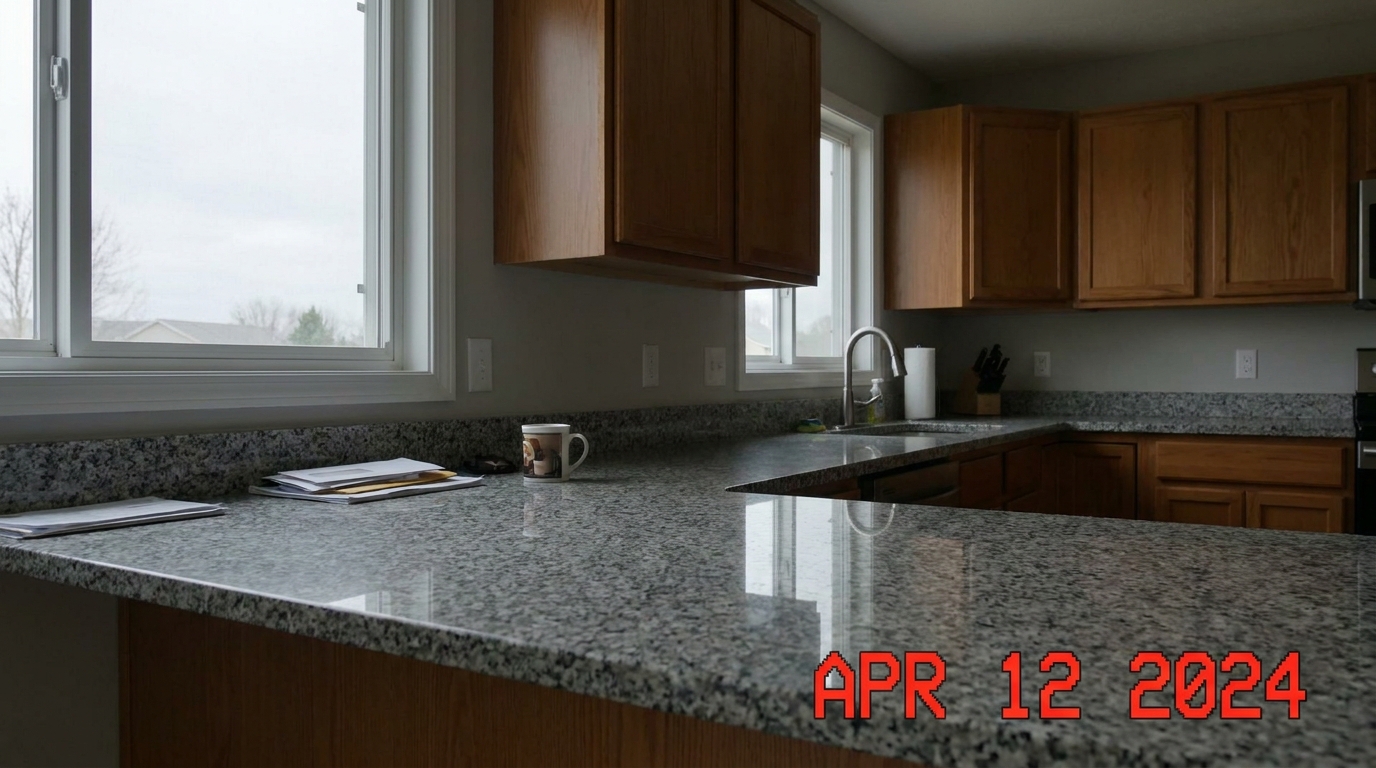
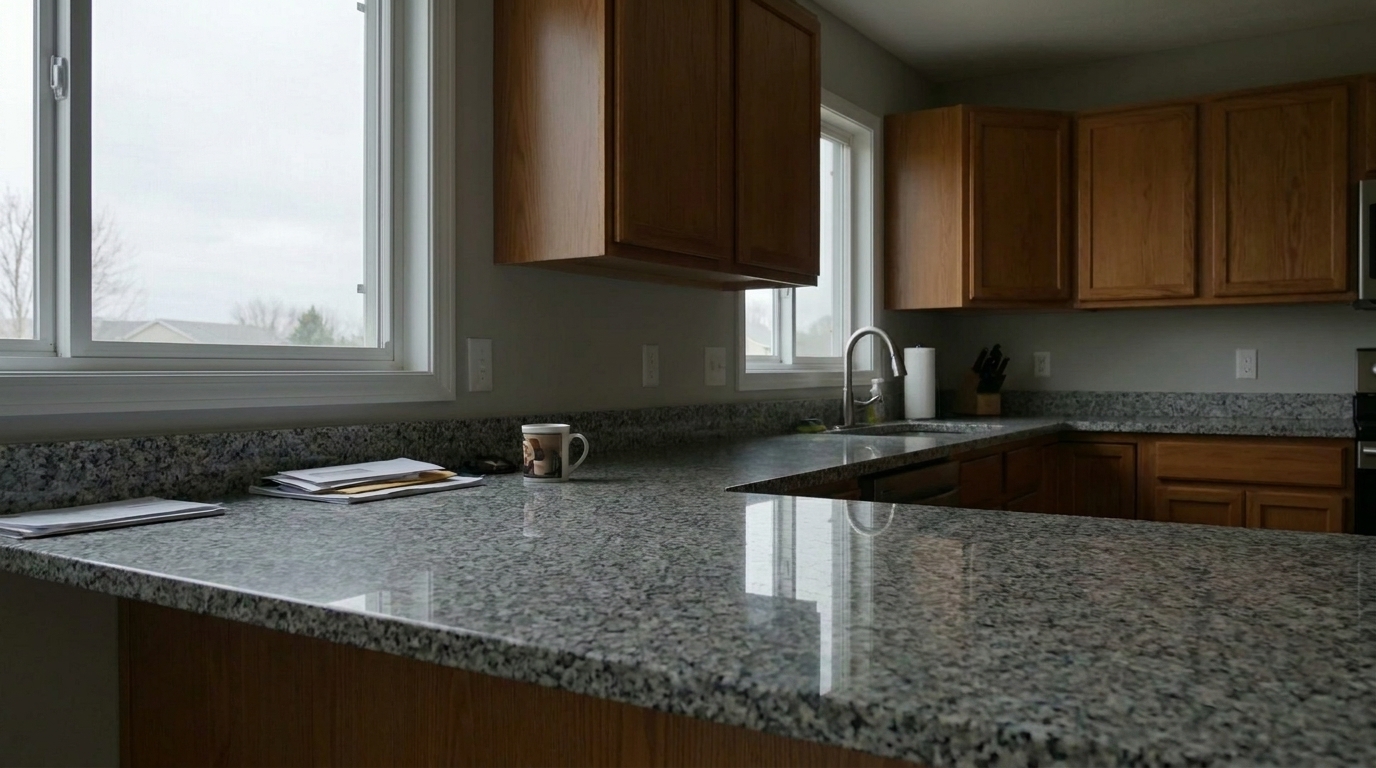
A clean, professionally restored photo with the date stamp completely removed and the underlying texture naturally reconstructed.
Our AI-powered tool targets date stamps specifically without degrading the surrounding photo quality.
Rebuilds complex textures like hardwood floors, brick walls, and lawns behind the erased text.
Instantly scans common camera date stamp locations to highlight and remove them automatically.
Processes your images without compressing or reducing the original resolution, keeping them MLS-ready.
Erases stamps regardless of font style, size, or color, including bright orange, yellow, or white digital text.
Upload and clean entire folders of camera-stamped photos simultaneously to save hours of manual editing.
Ensures the boundaries of the edited area blend seamlessly with the rest of the photo without blurriness.
See how real estate agents and photographers use timestamp removal to elevate their listings.
Clean up older property photos taken with point-and-shoot cameras that had hardcoded date stamps enabled.
Archived MediaRemove distracting timestamps to meet strict local MLS guidelines regarding text overlays on primary listing images.
ComplianceRefresh historical project photos for builder or designer portfolios by stripping away dated time markers.
PortfoliosPrepare clean, distraction-free images for Instagram or Facebook ads where text overlays hurt engagement.
MarketingReuse older, high-quality rental photos by removing outdated timestamps that make the listing look stale.
RentalsDeliver pristine, unblemished digital files to homeowners or commercial clients without camera metadata overlays.
PhotographyFollow three simple steps to erase embedded timestamps and restore your image's background.
Drag and drop your real estate image containing the unwanted date stamp or timestamp into the editor.
Use the smart brush to highlight the date stamp, or let the AI auto-detect the embedded text.
Click 'Remove' to let the AI erase the text and reconstruct the background, then download your high-res listing photo.
Source-backed context for why date stamp removal edits matter inside object & element specific workflows.
Date Stamp Removal within Object & Element Specific evidence
Photos are one of the most valuable website features for home buyers; NAR's 2025 generational trends report says 83% of internet-using buyers rated photos as very useful. For Date Stamp Removal pages, this supports showing how a focused Object & Element Specific edit can make the listing photo feel clearer, more polished, and easier for buyers to evaluate.
Source: NAR 2025Date Stamp Removal within Object & Element Specific evidence
Zillow Research's 2025 prospective buyer report ranked high-resolution photos as the number two most important listing feature, selected by 26% of prospective buyers; floor plans ranked first at 33%. For Date Stamp Removal pages, this supports showing how a focused Object & Element Specific edit can make the listing photo feel clearer, more polished, and easier for buyers to evaluate.
Source: Zillow 2025Date Stamp Removal within Object & Element Specific evidence
Redfin reported that professionally photographed homes in the $400,000 range sold three weeks faster and for more than $10,000 relative to list price compared with amateur photos. Use this as supporting context, not as a guaranteed result. For Date Stamp Removal pages, this supports showing how a focused Object & Element Specific edit can make the listing photo feel clearer, more polished, and easier for buyers to evaluate.
Source: RedfinEmbedded date stamps can instantly date a property and distract potential buyers. Learn how to clean your images efficiently while maintaining professional standards.
When preparing real estate listings, choosing the correct cleanup tool is essential for natural-looking results. Use Date Stamp Removal when dealing with solid-colored, high-contrast camera overlays (typically yellow, orange, or red) located in the corners of your photos. This tool is specifically calibrated to reconstruct small, localized background areas like grass, flooring, or sky. If you are dealing with semi-transparent logos stretched across the center of the image, use Watermark Removal instead. For physical signs in the yard, opt for Sign Removal, and for physical objects like trash bins or stray cords, use Clutter Removal or Wire & Cable Removal. Avoid using Date Stamp Removal for large objects, as its specialized algorithm is optimized for fine text and compact overlays.
To maximize efficiency, organize your photos by scene type before uploading. For properties where the camera's date-stamp feature was accidentally left on, use our batch processing mode. Upload all affected images, let the AI auto-detect the corner stamps, and review the previews. If a stamp overlaps a highly complex texture—such as a detailed mosaic tile—you can use the manual brush to fine-tune the selection area, ensuring the AI has enough surrounding context to rebuild the pattern perfectly.
Timestamp removal is highly effective for saving otherwise perfect photos that cannot easily be retaken—such as twilight shots, seasonal exterior photos, or images of occupied homes. However, if a date stamp covers a critical structural defect or a highly intricate focal point (like a detailed stained-glass window), a reshoot or manual professional retouching may be preferred. For 95% of standard listing photos, our AI provides an instant, MLS-compliant solution that looks completely natural.
Most Multiple Listing Services (MLS) have strict rules prohibiting text overlays, contact information, or timestamps on primary listing photos. Leaving a date stamp on your photos not only looks unprofessional but can also lead to listing rejection or fines. Removing these stamps ensures your listings remain compliant while presenting a modern, polished aesthetic that appeals to online home buyers.
Discover specialized AI presets designed to remove clutter, repair walls, and polish your property photos.

Clean up visible wall damage for a smoother, better-maintained interior finish.
Try This Tool →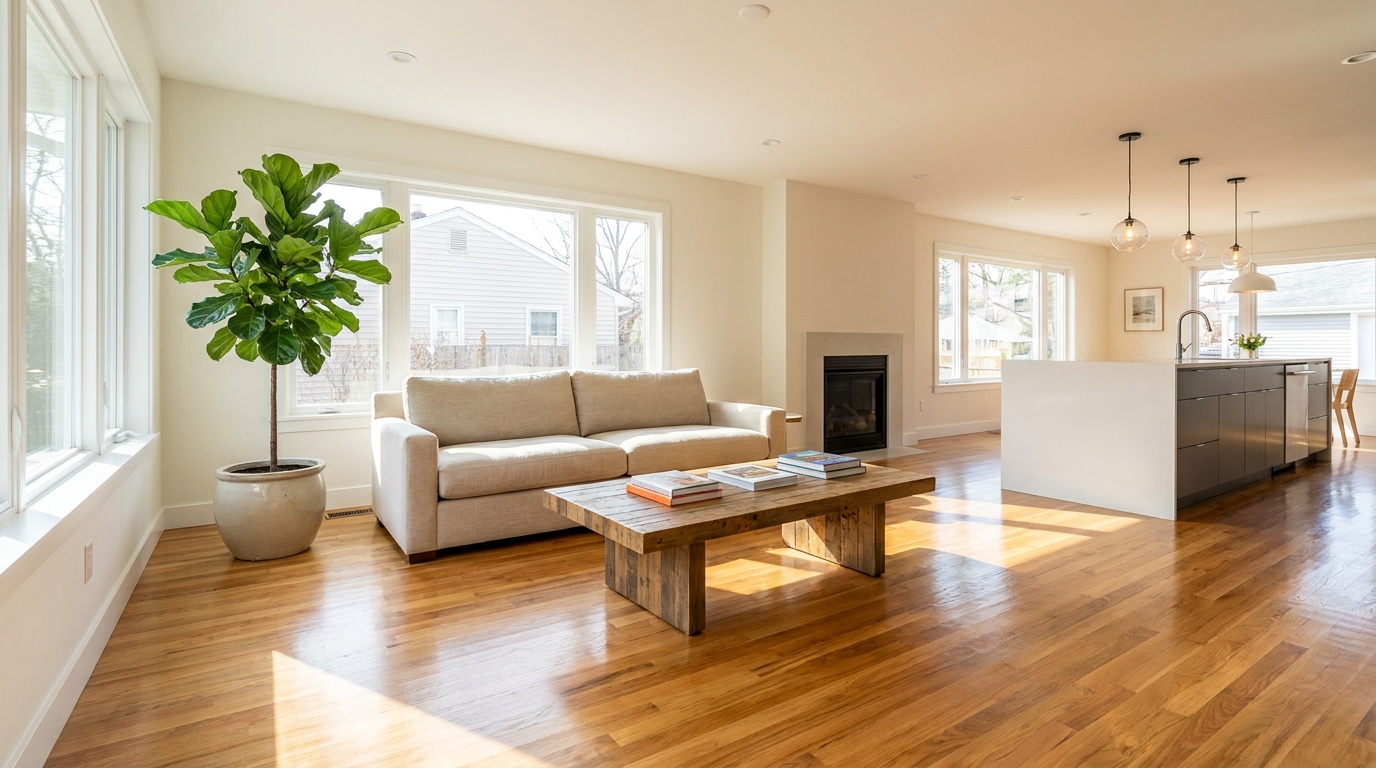
Refine floor reflections for a cleaner, glossier, more premium interior look.
Try This Tool →
Remove people and pets for a cleaner photo that keeps attention on the property.
Try This Tool →
Eliminate bins and trash cans for tidier, more marketable exterior scenes.
Try This Tool →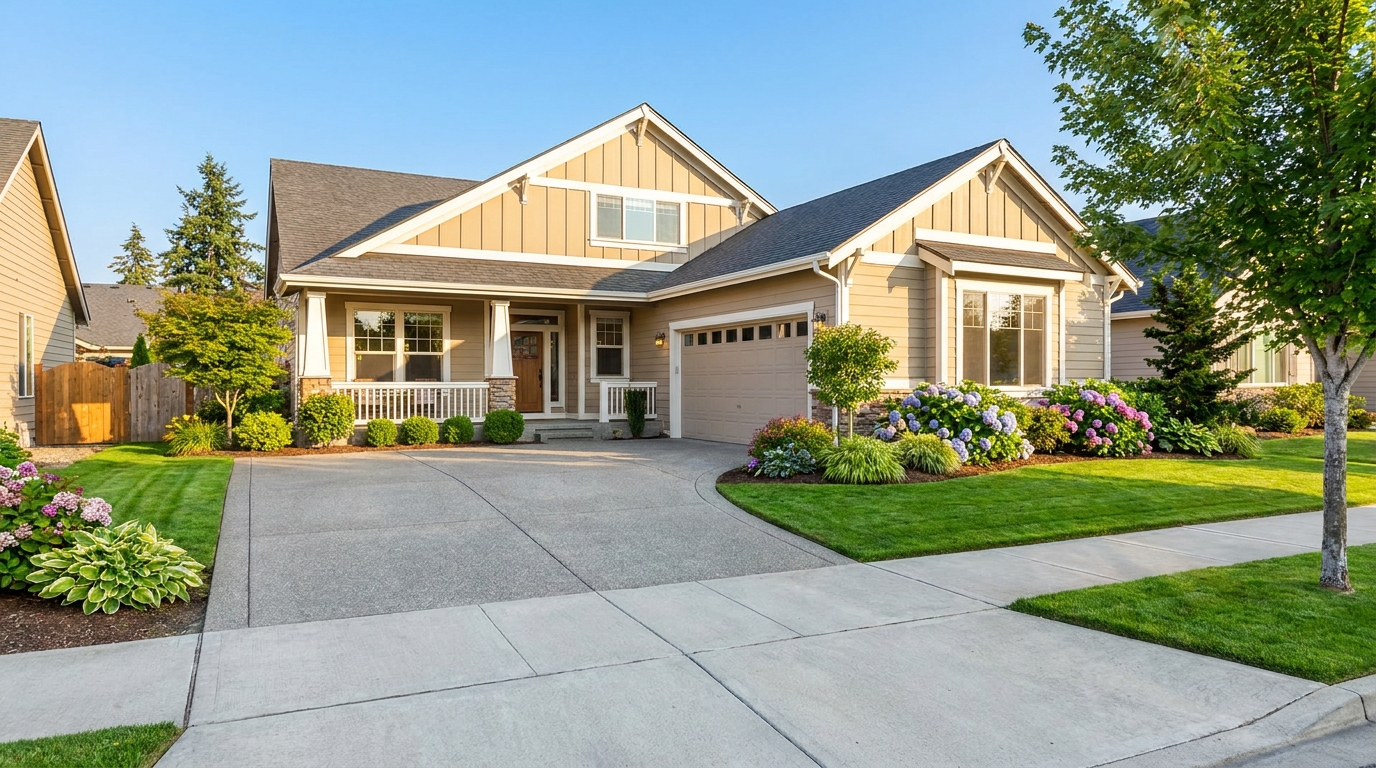
Remove parked vehicles to keep focus on the home and surrounding curb appeal.
Try This Tool →
Clear visual distractions so rooms feel larger, cleaner, and easier to imagine.
Try This Tool →
Remove signs and notices to keep the scene clean, polished, and distraction-free.
Try This Tool →
Tone down reflective hotspots for a clearer, cleaner image with better surface detail.
Try This Tool →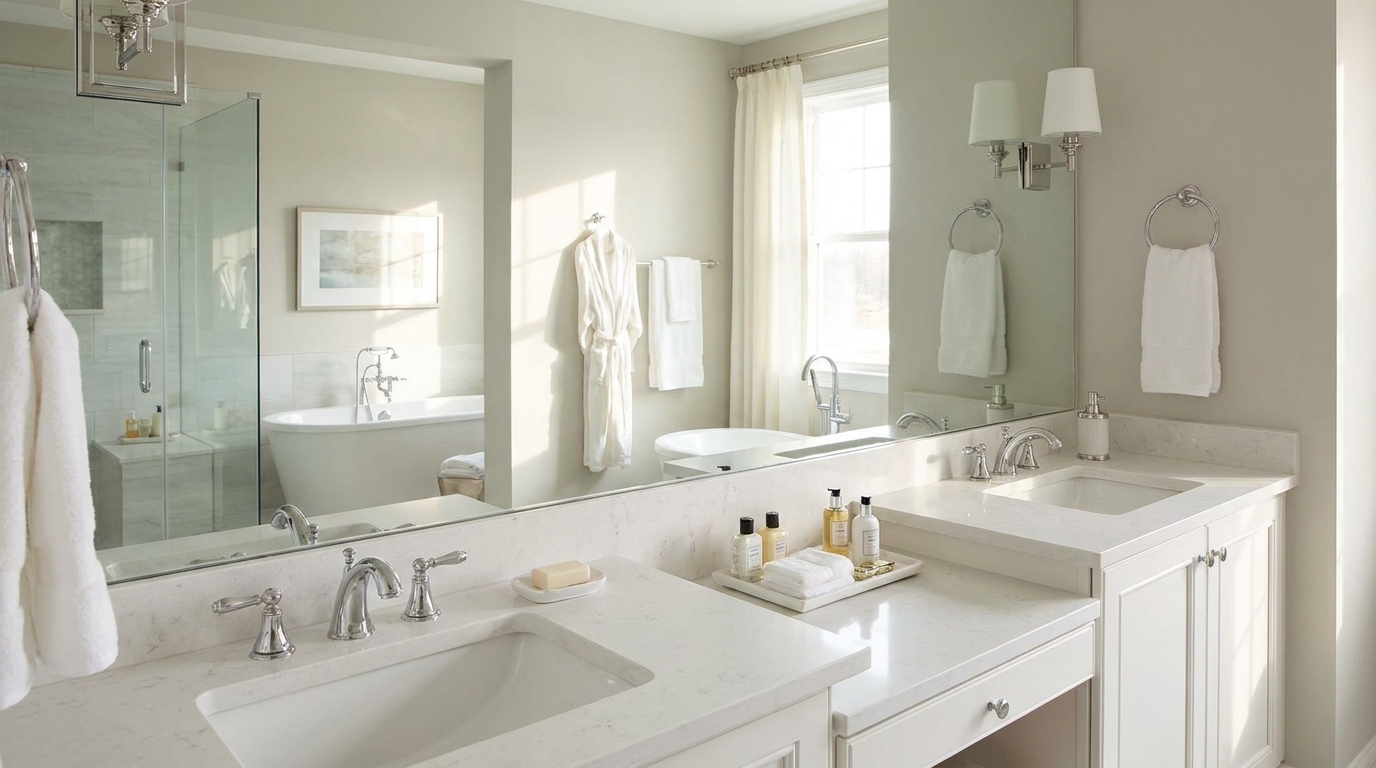
Remove unwanted mirror reflections for cleaner interiors and more polished composition.
Try This Tool →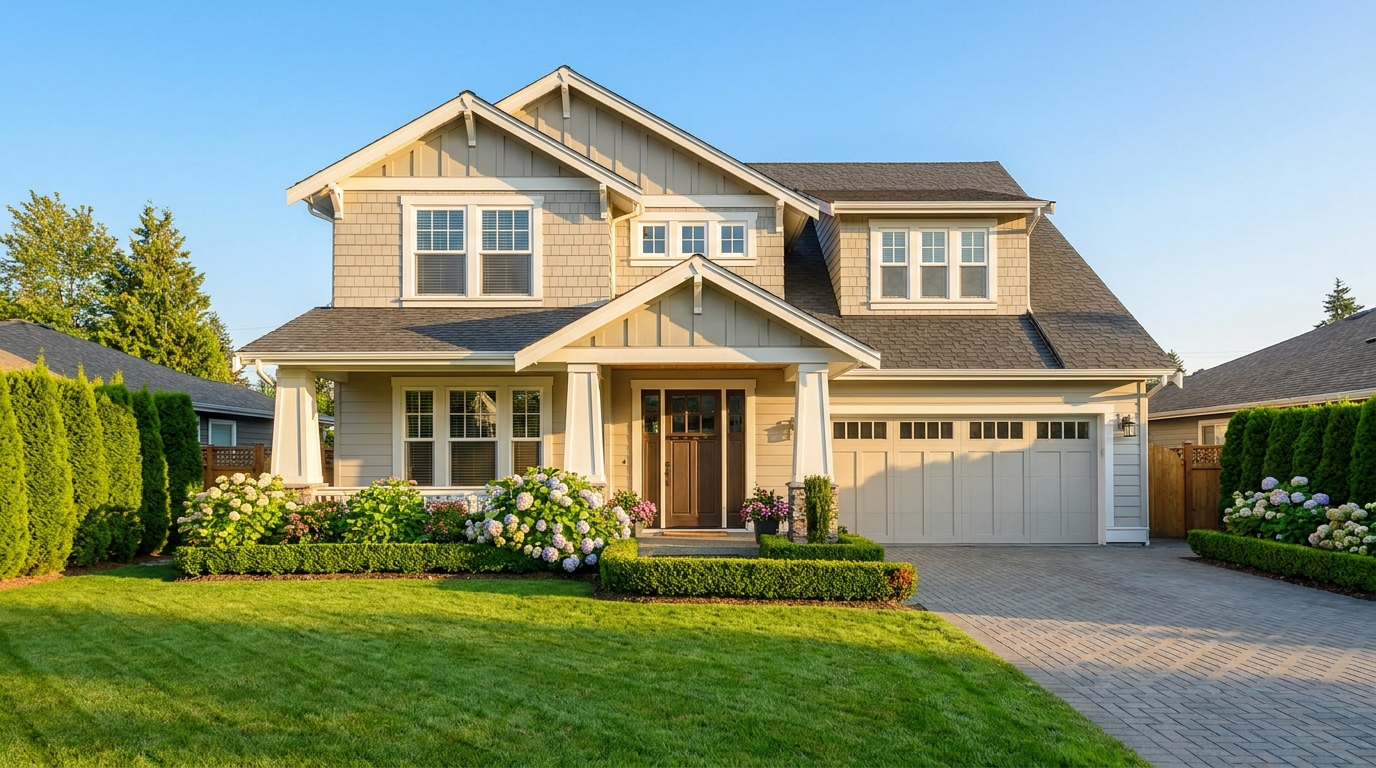
Clean up utility wires for a more open sky and stronger exterior presentation.
Try This Tool →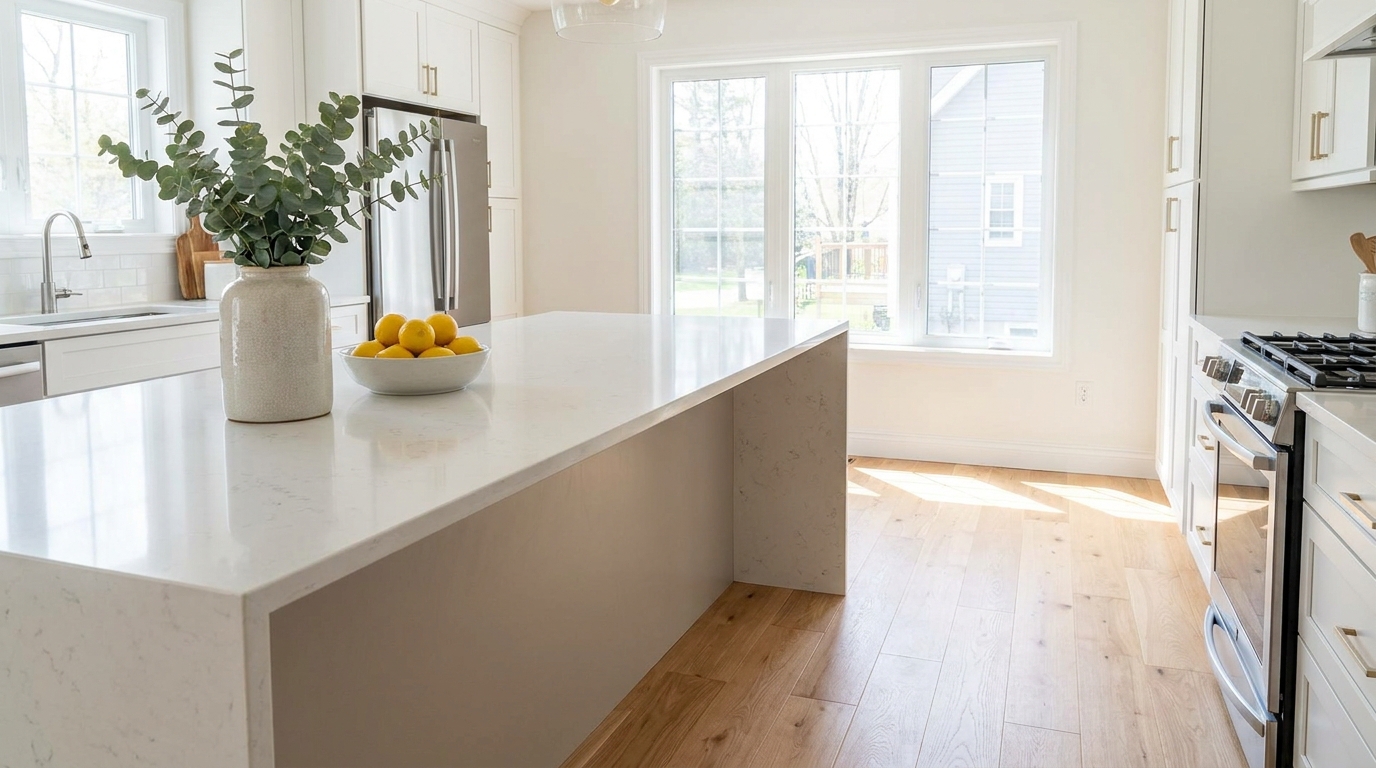
Remove stains and marks so surfaces look cleaner, fresher, and better cared for.
Try This Tool →
Eliminate logos and overlays for a clean image ready for marketing use.
Try This Tool →
Reduce window reflections for clearer views and a cleaner glass finish.
Try This Tool →
Replace distracting TV content with a clean dark screen that looks intentional and tidy.
Try This Tool →
Remove visible cords and cables for a cleaner, more premium-looking space.
Try This Tool →Enhance your real estate marketing with other powerful AI-driven image editing features.
AI image-to-video generation for turning home, room, and property photos into more vivid presentation videos.
02AI exterior renovation for visualizing facade updates, curb appeal improvements, and home exterior remodel ideas.
03AI landscaping design for exploring outdoor concepts, curb appeal upgrades, planting ideas, and yard layout directions.
04AI virtual staging for furnishing empty rooms and creating listing-ready interiors for real estate marketing.
05Free AI image generation for turning text prompts into unlimited visual ideas for home design, interiors, landscaping, renovation
06AI object removal for cleaning up distracting items from room, home, and property photos.
Remove distracting date stamps and timestamps in seconds. Try our AI Photo Enhancer today and make your property photos look pristine.