
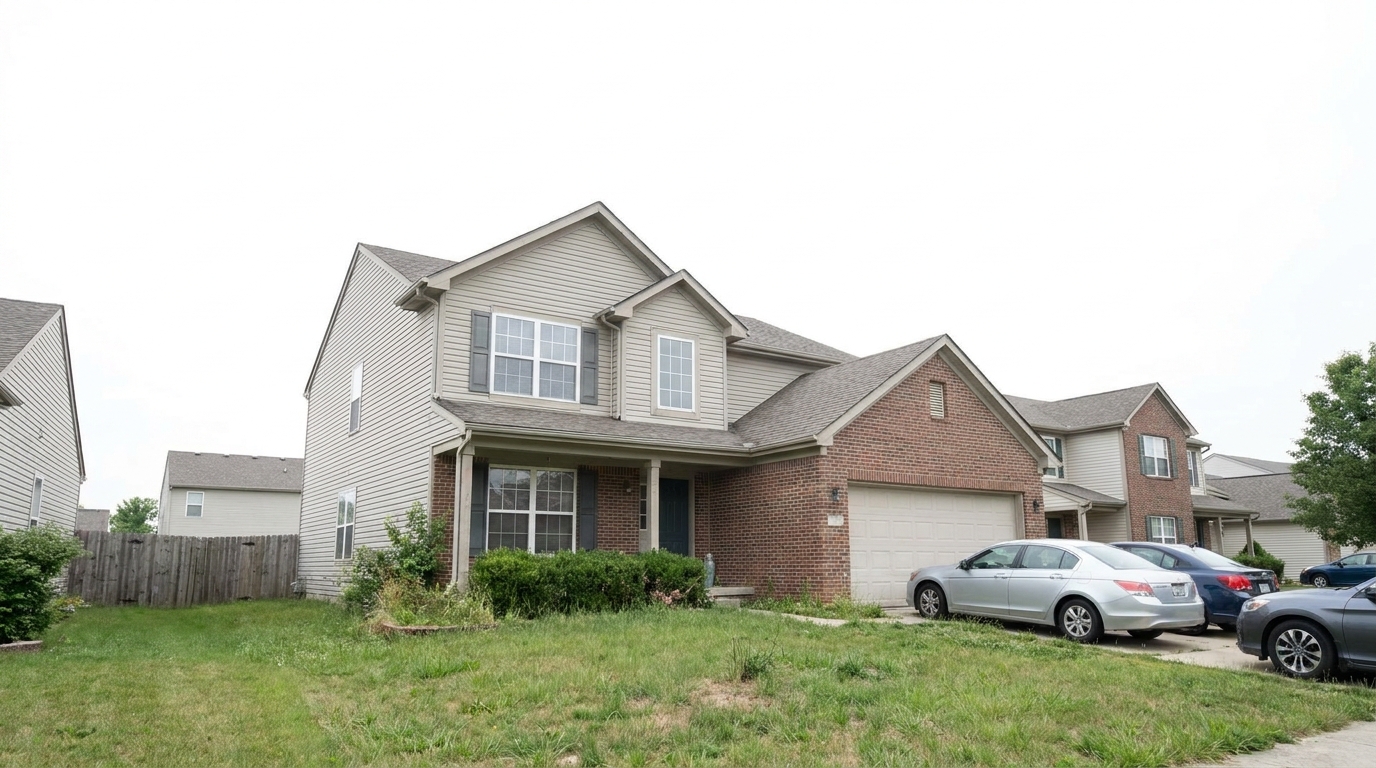
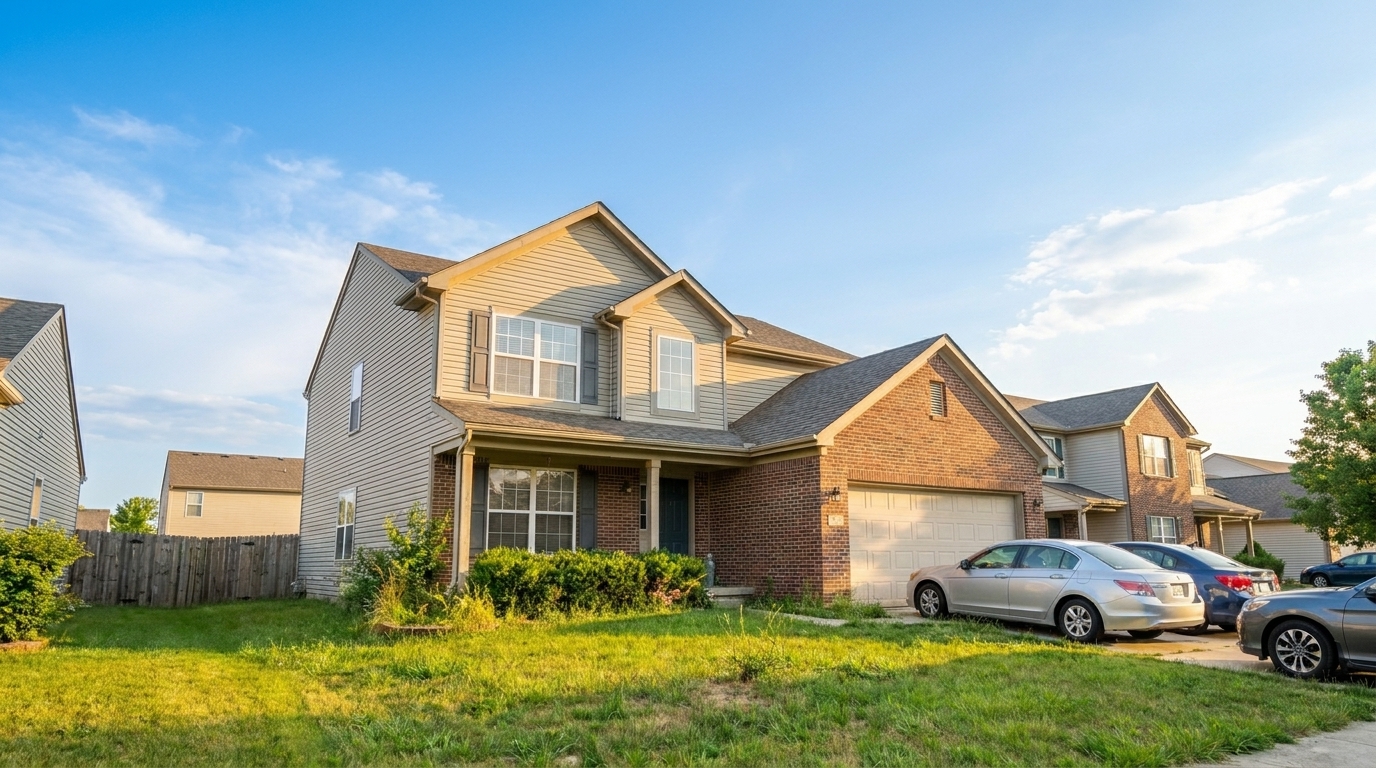

Overcast Sky Rescue
Overcast Sky Rescue updated with golden hour styling.
Transform overcast skies, swap seasons, and apply stunning golden hour lighting. Create inviting, high-impact real estate photos regardless of when they were shot.
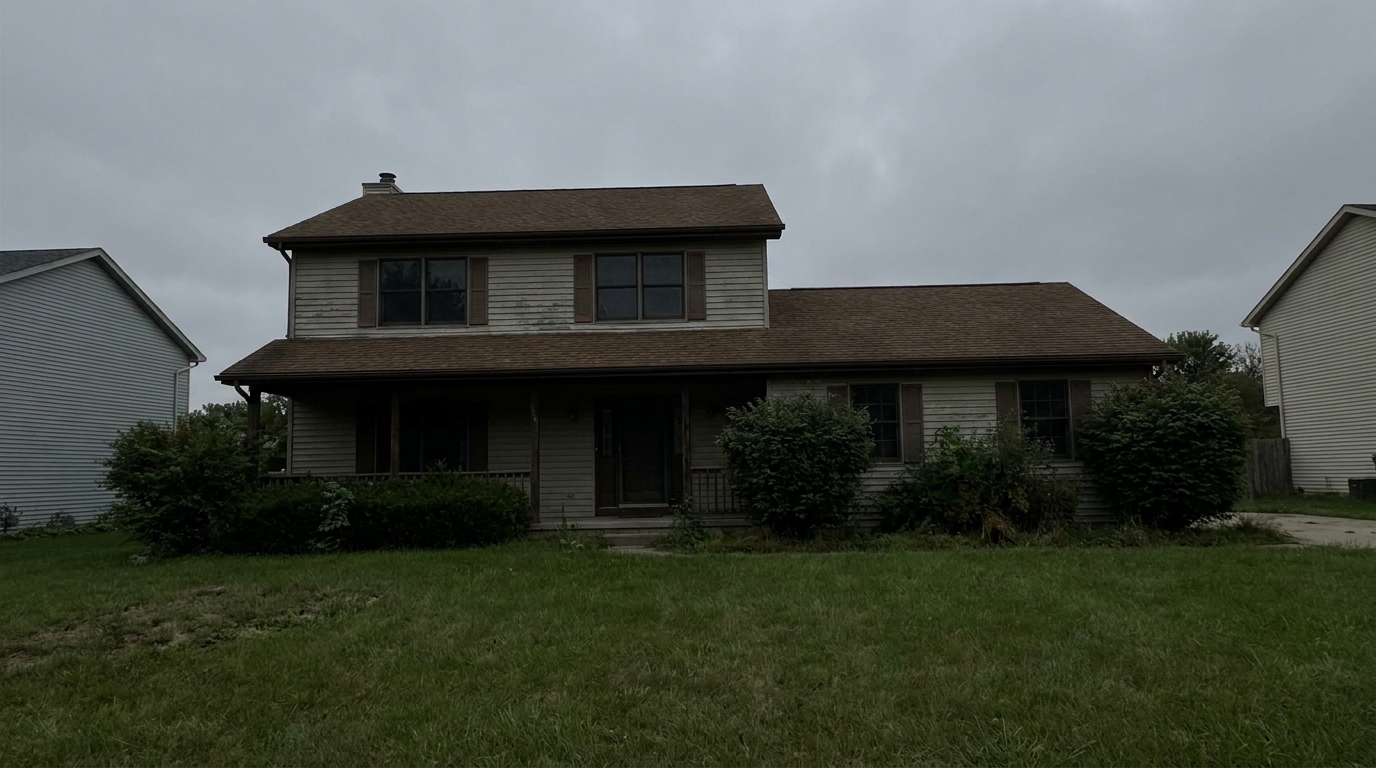
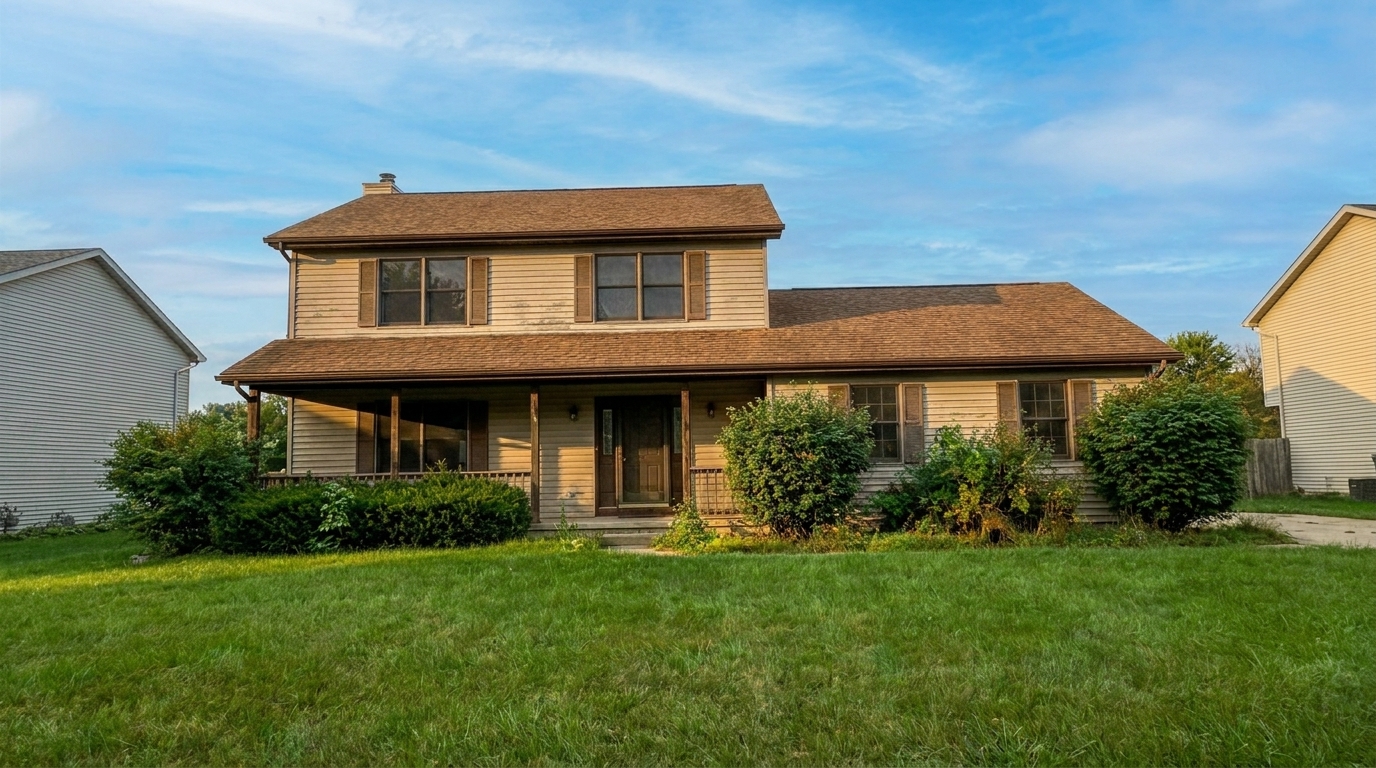
Compare original overcast or off-season photos with our enhanced, sun-drenched, and seasonally optimized results.
Overcast Sky Rescue updated with golden hour styling.
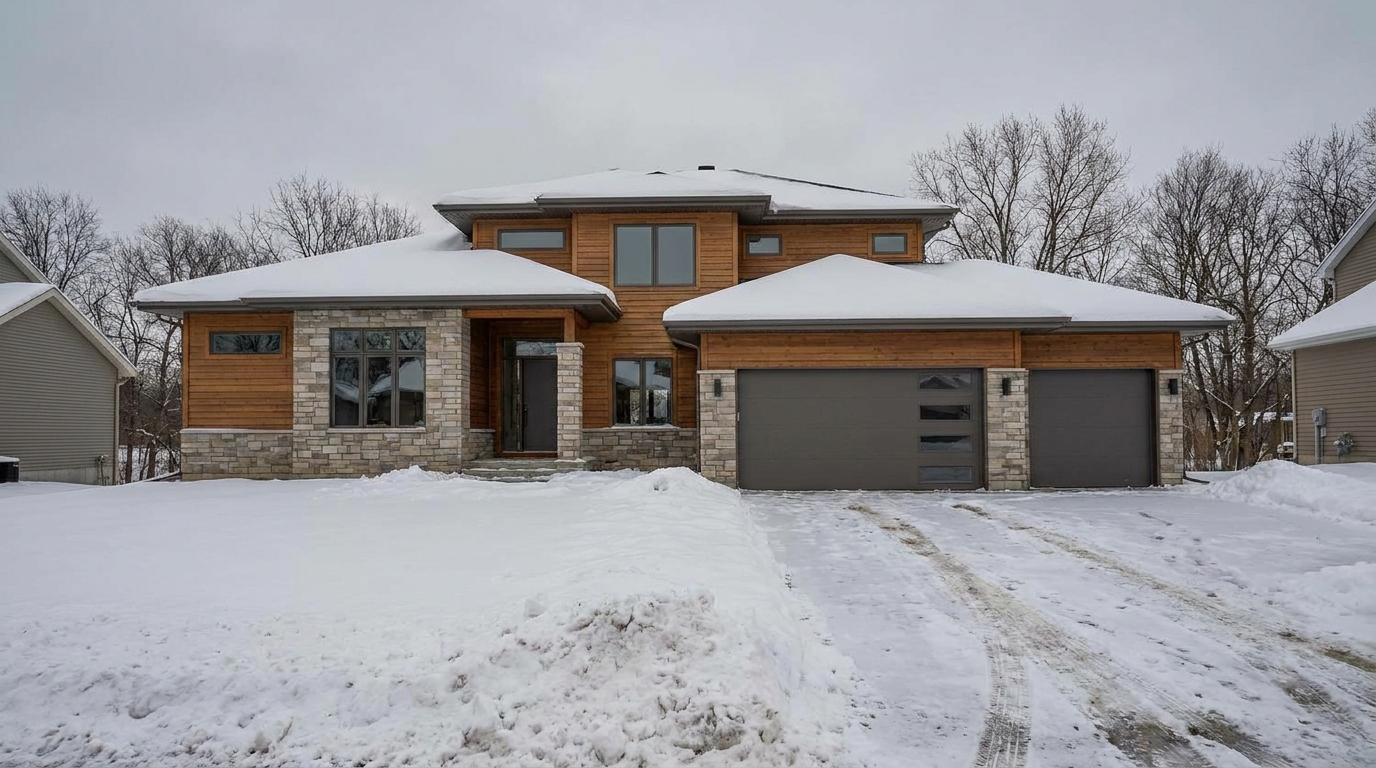
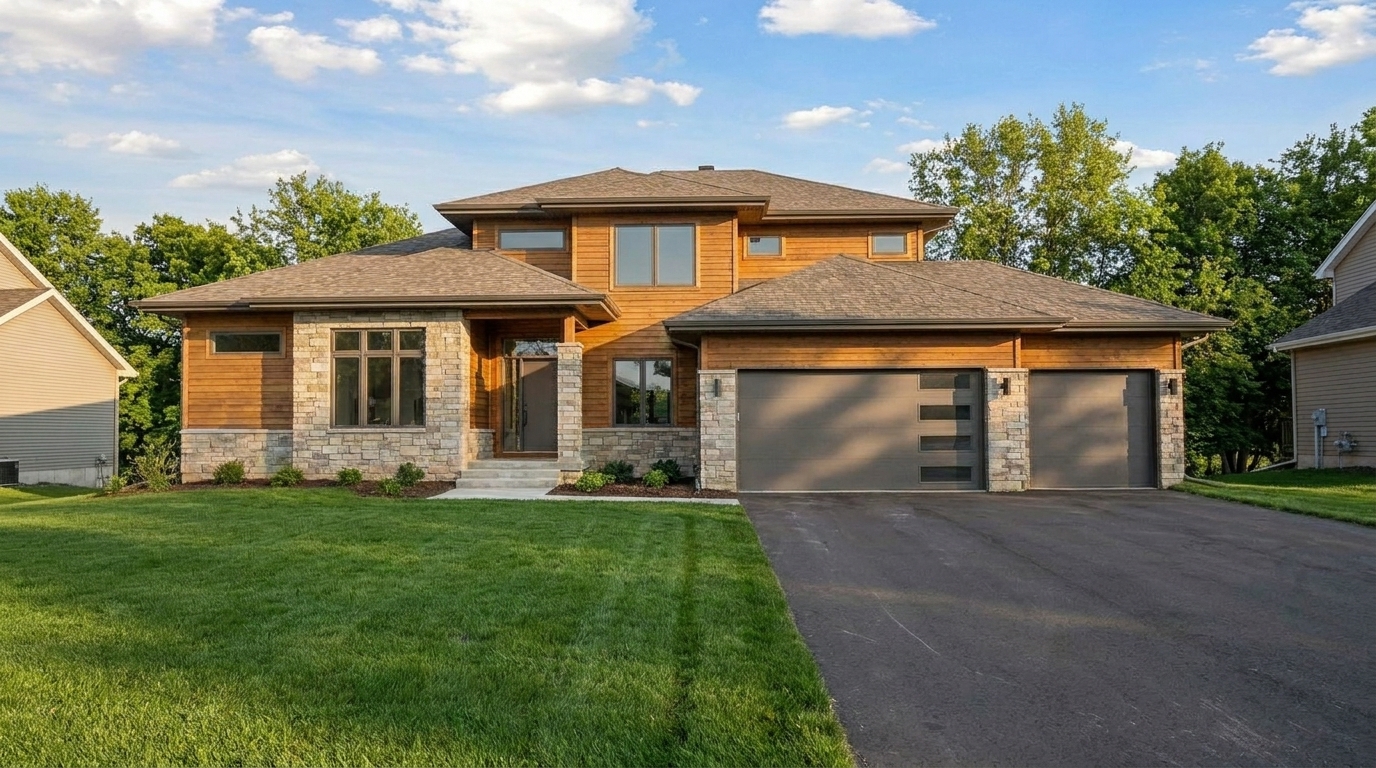
Winter Snow Removal updated with blue hour styling.
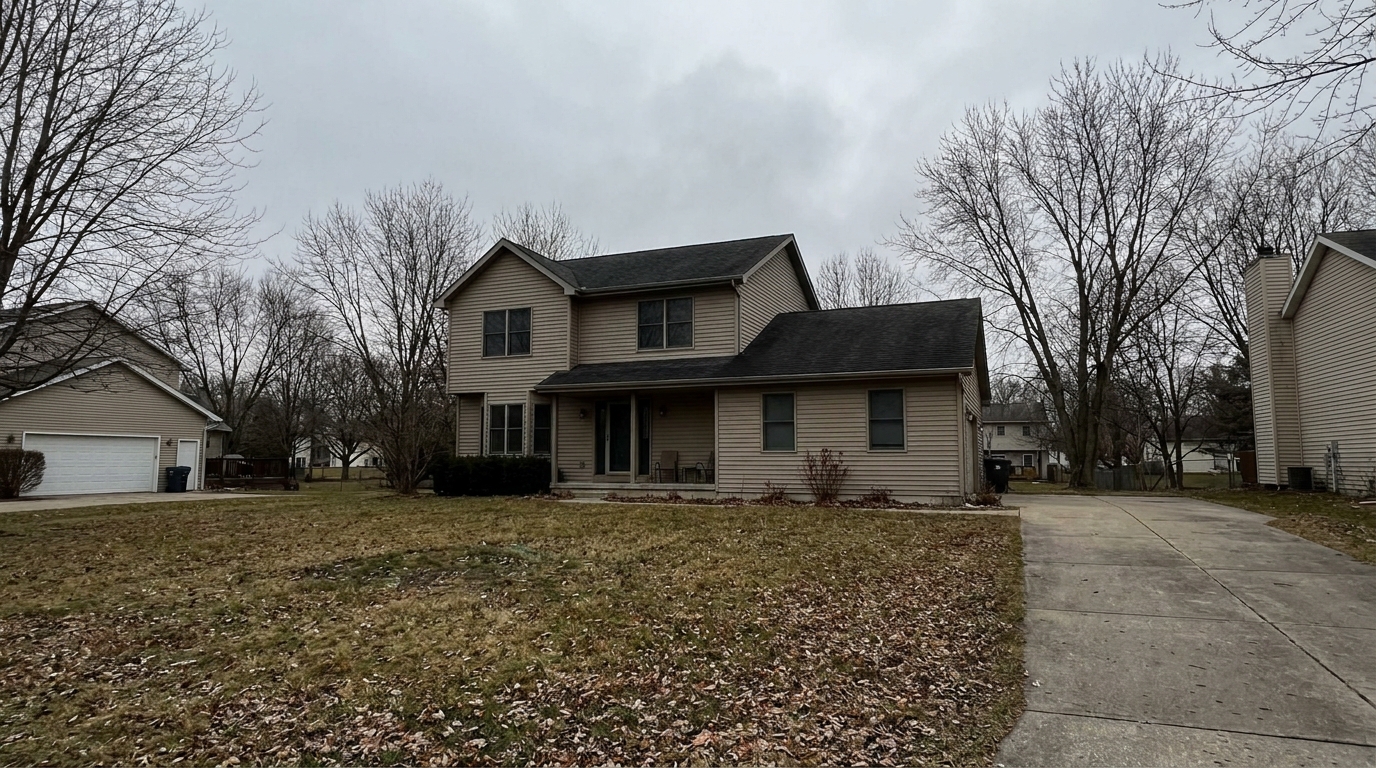
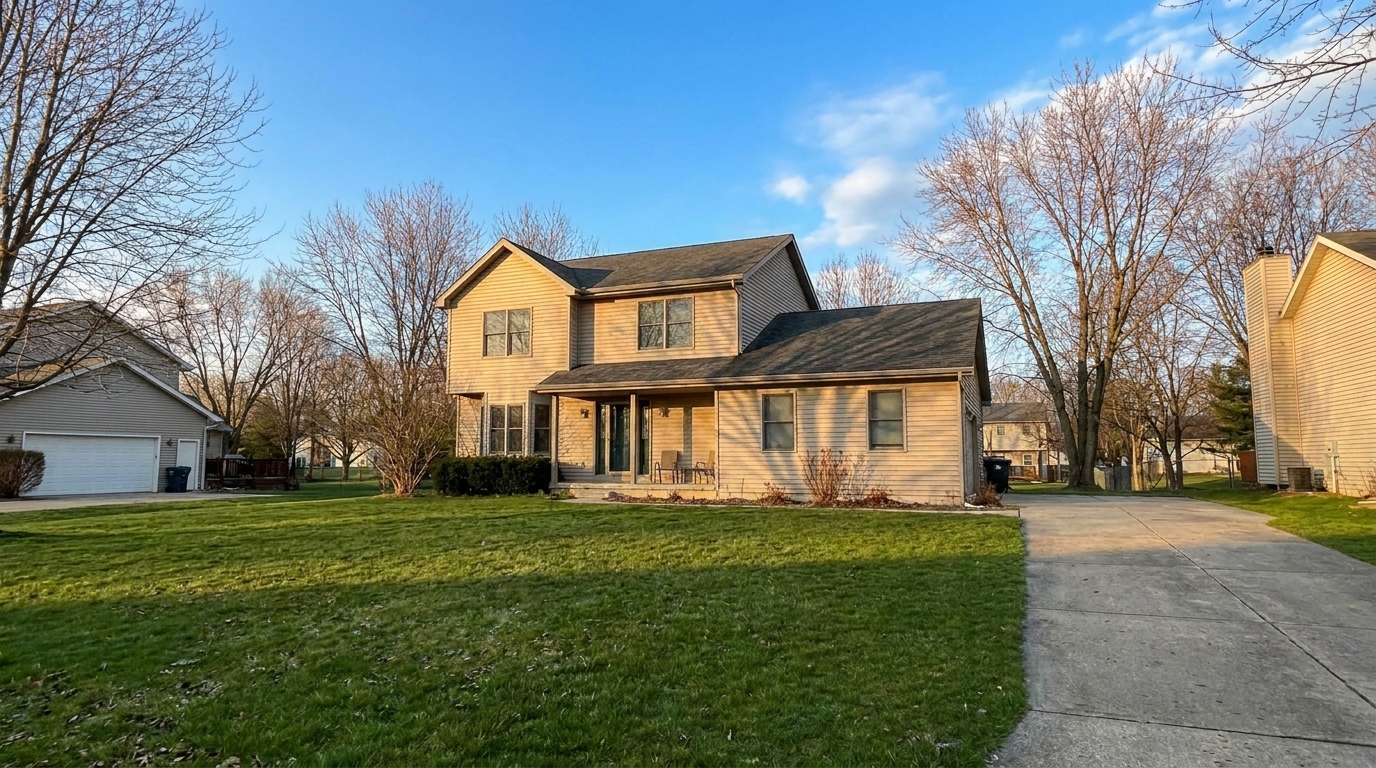
Autumn Foliage Swap updated with haze & fog removal styling.
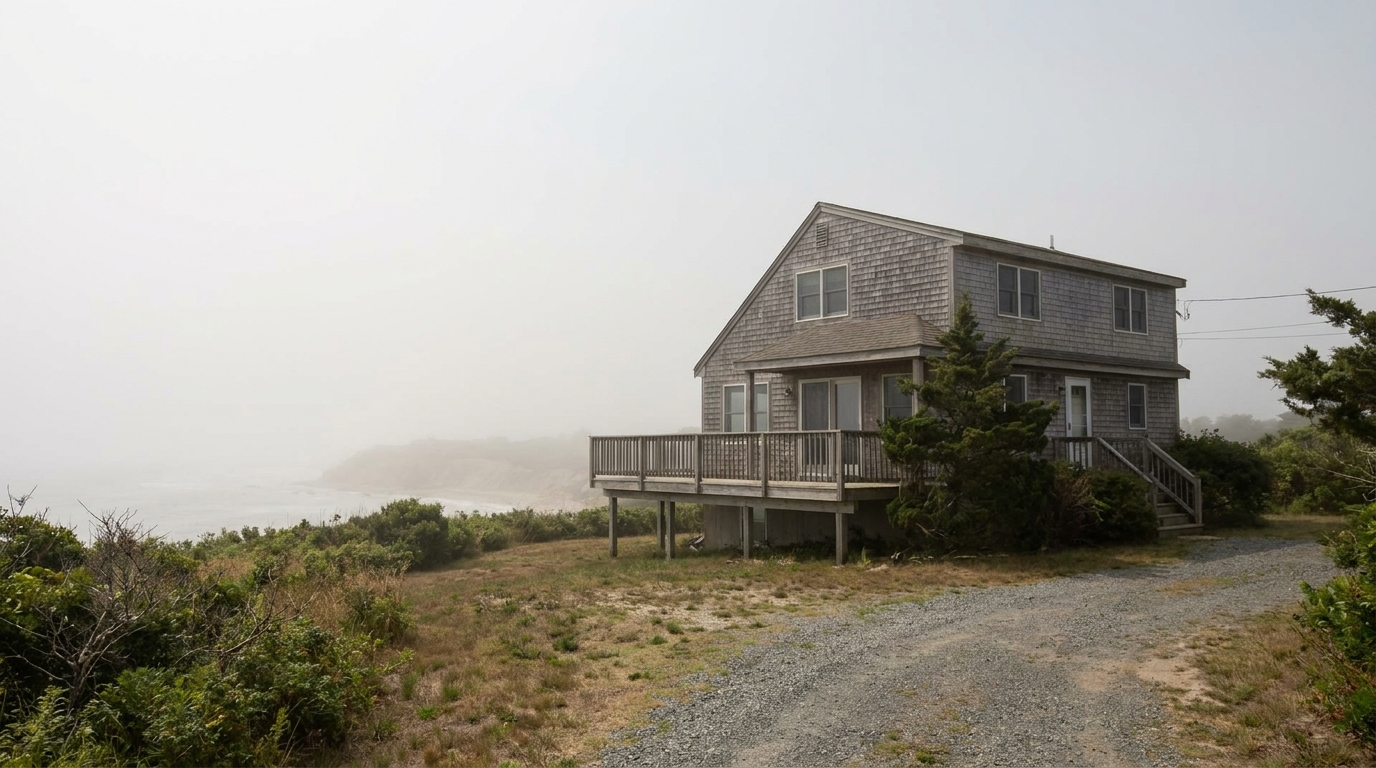
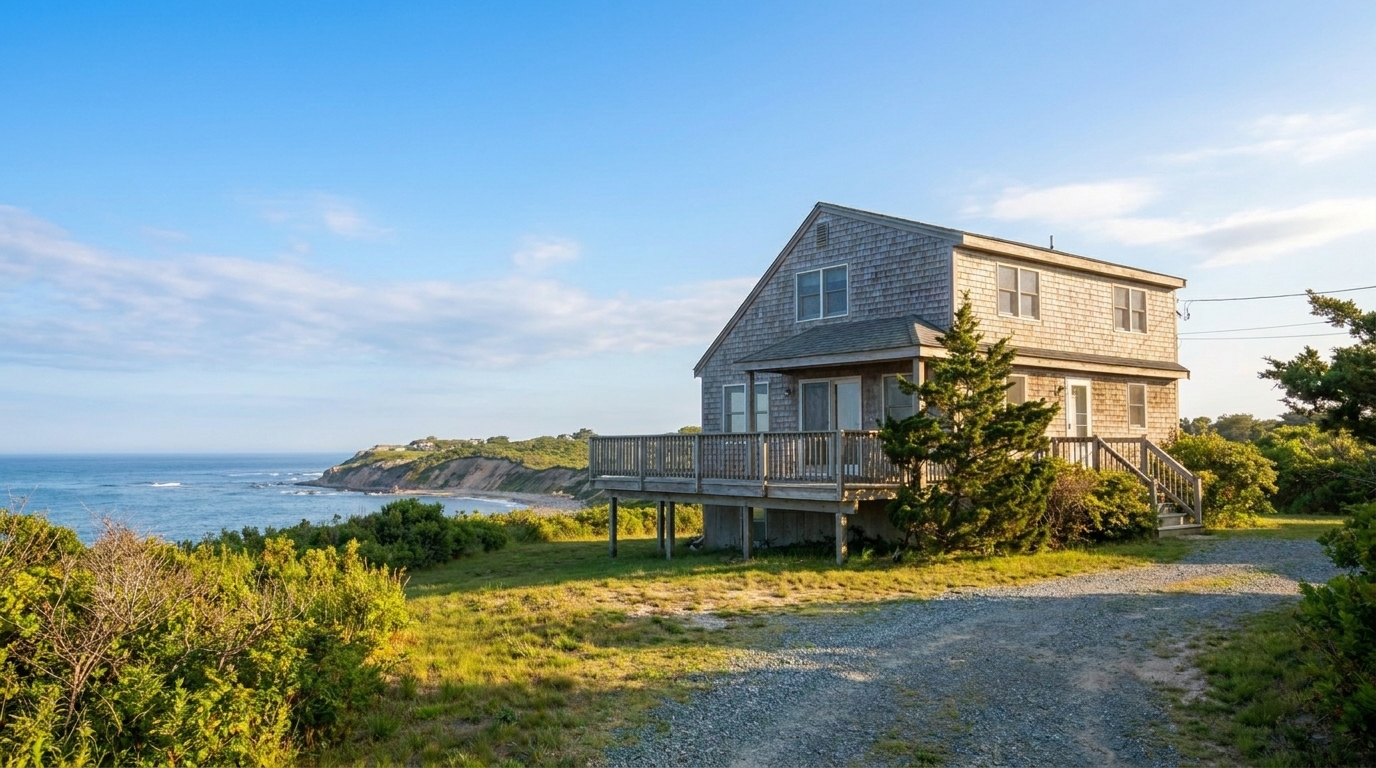
Hazy Summer Afternoon updated with harsh sunlight & shadow fix styling.
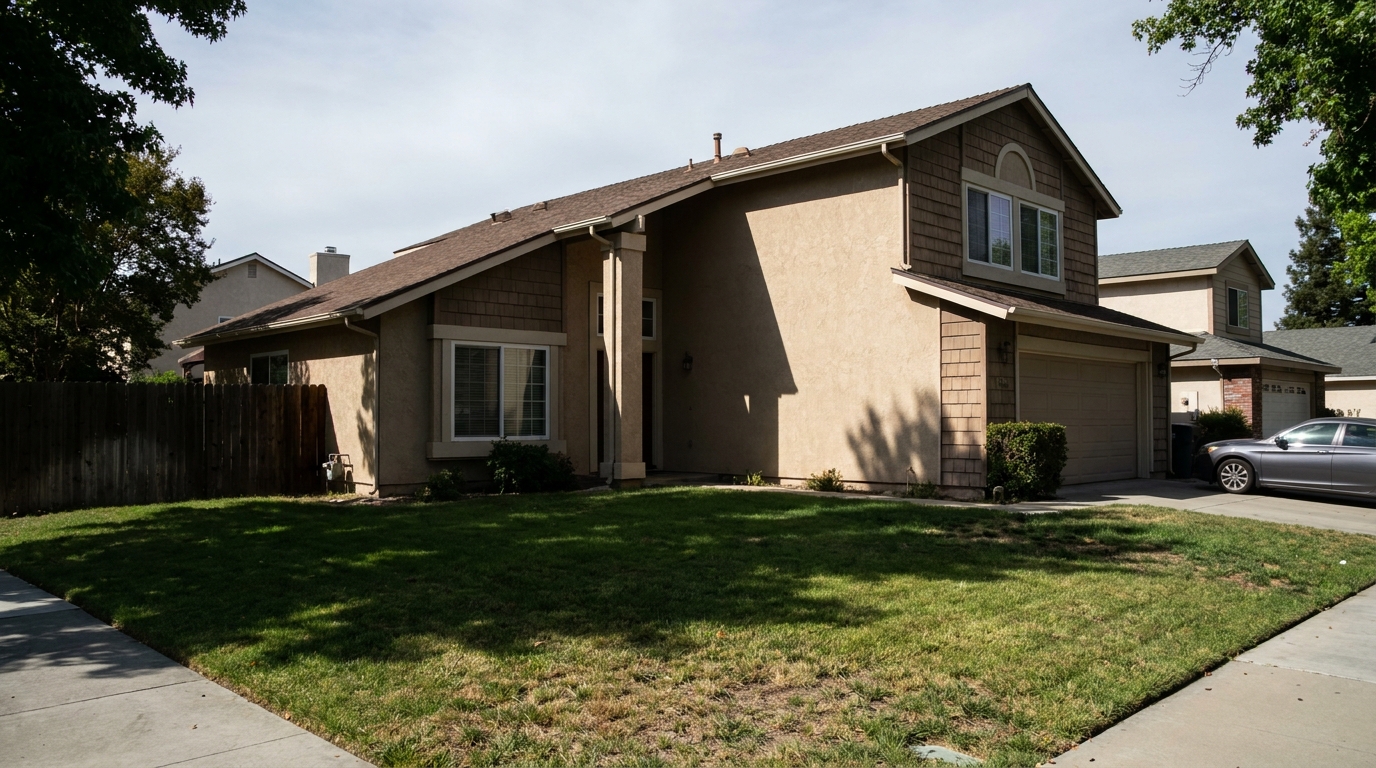
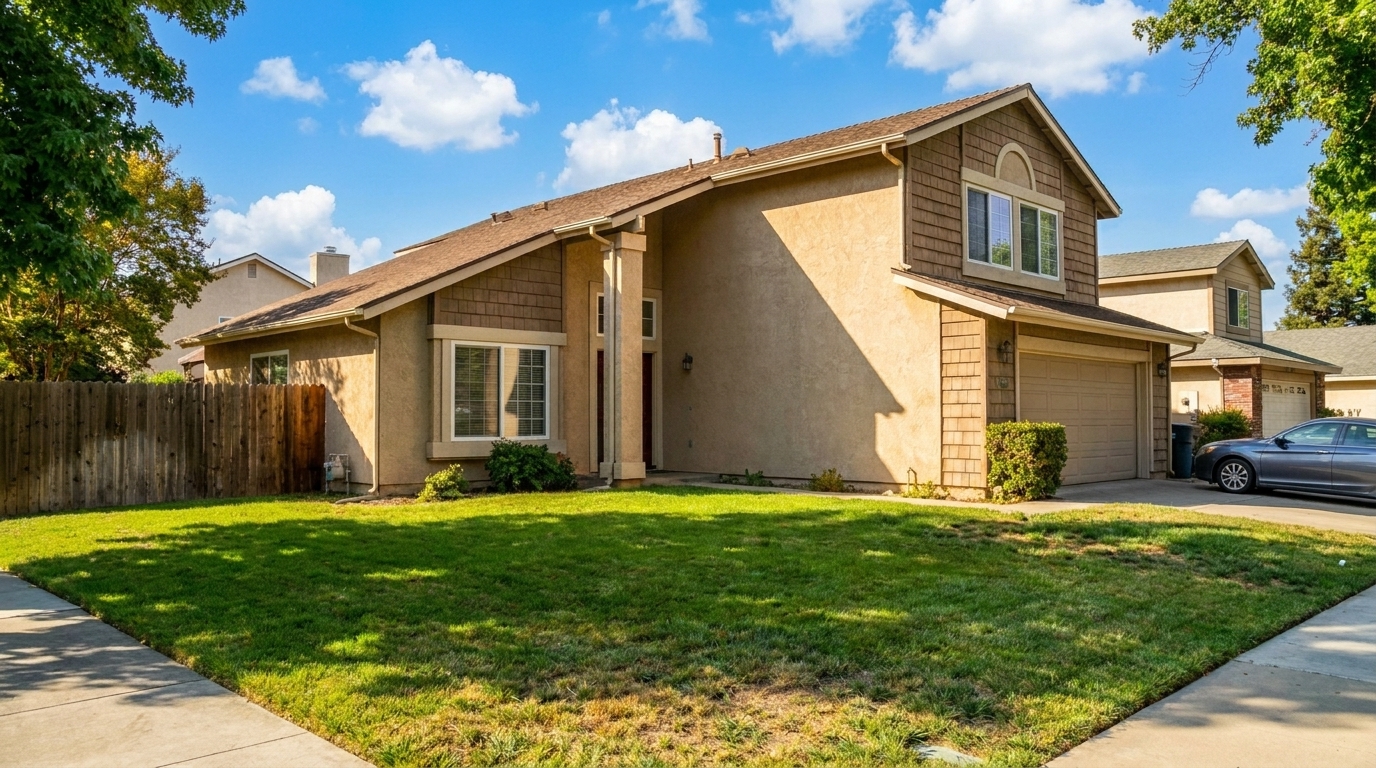
Harsh Midday Shadows updated with overcast to sunny styling.
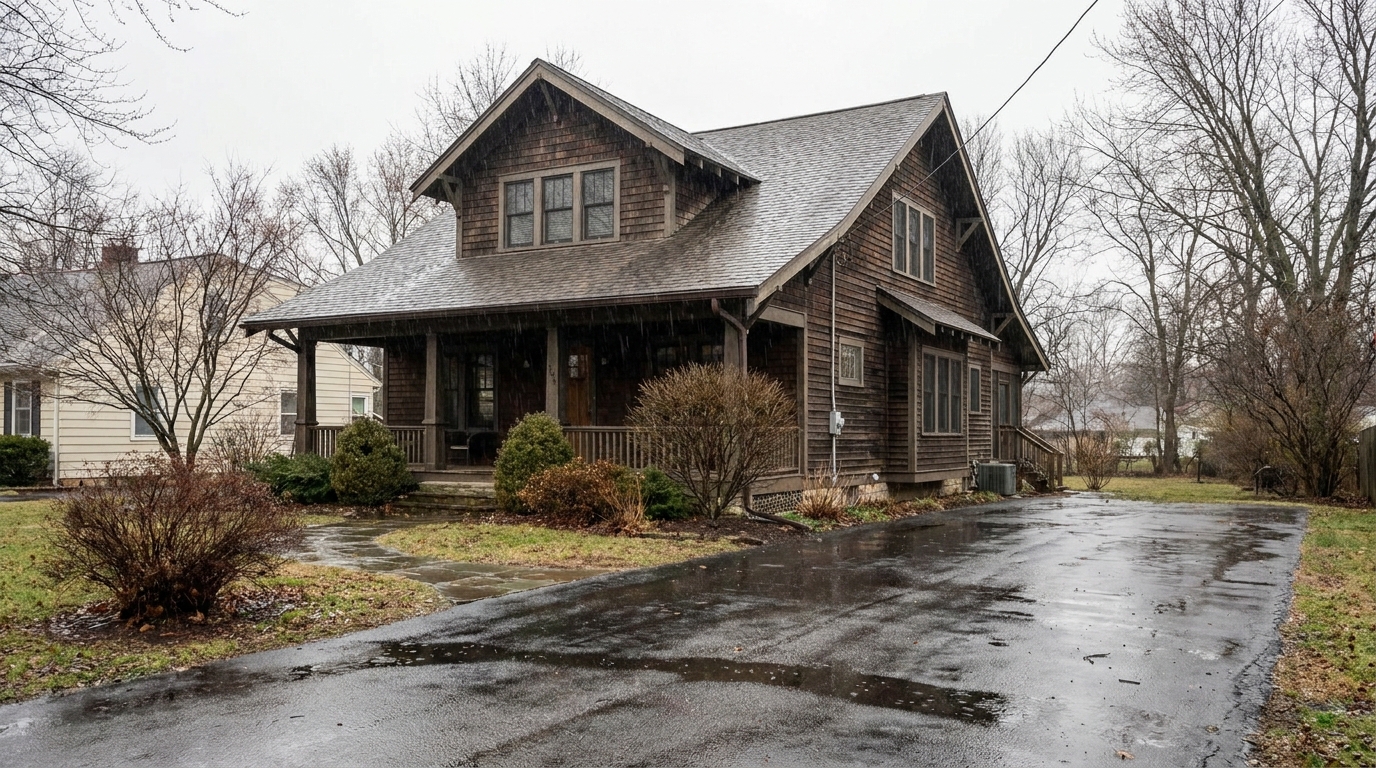
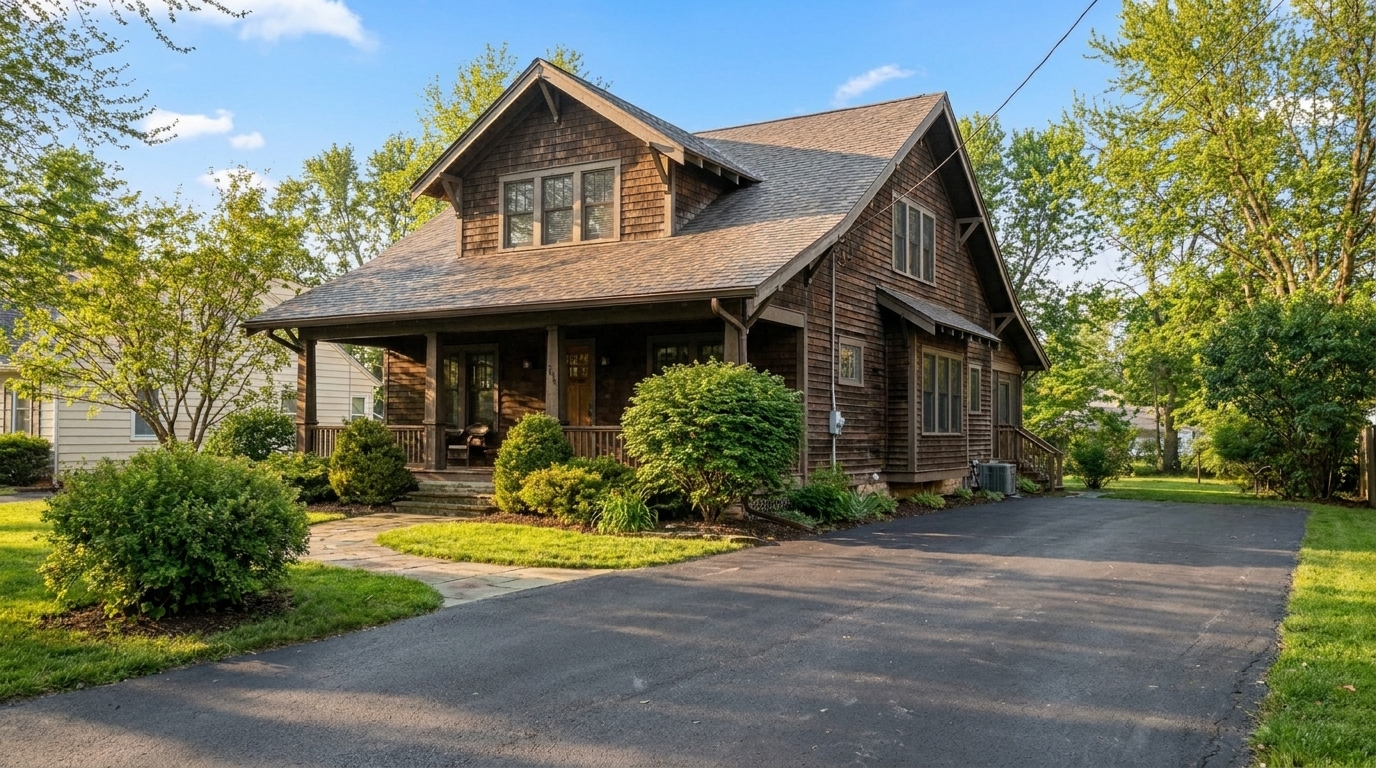
Rainy Day Exterior updated with rain & wet weather fix styling.
Discover the powerful tools designed to correct poor weather conditions and enhance seasonal curb appeal.
Instantly replace gray, gloomy skies with vibrant blue backdrops and add realistic sun-drenched lighting across the property.
Transition landscaping from barren winter or muddy autumn to lush, green spring and summer foliage while preserving home structures.
Apply warm, low-angle late afternoon sunlight or cool, upscale twilight tones to elevate the property's premium appeal.
Clear away atmospheric obstruction and moisture to restore natural contrast, sharp architectural lines, and vibrant colors.
Balance high-contrast midday photos by lifting deep shadows and reducing overexposed highlights for a clean, even exposure.
Digitally clear snow from driveways, lawns, and roofs, revealing the underlying property structure for year-round appeal.
See how real estate professionals and photographers use atmospheric adjustments to rescue listings and boost buyer interest.
Turn photos taken on rainy or overcast days into bright, inviting summer listings without scheduling expensive reshoots.
Listing RescueUpdate winter-captured photos to show lush spring or summer landscaping, making the home look attractive in any buying season.
Seasonal MarketingConvert standard daytime exterior shots into high-end twilight or blue hour photos to attract luxury buyers.
Luxury ListingsRemove heavy snow and ice from walkways and roofs to present a clean, accessible, and safe-looking home exterior.
Property PresentationAdd vibrant spring greenery and warm sunlight to newly finished builds that currently have dry or unfinished landscaping.
New ConstructionApply consistent golden hour or sunny weather styling across all agency listings for a cohesive, professional brand look.
Brand ConsistencyFollow three simple steps to transform the climate, sky, and foliage of your real estate listings.
Select and upload a high-resolution exterior image of your property, ensuring the home and surrounding landscape are clearly visible.
Select from options like Overcast to Sunny, Golden Hour, or Season Swap to instantly apply realistic atmospheric adjustments.
Review the natural lighting and foliage changes, then download your high-quality, marketing-ready photo.
Source-backed context for why weather & seasonal editing can strengthen real estate listing presentation and buyer evaluation.
Weather & Seasonal Editing evidence
Photos are one of the most valuable website features for home buyers; NAR's 2025 generational trends report says 83% of internet-using buyers rated photos as very useful. For Weather & Seasonal Editing pages, this supports explaining why that enhancement category can influence listing presentation, buyer confidence, and perceived property readiness.
Source: NAR 2025Weather & Seasonal Editing evidence
Zillow Research's 2025 prospective buyer report ranked high-resolution photos as the number two most important listing feature, selected by 26% of prospective buyers; floor plans ranked first at 33%. For Weather & Seasonal Editing pages, this supports explaining why that enhancement category can influence listing presentation, buyer confidence, and perceived property readiness.
Source: Zillow 2025Weather & Seasonal Editing evidence
Redfin reported that professionally photographed homes in the $400,000 range sold three weeks faster and for more than $10,000 relative to list price compared with amateur photos. Use this as supporting context, not as a guaranteed result. For Weather & Seasonal Editing pages, this supports explaining why that enhancement category can influence listing presentation, buyer confidence, and perceived property readiness.
Source: RedfinAtmospheric conditions can make or break a real estate listing. This guide explains how to strategically apply weather and seasonal edits to maximize curb appeal while maintaining absolute listing integrity.
Different architectural styles and property locations benefit from distinct atmospheric enhancements. For instance, modern luxury homes with extensive glass and outdoor lighting are prime candidates for the Blue Hour preset, which highlights architectural lighting against a deep twilight sky. Traditional suburban homes, on the other hand, shine brightest under the warm, welcoming glow of Golden Hour or a classic Overcast to Sunny transformation. When selecting a preset, consider the property's natural orientation; if a house faces east, a golden morning light simulation will look far more natural than a harsh western sunset angle.
To achieve the most realistic results, always start with the highest resolution image available. Apply weather corrections early in your editing workflow before performing fine-tuned color adjustments. If you are performing a full season swap—such as removing snow to show a summer lawn—ensure that any deciduous trees in the background are also updated to match the target season. Consistency is key: if you feature a sunny exterior as your primary listing photo, ensure the secondary exterior angles also reflect similar bright, clear weather conditions to maintain a cohesive viewing experience for potential buyers.
Weather and seasonal editing is highly effective for rescuing overcast shoots, clearing unexpected haze, or updating off-season foliage. It is the ideal choice when timelines are tight, budgets are limited, or the property is located far away. However, you should avoid atmospheric editing if the property has structural damage, active construction, or permanent environmental issues that cannot be realistically masked. If the physical structure of the home is obscured by severe storm debris or if the interior lighting is completely compromised by a lack of power, a physical reshoot is highly recommended over digital manipulation.
While enhancing a gray sky to blue is standard practice in real estate marketing, it is crucial to stay within MLS guidelines. Avoid altering permanent physical characteristics of the property, such as changing the color of the siding, removing permanent power lines, or adding landscaping features (like mature trees or gardens) that do not actually exist. Focus your edits strictly on transient elements: skies, seasonal grass color, weather conditions, and ambient lighting. This ensures your listing remains highly attractive while providing an honest, accurate representation when buyers visit the property in person.
Select a specialized editing preset to instantly adjust the atmosphere, lighting, and seasonal feel of your property photos.
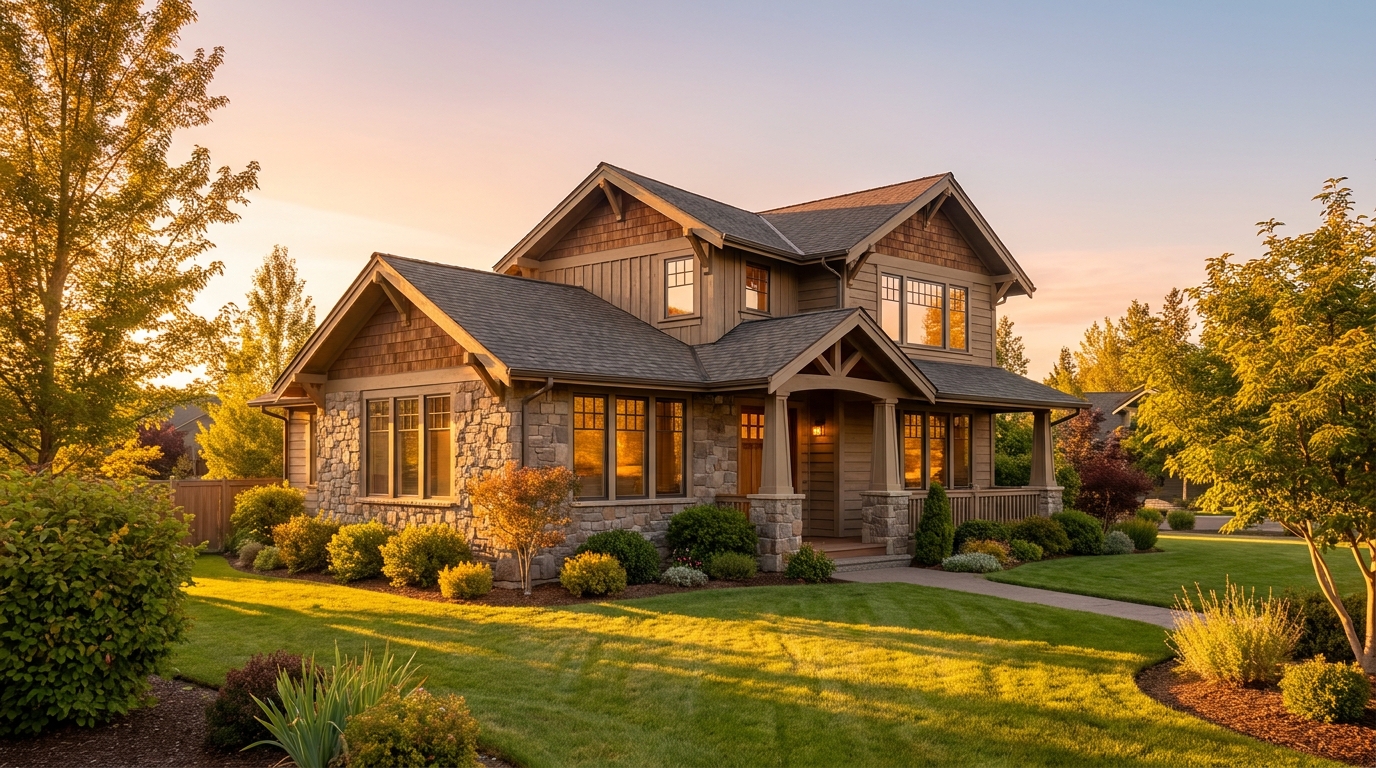
Warm golden light and soft shadows for a more flattering exterior showcase.
Try This Tool →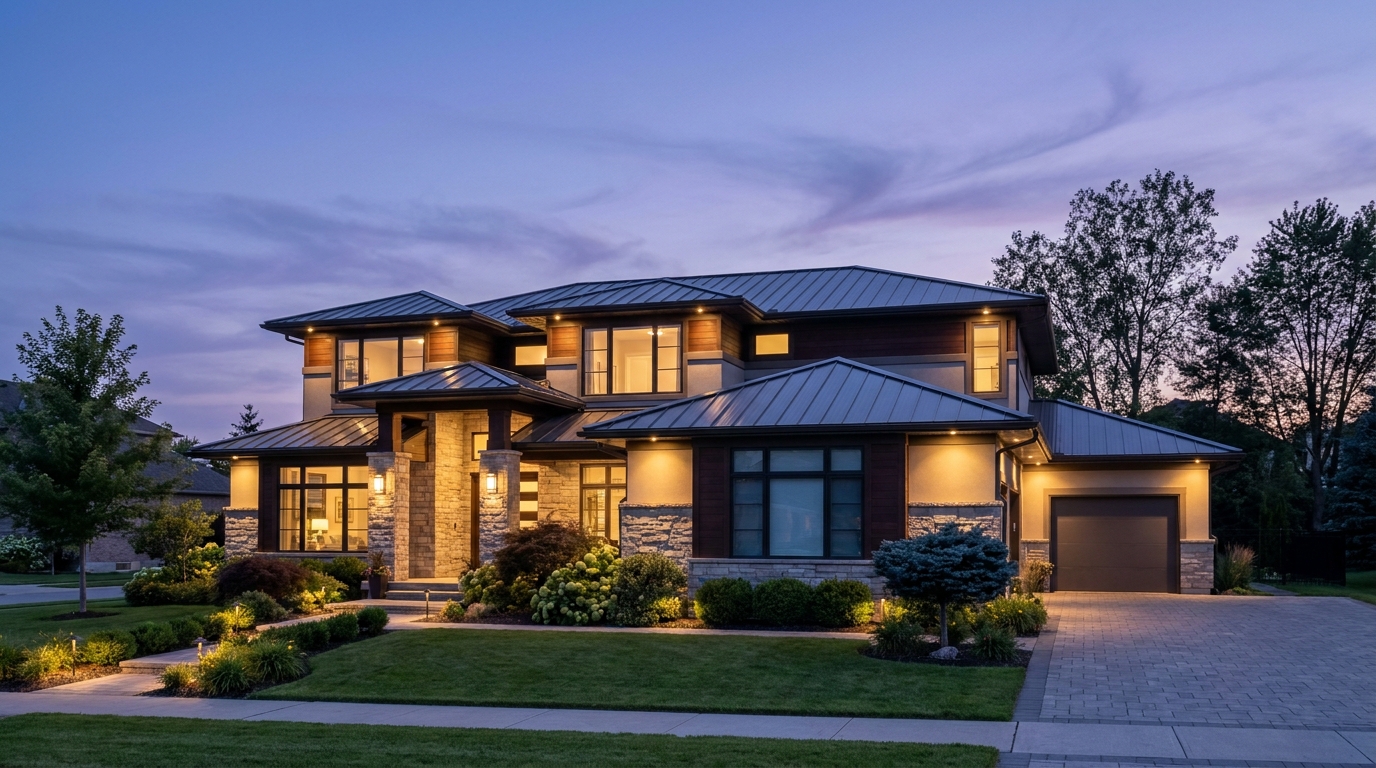
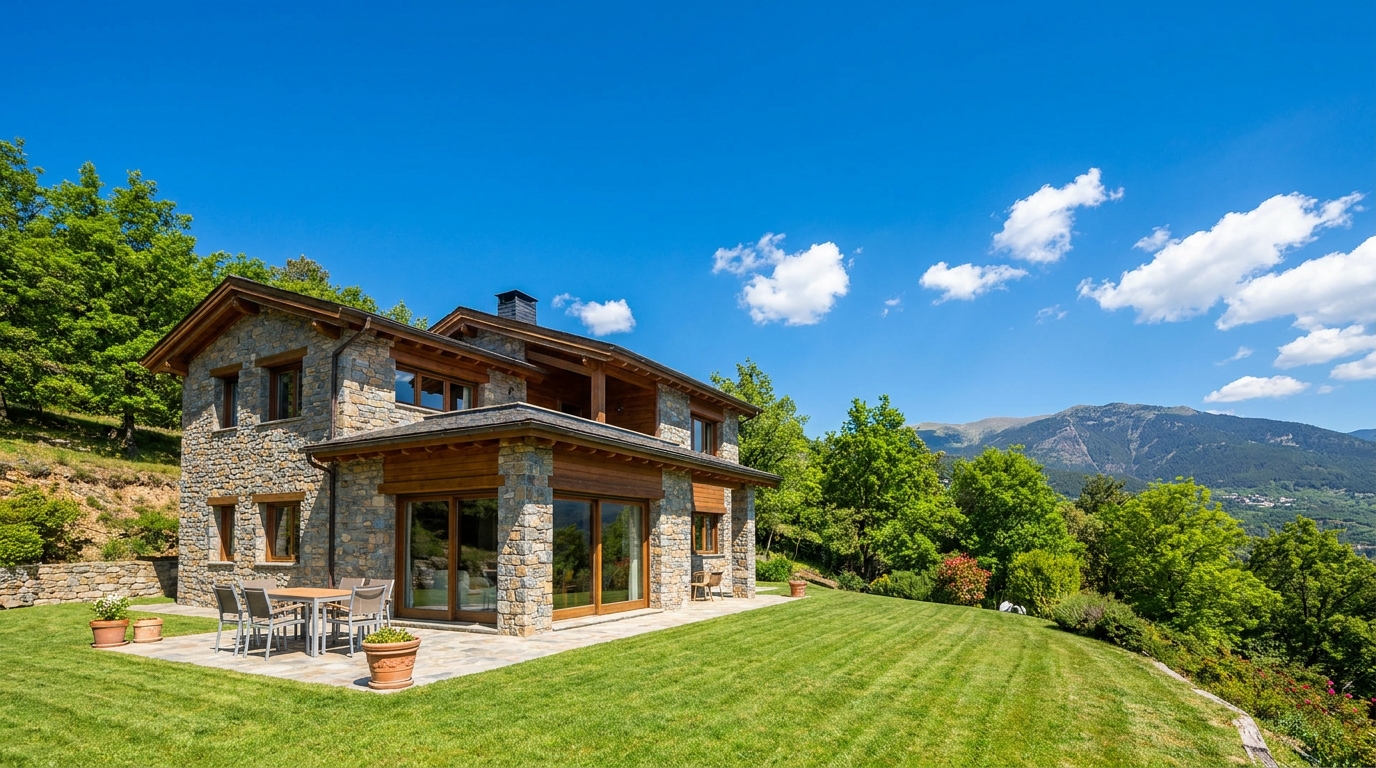
Clear atmospheric haze so the property looks sharper, brighter, and more defined.
Try This Tool →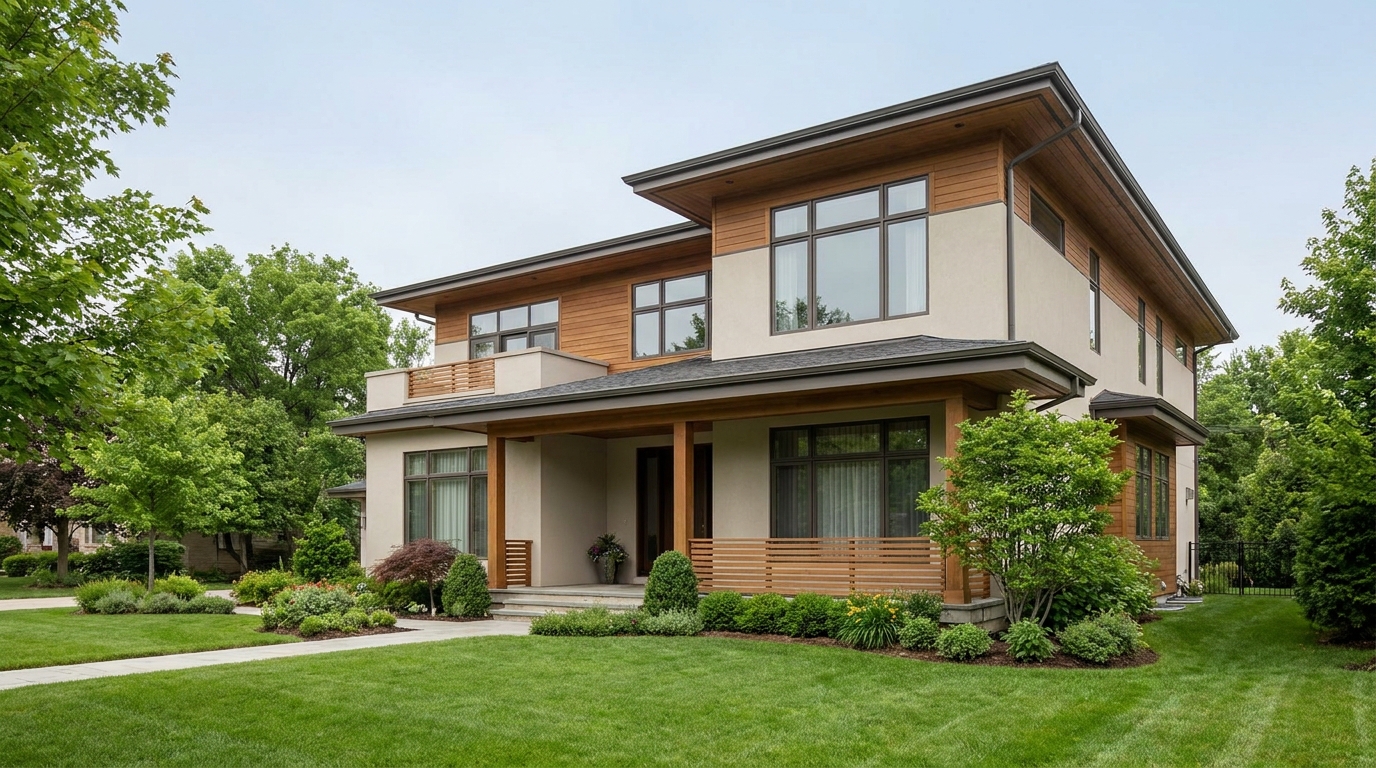
Soften harsh sun and shadows for a cleaner, more balanced exterior image.
Try This Tool →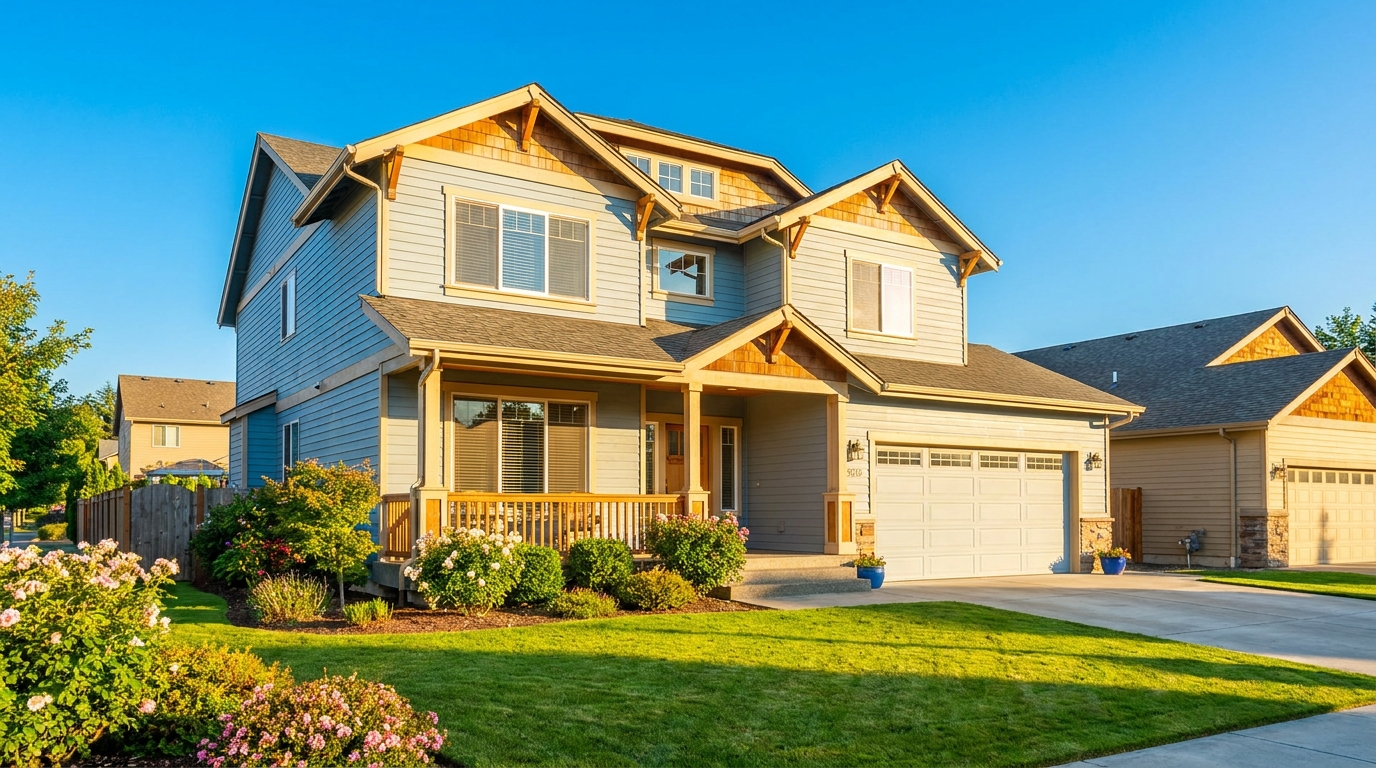
Turn cloudy exteriors into brighter sunny-day scenes with stronger curb appeal.
Try This Tool →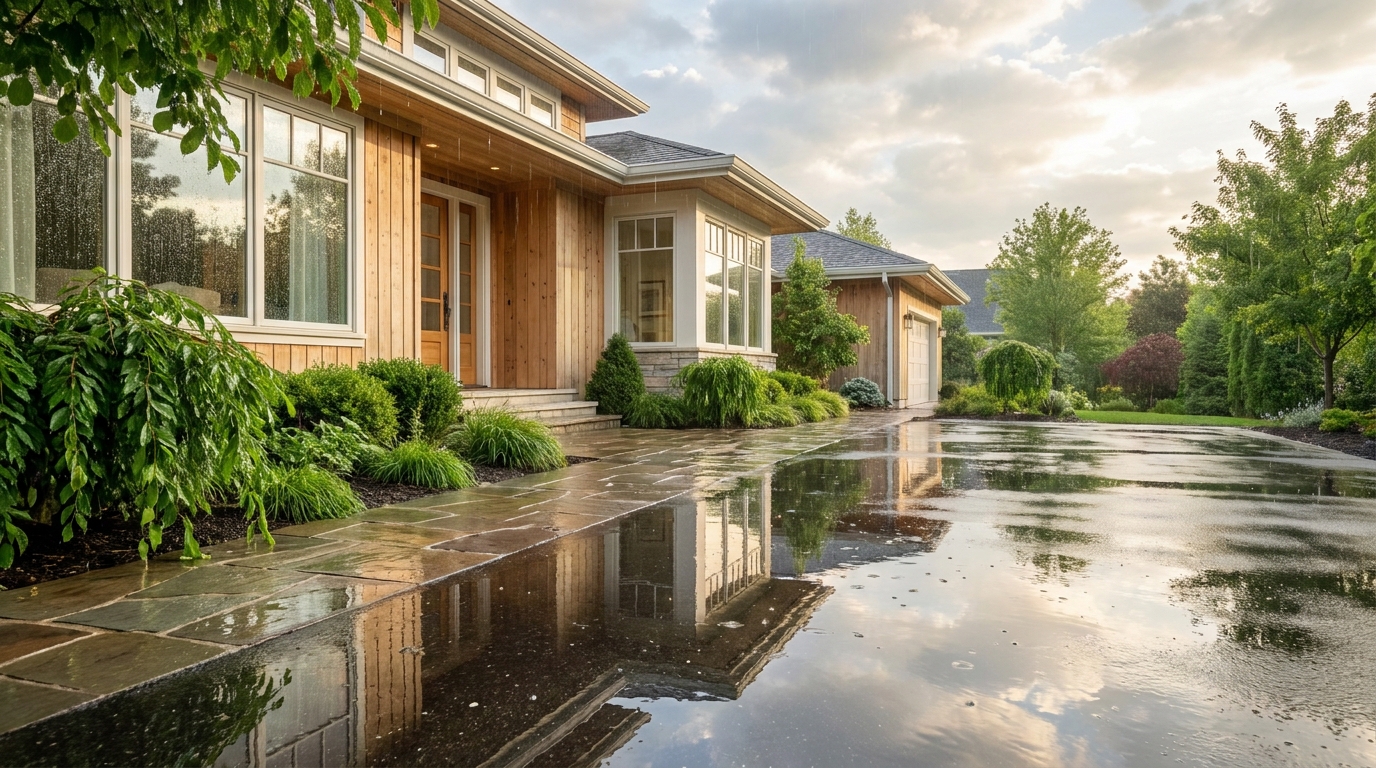
Add a fresh post-rain mood with subtle reflections and rich outdoor texture.
Try This Tool →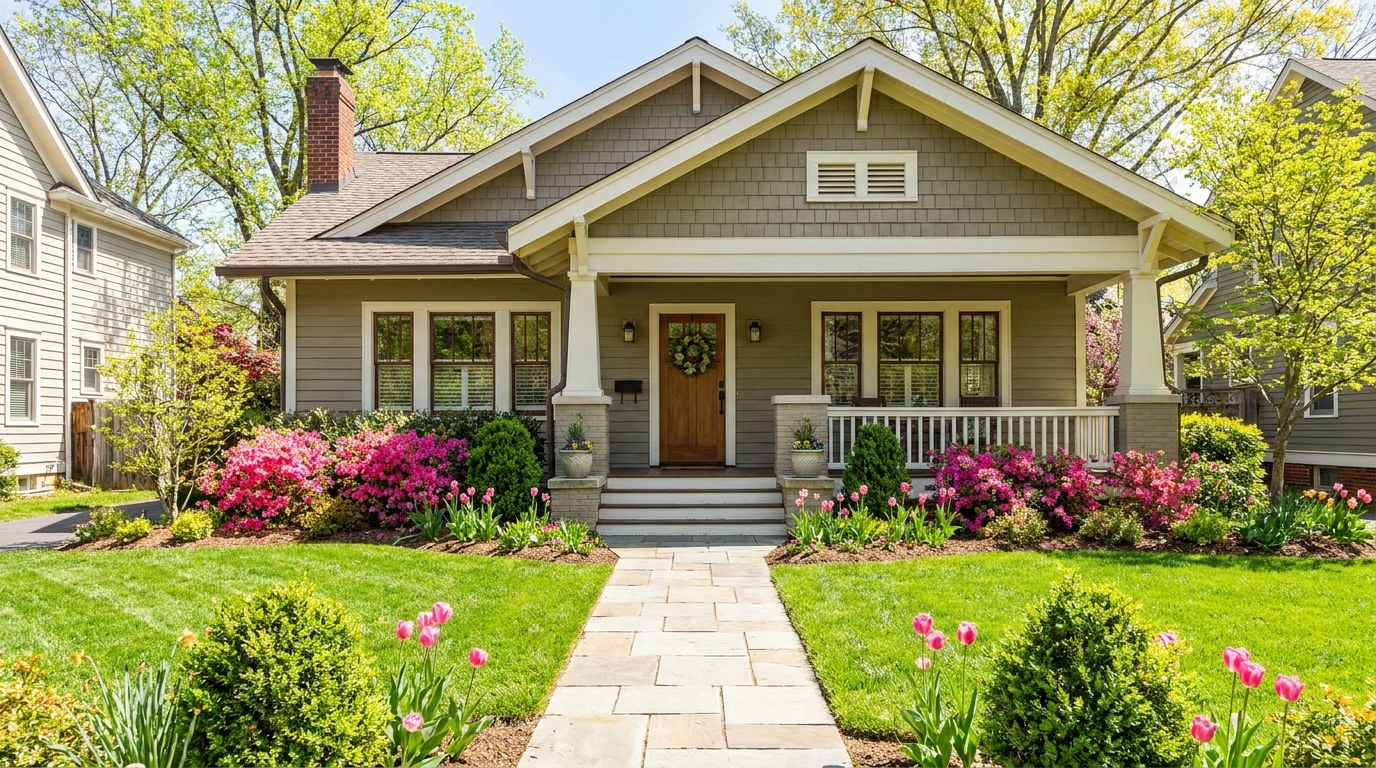
Bring in greener growth and spring freshness for a lively, welcoming exterior.
Try This Tool →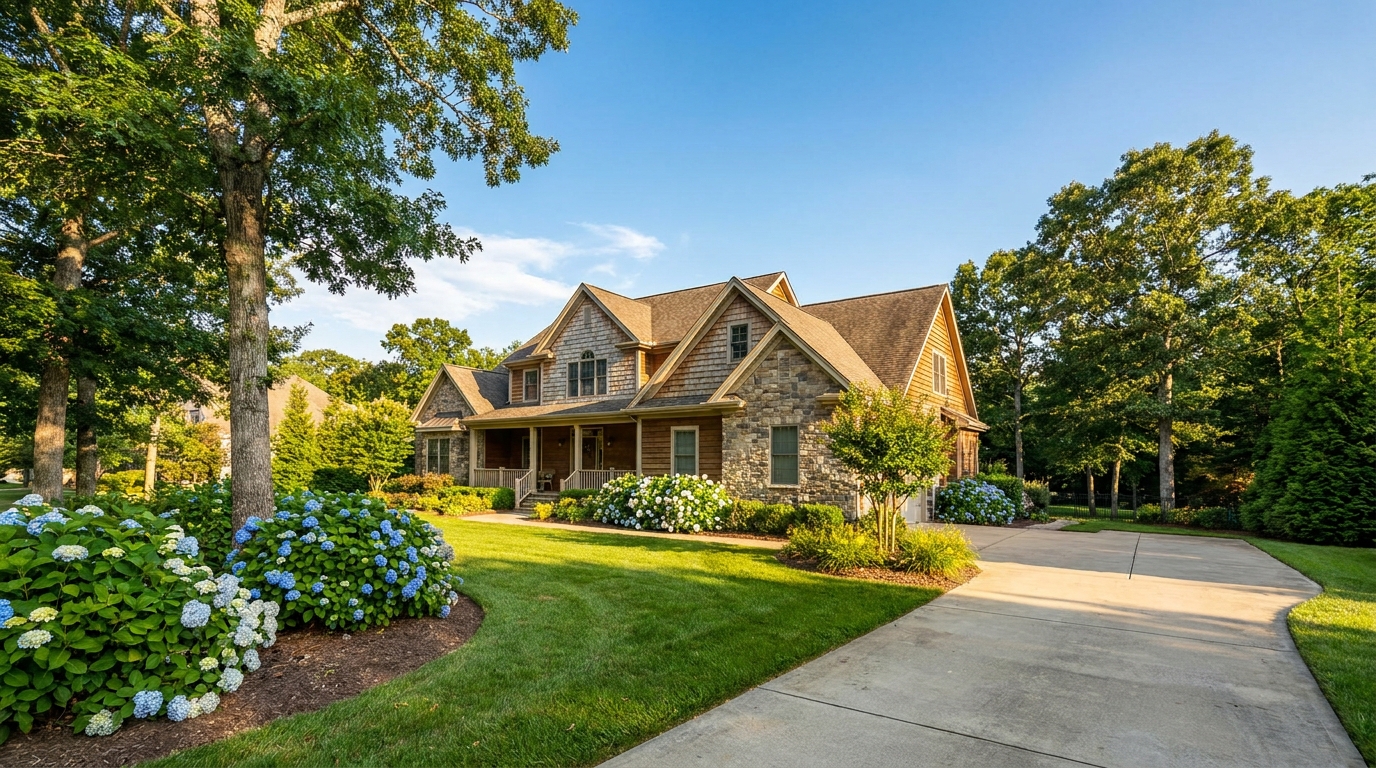
Bright, sunny seasonal styling with vibrant greenery and airy outdoor color.
Try This Tool →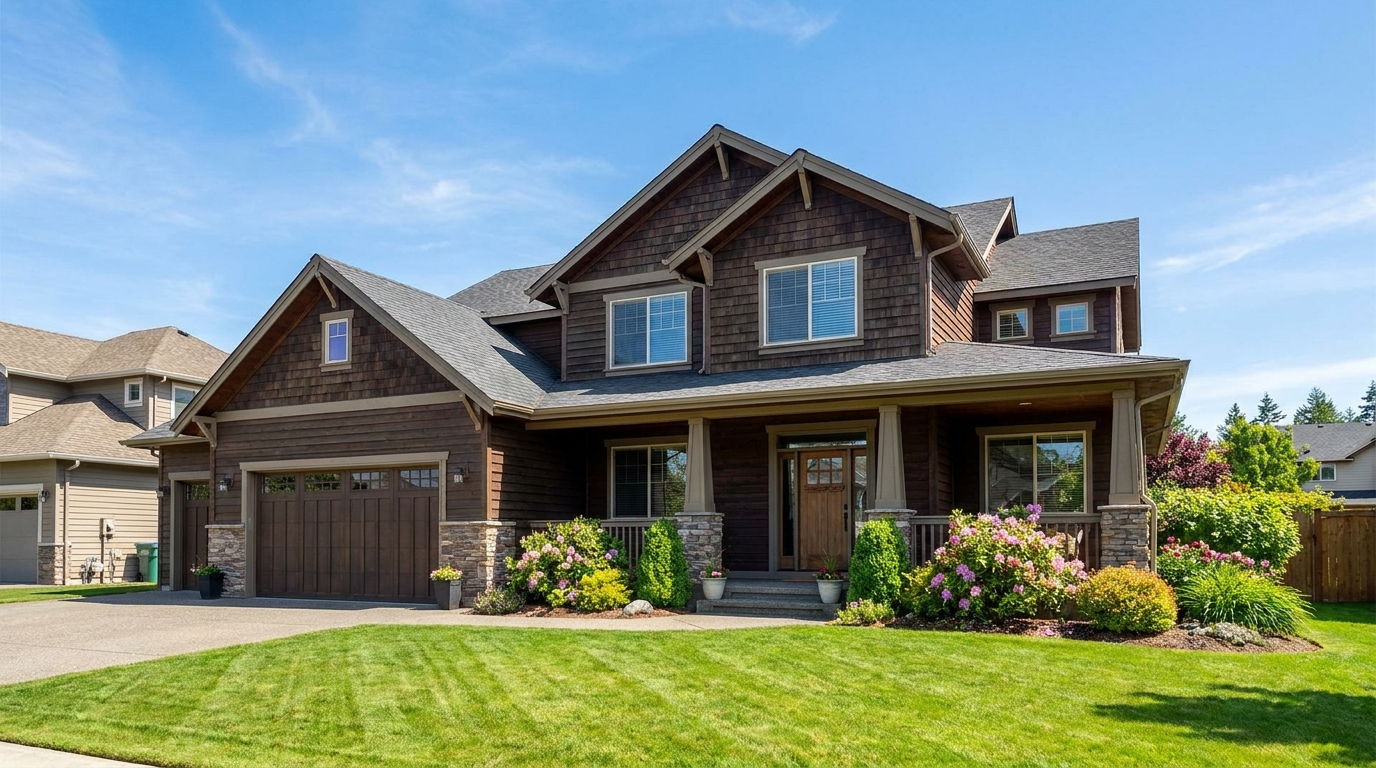
Convert dark exteriors into bright daytime scenes with clear, marketable visibility.
Try This Tool →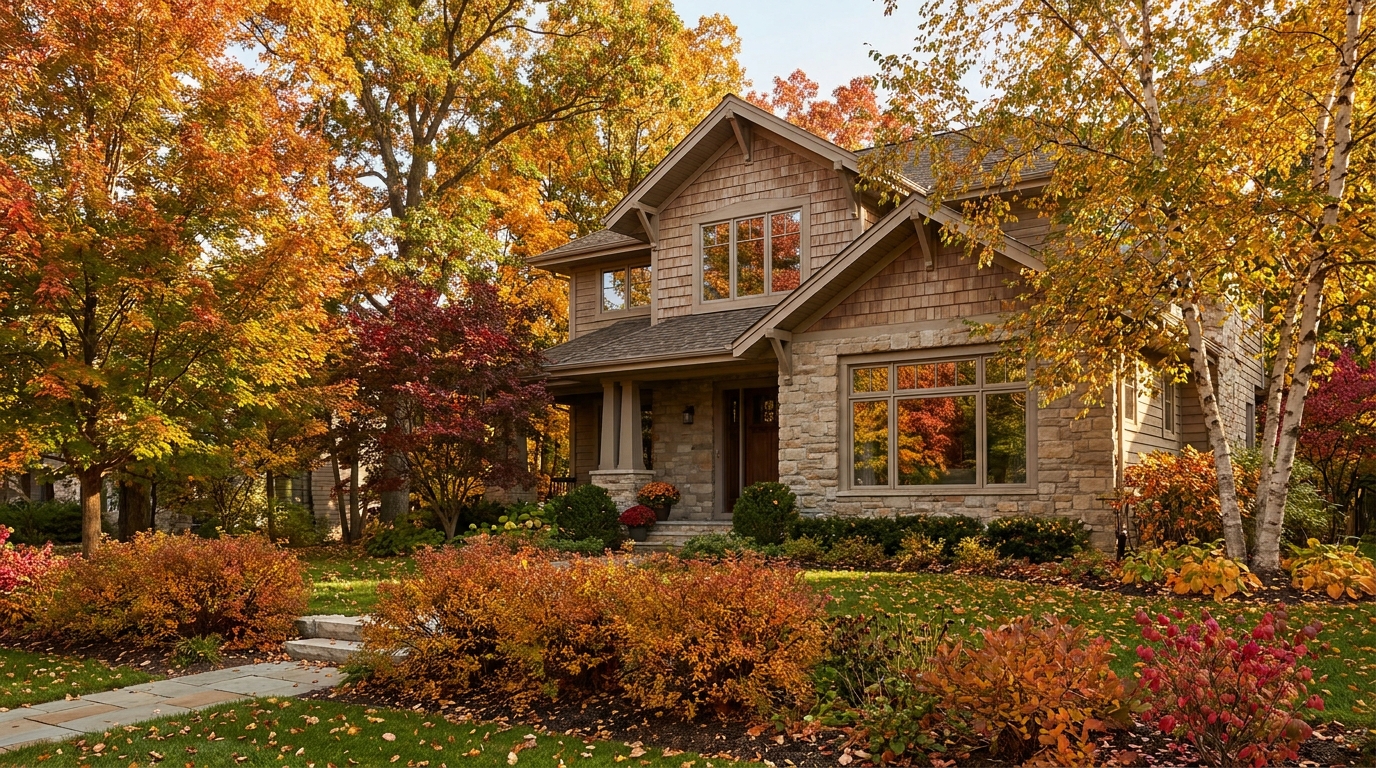
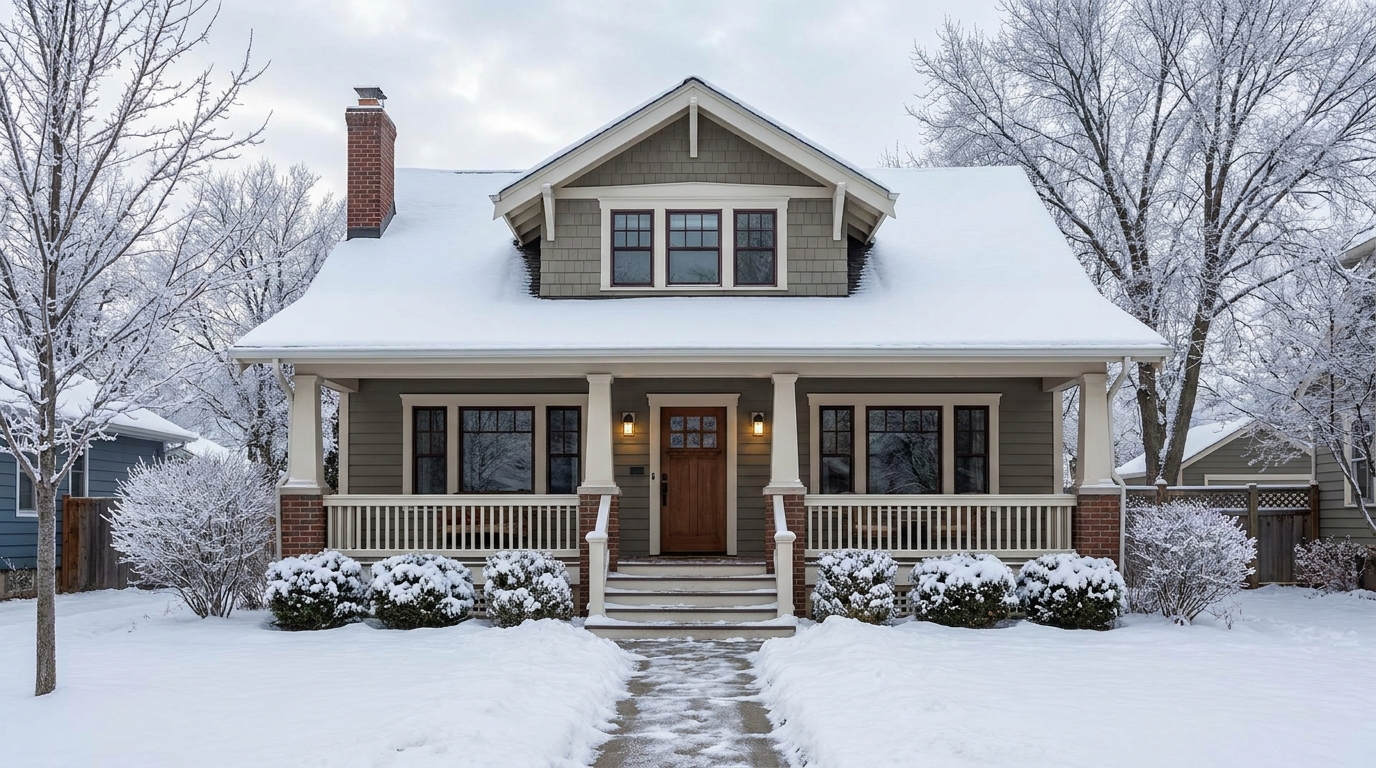
Create a clean winter setting with realistic snow and strong seasonal atmosphere.
Try This Tool →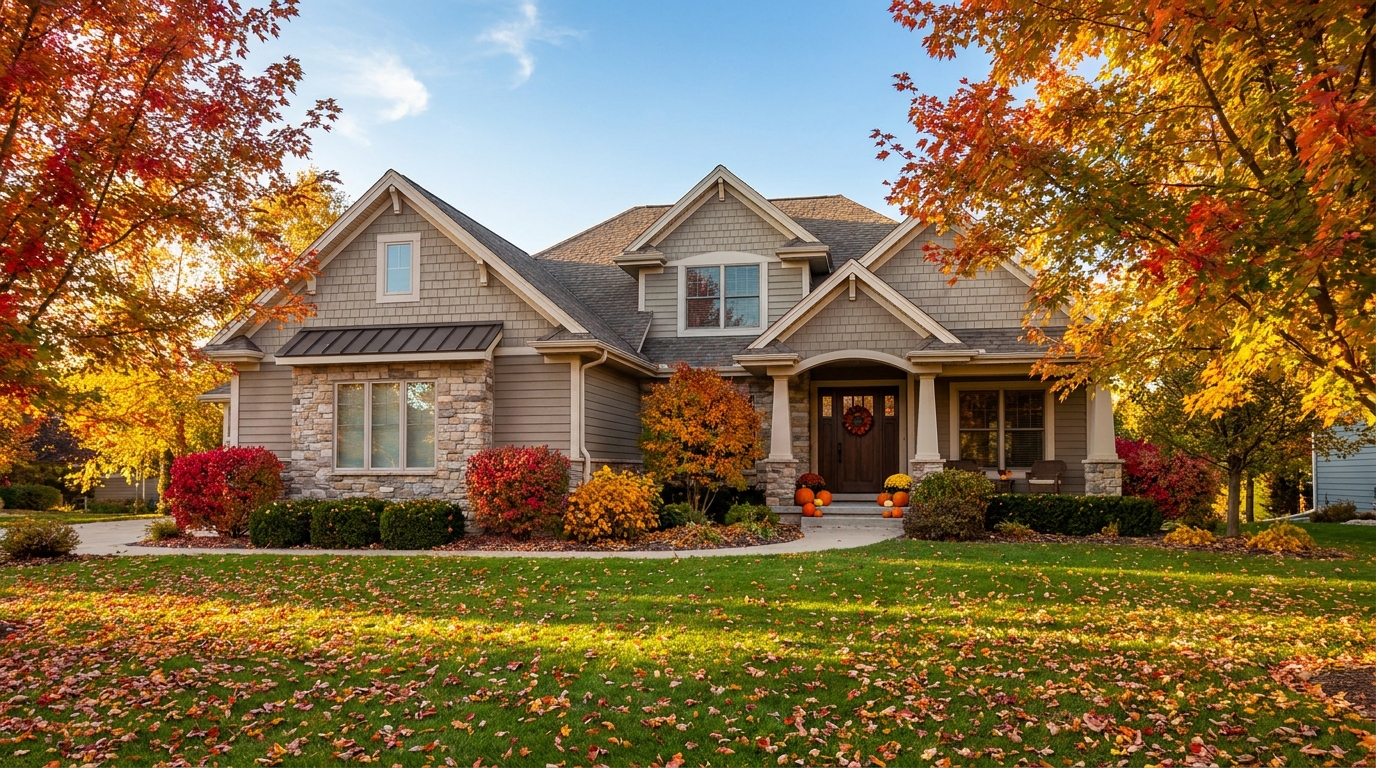
Swap the landscape to match the season that best fits the listing.
Try This Tool →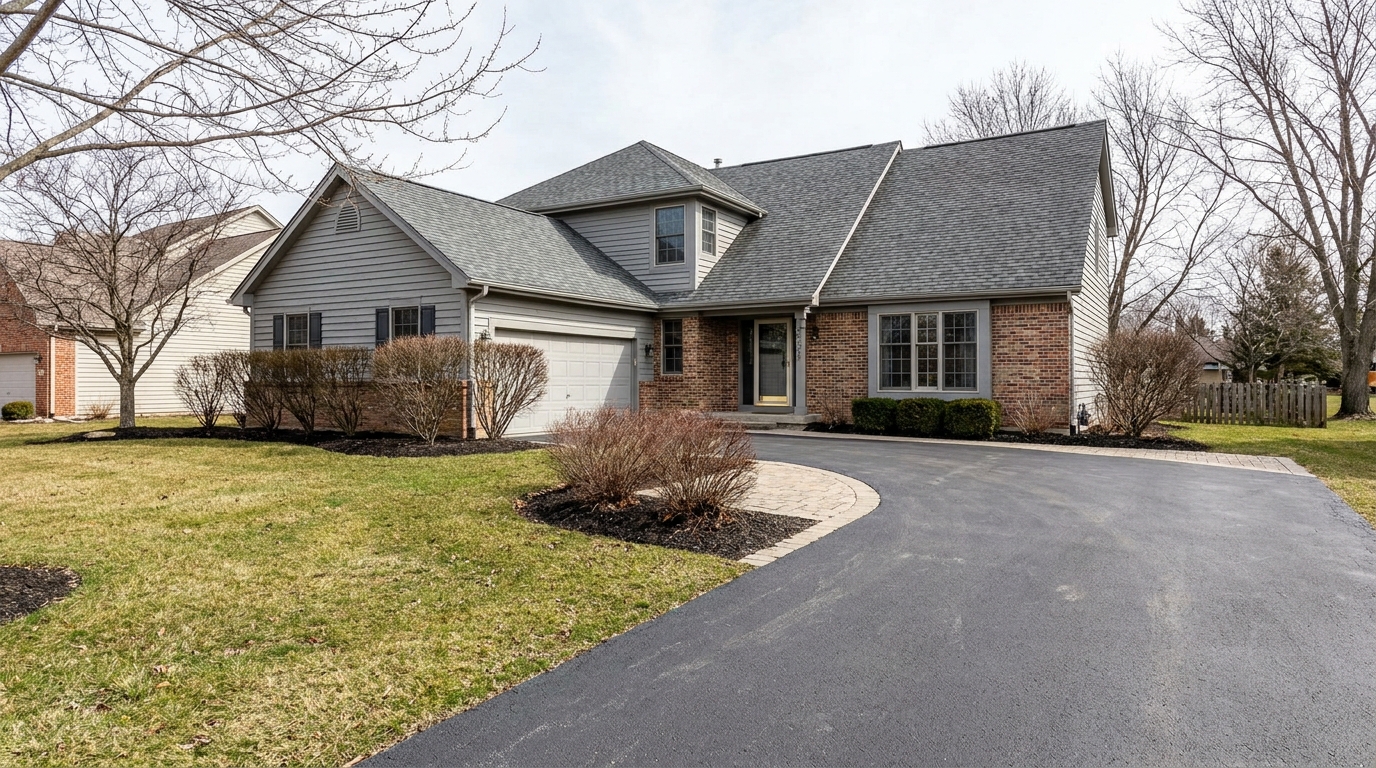
Remove snow buildup for a cleaner exterior that feels more accessible and ready to show.
Try This Tool →Discover adjacent editing features to further optimize your interior and exterior property presentations.
AI image-to-video generation for turning home, room, and property photos into more vivid presentation videos.
02AI exterior renovation for visualizing facade updates, curb appeal improvements, and home exterior remodel ideas.
03AI landscaping design for exploring outdoor concepts, curb appeal upgrades, planting ideas, and yard layout directions.
04AI virtual staging for furnishing empty rooms and creating listing-ready interiors for real estate marketing.
05Free AI image generation for turning text prompts into unlimited visual ideas for home design, interiors, landscaping, renovation
06AI object removal for cleaning up distracting items from room, home, and property photos.
Don't let bad weather or off-season timing hurt your property's curb appeal. Use our advanced weather and seasonal editing tools to create stunning, sun-drenched photos that capture buyer attention instantly.