
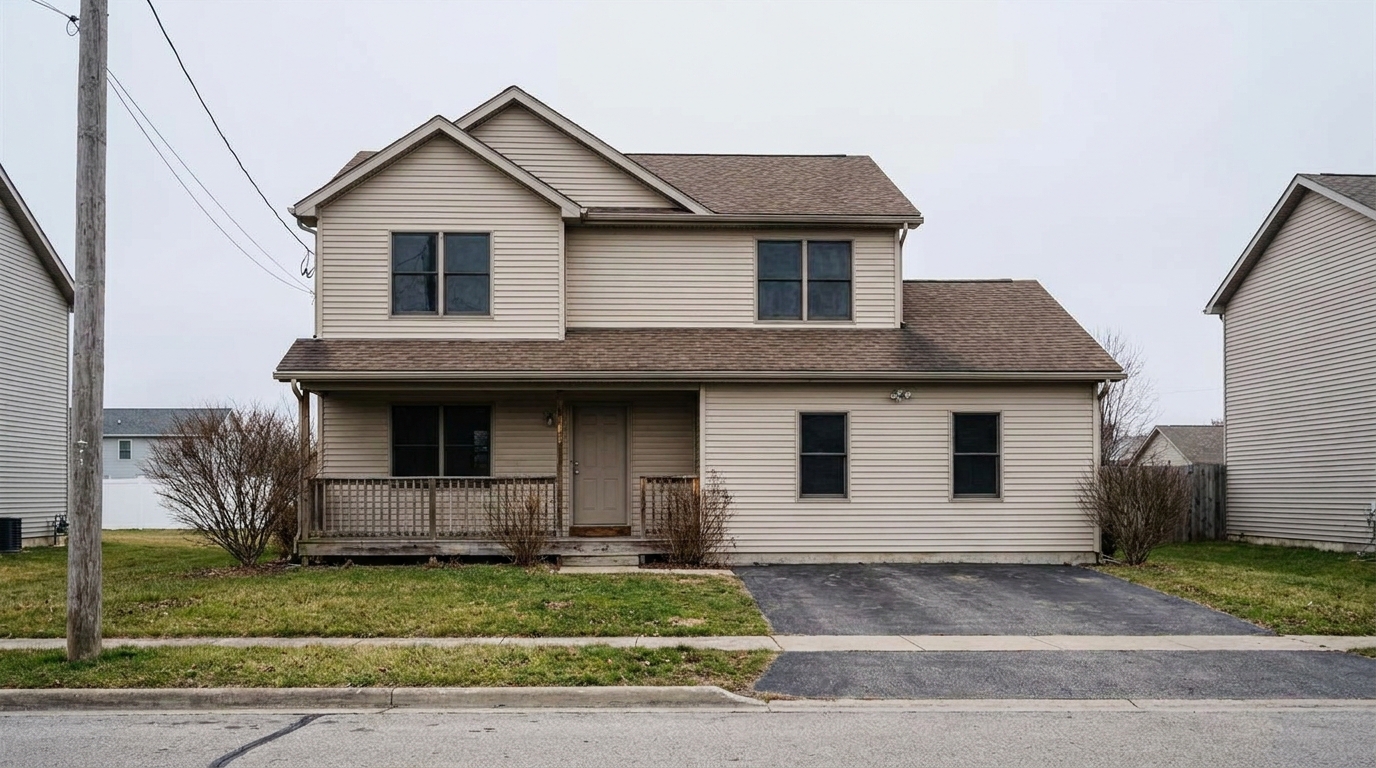
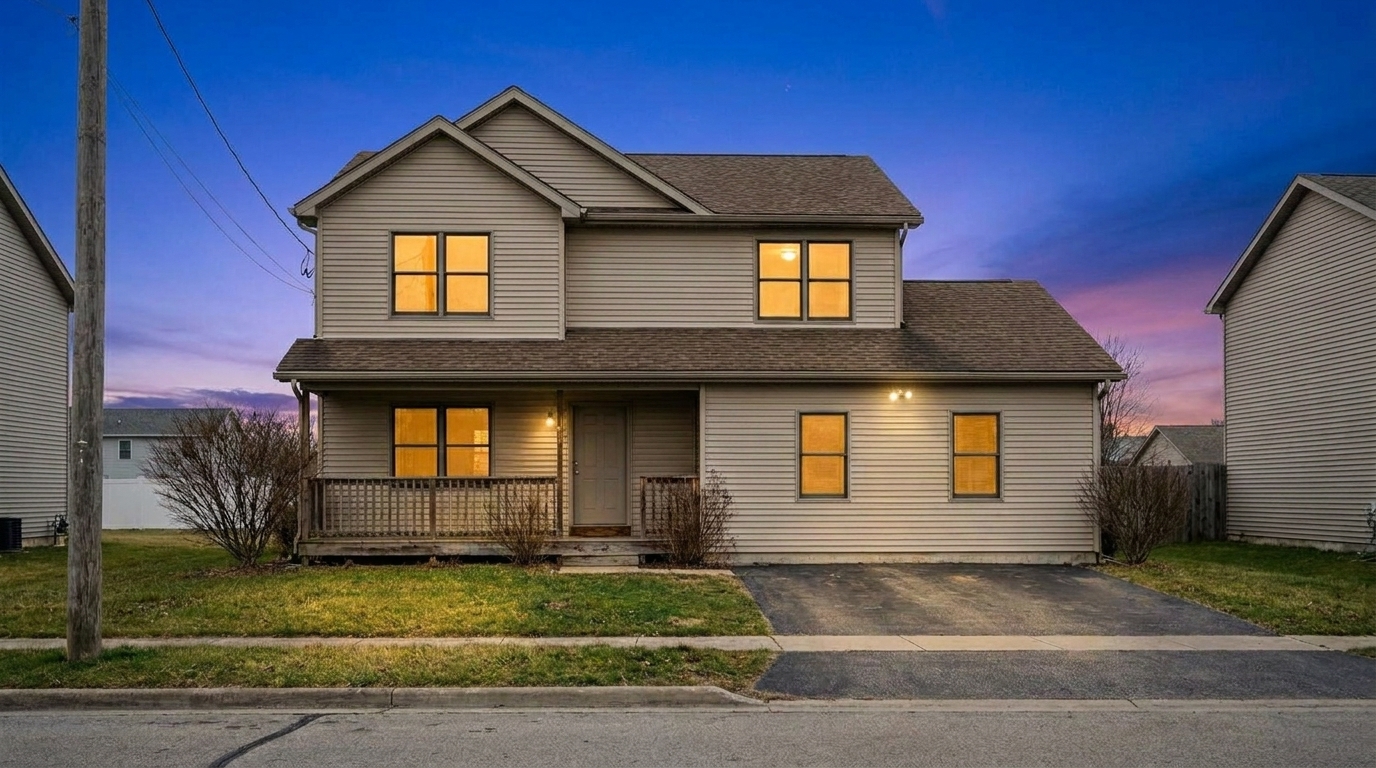

Overcast Suburban Home
Overcast Suburban Home updated with blue hour styling.
Transform flat daytime property shots into high-end evening showcases. Balance ambient twilight skies with warm, inviting interior window glow automatically.
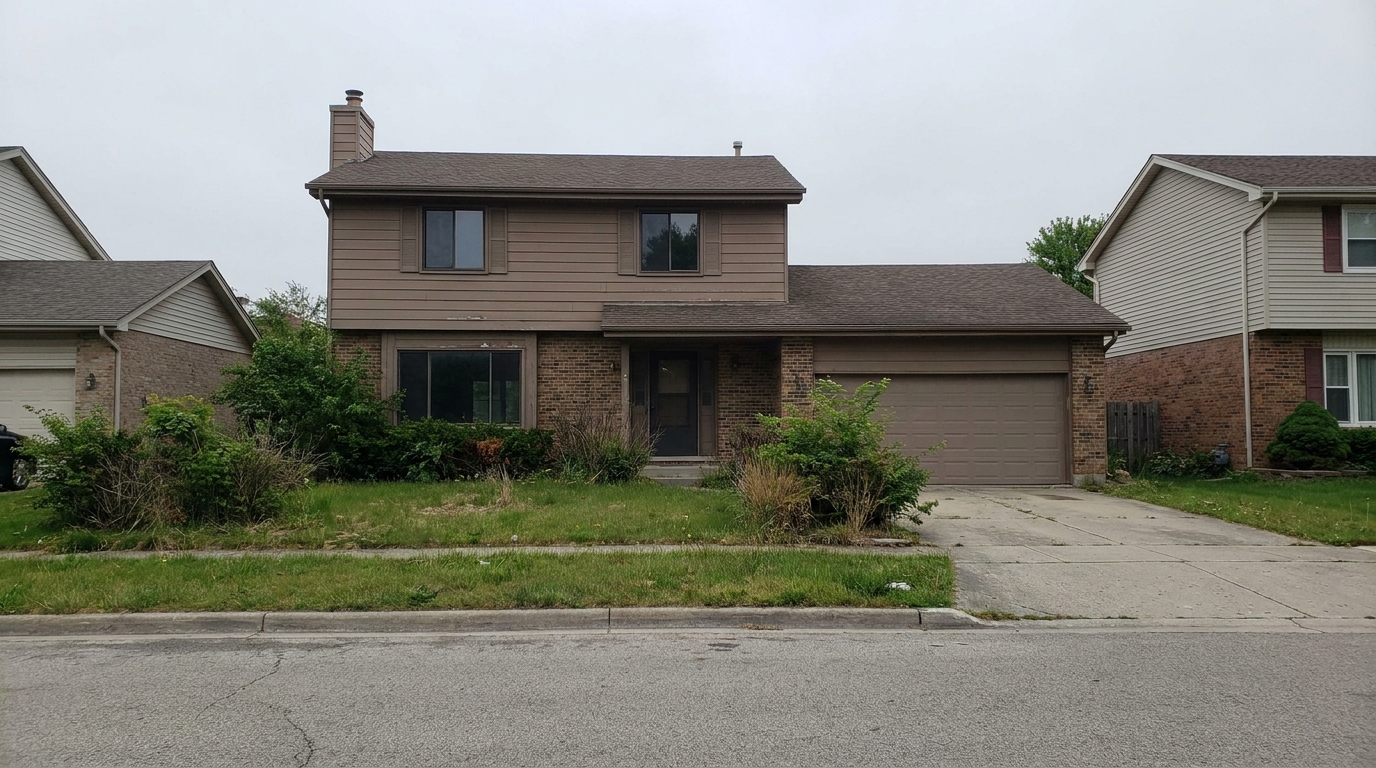
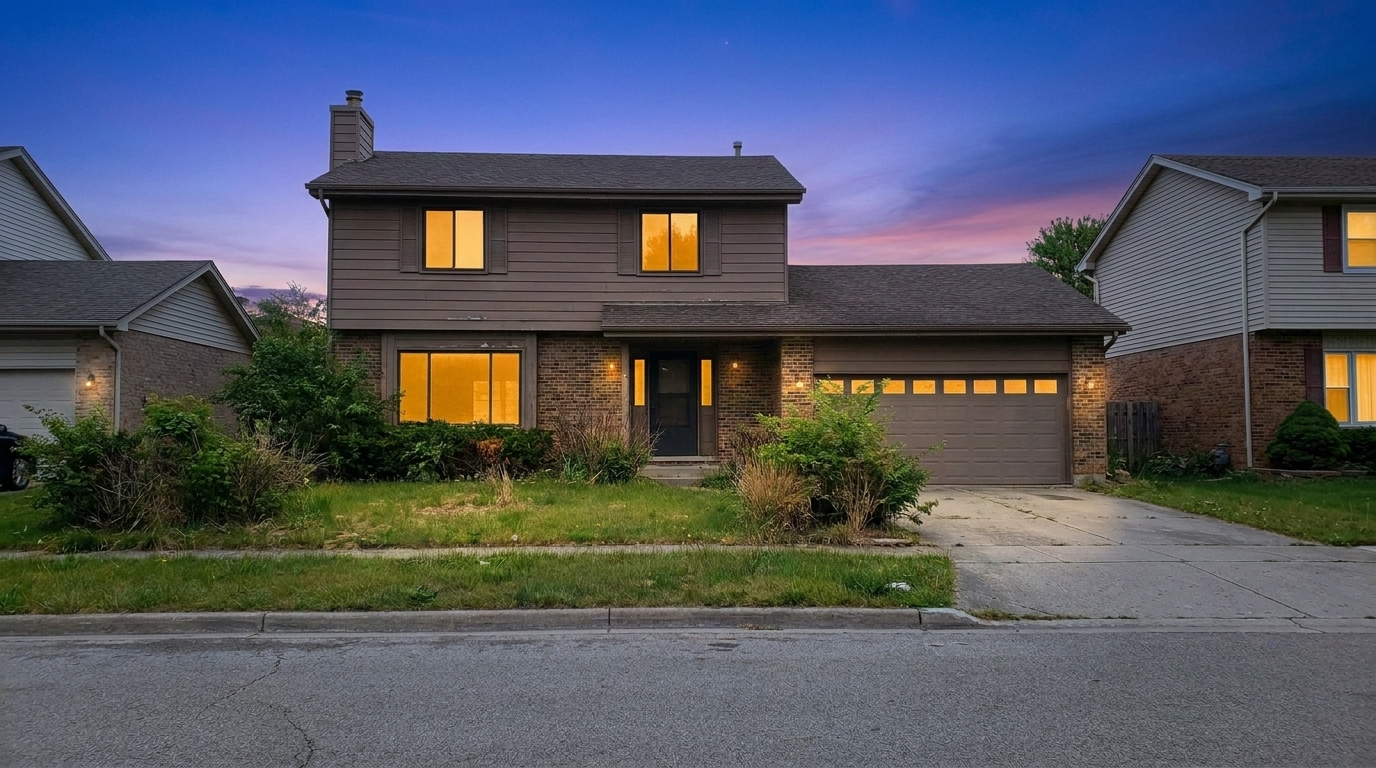
Browse real-world examples of standard daytime photos converted into premium twilight showcases.
Overcast Suburban Home updated with blue hour styling.
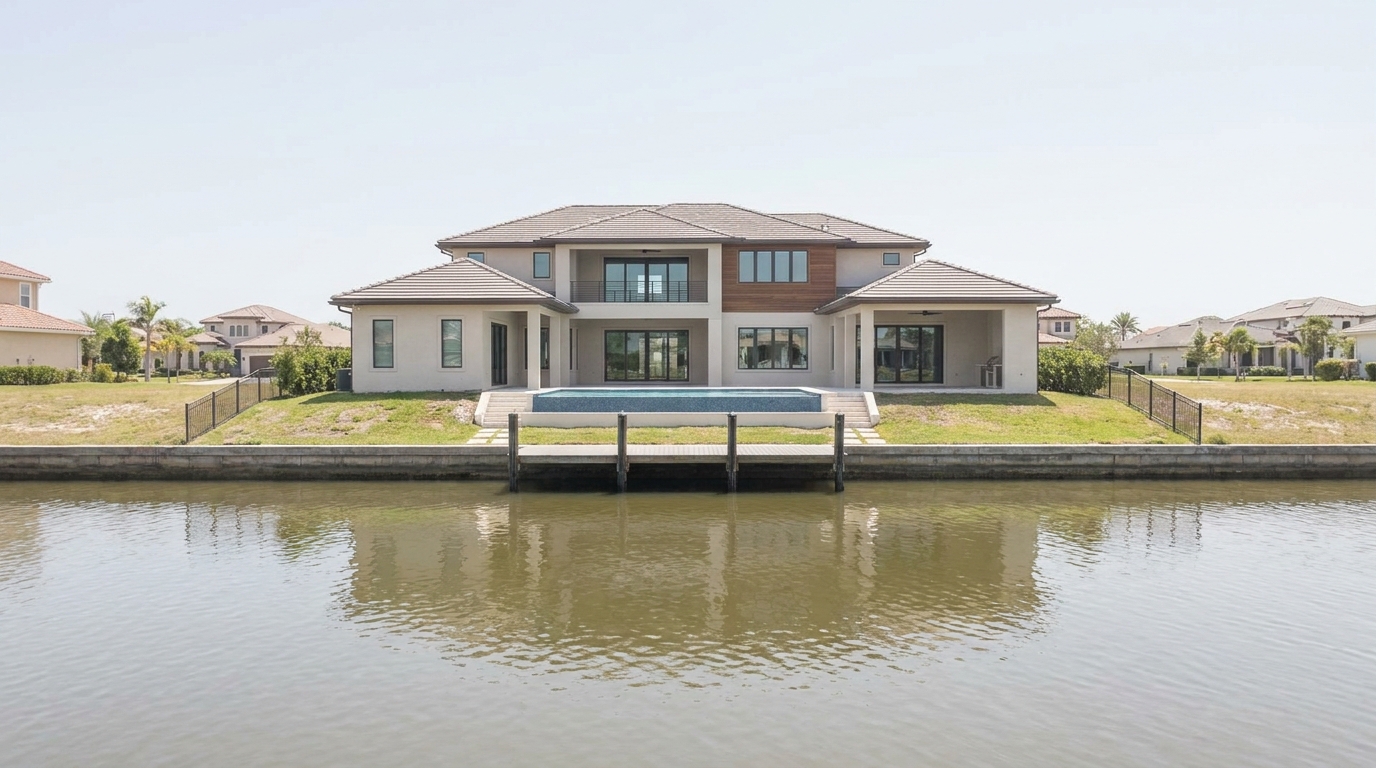
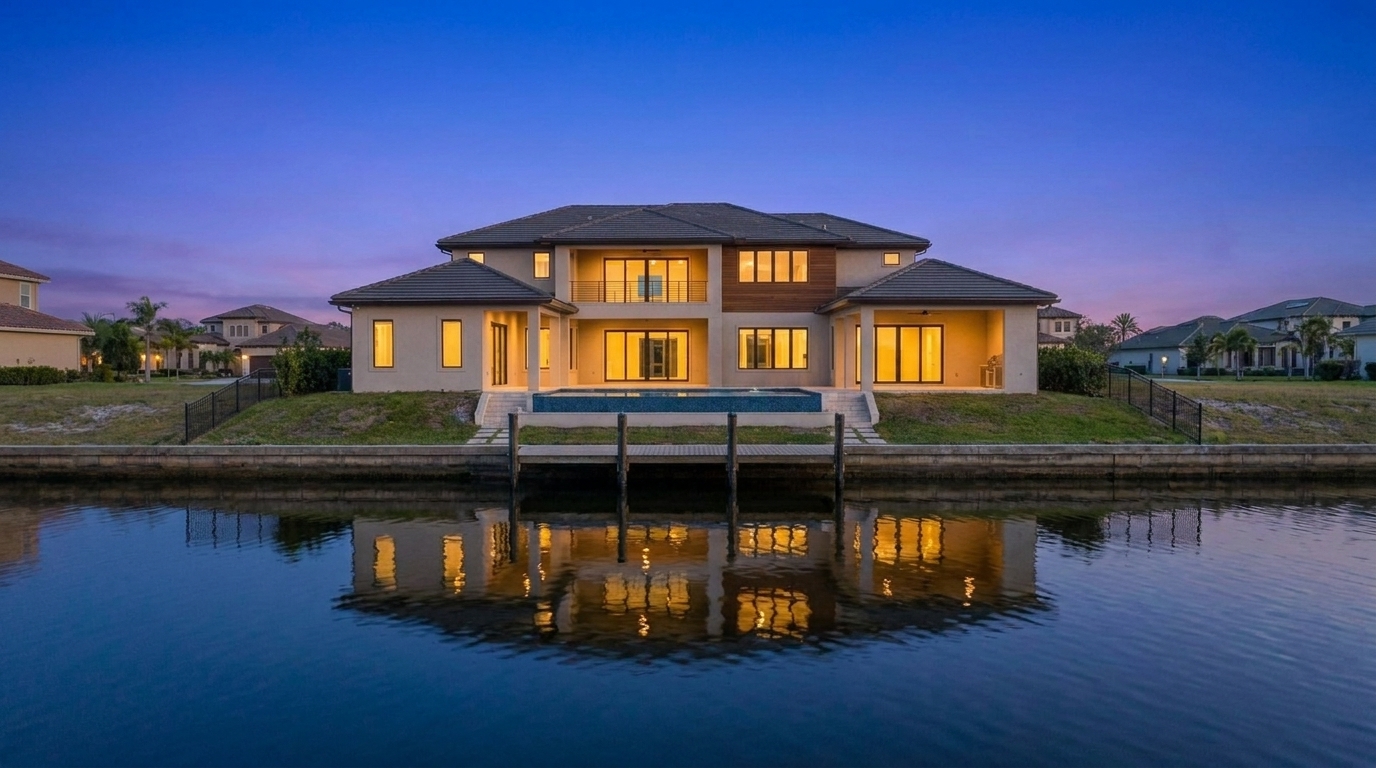
Waterfront Estate updated with blue hour styling.
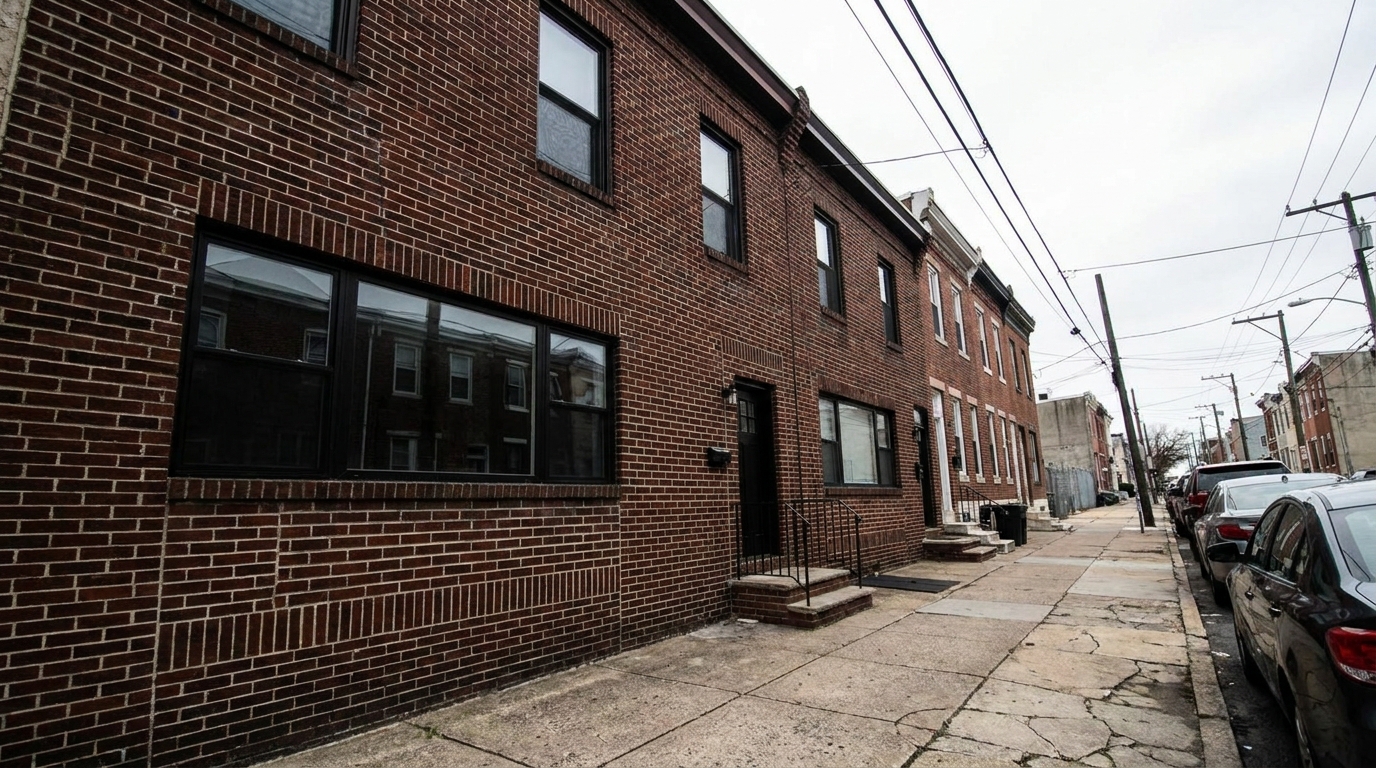
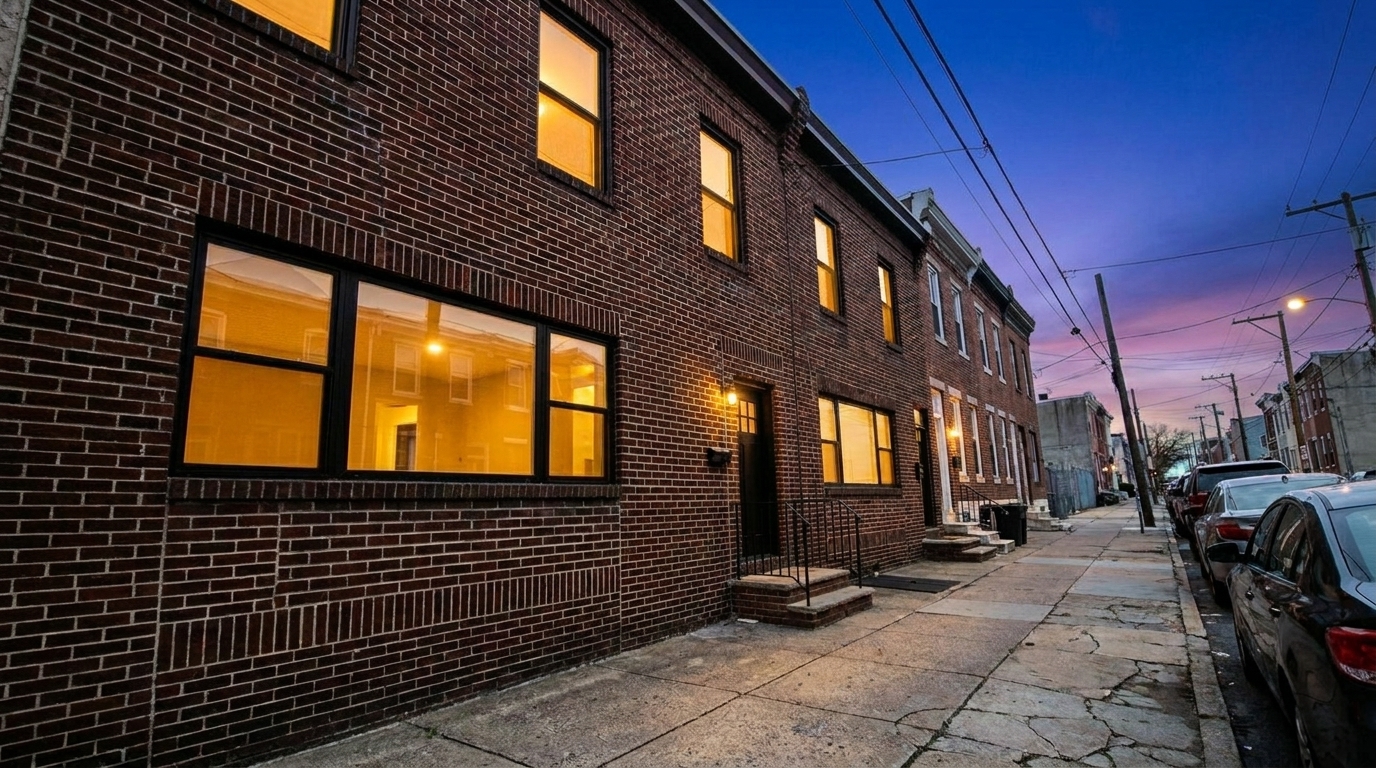
Urban Townhouse updated with blue hour styling.
Discover the intelligent tools that make our twilight conversions look incredibly realistic.
Replaces washed-out or flat daytime skies with a realistic, deep blue-to-violet twilight gradient.
Intelligently detects window panes and applies a soft, warm golden light to simulate active interior lighting.
Adjusts the overall color temperature and exposure of the home's exterior to match the cool evening atmosphere.
Softens harsh daytime shadows on lawns and driveways, replacing them with gentle, diffused twilight shading.
Maintains sharp edges, textures, and structural details of the home without muddying dark areas.
Simulates the activation of exterior sconces, landscape lights, and entryway fixtures for a lived-in feel.
See how real estate professionals use twilight imagery to capture attention and win listings.
Use twilight photos as the primary thumbnail on MLS to stand out from standard daytime shots.
MLS OptimizationElevate high-end listings by showcasing them in a premium, tranquil evening setting.
Luxury Real EstateTurn a gloomy, flat-light daytime shoot into an intentional, high-value twilight showcase.
Weather CorrectionCreate eye-catching Instagram and Facebook posts that stop users from scrolling past.
Social MarketingFeature a stunning blue hour shot on the front cover of physical marketing materials.
Print MediaHighlight newly constructed homes with dramatic, architectural-style evening photography.
PortfoliosFollow these simple steps to transform your daytime listing photos into premium twilight scenes.
Select a clear, well-lit daytime or overcast exterior shot of your property from your device and upload it to the platform.
Choose the Blue Hour preset to automatically replace the sky, balance ambient light, and add a warm glow to the windows.
Save your newly transformed high-resolution evening photo and upload it as your primary listing image to capture buyer attention.
Source-backed context for why blue hour edits matter inside weather & seasonal editing workflows.
Blue Hour within Weather & Seasonal Editing evidence
Photos are one of the most valuable website features for home buyers; NAR's 2025 generational trends report says 83% of internet-using buyers rated photos as very useful. For Blue Hour pages, this supports showing how a focused Weather & Seasonal Editing edit can make the listing photo feel clearer, more polished, and easier for buyers to evaluate.
Source: NAR 2025Blue Hour within Weather & Seasonal Editing evidence
Zillow Research's 2025 prospective buyer report ranked high-resolution photos as the number two most important listing feature, selected by 26% of prospective buyers; floor plans ranked first at 33%. For Blue Hour pages, this supports showing how a focused Weather & Seasonal Editing edit can make the listing photo feel clearer, more polished, and easier for buyers to evaluate.
Source: Zillow 2025Blue Hour within Weather & Seasonal Editing evidence
Redfin reported that professionally photographed homes in the $400,000 range sold three weeks faster and for more than $10,000 relative to list price compared with amateur photos. Use this as supporting context, not as a guaranteed result. For Blue Hour pages, this supports showing how a focused Weather & Seasonal Editing edit can make the listing photo feel clearer, more polished, and easier for buyers to evaluate.
Source: RedfinTwilight photography is one of the most powerful tools in real estate marketing, historically reserved for high-budget listings due to the tight shooting window and complex editing required. Our Blue Hour preset democratizes this aesthetic, allowing you to convert standard daytime photos into premium evening showcases instantly.
Twilight images consistently outperform daytime photos in click-through rates because they evoke an emotional response. The contrast between the cool, tranquil evening sky and the warm, glowing windows creates a feeling of comfort, security, and luxury. This 'warm hearth' effect makes buyers visualize the property as a welcoming home rather than just a physical structure.
When deciding on your listing's aesthetic, consider the property's architecture and target audience. Use Blue Hour for modern homes, luxury estates, and properties with extensive window glazing, as the cool ambient light beautifully contrasts with interior warmth. Choose Golden Hour for rustic, traditional, or wood-heavy homes to emphasize warmth and sunny curb appeal. Avoid Blue Hour if the property has very few windows or is heavily shrouded by dense evergreen trees, as the window glow effect won't have enough surface area to shine. For extreme corrections where you only have pitch-black night photos, use the Night to Day preset instead to restore full daytime visibility.
To get the most realistic results from the Blue Hour preset, upload photos taken during overcast days or in the late afternoon when shadows are soft. Ensure the camera angle is straight and captures the main facade of the house. If possible, clear cars from the driveway and close garage doors, as twilight lighting tends to draw focus to the overall silhouette of the property.
Compare the tranquil Blue Hour effect with other seasonal and atmospheric lighting styles.
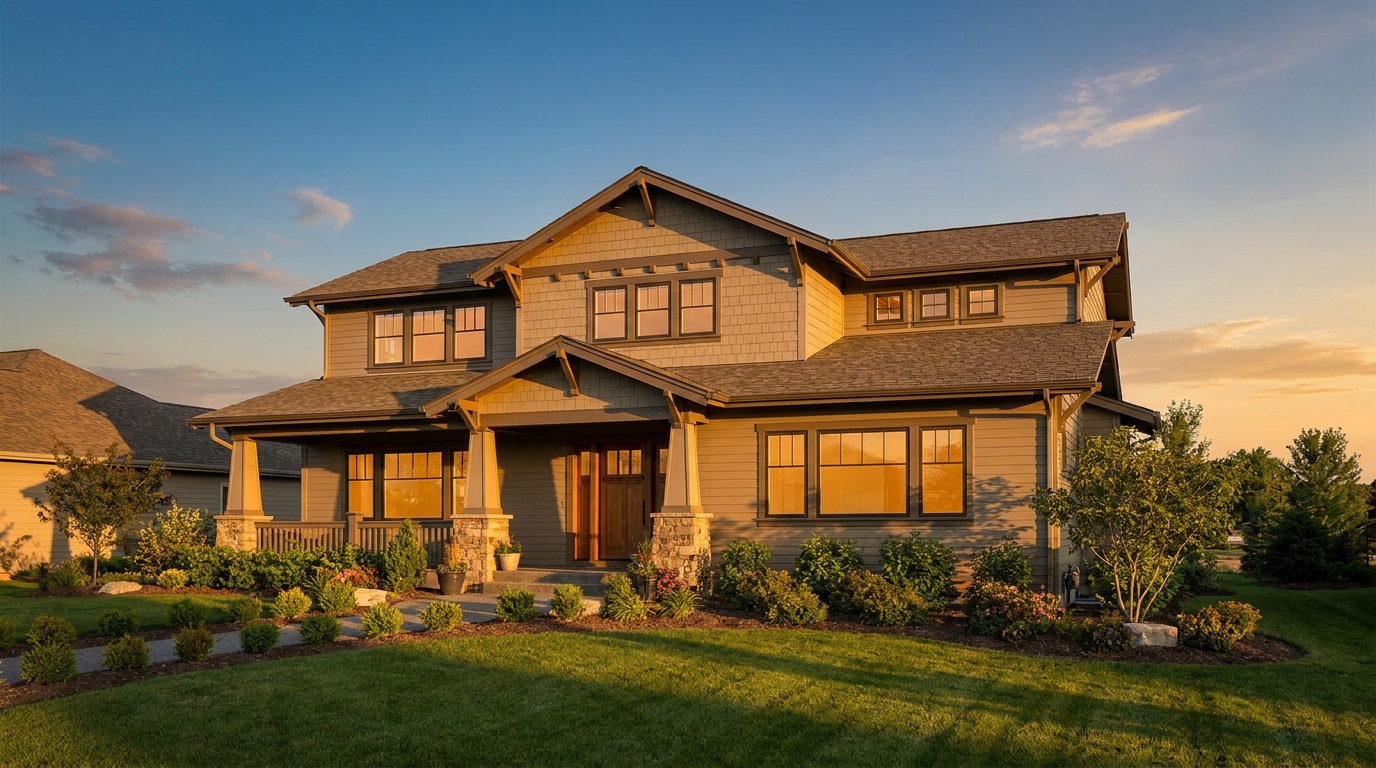
Warm golden light and soft shadows for a more flattering exterior showcase.
Try This Tool →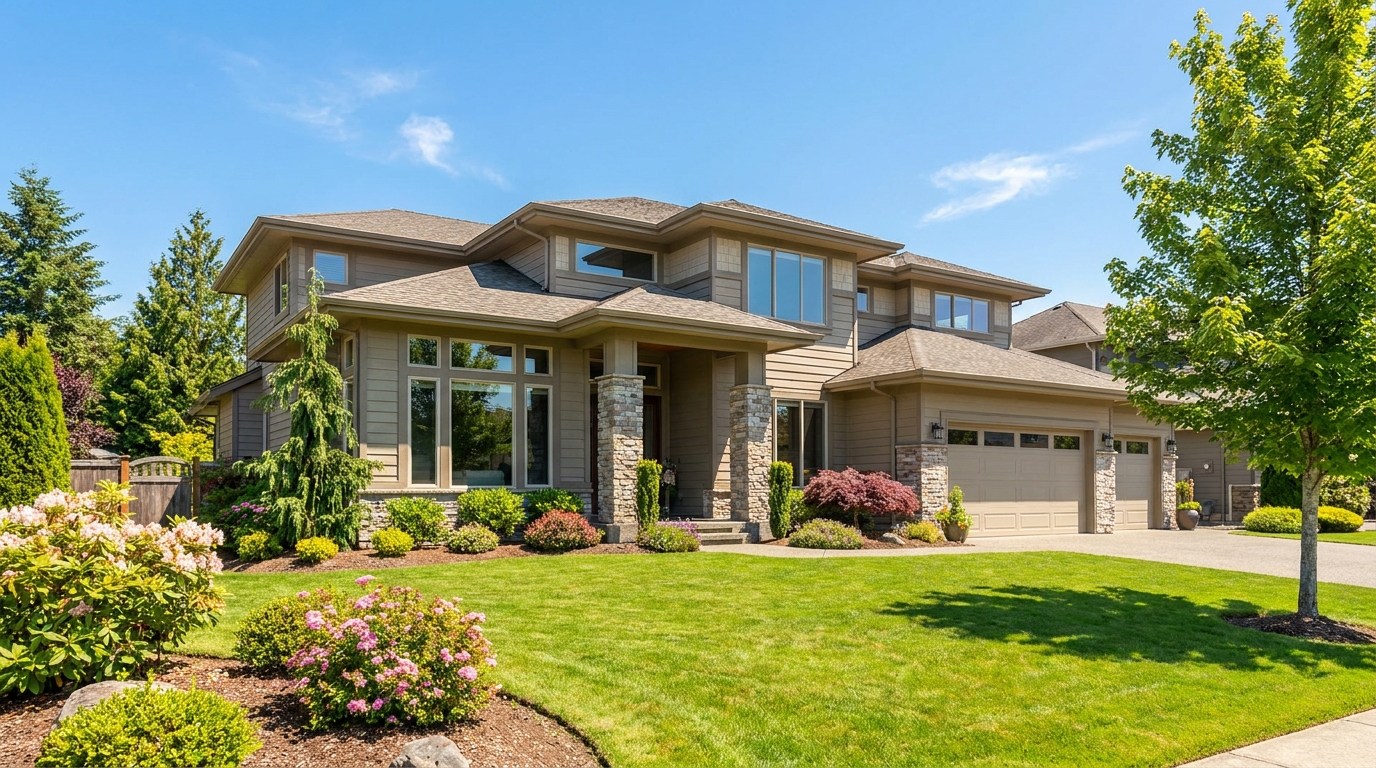
Clear atmospheric haze so the property looks sharper, brighter, and more defined.
Try This Tool →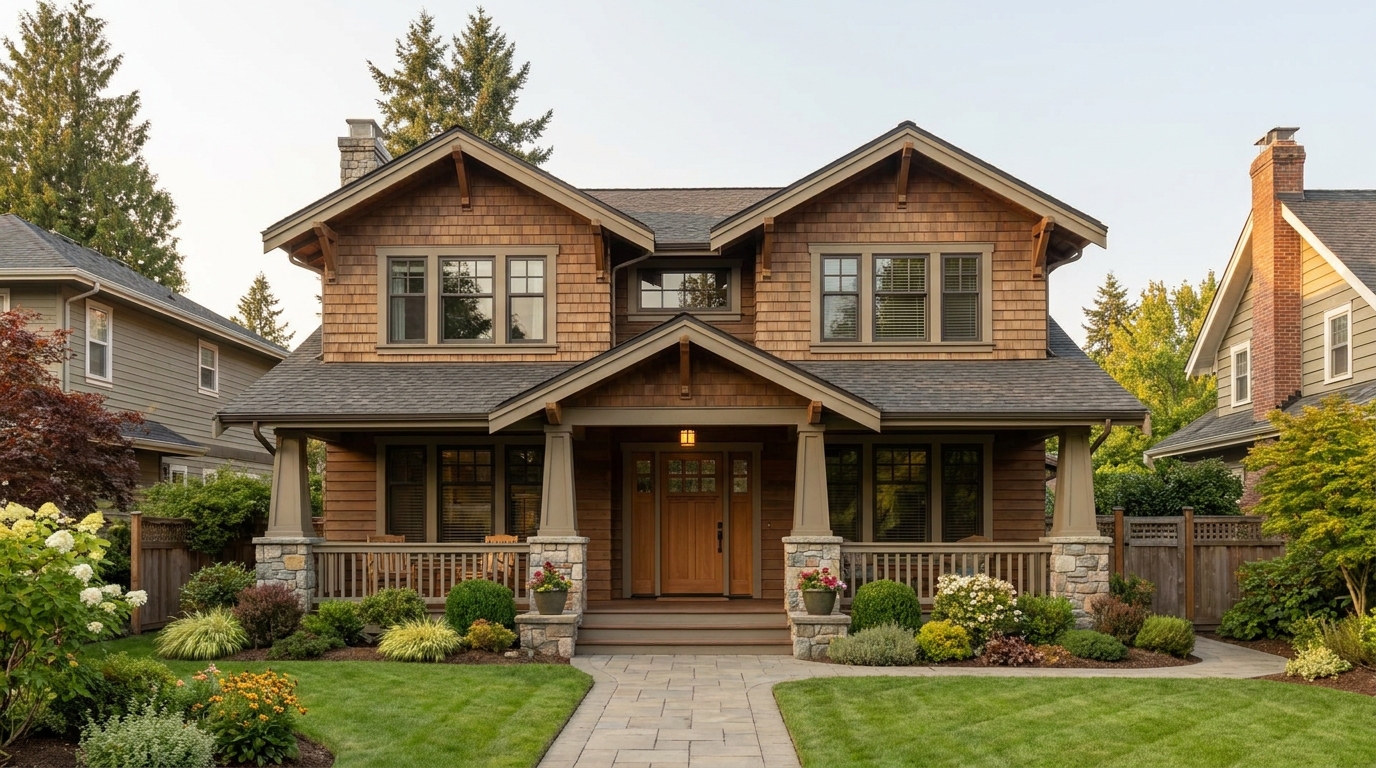
Soften harsh sun and shadows for a cleaner, more balanced exterior image.
Try This Tool →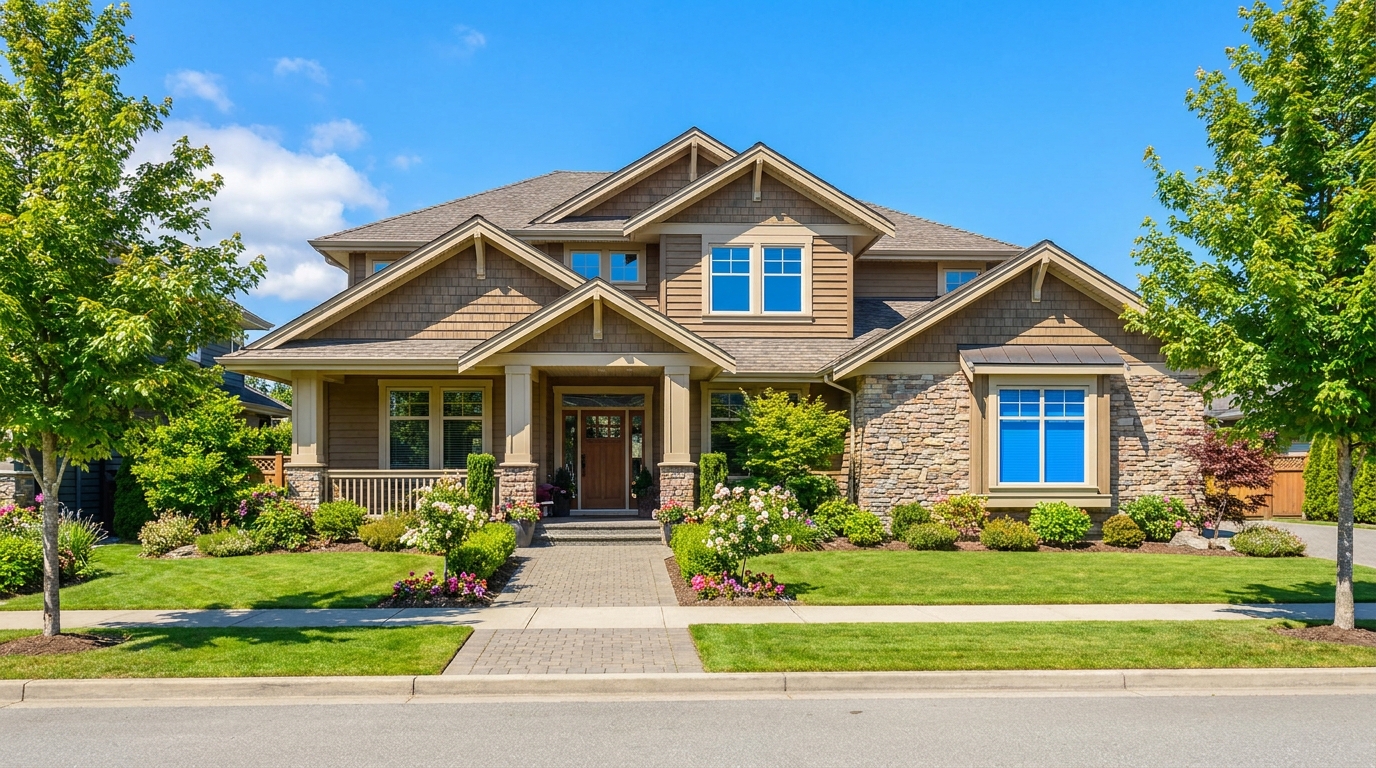
Turn cloudy exteriors into brighter sunny-day scenes with stronger curb appeal.
Try This Tool →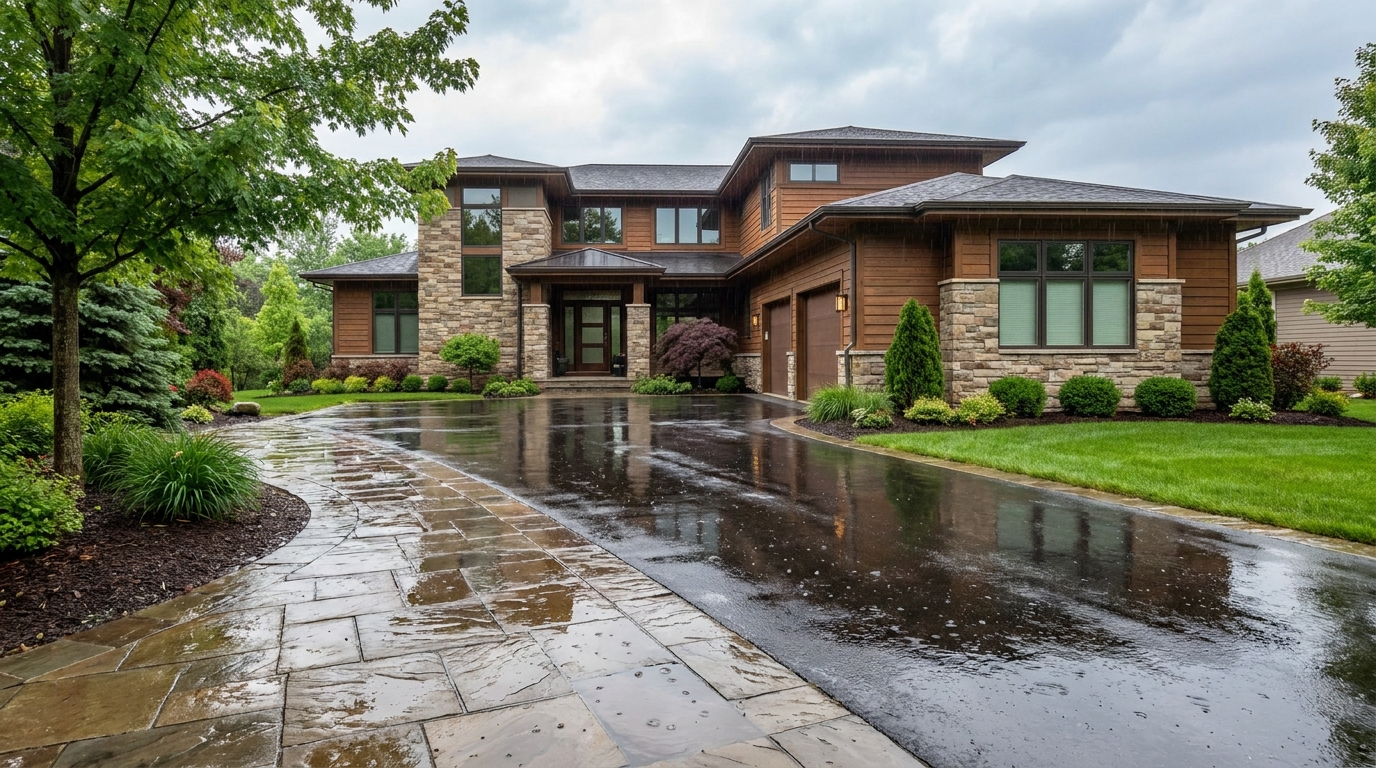
Add a fresh post-rain mood with subtle reflections and rich outdoor texture.
Try This Tool →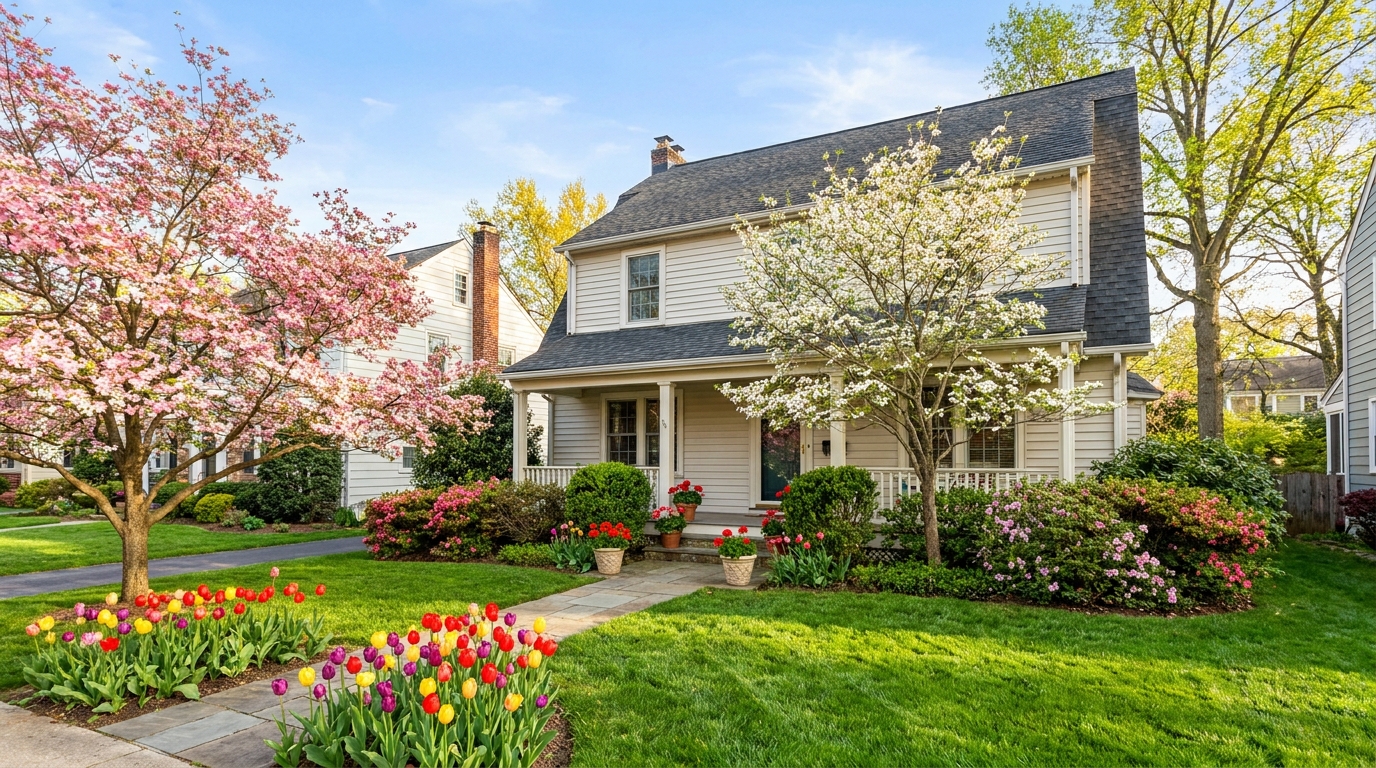
Bring in greener growth and spring freshness for a lively, welcoming exterior.
Try This Tool →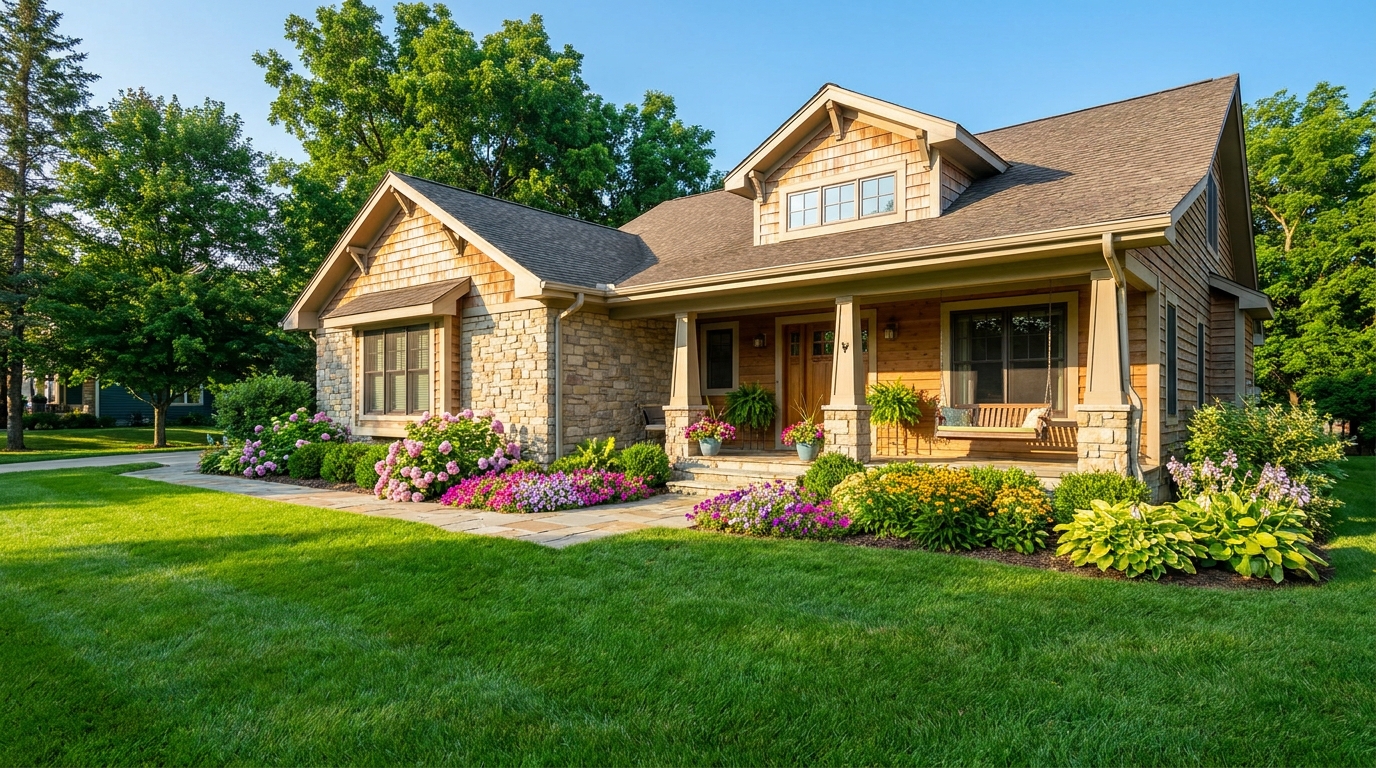
Bright, sunny seasonal styling with vibrant greenery and airy outdoor color.
Try This Tool →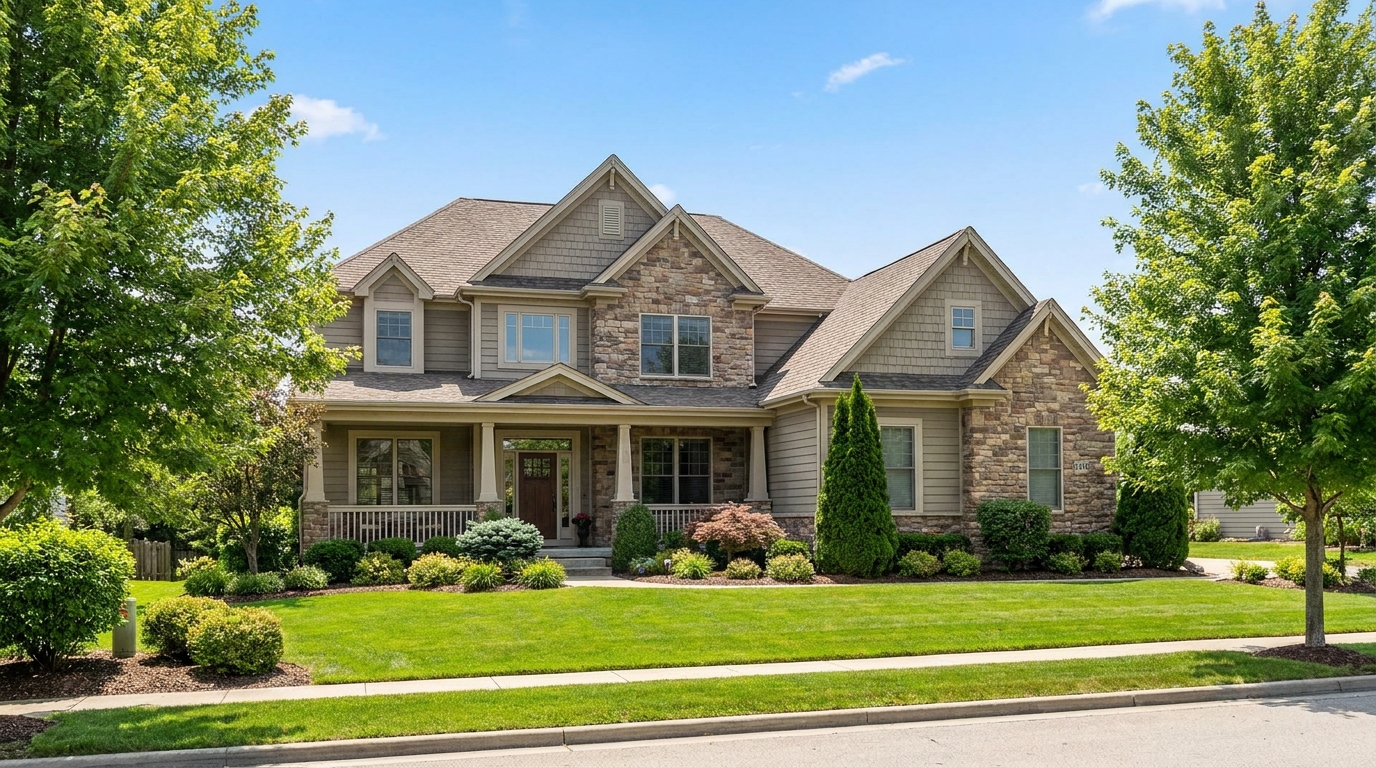
Convert dark exteriors into bright daytime scenes with clear, marketable visibility.
Try This Tool →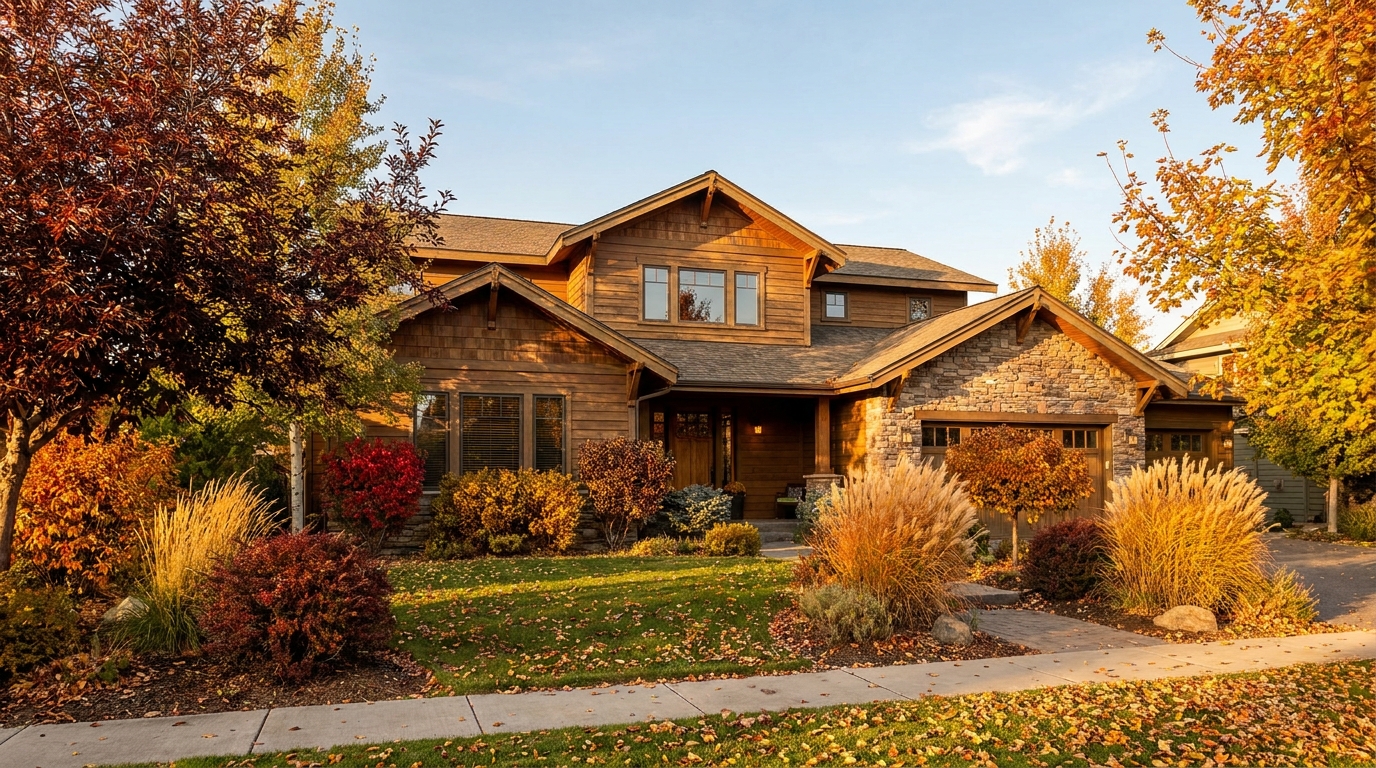
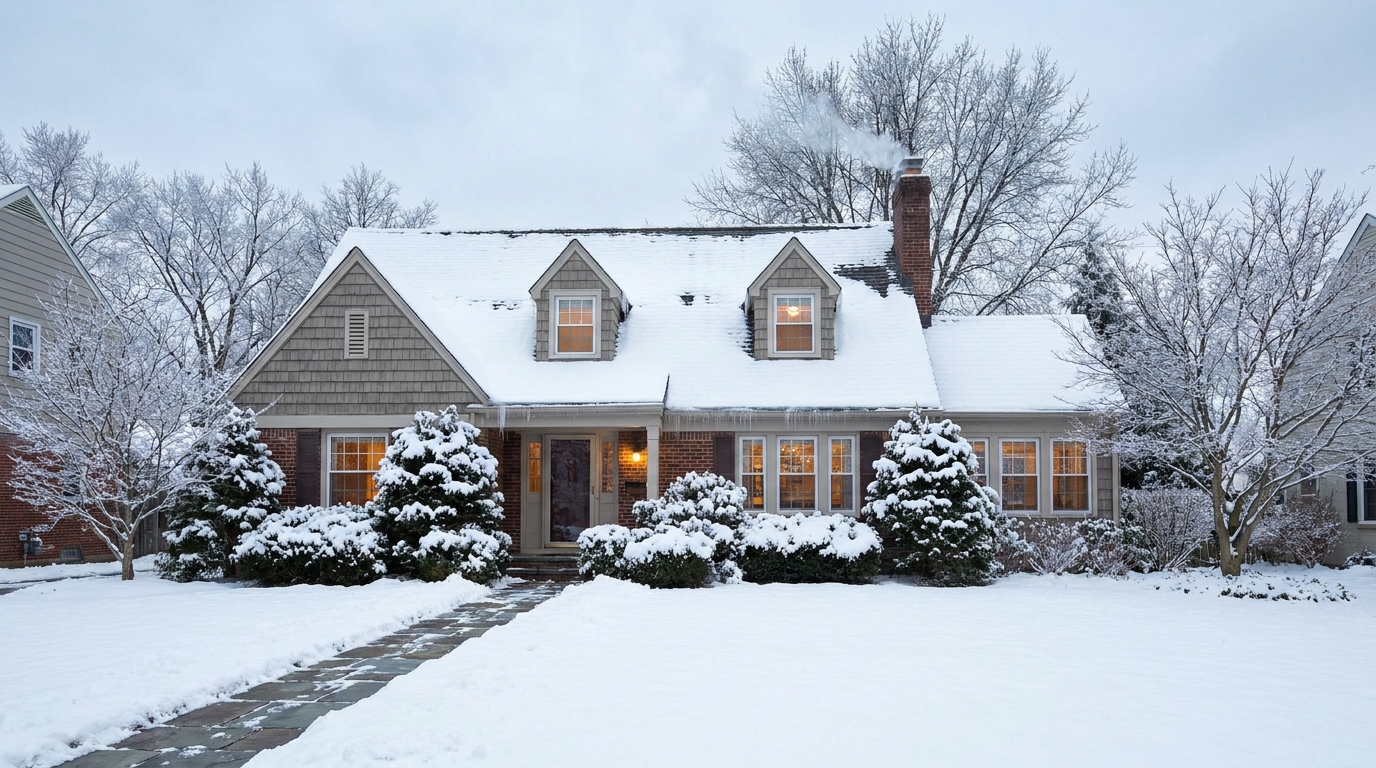
Create a clean winter setting with realistic snow and strong seasonal atmosphere.
Try This Tool →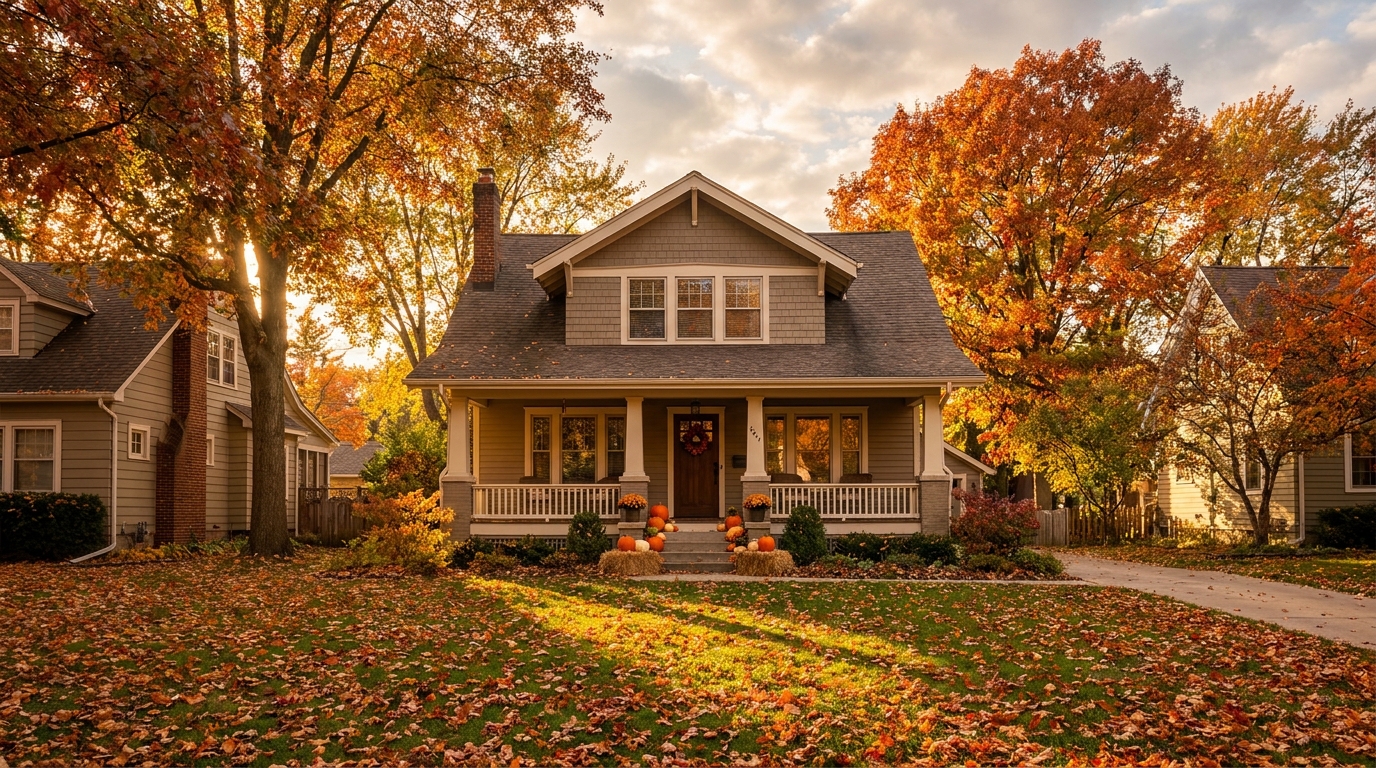
Swap the landscape to match the season that best fits the listing.
Try This Tool →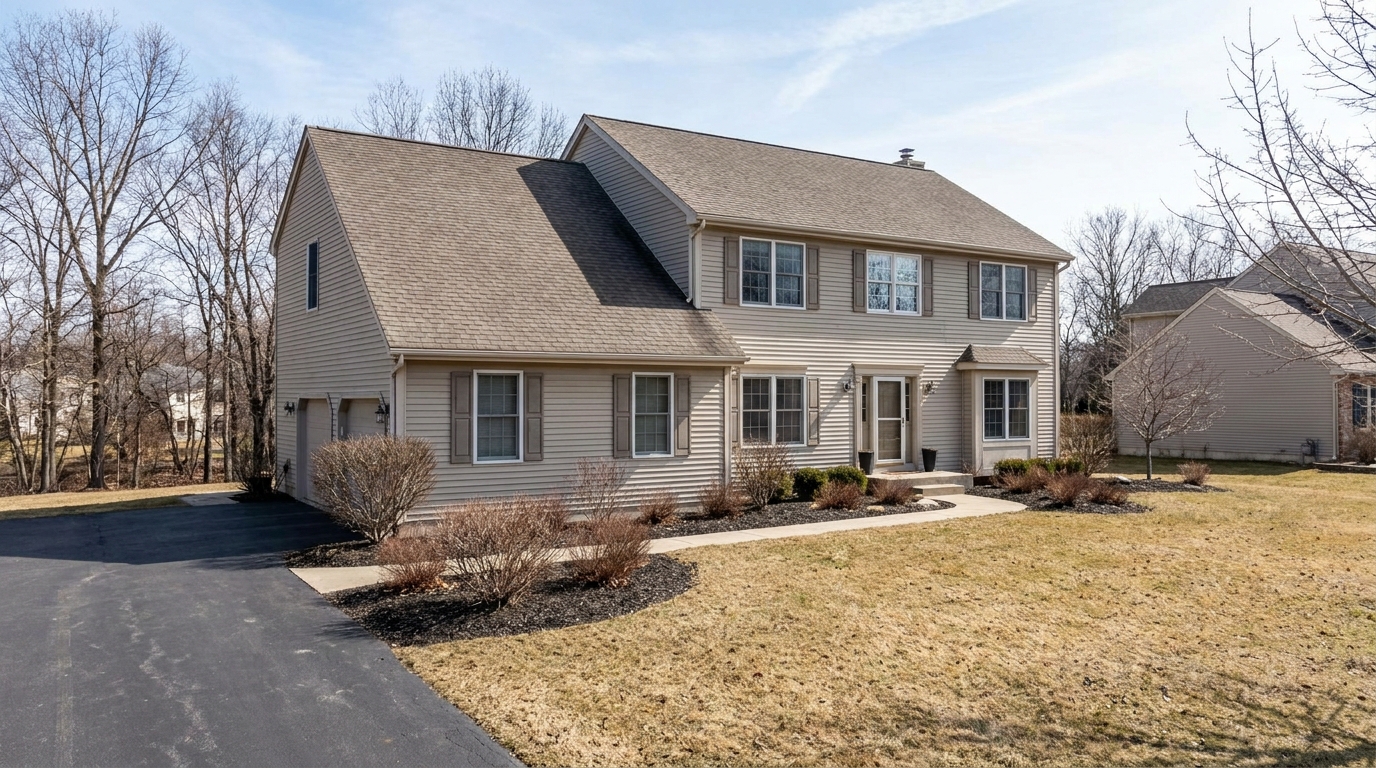
Remove snow buildup for a cleaner exterior that feels more accessible and ready to show.
Try This Tool →Explore additional AI-powered presets to optimize your interior and exterior property listings.
AI image-to-video generation for turning home, room, and property photos into more vivid presentation videos.
02AI exterior renovation for visualizing facade updates, curb appeal improvements, and home exterior remodel ideas.
03AI landscaping design for exploring outdoor concepts, curb appeal upgrades, planting ideas, and yard layout directions.
04AI virtual staging for furnishing empty rooms and creating listing-ready interiors for real estate marketing.
05Free AI image generation for turning text prompts into unlimited visual ideas for home design, interiors, landscaping, renovation
06AI object removal for cleaning up distracting items from room, home, and property photos.
Don't let flat daytime photos hold back your property's potential. Convert your exterior shots into premium twilight showcases instantly and stand out on the MLS.