
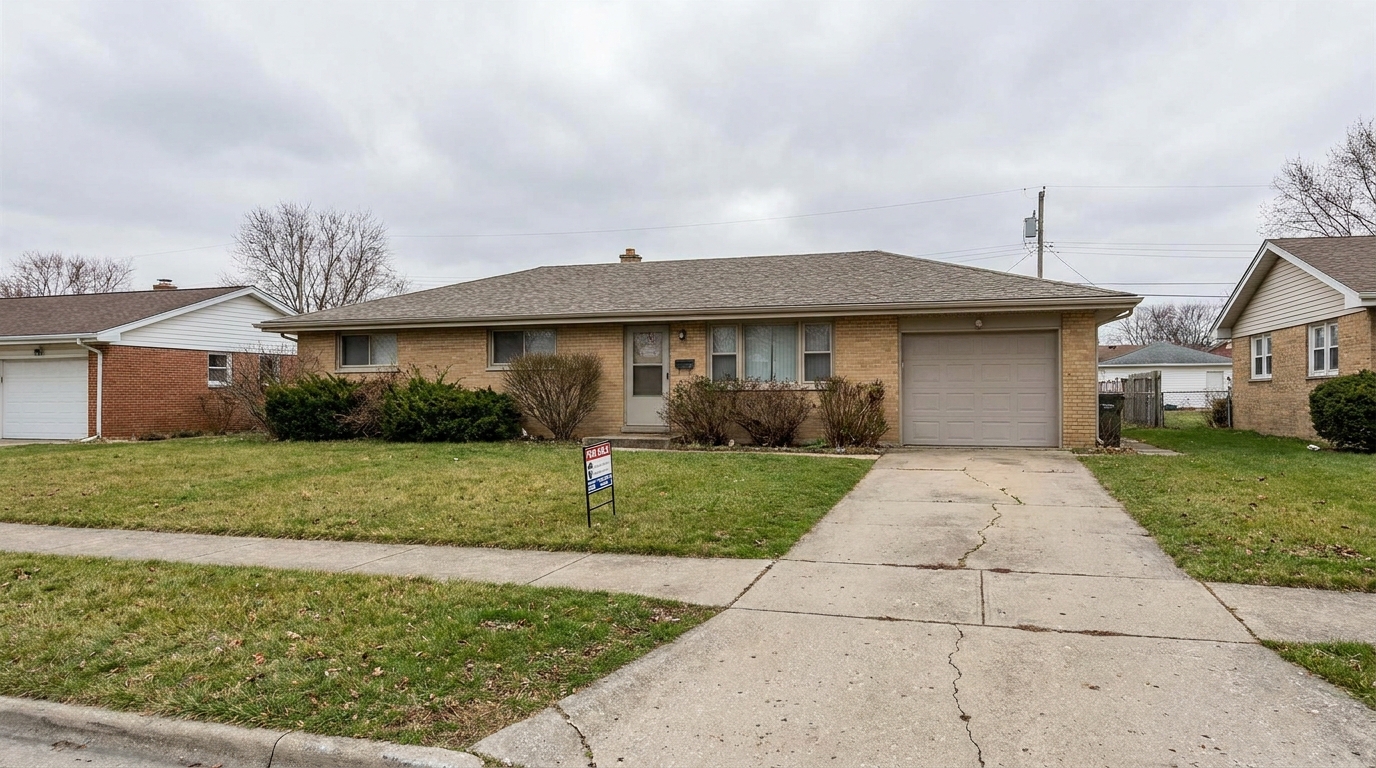
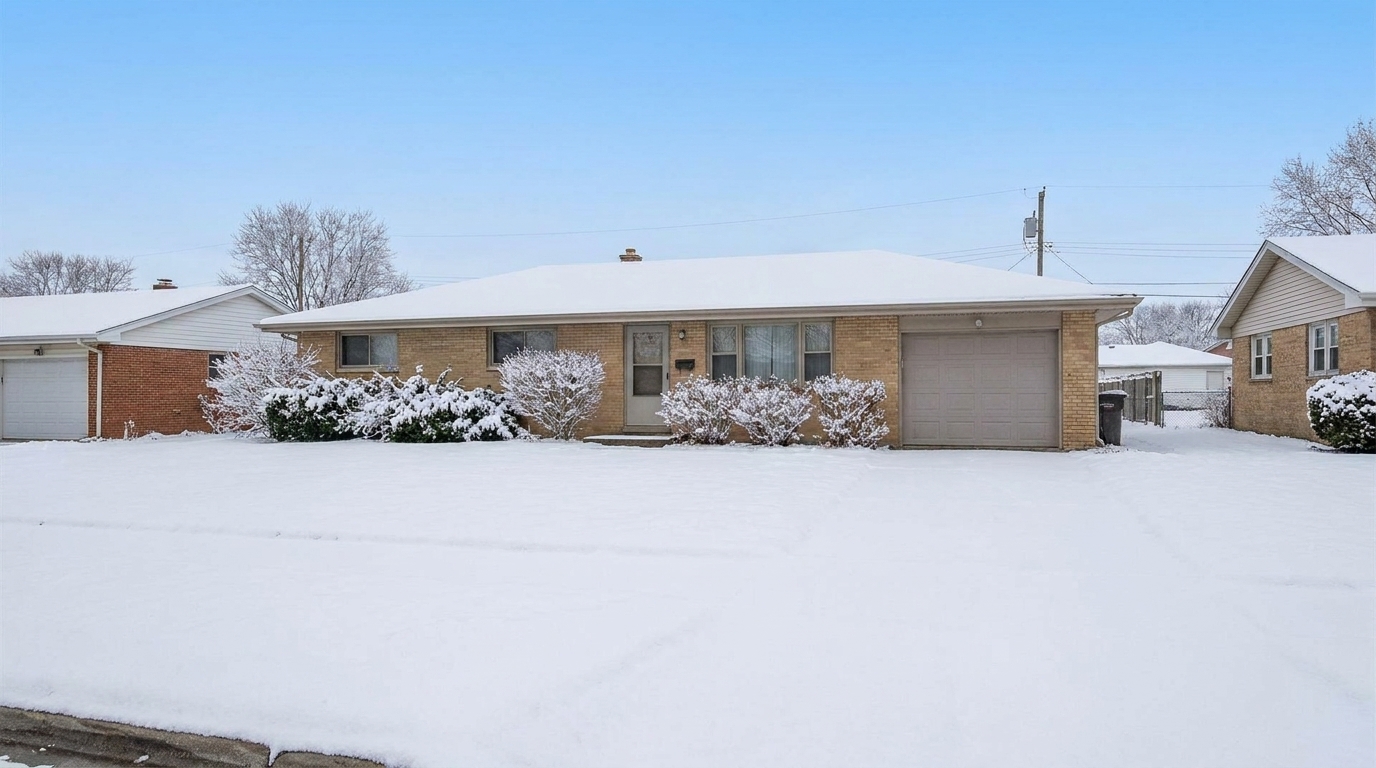

Suburban Lawn to Winter Snow
Suburban Lawn to Winter Snow updated with snow / winter conditions styling.
Transform standard exterior listings into cozy, high-end winter scenes. Apply clean snow accumulation and crisp cold-weather lighting instantly.
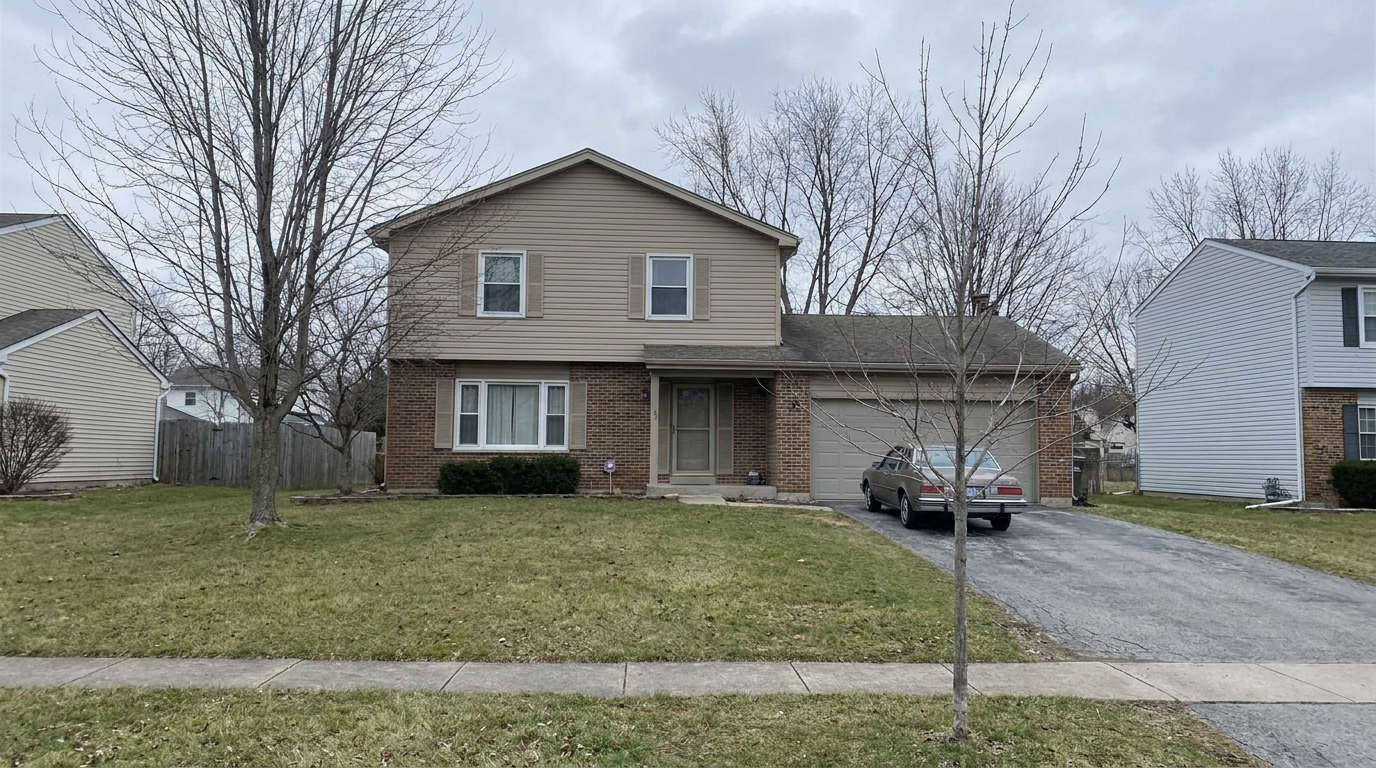
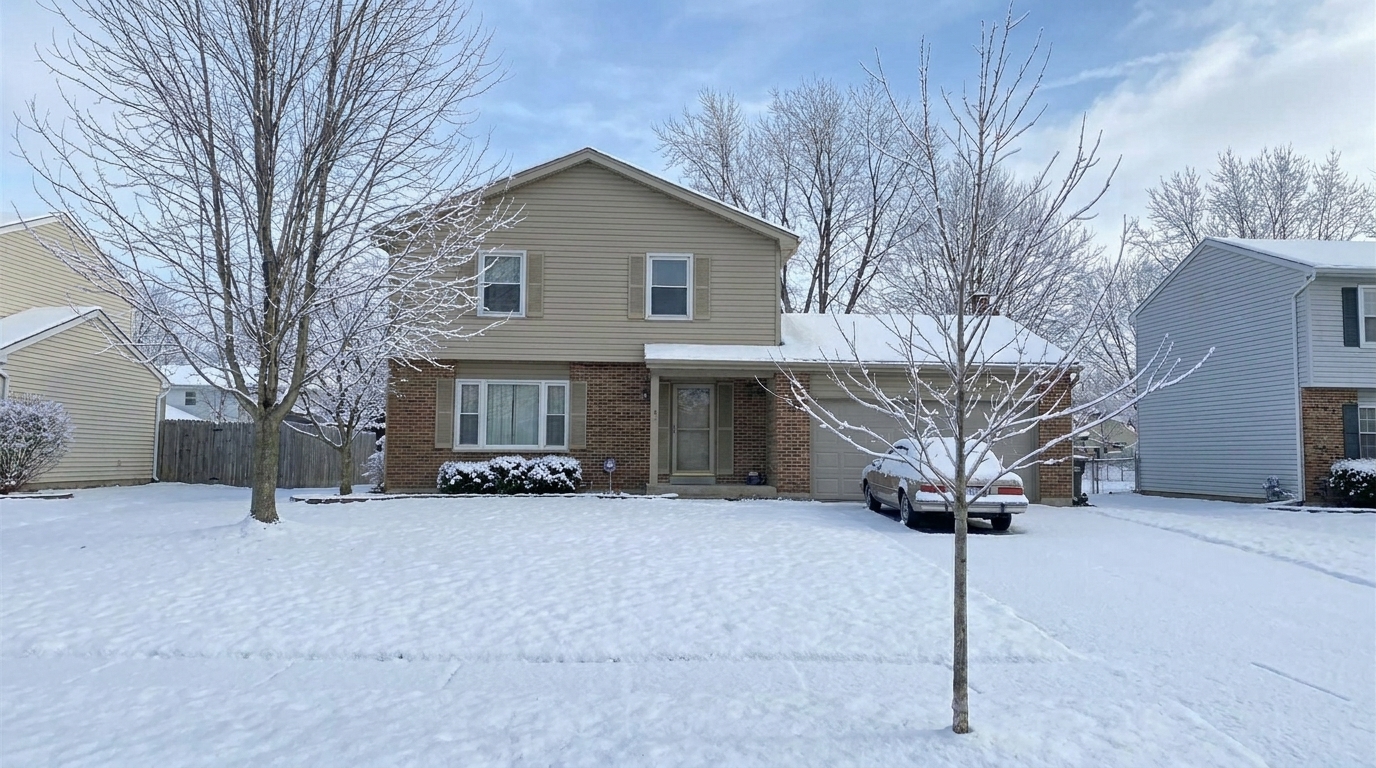
See how standard exterior photos are converted into pristine, inviting winter scenes.
Suburban Lawn to Winter Snow updated with snow / winter conditions styling.
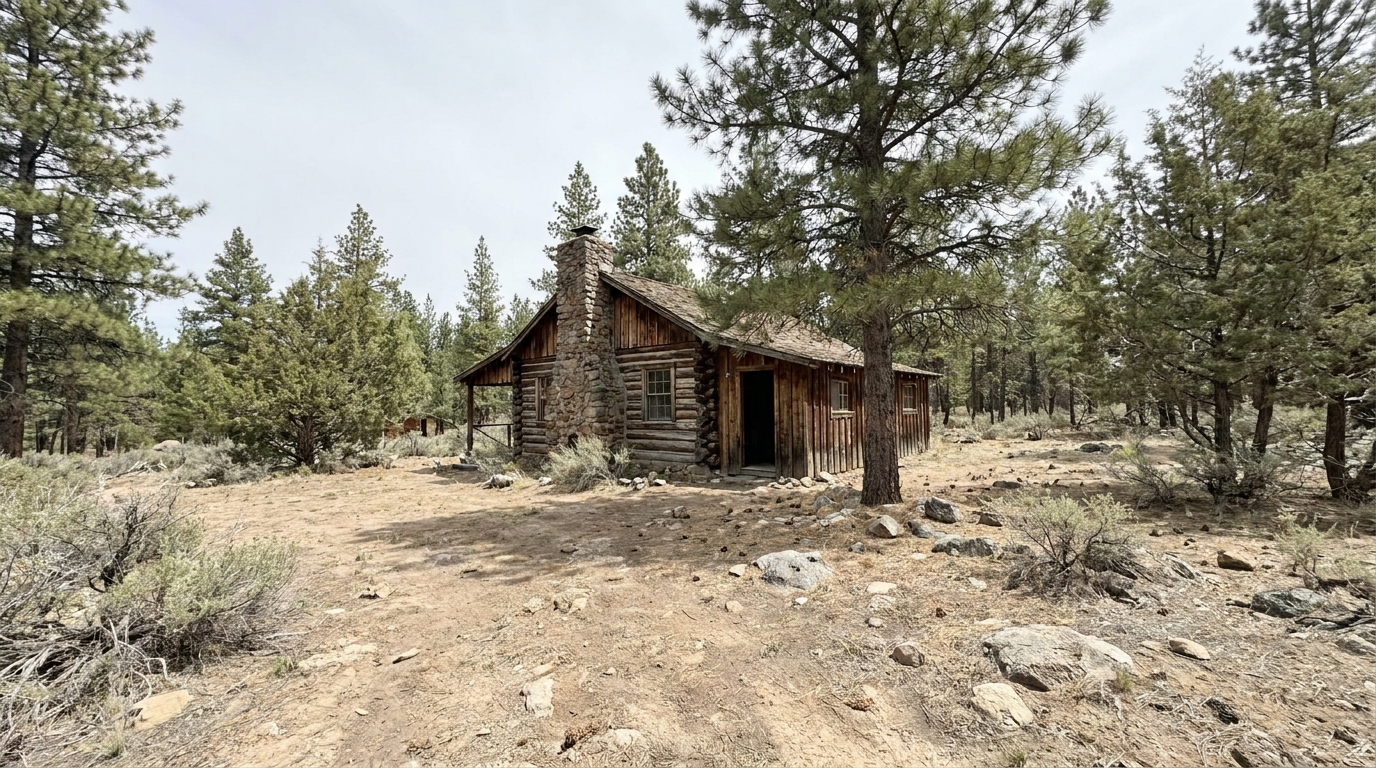
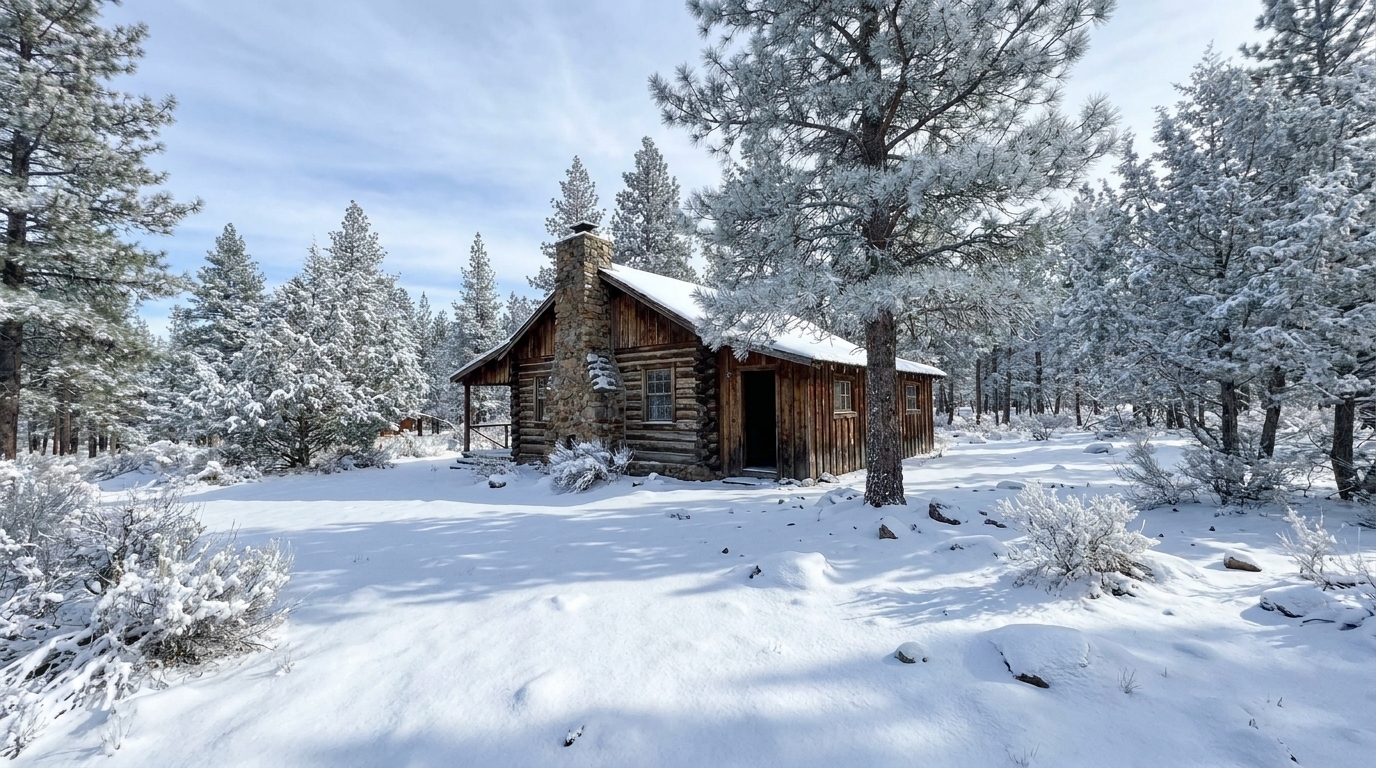
Mountain Cabin in Dry Season updated with snow / winter conditions styling.
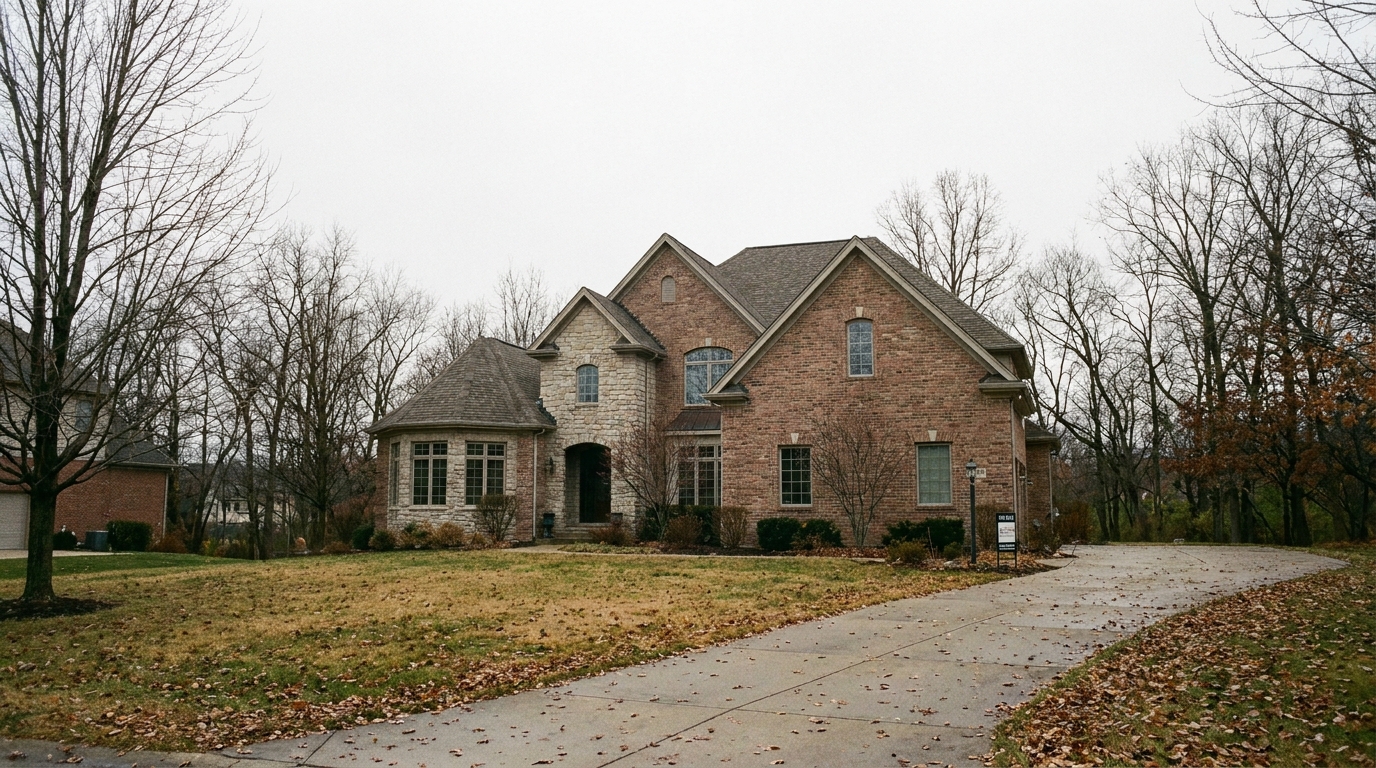
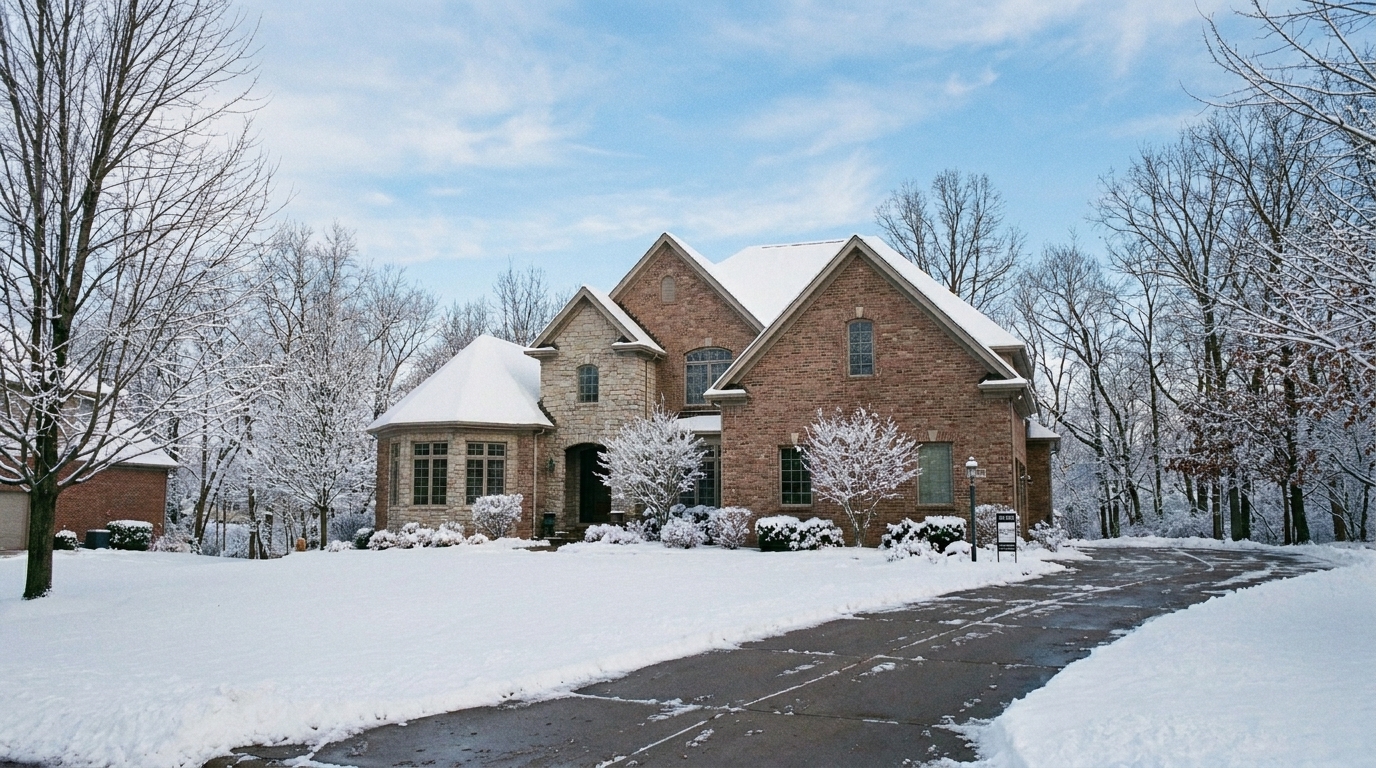
Luxury Estate with Bare Trees updated with snow / winter conditions styling.
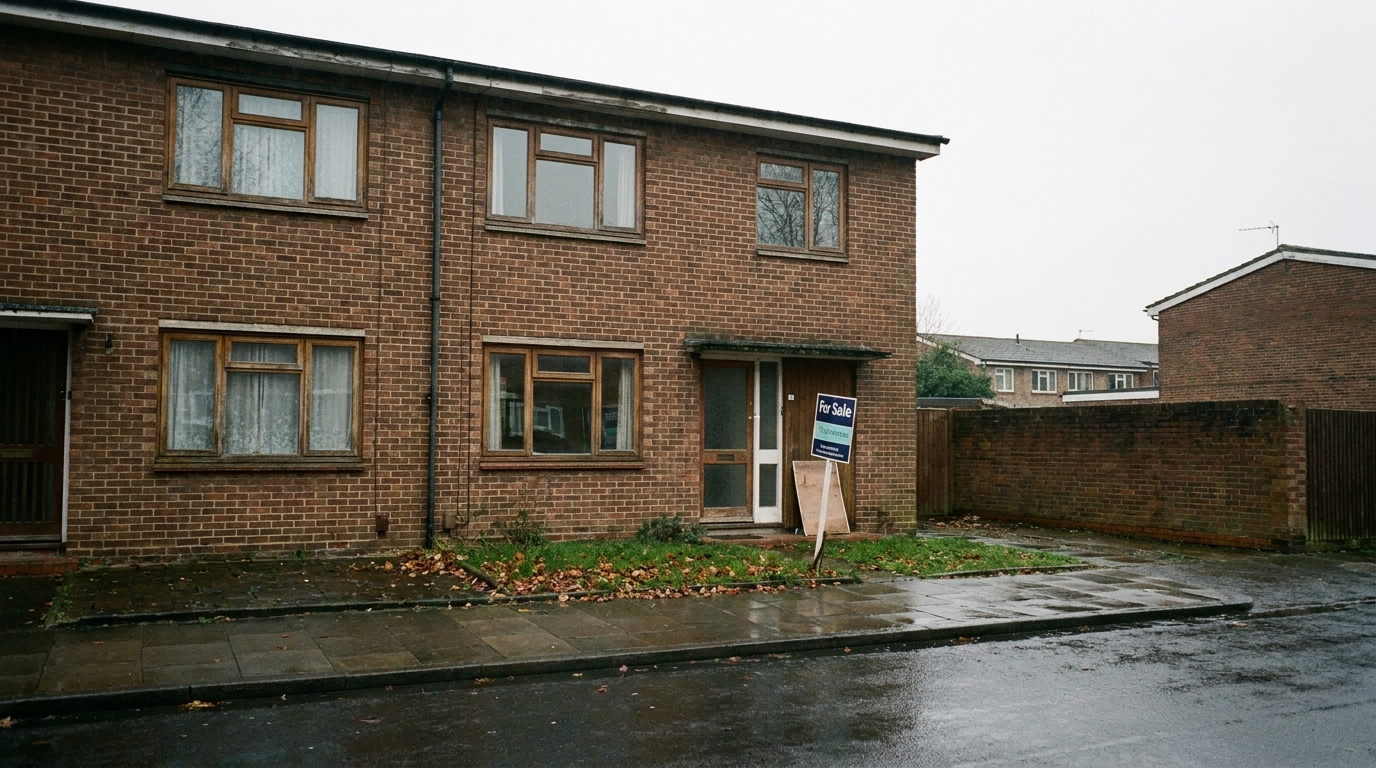
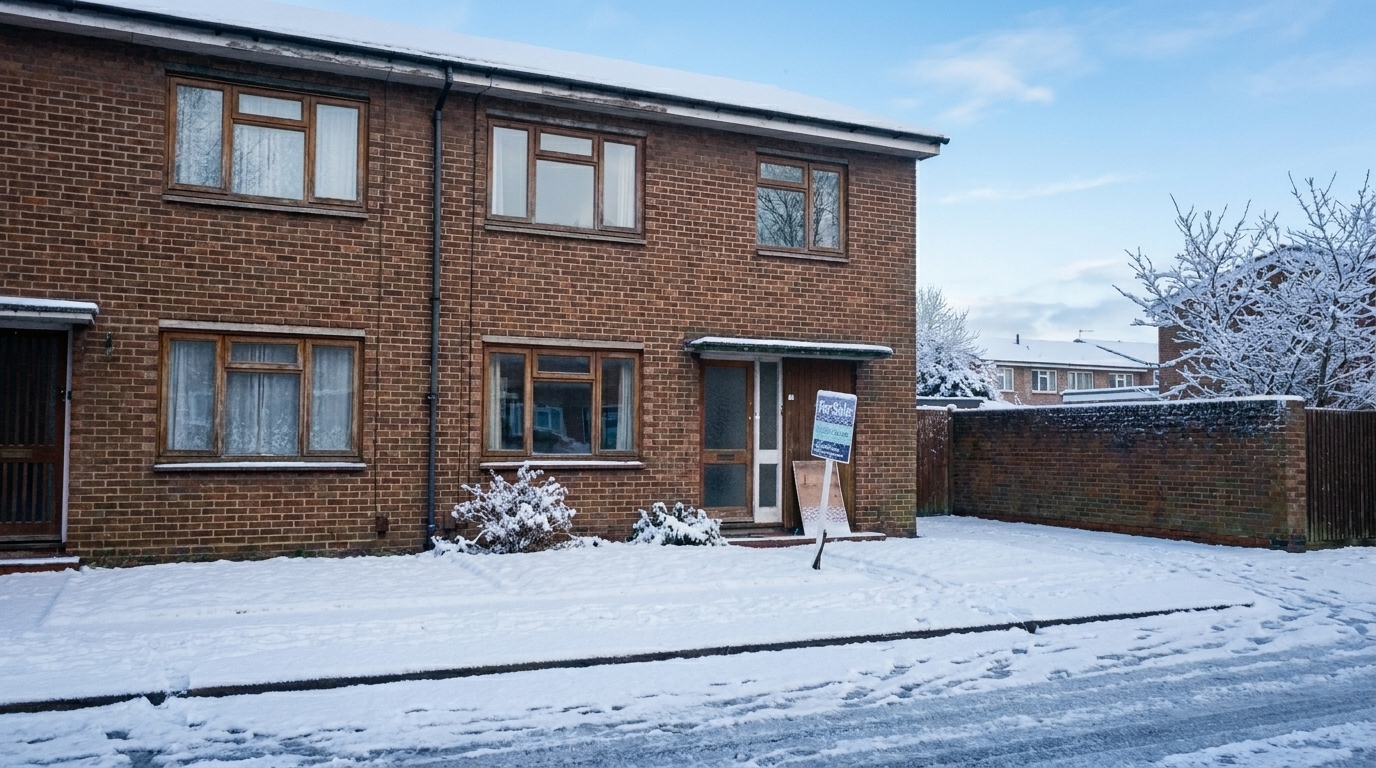
Modern Townhouse Exterior updated with snow / winter conditions styling.
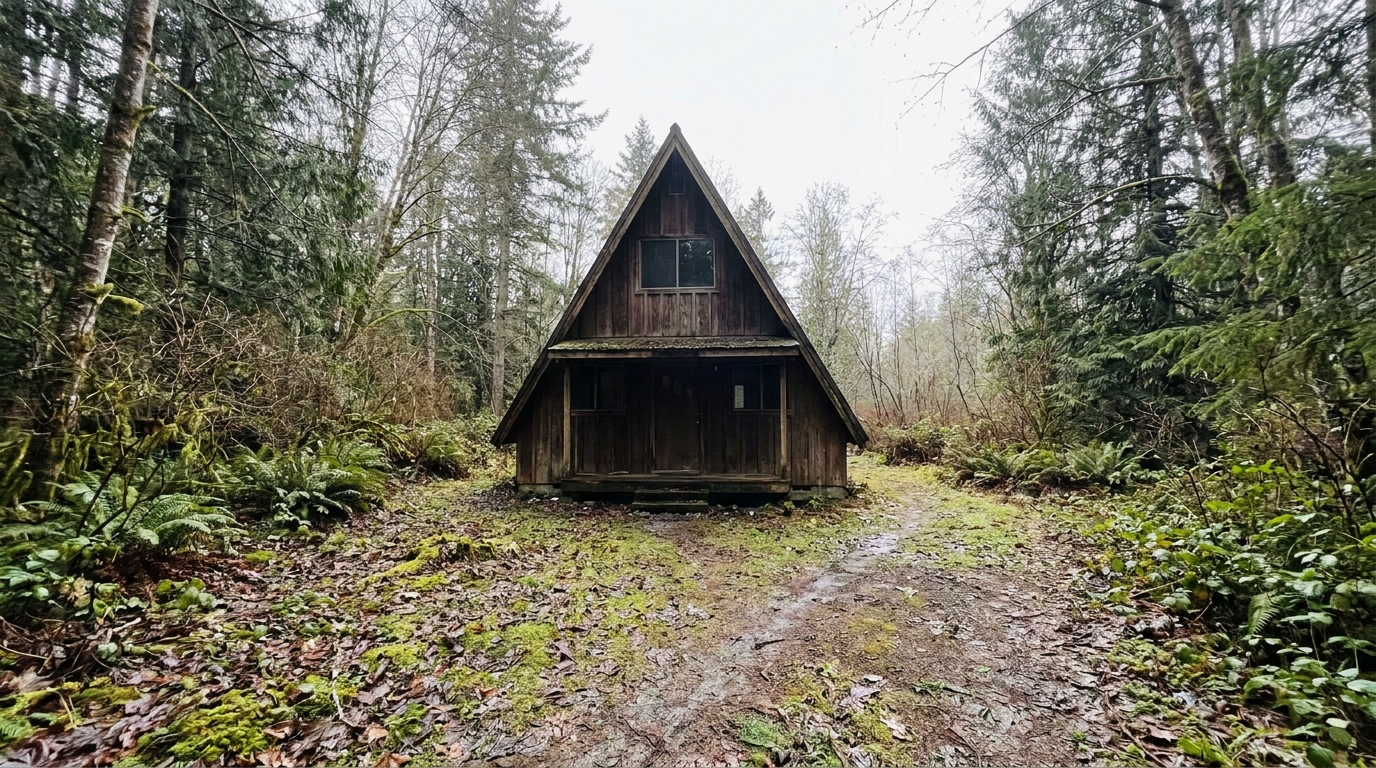
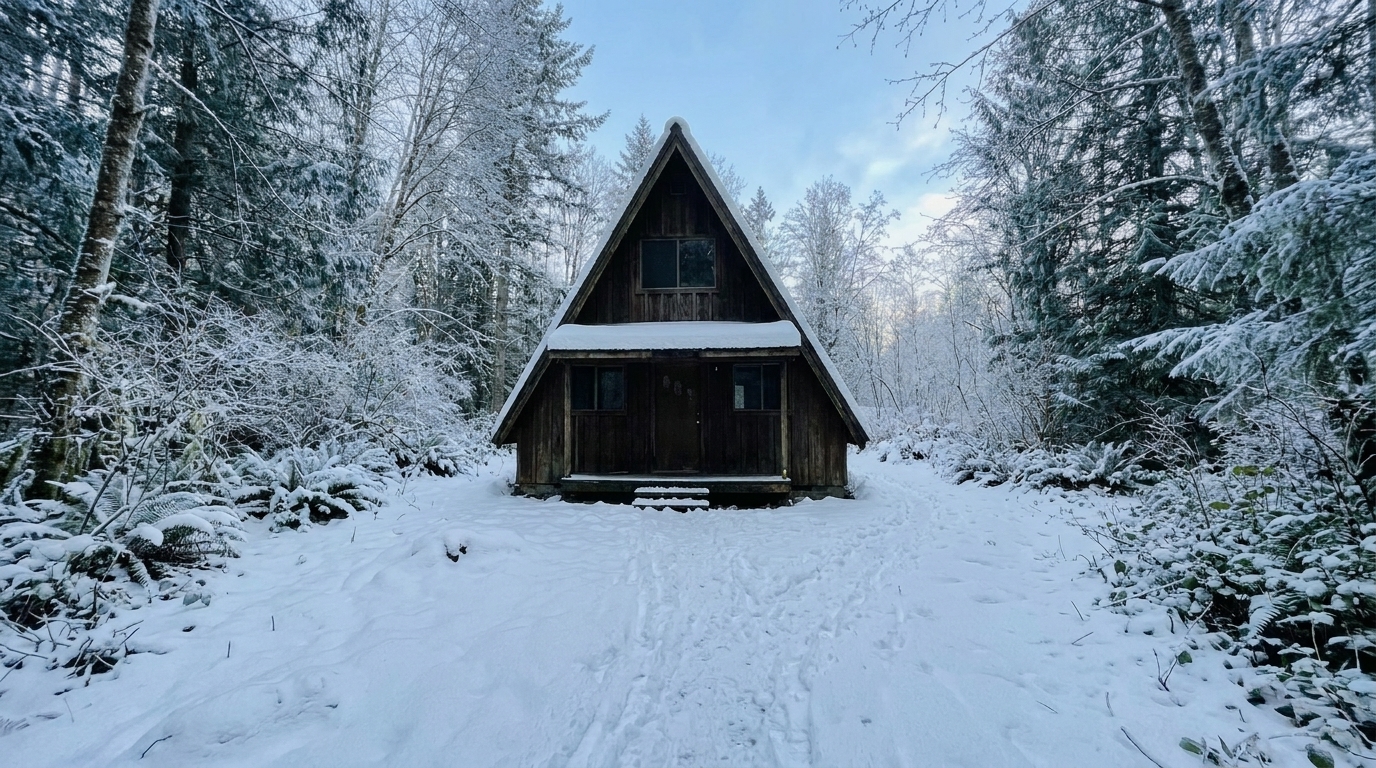
A-Frame Cabin in the Woods updated with snow / winter conditions styling.
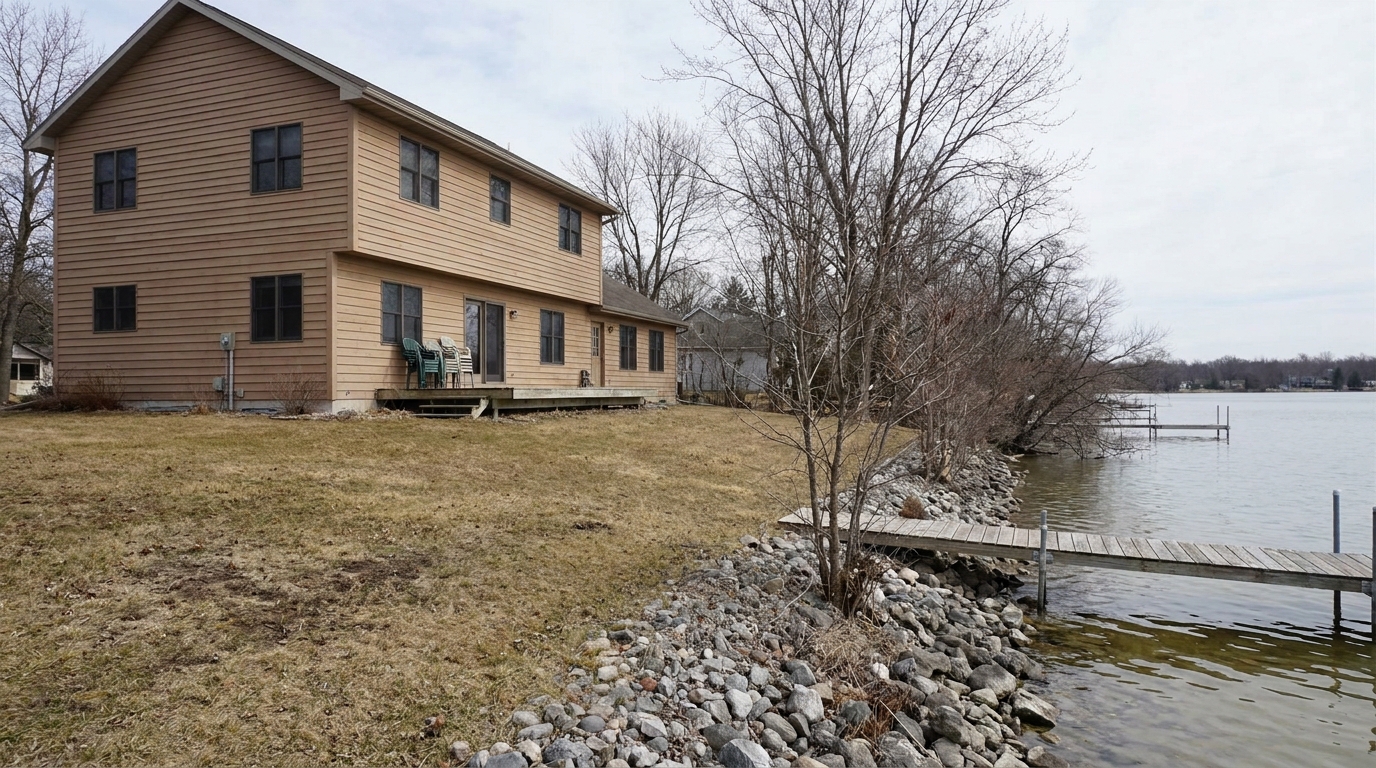
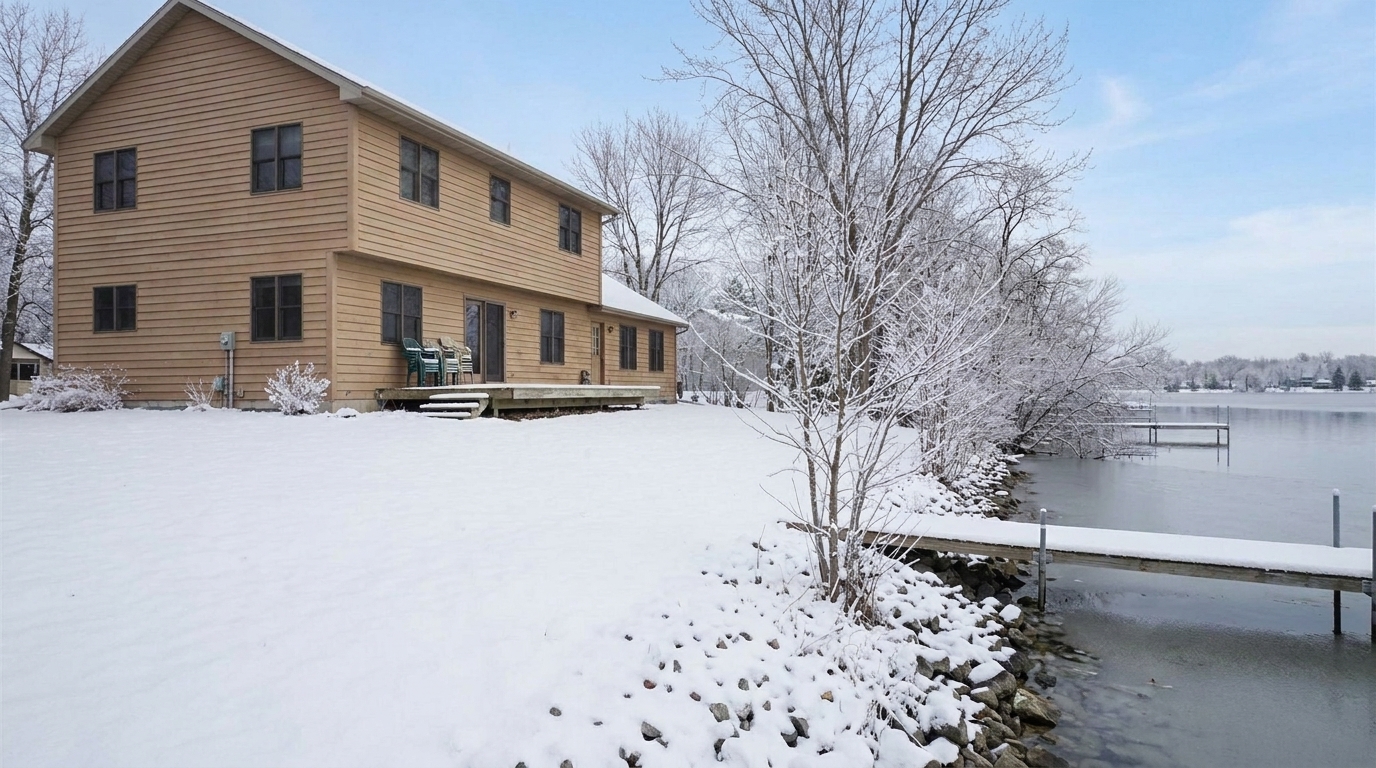
Lakefront Property in Late Fall updated with snow / winter conditions styling.
Our AI-driven tools ensure realistic snow placement and natural cold-weather lighting without obscuring key architectural details.
Intelligently places snow on flat surfaces like roofs, lawns, and driveways while keeping vertical walls and windows clear.
Adjusts the color temperature and ambient light to mimic a bright, crisp winter day or a cozy overcast afternoon.
Ensures that key structural elements, window frames, and entryways remain visible and sharp beneath the snow.
Adds subtle frost details to tree branches and window panes for an authentic, high-end winter atmosphere.
Enhances interior window lights to create a warm, inviting contrast against the cool outdoor snow.
Swaps dull, flat skies for either a clear, crisp winter blue sky or a soft, atmospheric snow-cloud horizon.
Create seasonal marketing campaigns, showcase mountain cabins, or visualize properties under a clean blanket of snow.
Showcase rustic cabins and ski-resort properties in their natural, snow-covered winter glory.
Vacation HomesCreate festive, cozy marketing materials for social media and email campaigns during the winter holidays.
MarketingHelp buyers visualize how a property looks during the colder months without waiting for actual snowfall.
Listing PrepHighlight high-end estates with a pristine, untouched blanket of snow that emphasizes exclusivity and warmth.
Luxury Real EstateUpdate older, dry-season photos to match a winter-themed listing launch or seasonal portfolio refresh.
PortfoliosAdd realistic winter environments to architectural designs to present year-round versatility to clients.
ArchitectureTransform your property exterior into a cozy winter scene in three simple steps.
Select a high-resolution daytime or overcast exterior photo of your property and upload it to the Idealhouse Photo Enhancer.
Choose the "Snow / Winter Conditions" preset to automatically generate realistic snow coverage on lawns, roofs, and trees.
Fine-tune the snow density and cold-weather lighting balance, then export your high-resolution, listing-ready winter image.
Source-backed context for why snow / winter conditions edits matter inside weather & seasonal editing workflows.
Snow / Winter Conditions within Weather & Seasonal Editing evidence
Photos are one of the most valuable website features for home buyers; NAR's 2025 generational trends report says 83% of internet-using buyers rated photos as very useful. For Snow / Winter Conditions pages, this supports showing how a focused Weather & Seasonal Editing edit can make the listing photo feel clearer, more polished, and easier for buyers to evaluate.
Source: NAR 2025Snow / Winter Conditions within Weather & Seasonal Editing evidence
Zillow Research's 2025 prospective buyer report ranked high-resolution photos as the number two most important listing feature, selected by 26% of prospective buyers; floor plans ranked first at 33%. For Snow / Winter Conditions pages, this supports showing how a focused Weather & Seasonal Editing edit can make the listing photo feel clearer, more polished, and easier for buyers to evaluate.
Source: Zillow 2025Snow / Winter Conditions within Weather & Seasonal Editing evidence
Redfin reported that professionally photographed homes in the $400,000 range sold three weeks faster and for more than $10,000 relative to list price compared with amateur photos. Use this as supporting context, not as a guaranteed result. For Snow / Winter Conditions pages, this supports showing how a focused Weather & Seasonal Editing edit can make the listing photo feel clearer, more polished, and easier for buyers to evaluate.
Source: RedfinTransforming property photos with seasonal effects requires a careful balance between visual appeal and realistic representation. Learn how to leverage winter presets to elevate your listings.
When deciding how to style your listing, consider the property's location and target audience. The Snow / Winter Conditions preset is ideal for mountain cabins, ski-resort properties, or homes in regions where winter is a major selling point. However, if you are selling a suburban home during the spring, using a winter preset might make the listing feel outdated. In those cases, sibling presets like Golden Hour or Summer Enhancement are better suited to maximize curb appeal. Conversely, if you have an existing photo covered in messy, dirty slush, you should use the Snow Removal preset to present a clean, accessible exterior rather than adding more snow.
To achieve the most realistic winter look, start with a clean, high-resolution exterior photo. Apply the Snow / Winter Conditions preset first to establish the ground cover and roof accumulation. Next, adjust the color temperature to introduce cool, crisp blue tones in the shadows. Finally, enhance the interior window lights to create a warm, golden glow. This contrast between the cold exterior and the warm interior is what makes winter real estate photos feel incredibly cozy and inviting to potential buyers.
While adding snow can make a property look magical and cozy, it does come with trade-offs. Heavy snow accumulation can obscure landscaping features, garden beds, and the condition of the driveway or roof. If these are key selling points of the property, opt for a lighter snow dusting rather than a heavy blanket. Always ensure that the home's structural integrity and primary materials remain clearly visible to maintain transparency and comply with local MLS guidelines.
Winter imagery appeals strongly to buyers looking for cozy retreats, vacation homes, or properties in scenic, cold-weather destinations. By presenting a pristine winter scene, you tap into the emotional appeal of a warm hearth and a safe shelter against the elements. This strategy is highly effective for luxury listings, rustic cabins, and properties marketed during the late autumn and winter holiday seasons.
Switch between winter snow, golden hour warmth, or vibrant summer styling to match your listing's ideal mood.
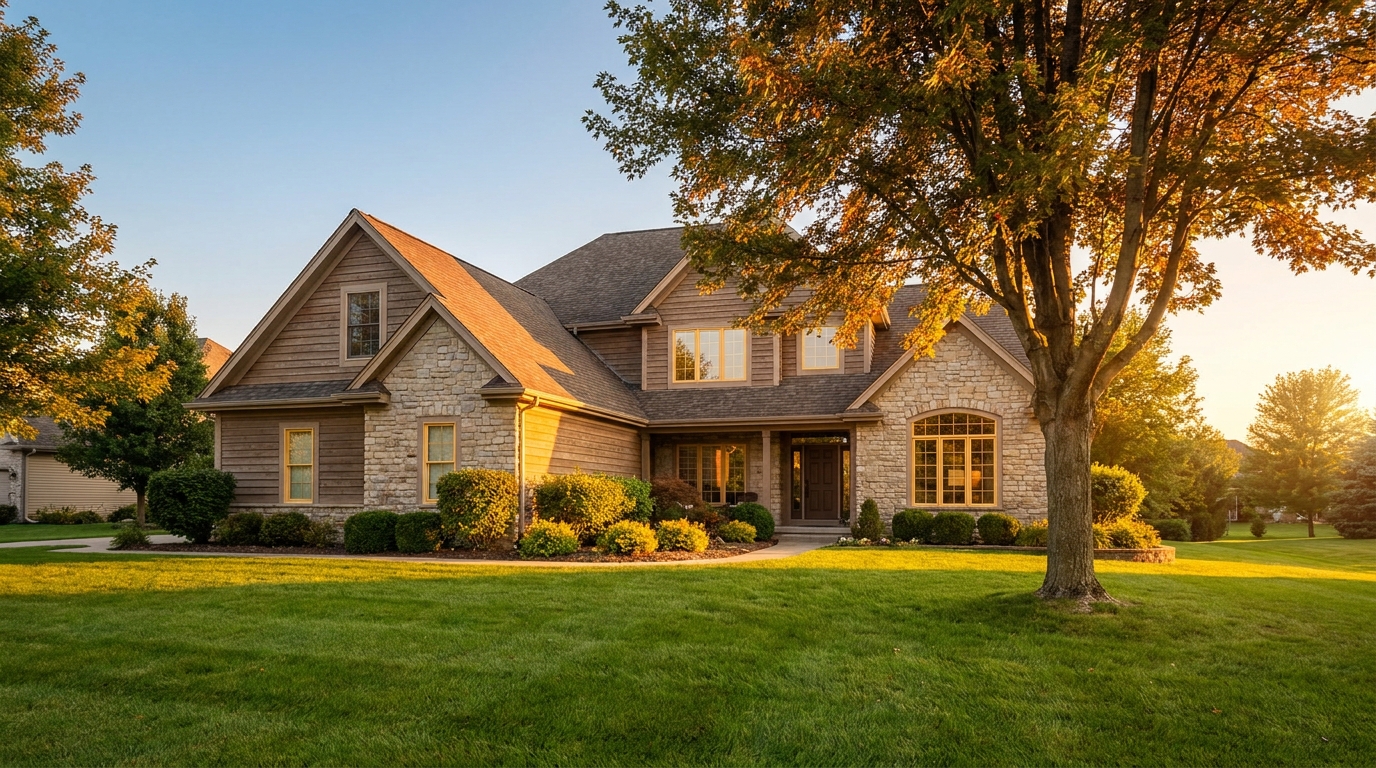
Warm golden light and soft shadows for a more flattering exterior showcase.
Try This Tool →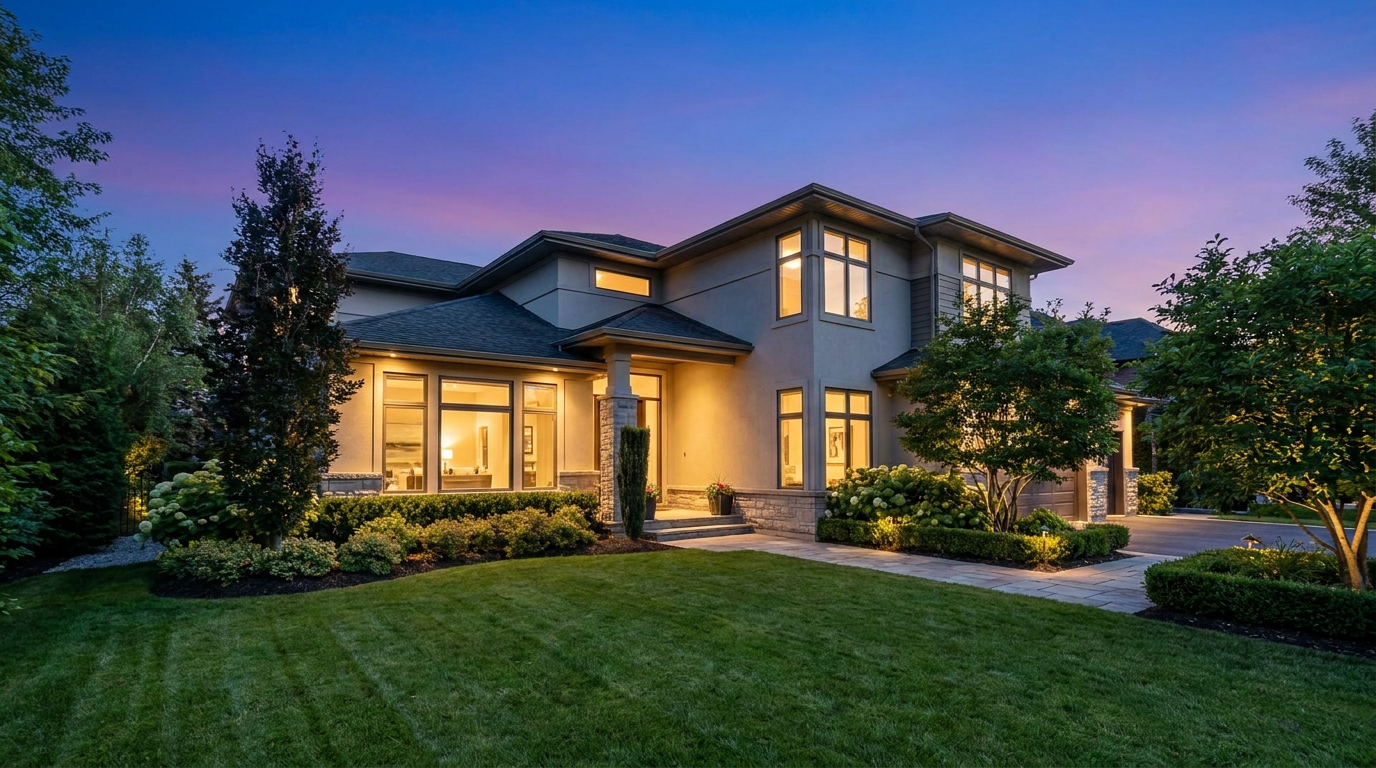
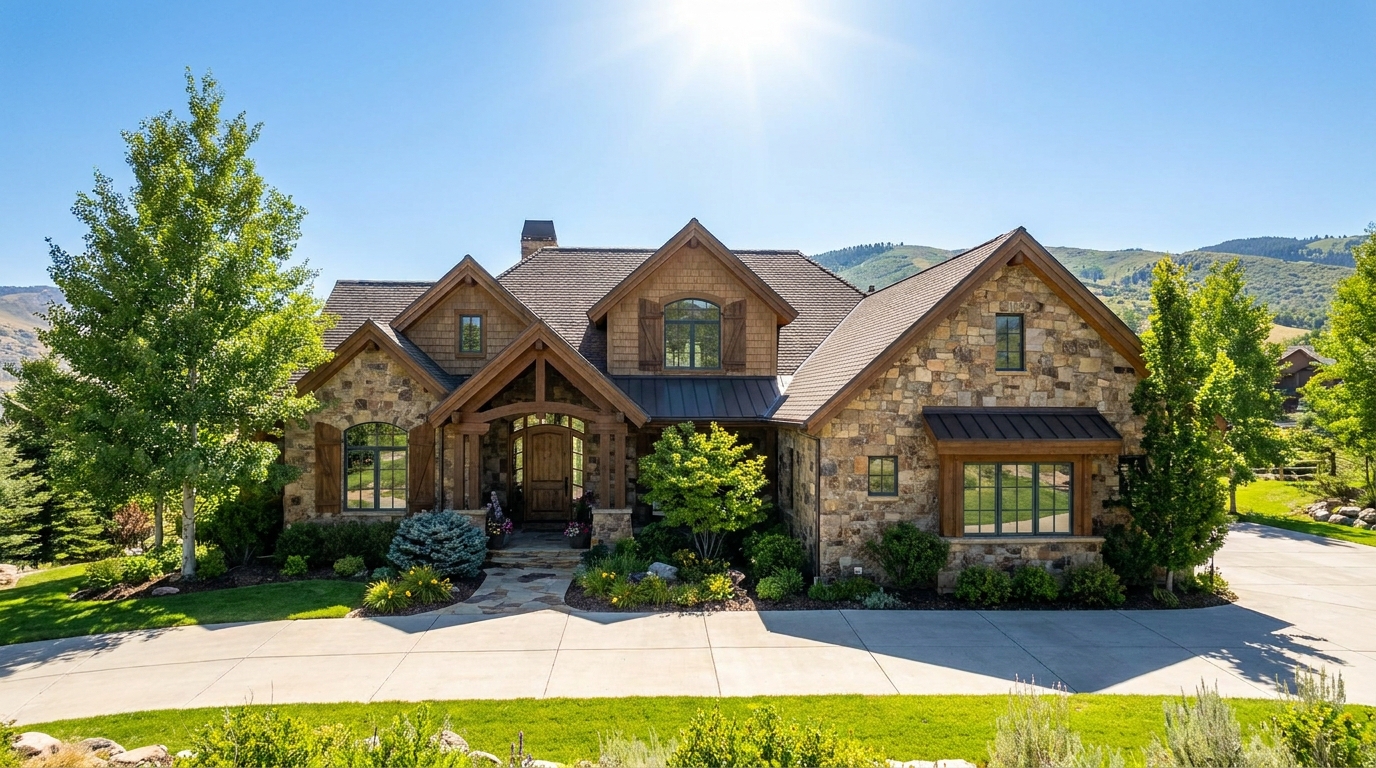
Clear atmospheric haze so the property looks sharper, brighter, and more defined.
Try This Tool →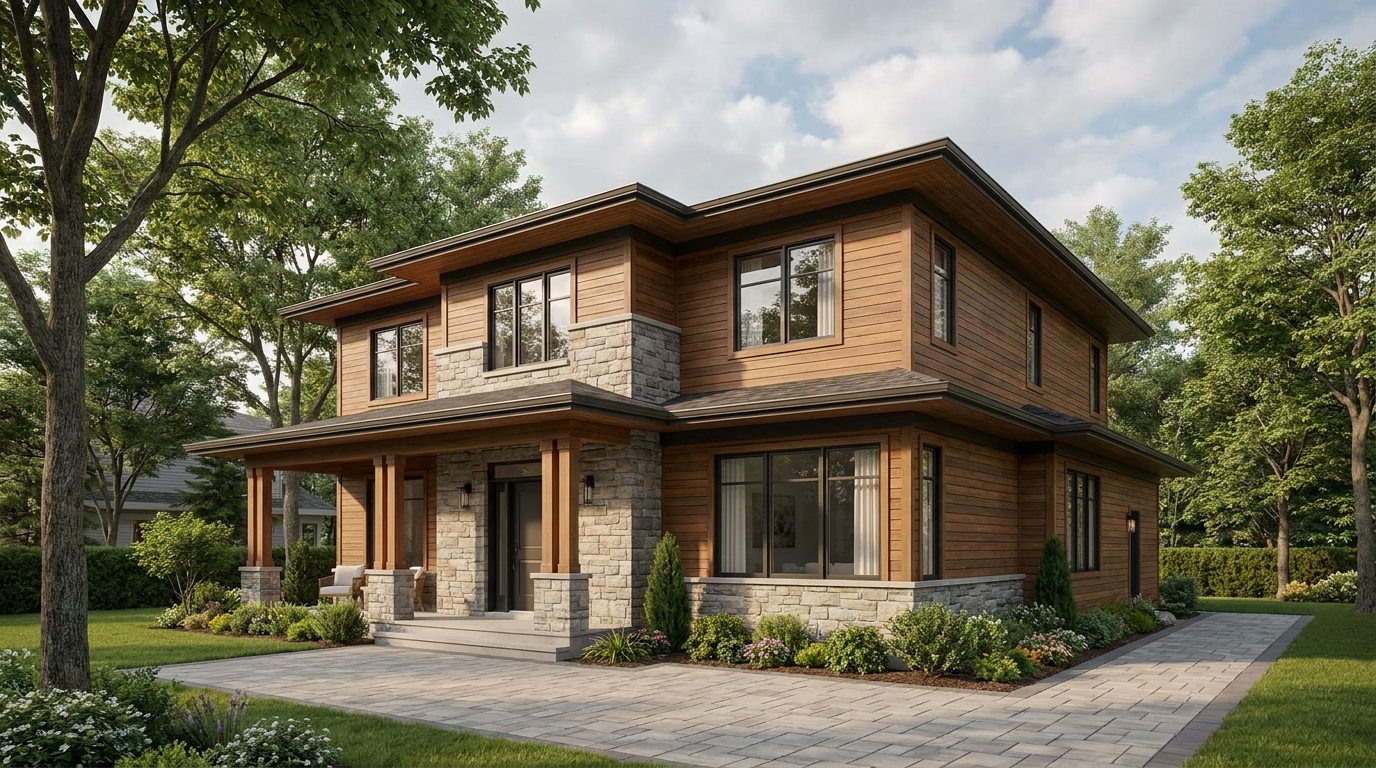
Soften harsh sun and shadows for a cleaner, more balanced exterior image.
Try This Tool →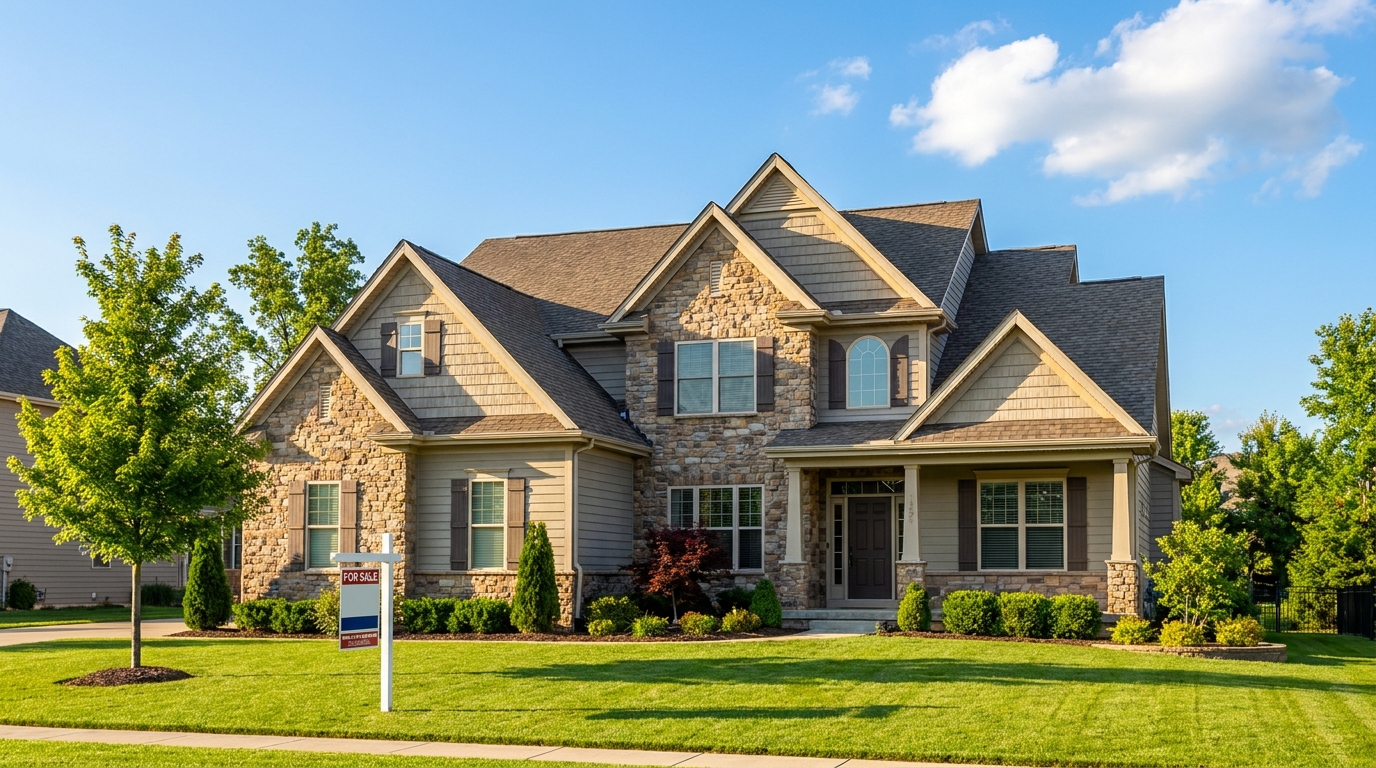
Turn cloudy exteriors into brighter sunny-day scenes with stronger curb appeal.
Try This Tool →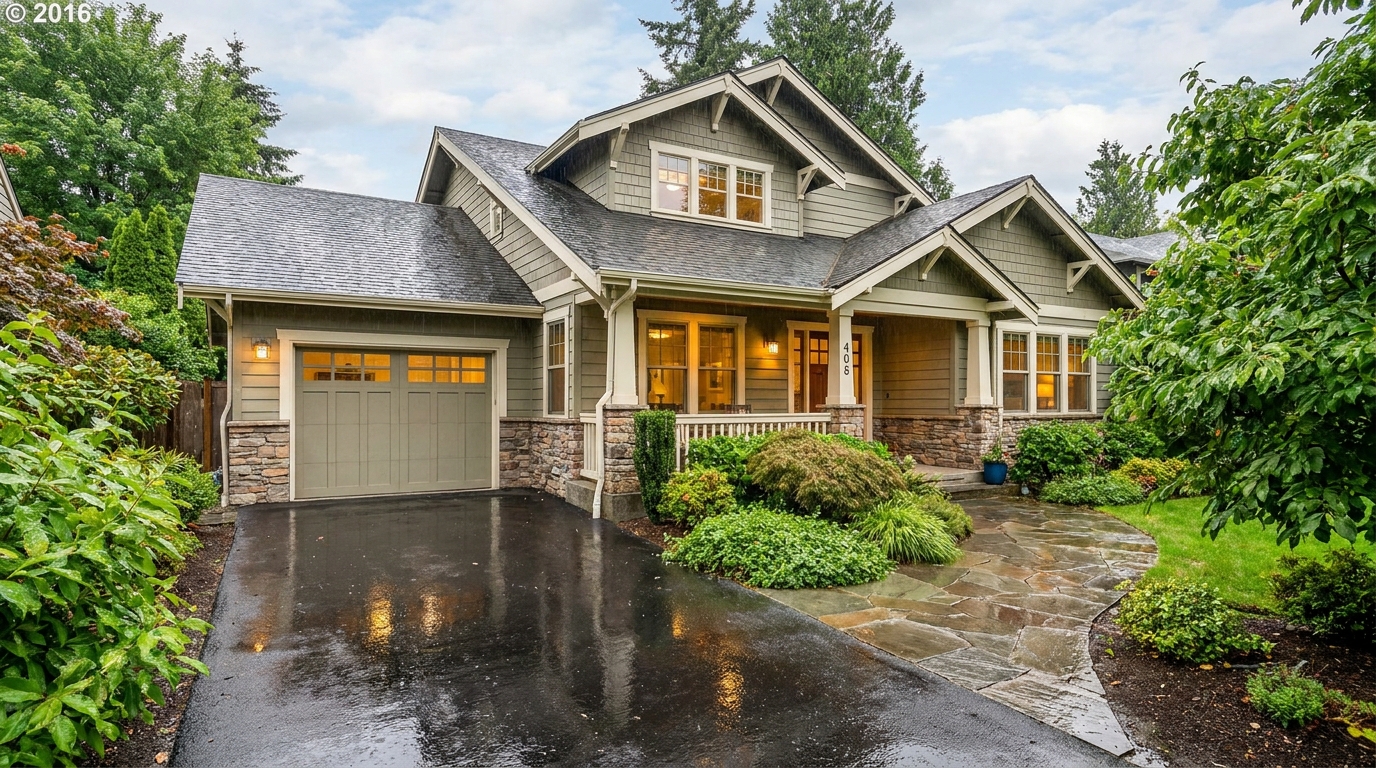
Add a fresh post-rain mood with subtle reflections and rich outdoor texture.
Try This Tool →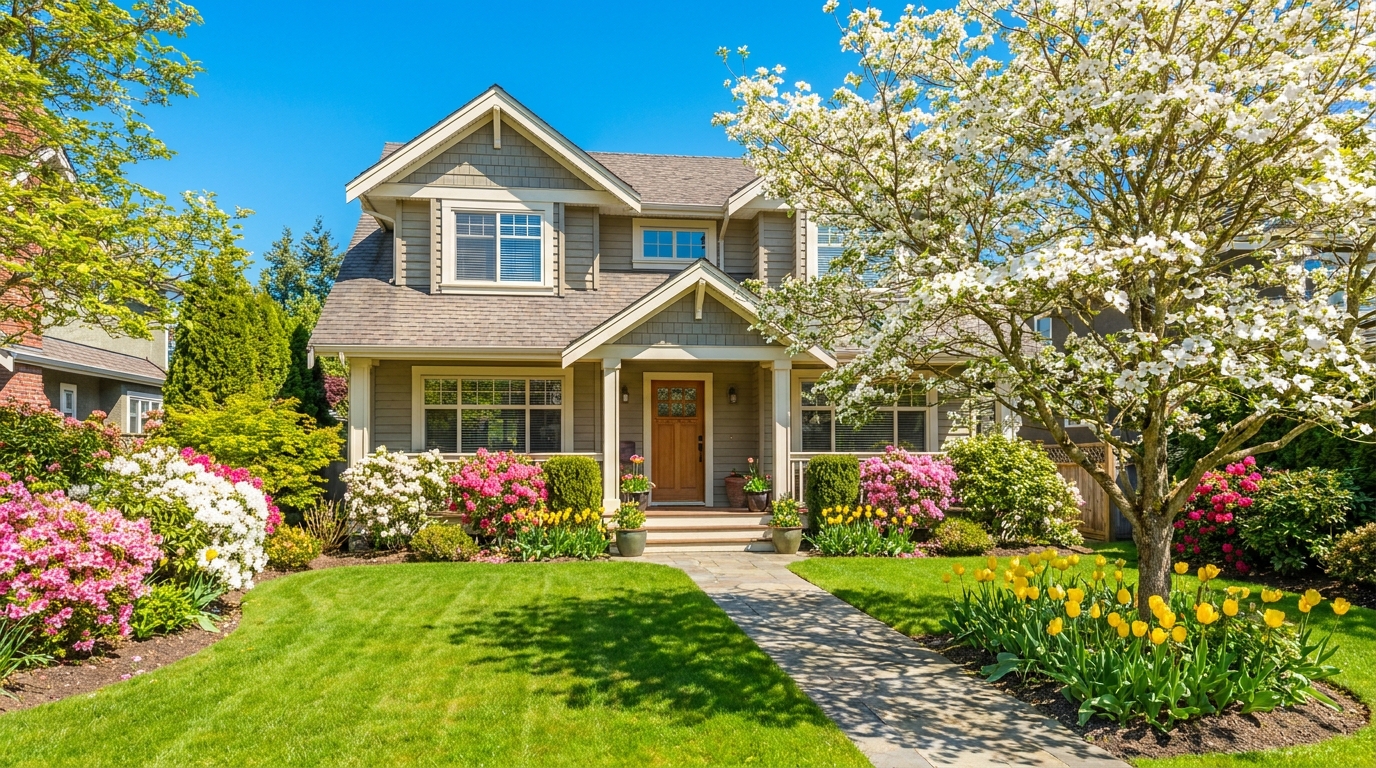
Bring in greener growth and spring freshness for a lively, welcoming exterior.
Try This Tool →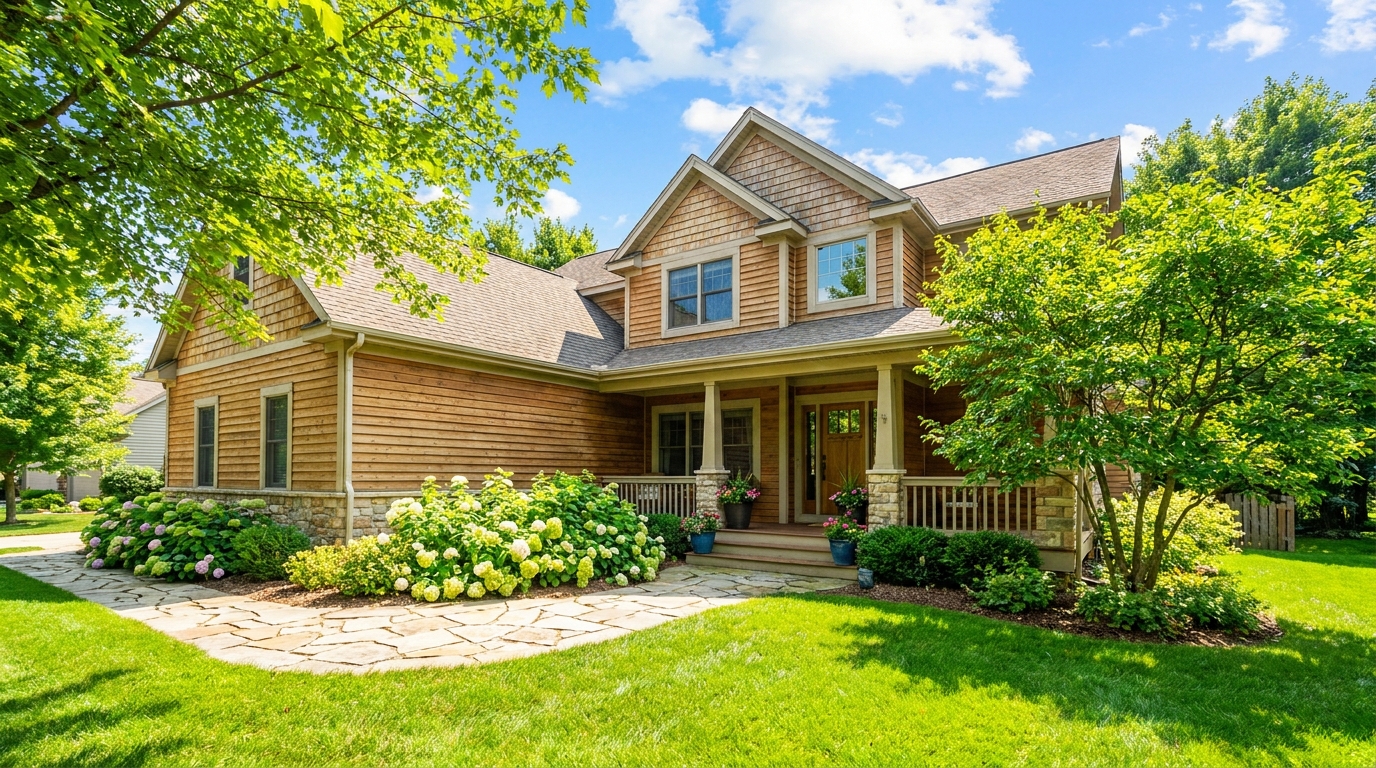
Bright, sunny seasonal styling with vibrant greenery and airy outdoor color.
Try This Tool →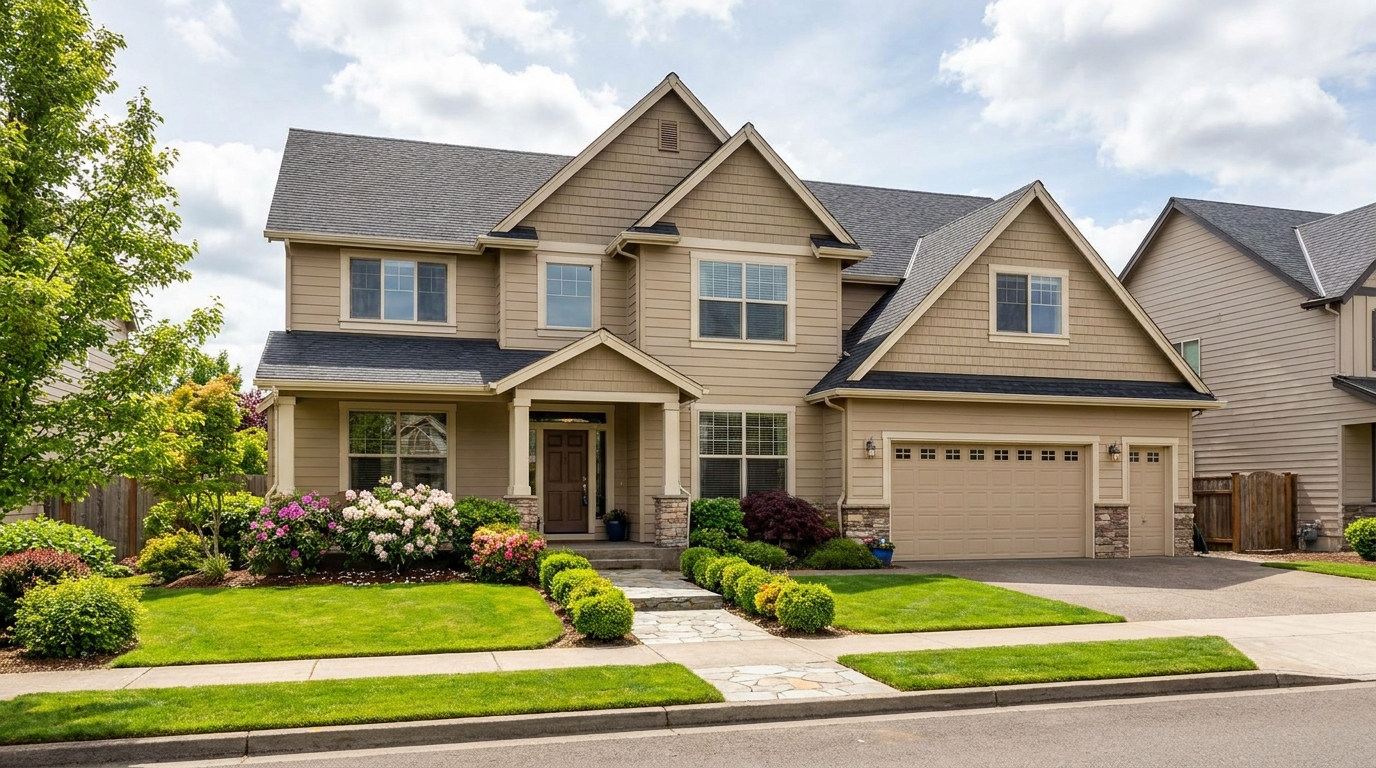
Convert dark exteriors into bright daytime scenes with clear, marketable visibility.
Try This Tool →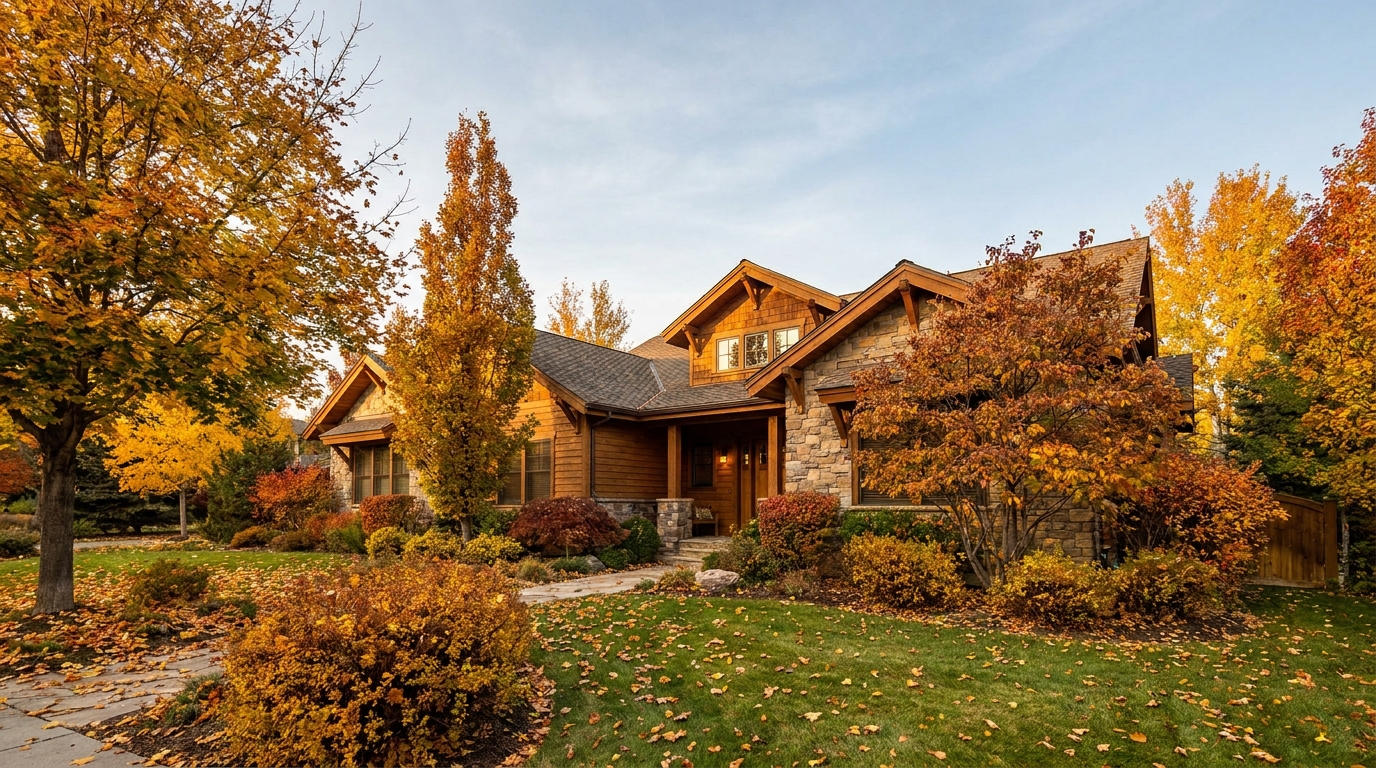
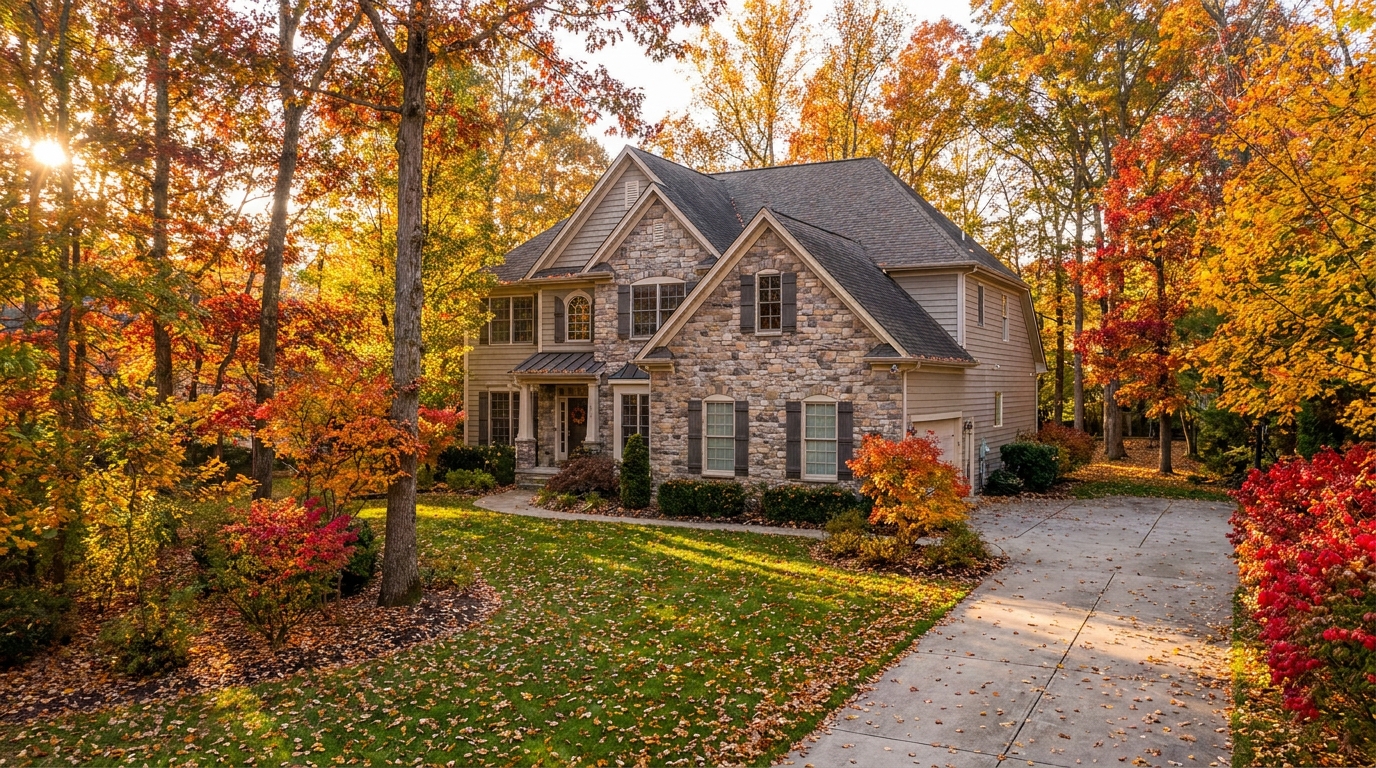
Swap the landscape to match the season that best fits the listing.
Try This Tool →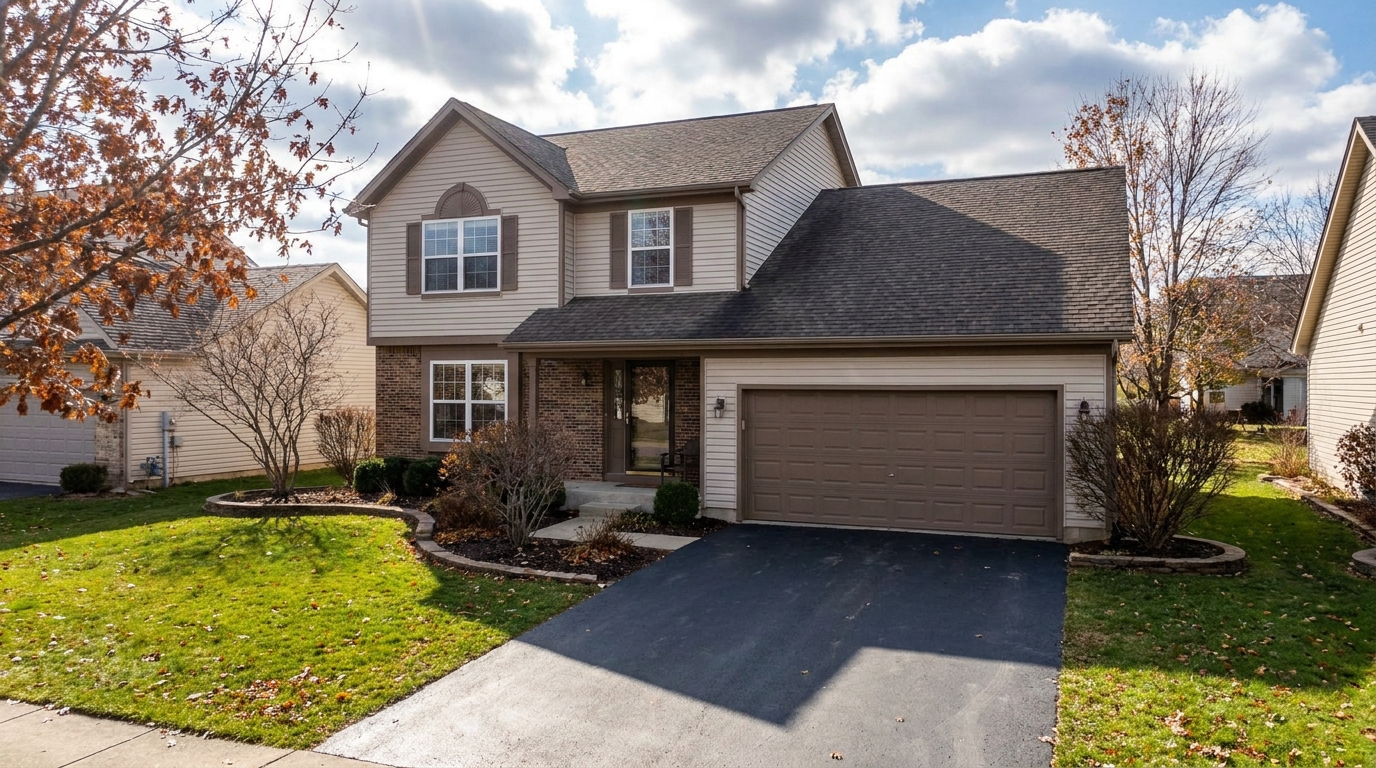
Remove snow buildup for a cleaner exterior that feels more accessible and ready to show.
Try This Tool →Explore adjacent editing features to optimize your real estate listings for any season or lighting condition.
AI image-to-video generation for turning home, room, and property photos into more vivid presentation videos.
02AI exterior renovation for visualizing facade updates, curb appeal improvements, and home exterior remodel ideas.
03AI landscaping design for exploring outdoor concepts, curb appeal upgrades, planting ideas, and yard layout directions.
04AI virtual staging for furnishing empty rooms and creating listing-ready interiors for real estate marketing.
05Free AI image generation for turning text prompts into unlimited visual ideas for home design, interiors, landscaping, renovation
06AI object removal for cleaning up distracting items from room, home, and property photos.
Give your property photos a premium, seasonal touch. Try our Snow & Winter Conditions preset today and captivate buyers with stunning, realistic winter imagery.