
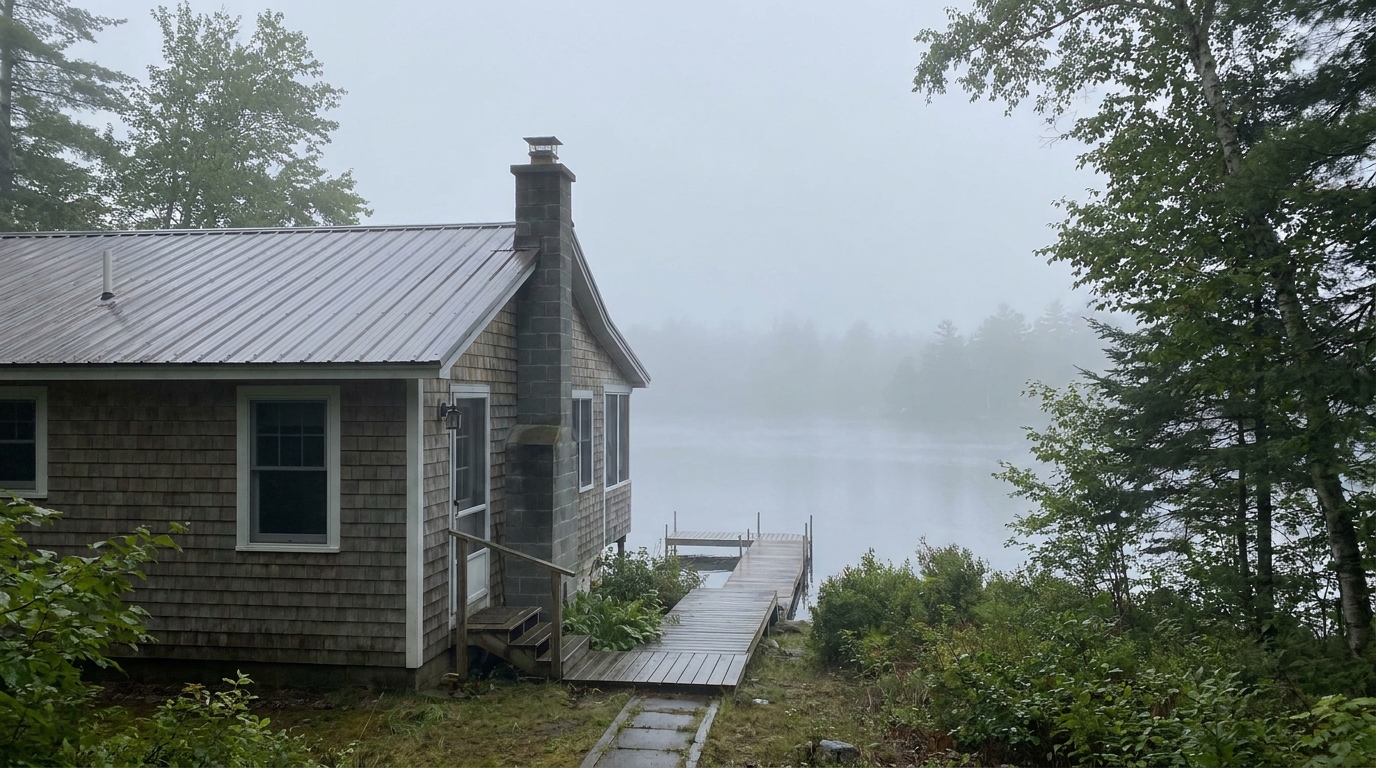
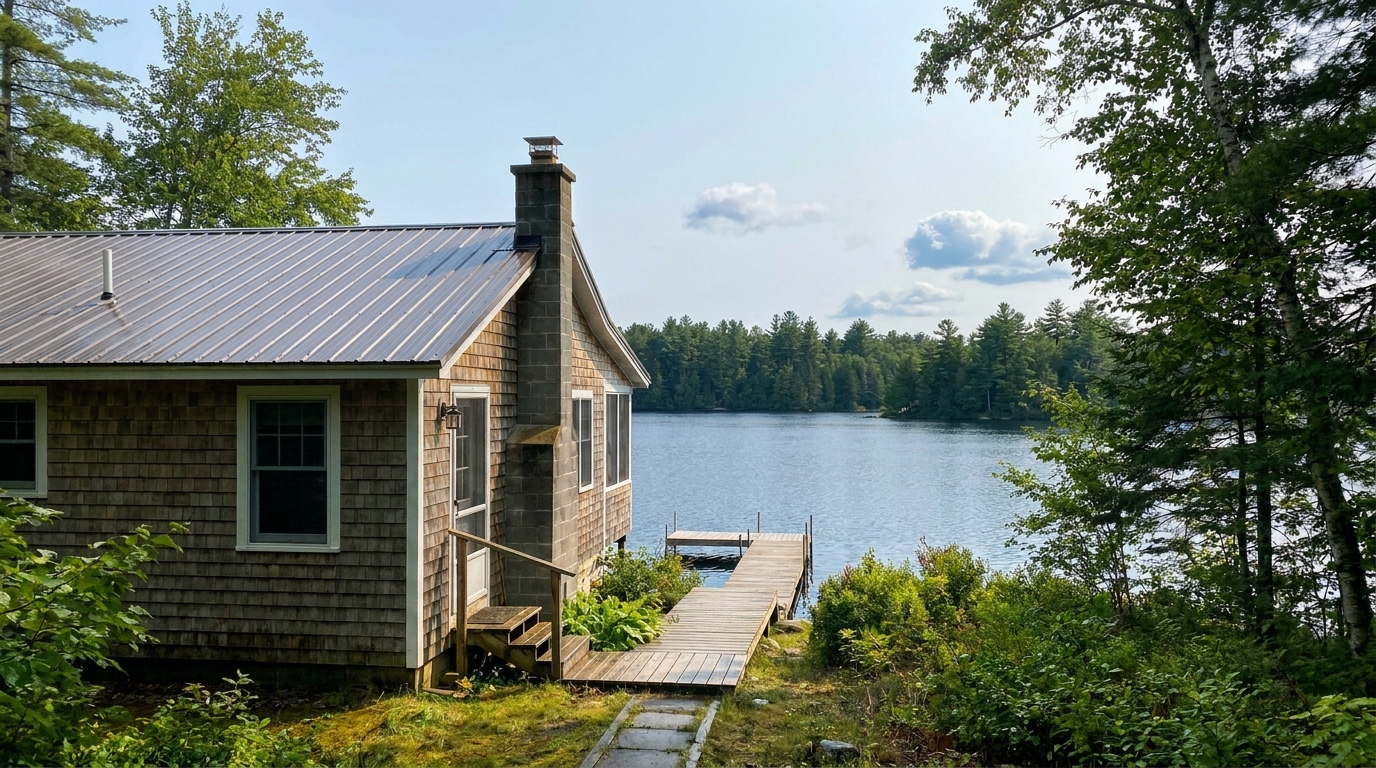

Lakeside Cottage Mist
Lakeside Cottage Mist updated with haze & fog removal styling.
Instantly clear atmospheric dullness, mist, and heavy fog. Restore natural contrast, sharp architectural details, and vibrant colors to your exterior listings.
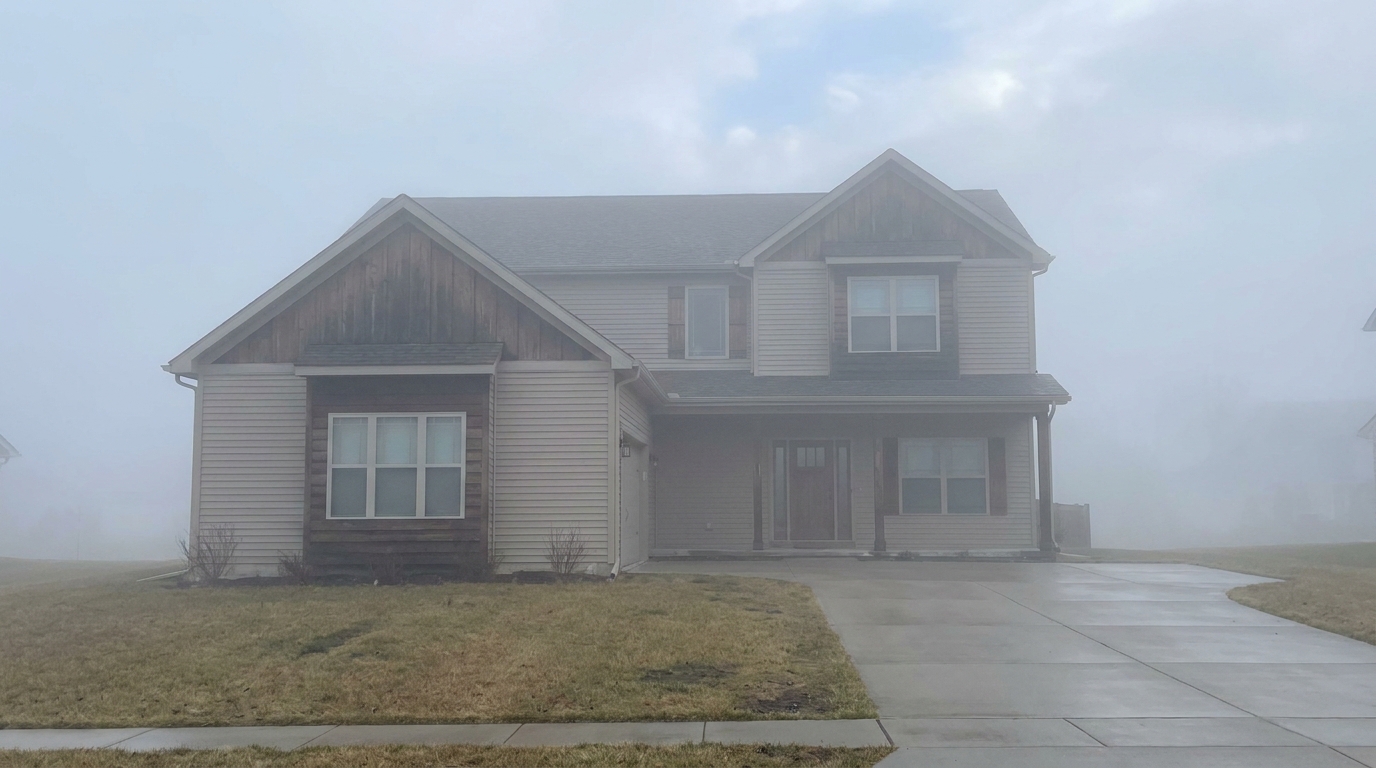
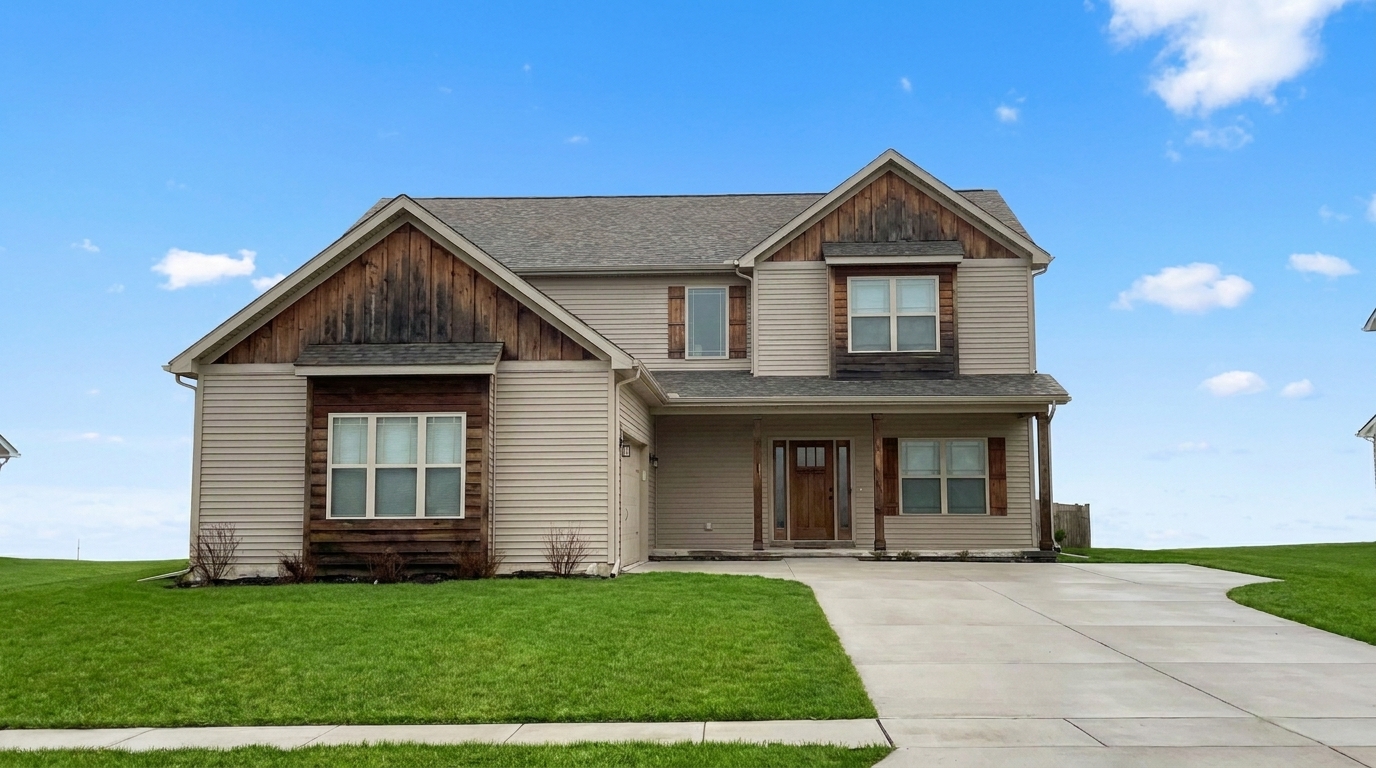
Compare original foggy shots with our enhanced, crystal-clear property presentations.
Lakeside Cottage Mist updated with haze & fog removal styling.
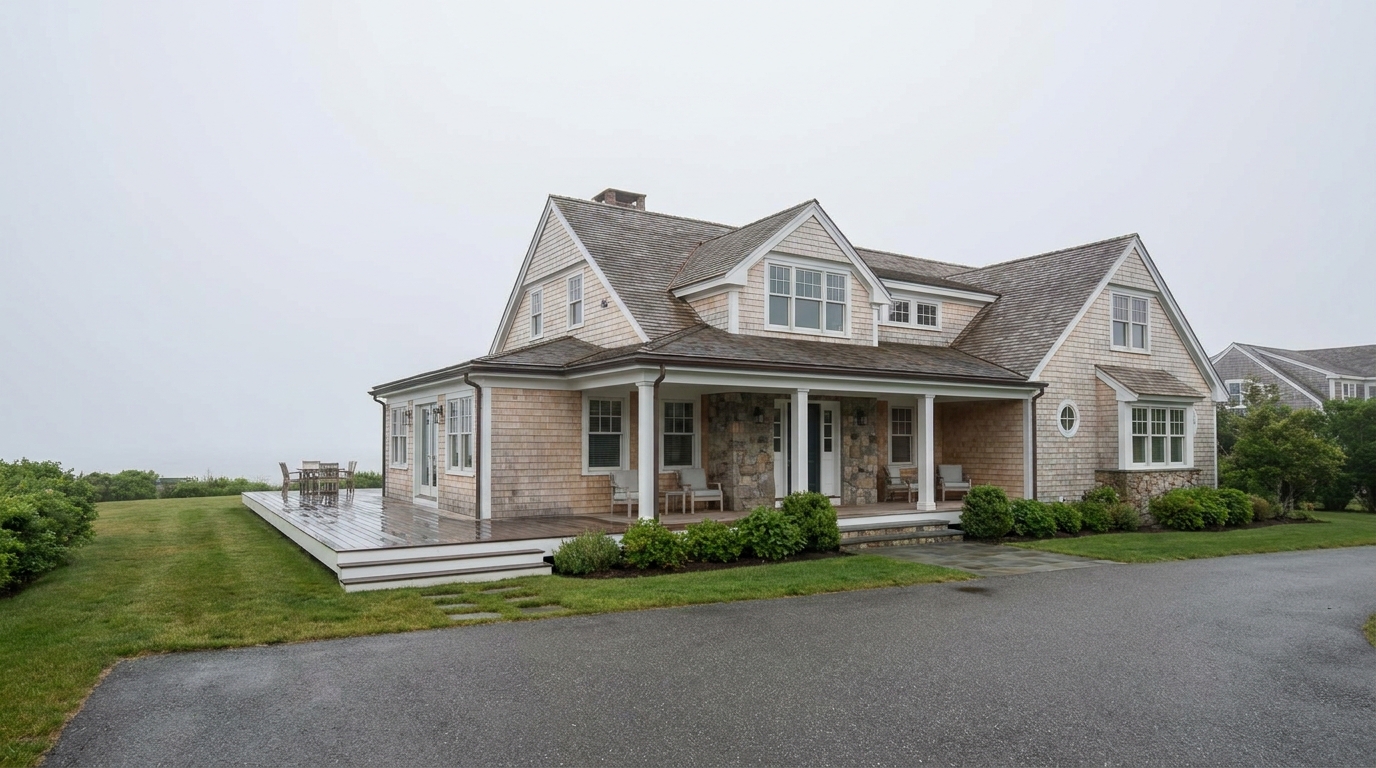
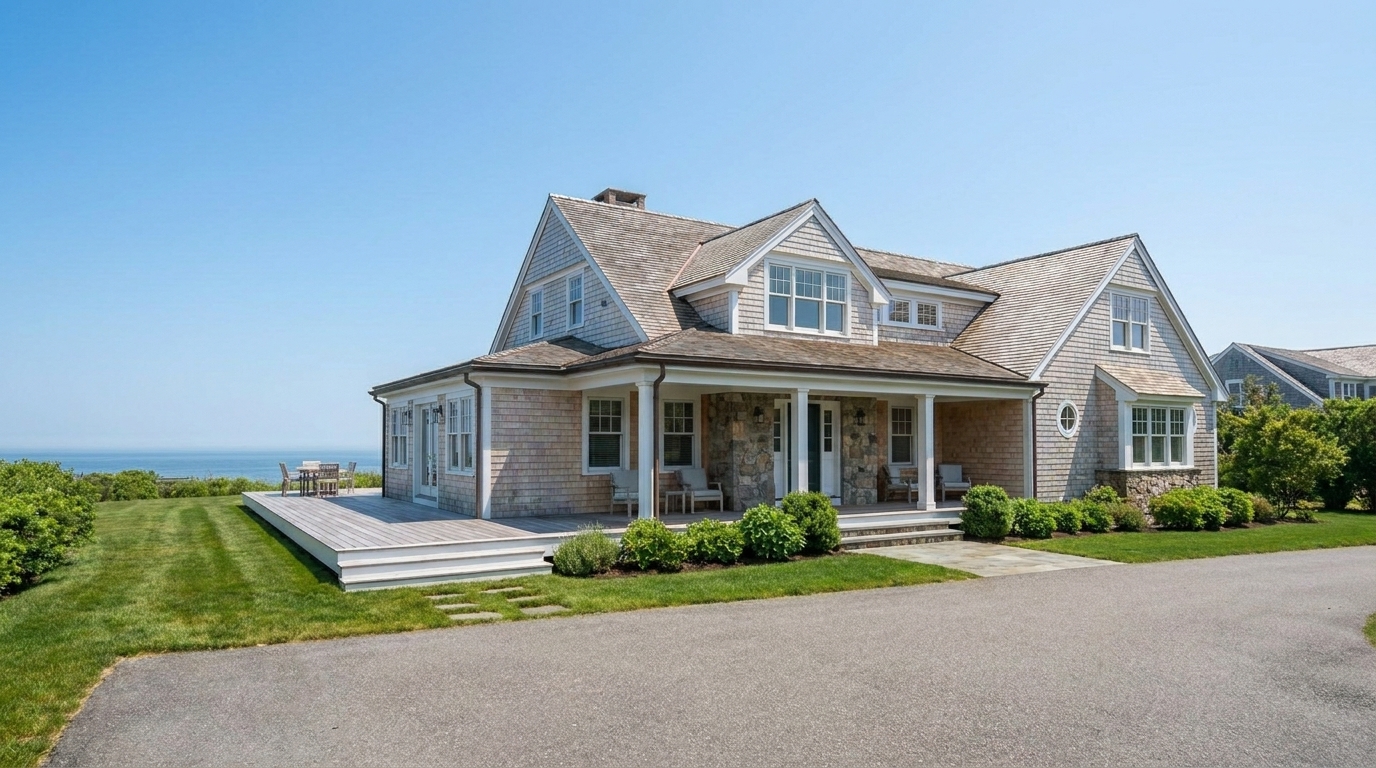
Coastal Villa Marine Layer updated with haze & fog removal styling.
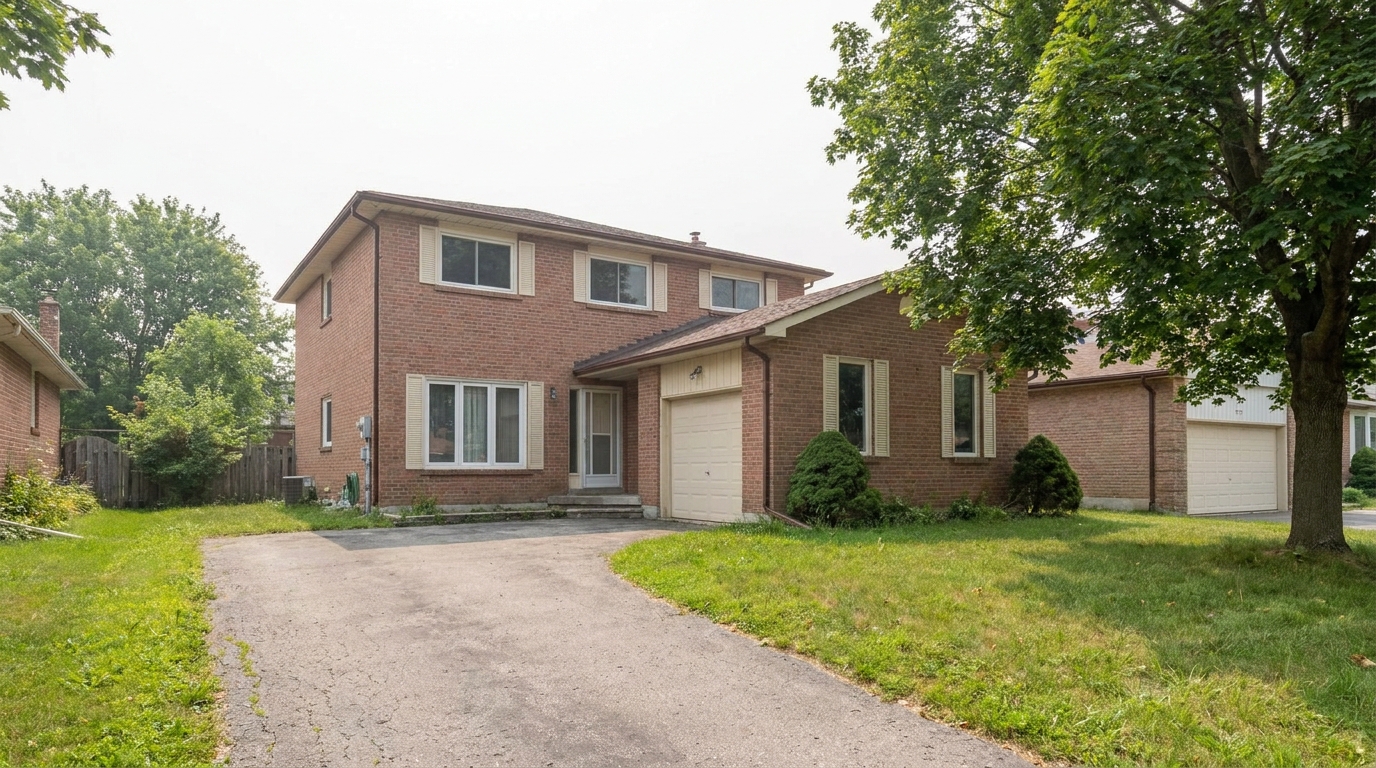
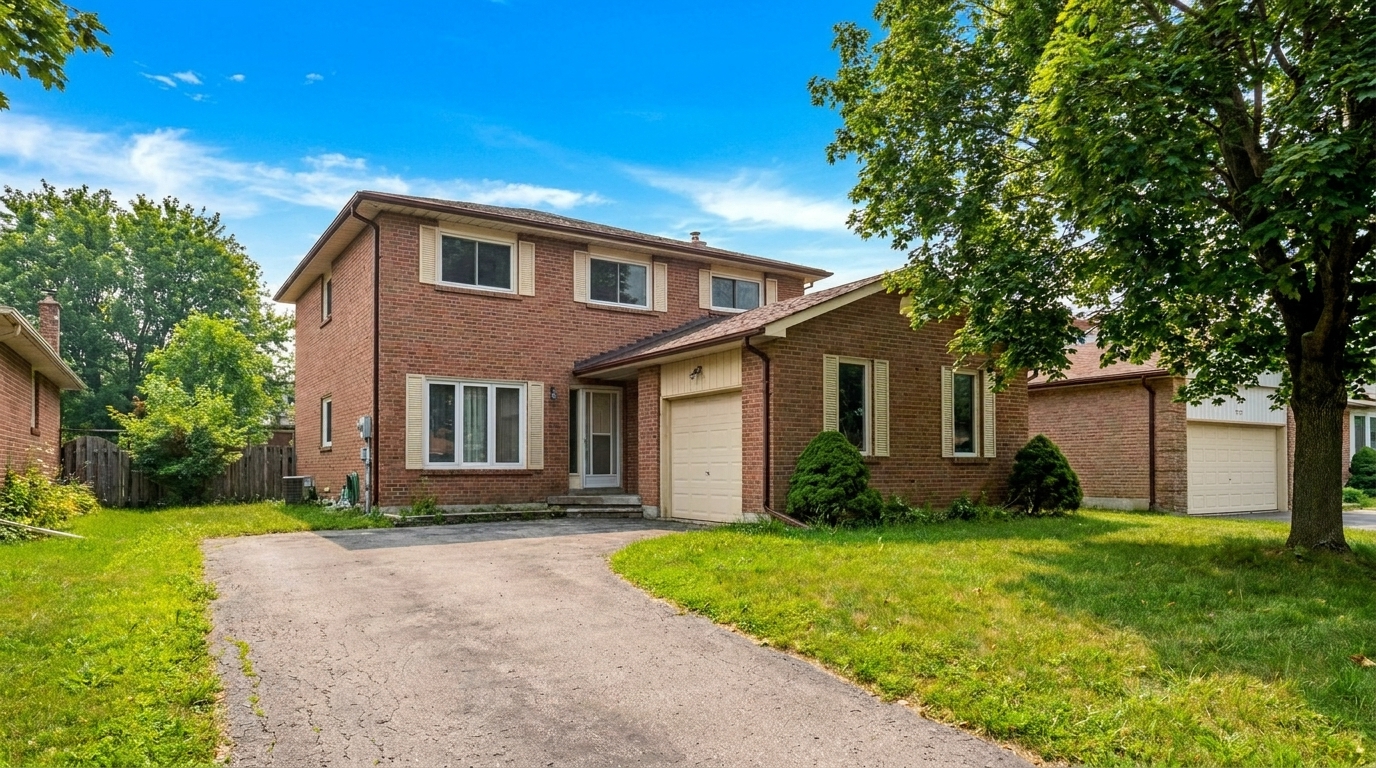
Suburban Summer Haze updated with haze & fog removal styling.
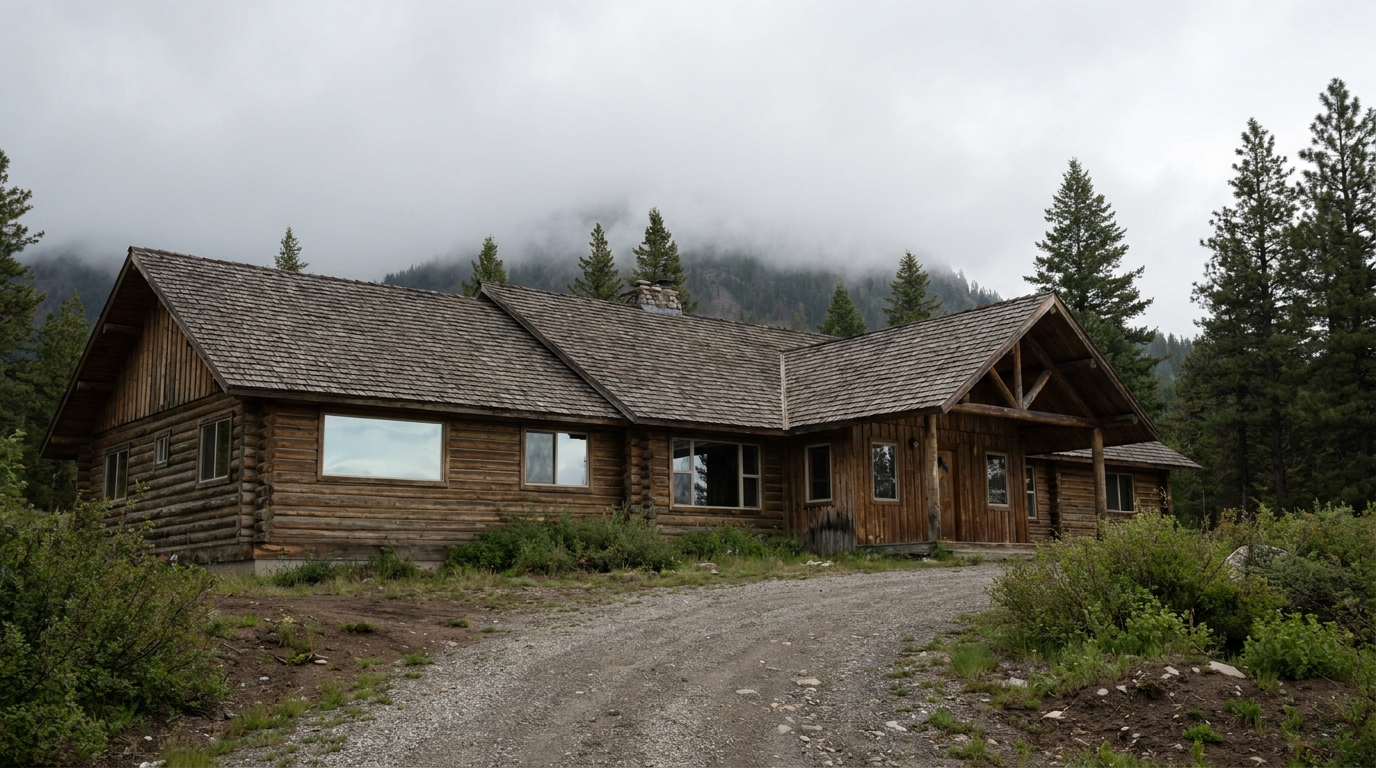
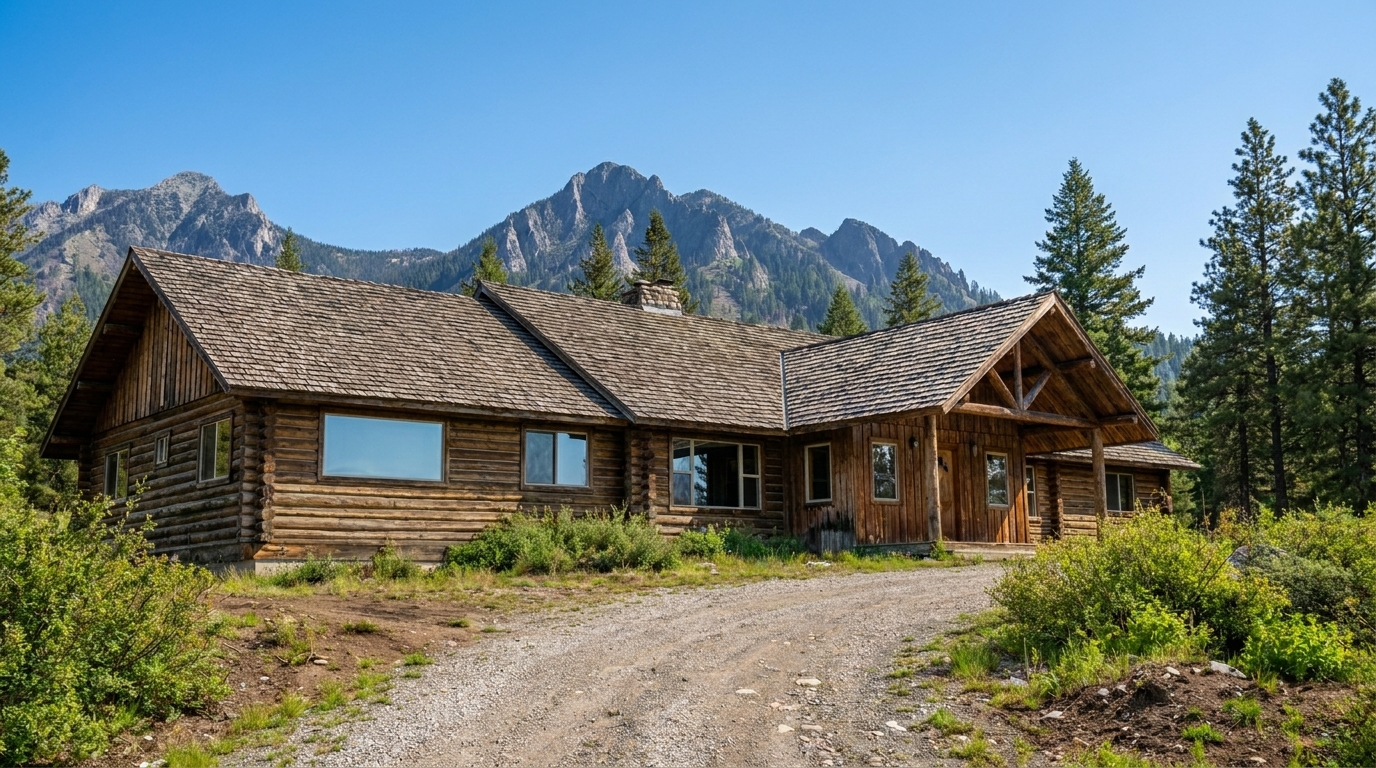
Mountain Lodge Low Clouds updated with haze & fog removal styling.
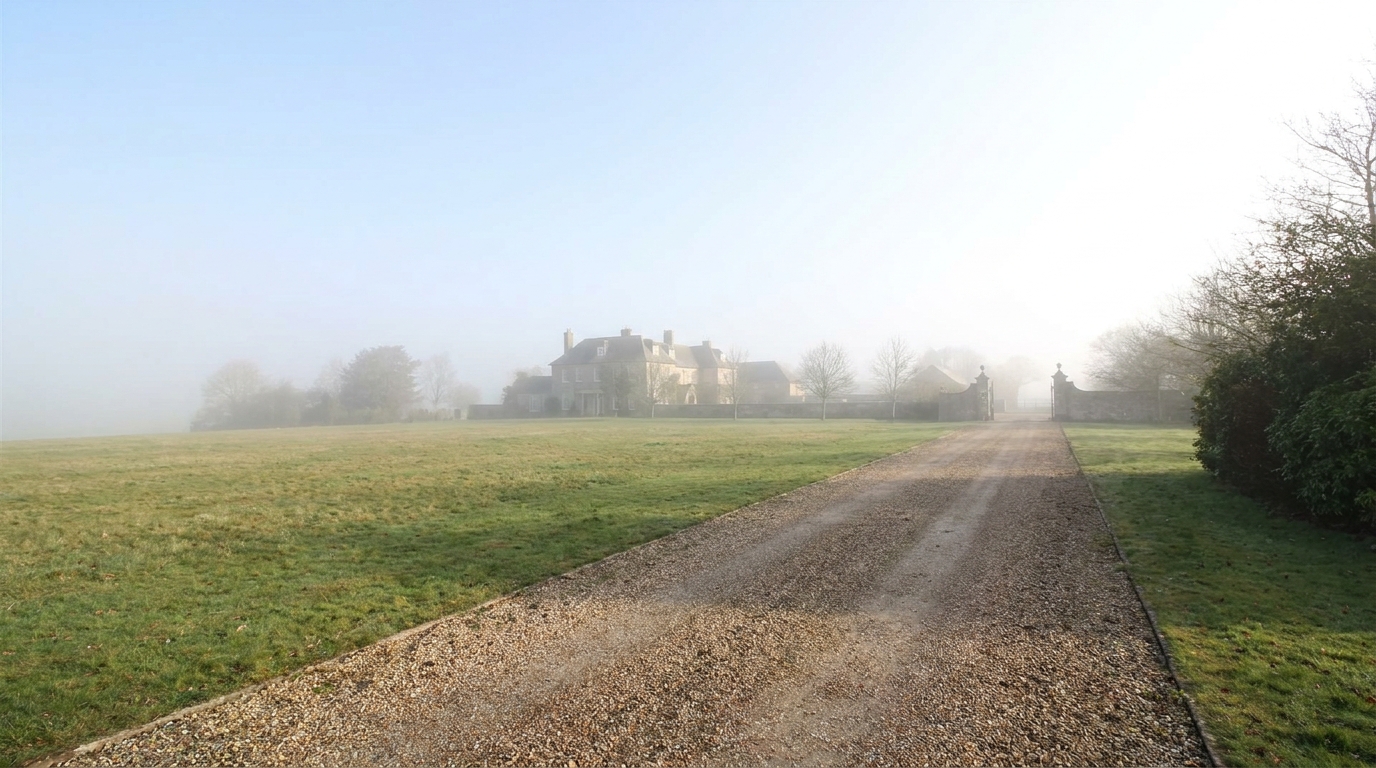
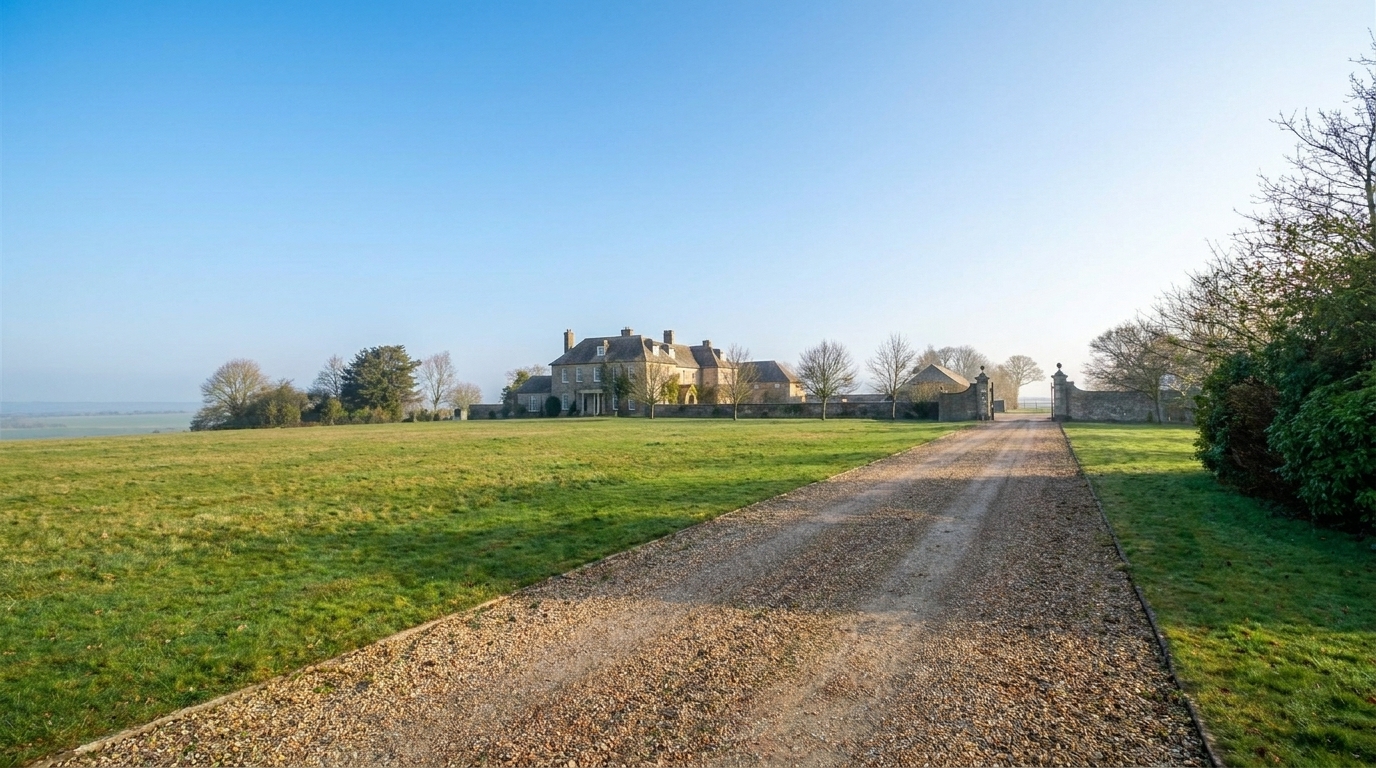
Country Estate Long Shot updated with haze & fog removal styling.
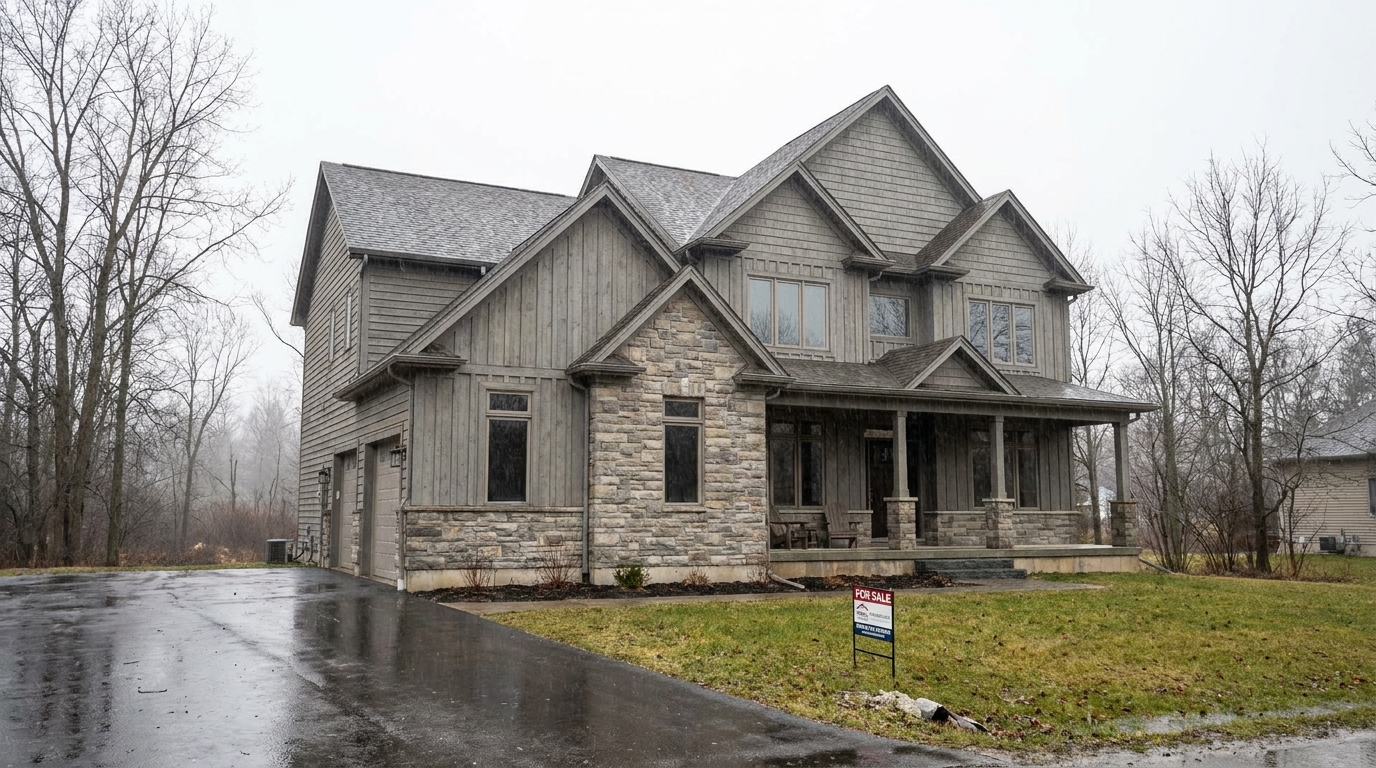
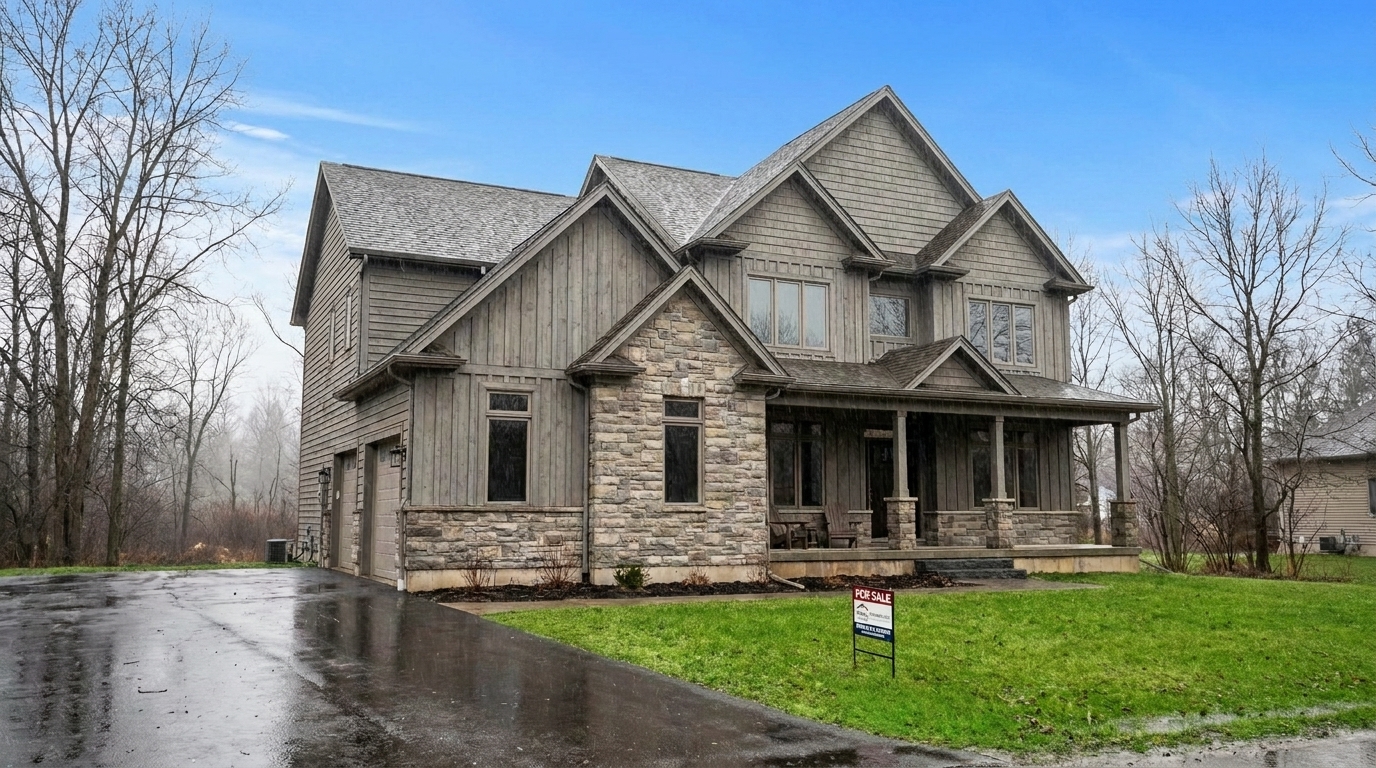
Overcast Winter Mist updated with haze & fog removal styling.
Discover the intelligent processing features that bring out hidden details in misty or foggy listing photos.
Intelligently calculates distance within the photo to clear heavy fog in the background while keeping foreground details natural.
Sharpens soft, blurry architectural lines and structural edges that have been obscured by thick mist or humidity.
Restores the true, vibrant colors of siding, brick, and landscaping that typically look washed out under foggy conditions.
Reclaims the clean boundary between the property's roofline and the sky, preventing the home from blending into a gray background.
Clears atmospheric interference smoothly without creating harsh halos, pixelated noise, or over-saturated color patches.
Adjusts the overall lighting of the scene so the newly revealed details blend seamlessly with the existing natural light.
See how real estate professionals and photographers save overcast, misty, or poorly lit exterior shoots.
Clear heavy morning mist from lakeside or valley properties to reveal the home's true curb appeal.
Morning MistRemove thick, heavy atmospheric haze that dulls colors and makes skies look washed out on hot days.
Summer HazeCombat dense marine layer fog that blocks ocean views and obscures waterfront property details.
Coastal FogLift cold, damp mist to make winter listings look warmer, sharper, and more inviting to buyers.
Winter WeatherRestore clarity to mountain cabins and hillside homes frequently affected by low-hanging clouds.
Mountain CloudsSave photos from a bad-weather shoot day, avoiding costly reshoots and keeping your listing on schedule.
Time SaverFollow three simple steps to clear atmospheric interference and reveal a crisp, high-contrast exterior.
Drag and drop your foggy or hazy exterior property photo into the Idealhouse enhancer. We support high-resolution JPEGs and PNGs.
Select the Haze & Fog Removal preset. Our AI instantly analyzes the atmospheric depth and clears the mist while preserving natural textures.
Preview the crisp, high-contrast result. Save and download your polished, market-ready exterior photo in seconds.
Source-backed context for why haze & fog removal edits matter inside weather & seasonal editing workflows.
Haze & Fog Removal within Weather & Seasonal Editing evidence
Photos are one of the most valuable website features for home buyers; NAR's 2025 generational trends report says 83% of internet-using buyers rated photos as very useful. For Haze & Fog Removal pages, this supports showing how a focused Weather & Seasonal Editing edit can make the listing photo feel clearer, more polished, and easier for buyers to evaluate.
Source: NAR 2025Haze & Fog Removal within Weather & Seasonal Editing evidence
Zillow Research's 2025 prospective buyer report ranked high-resolution photos as the number two most important listing feature, selected by 26% of prospective buyers; floor plans ranked first at 33%. For Haze & Fog Removal pages, this supports showing how a focused Weather & Seasonal Editing edit can make the listing photo feel clearer, more polished, and easier for buyers to evaluate.
Source: Zillow 2025Haze & Fog Removal within Weather & Seasonal Editing evidence
Redfin reported that professionally photographed homes in the $400,000 range sold three weeks faster and for more than $10,000 relative to list price compared with amateur photos. Use this as supporting context, not as a guaranteed result. For Haze & Fog Removal pages, this supports showing how a focused Weather & Seasonal Editing edit can make the listing photo feel clearer, more polished, and easier for buyers to evaluate.
Source: RedfinAtmospheric conditions can easily dull a property's curb appeal. Learn how to effectively clear haze and fog while maintaining a natural, believable look that attracts buyers.
When editing real estate exteriors, selecting the correct preset is crucial for realism. Use Haze & Fog Removal when the property structure is sound but obscured by mist, humidity, or light fog, as it restores natural contrast and depth. If the sky is completely flat and grey without distinct fog, choose Overcast to Sunny instead to swap the sky and cast warm light. For properties shot during late afternoon that just need a warm glow, opt for Golden Hour. Avoid using Haze & Fog Removal on clear-day photos, as it can over-saturate colors and create unnatural, harsh shadows. The goal is always subtle correction, not dramatic alteration.
To achieve the best results, start with a high-resolution image. Apply the Haze & Fog Removal preset first to establish a clean, high-contrast baseline. Once the atmospheric interference is cleared, evaluate the color temperature. Fog often leaves a cool, blue cast on building materials; you may want to slightly warm up the image or apply a subtle Summer Enhancement to restore a welcoming curb appeal. Finally, check the horizon and rooflines to ensure the AI has cleanly separated the property from the background.
While AI dehazing is incredibly powerful, it relies on existing visual data hidden within the mist. In cases of absolute zero-visibility fog where the home is completely obscured, the tool cannot reconstruct missing architectural details. In these extreme scenarios, a full virtual staging or a re-shoot is recommended. For light to moderate fog, however, the tool excels at pulling out rich textures, brick details, and landscaping elements that would otherwise require hours of manual brushwork in traditional editing software.
Switch between seasonal styles and atmospheric corrections to showcase your property in the perfect light.
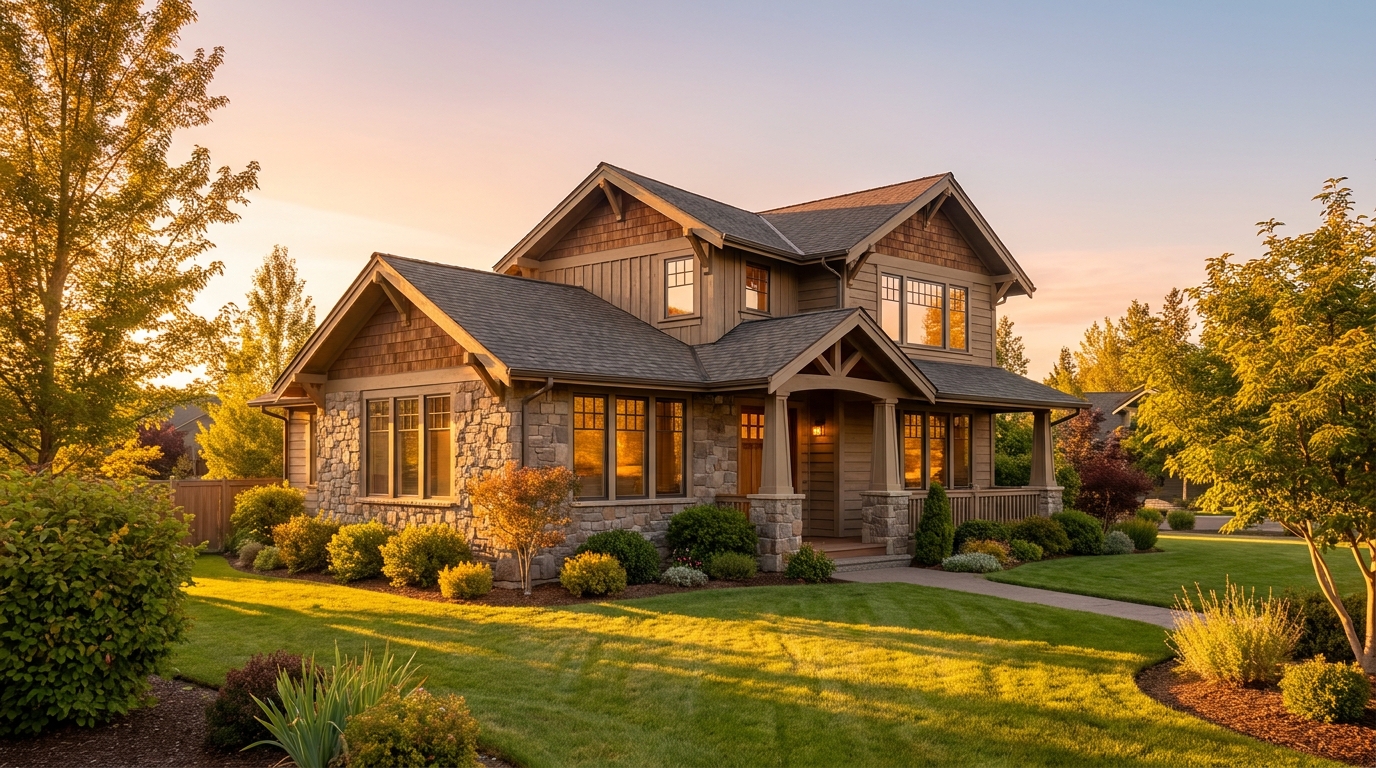
Warm golden light and soft shadows for a more flattering exterior showcase.
Try This Tool →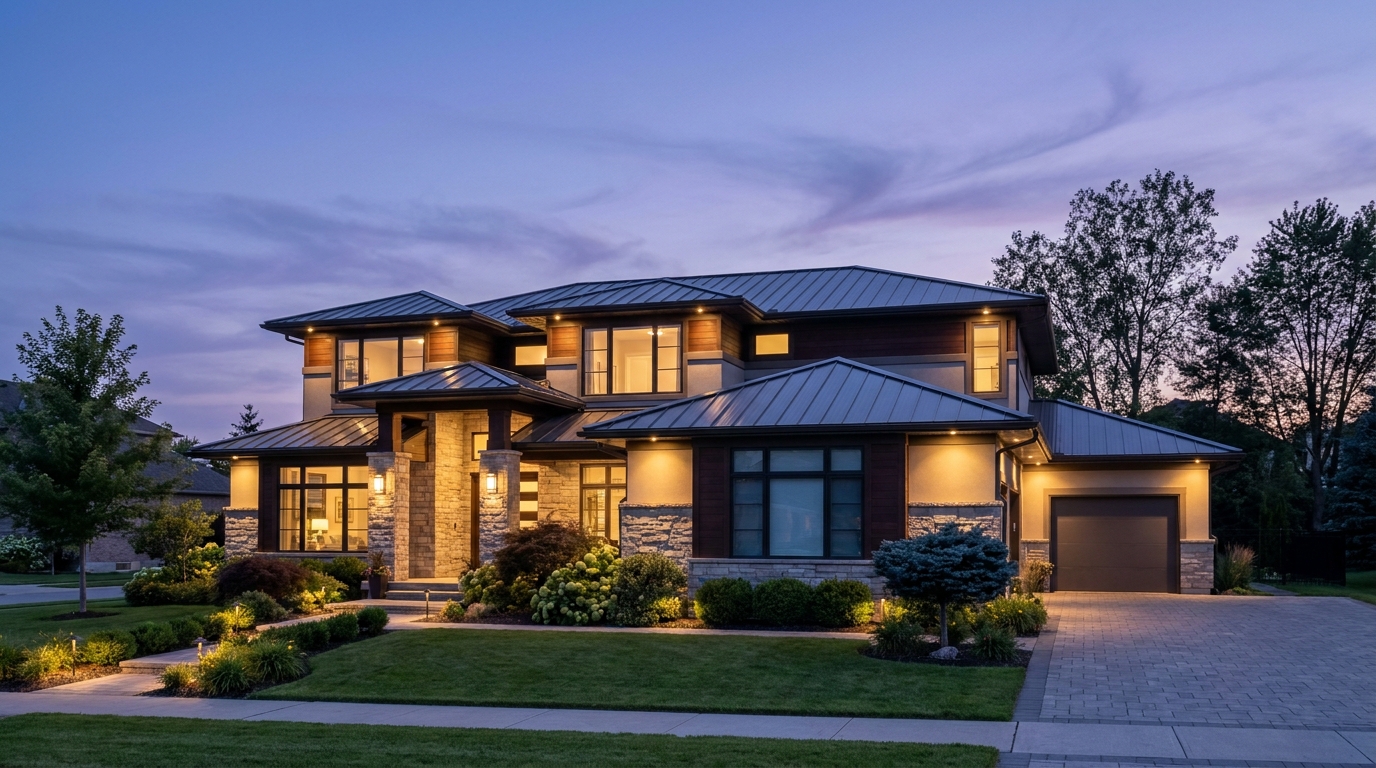
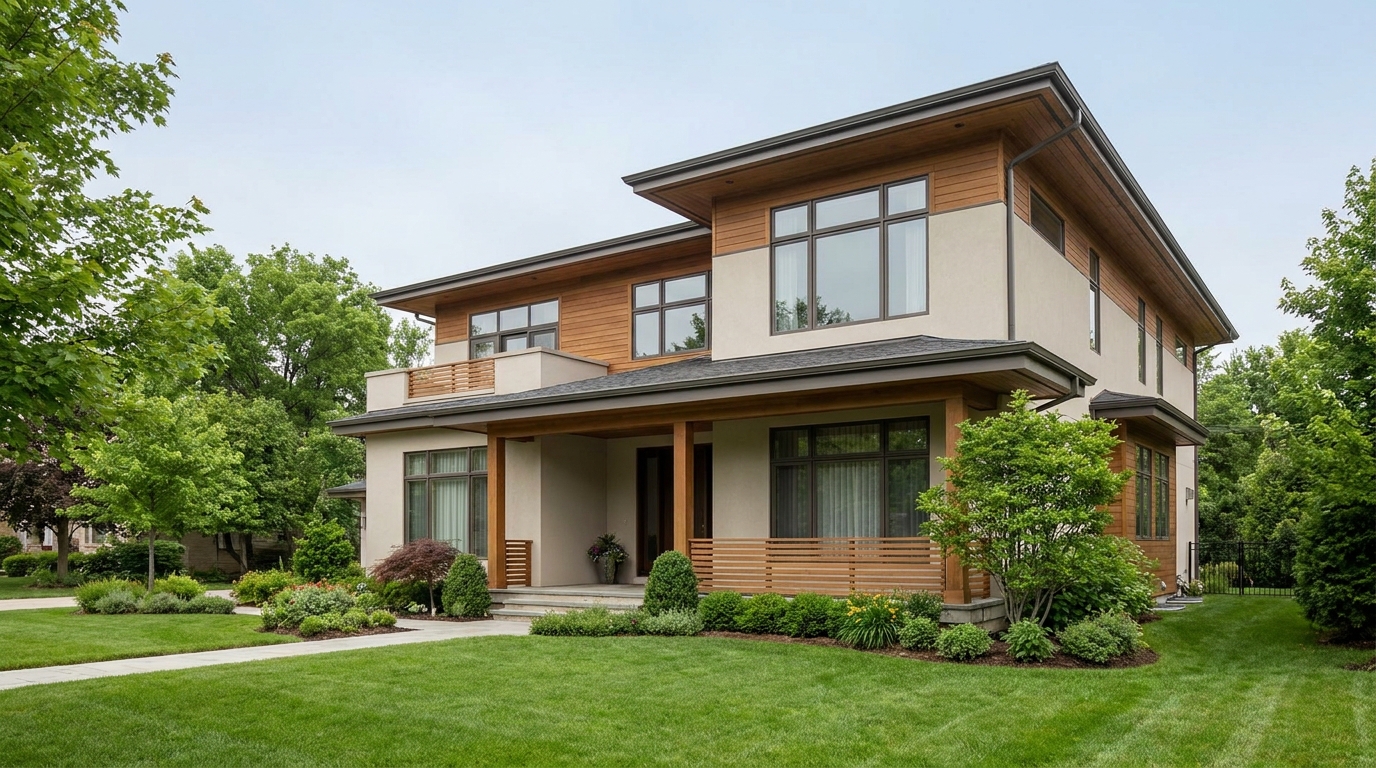
Soften harsh sun and shadows for a cleaner, more balanced exterior image.
Try This Tool →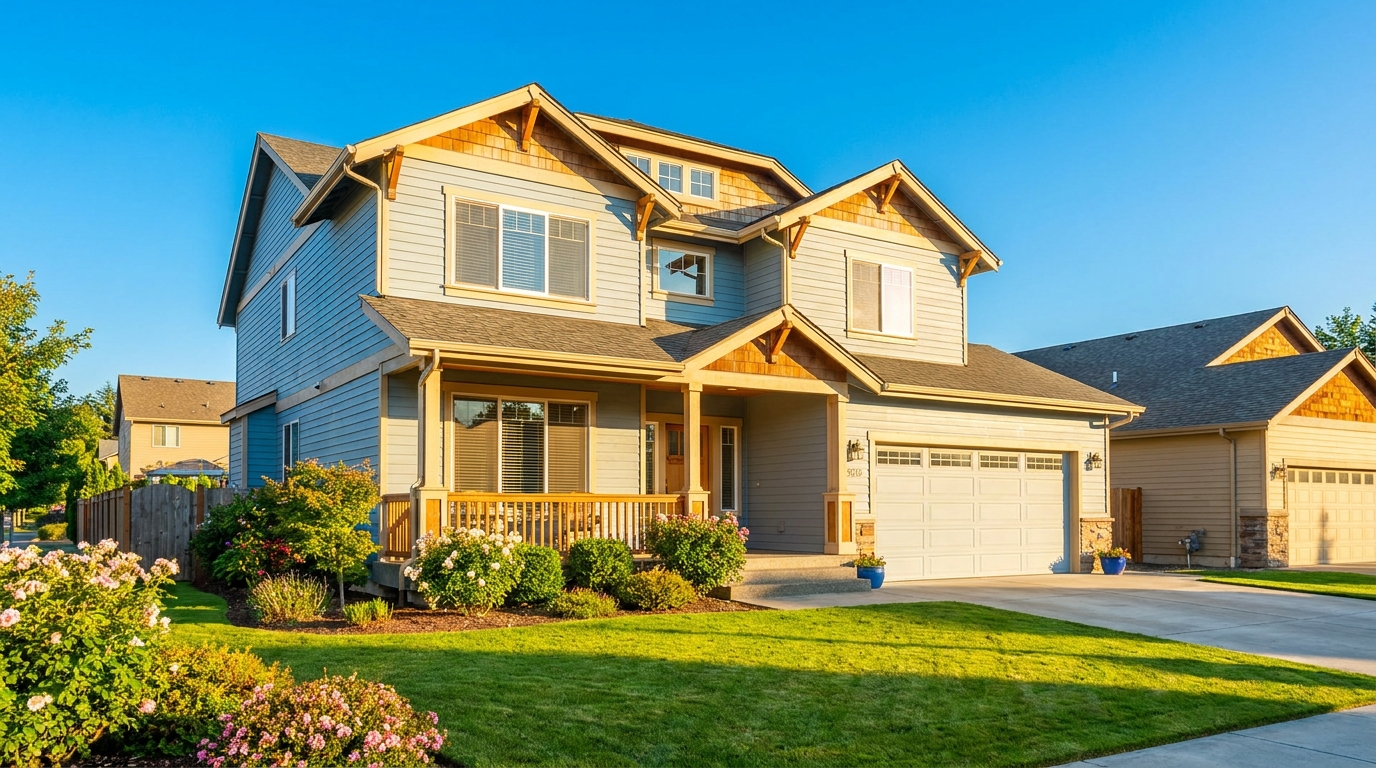
Turn cloudy exteriors into brighter sunny-day scenes with stronger curb appeal.
Try This Tool →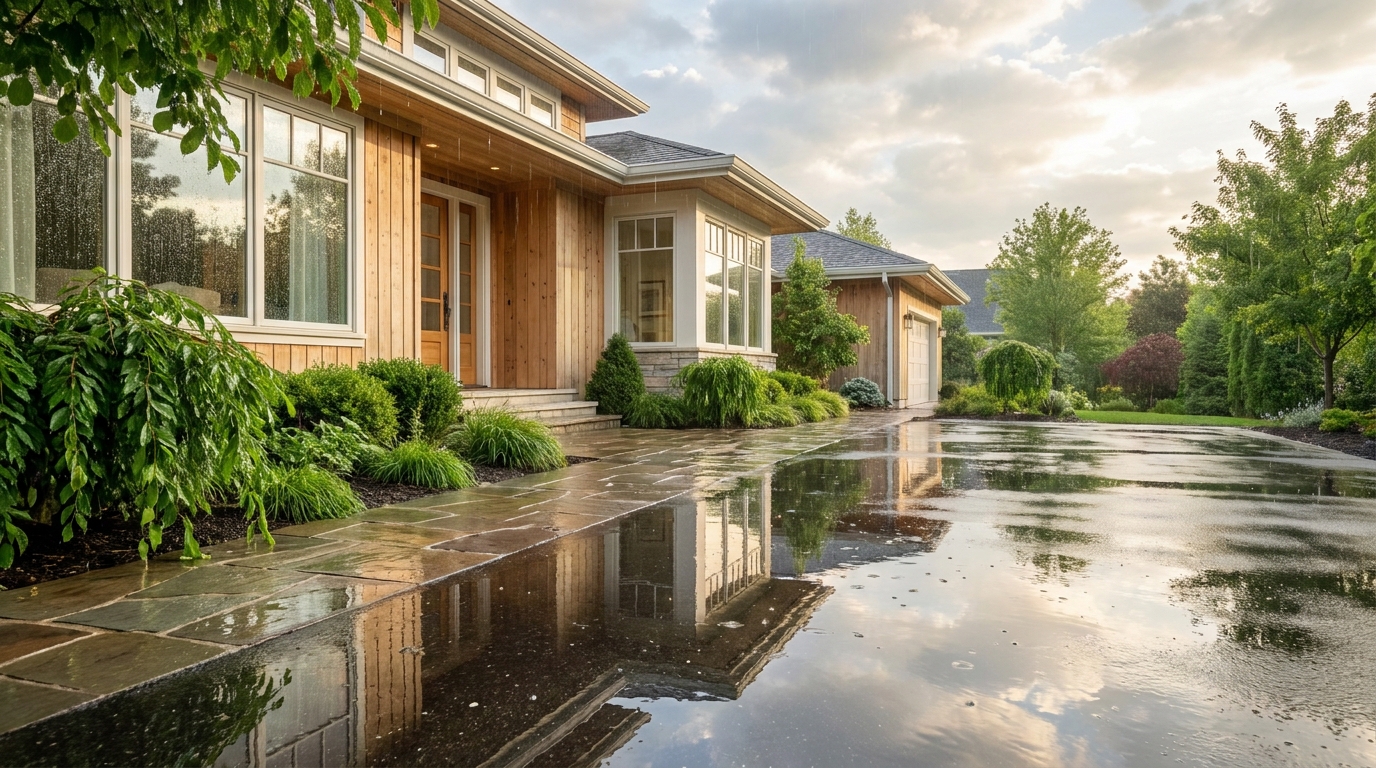
Add a fresh post-rain mood with subtle reflections and rich outdoor texture.
Try This Tool →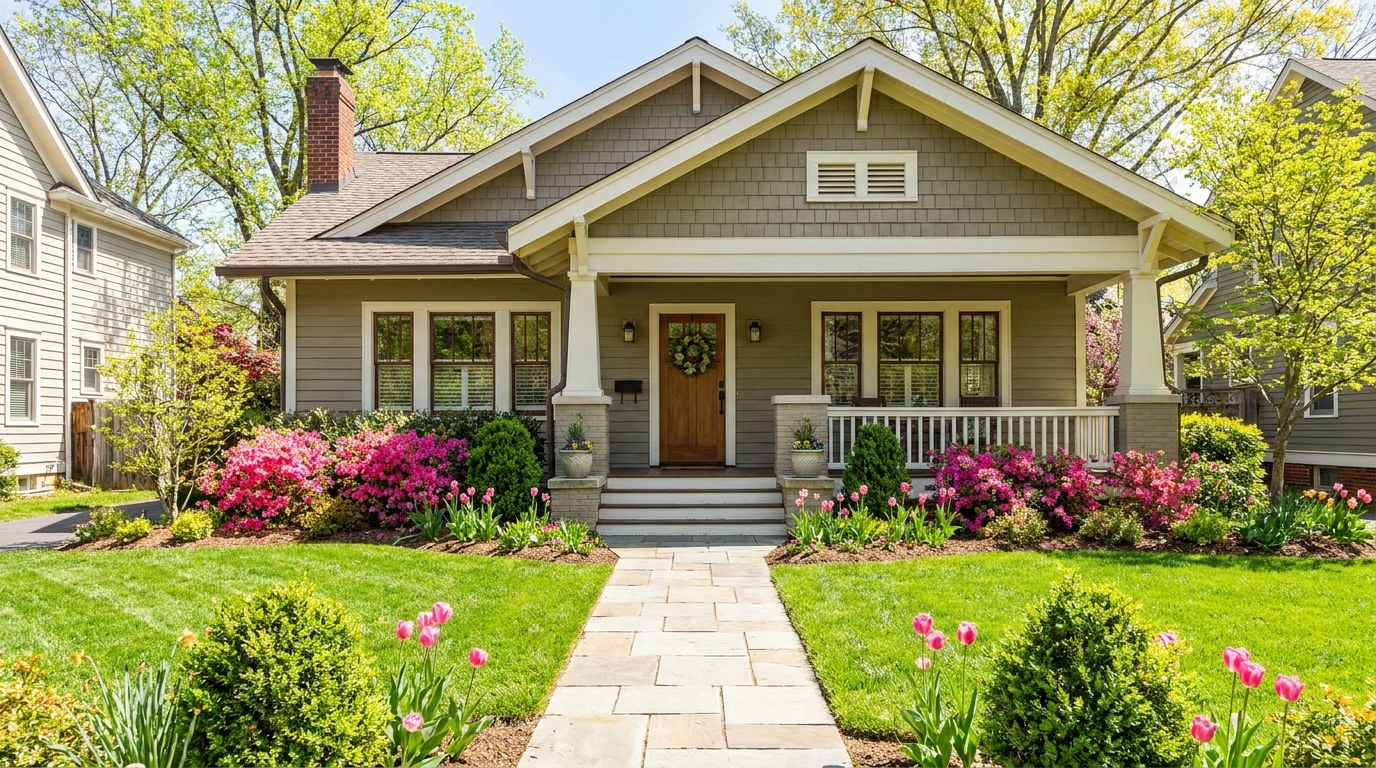
Bring in greener growth and spring freshness for a lively, welcoming exterior.
Try This Tool →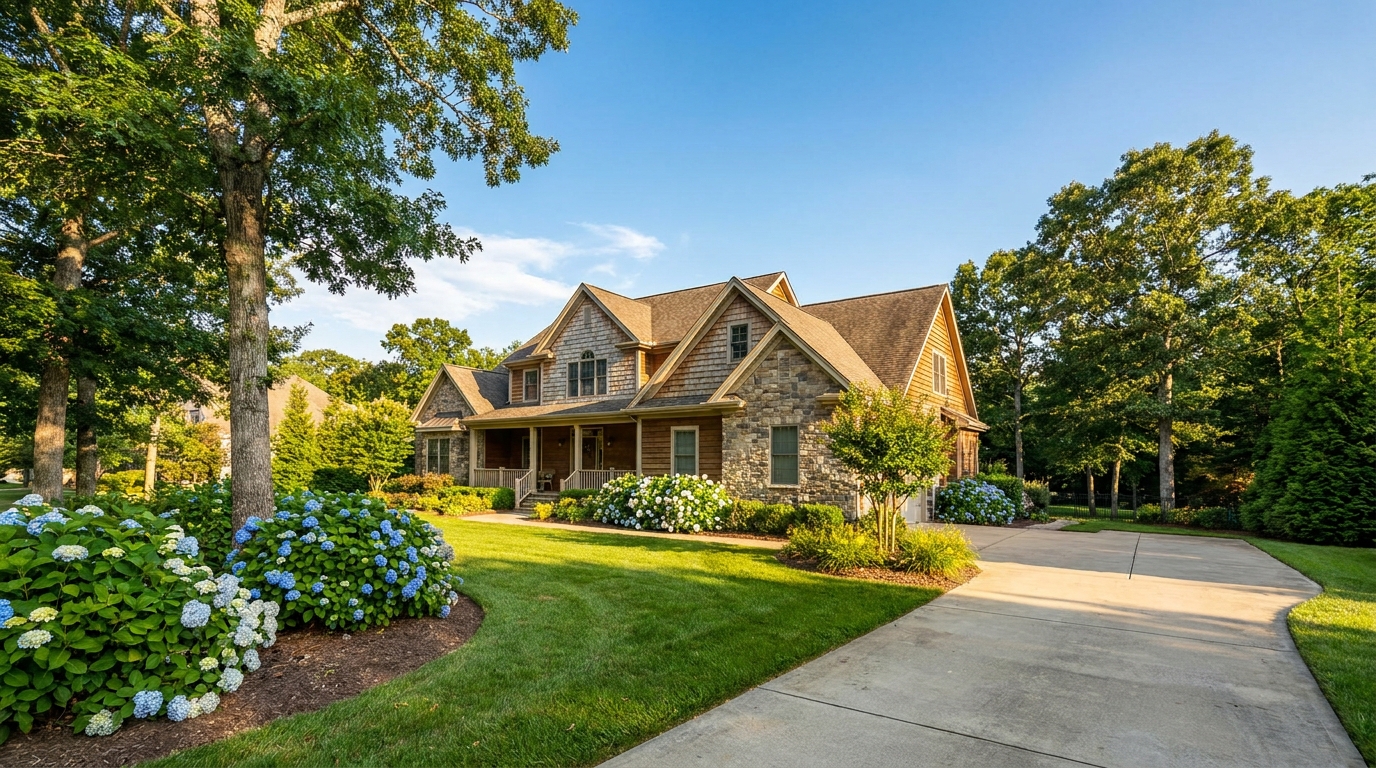
Bright, sunny seasonal styling with vibrant greenery and airy outdoor color.
Try This Tool →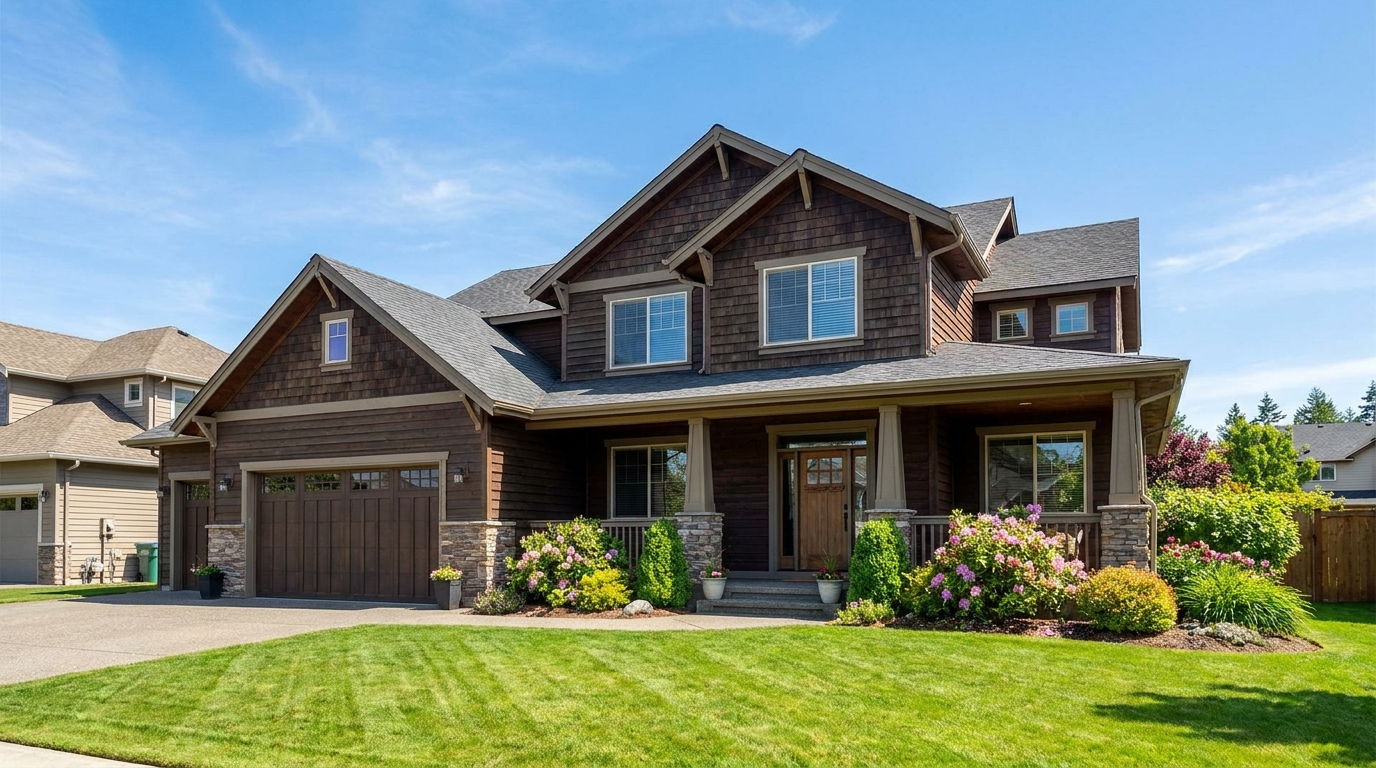
Convert dark exteriors into bright daytime scenes with clear, marketable visibility.
Try This Tool →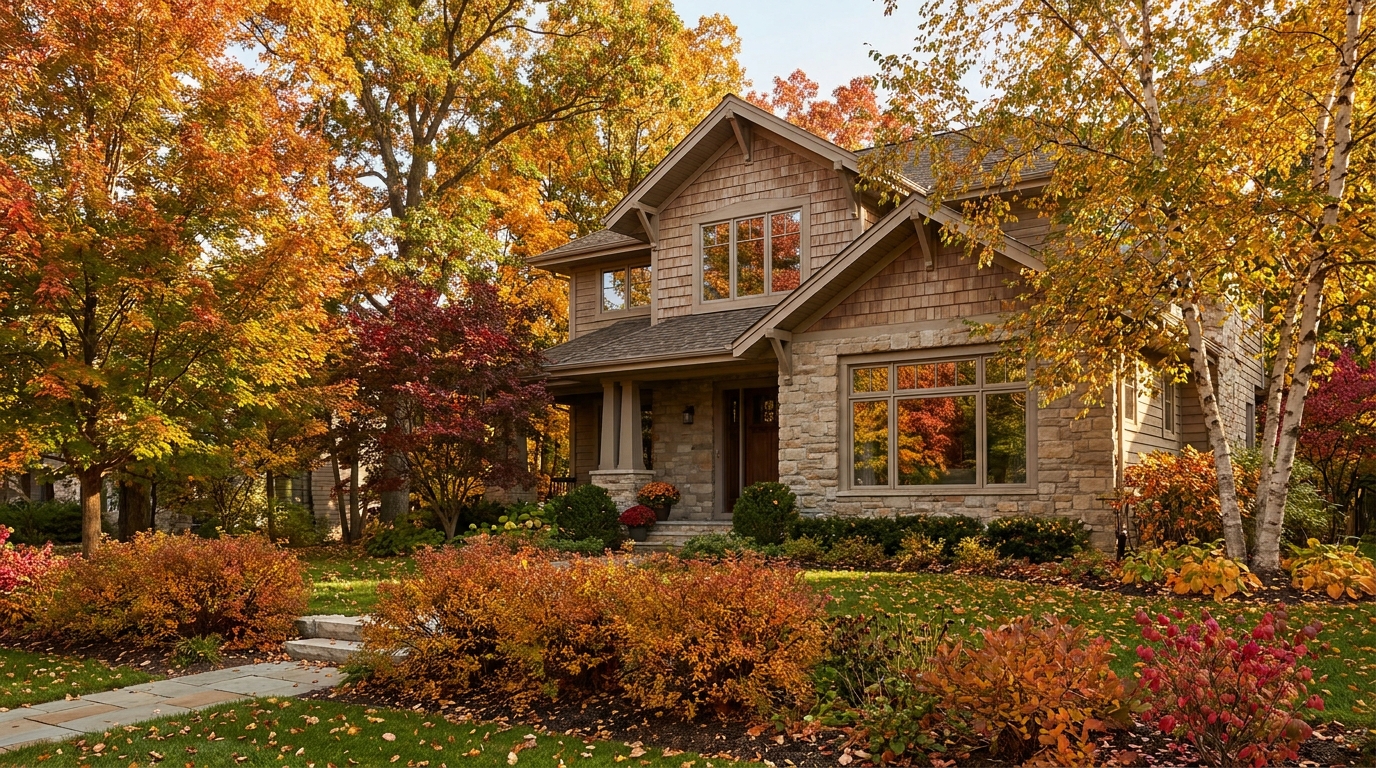
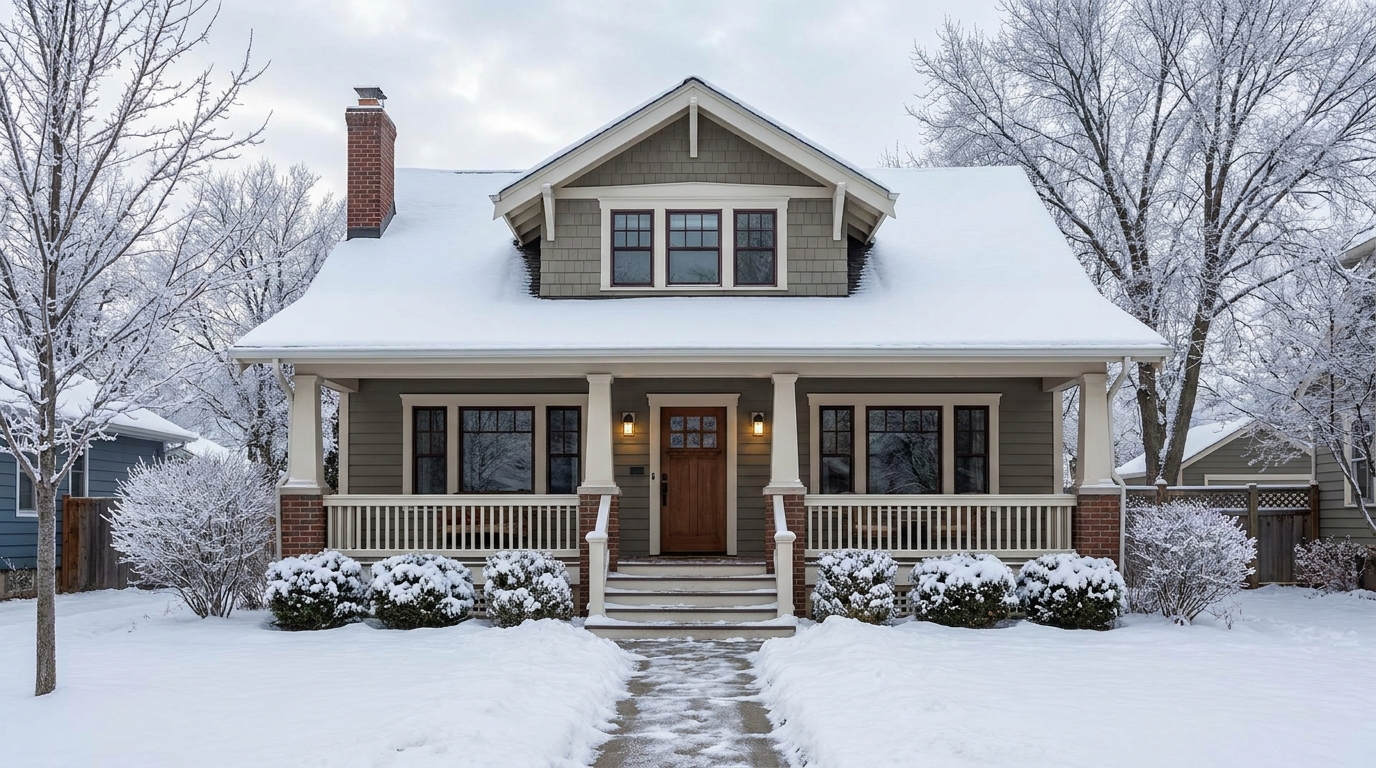
Create a clean winter setting with realistic snow and strong seasonal atmosphere.
Try This Tool →
Swap the landscape to match the season that best fits the listing.
Try This Tool →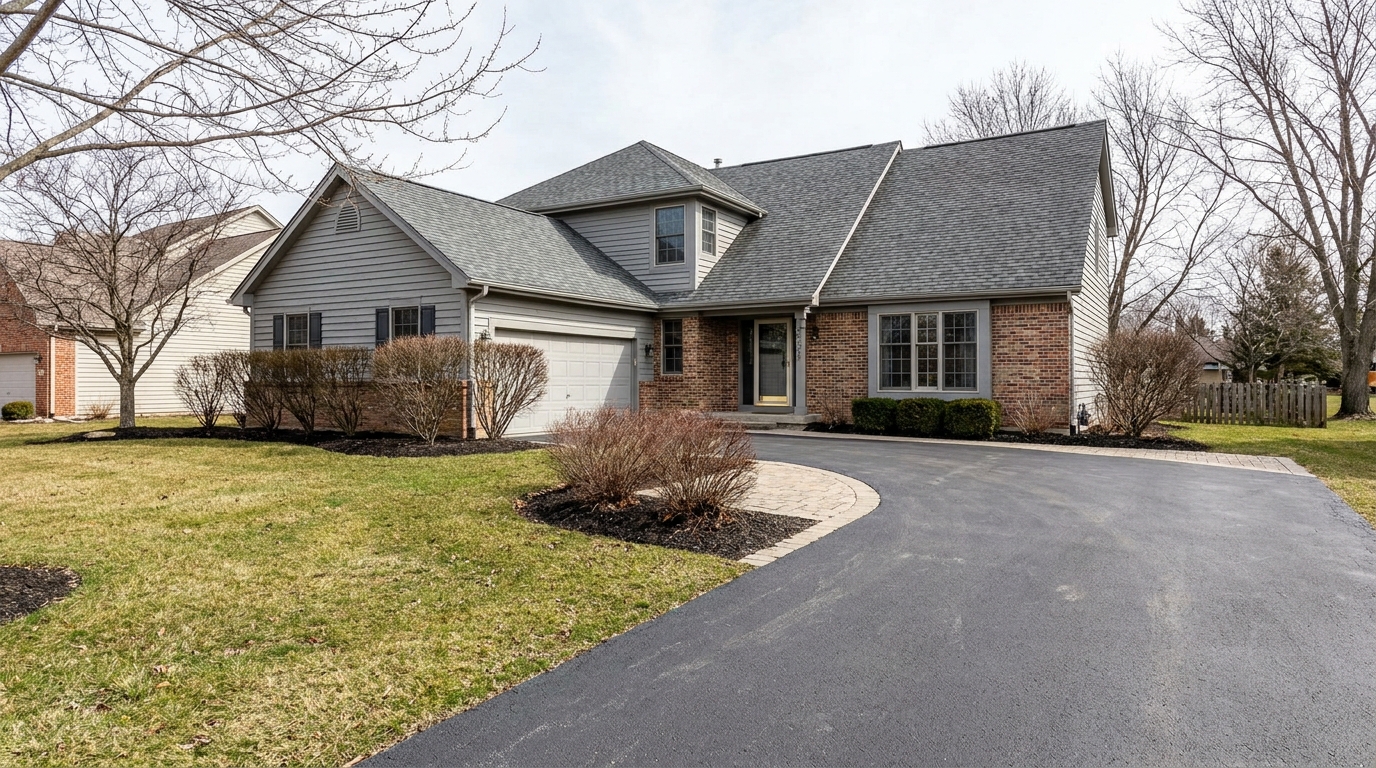
Remove snow buildup for a cleaner exterior that feels more accessible and ready to show.
Try This Tool →Explore complementary AI tools designed to elevate your property's curb appeal and interior charm.
AI image-to-video generation for turning home, room, and property photos into more vivid presentation videos.
02AI exterior renovation for visualizing facade updates, curb appeal improvements, and home exterior remodel ideas.
03AI landscaping design for exploring outdoor concepts, curb appeal upgrades, planting ideas, and yard layout directions.
04AI virtual staging for furnishing empty rooms and creating listing-ready interiors for real estate marketing.
05Free AI image generation for turning text prompts into unlimited visual ideas for home design, interiors, landscaping, renovation
06AI object removal for cleaning up distracting items from room, home, and property photos.
Don't let bad weather ruin a perfect listing. Use our AI Haze & Fog Removal tool to instantly restore clarity, contrast, and vibrant colors to your exterior photos.