
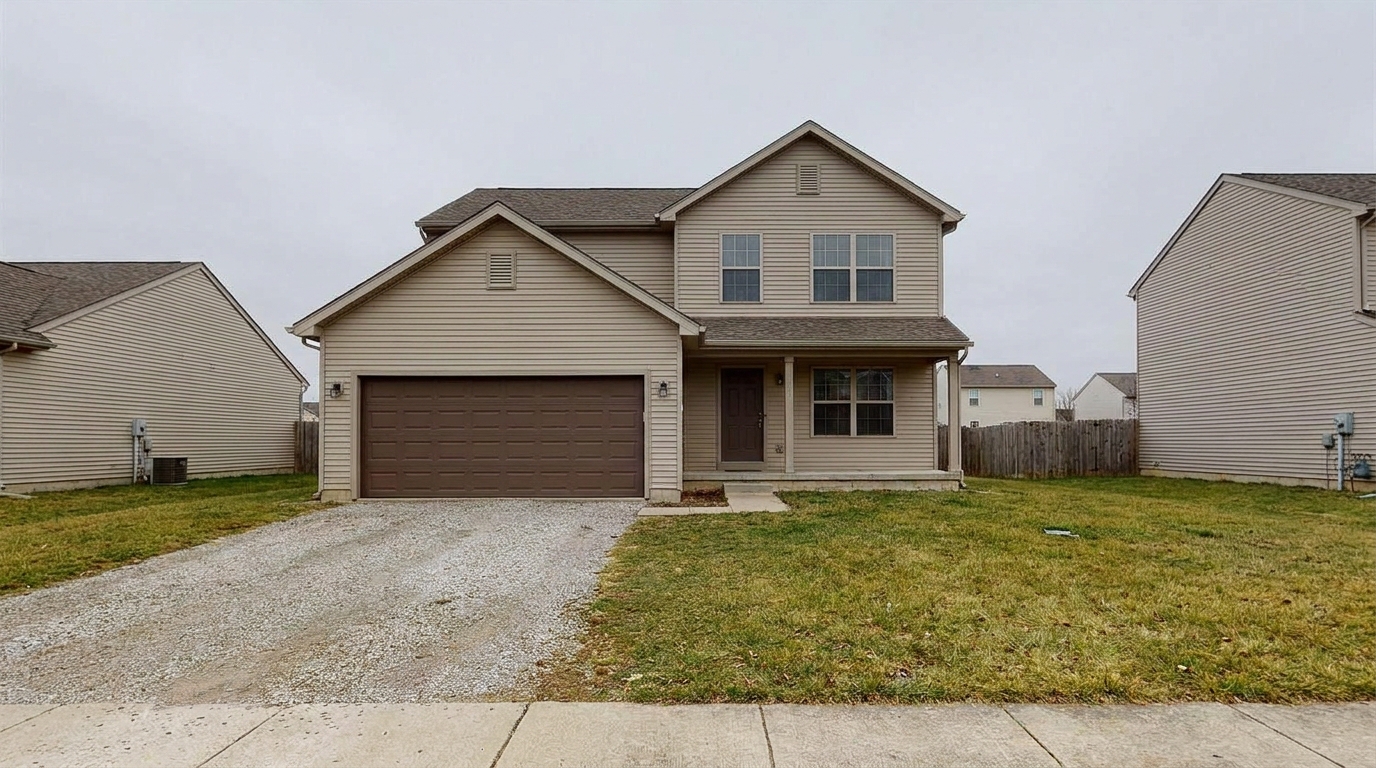
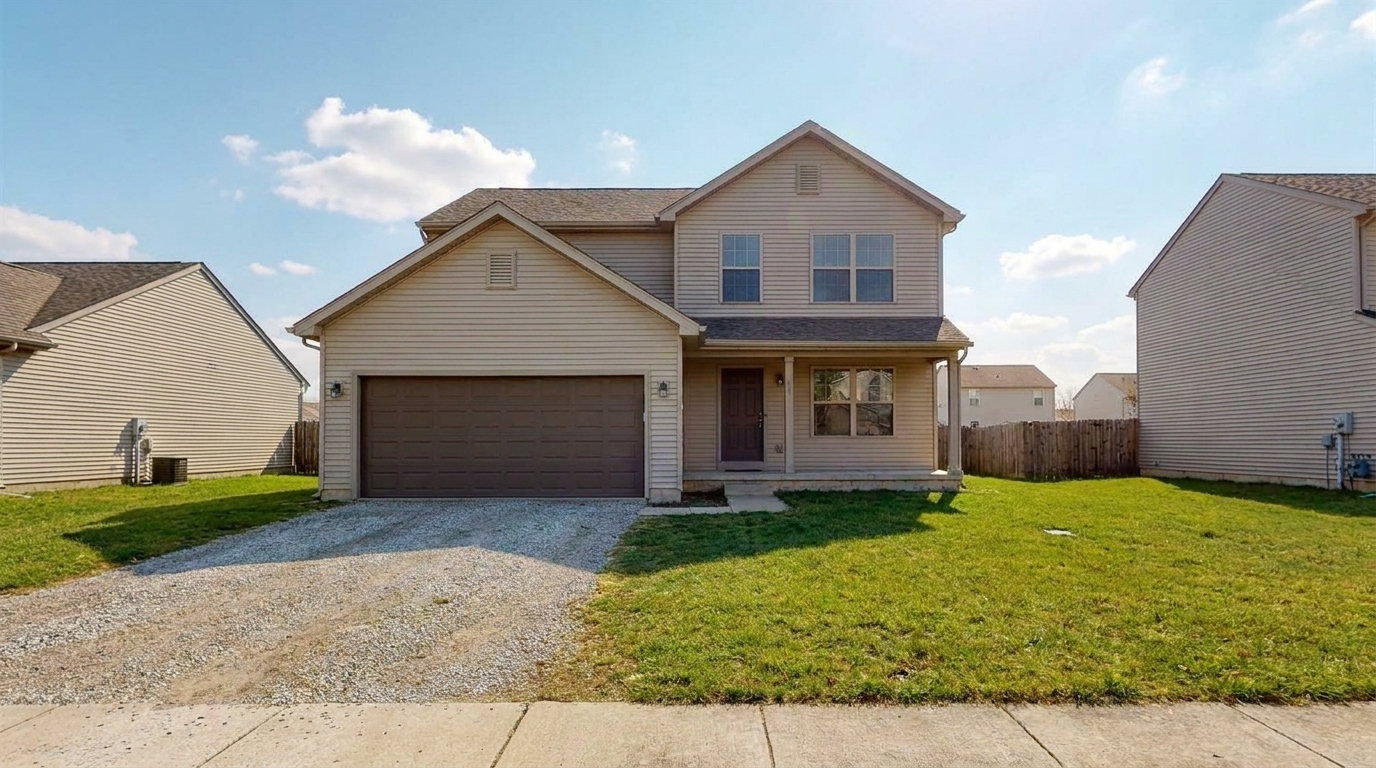

Suburban Two-Story Home
Suburban Two-Story Home updated with overcast to sunny styling.
Turn gloomy, cloudy listing photos into warm, sunlit showcases. Instantly lift shadows and boost curb appeal with natural AI weather enhancement.
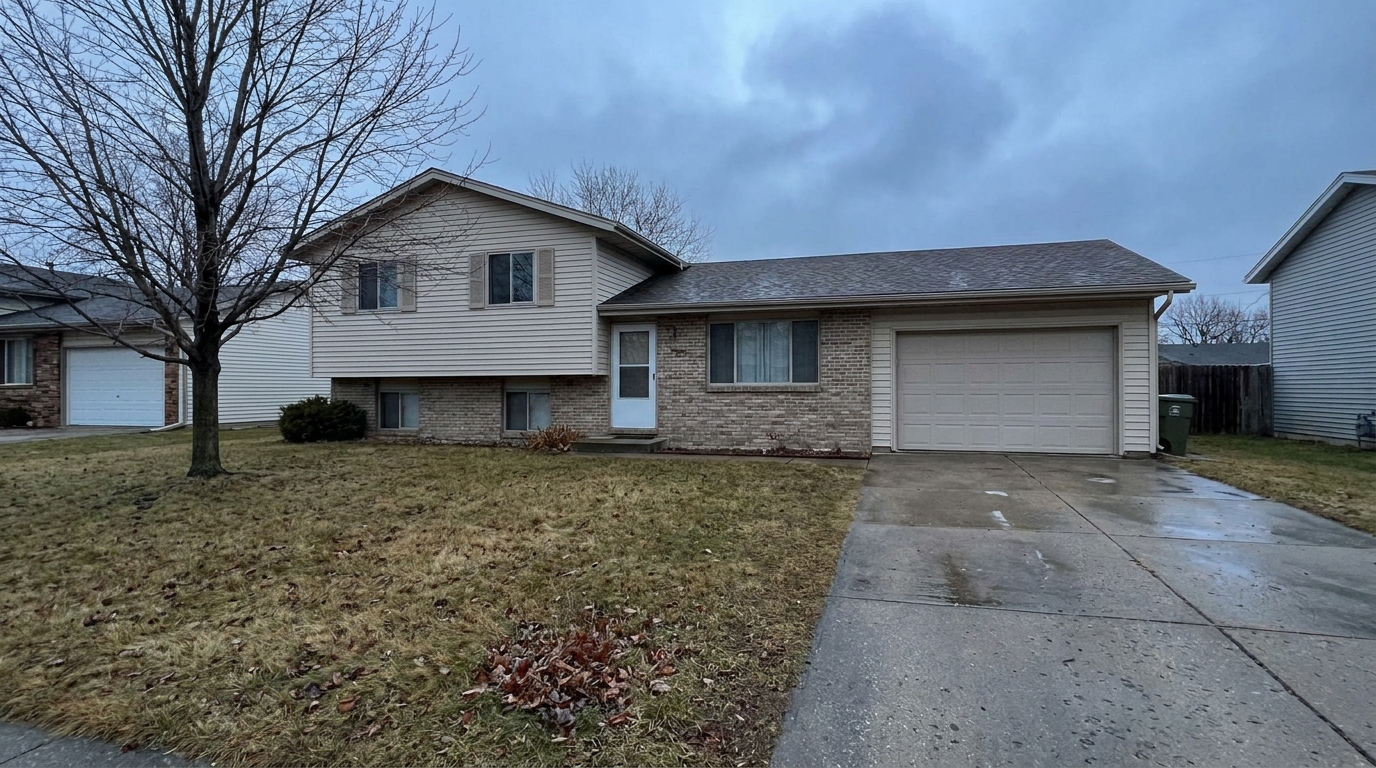
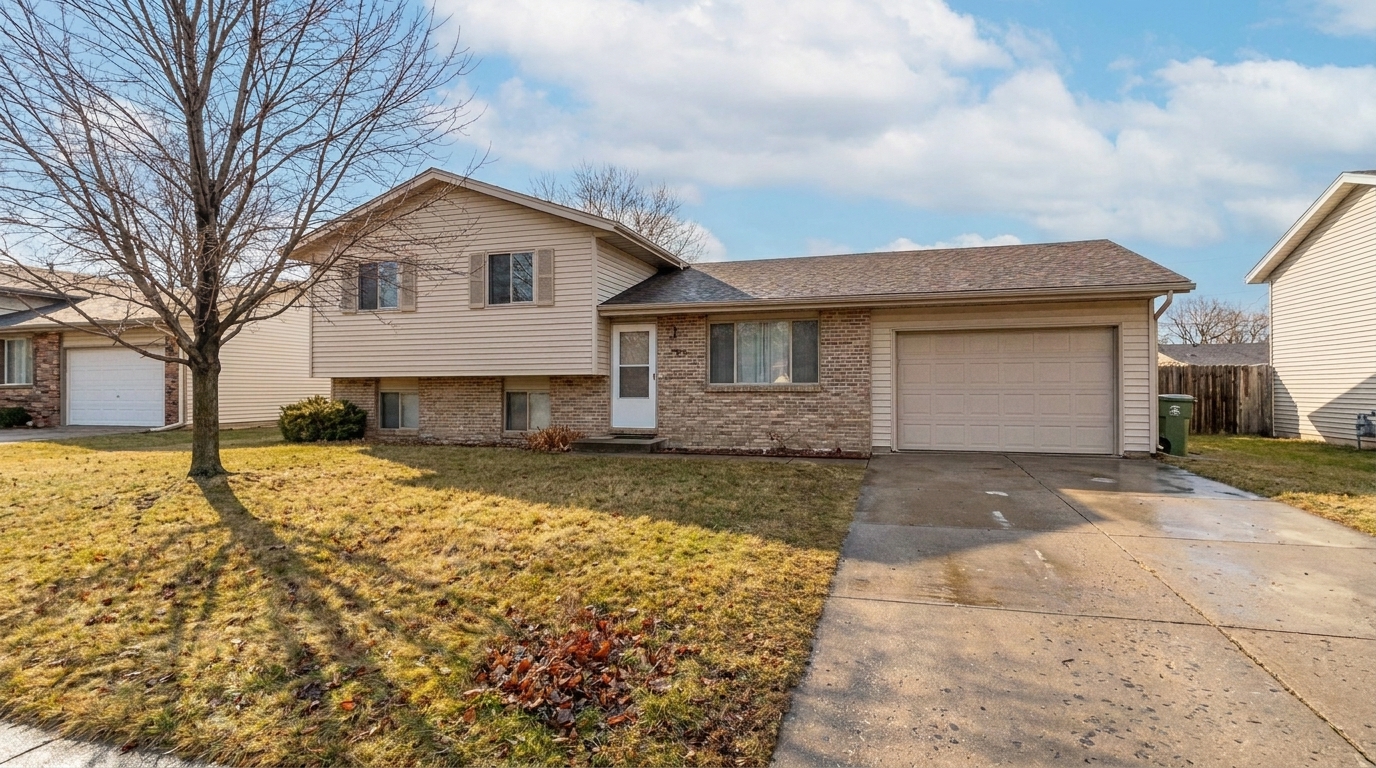
View real-world examples of gloomy exterior shots converted into bright, inviting, high-value listings.
Suburban Two-Story Home updated with overcast to sunny styling.
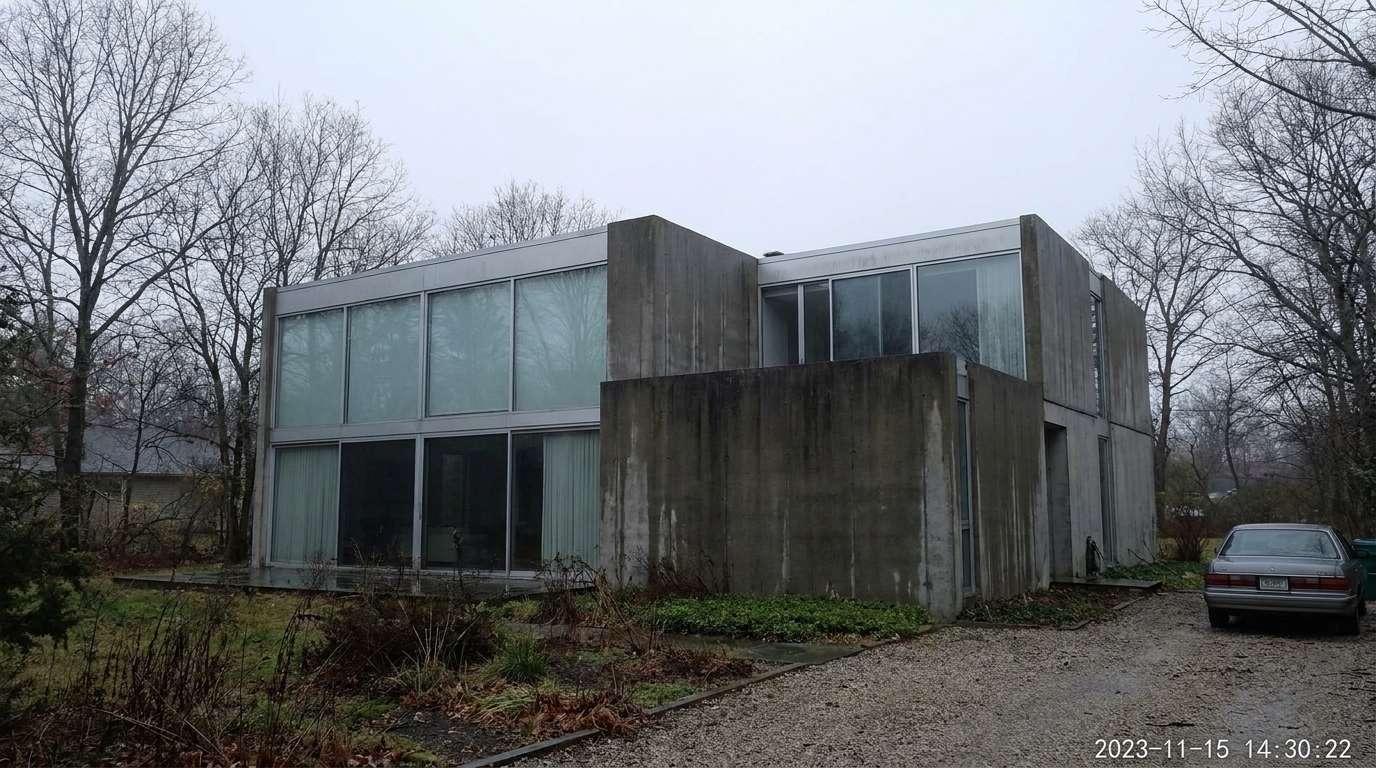
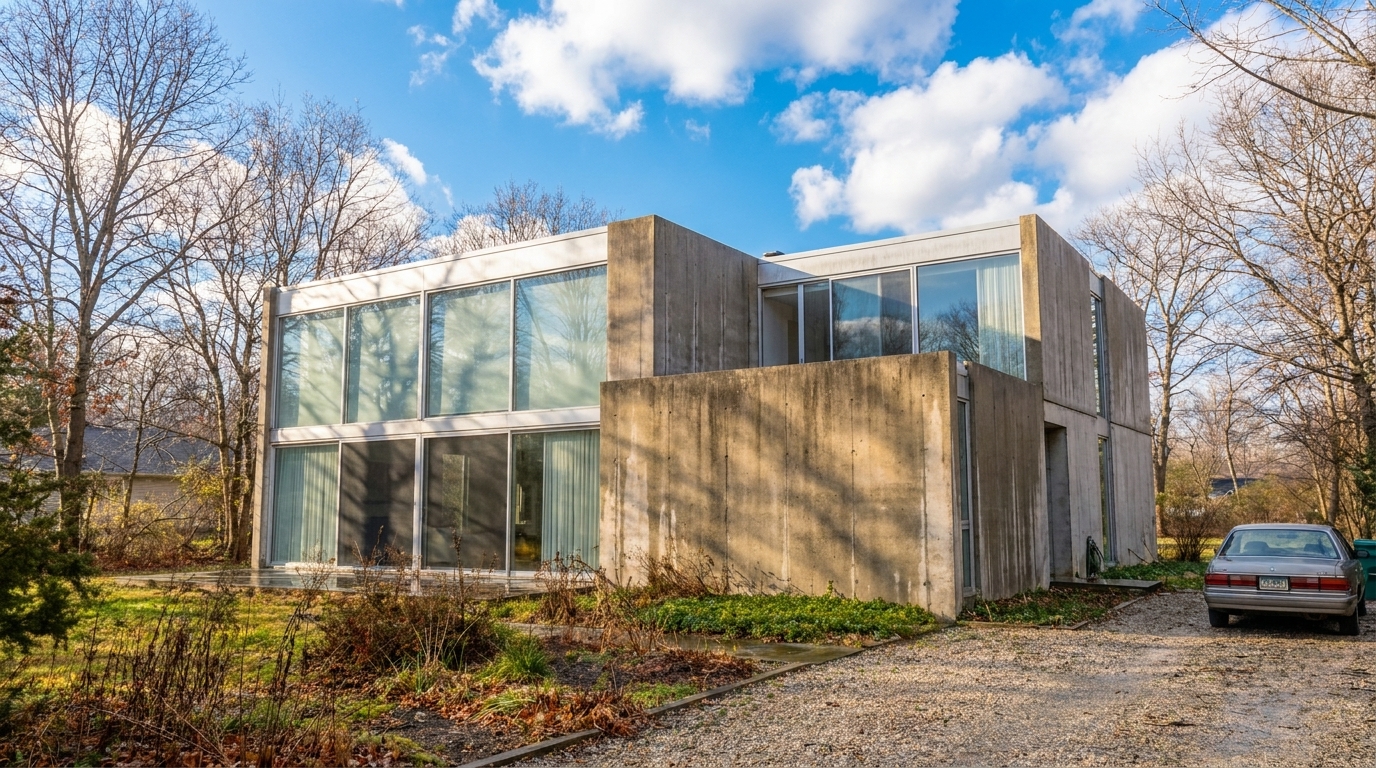
Modern Minimalist Exterior updated with overcast to sunny styling.
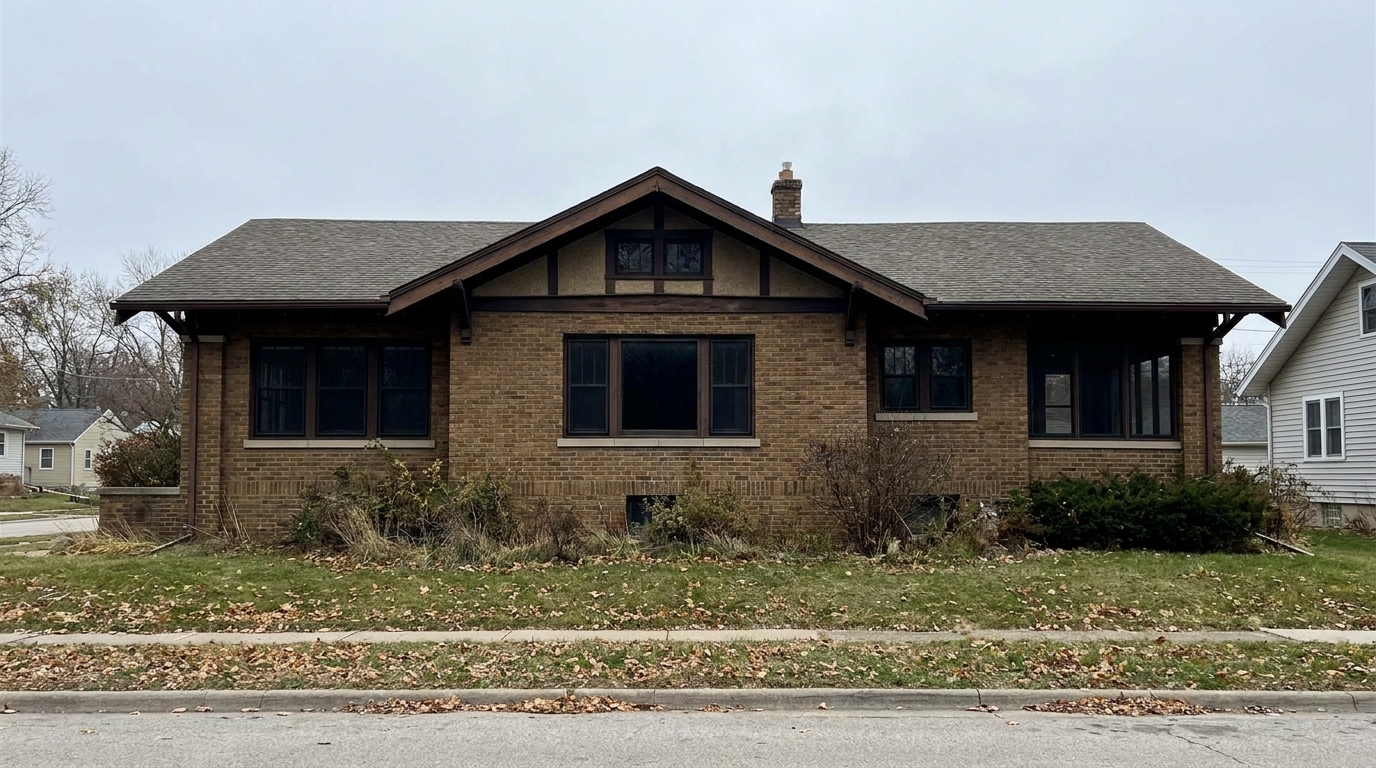
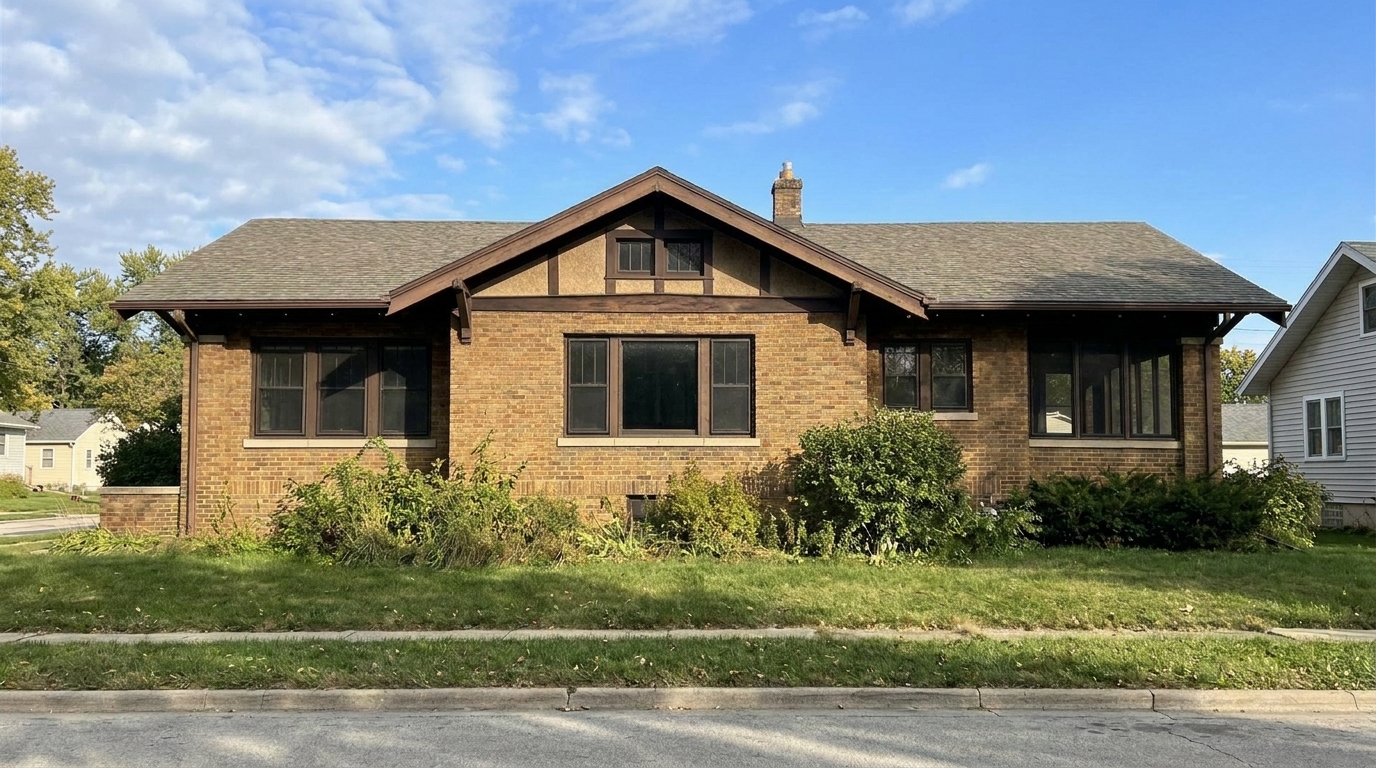
Brick Craftsman House updated with overcast to sunny styling.
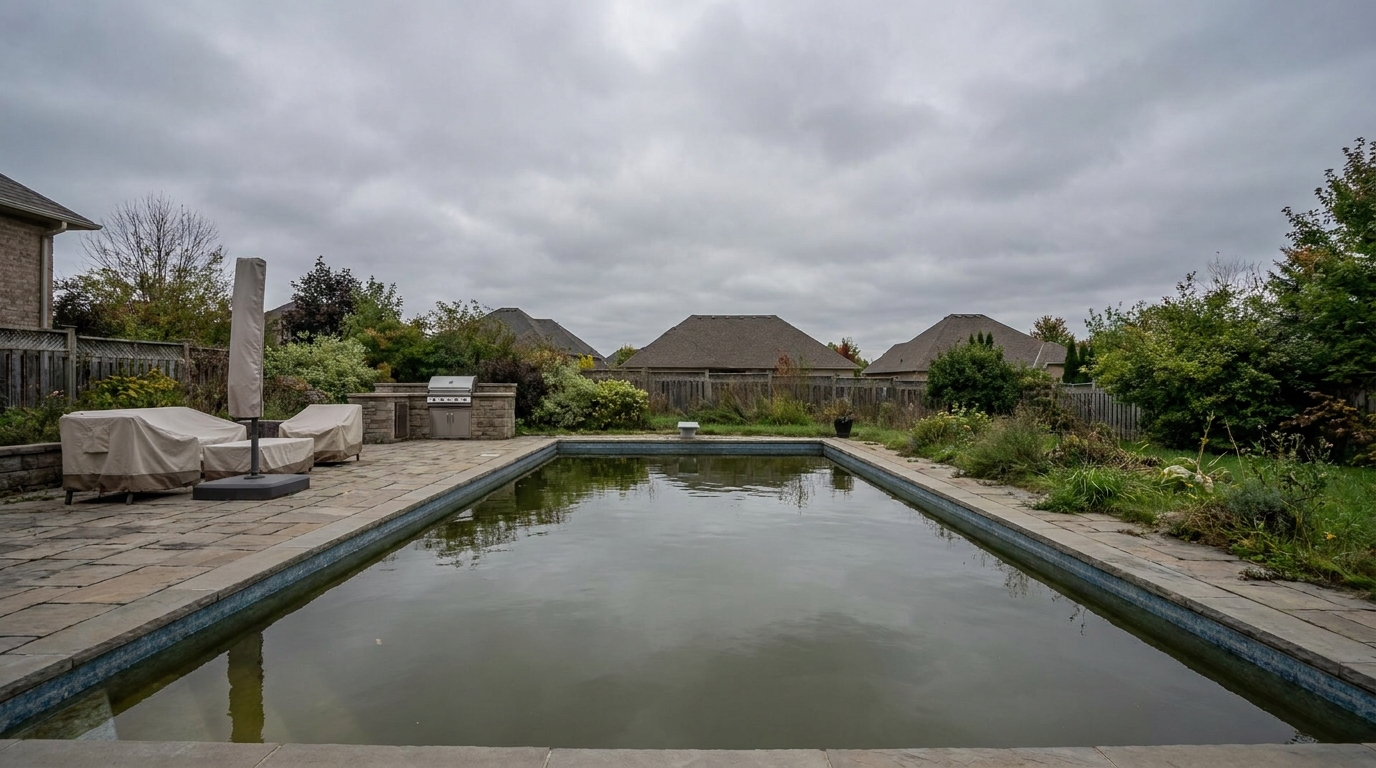

Luxury Estate with Pool updated with overcast to sunny styling.
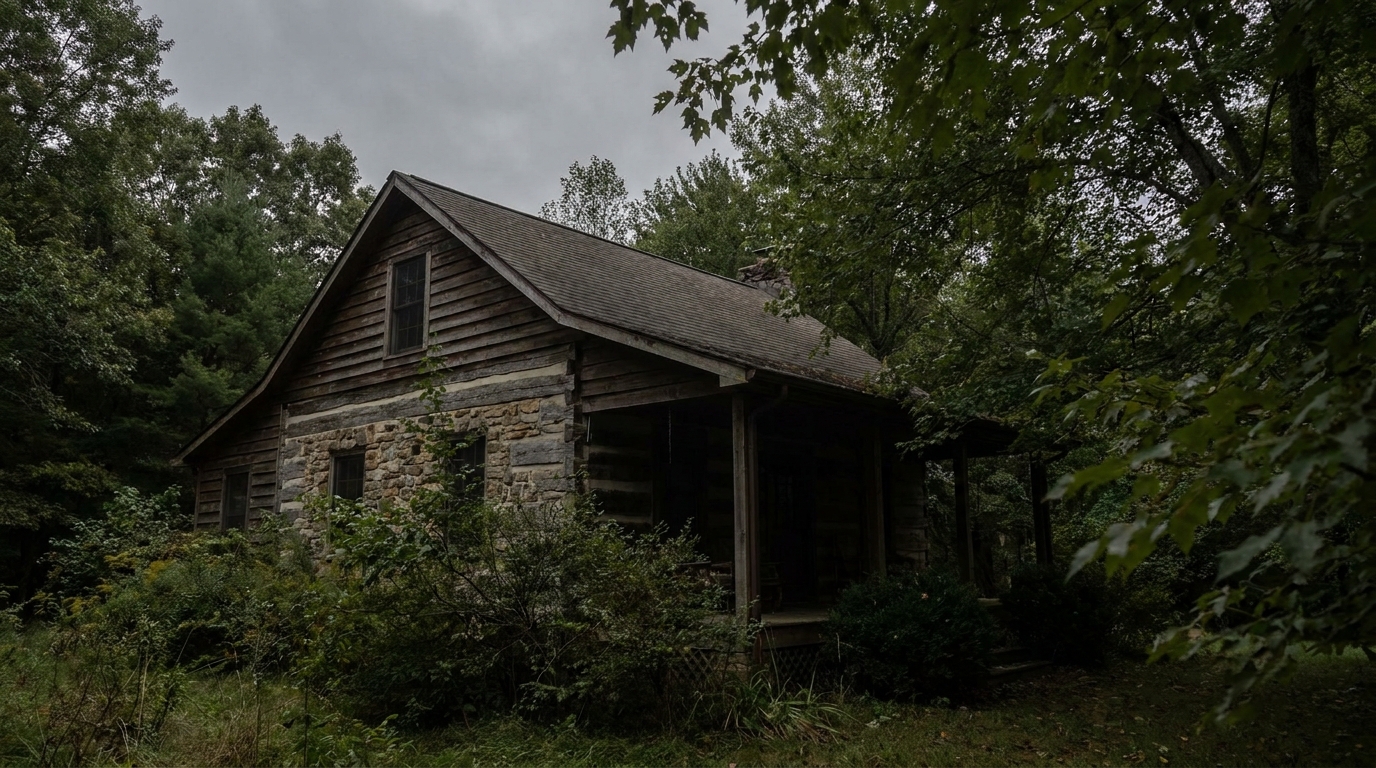

Cozy Country Cottage updated with overcast to sunny styling.

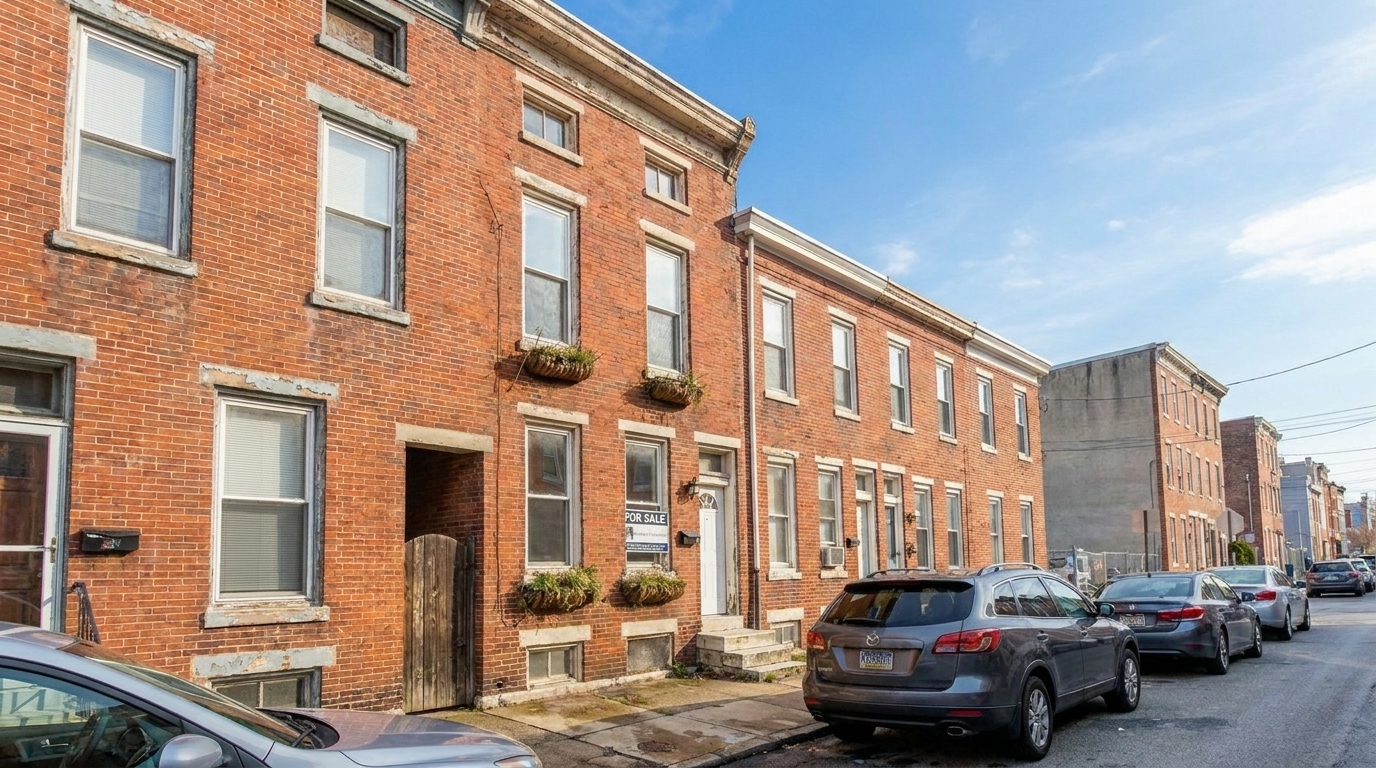
Urban Townhouse Facade updated with overcast to sunny styling.
Discover how our intelligent weather engine realistically adjusts lighting, shadows, and foliage.
Automatically detects and replaces flat, gray overcast skies with vibrant, natural blue skies and soft clouds.
Casts realistic, soft shadows aligned with the new sun position to maintain depth and architectural dimension.
Warms up cold, blue-tinted overcast tones into inviting, sun-kissed hues across the entire property.
Enhances dull grass and trees, making landscaping look healthy, lush, and vibrant under direct sunlight.
Lifts flat lighting on siding, brick, and stucco, revealing rich textures and architectural details.
Adjusts glass reflections to match the bright sky, preventing unrealistic dark voids in windows.
See how real estate professionals and photographers save bad-weather shoots and elevate property listings.
Turn photos from a poorly timed, cloudy shoot into bright, summer-like listing images.
EfficiencyMake the primary MLS thumbnail image look warm and welcoming to increase click-through rates.
MarketingSoften the gloomy, transition-season look of properties photographed during late winter or early spring.
SeasonalEnsure a consistent, bright, and professional look across multi-family or retail property portfolios.
CommercialCreate eye-catching, vibrant posts for Instagram and Facebook that stand out in busy feeds.
Social MediaShowcase short-term rentals in their best light to attract travelers looking for sunny getaways.
HospitalityFollow three simple steps to replace gray skies and flat lighting with vibrant, natural sunshine.
Select and upload your cloudy or flat-lit exterior property image to the Idealhouse Photo Enhancer.
Choose the preset to automatically replace the gray sky, adjust the color temperature, and generate natural shadows.
Review the realistic, bright results and download your high-resolution, listing-ready photo instantly.
Source-backed context for why overcast to sunny edits matter inside weather & seasonal editing workflows.
Overcast To Sunny within Weather & Seasonal Editing evidence
Photos are one of the most valuable website features for home buyers; NAR's 2025 generational trends report says 83% of internet-using buyers rated photos as very useful. For Overcast To Sunny pages, this supports showing how a focused Weather & Seasonal Editing edit can make the listing photo feel clearer, more polished, and easier for buyers to evaluate.
Source: NAR 2025Overcast To Sunny within Weather & Seasonal Editing evidence
Zillow Research's 2025 prospective buyer report ranked high-resolution photos as the number two most important listing feature, selected by 26% of prospective buyers; floor plans ranked first at 33%. For Overcast To Sunny pages, this supports showing how a focused Weather & Seasonal Editing edit can make the listing photo feel clearer, more polished, and easier for buyers to evaluate.
Source: Zillow 2025Overcast To Sunny within Weather & Seasonal Editing evidence
Redfin reported that professionally photographed homes in the $400,000 range sold three weeks faster and for more than $10,000 relative to list price compared with amateur photos. Use this as supporting context, not as a guaranteed result. For Overcast To Sunny pages, this supports showing how a focused Weather & Seasonal Editing edit can make the listing photo feel clearer, more polished, and easier for buyers to evaluate.
Source: RedfinWeather is unpredictable, but your listing schedule shouldn't be. Learn how to use the Overcast to Sunny preset to maintain a premium portfolio regardless of the forecast.
Studies consistently show that bright, sunlit listing photos attract more views and higher engagement. Overcast skies make properties look cold, damp, and uninviting, which can lead buyers to scroll past. By converting flat, gray light into warm, natural sunshine, you instantly elevate the property's perceived value and create an emotional connection before the buyer even steps foot on the lawn.
While 'Overcast to Sunny' is the go-to choice for standard daytime listings, it is important to compare it with adjacent presets. Use 'Overcast to Sunny' when you want to simulate a clean, bright, midday look that highlights the true colors of the home's facade and landscaping. If you want a more emotional, high-end luxury feel, choose 'Golden Hour' for its warm, low-angle light. For modern architectural homes with extensive exterior lighting, 'Blue Hour' is often a better fit to showcase the property's evening ambiance. Avoid 'Overcast to Sunny' if the original photo has heavy rain streaks or standing water that would look unnatural under a bright sun; in those cases, use the 'Rain & Wet Weather Fix' or perform a full 'Season Swap' first.
To achieve the most realistic results, start with a high-resolution, well-exposed overcast photo. Upload the image to the Idealhouse Photo Enhancer and select the 'Overcast to Sunny' preset. The AI will automatically replace the sky, adjust the color temperature, and generate realistic shadows. Once applied, inspect the transition areas around trees and rooflines. If the original photo had wet driveways, you can use a subtle reflection adjustment to ensure the ground looks dry and matches the new sunny sky.
When editing weather, the goal is to enhance, not deceive. Always ensure that the physical characteristics of the home—such as paint color, roof condition, and structural elements—remain completely unchanged. The 'Overcast to Sunny' preset is designed to modify only the atmospheric conditions, keeping the property itself 100% accurate. This ensures full compliance with MLS guidelines while still presenting the home in its absolute best light.
Compare the overcast-to-sunny tool with other seasonal and lighting adjustments to find the perfect look for your listing.

Warm golden light and soft shadows for a more flattering exterior showcase.
Try This Tool →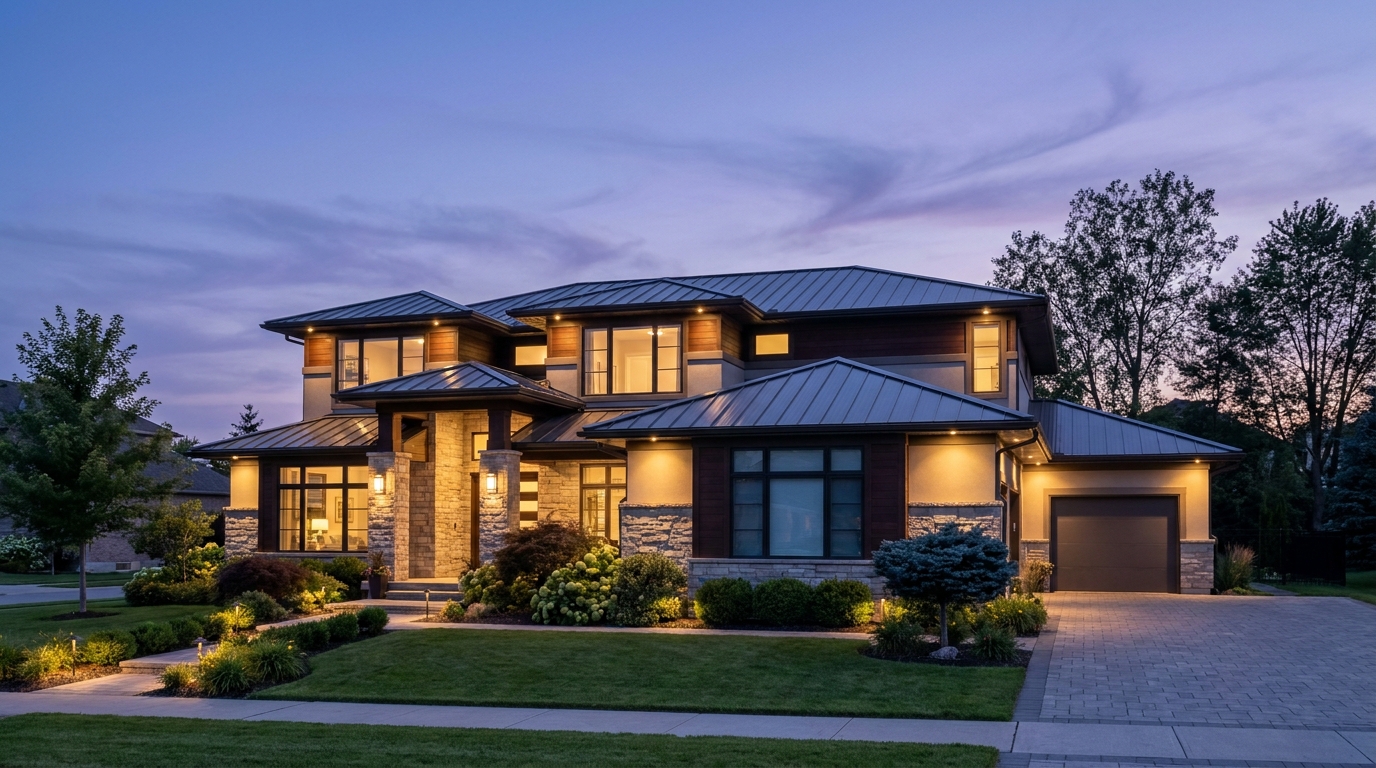
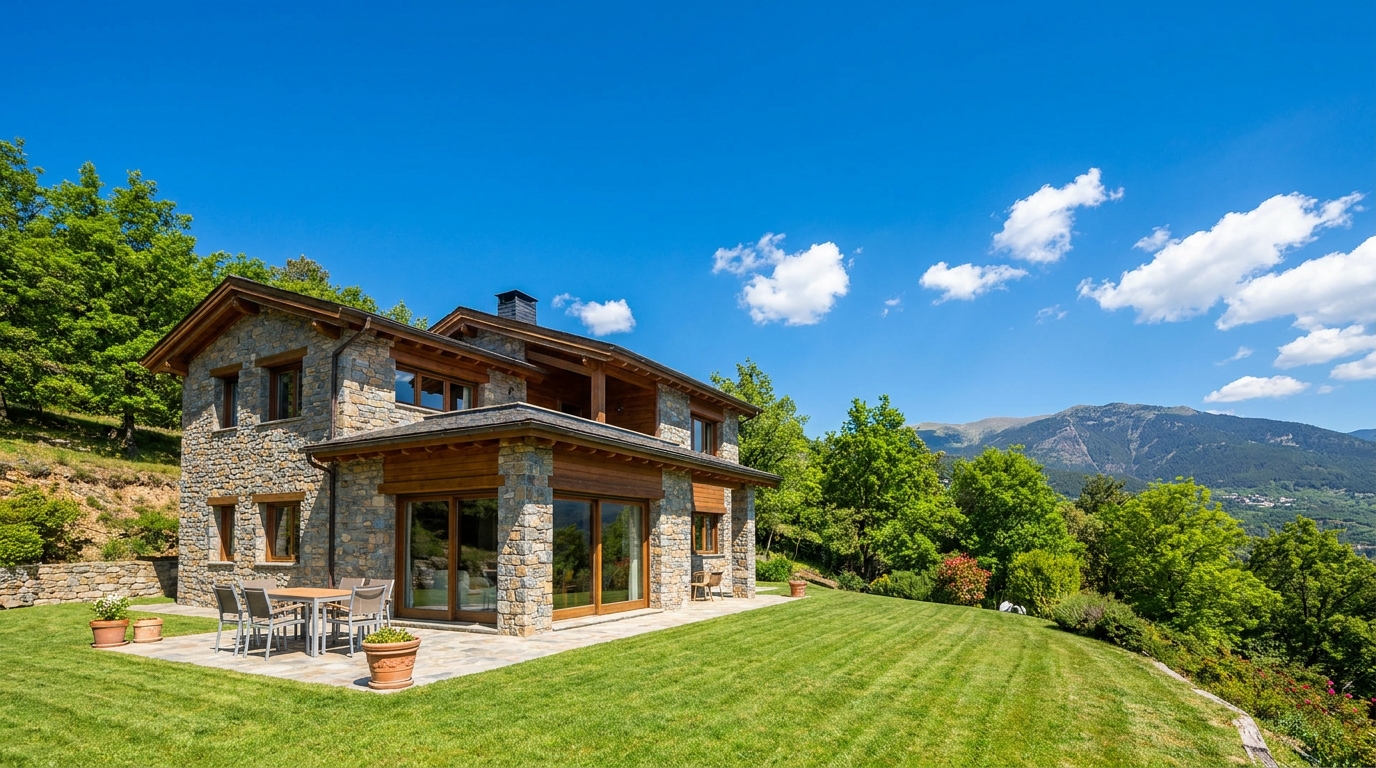
Clear atmospheric haze so the property looks sharper, brighter, and more defined.
Try This Tool →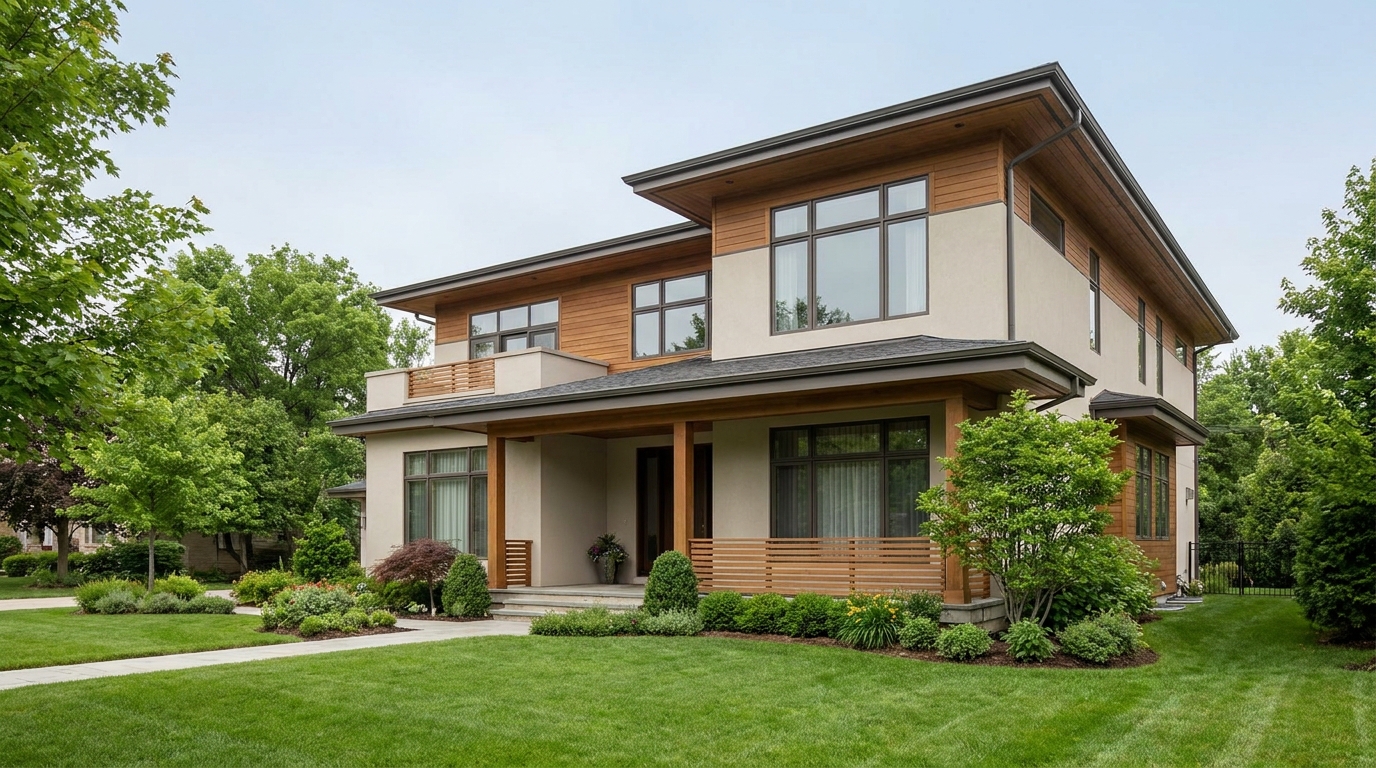
Soften harsh sun and shadows for a cleaner, more balanced exterior image.
Try This Tool →
Add a fresh post-rain mood with subtle reflections and rich outdoor texture.
Try This Tool →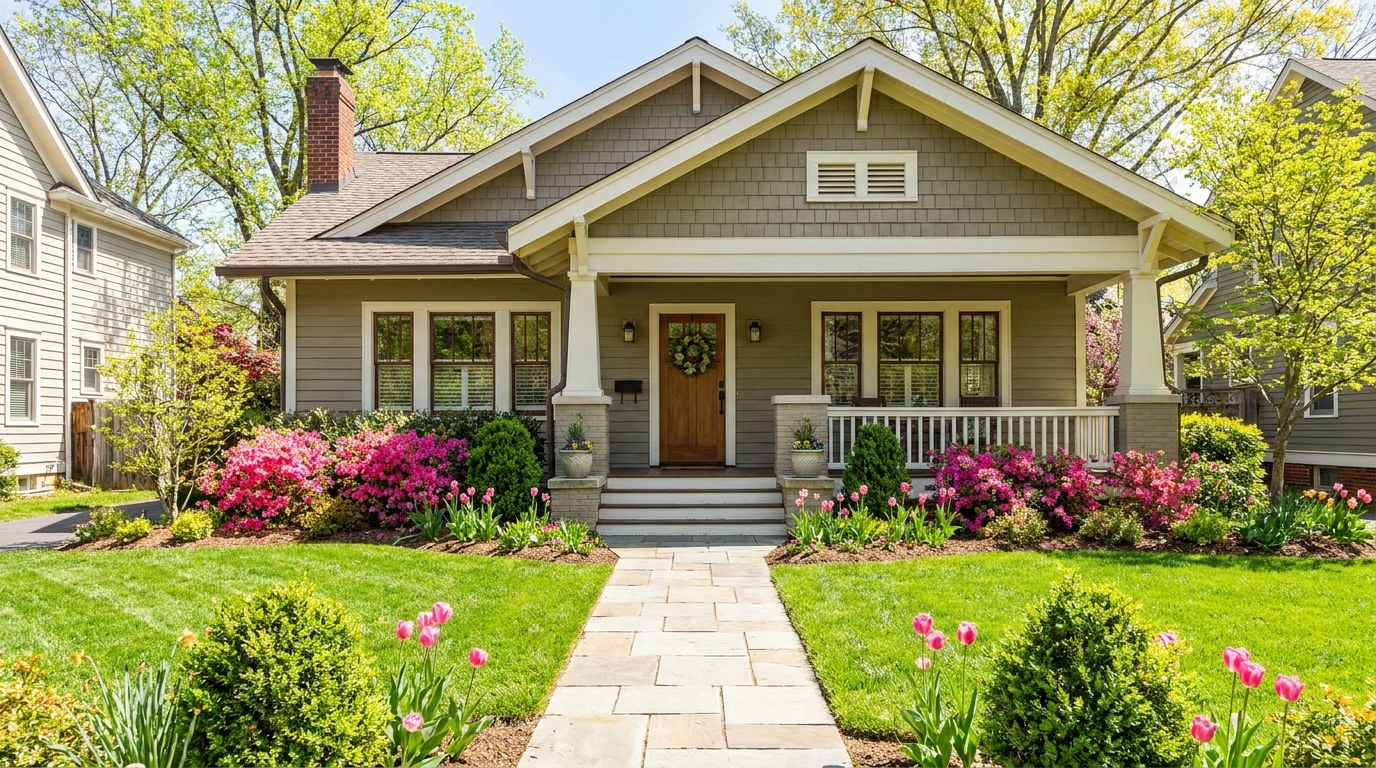
Bring in greener growth and spring freshness for a lively, welcoming exterior.
Try This Tool →
Bright, sunny seasonal styling with vibrant greenery and airy outdoor color.
Try This Tool →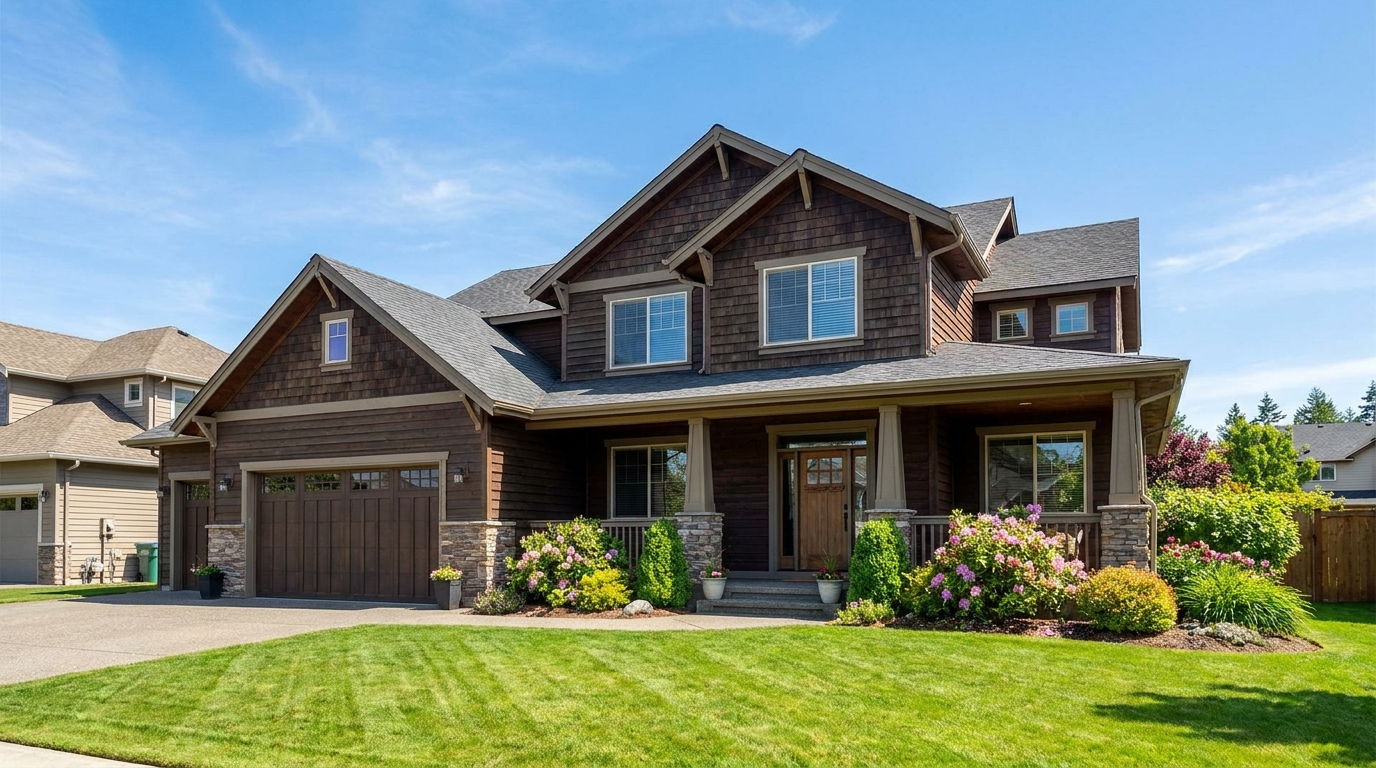
Convert dark exteriors into bright daytime scenes with clear, marketable visibility.
Try This Tool →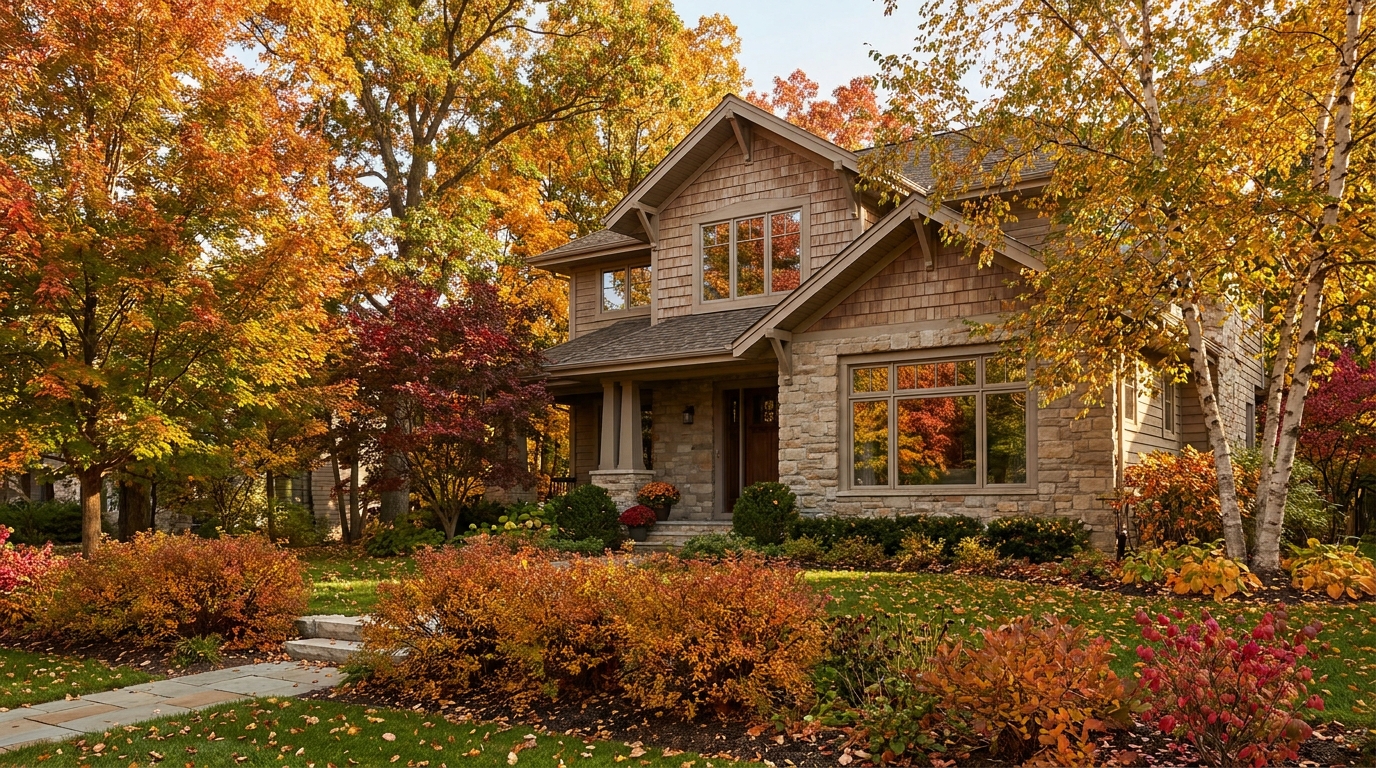

Create a clean winter setting with realistic snow and strong seasonal atmosphere.
Try This Tool →
Swap the landscape to match the season that best fits the listing.
Try This Tool →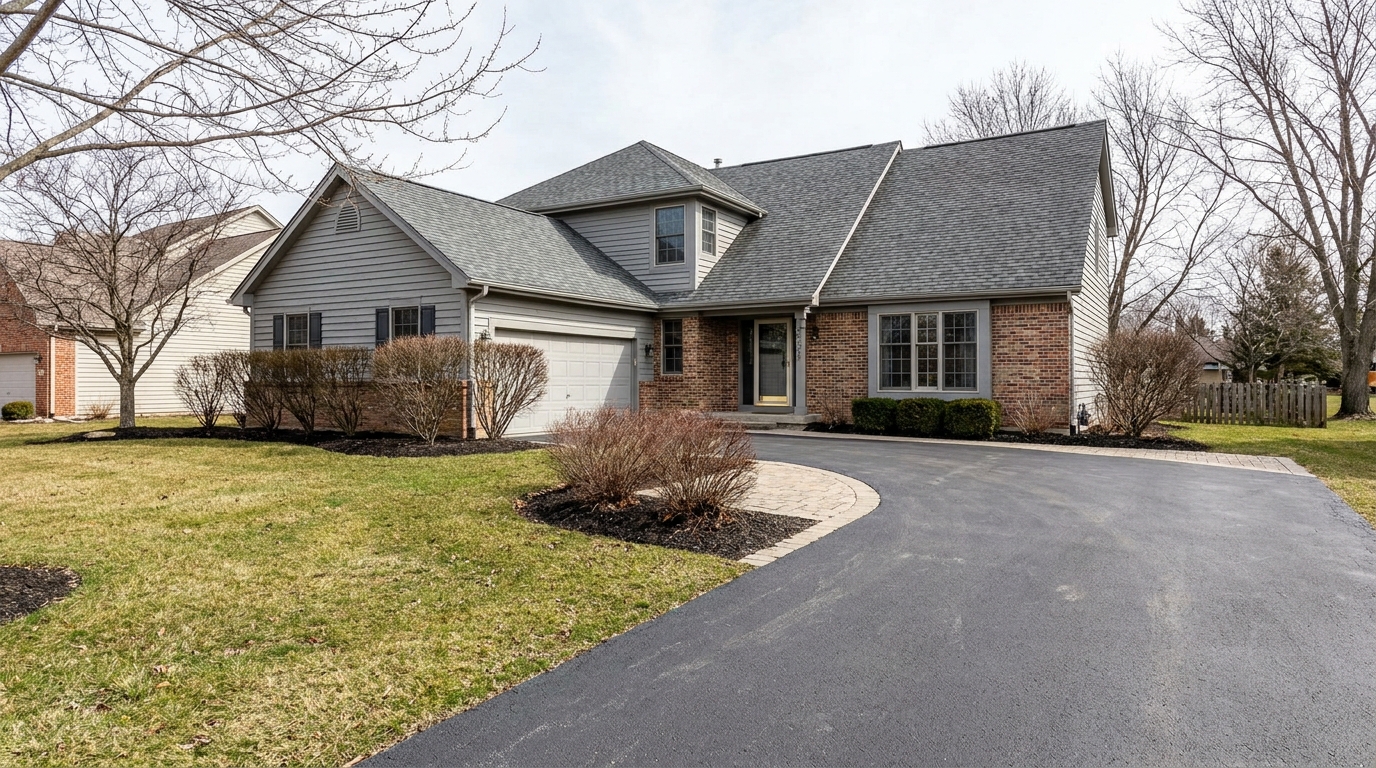
Remove snow buildup for a cleaner exterior that feels more accessible and ready to show.
Try This Tool →Explore additional AI-powered tools designed to optimize your property's interior and exterior presentation.
AI image-to-video generation for turning home, room, and property photos into more vivid presentation videos.
02AI exterior renovation for visualizing facade updates, curb appeal improvements, and home exterior remodel ideas.
03AI landscaping design for exploring outdoor concepts, curb appeal upgrades, planting ideas, and yard layout directions.
04AI virtual staging for furnishing empty rooms and creating listing-ready interiors for real estate marketing.
05Free AI image generation for turning text prompts into unlimited visual ideas for home design, interiors, landscaping, renovation
06AI object removal for cleaning up distracting items from room, home, and property photos.
Don't let bad weather delay your marketing. Turn overcast photos into bright, sunlit showcases in seconds with Idealhouse.