
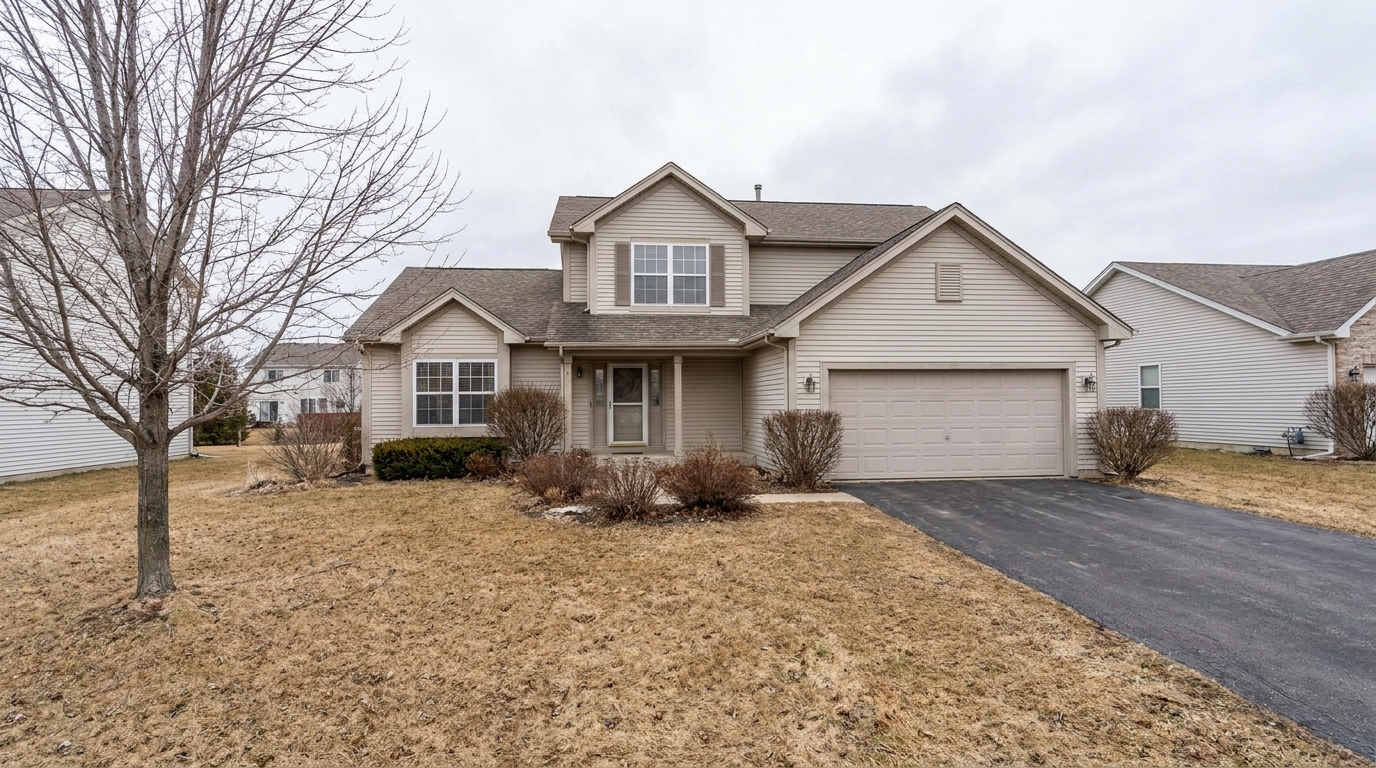
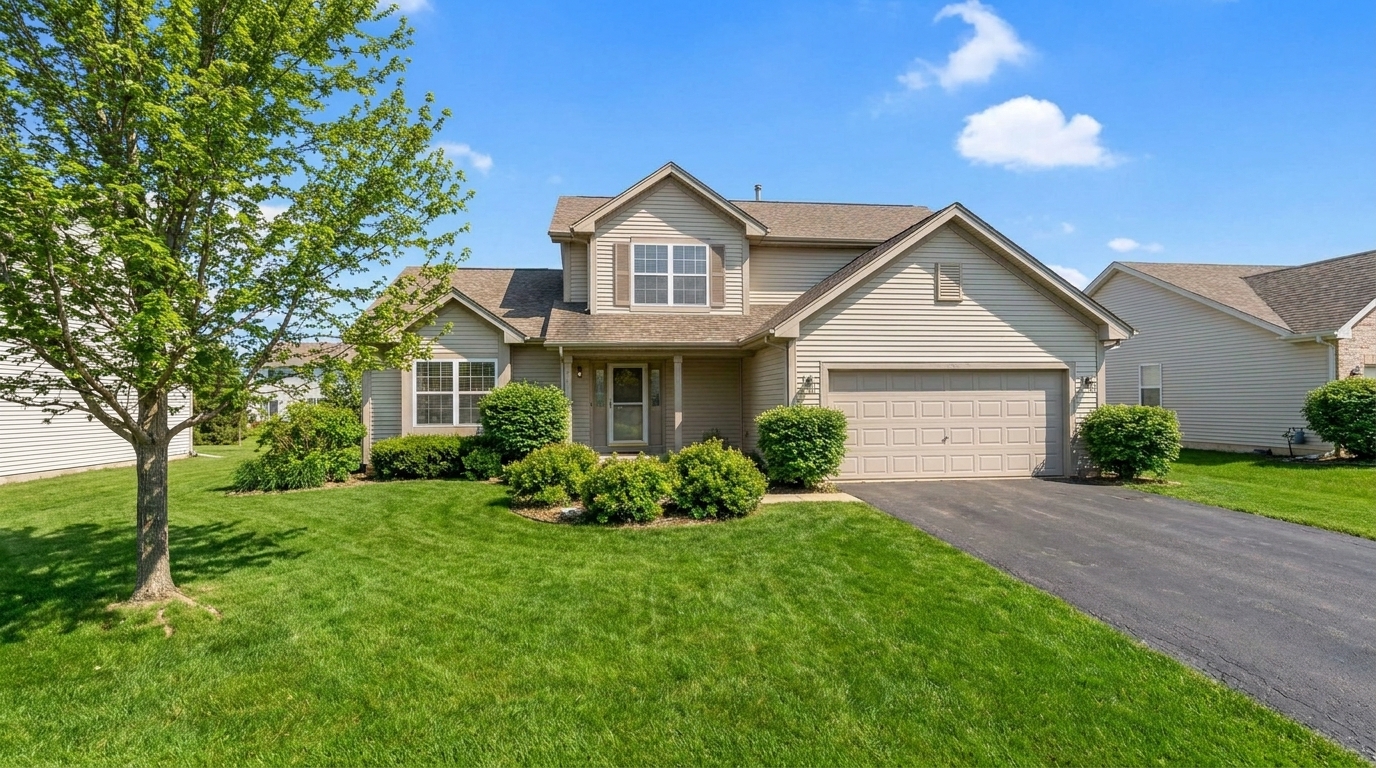

Dormant Winter Lawn
Dormant Winter Lawn updated with summer enhancement styling.
Instantly transform cold, overcast, or off-season exterior photos into warm, sunlit summer showcases. Revitalize lawns and boost curb appeal with AI.
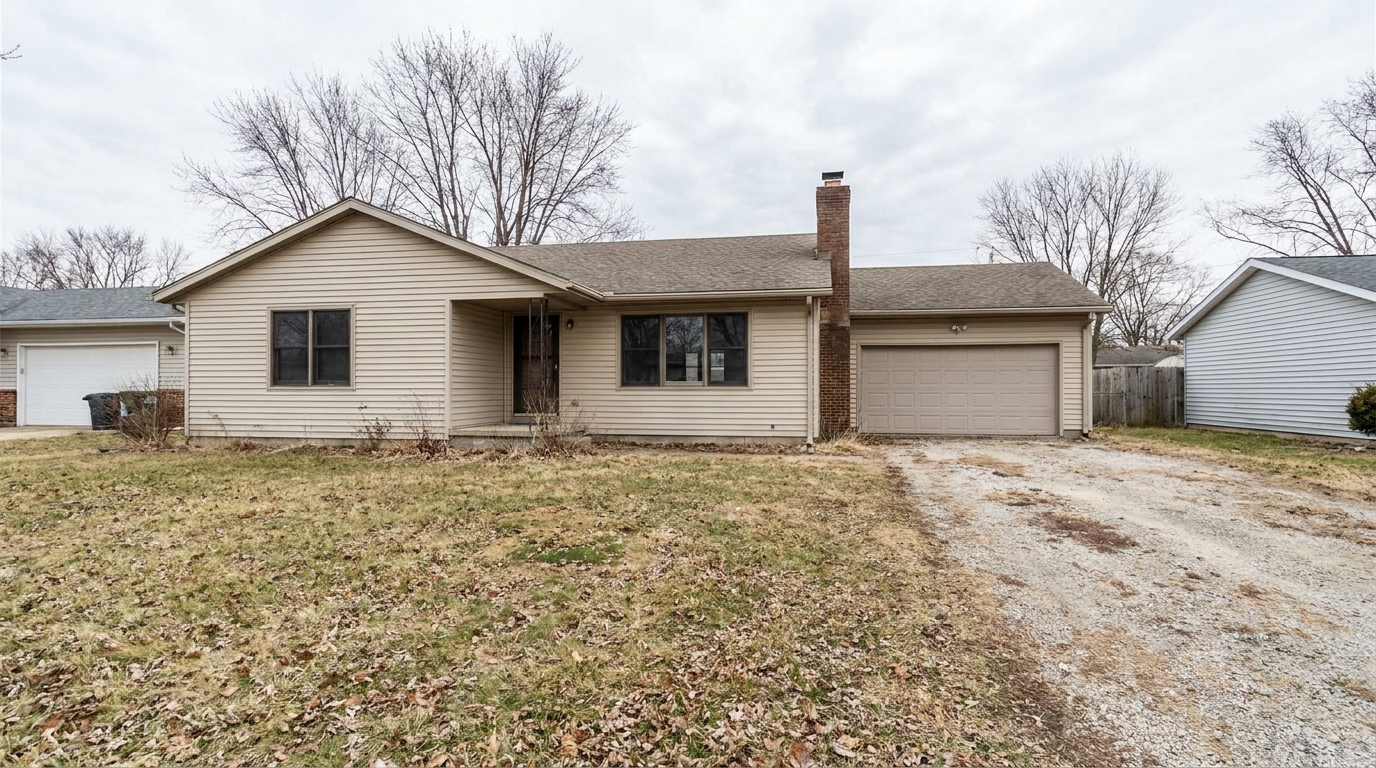
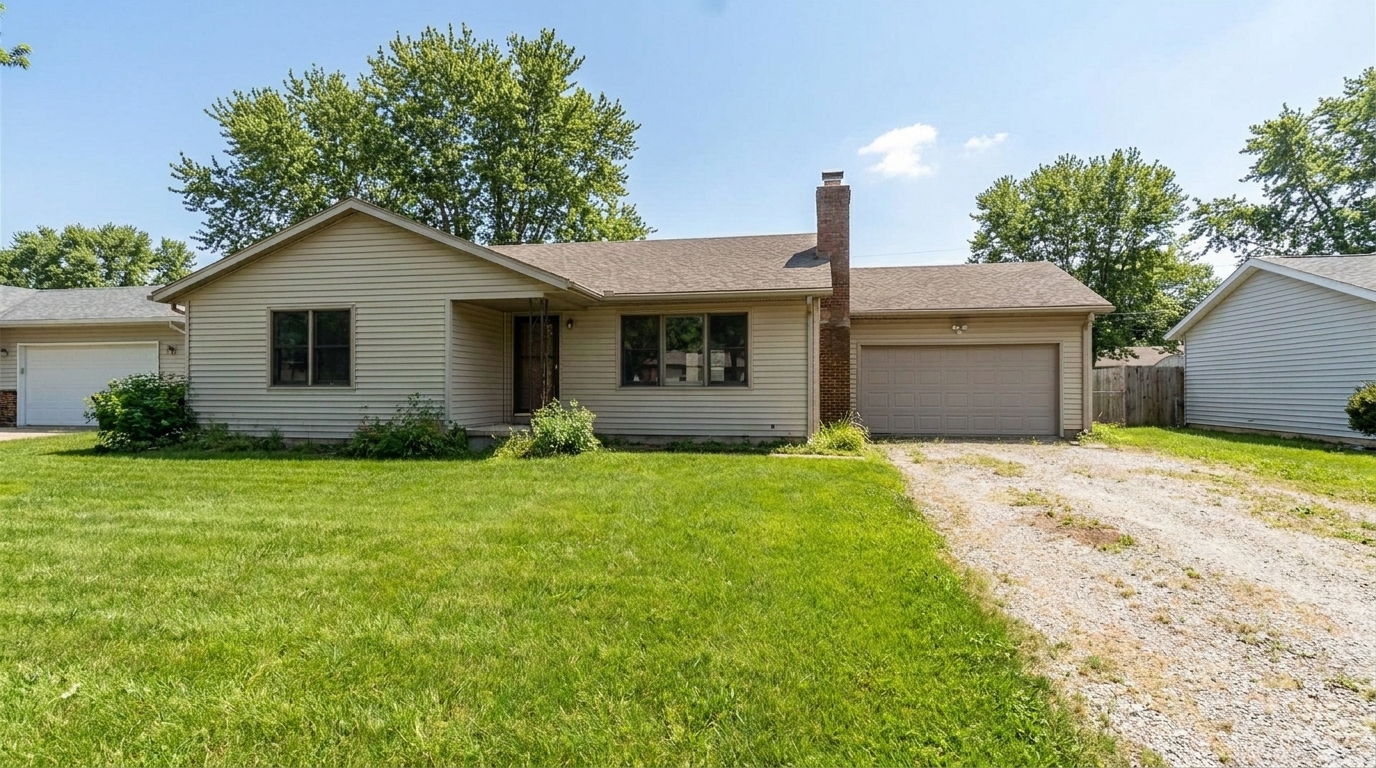
Browse real examples of properties transformed with vibrant greenery and warm, natural sunlight.
Dormant Winter Lawn updated with summer enhancement styling.
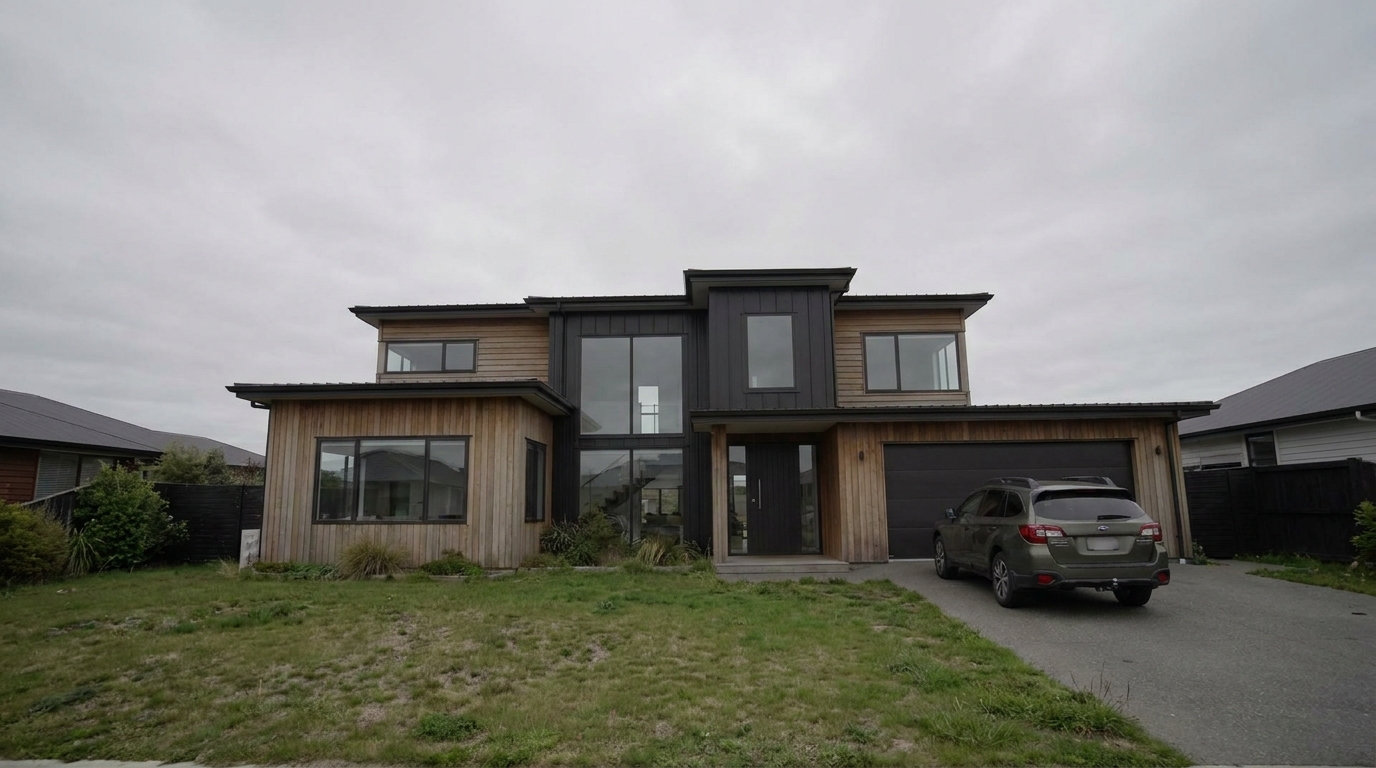
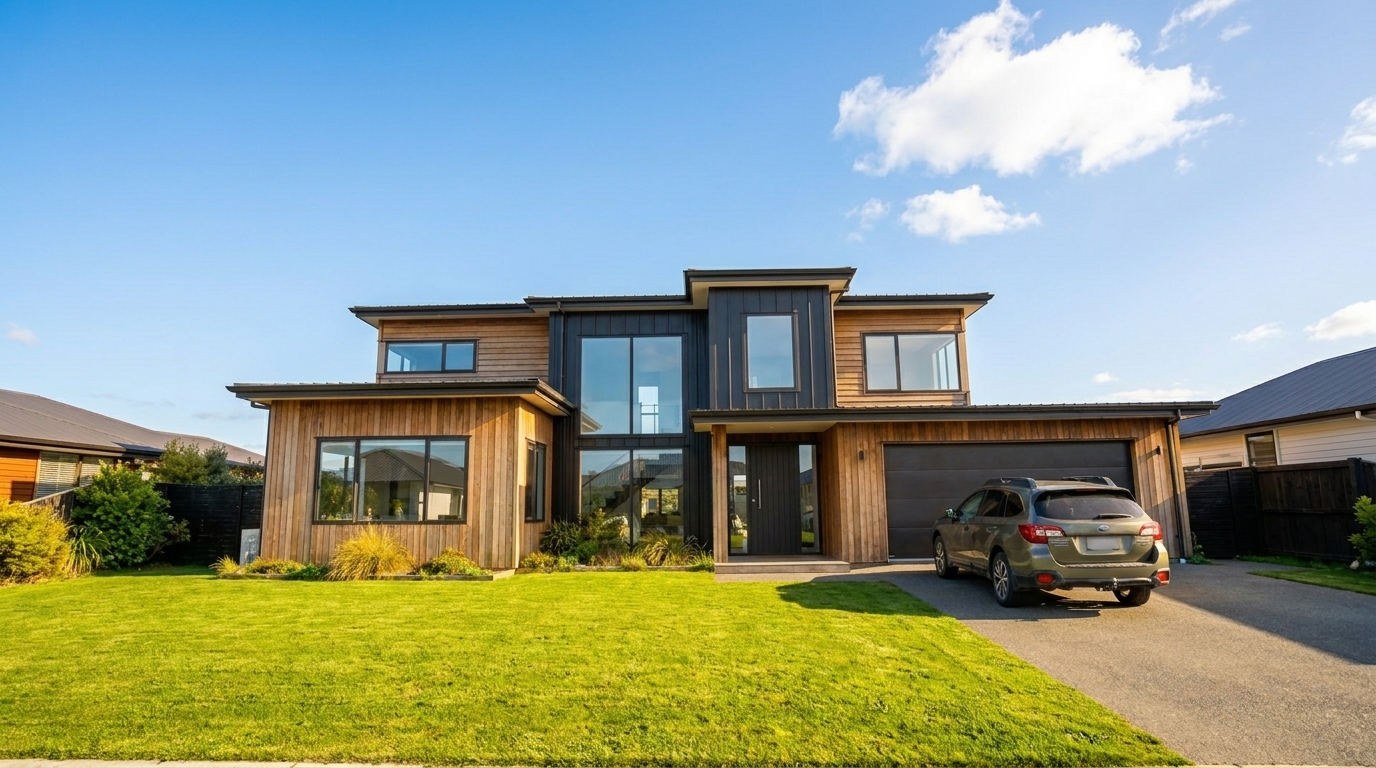
Gloomy Overcast Day updated with summer enhancement styling.
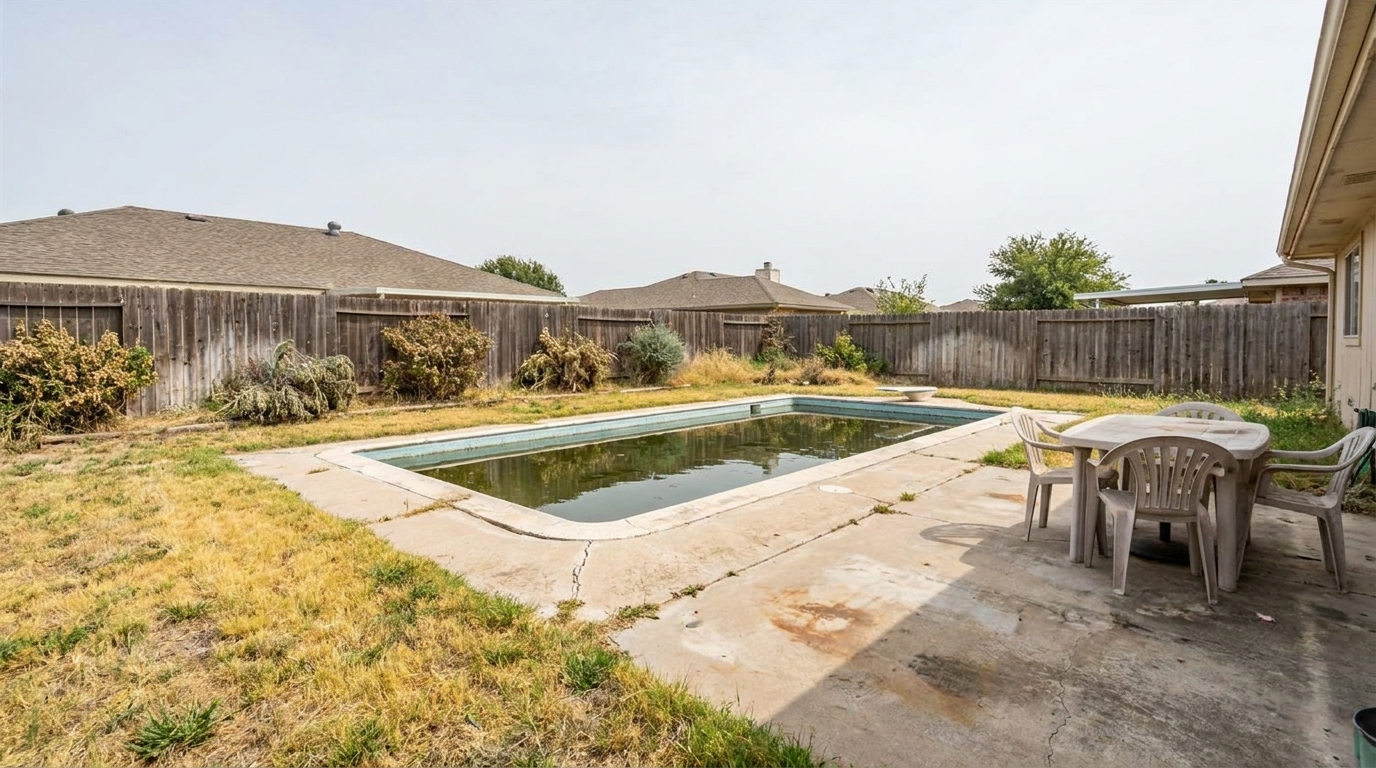
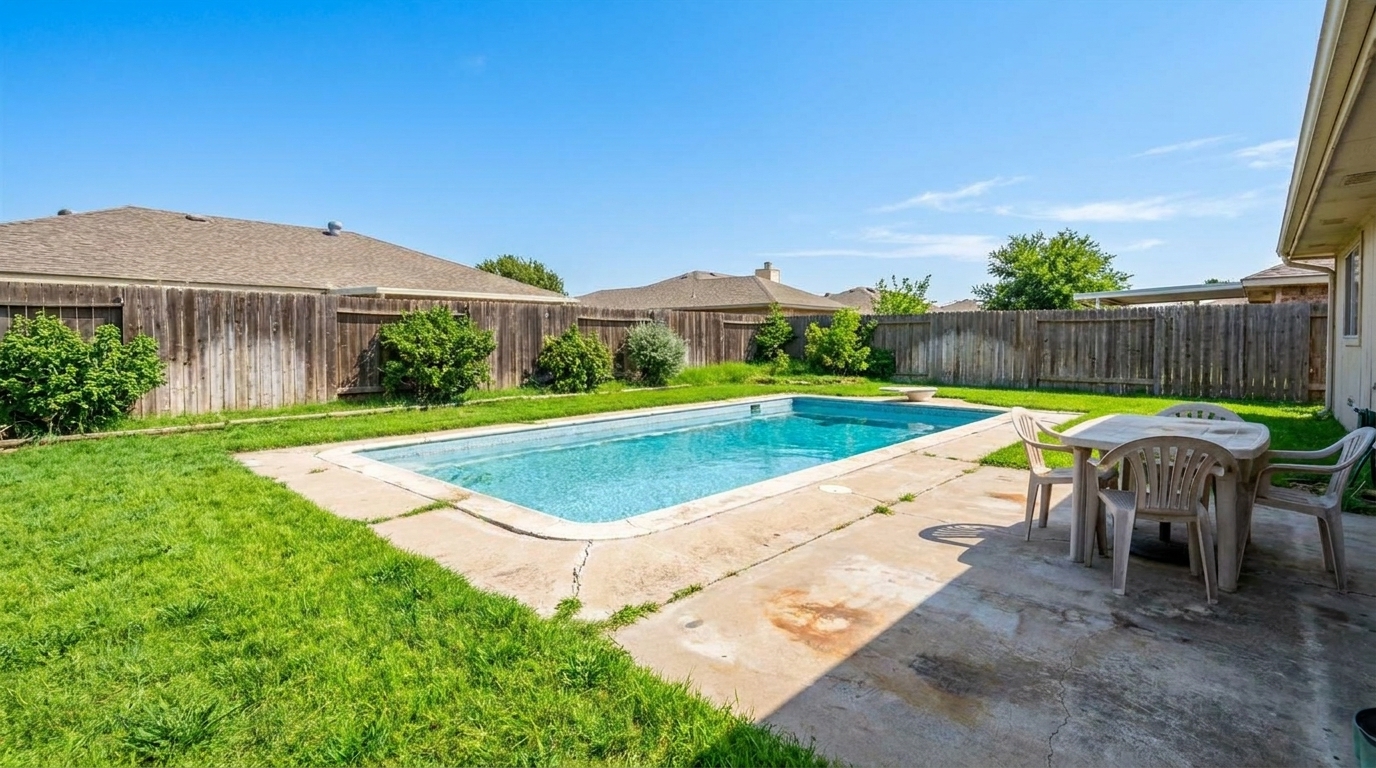
Drought-Stricken Backyard updated with summer enhancement styling.
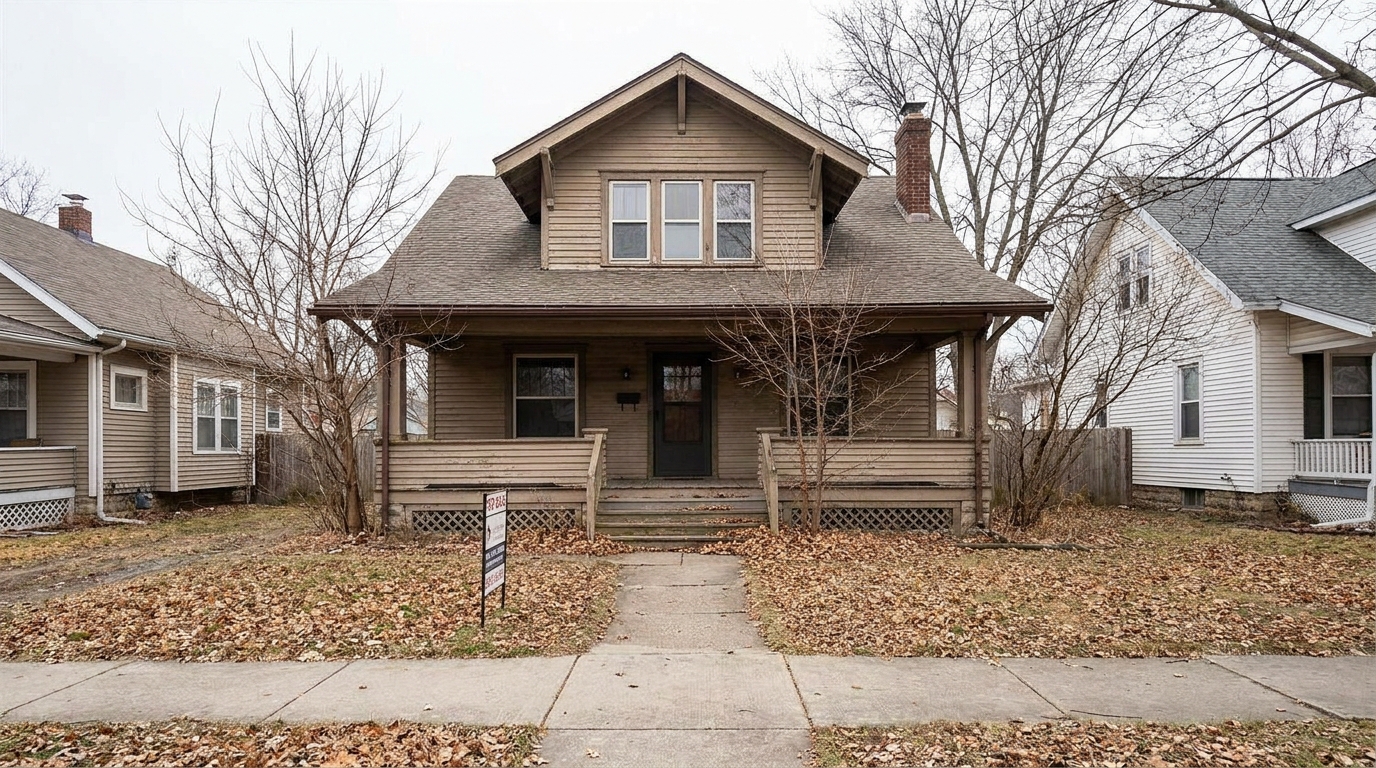
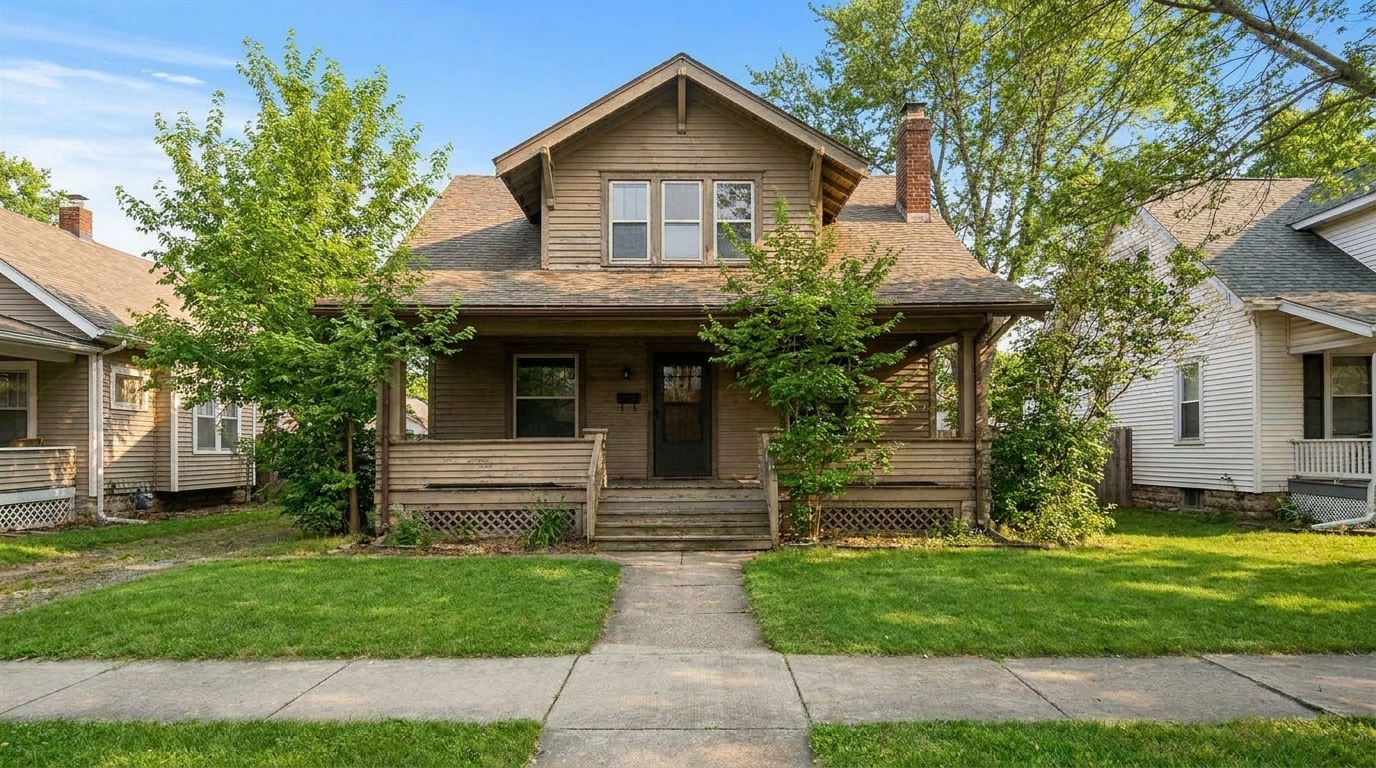
Late Autumn Transition updated with summer enhancement styling.
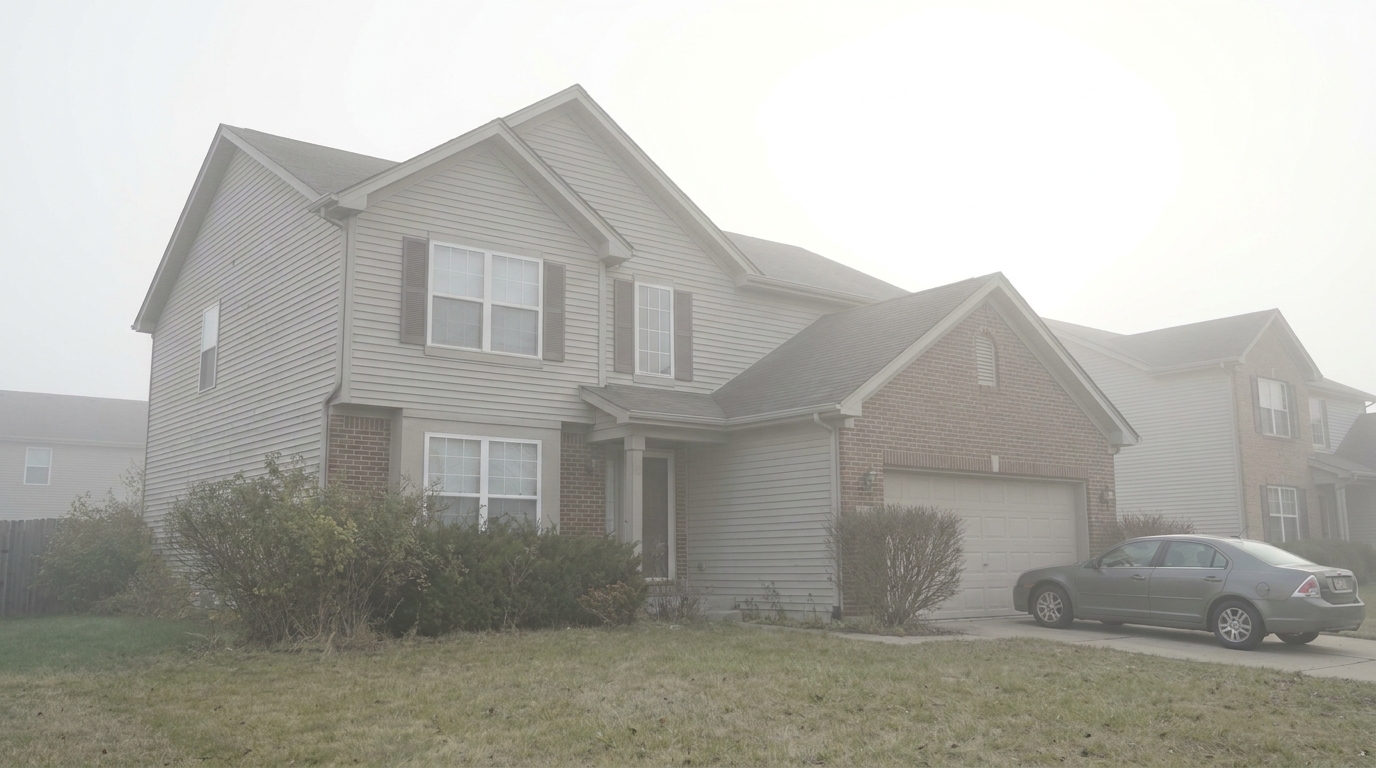
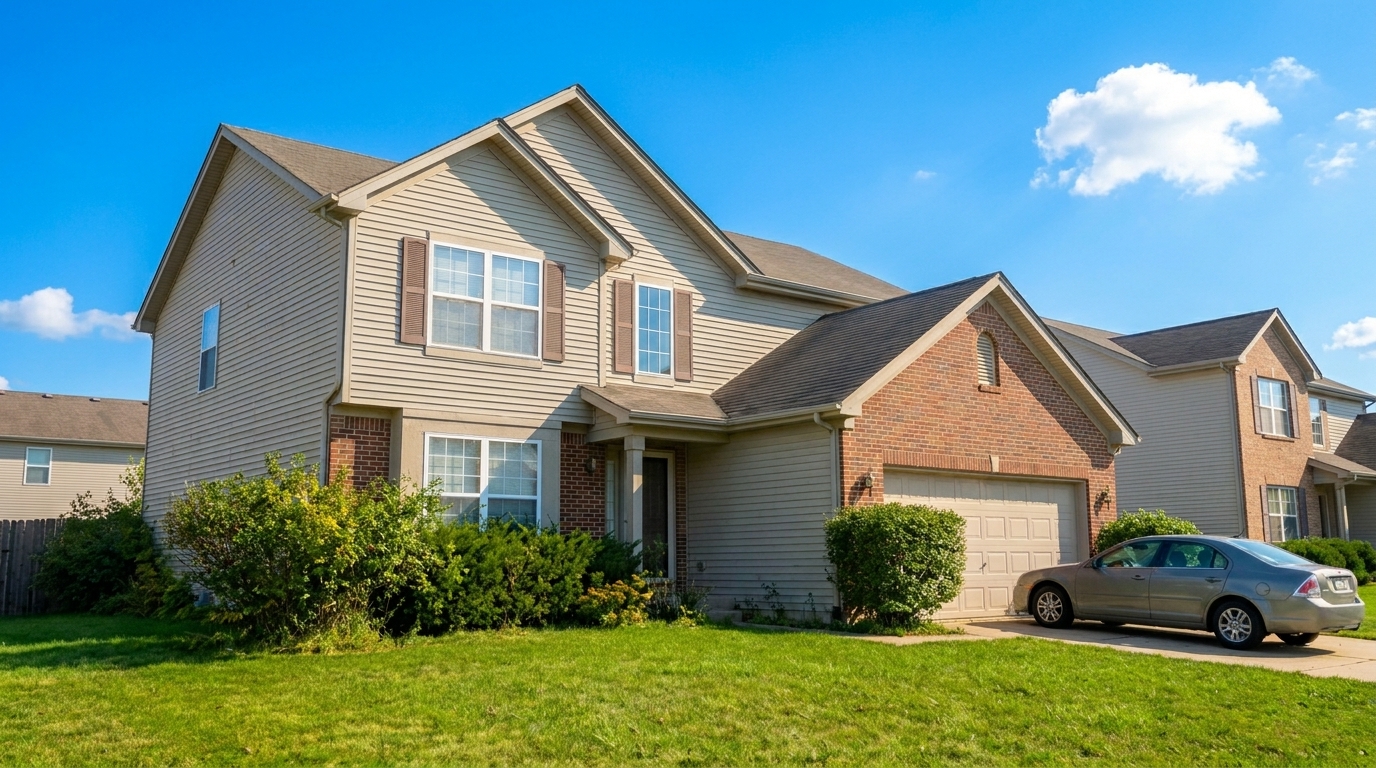
Hazy Midday Exterior updated with summer enhancement styling.
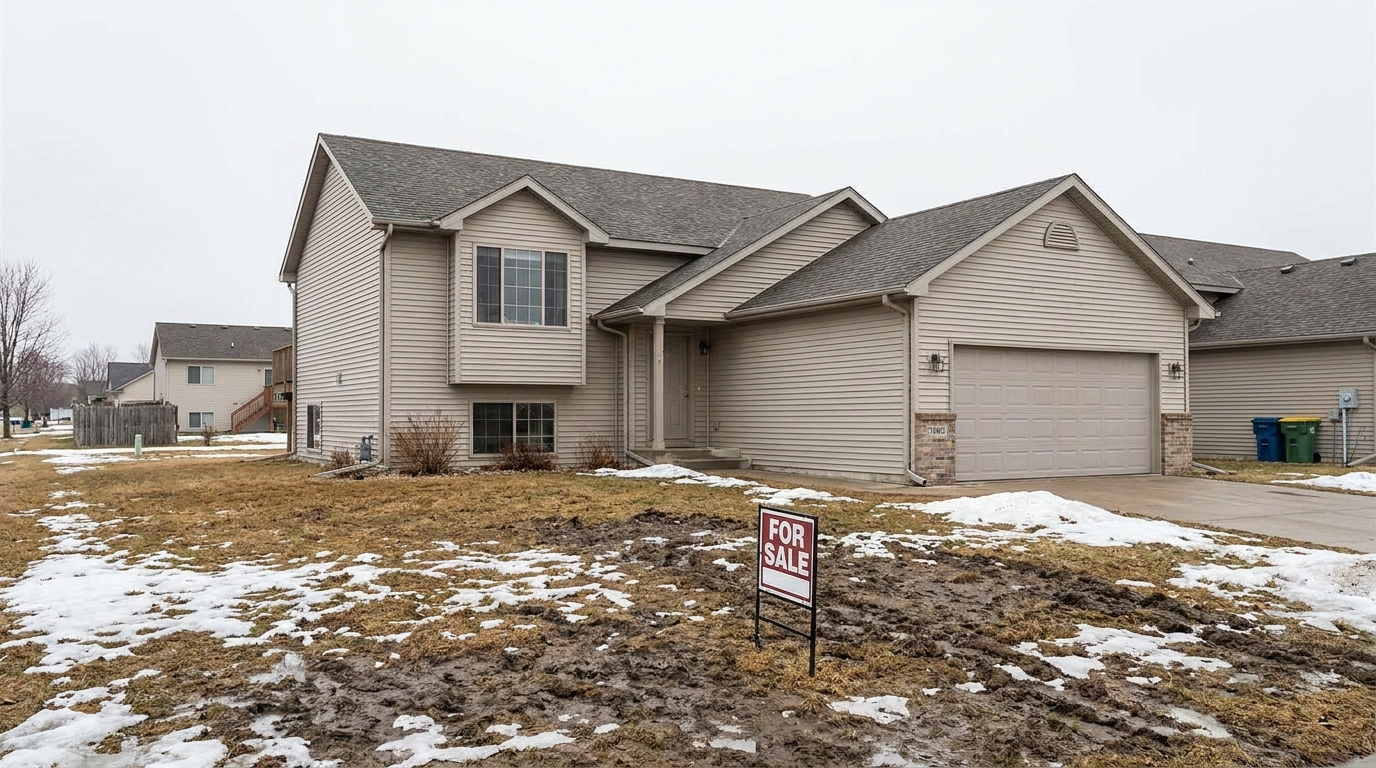
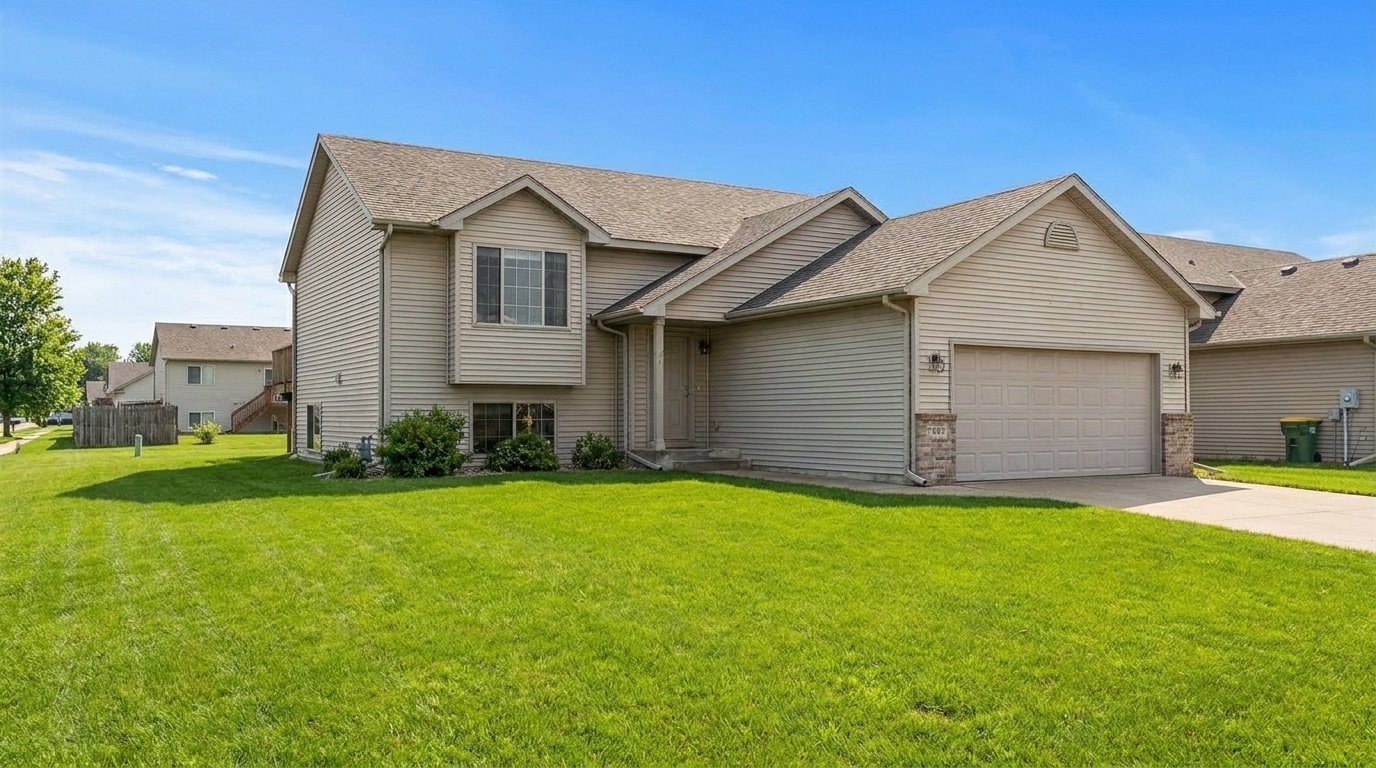
Early Spring Patchy Turf updated with summer enhancement styling.
Discover the advanced features that make your property photos look naturally bright, lush, and inviting.
Automatically detects patchy, brown, or dormant grass and transforms it into a lush, vibrant green lawn that looks healthy and manicured.
Adds natural, warm sunlight highlights to the property exterior, mimicking the inviting atmosphere of a perfect mid-summer afternoon.
Replaces overcast, gray, or hazy skies with a clear, bright blue summer sky featuring soft, realistic clouds.
Softens harsh, dark shadows while maintaining realistic depth, ensuring architectural details remain fully visible and clear.
Adjusts the overall white balance to bring out warm, inviting tones without distorting the natural colors of building materials.
Uses advanced masking to ensure the home's siding, brickwork, windows, and roof remain completely untouched and structurally accurate.
See how real estate professionals and homeowners use summer styling to maximize property value.
Launch a property in late winter or early spring while making it look like prime buying season to capture immediate buyer interest.
Real Estate AgentsFix brown, dry, or patchy grass caused by seasonal dormancy or temporary drought to instantly boost curb appeal.
PhotographersRescue exterior photos taken on gloomy, cloudy days by injecting bright, cheerful summer light and clear blue skies.
Real Estate AgentsShowcase cabins, beach houses, or lakefront properties in their most appealing, sun-drenched state to maximize bookings.
Property ManagersHelp landscape designers, architects, and home builders showcase completed projects in peak summer glory.
Design TeamsCreate eye-catching, vibrant social media posts that stand out in crowded real estate feeds and drive listing clicks.
Marketing TeamsTransform your property exteriors into warm, sunlit summer scenes in three simple steps.
Select and upload your property's exterior photo, ideally showing the front yard, landscaping, or backyard areas that need a seasonal lift.
Choose the Summer Enhancement preset to automatically target dormant foliage, dry grass, flat lighting, and overcast skies.
Review the vibrant, warm, and realistic summer transformation, then download your high-resolution image ready for the MLS.
Source-backed context for why summer enhancement edits matter inside weather & seasonal editing workflows.
Summer Enhancement within Weather & Seasonal Editing evidence
Photos are one of the most valuable website features for home buyers; NAR's 2025 generational trends report says 83% of internet-using buyers rated photos as very useful. For Summer Enhancement pages, this supports showing how a focused Weather & Seasonal Editing edit can make the listing photo feel clearer, more polished, and easier for buyers to evaluate.
Source: NAR 2025Summer Enhancement within Weather & Seasonal Editing evidence
Zillow Research's 2025 prospective buyer report ranked high-resolution photos as the number two most important listing feature, selected by 26% of prospective buyers; floor plans ranked first at 33%. For Summer Enhancement pages, this supports showing how a focused Weather & Seasonal Editing edit can make the listing photo feel clearer, more polished, and easier for buyers to evaluate.
Source: Zillow 2025Summer Enhancement within Weather & Seasonal Editing evidence
Redfin reported that professionally photographed homes in the $400,000 range sold three weeks faster and for more than $10,000 relative to list price compared with amateur photos. Use this as supporting context, not as a guaranteed result. For Summer Enhancement pages, this supports showing how a focused Weather & Seasonal Editing edit can make the listing photo feel clearer, more polished, and easier for buyers to evaluate.
Source: RedfinLearn how to leverage seasonal editing to make your property listings stand out, maintain MLS compliance, and choose the perfect preset for your marketing goals.
Exterior photos are a buyer's first impression of a property. Listings featuring bright, sunlit exteriors and lush green lawns consistently receive higher click-through rates on digital platforms. Summer imagery evokes feelings of warmth, outdoor living, and high curb appeal, making a home feel instantly more welcoming. When properties are photographed during winter, late autumn, or overcast days, they can appear cold, neglected, or uninviting. Utilizing summer photo enhancement allows agents to present every home in its absolute best light, regardless of when the listing actually goes live.
Choosing the right preset depends on your property's style and marketing goals. Use Summer Enhancement when you want to showcase mature, lush landscaping, deep green lawns, and bright, direct sunlight—ideal for family homes with large yards or properties with pools. If you prefer a softer, more romantic light with long shadows, choose Golden Hour. For a fresh, vibrant, but slightly cooler look with early-season blooms, opt for Spring Enhancement. Avoid Summer Enhancement if the property is surrounded by dense evergreen forests or if you are listing a cozy mountain cabin, where Snow / Winter Conditions or Fall Foliage might create a more authentic and emotionally resonant connection.
To achieve the most realistic results, start with a high-resolution, well-composed exterior photo. Upload the image to the Idealhouse Photo Enhancer and select the Summer Enhancement preset. Once the AI generates the preview, inspect the transition lines where the roof meets the sky and where the lawn meets the driveway. If the grass looks too vibrant, you can adjust the intensity slider to blend the green tones naturally with the surrounding environment. Always ensure that the simulated sunlight direction matches any existing shadows in the original photo to maintain physical consistency and believability.
Real estate photo editing must balance marketing appeal with ethical accuracy. The Summer Enhancement tool is designed to modify transient environmental elements—such as weather, sky conditions, and lawn health—which can change naturally. It does not alter permanent structural features like cracks in the foundation, power lines, or neighboring buildings. By focusing strictly on cosmetic, seasonal improvements, you can confidently upload your enhanced photos to the MLS, knowing they represent the property truthfully while still capturing the attention of prospective buyers.
Compare summer styling with other seasonal and lighting presets to find the perfect look for your listing.
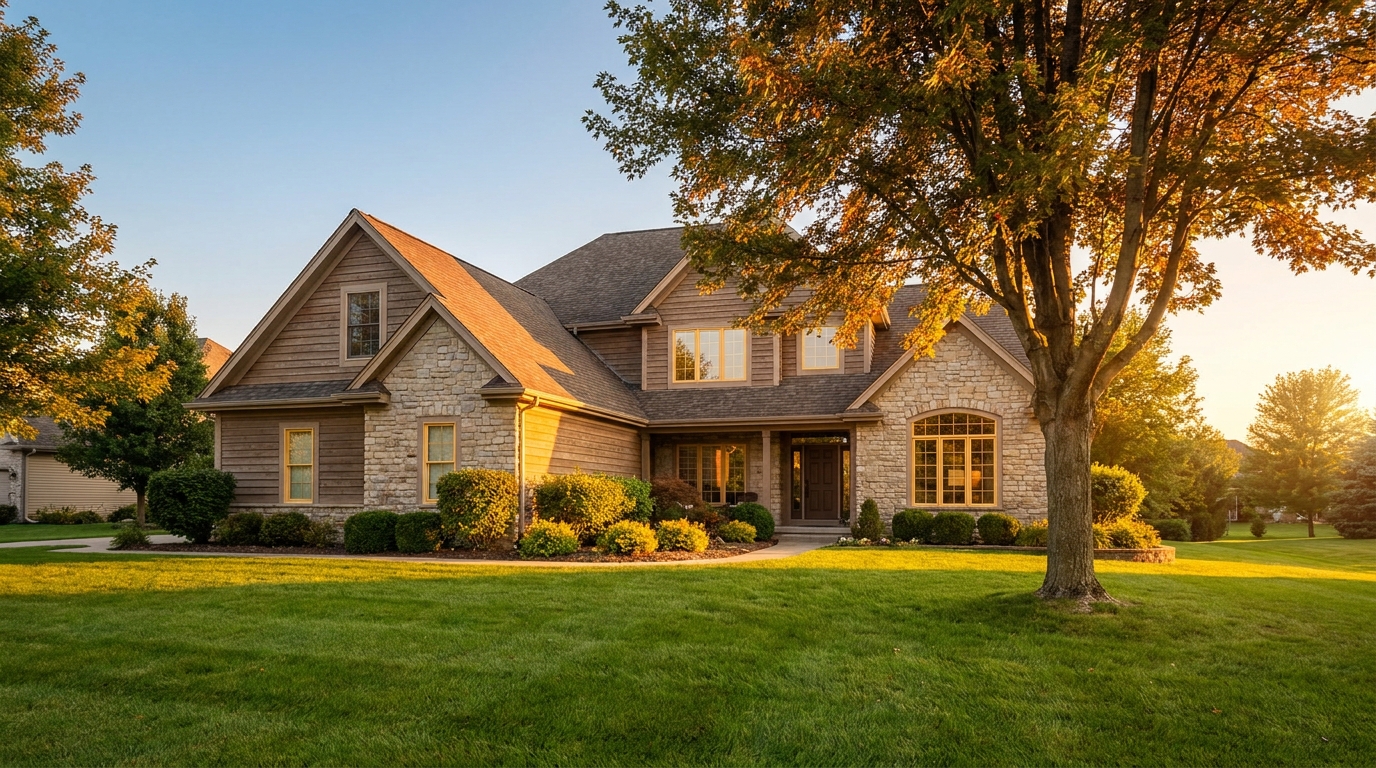
Warm golden light and soft shadows for a more flattering exterior showcase.
Try This Tool →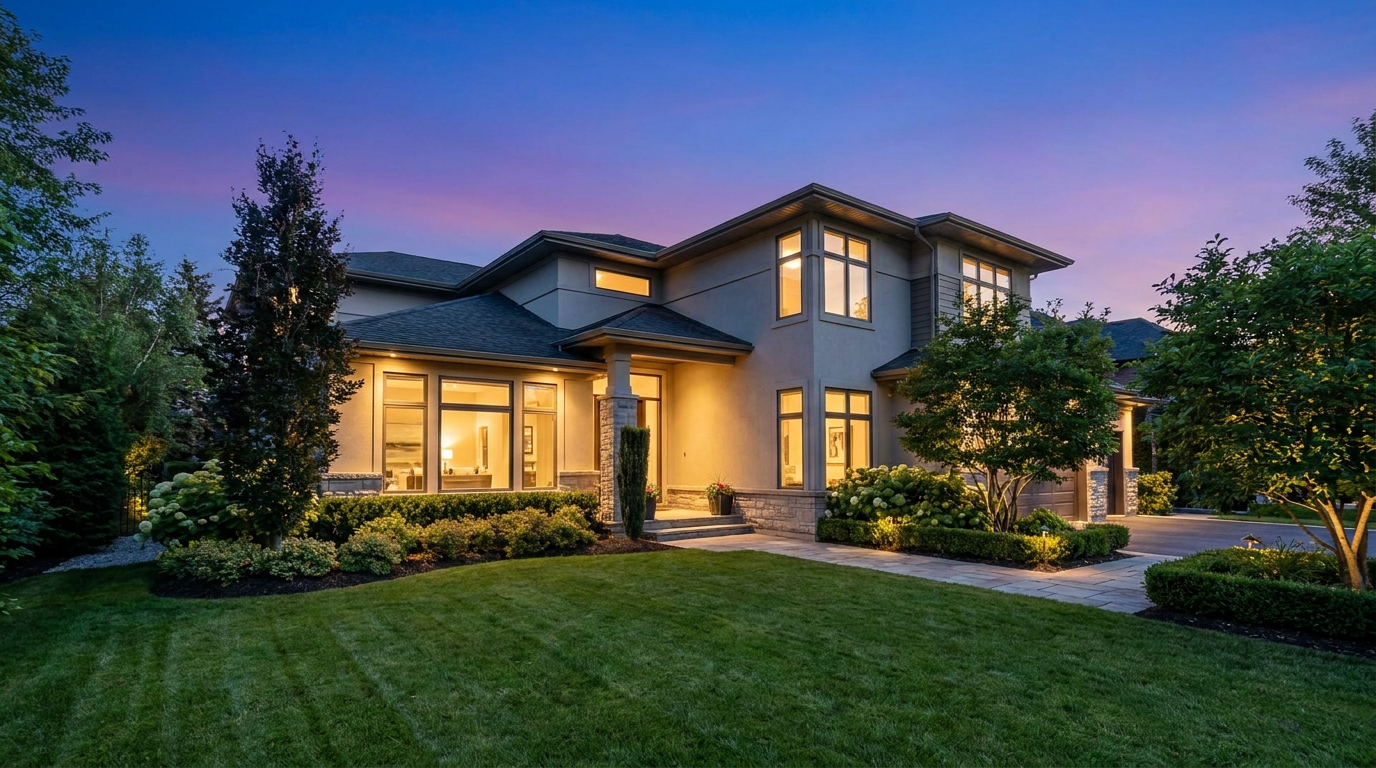
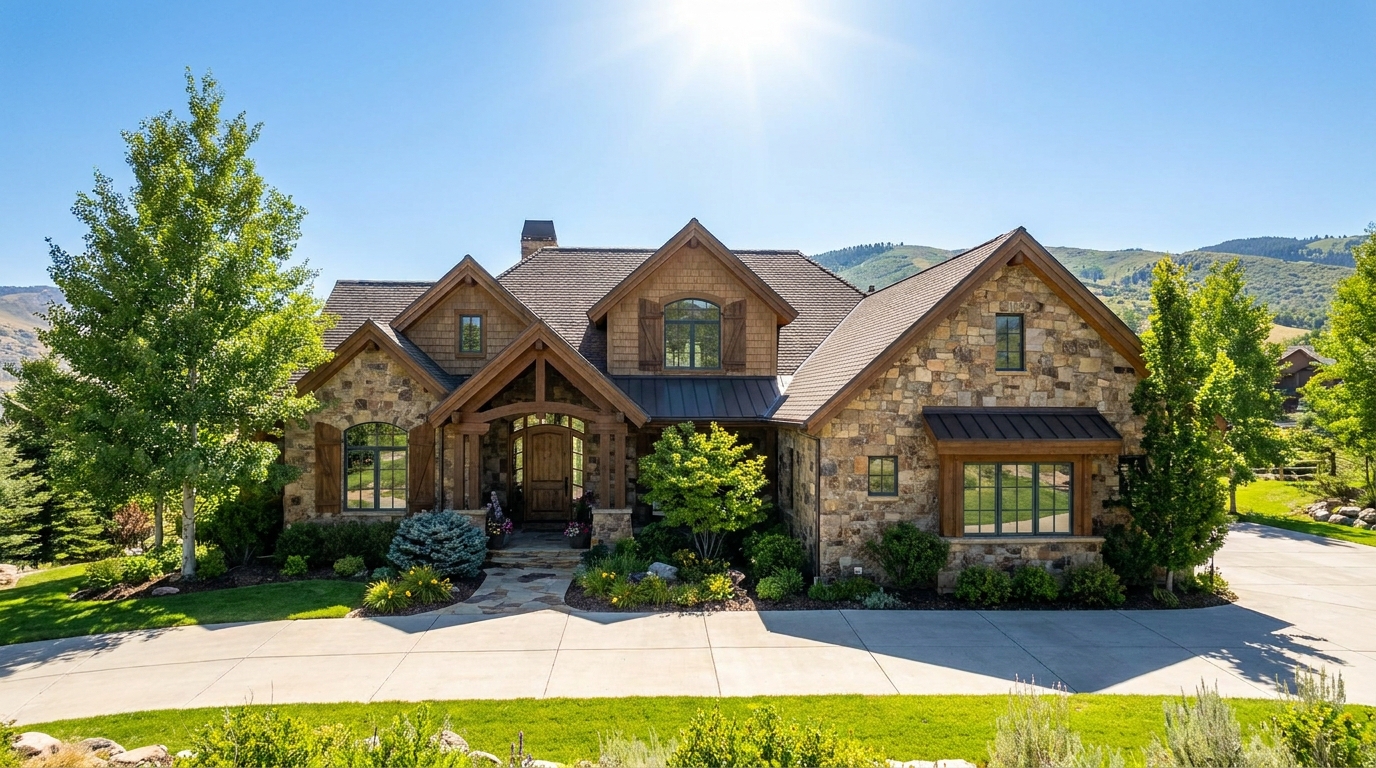
Clear atmospheric haze so the property looks sharper, brighter, and more defined.
Try This Tool →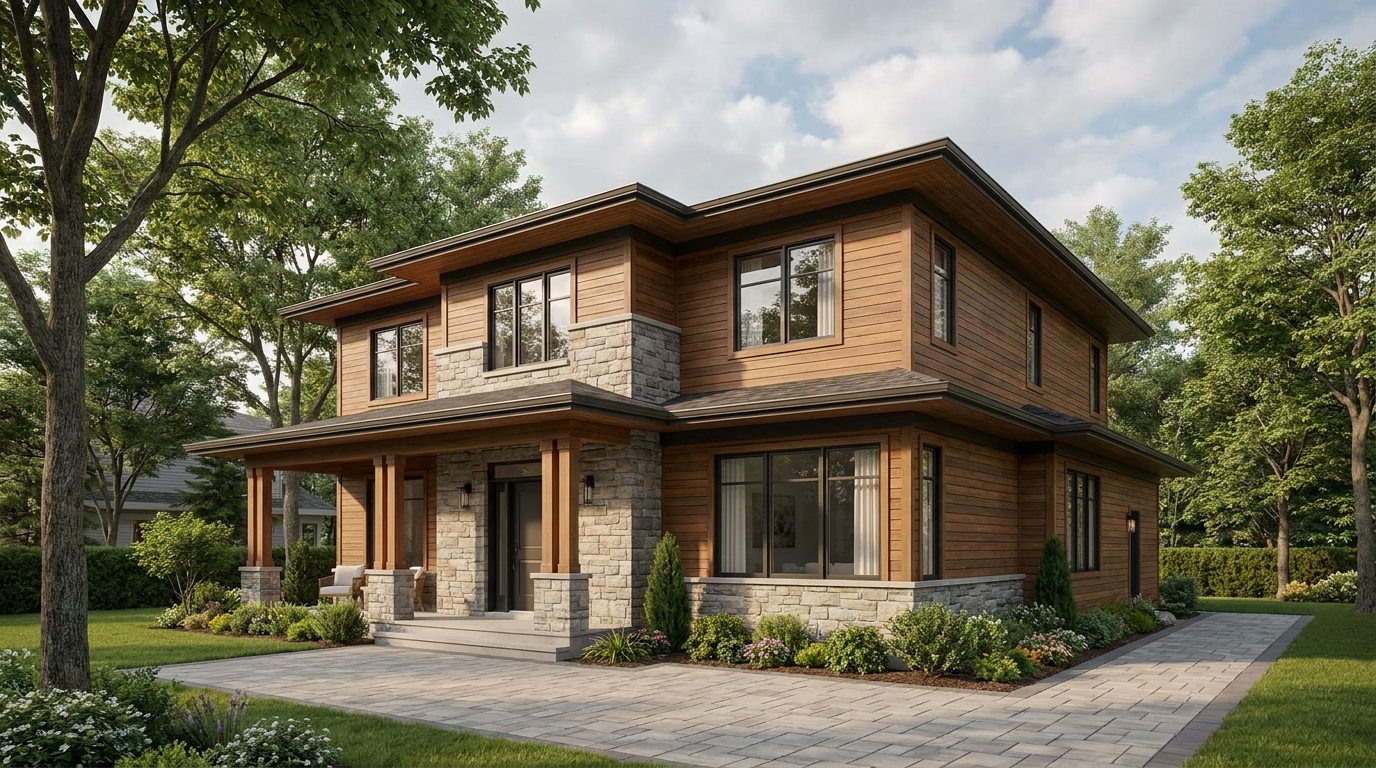
Soften harsh sun and shadows for a cleaner, more balanced exterior image.
Try This Tool →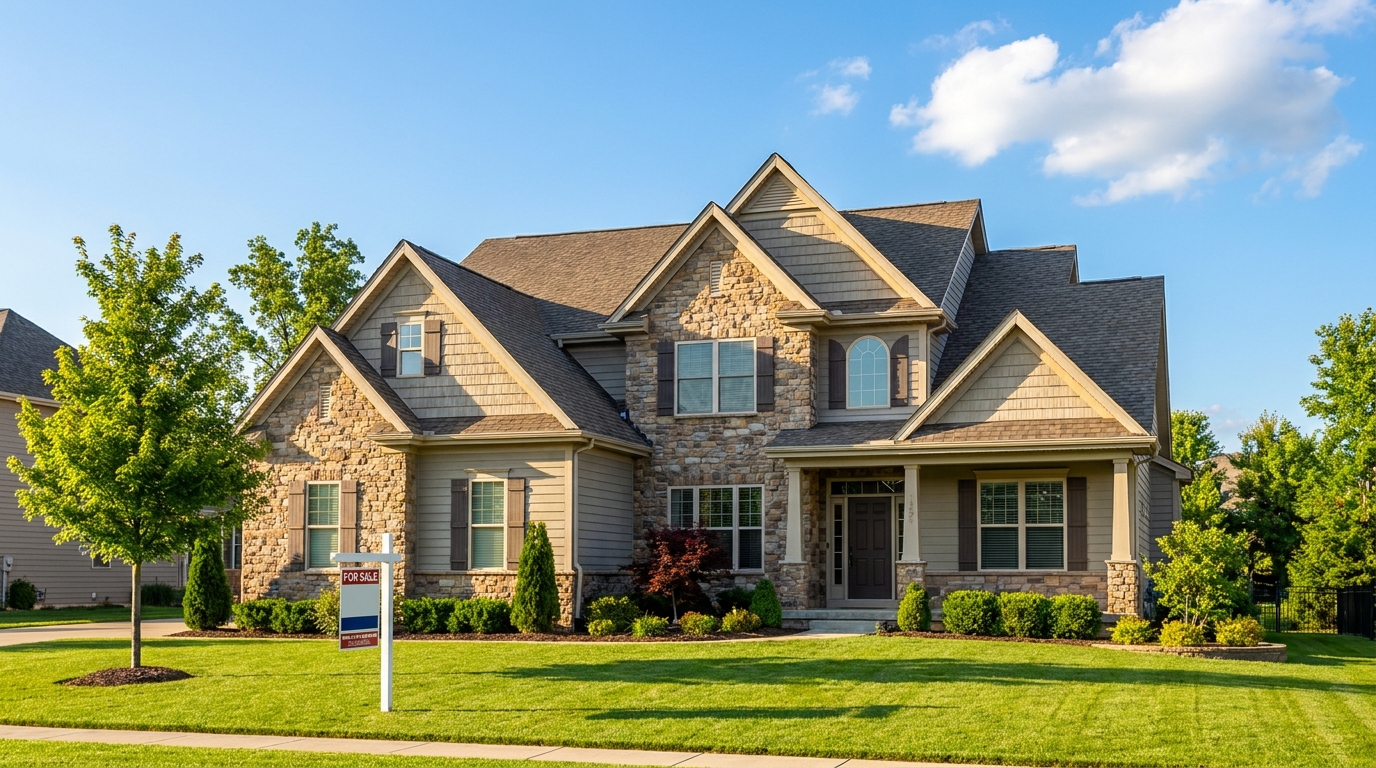
Turn cloudy exteriors into brighter sunny-day scenes with stronger curb appeal.
Try This Tool →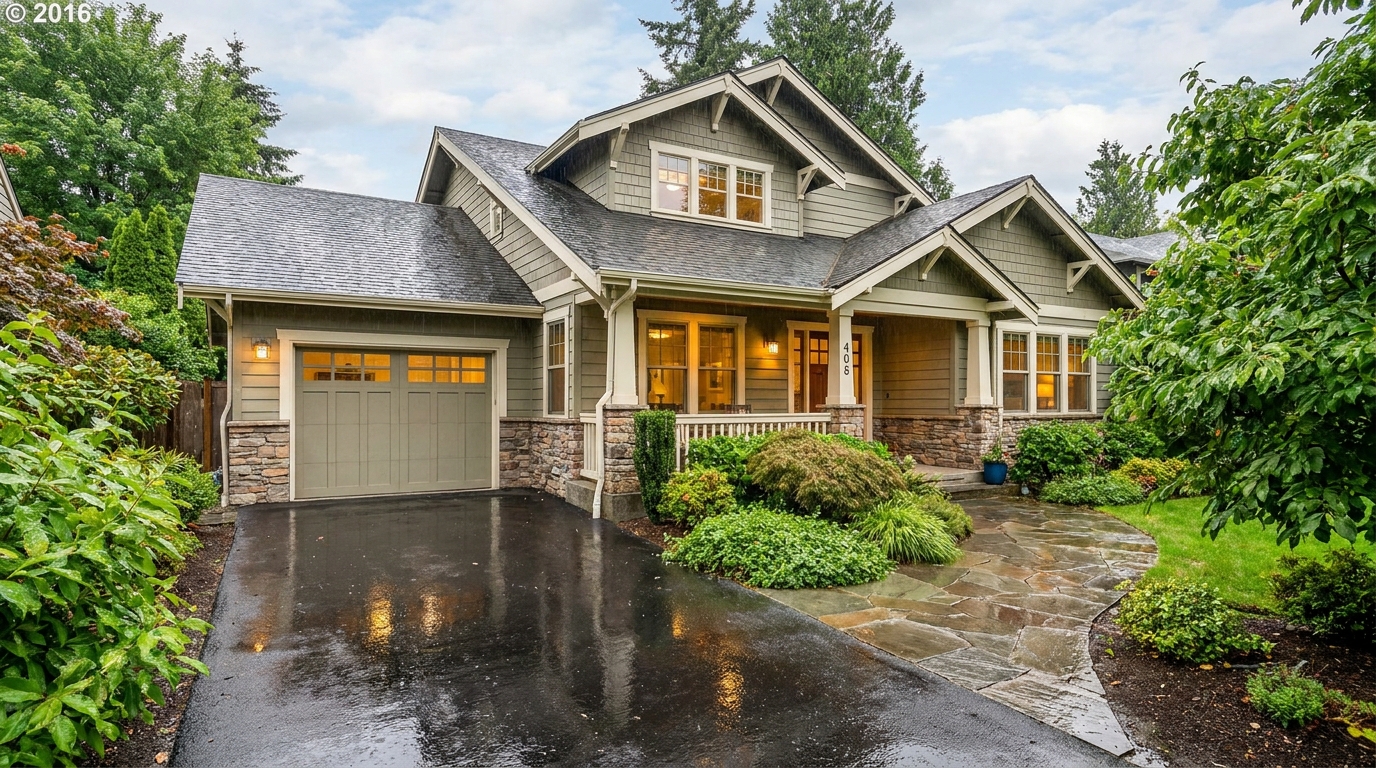
Add a fresh post-rain mood with subtle reflections and rich outdoor texture.
Try This Tool →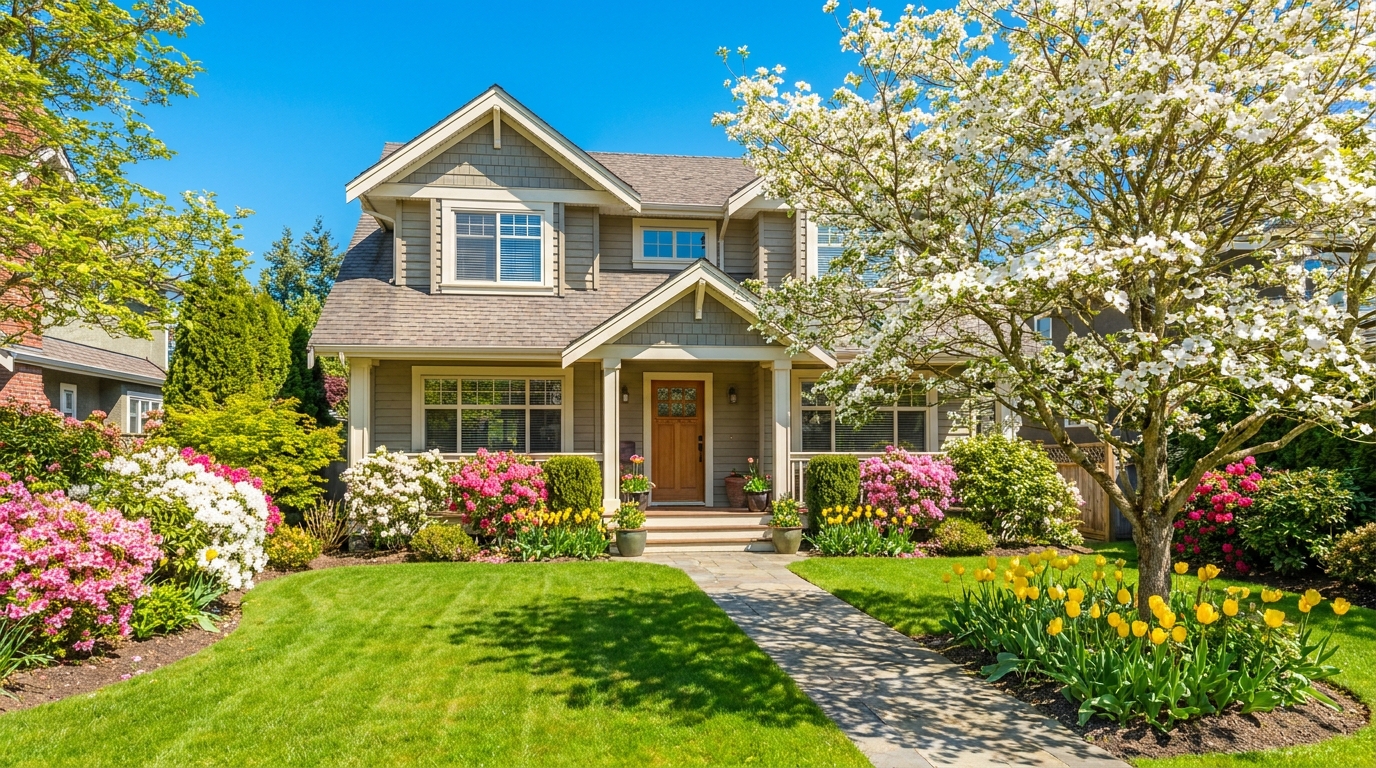
Bring in greener growth and spring freshness for a lively, welcoming exterior.
Try This Tool →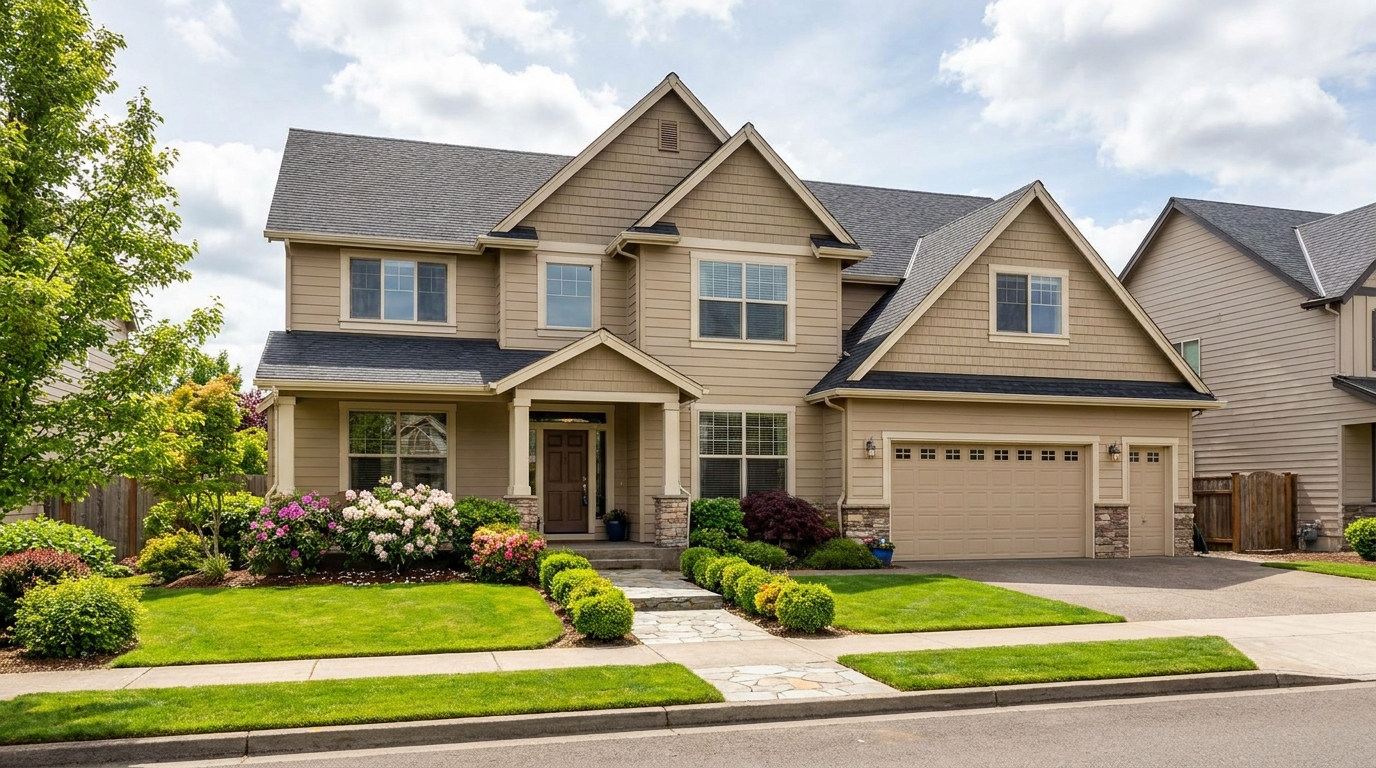
Convert dark exteriors into bright daytime scenes with clear, marketable visibility.
Try This Tool →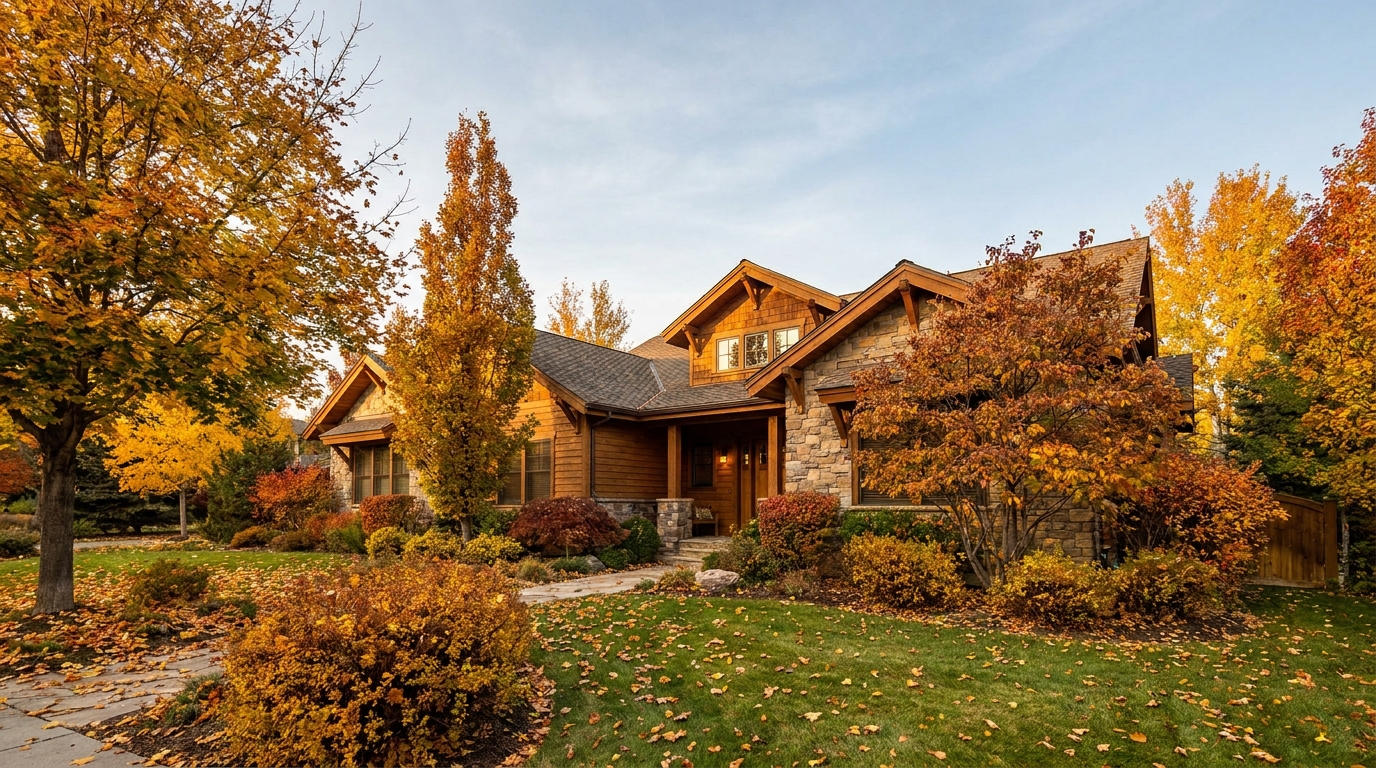
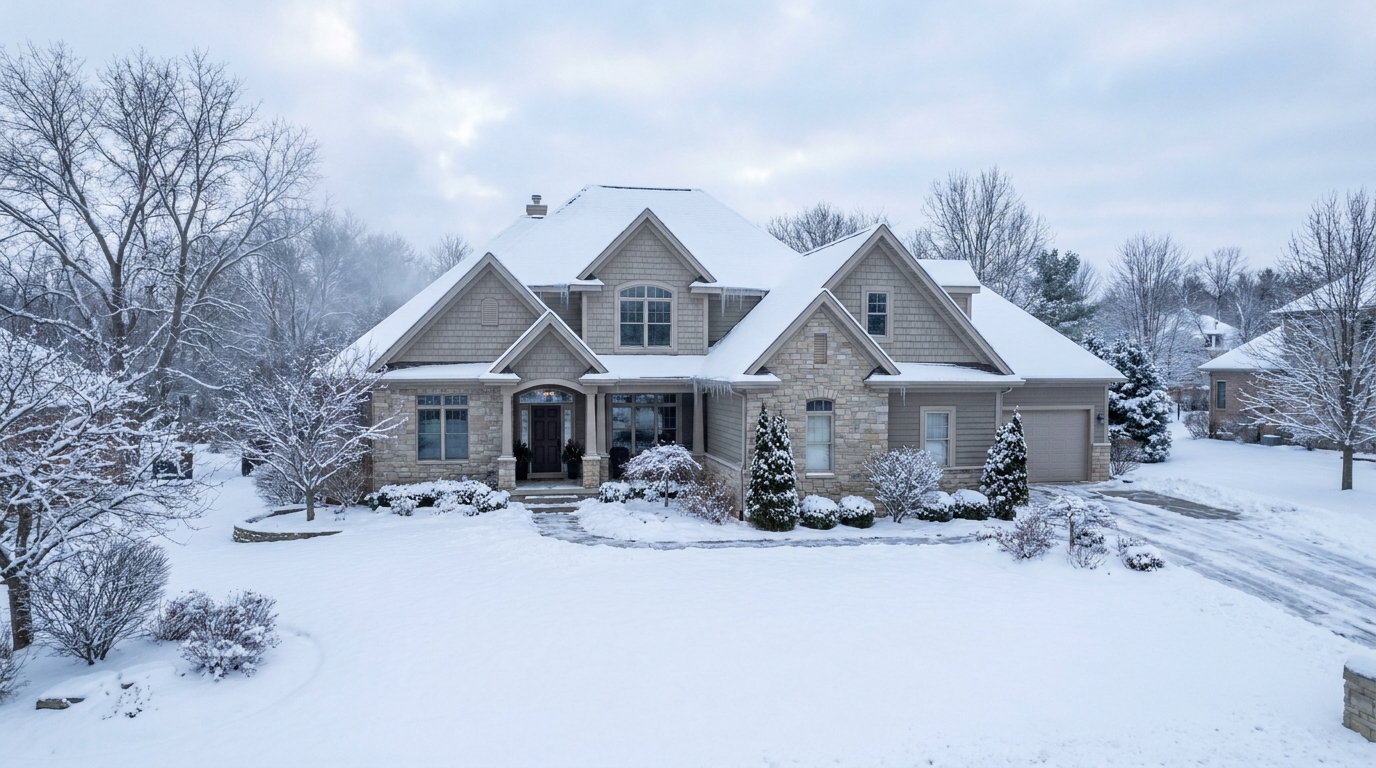
Create a clean winter setting with realistic snow and strong seasonal atmosphere.
Try This Tool →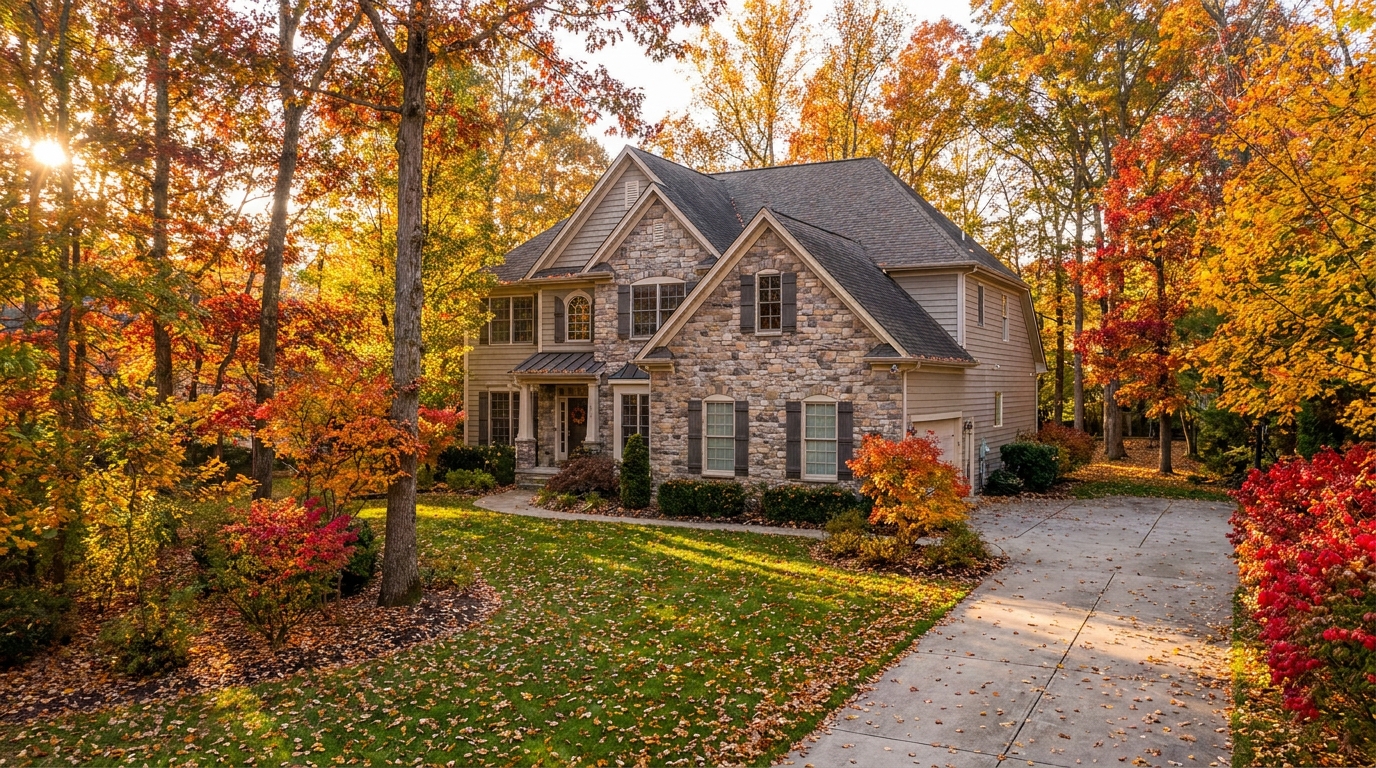
Swap the landscape to match the season that best fits the listing.
Try This Tool →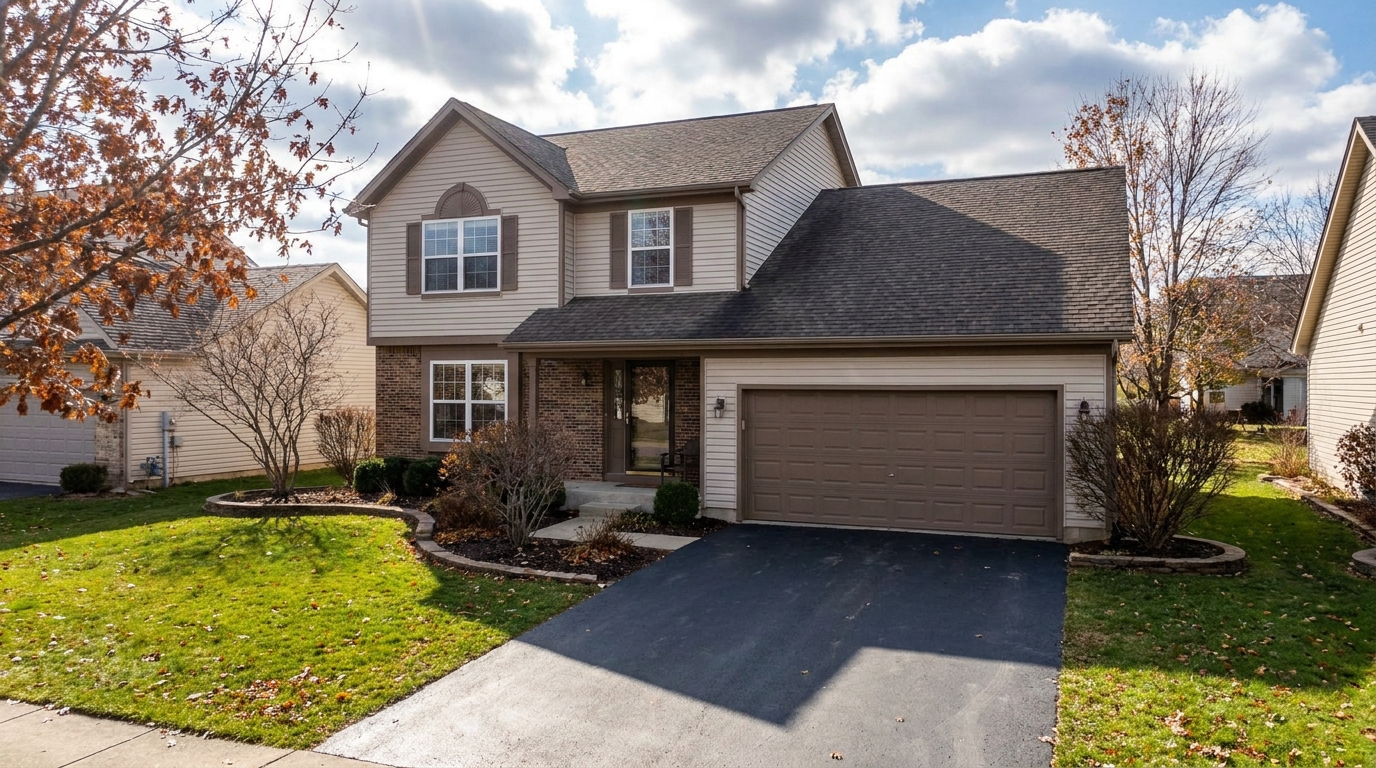
Remove snow buildup for a cleaner exterior that feels more accessible and ready to show.
Try This Tool →Discover additional AI-powered tools to optimize your interior and exterior property listings.
AI image-to-video generation for turning home, room, and property photos into more vivid presentation videos.
02AI exterior renovation for visualizing facade updates, curb appeal improvements, and home exterior remodel ideas.
03AI landscaping design for exploring outdoor concepts, curb appeal upgrades, planting ideas, and yard layout directions.
04AI virtual staging for furnishing empty rooms and creating listing-ready interiors for real estate marketing.
05Free AI image generation for turning text prompts into unlimited visual ideas for home design, interiors, landscaping, renovation
06AI object removal for cleaning up distracting items from room, home, and property photos.
Don't let gloomy weather or off-season timing hurt your curb appeal. Try our AI Summer Photo Enhancer today and make your property stand out.