
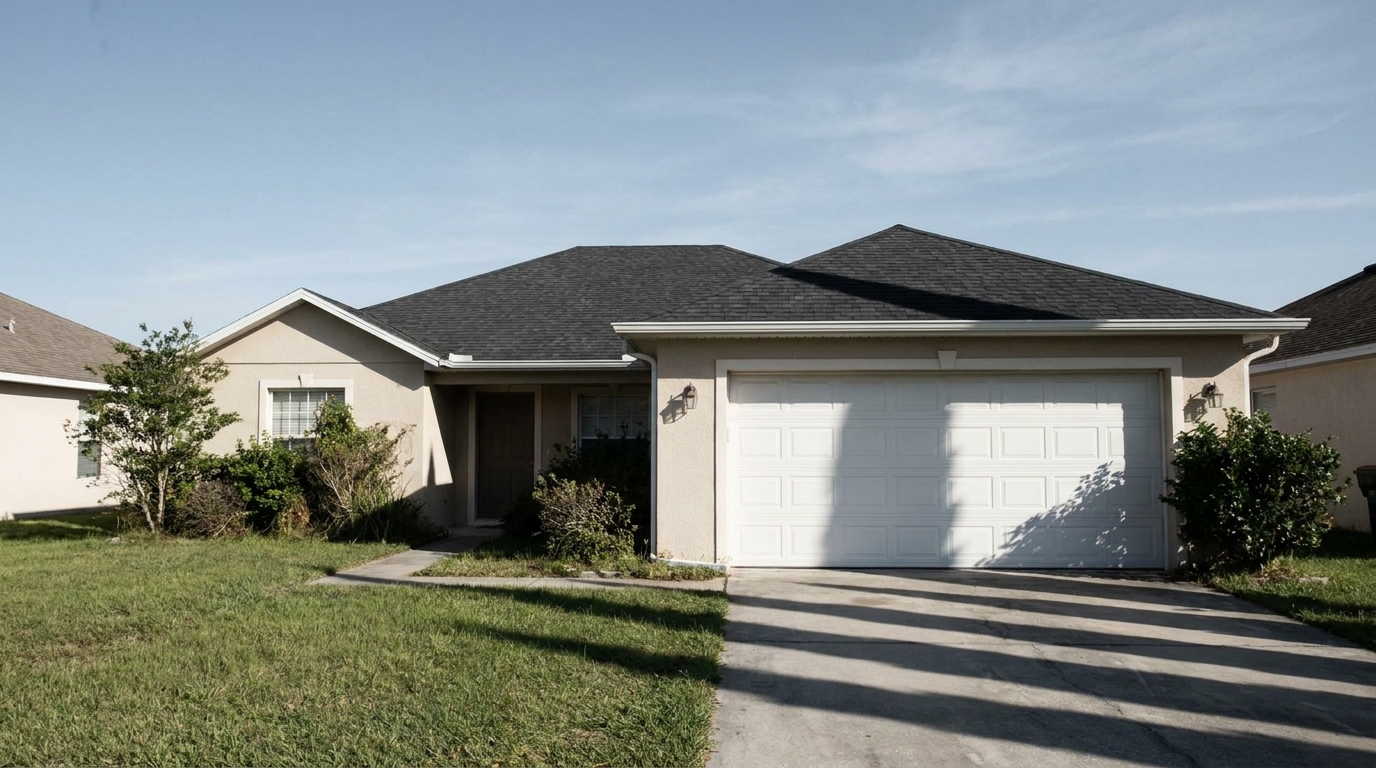
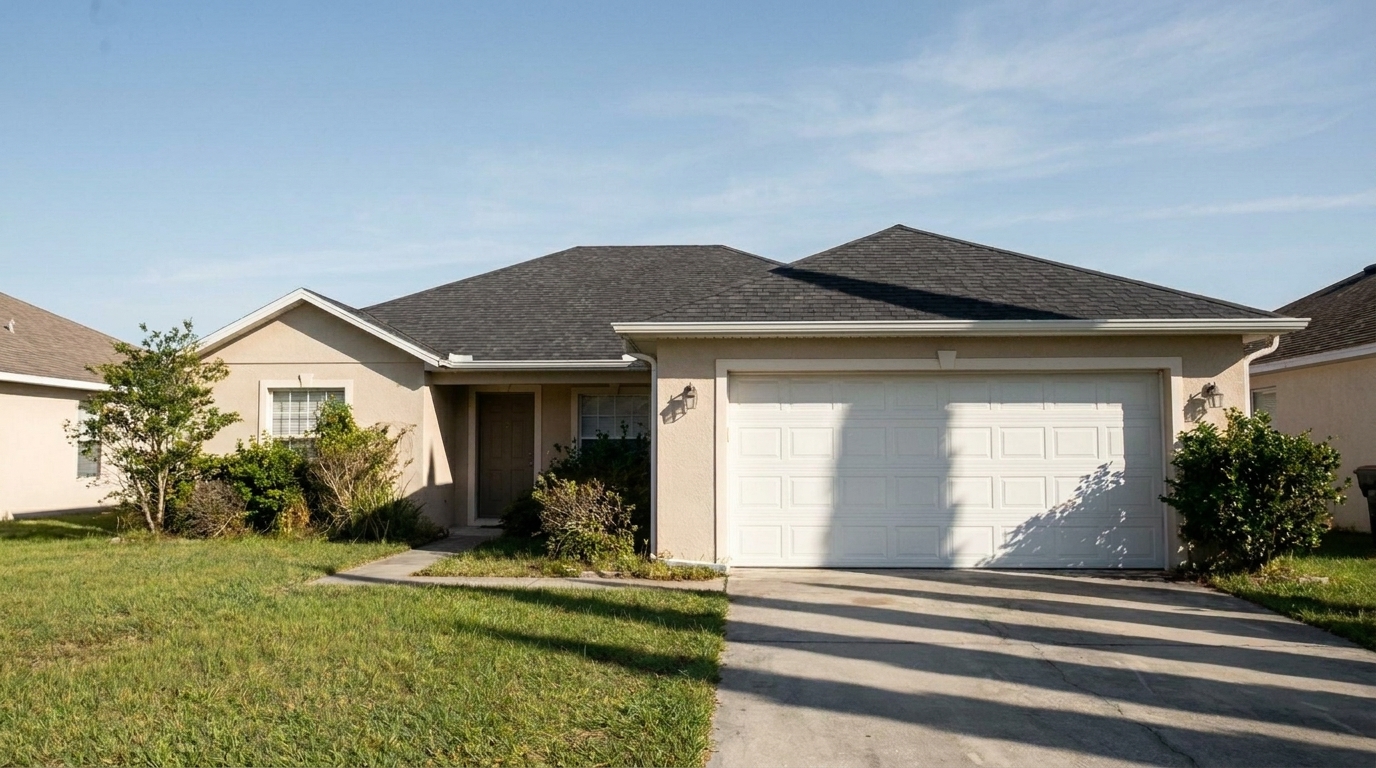

Suburban Front Facade
Suburban Front Facade updated with harsh sunlight & shadow fix styling.
Soften intense midday glare and recover lost details in shaded areas. Balance contrast automatically for clean, professional property listings.
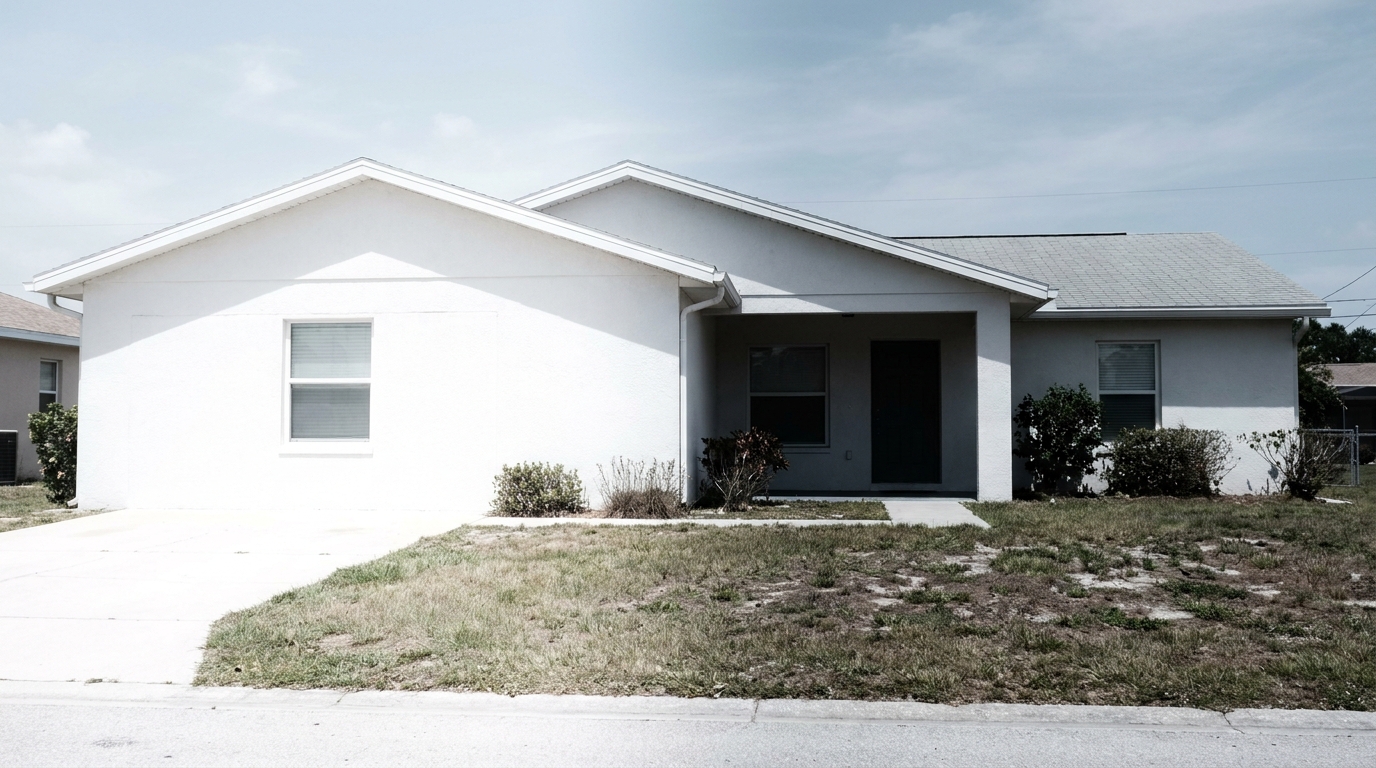
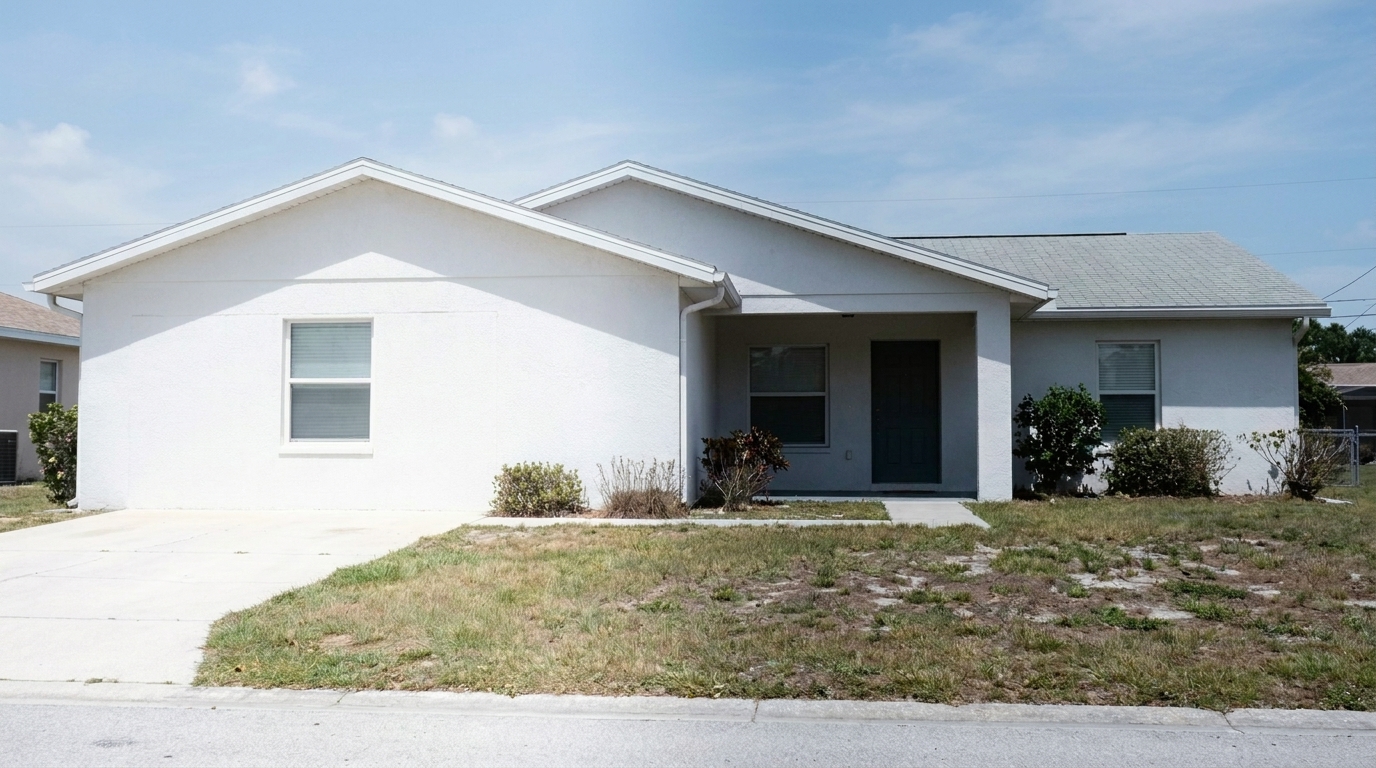
Browse before-and-after examples of properties restored to balanced, natural lighting.
Suburban Front Facade updated with harsh sunlight & shadow fix styling.
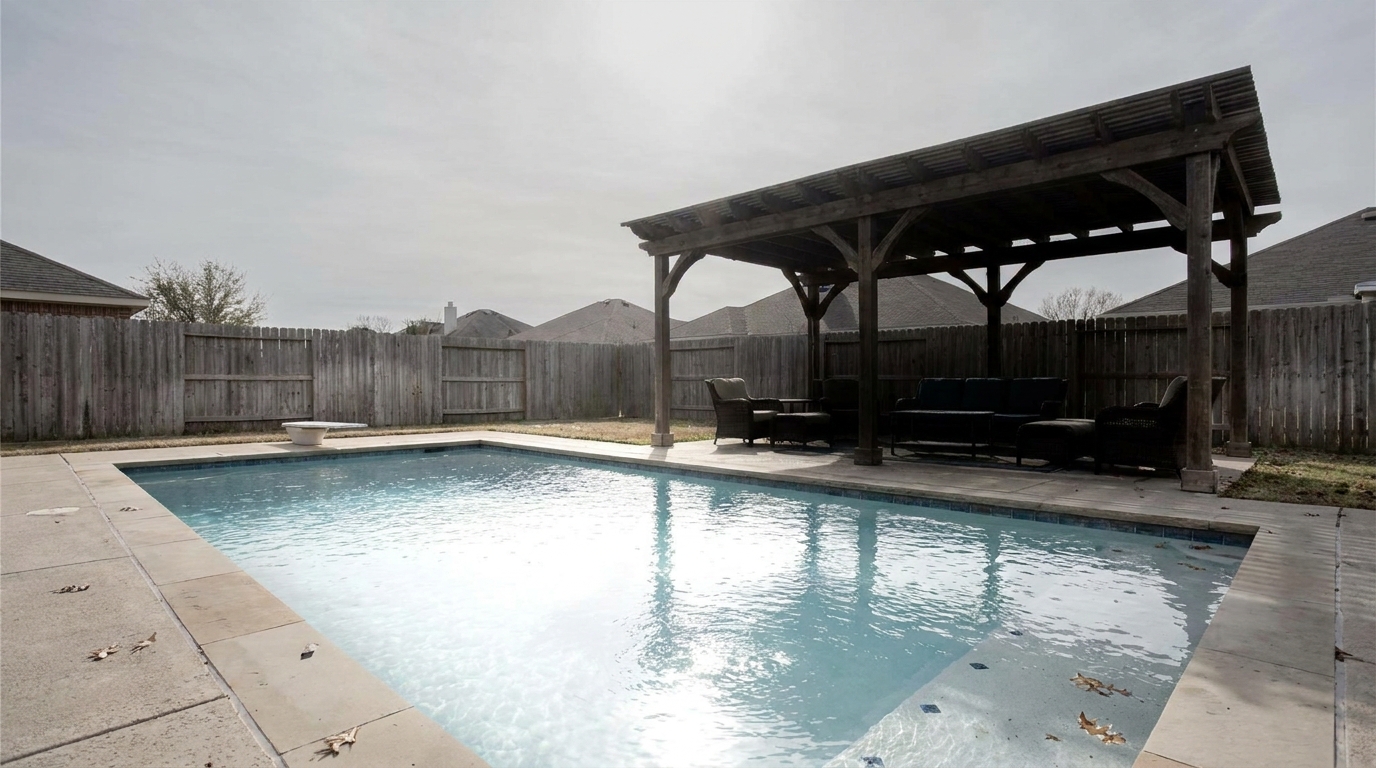
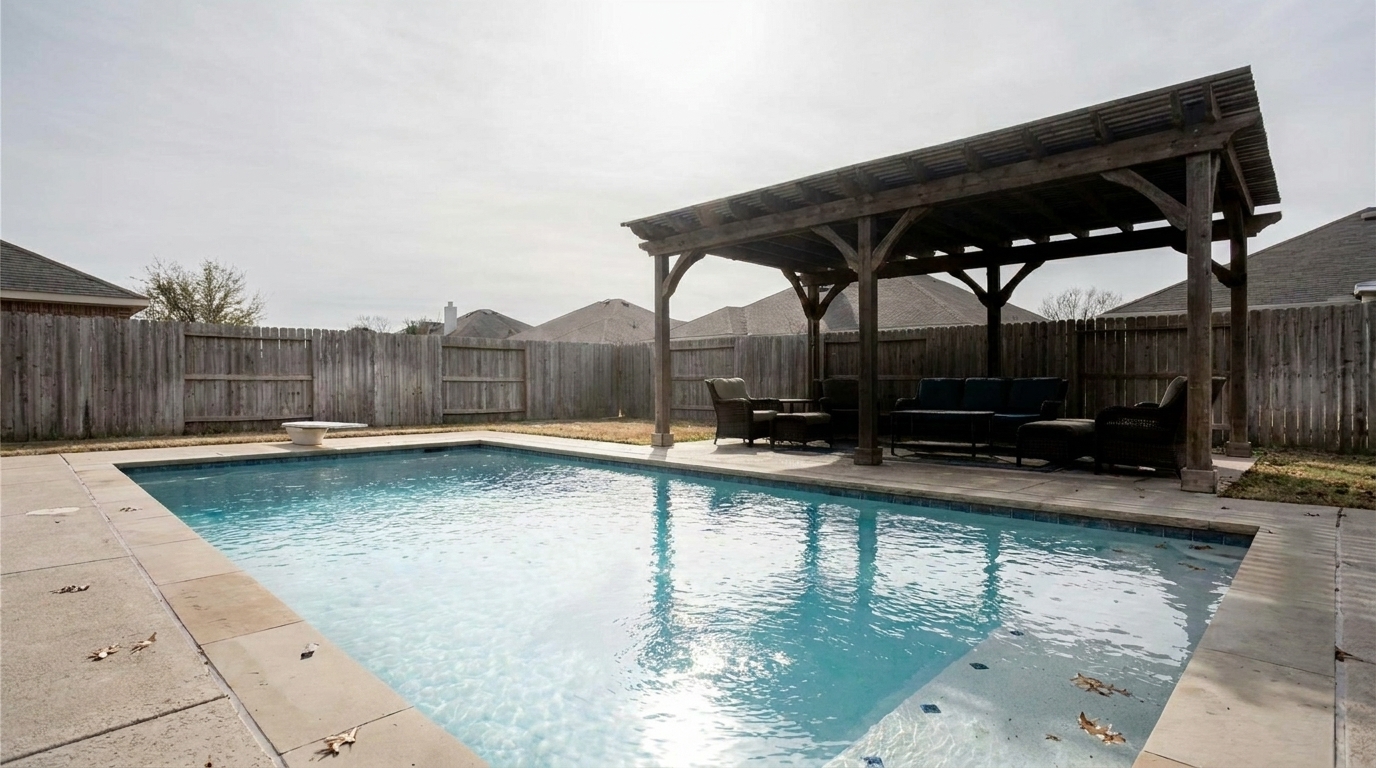
Backyard Pool & Patio updated with harsh sunlight & shadow fix styling.
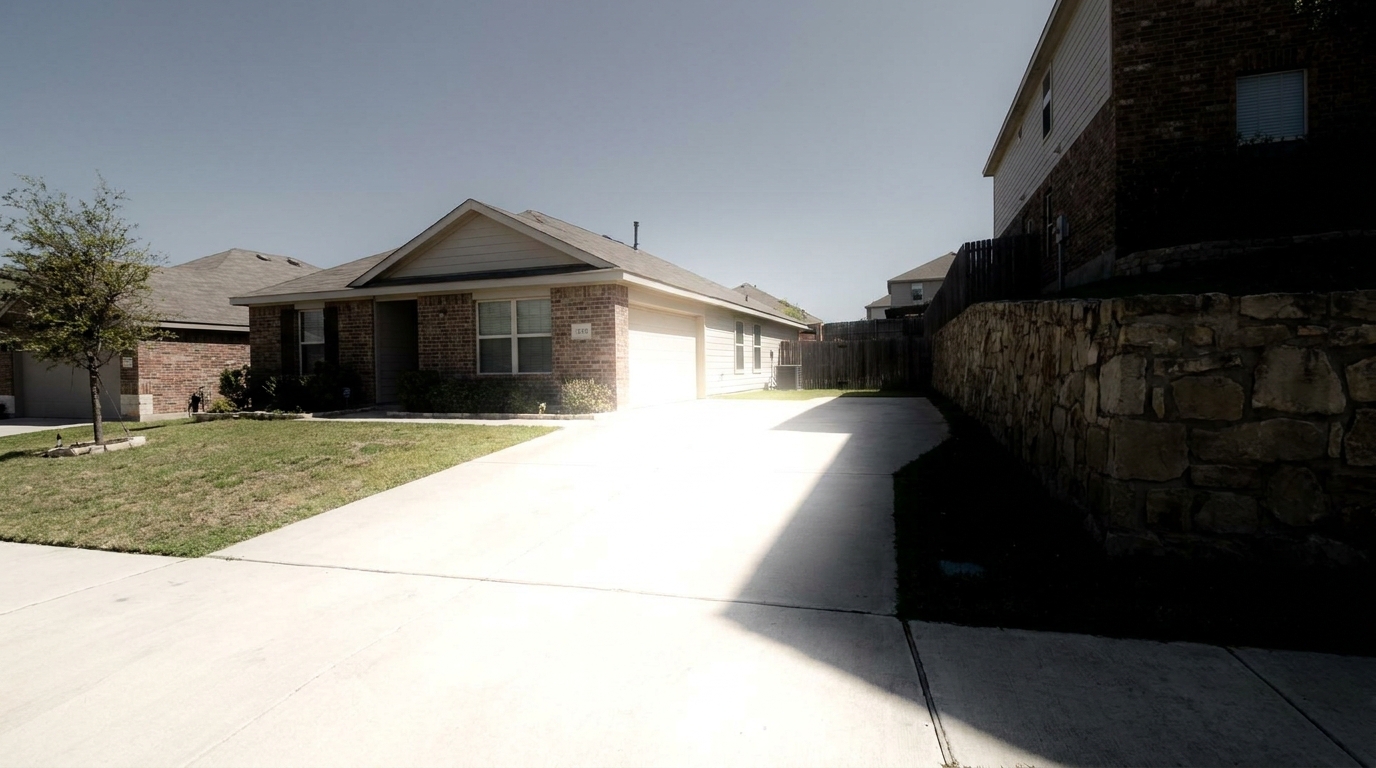
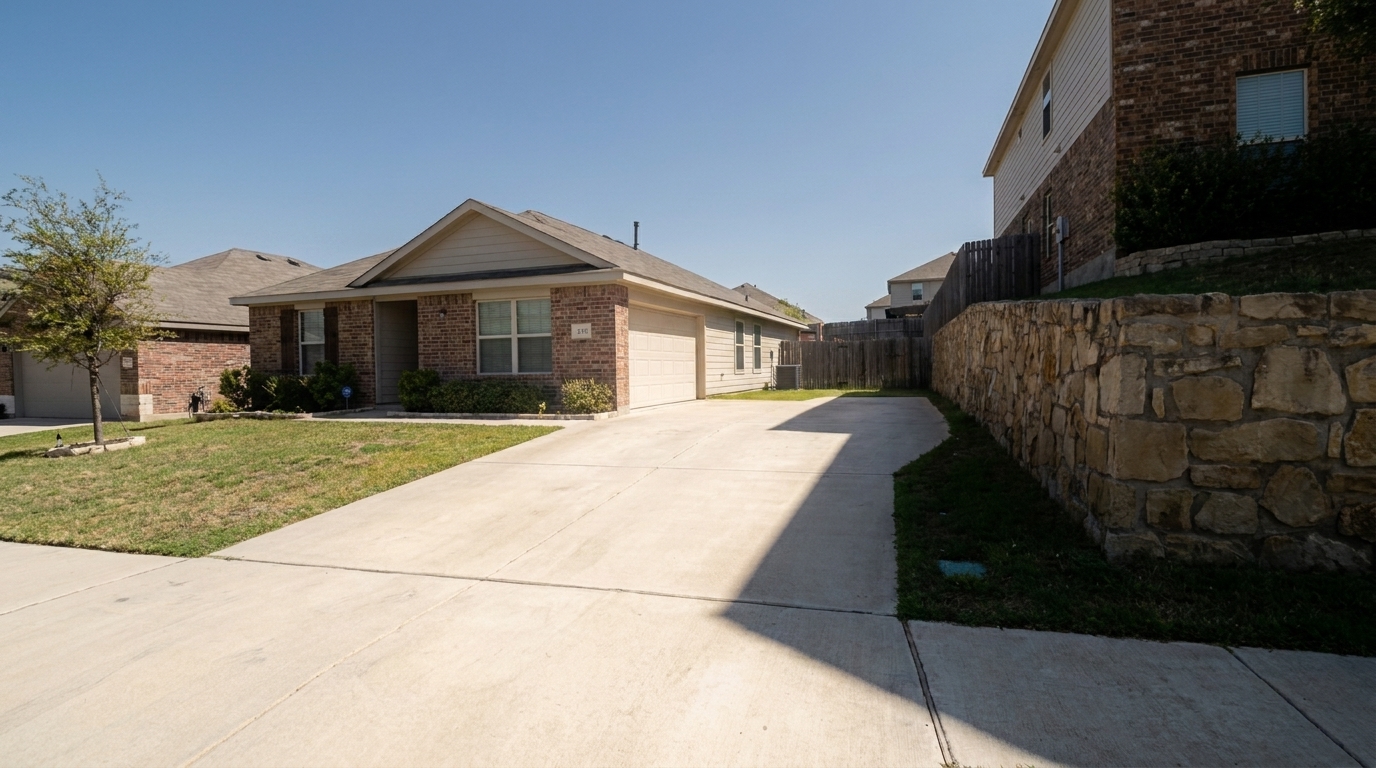
Modern Concrete Driveway updated with harsh sunlight & shadow fix styling.
Discover the advanced technology designed to rescue overexposed and heavily shadowed exterior photos.
Restores lost details in deep shadow areas under eaves, porches, and trees without introducing digital noise.
Tames intense midday sun glare on light-colored siding, concrete driveways, and reflective windows.
Smooths out the harsh transition lines between bright sunlit patches and dark shaded zones.
Prevents washed-out colors in overexposed areas and muddy tones in shadows, keeping foliage and paint accurate.
Brings back the natural texture of brick, stone, and wood siding that was previously hidden in darkness.
Analyzes the entire frame to create a balanced, ambient light feel that mimics professional HDR photography.
See how real estate professionals use this preset to salvage photos taken under challenging daylight.
Perfect for when scheduling constraints force you to shoot properties under the harsh, direct overhead sun.
SchedulingSalvages photos where beautiful architectural details under deep rooflines or covered porches are blacked out.
ArchitectureBalances patchy, distracting shadow patterns cast by mature trees across lawns and home facades.
LandscapingSoftens intense reflections and overexposure on white or light-colored stucco, vinyl, or painted brick homes.
SidingFixes harsh glare bouncing off pool water combined with dark shadows cast by pool houses or fences.
PoolsideAllows agents to quickly fix imperfectly lit smartphone or DSLR photos without complex manual editing.
EfficiencyBalance your property photos in three simple steps using our AI-powered enhancement tool.
Select and upload your exterior property image showing harsh midday sun and dark, blocky shadows.
Select the Harsh Sunlight & Shadow Fix preset to let the AI analyze and balance the dynamic range.
Preview the softened contrast, adjust intensity if needed, and save your clean, listing-ready photo.
Source-backed context for why harsh sunlight & shadow fix edits matter inside weather & seasonal editing workflows.
Harsh Sunlight & Shadow Fix within Weather & Seasonal Editing evidence
Photos are one of the most valuable website features for home buyers; NAR's 2025 generational trends report says 83% of internet-using buyers rated photos as very useful. For Harsh Sunlight & Shadow Fix pages, this supports showing how a focused Weather & Seasonal Editing edit can make the listing photo feel clearer, more polished, and easier for buyers to evaluate.
Source: NAR 2025Harsh Sunlight & Shadow Fix within Weather & Seasonal Editing evidence
Zillow Research's 2025 prospective buyer report ranked high-resolution photos as the number two most important listing feature, selected by 26% of prospective buyers; floor plans ranked first at 33%. For Harsh Sunlight & Shadow Fix pages, this supports showing how a focused Weather & Seasonal Editing edit can make the listing photo feel clearer, more polished, and easier for buyers to evaluate.
Source: Zillow 2025Harsh Sunlight & Shadow Fix within Weather & Seasonal Editing evidence
Redfin reported that professionally photographed homes in the $400,000 range sold three weeks faster and for more than $10,000 relative to list price compared with amateur photos. Use this as supporting context, not as a guaranteed result. For Harsh Sunlight & Shadow Fix pages, this supports showing how a focused Weather & Seasonal Editing edit can make the listing photo feel clearer, more polished, and easier for buyers to evaluate.
Source: RedfinHarsh lighting can make even the most beautiful properties look uninviting. Learn how to manage challenging daylight and use AI to restore balance to your listing photos.
Shooting properties under direct midday sun is a common challenge for real estate professionals. High-contrast lighting creates dark, blocky shadows that hide key architectural features, while intense glare can wash out siding textures and colors. This makes homes look harsh and unappealing. Understanding how to balance these extremes is essential for creating inviting, professional listings that capture buyers' attention.
Our AI-powered tool analyzes the exposure levels across the entire frame. It selectively lifts deep shadows under eaves, porches, and trees, revealing hidden details without introducing digital noise. Simultaneously, it tames overexposed highlights on bright siding and concrete surfaces. This intelligent tone mapping creates a balanced, natural look that mimics professional multi-exposure HDR photography in a single click.
When deciding how to enhance your exterior photos, consider the original lighting and your marketing goals. Use the Harsh Sunlight & Shadow Fix when you want to keep the bright, sunny daytime look but need to clean up distracting, high-contrast shadows. Choose Golden Hour when you want to introduce a warm, emotional, premium sunset vibe to elevate the property's appeal. Opt for Overcast to Sunny when the original photo is completely cloudy and lacks shadows entirely, requiring a full sky and light transformation.
To achieve the most realistic results, avoid over-flattening the image. Shadows are necessary to give a property depth and dimension; the goal is to soften them, not eliminate them entirely. Ensure that color temperatures remain consistent across both sunlit and shaded areas to prevent unnatural blue or yellow color casts. Finally, always preview the image at full size to verify that fine architectural details remain sharp and clear.
Compare our specialized lighting and weather adjustments to find the perfect look for your property.
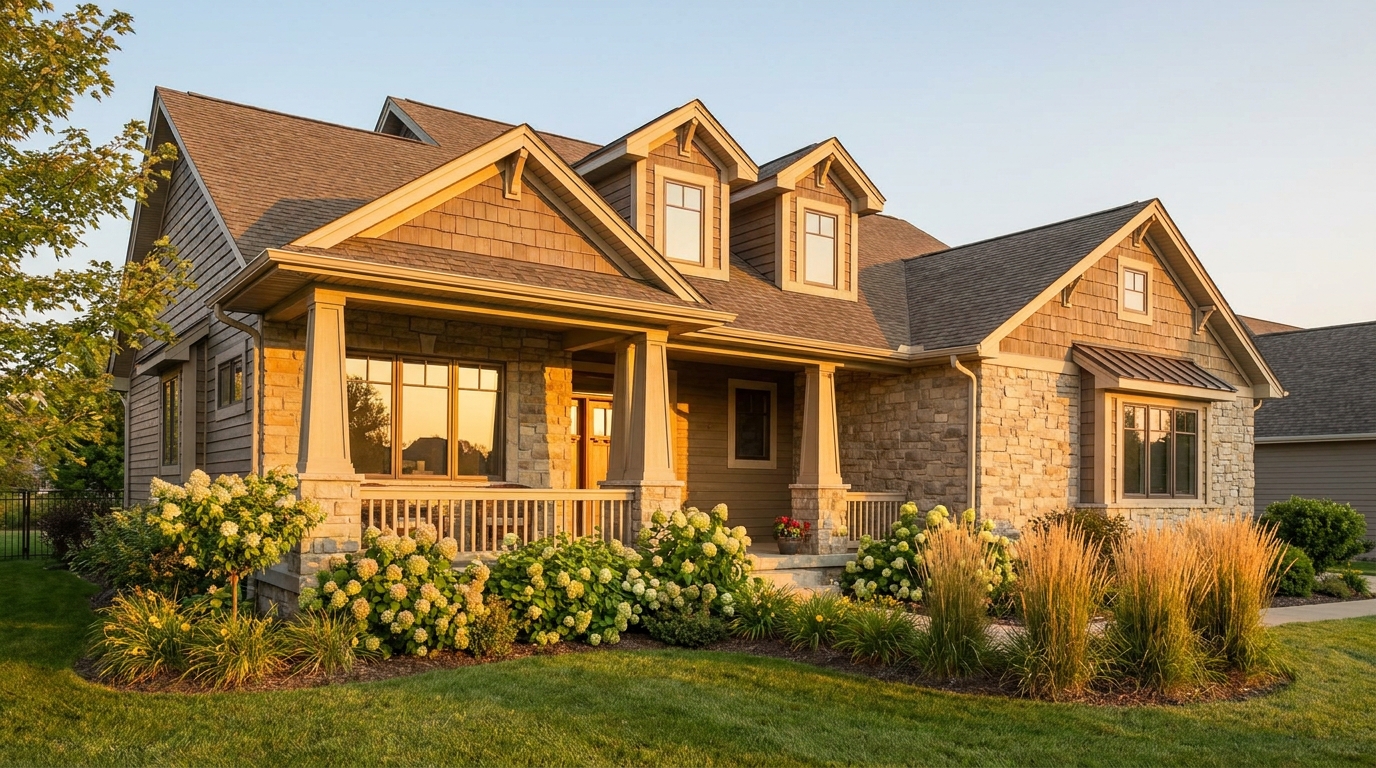
Warm golden light and soft shadows for a more flattering exterior showcase.
Try This Tool →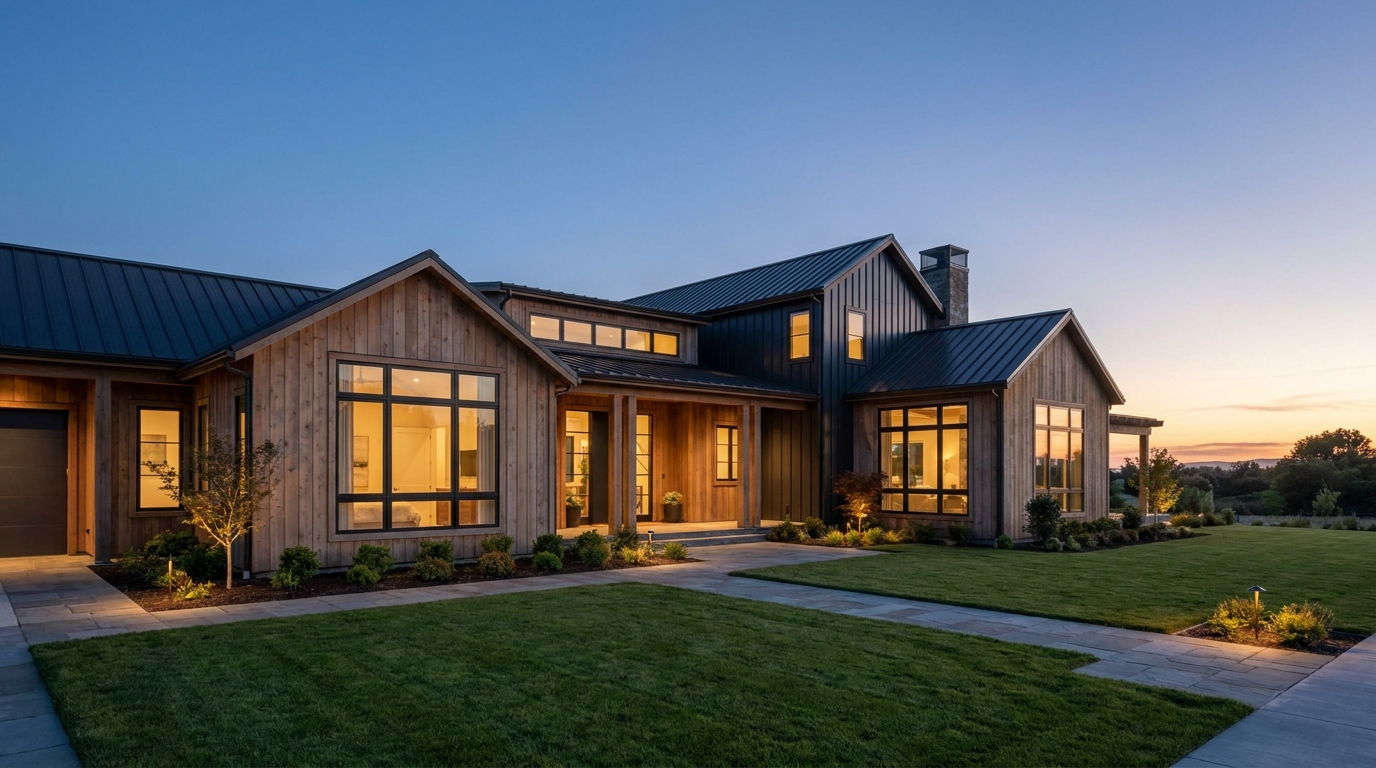
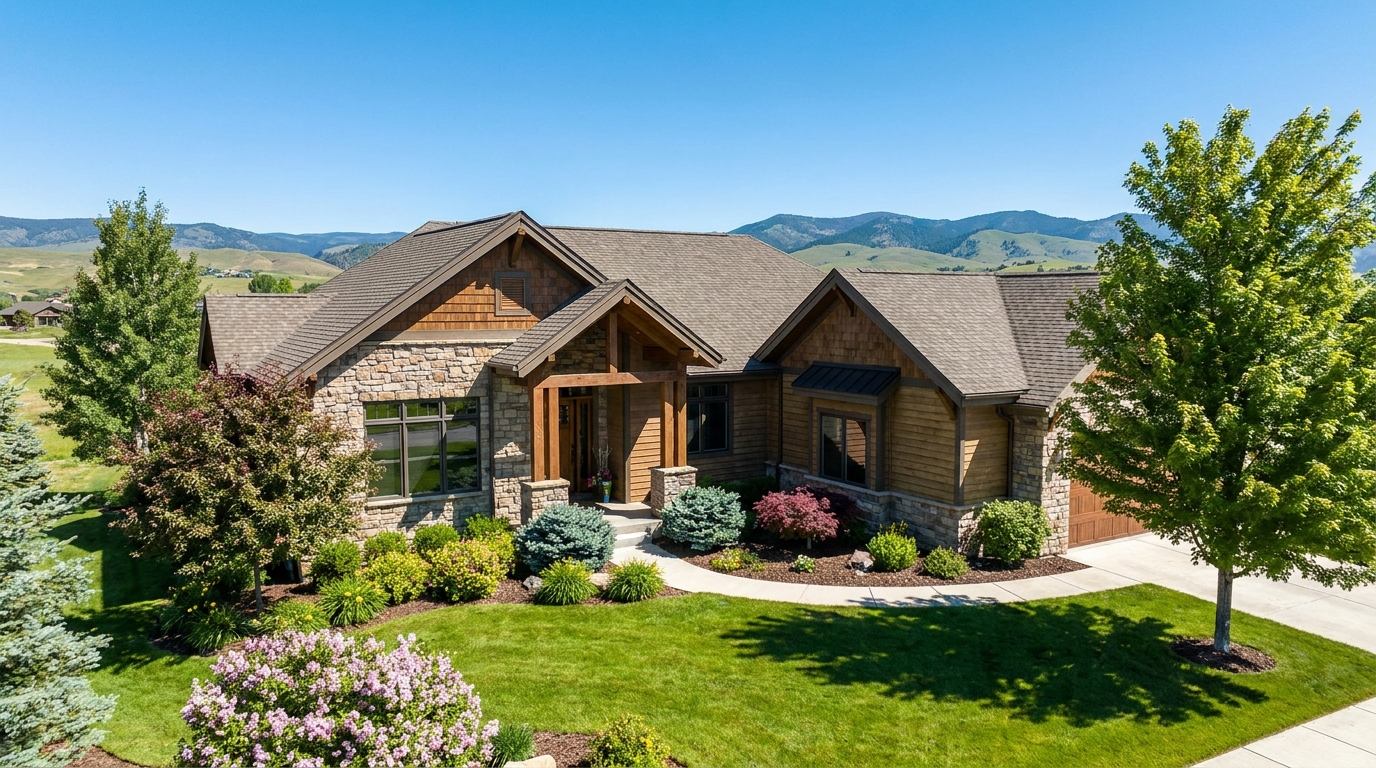
Clear atmospheric haze so the property looks sharper, brighter, and more defined.
Try This Tool →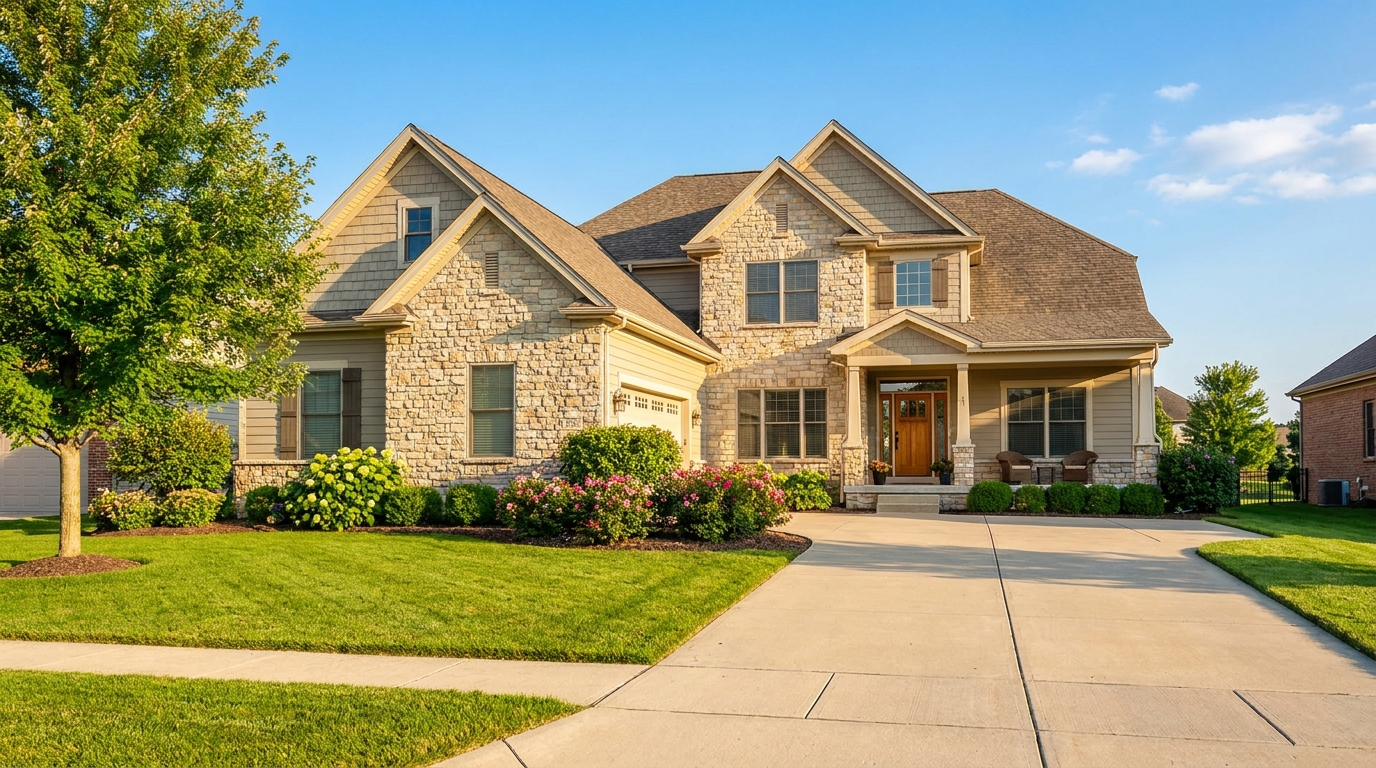
Turn cloudy exteriors into brighter sunny-day scenes with stronger curb appeal.
Try This Tool →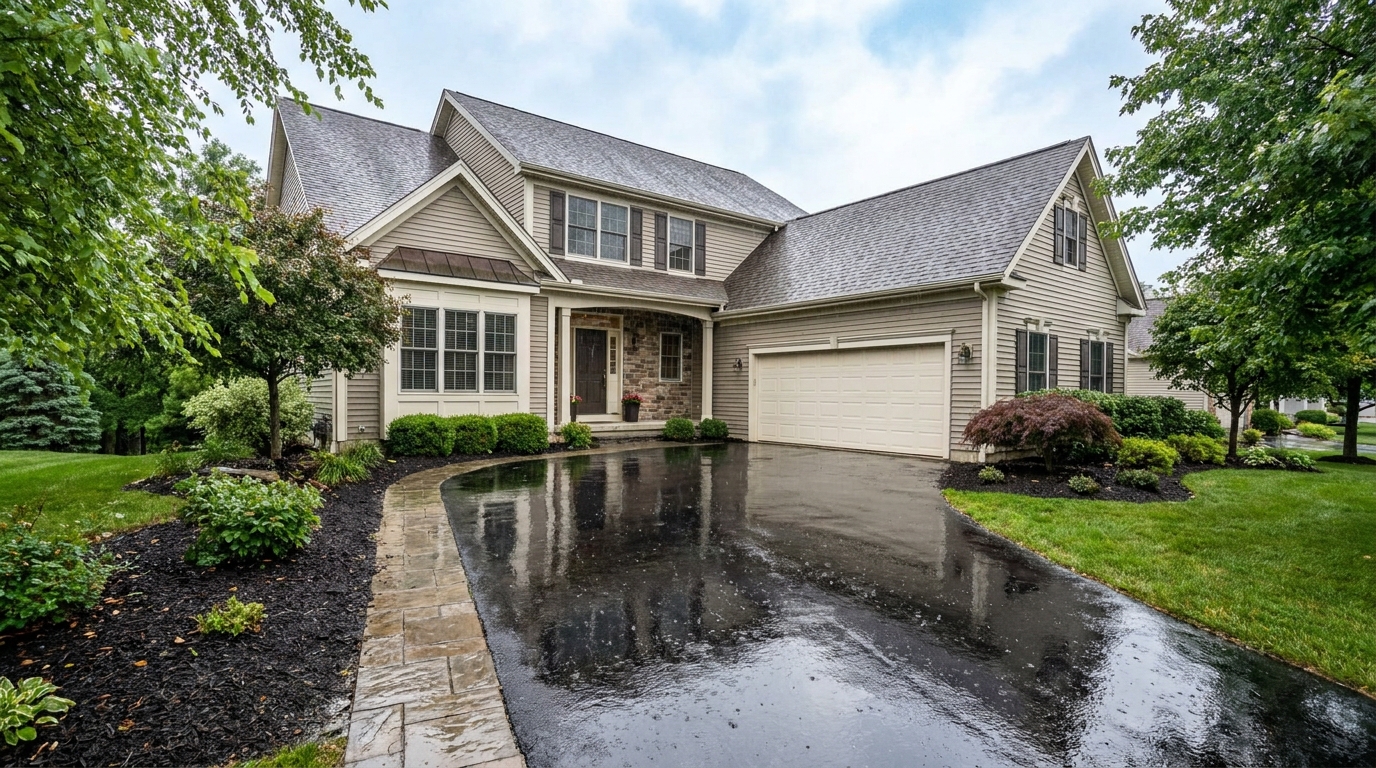
Add a fresh post-rain mood with subtle reflections and rich outdoor texture.
Try This Tool →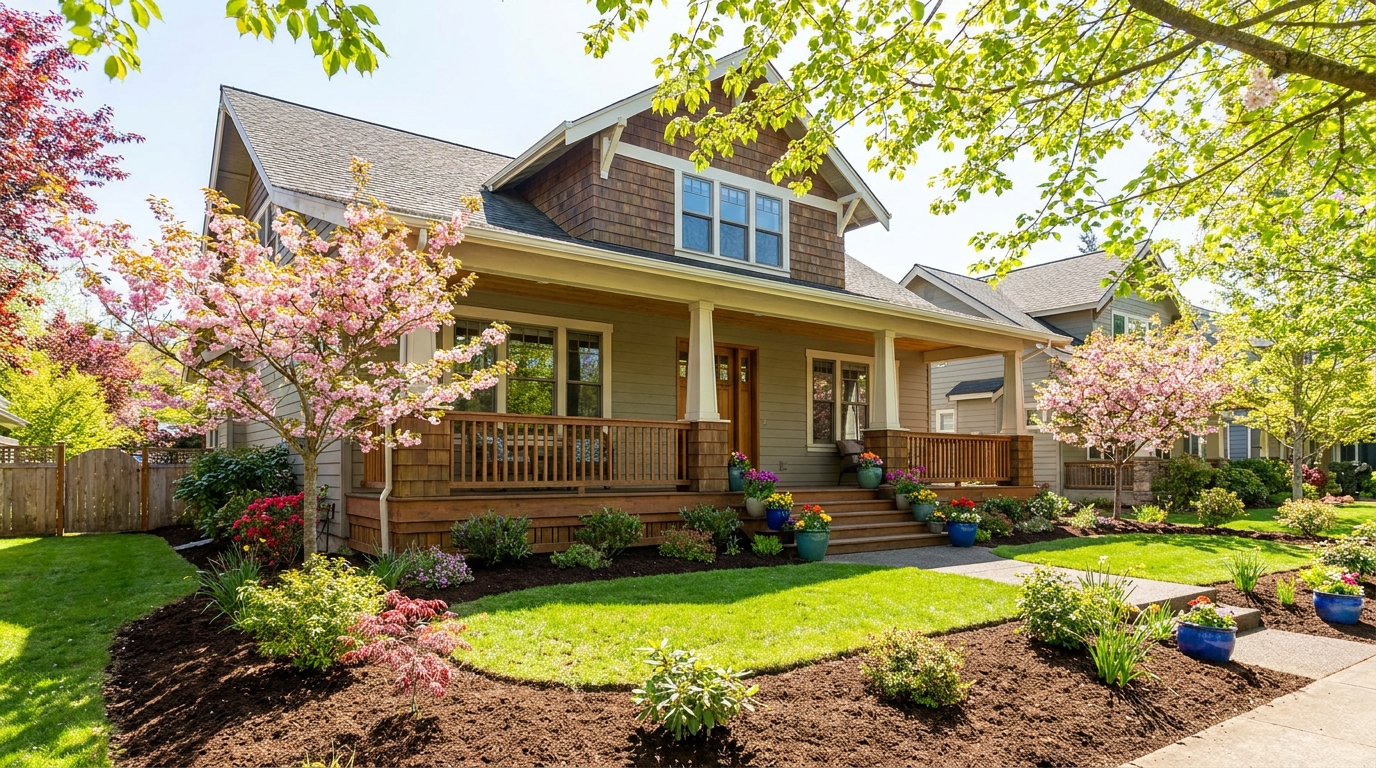
Bring in greener growth and spring freshness for a lively, welcoming exterior.
Try This Tool →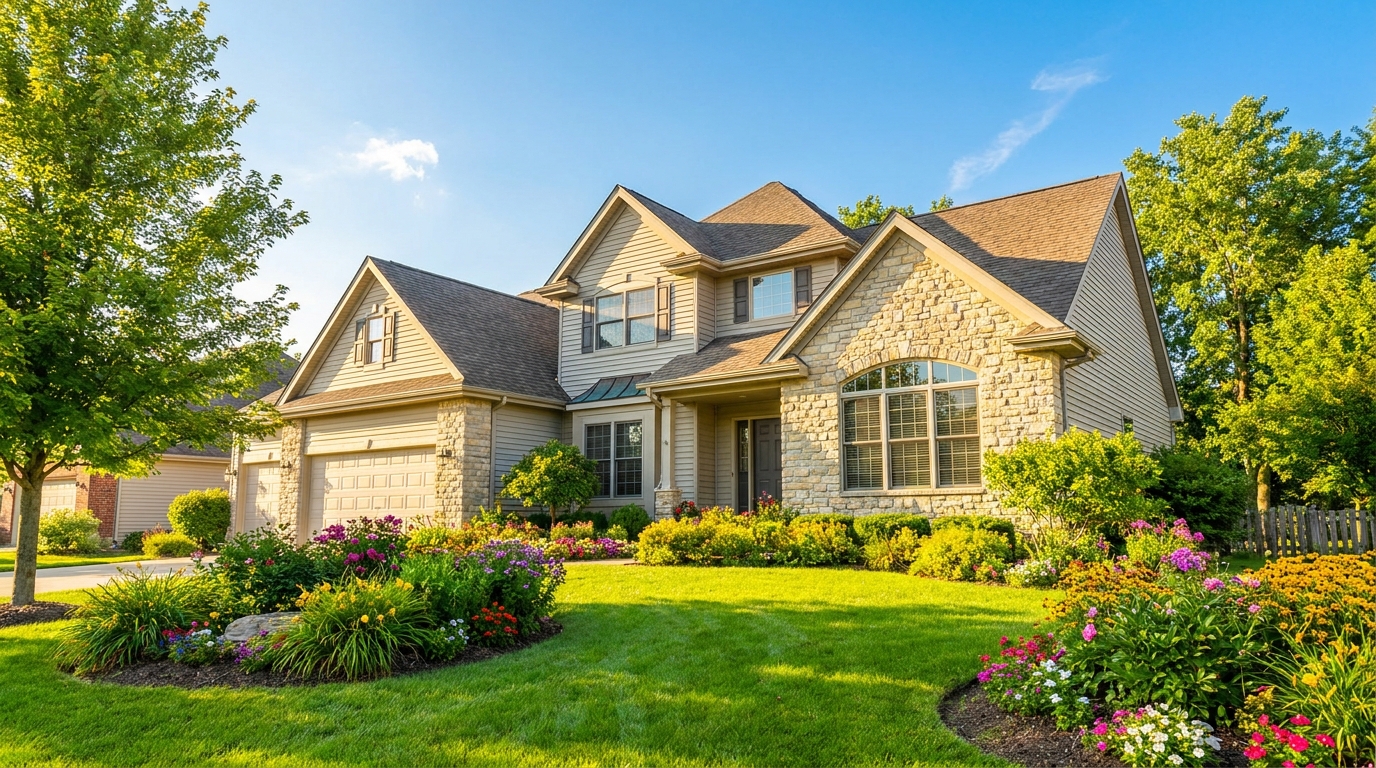
Bright, sunny seasonal styling with vibrant greenery and airy outdoor color.
Try This Tool →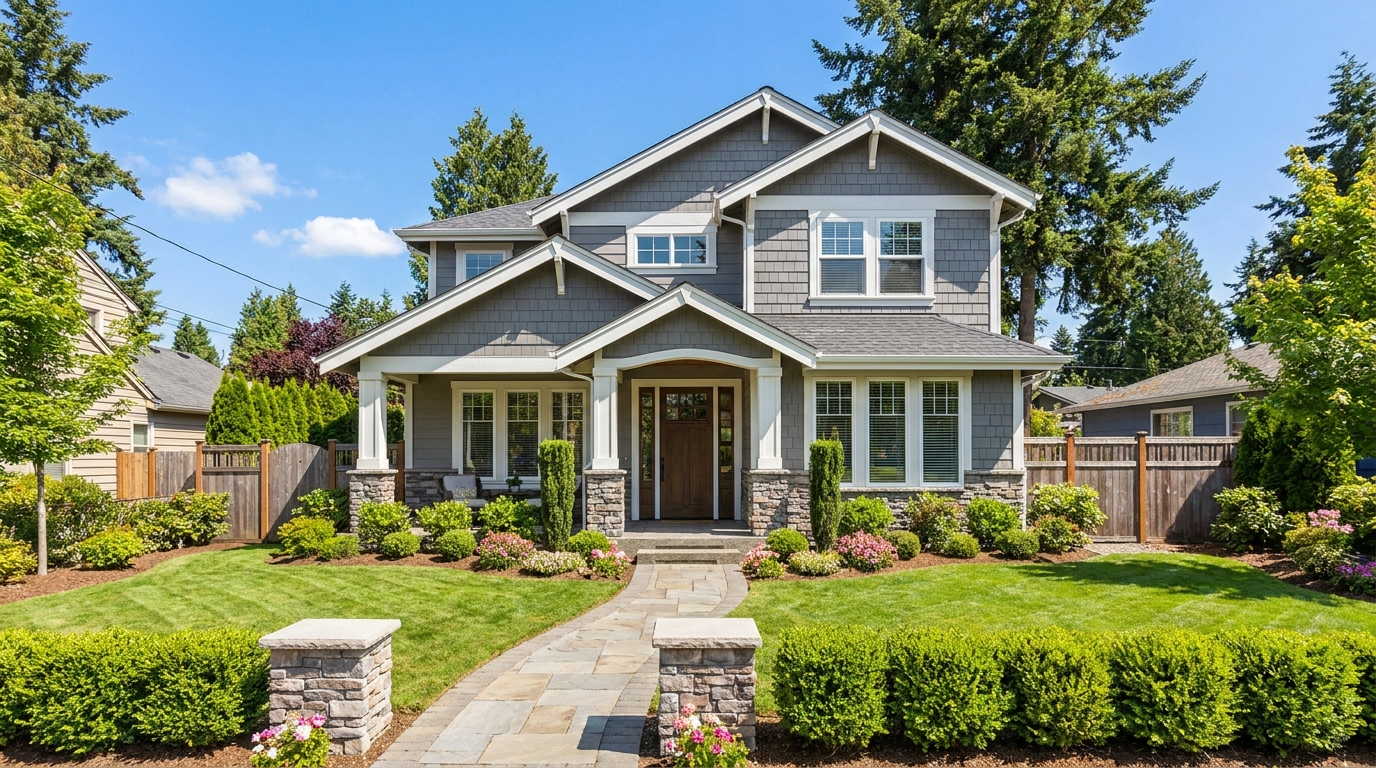
Convert dark exteriors into bright daytime scenes with clear, marketable visibility.
Try This Tool →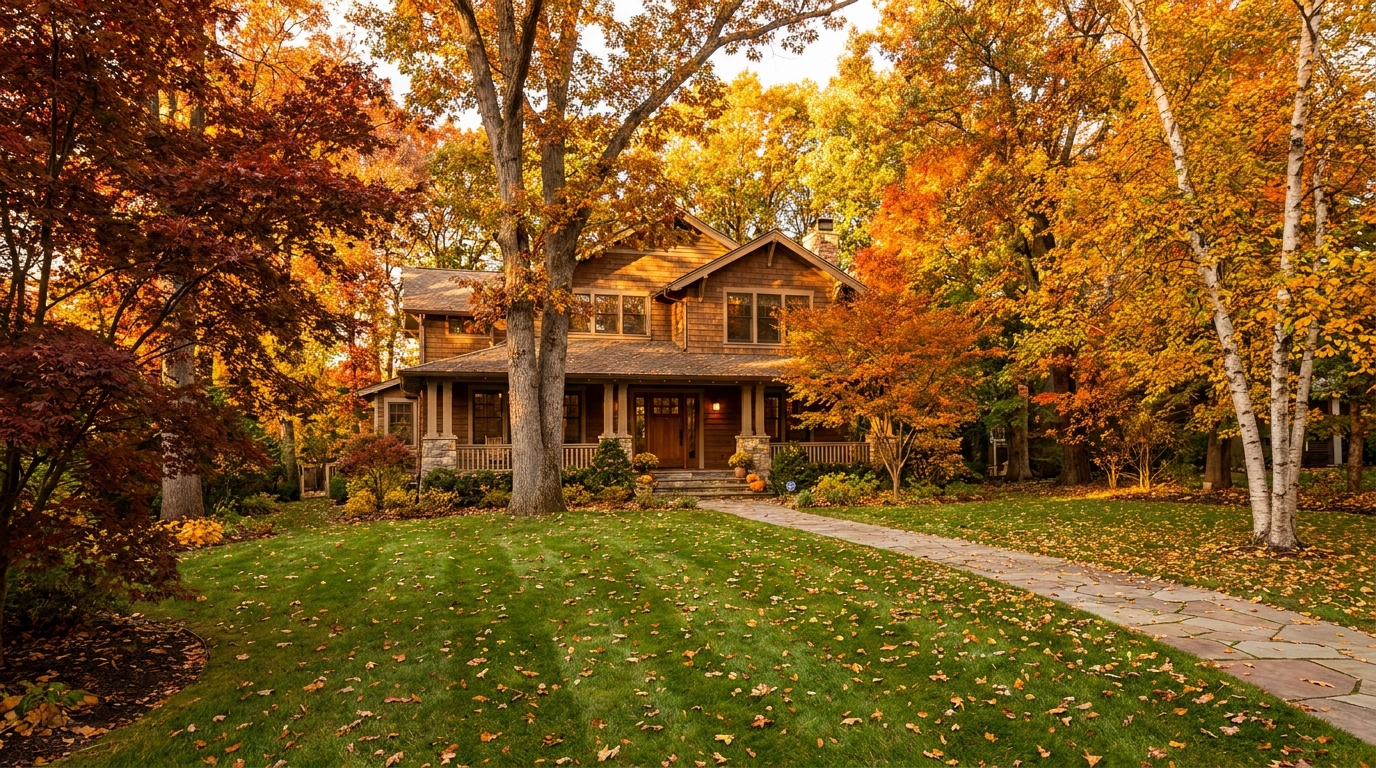
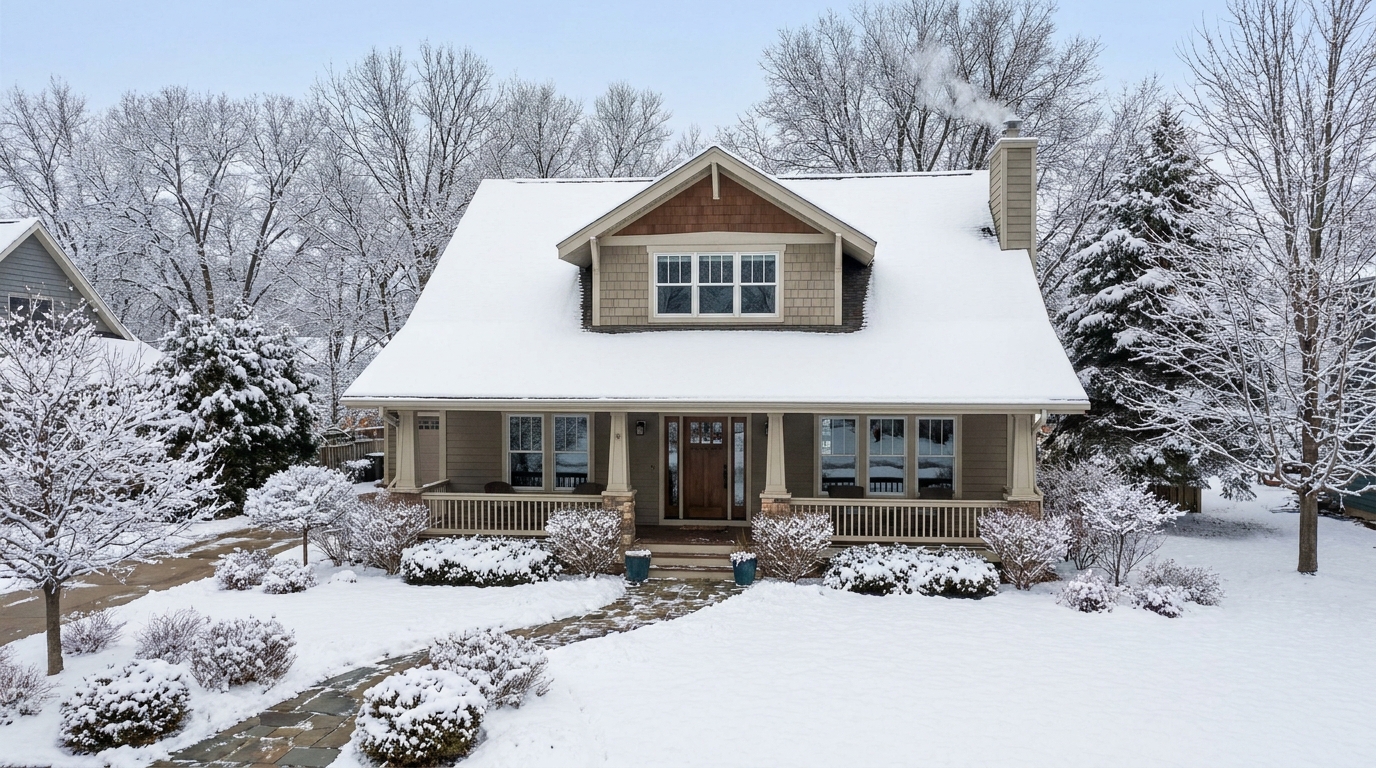
Create a clean winter setting with realistic snow and strong seasonal atmosphere.
Try This Tool →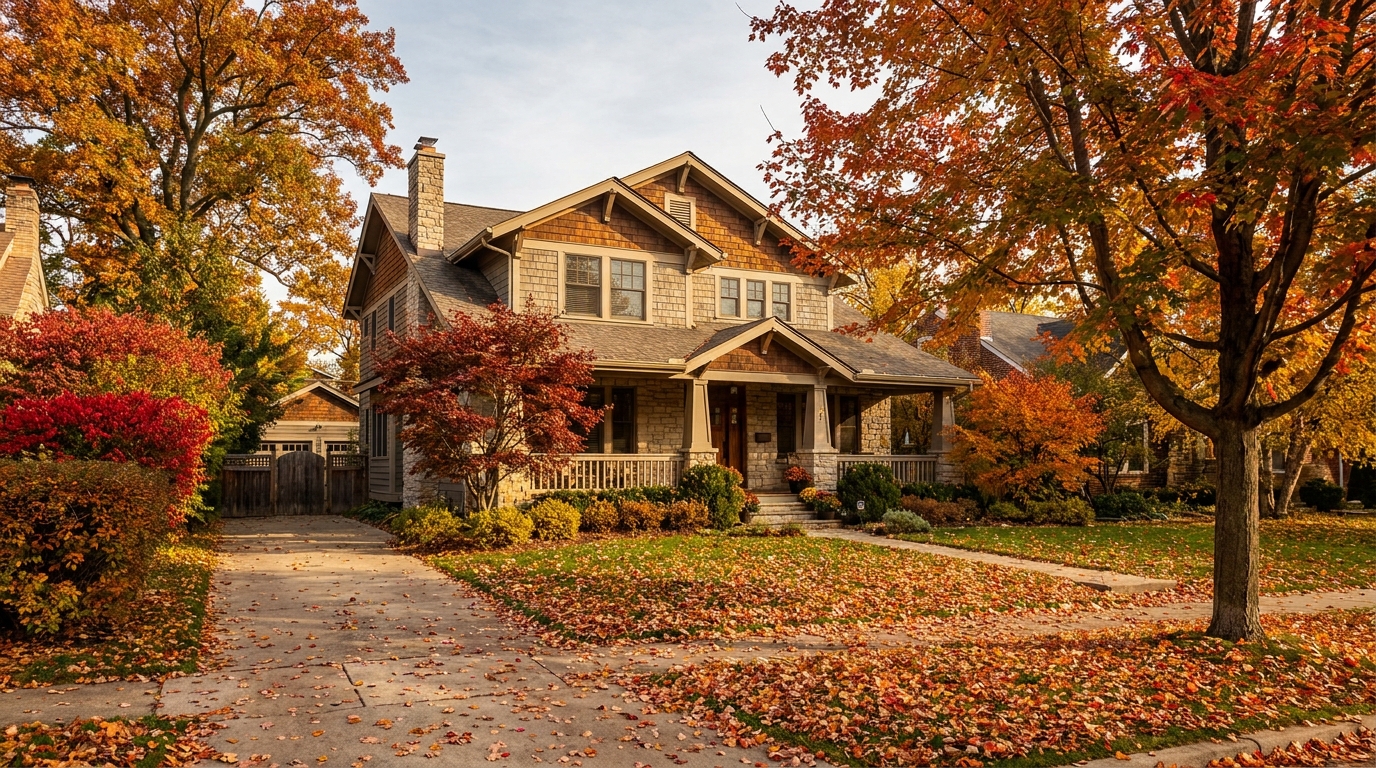
Swap the landscape to match the season that best fits the listing.
Try This Tool →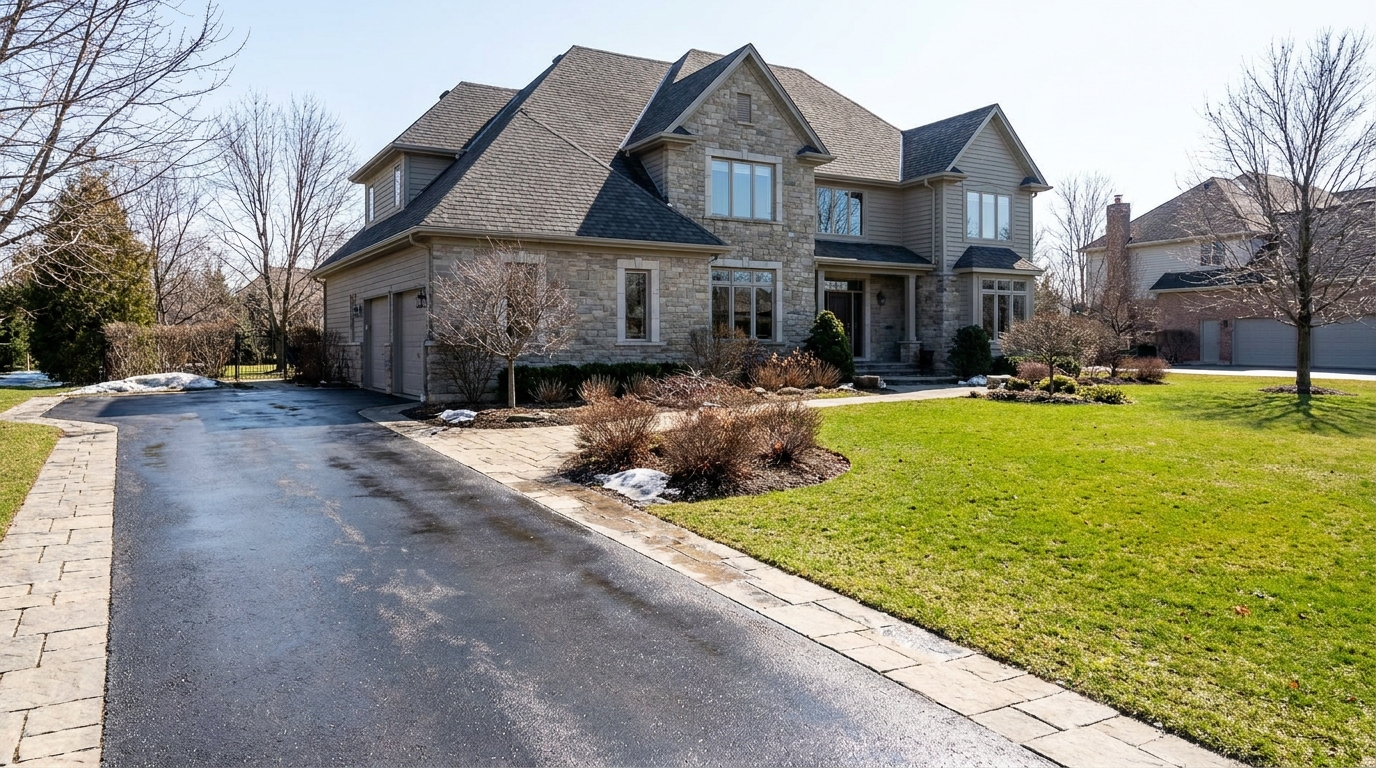
Remove snow buildup for a cleaner exterior that feels more accessible and ready to show.
Try This Tool →Explore complementary AI tools to elevate your property's visual appeal.
AI image-to-video generation for turning home, room, and property photos into more vivid presentation videos.
02AI exterior renovation for visualizing facade updates, curb appeal improvements, and home exterior remodel ideas.
03AI landscaping design for exploring outdoor concepts, curb appeal upgrades, planting ideas, and yard layout directions.
04AI virtual staging for furnishing empty rooms and creating listing-ready interiors for real estate marketing.
05Free AI image generation for turning text prompts into unlimited visual ideas for home design, interiors, landscaping, renovation
06AI object removal for cleaning up distracting items from room, home, and property photos.
Don't let harsh midday sun ruin your listings. Balance shadows and highlights instantly with our AI Photo Enhancer.