

Luxury Villa
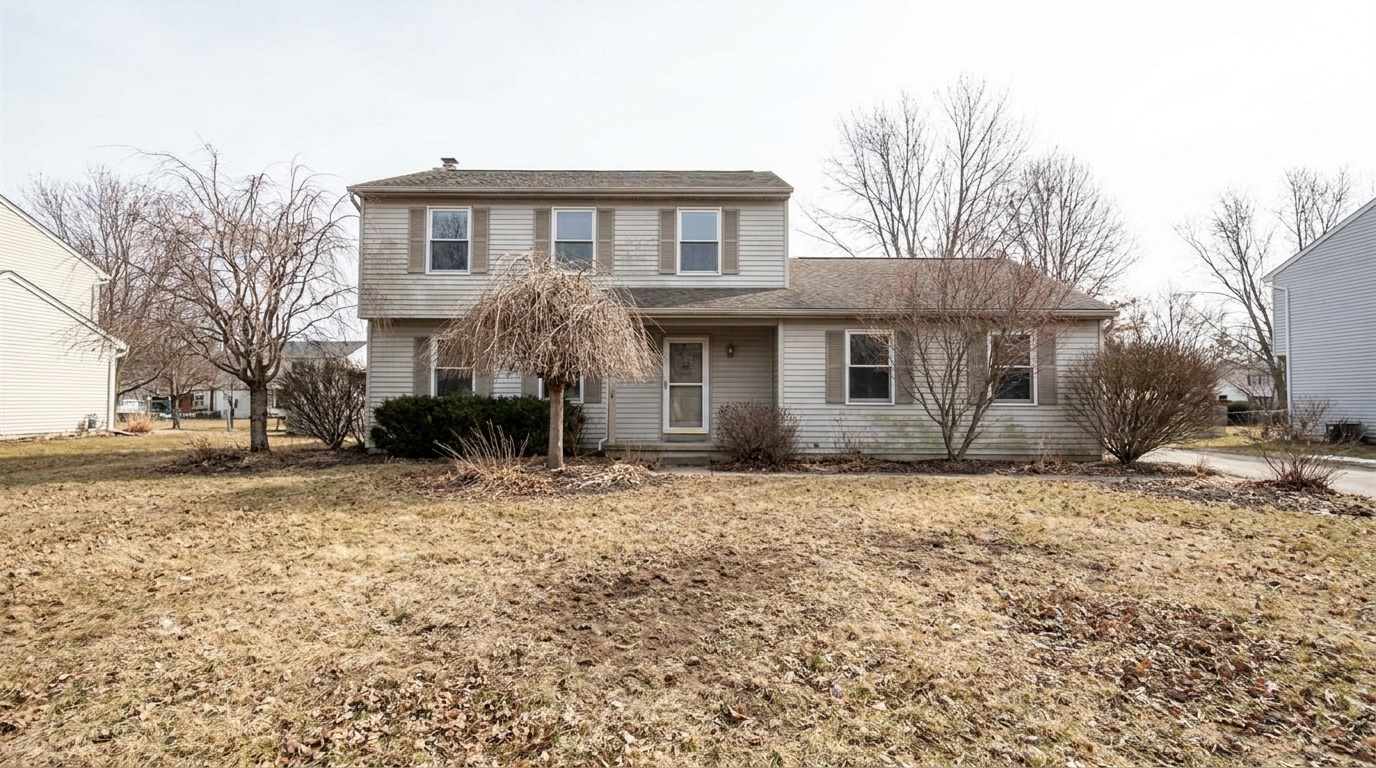
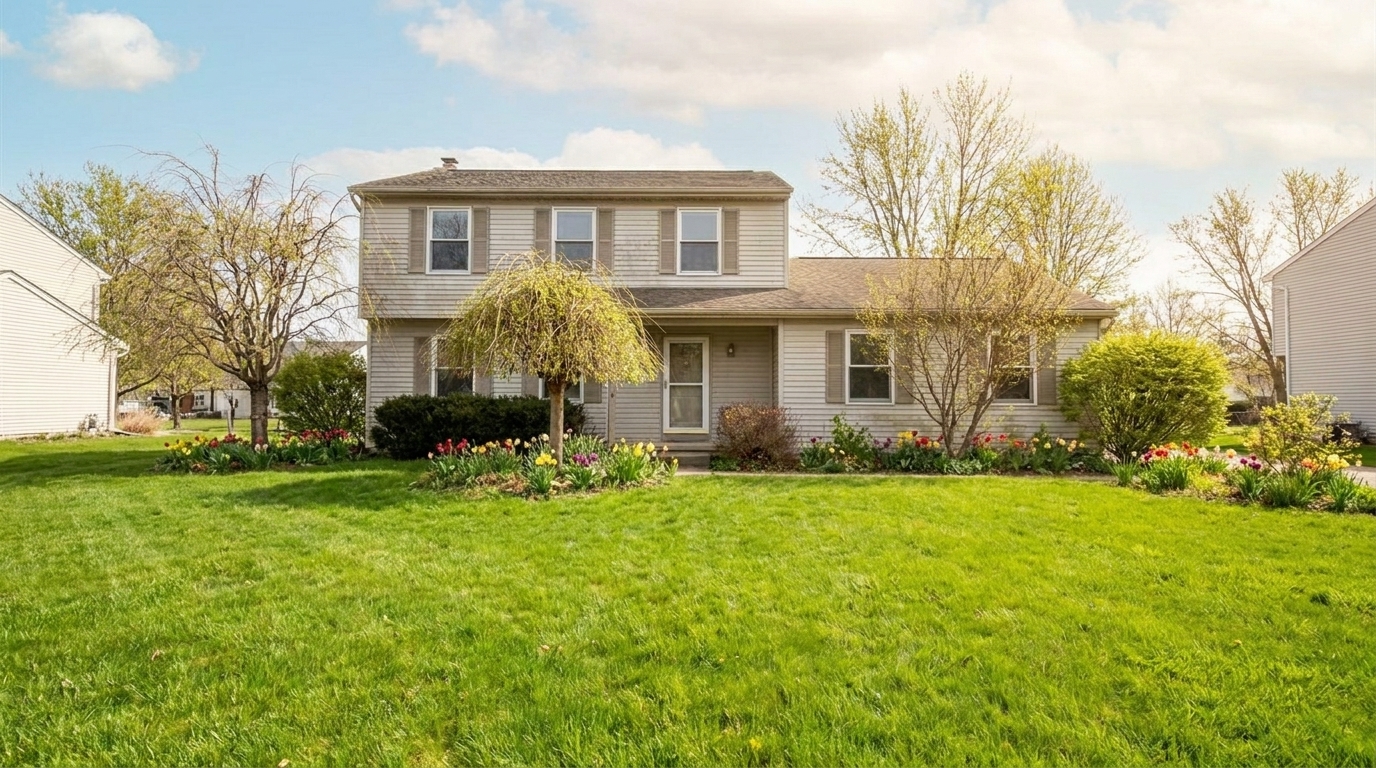
Luxury Villa updated with spring enhancement styling.
Revitalize dull winter exteriors with vibrant green lawns, blooming seasonal accents, and bright, welcoming daylight to maximize curb appeal.
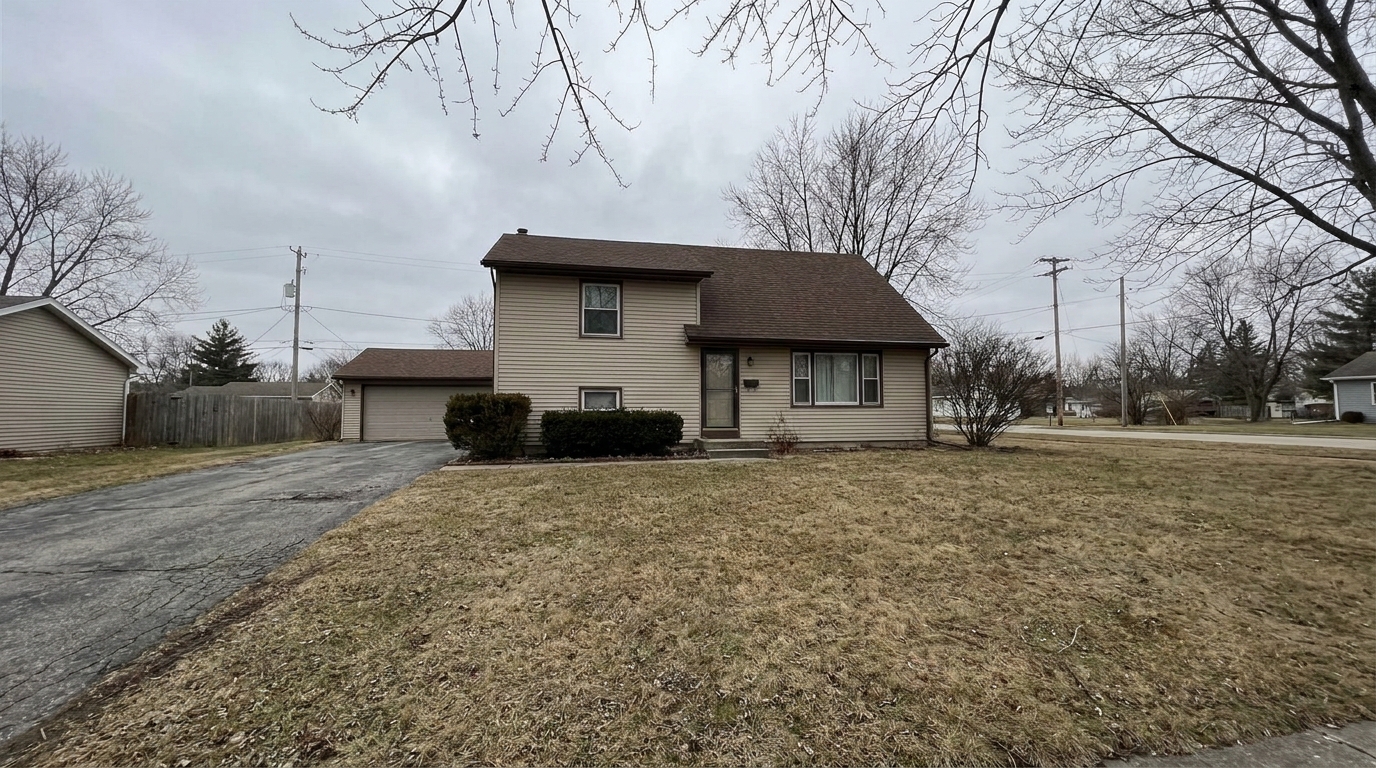
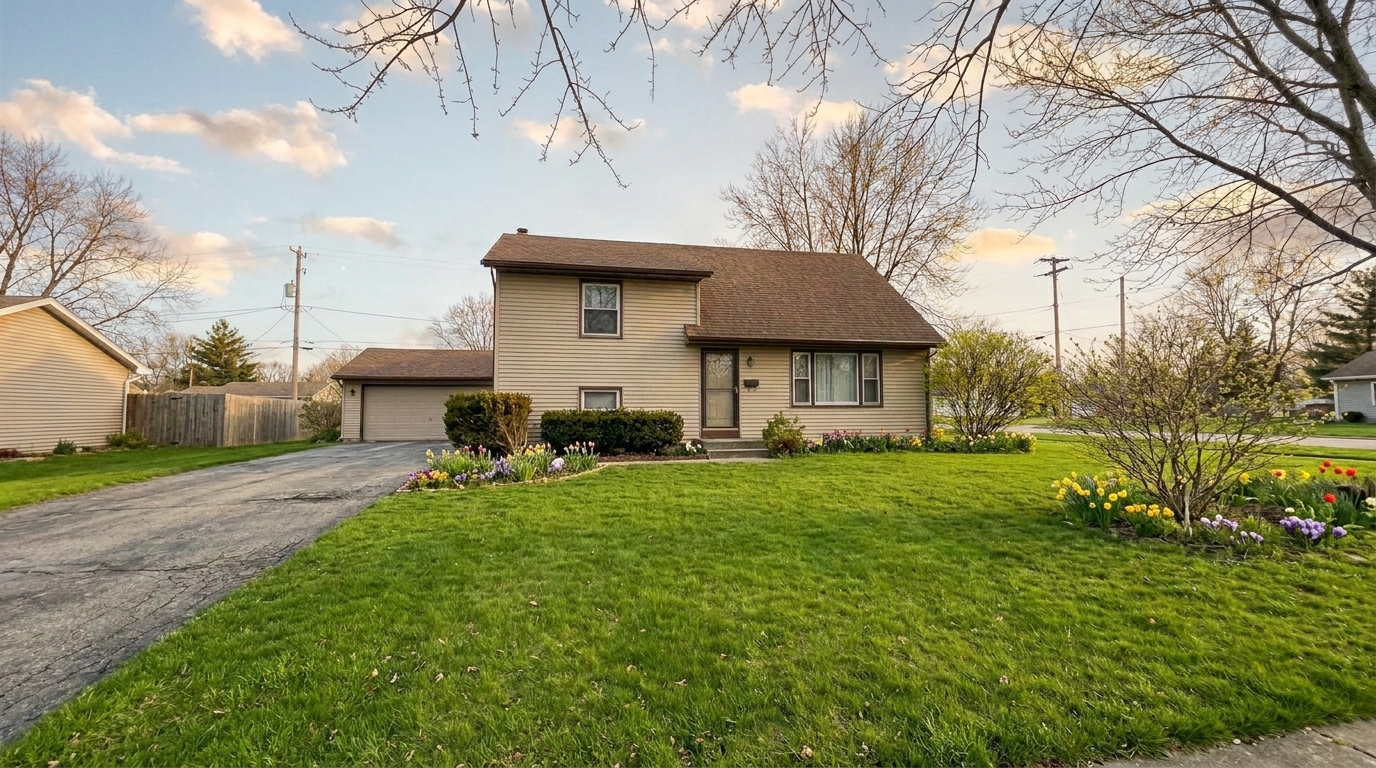
Browse real examples of winter-worn properties transformed into vibrant, inviting spring listings.
Luxury Villa updated with spring enhancement styling.
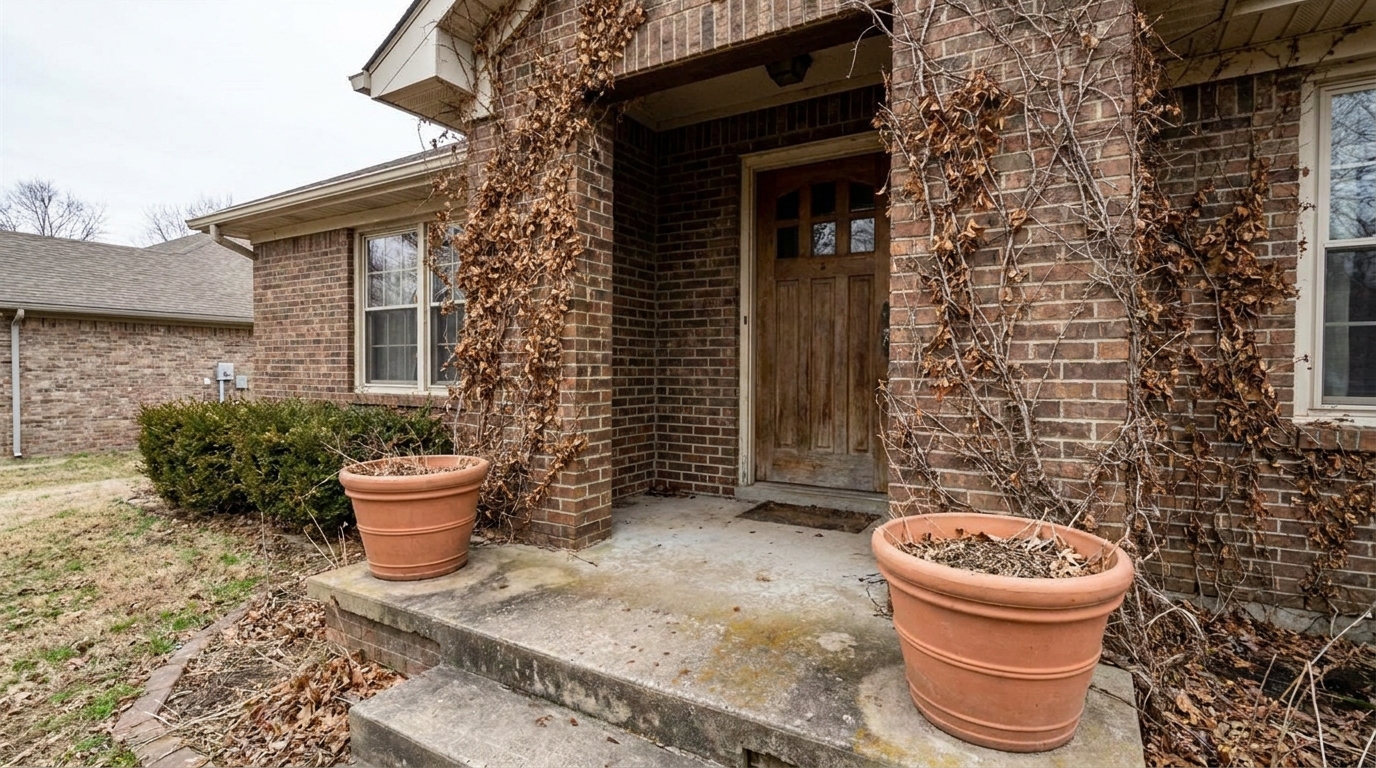
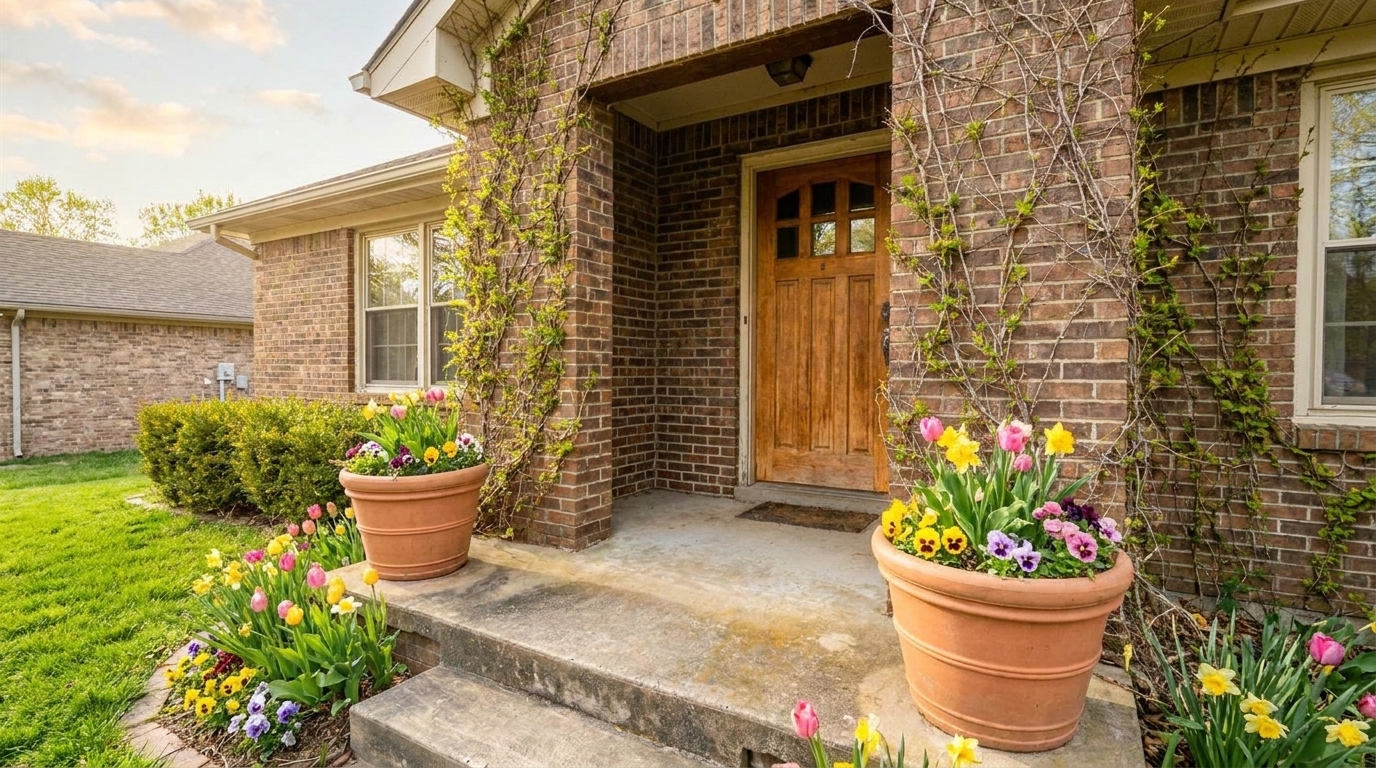
City Townhouse updated with spring enhancement styling.
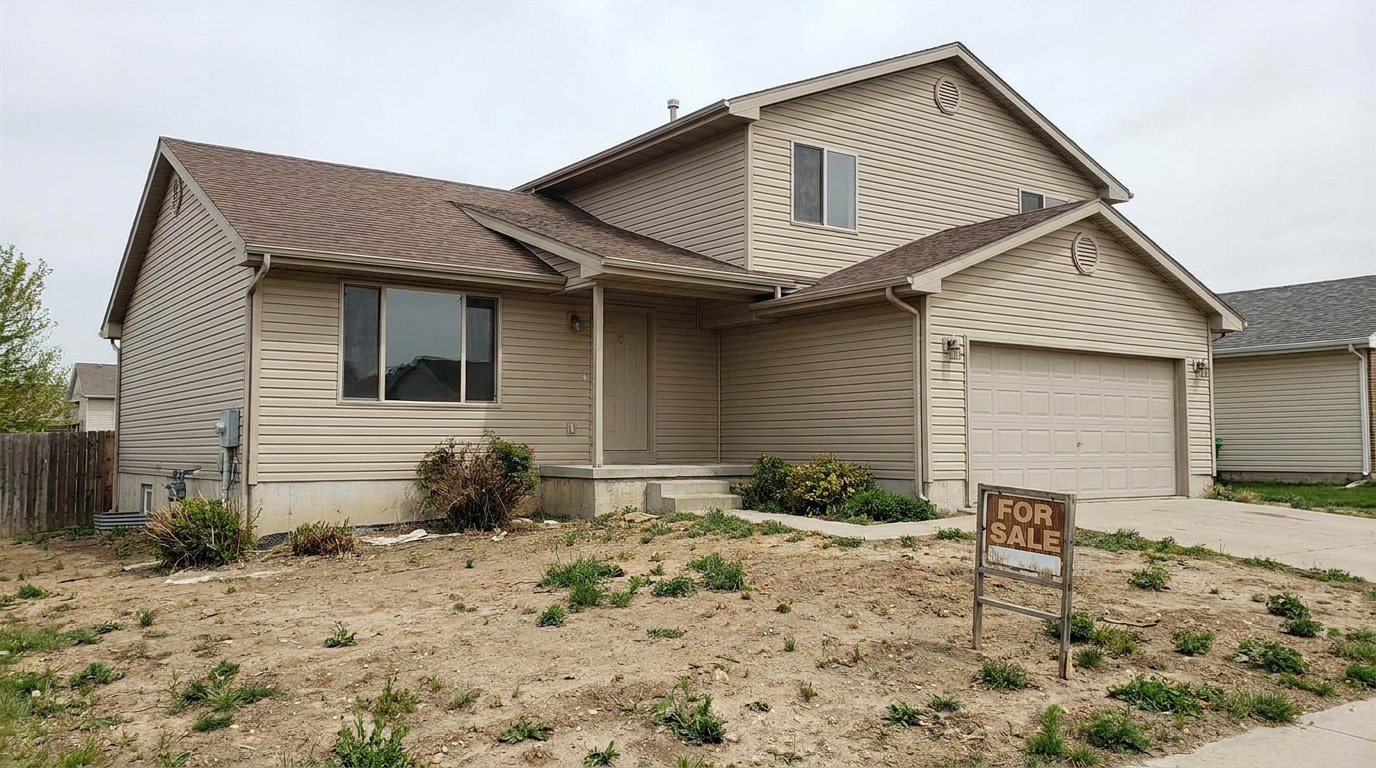
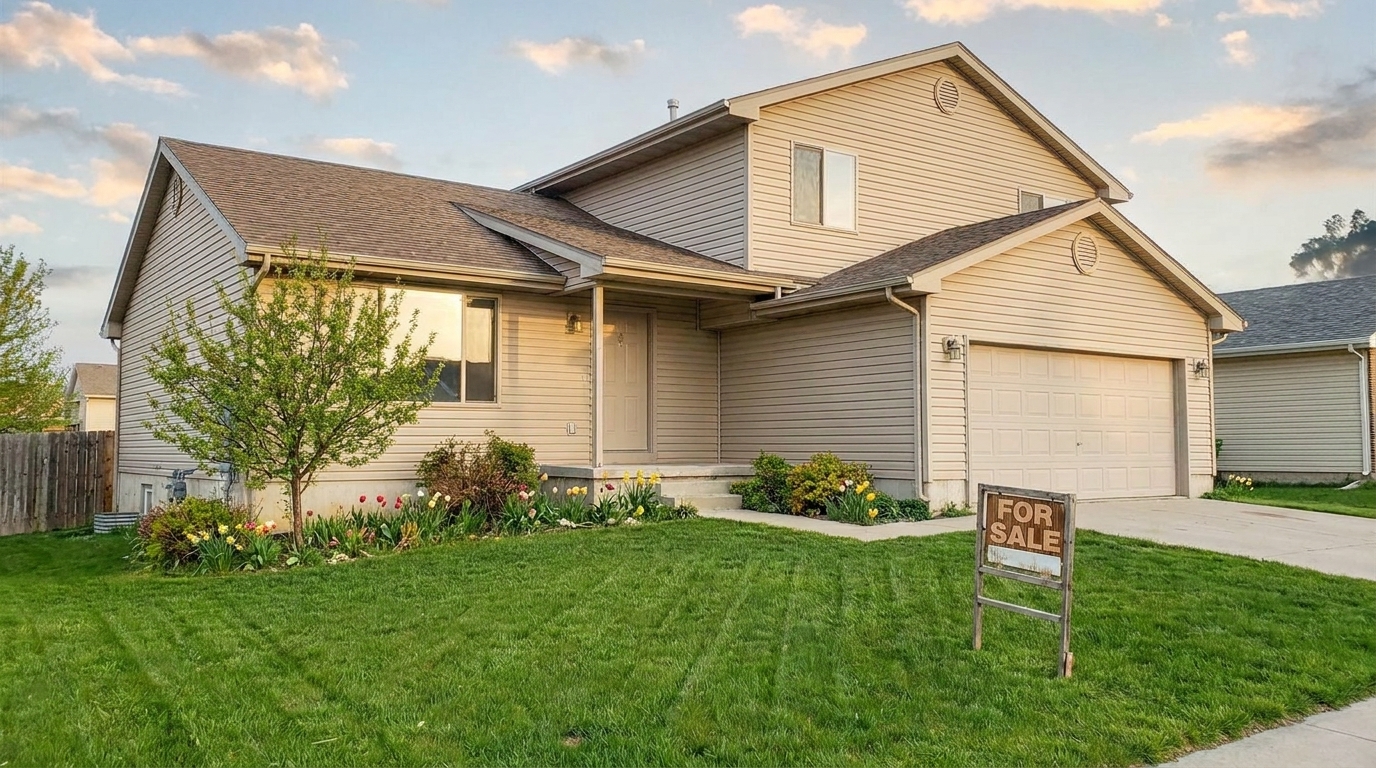
New Construction updated with spring enhancement styling.
Discover the smart adjustments that bring realistic warmth and vibrant life to your property photos.
Automatically detects dormant, patchy, or brown grass and replaces it with a lush, realistic green turf that boosts curb appeal.
Adds subtle, realistic spring flowers and budding garden accents to empty flowerbeds and planters.
Replaces cold, gray overcast skies with soft, bright spring sunshine and light, airy clouds.
Restores leafy fullness and fresh green buds to bare or dormant trees, hedges, and shrubs.
Reduces harsh winter shadows and lifts dark areas to create a warm, inviting, and balanced exterior glow.
Maintains the absolute integrity of the home's architecture, paint, and materials so the listing remains accurate.
See how real estate professionals and homeowners use spring styling to solve common listing challenges.
Transform listings launched in January or February when yards look dead but active buyers are already searching.
Real Estate AgentsUpdate photos for properties that have sat on the market since autumn, giving them a fresh, active seasonal look.
Listing AgentsAdd vibrant green lawns and light landscaping to newly finished builds that currently have muddy, unseeded yards.
Home BuildersMake vacation rentals and investment properties look warm, sunny, and highly desirable all year round.
Property ManagersShowcase the potential of a property's outdoor design by visualizing full spring growth and blooming borders.
Landscape DesignersGenerate early interest and high-quality marketing materials before the actual spring bloom arrives.
Real Estate PhotographersFollow these simple steps to instantly refresh your property's exterior landscaping and lighting.
Select and upload a high-resolution exterior photo of your property, even if it has a dull, winter-worn lawn or overcast skies.
Select the Spring Enhancement preset to automatically analyze the landscape, green up the turf, and add fresh seasonal foliage.
Fine-tune the enhancement intensity to ensure a natural look, then download your bright, listing-ready image.
Source-backed context for why spring enhancement edits matter inside weather & seasonal editing workflows.
Spring Enhancement within Weather & Seasonal Editing evidence
Photos are one of the most valuable website features for home buyers; NAR's 2025 generational trends report says 83% of internet-using buyers rated photos as very useful. For Spring Enhancement pages, this supports showing how a focused Weather & Seasonal Editing edit can make the listing photo feel clearer, more polished, and easier for buyers to evaluate.
Source: NAR 2025Spring Enhancement within Weather & Seasonal Editing evidence
Zillow Research's 2025 prospective buyer report ranked high-resolution photos as the number two most important listing feature, selected by 26% of prospective buyers; floor plans ranked first at 33%. For Spring Enhancement pages, this supports showing how a focused Weather & Seasonal Editing edit can make the listing photo feel clearer, more polished, and easier for buyers to evaluate.
Source: Zillow 2025Spring Enhancement within Weather & Seasonal Editing evidence
Redfin reported that professionally photographed homes in the $400,000 range sold three weeks faster and for more than $10,000 relative to list price compared with amateur photos. Use this as supporting context, not as a guaranteed result. For Spring Enhancement pages, this supports showing how a focused Weather & Seasonal Editing edit can make the listing photo feel clearer, more polished, and easier for buyers to evaluate.
Source: RedfinLearn how to strategically use seasonal enhancements to keep your property listings looking fresh, inviting, and highly competitive regardless of the calendar date.
To achieve the most realistic results, start with a clean, well-composed exterior photo. When applying the Spring Enhancement preset, focus first on the lawn. The AI will automatically detect dormant brown patches and shift them to a healthy, natural green. Next, allow the tool to gently add budding leaves to bare branches and subtle floral accents to garden beds. Always use the intensity slider to back off the effect by 10-15% if the colors look too saturated for your local climate. The goal is a photo that looks like it was taken on a perfect mid-May morning, not an artificial landscape.
Choosing the right preset depends on your property's style and the current market context. Use Spring Enhancement when you want a bright, fresh, and highly optimistic feel—ideal for family homes and suburban listings during late winter or early spring. Choose Summer Enhancement when you want to emphasize lush, dense privacy hedges, mature shade trees, and deep, vibrant backyard spaces. Opt for Golden Hour when the architecture itself is the main selling point, as the warm, low-angle light highlights building textures and luxury finishes better than standard daylight.
Seasonal editing is highly effective when a property is listed during seasonal transitions, such as late winter when lawns are brown but buyers are highly active. It is also a lifesaver for listings that have sat on the market and need a visual refresh to avoid looking stale. However, you should avoid seasonal editing if the property's landscaping is permanently damaged, dead, or paved over. Replacing a completely dead lawn with perfect green grass when the physical property has no soil or irrigation can mislead buyers and violate local MLS advertising standards.
The primary rule of real estate photo editing is to never edit anything that a buyer cannot easily replicate or experience in person. Enhancing a dormant lawn to its natural spring state is acceptable because the lawn will naturally green up as the weather warms. Adding realistic budding leaves to bare trees helps buyers visualize the home's true potential. Avoid adding massive, mature trees that do not exist, or exotic plants that cannot grow in your region. Keeping your edits grounded in local botanical reality builds trust and ensures a seamless transition from online viewing to the physical open house.
Compare spring styling with other seasonal and lighting adjustments to find the perfect look for your listing.
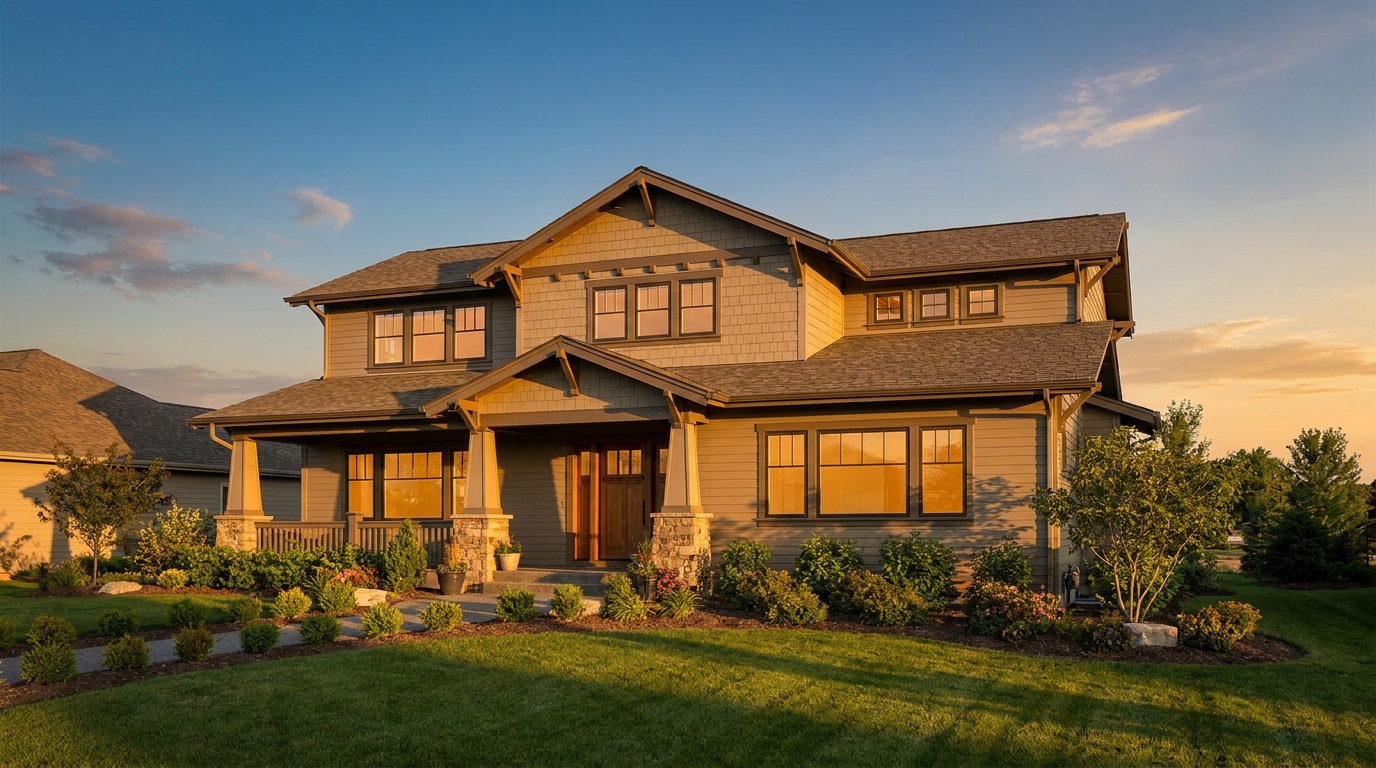
Warm golden light and soft shadows for a more flattering exterior showcase.
Try This Tool →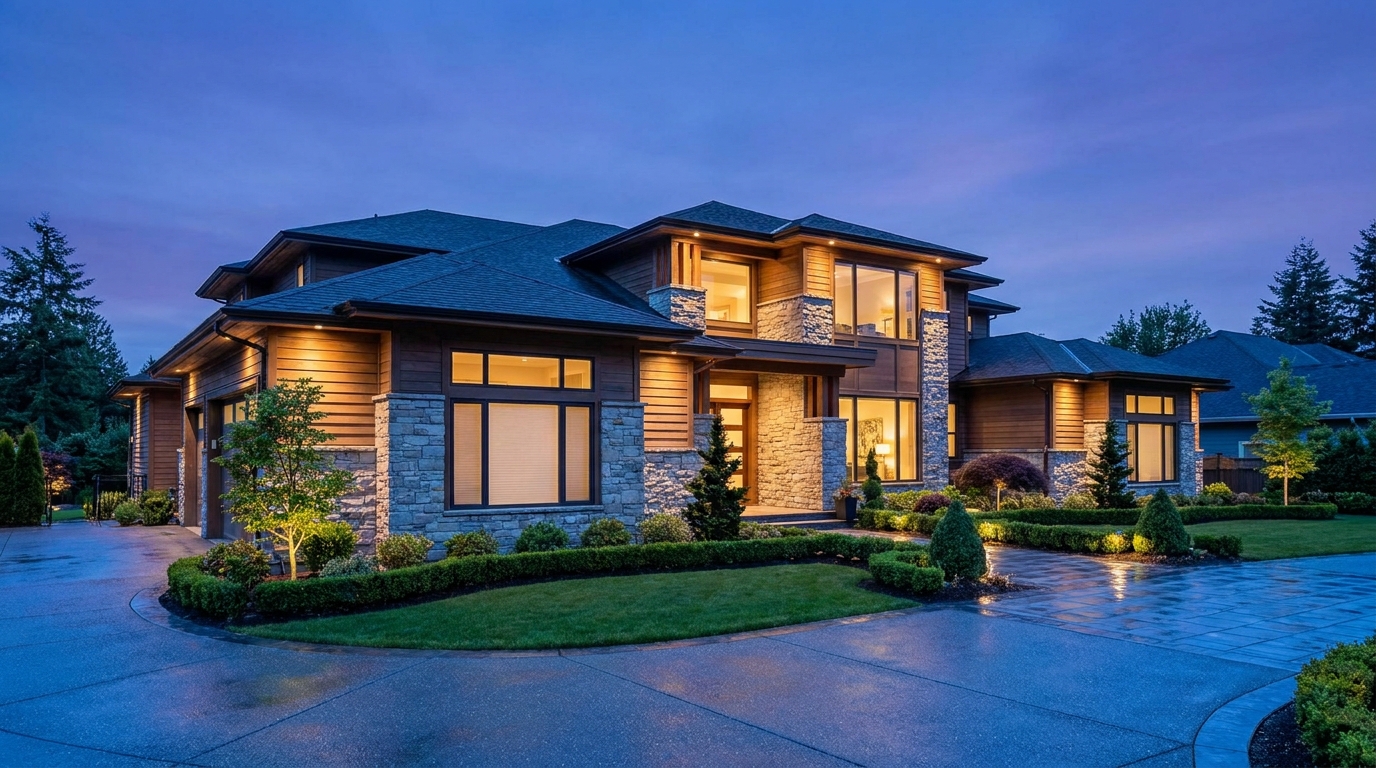
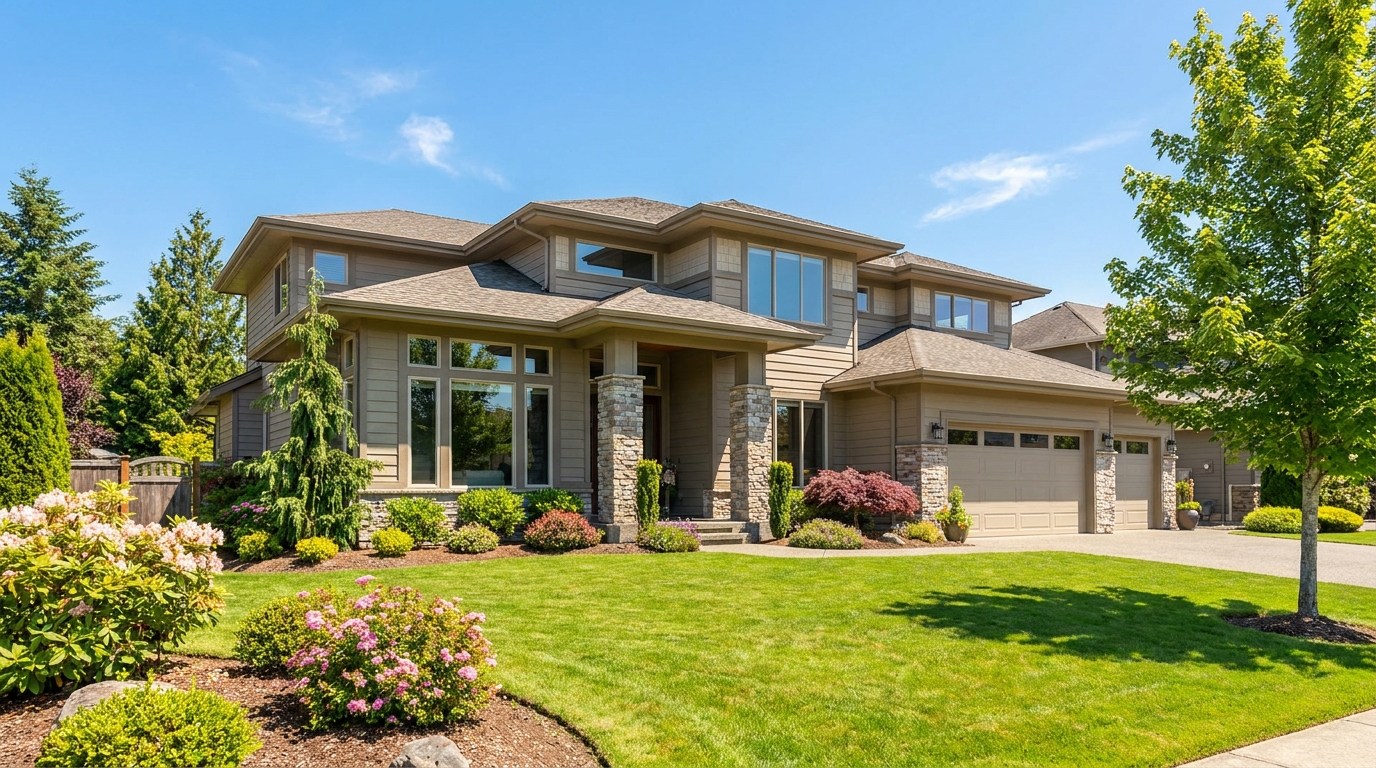
Clear atmospheric haze so the property looks sharper, brighter, and more defined.
Try This Tool →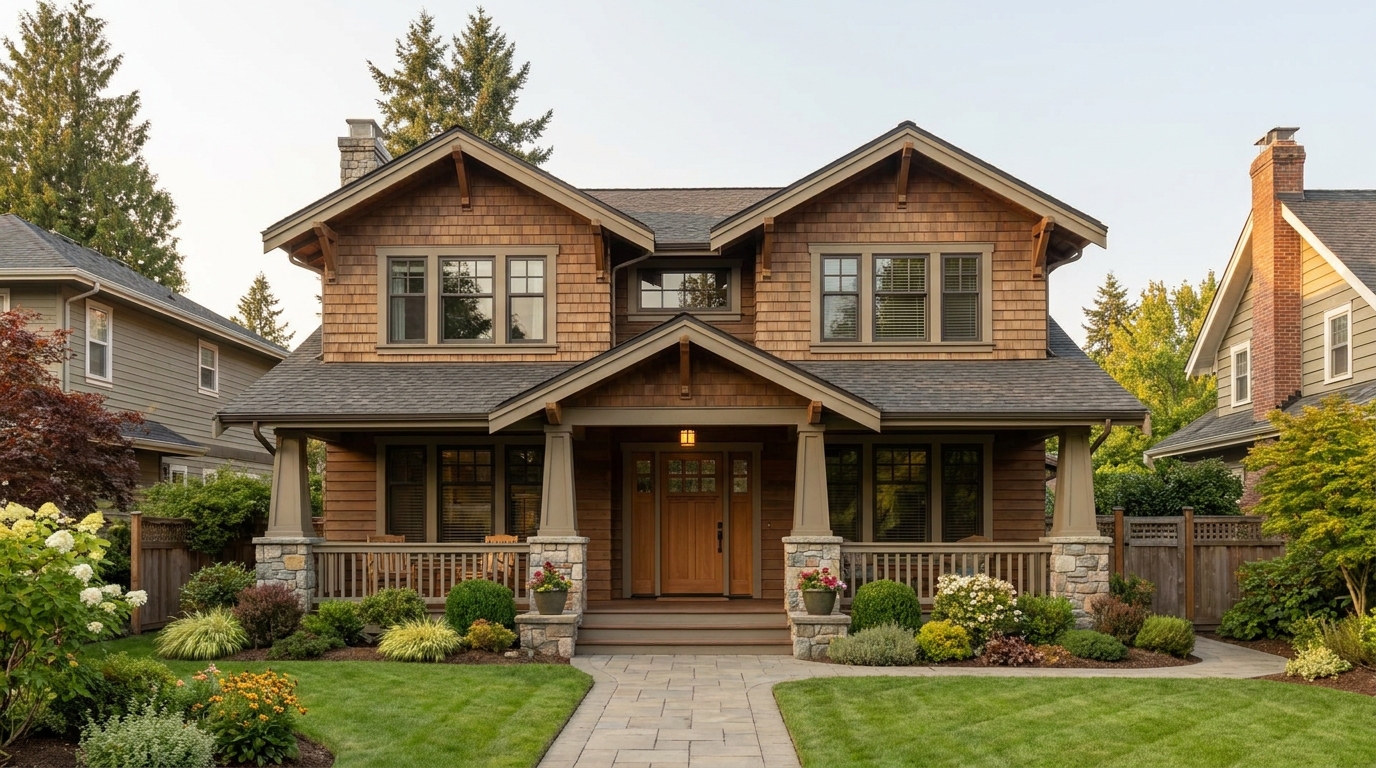
Soften harsh sun and shadows for a cleaner, more balanced exterior image.
Try This Tool →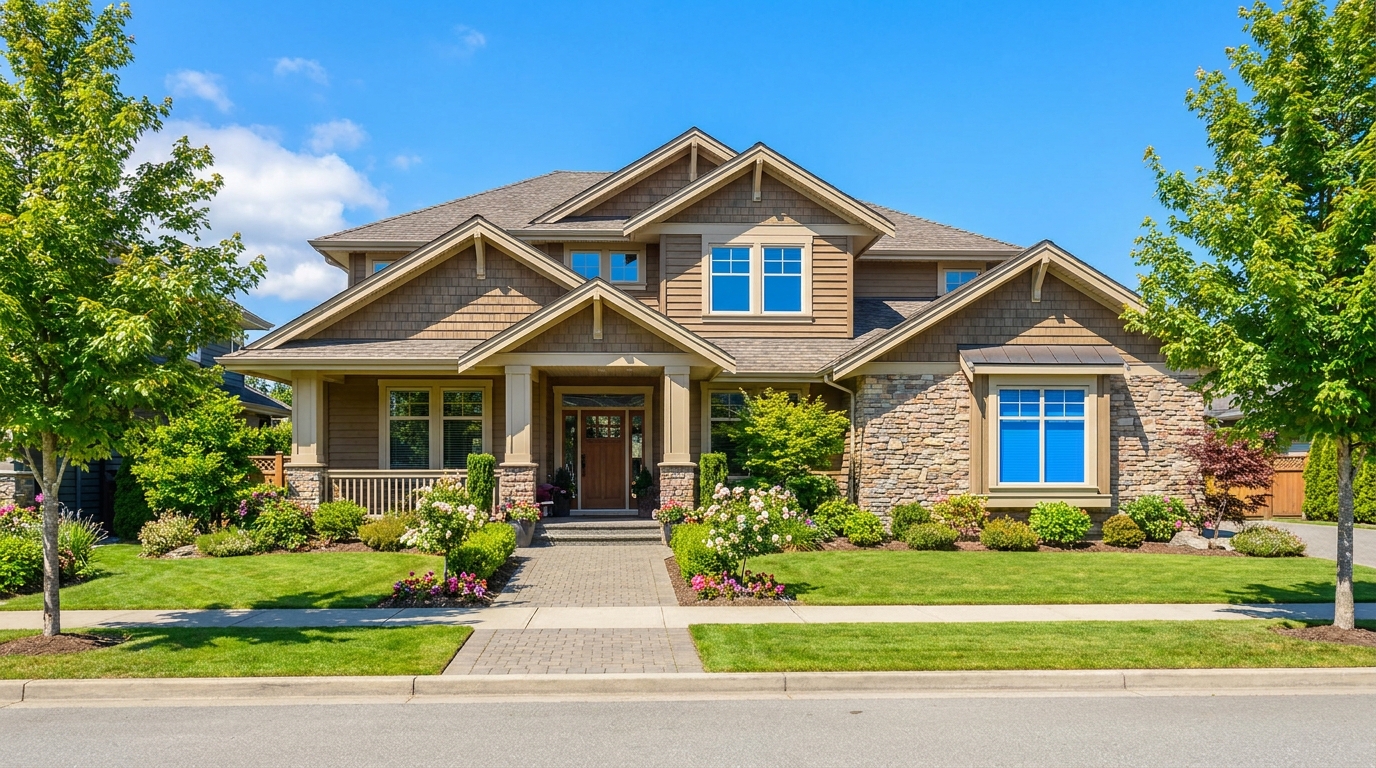
Turn cloudy exteriors into brighter sunny-day scenes with stronger curb appeal.
Try This Tool →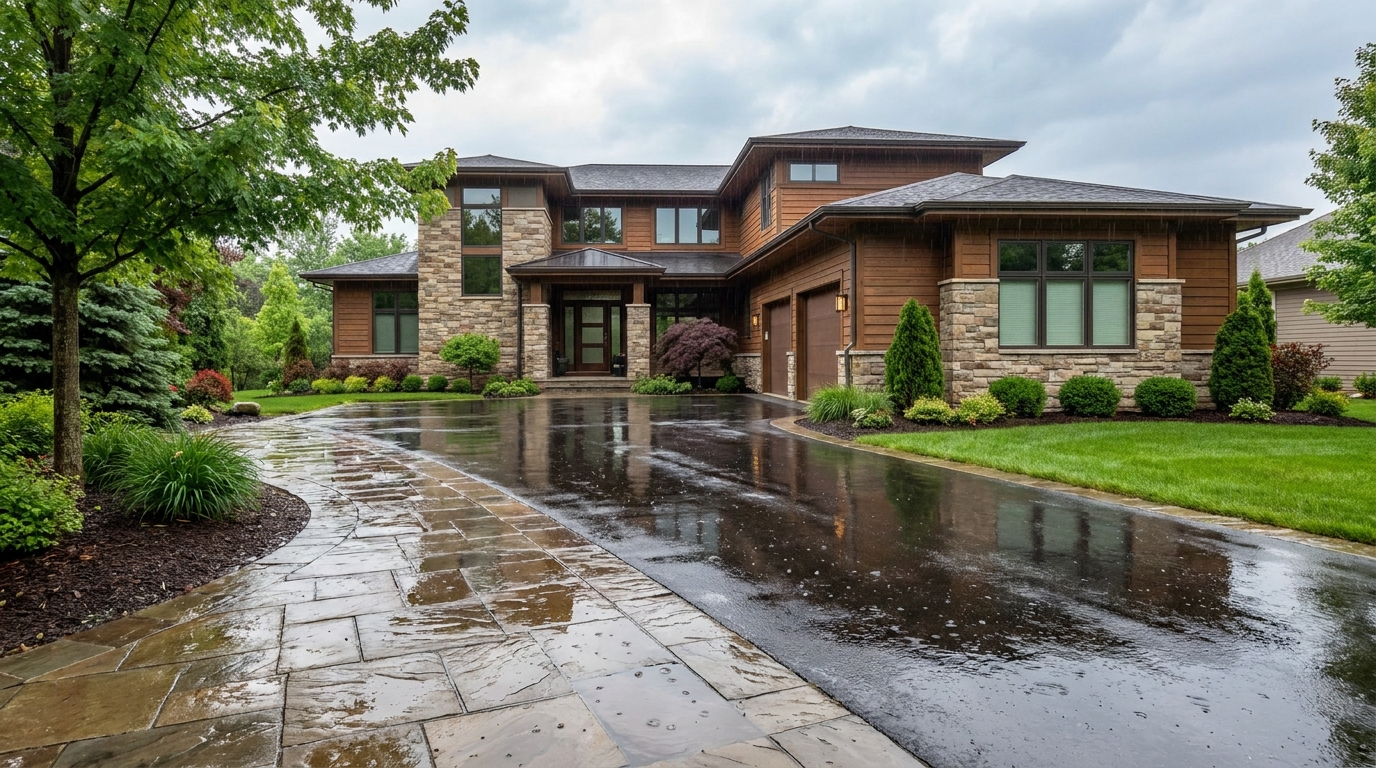
Add a fresh post-rain mood with subtle reflections and rich outdoor texture.
Try This Tool →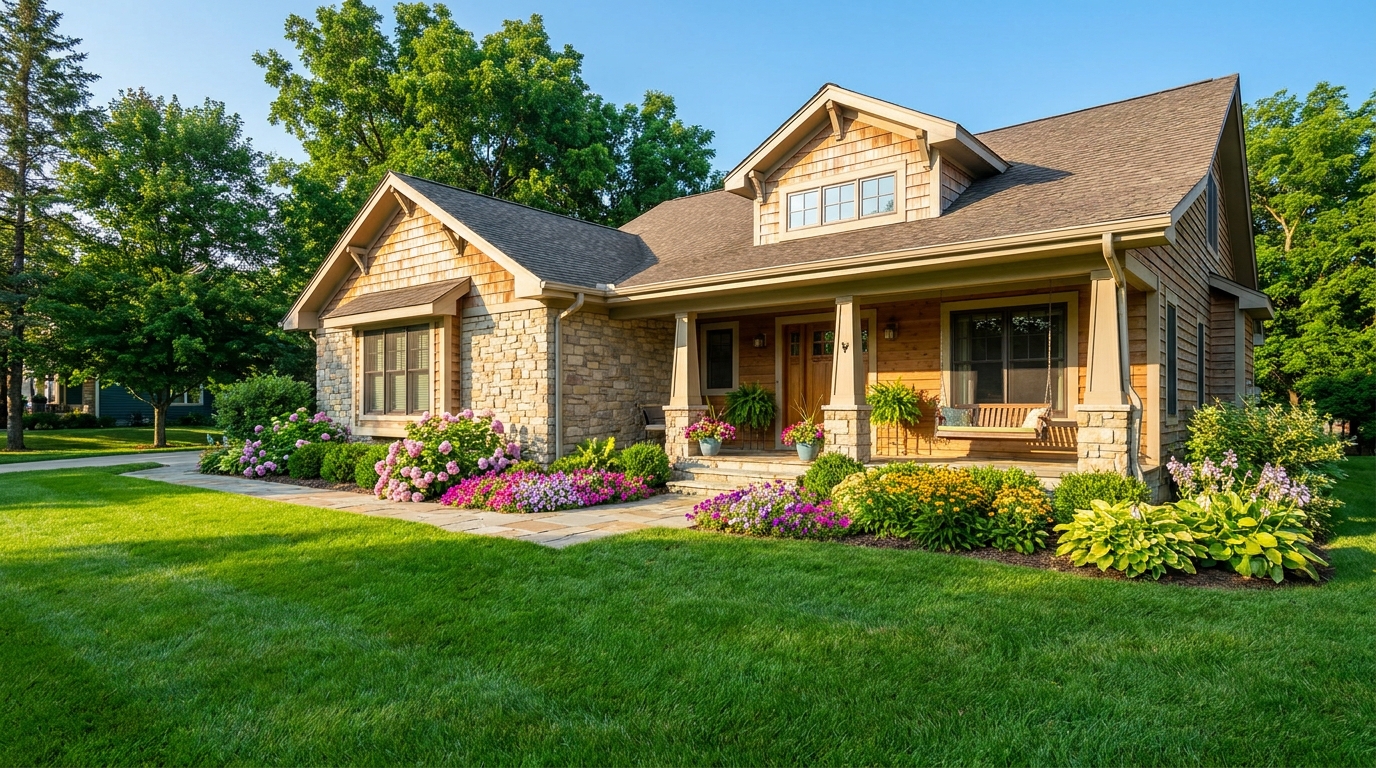
Bright, sunny seasonal styling with vibrant greenery and airy outdoor color.
Try This Tool →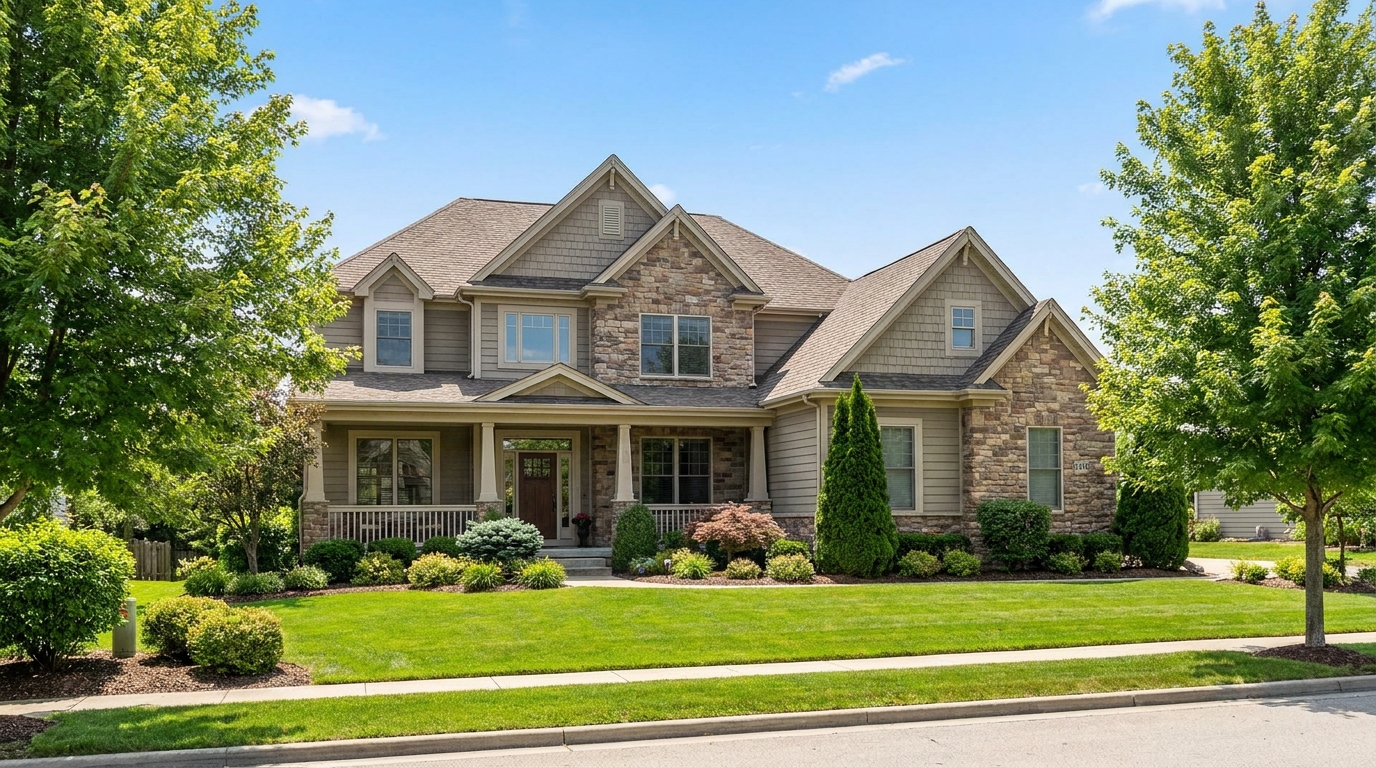
Convert dark exteriors into bright daytime scenes with clear, marketable visibility.
Try This Tool →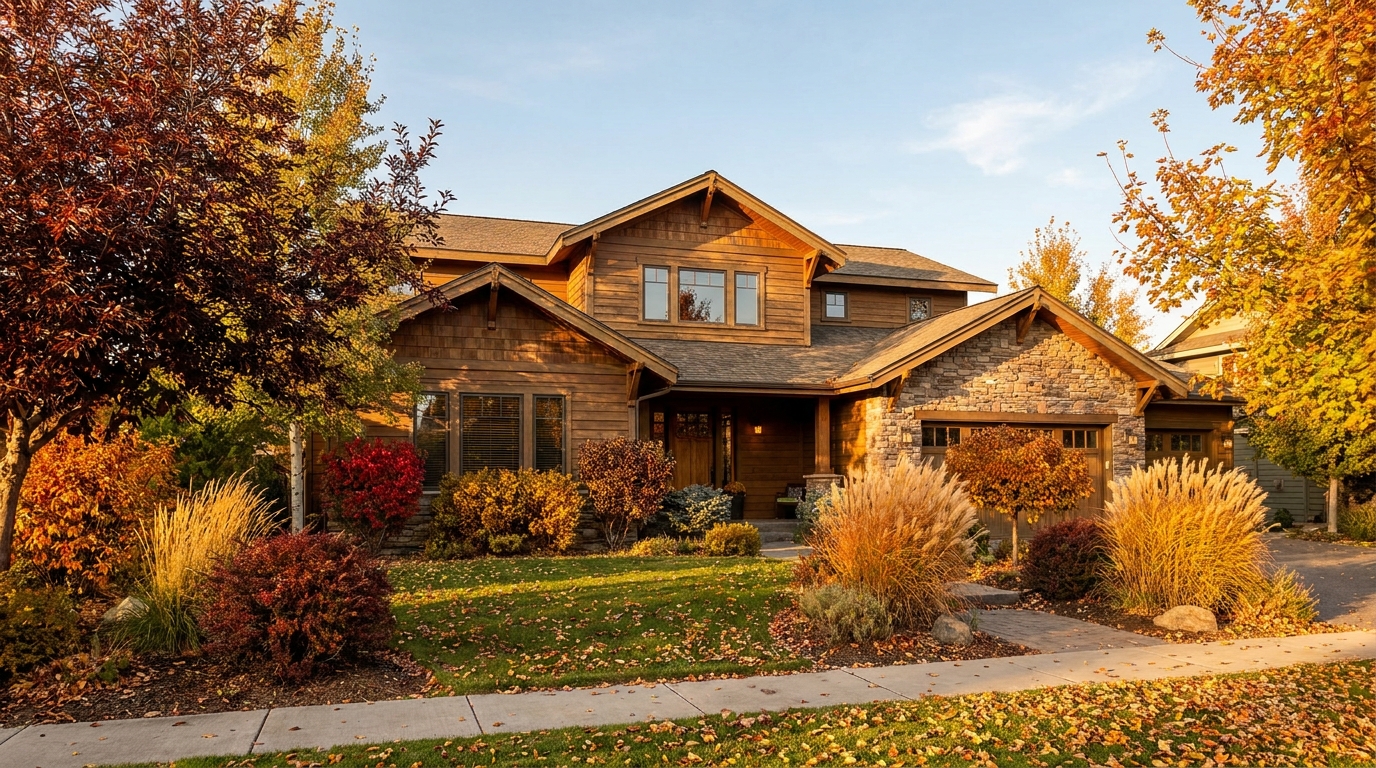
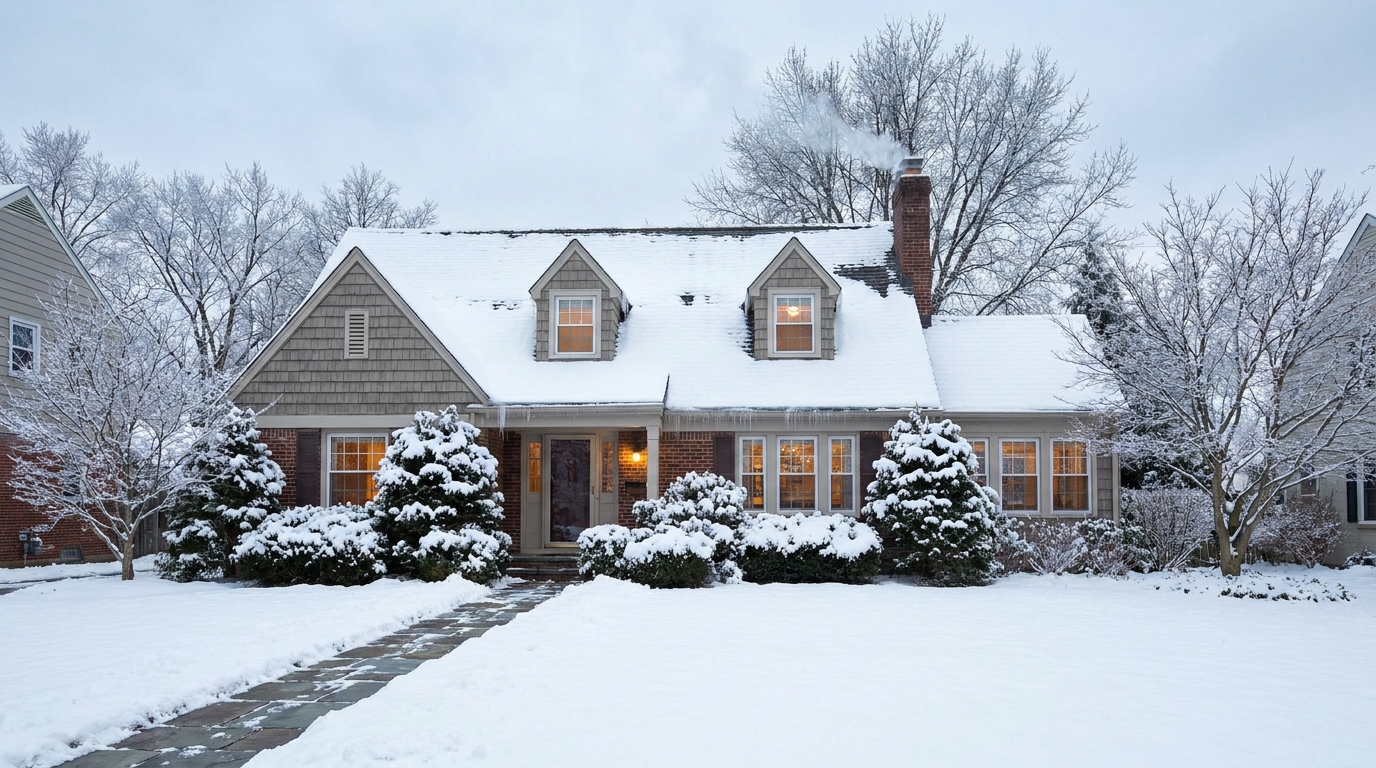
Create a clean winter setting with realistic snow and strong seasonal atmosphere.
Try This Tool →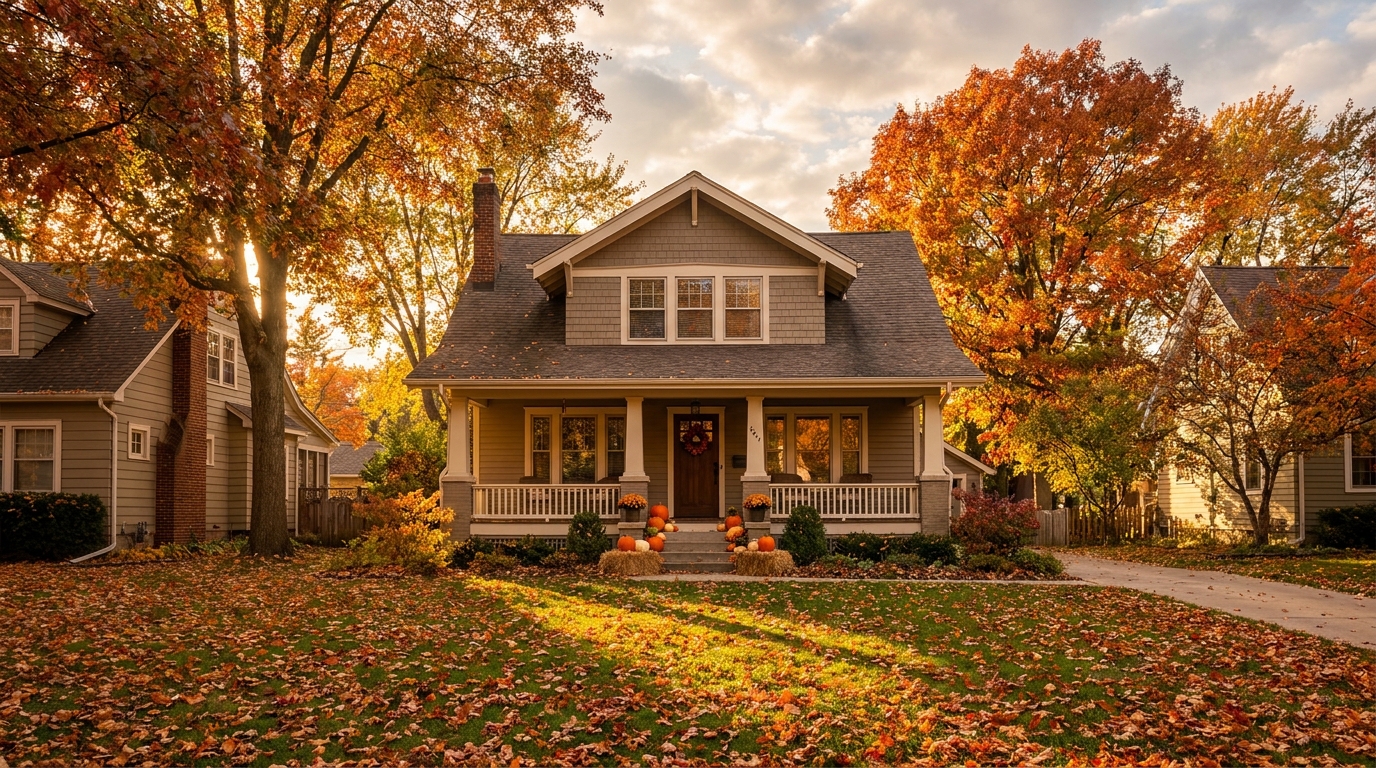
Swap the landscape to match the season that best fits the listing.
Try This Tool →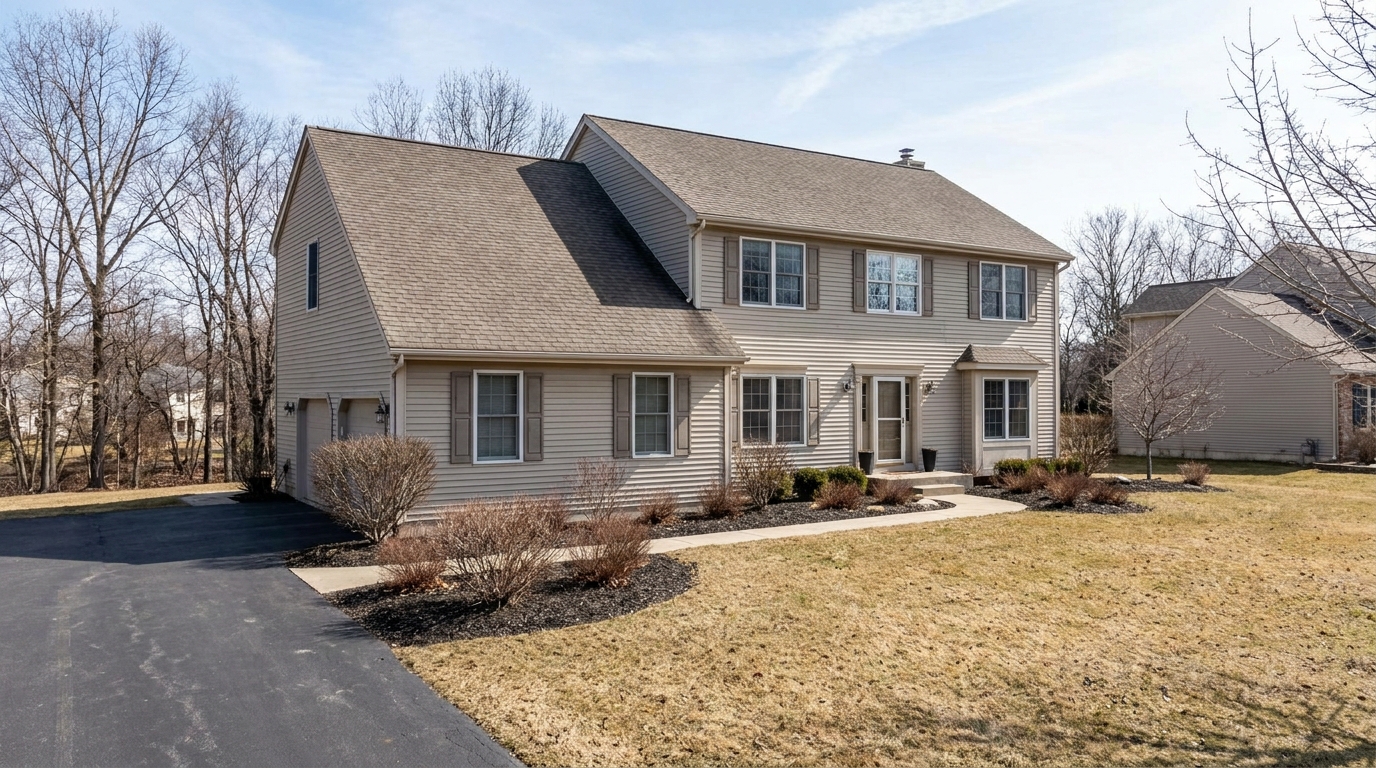
Remove snow buildup for a cleaner exterior that feels more accessible and ready to show.
Try This Tool →Explore additional AI-powered tools to optimize your interior and exterior property marketing.
AI image-to-video generation for turning home, room, and property photos into more vivid presentation videos.
02AI exterior renovation for visualizing facade updates, curb appeal improvements, and home exterior remodel ideas.
03AI landscaping design for exploring outdoor concepts, curb appeal upgrades, planting ideas, and yard layout directions.
04AI virtual staging for furnishing empty rooms and creating listing-ready interiors for real estate marketing.
05Free AI image generation for turning text prompts into unlimited visual ideas for home design, interiors, landscaping, renovation
06AI object removal for cleaning up distracting items from room, home, and property photos.
Don't let a dull winter lawn hold back your property's potential. Apply our realistic Spring Enhancement preset and capture the attention of active buyers instantly.