
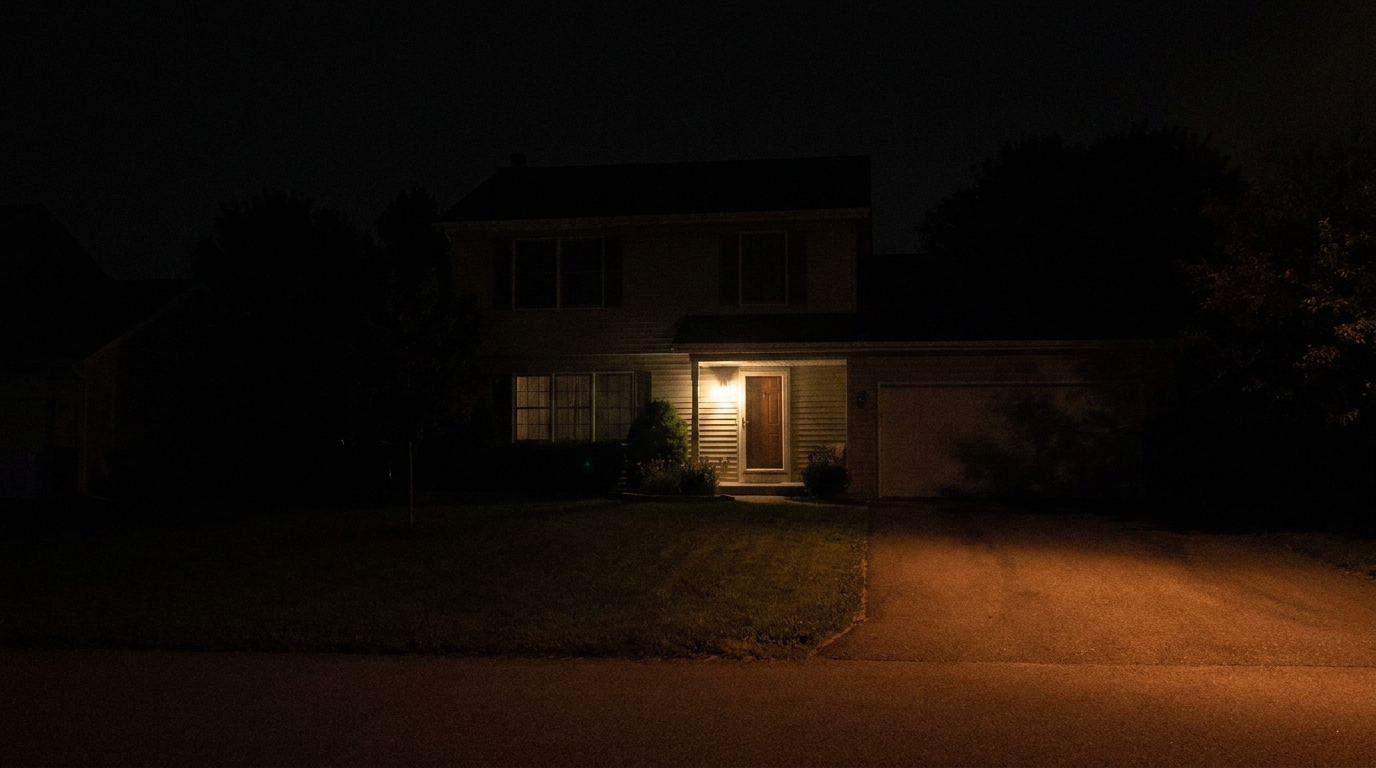
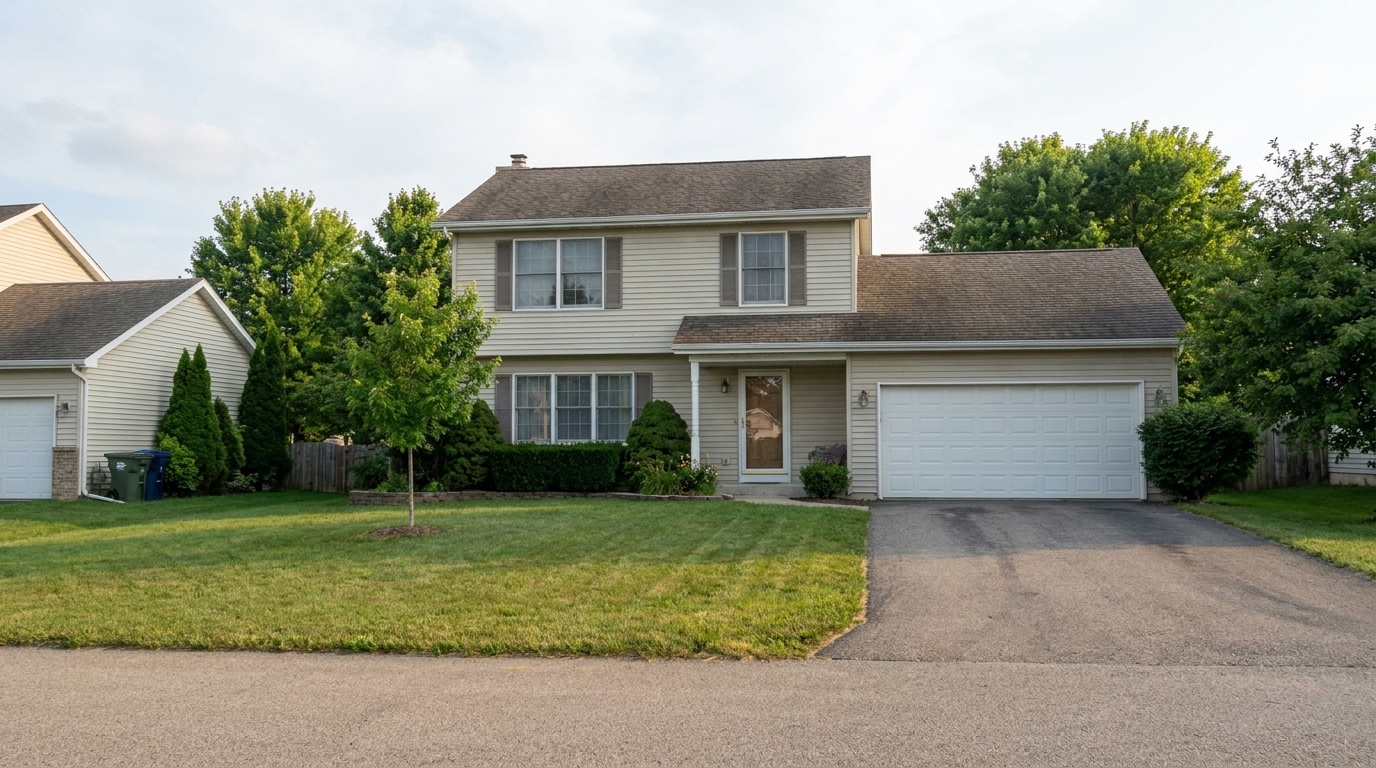

Suburban Exterior
Convert the same suburban exterior from low-visibility night to natural daytime with readable lawn, siding, roof, driveway, and.
Transform dark, low-visibility exterior shots into clear, sunlit daytime scenes. Enhance curb appeal and highlight architectural details instantly.
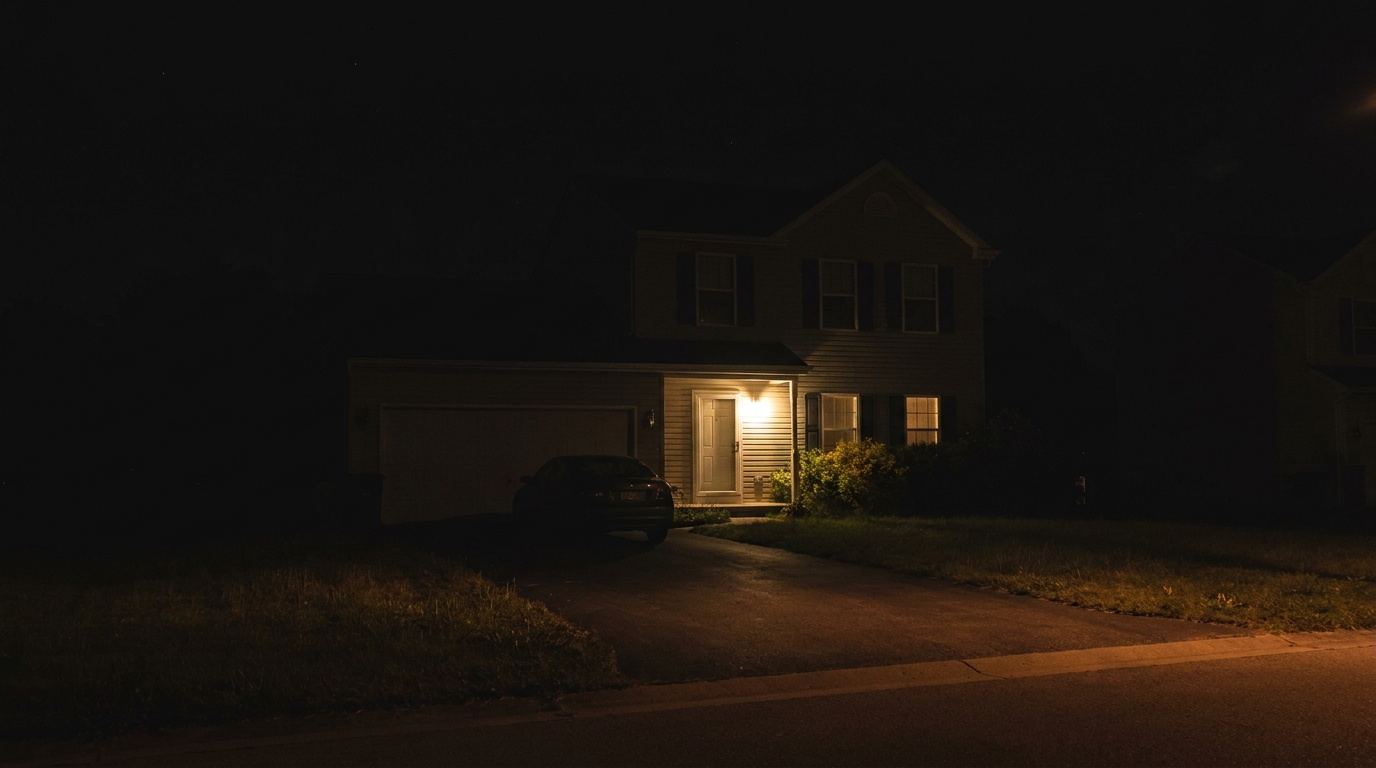
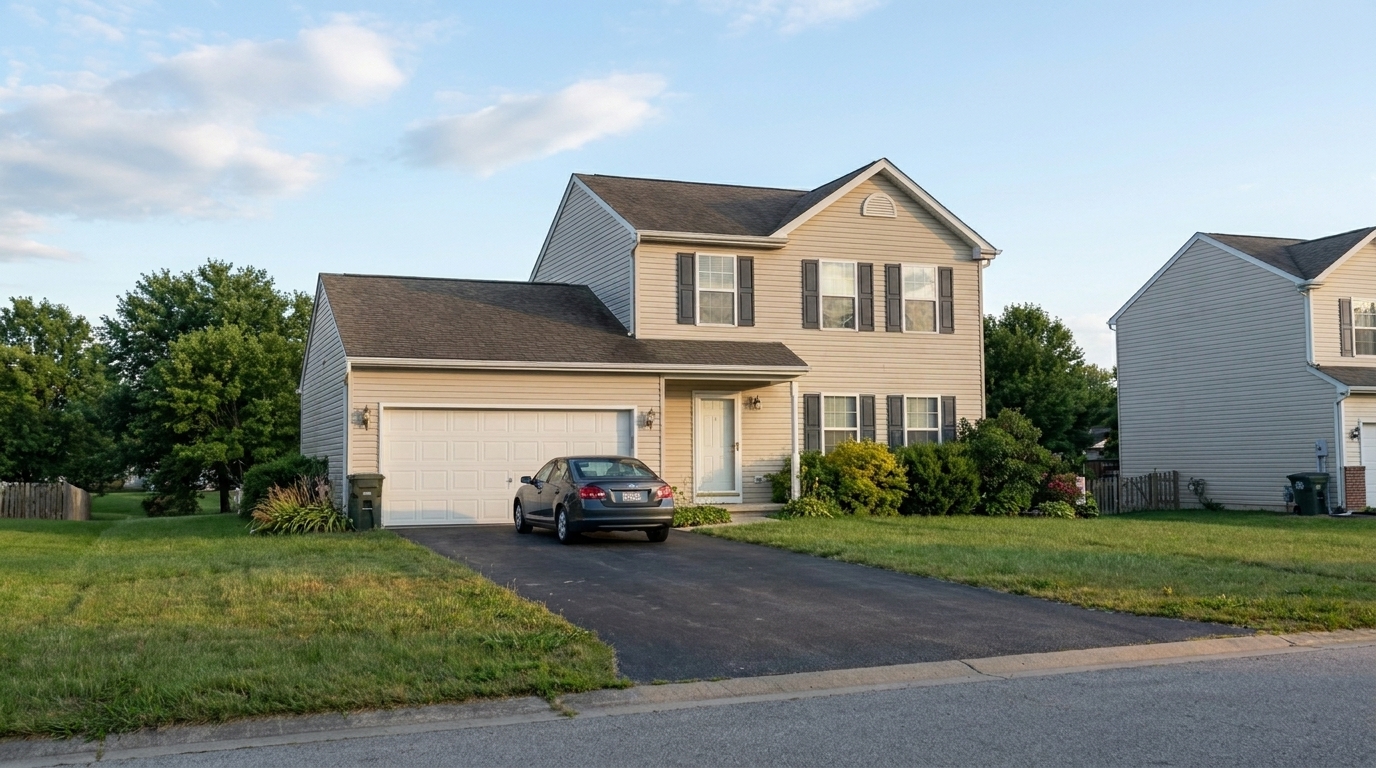
Browse real before-and-after examples of dark exterior photos converted into bright, marketable daytime listings.
Convert the same suburban exterior from low-visibility night to natural daytime with readable lawn, siding, roof, driveway, and.
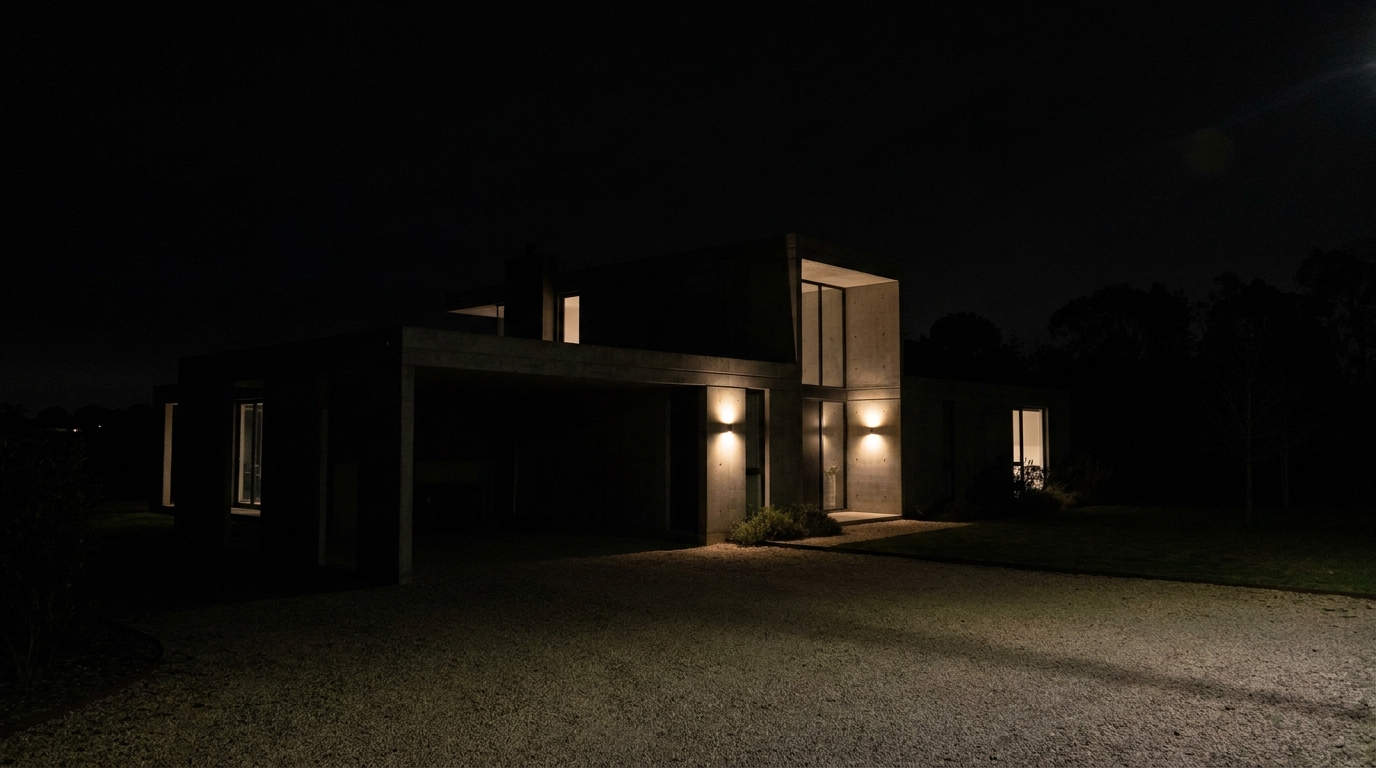
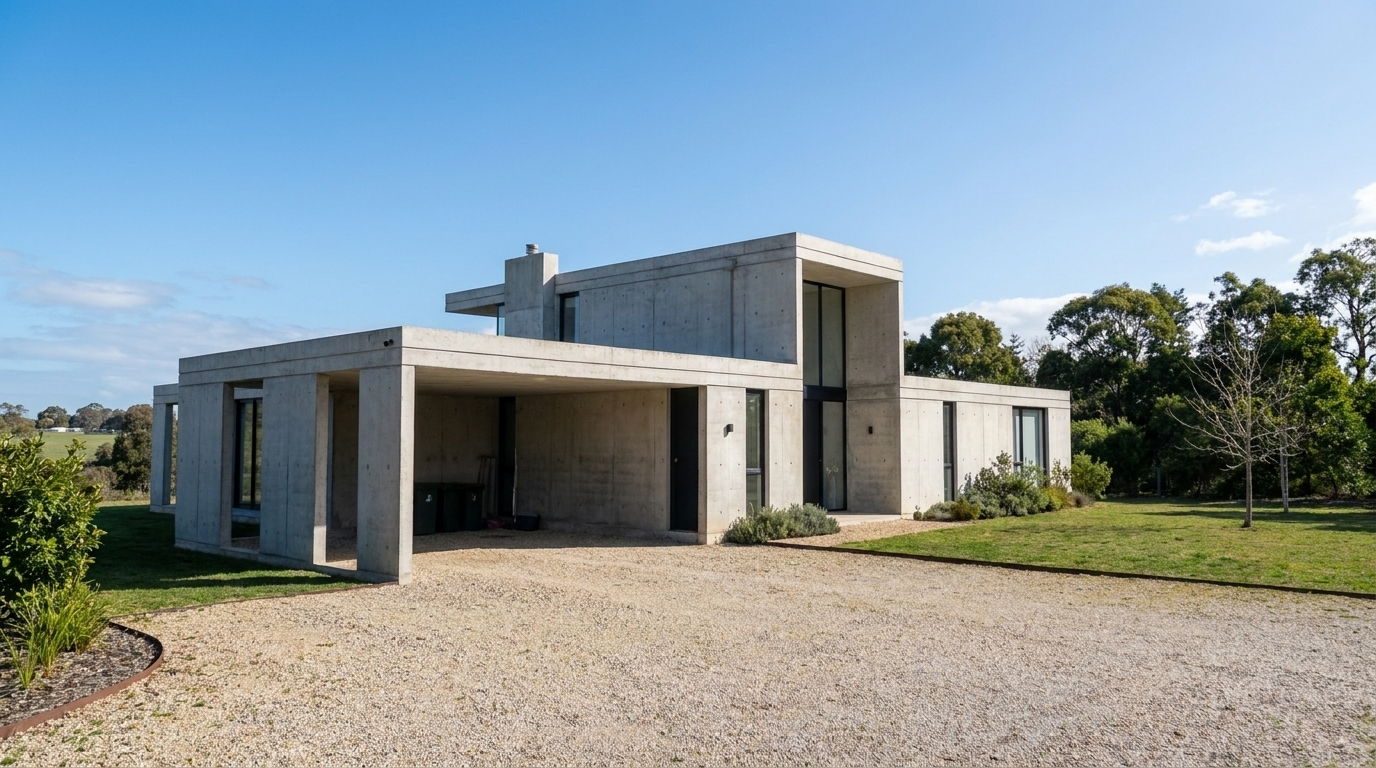
Convert the exact same modern villa from night to natural daytime, revealing concrete wall texture, glass, path, and landscaping.
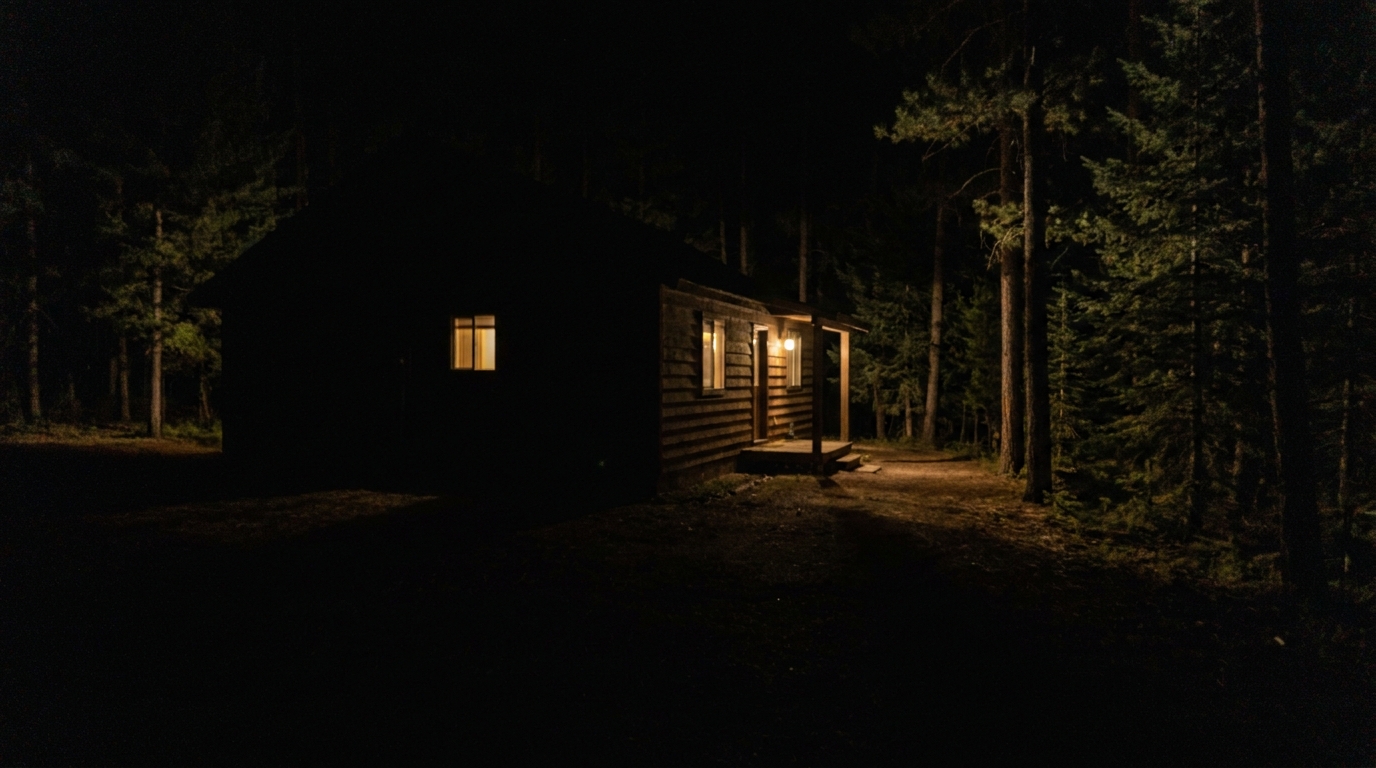
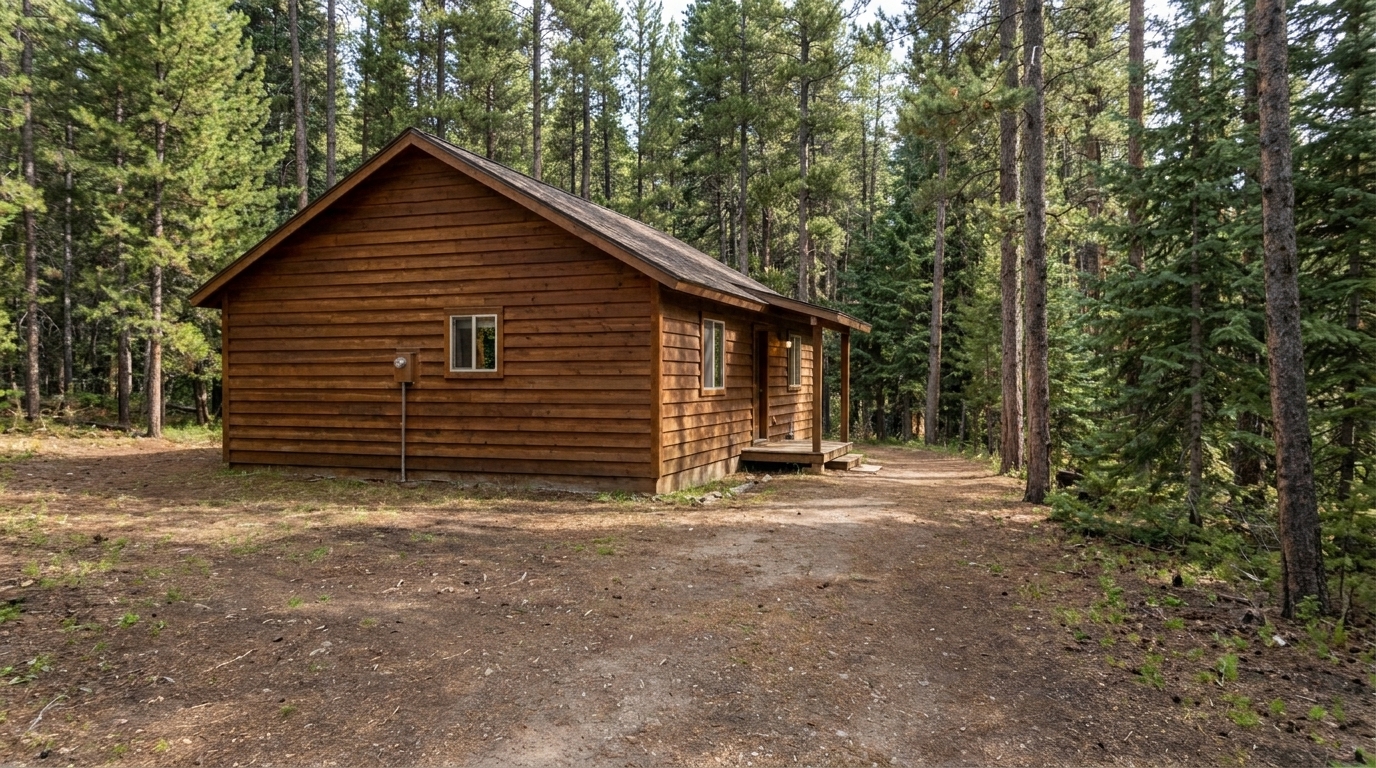
Convert the same cabin photo into daytime with visible wood siding, path, porch, and surrounding trees while keeping the original.
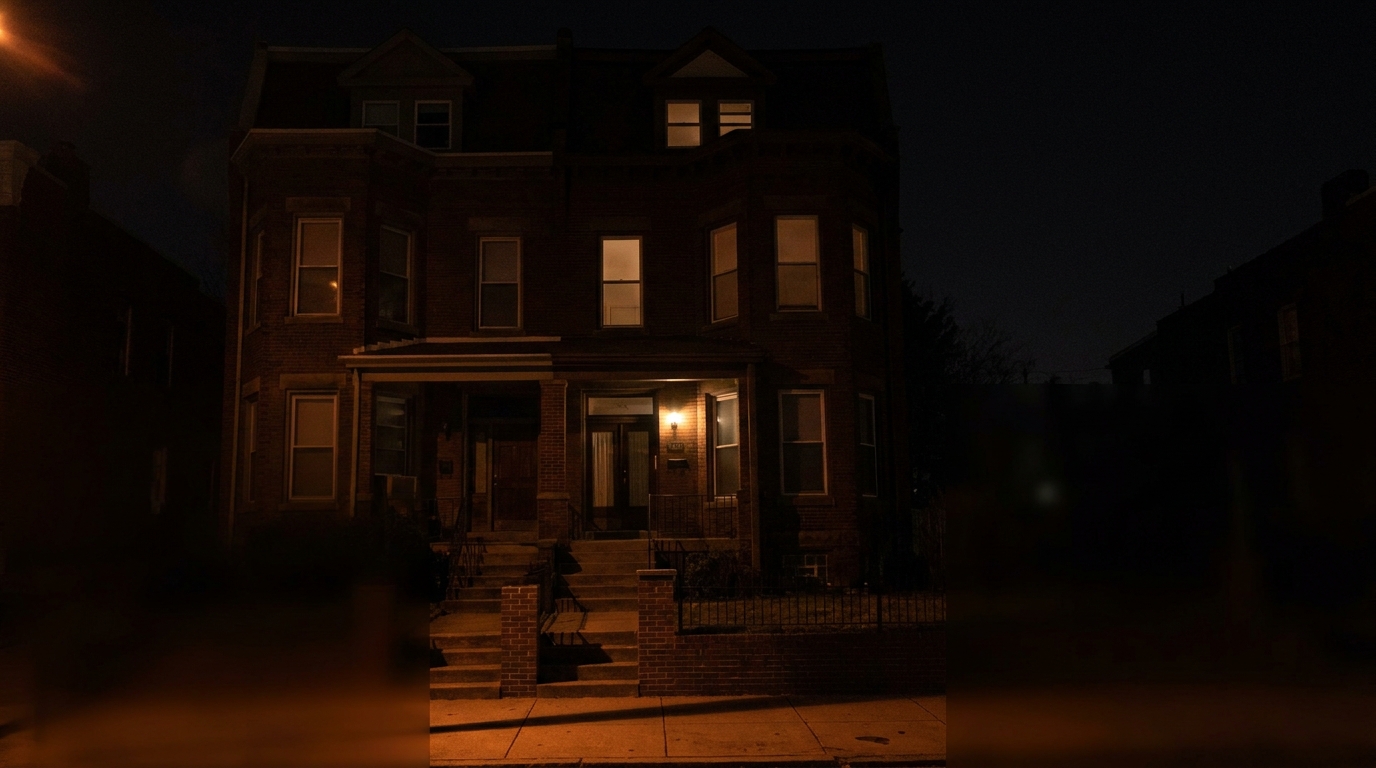
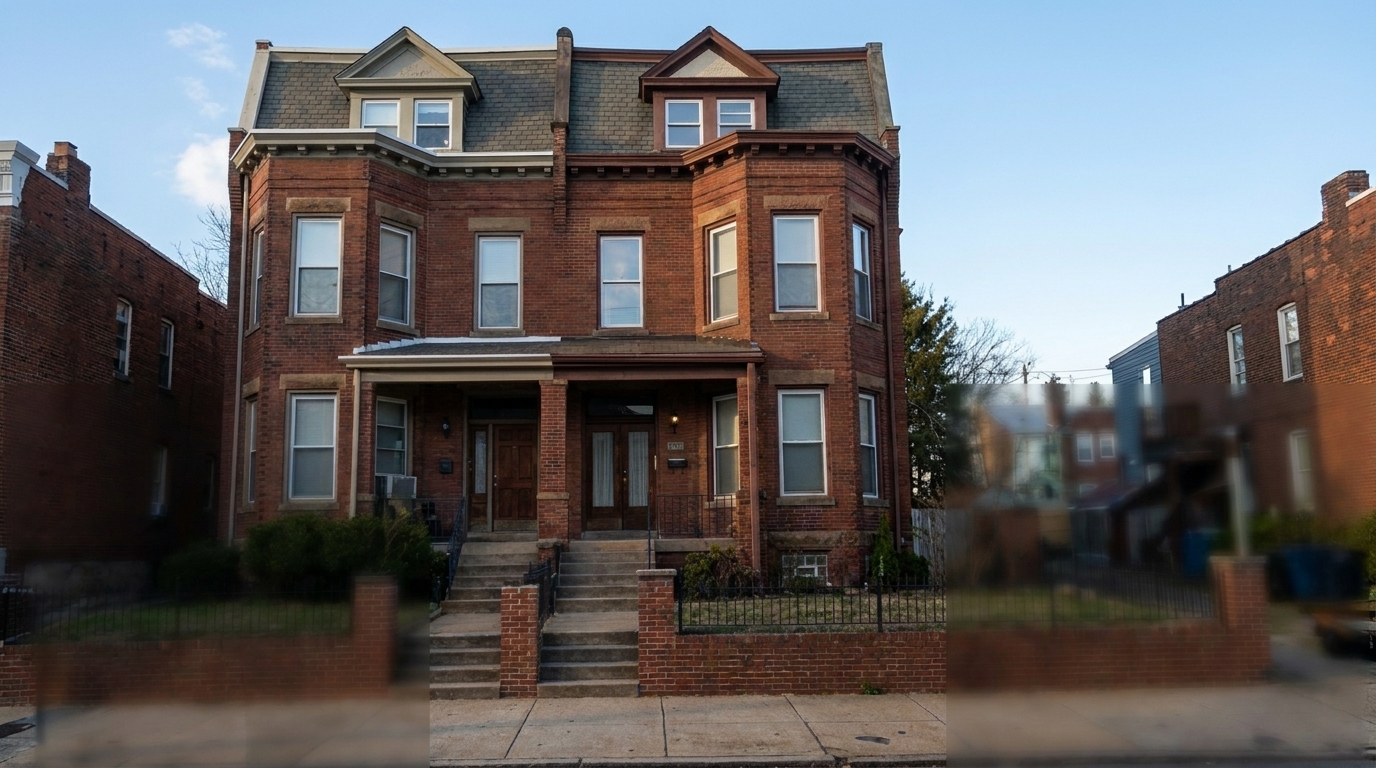
Convert the same single townhouse photo into a natural daytime listing view with readable brick, door, steps, and sidewalk.
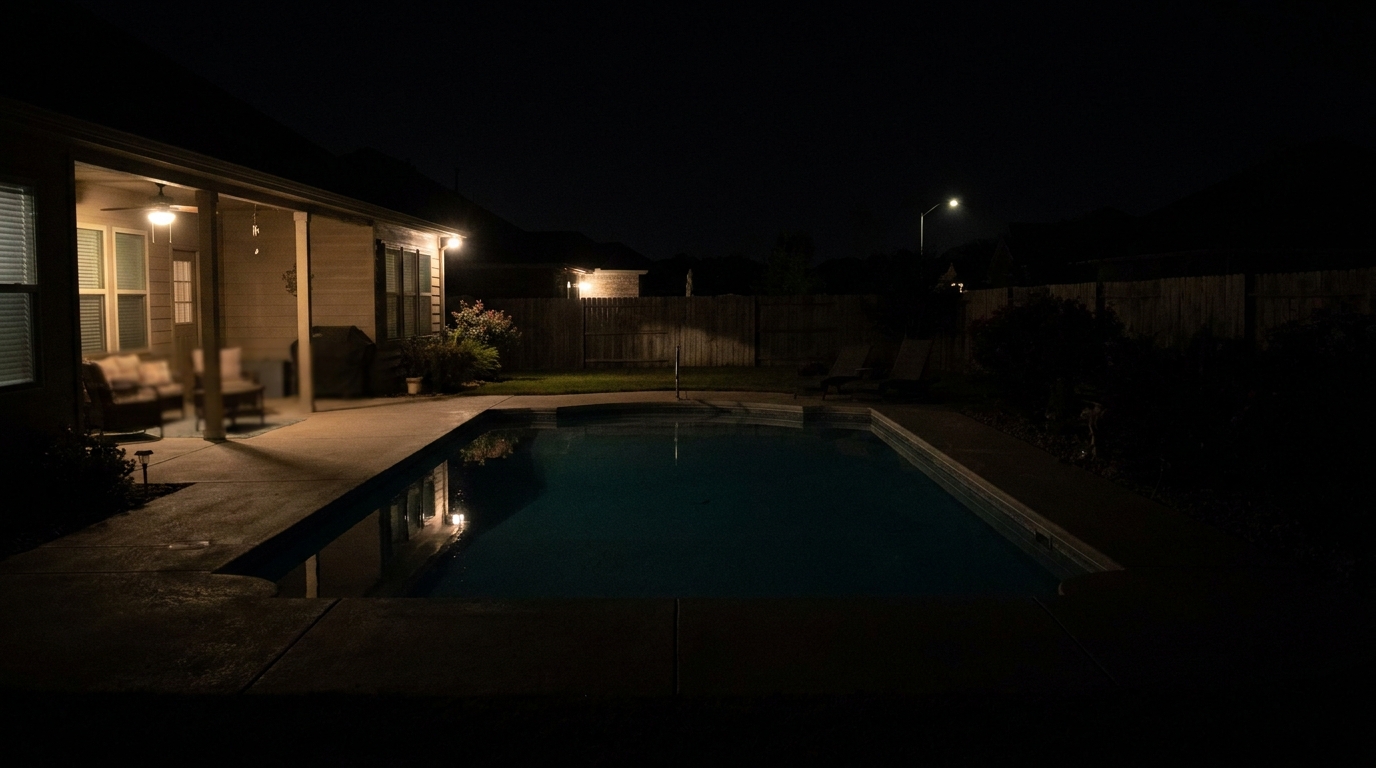
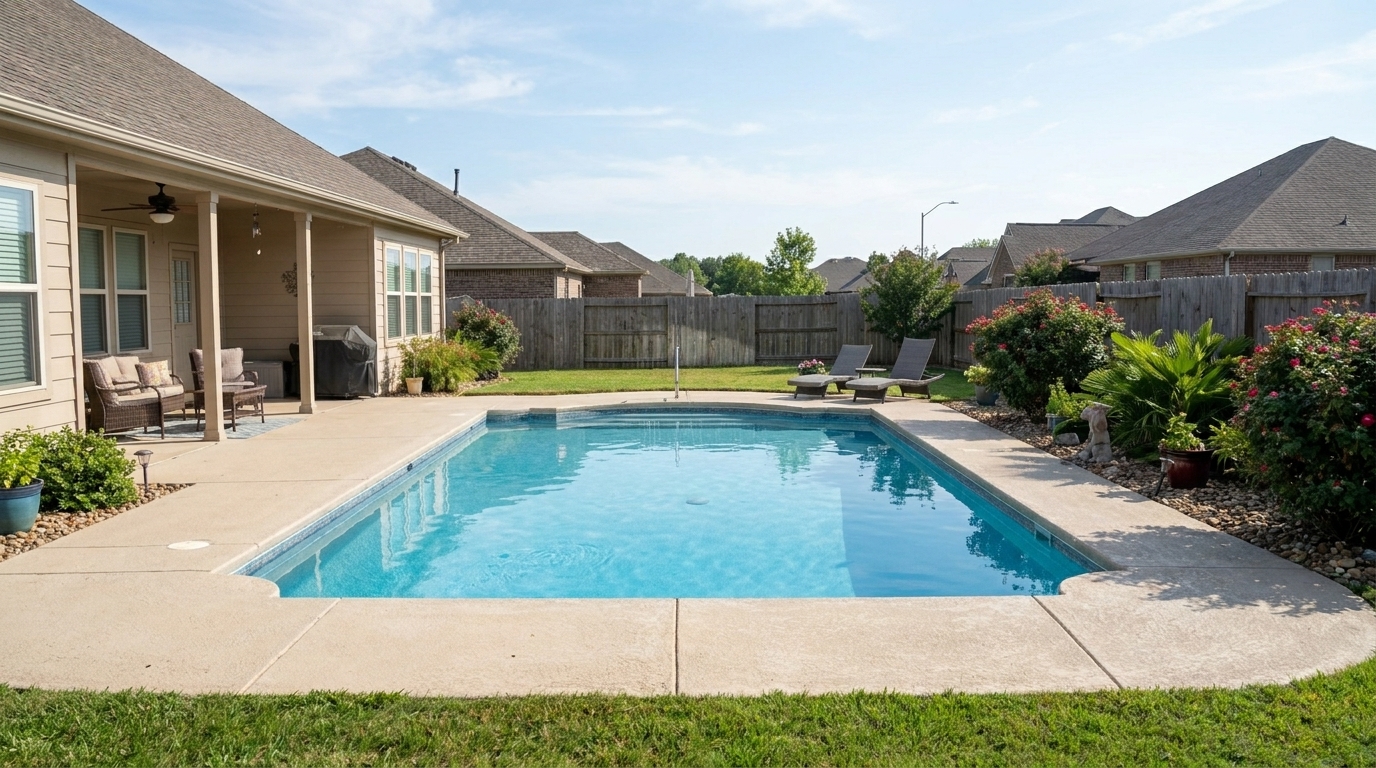
Convert the same backyard pool scene into natural daytime with visible pool water, patio furniture, deck, and landscaping.
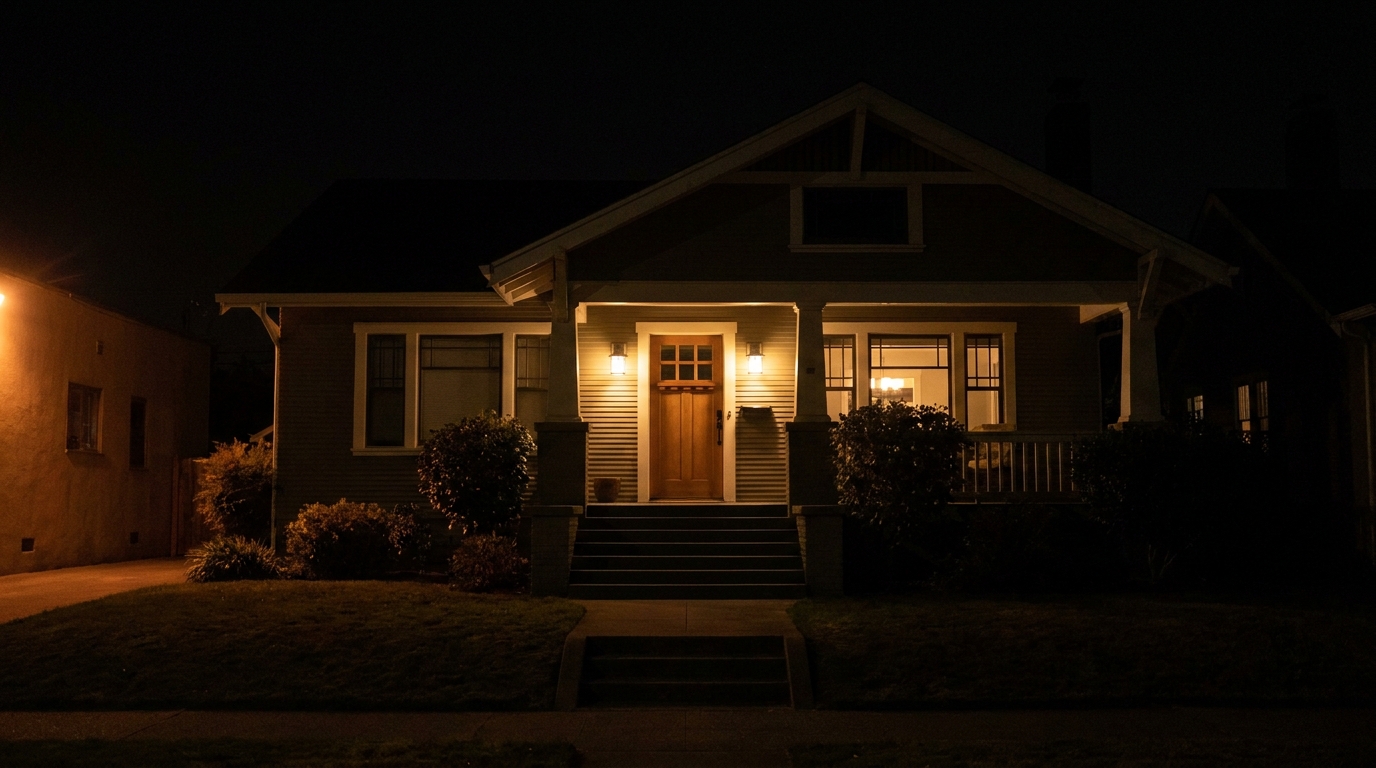
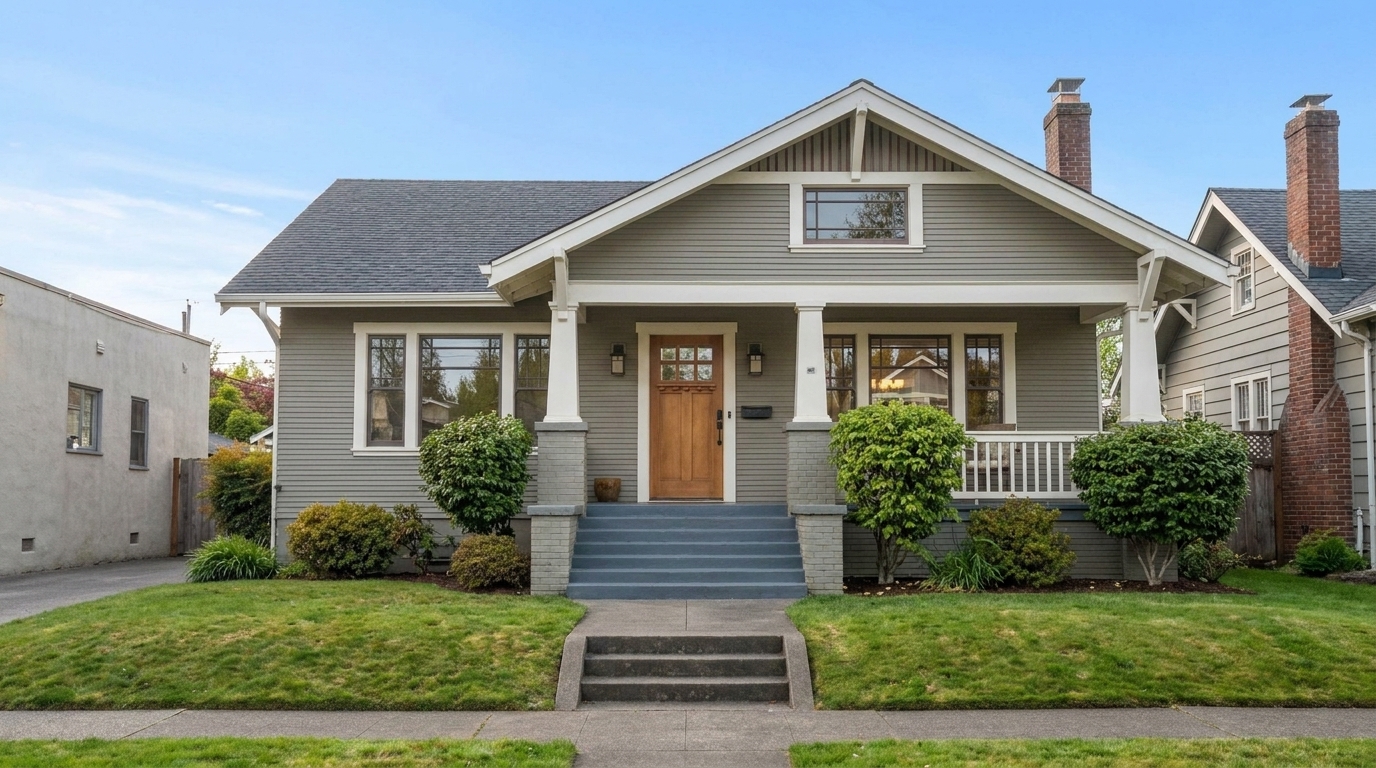
Craftsman Home updated with night to day styling.
Discover the intelligent adjustments that make our night-to-day transformations look completely authentic.
Swaps dark, starry, or pitch-black skies with clear, natural blue daytime skies that match the property's orientation.
Recalculates shadows and highlights to mimic natural overhead sunlight rather than artificial nighttime spotlights.
Reveals hidden architectural details, landscaping, and textures that were previously obscured by deep nighttime shadows.
Softens harsh interior window lights that stand out in night shots, blending them naturally into a bright daytime scene.
Shifts cool, dark blue tones and harsh yellow artificial light into warm, balanced, and natural daylight hues.
Keeps the physical lines, materials, and boundaries of the home completely accurate and unaltered during the lighting shift.
See how real estate professionals and photographers use daytime conversions to rescue dark listing photos.
Turn dark, grainy photos taken late in the evening into bright, professional-looking daytime listings.
Real Estate AgentsCreate a consistent, bright daytime aesthetic across all exterior photos in a property listing.
Property MarketersReveal beautiful gardens, lawns, and pathways that are completely invisible in nighttime photography.
HomeownersConvert photos taken during short winter days when natural daylight hours are extremely limited.
PhotographersMake vacation rentals and long-term listings look warm, sunny, and inviting to potential tenants.
Property ManagersAvoid scheduling expensive and time-consuming daytime reshoots for properties only photographed at night.
Real Estate PhotographersFollow three simple steps to transform dark exterior shots into bright, welcoming daytime scenes.
Select and upload a dark, low-light, or nighttime exterior photo of your property to the Idealhouse platform.
Our AI analyzes the scene, replaces the dark sky, and realistically shifts the ambient lighting to natural daylight.
Save your bright, high-visibility daytime image, fully optimized and ready for MLS and marketing materials.
Source-backed context for why night to day edits matter inside weather & seasonal editing workflows.
Night to Day within Weather & Seasonal Editing evidence
Photos are one of the most valuable website features for home buyers; NAR's 2025 generational trends report says 83% of internet-using buyers rated photos as very useful. For Night to Day pages, this supports showing how a focused Weather & Seasonal Editing edit can make the listing photo feel clearer, more polished, and easier for buyers to evaluate.
Source: NAR 2025Night to Day within Weather & Seasonal Editing evidence
Zillow Research's 2025 prospective buyer report ranked high-resolution photos as the number two most important listing feature, selected by 26% of prospective buyers; floor plans ranked first at 33%. For Night to Day pages, this supports showing how a focused Weather & Seasonal Editing edit can make the listing photo feel clearer, more polished, and easier for buyers to evaluate.
Source: Zillow 2025Night to Day within Weather & Seasonal Editing evidence
Redfin reported that professionally photographed homes in the $400,000 range sold three weeks faster and for more than $10,000 relative to list price compared with amateur photos. Use this as supporting context, not as a guaranteed result. For Night to Day pages, this supports showing how a focused Weather & Seasonal Editing edit can make the listing photo feel clearer, more polished, and easier for buyers to evaluate.
Source: RedfinTransforming nighttime photos into daytime listings is a powerful way to rescue low-visibility shots and maintain a consistent, bright portfolio. Learn how to apply this tool effectively to maximize your property's curb appeal.
Converting a night photo to day is more than just turning up the brightness. Our AI analyzes the geometry of the property to map where natural sunlight would fall. It replaces the dark sky with a high-resolution daytime sky, lifts deep shadows to reveal hidden textures, and dampens the artificial yellow glow of porch lights and streetlamps. This ensures the final image looks like it was actually shot at noon, preserving realism and architectural accuracy.
When deciding how to present your property, consider the emotional impact of each preset. Use Night to Day when your original photo is too dark to show off the home's features and you need maximum clarity and visibility for MLS. Choose Golden Hour when you want to add a warm, high-end, emotional appeal to an already decent daytime shot. Opt for Blue Hour when you want to showcase luxury properties with a polished, tranquil, and upscale twilight aesthetic. Avoid Night to Day if you want to preserve a moody, atmospheric evening look.
For the most realistic conversion, start with a stable, high-resolution night shot. Ensure the camera was still to avoid motion blur, as the AI needs clean edges to map the new lighting. Once uploaded, apply the Night to Day preset. If the original photo had extremely bright interior lights visible through the windows, you may want to use our brush tool to slightly soften those areas post-conversion for a perfectly balanced daytime look.
While highly versatile, this preset should be avoided if the original photo is extremely blurry, grainy, or low-resolution, as the AI may struggle to define the boundaries of the house against the dark sky. Additionally, if the property is heavily covered by dense, complex foliage that completely blocks the sky, sky replacement may look less natural. In these cases, a standard image optimization or shadow fix may yield better results.
Compare our specialized atmospheric presets to find the perfect lighting and seasonal look for your property listings.
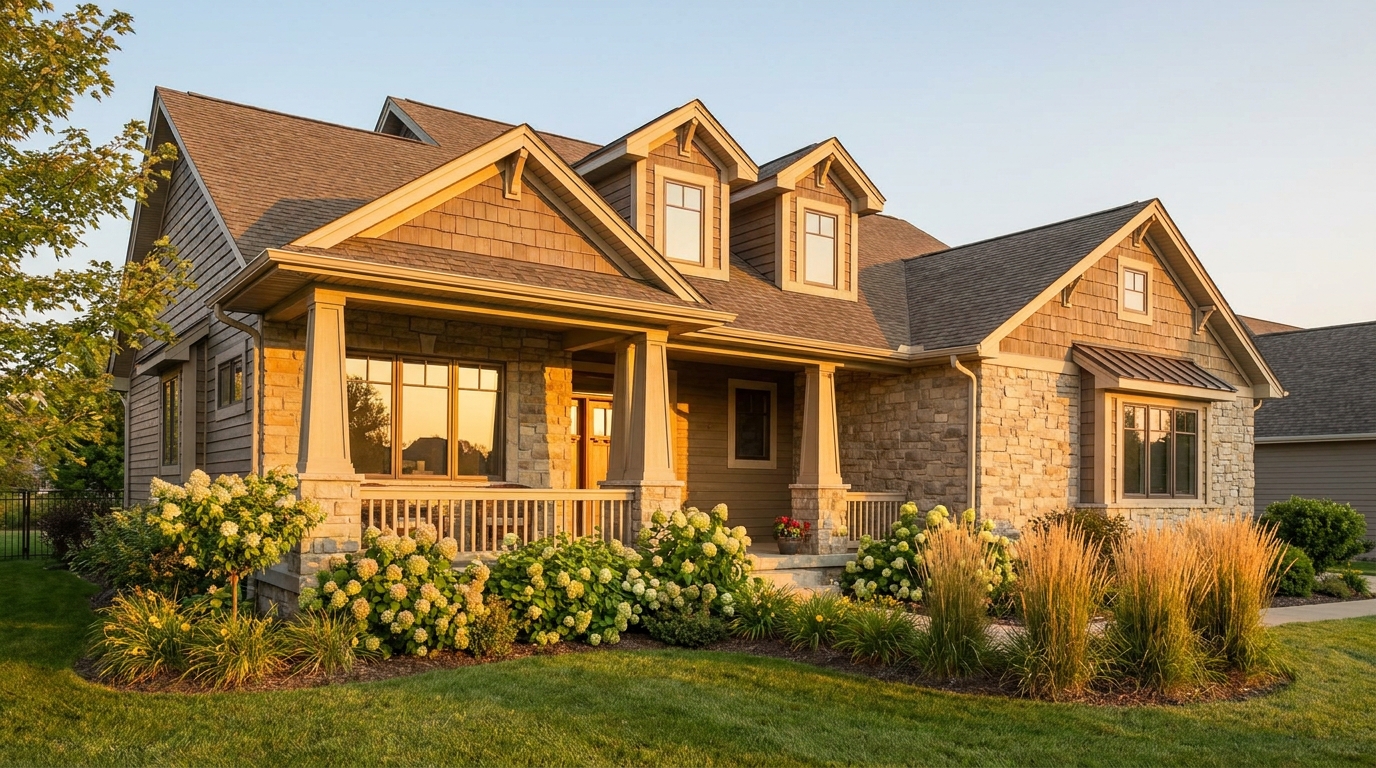
Warm golden light and soft shadows for a more flattering exterior showcase.
Try This Tool →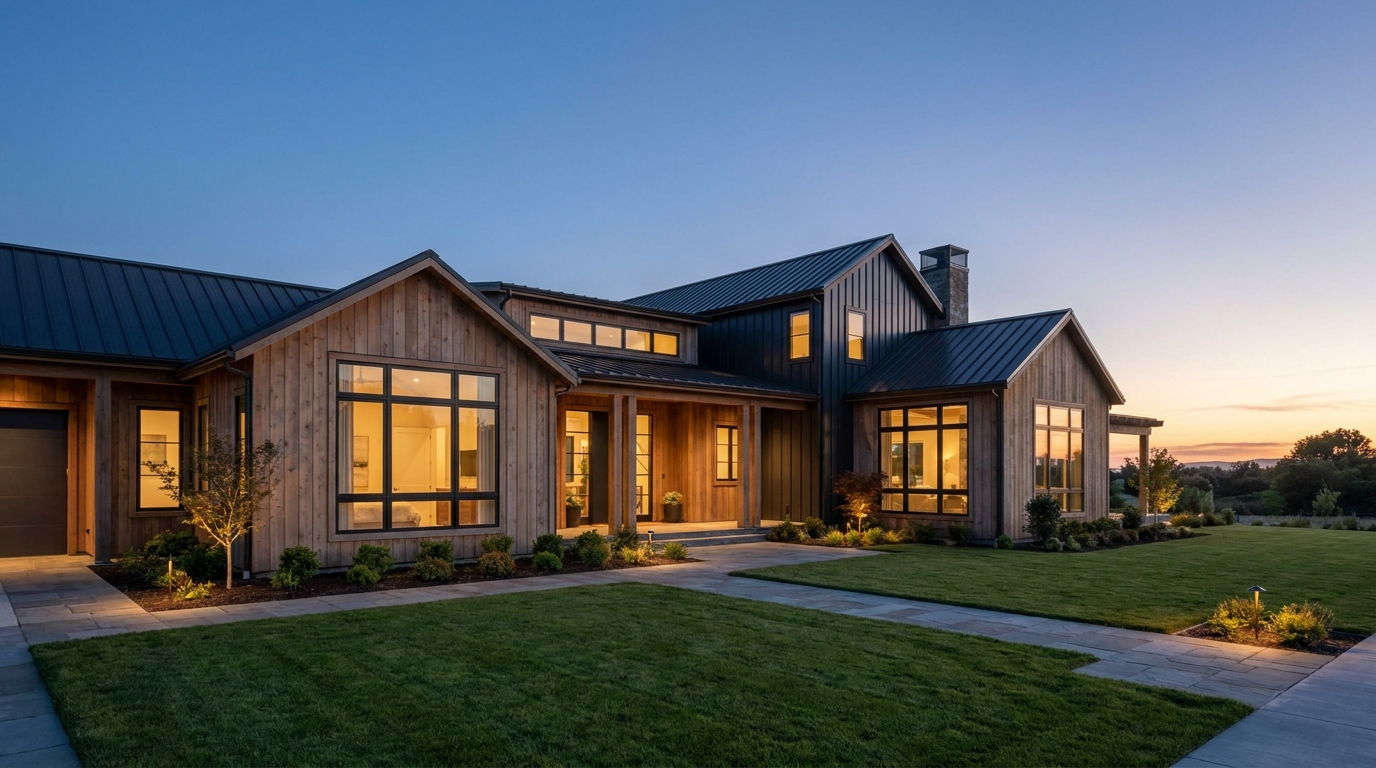
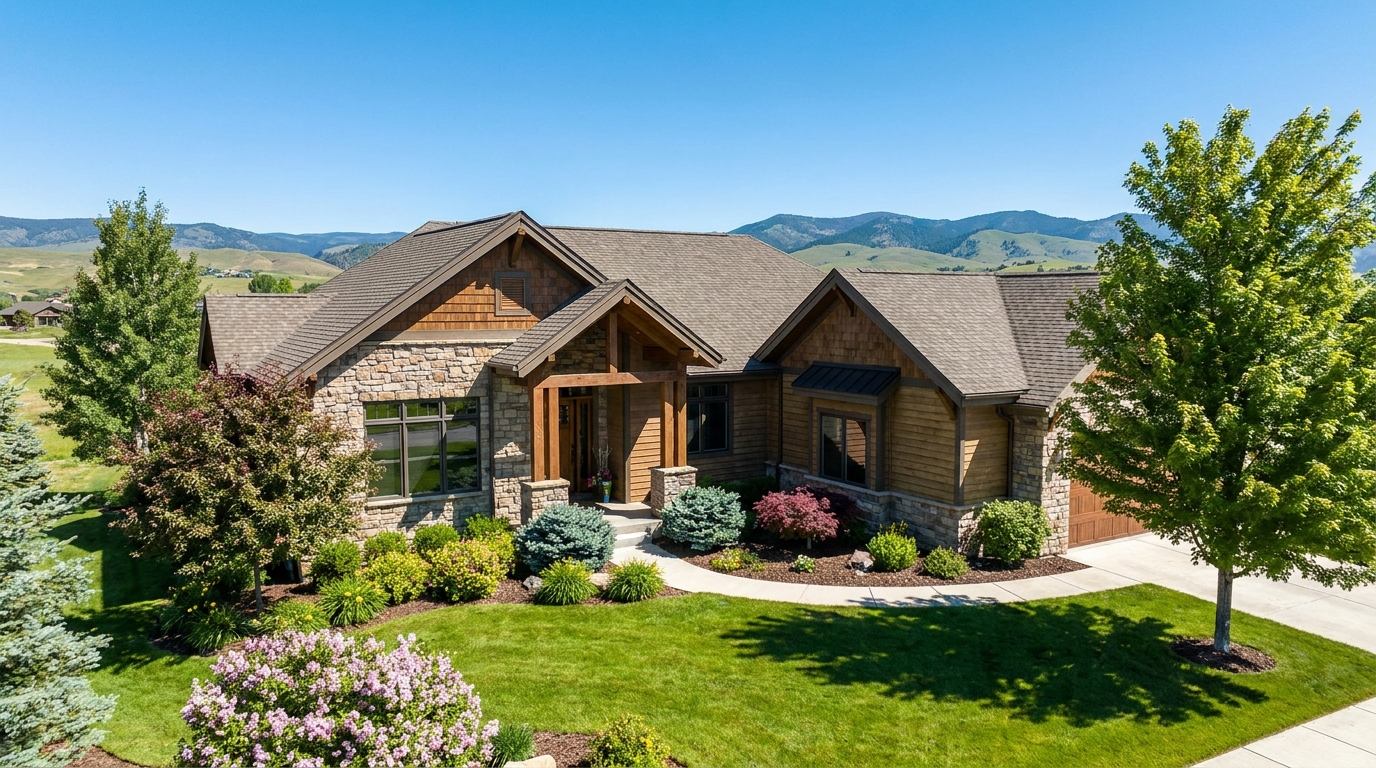
Clear atmospheric haze so the property looks sharper, brighter, and more defined.
Try This Tool →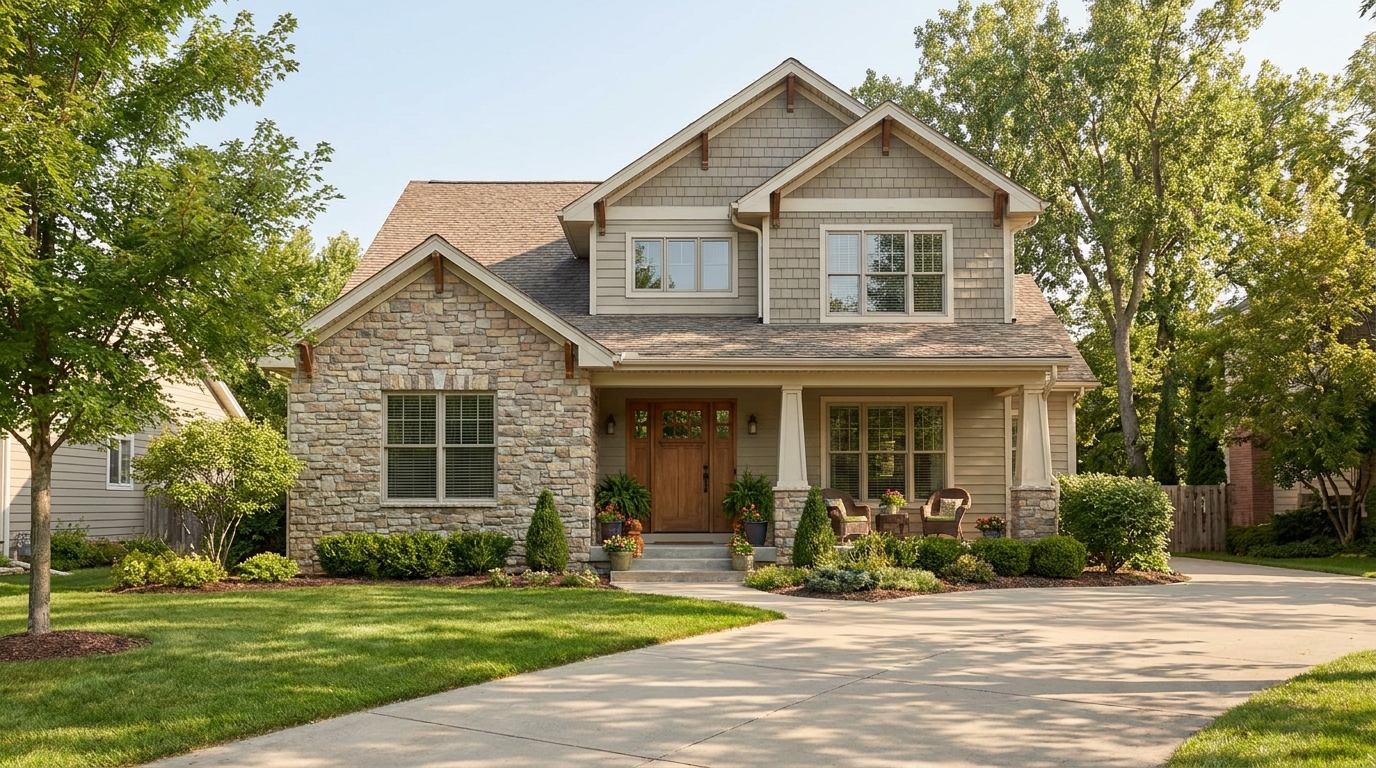
Soften harsh sun and shadows for a cleaner, more balanced exterior image.
Try This Tool →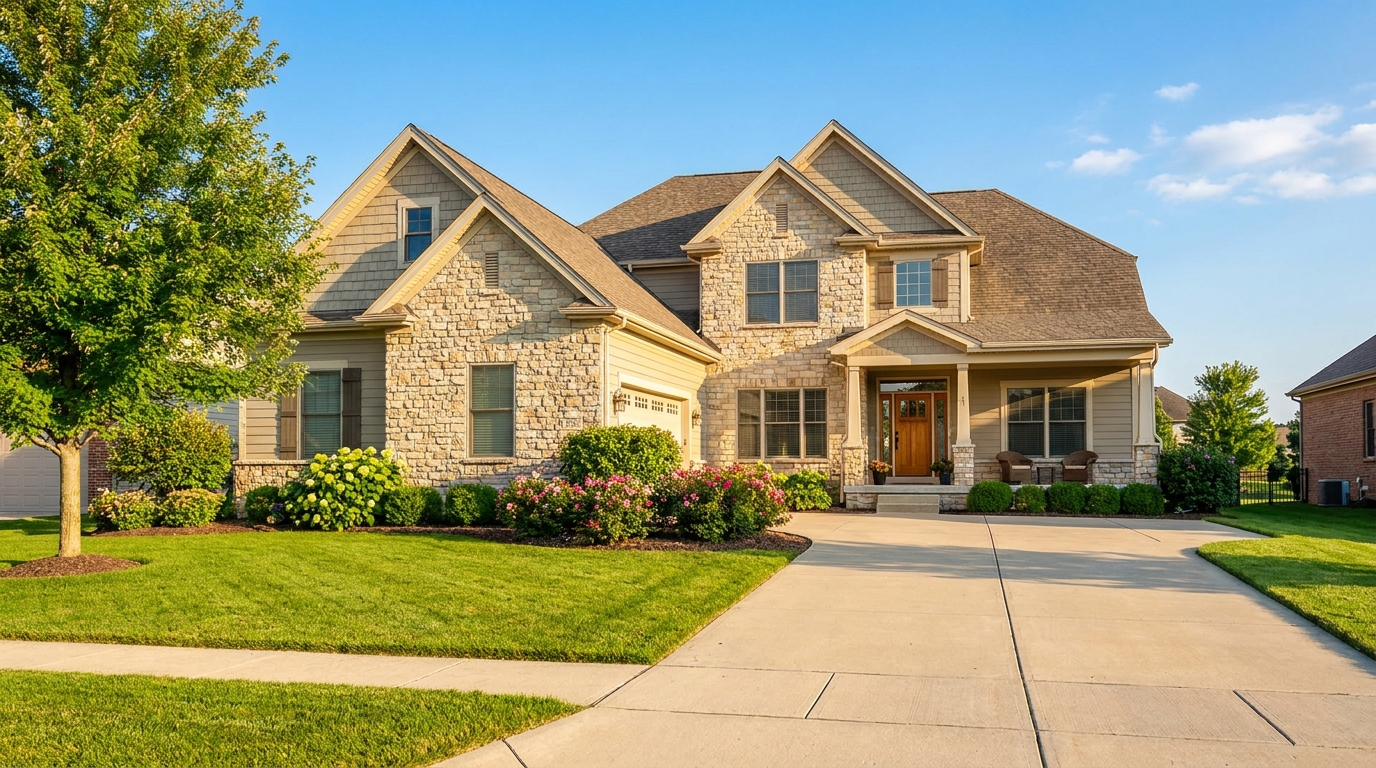
Turn cloudy exteriors into brighter sunny-day scenes with stronger curb appeal.
Try This Tool →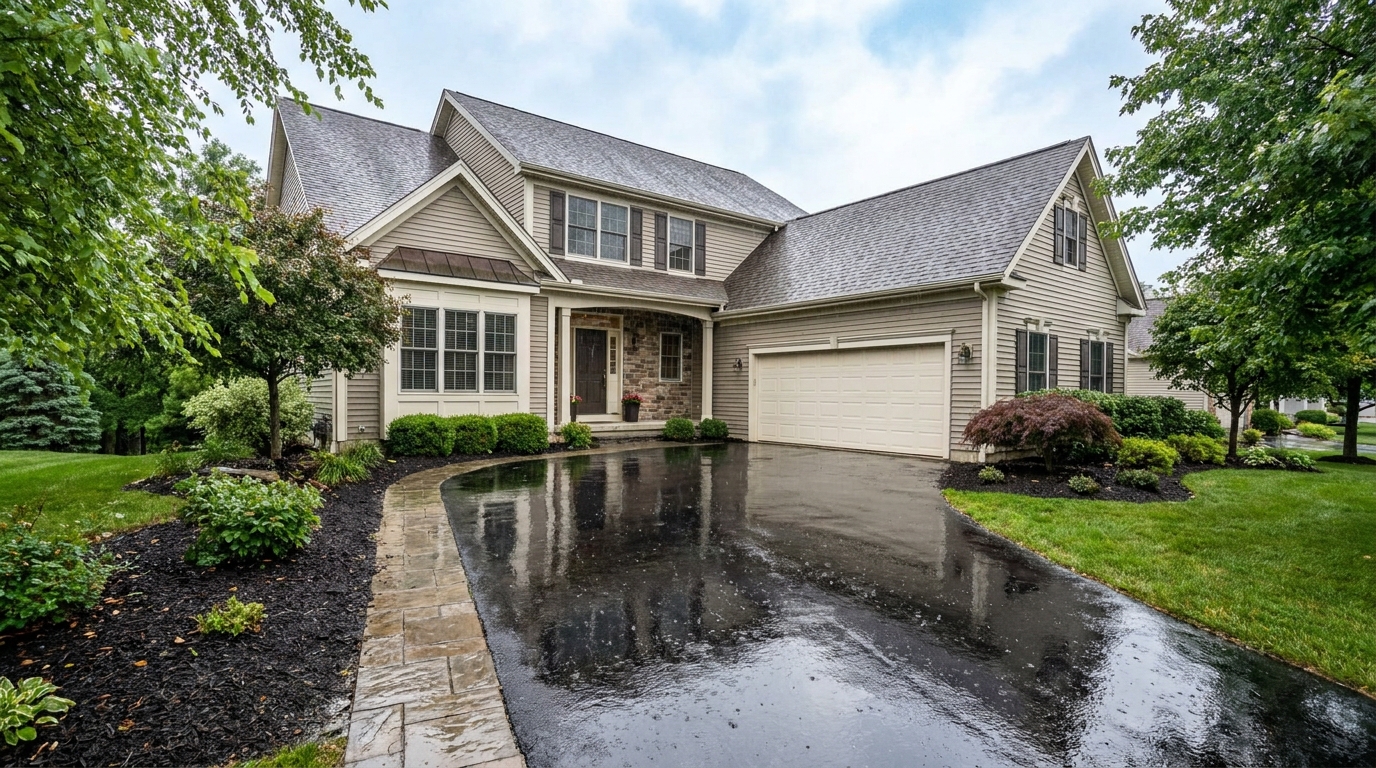
Add a fresh post-rain mood with subtle reflections and rich outdoor texture.
Try This Tool →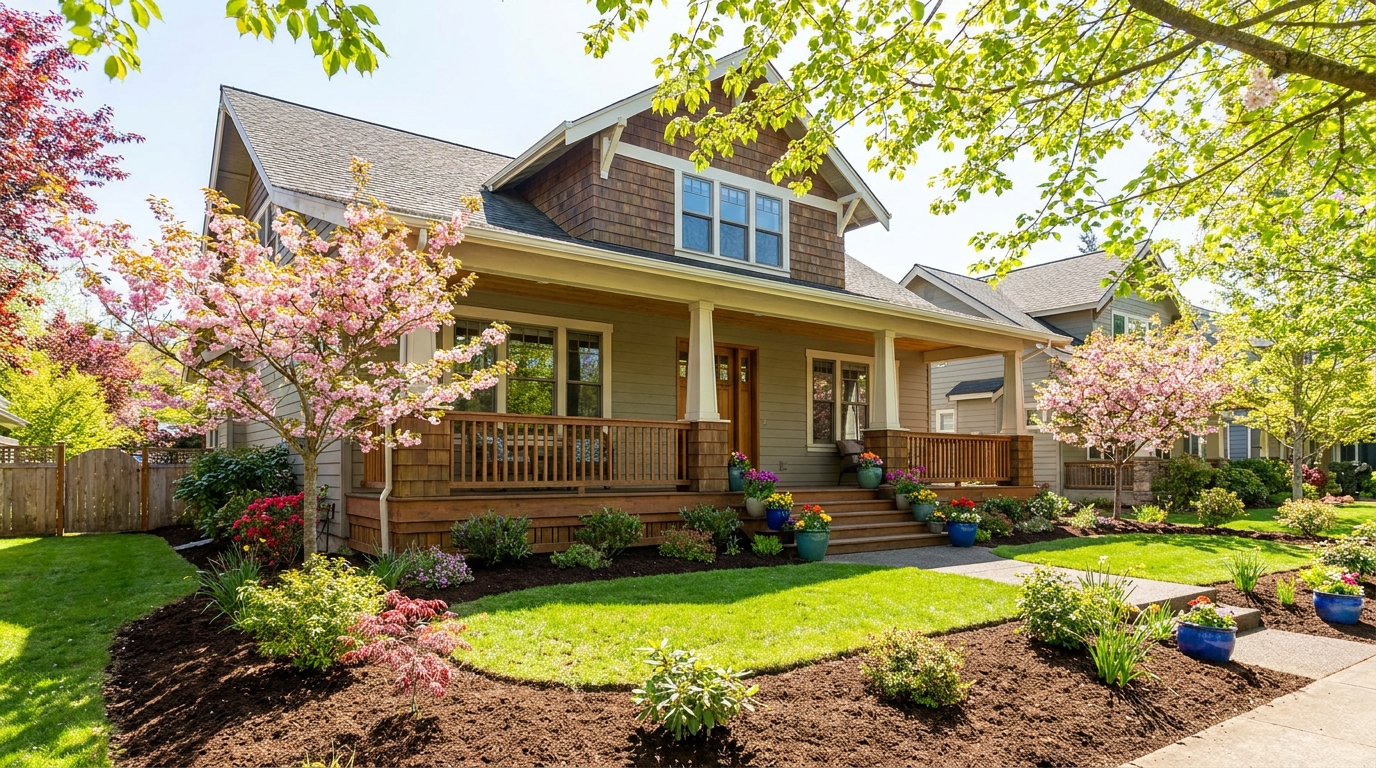
Bring in greener growth and spring freshness for a lively, welcoming exterior.
Try This Tool →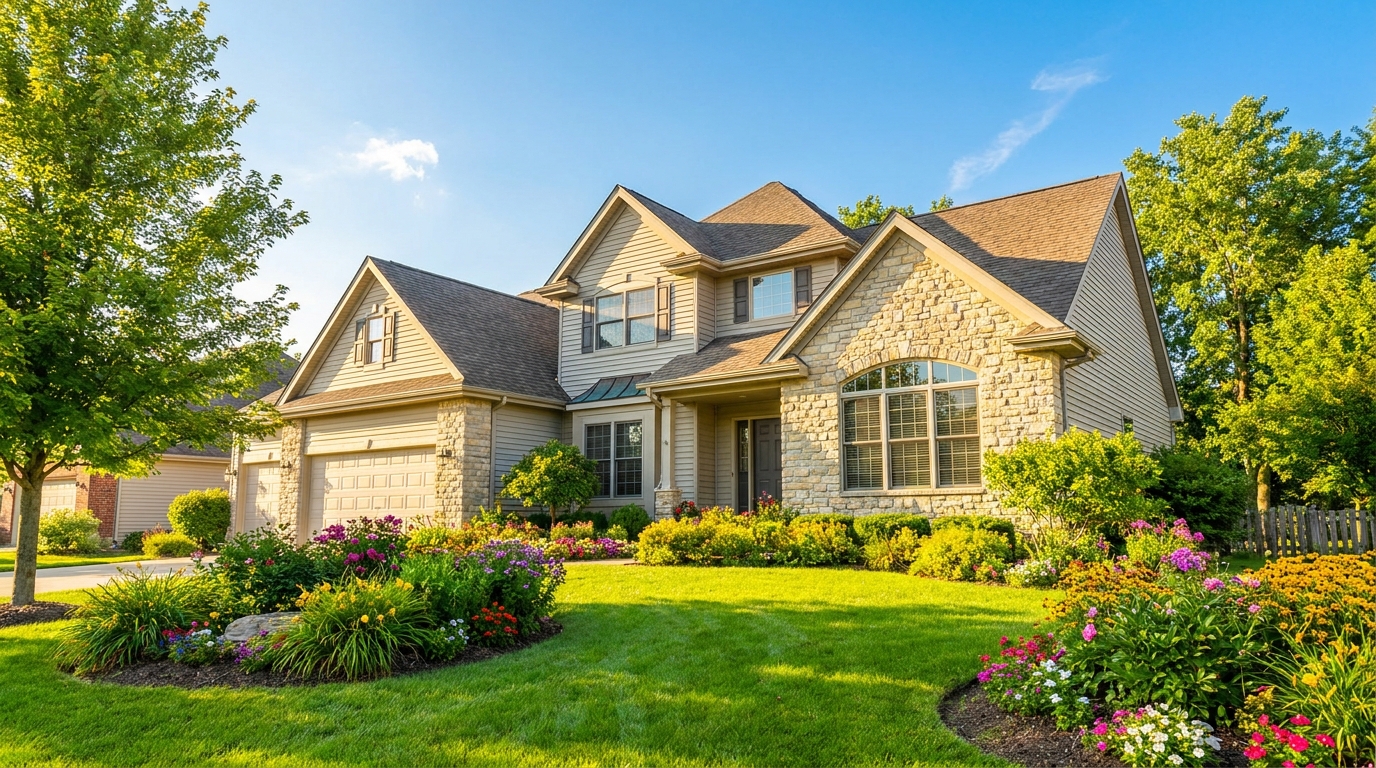
Bright, sunny seasonal styling with vibrant greenery and airy outdoor color.
Try This Tool →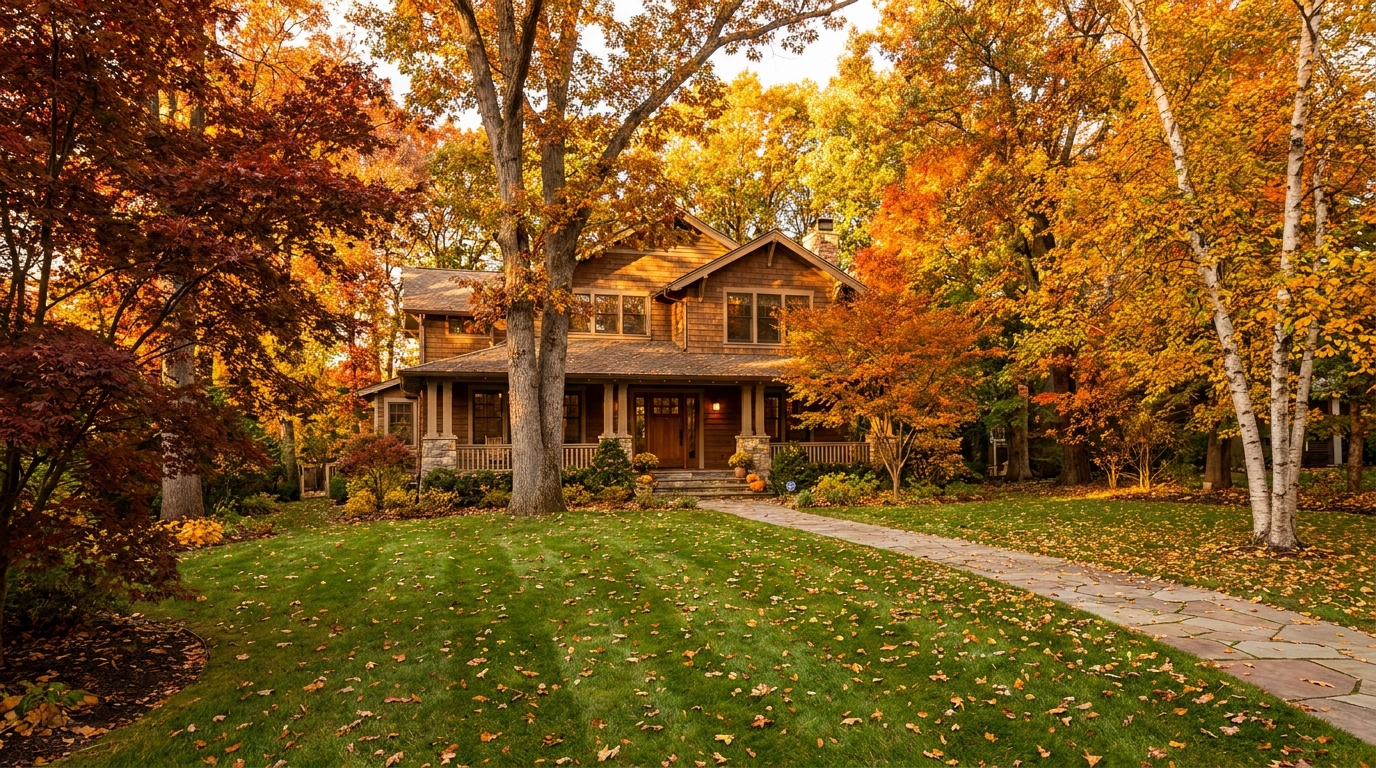
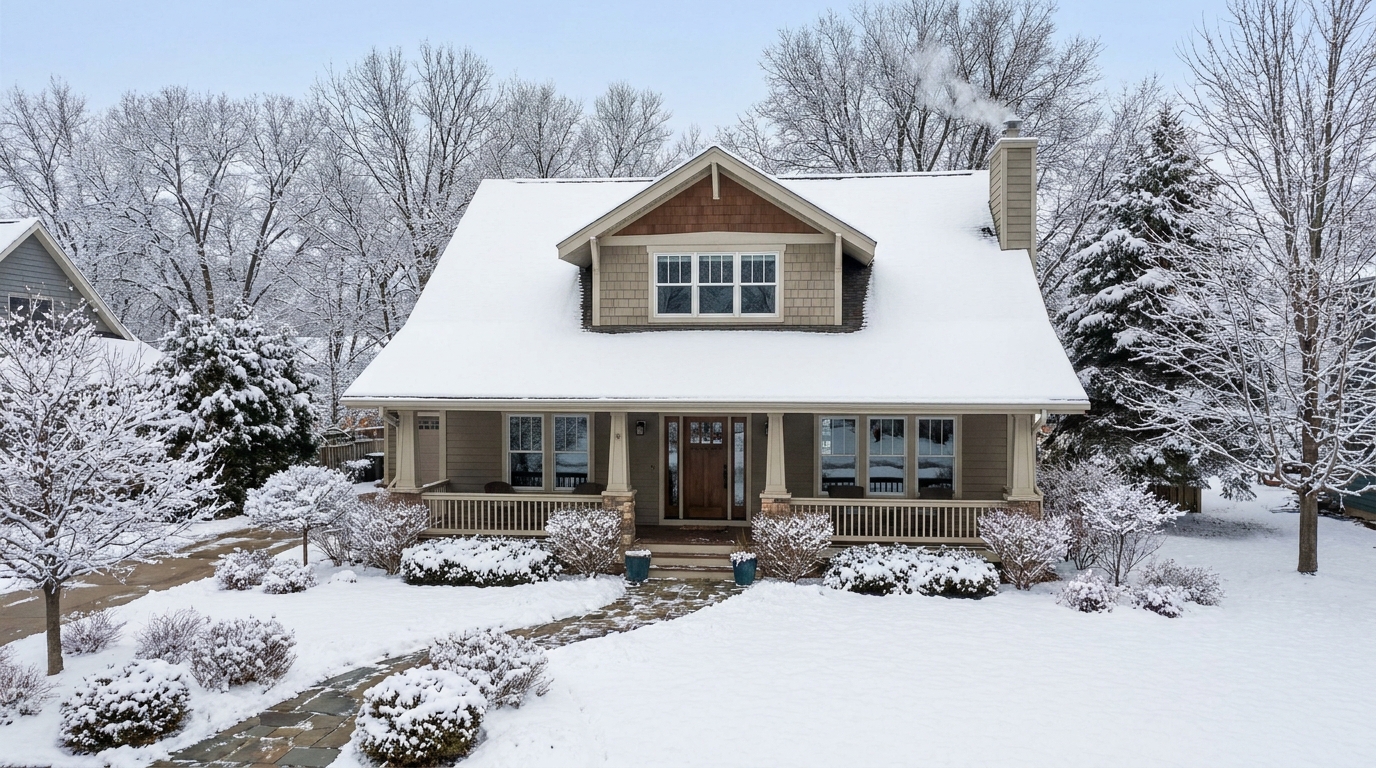
Create a clean winter setting with realistic snow and strong seasonal atmosphere.
Try This Tool →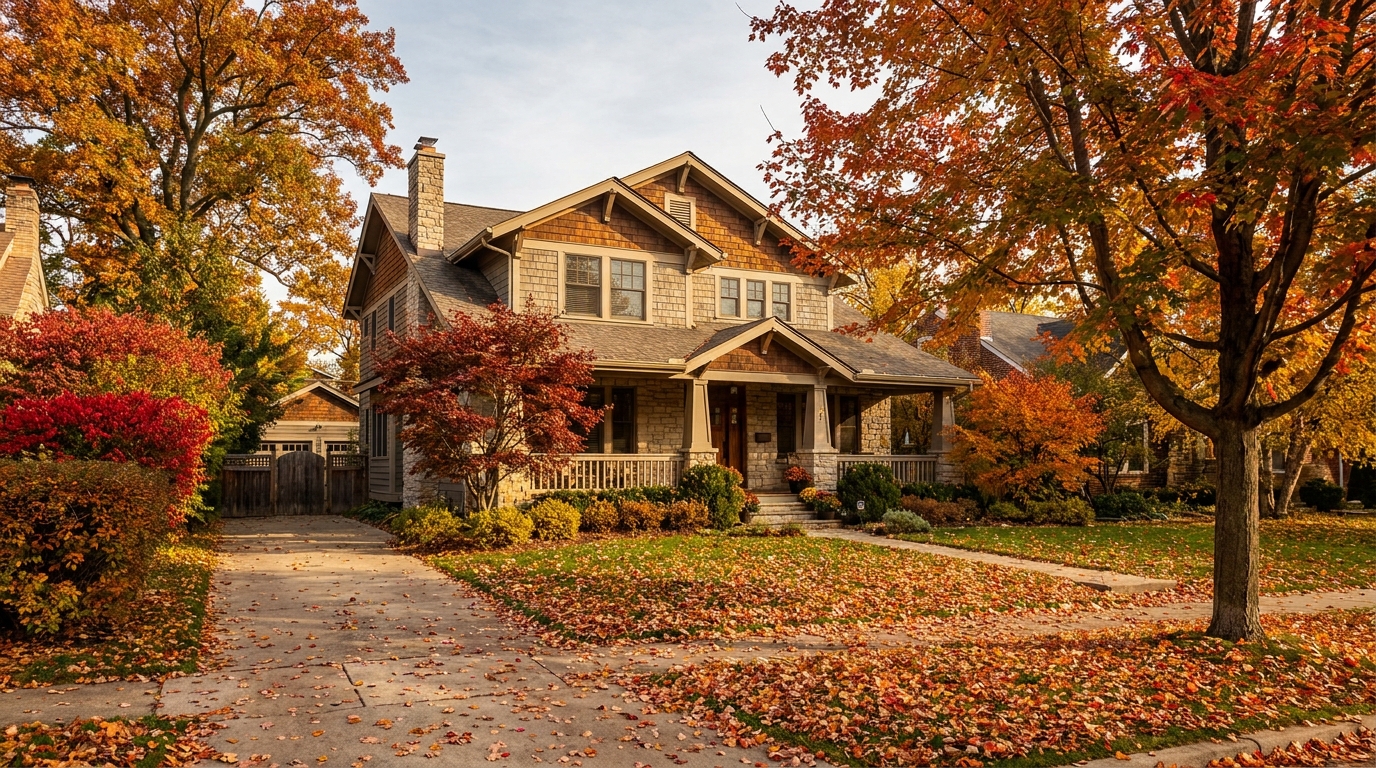
Swap the landscape to match the season that best fits the listing.
Try This Tool →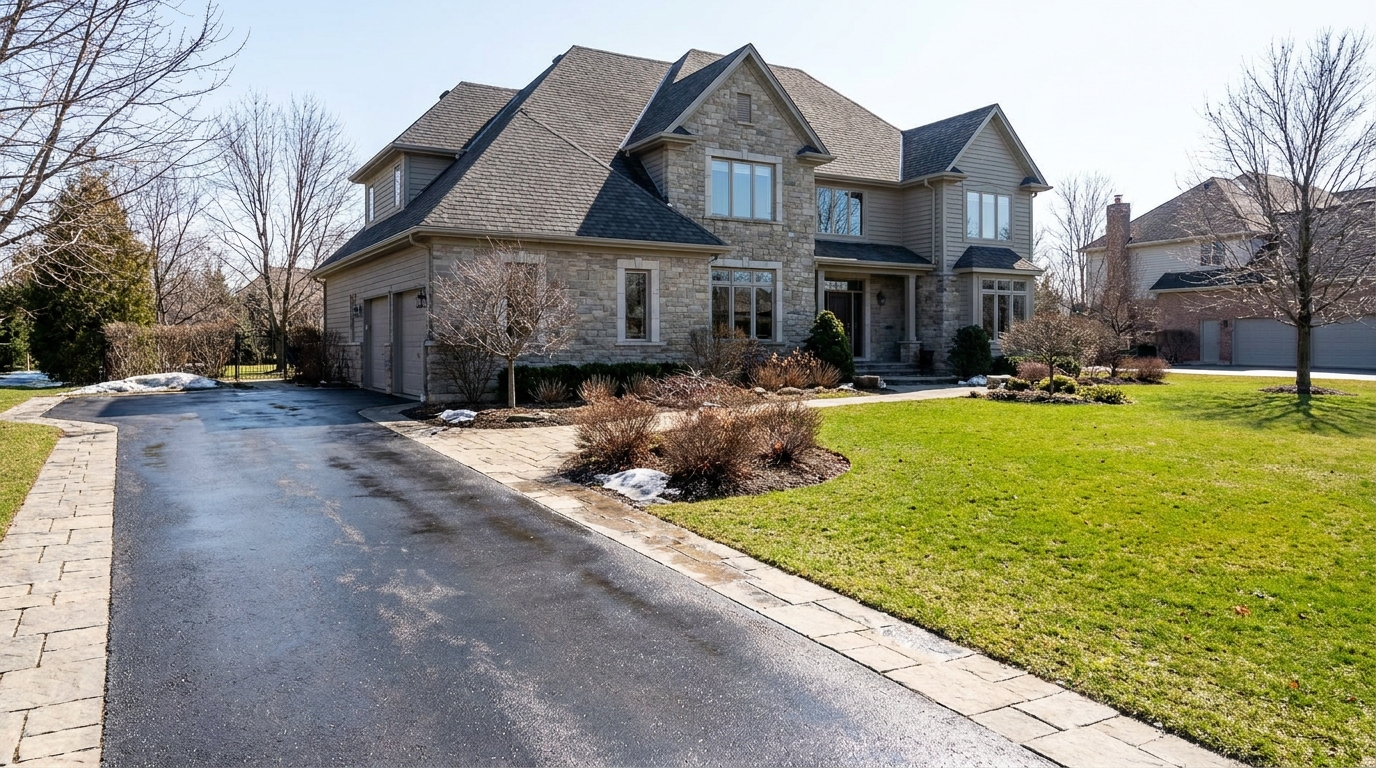
Remove snow buildup for a cleaner exterior that feels more accessible and ready to show.
Try This Tool →Discover other powerful AI presets designed to optimize your real estate listing photos.
AI image-to-video generation for turning home, room, and property photos into more vivid presentation videos.
02AI exterior renovation for visualizing facade updates, curb appeal improvements, and home exterior remodel ideas.
03AI landscaping design for exploring outdoor concepts, curb appeal upgrades, planting ideas, and yard layout directions.
04AI virtual staging for furnishing empty rooms and creating listing-ready interiors for real estate marketing.
05Free AI image generation for turning text prompts into unlimited visual ideas for home design, interiors, landscaping, renovation
06AI object removal for cleaning up distracting items from room, home, and property photos.
Don't let poor lighting ruin a great listing. Turn dark, shadowy exterior shots into bright, welcoming daytime photos with Idealhouse.