



Winter to Summer Swap
Winter to Summer Swap updated with full season change / season swap styling.
Instantly transform property photos across spring, summer, autumn, and winter. Swap landscaping, foliage, and lighting while keeping the home structure perfectly intact.


Browse real examples of winter listings converted to vibrant summer showcases.
Winter to Summer Swap updated with full season change / season swap styling.
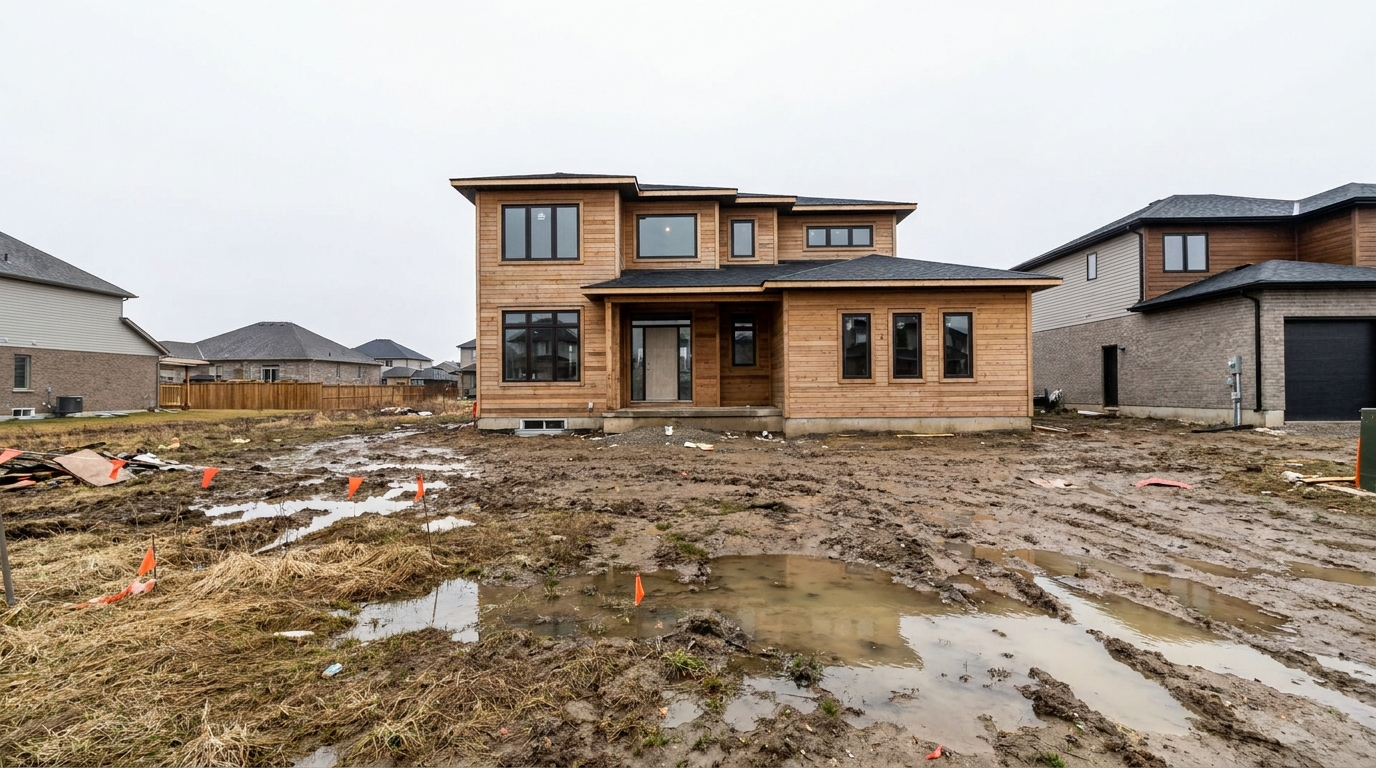
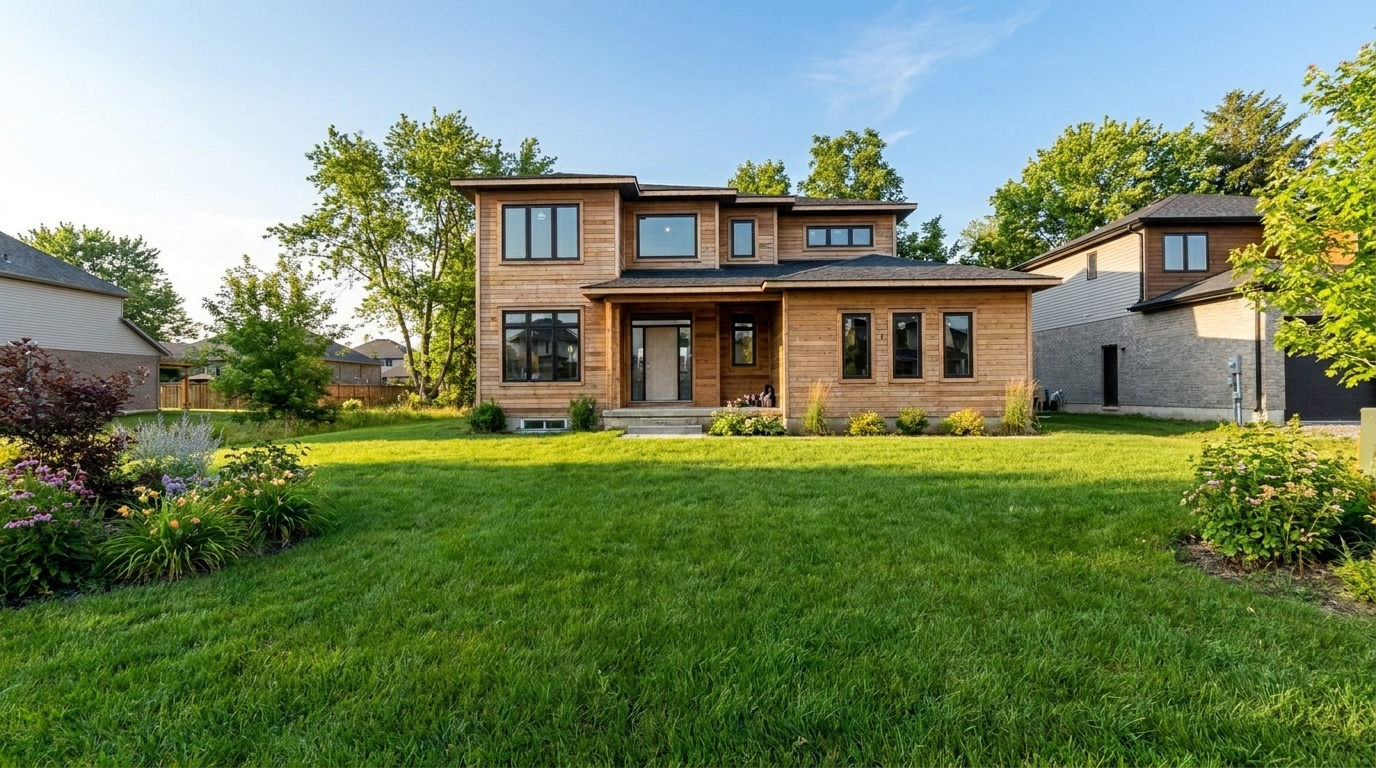
Spring Mud to Summer Lush updated with full season change / season swap styling.
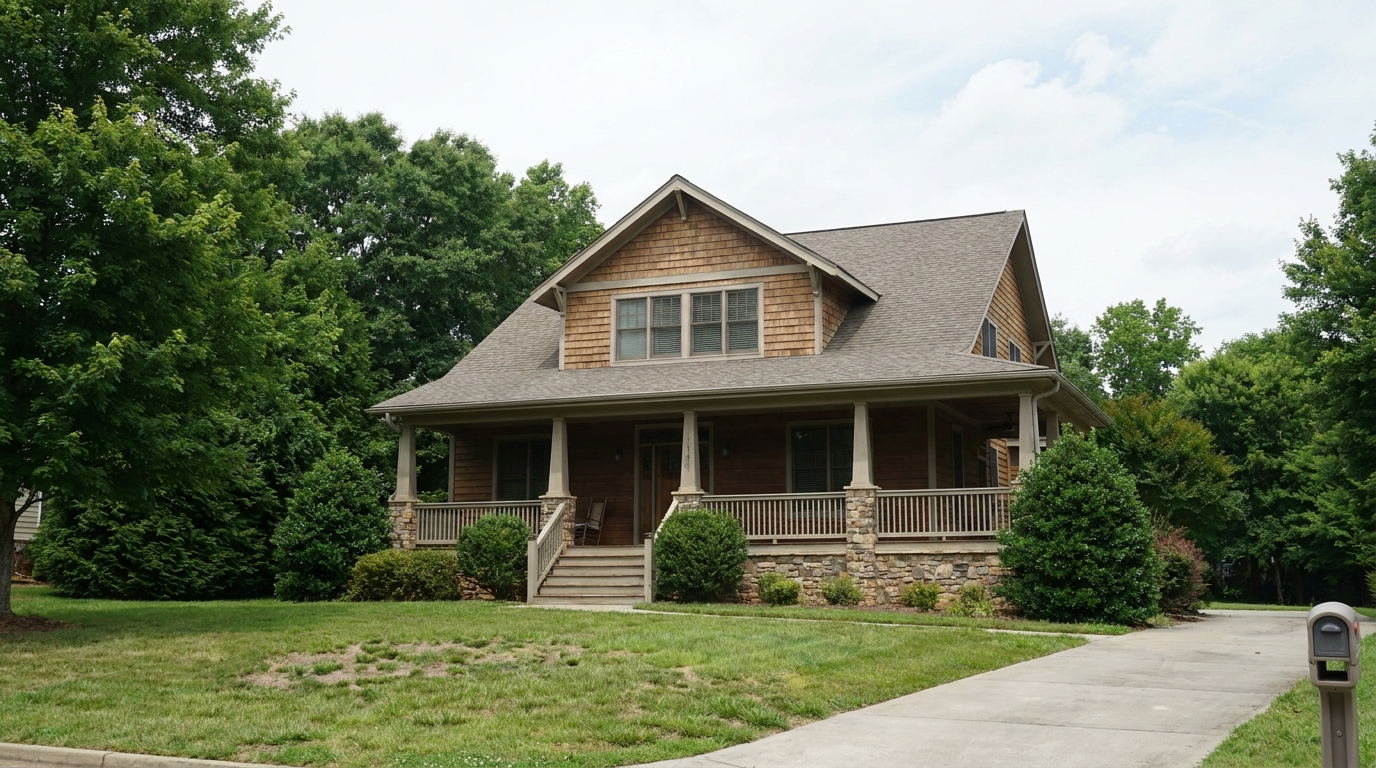

Summer to Fall Foliage updated with full season change / season swap styling.

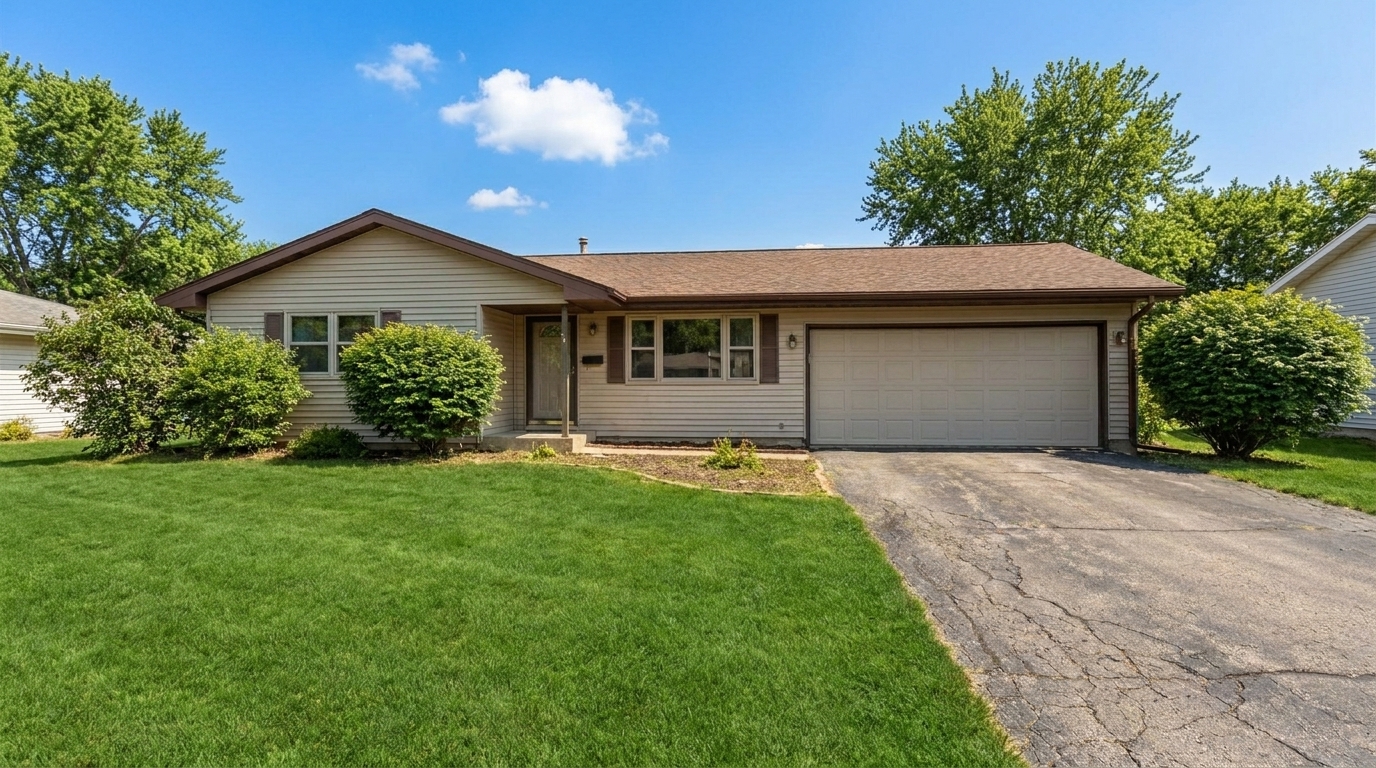
Late Autumn to Spring Bloom updated with full season change / season swap styling.


Snowy Roof to Clean Summer updated with full season change / season swap styling.
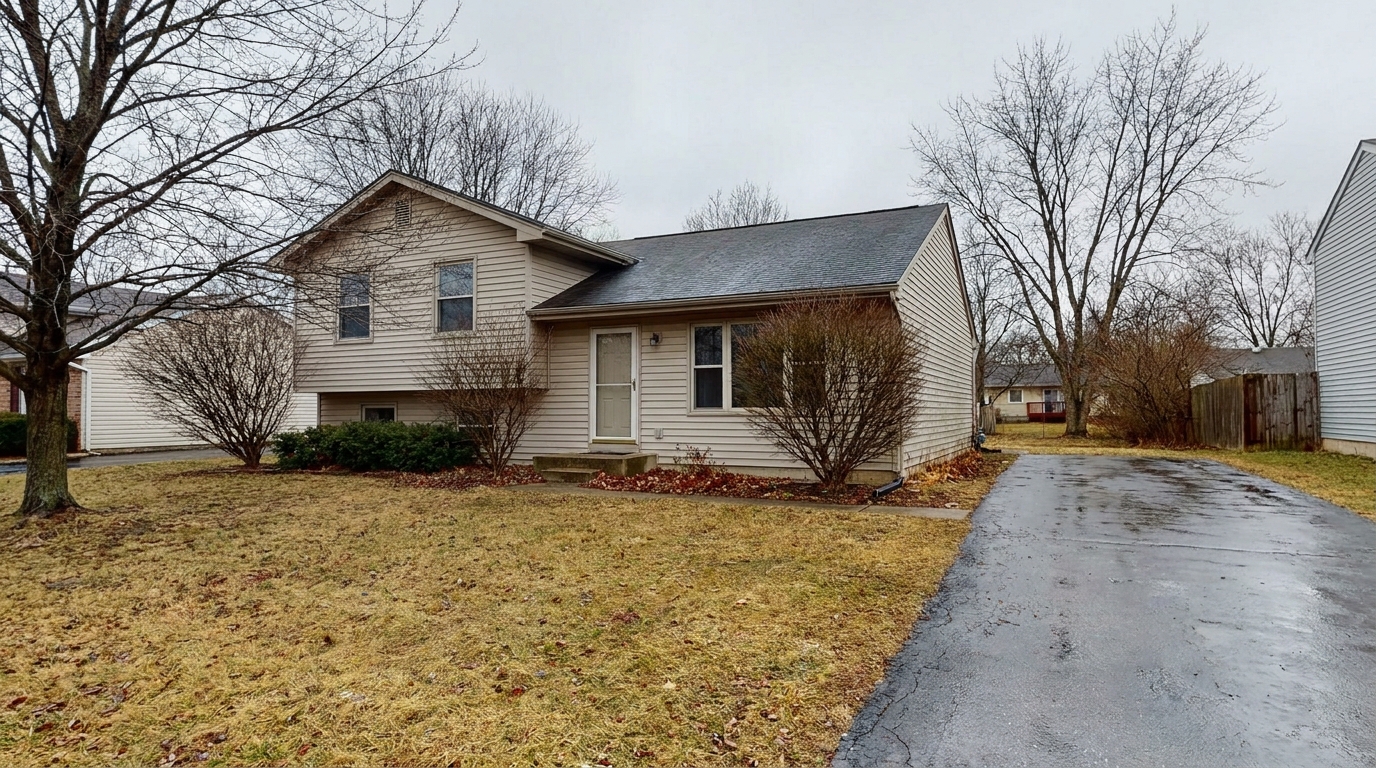
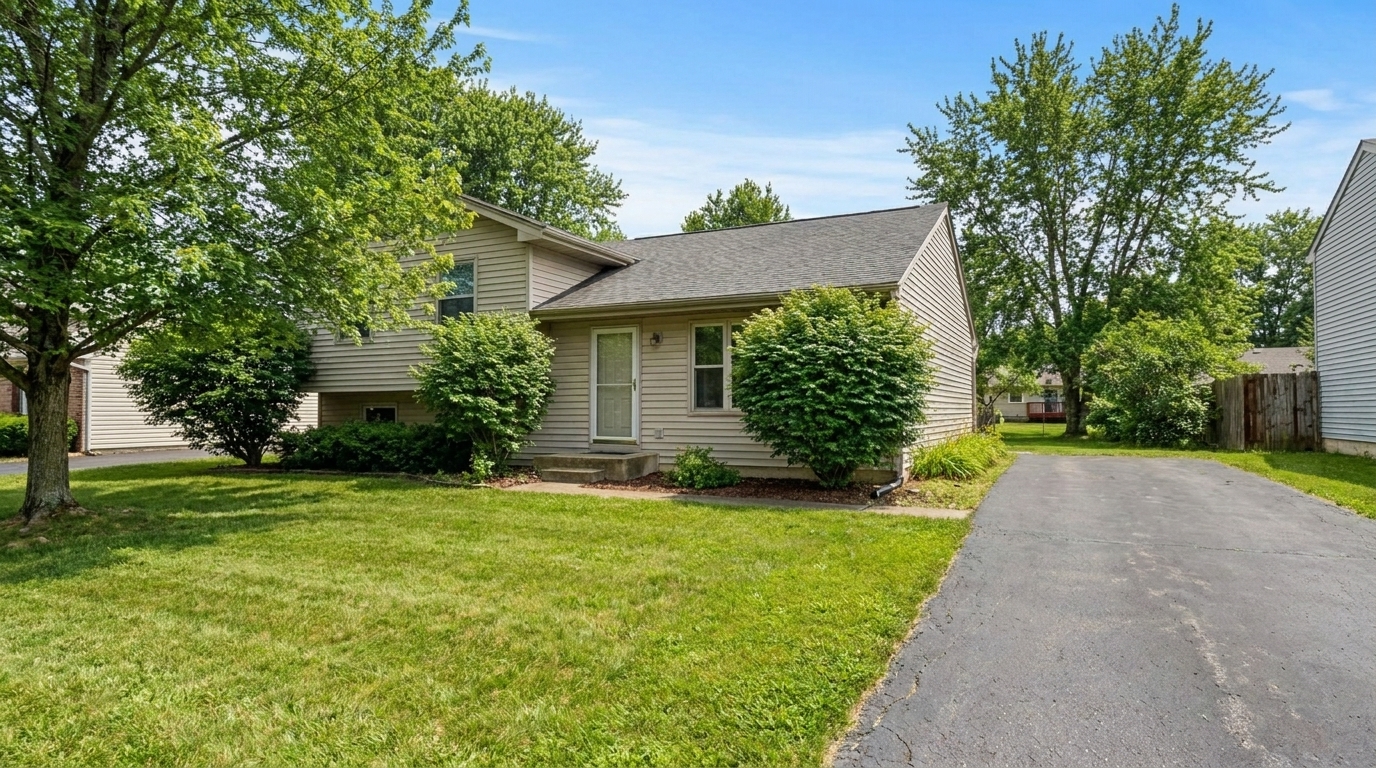
Overcast Winter to Golden Hour Summer updated with full season change / season swap styling.
Discover the intelligent features that make our seasonal transformations look completely natural.
Keeps the home's core structure, materials, and paint colors perfectly intact while completely transforming the surrounding environment.
Replaces bare winter branches with lush summer leaves, or shifts green trees into rich, warm autumn colors automatically.
Swaps out snow, dead grass, or muddy patches with vibrant green lawns or crisp fall leaves depending on your chosen season.
Adjusts the sky, sun angles, and overall color temperature to match the selected season naturally and believably.
Supports any seasonal transition, including winter-to-summer, summer-to-fall, or spring-to-winter transformations.
Ensures shadows, reflections, and ambient light blend seamlessly with the newly introduced seasonal elements for a professional finish.
See how real estate professionals and designers use season swaps to accelerate listings.
Convert cold, snowy photos taken months ago into warm, inviting summer showcases to match the current active market.
Real Estate AgentsShow what a newly completed winter construction project will look like when spring landscaping blooms.
Home BuildersUpdate listing photos to match the current active season without scheduling a costly and time-consuming physical reshoot.
Real Estate AgentsPresent a luxury property across multiple seasons to highlight its year-round beauty and landscaping versatility to buyers.
Luxury BrokersSwap out a dreary, muddy spring day photo for a bright, vibrant summer scene with perfect curb appeal.
Real Estate PhotographersHelp photographers and designers present their past projects in the most flattering seasonal light regardless of when they were shot.
Designers & PhotographersTransform your property's seasonal setting in three simple steps.
Select and upload a high-resolution exterior photo of the property showing the current landscaping, foliage, and environmental conditions.
Choose your desired seasonal look—Spring, Summer, Fall, or Winter—to instantly swap the surrounding environment and vegetation.
Let the AI adjust the foliage, ground cover, and lighting, then download your listing-ready, seasonally optimized image in seconds.
Source-backed context for why full season change / season swap edits matter inside weather & seasonal editing workflows.
Full Season Change / Season Swap within Weather & Seasonal Editing evidence
Photos are one of the most valuable website features for home buyers; NAR's 2025 generational trends report says 83% of internet-using buyers rated photos as very useful. For Full Season Change / Season Swap pages, this supports showing how a focused Weather & Seasonal Editing edit can make the listing photo feel clearer, more polished, and easier for buyers to evaluate.
Source: NAR 2025Full Season Change / Season Swap within Weather & Seasonal Editing evidence
Zillow Research's 2025 prospective buyer report ranked high-resolution photos as the number two most important listing feature, selected by 26% of prospective buyers; floor plans ranked first at 33%. For Full Season Change / Season Swap pages, this supports showing how a focused Weather & Seasonal Editing edit can make the listing photo feel clearer, more polished, and easier for buyers to evaluate.
Source: Zillow 2025Full Season Change / Season Swap within Weather & Seasonal Editing evidence
Redfin reported that professionally photographed homes in the $400,000 range sold three weeks faster and for more than $10,000 relative to list price compared with amateur photos. Use this as supporting context, not as a guaranteed result. For Full Season Change / Season Swap pages, this supports showing how a focused Weather & Seasonal Editing edit can make the listing photo feel clearer, more polished, and easier for buyers to evaluate.
Source: RedfinSeasonal changes can dramatically affect how buyers perceive a property. Learn how to leverage AI season swapping to keep your listings looking fresh, inviting, and relevant all year round.
Unlike basic color filters, a true AI season swap involves intelligent environmental reconstruction. The tool analyzes the scene to separate permanent structures (like the house, fences, and paved driveways) from transient environmental elements (like leaves, grass, snow, and skies). It then replaces the transient elements with high-fidelity seasonal assets. For example, when swapping from winter to summer, the AI doesn't just turn the white snow green; it removes the snow layer entirely, generates realistic grass textures, adds leaves to bare branches, and adjusts the sun's angle to create warm, natural shadows.
Choosing the right preset depends entirely on your starting image and marketing goals. Use the 'Full Season Change / Season Swap' when your photo was taken in a completely different season than the current market—such as using a snowy winter photo in July. If your photo already has green grass but simply looks dull, opt for 'Summer Enhancement' or 'Overcast to Sunny' instead. If you only need to clear a light dusting of snow without changing the overall foliage, 'Snow Removal' is your best choice. Avoid using a full season swap if the property's landscaping is a major selling point that must be shown exactly as-is, as the AI will generate realistic but synthetic foliage to fill in bare areas.
For the most realistic results, start with a high-resolution, clear exterior shot. Ensure the home's structure is not heavily obscured by complex foreground elements. Once you run the season swap, review the architectural details to ensure the AI preserved key features like window trim, gutters, and masonry. If you are presenting a luxury listing, consider generating both a Summer and a Fall version to showcase the property's versatility in your marketing materials. Always disclose to potential buyers that the landscaping has been digitally enhanced to show its seasonal potential.
Listing photos that don't match the current season can make a property feel stale or neglected, signaling to buyers that the home has been on the market for a long time. By swapping a winter photo to match a spring or summer active market, you immediately boost curb appeal and click-through rates on MLS platforms. This tool eliminates the need to wait weeks for weather changes or spend hundreds of dollars rescheduling professional photographers, allowing you to get listings to market faster and maintain a polished, professional brand.
Compare the full season swap tool with other specialized weather and lighting presets.
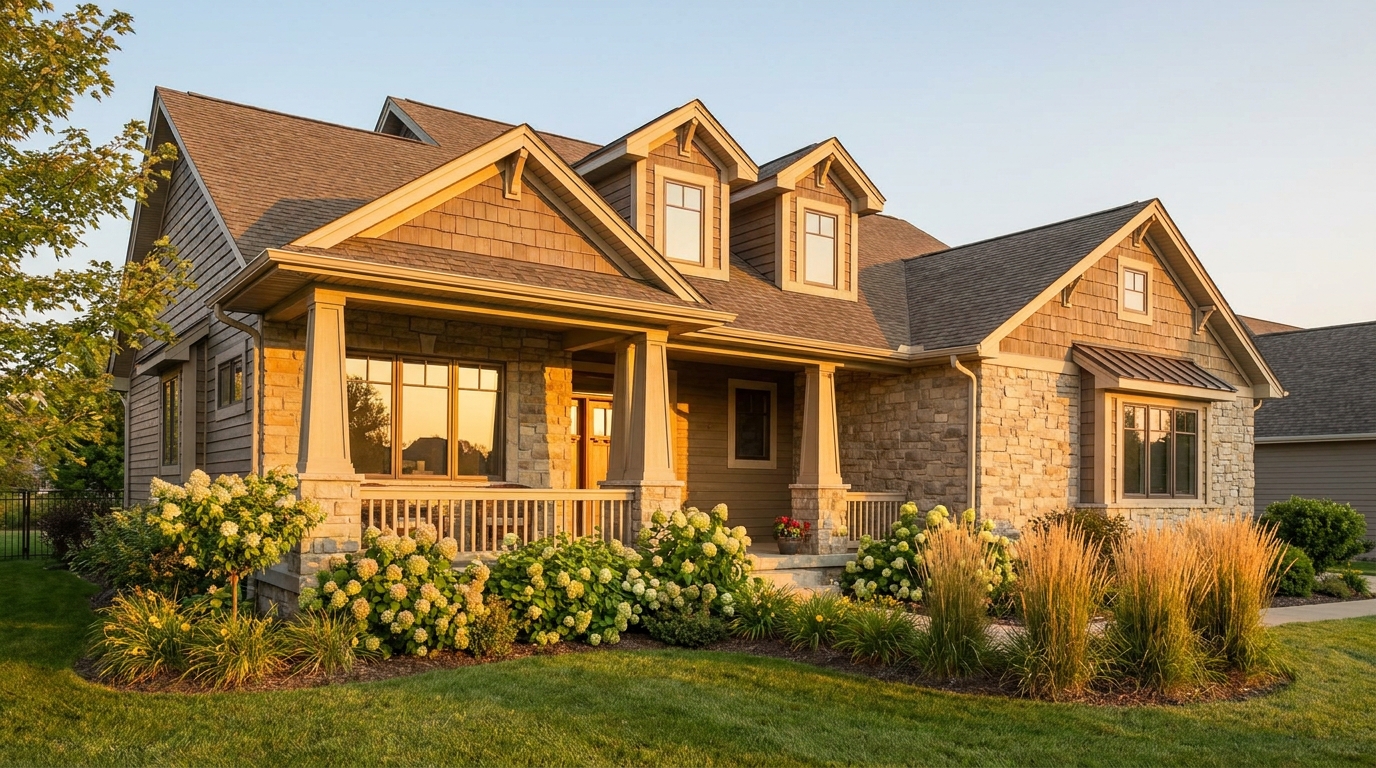
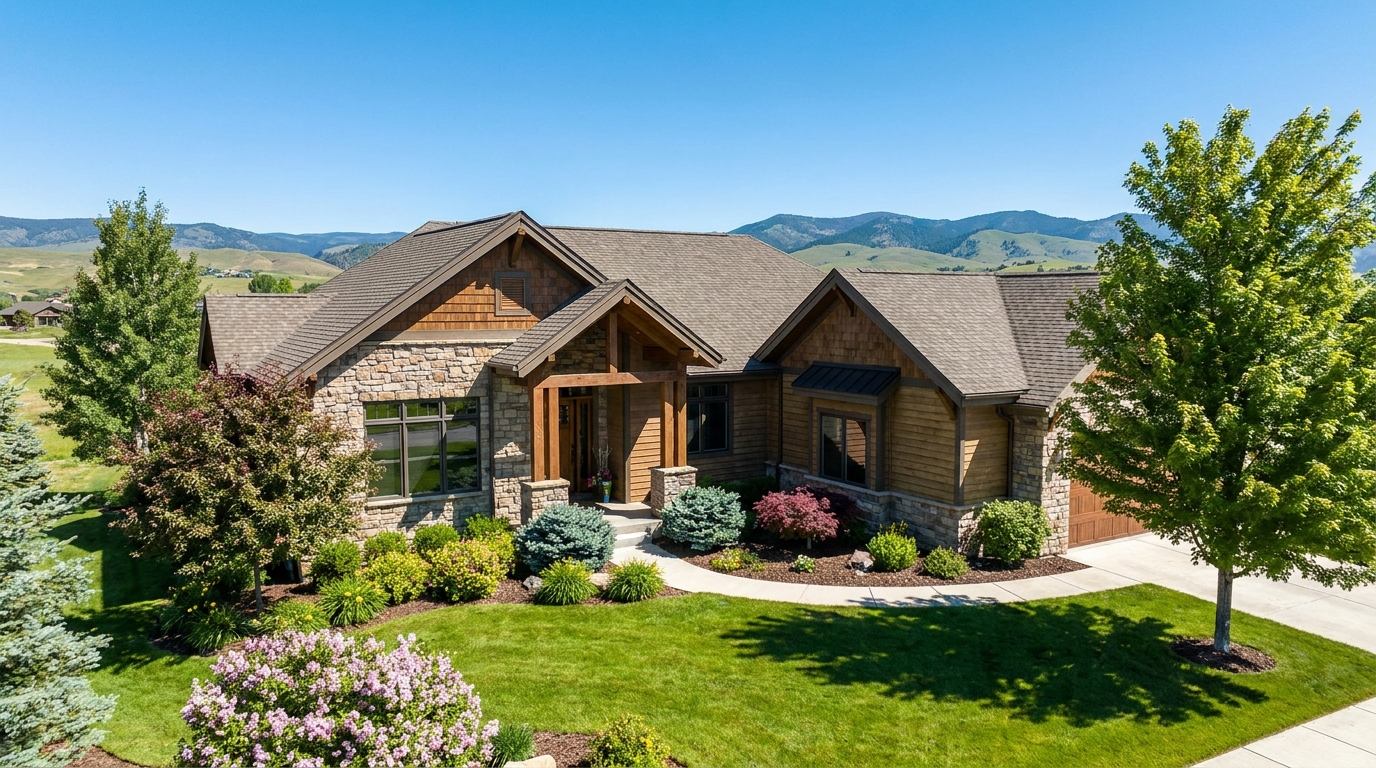
Warm golden light and soft shadows for a more flattering exterior showcase.
Try This Tool →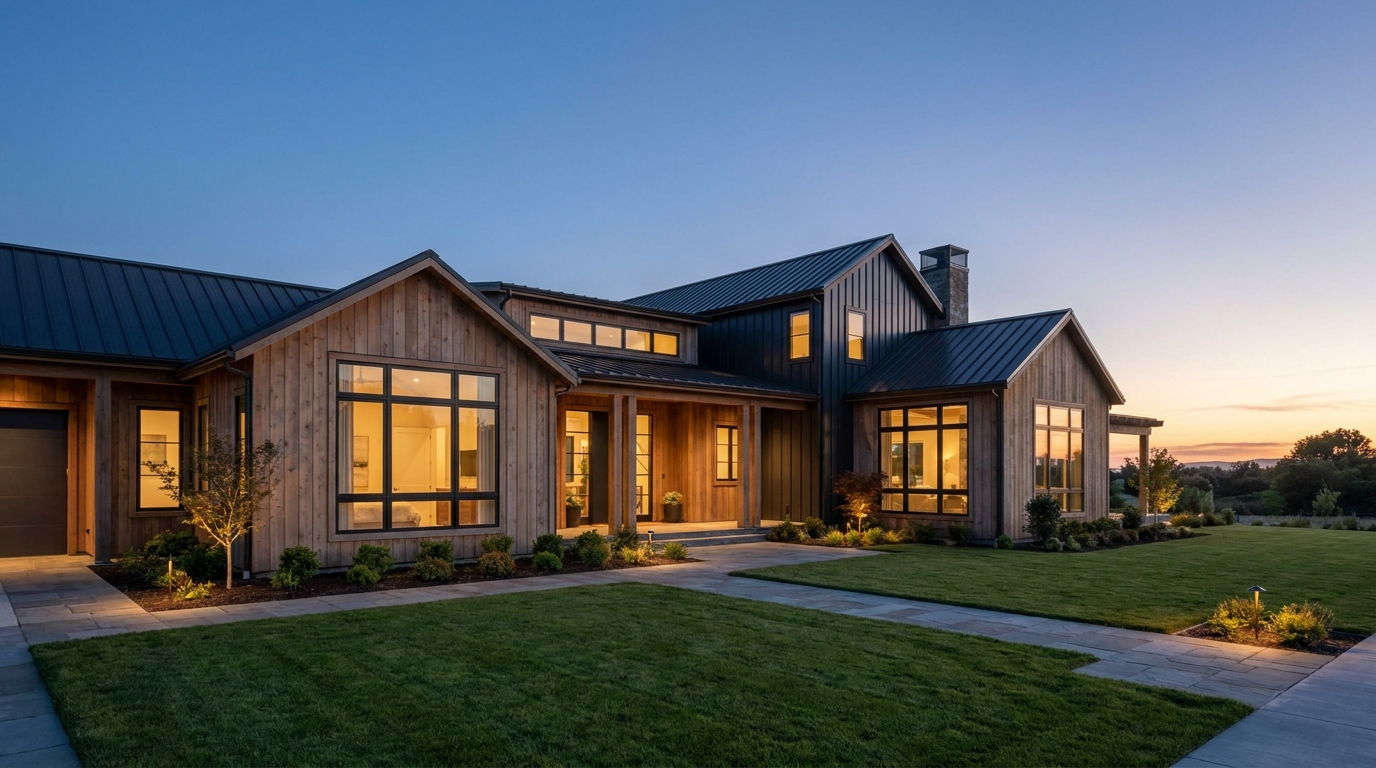
Clear atmospheric haze so the property looks sharper, brighter, and more defined.
Try This Tool →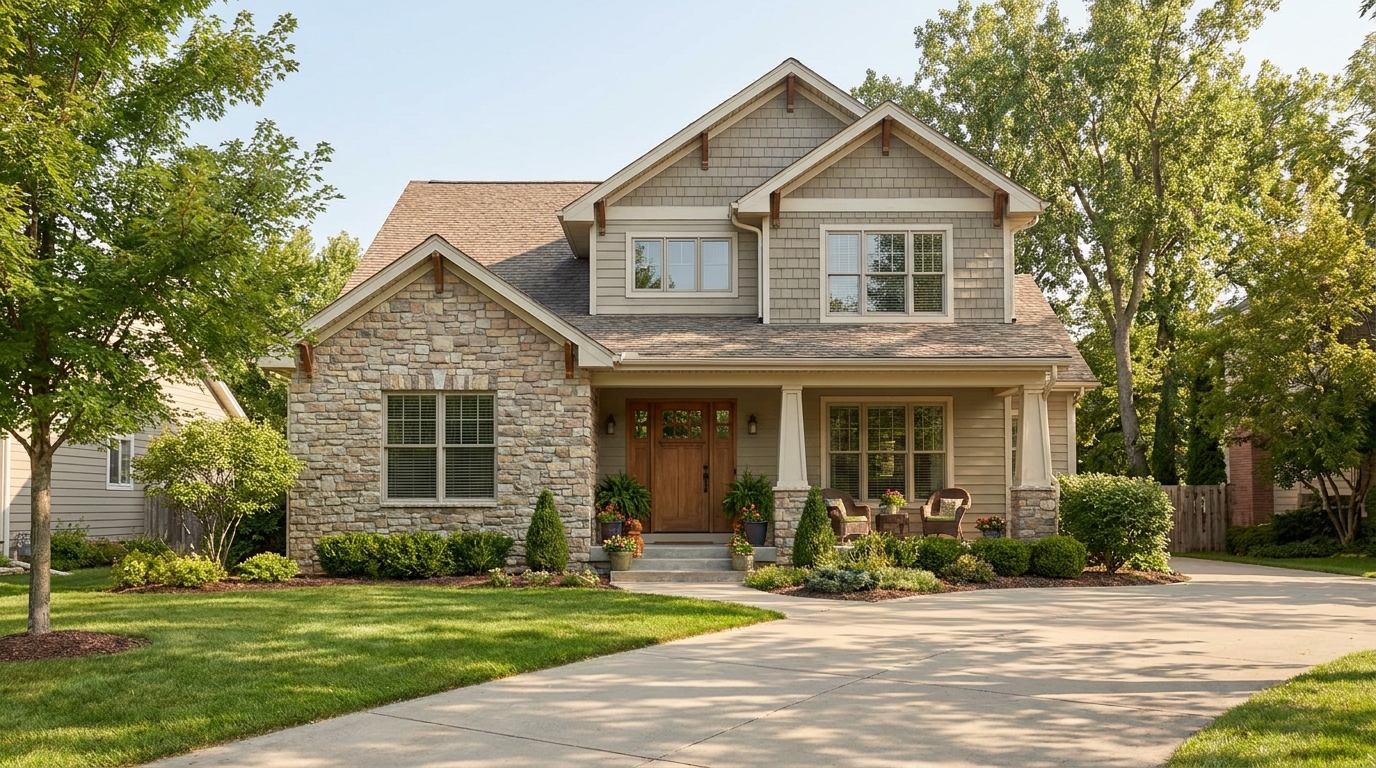
Soften harsh sun and shadows for a cleaner, more balanced exterior image.
Try This Tool →
Turn cloudy exteriors into brighter sunny-day scenes with stronger curb appeal.
Try This Tool →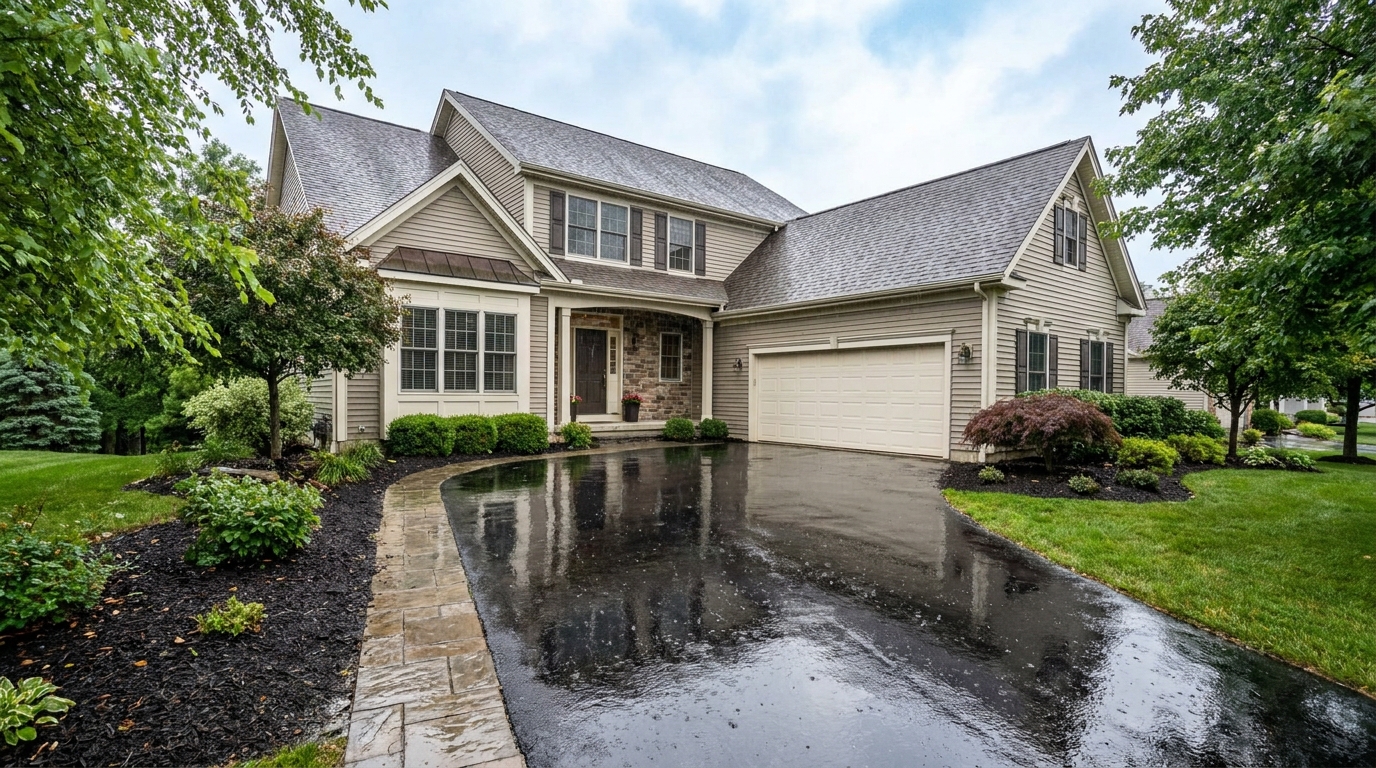
Add a fresh post-rain mood with subtle reflections and rich outdoor texture.
Try This Tool →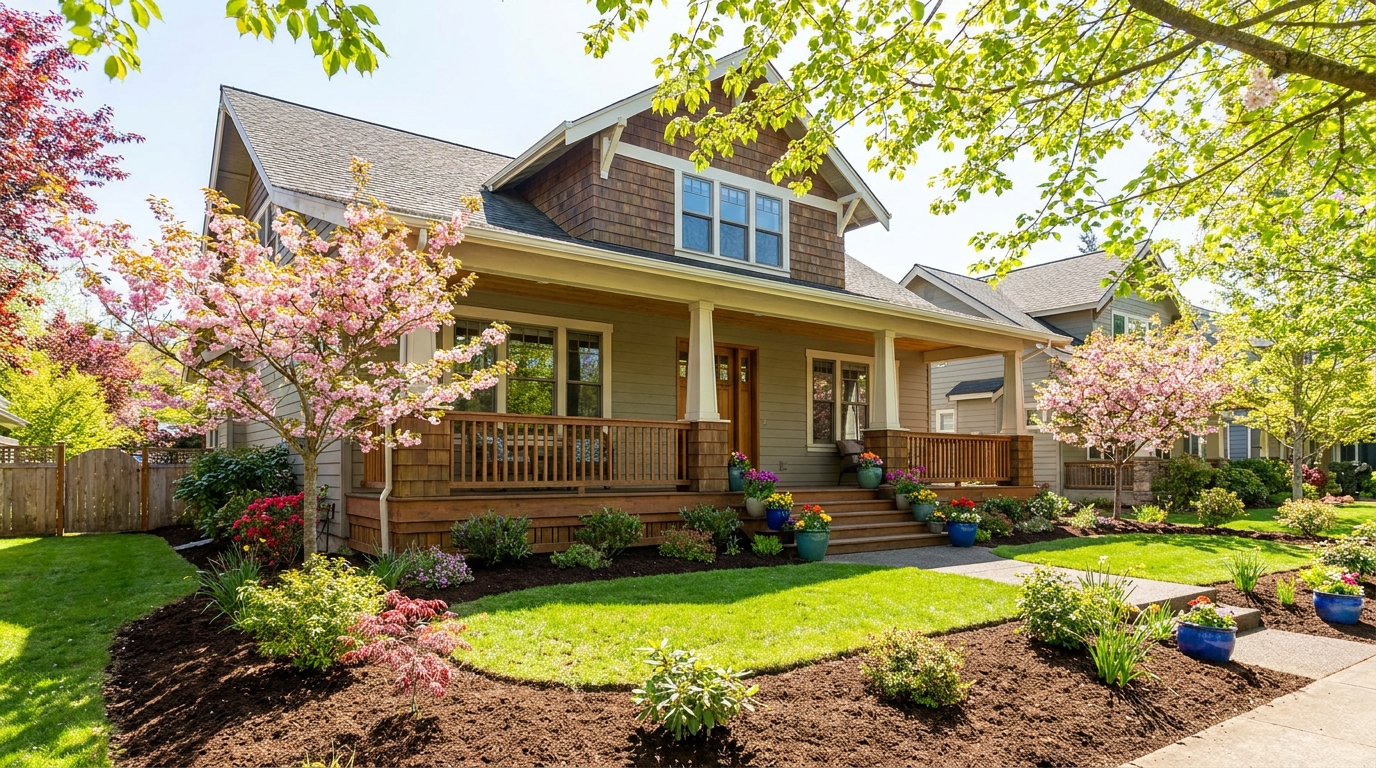
Bring in greener growth and spring freshness for a lively, welcoming exterior.
Try This Tool →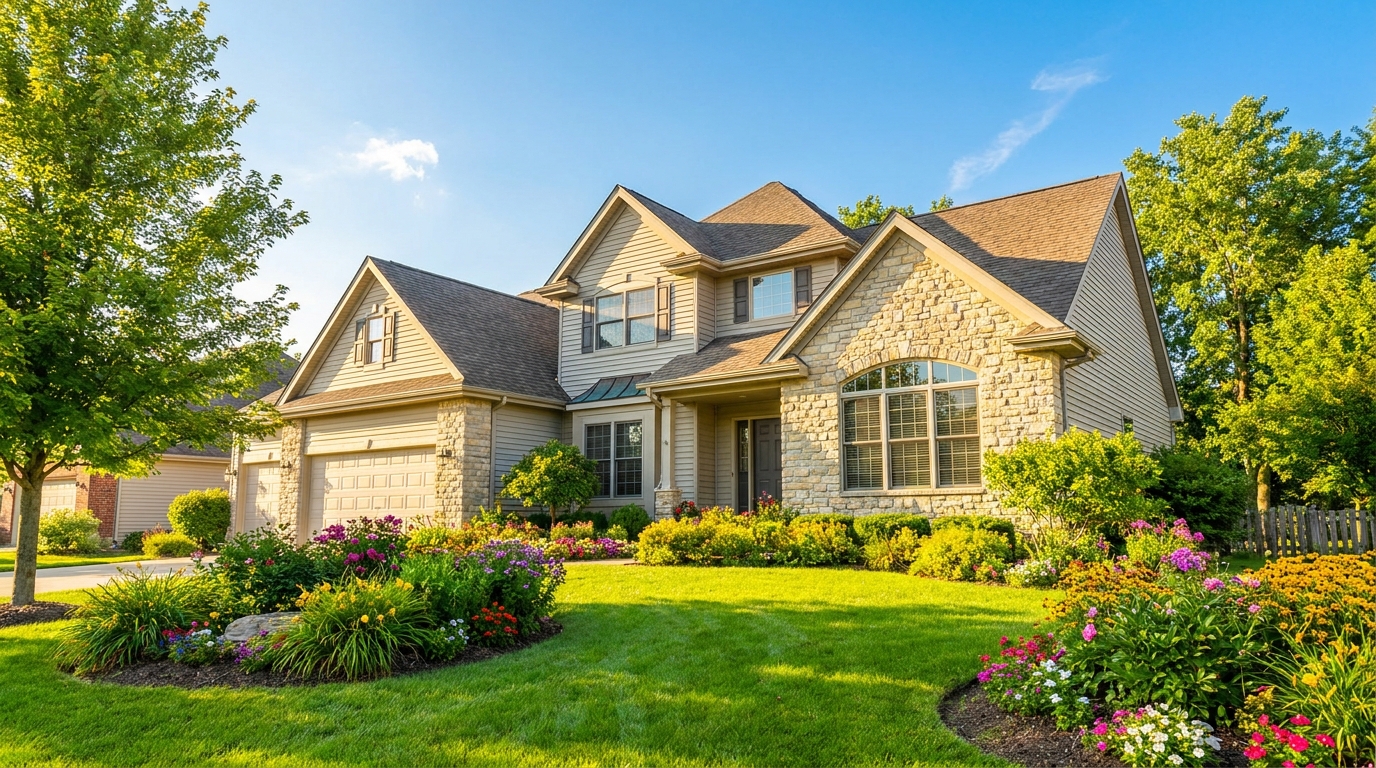
Bright, sunny seasonal styling with vibrant greenery and airy outdoor color.
Try This Tool →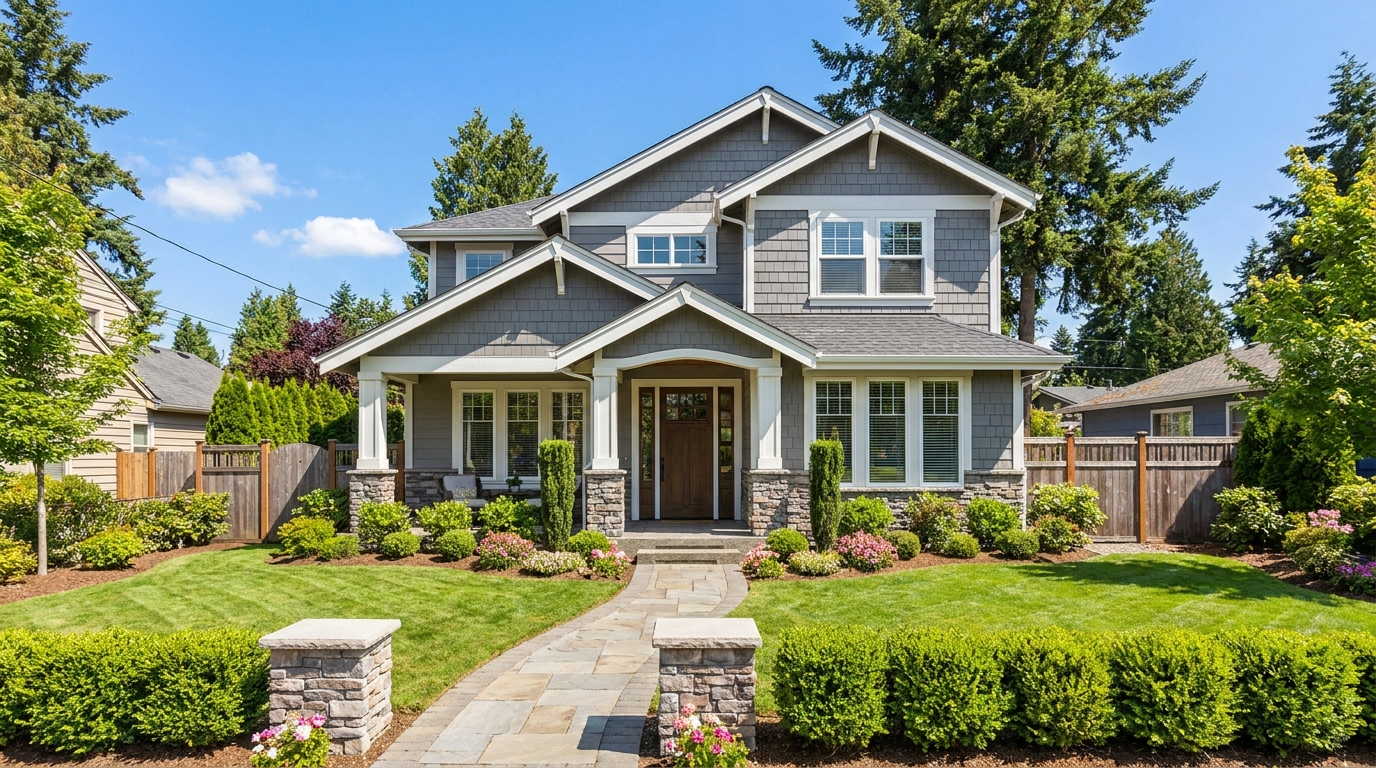
Convert dark exteriors into bright daytime scenes with clear, marketable visibility.
Try This Tool →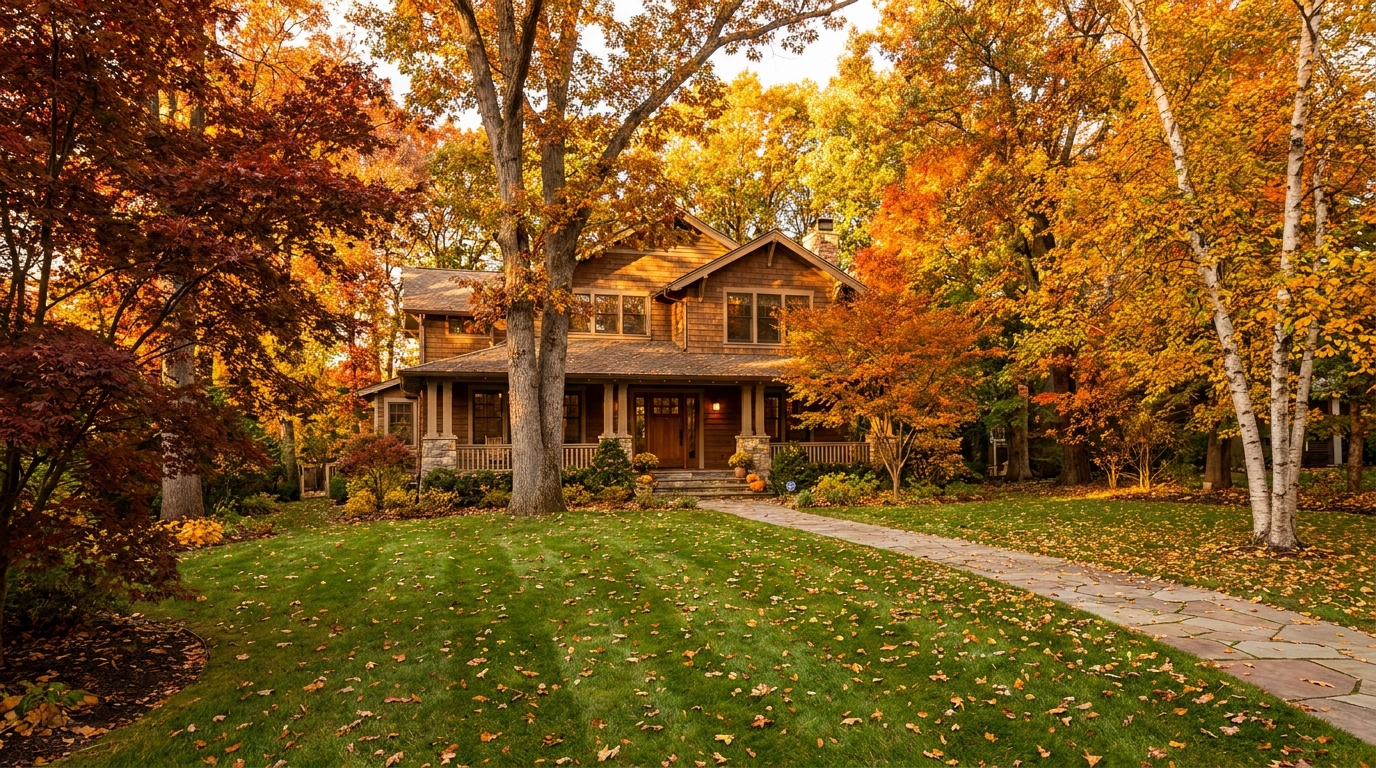
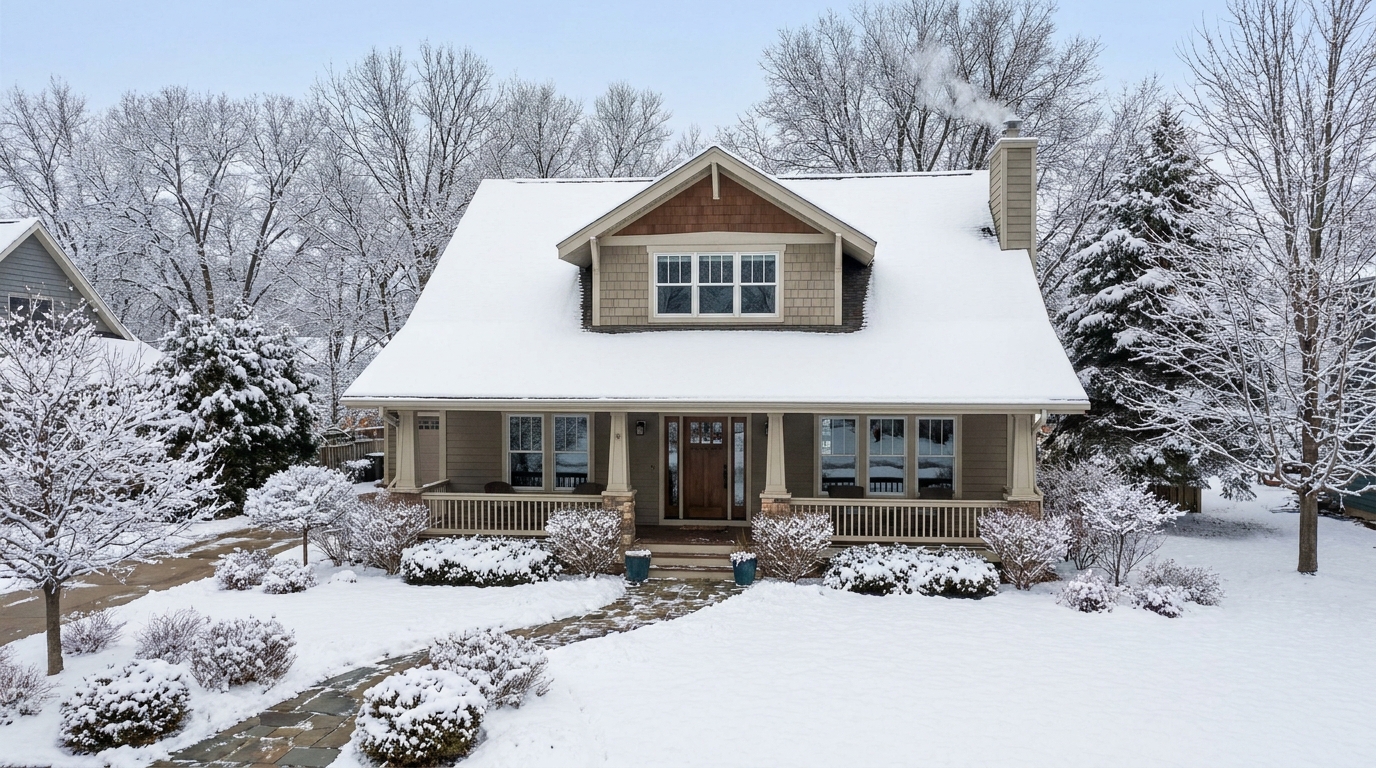
Create a clean winter setting with realistic snow and strong seasonal atmosphere.
Try This Tool →
Remove snow buildup for a cleaner exterior that feels more accessible and ready to show.
Try This Tool →Explore more AI-powered tools to optimize your real estate listing photos.
AI image-to-video generation for turning home, room, and property photos into more vivid presentation videos.
02AI exterior renovation for visualizing facade updates, curb appeal improvements, and home exterior remodel ideas.
03AI landscaping design for exploring outdoor concepts, curb appeal upgrades, planting ideas, and yard layout directions.
04AI virtual staging for furnishing empty rooms and creating listing-ready interiors for real estate marketing.
05Free AI image generation for turning text prompts into unlimited visual ideas for home design, interiors, landscaping, renovation
06AI object removal for cleaning up distracting items from room, home, and property photos.
Don't let off-season photos slow down your sales. Use our AI Season Swap tool to showcase your property with vibrant summer warmth, fresh spring blooms, or rich autumn colors today.