
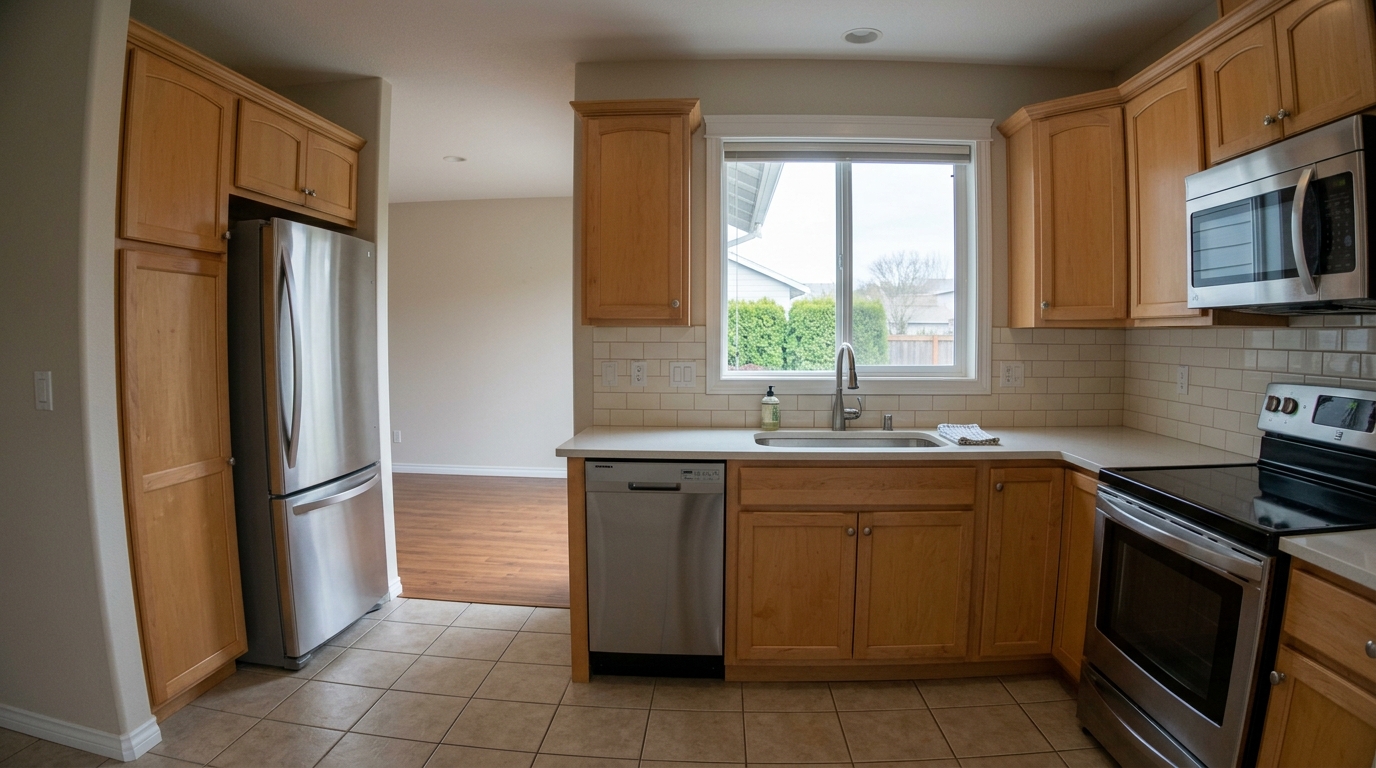
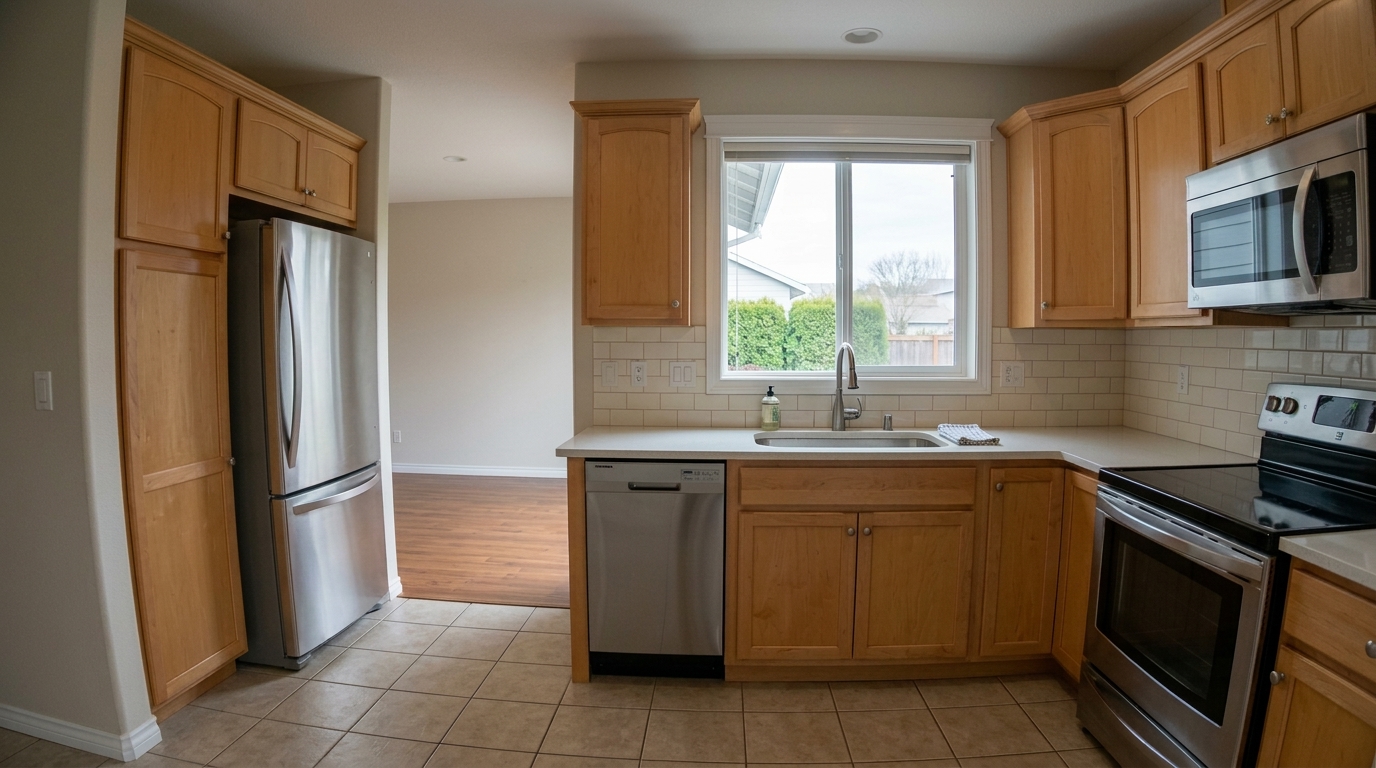

Kitchen Wide-Angle Distortion
Make the correction visibly obvious by straightening the same kitchen's bowed cabinet edges, refrigerator sides, window frame.
Fix lens distortion, sharpen fine details, and eliminate digital noise. Transform raw property photos into polished, high-resolution marketing assets instantly.
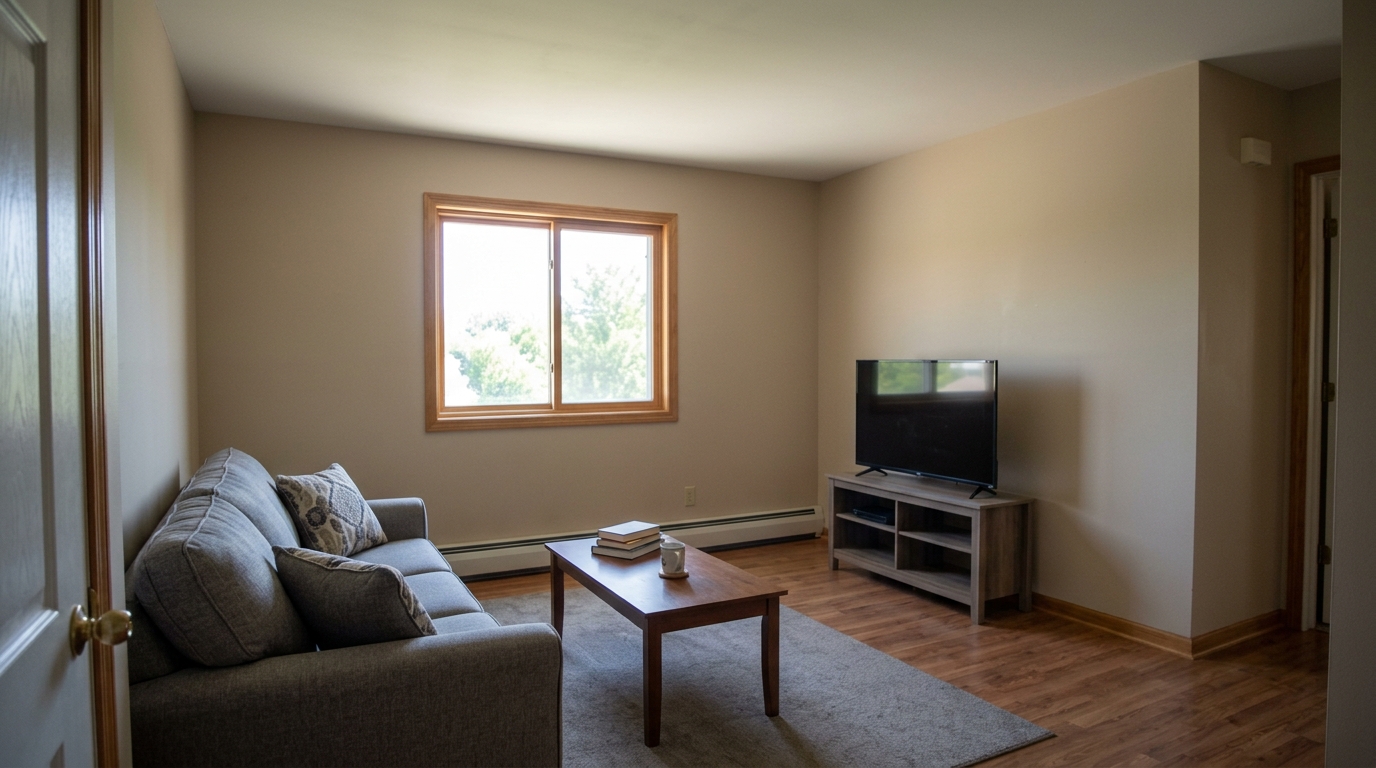
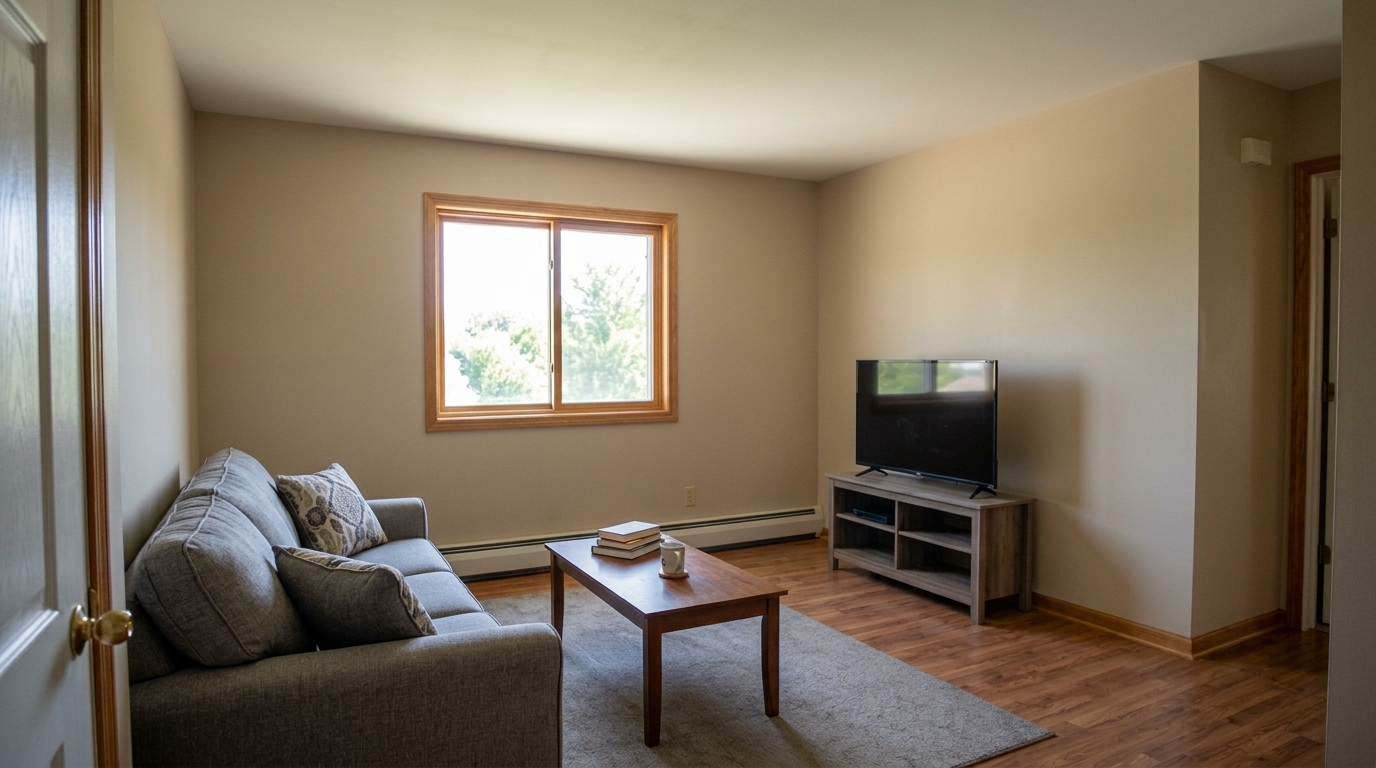
Compare before and after results to see the impact of professional quality adjustments.
Make the correction visibly obvious by straightening the same kitchen's bowed cabinet edges, refrigerator sides, window frame.
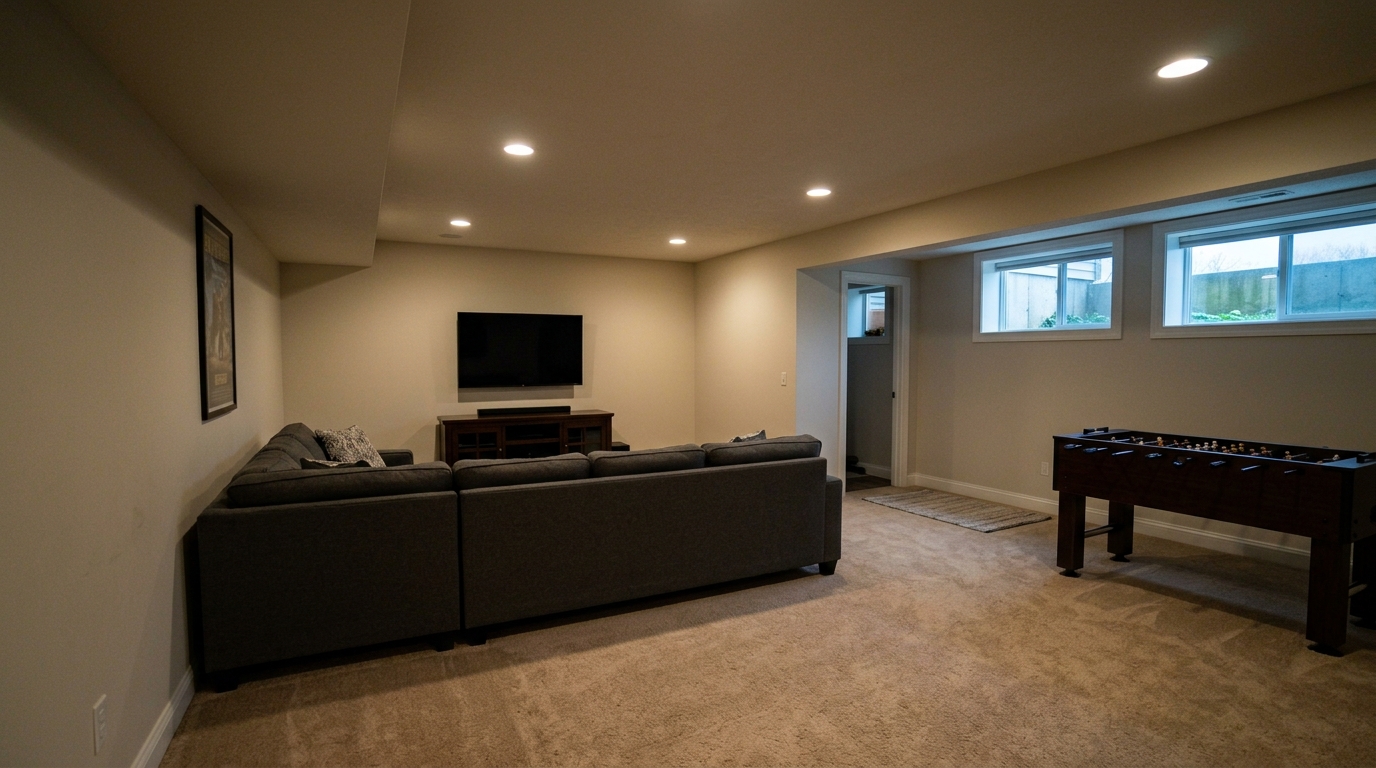
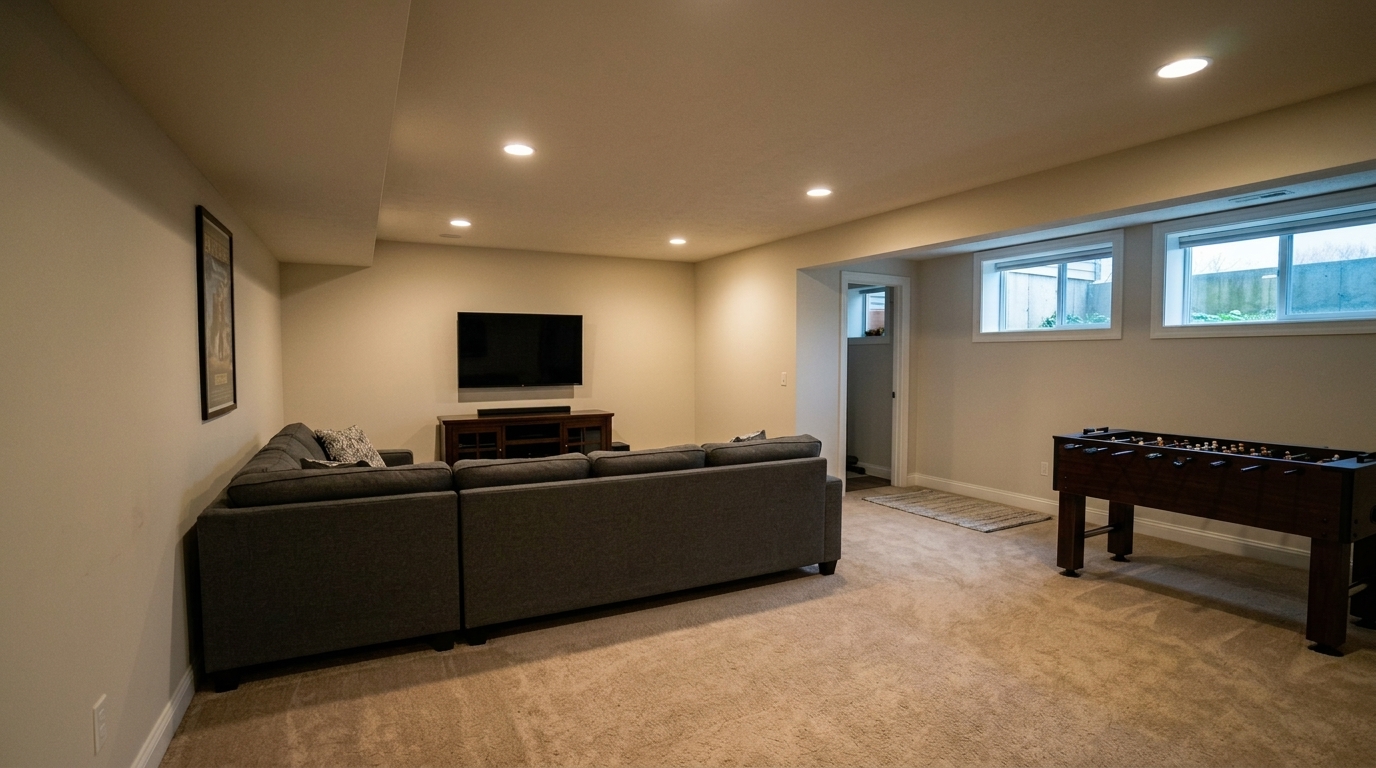
Correct the same finished basement recreation/media room by reducing low-light grain and shadow noise, lifting muddy dark areas.
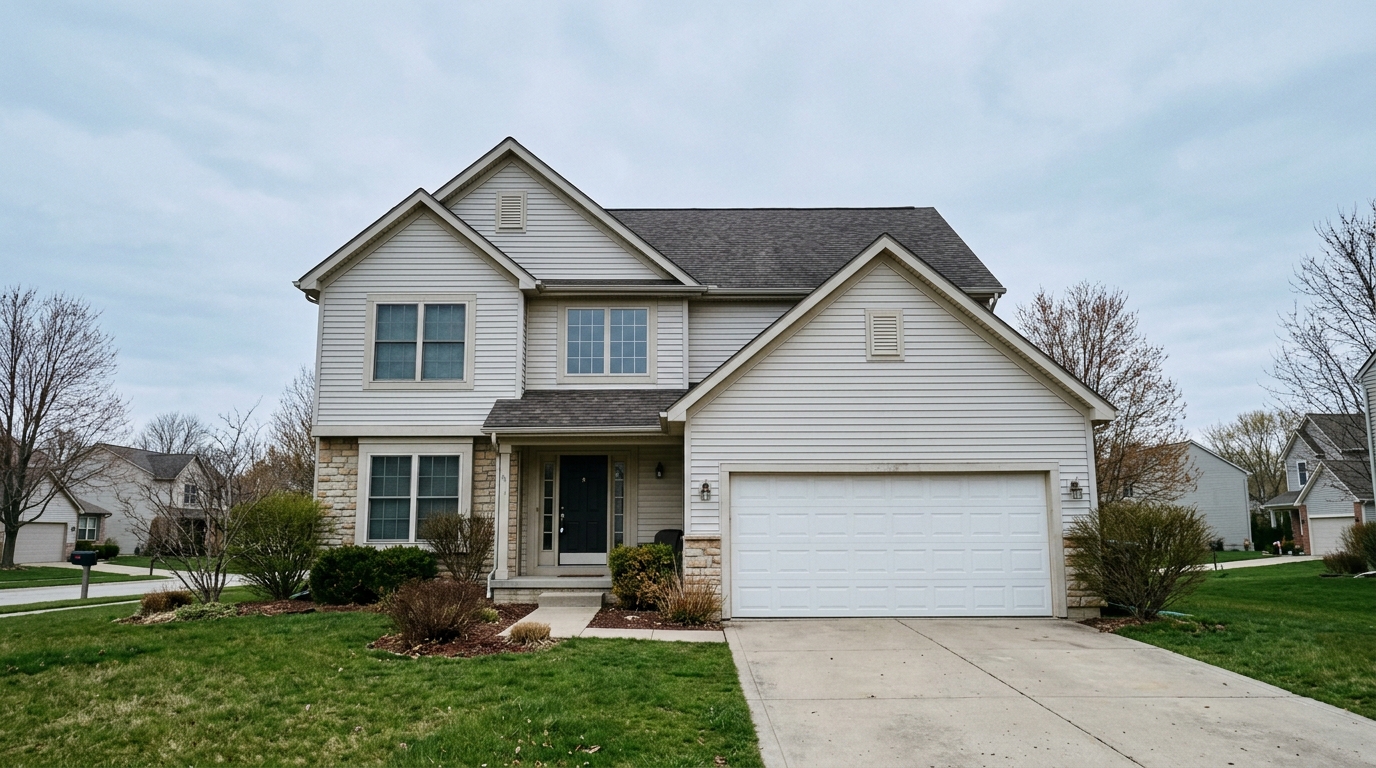
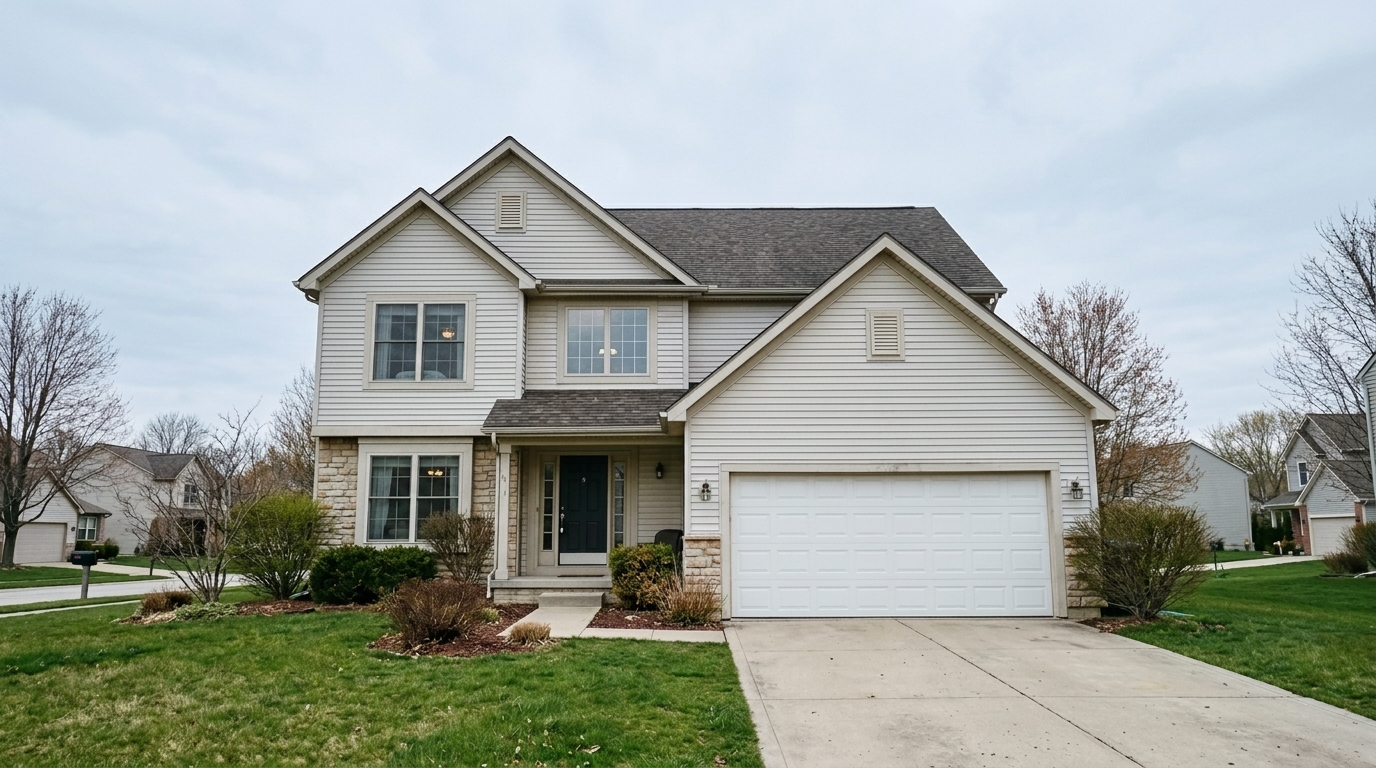
Straighten the same two-story exterior perspective so house verticals, garage edges, window frames, facade edges, driveway, and.
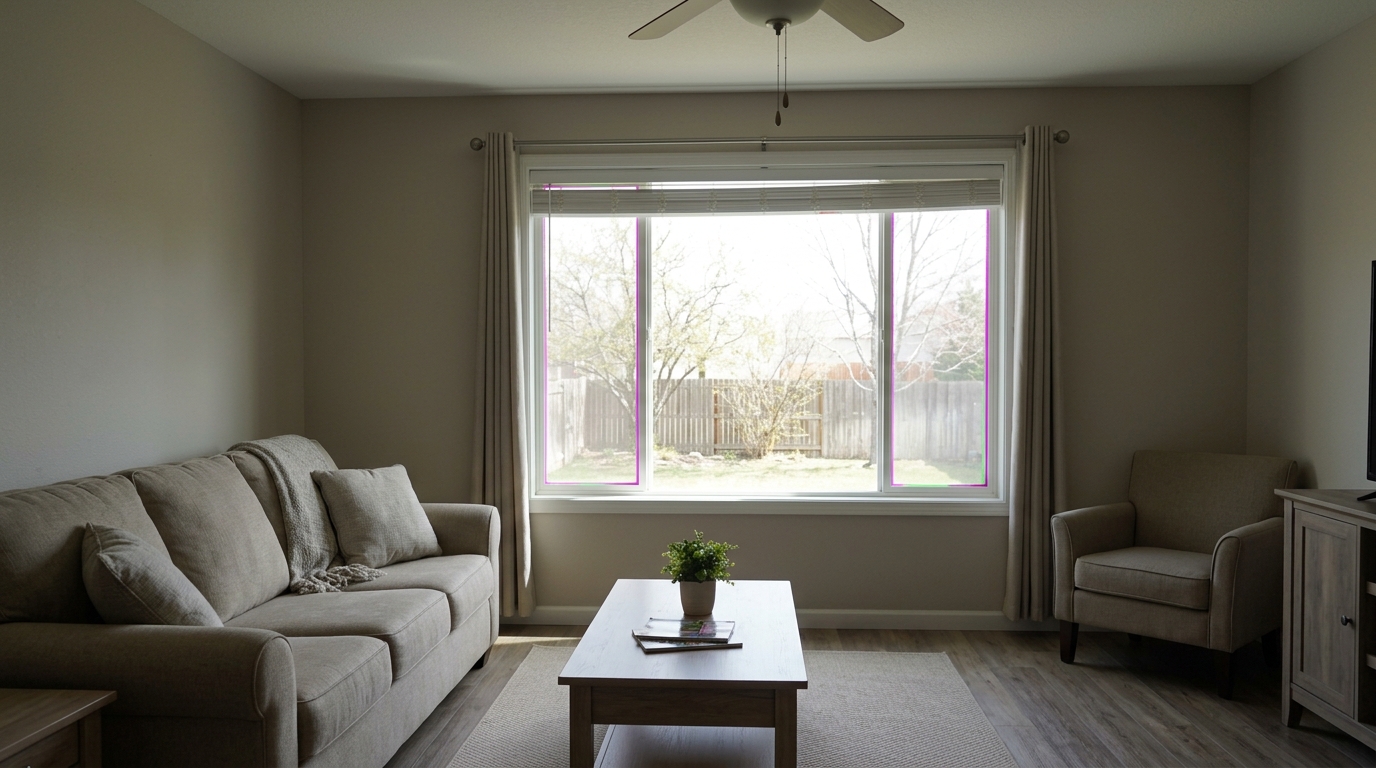
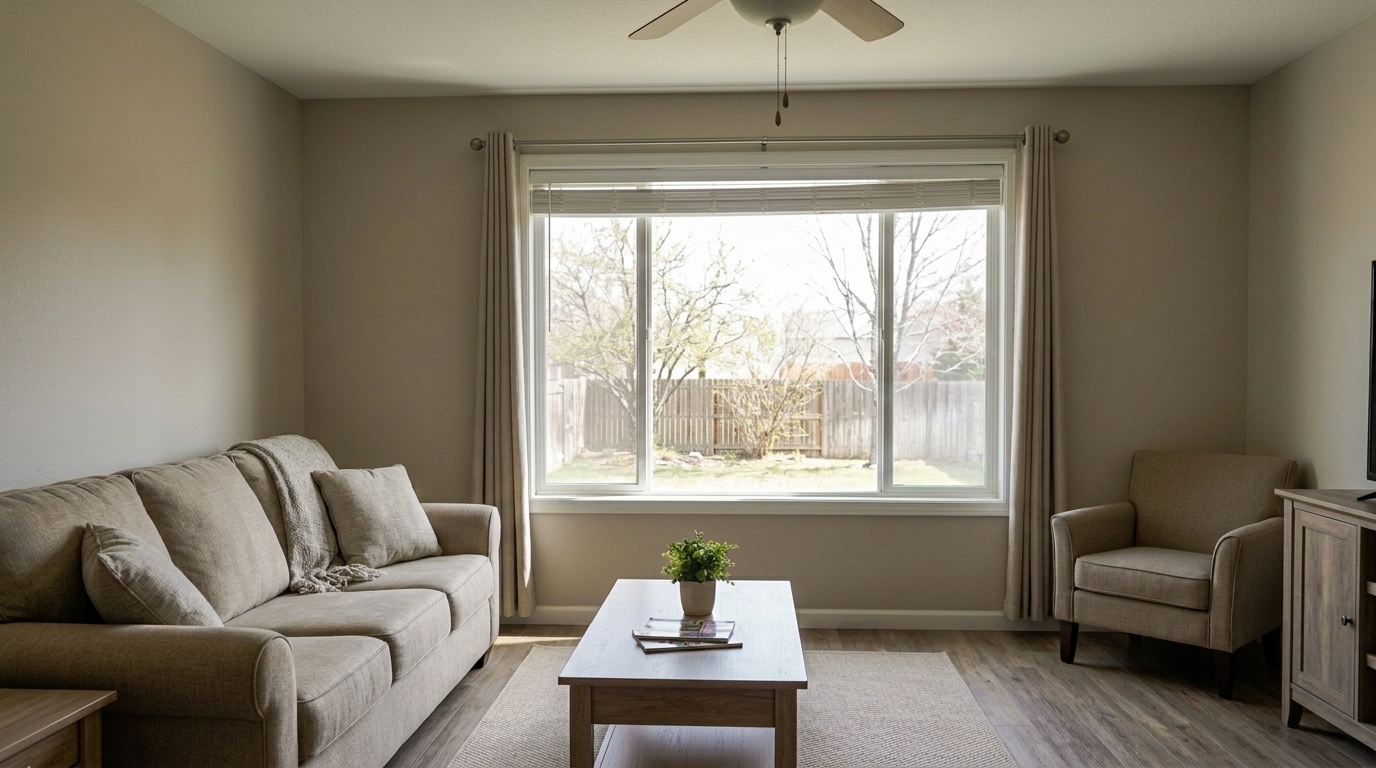
Correct the same high-contrast window photo by removing purple and green chromatic fringing around window-frame edges, recovering.
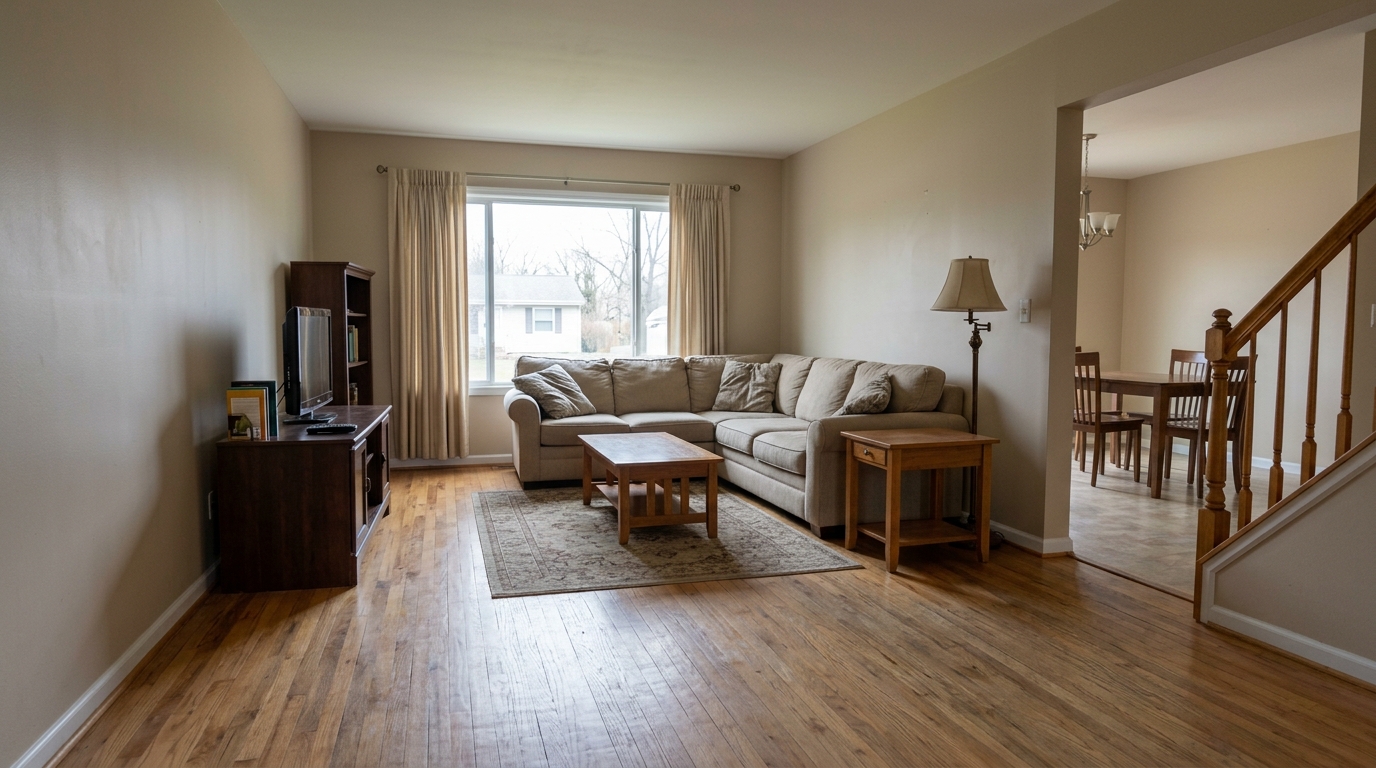
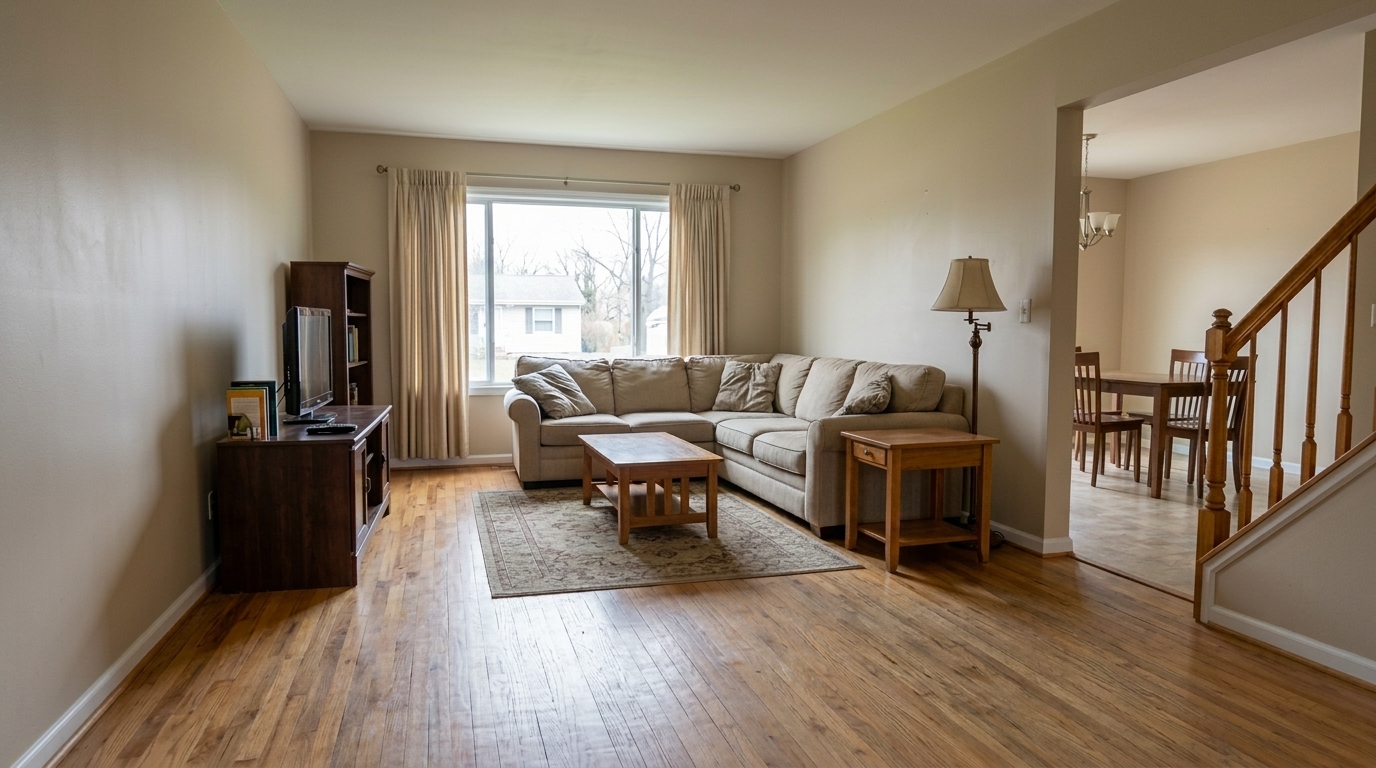
Improve the same hardwood-floor listing photo by restoring floor grain, texture, and natural sharpness while keeping the pleasant.
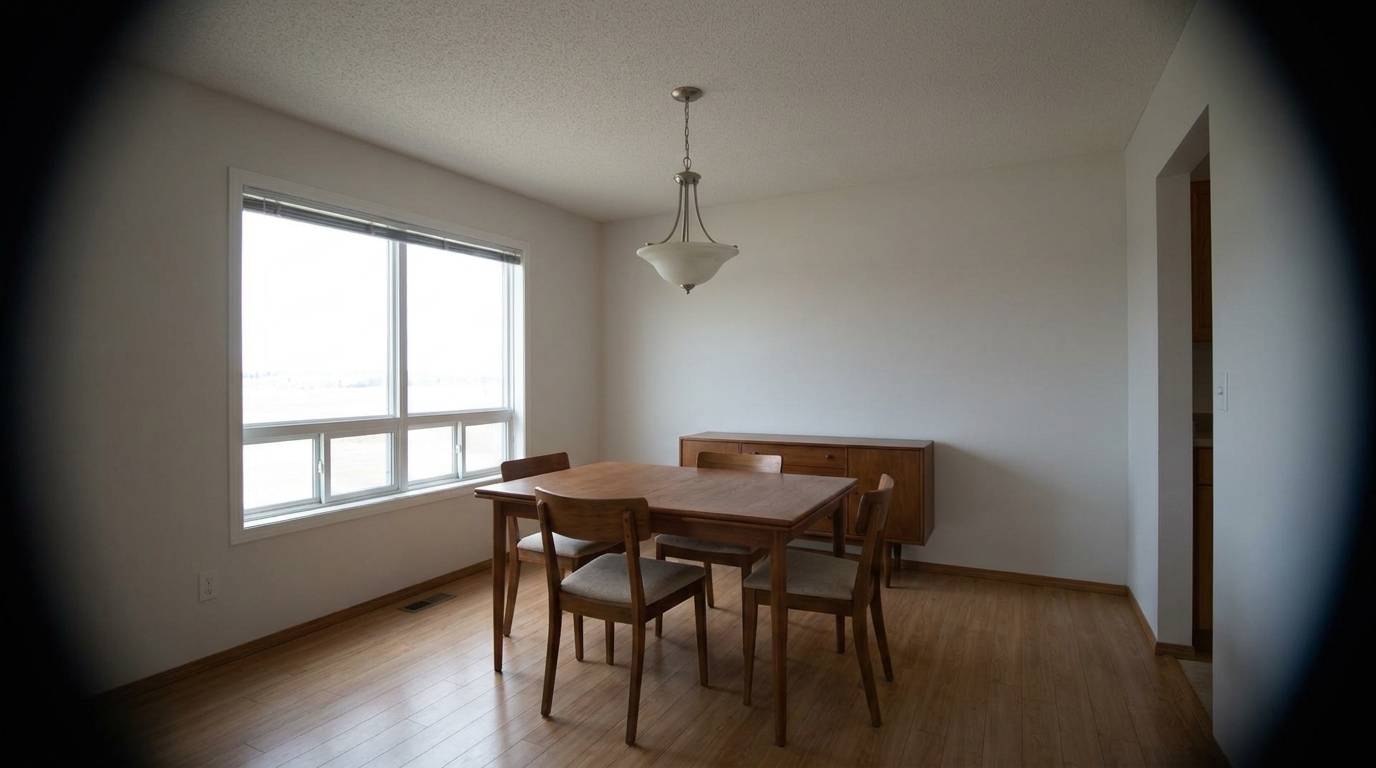
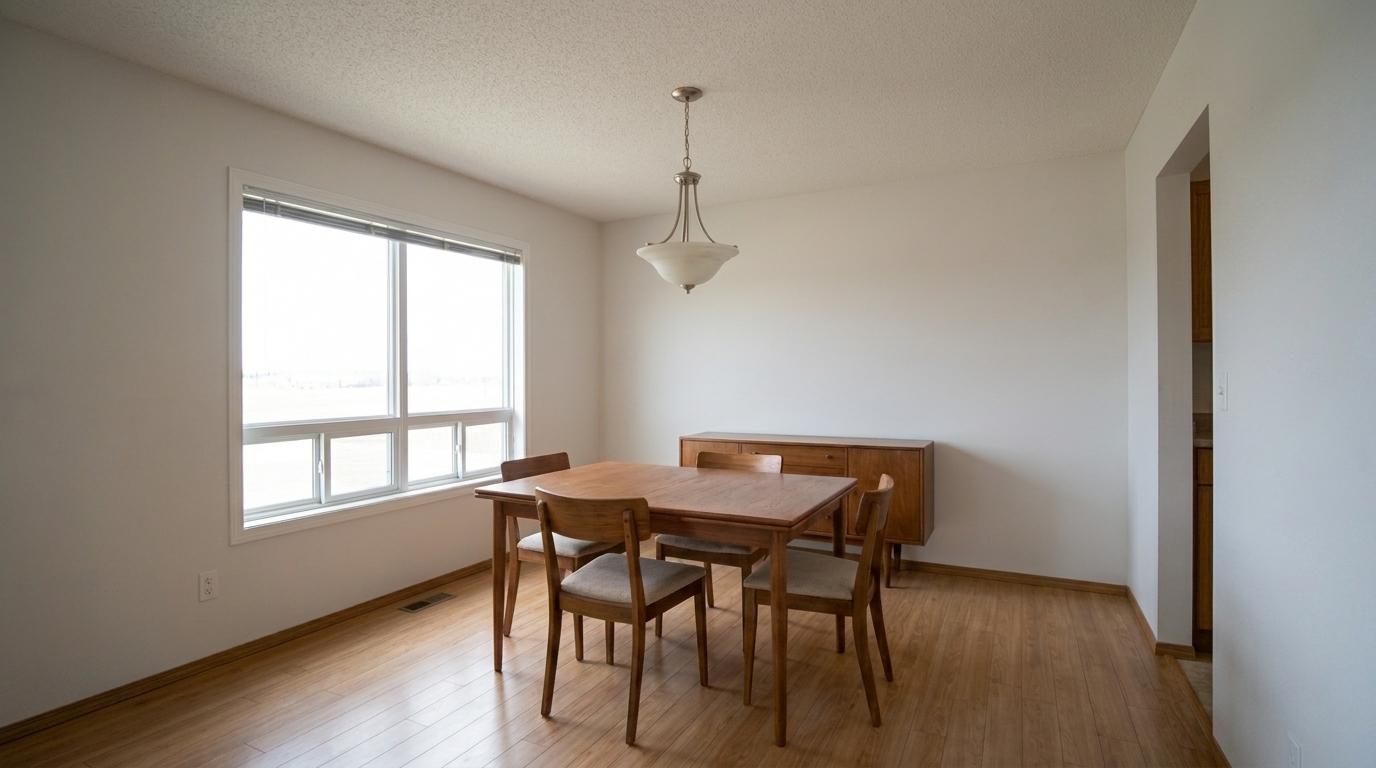
Uneven Corner Vignetting updated with image upscaling styling.
Discover powerful automated tools designed to fix perspective, clarity, and color issues instantly.
Automatically aligns vertical and horizontal lines to eliminate leaning walls and make rooms feel structurally sound and spacious.
Corrects barrel and pincushion distortion caused by wide-angle lenses, ensuring straight walls and realistic proportions.
Smooths out digital noise and grain in low-light or shadow areas without sacrificing fine textures or architectural details.
Enhances edge definition and micro-contrast, making materials like hardwood, marble, and brickwork pop with professional clarity.
Erases distracting purple or green color fringing along high-contrast edges, such as window frames and rooflines.
Brightens dark, shadowed corners to deliver evenly exposed, open, and naturally lit interior and exterior photos.
See how different industries use our correction tools to streamline their visual workflows.
Quickly fix amateur smartphone or basic camera shots to create clean, professional-looking MLS listings.
Listing PrepSpeed up post-processing workflows by batch-correcting wide-angle lens distortion and vertical alignments.
Workflow SpeedEnhance rental listing photos to show accurate room dimensions and bright, inviting spaces that attract tenants.
Rental MarketingOptimize 360-degree panoramic images to ensure seamless stitching, balanced exposure, and sharp details throughout the tour.
VR & 3D ToursHighlight interior design details, textures, and furniture arrangements with crisp, color-accurate, and sharp imagery.
Design ShowcasePresent large office spaces and retail properties with perfectly straight architectural lines and high-end clarity.
Commercial Real EstateFollow three simple steps to resolve common photographic issues and output flawless images.
Select and upload your real estate images, including wide-angle interior shots, low-light rooms, or distorted exterior angles.
Choose from specialized correction tools like AI Photo Sharpening, Noise Reduction, or Real Estate Photo Editing to target specific defects.
Apply the corrections instantly and download high-resolution, perfectly aligned, and sharpened images optimized for MLS platforms.
Source-backed context for why image quality & correction can strengthen real estate listing presentation and buyer evaluation.
Image Quality & Correction evidence
Photos are one of the most valuable website features for home buyers; NAR's 2025 generational trends report says 83% of internet-using buyers rated photos as very useful. For Image Quality & Correction pages, this supports explaining why that enhancement category can influence listing presentation, buyer confidence, and perceived property readiness.
Source: NAR 2025Image Quality & Correction evidence
Zillow Research's 2025 prospective buyer report ranked high-resolution photos as the number two most important listing feature, selected by 26% of prospective buyers; floor plans ranked first at 33%. For Image Quality & Correction pages, this supports explaining why that enhancement category can influence listing presentation, buyer confidence, and perceived property readiness.
Source: Zillow 2025Image Quality & Correction evidence
Redfin reported that professionally photographed homes in the $400,000 range sold three weeks faster and for more than $10,000 relative to list price compared with amateur photos. Use this as supporting context, not as a guaranteed result. For Image Quality & Correction pages, this supports explaining why that enhancement category can influence listing presentation, buyer confidence, and perceived property readiness.
Source: RedfinLearn how to identify and resolve common photographic defects to ensure your property listings look professional, accurate, and highly appealing to potential buyers.
In real estate marketing, first impressions are almost entirely visual. When prospective buyers browse listings online, subtle defects like leaning walls, curved horizons, or blurry details can subconsciously signal low quality or lack of care. Correcting lens distortion and perspective isn't just about aesthetics; it's about presenting a property accurately and professionally. Straight vertical lines make spaces feel structurally sound and spacious, while sharp details highlight the quality of materials like granite countertops or hardwood floors. By resolving these technical photographic issues, you build immediate trust with buyers and elevate the perceived value of the listing.
Different photographic issues require targeted solutions. If your wide-angle interior shots show curved walls, use Image Quality Correction to flatten the field of view. For photos taken from low or high angles where walls seem to tilt inward, apply Image Quality Correction to restore vertical alignment. If your images were captured in low light—such as a dim basement or during twilight—start with Noise Reduction to clear up grain, then follow up with AI Photo Sharpening to restore lost edge definition. For general listing preparation, the Real Estate Photo Editing preset offers a balanced, all-in-one optimization workflow. Avoid over-sharpening images that already have high digital noise, as this can amplify artifacts; always denoise first.
To maximize efficiency, integrate image correction early in your post-processing pipeline. Begin by importing your raw or camera-straight shots and applying Image Quality Correction to establish a level horizon. Next, address structural geometry using available quality correction tools. Once the spatial layout is accurate, apply color, exposure, and detail enhancements like sharpening or chromatic aberration fixes. Finally, export files at the dimensions required by your listing platform. This structured approach prevents cumulative editing errors and ensures a cohesive, professional look across your entire property gallery.
Automated quality correction is highly effective for standard real estate photography challenges, such as correcting wide-angle lens curves, removing digital noise from twilight shots, and sharpening soft details. It is best used to quickly elevate standard listing galleries to professional standards. However, automated tools are not a substitute for complex physical staging or structural repairs. For example, while perspective correction can straighten a leaning wall in a photo, it cannot fix actual structural sagging in an old home. Use automated correction to polish and present the true, best version of a property, but rely on manual retouching or physical staging for highly customized, artistic, or structural modifications.
Select a specialized tool to target specific image defects and elevate your property listings.
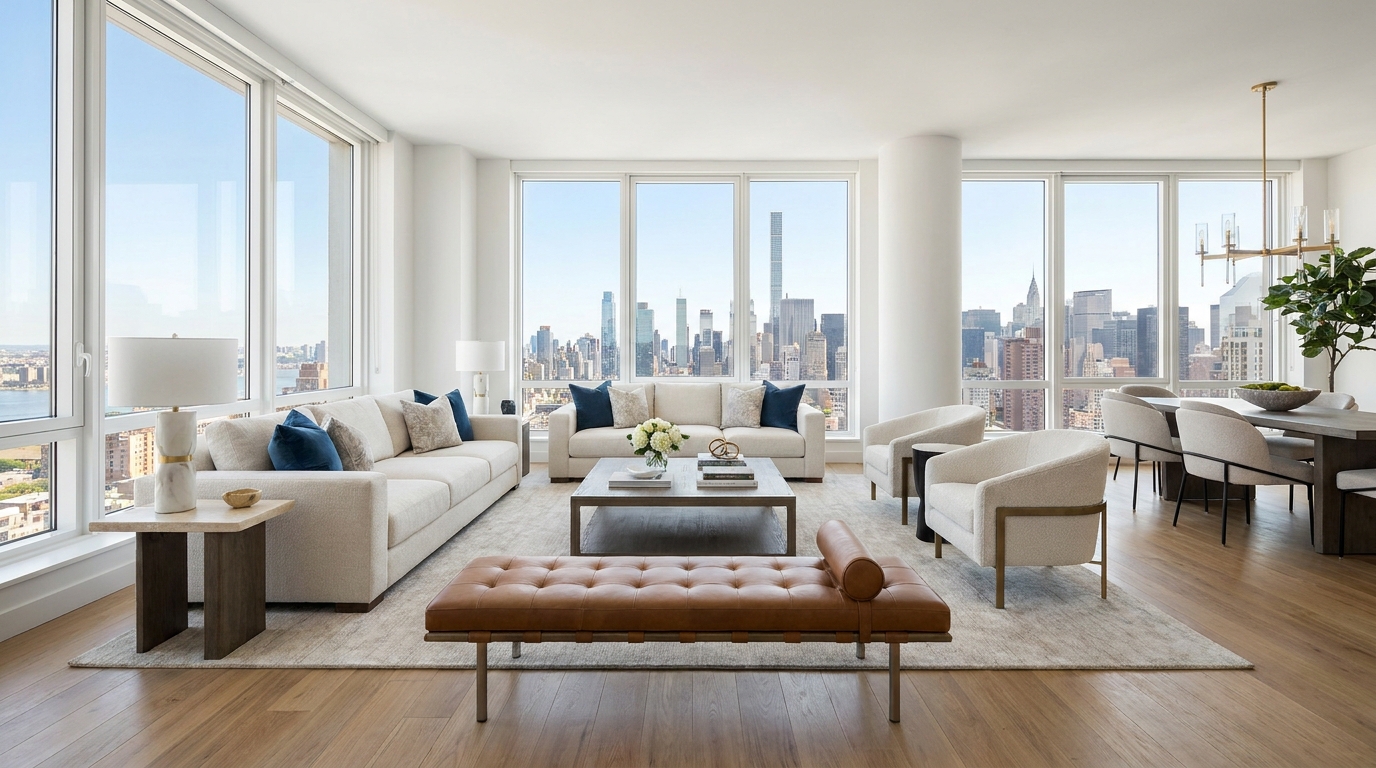
Cleaner, sharper 360 tour imagery with balanced light and a more immersive look.
Try This Tool →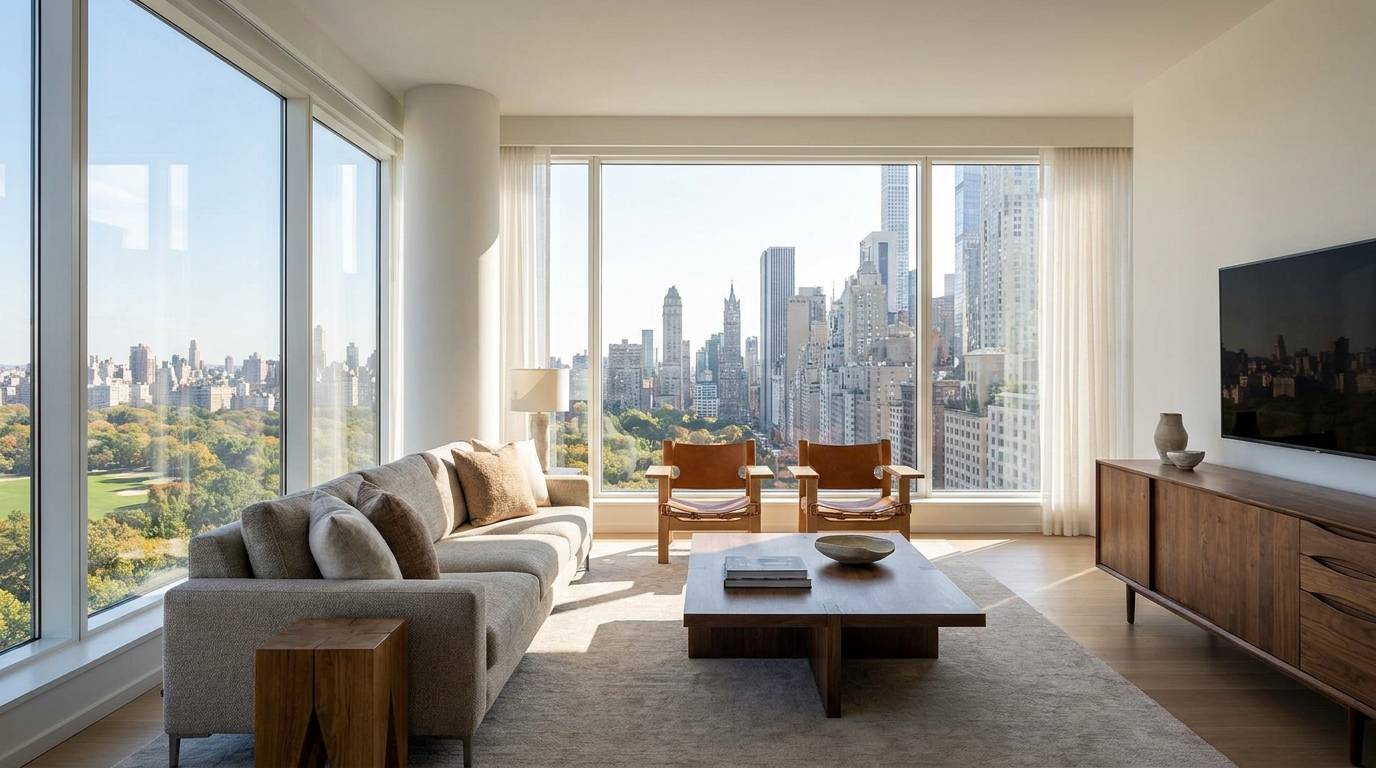
Boost edge definition and surface detail for crisper, more polished marketing images.
Try This Tool →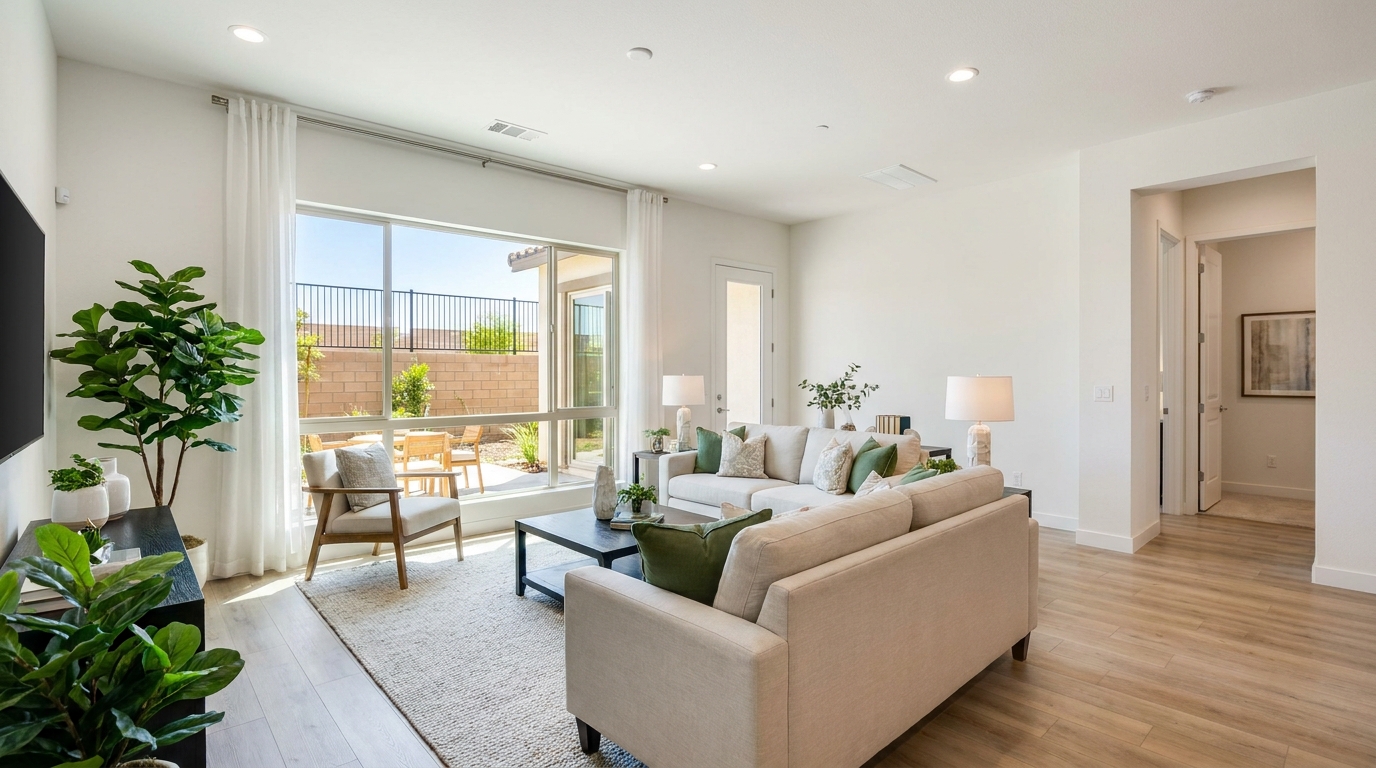
Consistent quality correction across every shot for a cohesive, listing-ready gallery.
Try This Tool →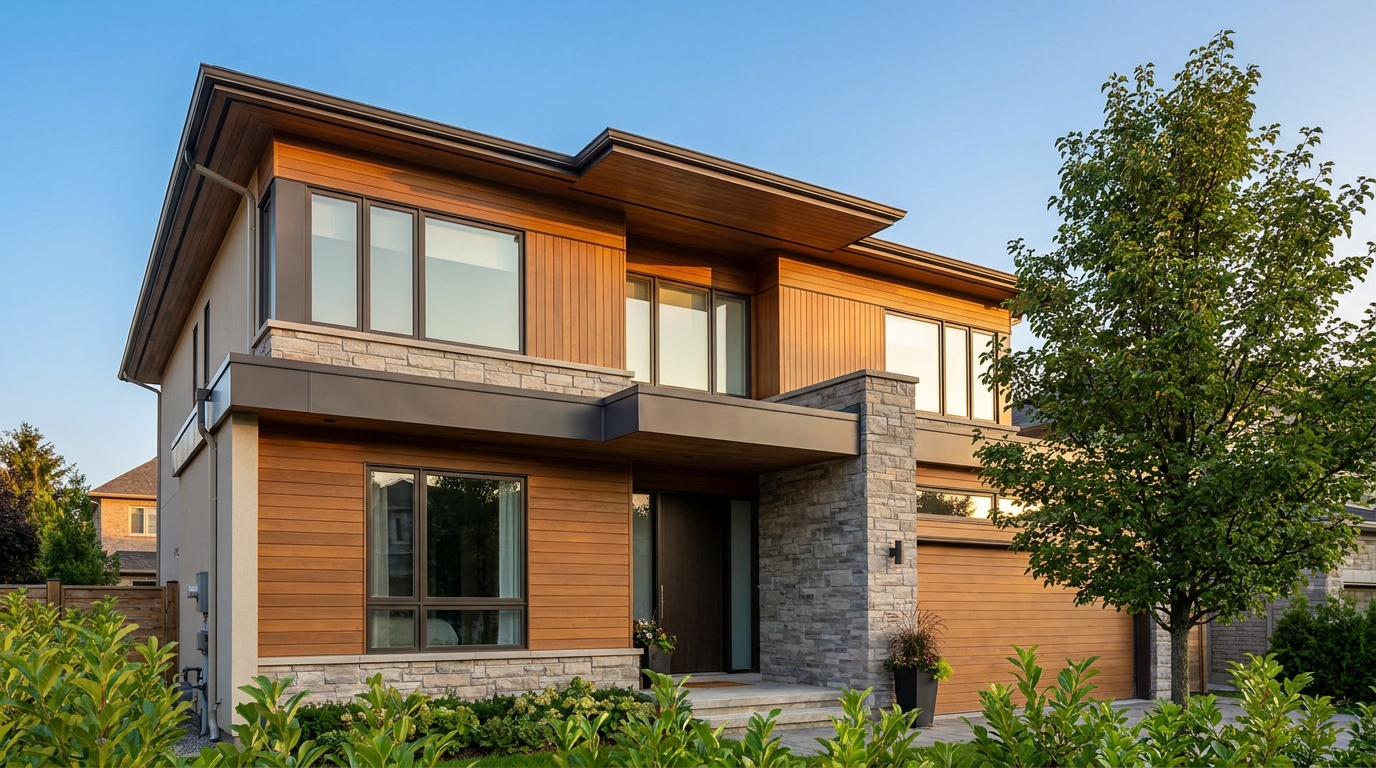
Remove blockiness and digital noise for smoother, more professional-looking photos.
Try This Tool →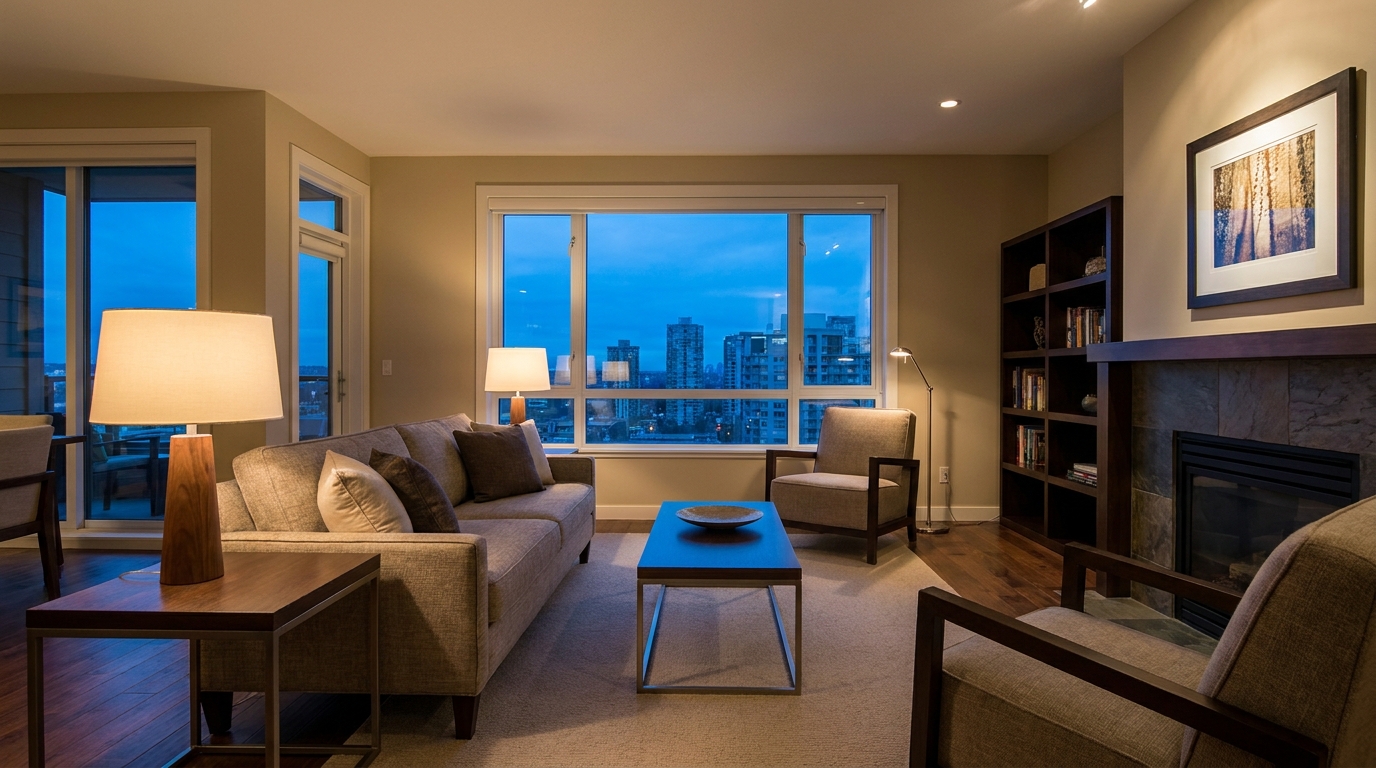
Reduce grain and low-light noise while keeping details natural and clear.
Try This Tool →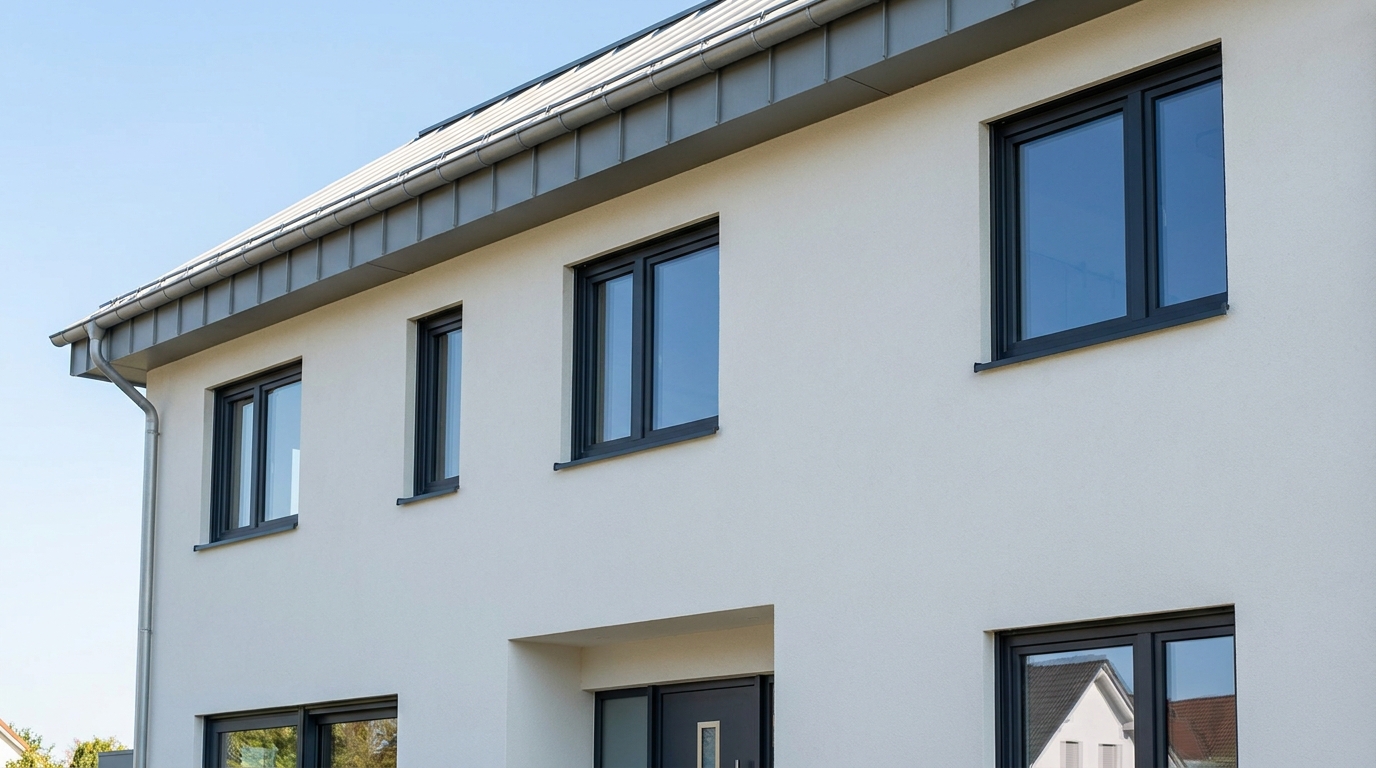
Eliminate color fringing along edges for a cleaner, higher-quality finish.
Try This Tool →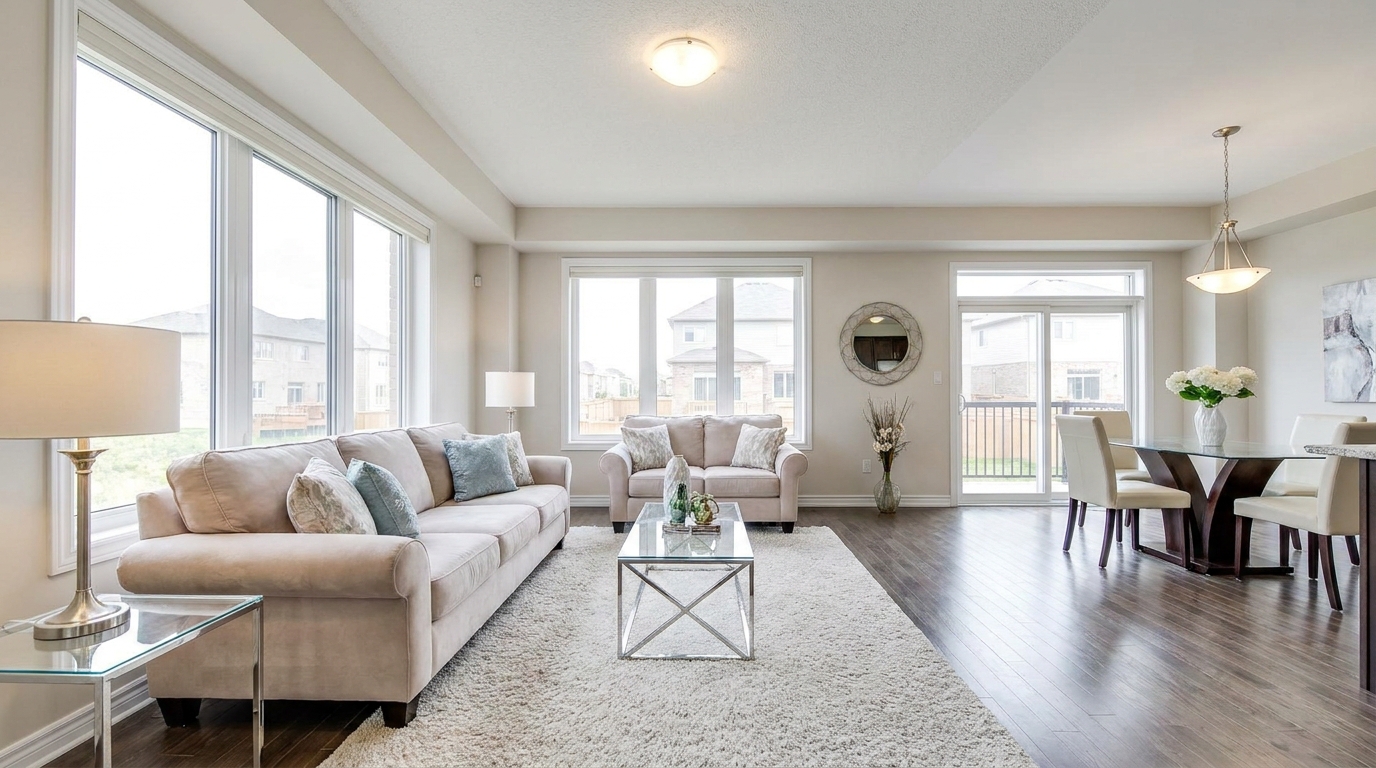
Brighten dark corners for a more even, open, and naturally lit image.
Try This Tool →Discover complementary features to further elevate your interior and exterior property media.
AI image-to-video generation for turning home, room, and property photos into more vivid presentation videos.
02AI exterior renovation for visualizing facade updates, curb appeal improvements, and home exterior remodel ideas.
03AI landscaping design for exploring outdoor concepts, curb appeal upgrades, planting ideas, and yard layout directions.
04AI virtual staging for furnishing empty rooms and creating listing-ready interiors for real estate marketing.
05Free AI image generation for turning text prompts into unlimited visual ideas for home design, interiors, landscaping, renovation
06AI object removal for cleaning up distracting items from room, home, and property photos.
Stop letting distorted lines and blurry details hold back your property listings. Use our professional image quality and correction tools to create flawless, MLS-ready photos in seconds.