
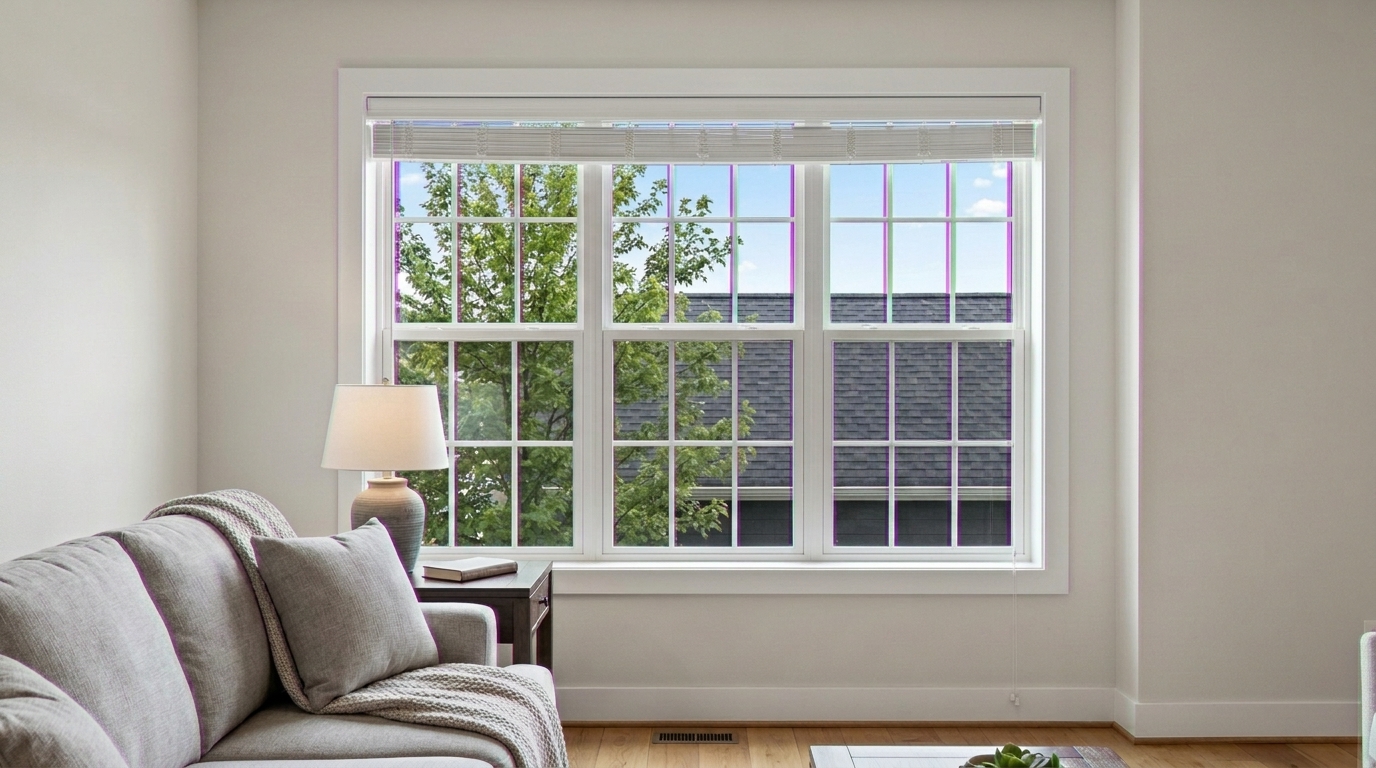
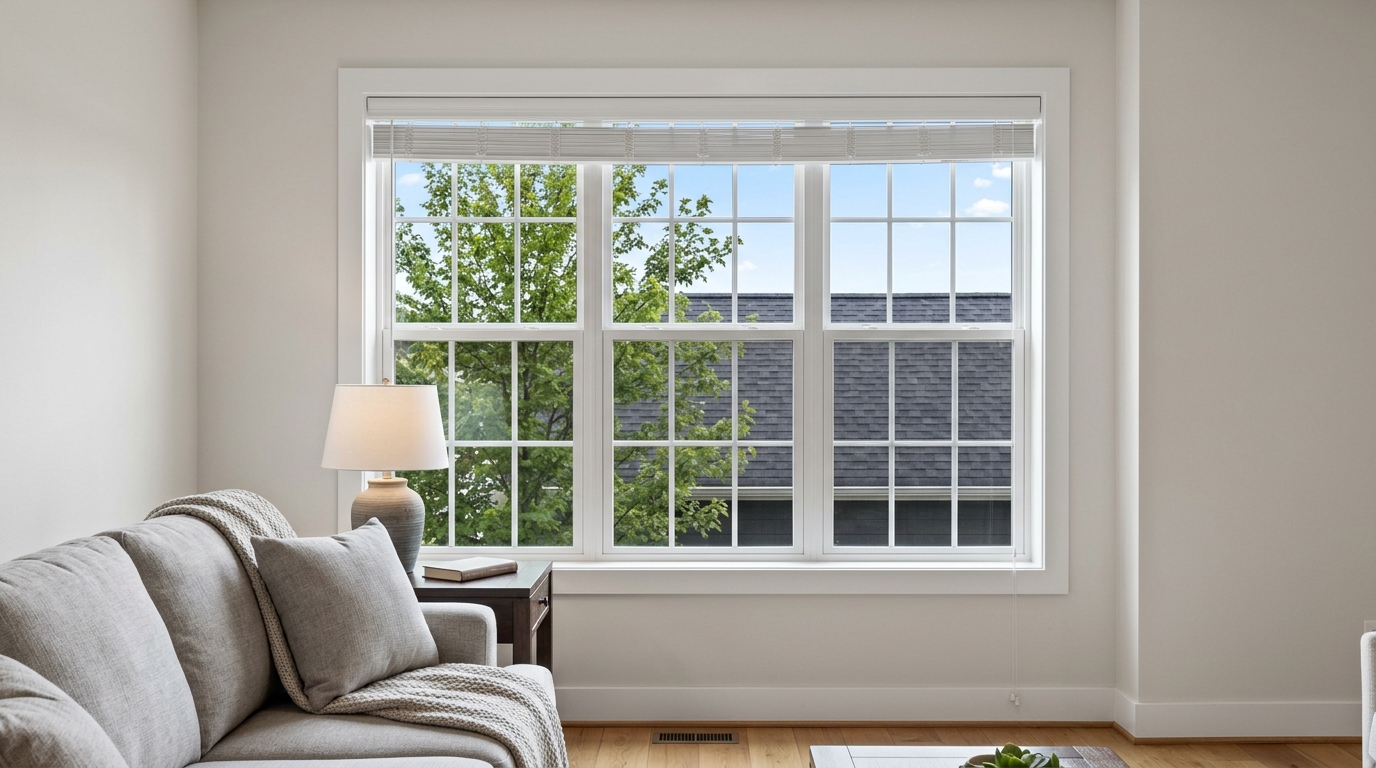

Backlit Window Frame
Apply chromatic aberration correction to the same backlit window frame.
Instantly eliminate purple and green edge halos along high-contrast architectural lines. Restore clean, professional clarity to your property listings.
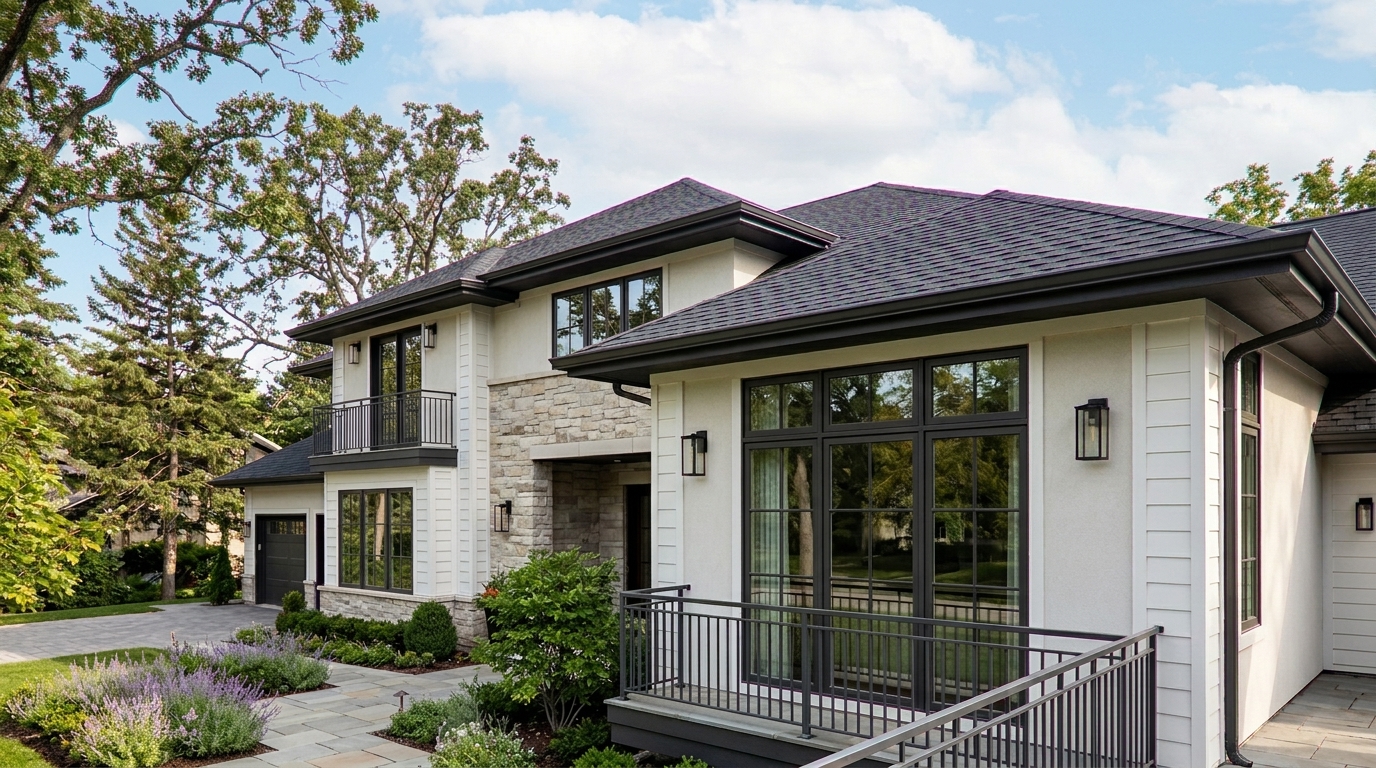
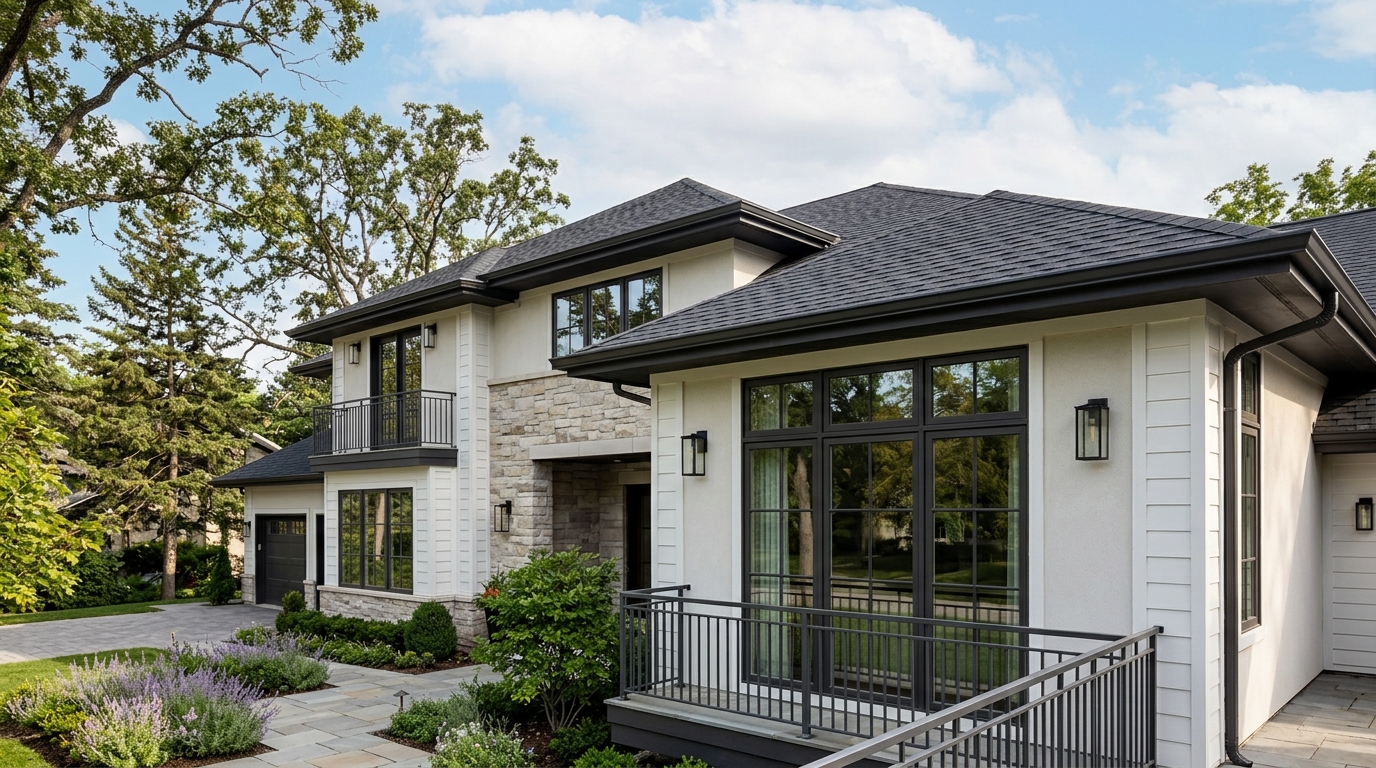
Compare the difference clean, fringe-free edges make on windows, rooflines, and bright skies.
Apply chromatic aberration correction to the same backlit window frame.
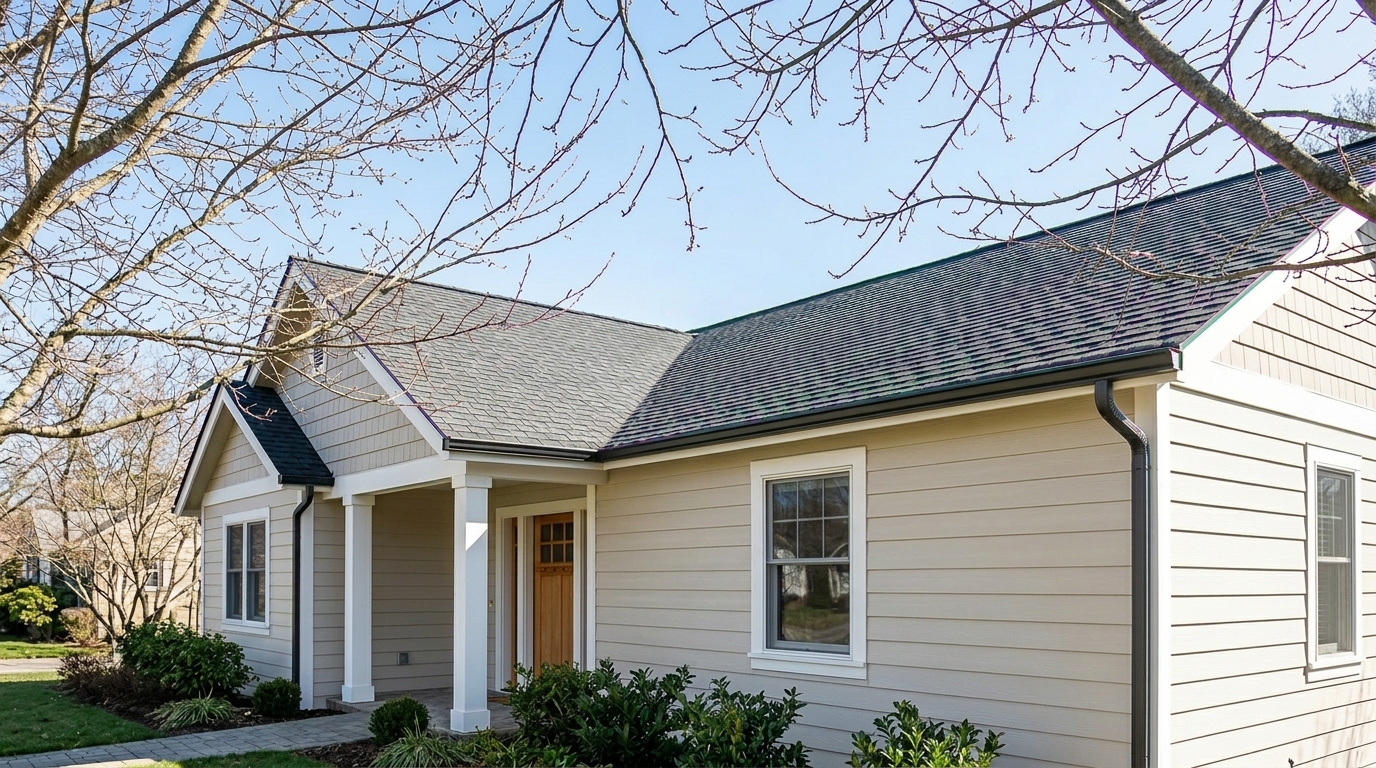
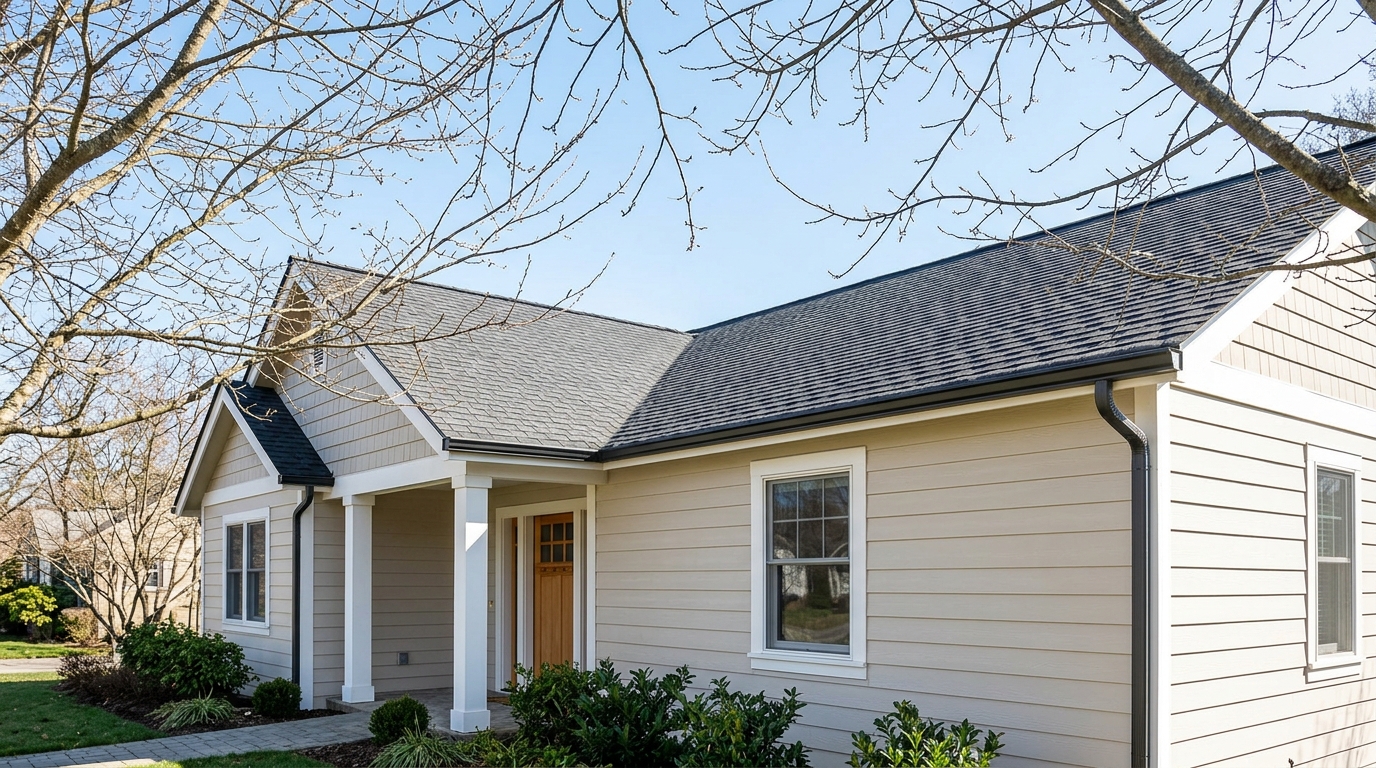
Apply chromatic aberration correction to the same tree branches.
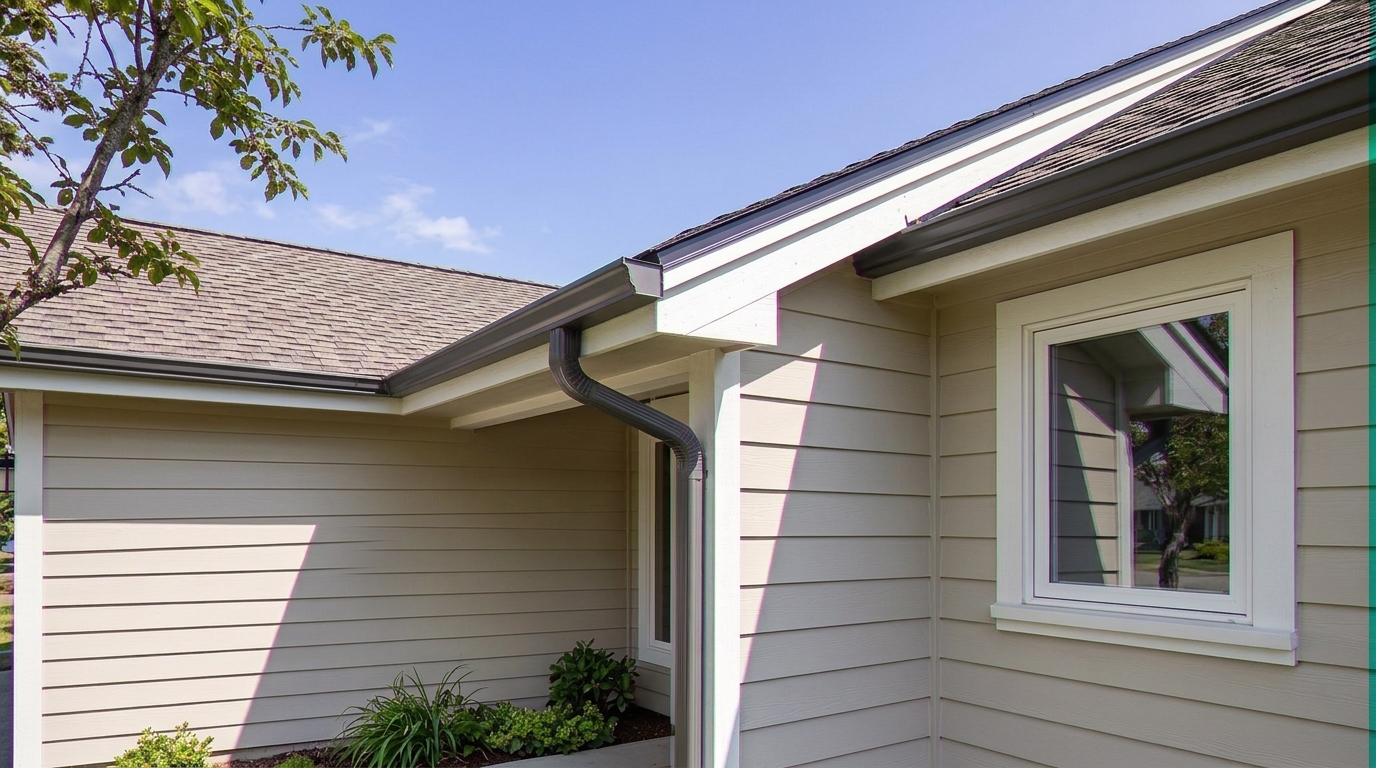
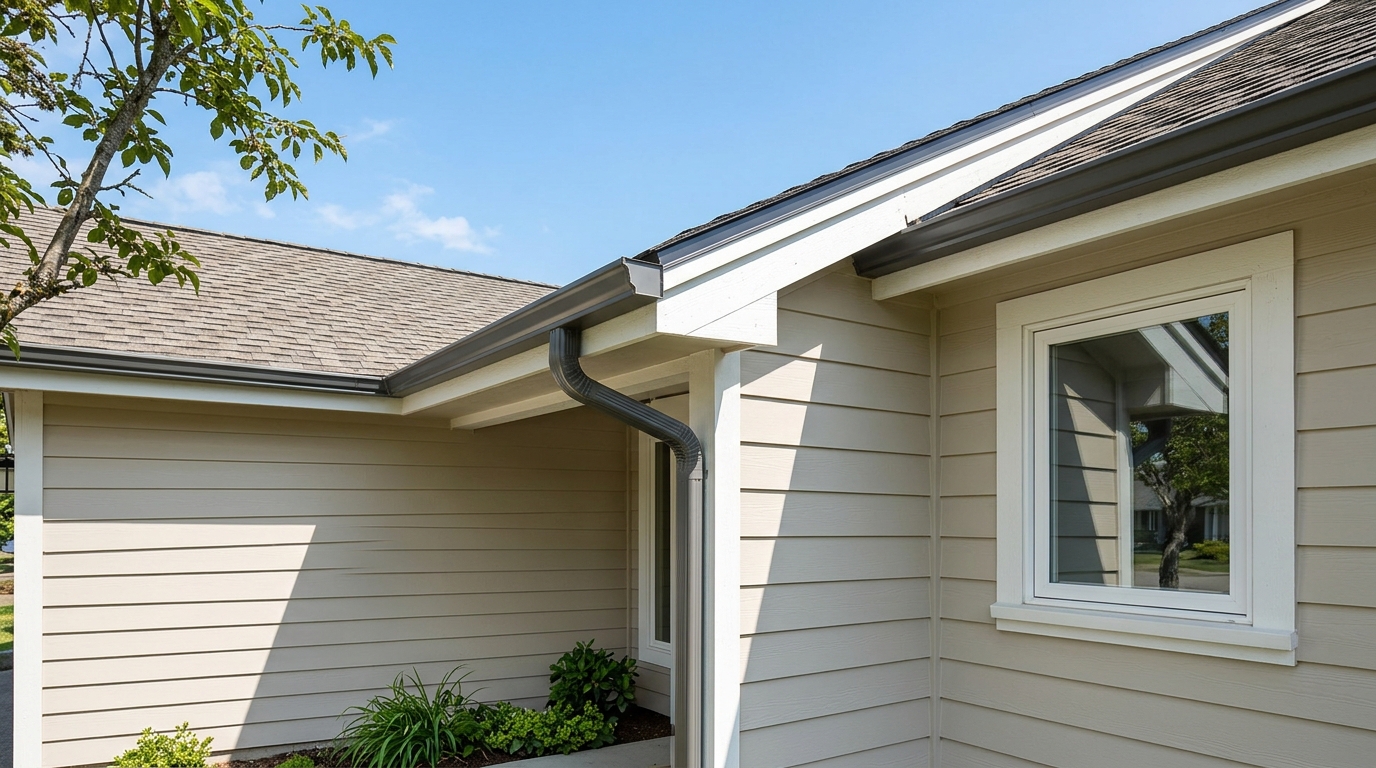
Apply chromatic aberration correction to the same wide-angle corner detail.
Engineered specifically to target and resolve high-contrast color distortion without losing detail.
Automatically isolates and targets purple, green, and magenta color halos along high-contrast boundaries without affecting surrounding colors.
Corrects color distortion while maintaining the absolute sharpness of structural lines like rooflines, gutters, and window frames.
Specially calibrated to handle challenging real estate scenes, such as dark exteriors against bright skies or backlit window views.
Eliminates the need for tedious manual brush selections, color range masking, or complex channel editing in traditional software.
Apply the chromatic aberration fix across your entire listing gallery simultaneously to ensure consistent, high-quality presentation.
Restores natural color balance to adjacent pixels, ensuring that building materials, siding, and textures remain crisp and authentic.
See how fixing color fringing transforms real estate listings, architectural portfolios, and outdoor shots.
Clean up the distracting purple halos that frequently appear where dark shingles or roof tiles meet a bright, overexposed sky.
ExteriorRemove green and magenta fringing around interior window frames caused by intense sunlight streaming in from the outside.
InteriorCorrect color bleeding on fine branches, leaves, and foliage silhouetted against bright backgrounds in curb-appeal shots.
Curb AppealEliminate metallic color glare and fringing on outdoor balconies, stainless steel appliances, and modern light fixtures.
Detail ShotsFix the severe edge fringing that typically occurs on the outer borders of wide-angle lenses used for interior photography.
Lens CorrectionEnsure pristine, gallery-grade image quality for luxury property listings, architectural portfolios, and design presentations.
Luxury ListingsFollow these simple steps to clean up color fringing and elevate your image quality.
Select and upload your high-contrast real estate images that show visible color fringing along edges.
Our AI instantly analyzes the image, detecting and neutralizing purple, green, or blue halos along architectural lines.
Save your corrected, professional-grade photos, completely free of distracting color artifacts and ready for the MLS.
Source-backed context for why chromatic aberration fix edits matter inside image quality & correction workflows.
Chromatic Aberration Fix within Image Quality & Correction evidence
Photos are one of the most valuable website features for home buyers; NAR's 2025 generational trends report says 83% of internet-using buyers rated photos as very useful. For Chromatic Aberration Fix pages, this supports showing how a focused Image Quality & Correction edit can make the listing photo feel clearer, more polished, and easier for buyers to evaluate.
Source: NAR 2025Chromatic Aberration Fix within Image Quality & Correction evidence
Zillow Research's 2025 prospective buyer report ranked high-resolution photos as the number two most important listing feature, selected by 26% of prospective buyers; floor plans ranked first at 33%. For Chromatic Aberration Fix pages, this supports showing how a focused Image Quality & Correction edit can make the listing photo feel clearer, more polished, and easier for buyers to evaluate.
Source: Zillow 2025Chromatic Aberration Fix within Image Quality & Correction evidence
Redfin reported that professionally photographed homes in the $400,000 range sold three weeks faster and for more than $10,000 relative to list price compared with amateur photos. Use this as supporting context, not as a guaranteed result. For Chromatic Aberration Fix pages, this supports showing how a focused Image Quality & Correction edit can make the listing photo feel clearer, more polished, and easier for buyers to evaluate.
Source: RedfinColor fringing can quietly degrade the perceived quality of your real estate listings. Learn how to identify, correct, and prevent chromatic aberration to deliver flawless property presentations.
Chromatic aberration manifests as distracting purple, green, or blue halos around high-contrast edges. In real estate photography, this most frequently happens where dark rooflines meet bright skies, or around interior window frames with strong outdoor backlighting. While buyers might not know the technical term, they instinctively perceive these color halos as amateurish or low-quality. Eliminating these artifacts is a subtle but crucial step in elevating a listing's visual appeal and establishing a professional brand.
To achieve the cleanest results, integrate the Chromatic Aberration Fix early in your post-processing workflow. First, upload your raw or high-resolution JPEG images. Apply the Chromatic Aberration Fix to neutralize any color bleeding along high-contrast lines. Once the edges are clean, proceed with other structural corrections like image quality correction. Finally, apply AI Photo Sharpening to lock in crisp, professional details without amplifying any pre-existing color halos.
It is important to understand when to use the Chromatic Aberration Fix versus adjacent presets. Use this preset specifically when you see purple, green, or magenta halos along high-contrast edges. If your image suffers from overall softness or blurriness, use AI Photo Sharpening instead. If the vertical lines of your walls or doors are warped or leaning, select image quality correction. For blocky, pixelated noise caused by low-resolution uploads, use the Compression Artifact Fix. Avoid using the Chromatic Aberration Fix if your image has clean edges but simply needs better lighting or color balance.
Luxury listings demand perfection down to the single pixel. When presenting high-end properties, even minor color fringing on premium metallic fixtures, marble countertops, or architectural glass can detract from the home's value. Using our automated AI tool ensures that every fine detail—from the delicate lines of a designer chandelier to the clean silhouette of a modern steel balcony—is rendered with absolute color accuracy and professional polish.
Discover specialized tools to sharpen details, correct lens distortion, and perfect your property photos.
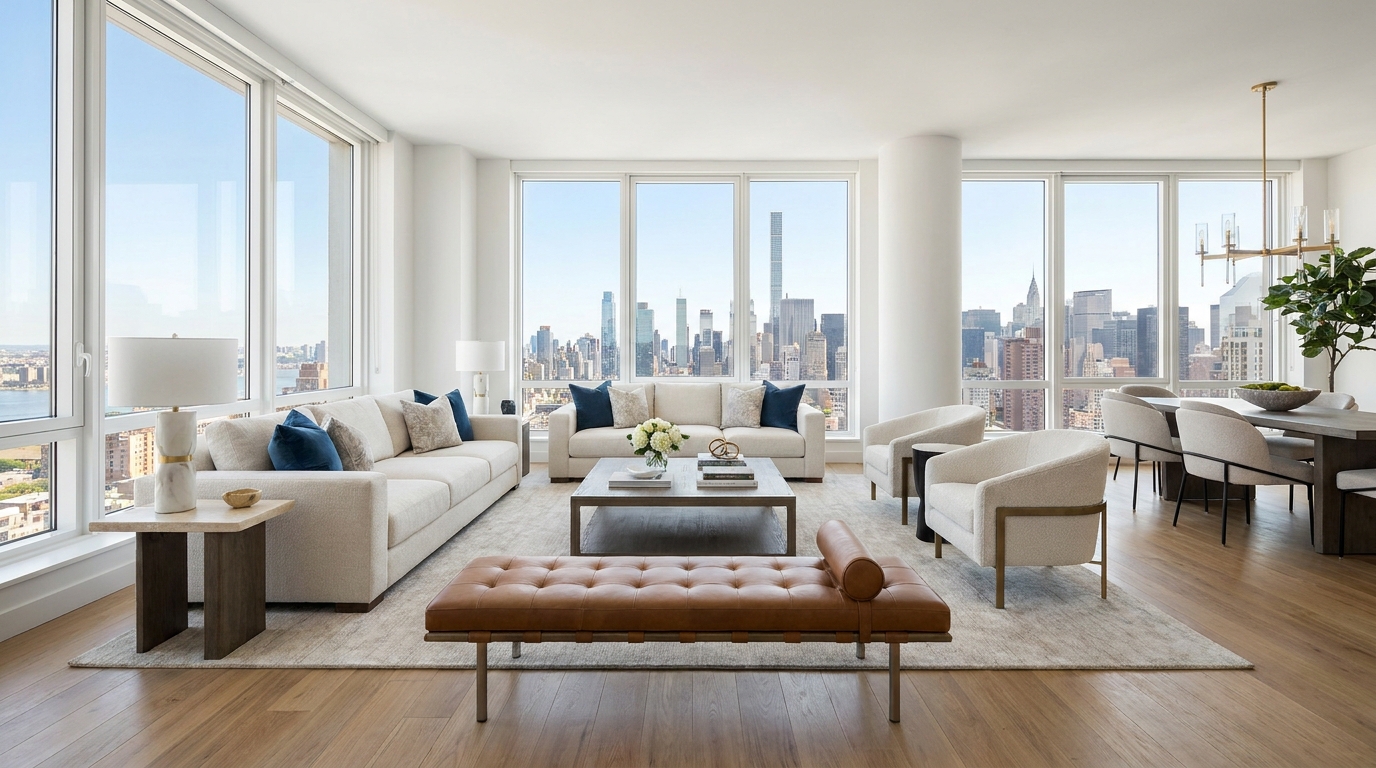
Cleaner, sharper 360 tour imagery with balanced light and a more immersive look.
Try This Tool →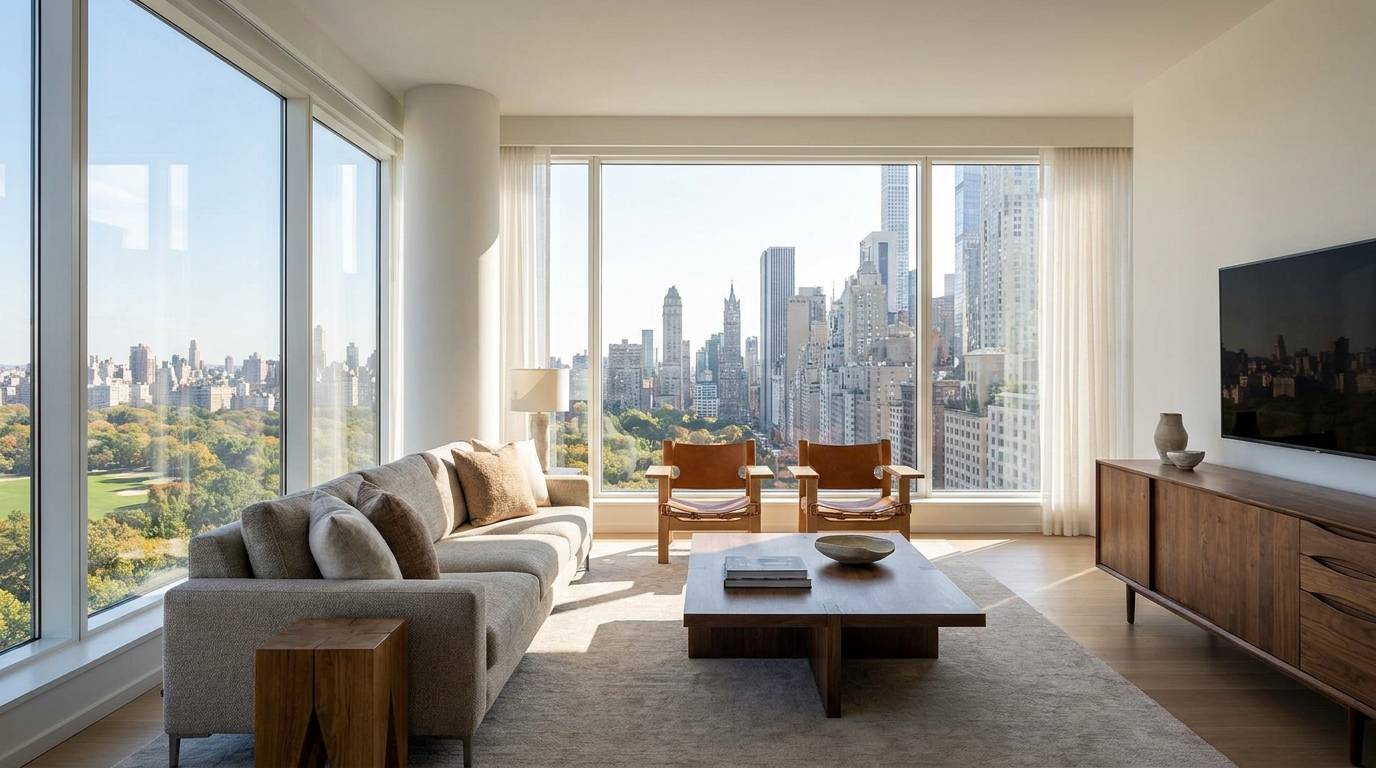
Boost edge definition and surface detail for crisper, more polished marketing images.
Try This Tool →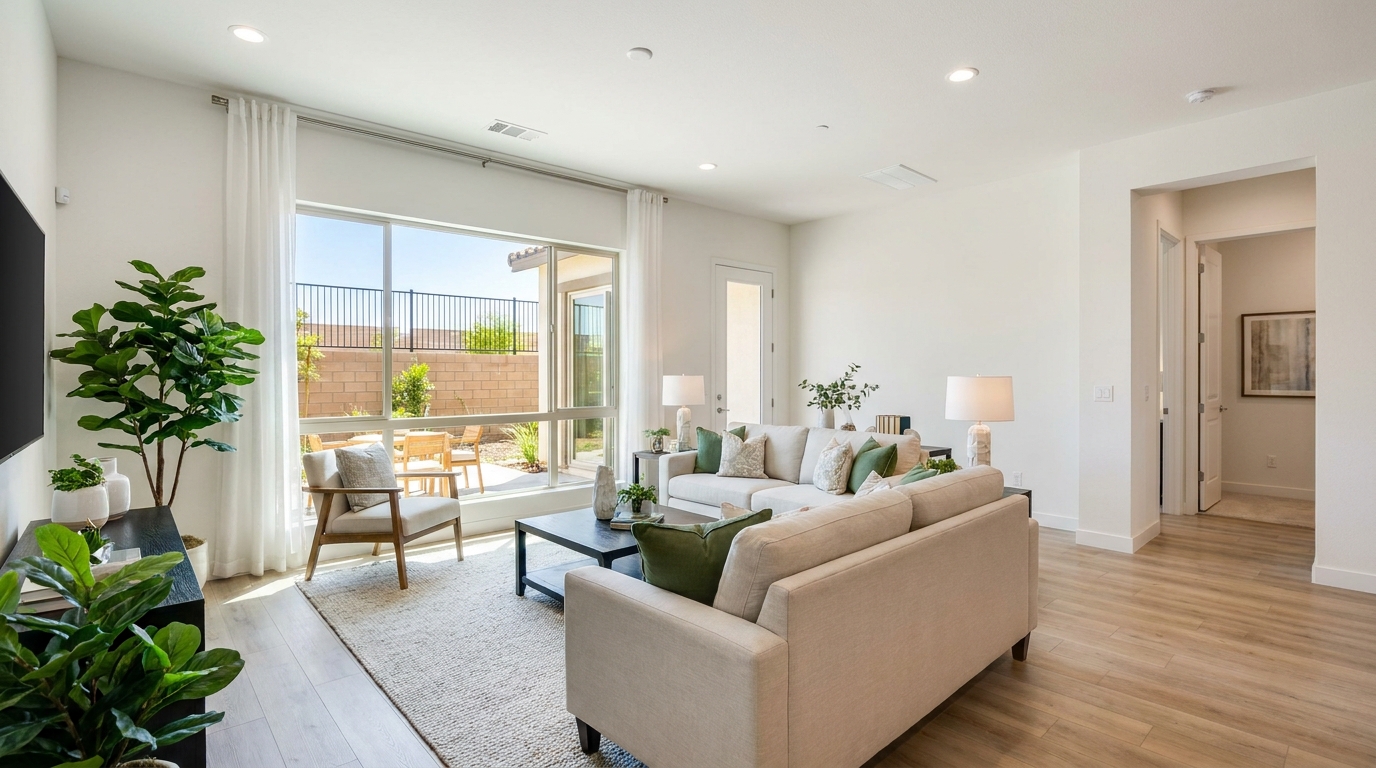
Consistent quality correction across every shot for a cohesive, listing-ready gallery.
Try This Tool →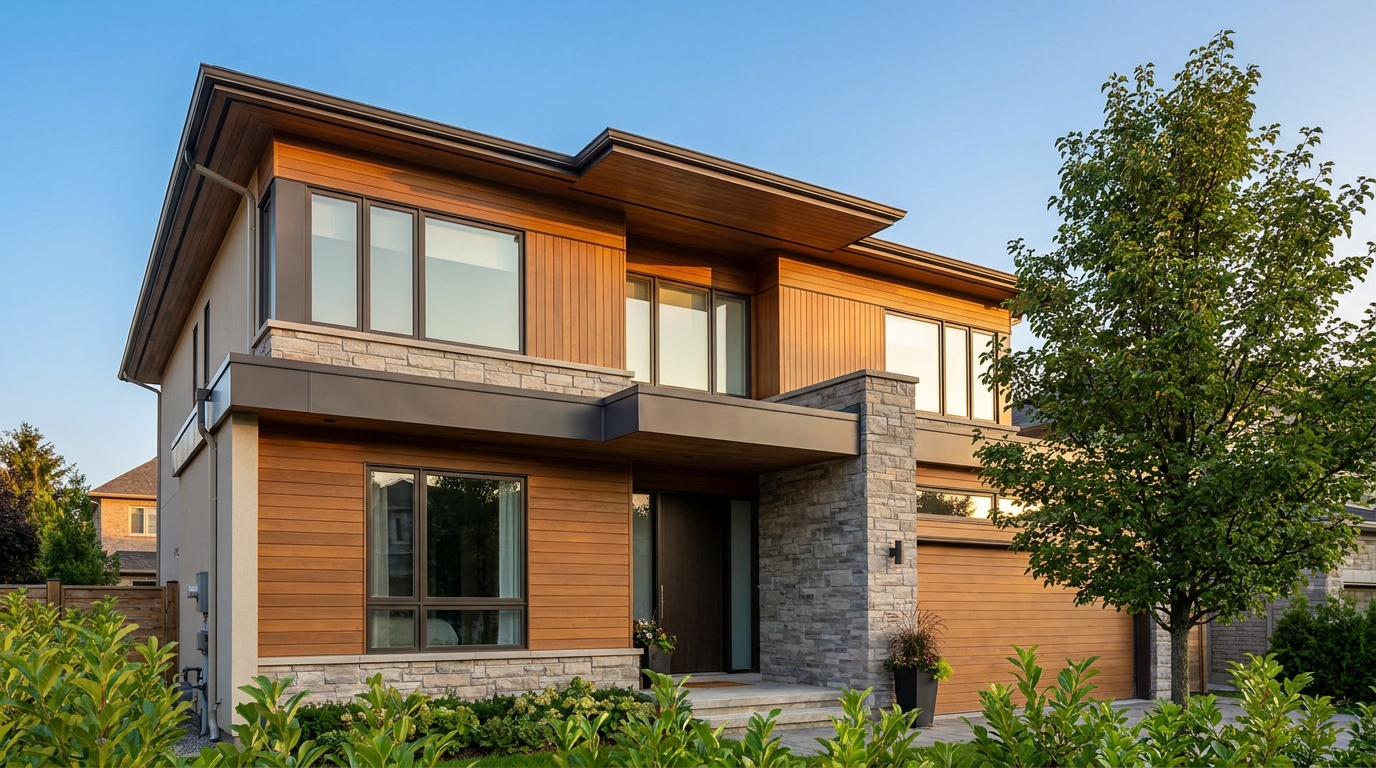
Remove blockiness and digital noise for smoother, more professional-looking photos.
Try This Tool →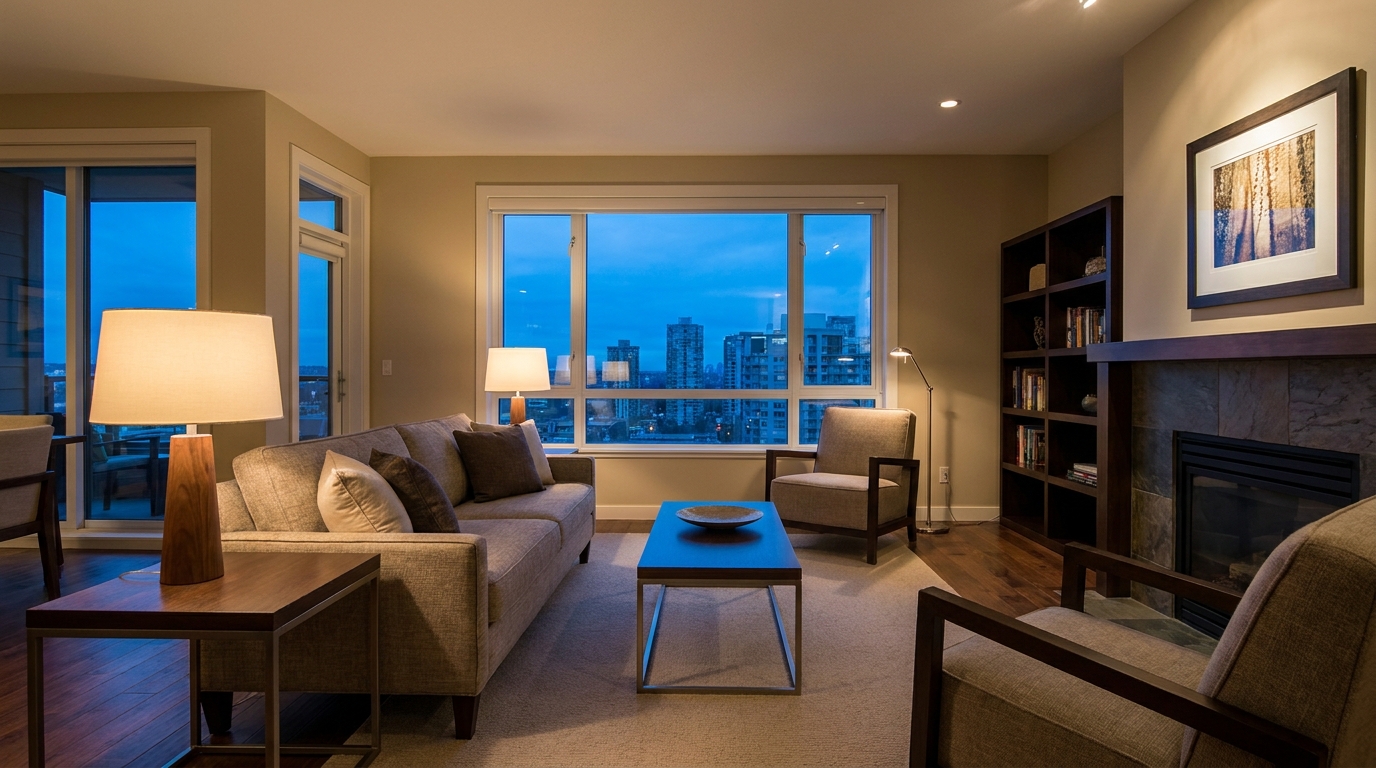
Reduce grain and low-light noise while keeping details natural and clear.
Try This Tool →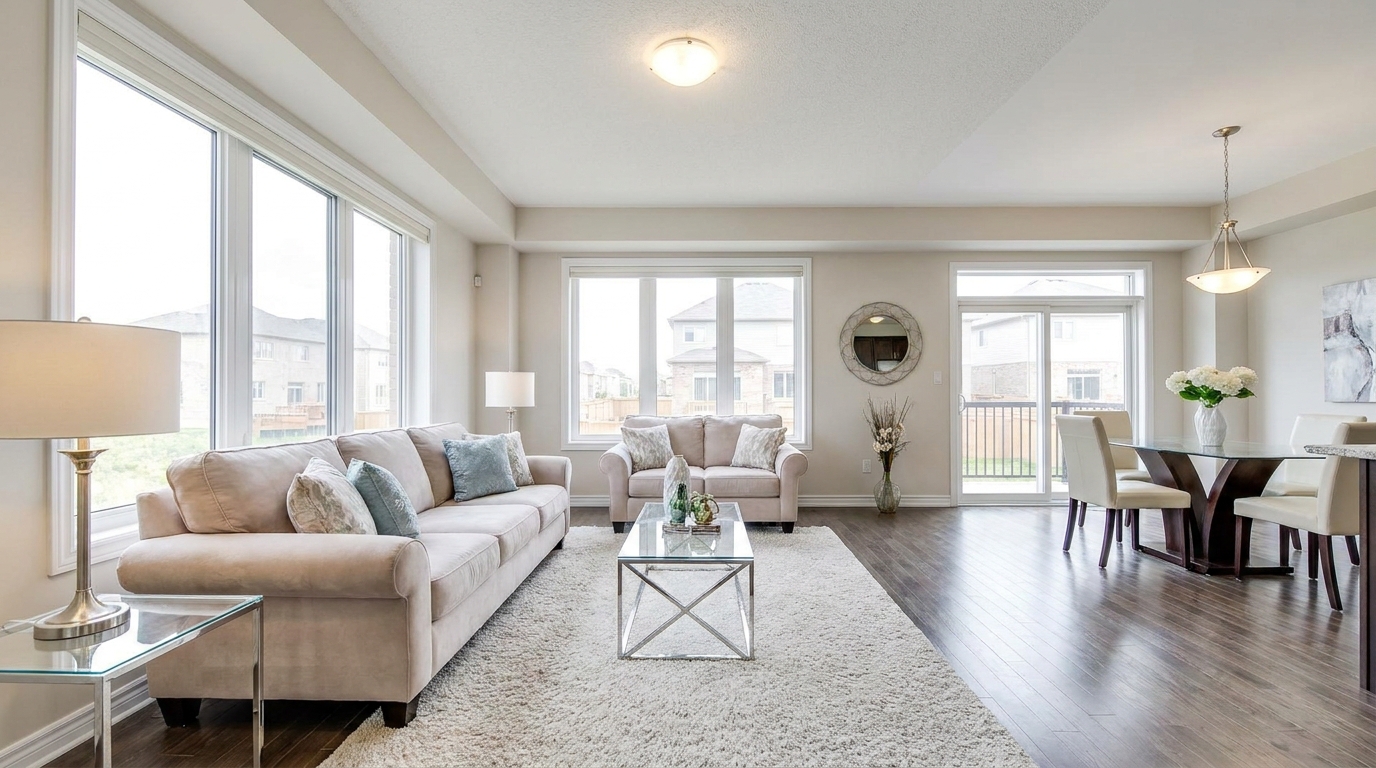
Brighten dark corners for a more even, open, and naturally lit image.
Try This Tool →Explore additional AI-powered presets to refine lighting, adjust perspective, and polish your listings.
AI image-to-video generation for turning home, room, and property photos into more vivid presentation videos.
02AI exterior renovation for visualizing facade updates, curb appeal improvements, and home exterior remodel ideas.
03AI landscaping design for exploring outdoor concepts, curb appeal upgrades, planting ideas, and yard layout directions.
04AI virtual staging for furnishing empty rooms and creating listing-ready interiors for real estate marketing.
05Free AI image generation for turning text prompts into unlimited visual ideas for home design, interiors, landscaping, renovation
06AI object removal for cleaning up distracting items from room, home, and property photos.
Don't let distracting color halos ruin your professional property photos. Use our AI-powered Chromatic Aberration Fix to deliver clean, sharp, and flawless images instantly.