
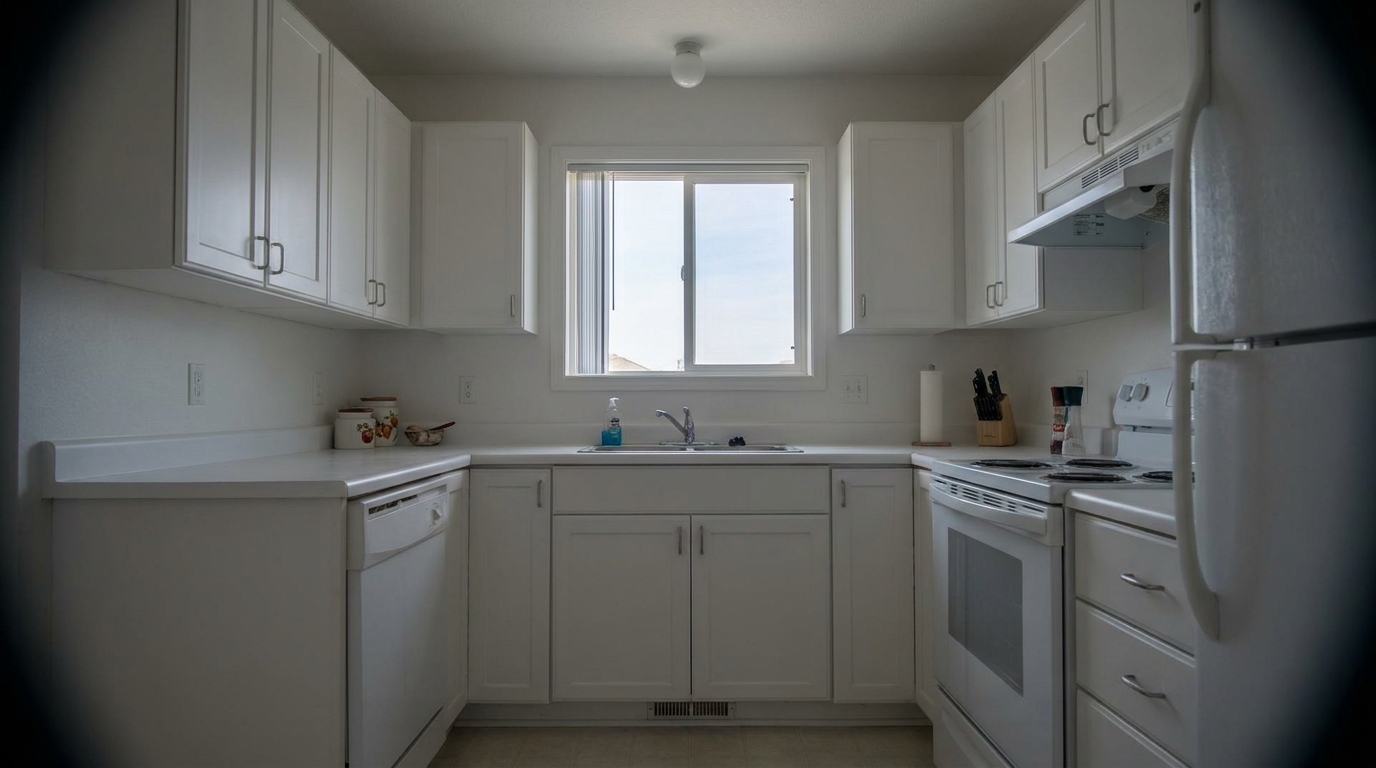
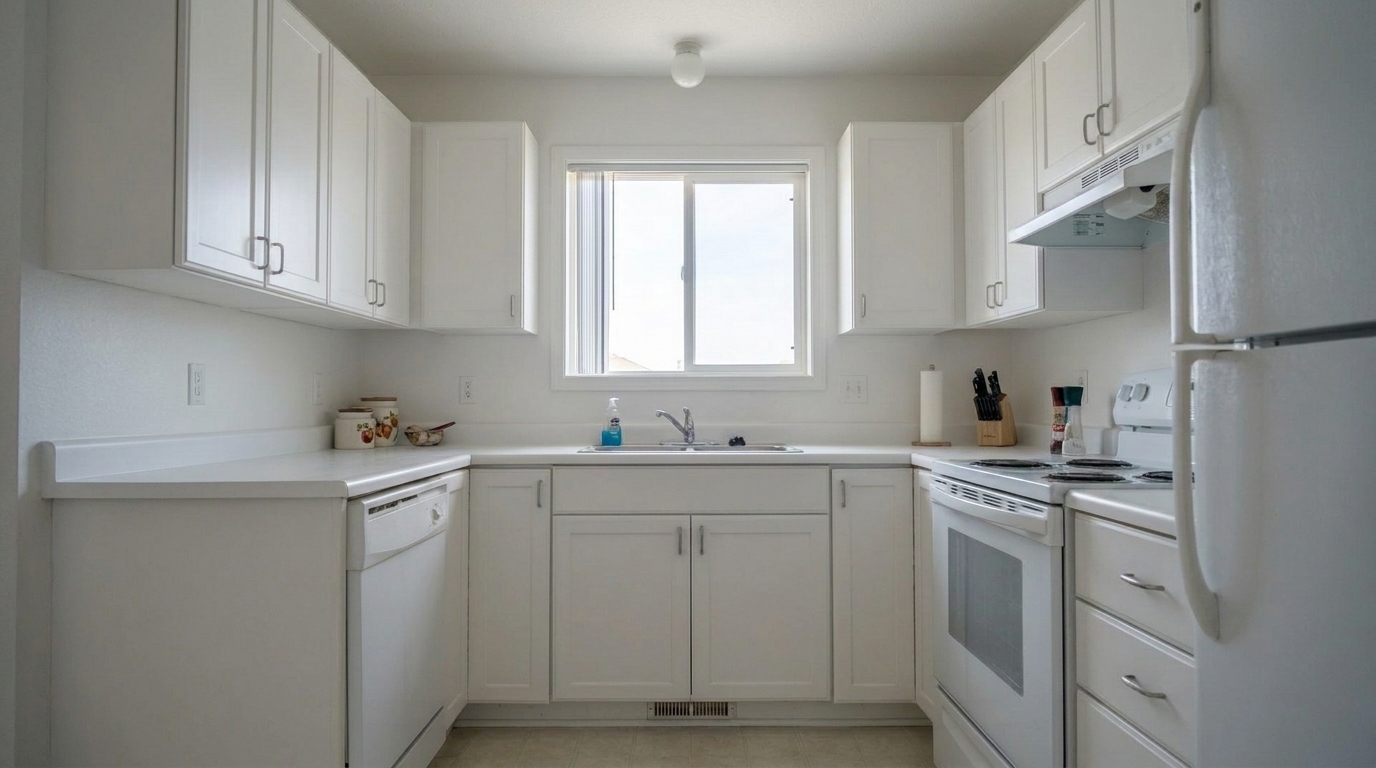

White Kitchen Corner Shading
White Kitchen Corner Shading updated with vignette removal styling.
Instantly eliminate dark, distracting corners and uneven edge lighting. Restore natural balance and professional clarity to your property listings.
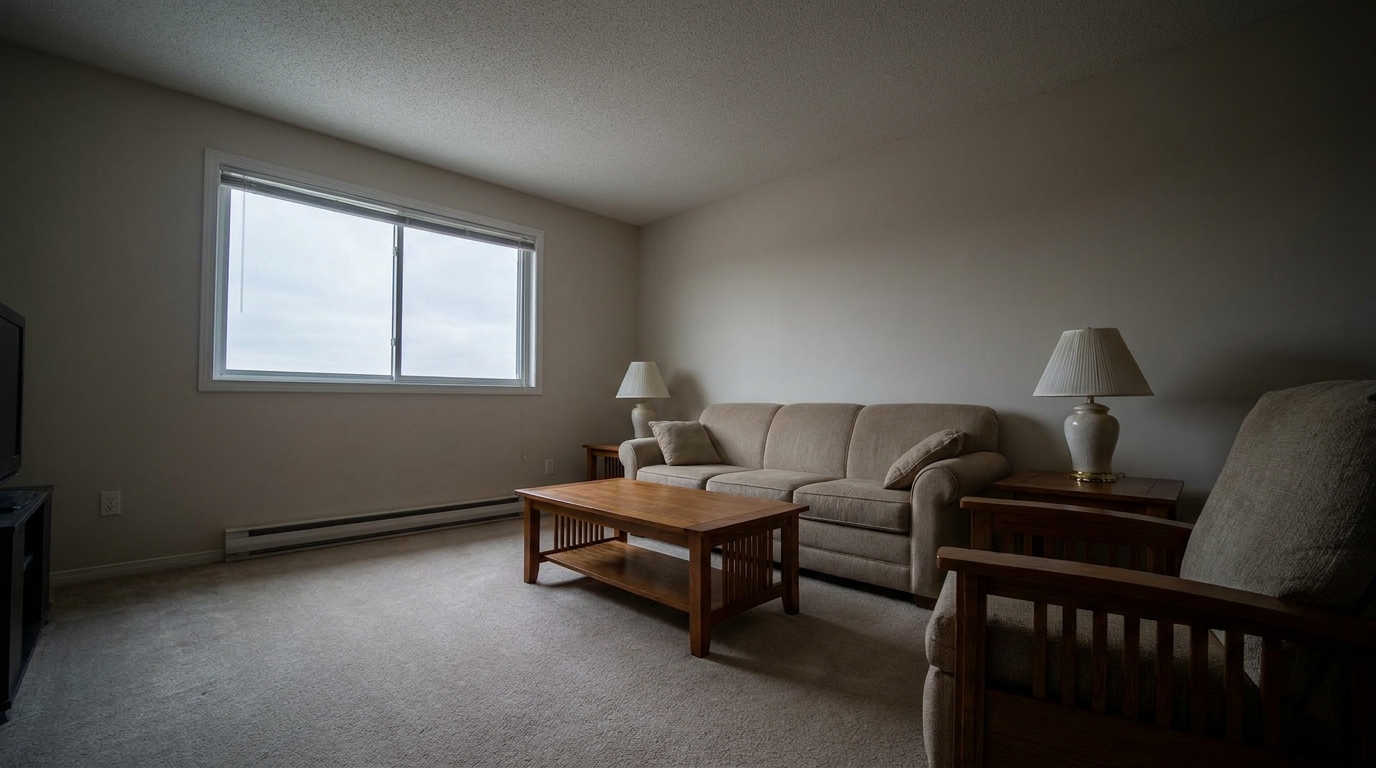
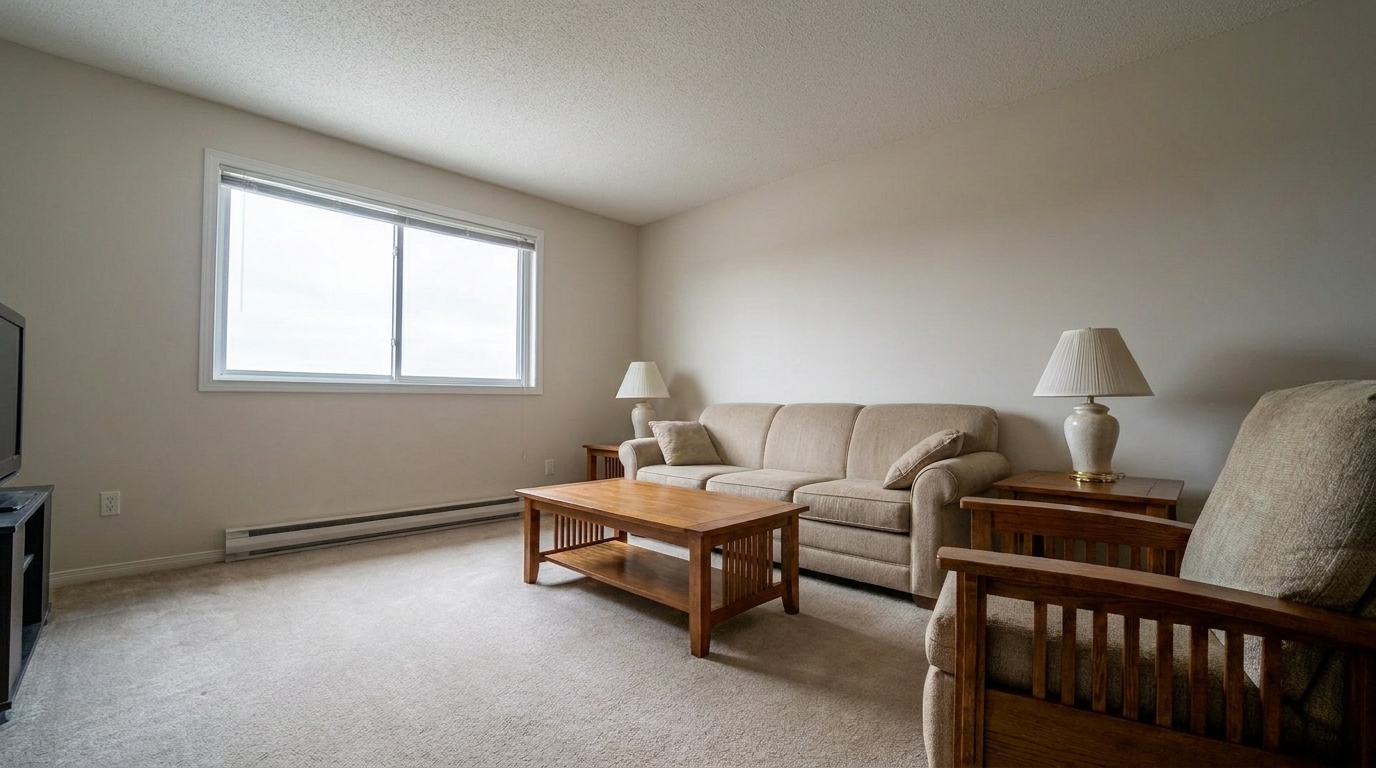
Compare before and after results to see how balanced corner lighting opens up interior spaces.
White Kitchen Corner Shading updated with vignette removal styling.
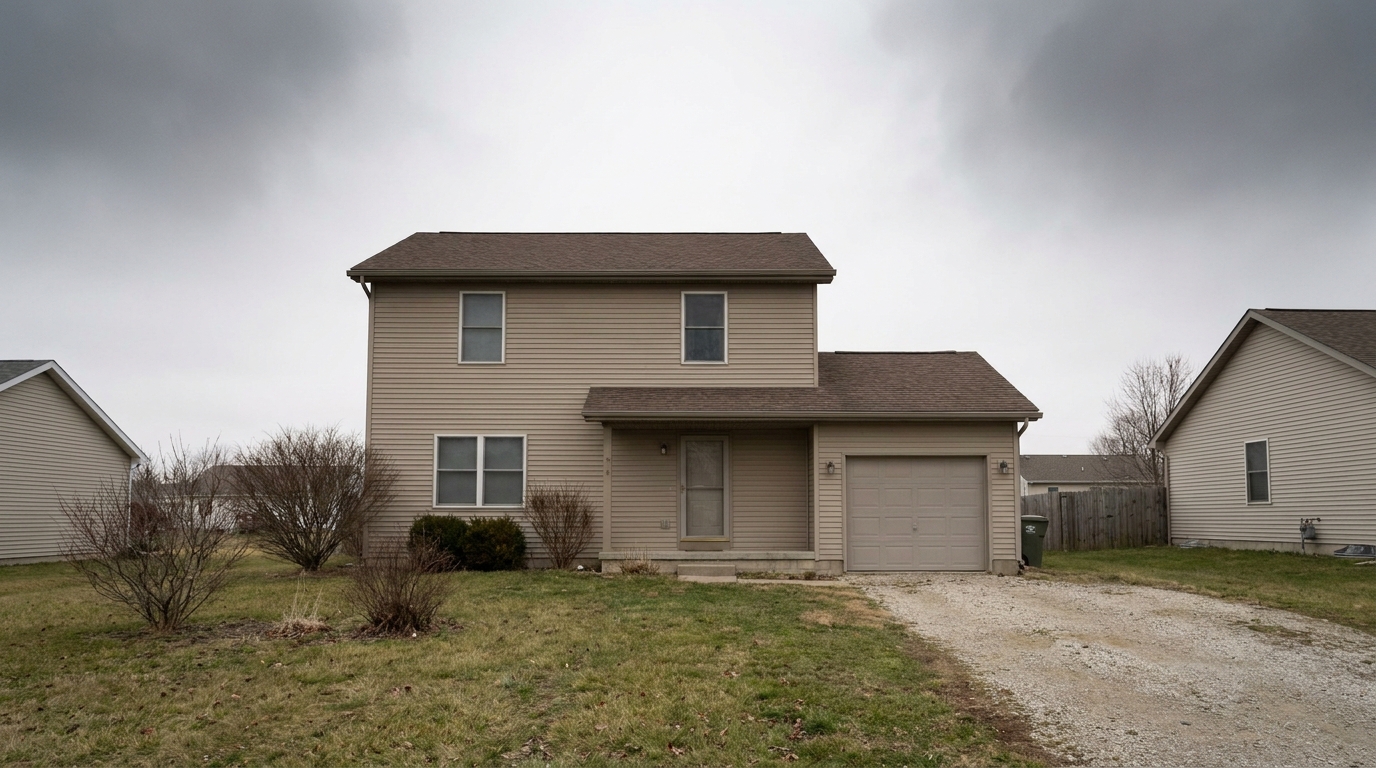
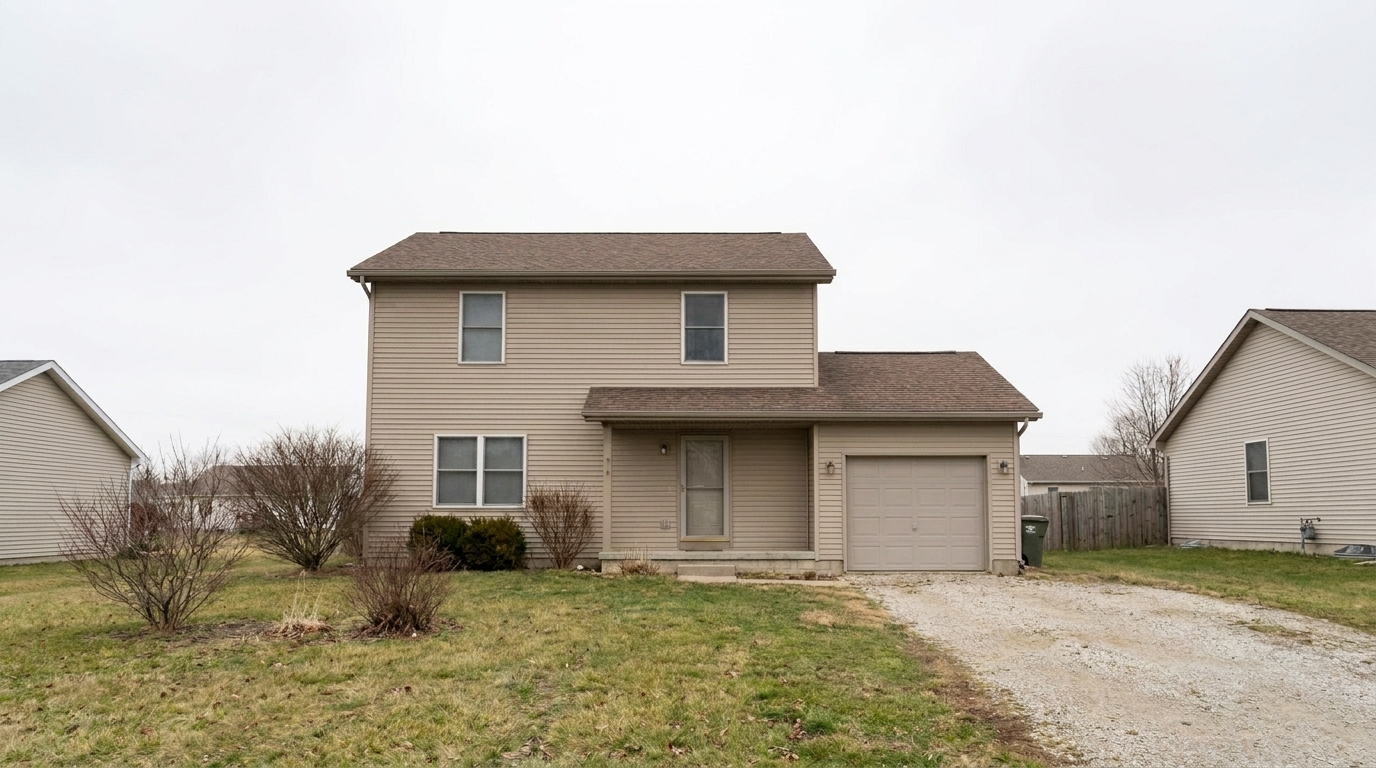
Overcast Exterior Sky Falloff updated with vignette removal styling.
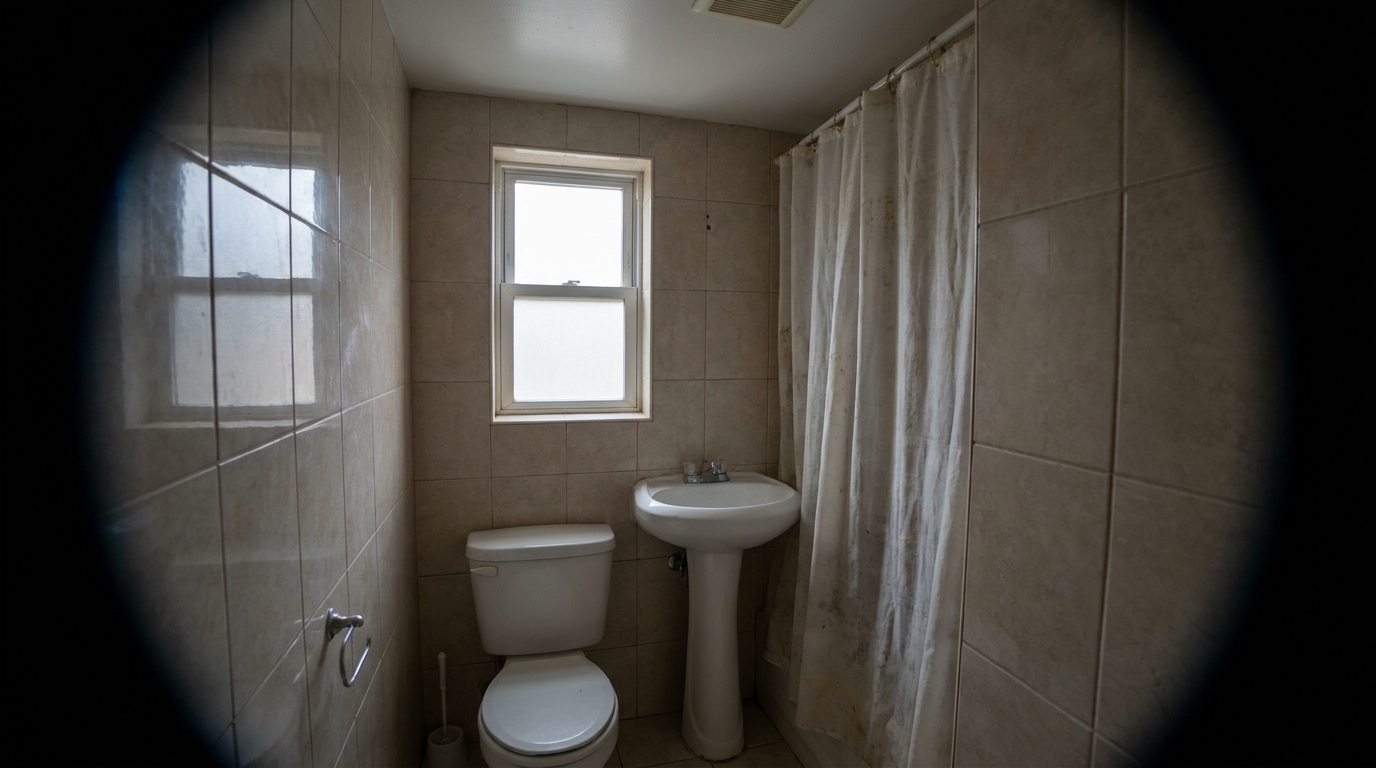
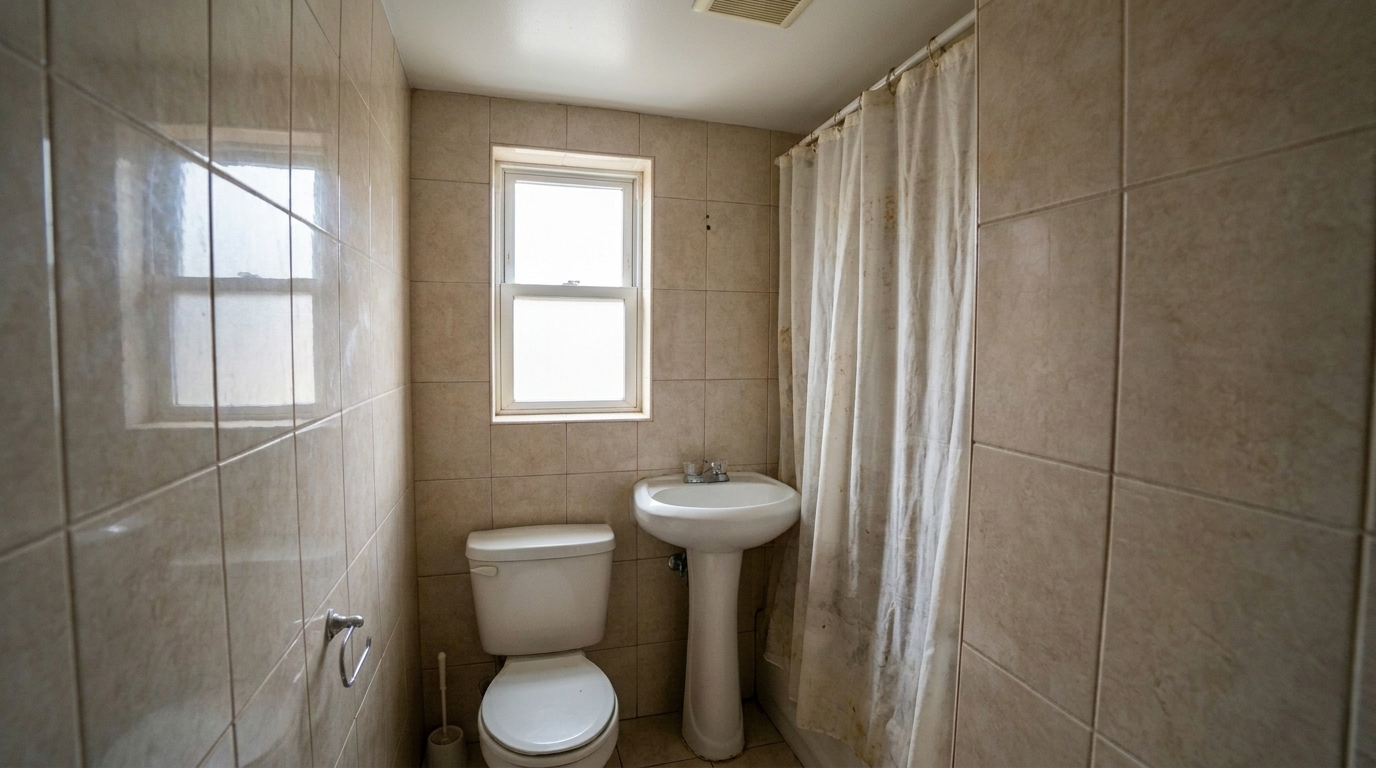
Wide-Angle Bathroom Vignette updated with vignette removal styling.
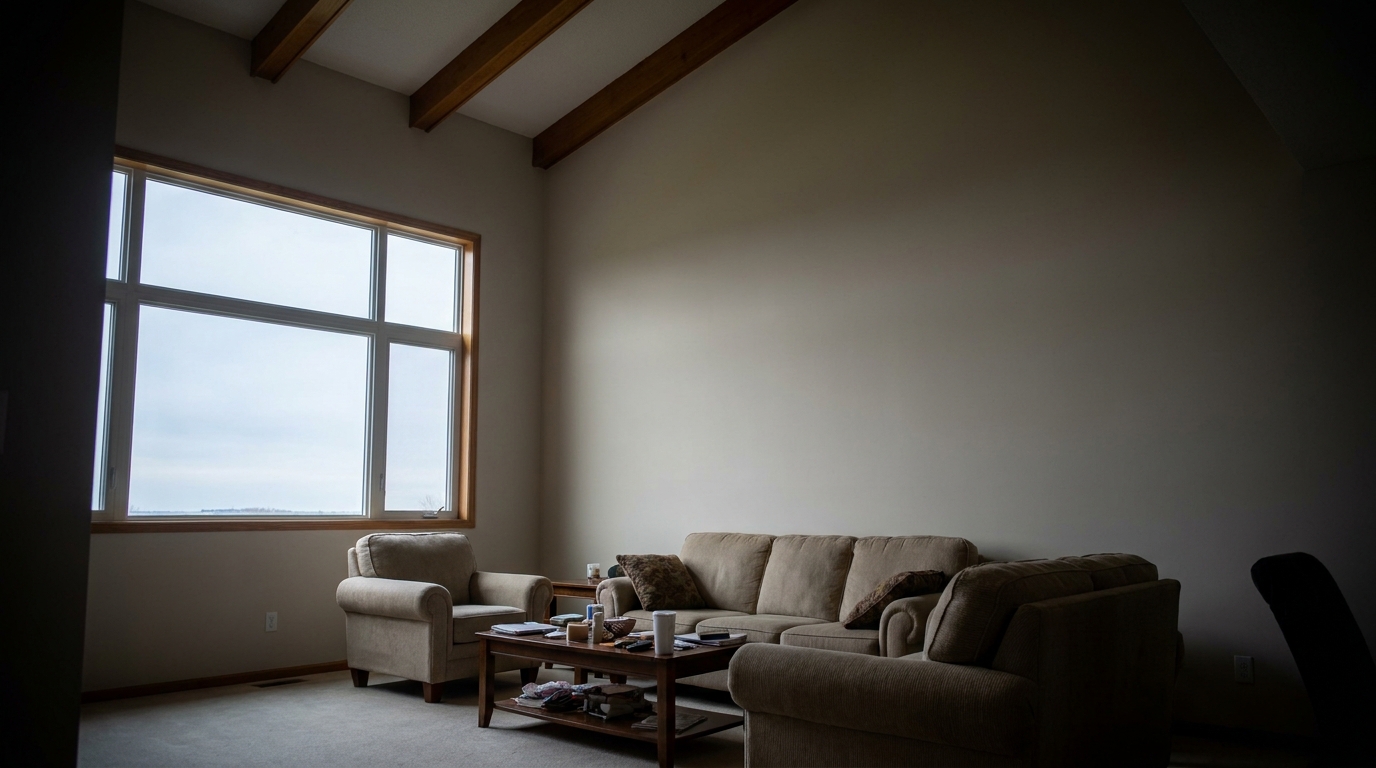
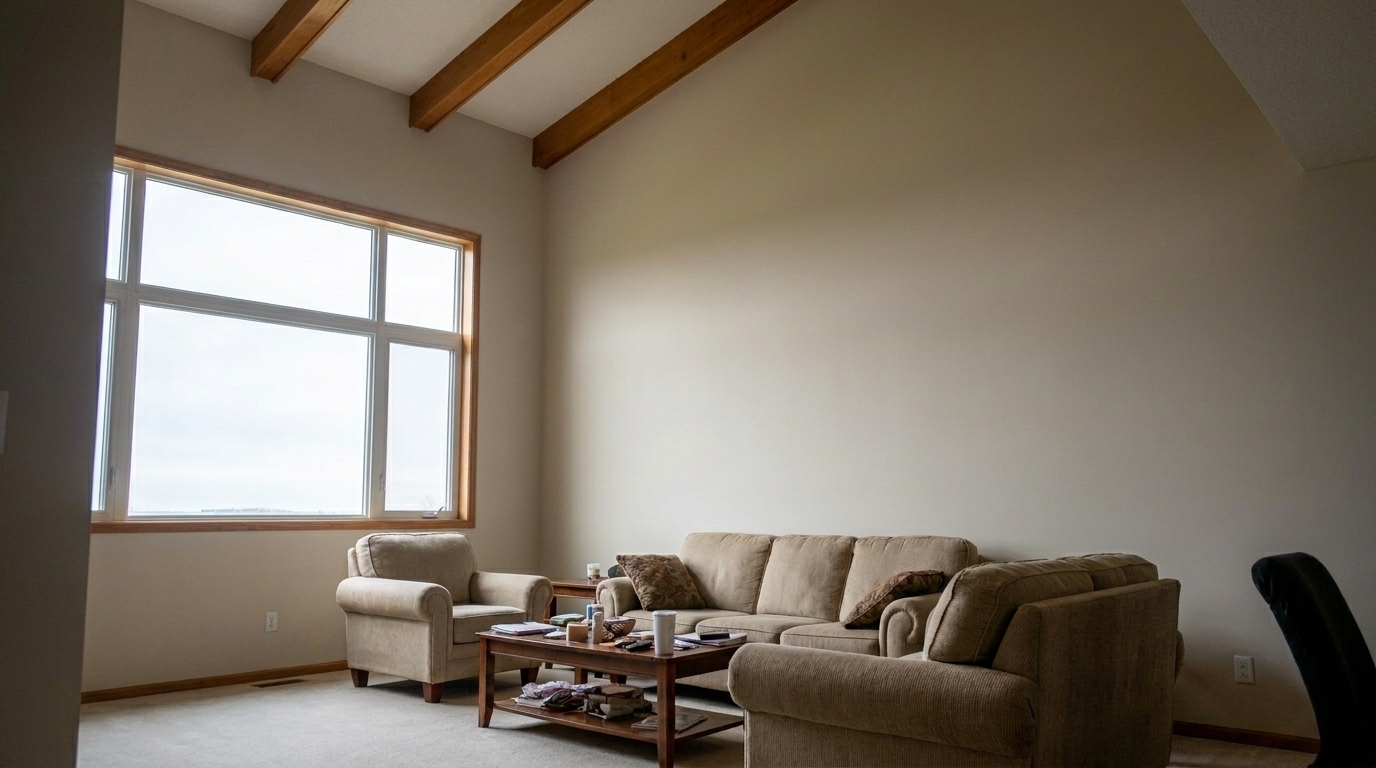
Double-Height Living Room Shadows updated with vignette removal styling.
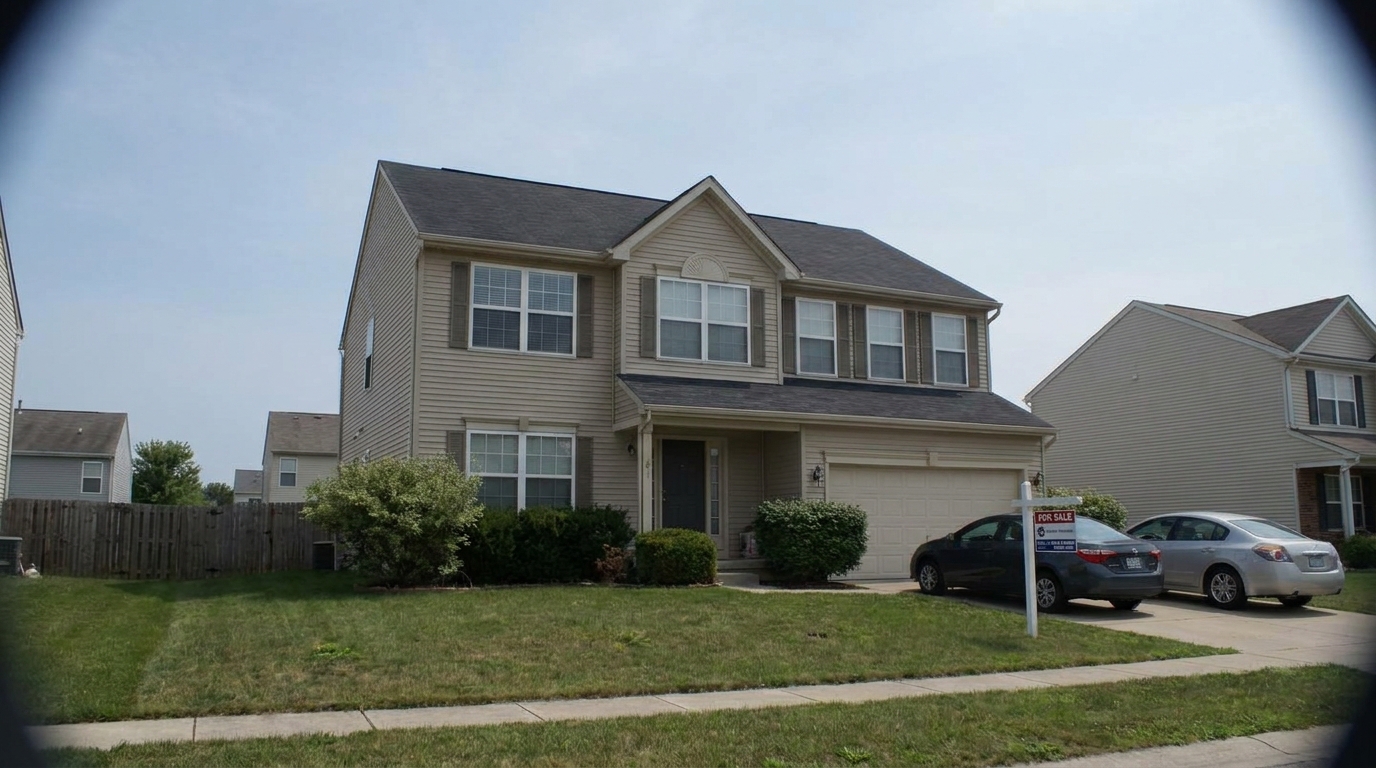
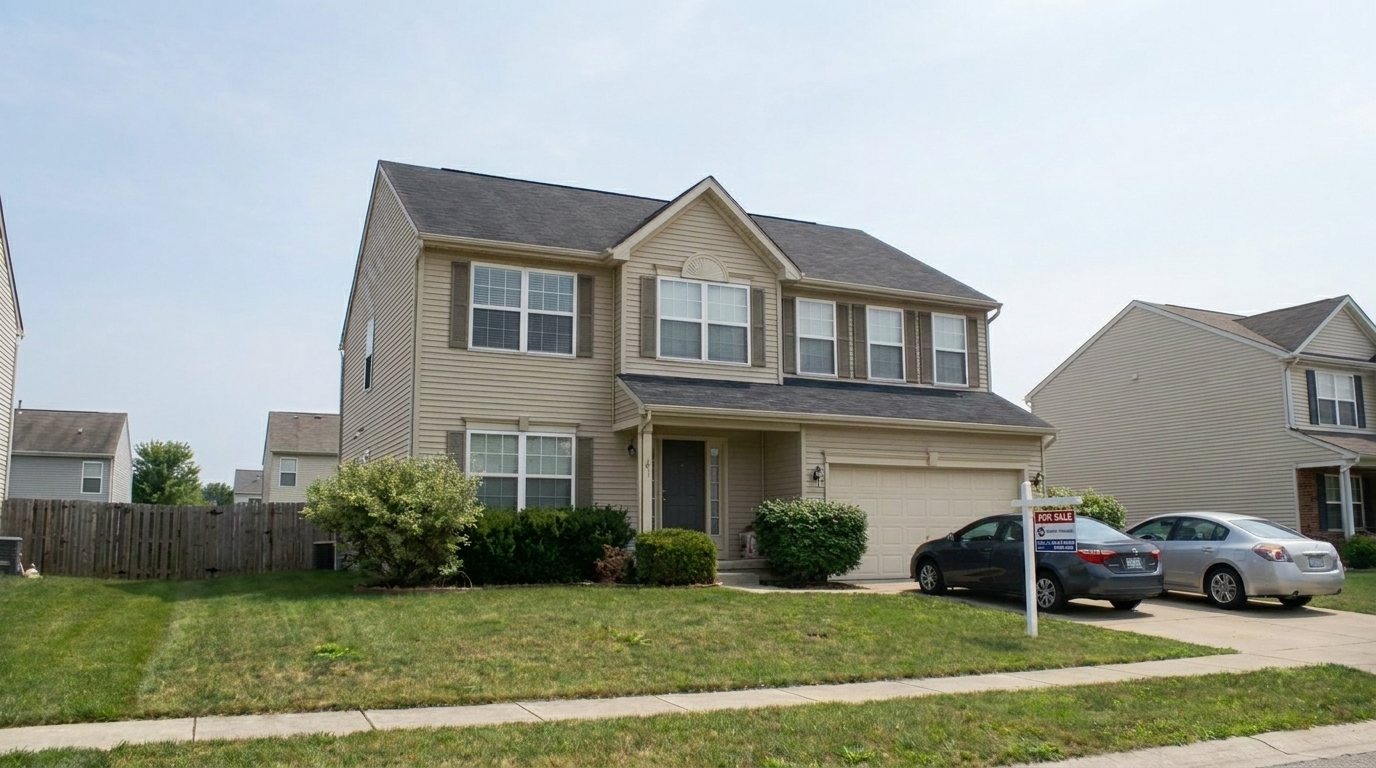
Twilight Sky Edge Darkening updated with vignette removal styling.
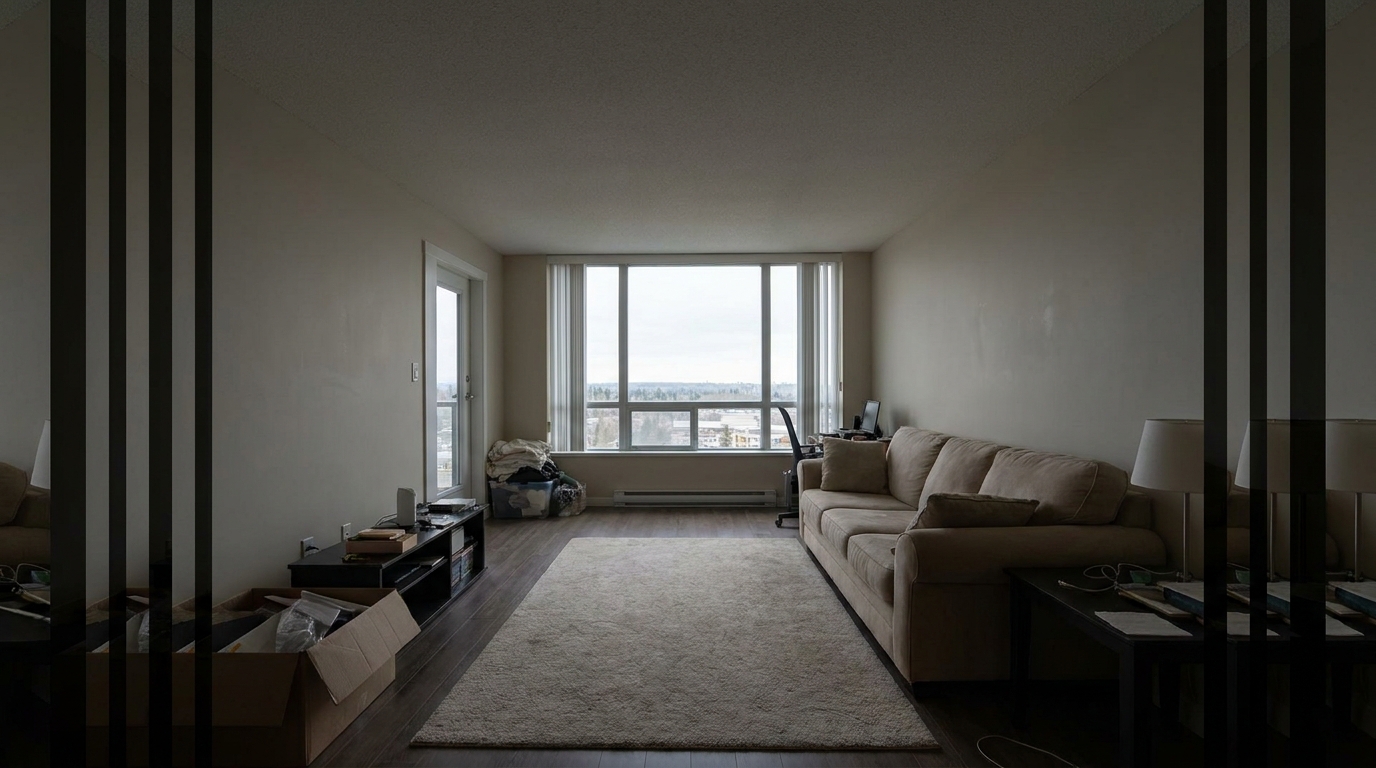
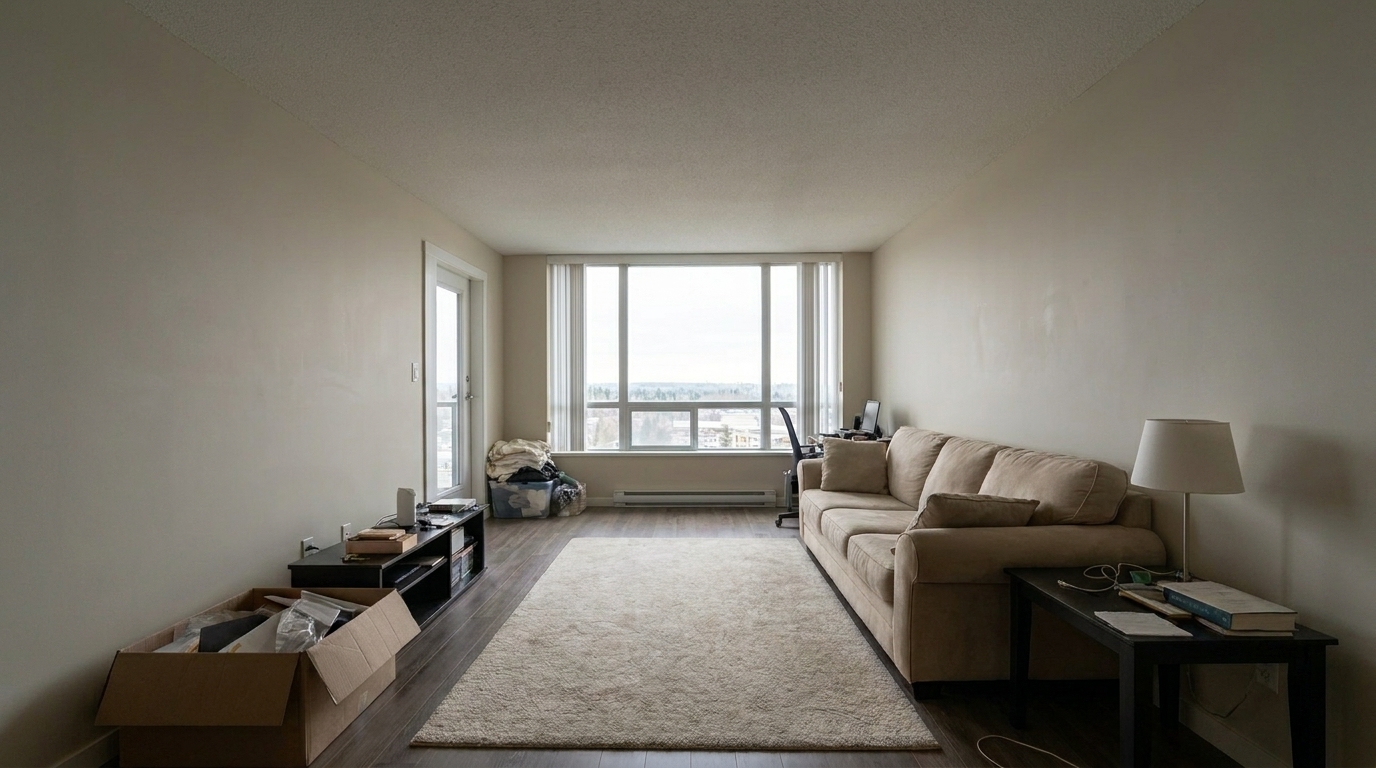
360 VR Panorama Seam Shading updated with vignette removal styling.
Our intelligent vignette correction engine ensures natural transitions without flattening your scene.
Automatically maps the exact radius and falloff of lens vignetting to apply precise, targeted brightness correction.
Ensures the transition between corrected corners and the center of the image is completely seamless and invisible.
Brightens dark edges without washing out colors, preserving the natural depth and richness of the scene.
Apply vignette correction to an entire folder of listing photos simultaneously for consistent exposure across your gallery.
Specially tuned to correct the heavy corner shading typical of ultra-wide lenses used in real estate photography.
Lifts dark corners while retaining original textures, materials, and architectural details without introducing digital noise.
See how correcting uneven edge lighting elevates different property spaces and photography styles.
Correct the heavy corner shading caused by wide-angle lenses used to capture small rooms, making spaces feel larger.
InteriorsEliminate gray, dingy corners in modern white kitchens to ensure a clean, pristine, and spacious presentation.
KitchensBalance the exposure of sky and rooflines when shooting under flat, cloudy daylight to maintain professional appeal.
ExteriorsEnsure consistent edge-to-edge brightness before stitching photos into 360-degree virtual tours to avoid visible seams.
Virtual ToursSmooth out uneven sky gradients in twilight shots without losing the rich, ambient colors of the sunset.
TwilightBrighten the upper corners of double-height rooms where natural light struggles to reach evenly.
Living RoomsFollow three simple steps to balance exposure and brighten dark edges automatically.
Select and upload your real estate image showing dark corners or uneven edge lighting in JPEG, PNG, or TIFF format.
Our AI automatically analyzes the lens-induced darkening and applies a smooth, inverse brightness curve to the corners.
Preview the evenly lit, brightened result and download your high-resolution, listing-ready photo instantly.
Source-backed context for why vignette removal edits matter inside image quality & correction workflows.
Vignette Removal within Image Quality & Correction evidence
Photos are one of the most valuable website features for home buyers; NAR's 2025 generational trends report says 83% of internet-using buyers rated photos as very useful. For Vignette Removal pages, this supports showing how a focused Image Quality & Correction edit can make the listing photo feel clearer, more polished, and easier for buyers to evaluate.
Source: NAR 2025Vignette Removal within Image Quality & Correction evidence
Zillow Research's 2025 prospective buyer report ranked high-resolution photos as the number two most important listing feature, selected by 26% of prospective buyers; floor plans ranked first at 33%. For Vignette Removal pages, this supports showing how a focused Image Quality & Correction edit can make the listing photo feel clearer, more polished, and easier for buyers to evaluate.
Source: Zillow 2025Vignette Removal within Image Quality & Correction evidence
Redfin reported that professionally photographed homes in the $400,000 range sold three weeks faster and for more than $10,000 relative to list price compared with amateur photos. Use this as supporting context, not as a guaranteed result. For Vignette Removal pages, this supports showing how a focused Image Quality & Correction edit can make the listing photo feel clearer, more polished, and easier for buyers to evaluate.
Source: RedfinLearn how correcting uneven edge lighting elevates your real estate photos, improves visual balance, and makes spaces feel more open.
Vignetting is a common optical phenomenon where the corners of an image appear darker than the center. In real estate photography, this is frequently caused by the ultra-wide-angle lenses required to capture entire rooms. While sometimes used artistically in portraiture, vignetting in property listings makes spaces feel smaller, gloomier, and less professional. Removing this edge darkening instantly opens up the frame, making rooms look larger, brighter, and more inviting to potential buyers.
Traditional vignette correction requires manual adjustment of radial filters, which can be time-consuming and inaccurate. Our AI-powered tool analyzes the light distribution across the entire image, identifying the specific falloff pattern of your lens. It then applies a customized, inverse brightness curve to the corners. This ensures that the transition from the center to the edges is perfectly smooth and natural, preserving the original textures and details in the shadow areas without introducing digital noise.
For an efficient editing workflow, apply Vignette Removal early in your pipeline, ideally right after geometric corrections like image quality correction. While Vignette Removal focuses solely on balancing edge-to-edge brightness, you should use Real Estate Photo Editing for overall color and exposure adjustments, or Noise Reduction if lifting the dark corners introduces grain in low-light shots. Avoid using vignette removal on shots where a natural shadow gradient is architecturally accurate, such as deep alcoves or intentionally moody accent lighting.
Use Vignette Removal on bright, airy interiors, white kitchens, bathrooms, and wide-angle exterior shots where a uniform sky is desired. It is also essential for preparing images for 360 VR tours to prevent visible seams. Avoid using it on dramatic twilight shots where the natural falloff of the night sky adds to the aesthetic appeal, or in highly stylized architectural photography where corner shading helps focus the viewer's eye on a central design element.
Discover specialized presets designed to fix lens distortion, reduce noise, and sharpen details.
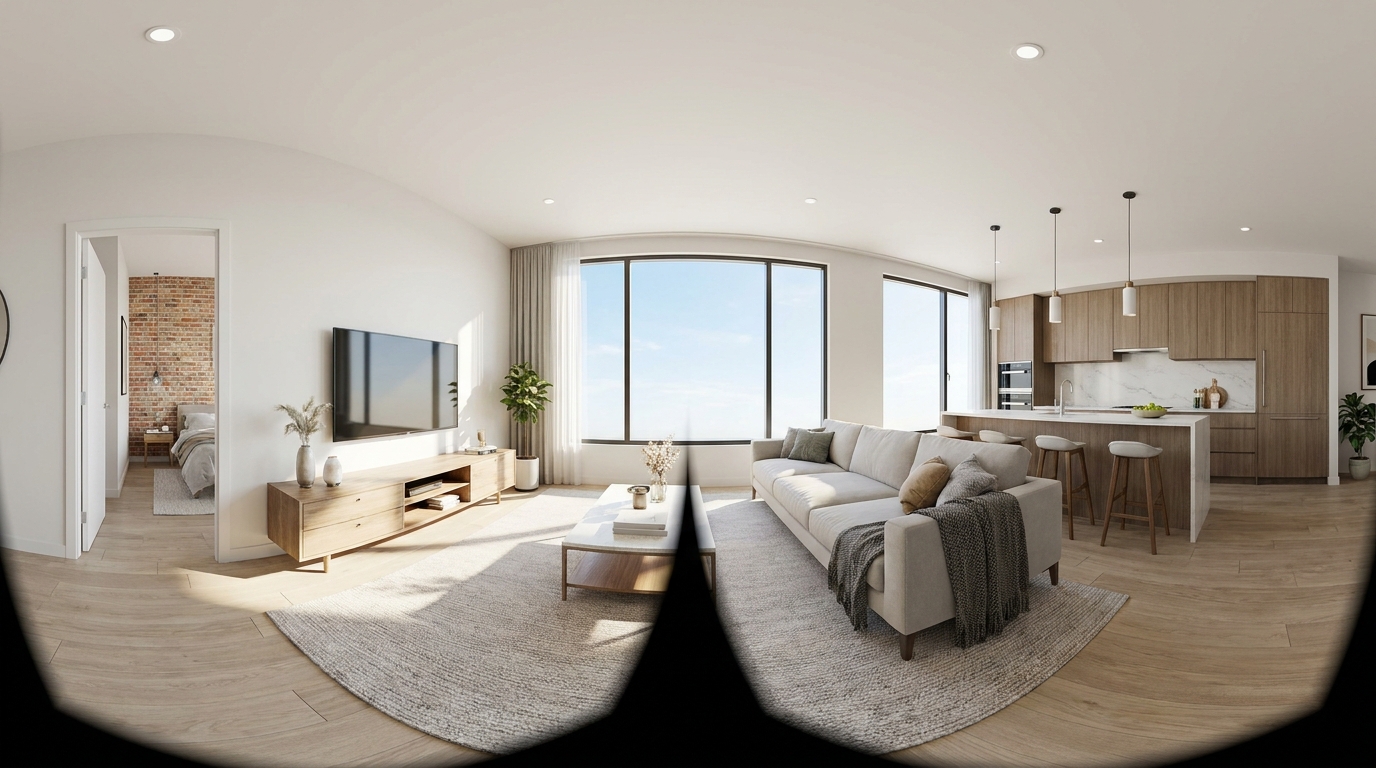
Cleaner, sharper 360 tour imagery with balanced light and a more immersive look.
Try This Tool →
Boost edge definition and surface detail for crisper, more polished marketing images.
Try This Tool →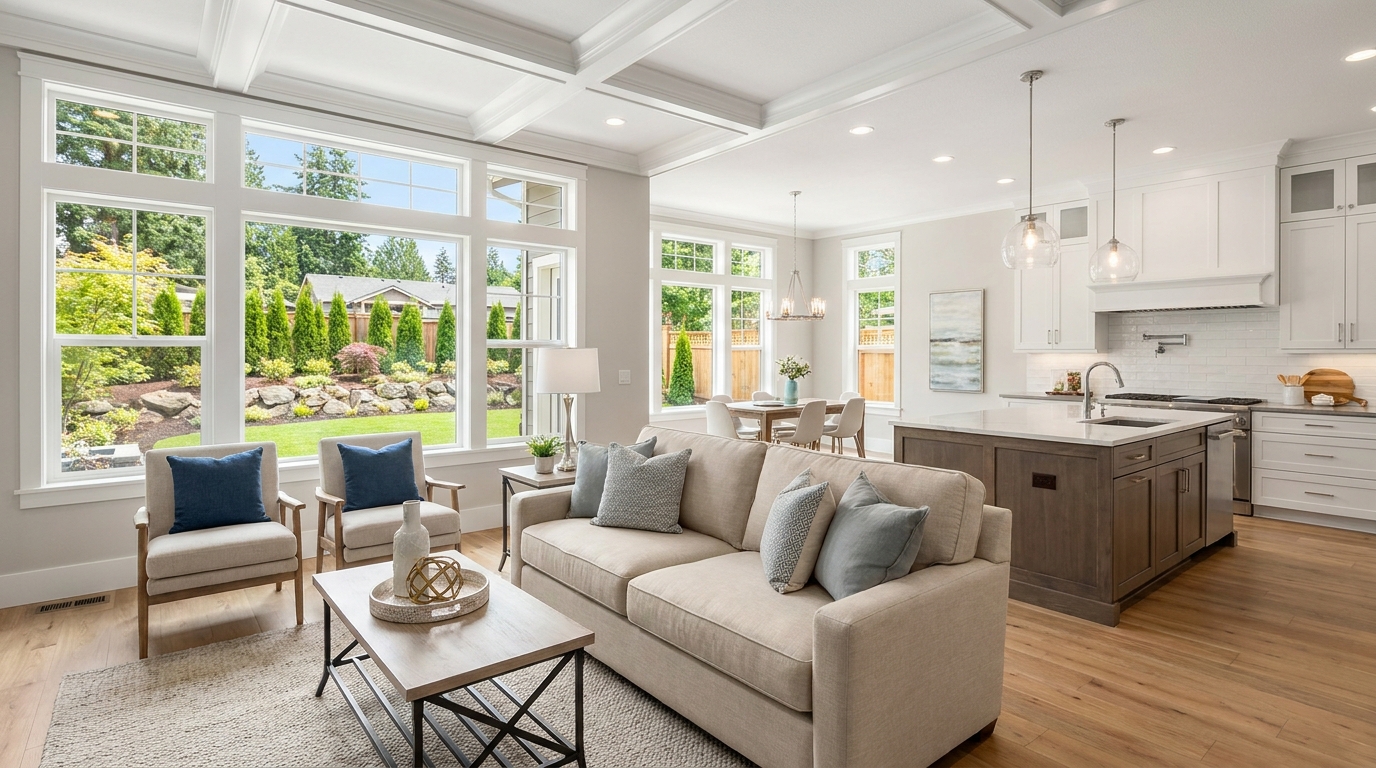
Consistent quality correction across every shot for a cohesive, listing-ready gallery.
Try This Tool →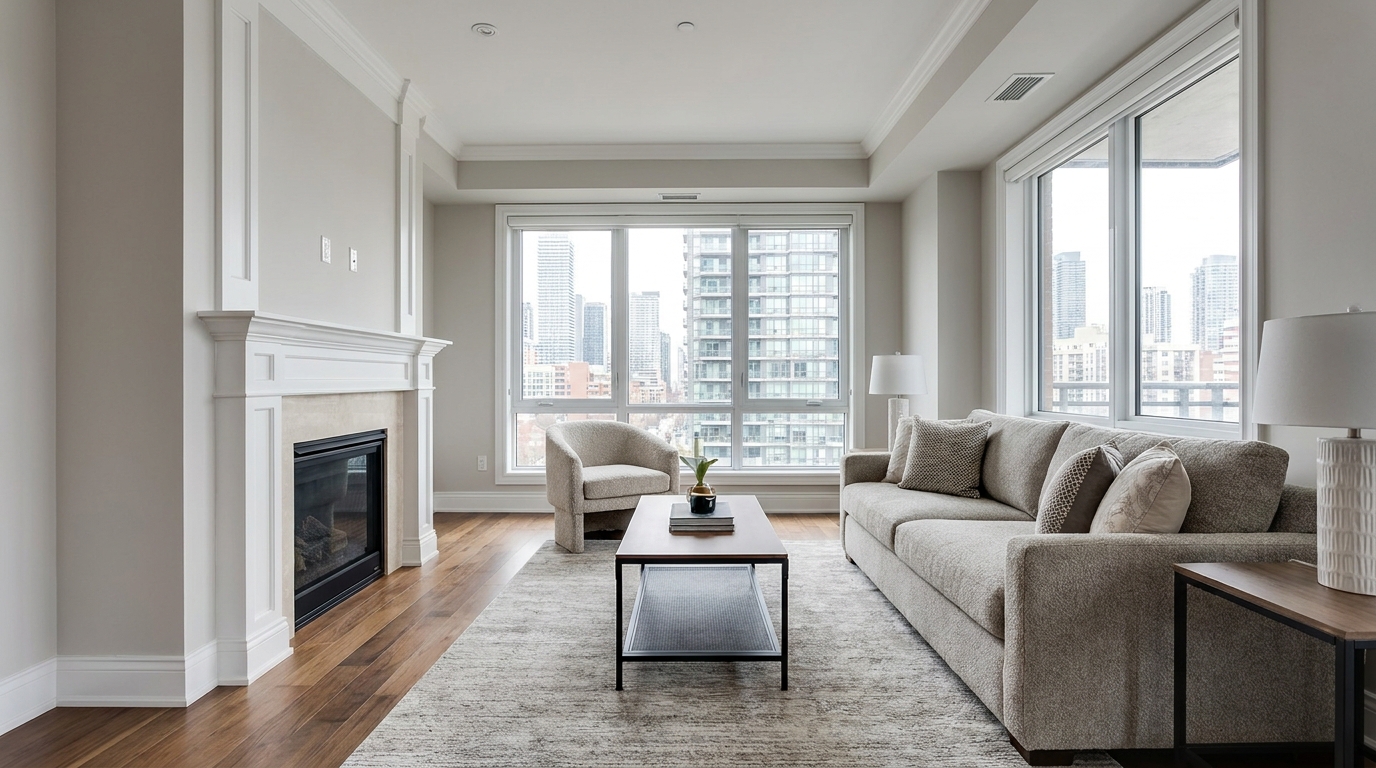
Remove blockiness and digital noise for smoother, more professional-looking photos.
Try This Tool →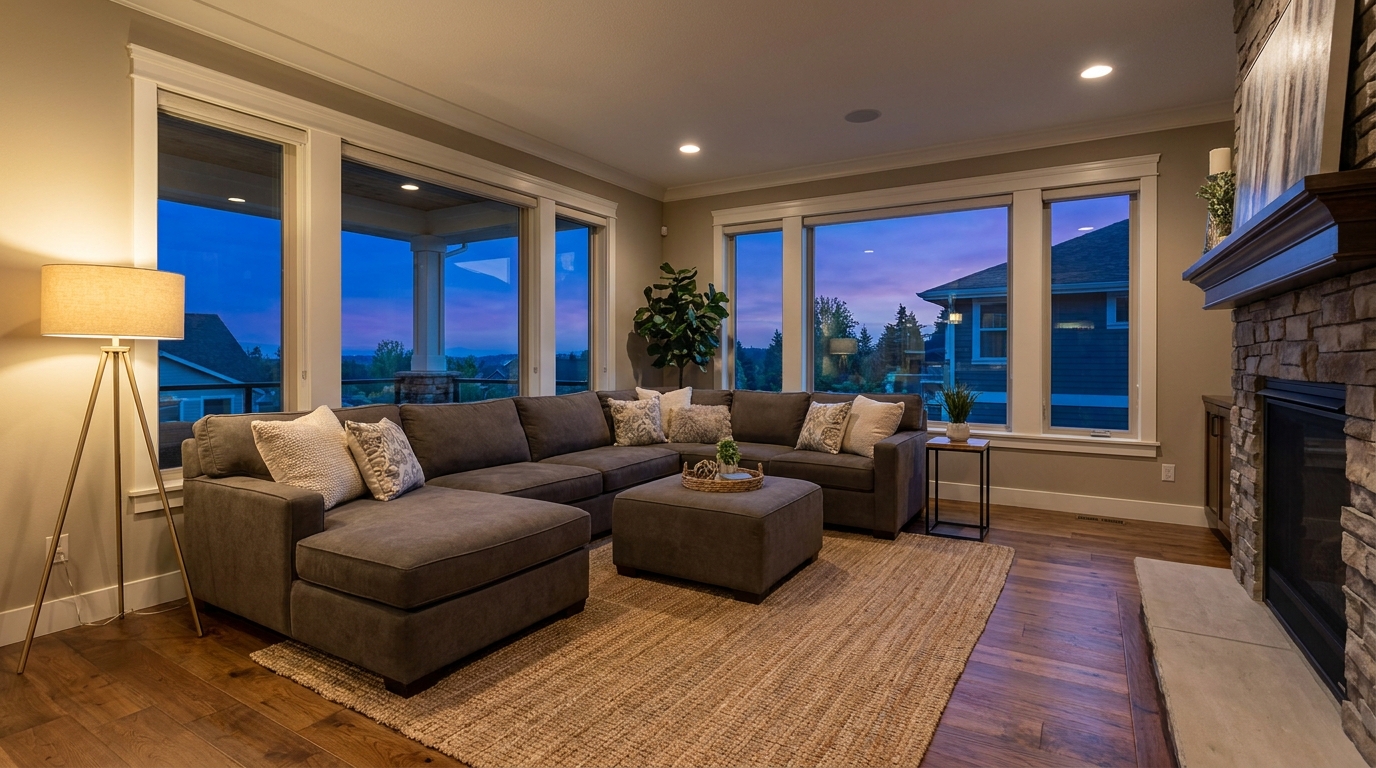
Reduce grain and low-light noise while keeping details natural and clear.
Try This Tool →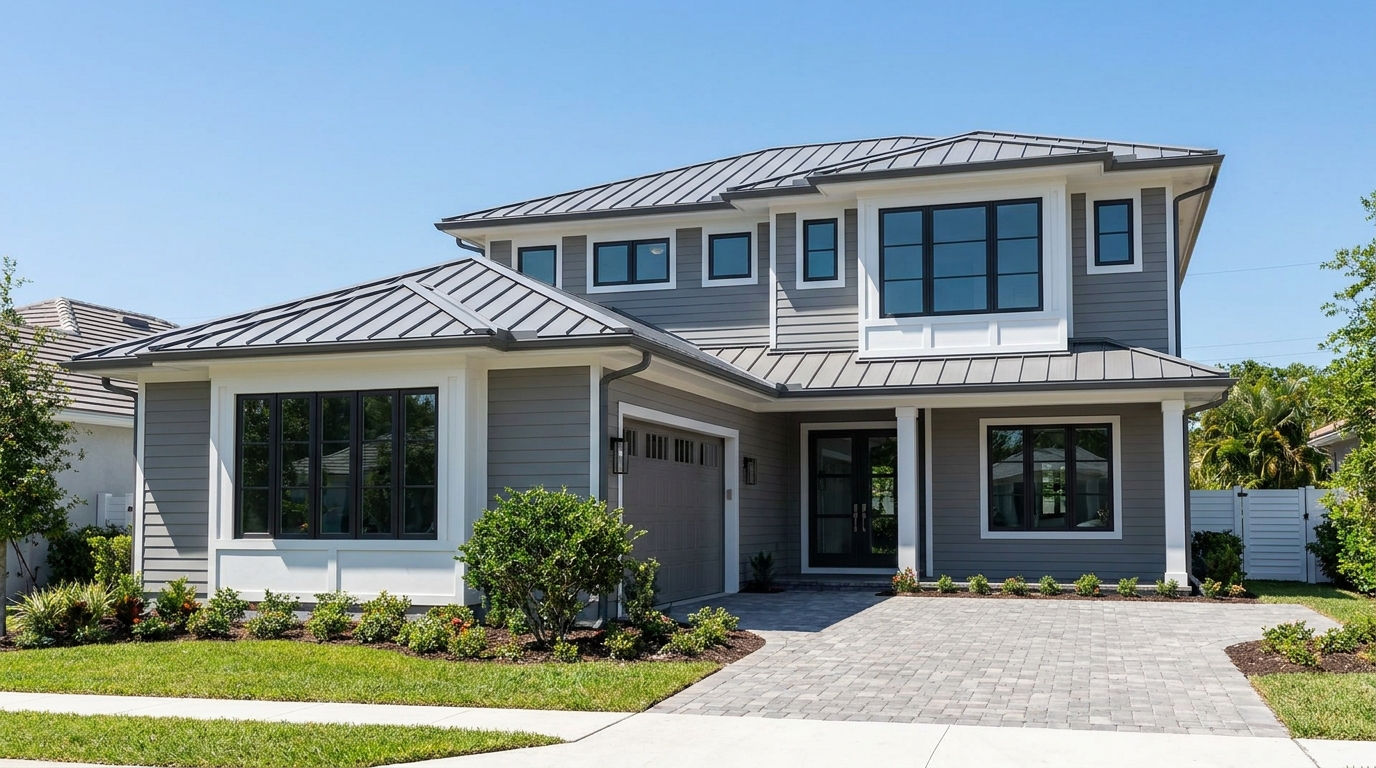
Eliminate color fringing along edges for a cleaner, higher-quality finish.
Try This Tool →Enhance your property marketing with our complete suite of AI-powered editing features.
AI image-to-video generation for turning home, room, and property photos into more vivid presentation videos.
02AI exterior renovation for visualizing facade updates, curb appeal improvements, and home exterior remodel ideas.
03AI landscaping design for exploring outdoor concepts, curb appeal upgrades, planting ideas, and yard layout directions.
04AI virtual staging for furnishing empty rooms and creating listing-ready interiors for real estate marketing.
05Free AI image generation for turning text prompts into unlimited visual ideas for home design, interiors, landscaping, renovation
06AI object removal for cleaning up distracting items from room, home, and property photos.
Eliminate dark corners and deliver perfectly balanced, professional real estate photos in seconds. Start enhancing your images today.