
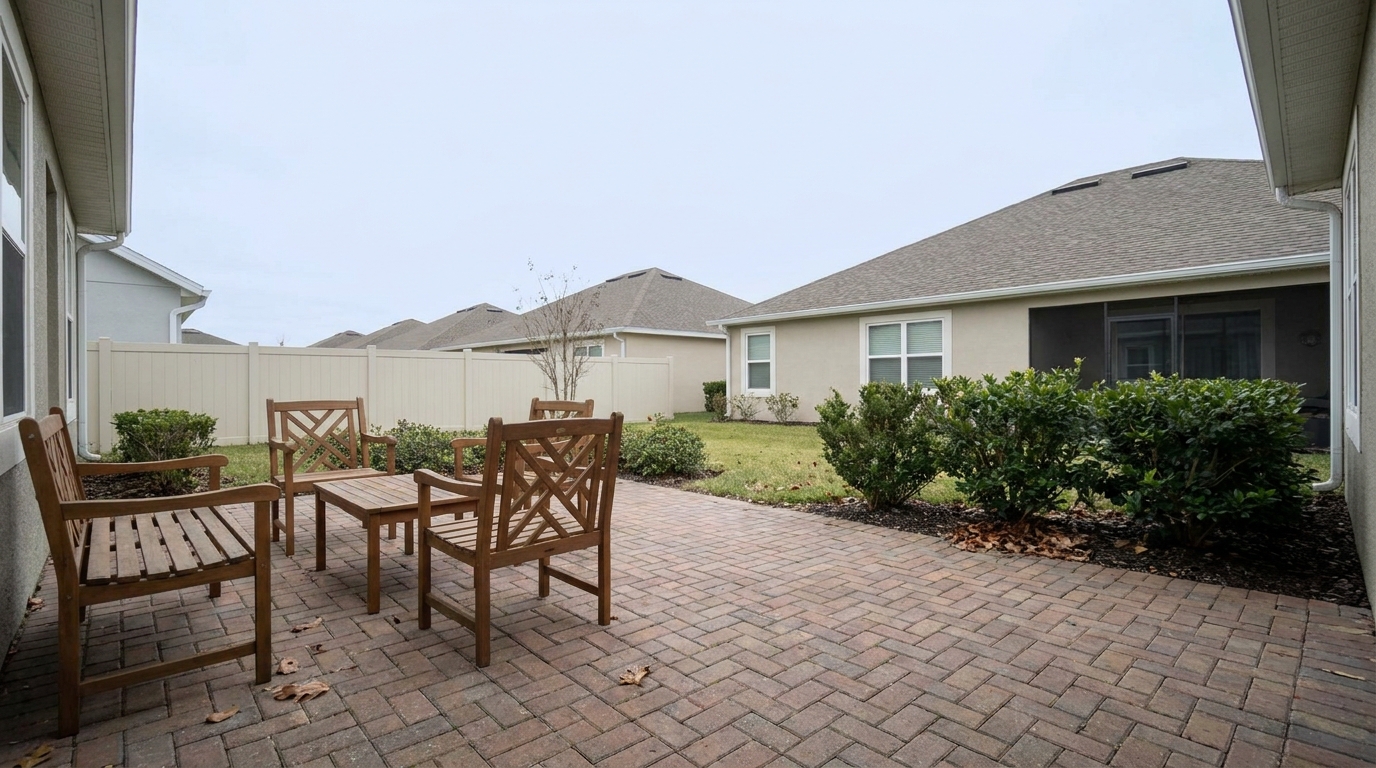
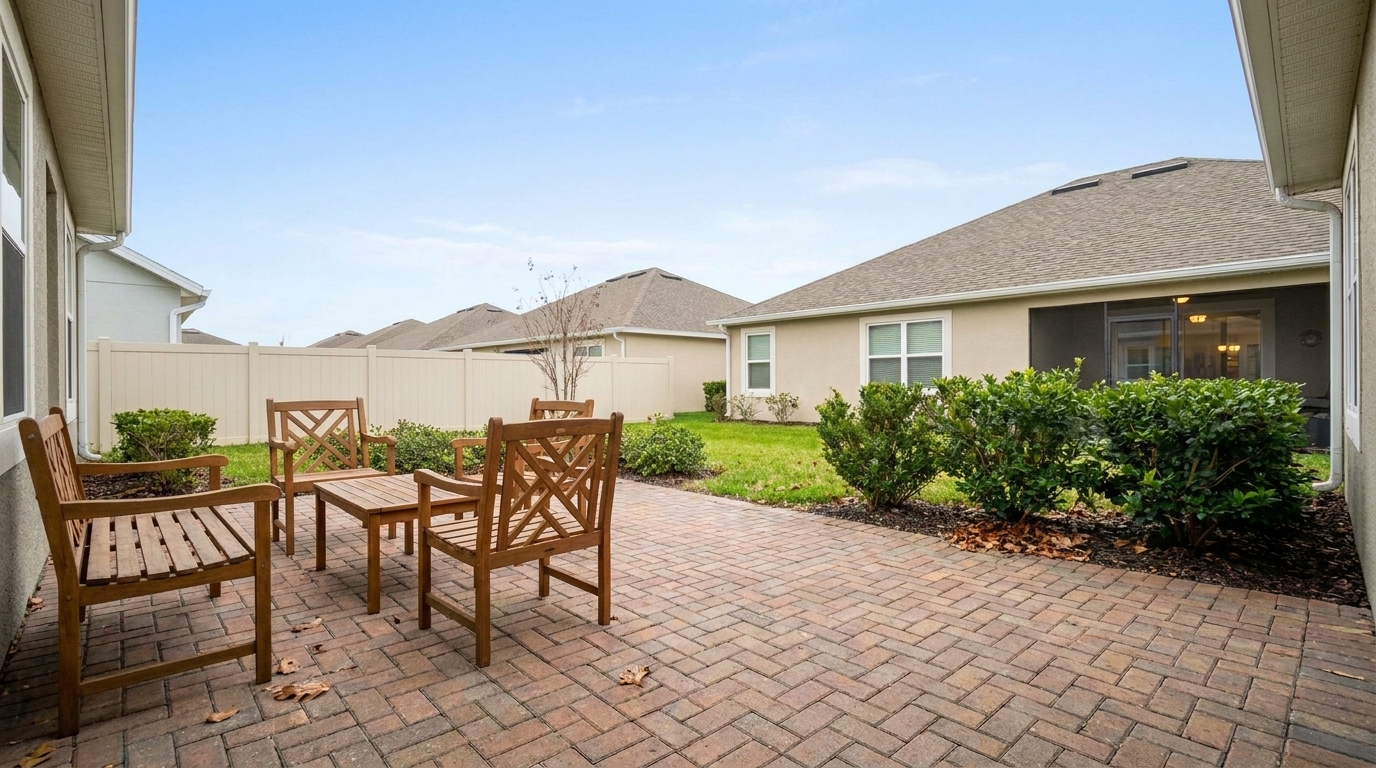

Grainy Twilight Patio
Grainy Twilight Patio updated with real estate photo editing styling.
Instantly correct exposure, balance colors, and sharpen details across your entire property portfolio. Create a cohesive, professional look that attracts buyers.
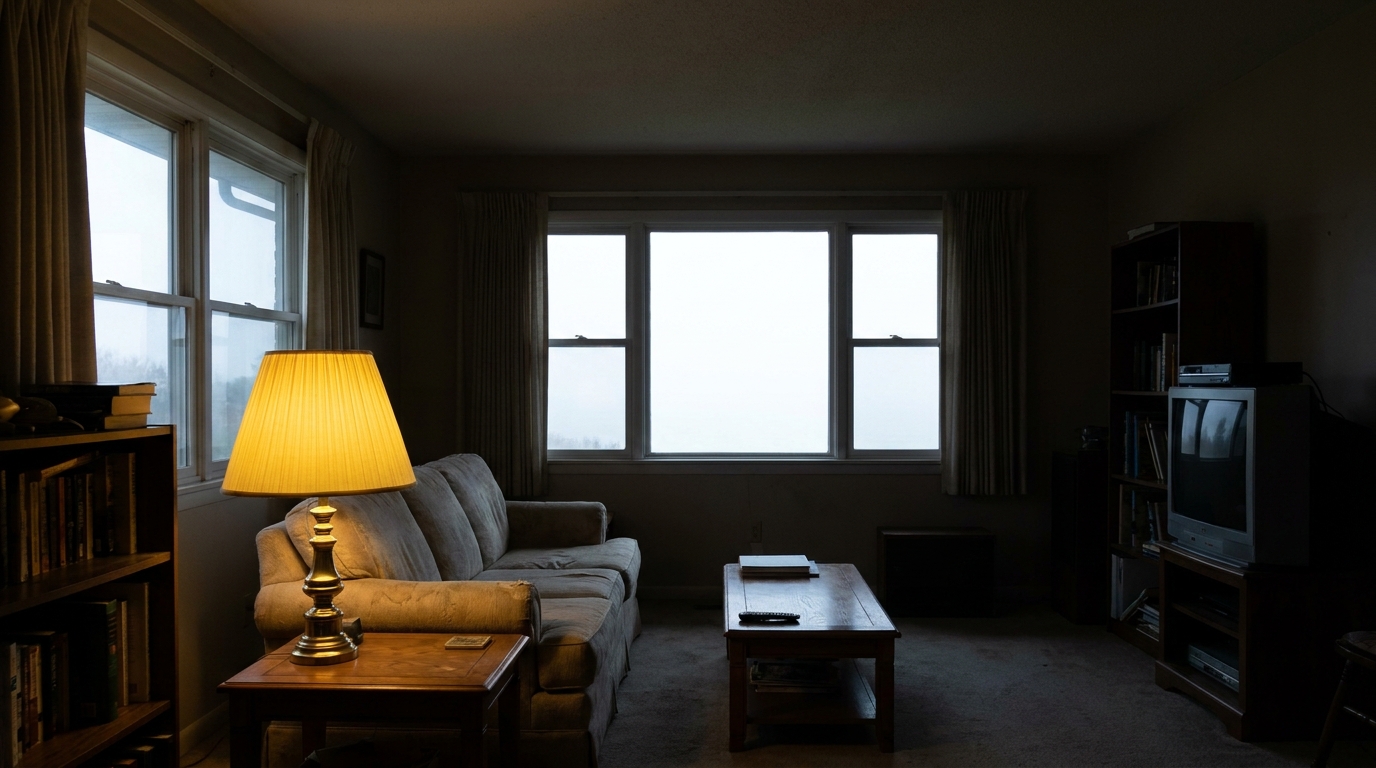
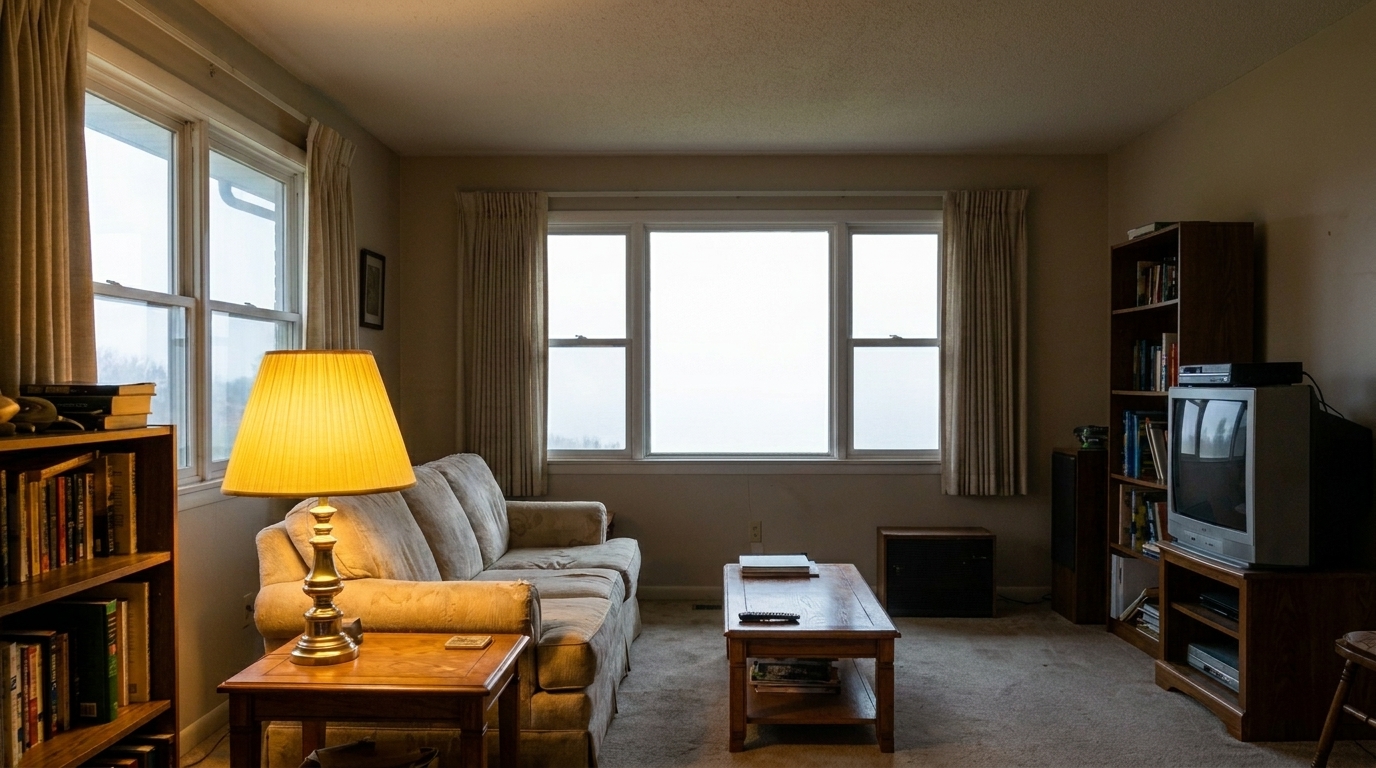
Compare raw property photos with our AI-enhanced results to see the dramatic difference in quality.
Grainy Twilight Patio updated with real estate photo editing styling.
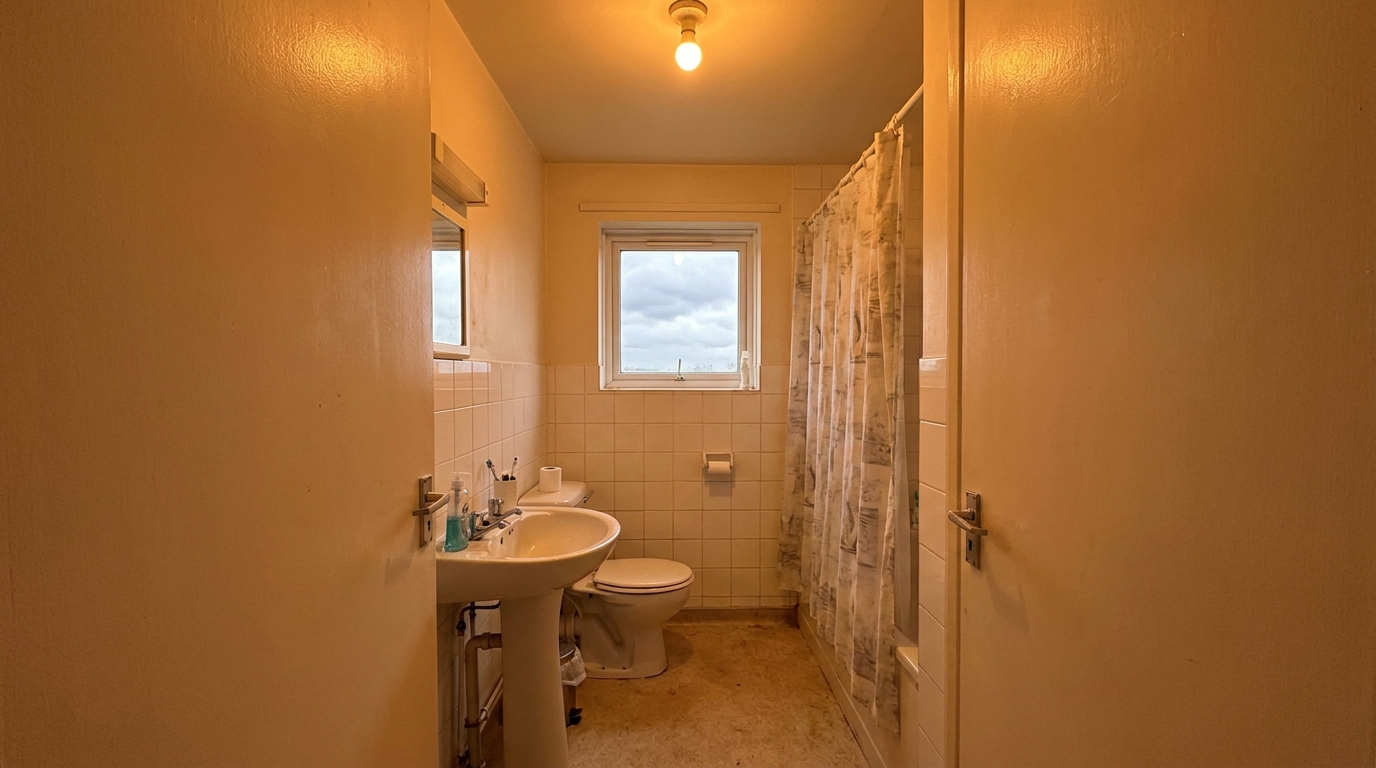
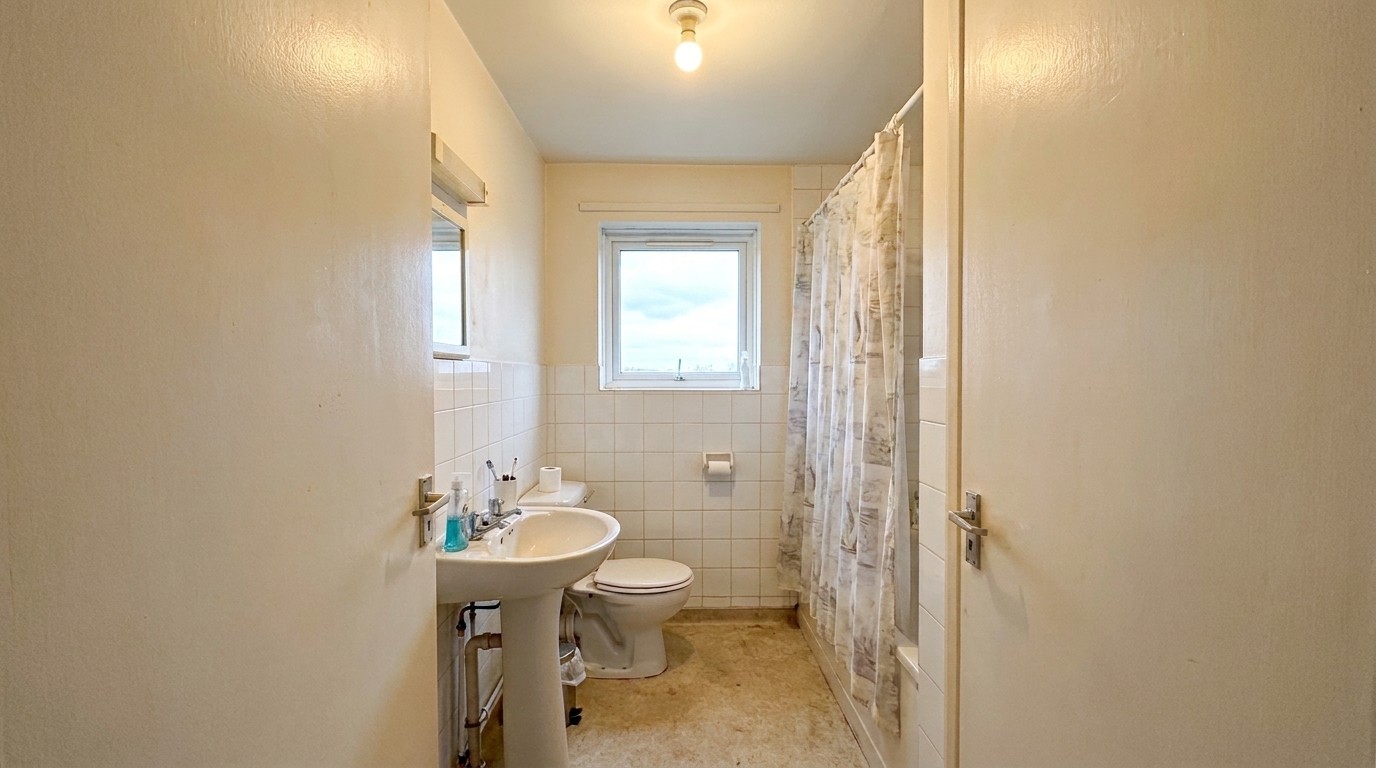
Yellow-Cast Bathroom updated with real estate photo editing styling.
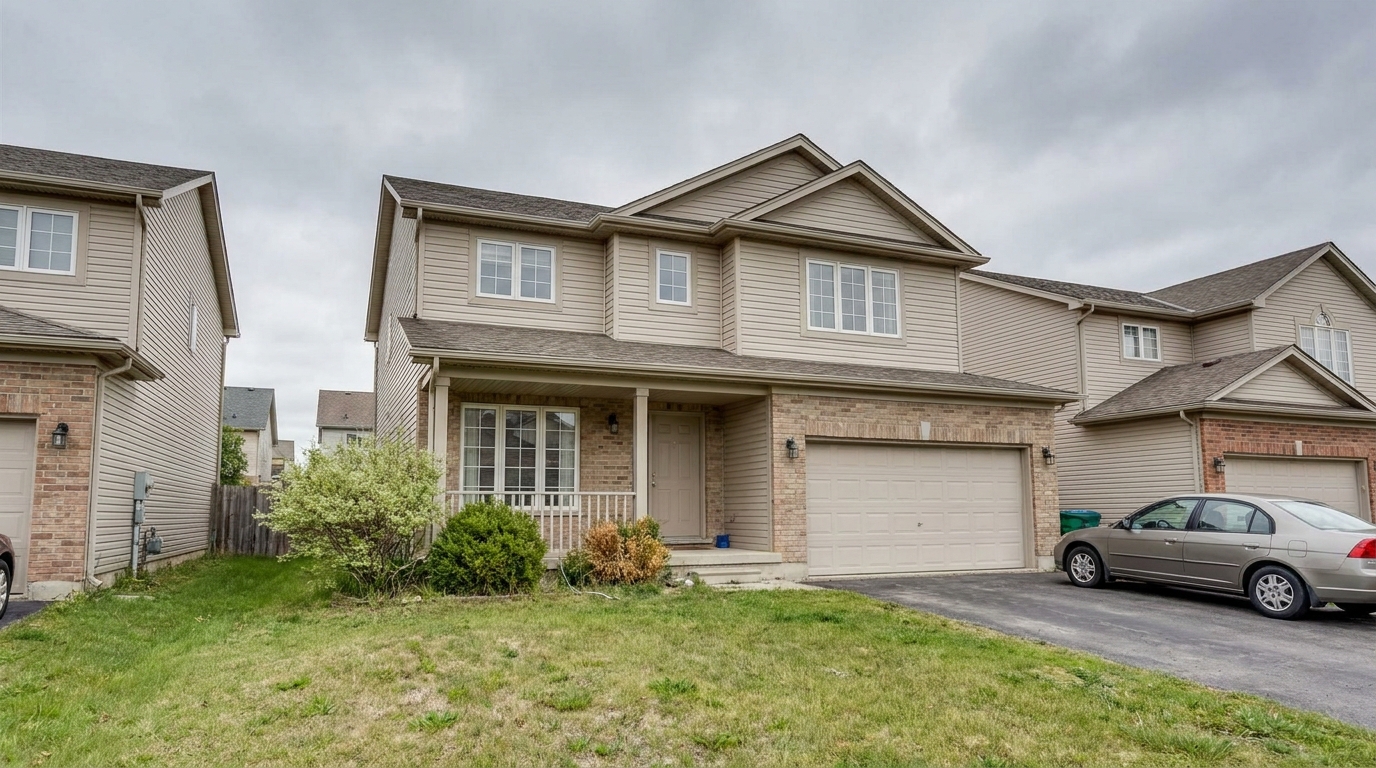
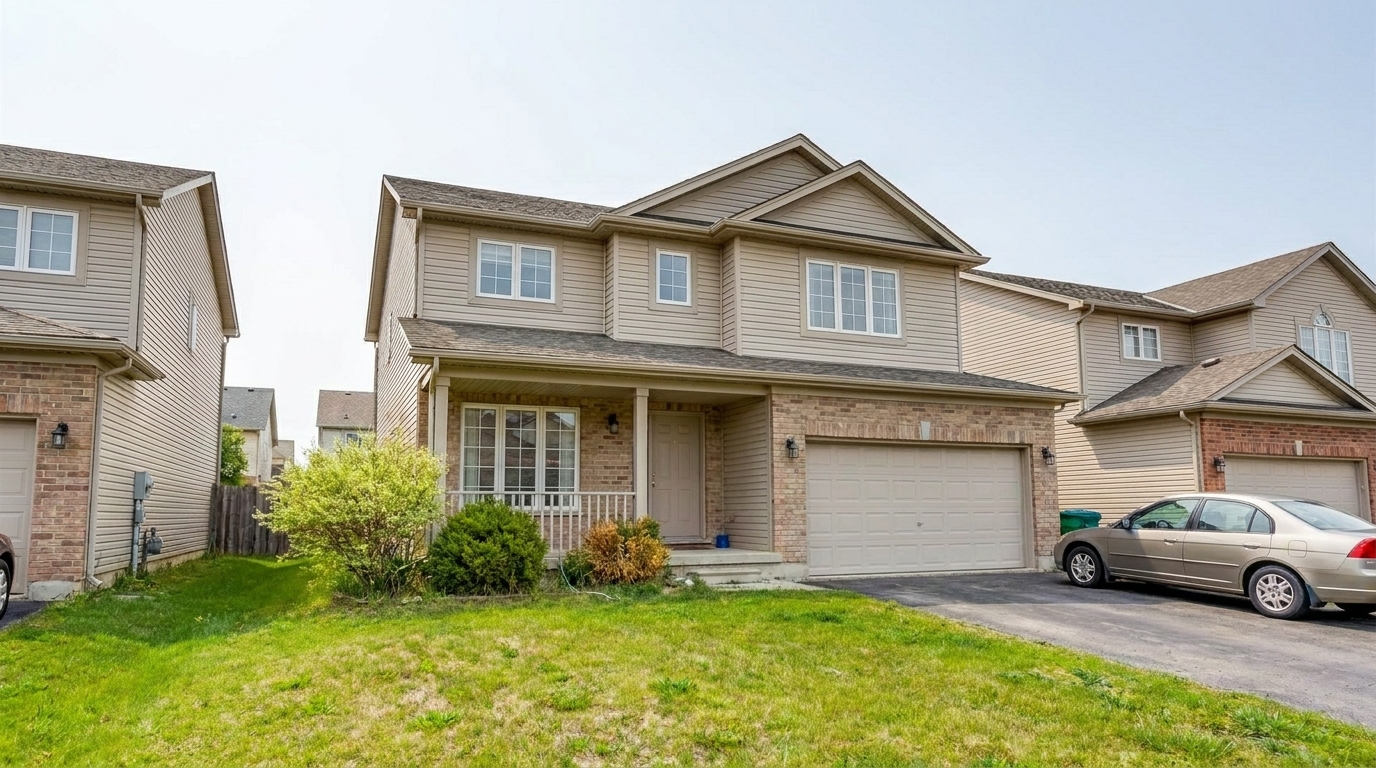
Dull Exterior Facade updated with real estate photo editing styling.
Get professional-grade adjustments tailored specifically to the demands of property photography.
Automatically brightens dark indoor shadows while taming overexposed window views to create a balanced, natural look.
Eliminates harsh yellow incandescent glows and cold blue outdoor casts, ensuring wall colors and wood tones look accurate.
Enhances textures, countertops, and flooring details without introducing halos or artificial digital artifacts.
Detects and straightens leaning vertical lines and corrects wide-angle lens distortion for a spacious, professional feel.
Cleans up low-light grain in dim rooms or twilight shots while preserving crisp architectural edges and surface textures.
Applies uniform quality corrections across your entire photo set to ensure a cohesive, professional listing gallery.
See how agents, photographers, and designers use our AI editor to elevate their visual marketing.
Transform dark, poorly lit living rooms and hallways into bright, inviting spaces that capture buyer attention online.
InteriorsBalance intense outdoor window light with interior shadows to showcase both the room and the exterior view clearly.
ExposureEnsure all photos in a property listing share a consistent color temperature, brightness level, and professional polish.
ConsistencyReduce digital noise and enhance colors in exterior twilight photos to make the property stand out in search results.
ExteriorsInstantly correct, crop, and optimize images to meet MLS requirements without sacrificing clarity or sharpness.
ComplianceClean up and sharpen 360-degree panoramic images for a more immersive, high-quality virtual walkthrough experience.
VR ToursFollow three simple steps to transform raw property shots into polished, market-ready listing images.
Drag and drop your raw, unedited, or poorly lit real estate images directly into the secure online editor.
Select the Real Estate Photo Editing preset to instantly balance exposure, correct color casts, and sharpen architectural details.
Preview the enhanced images side-by-side, then download them in high resolution or optimized MLS-ready formats.
Source-backed context for why real estate photo editing edits matter inside image quality & correction workflows.
Real Estate Photo Editing within Image Quality & Correction evidence
Photos are one of the most valuable website features for home buyers; NAR's 2025 generational trends report says 83% of internet-using buyers rated photos as very useful. For Real Estate Photo Editing pages, this supports showing how a focused Image Quality & Correction edit can make the listing photo feel clearer, more polished, and easier for buyers to evaluate.
Source: NAR 2025Real Estate Photo Editing within Image Quality & Correction evidence
Zillow Research's 2025 prospective buyer report ranked high-resolution photos as the number two most important listing feature, selected by 26% of prospective buyers; floor plans ranked first at 33%. For Real Estate Photo Editing pages, this supports showing how a focused Image Quality & Correction edit can make the listing photo feel clearer, more polished, and easier for buyers to evaluate.
Source: Zillow 2025Real Estate Photo Editing within Image Quality & Correction evidence
Redfin reported that professionally photographed homes in the $400,000 range sold three weeks faster and for more than $10,000 relative to list price compared with amateur photos. Use this as supporting context, not as a guaranteed result. For Real Estate Photo Editing pages, this supports showing how a focused Image Quality & Correction edit can make the listing photo feel clearer, more polished, and easier for buyers to evaluate.
Source: RedfinHigh-quality photos are the single most important factor in online property marketing. Learn how to use AI-powered correction tools to streamline your workflow and elevate your listings.
A professional real estate gallery requires consistency. When editing a property, start by uploading the entire batch of photos. Apply the Real Estate Photo Editing preset to establish a baseline of balanced exposure, corrected white balance, and natural color across all rooms. Once the batch is processed, review individual shots for specific issues like leaning walls or dark corners, applying targeted corrections where needed. This systematic workflow reduces editing time from hours to minutes while ensuring a cohesive visual narrative that keeps buyers scrolling.
While the Real Estate Photo Editing preset is your go-to for overall gallery optimization, specific photos may require specialized sibling tools. Use AI Photo Sharpening when architectural textures, brickwork, or fine interior details need extra definition. Choose Image Quality Correction or Image Quality Correction specifically for tight interior shots or tall exteriors where walls appear to lean or warp. If you are editing low-light twilight shots or photos taken with older sensors, apply Noise Reduction first to clean up grain before running general exposure corrections. For immersive media, use the 360 VR Enhanced Tour preset to avoid panoramic stretching artifacts.
Automated AI editing is ideal for correcting lighting imbalances, color casts, minor lens distortions, and general image clarity across standard residential and commercial listings. It is a massive timesaver for high-volume real estate agents and photographers. However, avoid relying solely on automated presets if a photo requires structural modifications, complex object removal (like cars or power lines), or virtual staging. These tasks require specialized pixel-level editing tools. Additionally, ensure your edits remain truthful to the property to comply with local MLS guidelines and advertising laws.
Properties with high-quality, bright, and professionally edited photos receive significantly more clicks and inquiries. By correcting common camera limitations—such as dark shadows, yellow light casts, and distorted wide-angle perspectives—you present the home in its best possible light. A clean, bright, and color-accurate gallery helps buyers accurately visualize the space, building trust and driving higher showing requests.
Discover specialized tools designed to fix distortion, reduce noise, and optimize every listing photo.
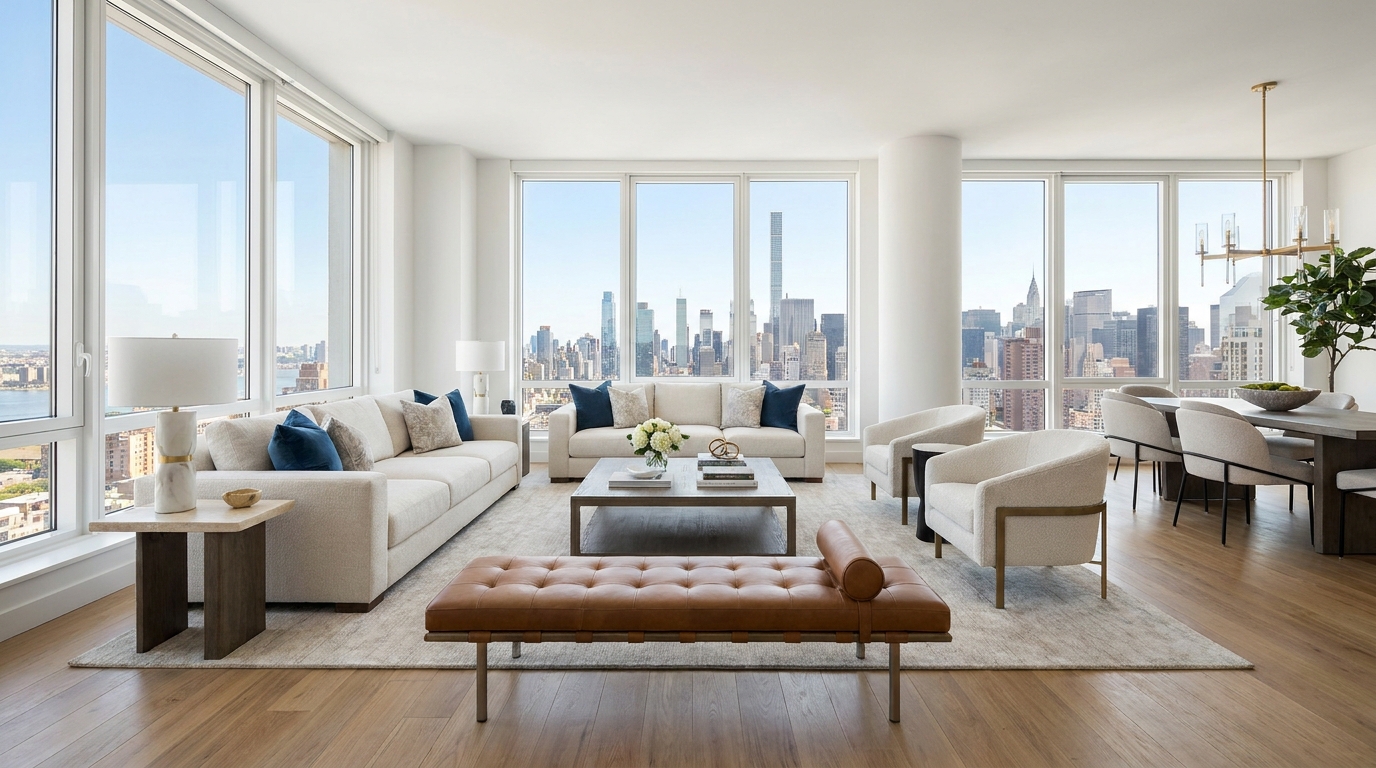
Cleaner, sharper 360 tour imagery with balanced light and a more immersive look.
Try This Tool →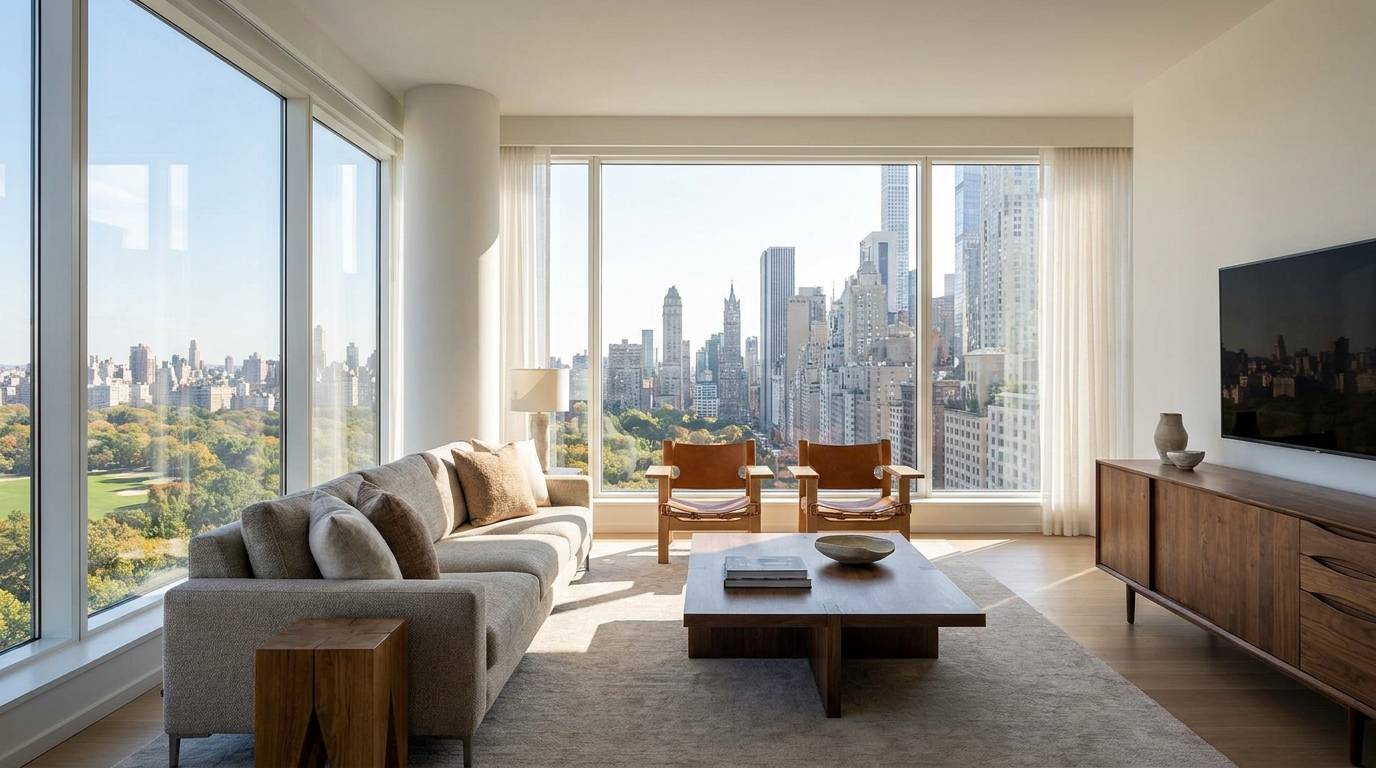
Boost edge definition and surface detail for crisper, more polished marketing images.
Try This Tool →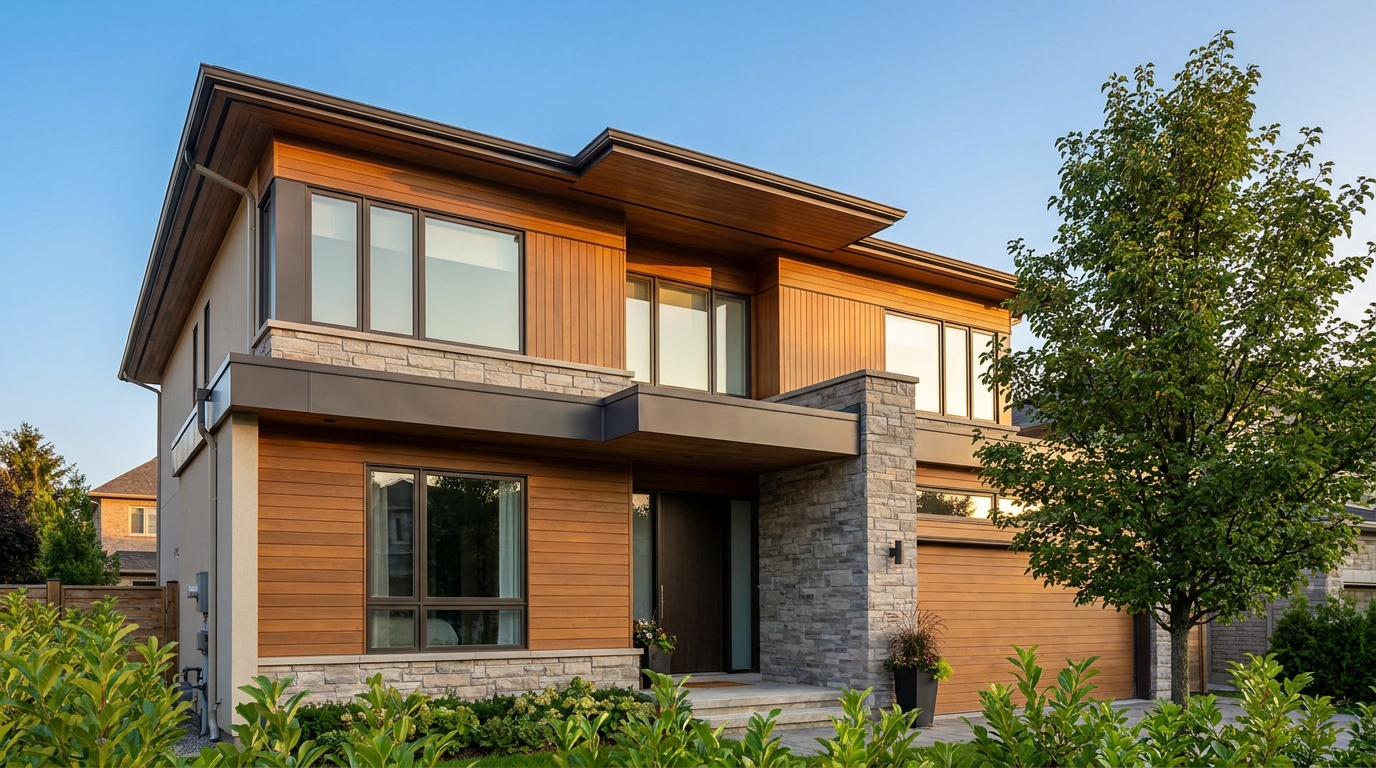
Remove blockiness and digital noise for smoother, more professional-looking photos.
Try This Tool →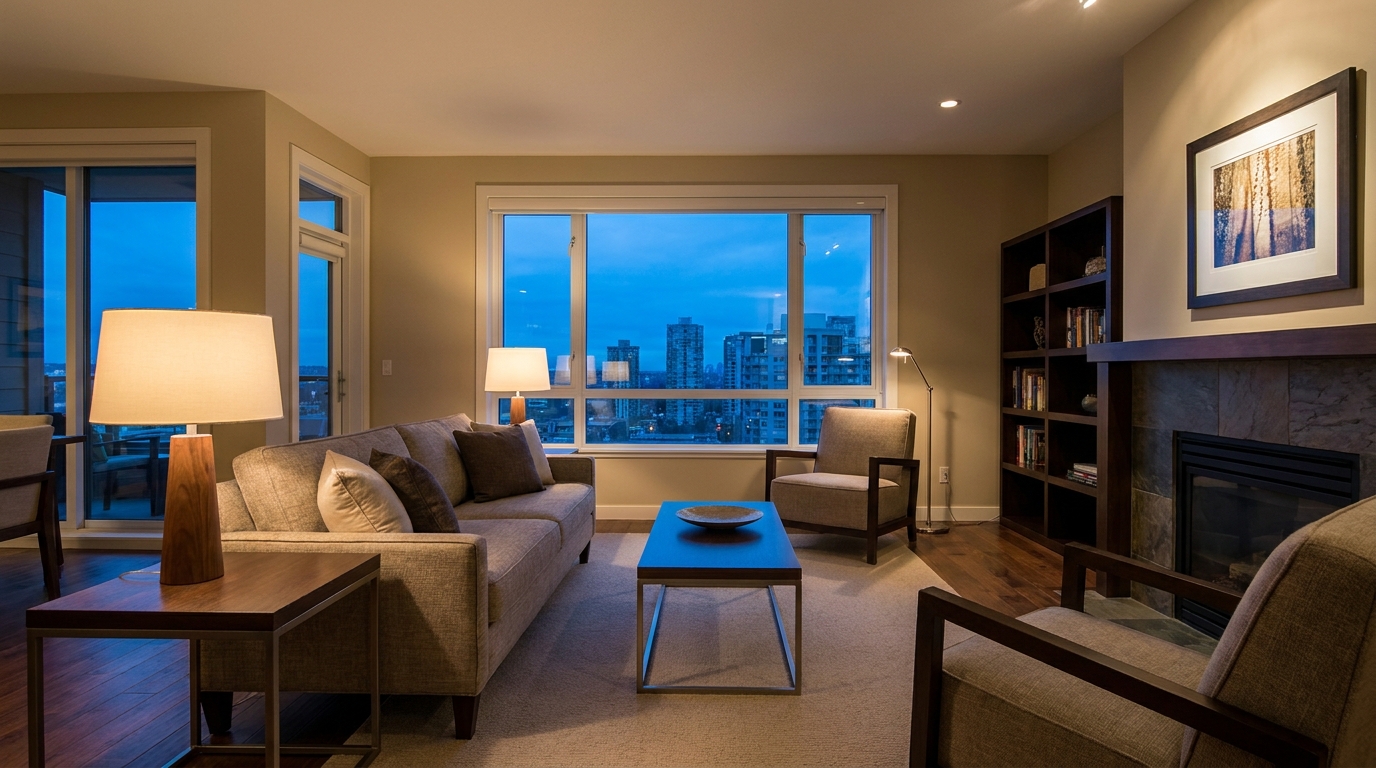
Reduce grain and low-light noise while keeping details natural and clear.
Try This Tool →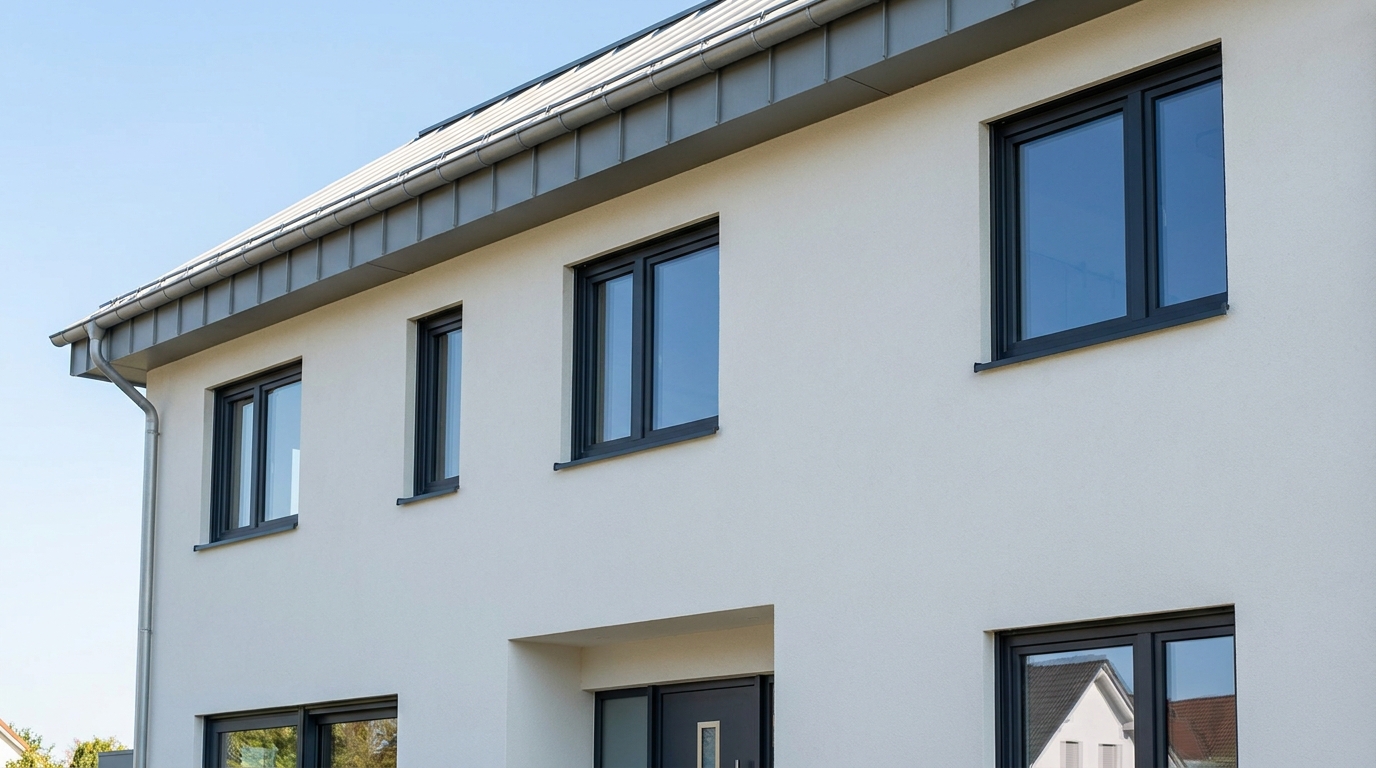
Eliminate color fringing along edges for a cleaner, higher-quality finish.
Try This Tool →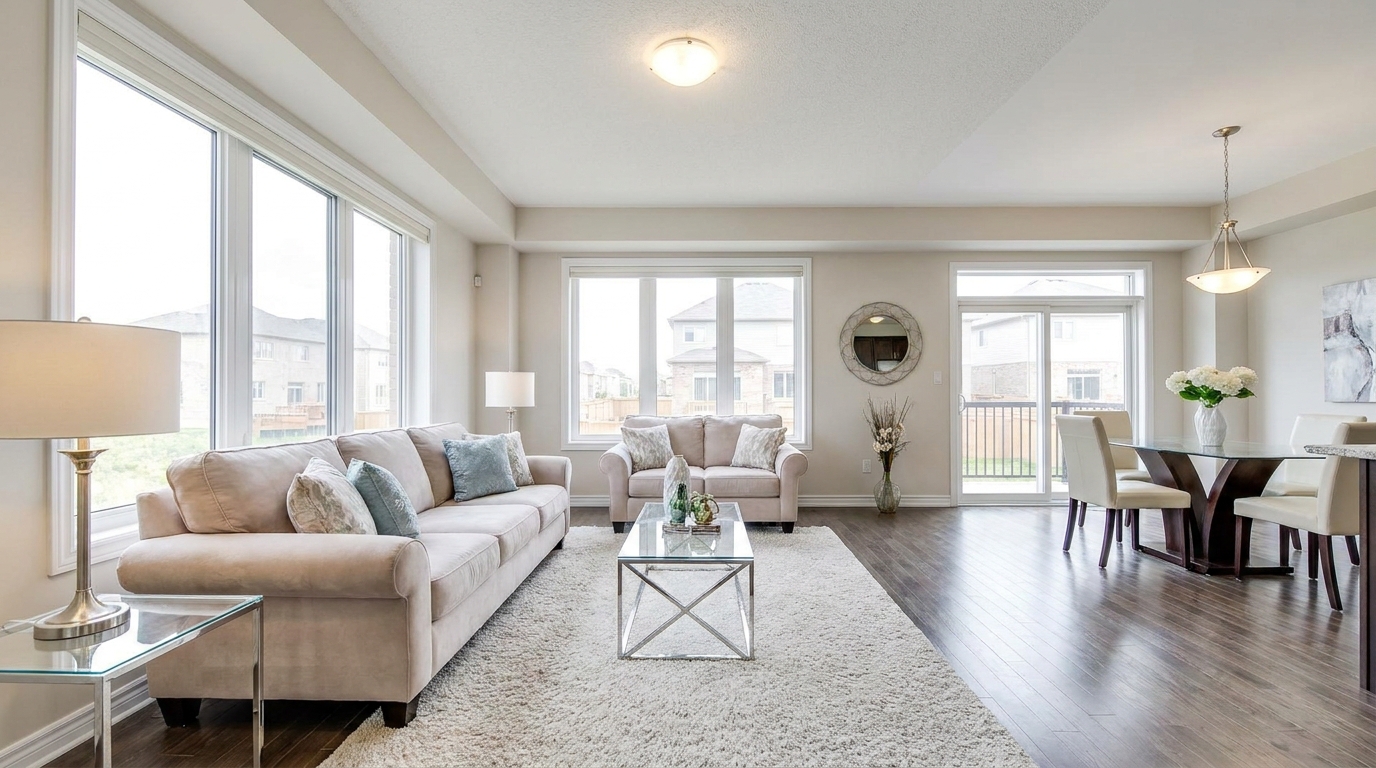
Brighten dark corners for a more even, open, and naturally lit image.
Try This Tool →Explore complementary presets to enhance interiors, add virtual fireplace flames, and optimize lighting.
AI image-to-video generation for turning home, room, and property photos into more vivid presentation videos.
02AI exterior renovation for visualizing facade updates, curb appeal improvements, and home exterior remodel ideas.
03AI landscaping design for exploring outdoor concepts, curb appeal upgrades, planting ideas, and yard layout directions.
04AI virtual staging for furnishing empty rooms and creating listing-ready interiors for real estate marketing.
05Free AI image generation for turning text prompts into unlimited visual ideas for home design, interiors, landscaping, renovation
06AI object removal for cleaning up distracting items from room, home, and property photos.
Transform raw, dark, or distorted property photos into bright, professional, and listing-ready galleries in seconds with our AI-powered real estate photo editor.