
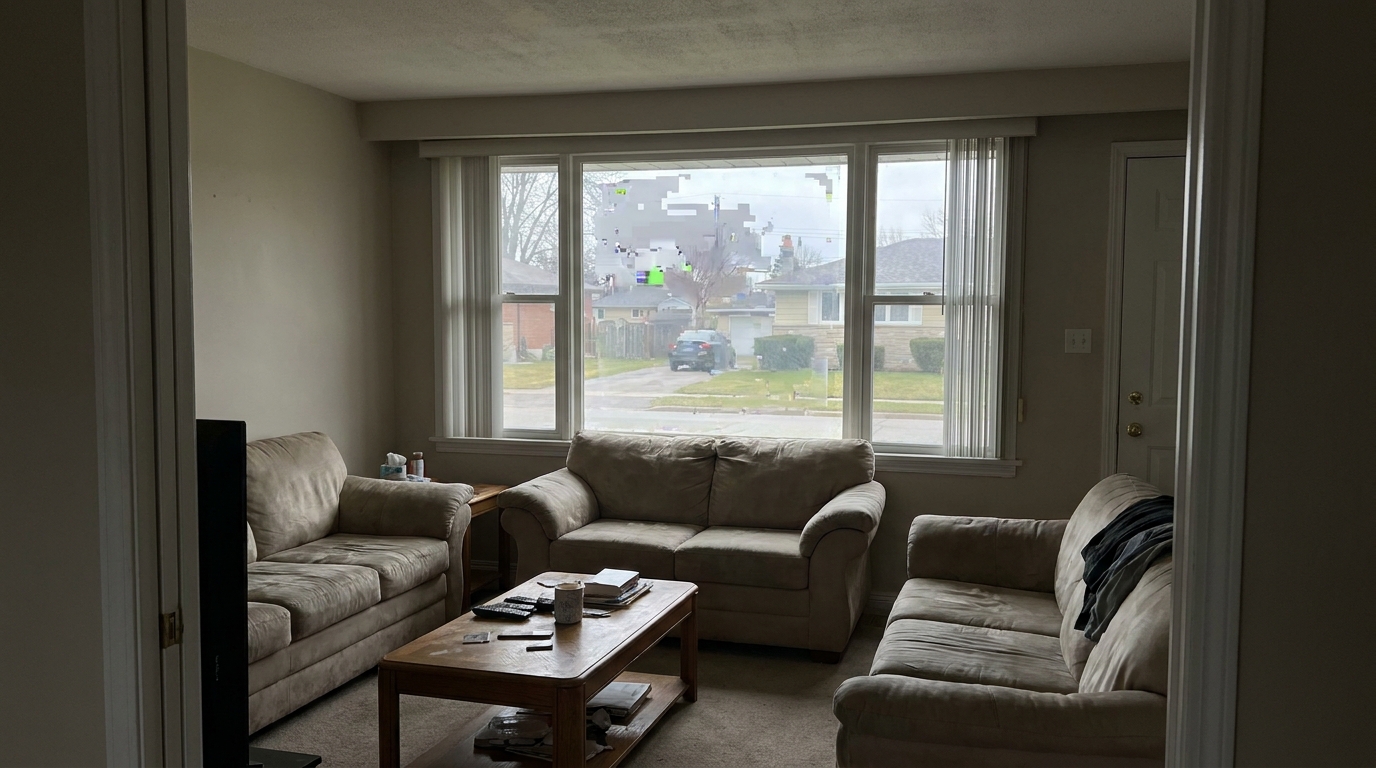
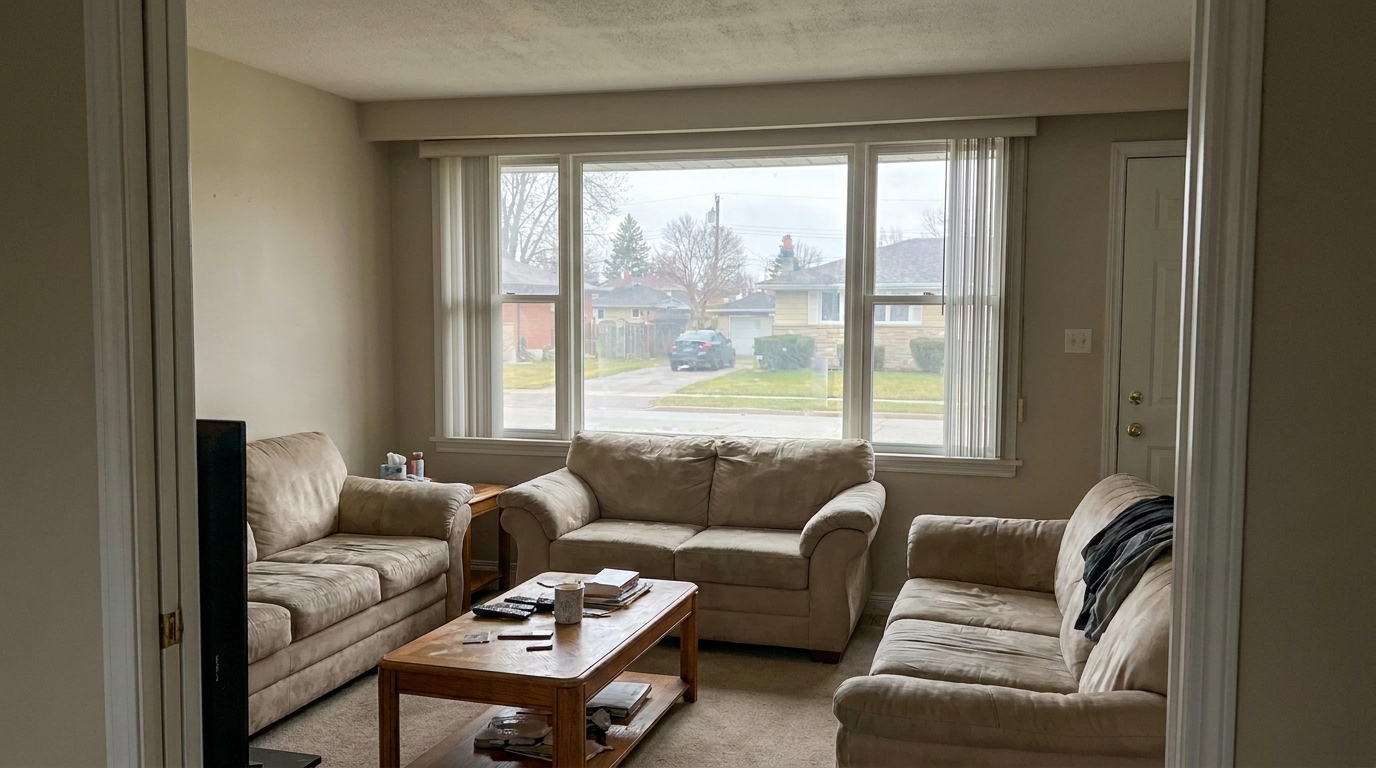

Living Room Sky View
Living Room Sky View updated with compression artifact fix styling.
Eliminate digital blockiness, pixelation, and compression noise from your property images. Restore clean lines and professional quality in seconds.
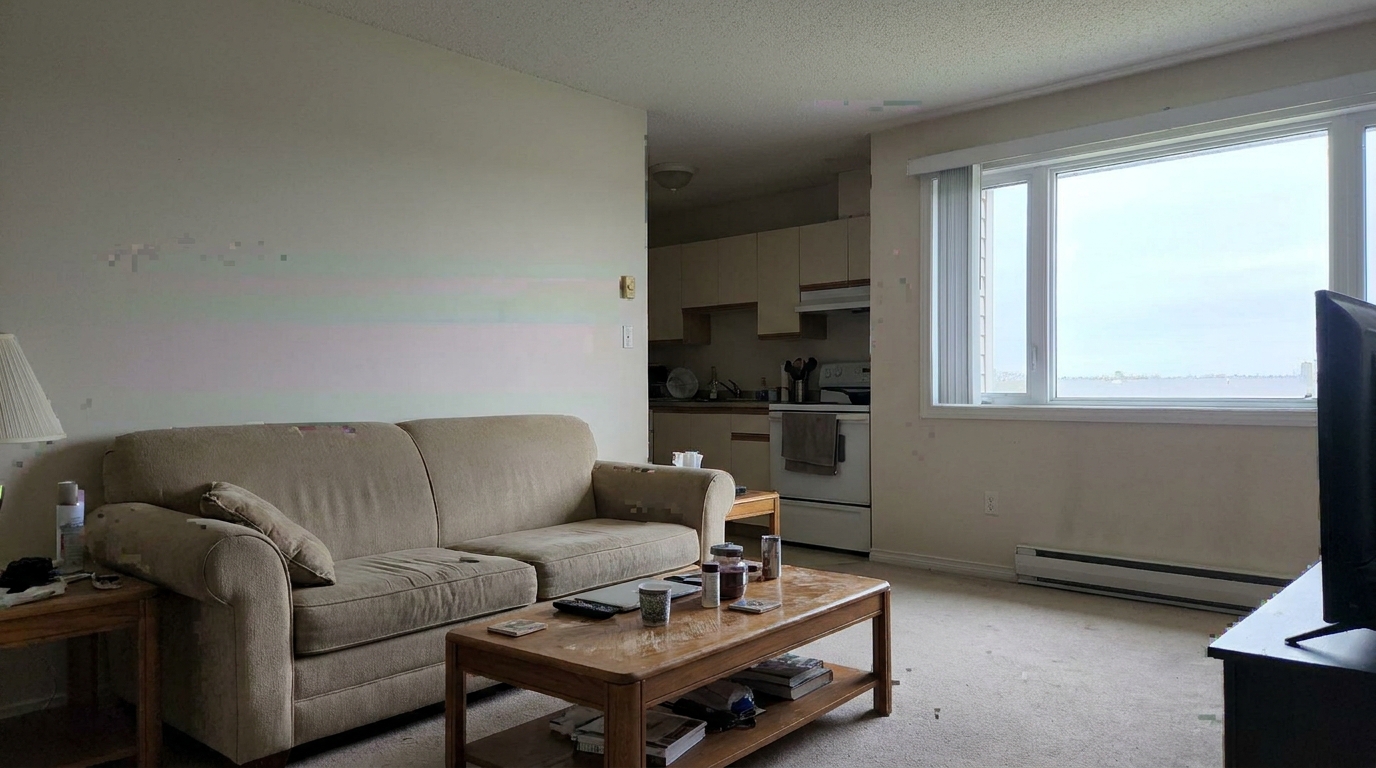
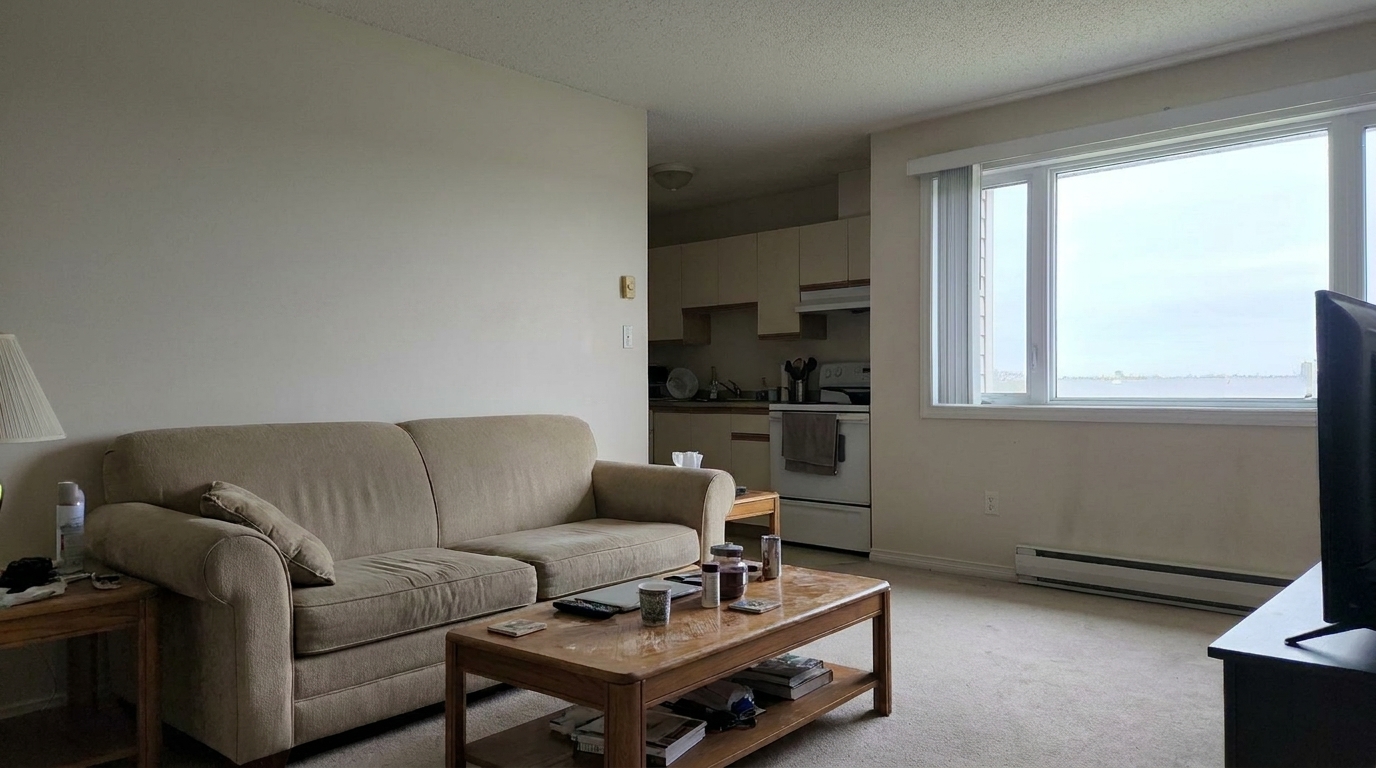
Compare original compressed files with our clean, restored results to see the difference.
Living Room Sky View updated with compression artifact fix styling.
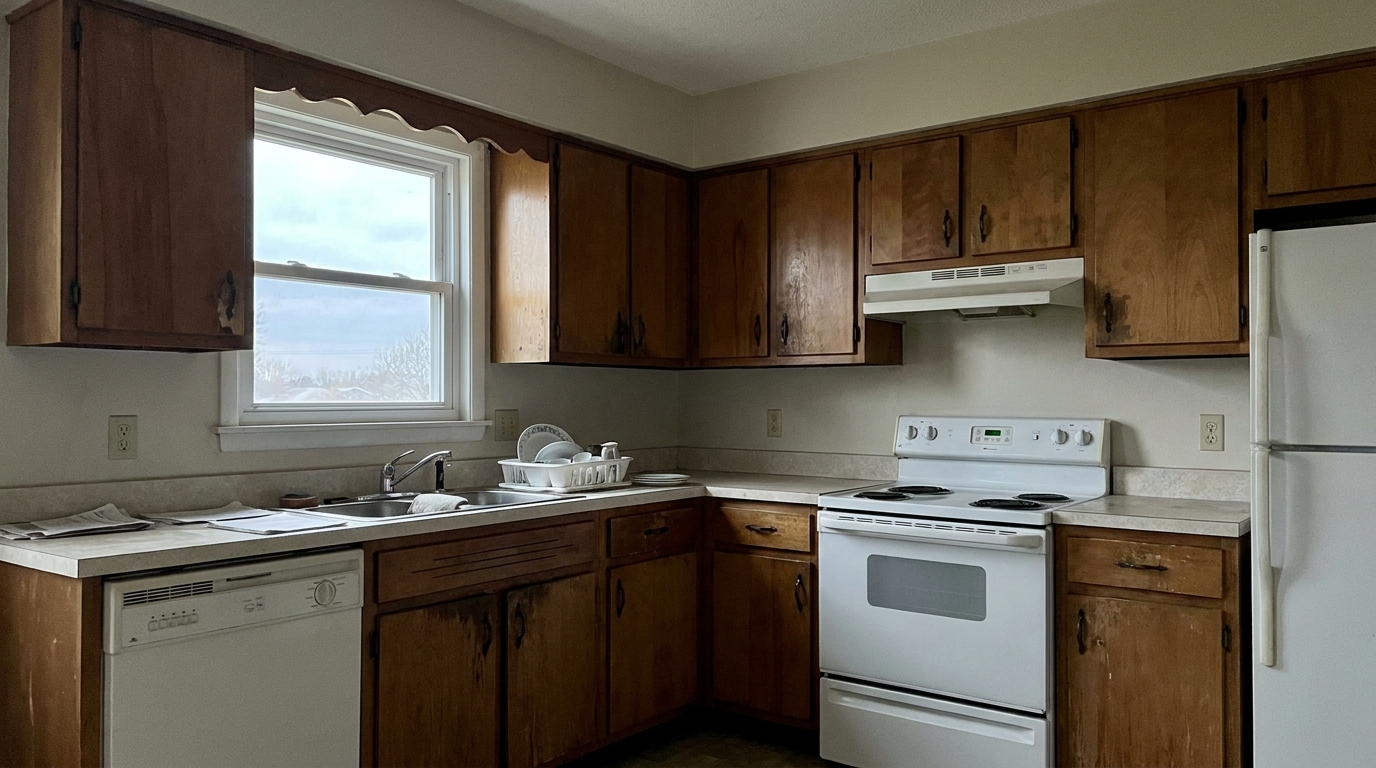
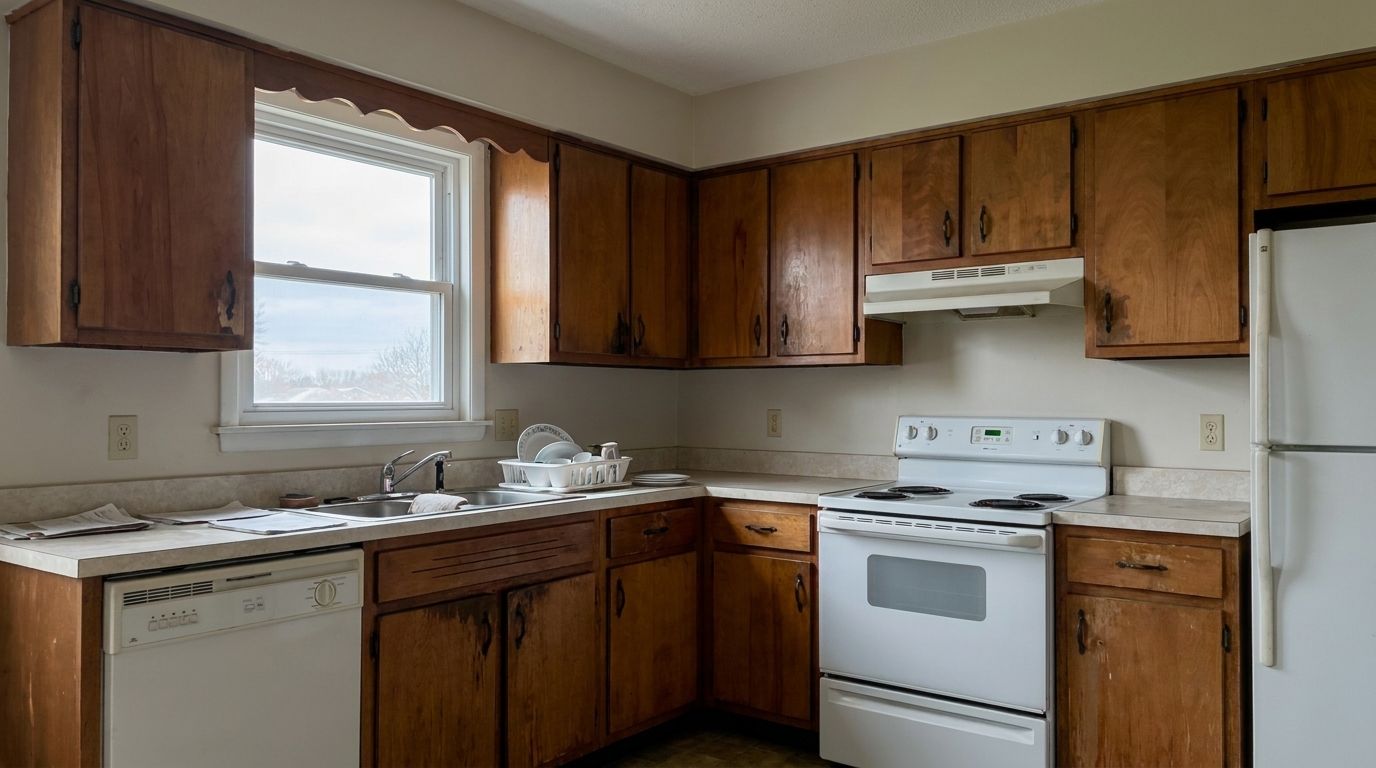
Kitchen Cabinet Close-up updated with compression artifact fix styling.
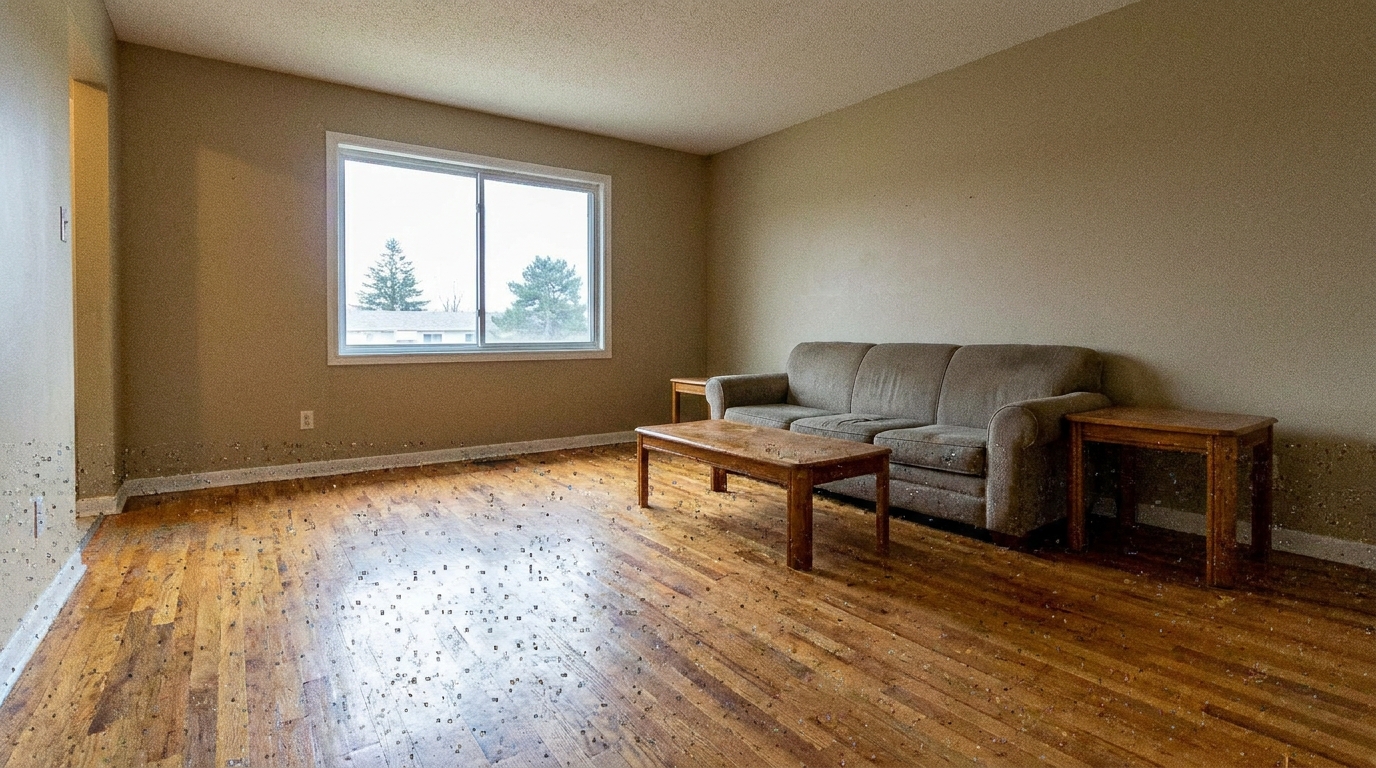
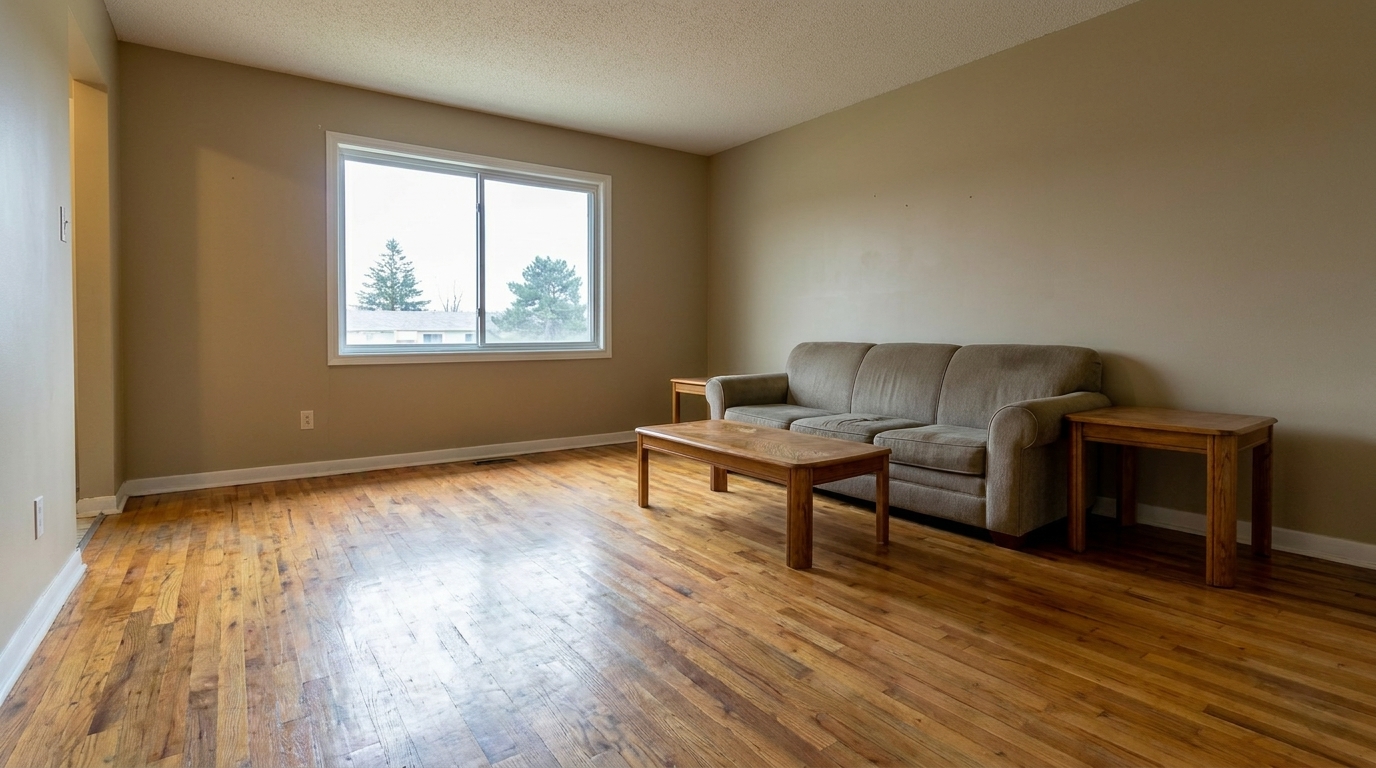
Hardwood Floor Texture updated with compression artifact fix styling.
Discover how our AI-powered engine targets digital noise while preserving essential architectural details.
Detects and eliminates the blocky grid patterns and pixelation caused by aggressive JPEG compression algorithms.
Keeps structural lines, window frames, and rooflines sharp and straight while smoothing out surrounding digital noise.
Restores natural wood grain, brick textures, and carpet fibers without turning them into flat, plastic-looking surfaces.
Cleans up high-contrast boundaries without introducing the white halos or oversharpened outlines common in standard editors.
Smooths out harsh, stepped color transitions in clear skies, painted walls, and soft shadow gradients.
Apply the artifact fix across an entire listing gallery simultaneously to maintain consistent visual quality across all photos.
See how real estate professionals and photographers salvage low-quality images for high-impact marketing.
Clean up low-resolution or heavily compressed photos sent directly by homeowners or amateur photographers.
Client ManagementFix blocky artifacts on older listing photos downloaded from online databases for re-listing or historical comparisons.
Re-ListingRepair images that have been heavily compressed and degraded by social media platforms or messaging apps.
Social MarketingClean up digital noise and pixelation before printing high-end brochures, flyers, or yard signs.
Print MediaSmooth out the aggressive compression artifacts often generated by older smartphone cameras used on-site.
Mobile WorkflowRefresh older portfolio images to match modern high-definition display standards and impress new clients.
Portfolio RefreshRestore clean, professional-grade clarity to your property photos in three simple steps.
Drag and drop your low-resolution or heavily compressed JPEG property image directly into the Idealhouse editor.
Select the Compression Artifact Fix preset to automatically analyze the image and smooth out blocky digital noise.
Download your restored, high-quality photo, perfectly optimized and ready for MLS upload or print marketing.
Source-backed context for why compression artifact fix edits matter inside image quality & correction workflows.
Compression Artifact Fix within Image Quality & Correction evidence
Photos are one of the most valuable website features for home buyers; NAR's 2025 generational trends report says 83% of internet-using buyers rated photos as very useful. For Compression Artifact Fix pages, this supports showing how a focused Image Quality & Correction edit can make the listing photo feel clearer, more polished, and easier for buyers to evaluate.
Source: NAR 2025Compression Artifact Fix within Image Quality & Correction evidence
Zillow Research's 2025 prospective buyer report ranked high-resolution photos as the number two most important listing feature, selected by 26% of prospective buyers; floor plans ranked first at 33%. For Compression Artifact Fix pages, this supports showing how a focused Image Quality & Correction edit can make the listing photo feel clearer, more polished, and easier for buyers to evaluate.
Source: Zillow 2025Compression Artifact Fix within Image Quality & Correction evidence
Redfin reported that professionally photographed homes in the $400,000 range sold three weeks faster and for more than $10,000 relative to list price compared with amateur photos. Use this as supporting context, not as a guaranteed result. For Compression Artifact Fix pages, this supports showing how a focused Image Quality & Correction edit can make the listing photo feel clearer, more polished, and easier for buyers to evaluate.
Source: RedfinDigital compression can quietly ruin otherwise excellent real estate photography. Learn how to identify, correct, and prevent compression artifacts to keep your listings looking professional.
When property photos are uploaded to the MLS, syndication sites, or social media, they undergo aggressive automatic compression. This process often introduces blocky artifacts, pixelation, and color banding, particularly in large flat areas like walls and skies. To potential buyers, these digital defects make a listing look cheap and unprofessional. Fixing these artifacts restores the clean, high-end feel of your photography, ensuring your properties stand out in a crowded digital market.
For the best results, apply the Compression Artifact Fix early in your post-processing workflow. Upload your raw or compressed source images first. Run the artifact fix to establish a clean, smooth baseline. Once the blockiness and pixelation are resolved, you can proceed with creative adjustments like lighting, color correction, or virtual staging. Applying the fix first ensures that subsequent edits do not amplify existing digital defects.
It is important to choose the right tool for the specific issue in your photo. Use the Compression Artifact Fix when you see blocky grid patterns, pixelated edges, or stepped color gradients caused by low-resolution saving. If your image is clean but suffers from graininess due to low-light interior shooting, use Noise Reduction instead. For images that are slightly soft or out of focus but free of digital damage, choose AI Photo Sharpening to crisp up the details.
While our AI is highly advanced, it has practical limits. The Compression Artifact Fix is perfect for salvaging web-compressed images, client-submitted photos, and legacy portfolio shots. However, if an image has been compressed down to a tiny thumbnail size (e.g., under 400 pixels wide), the original architectural details are permanently lost. In such extreme cases, attempting to reconstruct the image may result in an artificial look, and requesting a high-resolution reshoot is highly recommended.
Choose from our specialized image correction tools to refine every detail of your real estate listings.
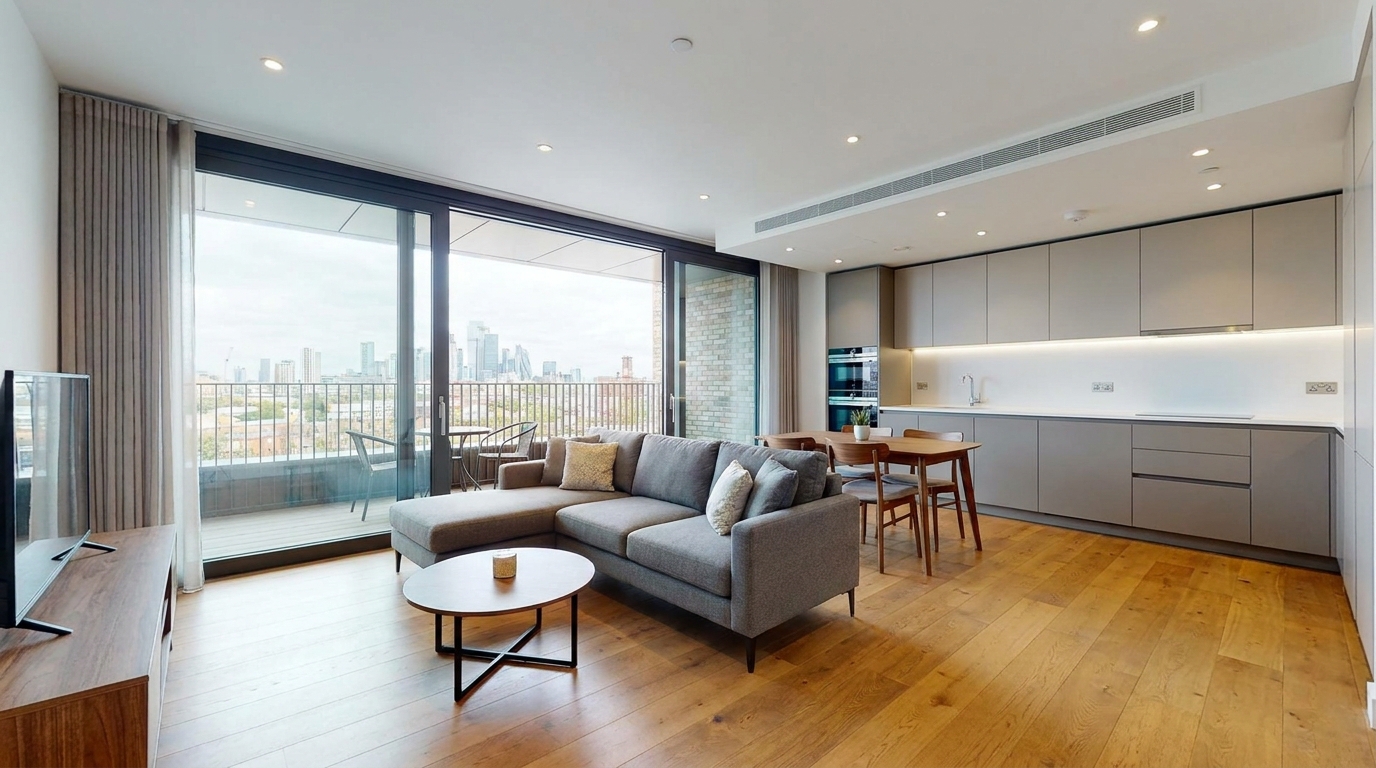
Cleaner, sharper 360 tour imagery with balanced light and a more immersive look.
Try This Tool →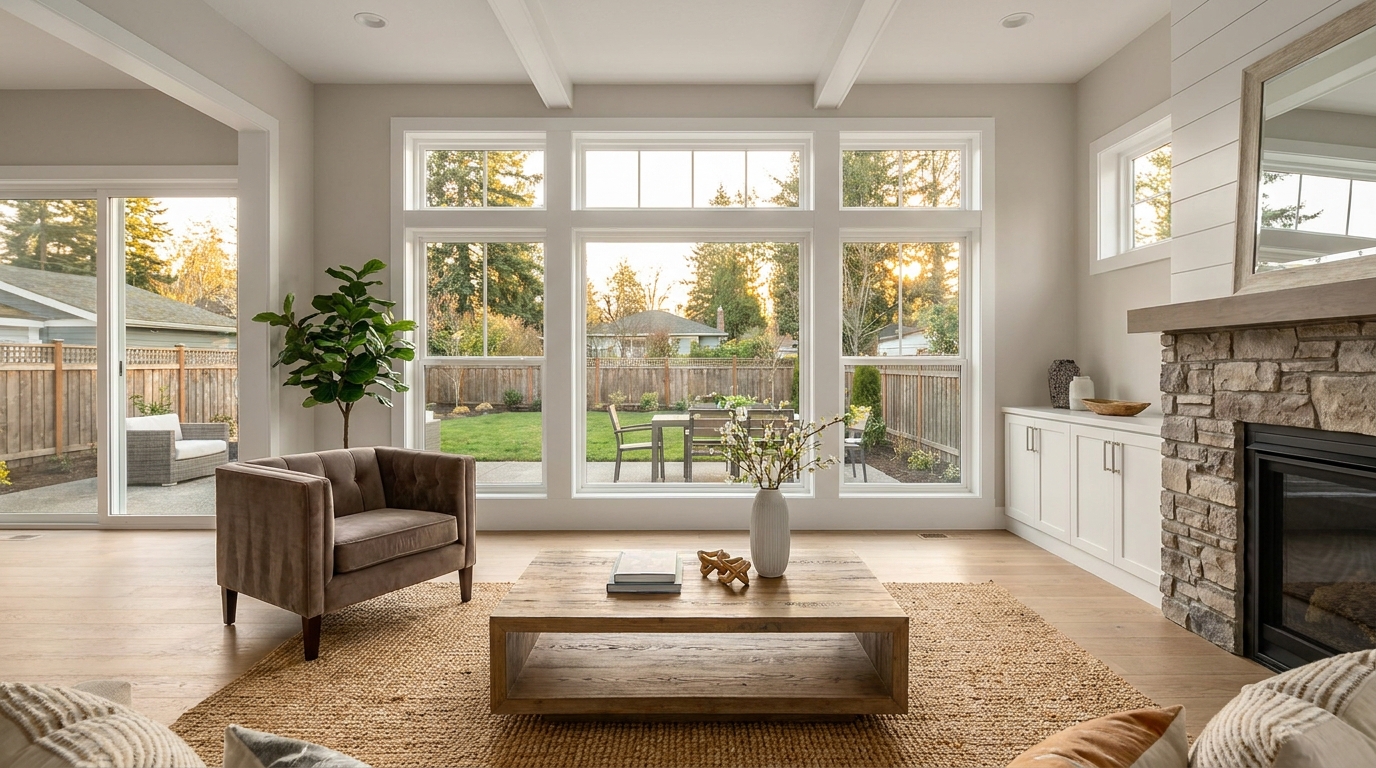
Boost edge definition and surface detail for crisper, more polished marketing images.
Try This Tool →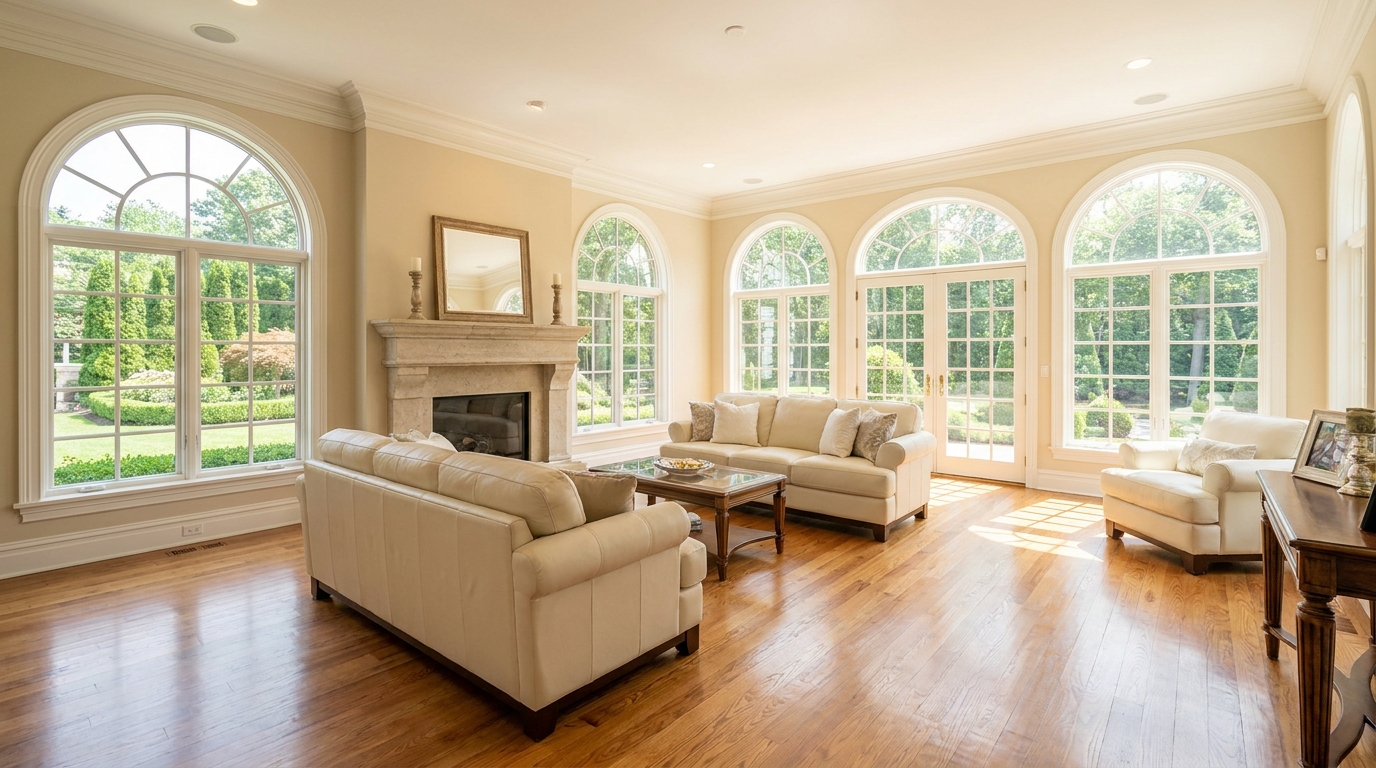
Consistent quality correction across every shot for a cohesive, listing-ready gallery.
Try This Tool →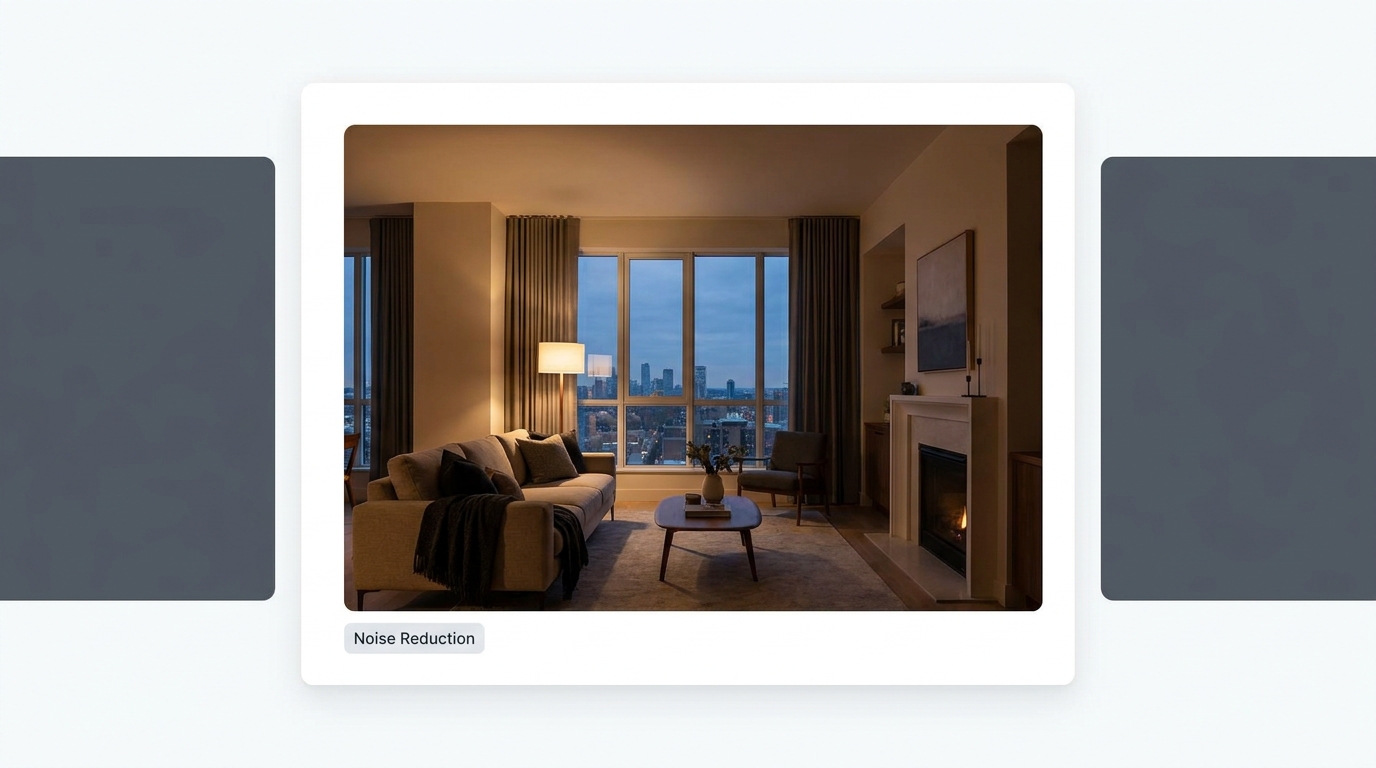
Reduce grain and low-light noise while keeping details natural and clear.
Try This Tool →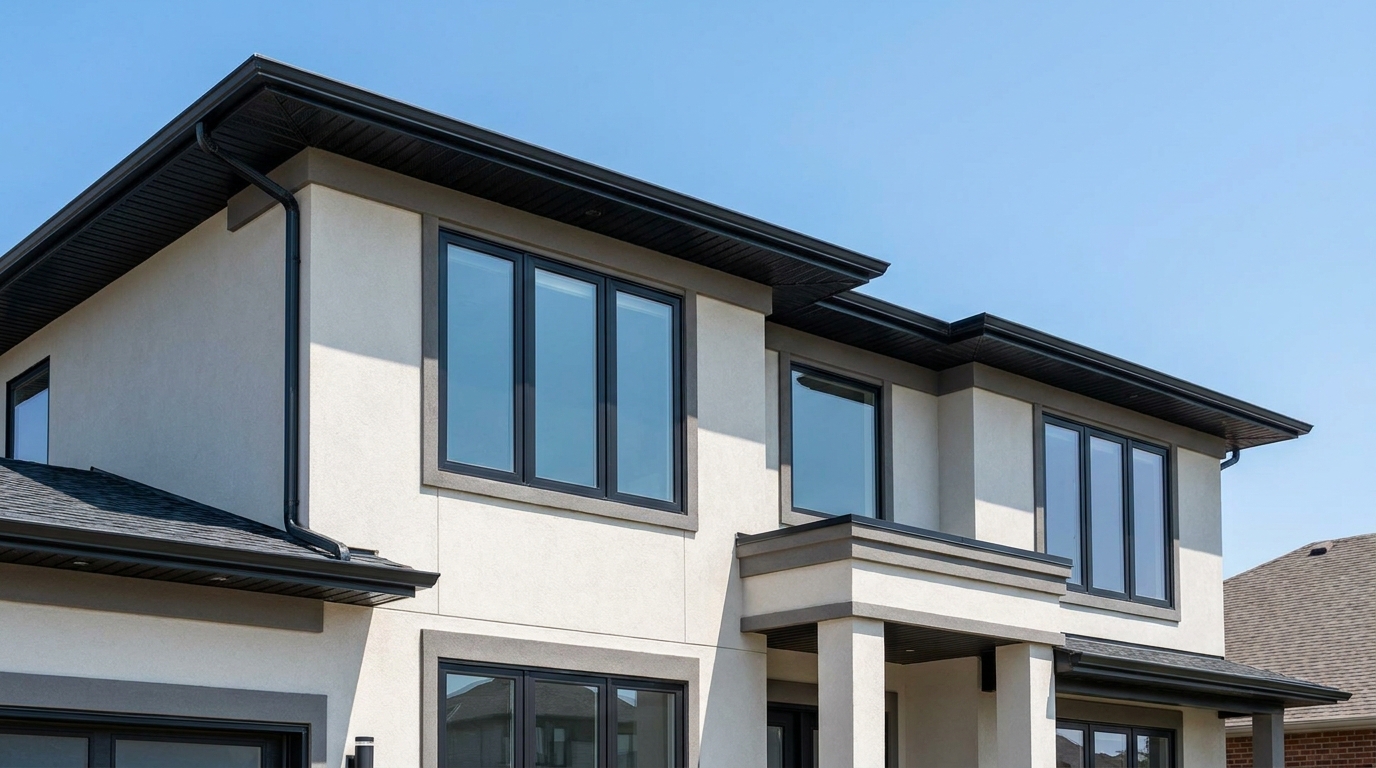
Eliminate color fringing along edges for a cleaner, higher-quality finish.
Try This Tool →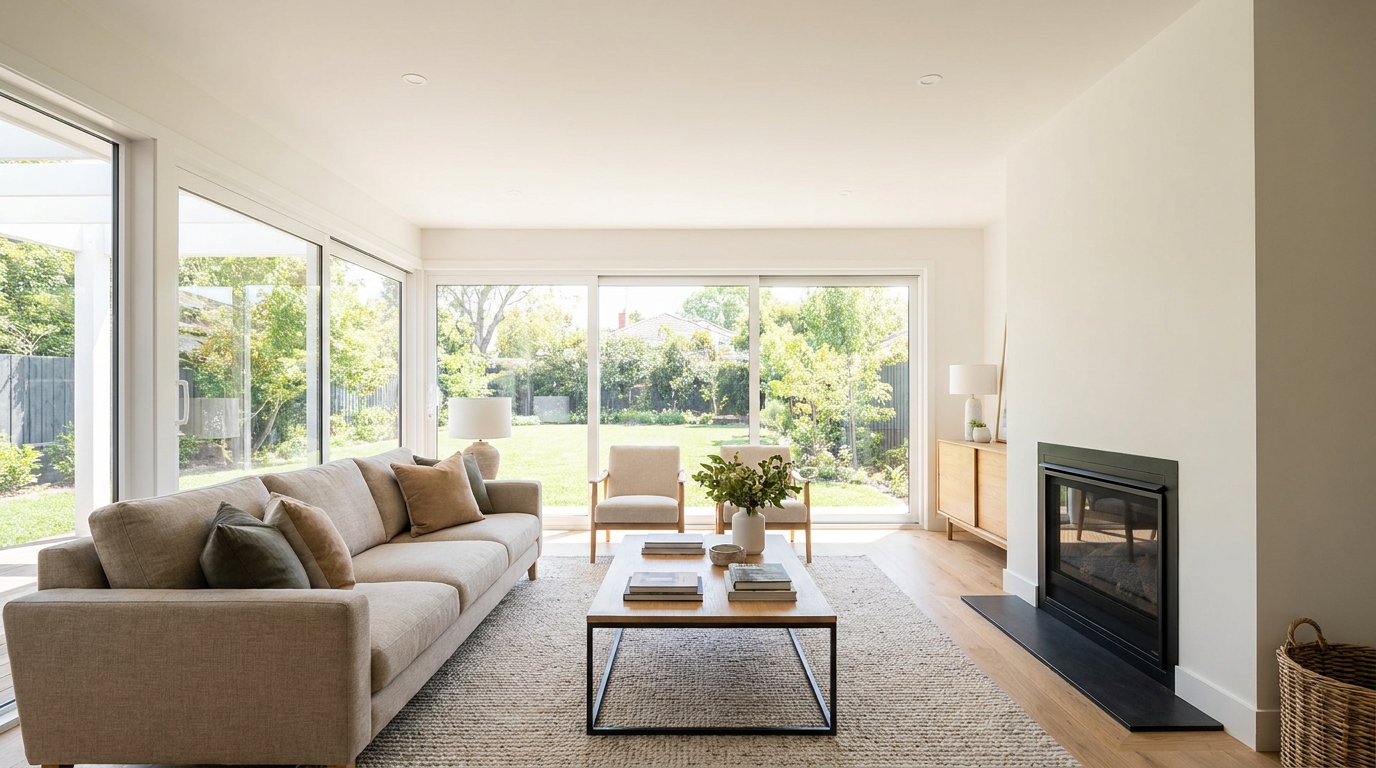
Brighten dark corners for a more even, open, and naturally lit image.
Try This Tool →Discover additional AI presets designed to elevate your real estate photography and listing presentation.
AI image-to-video generation for turning home, room, and property photos into more vivid presentation videos.
02AI exterior renovation for visualizing facade updates, curb appeal improvements, and home exterior remodel ideas.
03AI landscaping design for exploring outdoor concepts, curb appeal upgrades, planting ideas, and yard layout directions.
04AI virtual staging for furnishing empty rooms and creating listing-ready interiors for real estate marketing.
05Free AI image generation for turning text prompts into unlimited visual ideas for home design, interiors, landscaping, renovation
06AI object removal for cleaning up distracting items from room, home, and property photos.
Don't let blocky compression artifacts ruin a great property listing. Clean up your images and present a polished, professional gallery today.