
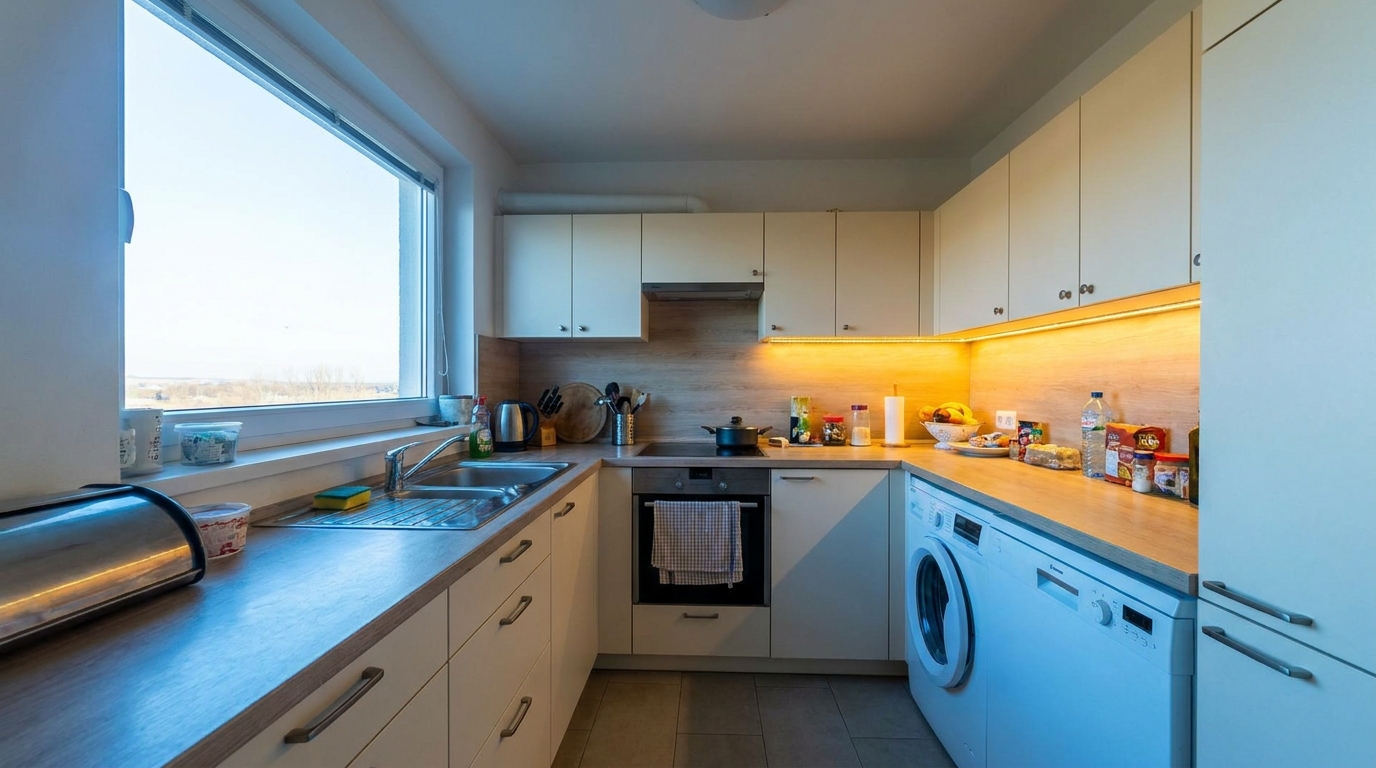
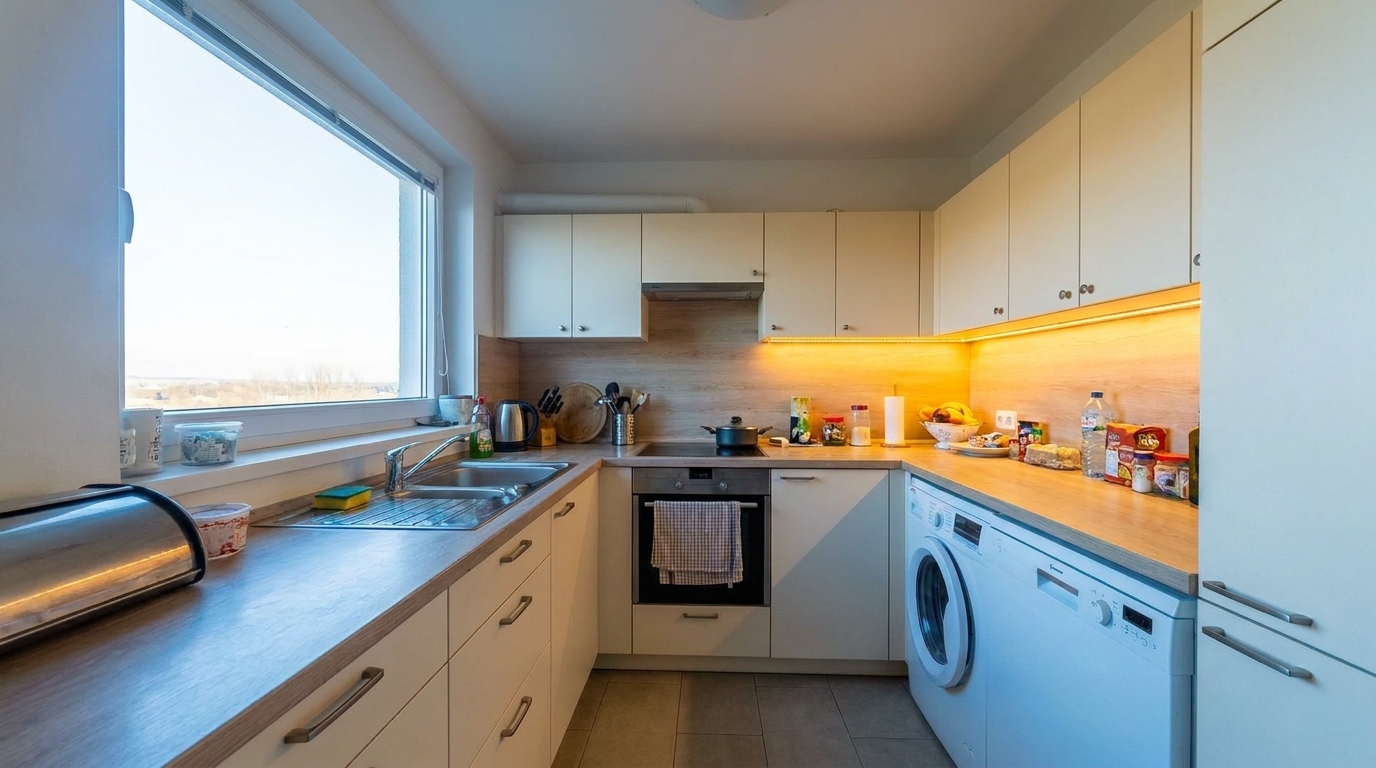

Mixed-Lighting Kitchen Panorama
Mixed-Lighting Kitchen Panorama updated with 360 vr enhanced tour styling.
Transform distorted, unevenly lit panoramic photos into sharp, balanced, and highly immersive virtual tours. Perfect for professional real estate listings.
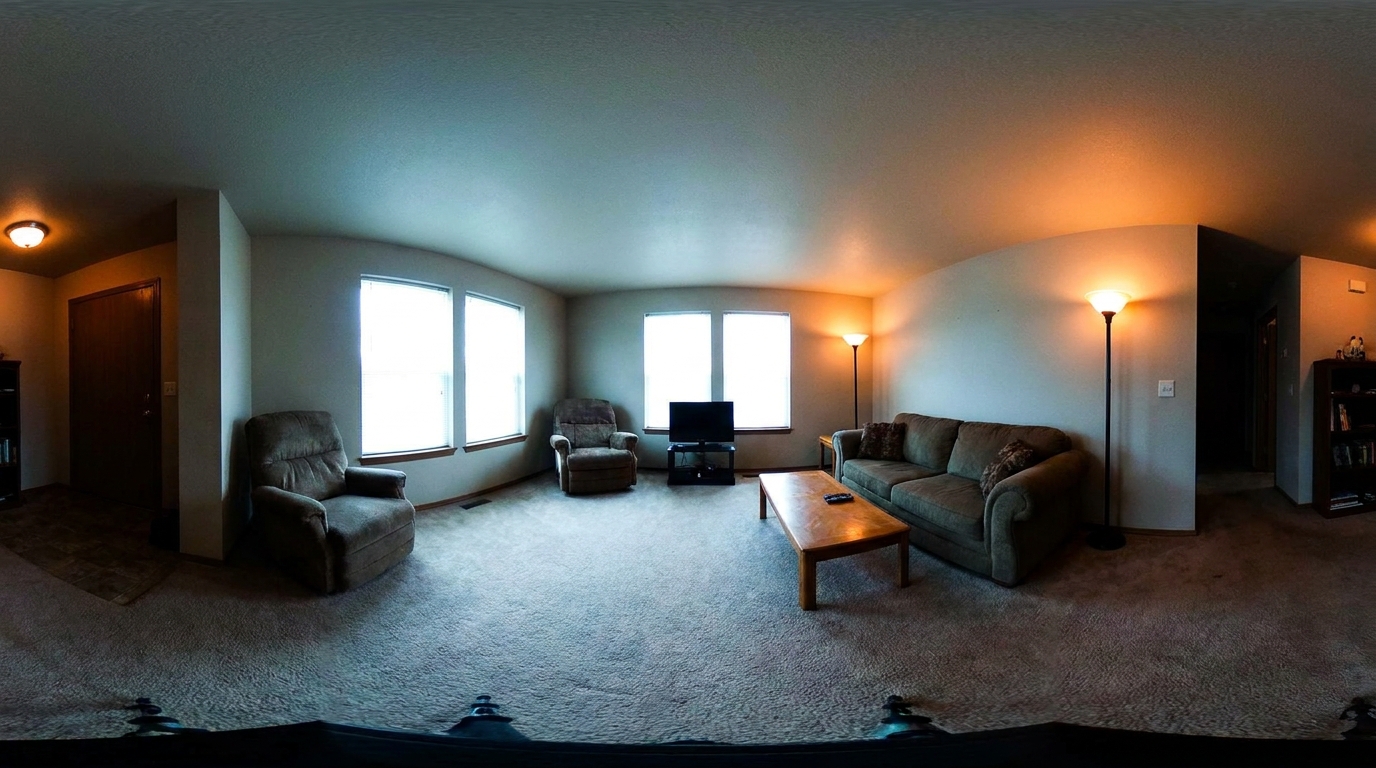
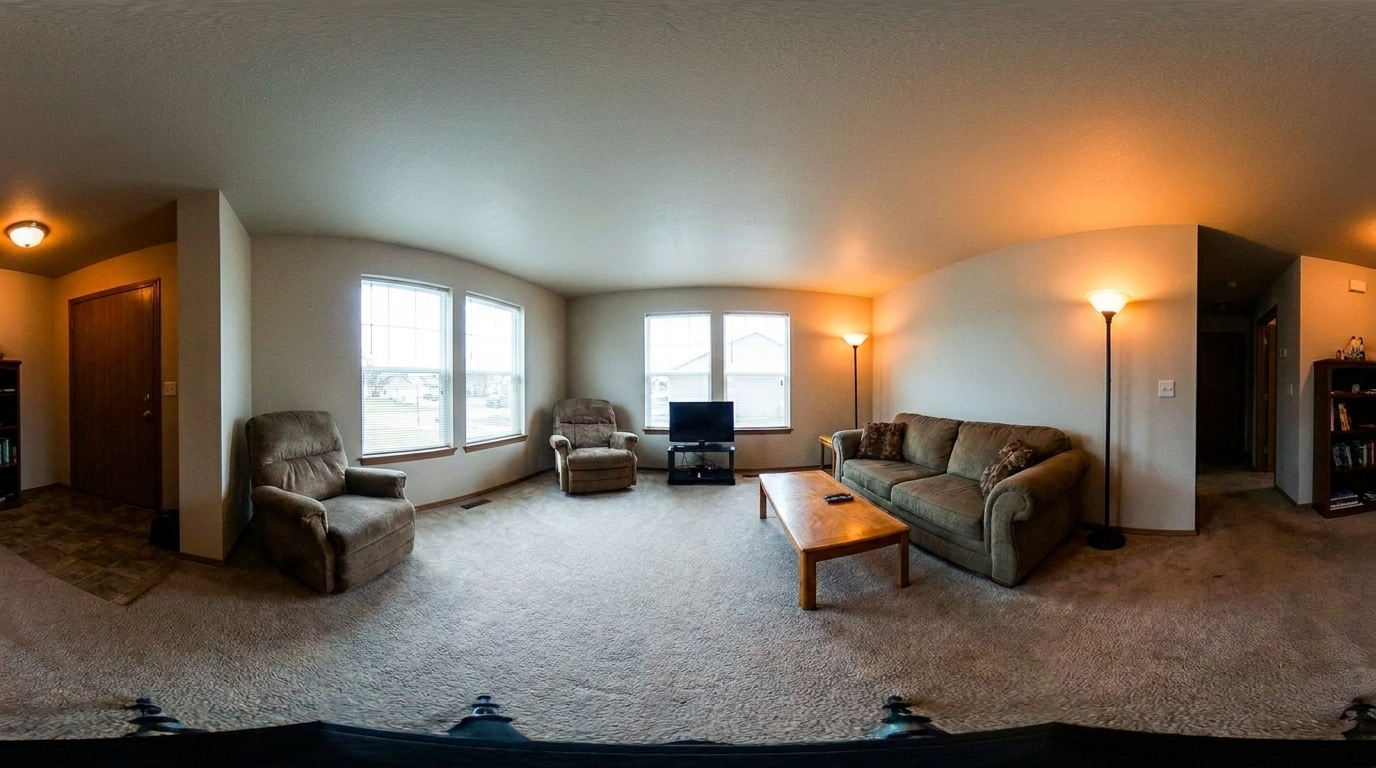
View real-world examples of panoramic images optimized for clarity, light, and realism.
Mixed-Lighting Kitchen Panorama updated with 360 vr enhanced tour styling.
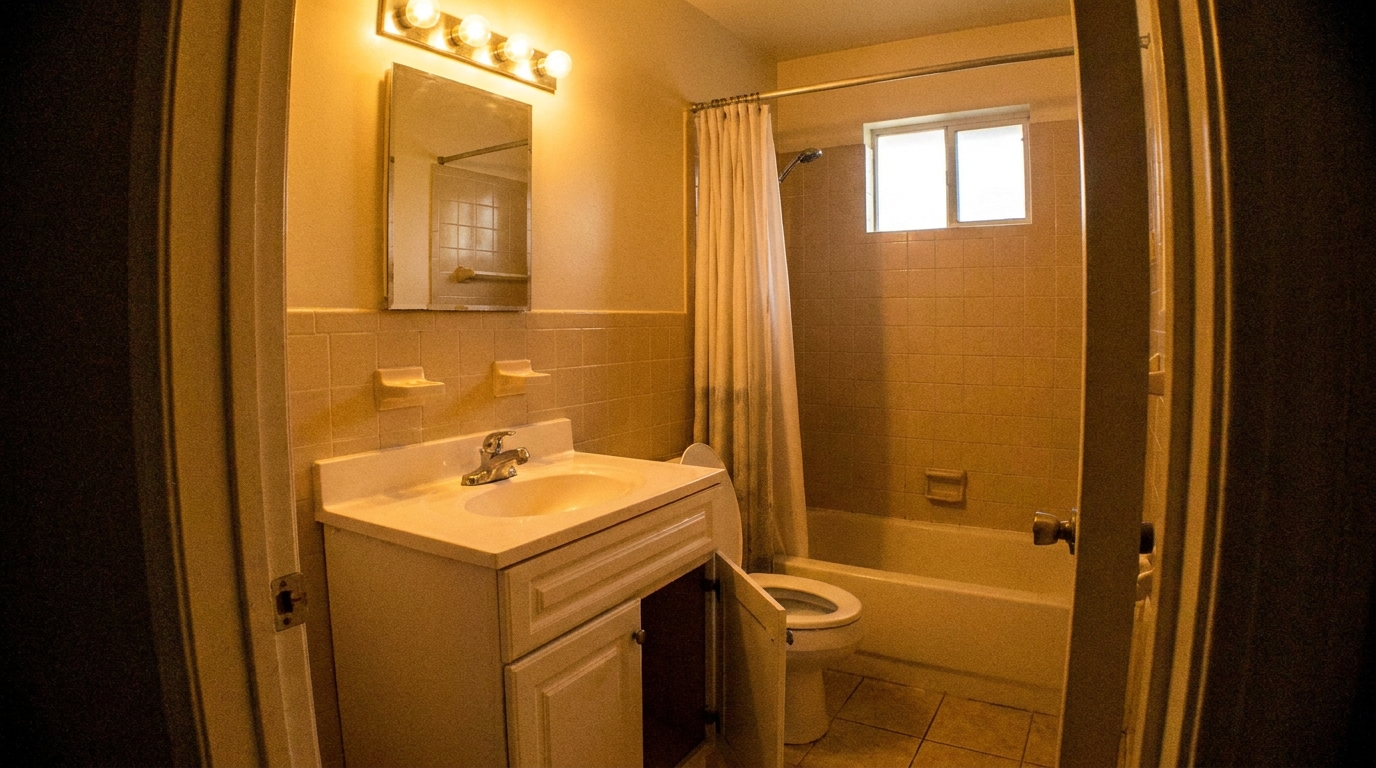
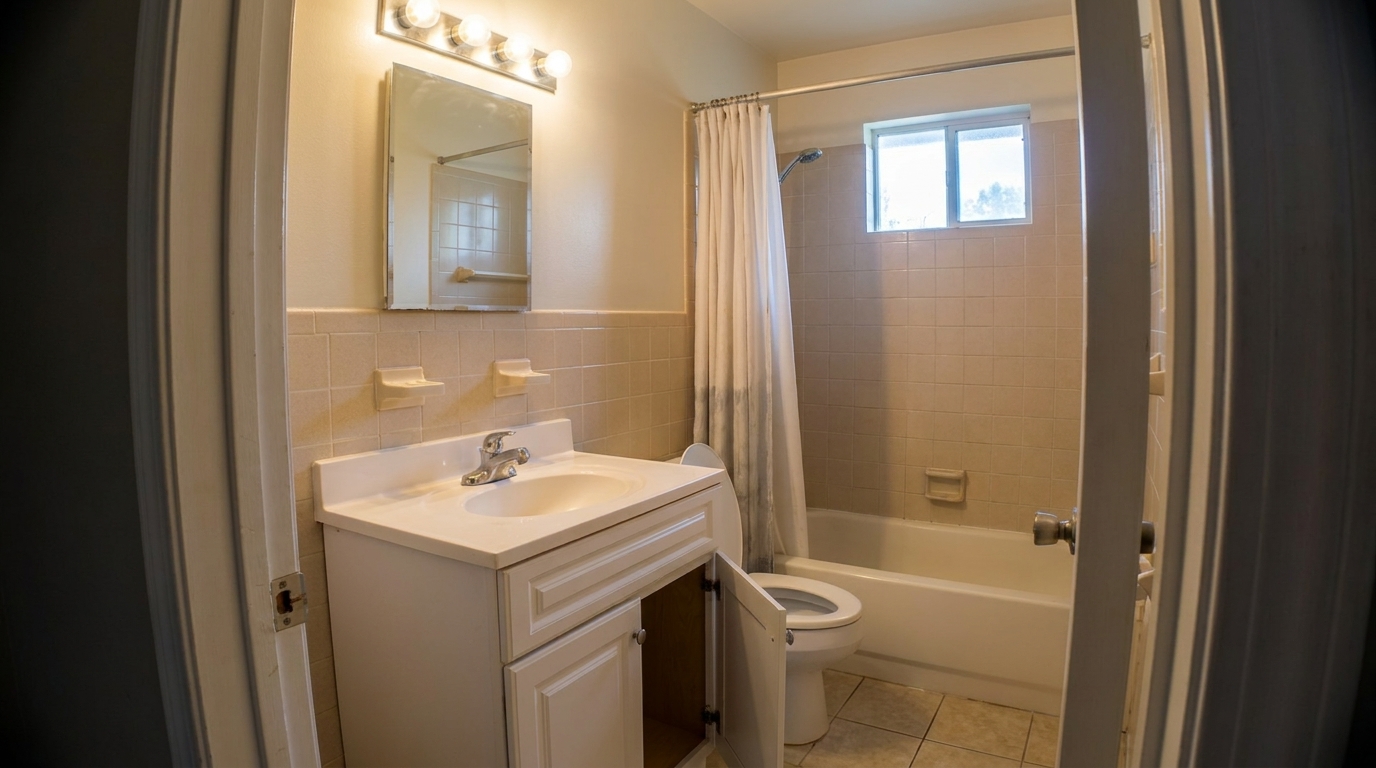
Windowless Bathroom Panorama updated with 360 vr enhanced tour styling.
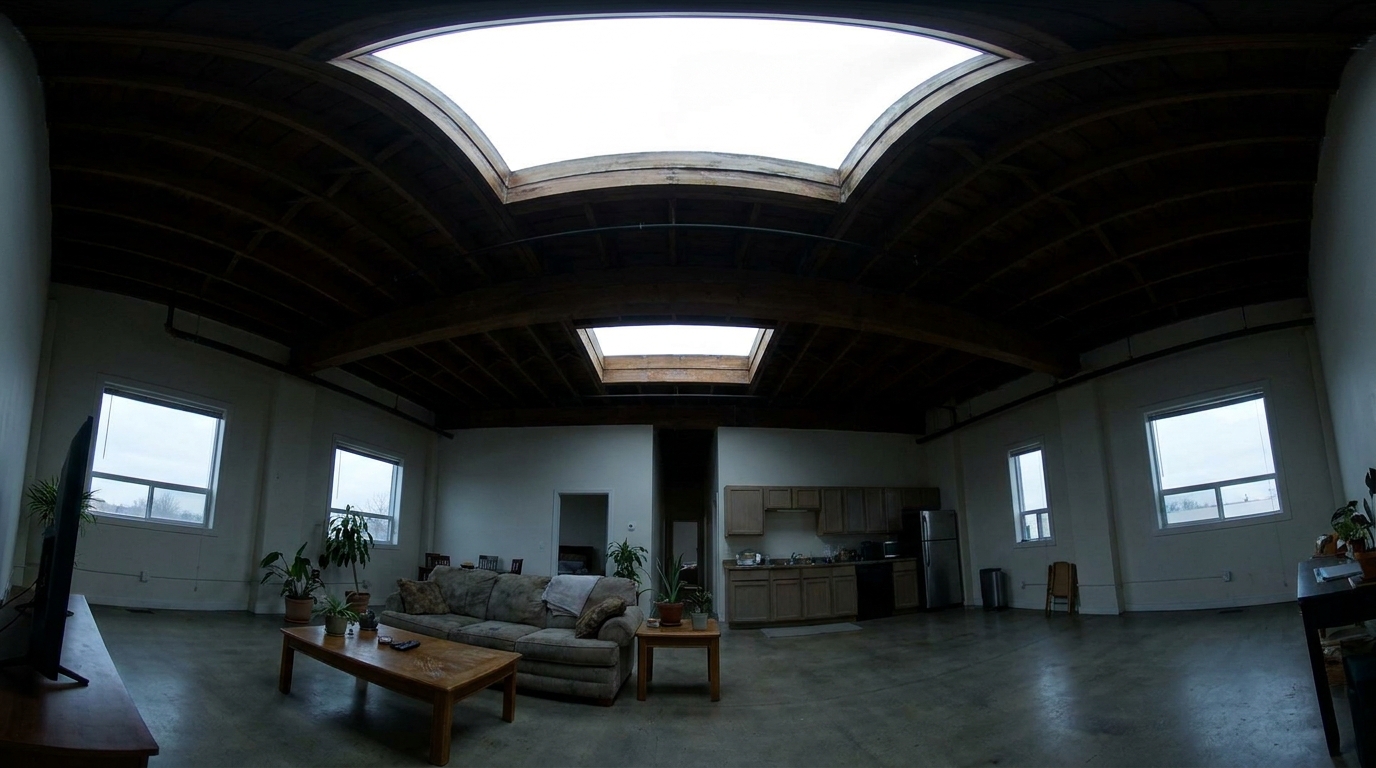
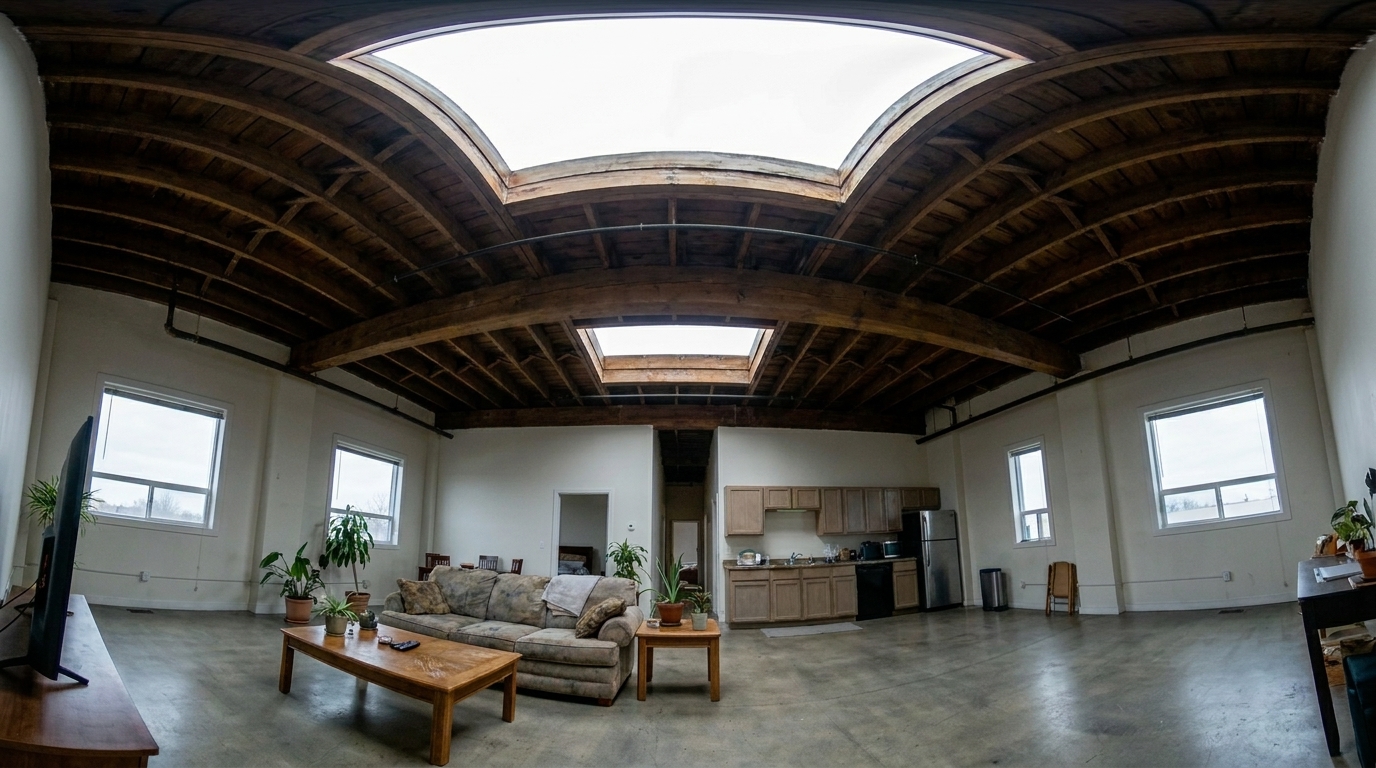
High-Ceiling Loft Panorama updated with 360 vr enhanced tour styling.
Discover the specialized AI tools designed to optimize panoramic real estate photography.
Ensures that the left and right edges of your 360 panoramic photo blend seamlessly without visible stitching lines or artifacts.
Automatically balances extreme light differences, softening bright window blowouts while lifting dark indoor corners in a single panoramic frame.
Sharpens and clarifies textures across the entire spherical field of view without introducing warping or unnatural stretching.
Neutralizes mixed lighting sources—such as warm interior lamps and cool daylight from windows—for a cohesive, natural color profile.
Cleans up digital noise in low-light areas, such as closets, hallways, and high ceilings, without losing fine architectural details.
Optimizes and sharpens large-format panoramic files, ensuring your virtual tours remain crisp and clear even when zoomed in.
See how real estate professionals and photographers leverage enhanced virtual tours to win listings.
Elevate high-end listings with perfectly balanced interior lighting that makes virtual walkthroughs feel incredibly realistic.
Luxury Real EstatePresent spacious offices, retail spaces, and warehouses with clean, professional 360-degree imagery that builds client trust.
Commercial ListingsCorrect panoramic shots where bright outdoor views through windows clash with dim indoor lighting.
Interior PhotographyImprove the clarity of 360-degree photos taken in windowless spaces like bathrooms, basements, or walk-in closets.
Property MarketingPolish quick 360-degree photos captured on mobile devices or consumer-grade VR cameras for a more professional look.
DIY ListingsAttract more bookings by showcasing holiday homes and apartments with bright, inviting, and highly immersive virtual tours.
Short-Term RentalsFollow three simple steps to balance exposure, correct colors, and sharpen your panoramic images.
Upload your raw or stitched 360-degree equirectangular photo directly to the Idealhouse platform.
Select the "360 VR Enhanced Tour" preset to automatically balance exposure, correct white balance, and sharpen details.
Export your optimized, high-resolution panoramic image, ready to upload directly to your virtual tour hosting platform.
Source-backed context for why 360 vr enhanced tour edits matter inside image quality & correction workflows.
360 VR Enhanced Tour within Image Quality & Correction evidence
Photos are one of the most valuable website features for home buyers; NAR's 2025 generational trends report says 83% of internet-using buyers rated photos as very useful. For 360 VR Enhanced Tour pages, this supports showing how a focused Image Quality & Correction edit can make the listing photo feel clearer, more polished, and easier for buyers to evaluate.
Source: NAR 2025360 VR Enhanced Tour within Image Quality & Correction evidence
Zillow Research's 2025 prospective buyer report ranked high-resolution photos as the number two most important listing feature, selected by 26% of prospective buyers; floor plans ranked first at 33%. For 360 VR Enhanced Tour pages, this supports showing how a focused Image Quality & Correction edit can make the listing photo feel clearer, more polished, and easier for buyers to evaluate.
Source: Zillow 2025360 VR Enhanced Tour within Image Quality & Correction evidence
Redfin reported that professionally photographed homes in the $400,000 range sold three weeks faster and for more than $10,000 relative to list price compared with amateur photos. Use this as supporting context, not as a guaranteed result. For 360 VR Enhanced Tour pages, this supports showing how a focused Image Quality & Correction edit can make the listing photo feel clearer, more polished, and easier for buyers to evaluate.
Source: RedfinLearn how to optimize panoramic real estate photography to create seamless, high-quality virtual tours that engage buyers.
Capturing a complete 360-degree view of a room presents unique photographic challenges. Unlike standard photos where you can control the direction of light, a panoramic shot captures everything at once—including bright windows, dark hallways, and mixed light sources. This often results in extreme exposure imbalances, where windows are completely blown out and corners are lost in deep shadow. Standard photo editing tools often fail here because they apply global adjustments that ruin one part of the room while fixing another, or they create visible seams where the edges of the panorama stitch together.
The Idealhouse 360 VR Enhanced Tour preset uses advanced AI models trained specifically on equirectangular projections. Instead of applying a uniform filter, the AI performs localized exposure and color corrections across the entire spherical canvas. It intelligently dampens highlights near windows to reveal outdoor views, lifts shadows in dark corners to show off spatial depth, and neutralizes mixed color temperatures. Crucially, the algorithm treats the left and right boundaries of the image as a continuous surface, ensuring that no visible seams or color mismatches appear when the image is wrapped into a 360-degree virtual tour.
When preparing a property listing, choosing the right tool is essential for a professional finish. Use the 360 VR Enhanced Tour preset exclusively for stitched, equirectangular panoramic images intended for virtual tour software. Do not use this preset for standard flat listing photos; instead, opt for Real Estate Photo Editing for general color and light correction, or AI Photo Sharpening to bring out fine architectural textures. While the 360 VR preset excels at balancing extreme dynamic range across a spherical field, it does not correct physical structural leaning—for warped walls or crooked horizons, pair this workflow with our image quality correction tools to ensure perfectly straight vertical lines.
Compare our specialized 360 VR enhancement tool with other powerful image correction presets.
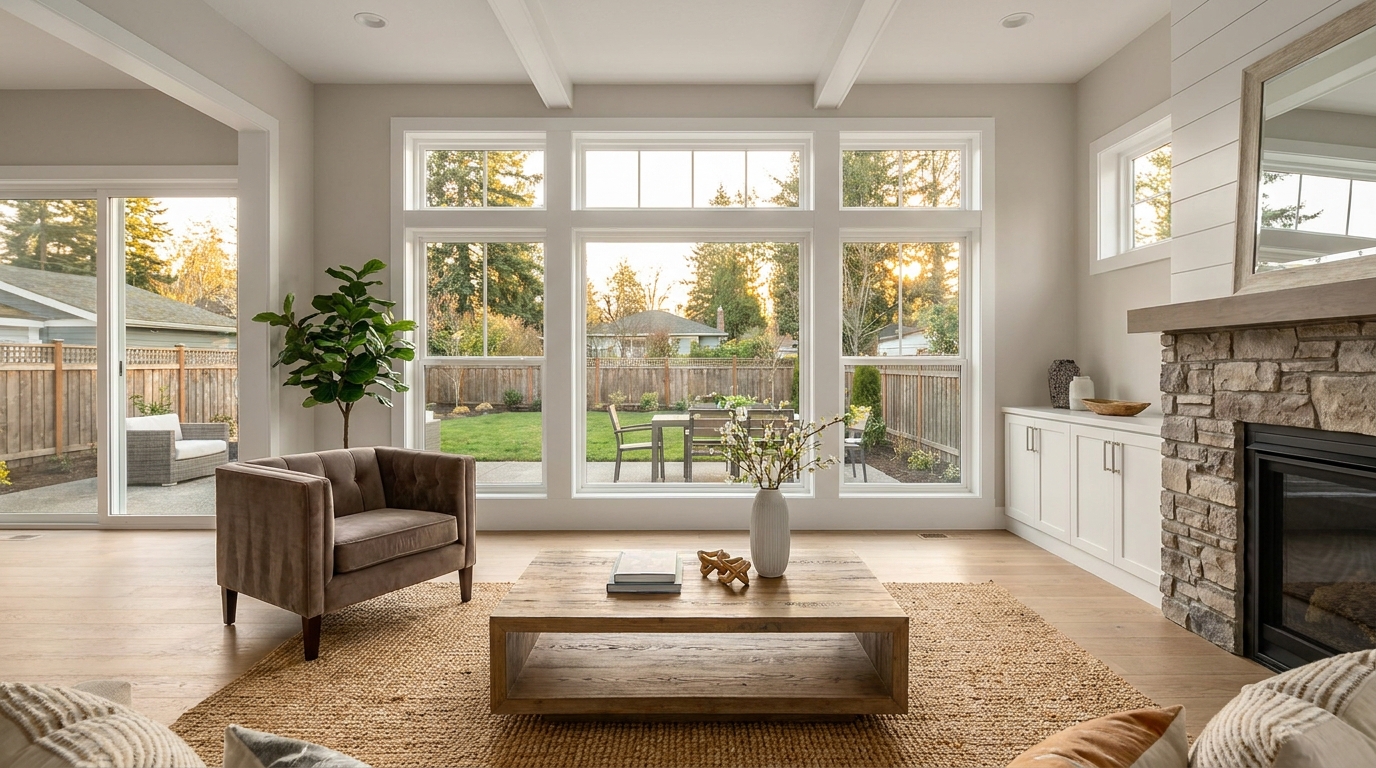
Boost edge definition and surface detail for crisper, more polished marketing images.
Try This Tool →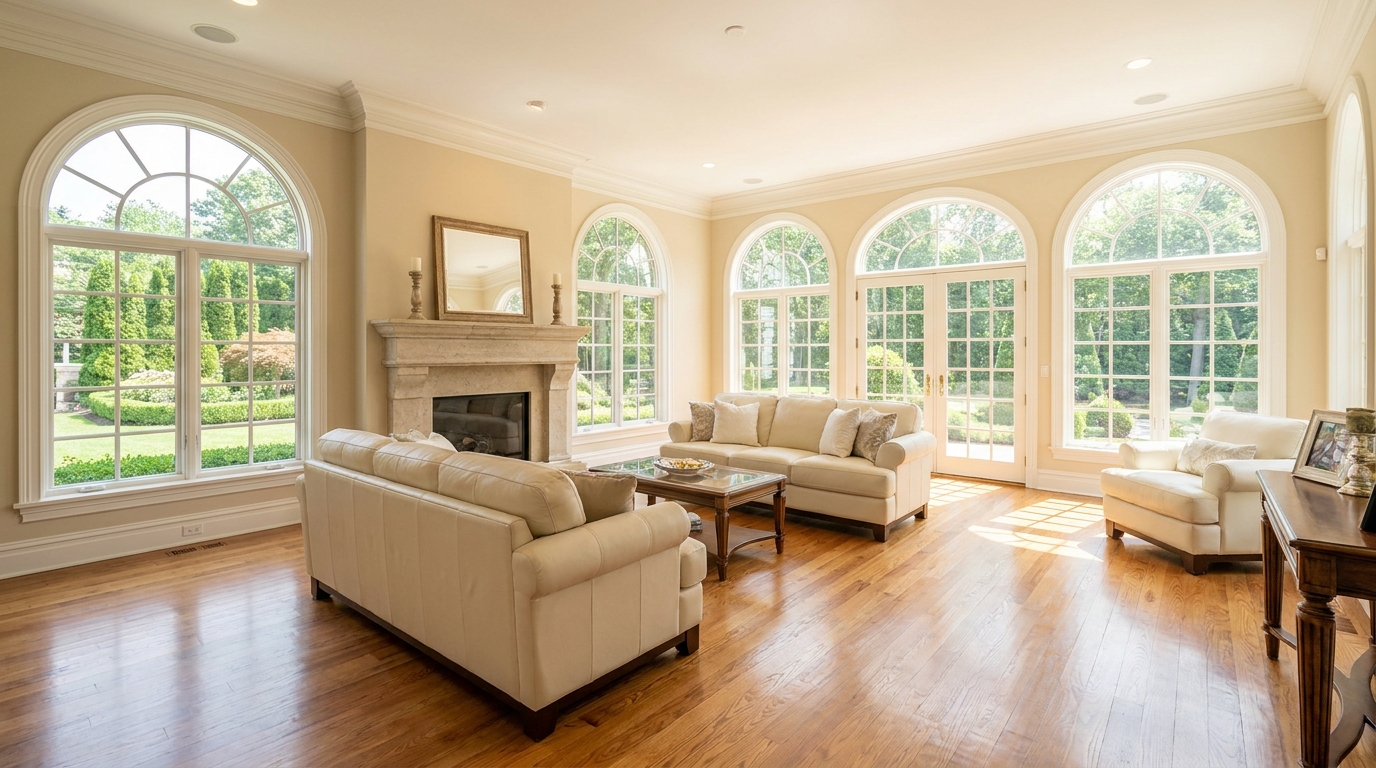
Consistent quality correction across every shot for a cohesive, listing-ready gallery.
Try This Tool →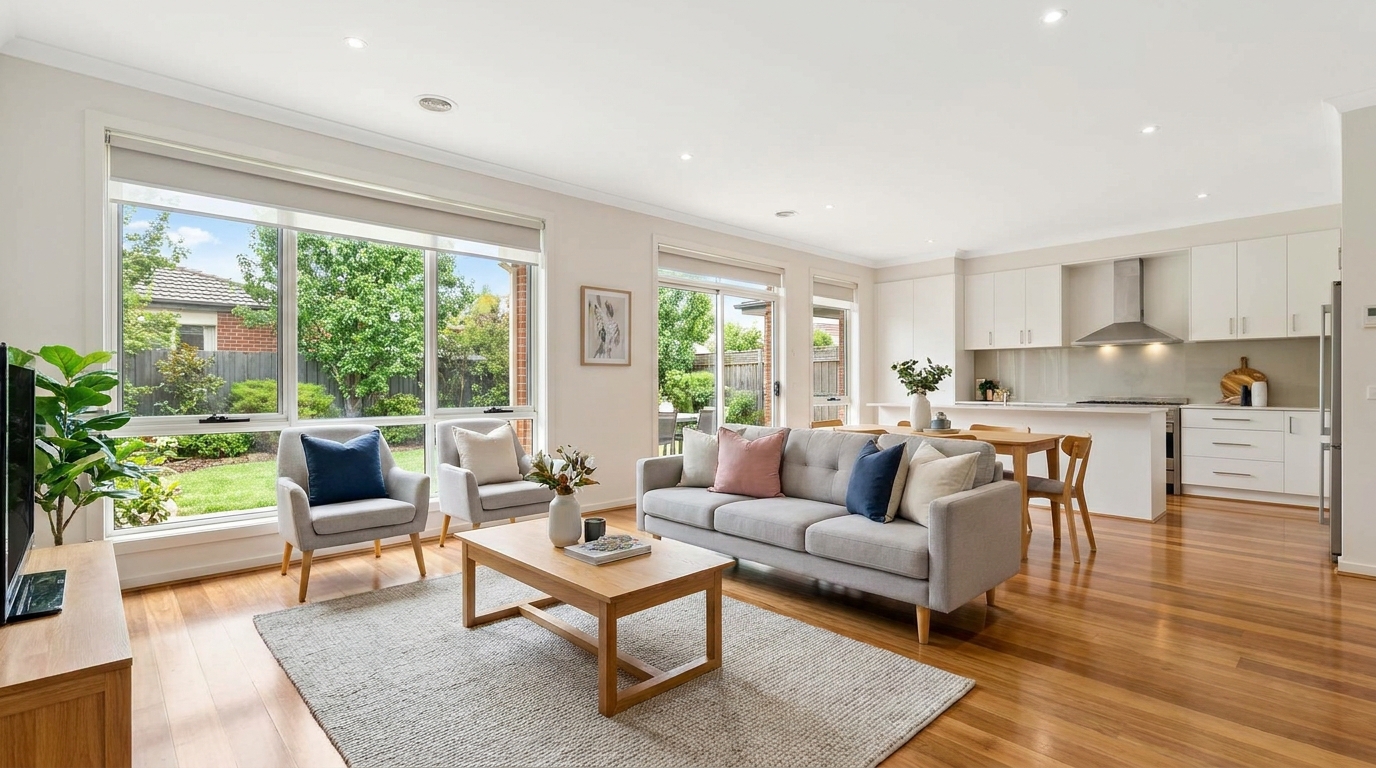
Remove blockiness and digital noise for smoother, more professional-looking photos.
Try This Tool →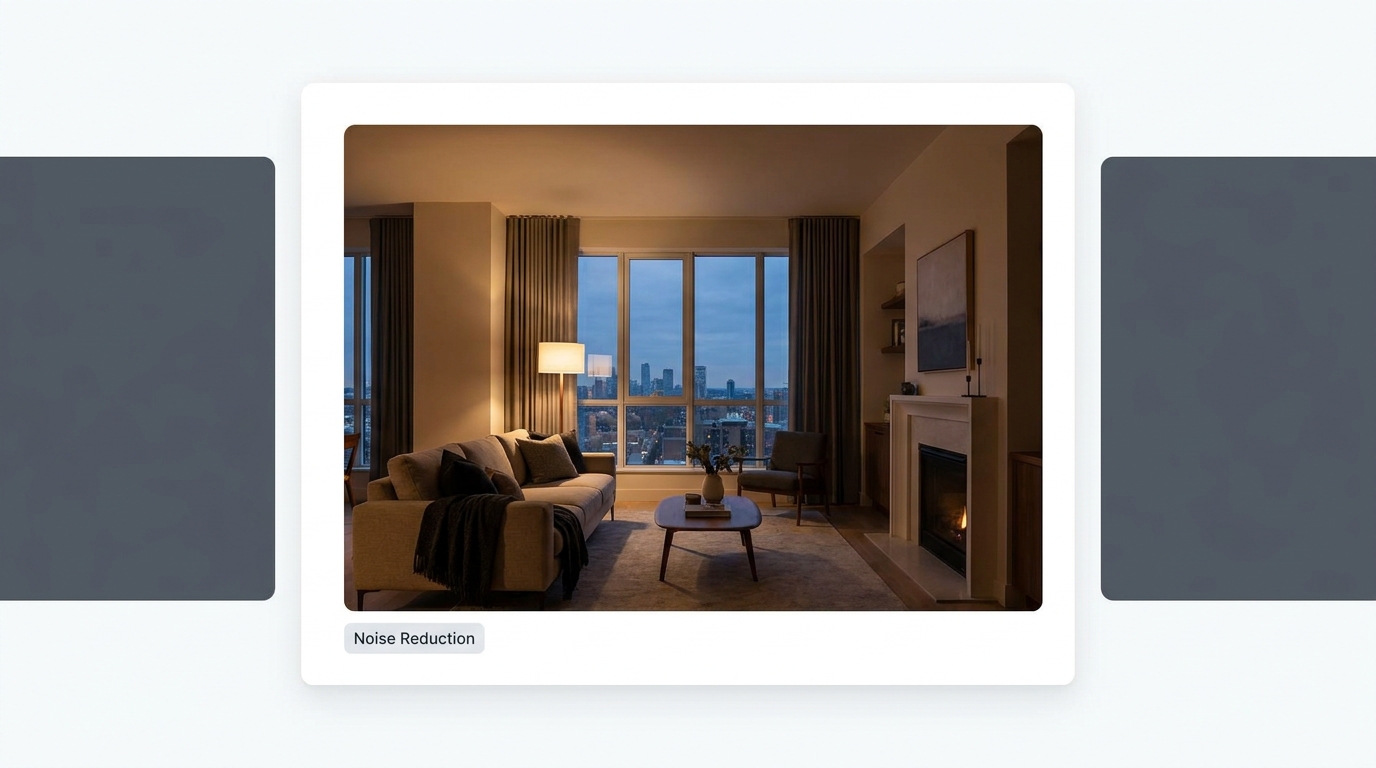
Reduce grain and low-light noise while keeping details natural and clear.
Try This Tool →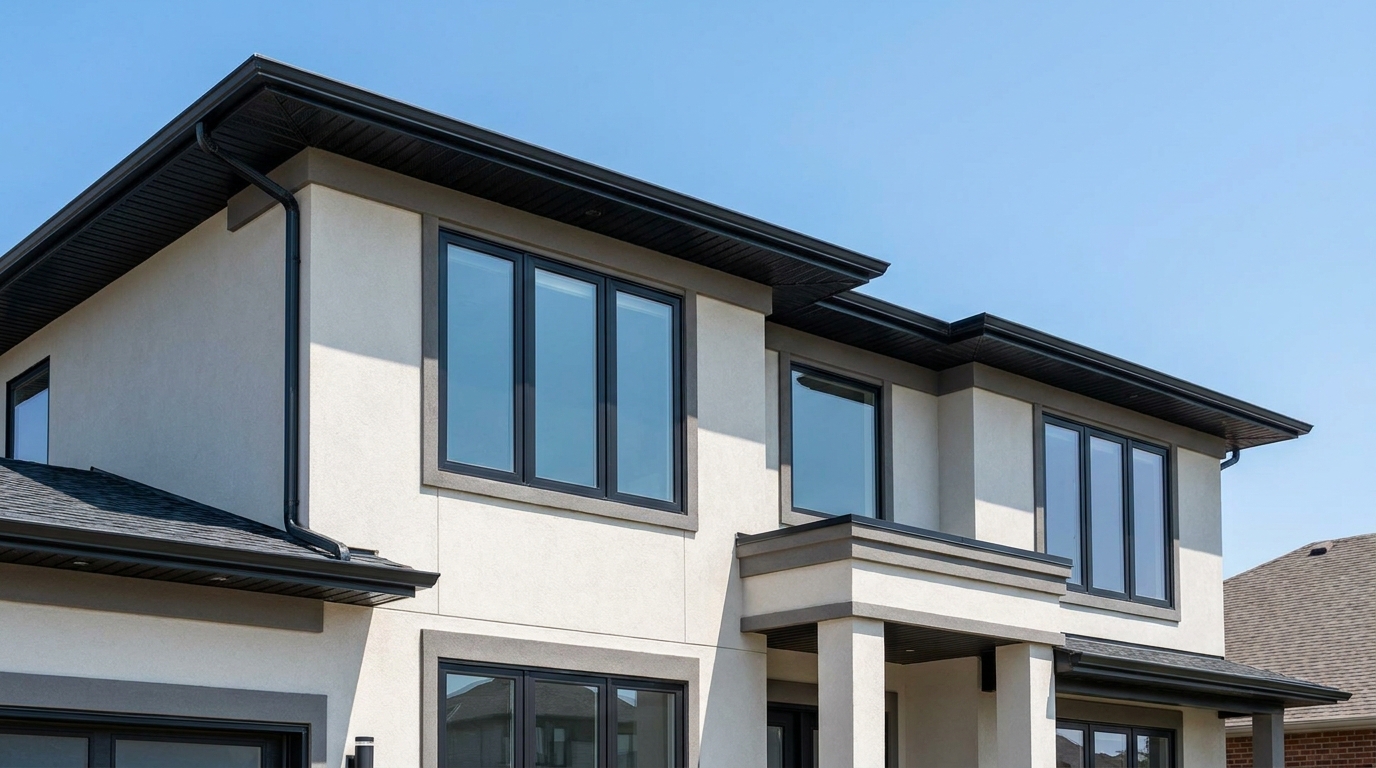
Eliminate color fringing along edges for a cleaner, higher-quality finish.
Try This Tool →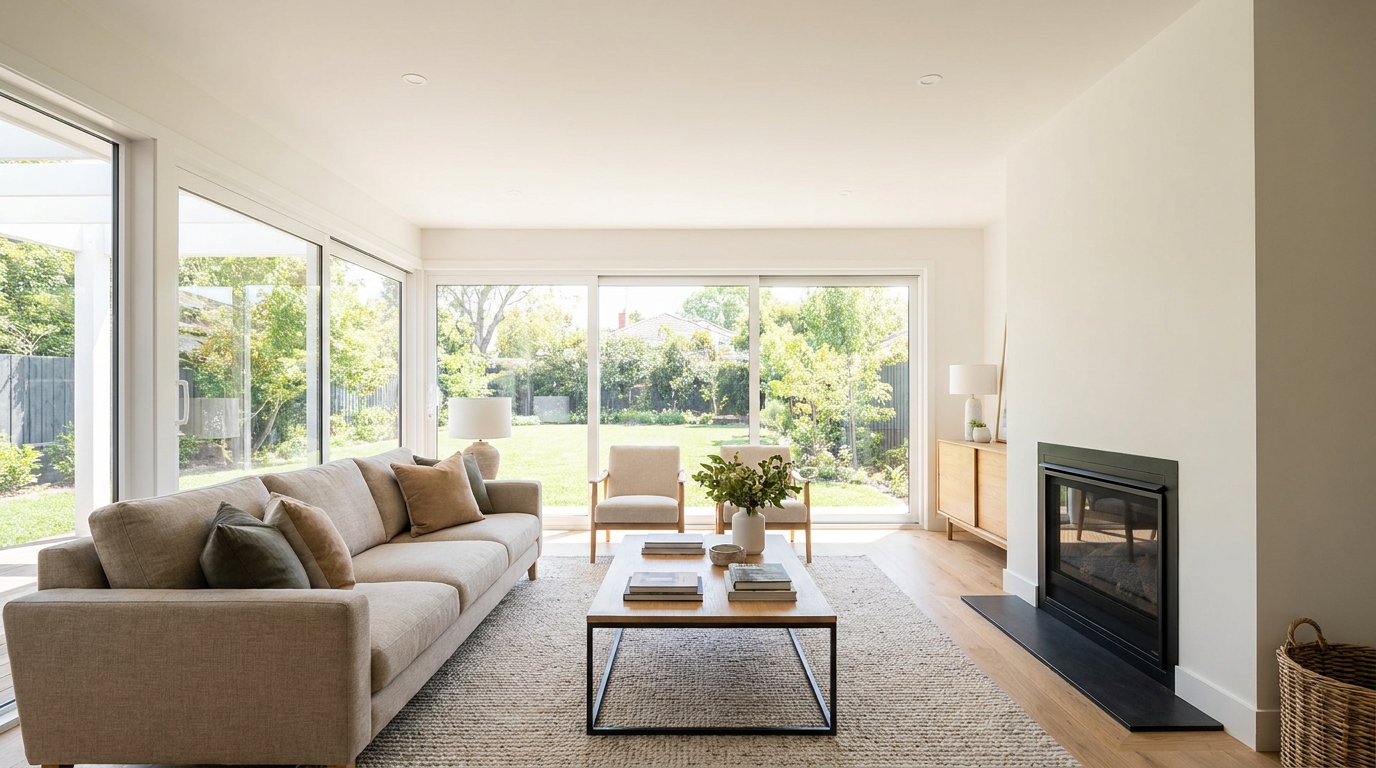
Brighten dark corners for a more even, open, and naturally lit image.
Try This Tool →Explore additional presets to elevate your real estate photography and listing presentation.
AI image-to-video generation for turning home, room, and property photos into more vivid presentation videos.
02AI exterior renovation for visualizing facade updates, curb appeal improvements, and home exterior remodel ideas.
03AI landscaping design for exploring outdoor concepts, curb appeal upgrades, planting ideas, and yard layout directions.
04AI virtual staging for furnishing empty rooms and creating listing-ready interiors for real estate marketing.
05Free AI image generation for turning text prompts into unlimited visual ideas for home design, interiors, landscaping, renovation
06AI object removal for cleaning up distracting items from room, home, and property photos.
Transform your raw 360-degree panoramic photos into bright, balanced, and highly immersive virtual tours that captivate buyers.