
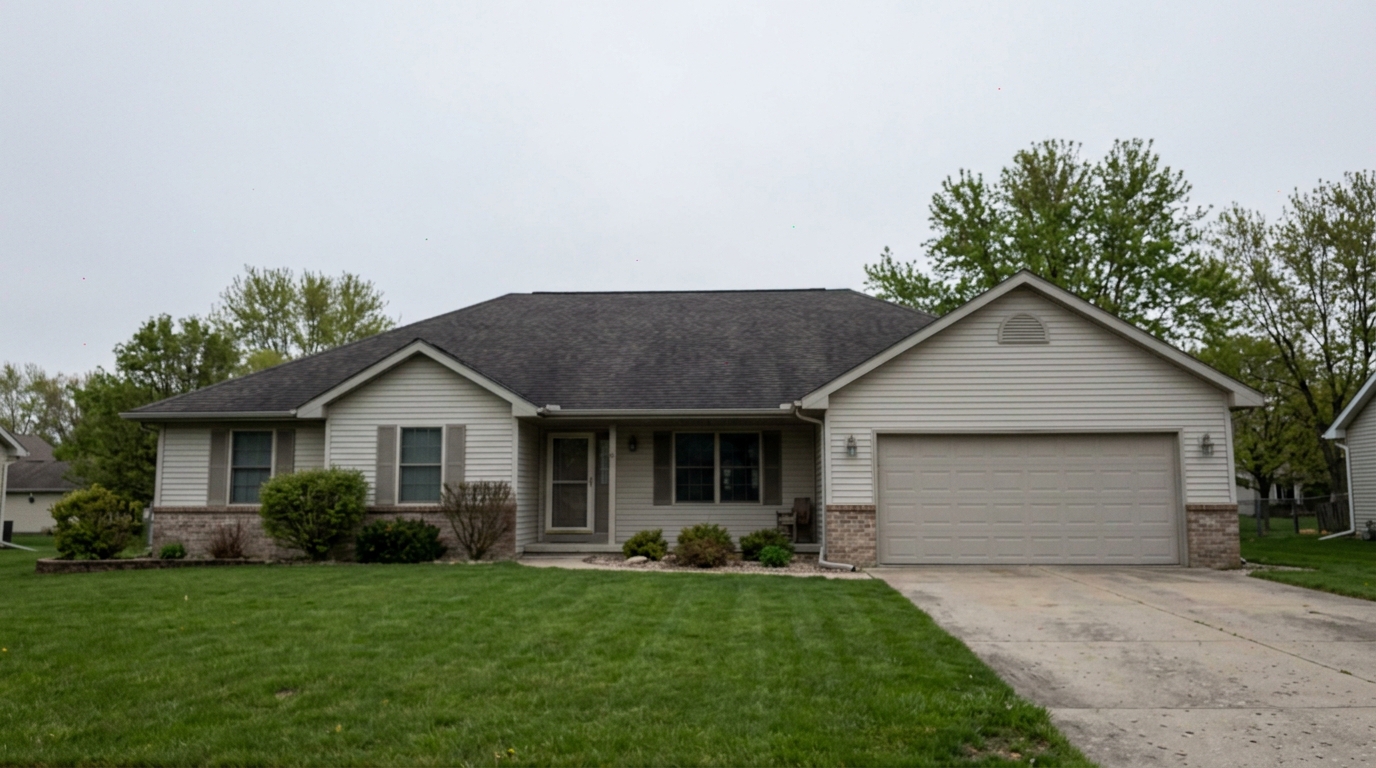
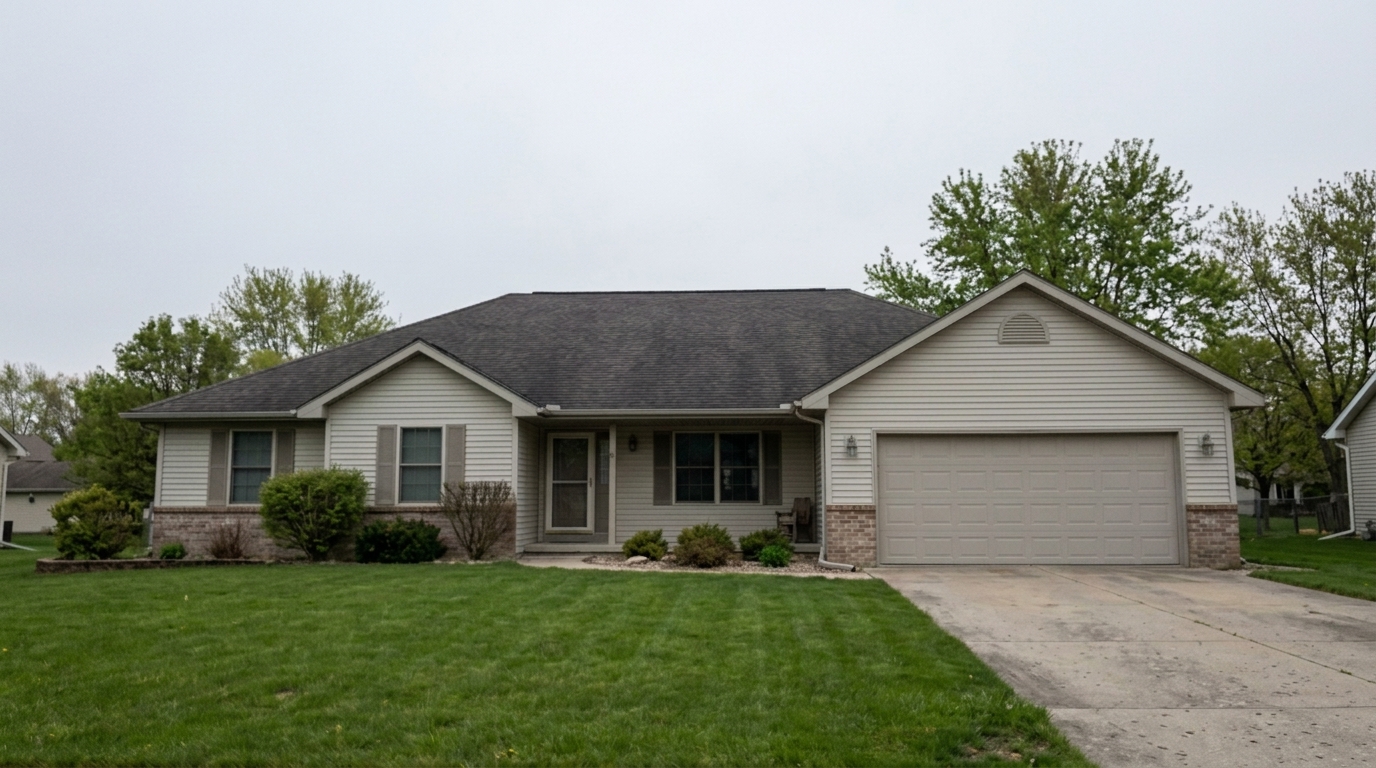

Overcast Exterior Sky Grain
Reduce digital grain and color speckles in the same daylight or overcast exterior photo sky, roof shadows, siding shadows, lawn.
Instantly remove low-light grain and digital noise. Preserve sharp architectural details, textures, and natural finishes for professional listings.
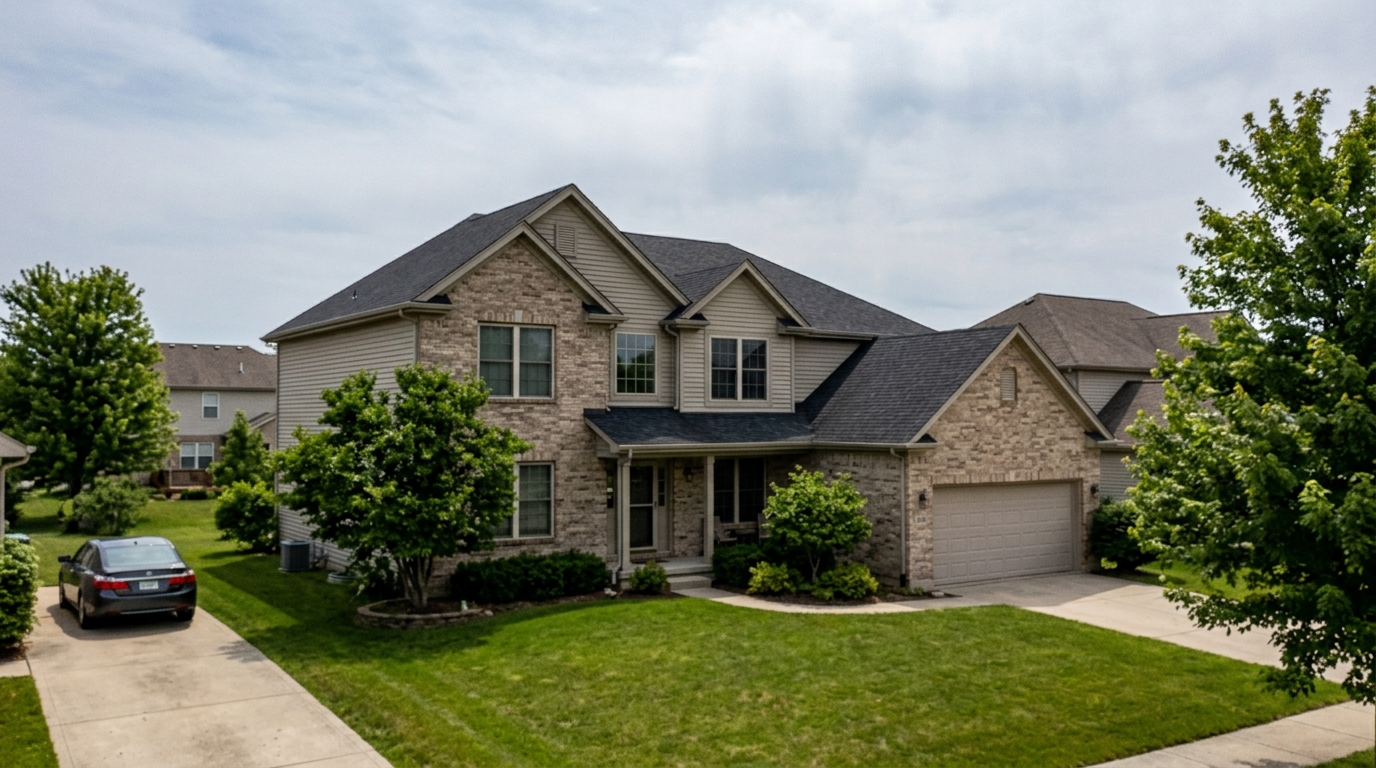
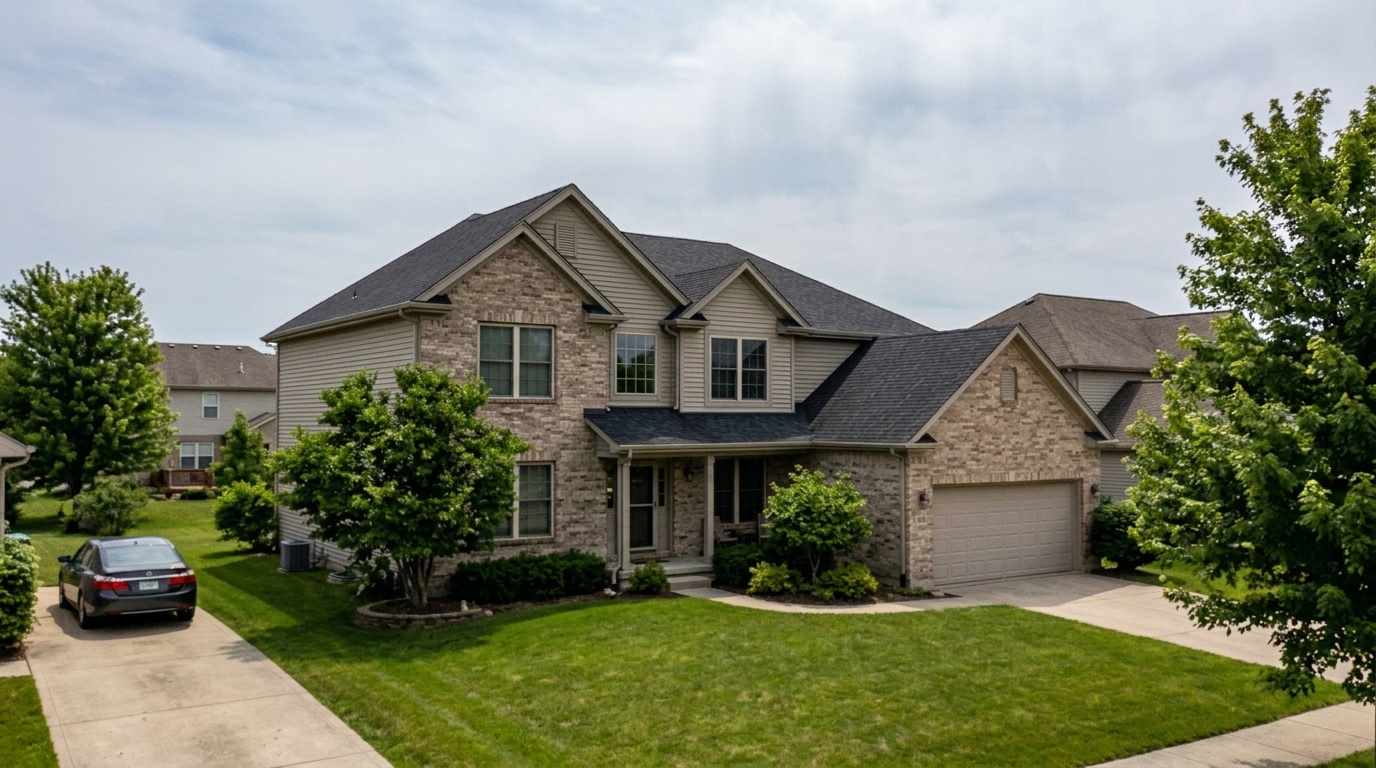
Compare before and after results to see how our tool cleans up dark shadows and high-ISO grain.
Reduce digital grain and color speckles in the same daylight or overcast exterior photo sky, roof shadows, siding shadows, lawn.
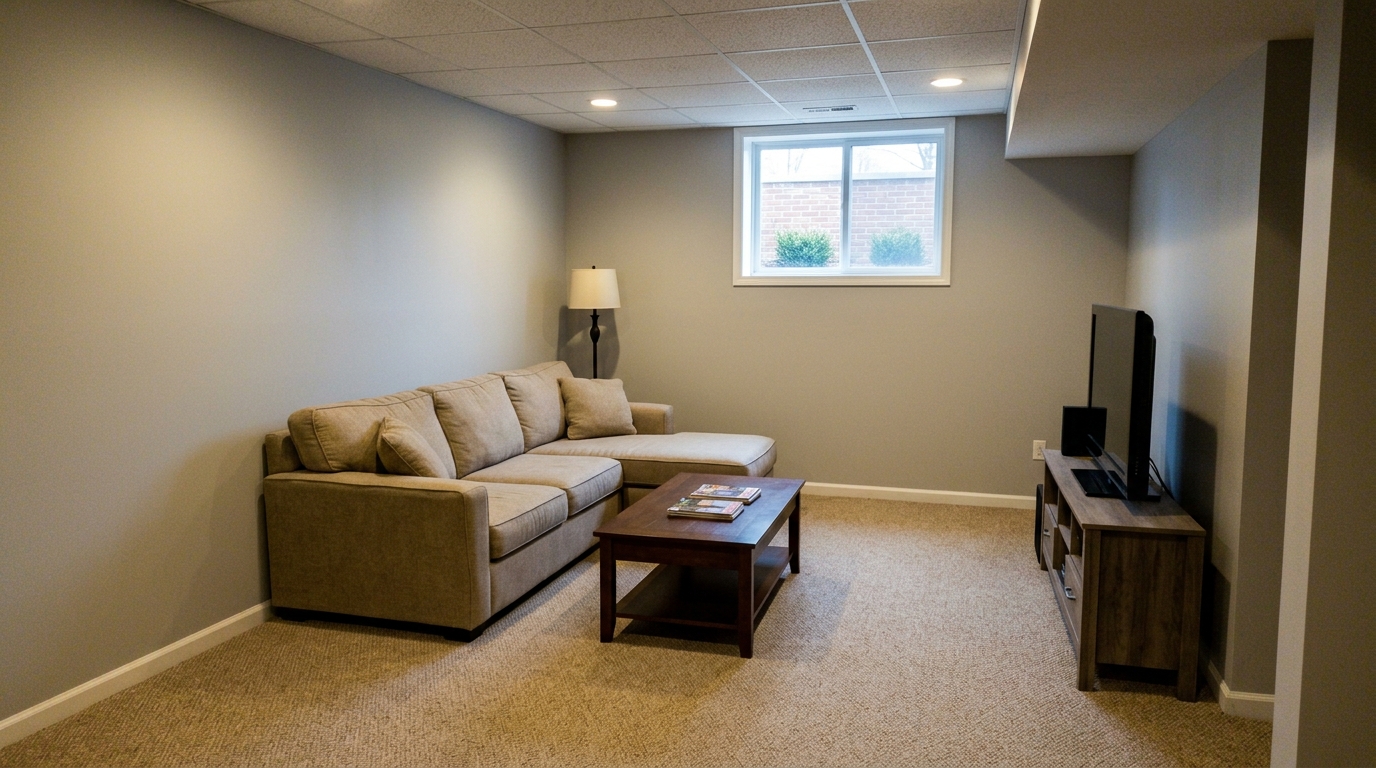
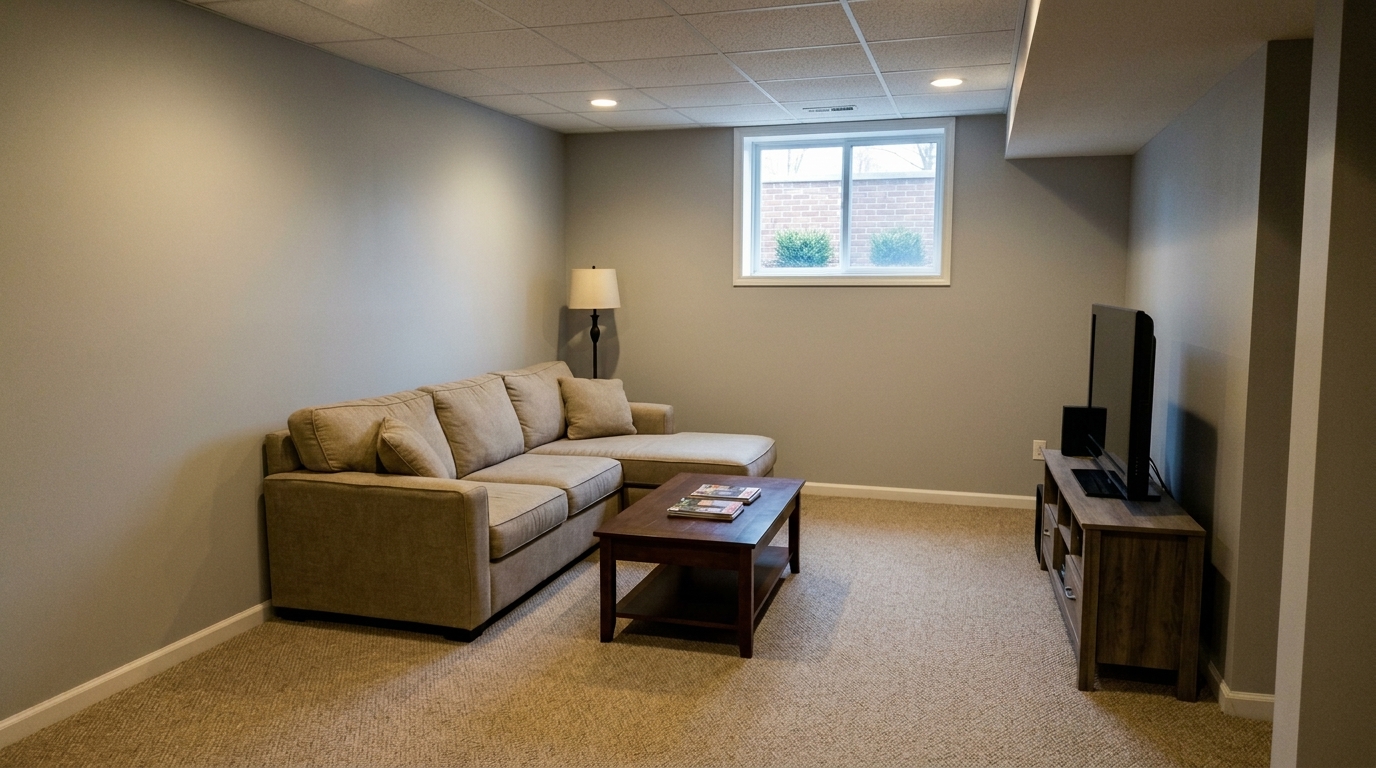
Reduce low-light grain in the same basement living room, especially on dark painted walls, carpet, ceiling, and corners.
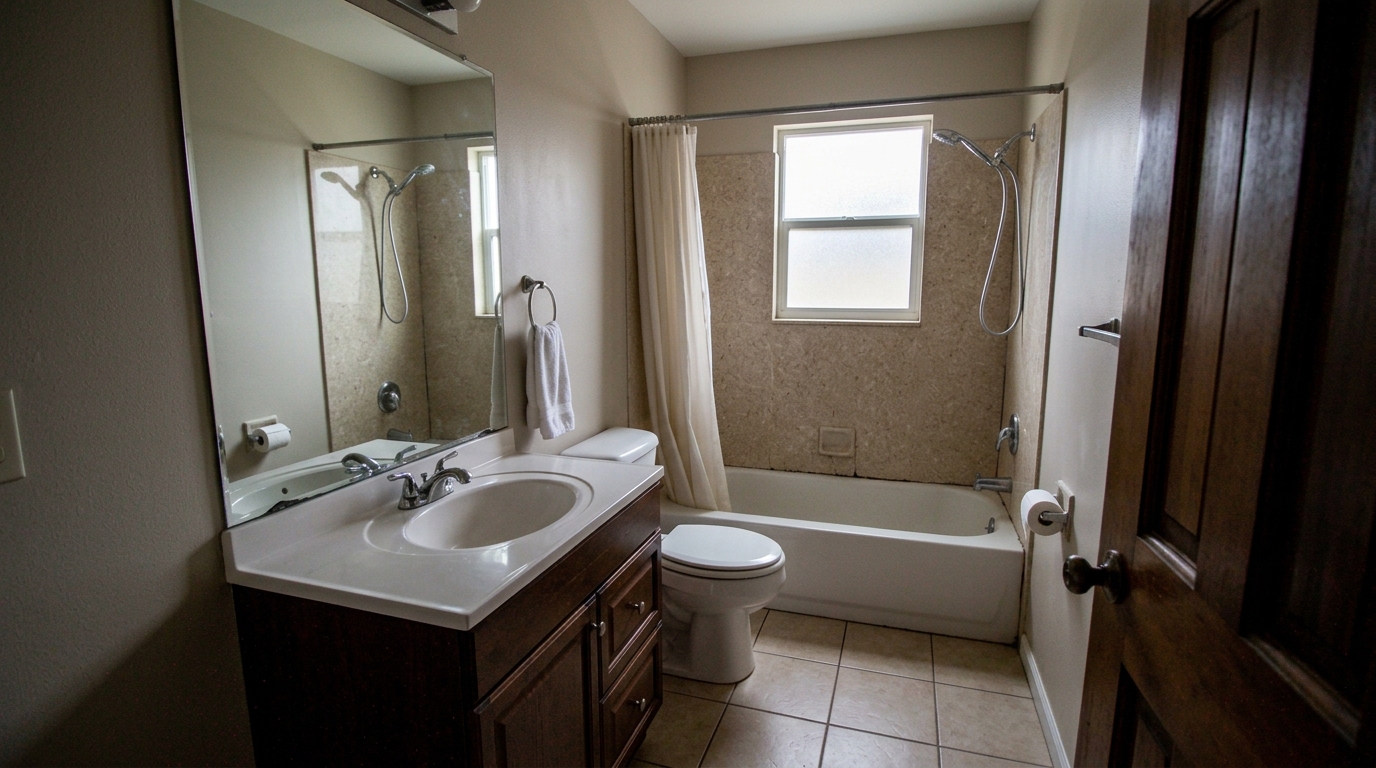
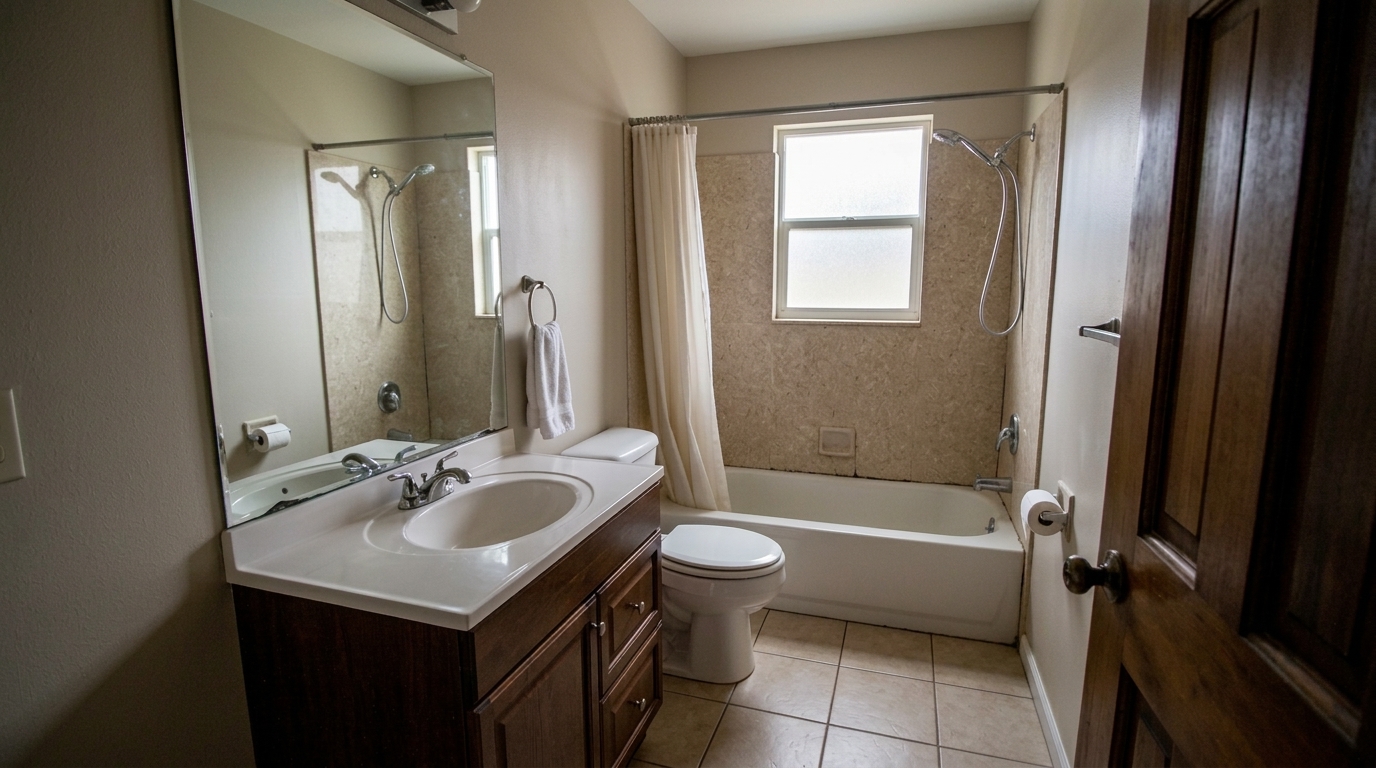
Reduce red and green color noise speckles in the same bathroom corners, door shadows, tile shadows, mirror edges, and fixture.
Discover how our AI-powered noise reduction engine targets grain without sacrificing image sharpness.
Removes distracting digital grain while keeping architectural lines, wood grain, and stone textures sharp.
Specifically cleans up dark corners and deep shadows where digital noise is most prominent.
Smooths out heavy color and luminance noise caused by shooting in low-light conditions.
Prevents the blurry, washed-out look of traditional denoisers by locking onto structural boundaries.
Apply noise reduction to an entire gallery of twilight or interior shots simultaneously for a cohesive look.
Maintains a realistic, professional look without over-smoothing, ensuring the home looks authentic.
See how real estate professionals use denoising to salvage low-light shots and twilight photography.
Clean up sky and shadow noise in high-value twilight marketing photos.
ExteriorsDenoise basement, bathroom, or hallway photos shot without professional lighting.
InteriorsRestore clarity to photos taken on older cameras or mobile devices in low light.
PhotographySmooth out grain in 360-degree panoramic captures before publishing virtual tours.
Virtual ToursEnsure close-up shots of high-end finishes and fixtures remain crisp and noise-free.
DetailsFix the artificial noise and grain often introduced during aggressive HDR merging.
EditingFollow three simple steps to eliminate digital grain and restore crisp, clear details.
Upload your low-light or high-ISO real estate photo directly to the Idealhouse editor.
Select the Noise Reduction preset to automatically analyze and target digital grain.
Preview the crisp, noise-free result and download your listing-ready photo instantly.
Source-backed context for why noise reduction edits matter inside image quality & correction workflows.
Noise Reduction within Image Quality & Correction evidence
Photos are one of the most valuable website features for home buyers; NAR's 2025 generational trends report says 83% of internet-using buyers rated photos as very useful. For Noise Reduction pages, this supports showing how a focused Image Quality & Correction edit can make the listing photo feel clearer, more polished, and easier for buyers to evaluate.
Source: NAR 2025Noise Reduction within Image Quality & Correction evidence
Zillow Research's 2025 prospective buyer report ranked high-resolution photos as the number two most important listing feature, selected by 26% of prospective buyers; floor plans ranked first at 33%. For Noise Reduction pages, this supports showing how a focused Image Quality & Correction edit can make the listing photo feel clearer, more polished, and easier for buyers to evaluate.
Source: Zillow 2025Noise Reduction within Image Quality & Correction evidence
Redfin reported that professionally photographed homes in the $400,000 range sold three weeks faster and for more than $10,000 relative to list price compared with amateur photos. Use this as supporting context, not as a guaranteed result. For Noise Reduction pages, this supports showing how a focused Image Quality & Correction edit can make the listing photo feel clearer, more polished, and easier for buyers to evaluate.
Source: RedfinDigital noise can make even the most beautiful properties look unpolished and unprofessional. Learn how to use AI-powered noise reduction to salvage low-light shots and elevate your listing presentation.
In real estate marketing, image quality directly correlates with buyer perception. Digital noise—visible as grainy speckles or colored artifacts in shadows and skies—distracts viewers and makes photos look amateurish. It often occurs during twilight shoots or in rooms with limited natural light, where cameras must use high ISO settings. Removing this grain restores a sense of luxury, cleanliness, and professionalism to your listings, ensuring that buyers focus on the home's features rather than photo defects.
Choosing the right image correction tool is essential for maintaining a natural look. Use the Noise Reduction preset specifically when your photos suffer from digital grain or color speckles caused by high ISO settings in low-light environments, such as twilight exteriors or dimly lit basements. Do not use it if your image is simply blurry; in that case, opt for AI Photo Sharpening to restore edge definition. If your photo has blocky, pixelated distortions from low-quality web saving, use the Compression Artifact Fix instead. For standard daylight photos that just need balanced exposure and color correction, the comprehensive Real Estate Photo Editing preset is your best starting point. Combining these tools in your workflow—such as running Noise Reduction first to clean the canvas, followed by AI Photo Sharpening—ensures your listings look sharp, clean, and professional without looking over-processed.
To get the best results, start by uploading your original, uncompressed images. Apply the Noise Reduction preset first to establish a clean, grain-free foundation. Once the noise is removed, evaluate the image's sharpness; if needed, apply a subtle touch of AI Photo Sharpening to make architectural lines pop. Finally, ensure the image is cropped and leveled using Image Quality Correction before exporting. This structured workflow prevents you from sharpening digital noise, resulting in a much cleaner final image.
While AI noise reduction is an incredibly powerful safety net, minimizing noise during capture is always ideal. Use a sturdy tripod to allow for lower shutter speeds, which lets you keep your ISO setting as low as possible (ideally ISO 100 to 400). When shooting twilight exteriors, capture your brackets quickly as the light changes. If you must shoot handheld or in extremely dark spaces where a high ISO is unavoidable, rest assured that our AI denoiser can clean up the resulting grain without sacrificing the structural integrity of the home.
Compare our specialized image correction tools to find the perfect fit for your property photos.
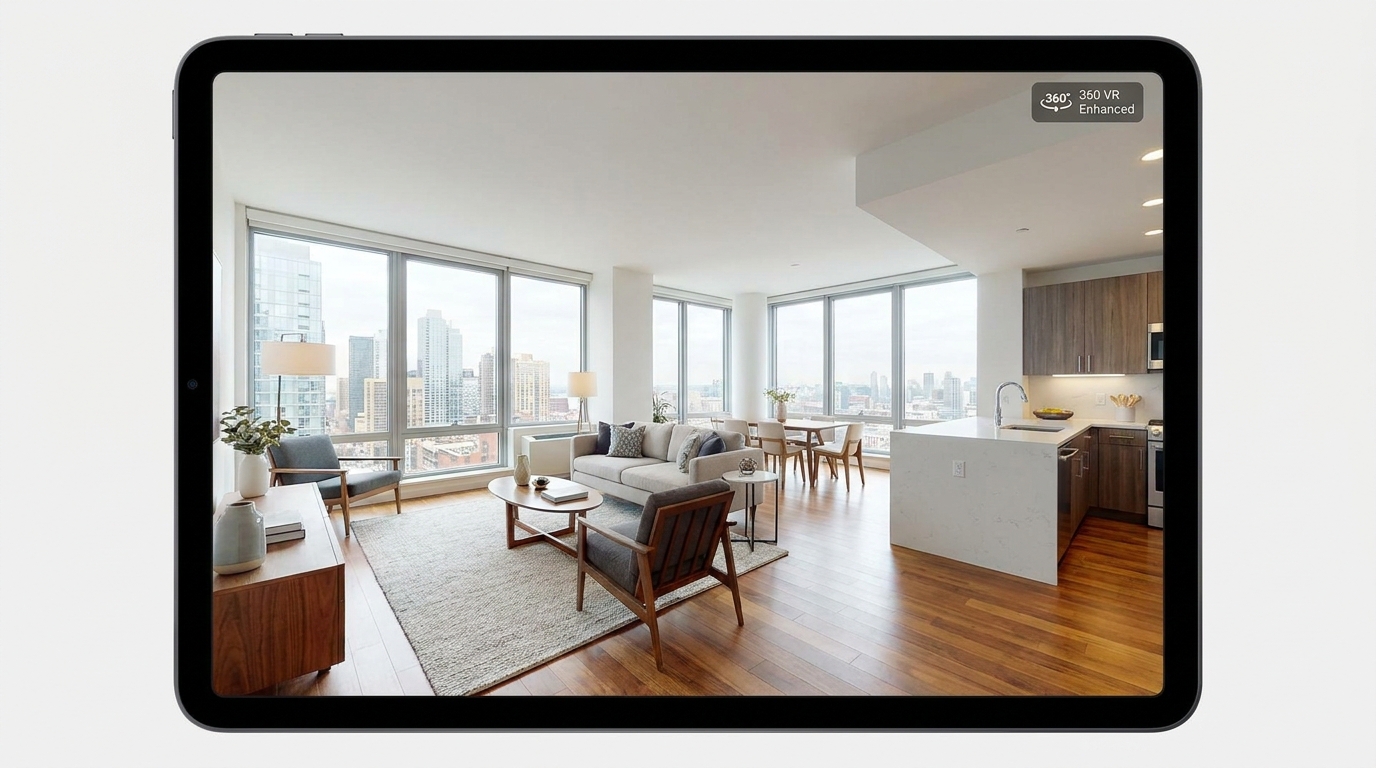
Cleaner, sharper 360 tour imagery with balanced light and a more immersive look.
Try This Tool →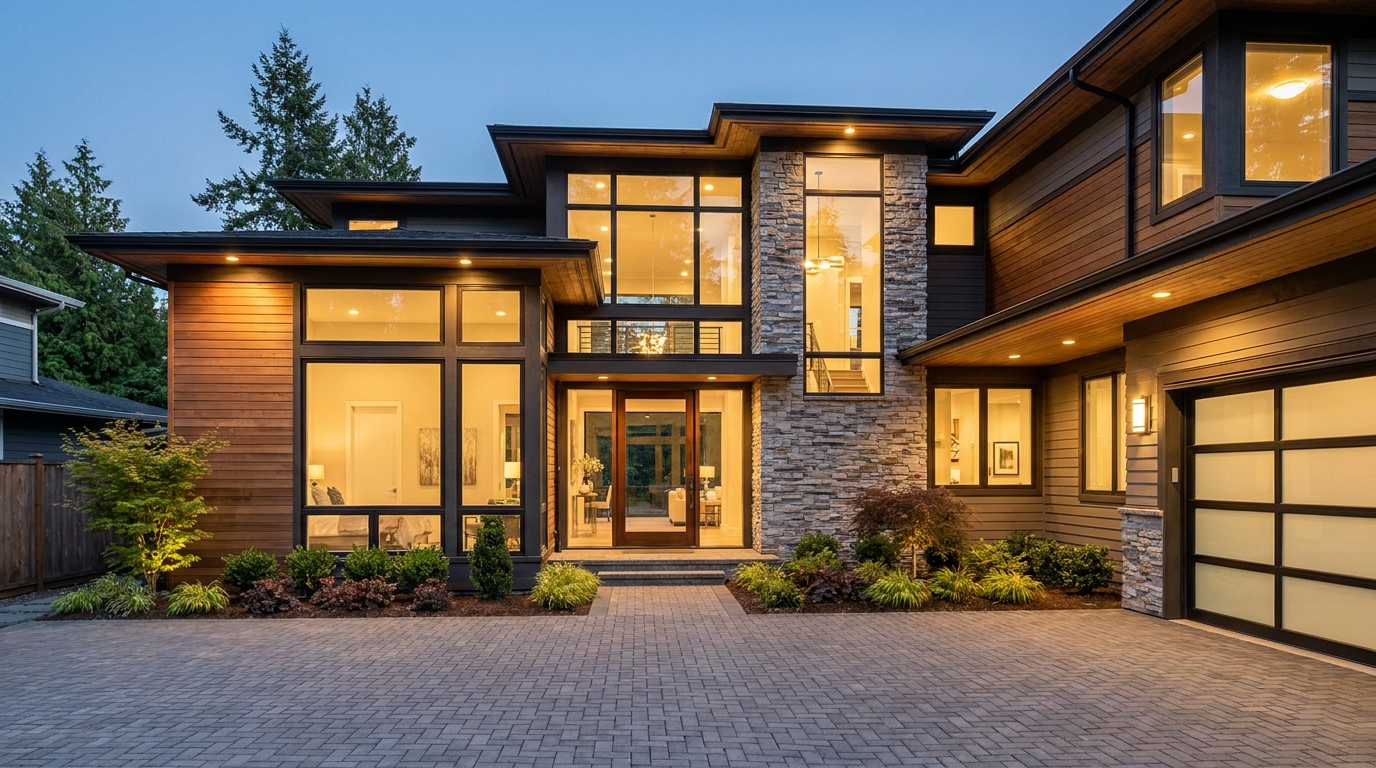
Boost edge definition and surface detail for crisper, more polished marketing images.
Try This Tool →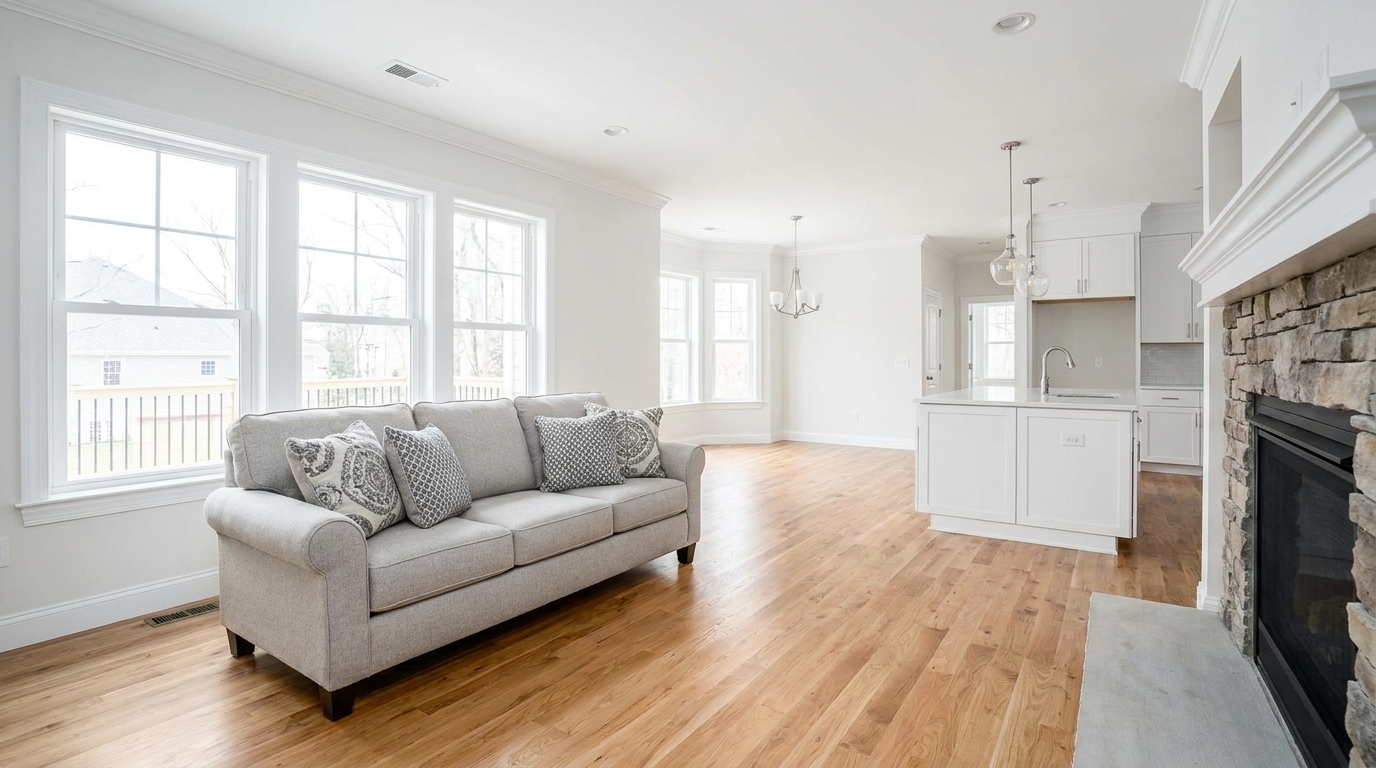
Consistent quality correction across every shot for a cohesive, listing-ready gallery.
Try This Tool →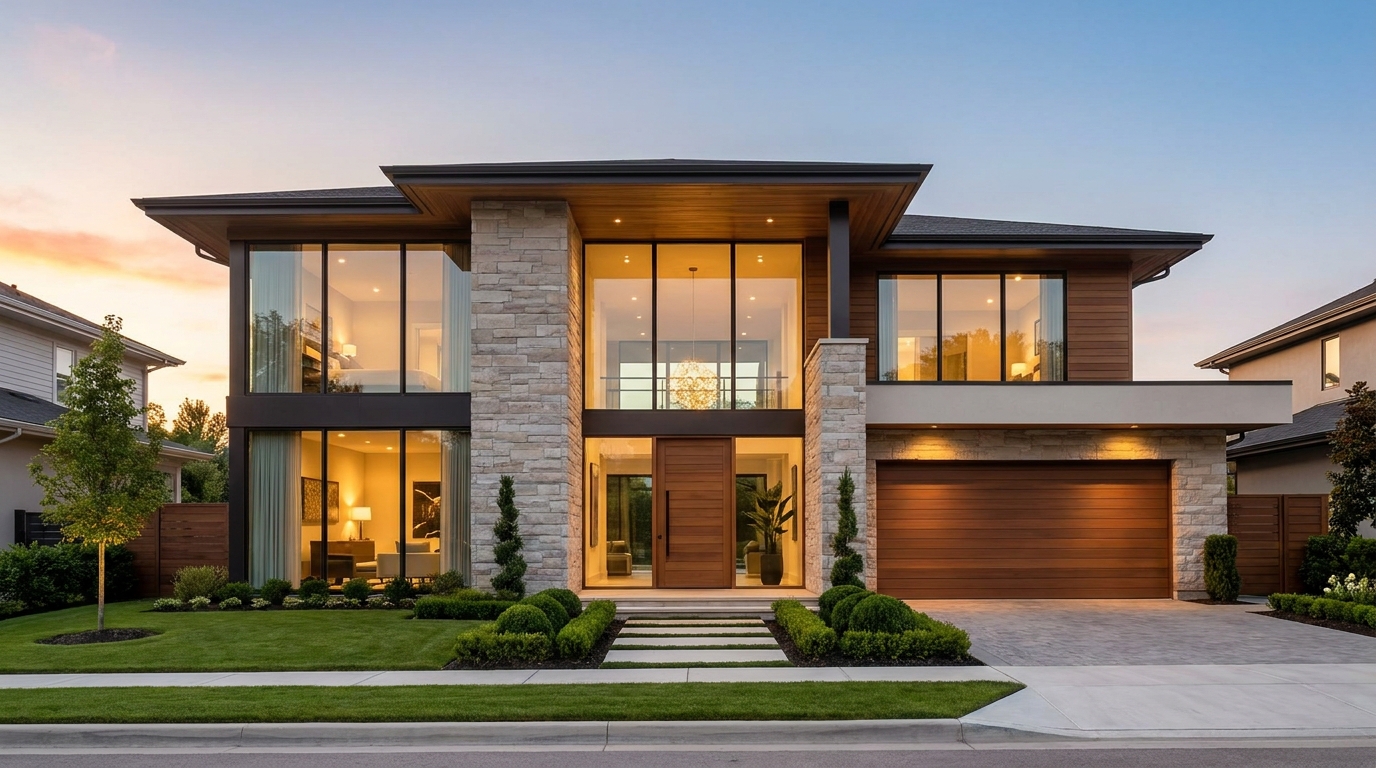
Remove blockiness and digital noise for smoother, more professional-looking photos.
Try This Tool →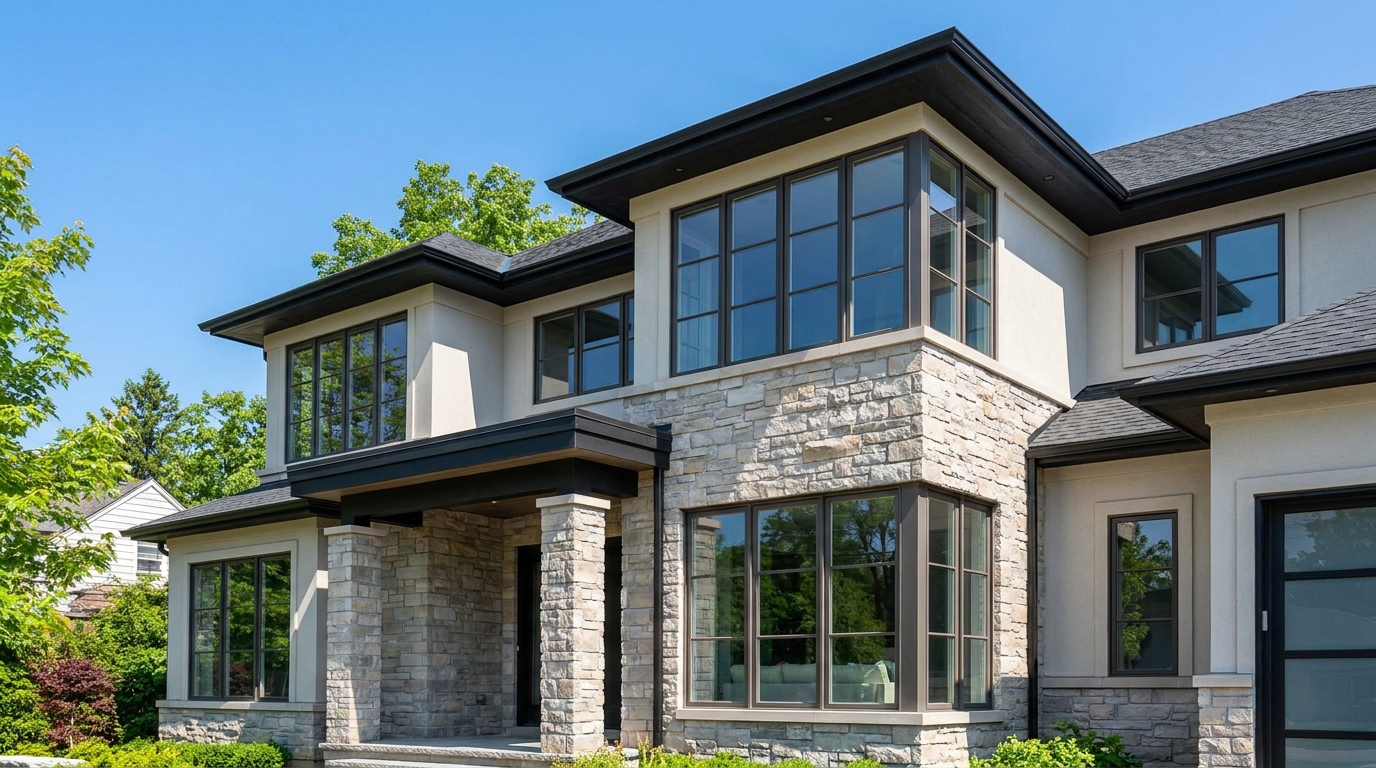
Eliminate color fringing along edges for a cleaner, higher-quality finish.
Try This Tool →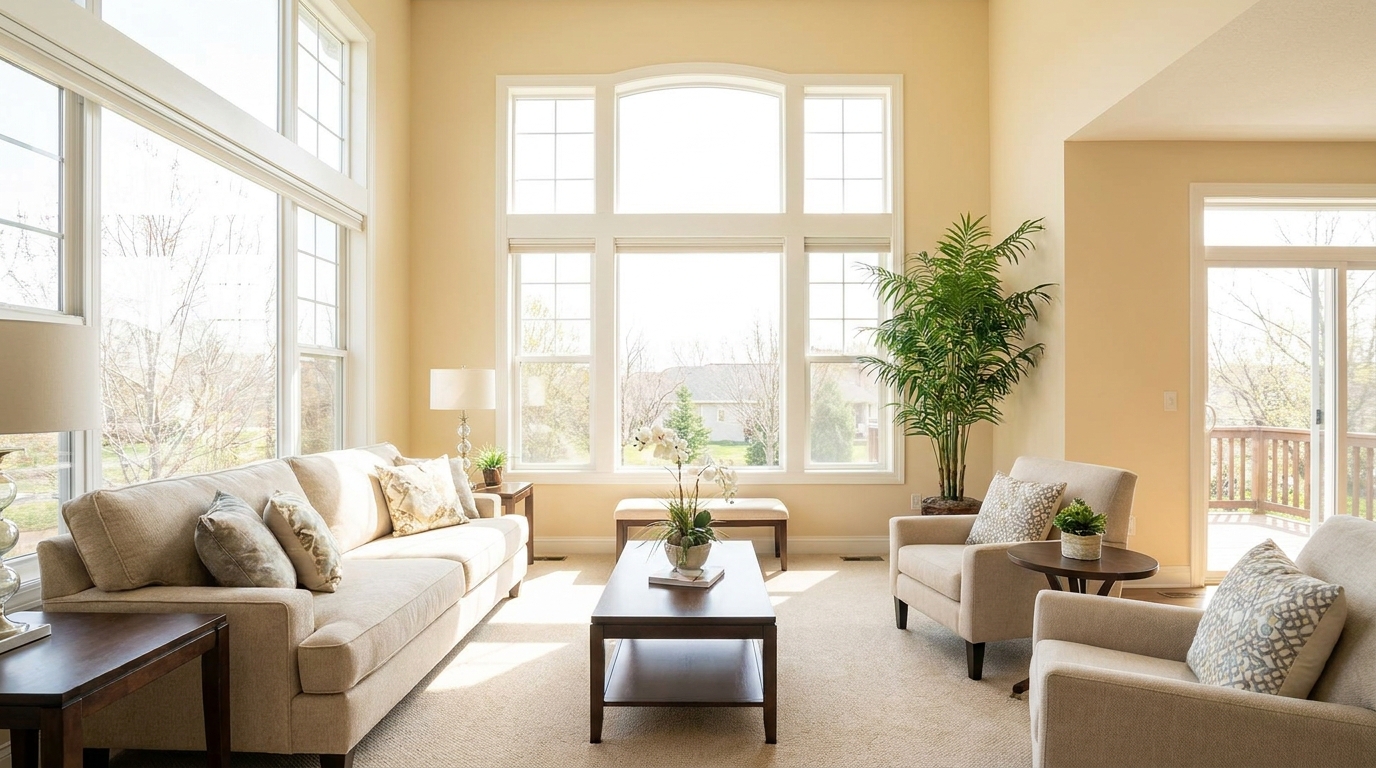
Brighten dark corners for a more even, open, and naturally lit image.
Try This Tool →Explore adjacent tools designed to elevate your property marketing and listing presentation.
AI image-to-video generation for turning home, room, and property photos into more vivid presentation videos.
02AI exterior renovation for visualizing facade updates, curb appeal improvements, and home exterior remodel ideas.
03AI landscaping design for exploring outdoor concepts, curb appeal upgrades, planting ideas, and yard layout directions.
04AI virtual staging for furnishing empty rooms and creating listing-ready interiors for real estate marketing.
05Free AI image generation for turning text prompts into unlimited visual ideas for home design, interiors, landscaping, renovation
06AI object removal for cleaning up distracting items from room, home, and property photos.
Don't let grainy, low-light photos turn buyers away. Use Idealhouse's AI Noise Reduction to deliver clean, professional, and high-impact property images instantly.