
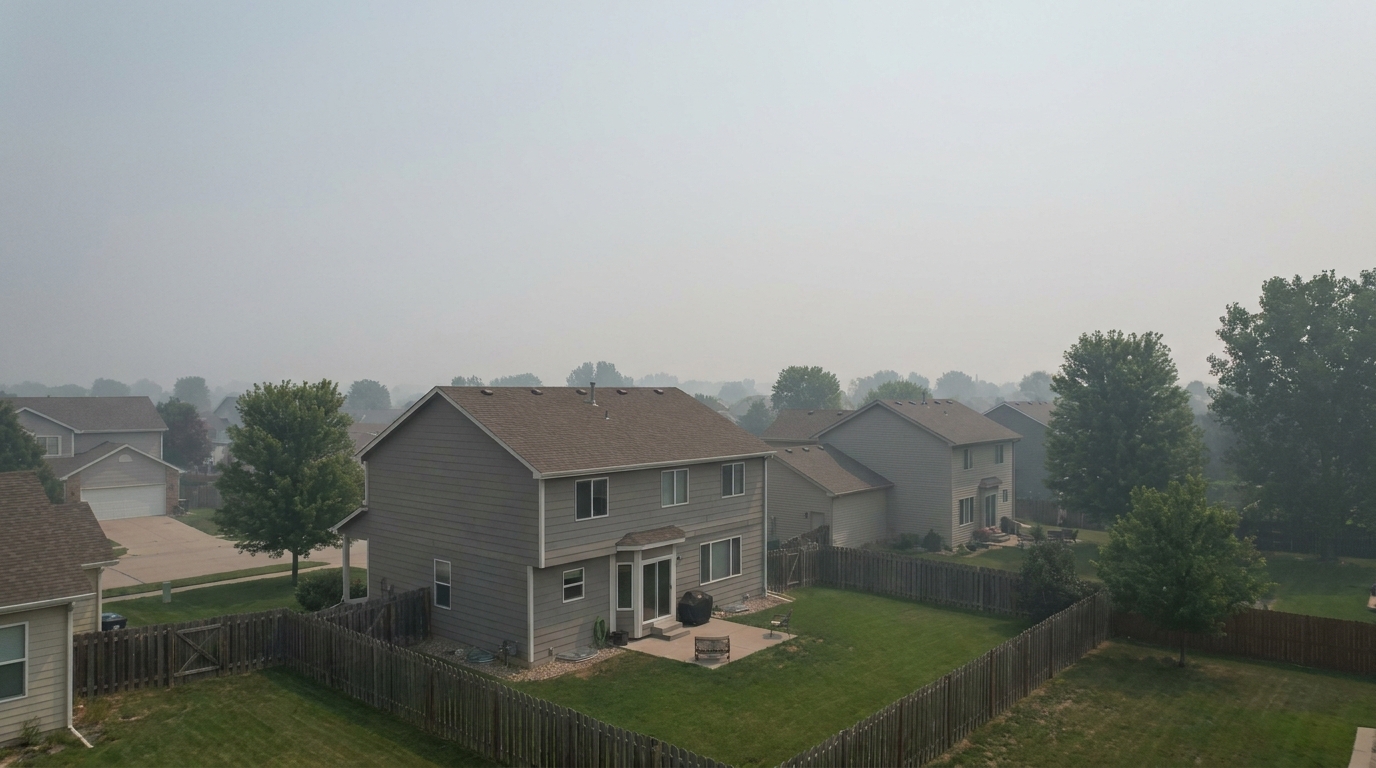
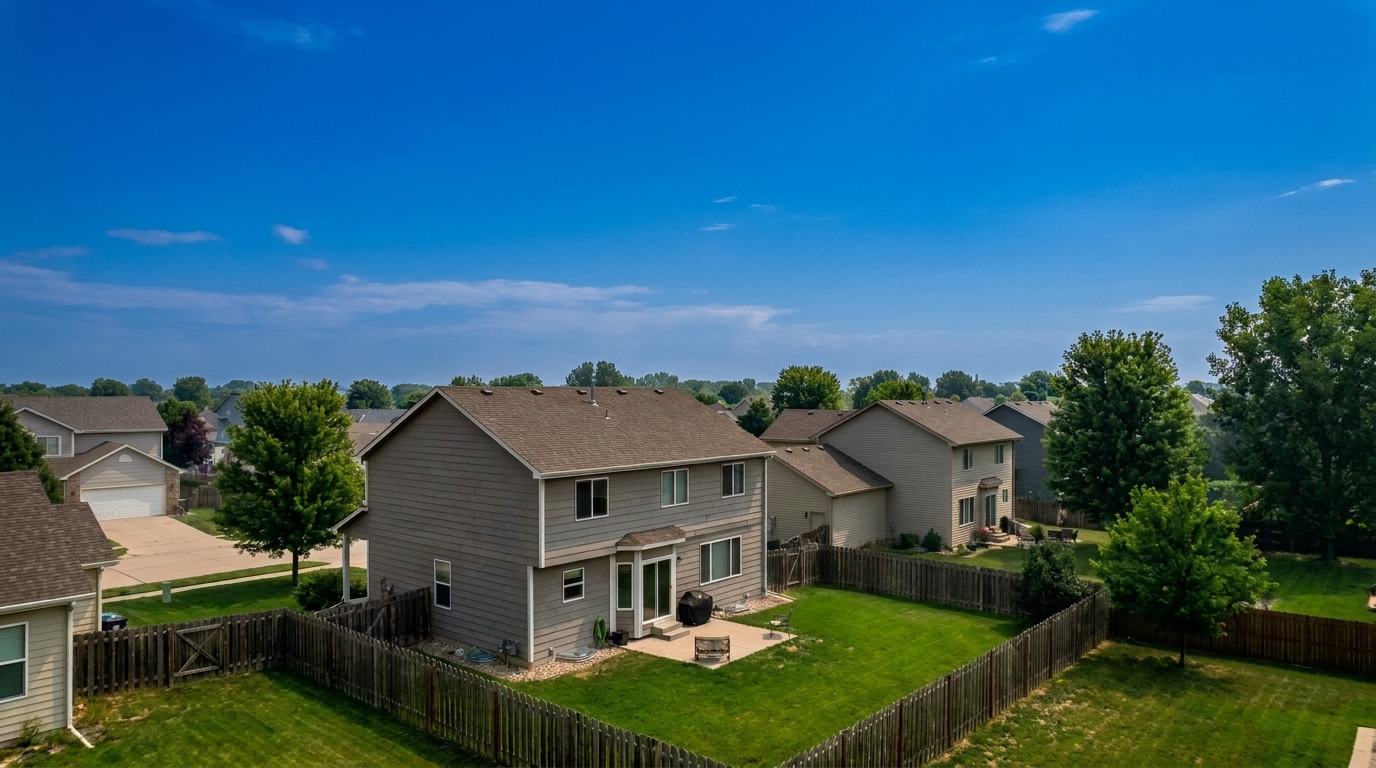

Suburban Lot Haze
Suburban Lot Haze updated with drone & aerial styling.
Transform flat aerial shots into stunning, high-contrast property showcases. Perfect lot lines, enhance natural colors, and elevate listing curb appeal instantly.
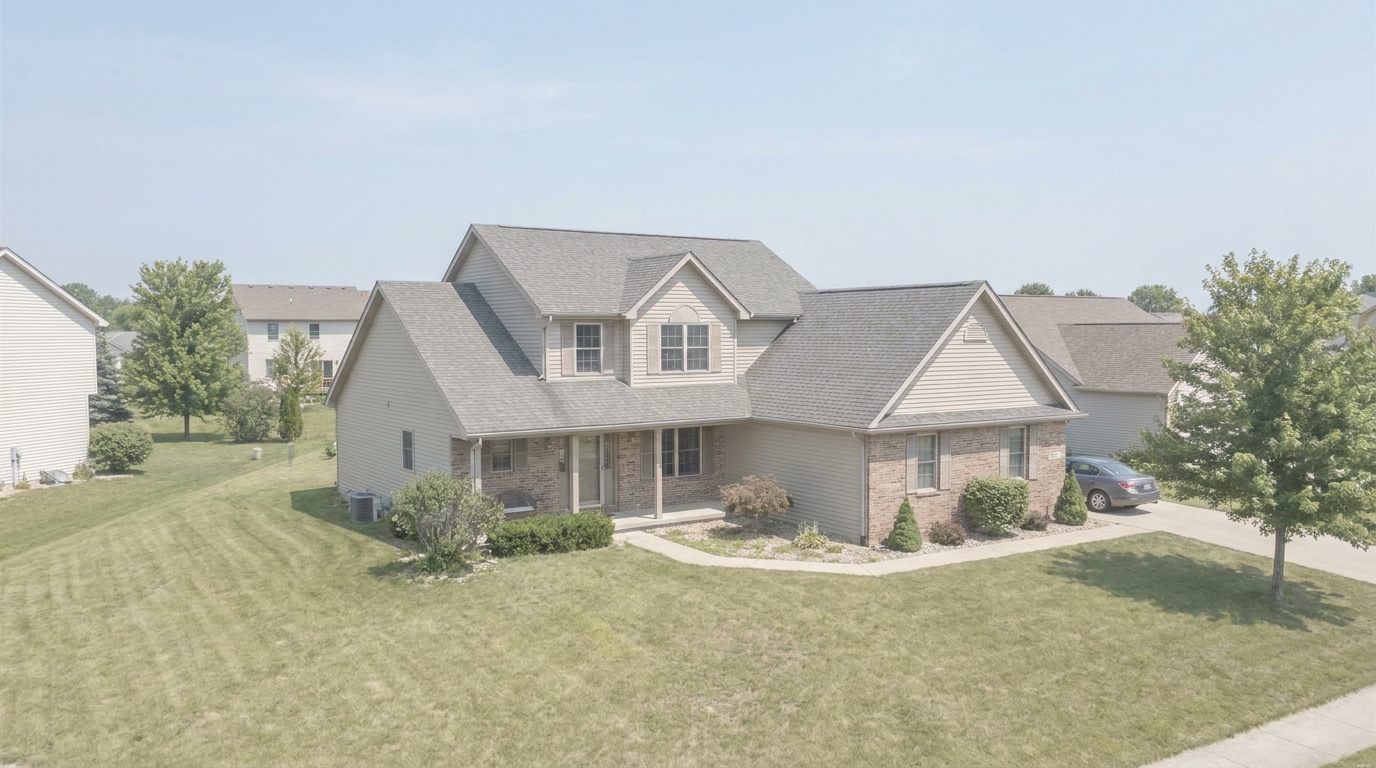
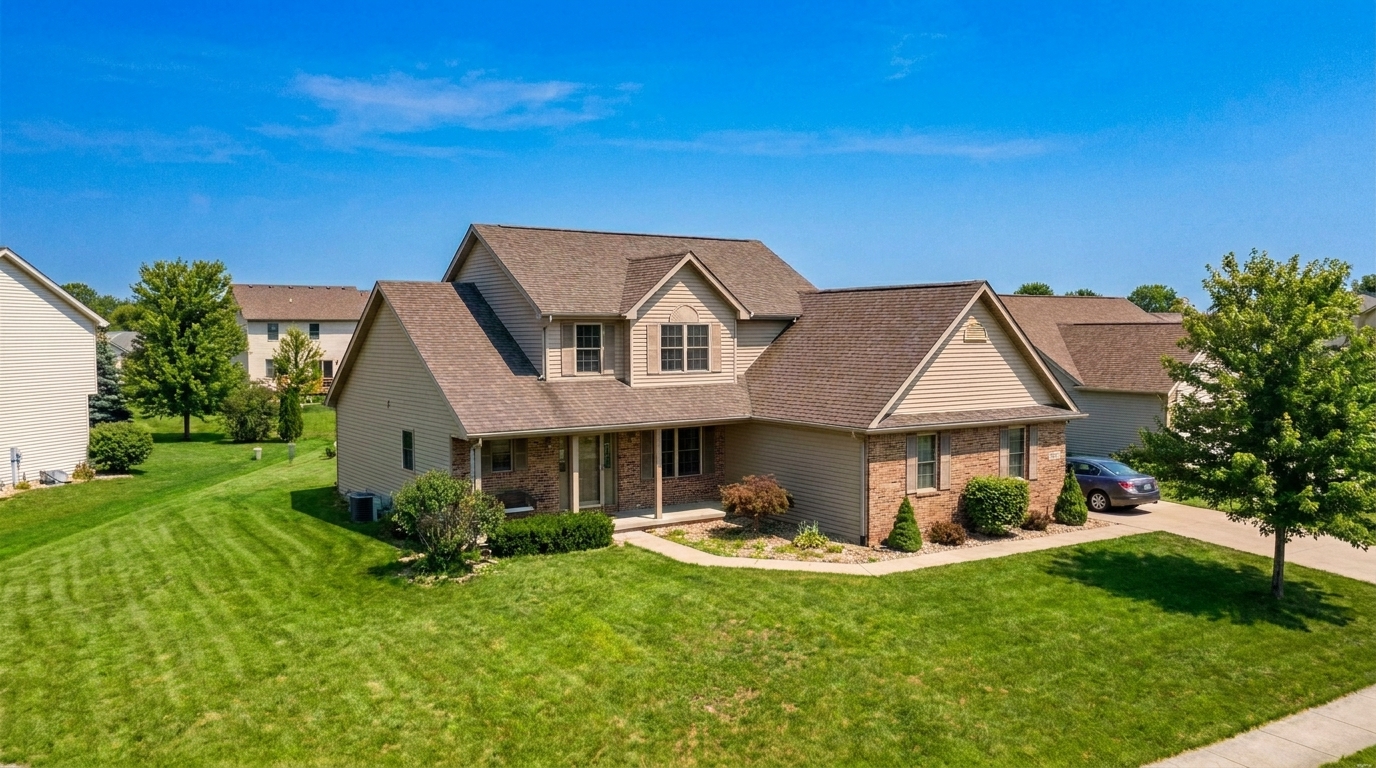
Compare raw aerial captures with our polished, market-ready listing results.
Suburban Lot Haze updated with drone & aerial styling.
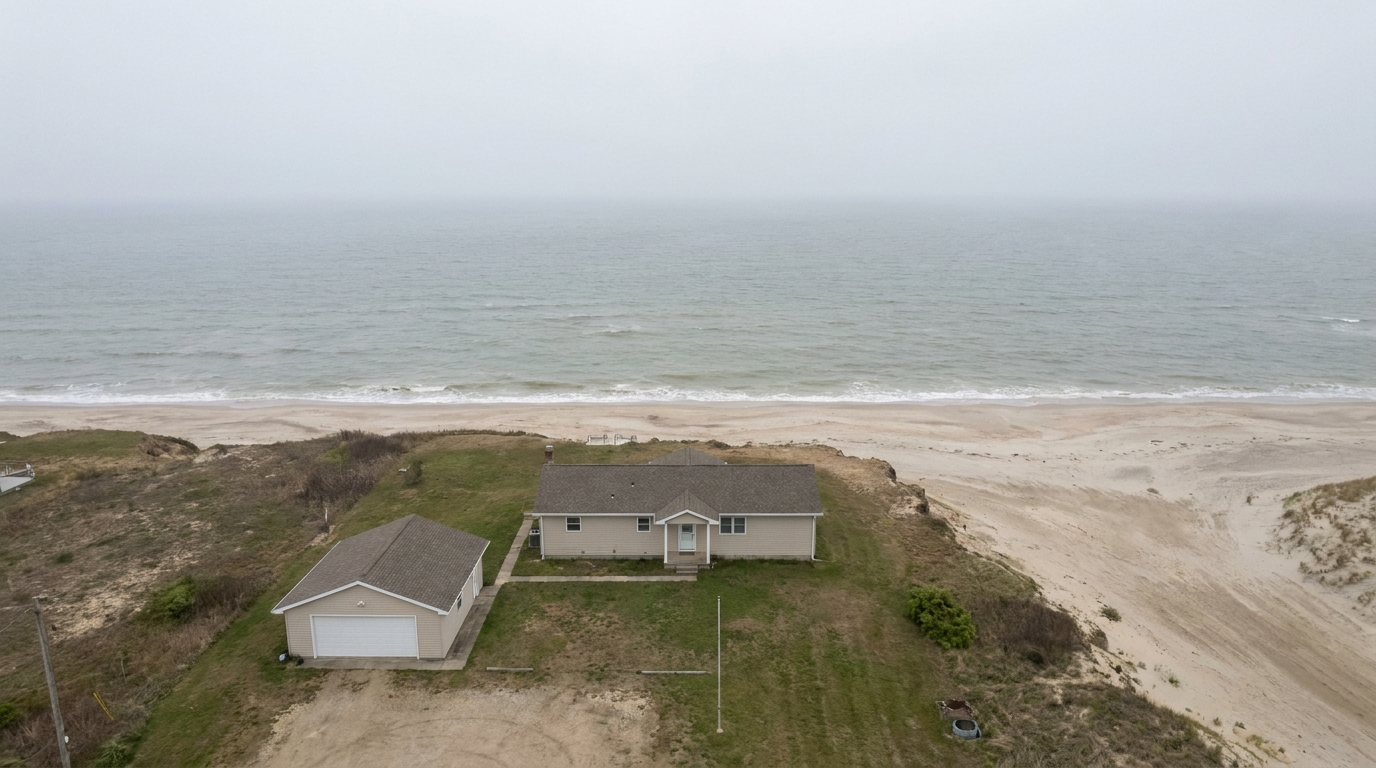
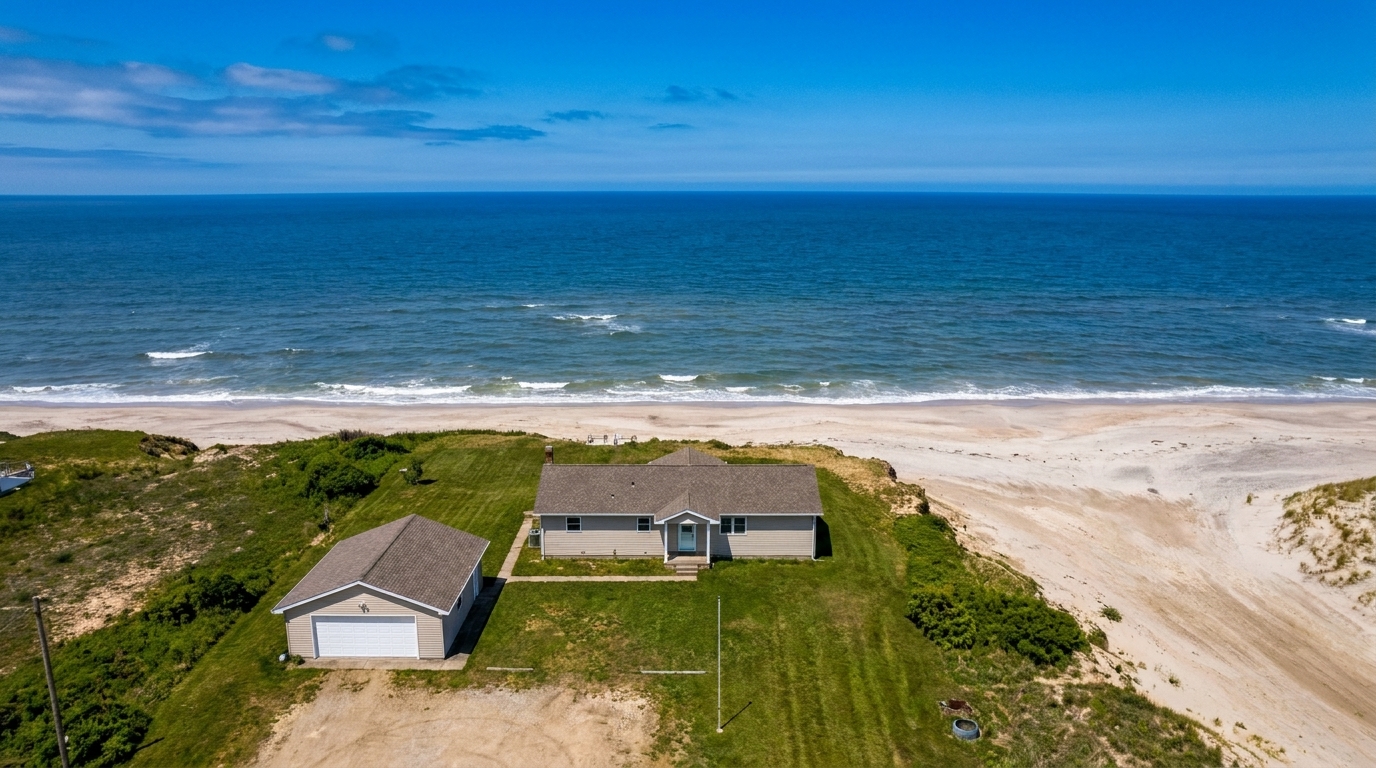
Dull Waterfront Estate updated with drone & aerial styling.
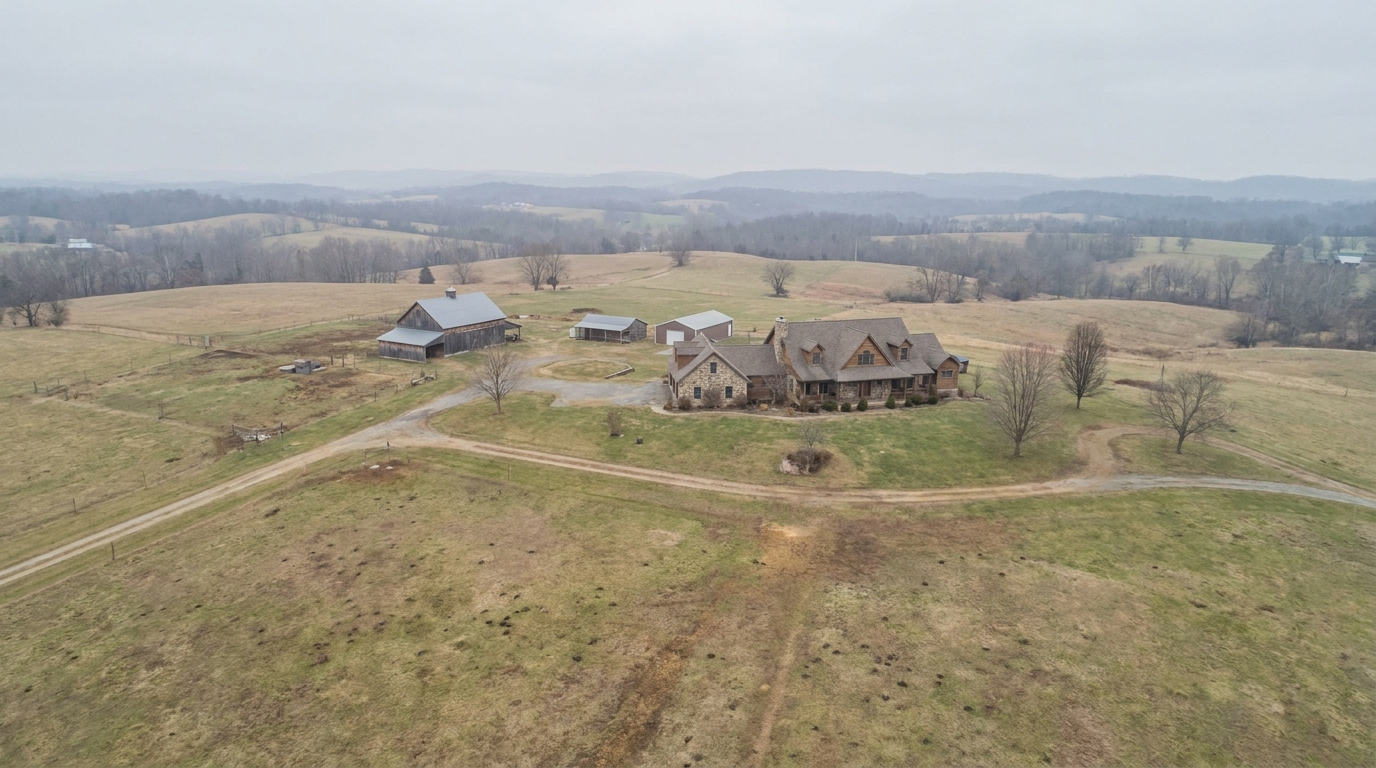
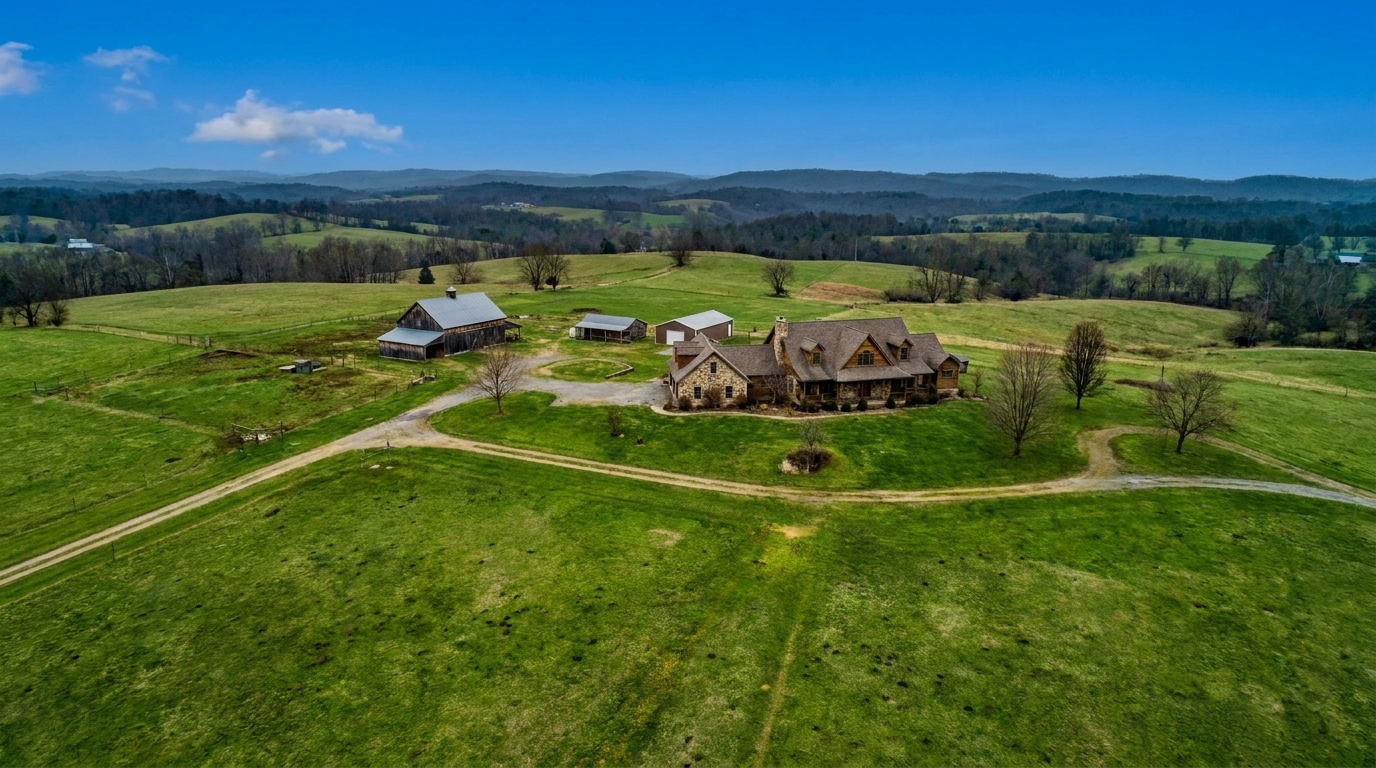
Overcast Acreage updated with drone & aerial styling.
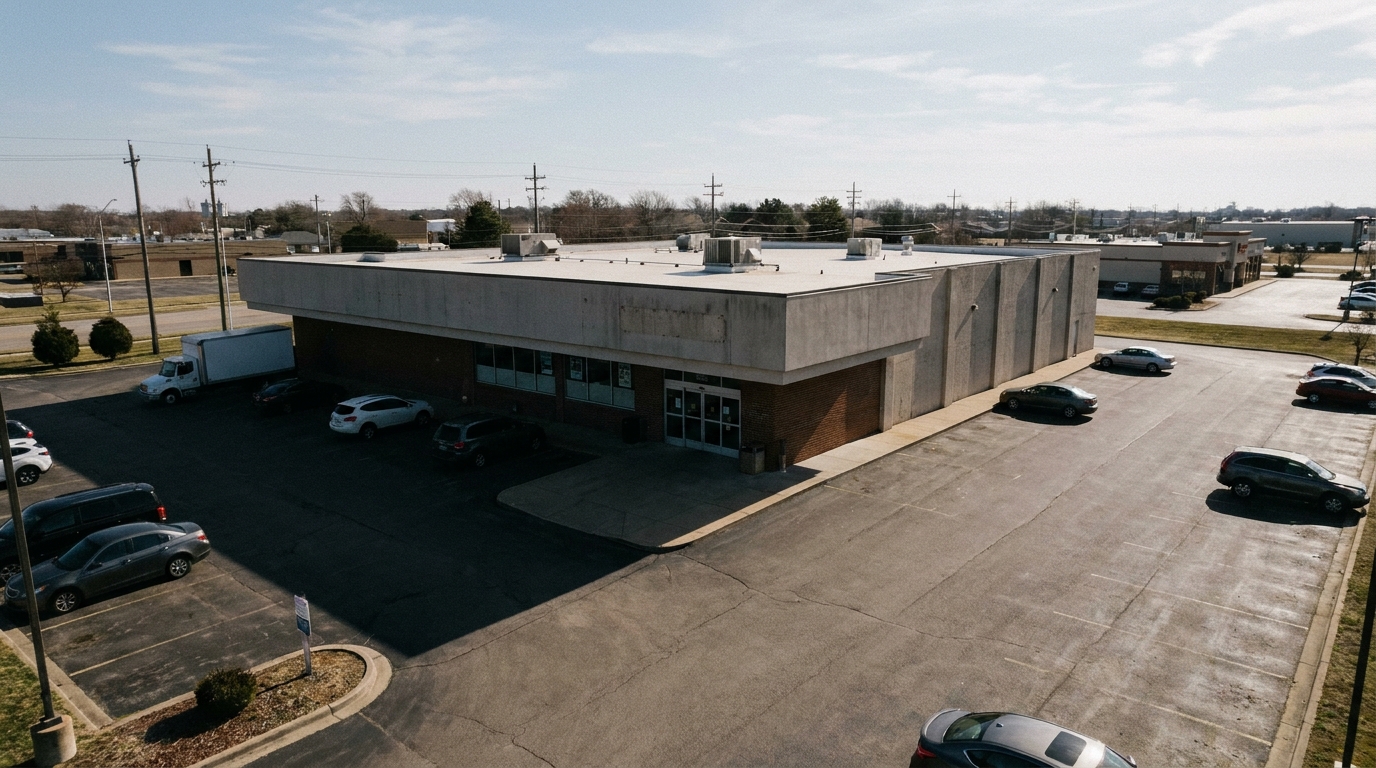
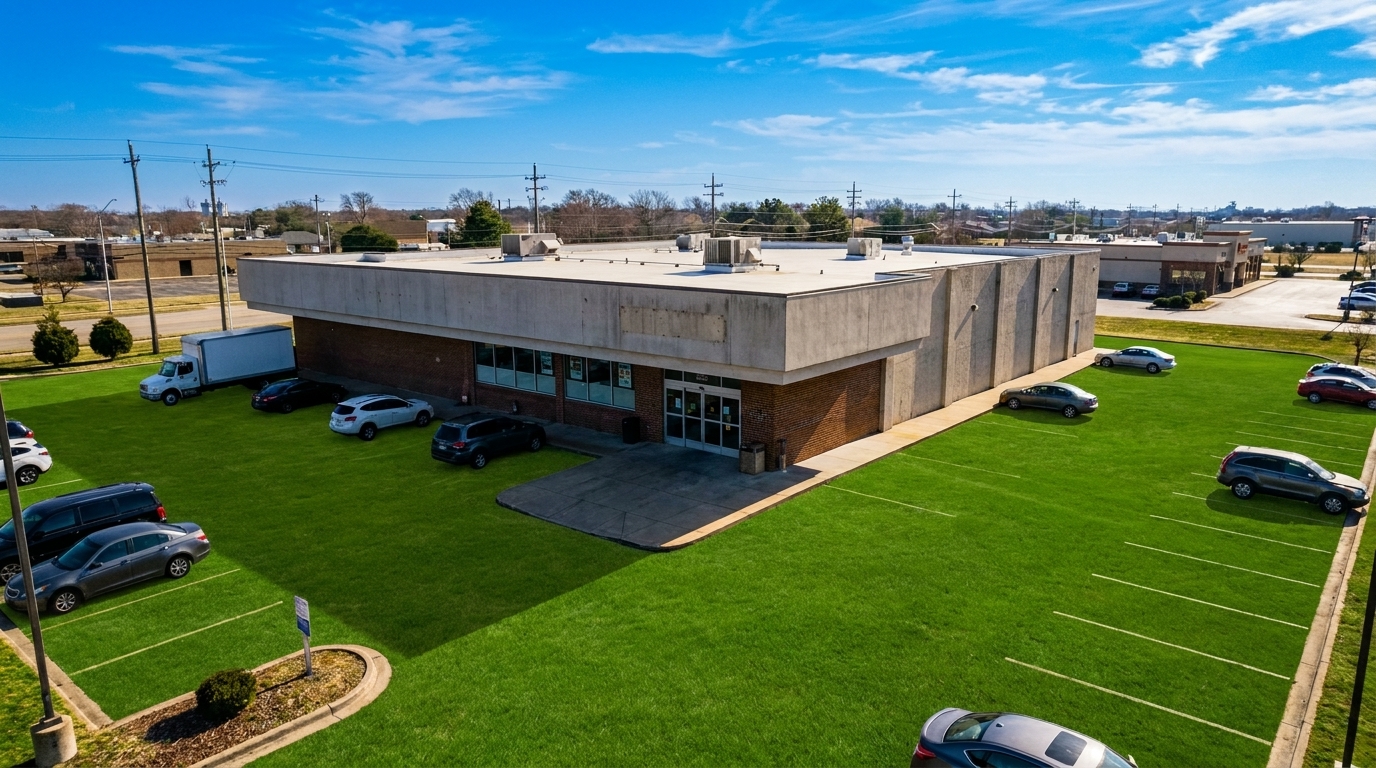
Shadow-Heavy Commercial Plaza updated with drone & aerial styling.
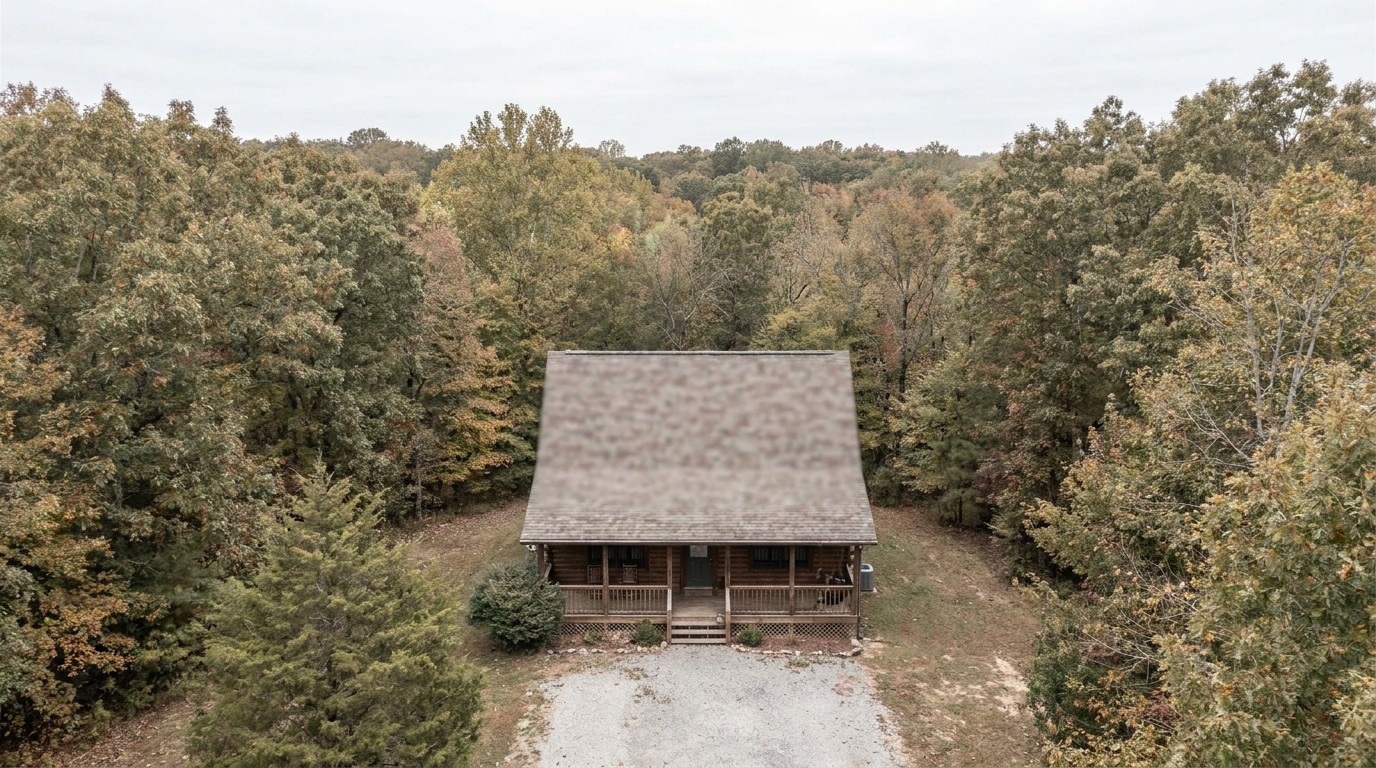
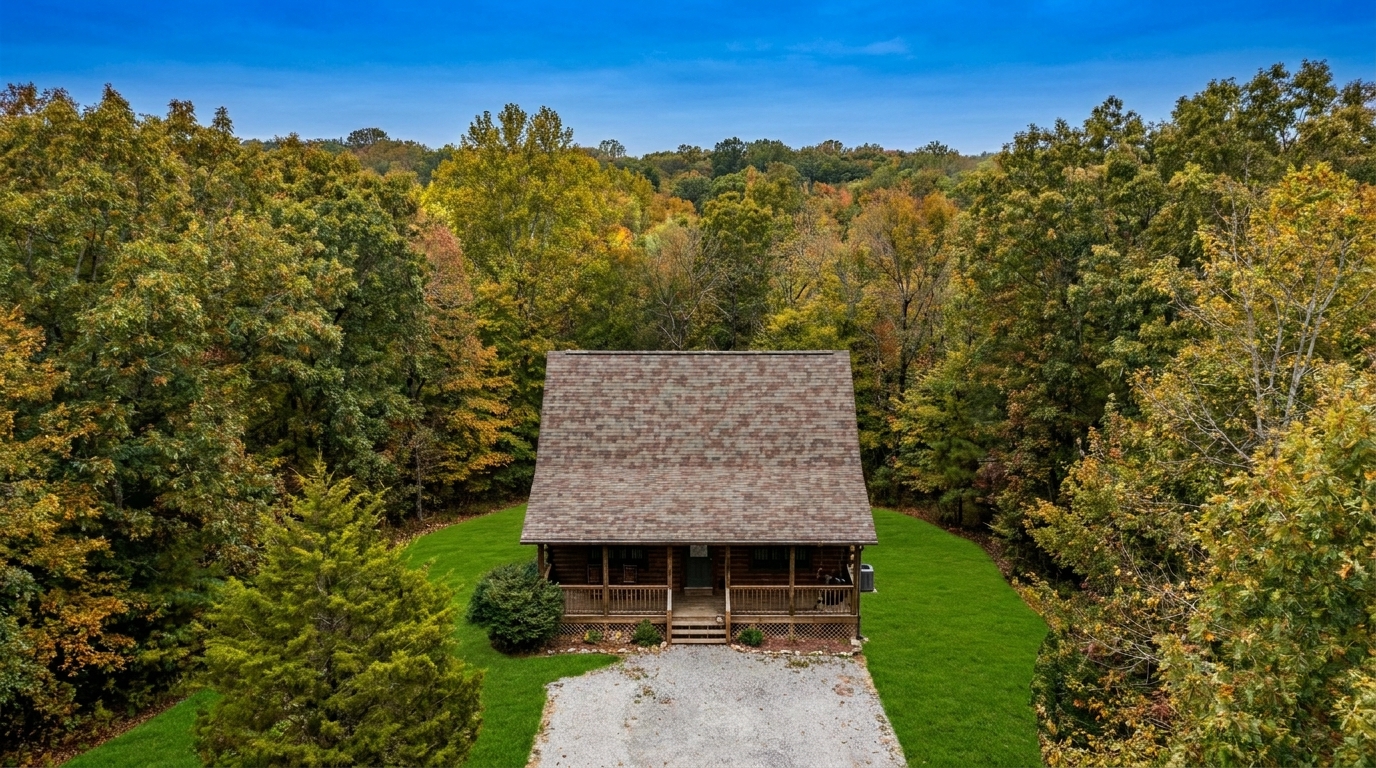
Faded Mountain Cabin updated with drone & aerial styling.
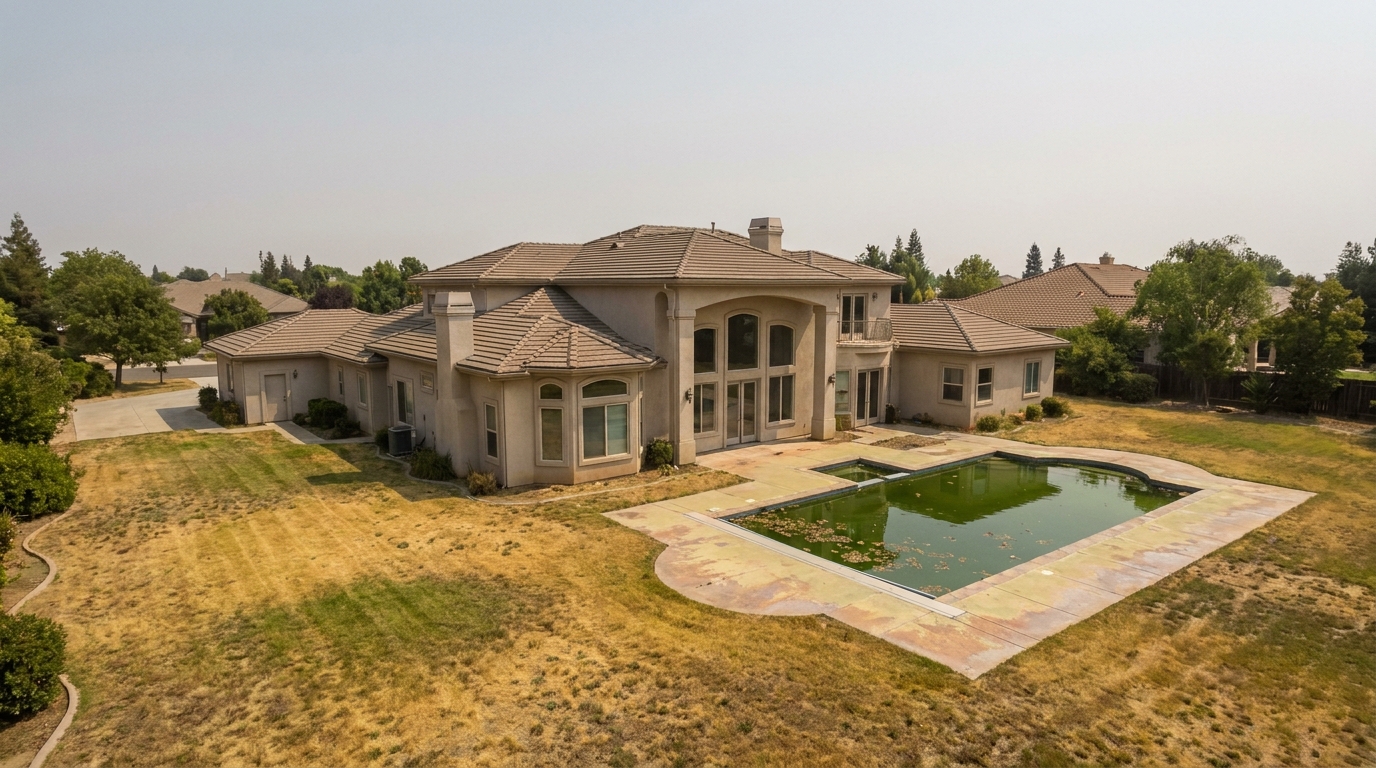
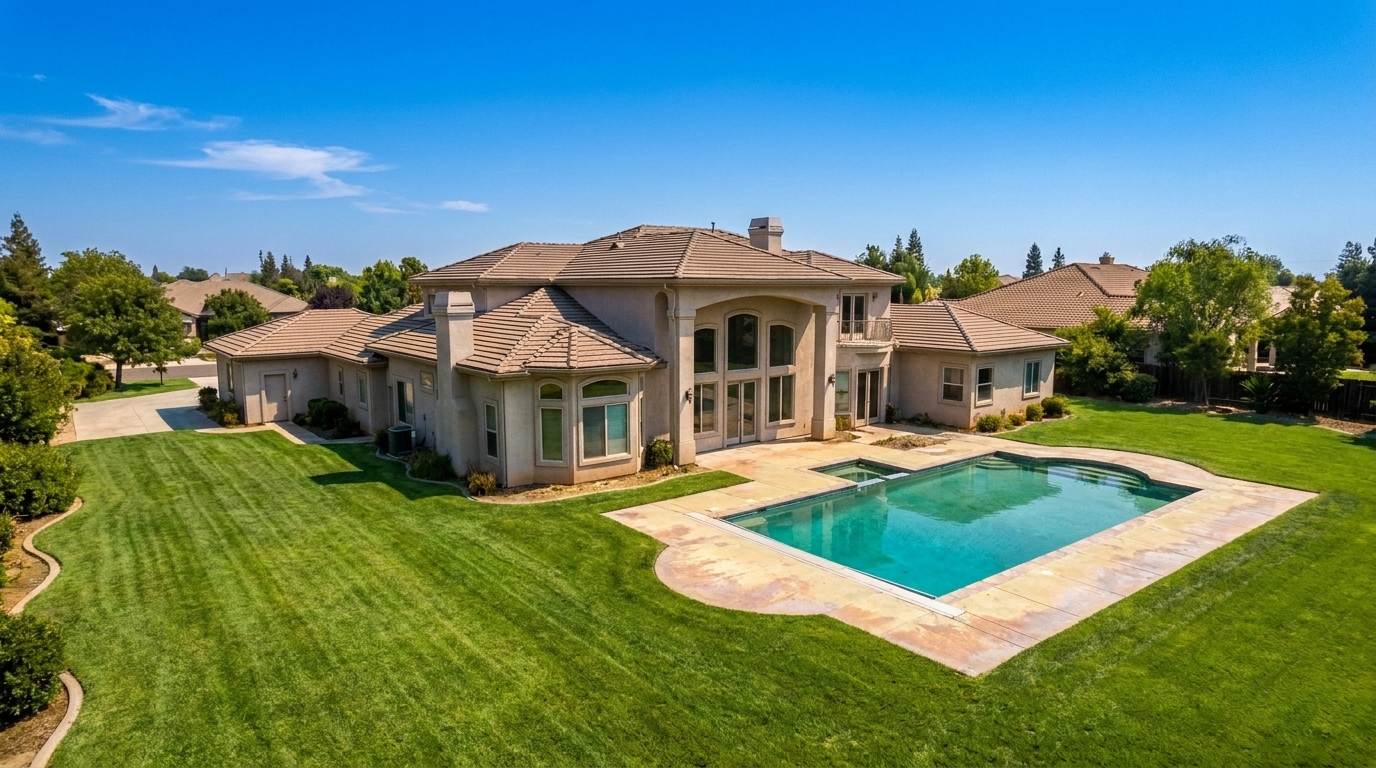
Dry Summer Lawn updated with drone & aerial styling.
Advanced AI tools designed specifically to handle the unique lighting and scale of drone shots.
Automatically cuts through high-altitude mist, fog, and smog to reveal crisp, clear property details from above.
Enhances the natural greens of lawns and the deep blues of pools or water features from a top-down perspective.
Balances harsh midday sun and deep shadows common in wide-angle, unshaded aerial captures.
Enhances contrast along natural lot lines, driveways, and fences to make the property structure stand out.
Restores fine architectural details on roofs, decks, and hardscaping that often look flat from a distance.
Keeps surrounding roads, neighboring homes, and natural features realistic while boosting the subject property's appeal.
See how agents, photographers, and developers use drone photo editing to win clients.
Showcase sprawling land boundaries, private roads, and outbuildings with clear, high-contrast definition.
Land & AcreageHighlight proximity to lakes, oceans, or rivers with vibrant, deep blue water tones and clean shorelines.
Coastal & LakefrontGive buyers a clear sense of the home's position, lot size, and proximity to local amenities.
ResidentialPresent retail centers, office parks, or industrial sites with clean, professional, high-altitude clarity.
CommercialHelp developers visualize master-planned communities and vacant lots with crisp, bright aerial layouts.
DevelopmentElevate premium listings with dramatic, magazine-quality overhead shots that emphasize scale and prestige.
LuxuryFollow three simple steps to transform your high-altitude listing shots.
Drag and drop your high-altitude drone shot or wide-angle aerial image directly into the Idealhouse editor.
Select the specialized preset to automatically cut through atmospheric haze, balance exposure, and enhance landscape colors.
Preview the enhanced property boundaries and vibrant surroundings, then export your polished, high-resolution photo.
Source-backed context for why drone & aerial edits matter inside exterior enhancement workflows.
Drone & Aerial within Exterior Enhancement evidence
Photos are one of the most valuable website features for home buyers; NAR's 2025 generational trends report says 83% of internet-using buyers rated photos as very useful. For Drone & Aerial pages, this supports showing how a focused Exterior Enhancement edit can make the listing photo feel clearer, more polished, and easier for buyers to evaluate.
Source: NAR 2025Drone & Aerial within Exterior Enhancement evidence
Zillow Research's 2025 prospective buyer report ranked high-resolution photos as the number two most important listing feature, selected by 26% of prospective buyers; floor plans ranked first at 33%. For Drone & Aerial pages, this supports showing how a focused Exterior Enhancement edit can make the listing photo feel clearer, more polished, and easier for buyers to evaluate.
Source: Zillow 2025Drone & Aerial within Exterior Enhancement evidence
Redfin reported that professionally photographed homes in the $400,000 range sold three weeks faster and for more than $10,000 relative to list price compared with amateur photos. Use this as supporting context, not as a guaranteed result. For Drone & Aerial pages, this supports showing how a focused Exterior Enhancement edit can make the listing photo feel clearer, more polished, and easier for buyers to evaluate.
Source: RedfinAerial photography offers a powerful perspective, but high-altitude shots face unique environmental challenges. Learn how to optimize your drone photos for maximum marketing impact.
When shooting from 100 feet or higher, camera sensors must contend with atmospheric haze, moisture, and scattered light. This often results in flat, low-contrast images with washed-out colors. Our Drone & Aerial preset uses advanced algorithms to analyze depth and light scattering, effectively cutting through haze to restore natural contrast, sharpen distant structures, and bring out the true colors of the landscape below.
Selecting the correct tool depends entirely on your camera's perspective and subject matter. Use the Drone & Aerial preset for high-angle, wide-context shots where the roof, yard, and surrounding landscape dominate the frame. If your photo is a street-level shot focusing on the front facade and entryway, choose the Curb Appeal preset. For general medium-range exterior shots that require a balanced mix of facade and sky correction, the standard Exterior Photo preset is your best option.
Use this preset to make listings stand out on MLS, highlight large lot sizes, showcase waterfront proximity, and clean up flat lighting. However, avoid using it to artificially alter permanent features. Do not use enhancements to hide neighboring eyesores, misrepresent property boundaries, or apply unrealistic saturation that does not match the physical reality of the property, as this can lead to buyer distrust and compliance issues.
For high-volume photographers, speed and consistency are vital. Integrate this preset into your final editing pipeline after performing basic geometric corrections. By applying the Drone & Aerial preset as a final polish, you can instantly standardize the look of your aerial portfolio, ensuring that every overhead shot in your listing gallery matches the vibrant, high-quality aesthetic of your ground-level photos.
Switch between specialized tools to polish every detail of your property's exterior.
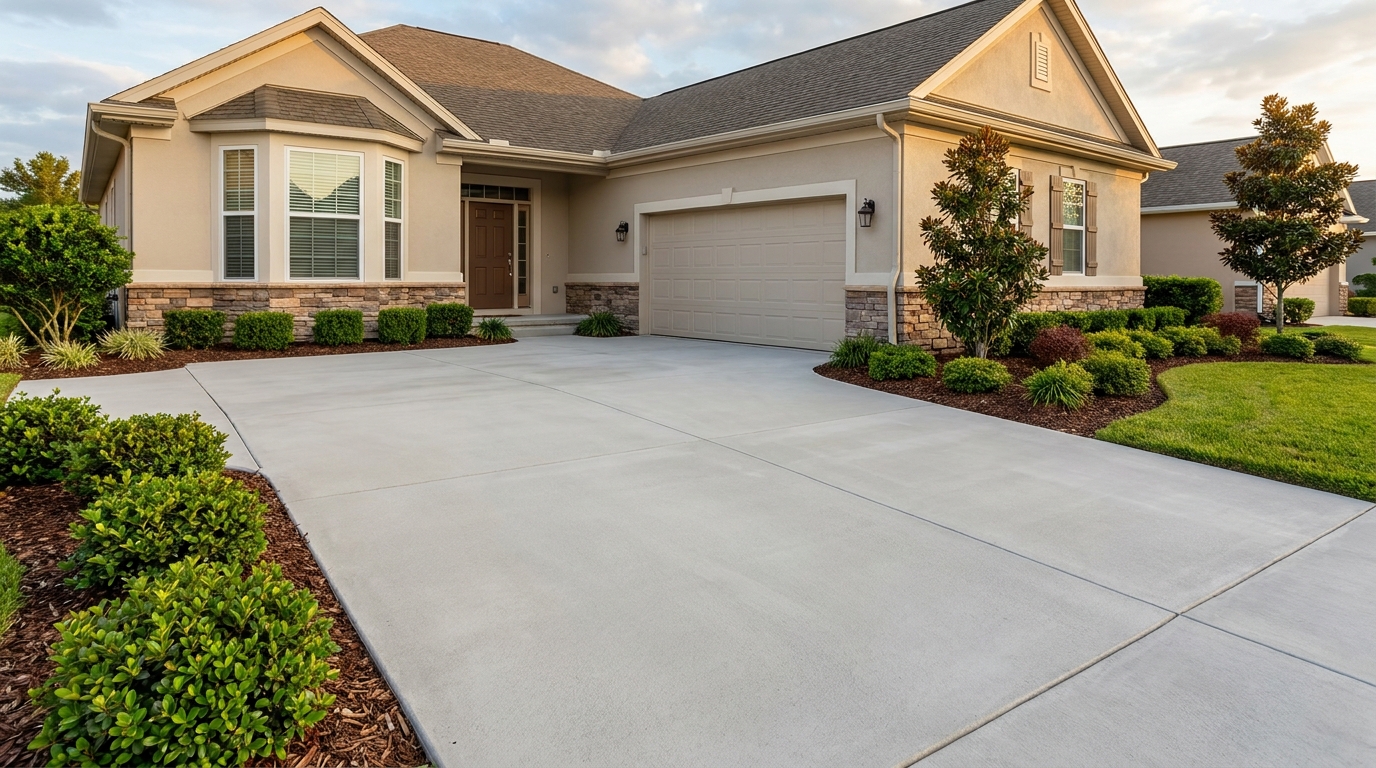
Clean up driveway appearance for a neater entrance and stronger first impression.
Try This Tool →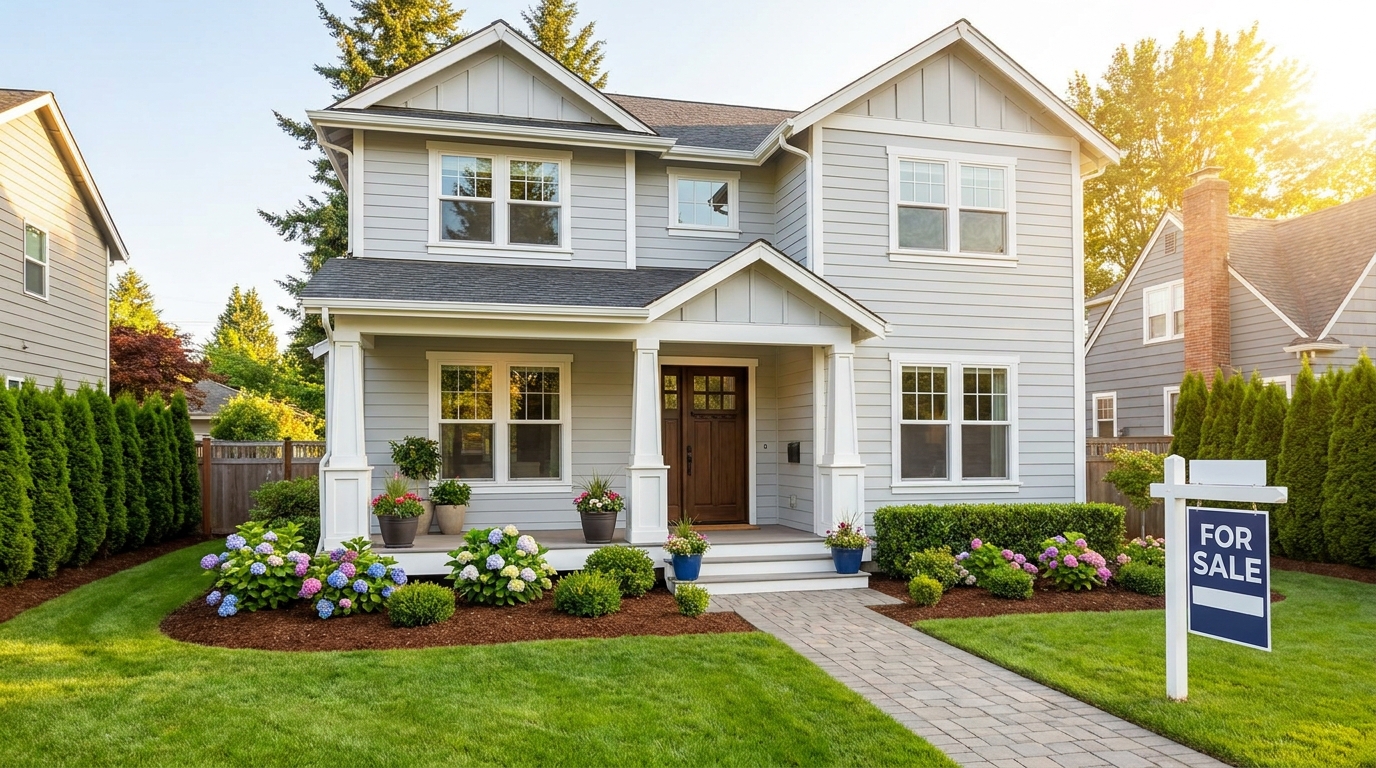
Elevate the home's exterior presence with a brighter, tidier, more inviting street view.
Try This Tool →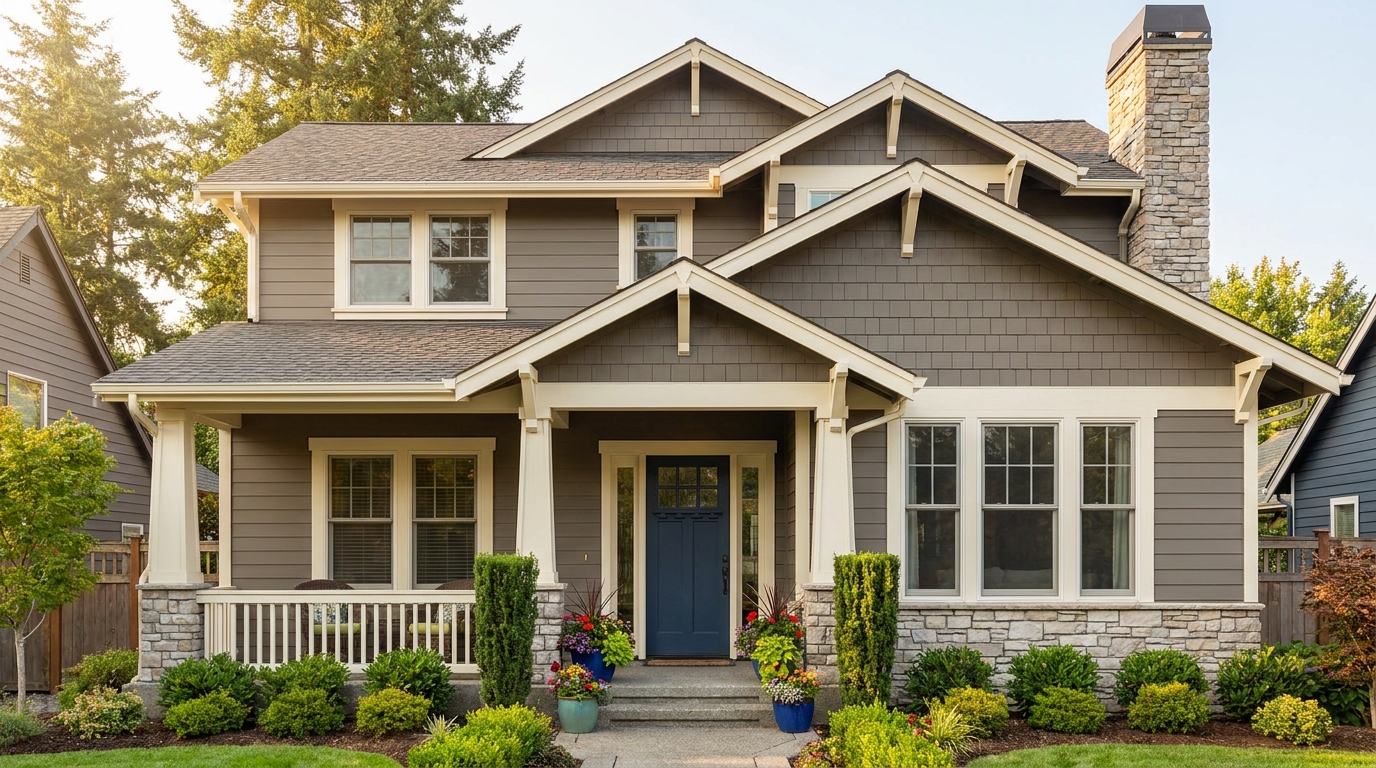
Refine facade tones so exterior materials look cleaner, richer, and more appealing.
Try This Tool →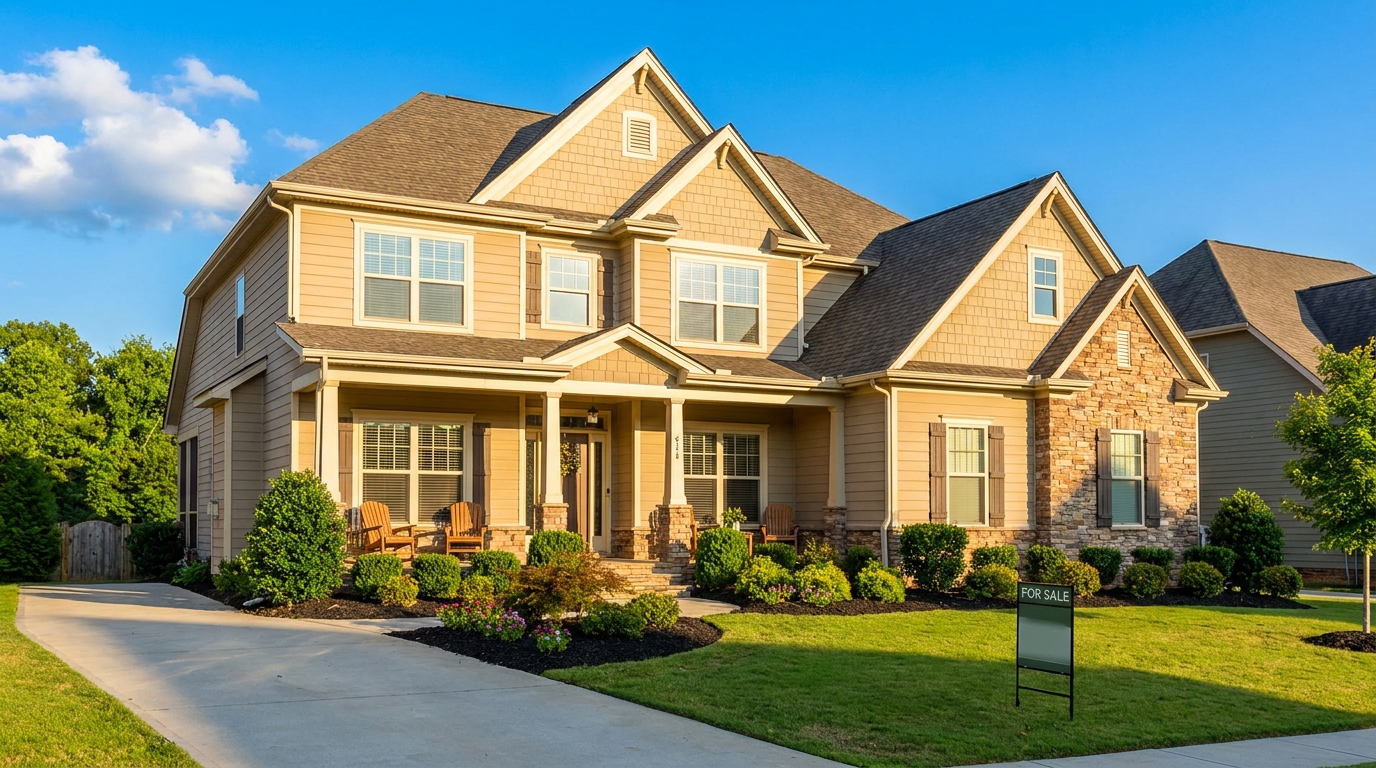
Full exterior enhancement for brighter skies, cleaner lines, and stronger curb appeal.
Try This Tool →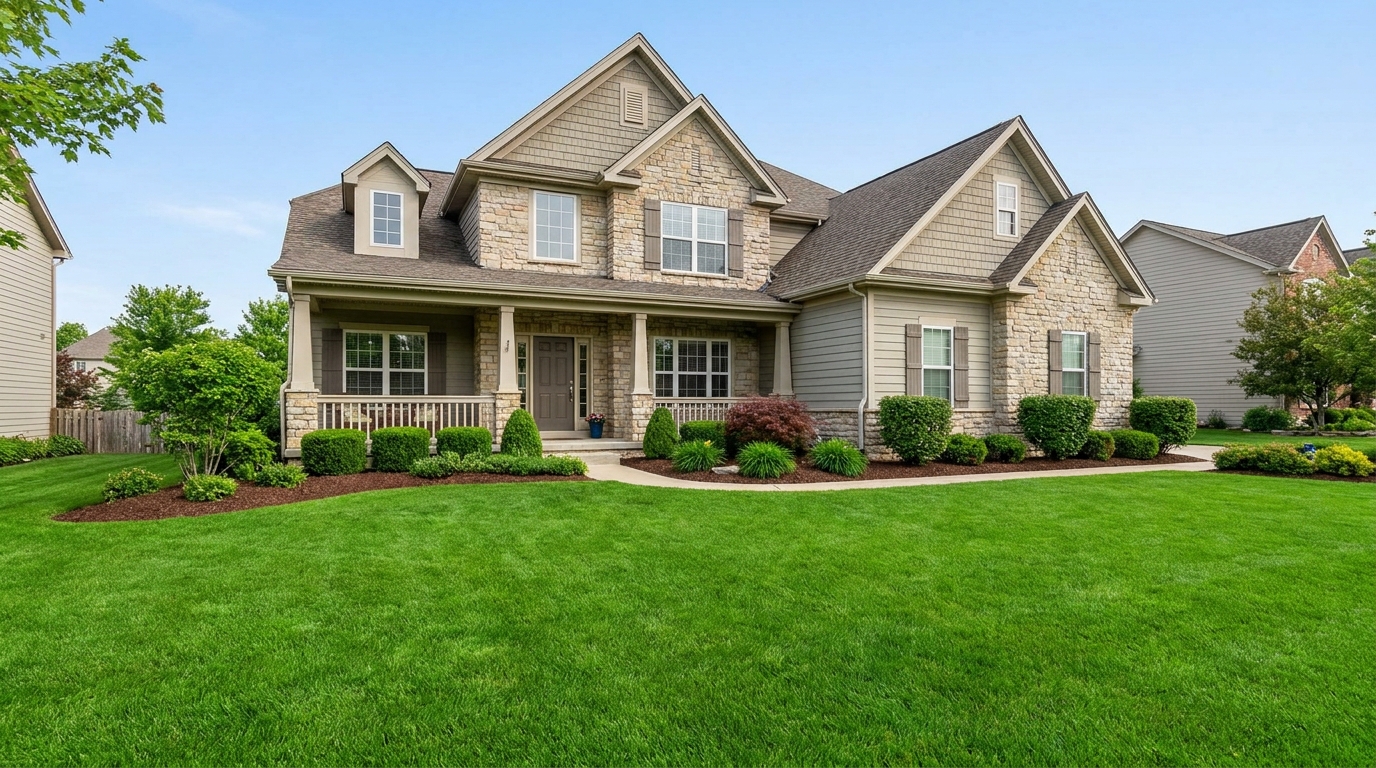
Refresh grass and yard areas for a greener, healthier, better-kept outdoor look.
Try This Tool →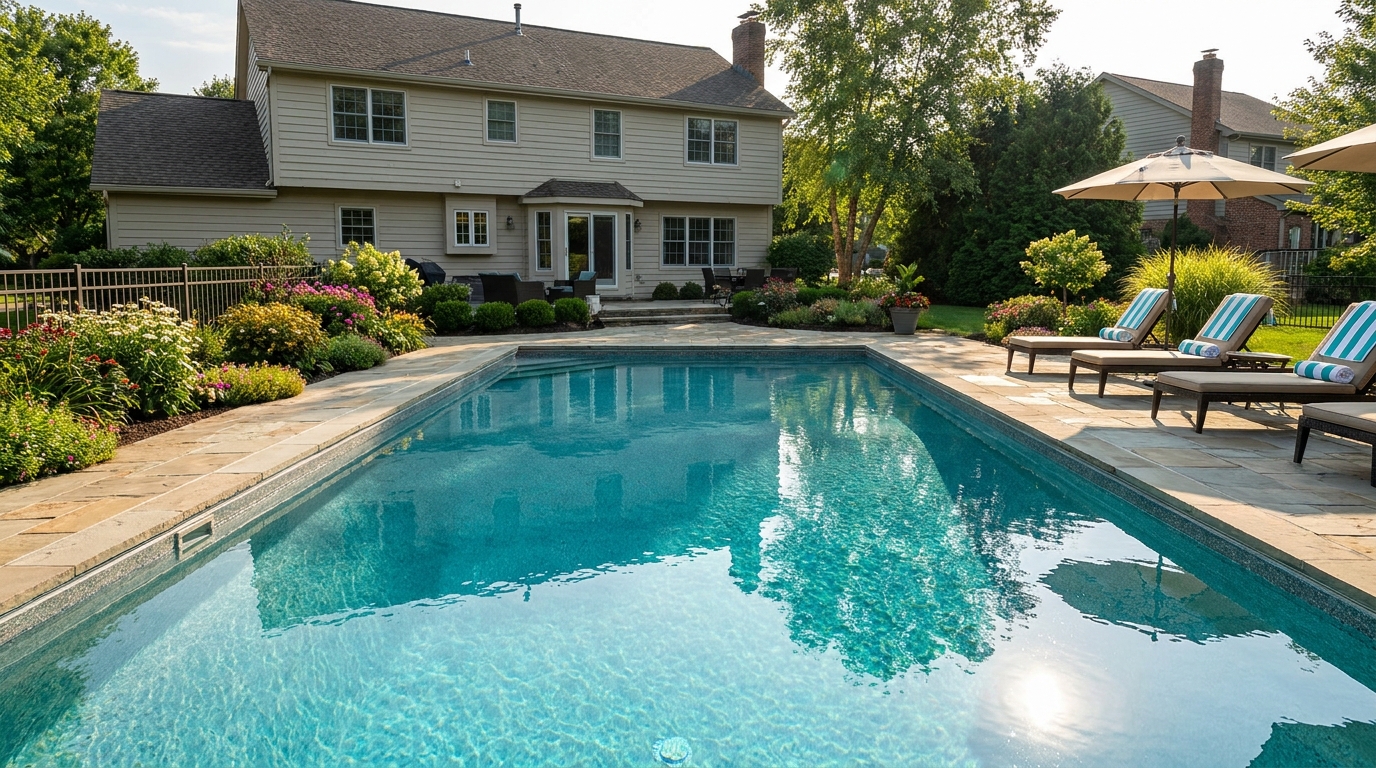
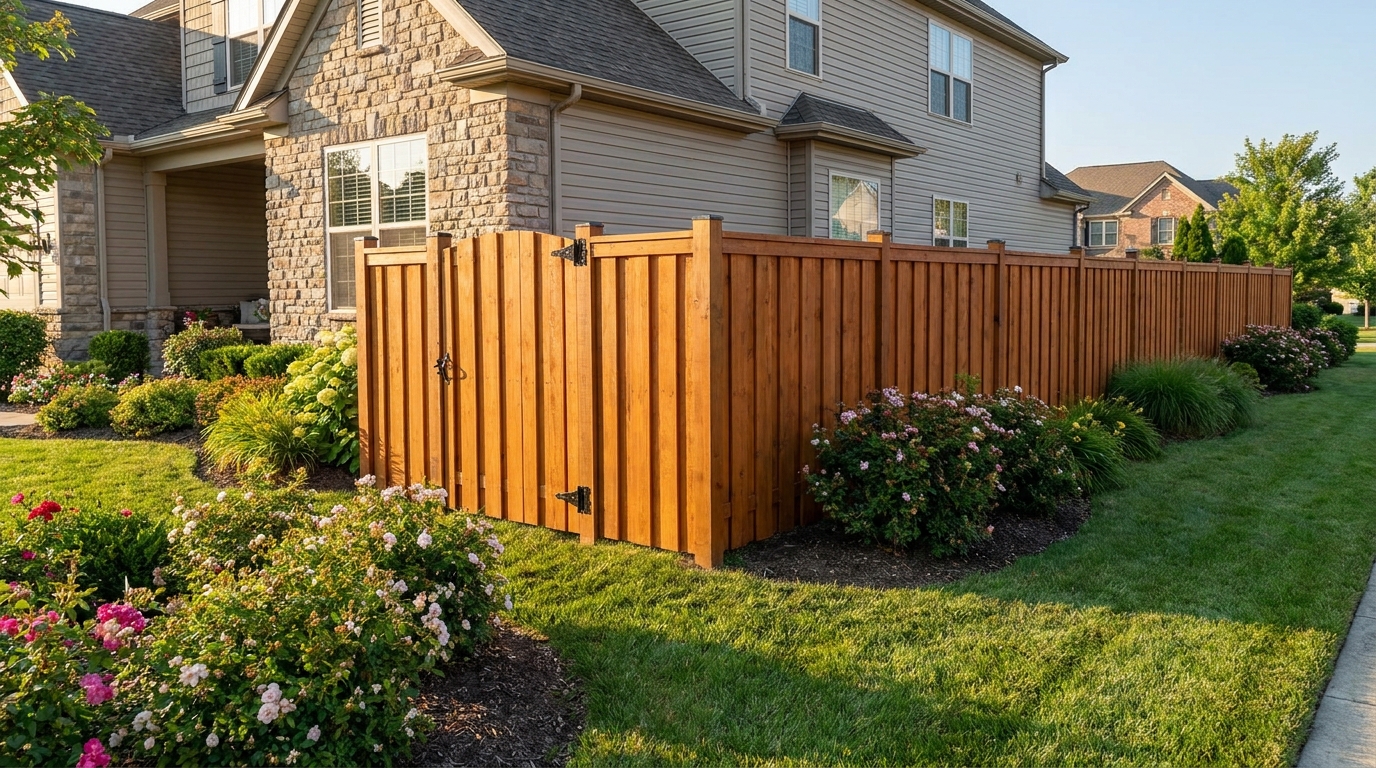
Improve fences and gates so they look cleaner, straighter, and better maintained.
Try This Tool →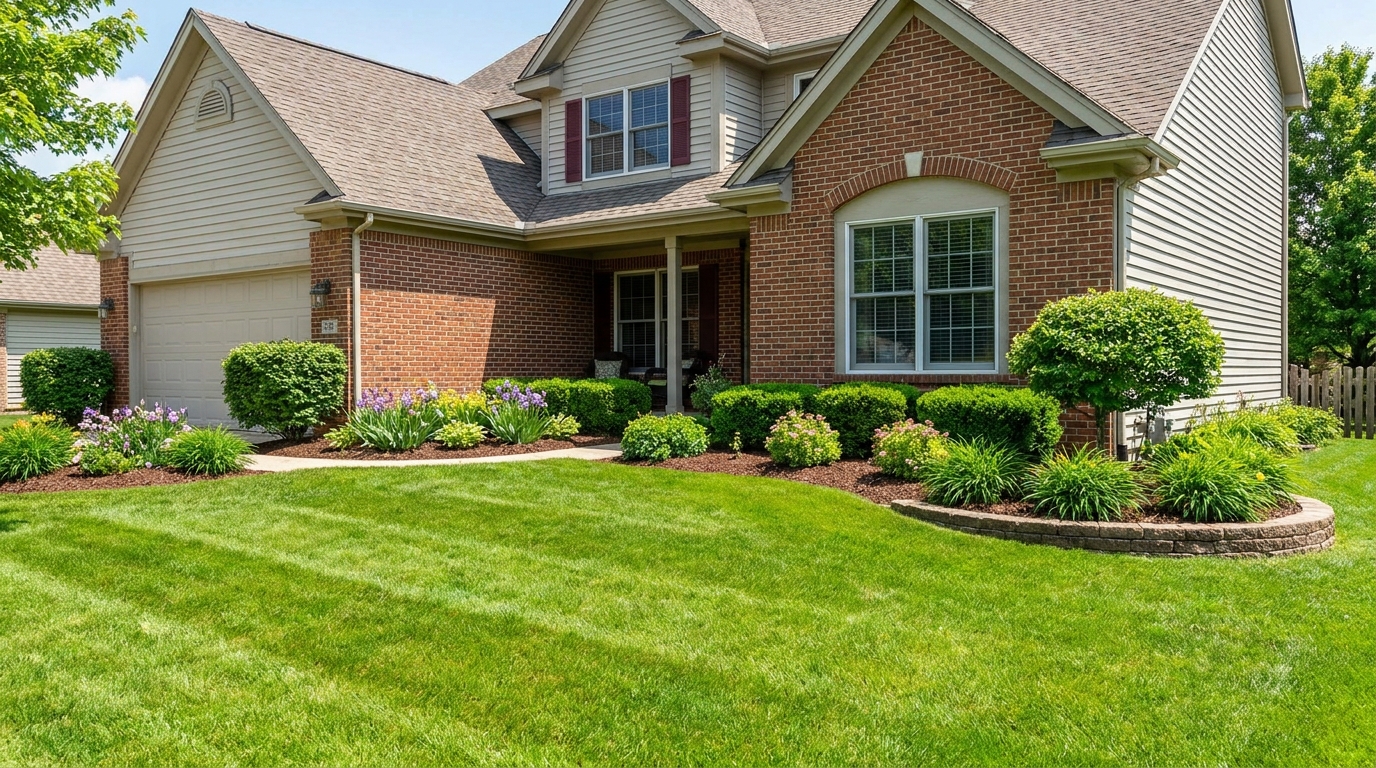
Enhance plants and greenery for a fresher, more vibrant, professionally styled exterior.
Try This Tool →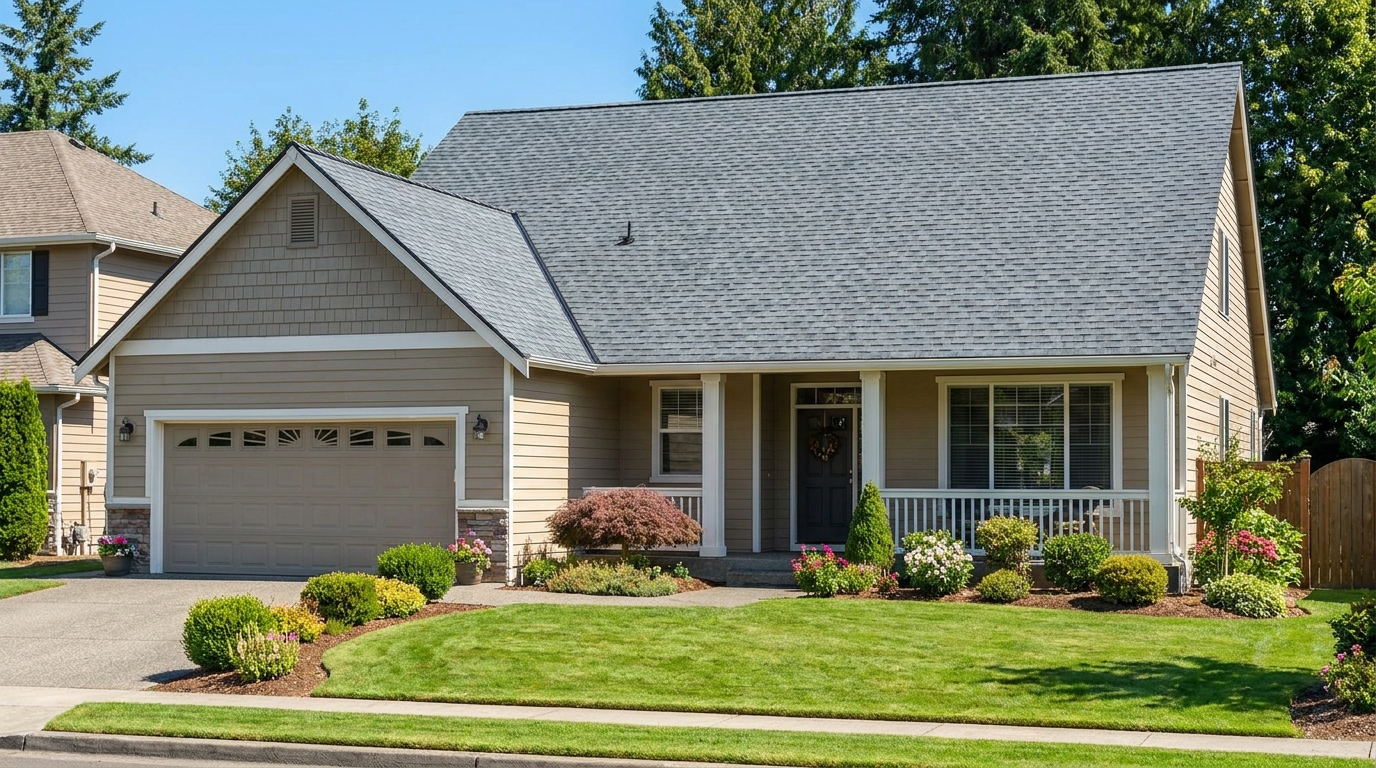
Clean and refine roof appearance for a more cared-for, market-ready exterior photo.
Try This Tool →Explore our full suite of intelligent editing tools to elevate your real estate marketing.
AI image-to-video generation for turning home, room, and property photos into more vivid presentation videos.
02AI exterior renovation for visualizing facade updates, curb appeal improvements, and home exterior remodel ideas.
03AI landscaping design for exploring outdoor concepts, curb appeal upgrades, planting ideas, and yard layout directions.
04AI virtual staging for furnishing empty rooms and creating listing-ready interiors for real estate marketing.
05Free AI image generation for turning text prompts into unlimited visual ideas for home design, interiors, landscaping, renovation
06AI object removal for cleaning up distracting items from room, home, and property photos.
Don't let flat lighting or atmospheric haze dull your property's potential. Transform your drone shots into high-impact marketing assets instantly.