
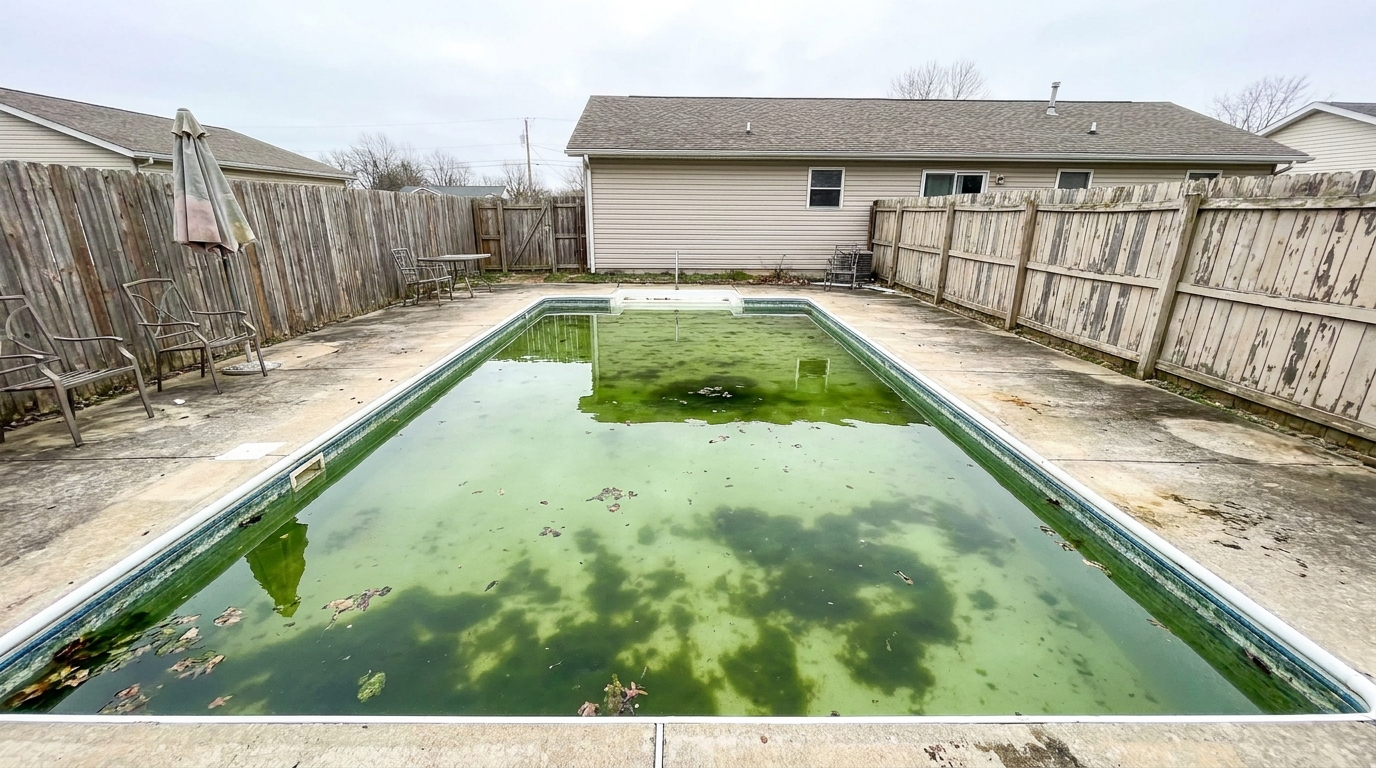
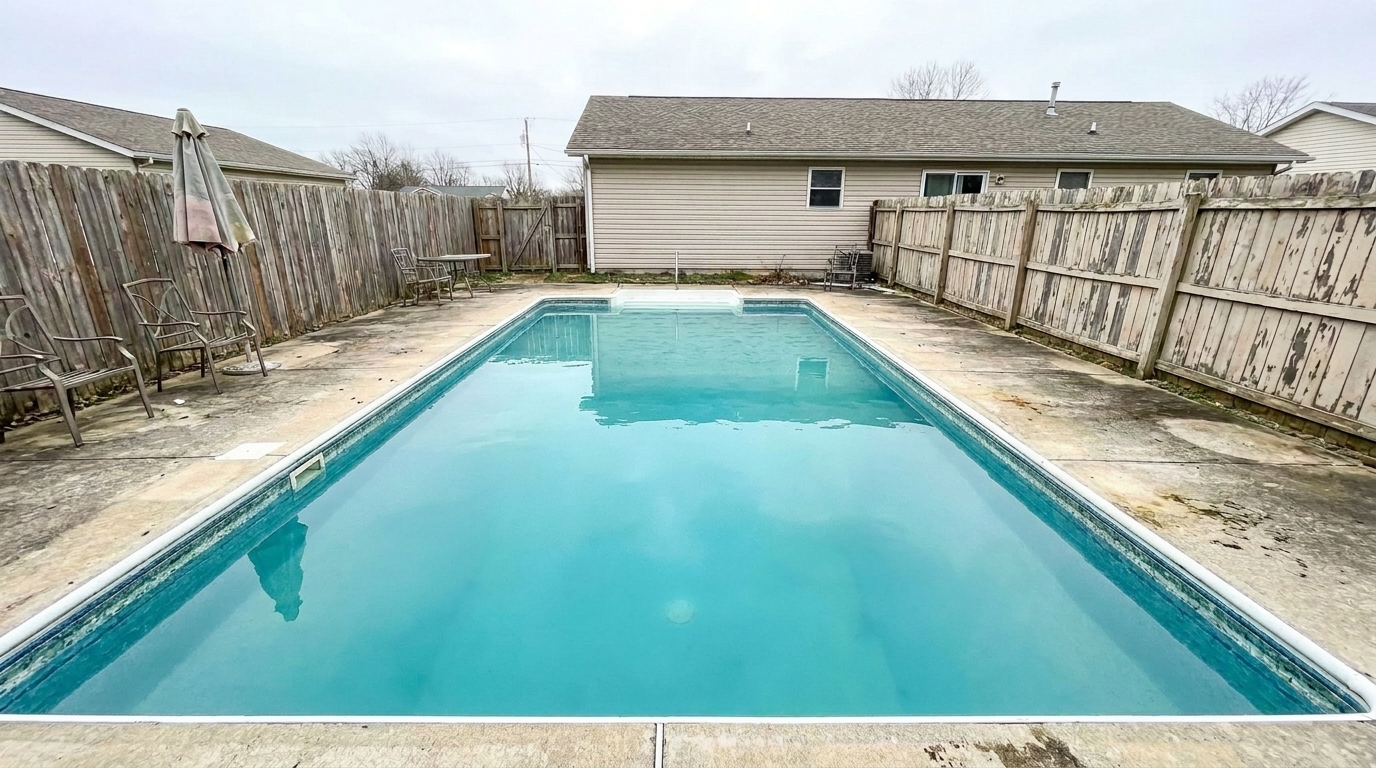

Green Water Pool
Green Water Pool updated with pool styling.
Transform dull, cloudy pool water into a crystal-clear, inviting oasis. Polish surrounding decks and reflections to maximize your property's backyard appeal.
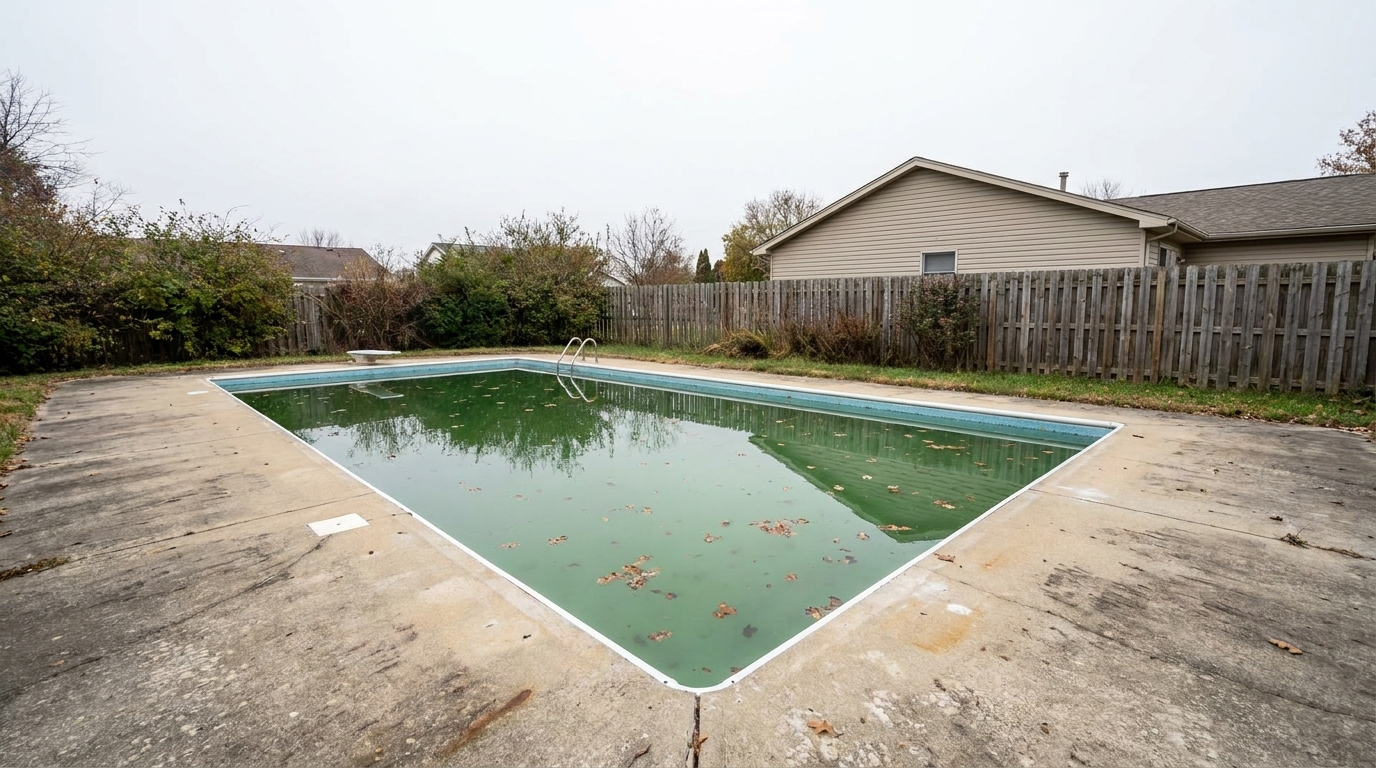
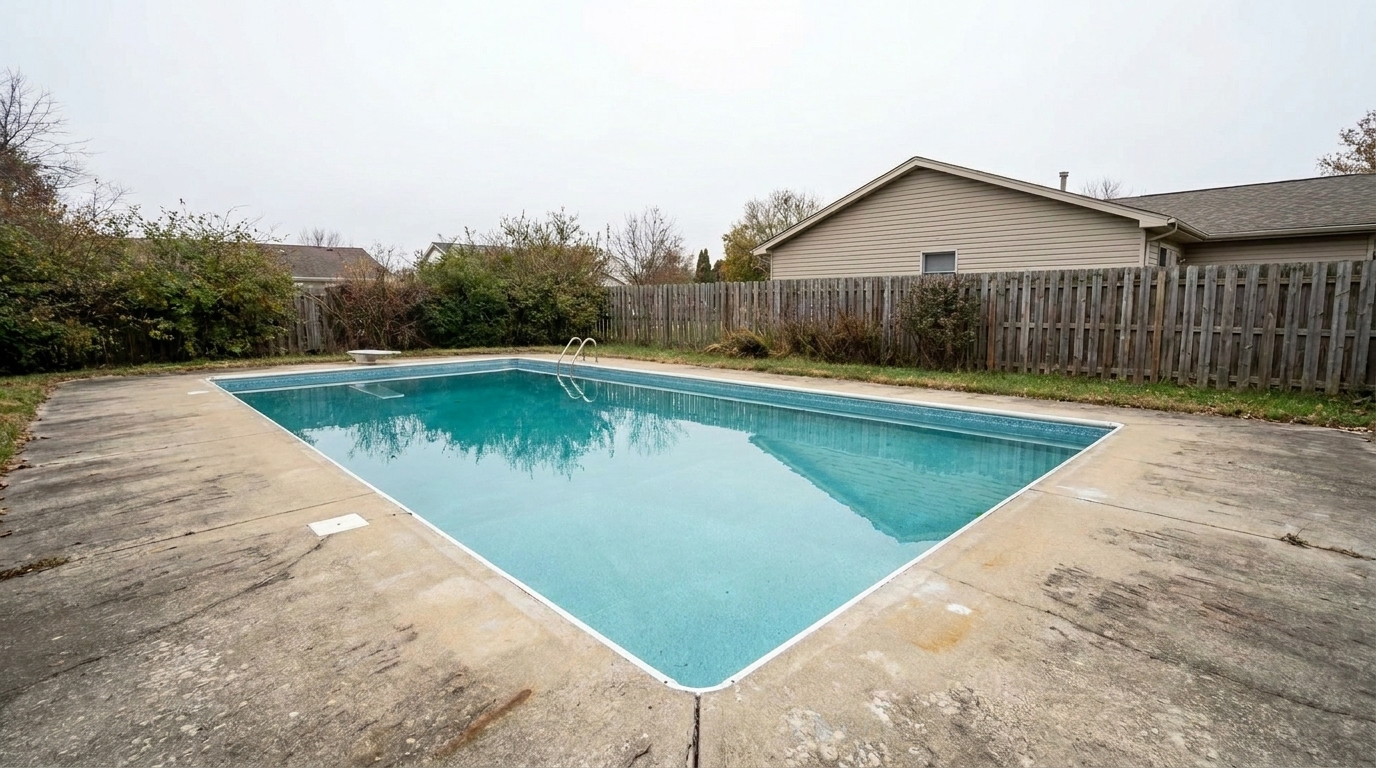
Compare original backyard photos with our AI-enhanced results to see the difference in water clarity.
Green Water Pool updated with pool styling.
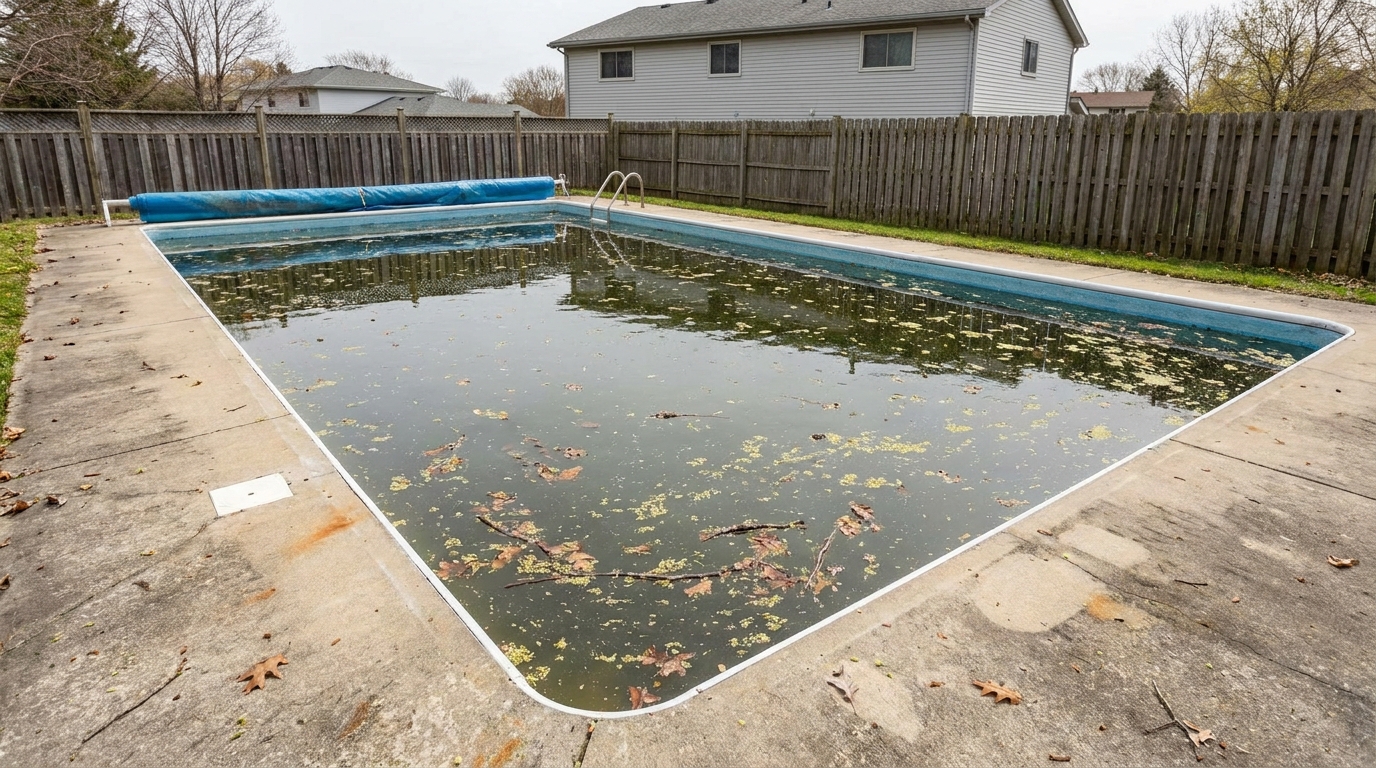
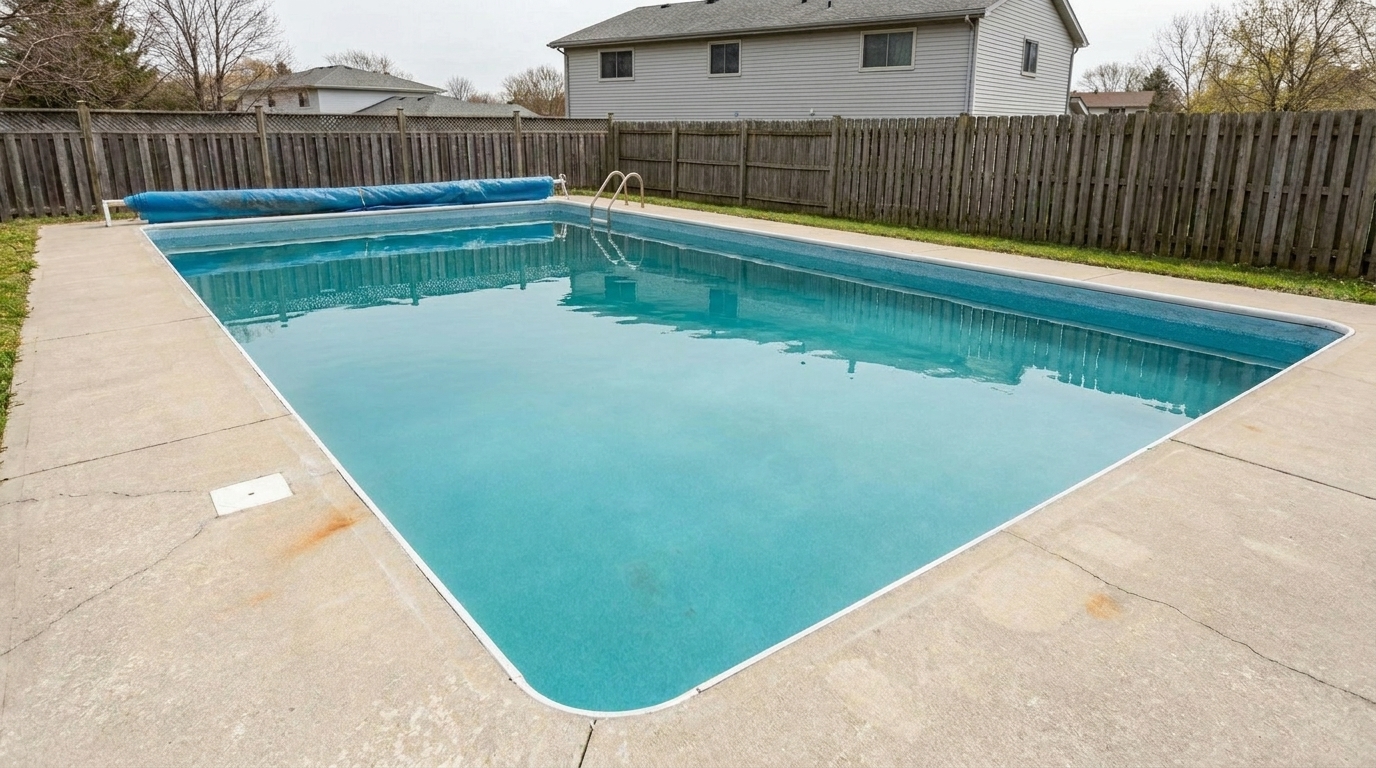
Debris-Littered Surface updated with pool styling.
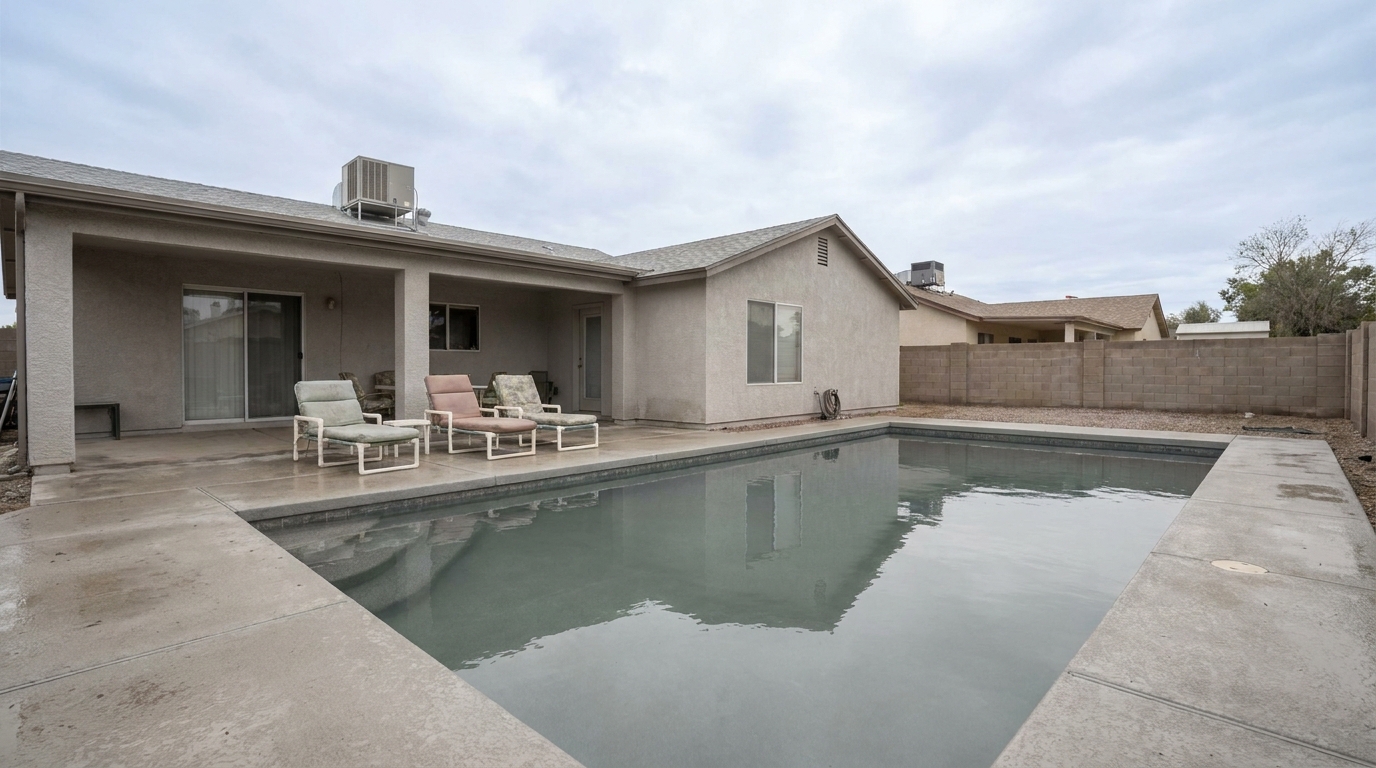
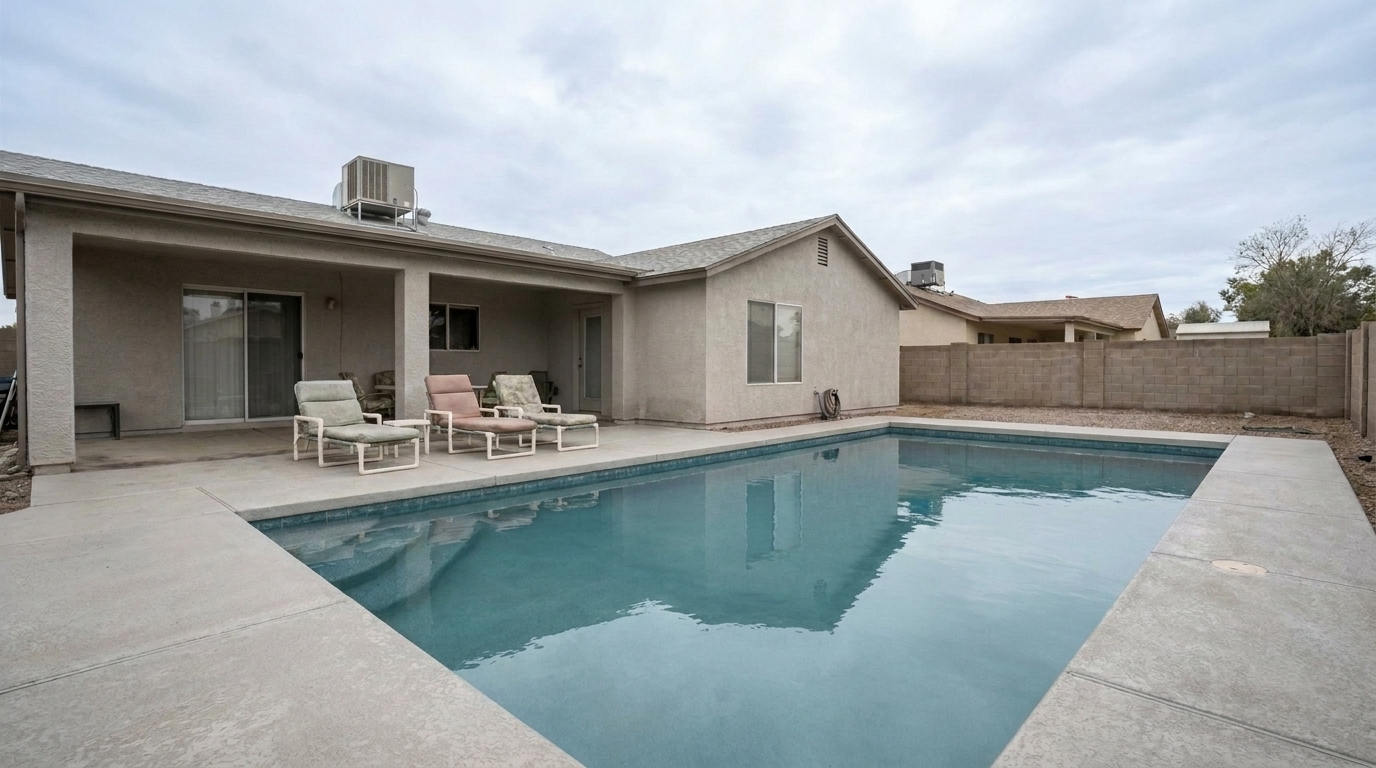
Overcast Backyard Pool updated with pool styling.
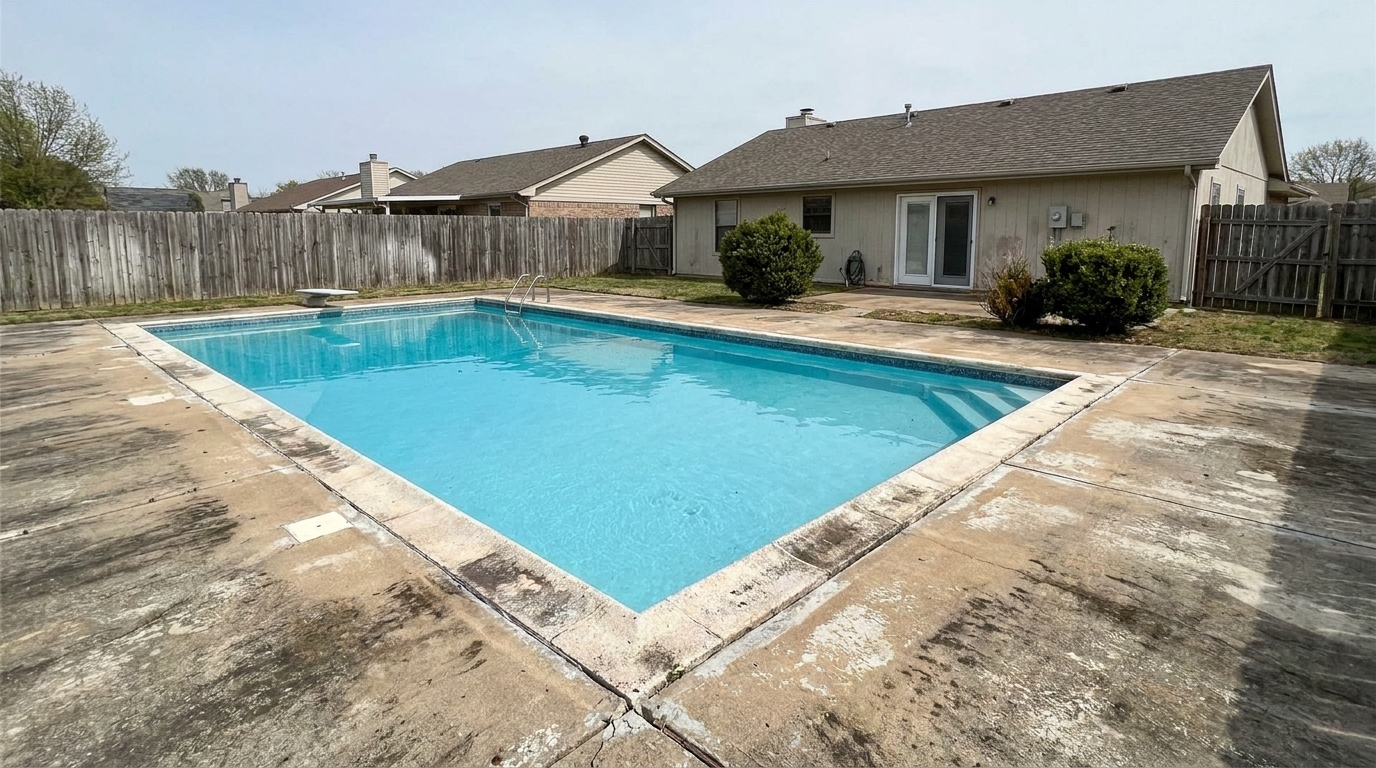
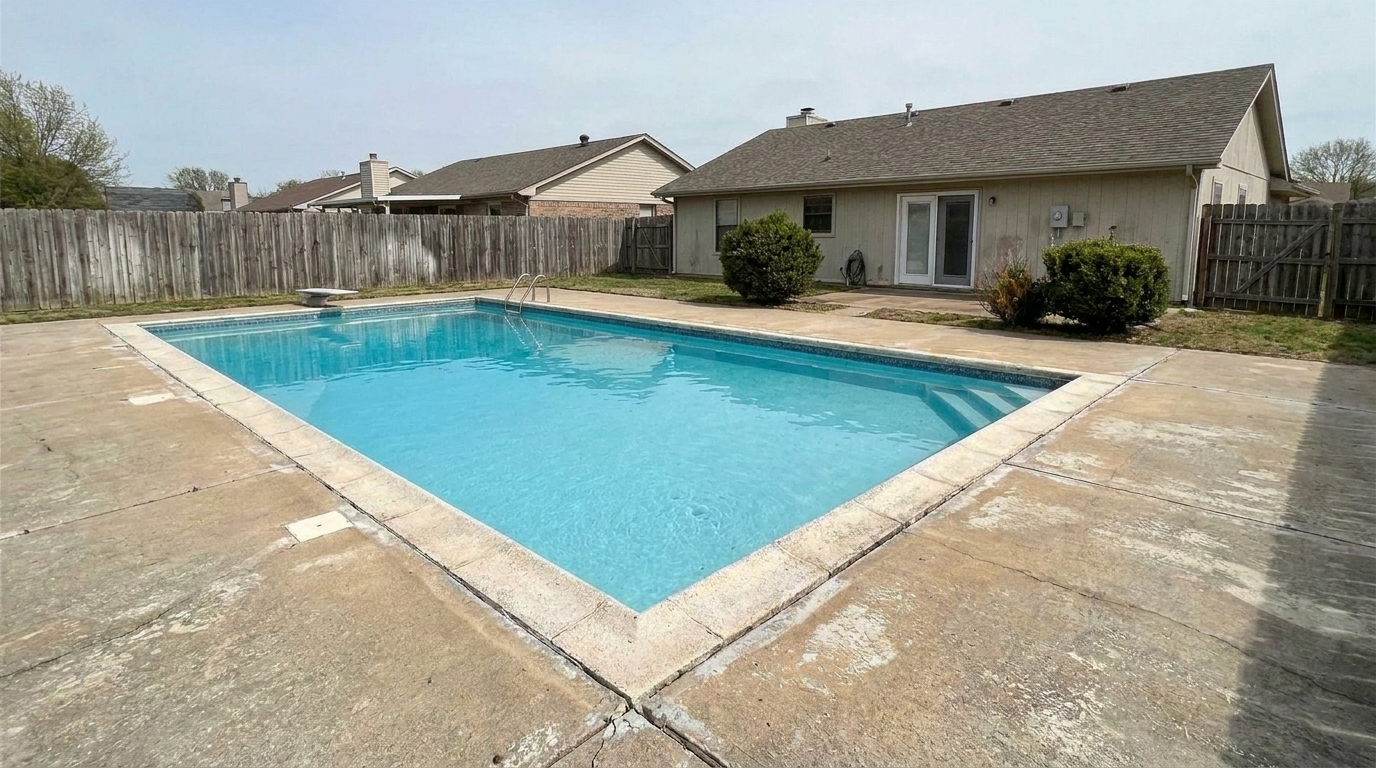
Faded Concrete Deck updated with pool styling.
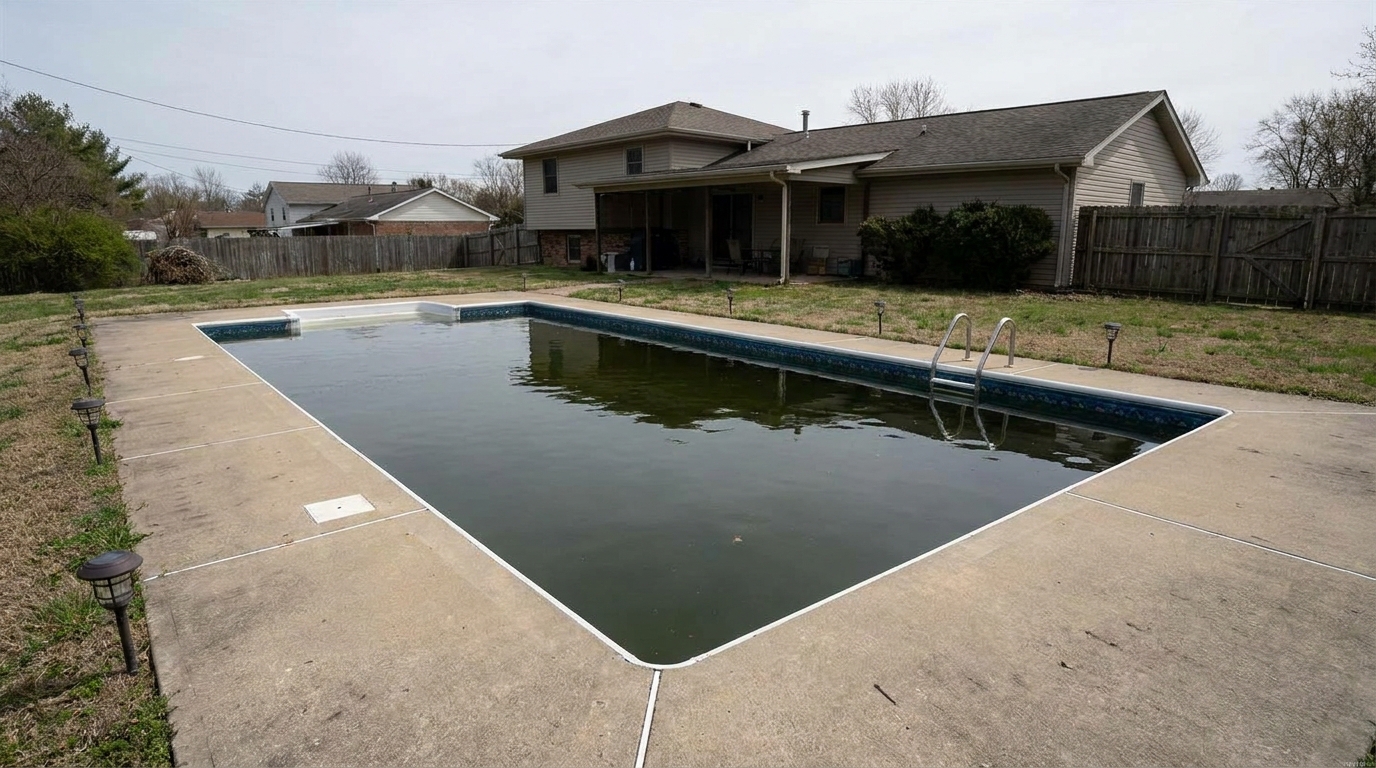
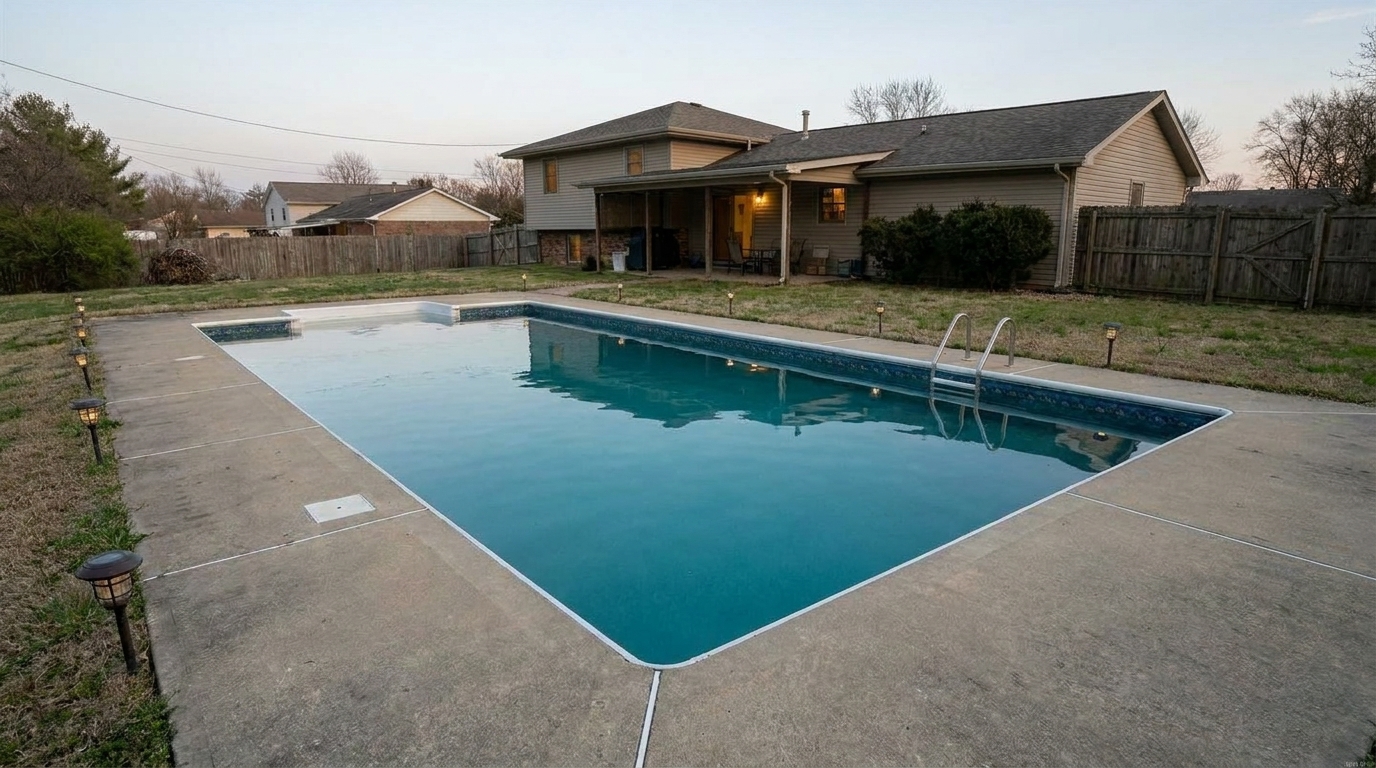
Dusk Pool with No Lights updated with pool styling.
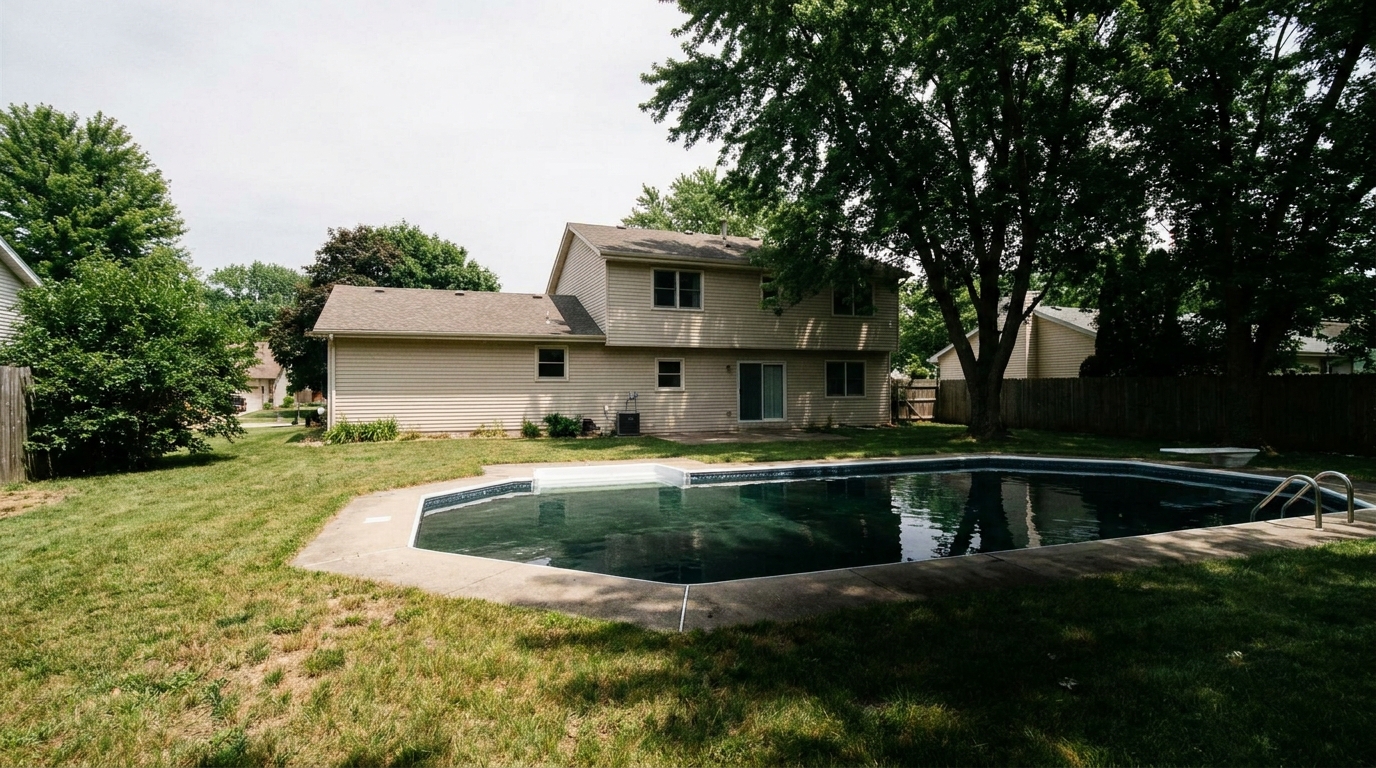
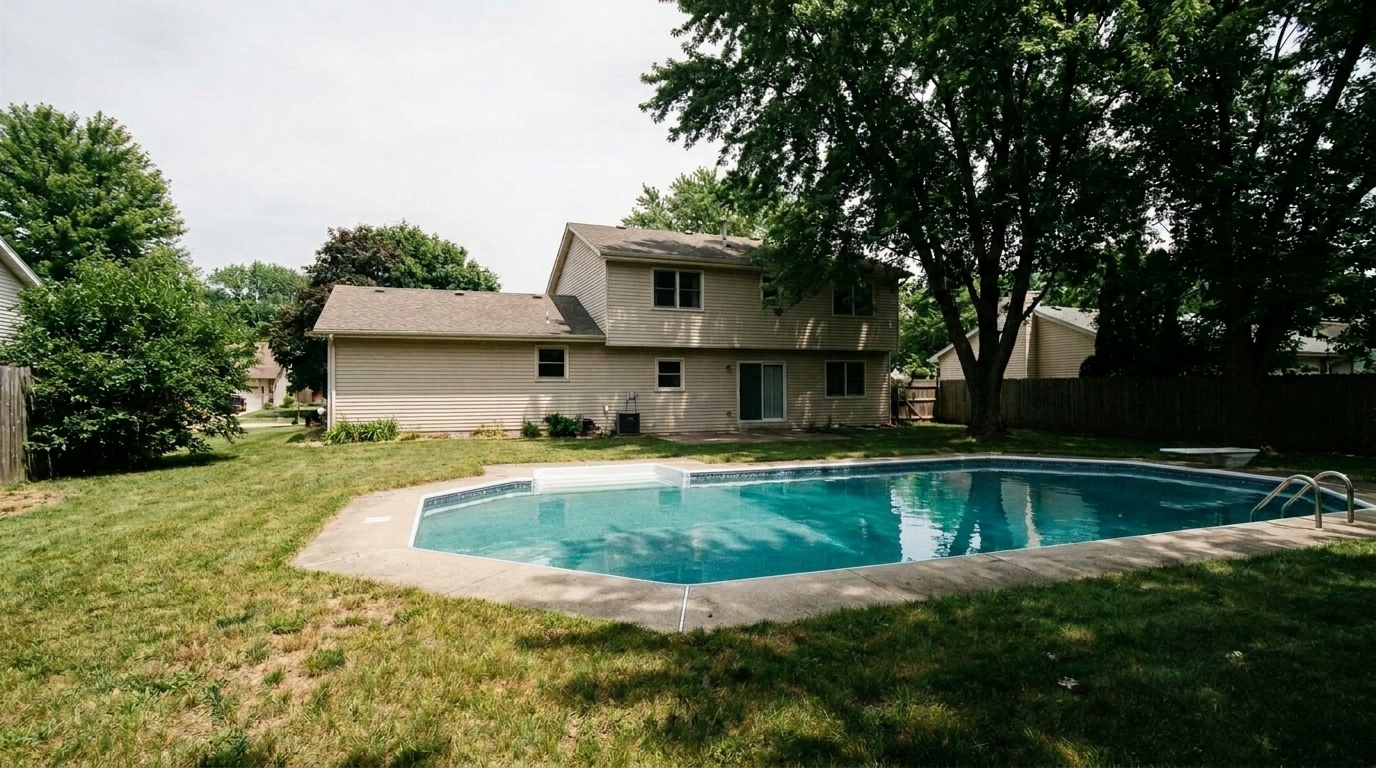
Shaded Pool Area updated with pool styling.
Our AI-powered tools target water clarity, deck textures, and natural reflections for realistic results.
Automatically transforms murky, green, or cloudy pool water into a vibrant, natural blue that looks highly inviting.
Cleans up floating leaves, dirt, and minor surface debris to present a pristine, well-maintained pool.
Enhances the texture, contrast, and color of concrete, stone, or wood decking surrounding the pool area.
Maintains natural sky, tree, and architectural reflections on the water's surface to ensure the photo looks authentic.
Adjusts harsh sunlight glare and deep shadows across the pool area for a balanced, professional exposure.
Pinpoints the pool boundaries instantly, eliminating the need for tedious manual brush selections in editing software.
See how real estate professionals and photographers use pool enhancement to elevate backyard listings.
Make neglected, unmaintained pools look clean and inviting to prospective buyers without costly physical draining.
Property PresentationBrighten up dull pool water and flat lighting captured on cloudy days to maintain a warm, sunny backyard feel.
Weather CorrectionElevate high-end backyards with resort-style, crystal-clear water presentation that appeals to premium buyers.
High-End ListingsRefresh older summer photos to look crisp, clean, and appealing even during off-season marketing campaigns.
Listing MaintenanceCreate eye-catching, high-contrast backyard photos optimized to drive engagement on Instagram and Facebook.
Social MarketingHelp short-term rental listings stand out by showcasing a sparkling, pristine swimming pool that promises relaxation.
Short-Term RentalsFollow these three simple steps to transform murky pool water into a sparkling, listing-ready feature.
Select and upload a high-resolution photo of your property's backyard or pool area to the Idealhouse platform.
Click on the Pool preset under the Exterior Enhancement menu to automatically analyze and process the water and deck.
Review the crystal-clear water, polished deck, and natural reflections, then download your listing-ready photo.
Source-backed context for why pool edits matter inside exterior enhancement workflows.
Pool within Exterior Enhancement evidence
Photos are one of the most valuable website features for home buyers; NAR's 2025 generational trends report says 83% of internet-using buyers rated photos as very useful. For Pool pages, this supports showing how a focused Exterior Enhancement edit can make the listing photo feel clearer, more polished, and easier for buyers to evaluate.
Source: NAR 2025Pool within Exterior Enhancement evidence
Zillow Research's 2025 prospective buyer report ranked high-resolution photos as the number two most important listing feature, selected by 26% of prospective buyers; floor plans ranked first at 33%. For Pool pages, this supports showing how a focused Exterior Enhancement edit can make the listing photo feel clearer, more polished, and easier for buyers to evaluate.
Source: Zillow 2025Pool within Exterior Enhancement evidence
Redfin reported that professionally photographed homes in the $400,000 range sold three weeks faster and for more than $10,000 relative to list price compared with amateur photos. Use this as supporting context, not as a guaranteed result. For Pool pages, this supports showing how a focused Exterior Enhancement edit can make the listing photo feel clearer, more polished, and easier for buyers to evaluate.
Source: RedfinA beautiful pool is one of the strongest selling points for a home, but capturing it perfectly on camera can be challenging. Learn how to optimize your pool photos to attract more buyers.
In real estate marketing, the backyard is often treated as an extension of the living space. A clean, sparkling pool evokes feelings of luxury, relaxation, and entertainment. Conversely, cloudy or green pool water can immediately signal neglect and high maintenance costs to prospective buyers. Enhancing the pool water to look crystal clear and inviting helps buyers visualize themselves enjoying the space, directly boosting the perceived value of the entire property.
When editing exterior photos, it is crucial to use the right tool for the job. Use the Pool preset when the primary issue is water clarity, surface debris, or a dull pool deck. If you need to fix patchy grass, choose the Lawn & Yard preset. For overall street-view improvements, the Curb Appeal preset is best. Avoid using the Pool preset on empty pools or pools with severe structural damage, as it is designed to enhance water and surrounding hardscapes, not rebuild missing concrete.
To achieve the best results, start by uploading a high-resolution exterior photo. Apply the Pool preset first to establish clean, inviting water tones. Next, evaluate the surrounding landscaping; if the grass looks dry, apply a light pass of the Lawn & Yard preset. Finally, adjust the overall exposure to ensure the transition between the bright pool area and the shaded parts of the yard looks natural and cohesive.
While it is tempting to make pool water as blue as possible, over-saturation is a common mistake that can make listings look artificial. The key is to maintain realistic sky and tree reflections on the water's surface. Our AI automatically balances these elements, but you should always use the intensity slider to match the pool's color to the time of day and weather conditions in the photo.
Discover specialized tools to polish every detail of your property's exterior, from lawns to driveways.
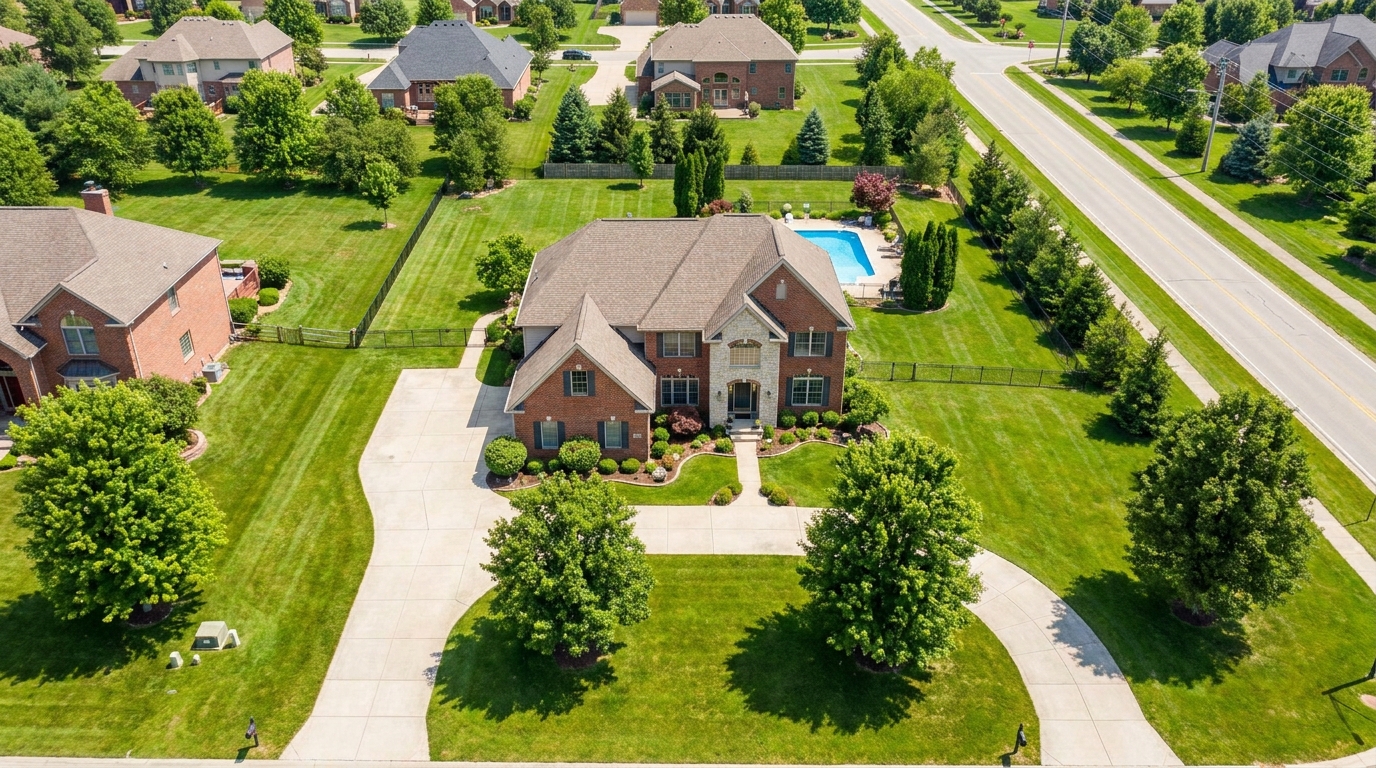
Polish aerial shots with brighter color, cleaner detail, and stronger property context.
Try This Tool →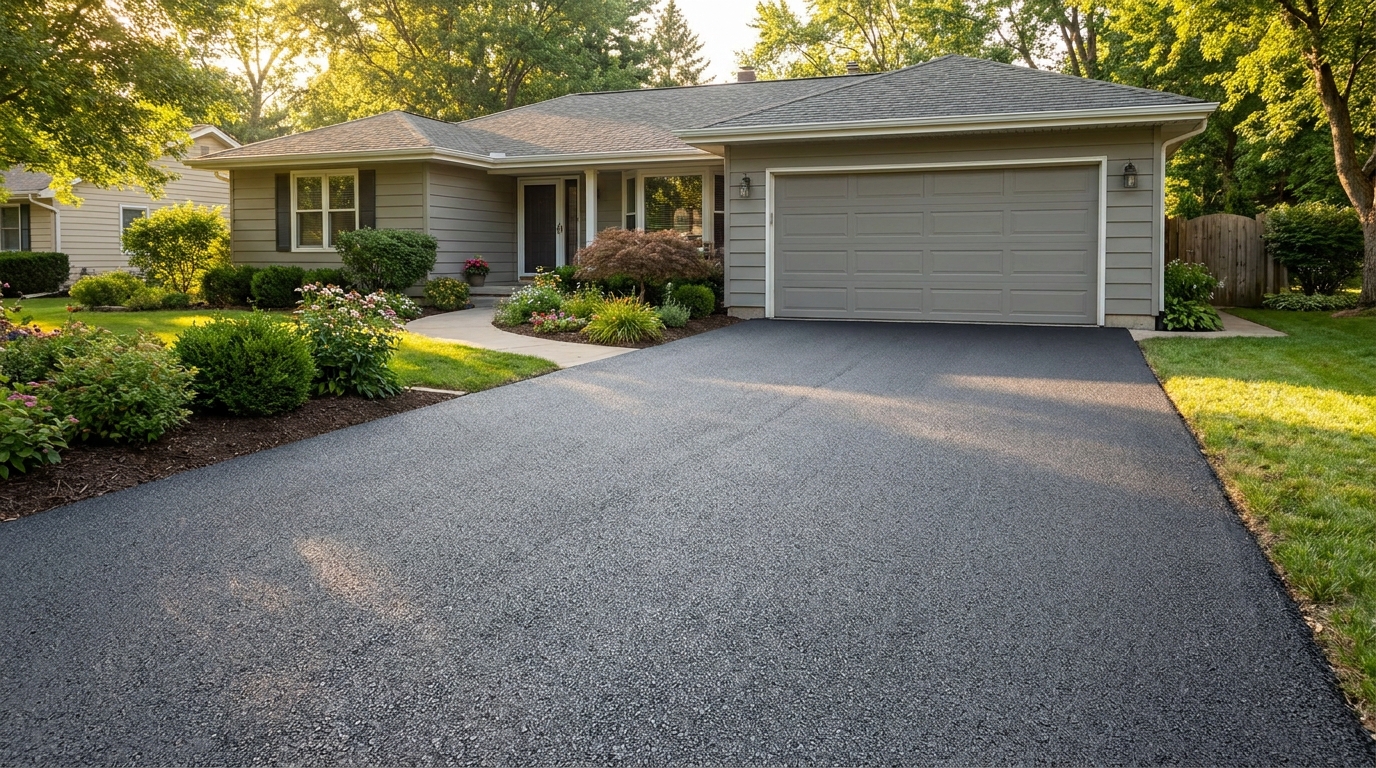
Clean up driveway appearance for a neater entrance and stronger first impression.
Try This Tool →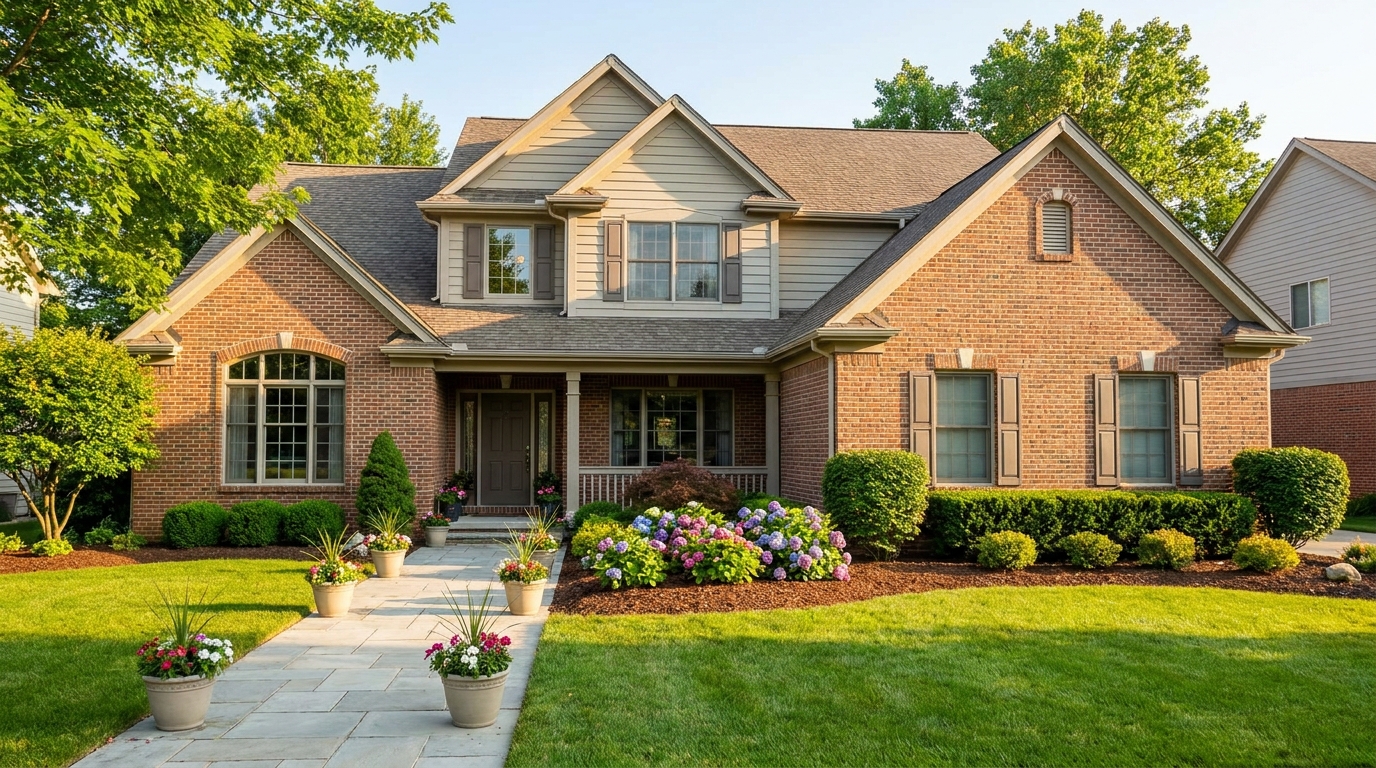
Elevate the home's exterior presence with a brighter, tidier, more inviting street view.
Try This Tool →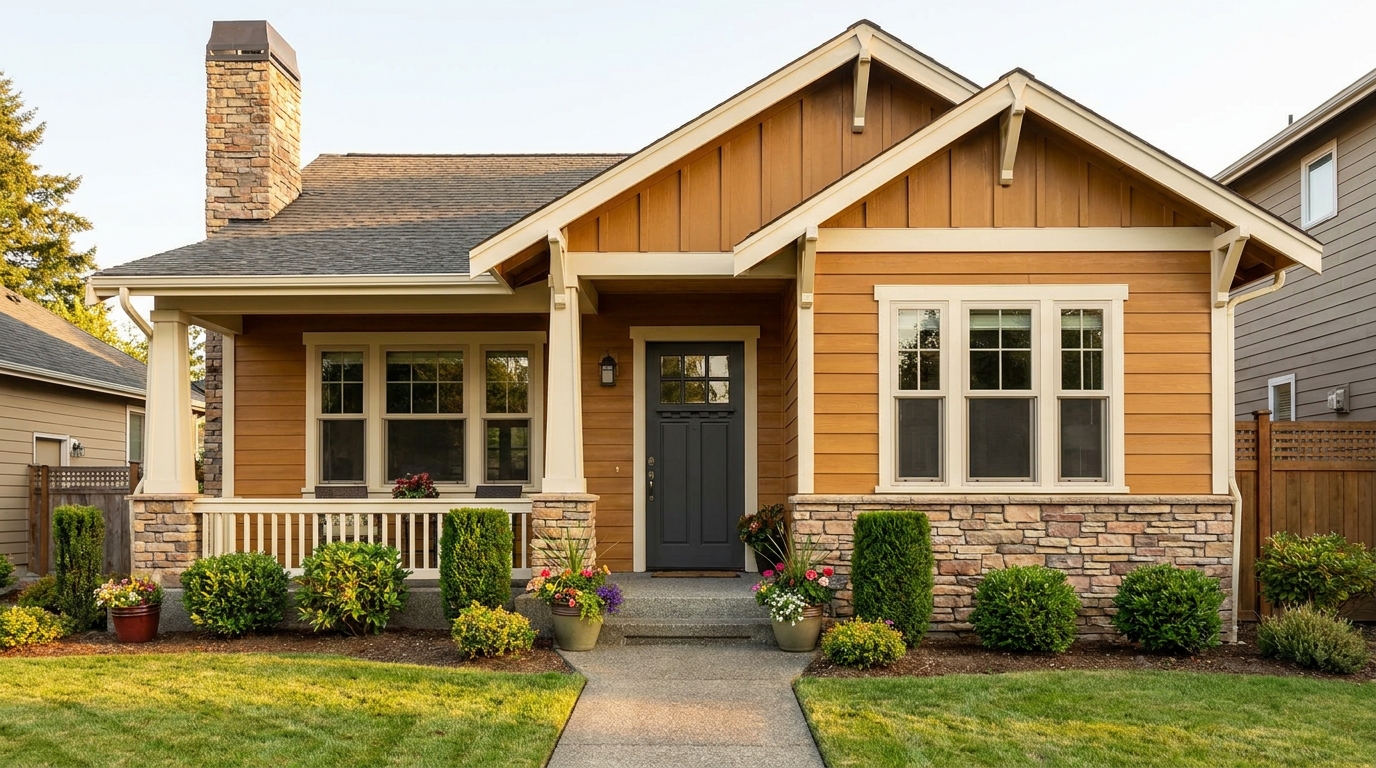
Refine facade tones so exterior materials look cleaner, richer, and more appealing.
Try This Tool →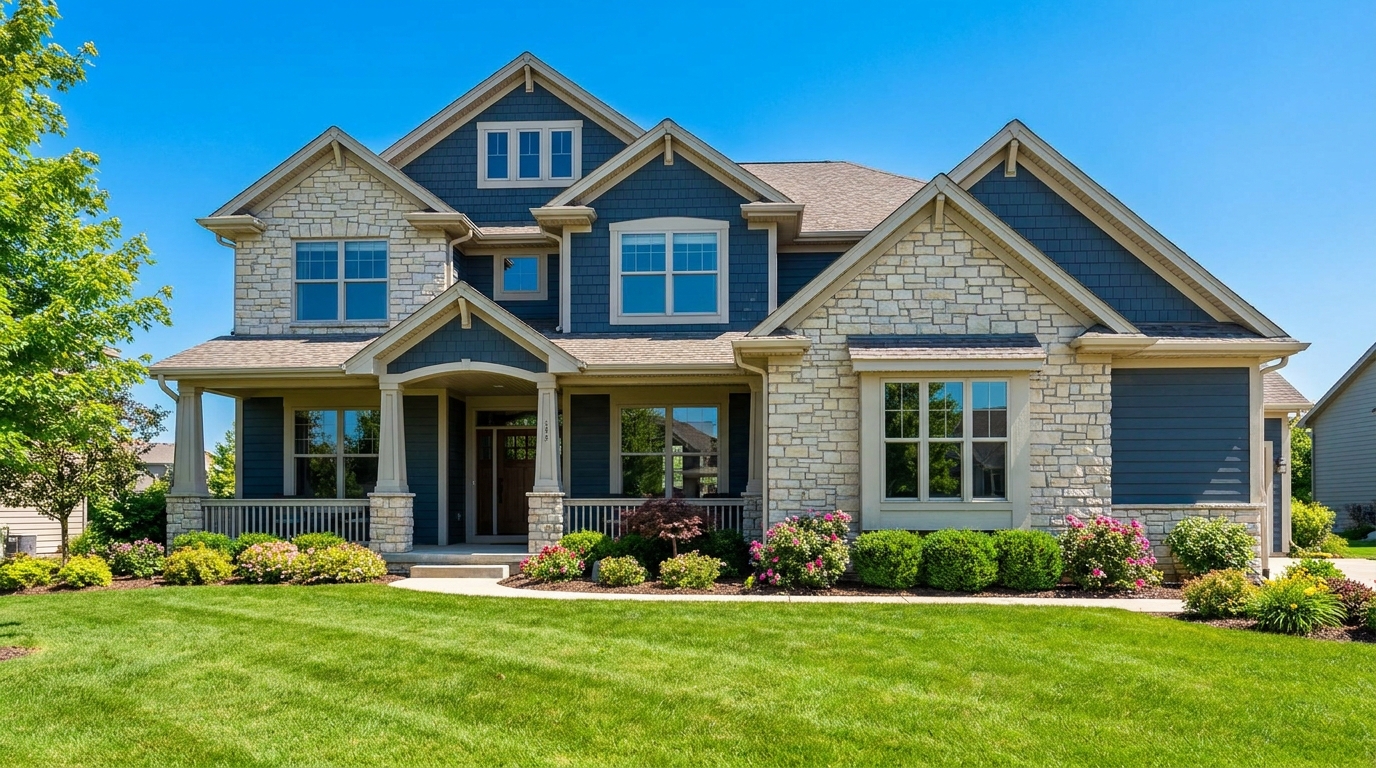
Full exterior enhancement for brighter skies, cleaner lines, and stronger curb appeal.
Try This Tool →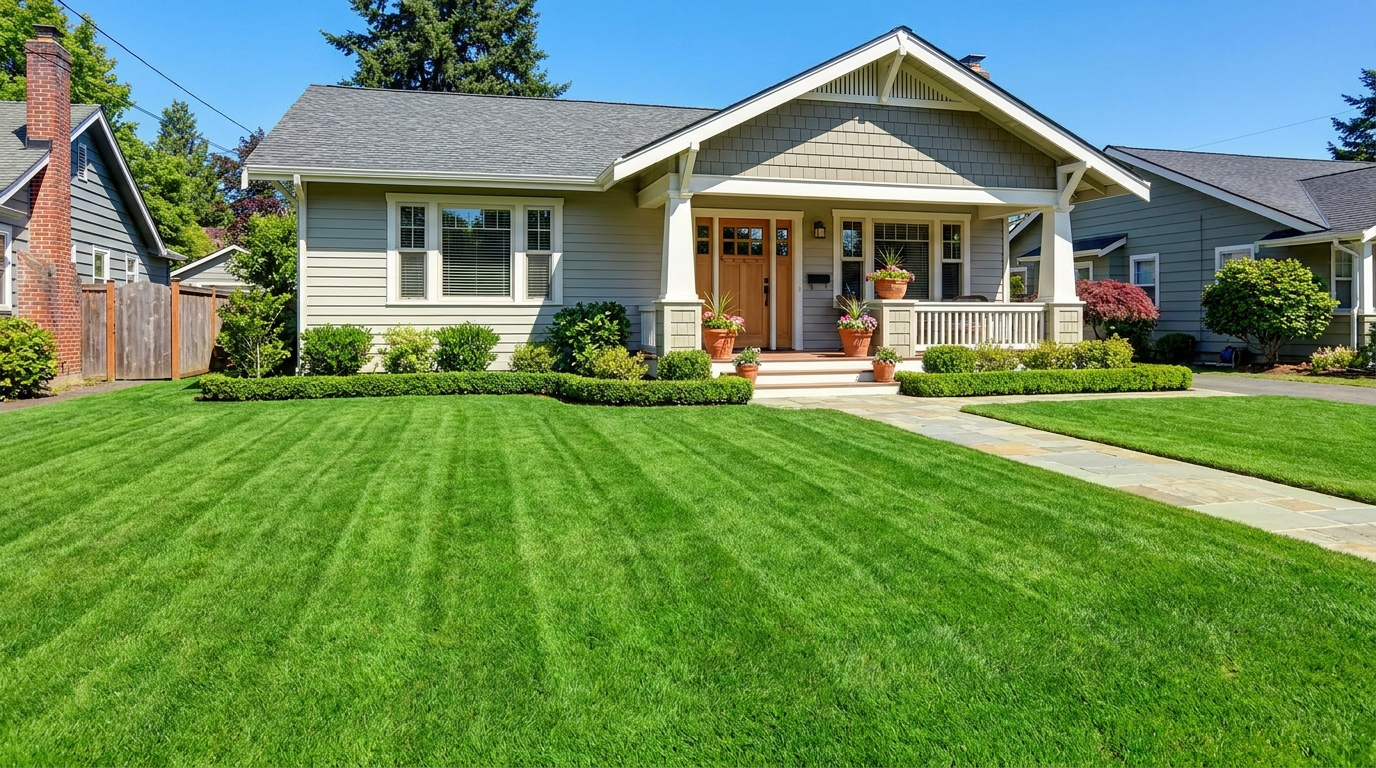
Refresh grass and yard areas for a greener, healthier, better-kept outdoor look.
Try This Tool →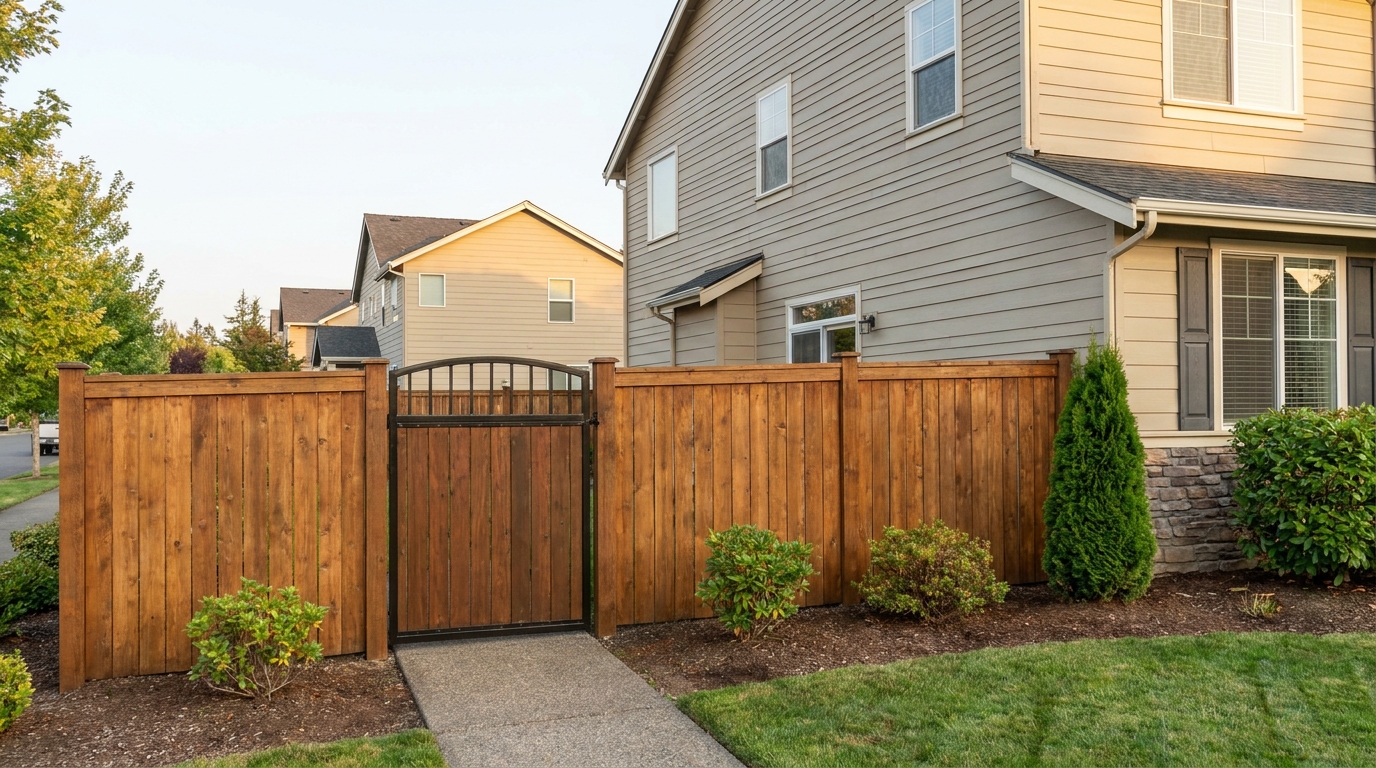
Improve fences and gates so they look cleaner, straighter, and better maintained.
Try This Tool →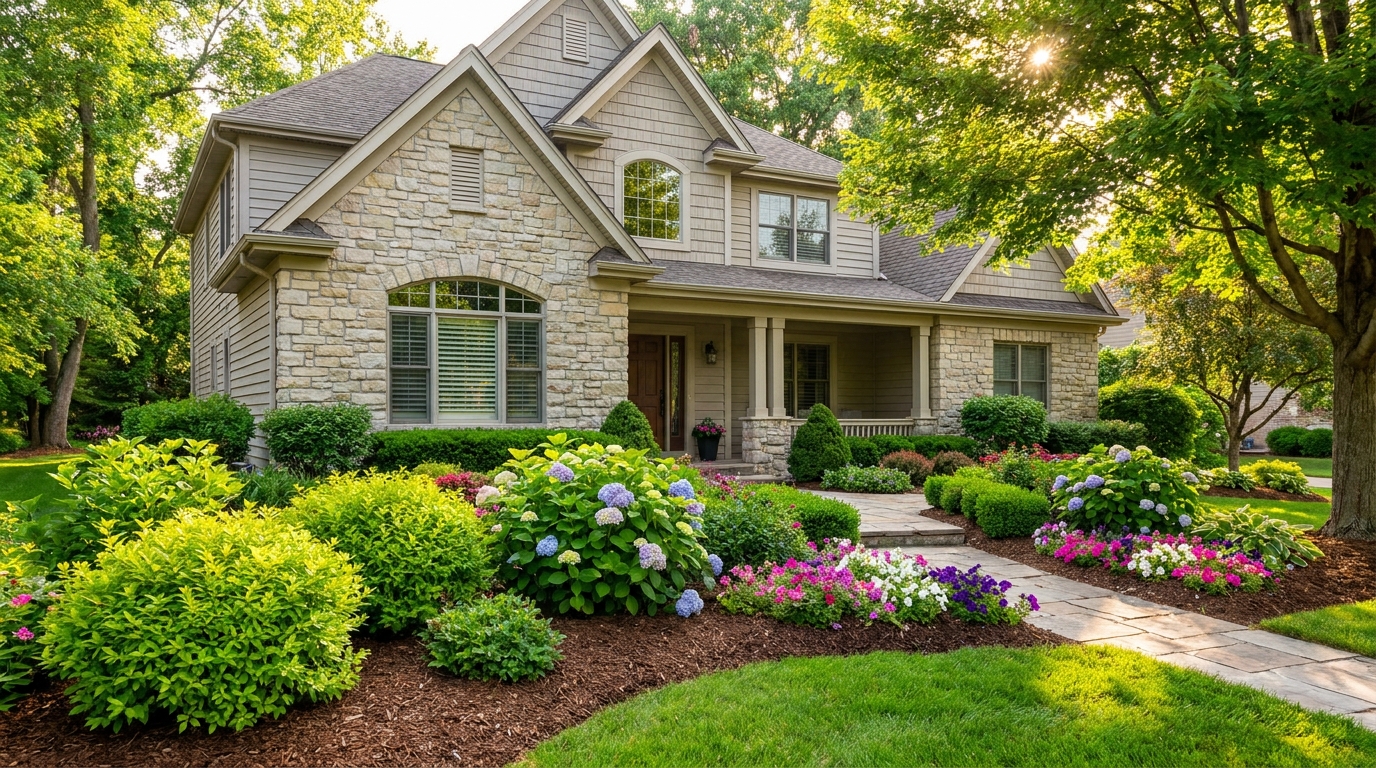
Enhance plants and greenery for a fresher, more vibrant, professionally styled exterior.
Try This Tool →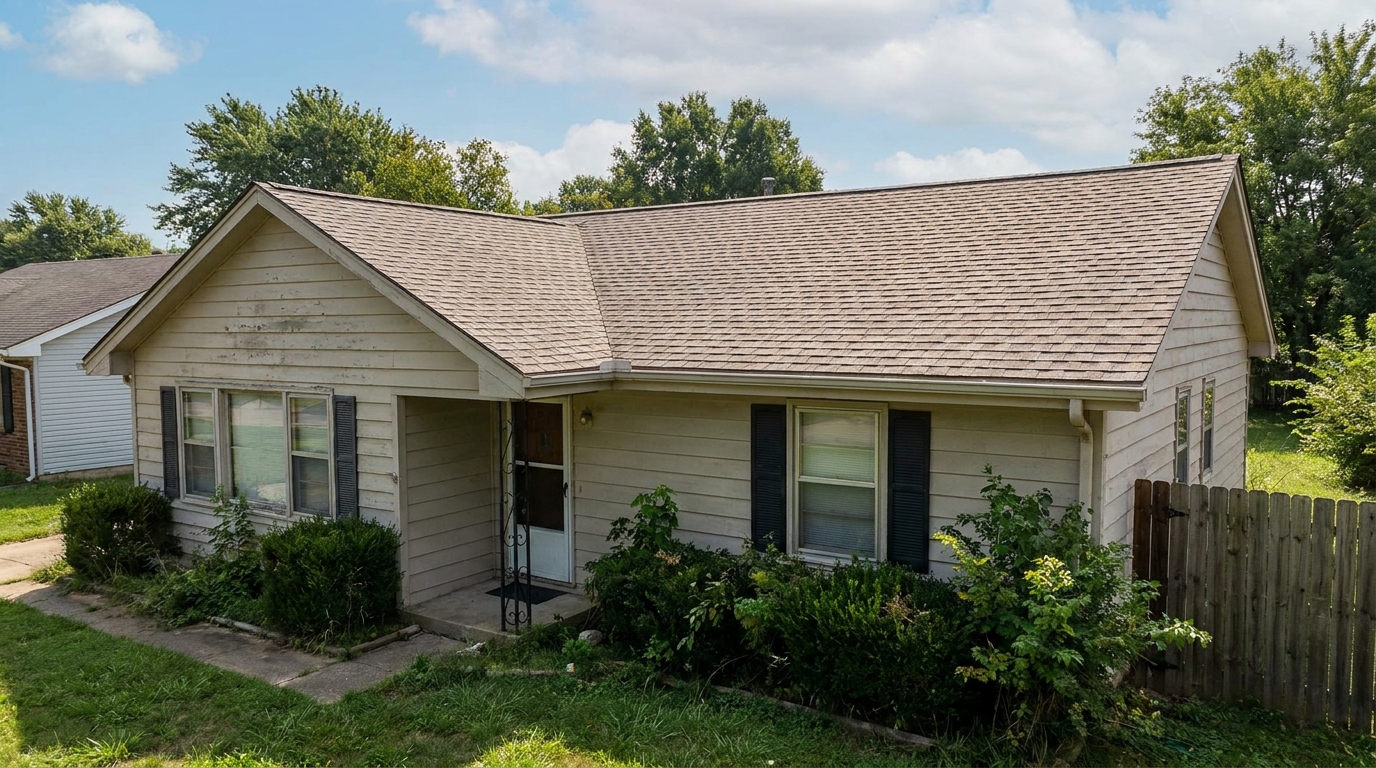
Clean and refine roof appearance for a more cared-for, market-ready exterior photo.
Try This Tool →Explore complementary AI tools designed to optimize interior lighting, fireplaces, and overall image quality.
AI image-to-video generation for turning home, room, and property photos into more vivid presentation videos.
02AI exterior renovation for visualizing facade updates, curb appeal improvements, and home exterior remodel ideas.
03AI landscaping design for exploring outdoor concepts, curb appeal upgrades, planting ideas, and yard layout directions.
04AI virtual staging for furnishing empty rooms and creating listing-ready interiors for real estate marketing.
05Free AI image generation for turning text prompts into unlimited visual ideas for home design, interiors, landscaping, renovation
06AI object removal for cleaning up distracting items from room, home, and property photos.
Don't let cloudy water or a dull deck turn buyers away. Use our AI Pool Photo Enhancer to create an irresistible backyard oasis in seconds.