
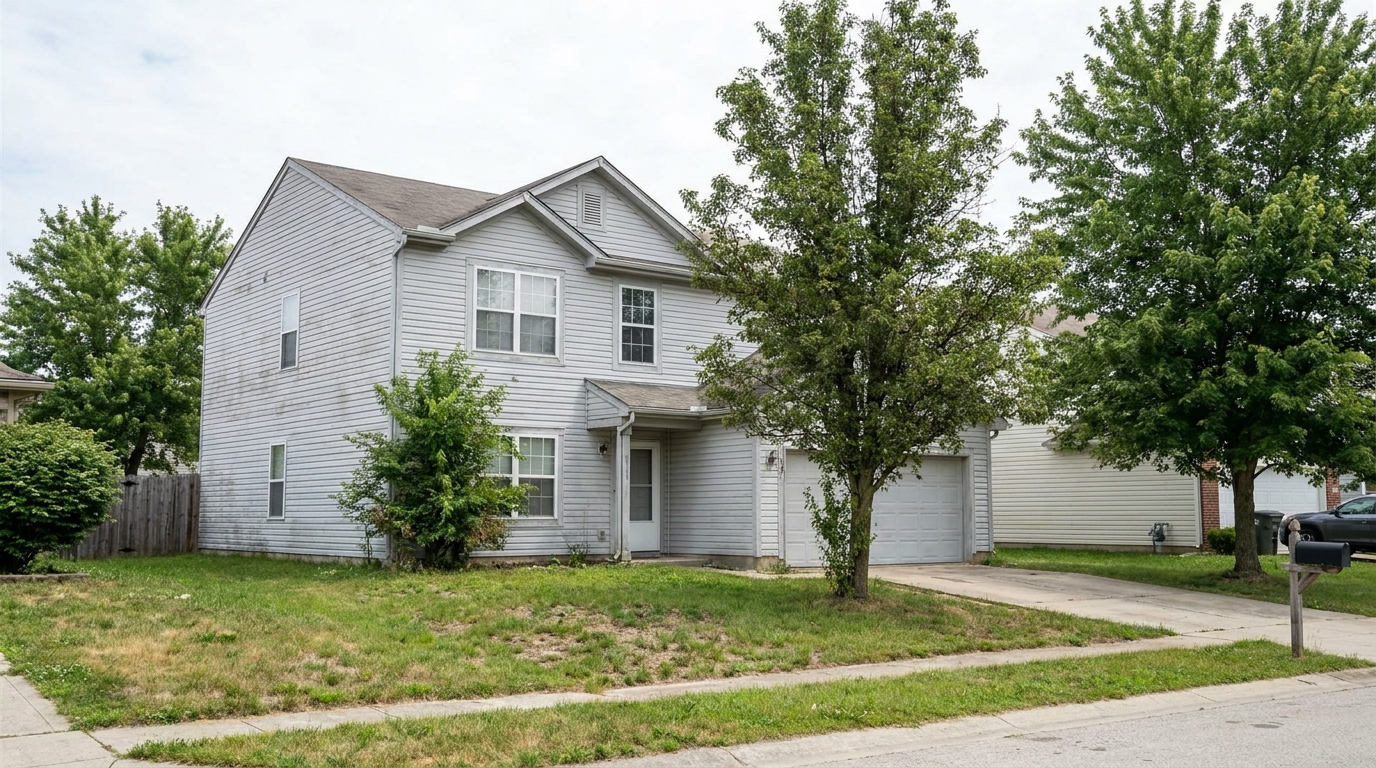
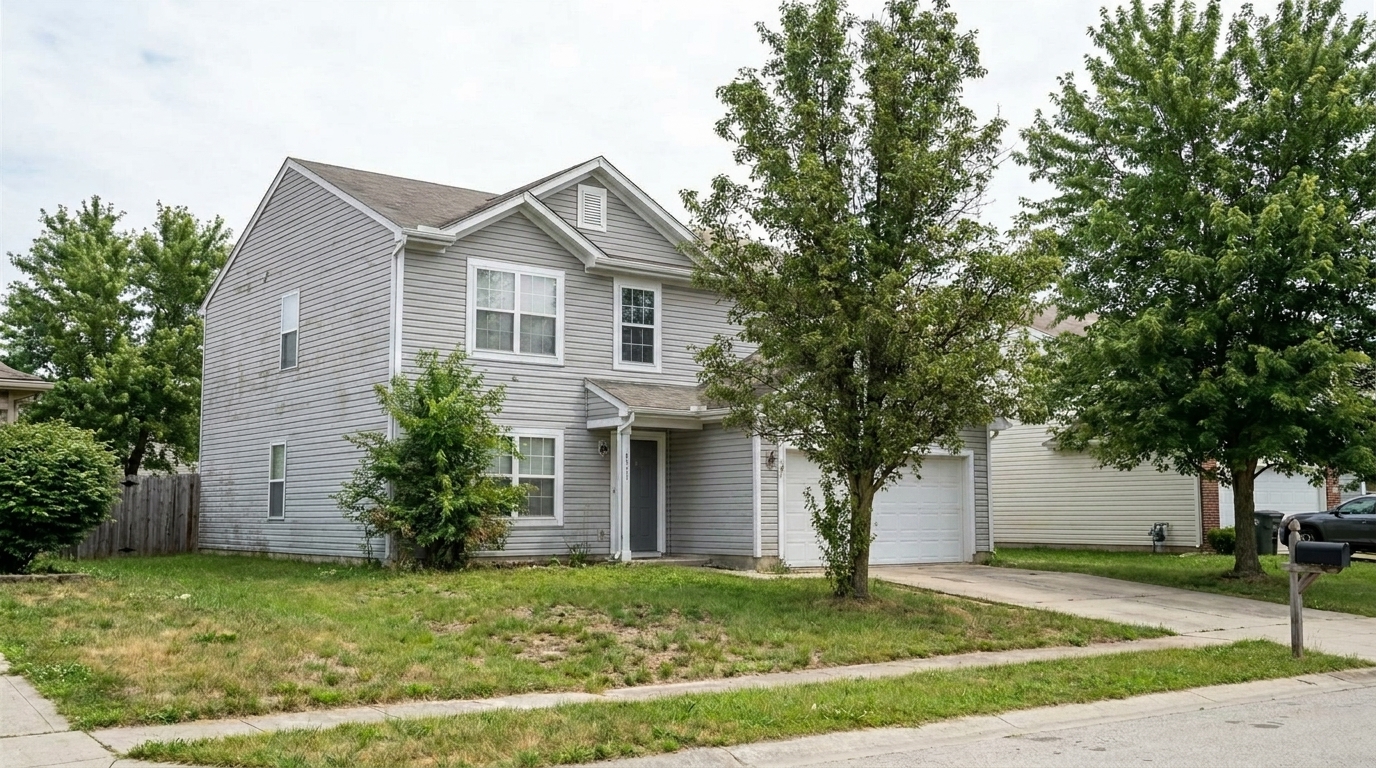

Faded Vinyl Siding
Faded Vinyl Siding updated with exterior color styling.
Refine facade tones, siding, and trim colors in seconds. Keep material textures realistic while boosting curb appeal for real estate listings.
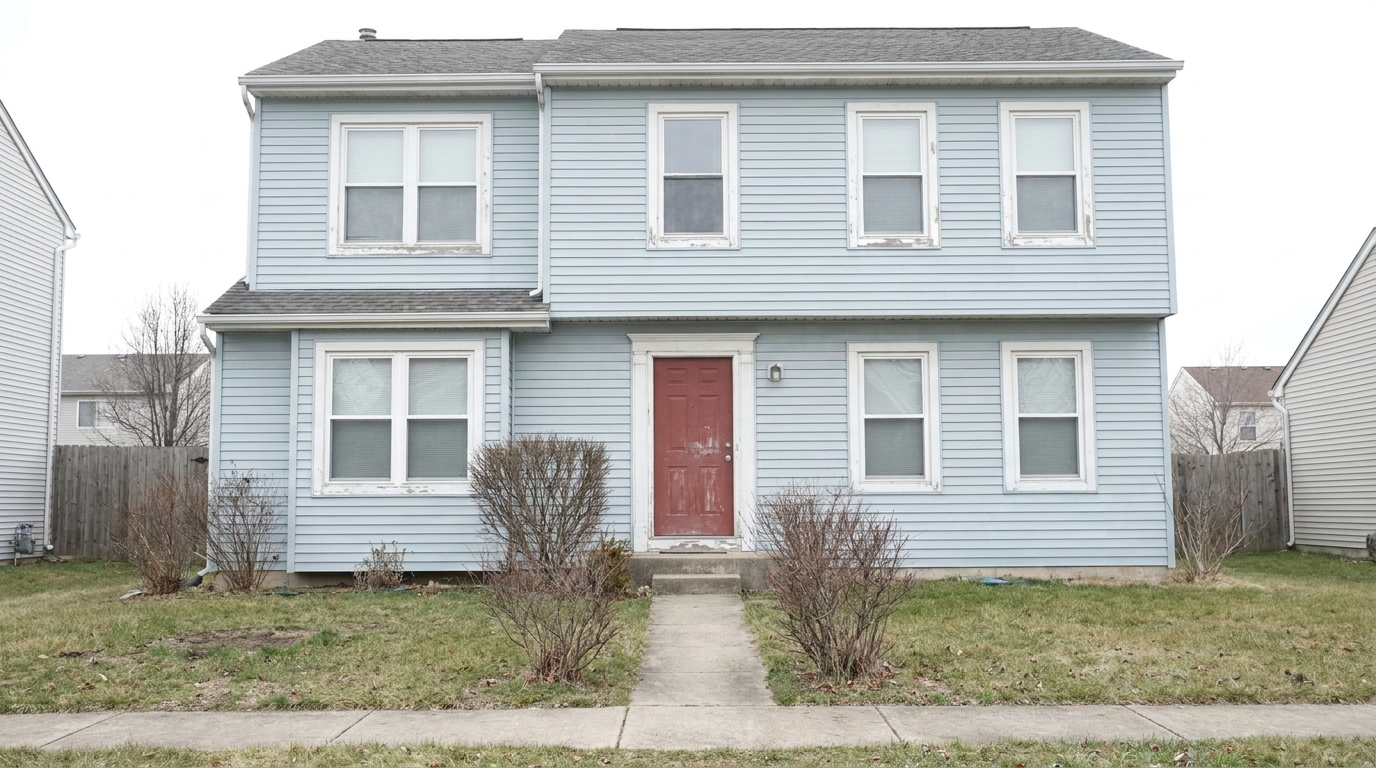
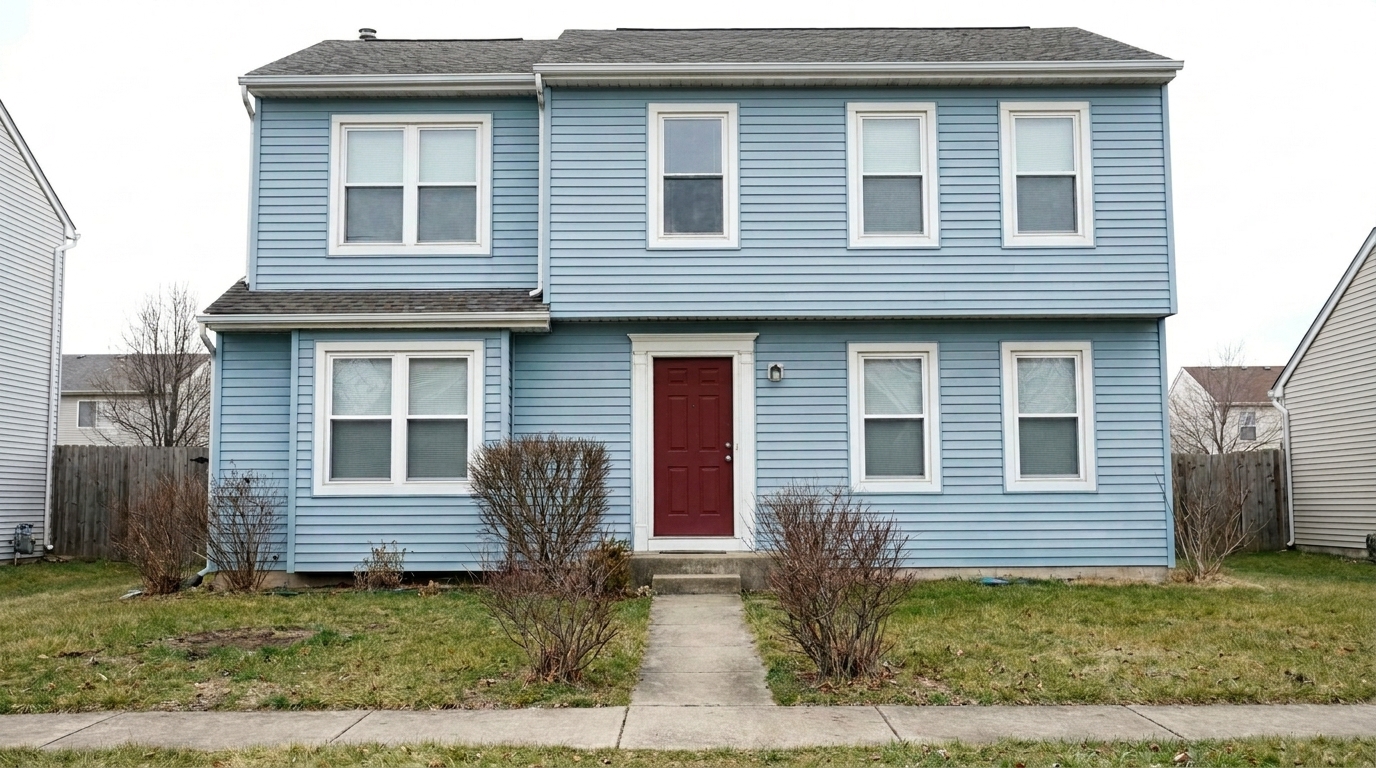
See how subtle color refinement transforms dull facades into vibrant, market-ready homes.
Faded Vinyl Siding updated with exterior color styling.
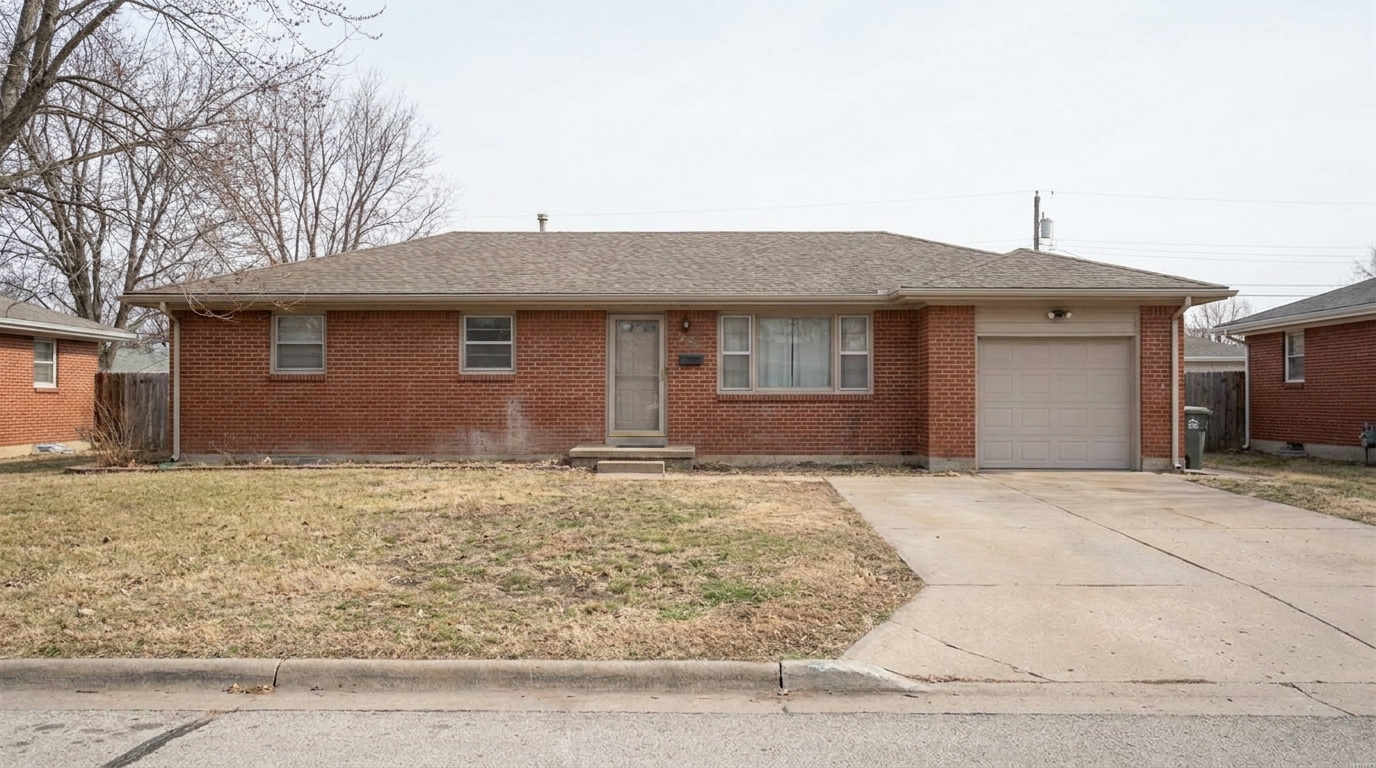
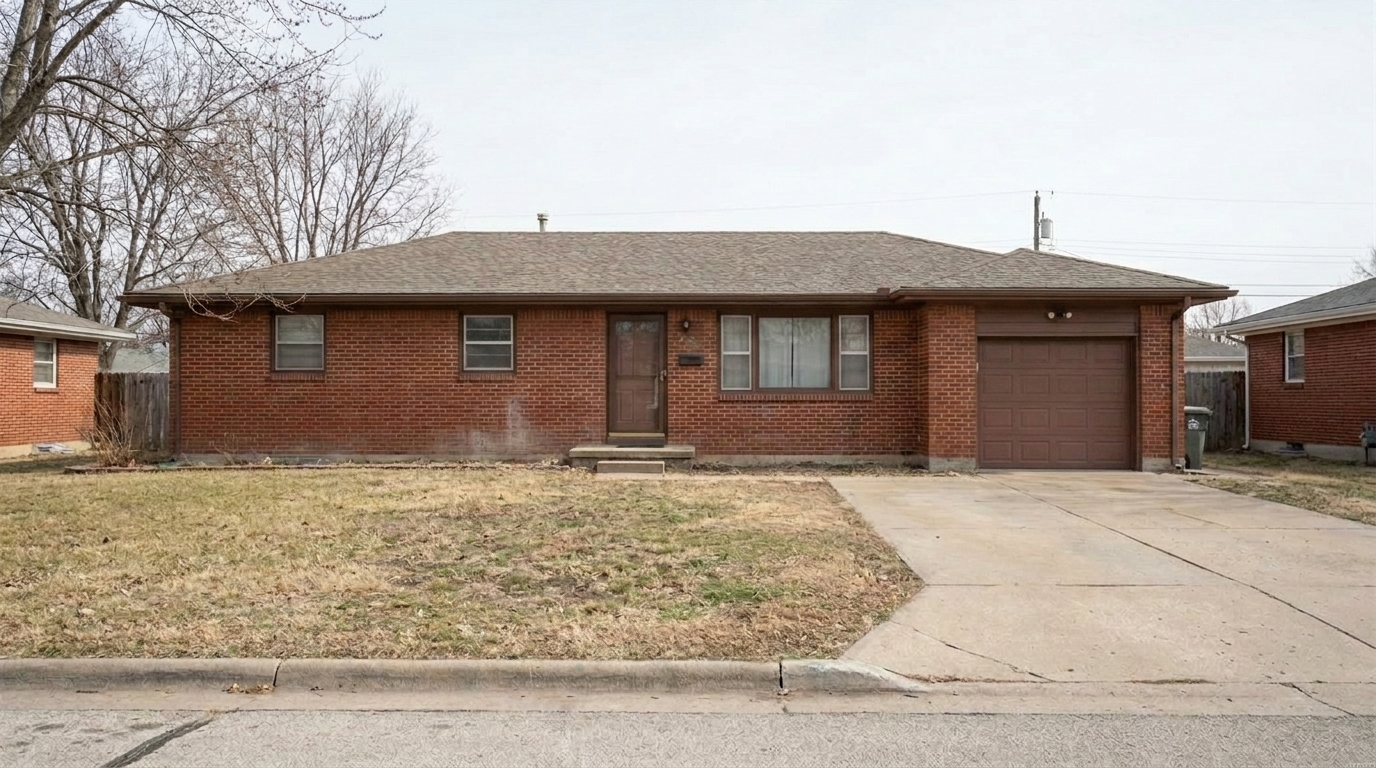
Dull Brick Facade updated with exterior color styling.
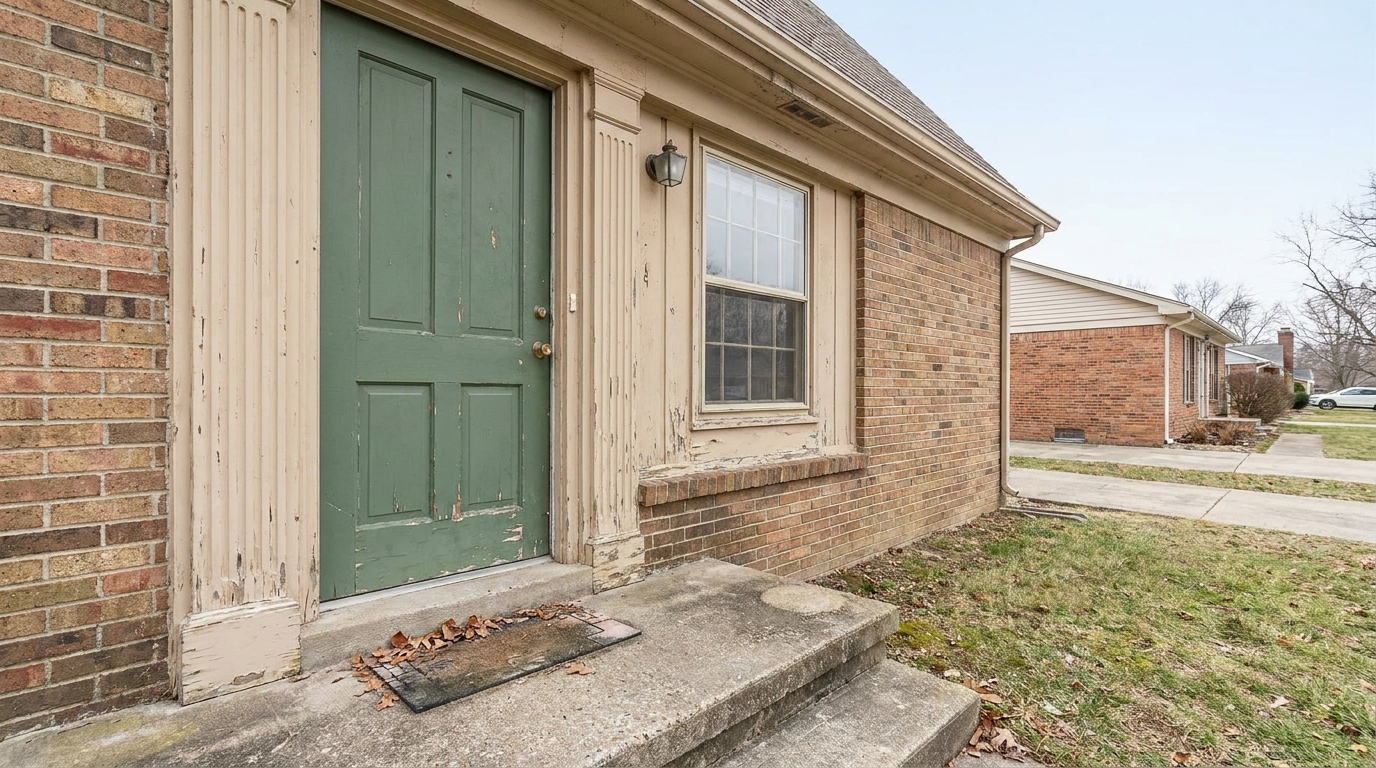
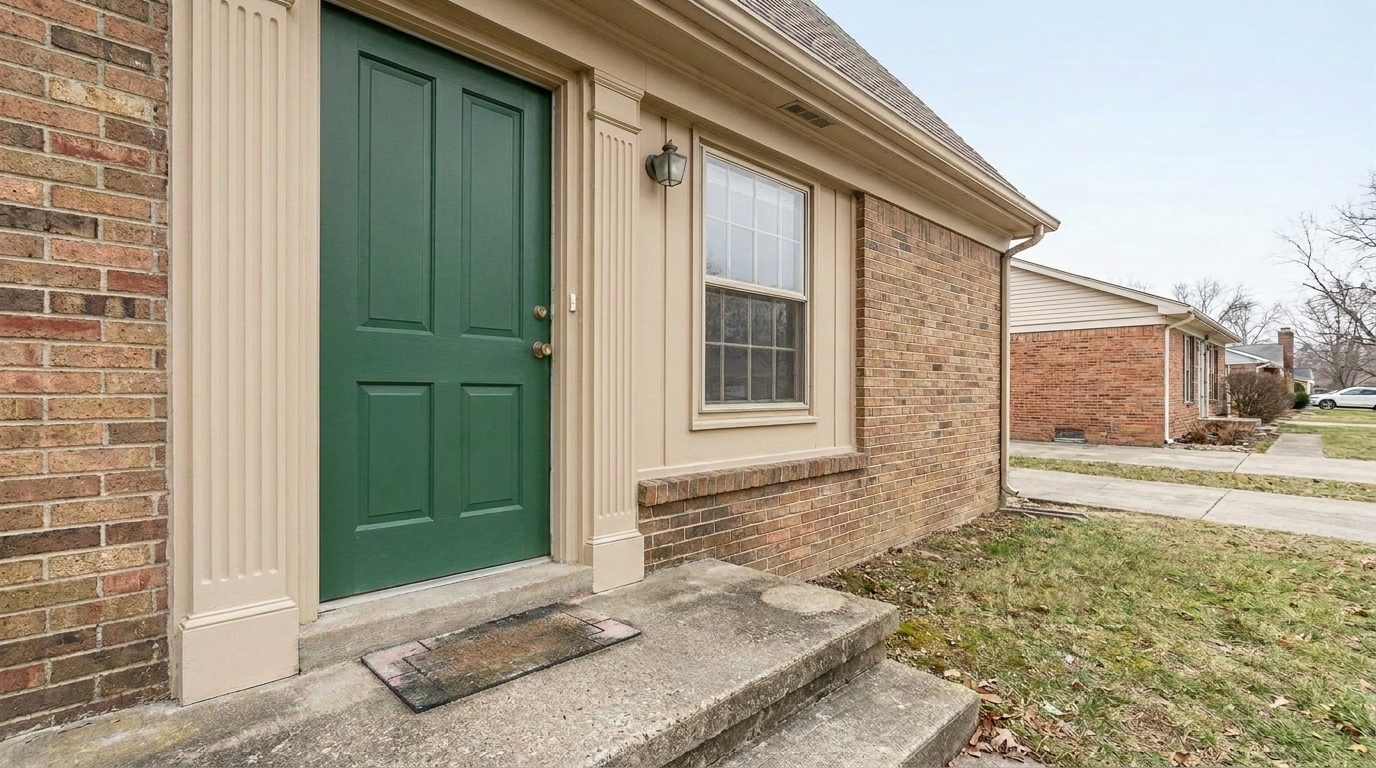
Washed-Out Trim updated with exterior color styling.
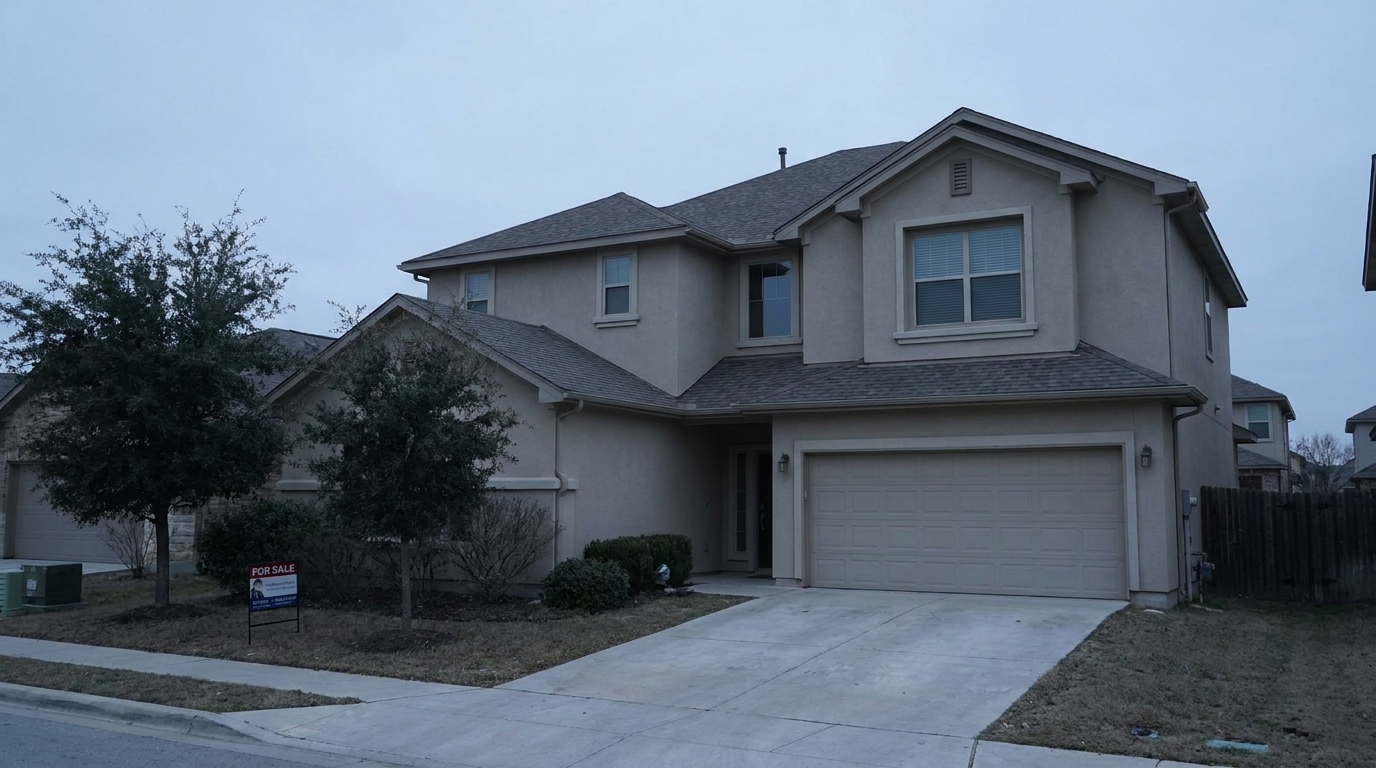
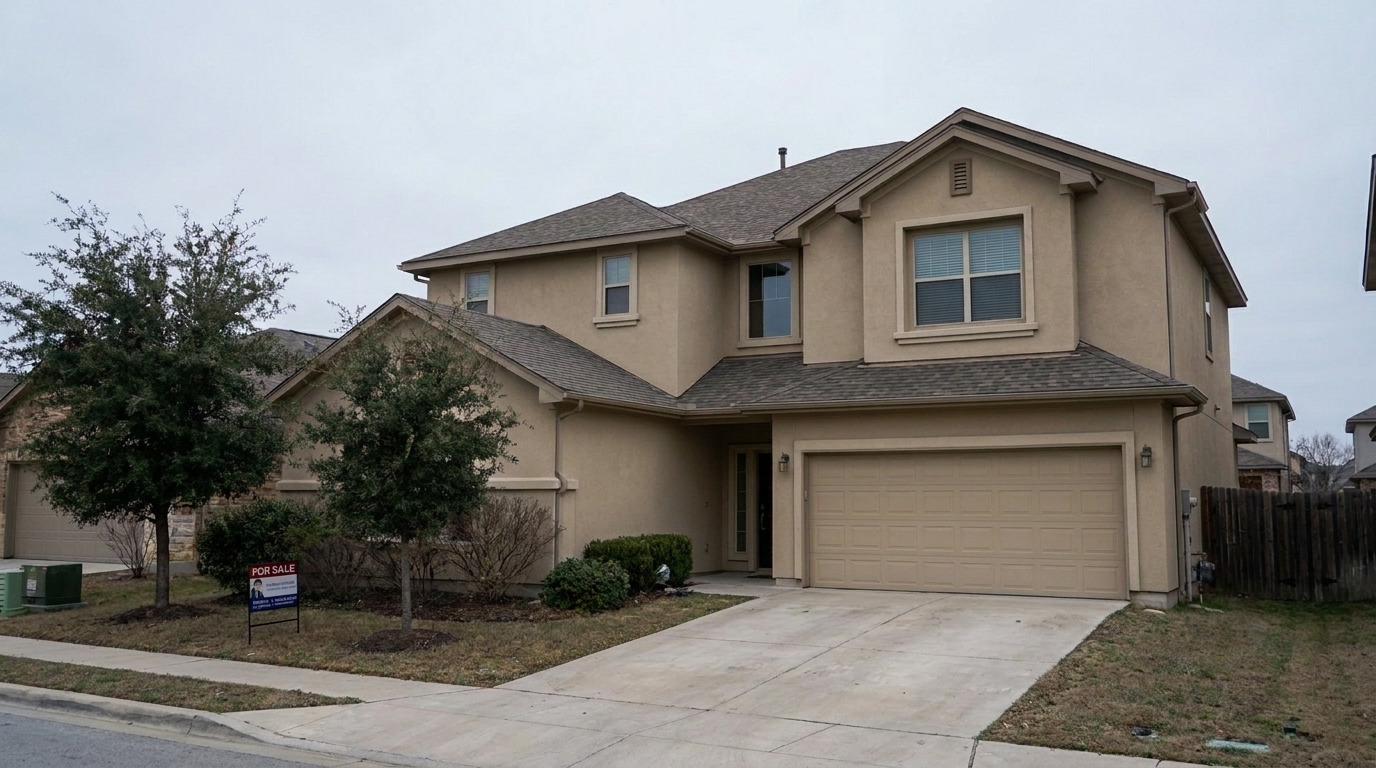
Overcast Stucco updated with exterior color styling.
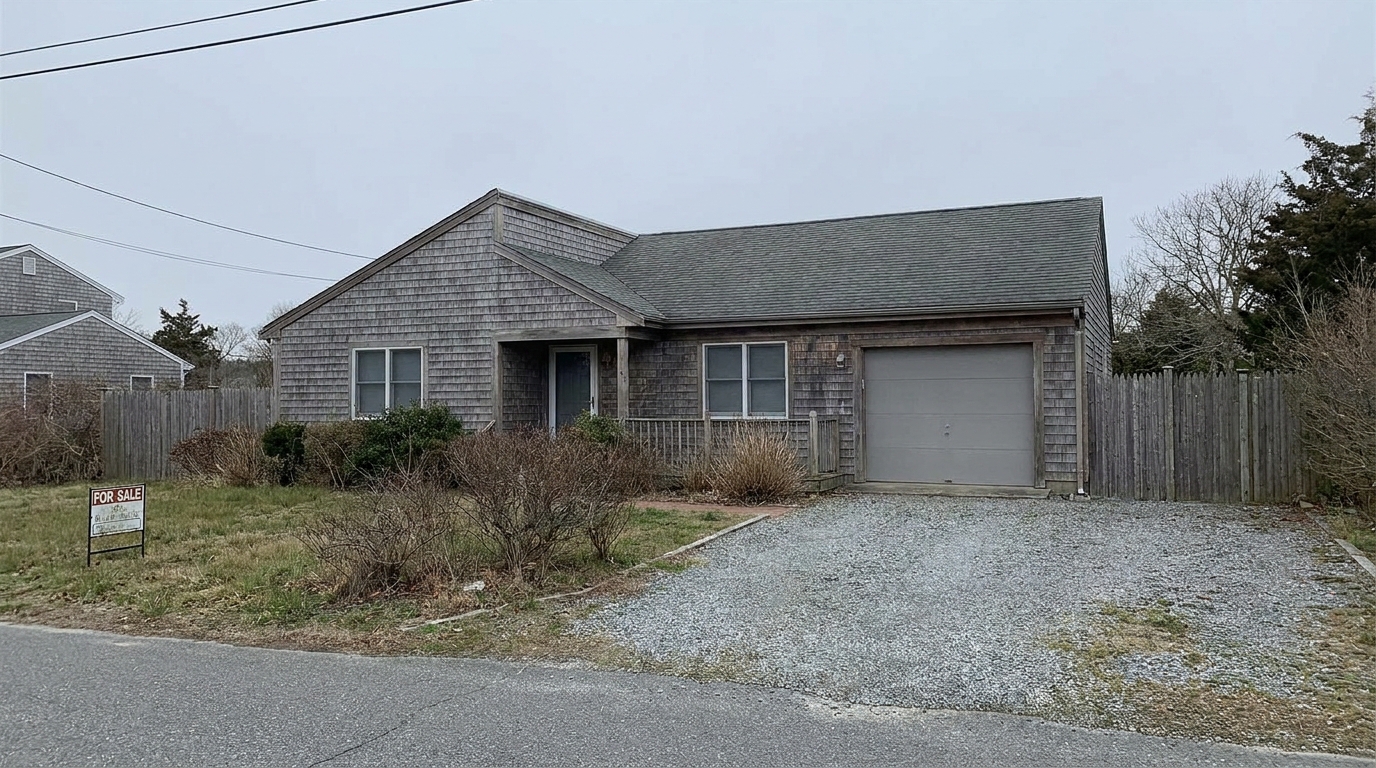
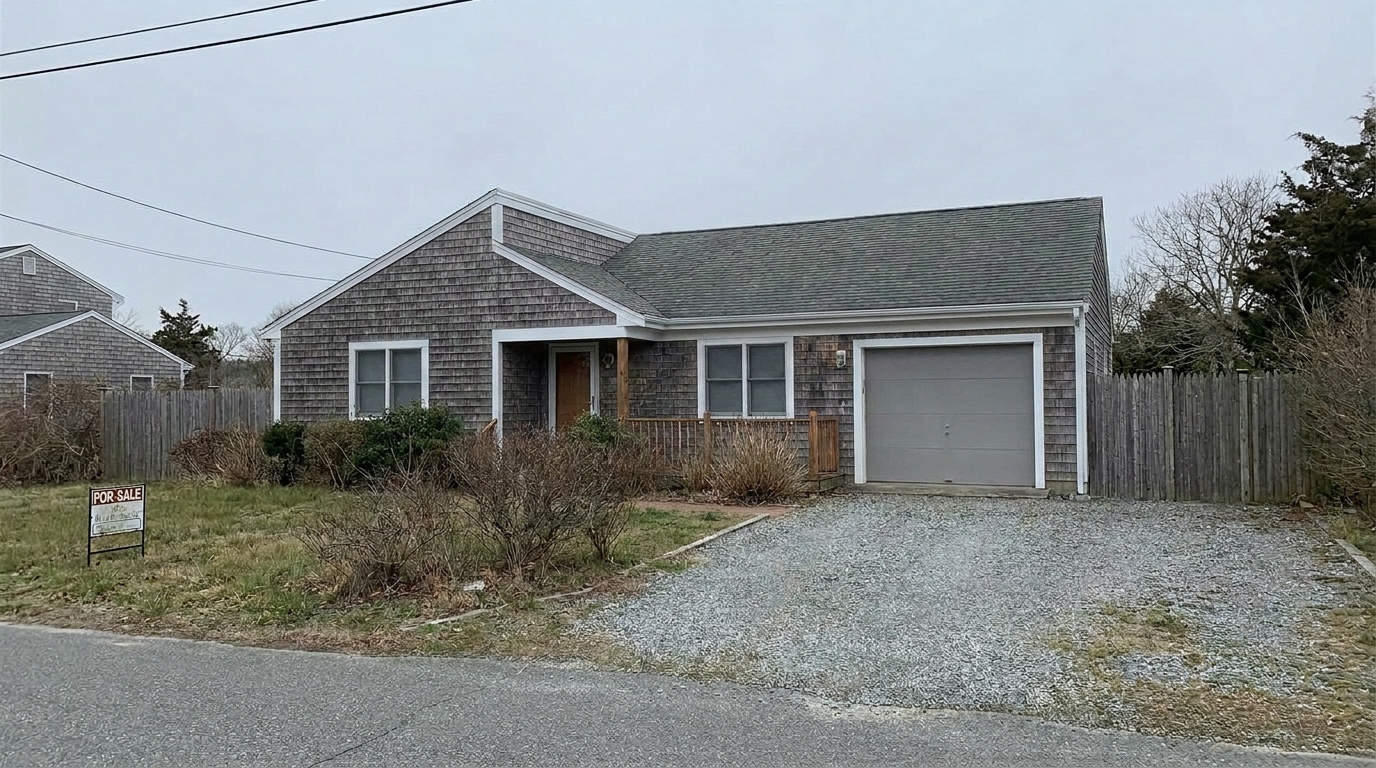
Sun-Bleached Wood Cladding updated with exterior color styling.
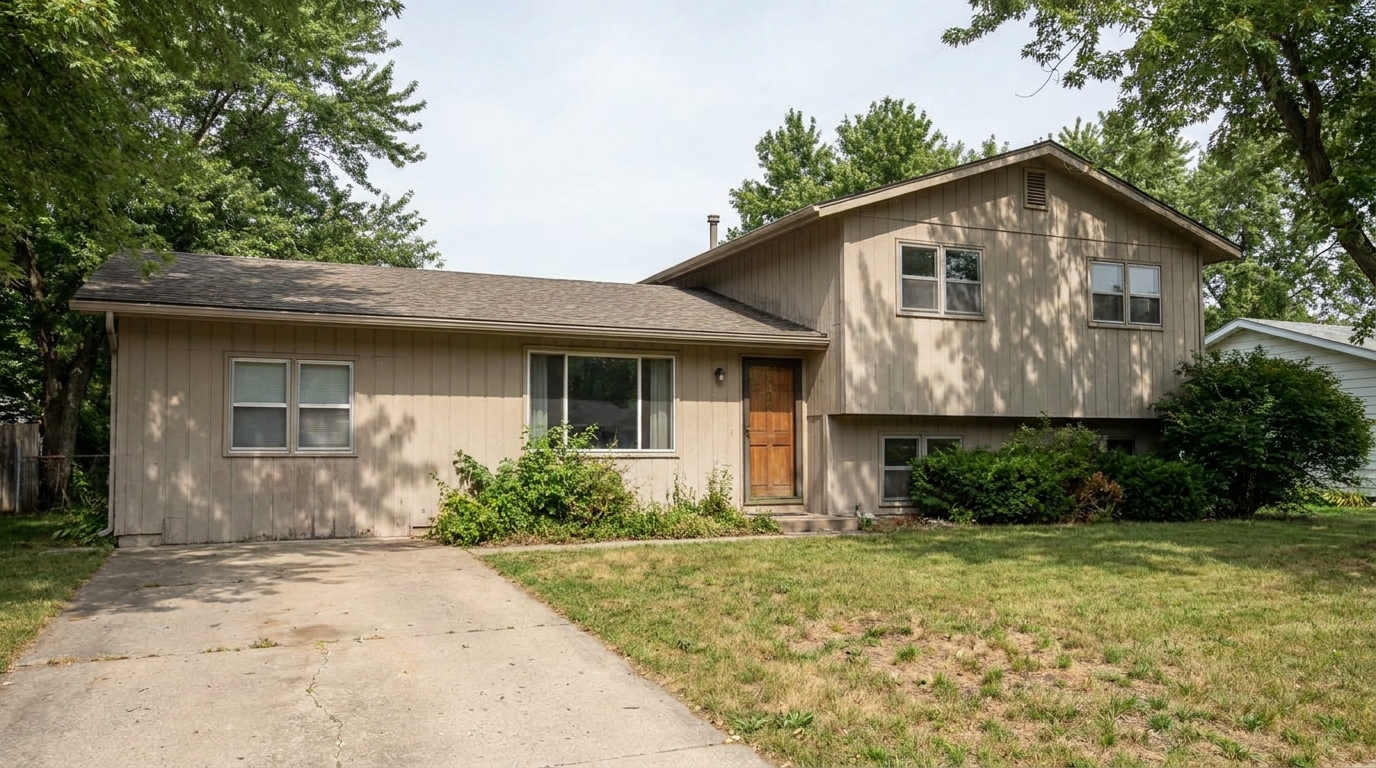
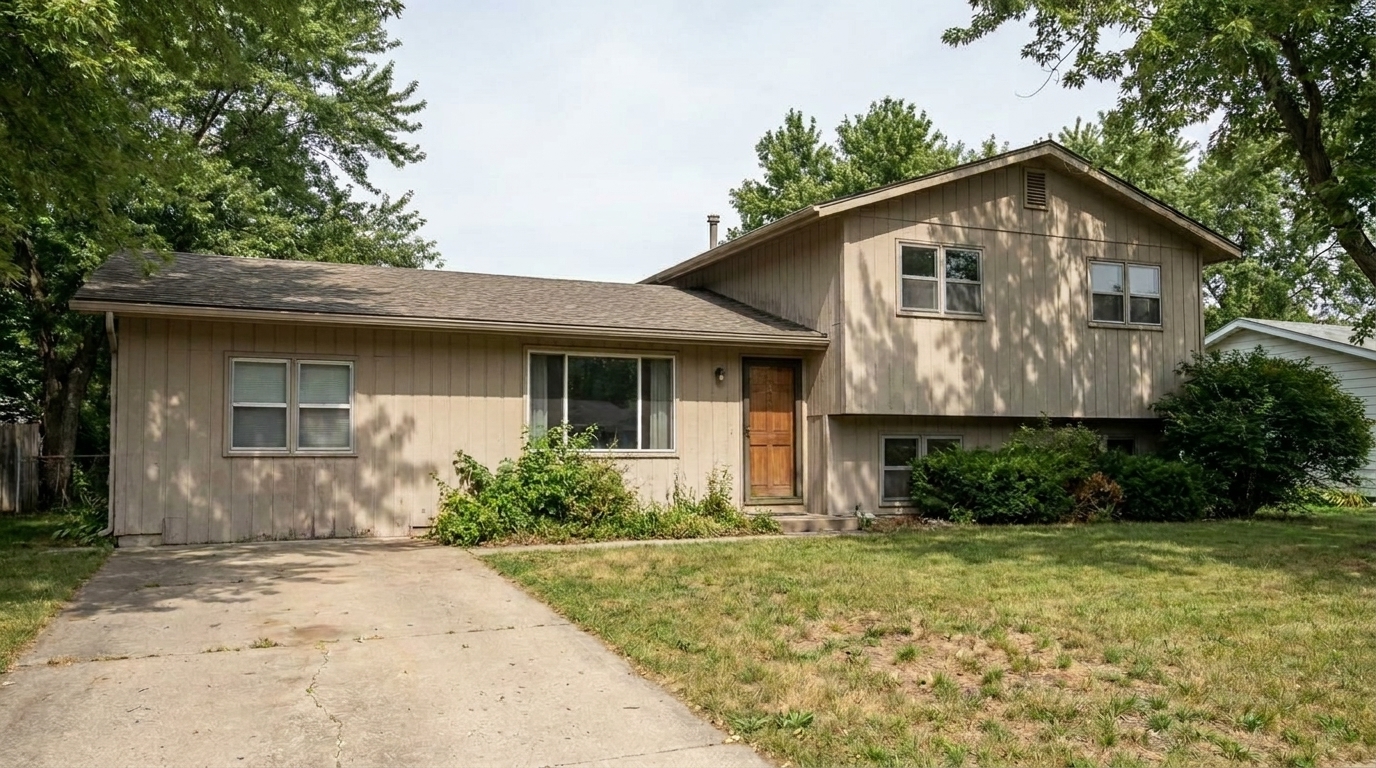
Mismatched Facade Tones updated with exterior color styling.
Powerful AI tools designed to make siding, trim, and architectural details pop naturally.
Automatically detects and targets siding, brick, stucco, and wood cladding without affecting the sky, lawn, or surrounding landscaping.
Sharpens and enriches the color of window frames, shutters, fascia, and architectural trim for a crisp, defined look.
Boosts color richness and saturation while keeping natural textures like brick mortar, stucco grain, and wood siding perfectly intact.
Identifies and subtly enhances the front entry door to create a welcoming, high-contrast focal point for potential buyers.
Corrects harsh color casts caused by overcast skies, shadows, or golden hour sun, restoring true-to-life paint and material tones.
Smooths out uneven fading, minor weathering, and light shadows across siding panels for a clean, well-maintained appearance.
Perfect for real estate listings, design presentations, and home renovation previews.
Revitalize properties with sun-bleached vinyl or wood siding that looks tired and worn in raw listing photos.
Real Estate ListingsMake dull or weathered trim stand out to define the home's architectural lines and elevate curb appeal.
Curb AppealShow clients how a fresh coat of paint or a color adjustment would look on their current home facade.
Design & RemodelingCorrect flat, gray, or muddy colors on homes photographed under heavy cloud cover or in flat lighting.
Property MarketingNeutralize blue or green color casts reflected onto the facade from nearby trees, lawns, or sky shadows.
Professional PhotographyEnsure consistent, vibrant facade tones across all exterior shots in an agent's or photographer's marketing portfolio.
Brand ConsistencyFollow three simple steps to balance facade tones and enrich exterior materials.
Select and upload a high-resolution front exterior photo of your property in JPEG, PNG, or HEIC format.
Our AI automatically analyzes the image, isolating the facade, trim, and doors to enrich and balance their color tones.
Save your polished, high-resolution photo with vibrant, realistic colors, ready for the MLS and marketing materials.
Source-backed context for why exterior color edits matter inside exterior enhancement workflows.
Exterior Color within Exterior Enhancement evidence
Photos are one of the most valuable website features for home buyers; NAR's 2025 generational trends report says 83% of internet-using buyers rated photos as very useful. For Exterior Color pages, this supports showing how a focused Exterior Enhancement edit can make the listing photo feel clearer, more polished, and easier for buyers to evaluate.
Source: NAR 2025Exterior Color within Exterior Enhancement evidence
Zillow Research's 2025 prospective buyer report ranked high-resolution photos as the number two most important listing feature, selected by 26% of prospective buyers; floor plans ranked first at 33%. For Exterior Color pages, this supports showing how a focused Exterior Enhancement edit can make the listing photo feel clearer, more polished, and easier for buyers to evaluate.
Source: Zillow 2025Exterior Color within Exterior Enhancement evidence
Redfin reported that professionally photographed homes in the $400,000 range sold three weeks faster and for more than $10,000 relative to list price compared with amateur photos. Use this as supporting context, not as a guaranteed result. For Exterior Color pages, this supports showing how a focused Exterior Enhancement edit can make the listing photo feel clearer, more polished, and easier for buyers to evaluate.
Source: RedfinFirst impressions are critical in real estate, and the exterior photo is almost always the first thing a buyer sees. Enhancing the facade's color can make a home feel well-maintained and inviting.
Exterior photos are highly susceptible to environmental lighting. Overcast skies introduce cool, blue-gray casts, while nearby trees can reflect green light onto light-colored siding. The AI Exterior Color tool analyzes these environmental factors and neutralizes unwanted color casts. By isolating the facade from the sky and landscaping, it restores the true, warm tones of the siding, brick, or stucco, ensuring the home looks exactly as it should on a perfect, clear day.
When editing real estate exteriors, selecting the right tool ensures a natural and professional result. Use the 'Exterior Color' preset when the home's siding, trim, or front door looks faded, washed out, or affected by color casts. If the entire image suffers from poor exposure or a gray sky, start with the 'Exterior Photo' preset for a broad pass. If the main issues are dead grass or a stained driveway, bypass this preset and use 'Lawn & Yard' or 'Driveway' respectively. For properties with multiple exterior issues, a layered workflow starting with 'Exterior Color' followed by targeted landscaping edits yields the best results.
To achieve professional-grade results, start with a well-composed, straight exterior shot. Upload the photo and apply the 'Exterior Color' preset to establish a clean, vibrant base for the home's structure. Once the facade, trim, and front door colors are balanced and enriched, evaluate the surrounding elements. If needed, apply secondary enhancements to the lawn or driveway to complement the newly refreshed facade. This structured approach prevents over-editing and keeps the final listing image looking cohesive and realistic.
While it is tempting to maximize color richness, real estate marketing requires a balance between appeal and accuracy. The 'Exterior Color' preset is calibrated to enhance existing tones rather than replace them, ensuring compliance with MLS guidelines regarding truthful representation. By preserving natural material textures—such as the grain of cedar siding or the mortar lines in brickwork—the AI ensures the home looks beautifully maintained without appearing artificially painted or deceptive to buyers during in-person showings.
Discover specialized tools to polish every detail of your property's exterior, from lawns to driveways.
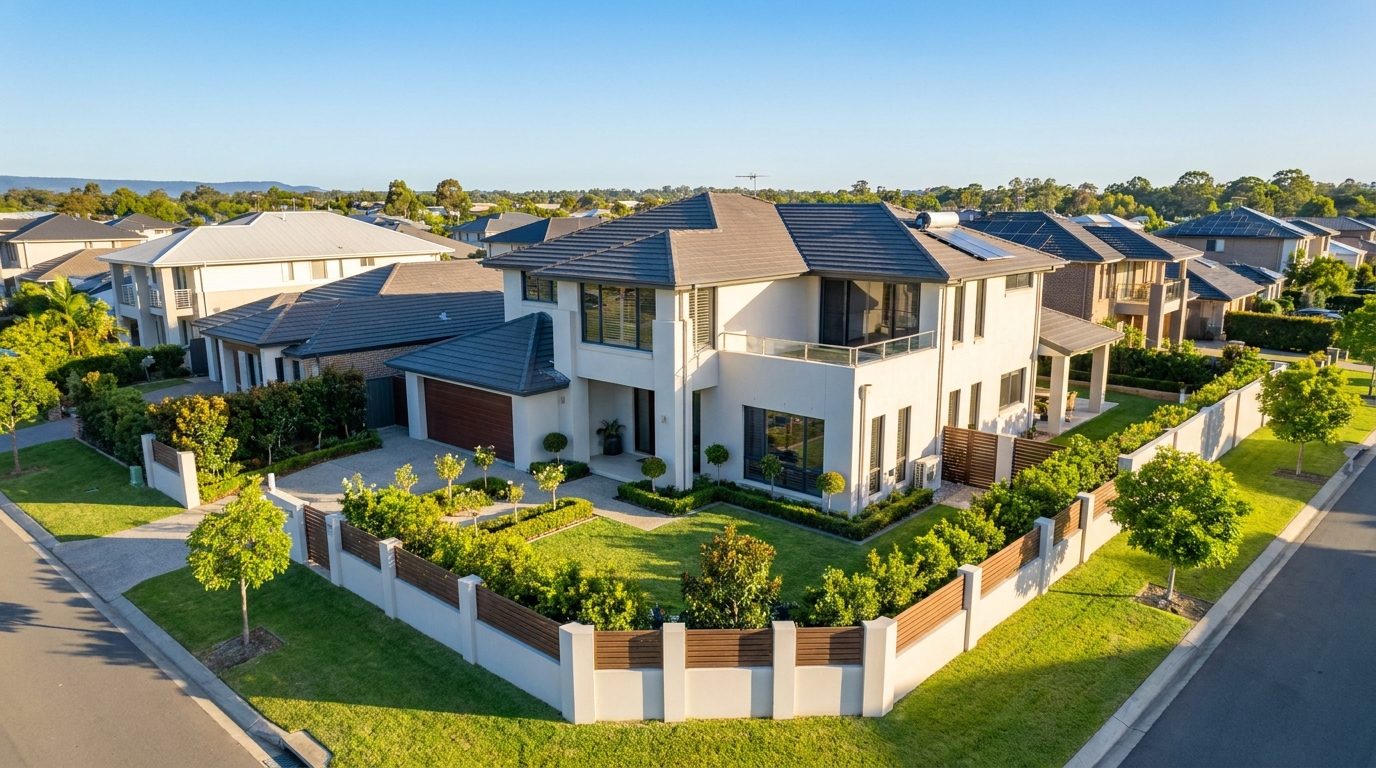
Polish aerial shots with brighter color, cleaner detail, and stronger property context.
Try This Tool →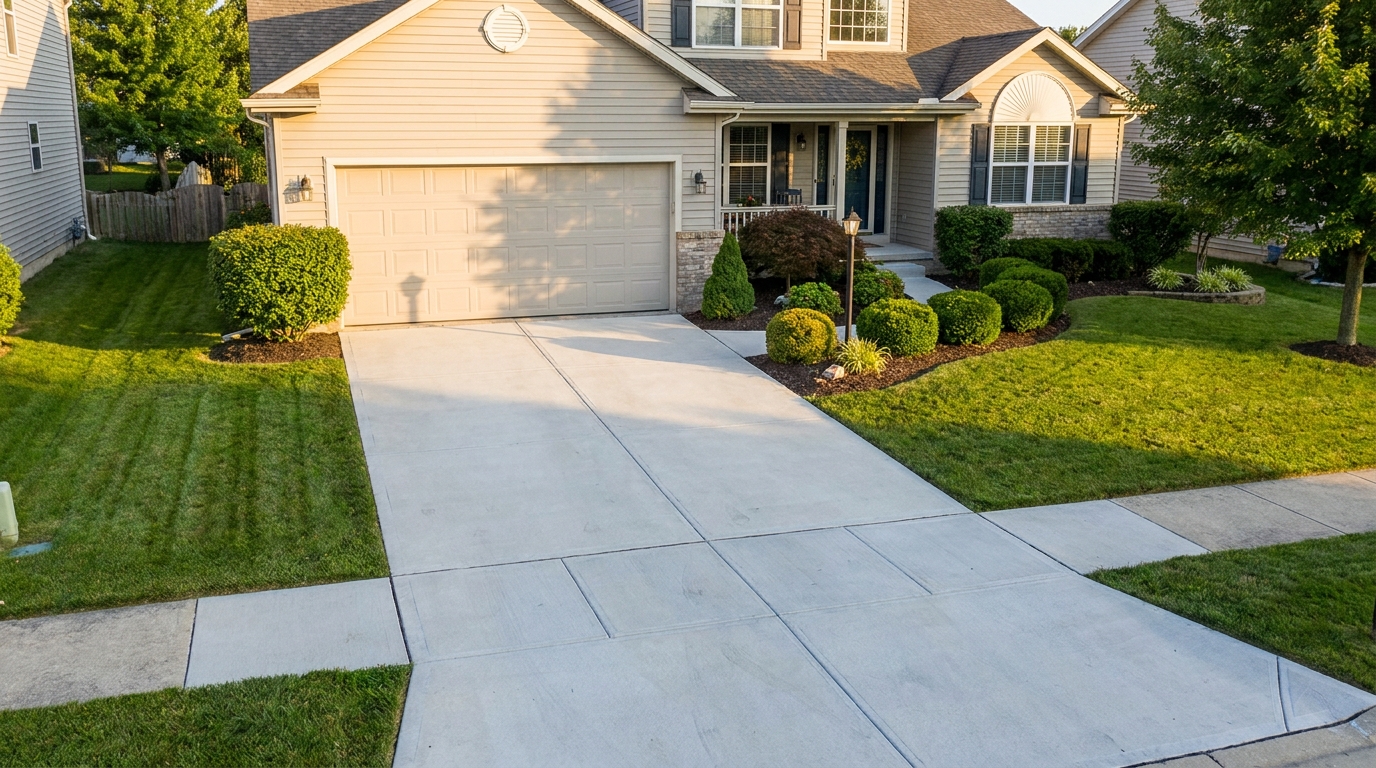
Clean up driveway appearance for a neater entrance and stronger first impression.
Try This Tool →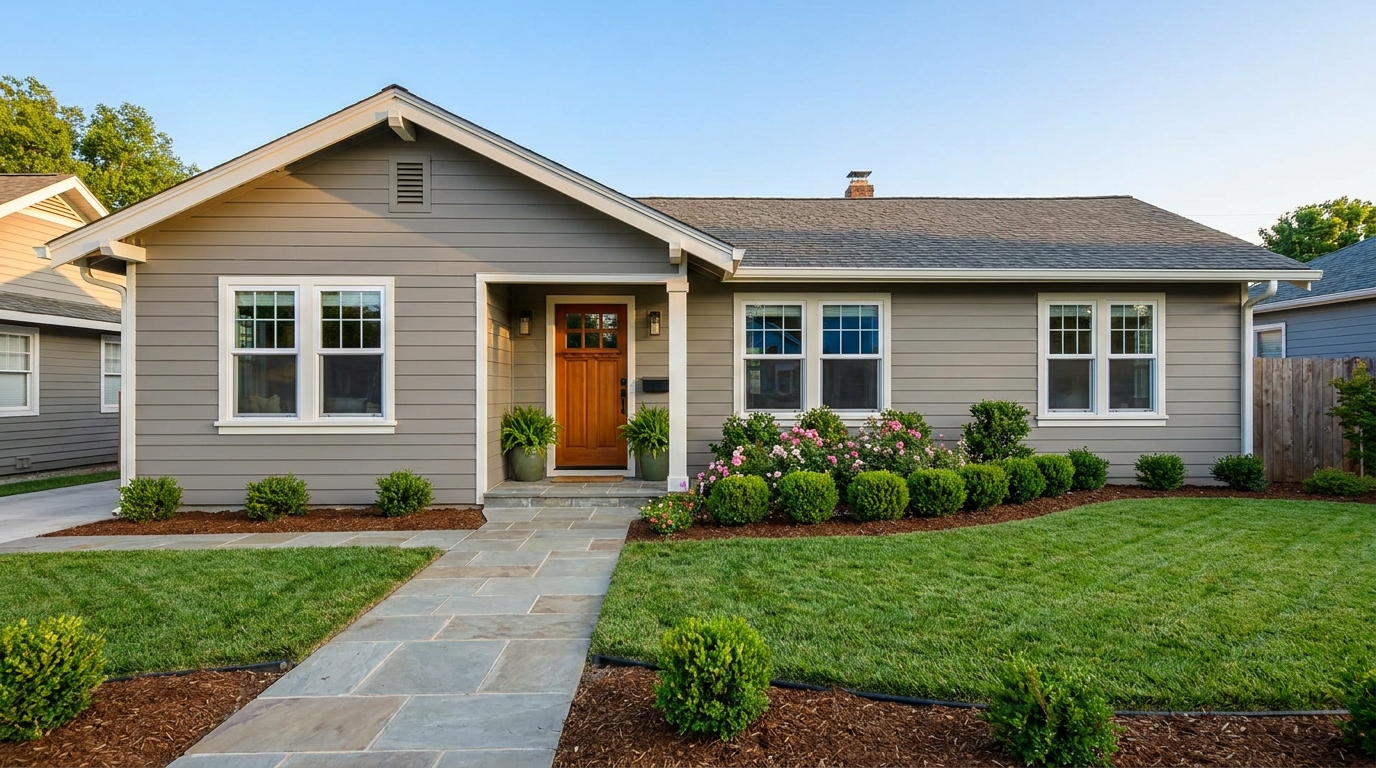
Elevate the home's exterior presence with a brighter, tidier, more inviting street view.
Try This Tool →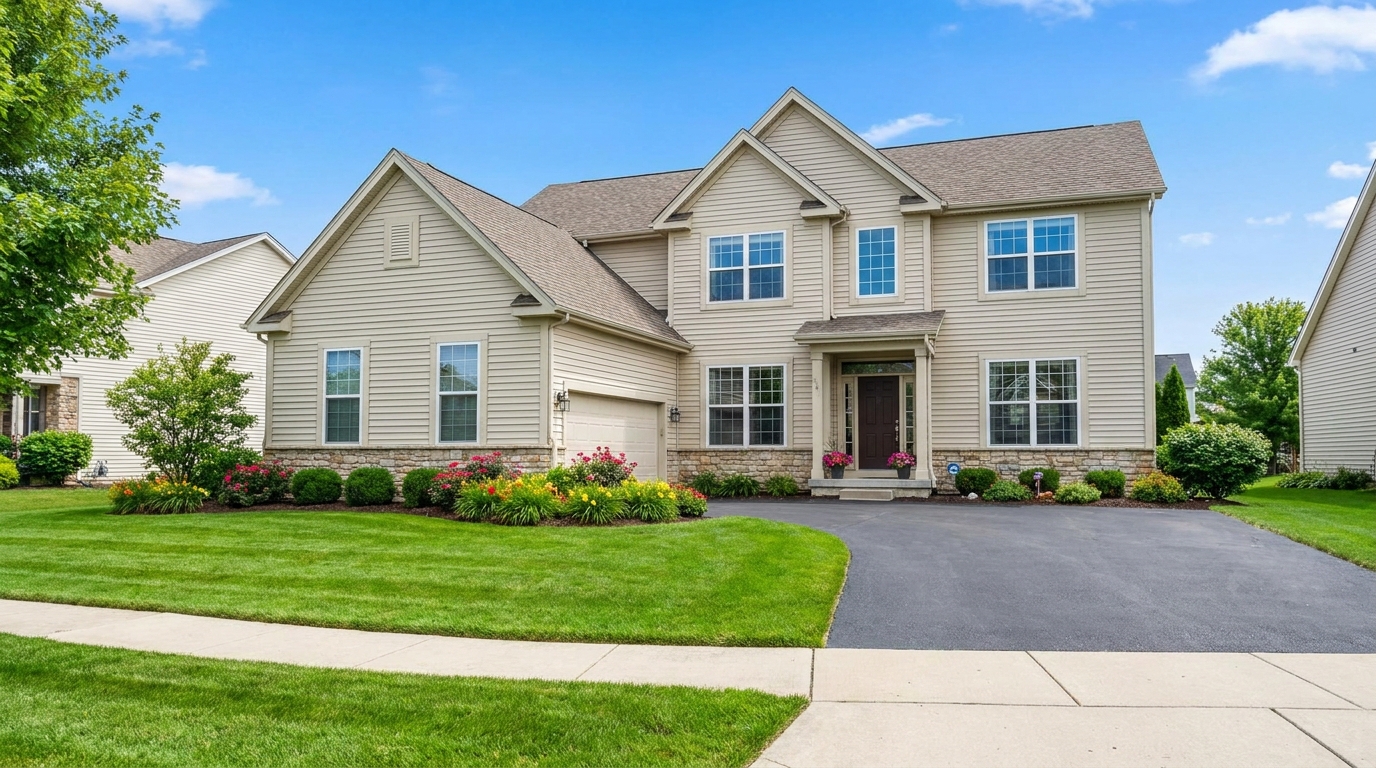
Full exterior enhancement for brighter skies, cleaner lines, and stronger curb appeal.
Try This Tool →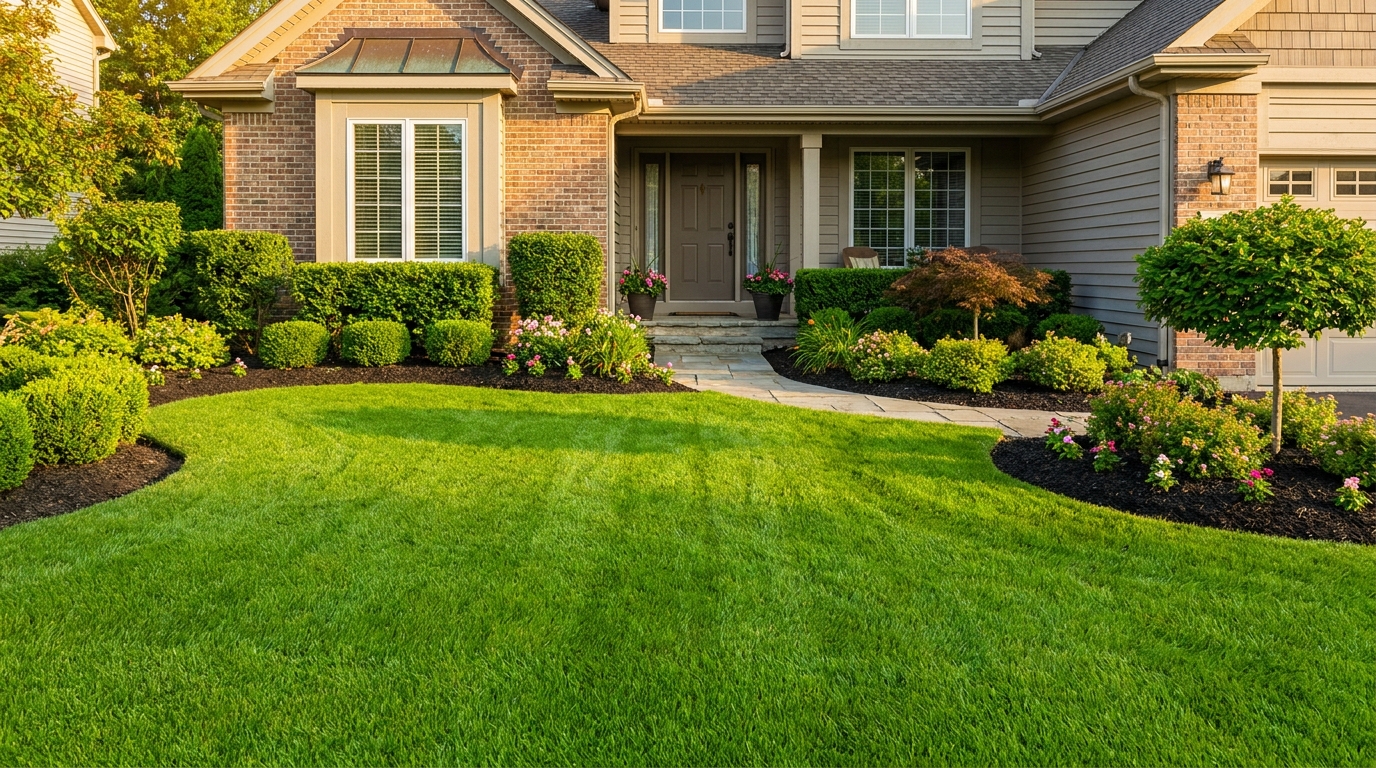
Refresh grass and yard areas for a greener, healthier, better-kept outdoor look.
Try This Tool →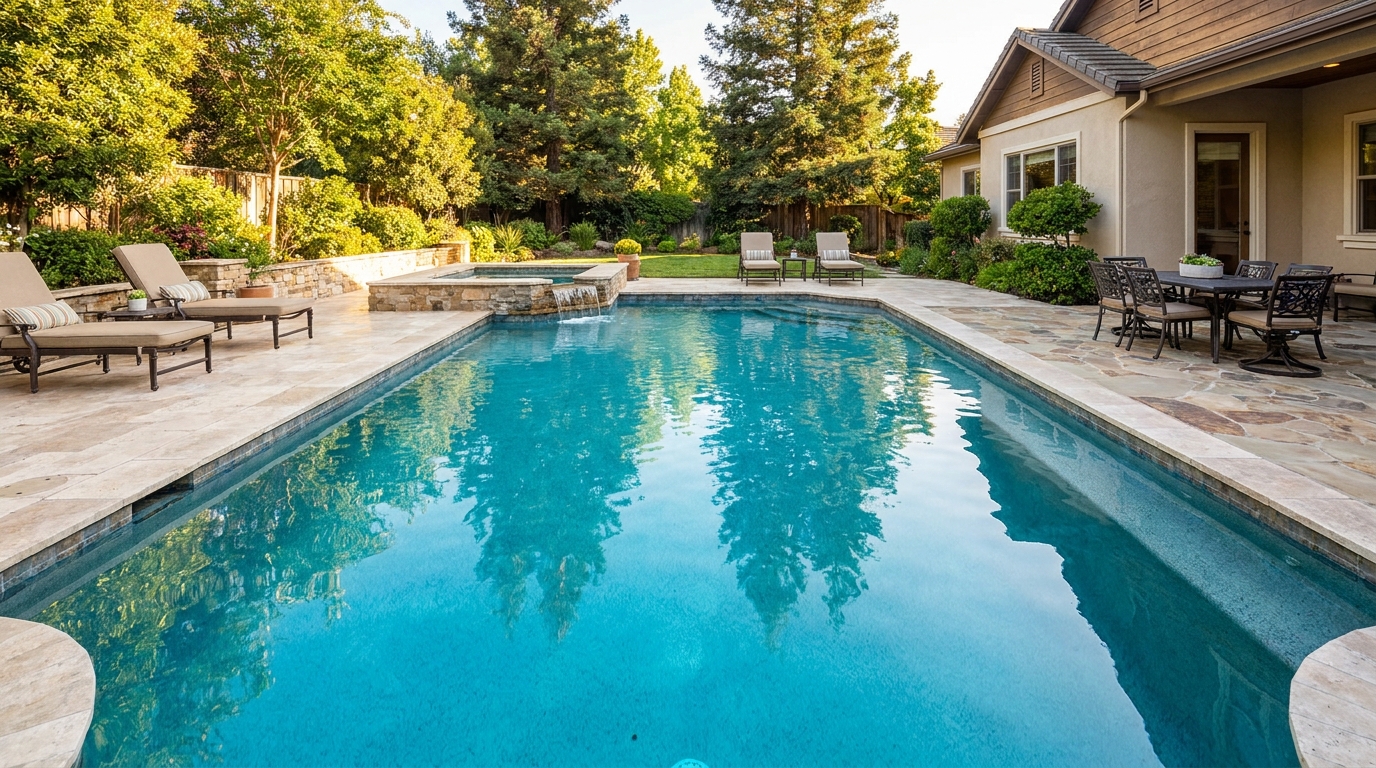
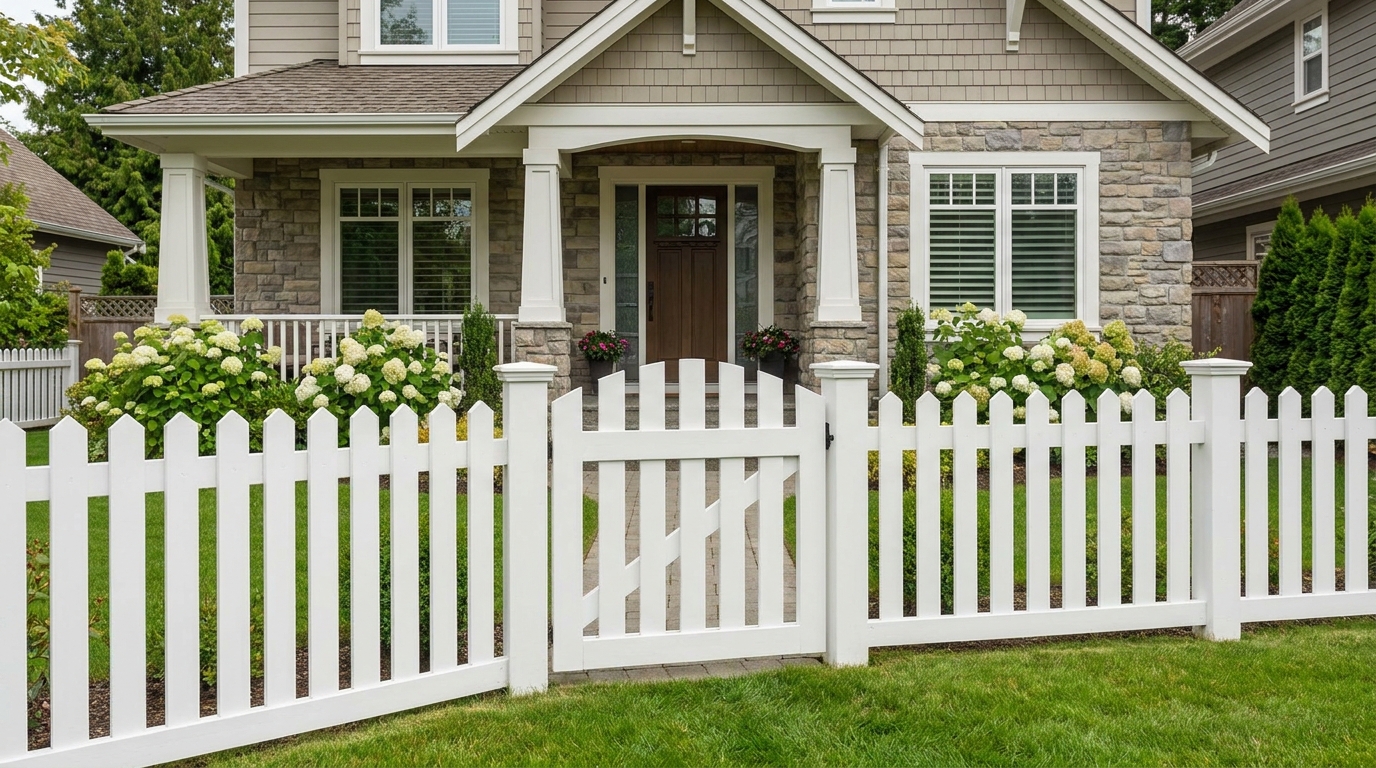
Improve fences and gates so they look cleaner, straighter, and better maintained.
Try This Tool →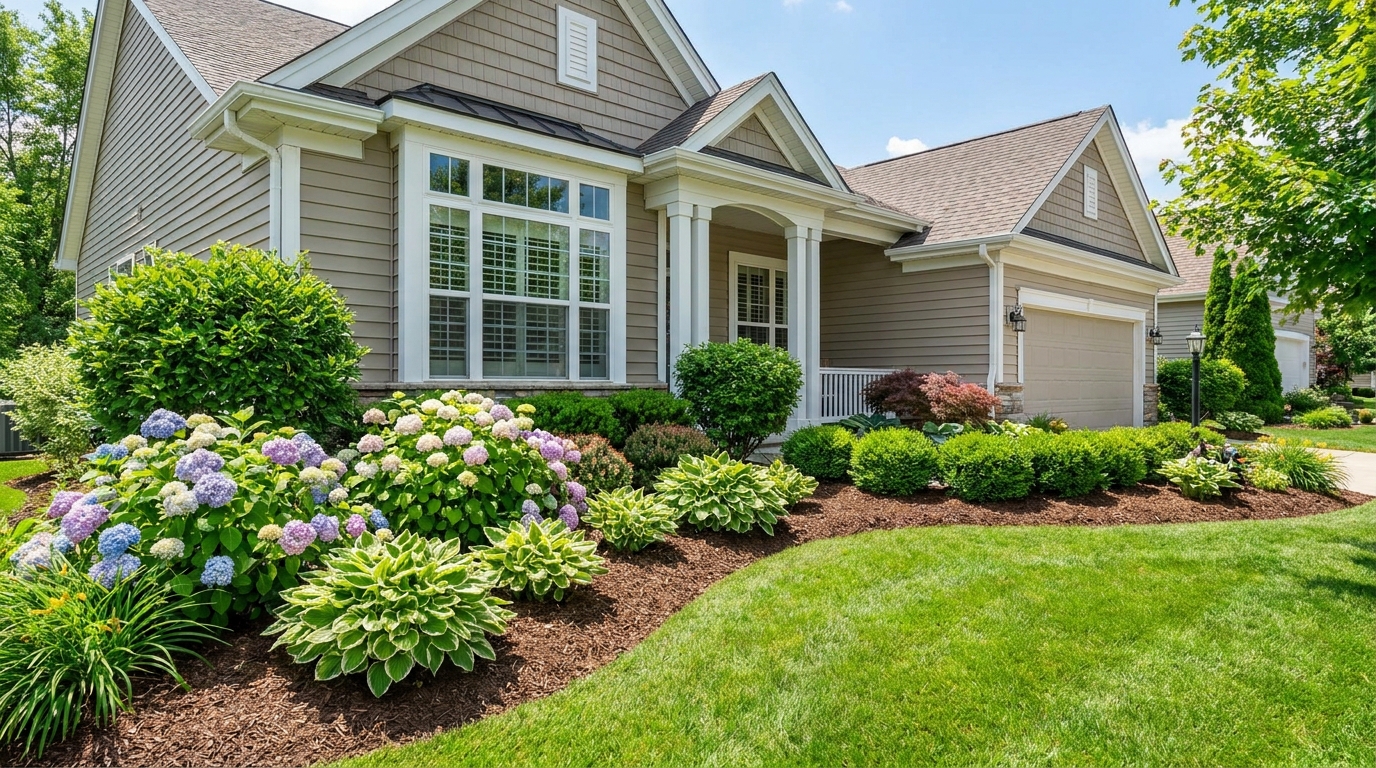
Enhance plants and greenery for a fresher, more vibrant, professionally styled exterior.
Try This Tool →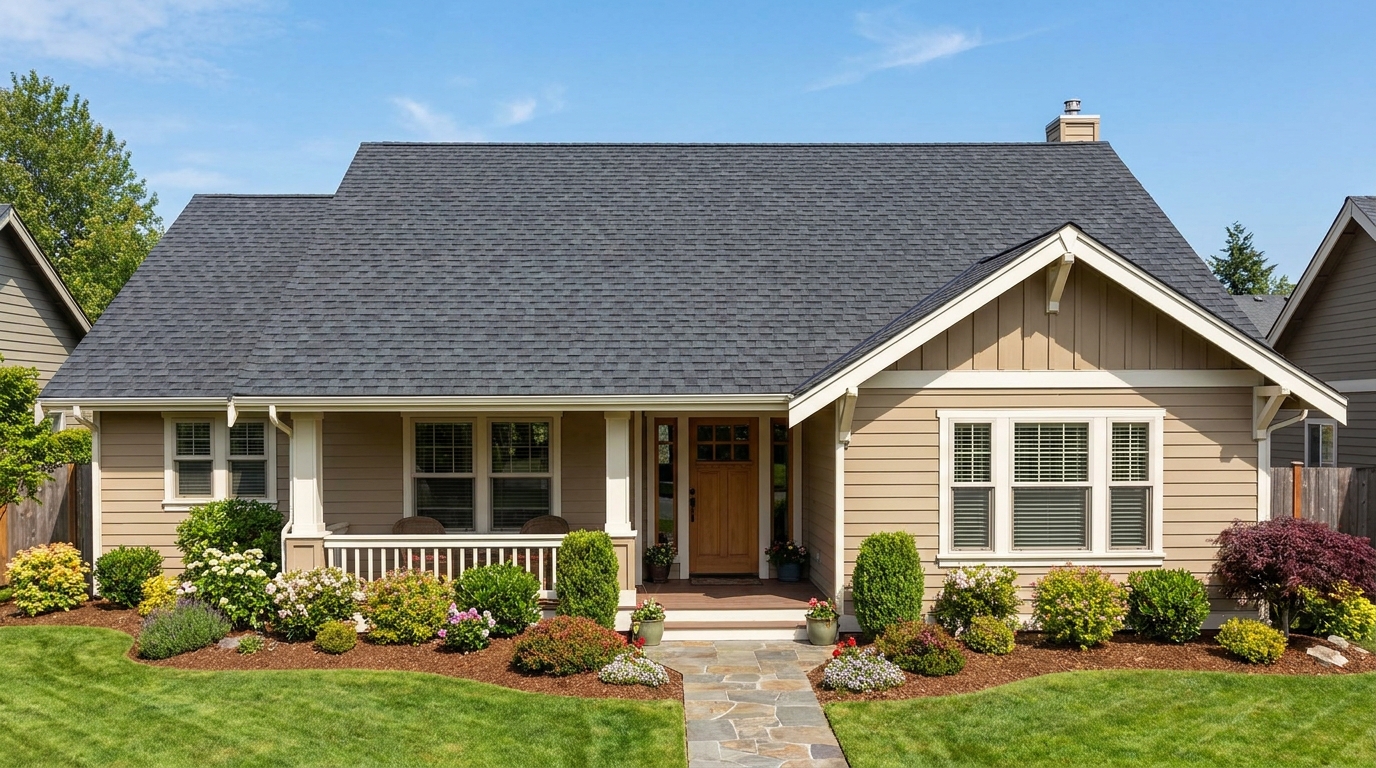
Clean and refine roof appearance for a more cared-for, market-ready exterior photo.
Try This Tool →Explore complementary tools to elevate your interior and exterior listing photos.
AI image-to-video generation for turning home, room, and property photos into more vivid presentation videos.
02AI exterior renovation for visualizing facade updates, curb appeal improvements, and home exterior remodel ideas.
03AI landscaping design for exploring outdoor concepts, curb appeal upgrades, planting ideas, and yard layout directions.
04AI virtual staging for furnishing empty rooms and creating listing-ready interiors for real estate marketing.
05Free AI image generation for turning text prompts into unlimited visual ideas for home design, interiors, landscaping, renovation
06AI object removal for cleaning up distracting items from room, home, and property photos.
Don't let dull, faded facade colors turn buyers away. Use our AI Exterior Color Photo Enhancer to make your listings stand out on the MLS instantly.