
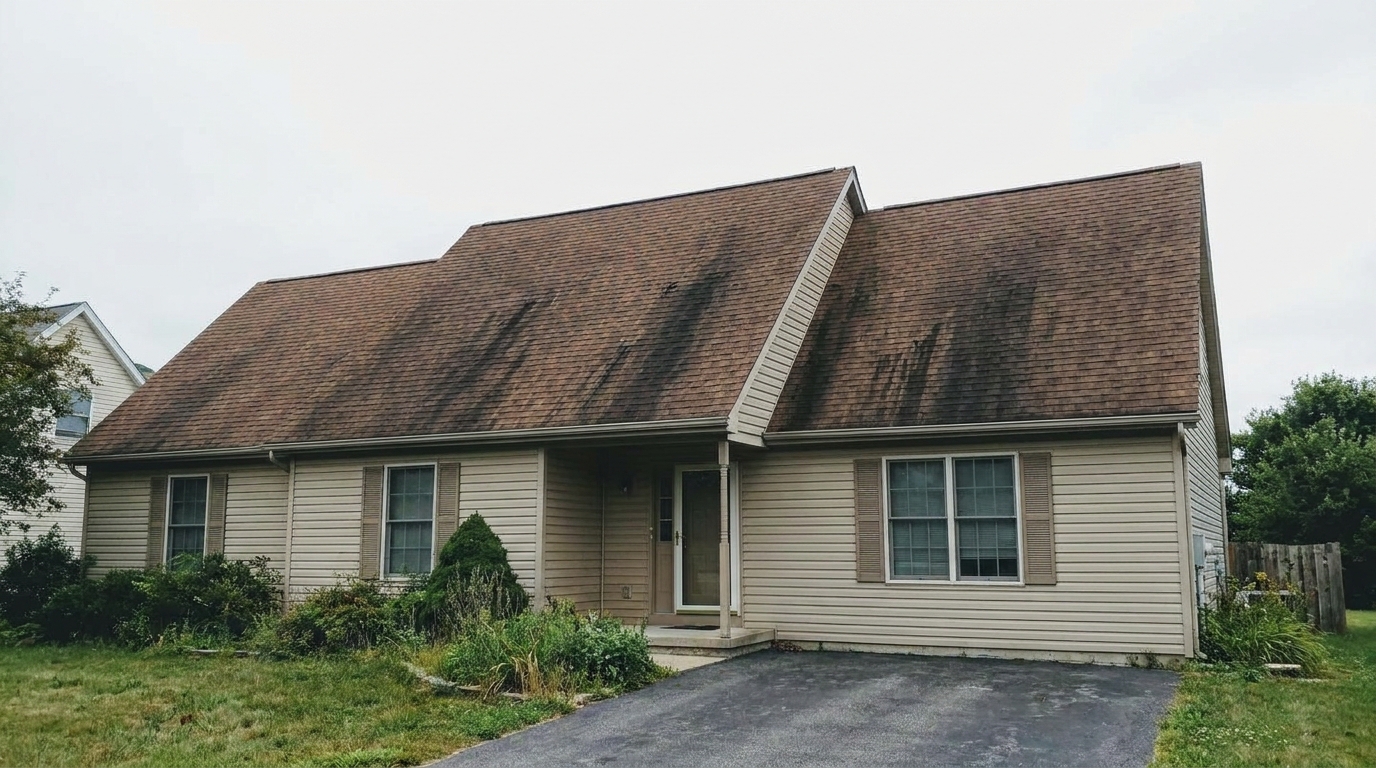
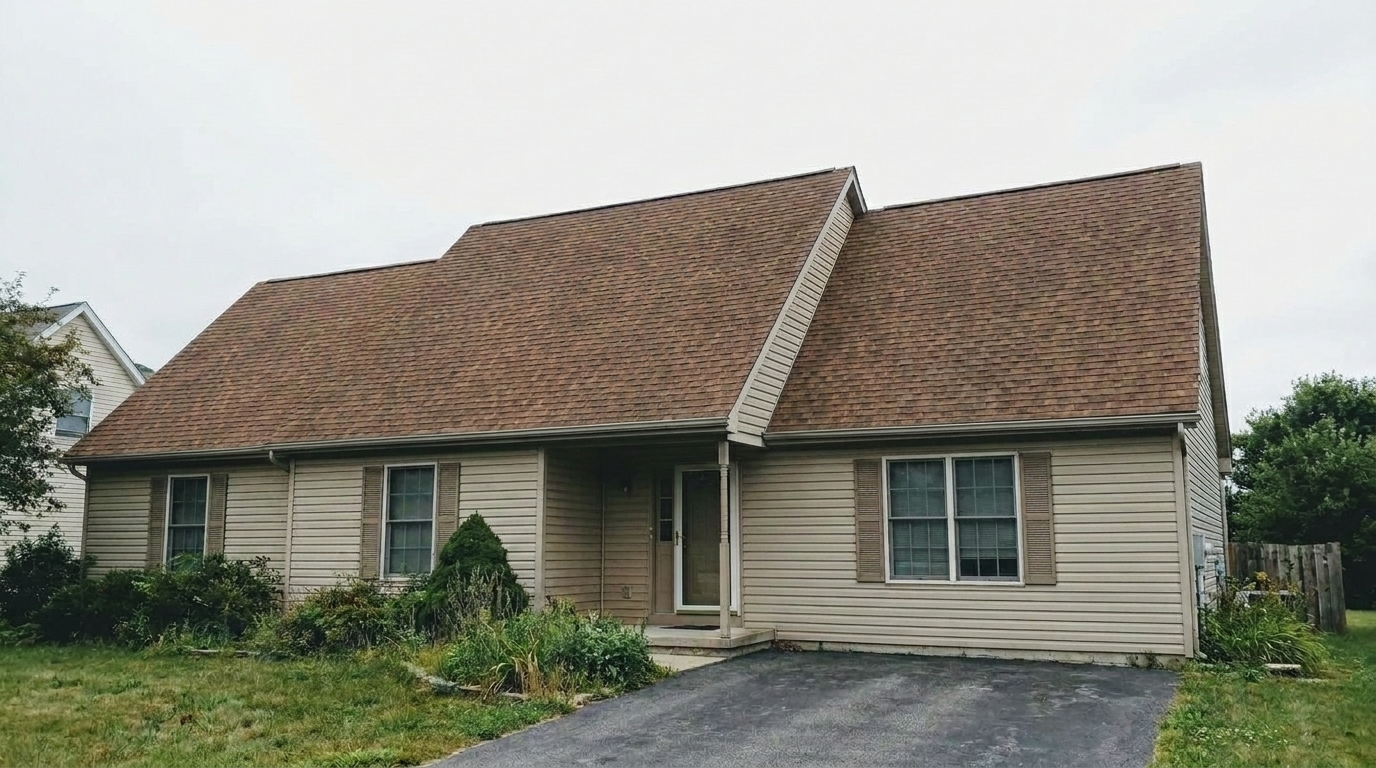

Asphalt Shingles with Algae
Asphalt Shingles with Algae updated with roof styling.
Instantly clean, refine, and restore roof appearance in your real estate photos. Remove distracting stains and discoloration to maximize curb appeal.
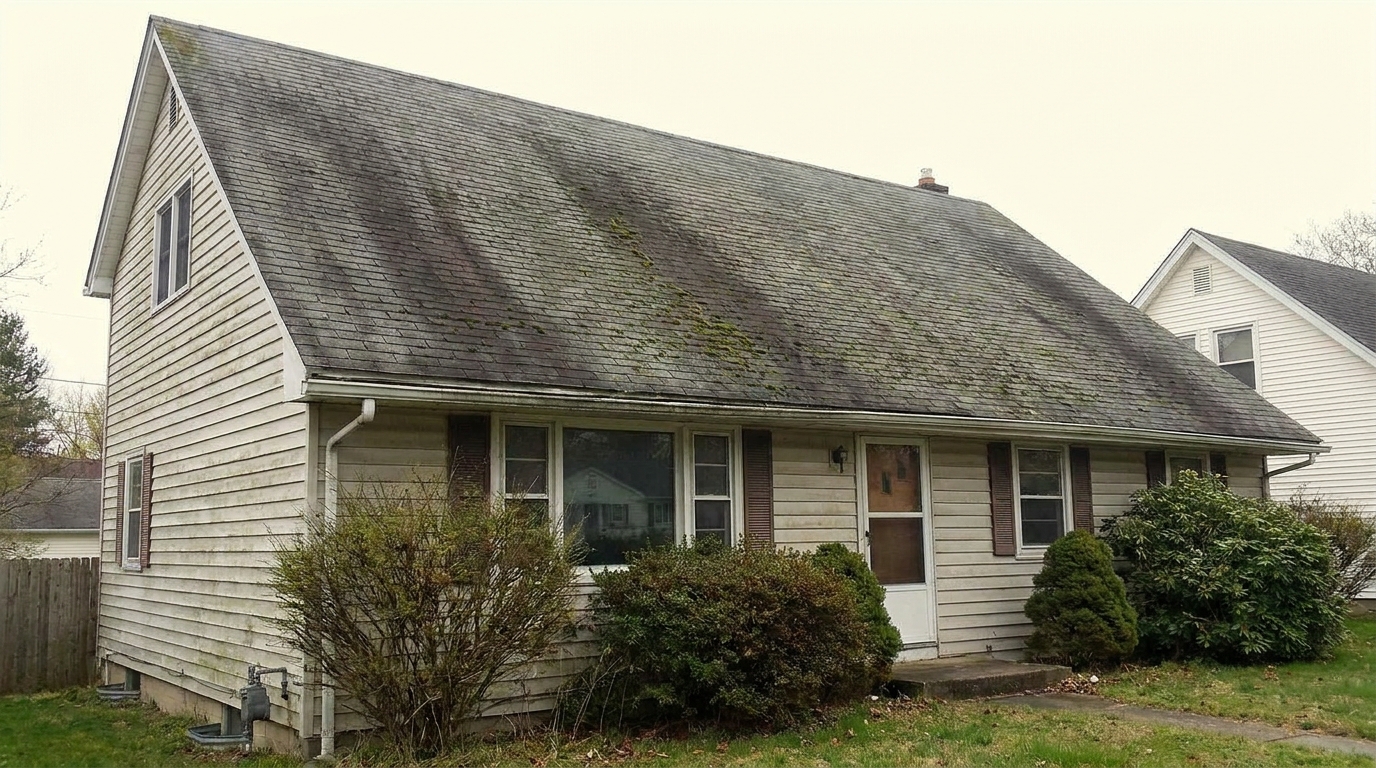
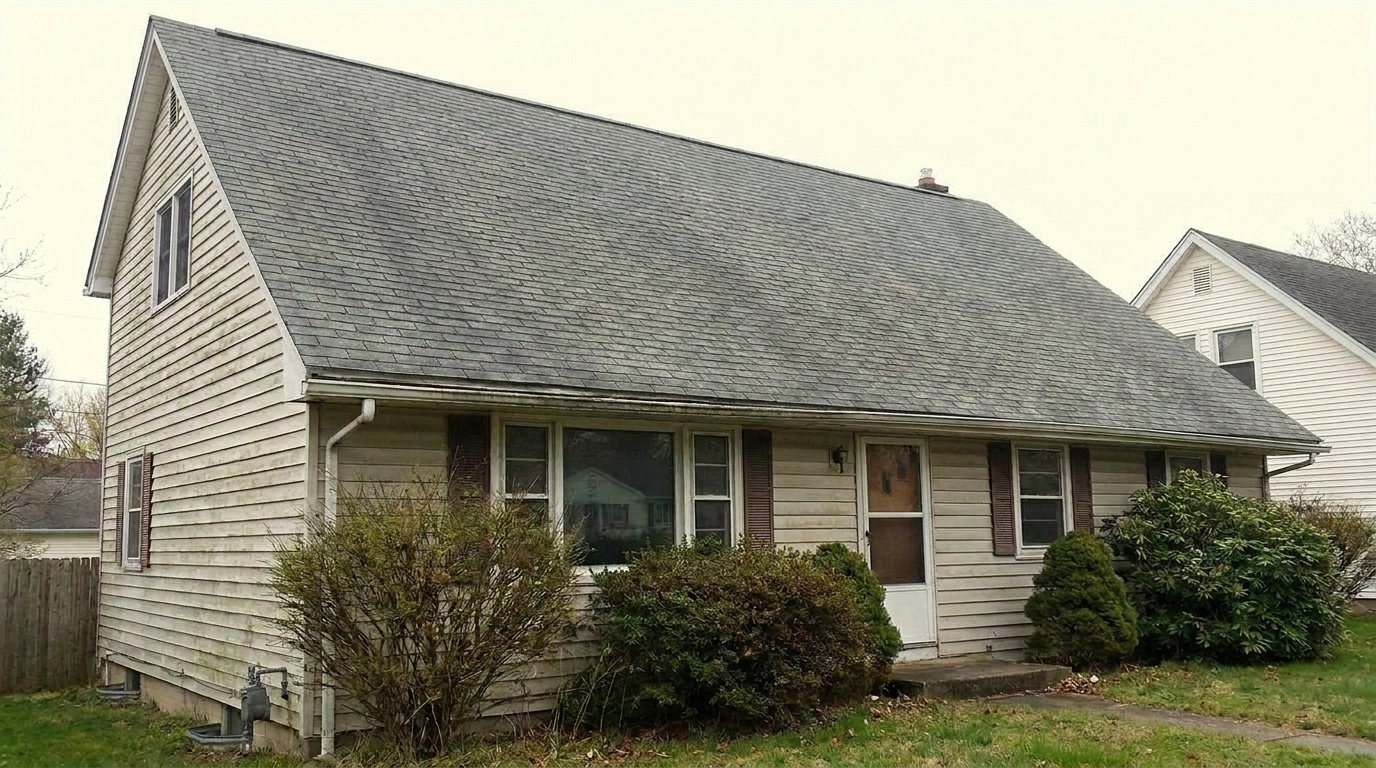
Compare original photos with our AI-enhanced roof restoration results.
Asphalt Shingles with Algae updated with roof styling.
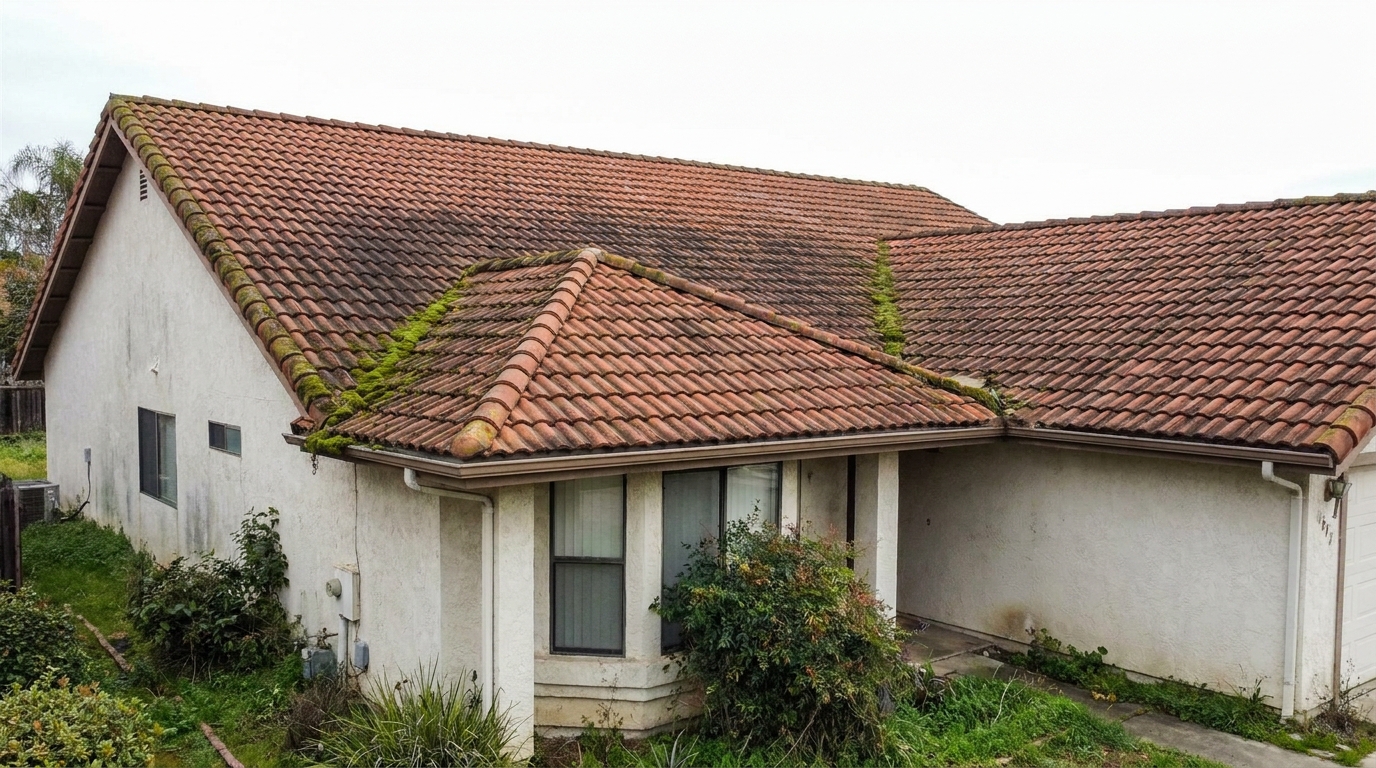
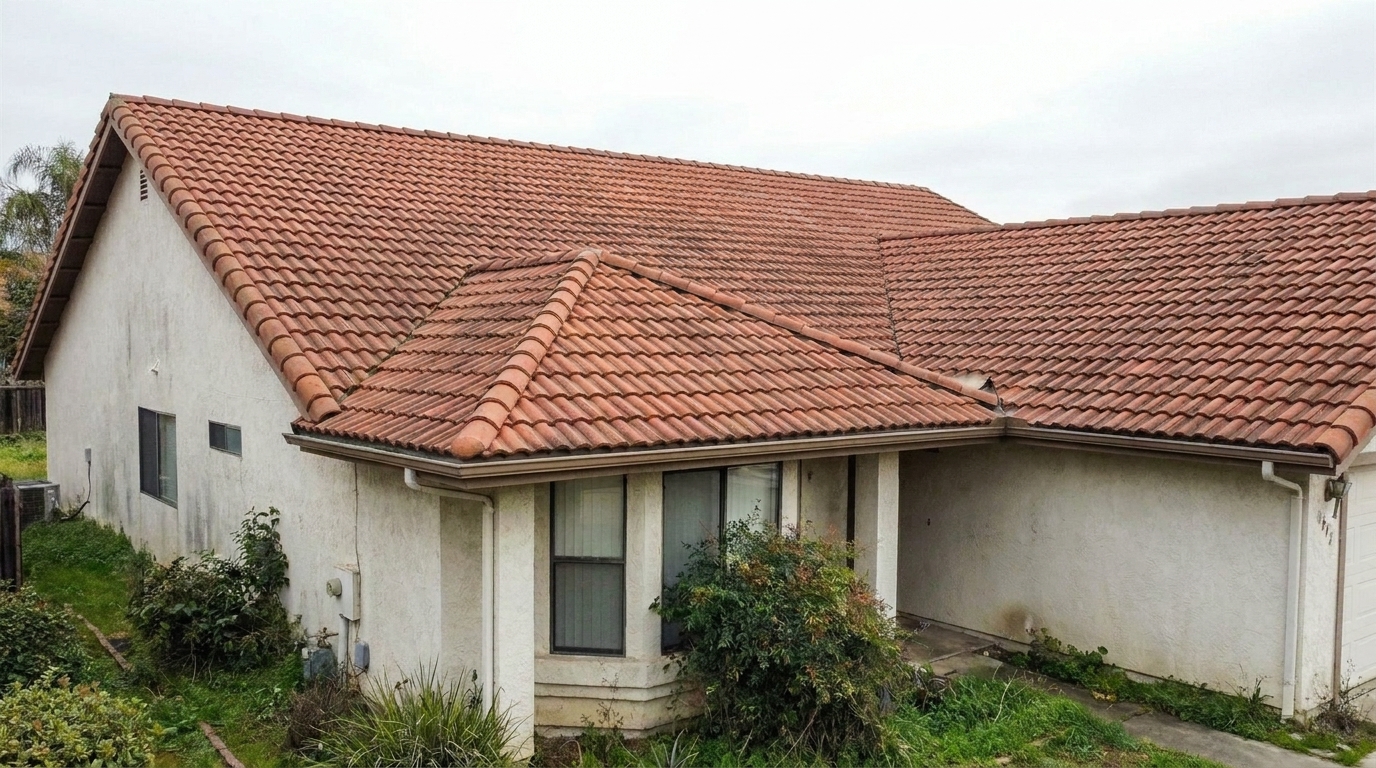
Clay Tiles with Soot updated with roof styling.
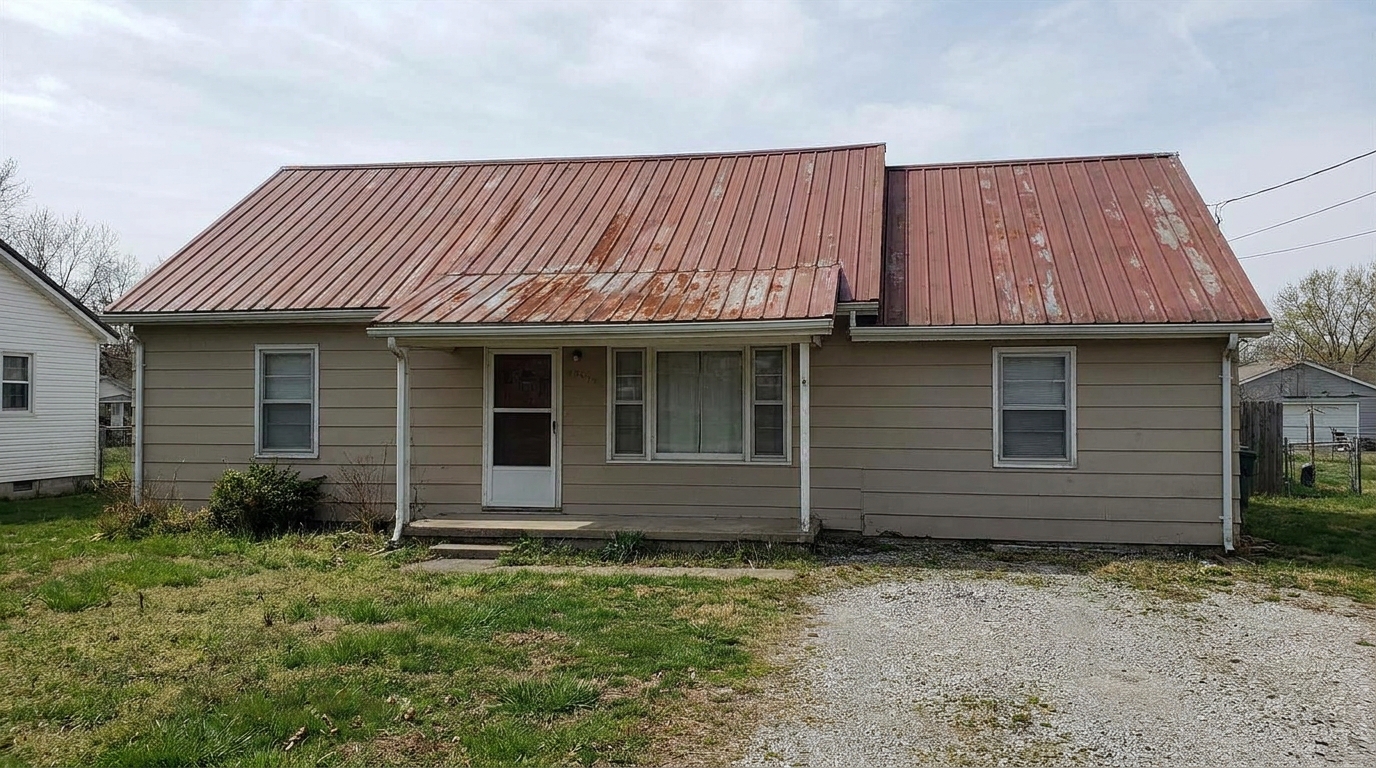
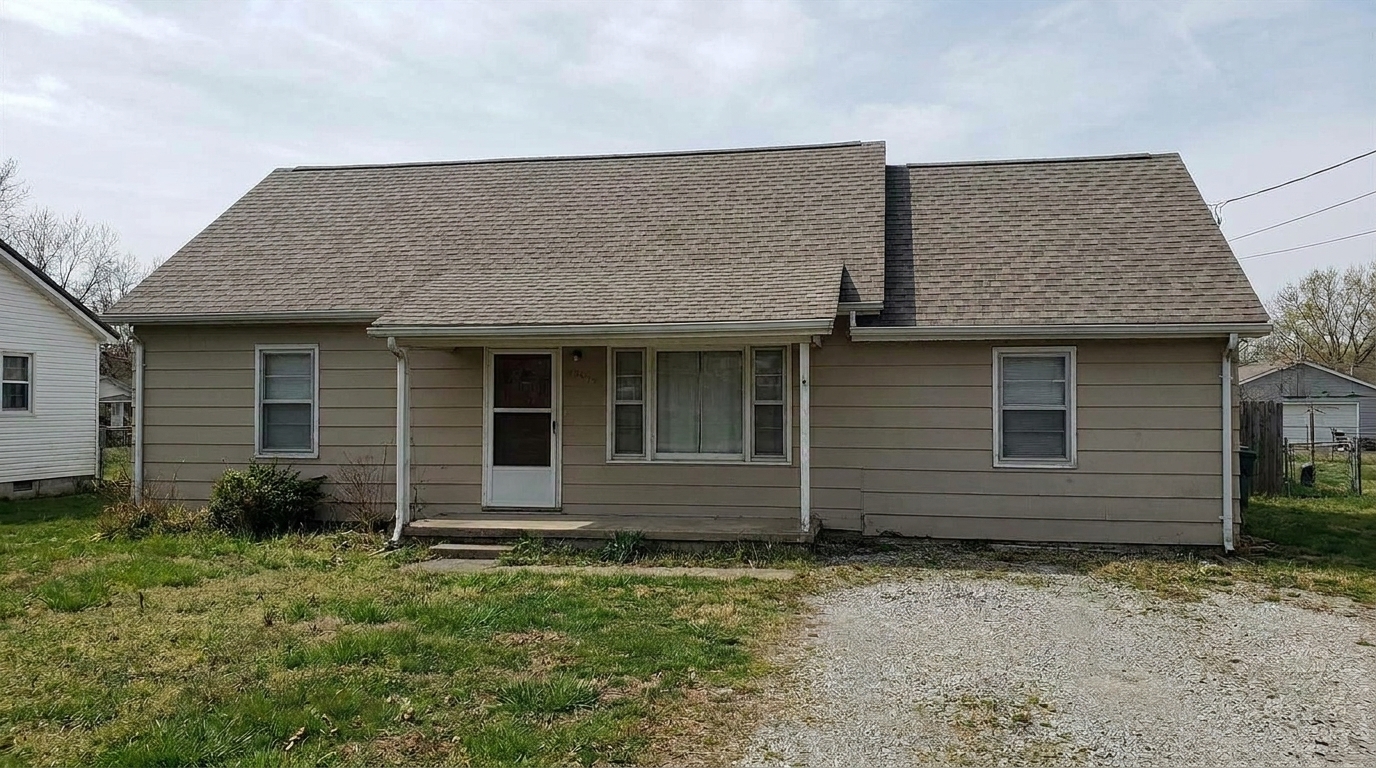
Metal Roof with Rust updated with roof styling.
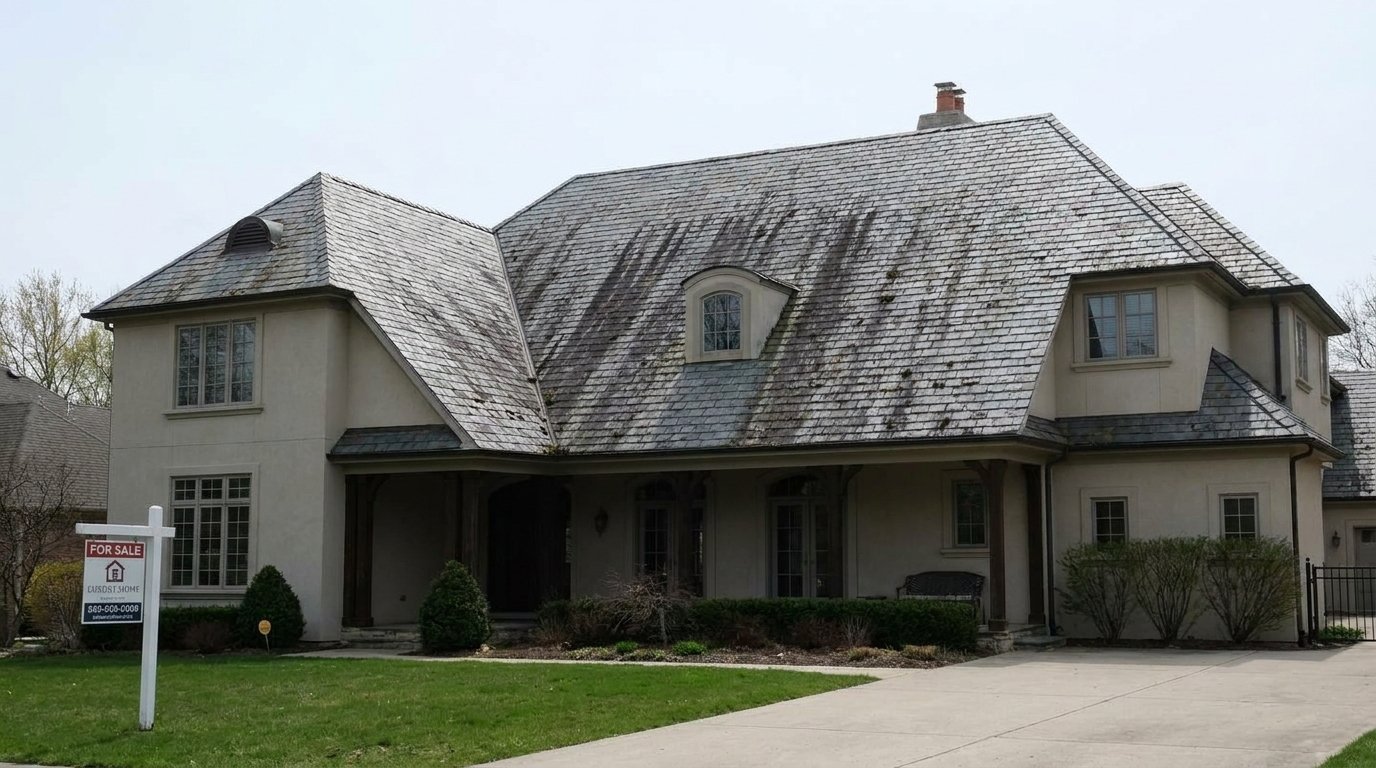
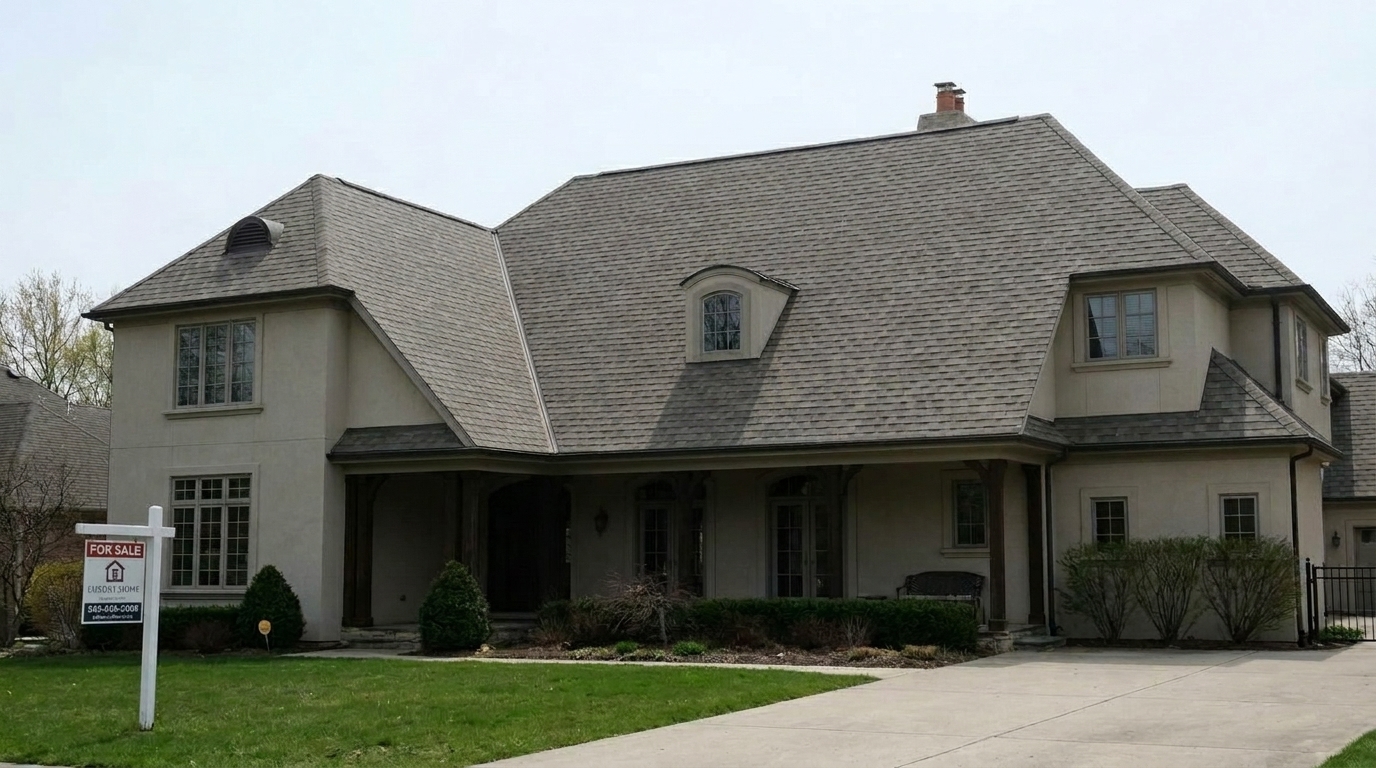
Slate Roof with Discoloration updated with roof styling.
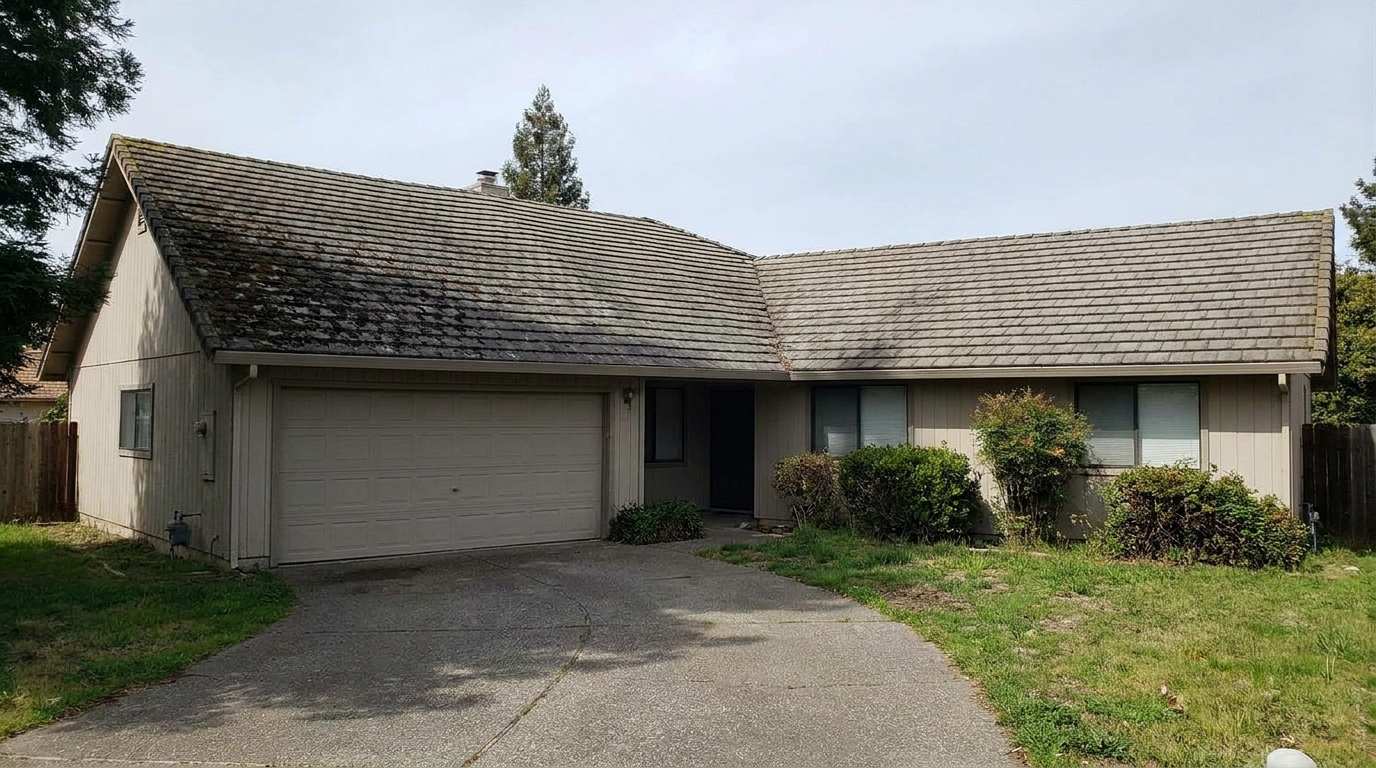
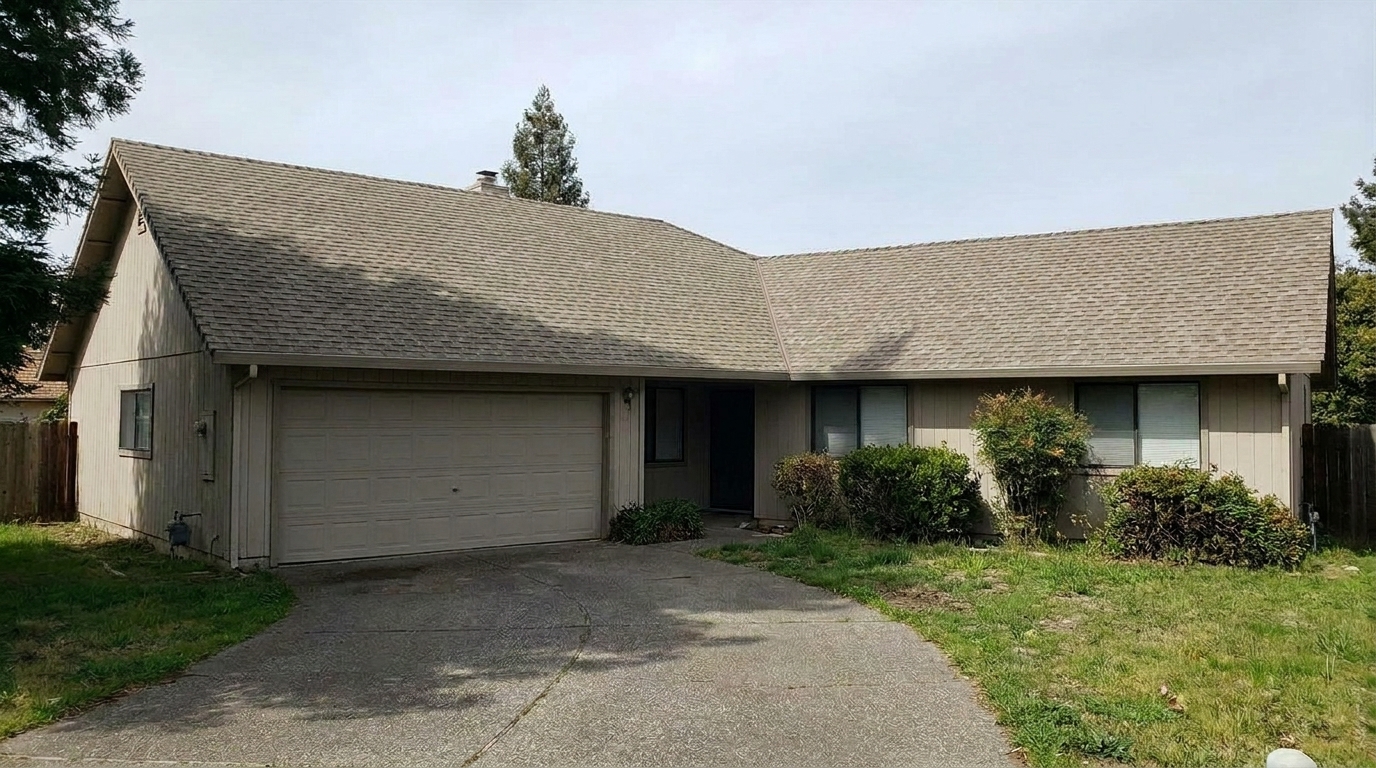
Concrete Tiles with Dirt updated with roof styling.
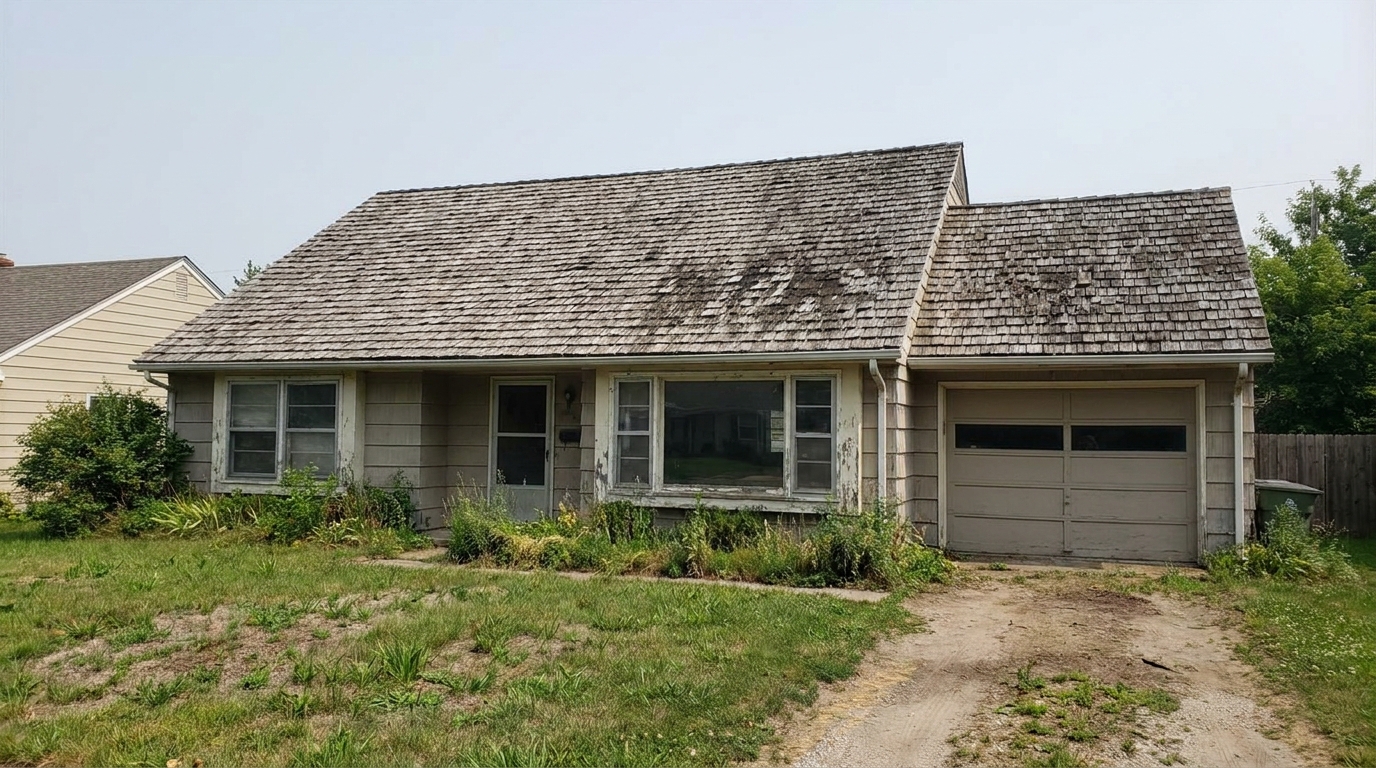
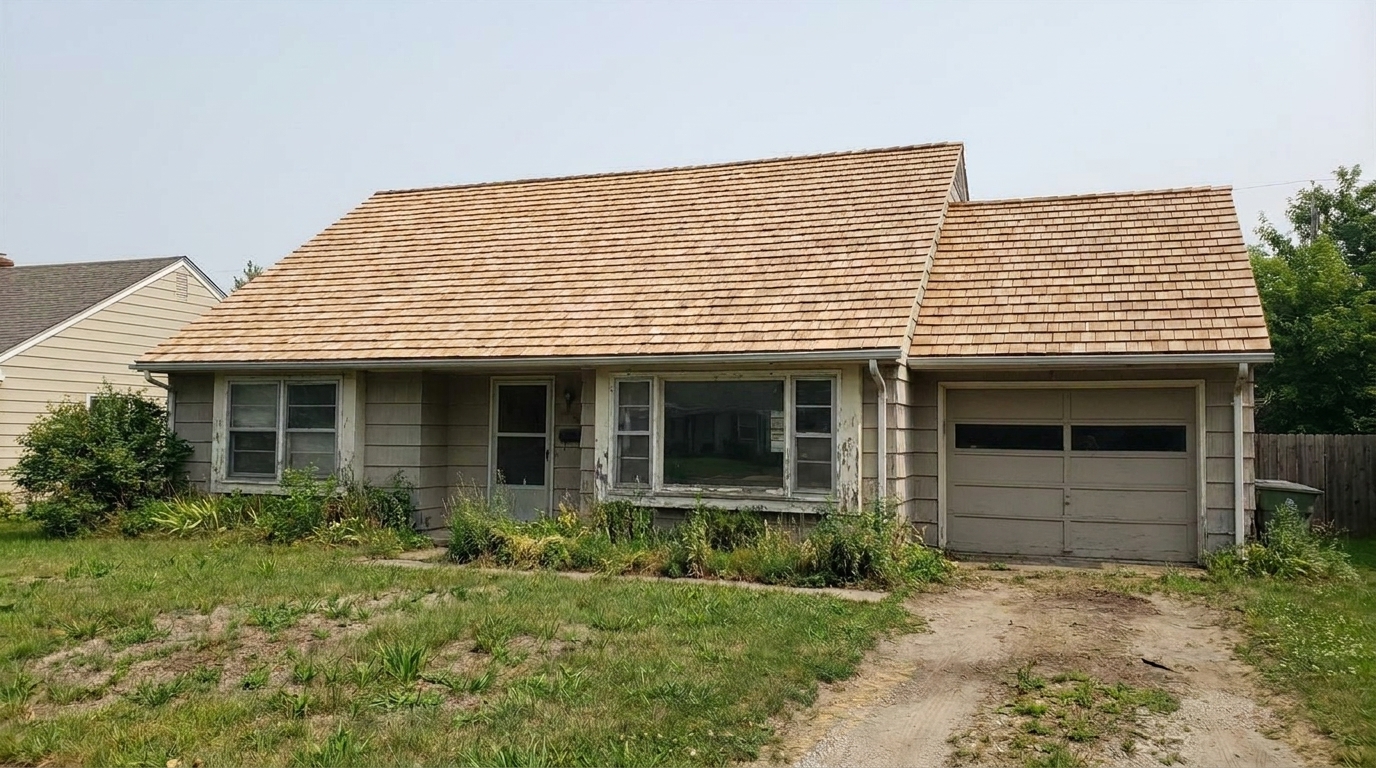
Wood Shakes with Mildew updated with roof styling.
Advanced AI tools designed to make shingles, tiles, and metal roofs look pristine.
Automatically detects and removes dark algae streaks, water stains, and soot buildup from shingles.
Cleans the roof surface while preserving the natural texture of asphalt, clay, slate, or metal.
Evens out color discoloration caused by weathering, restoring a consistent and fresh look.
Digitally clears away unsightly moss patches, lichen, and accumulated organic debris.
Adapts its enhancement algorithm to match the specific roofing material of the home.
Adjusts shadows and highlights on the roof to blend seamlessly with the existing sky and ambient light.
See how real estate professionals and homeowners use our tool to elevate listings.
Elevate curb appeal for homes with weathered roofs to attract more online buyers.
SalesPerfect high-angle shots where the roof is the most prominent visual element.
PhotographyHelp real estate photographers deliver polished, distraction-free exterior shots to clients.
MarketingShow homeowners how a clean, restored roof dramatically improves their home's exterior.
DesignPrepare vacant or older properties for the market by presenting a well-maintained exterior.
StagingPresent the home in its best possible light to support accurate valuation and marketing.
ValuationFollow three simple steps to clean and restore roof textures in your listing images.
Drag and drop your high-resolution exterior property photo or drone shot into the Idealhouse editor.
Select the specialized Roof enhancement preset to automatically detect, clean, and refine the roof surface.
Review the clean, stain-free roof texture and export your market-ready listing photo in seconds.
Source-backed context for why roof edits matter inside exterior enhancement workflows.
Roof within Exterior Enhancement evidence
Photos are one of the most valuable website features for home buyers; NAR's 2025 generational trends report says 83% of internet-using buyers rated photos as very useful. For Roof pages, this supports showing how a focused Exterior Enhancement edit can make the listing photo feel clearer, more polished, and easier for buyers to evaluate.
Source: NAR 2025Roof within Exterior Enhancement evidence
Zillow Research's 2025 prospective buyer report ranked high-resolution photos as the number two most important listing feature, selected by 26% of prospective buyers; floor plans ranked first at 33%. For Roof pages, this supports showing how a focused Exterior Enhancement edit can make the listing photo feel clearer, more polished, and easier for buyers to evaluate.
Source: Zillow 2025Roof within Exterior Enhancement evidence
Redfin reported that professionally photographed homes in the $400,000 range sold three weeks faster and for more than $10,000 relative to list price compared with amateur photos. Use this as supporting context, not as a guaranteed result. For Roof pages, this supports showing how a focused Exterior Enhancement edit can make the listing photo feel clearer, more polished, and easier for buyers to evaluate.
Source: RedfinLearn how to leverage AI to clean and refine roof textures, ensuring your property listings make an outstanding first impression.
The roof often occupies up to 30% or more of a home's exterior visual profile, especially in front-facing and aerial photos. A stained, mossy, or discolored roof can subconsciously signal neglect to potential buyers, even if the interior is pristine. Enhancing the roof's appearance is one of the fastest ways to elevate a listing's overall curb appeal, making the entire property look well-maintained and market-ready without the cost of physical pressure washing.
For the best results, apply the Roof preset as part of your broader exterior editing workflow. Start by uploading a high-resolution photo taken in clear daylight. Once the AI refines the roof texture, you can layer additional presets like Lawn & Yard or Sky Replacement to create a cohesive, inviting scene. Always review the final image at 100% zoom to ensure the shingle or tile textures remain sharp and realistic.
Choosing the right preset depends on your photo's primary distraction. Use the Roof preset when the roof has visible algae streaks, water stains, or uneven weathering. If the roof is already clean but the overall house looks dull, opt for the Curb Appeal or Exterior Color presets instead. For high-angle shots, combine the Roof preset with the Drone & Aerial tool. Avoid using the Roof preset if the roof is completely obscured by trees or if the property requires a full structural replacement that must be disclosed accurately.
While digital cleaning is standard practice in real estate marketing to show a property's potential, it is important to maintain ethical standards. The AI Roof Photo Enhancer is designed to clean cosmetic stains, dirt, and temporary weathering—similar to what a professional power-washing service would achieve. It should not be used to hide severe structural damage, missing tiles, or active leaks. Keeping the enhancement realistic ensures buyers are impressed during physical walkthroughs.
Discover specialized tools to polish every aspect of your property's exterior.
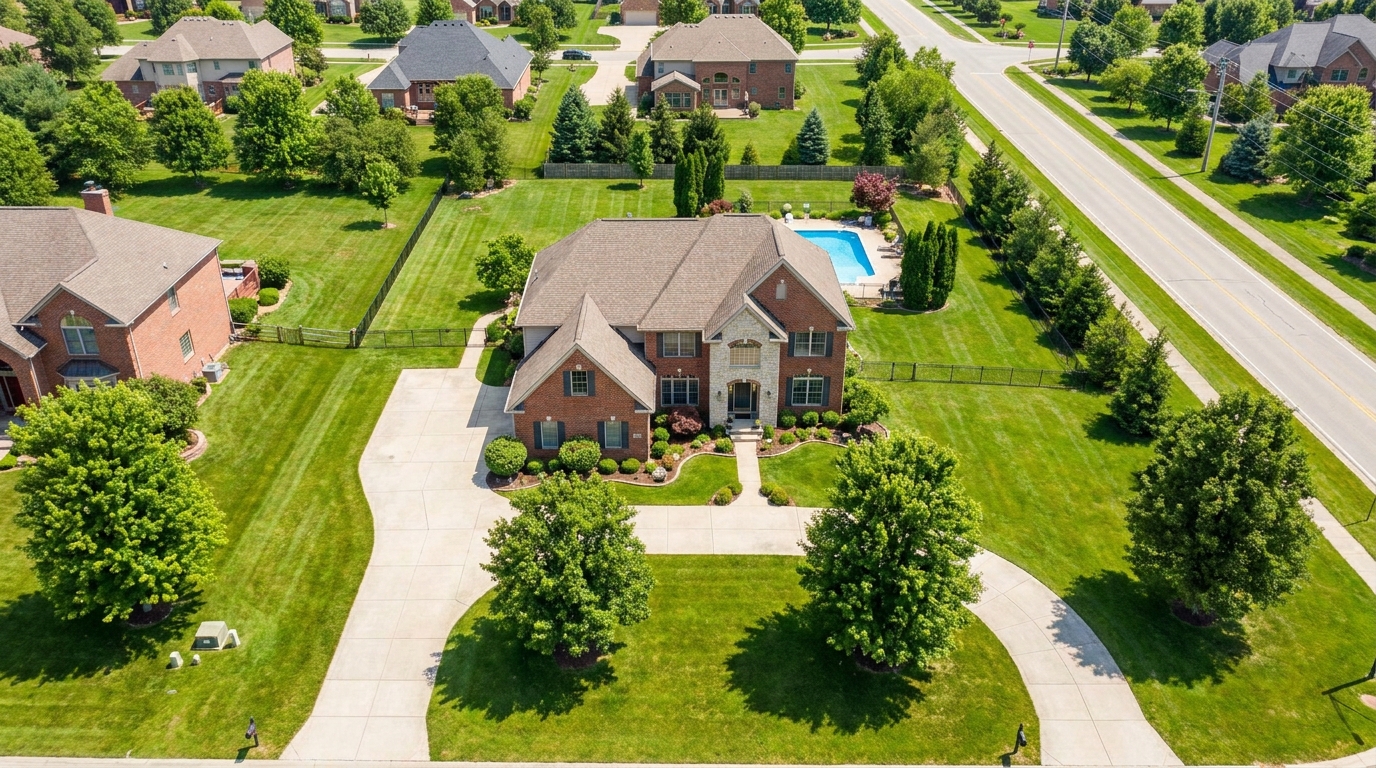
Polish aerial shots with brighter color, cleaner detail, and stronger property context.
Try This Tool →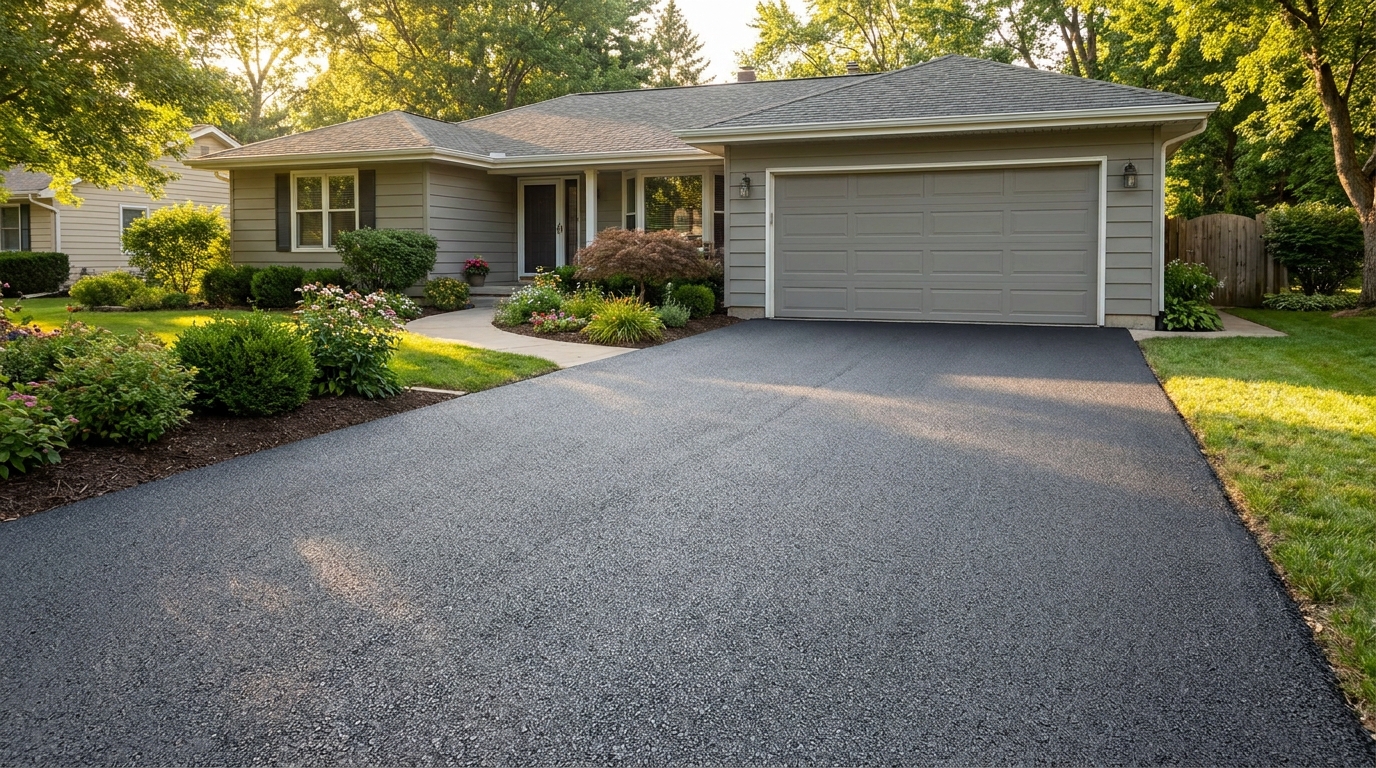
Clean up driveway appearance for a neater entrance and stronger first impression.
Try This Tool →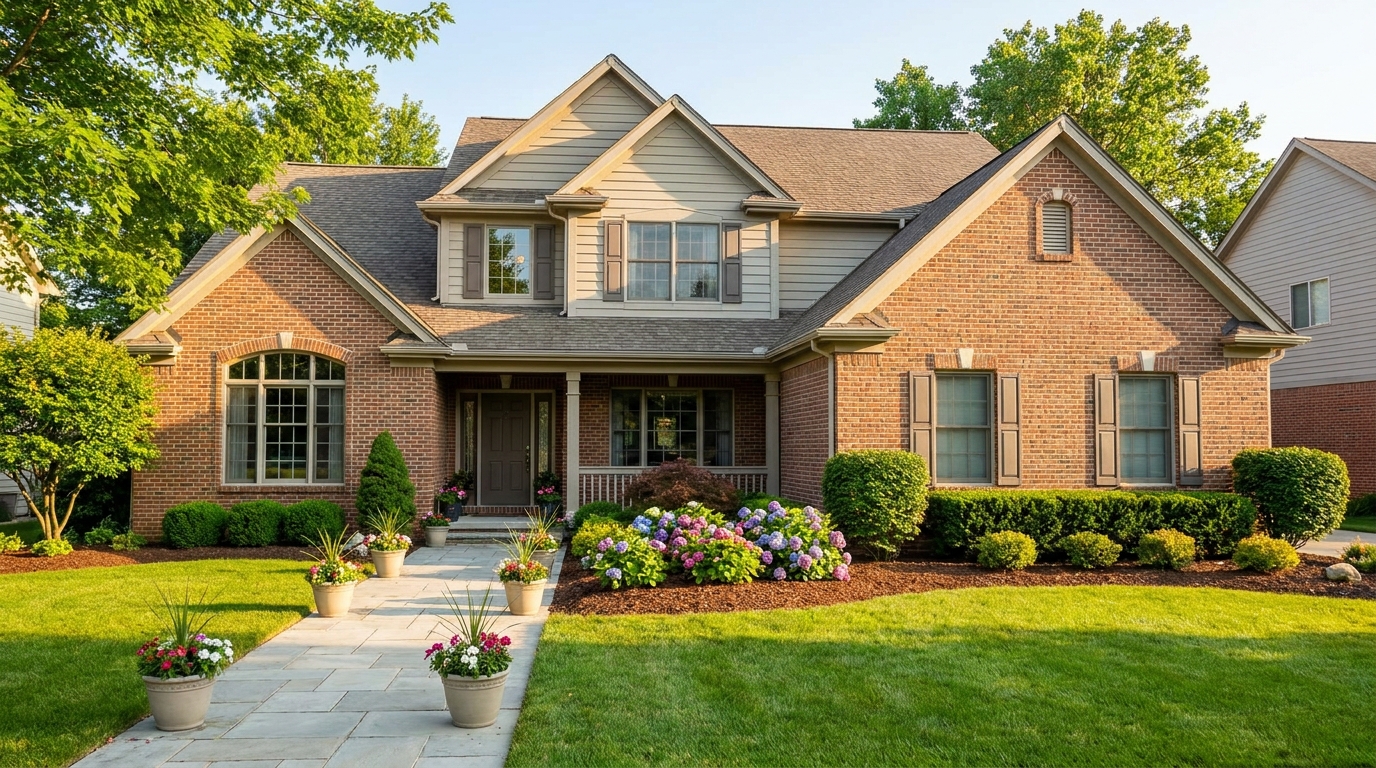
Elevate the home's exterior presence with a brighter, tidier, more inviting street view.
Try This Tool →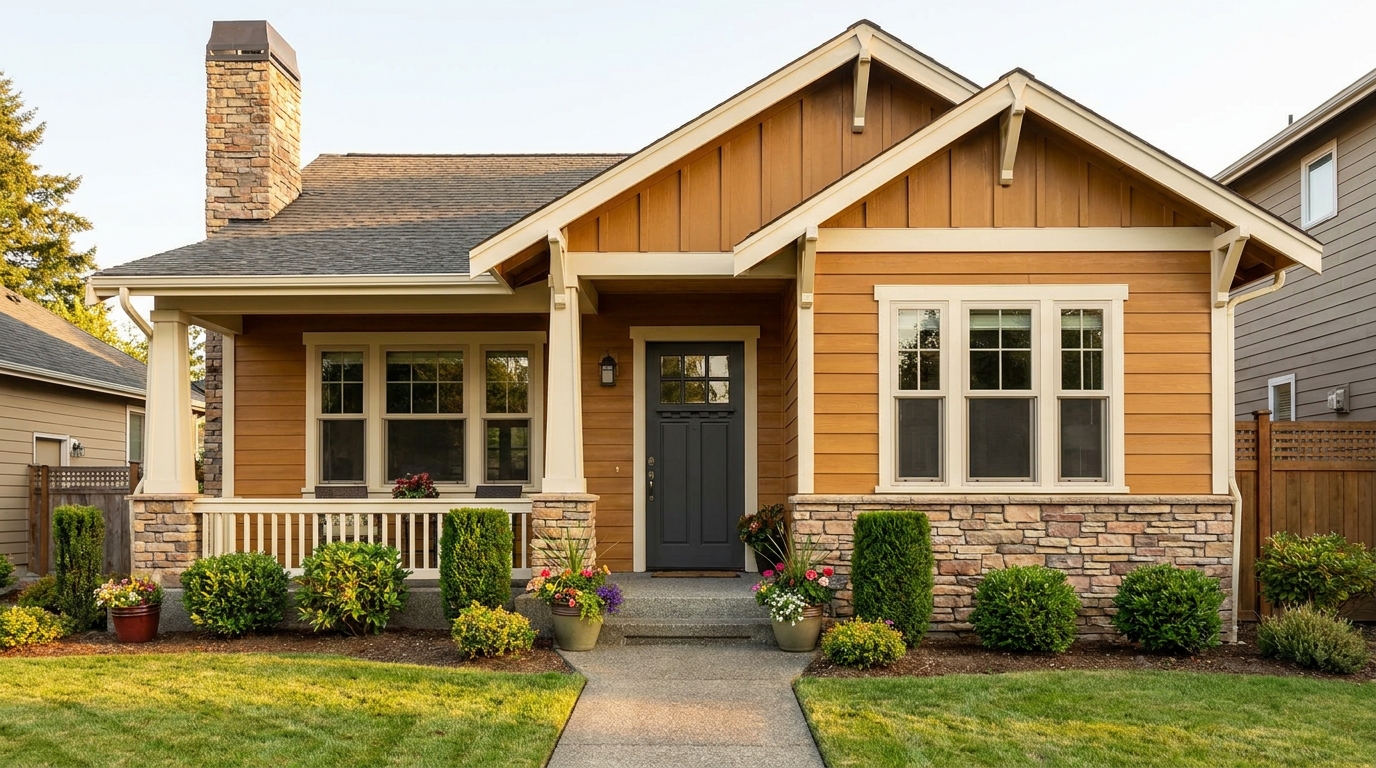
Refine facade tones so exterior materials look cleaner, richer, and more appealing.
Try This Tool →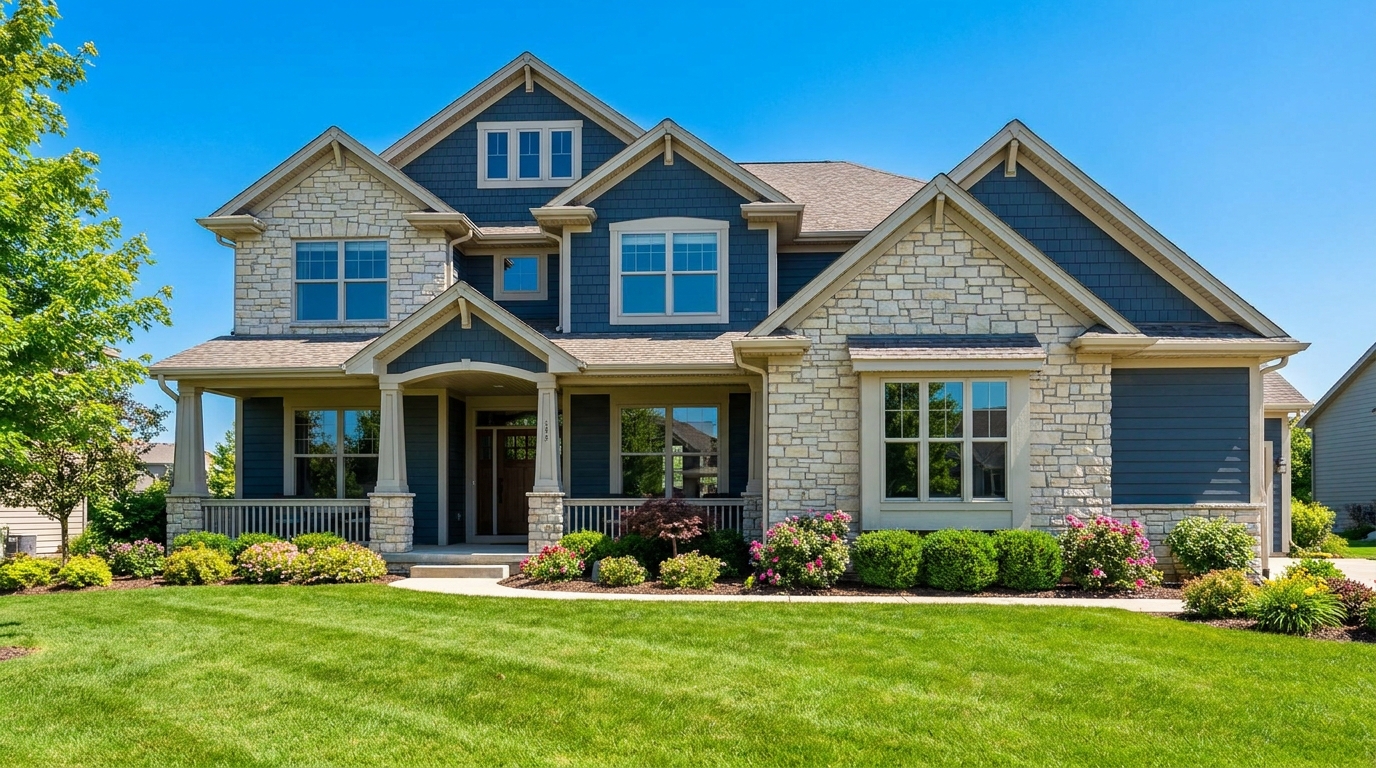
Full exterior enhancement for brighter skies, cleaner lines, and stronger curb appeal.
Try This Tool →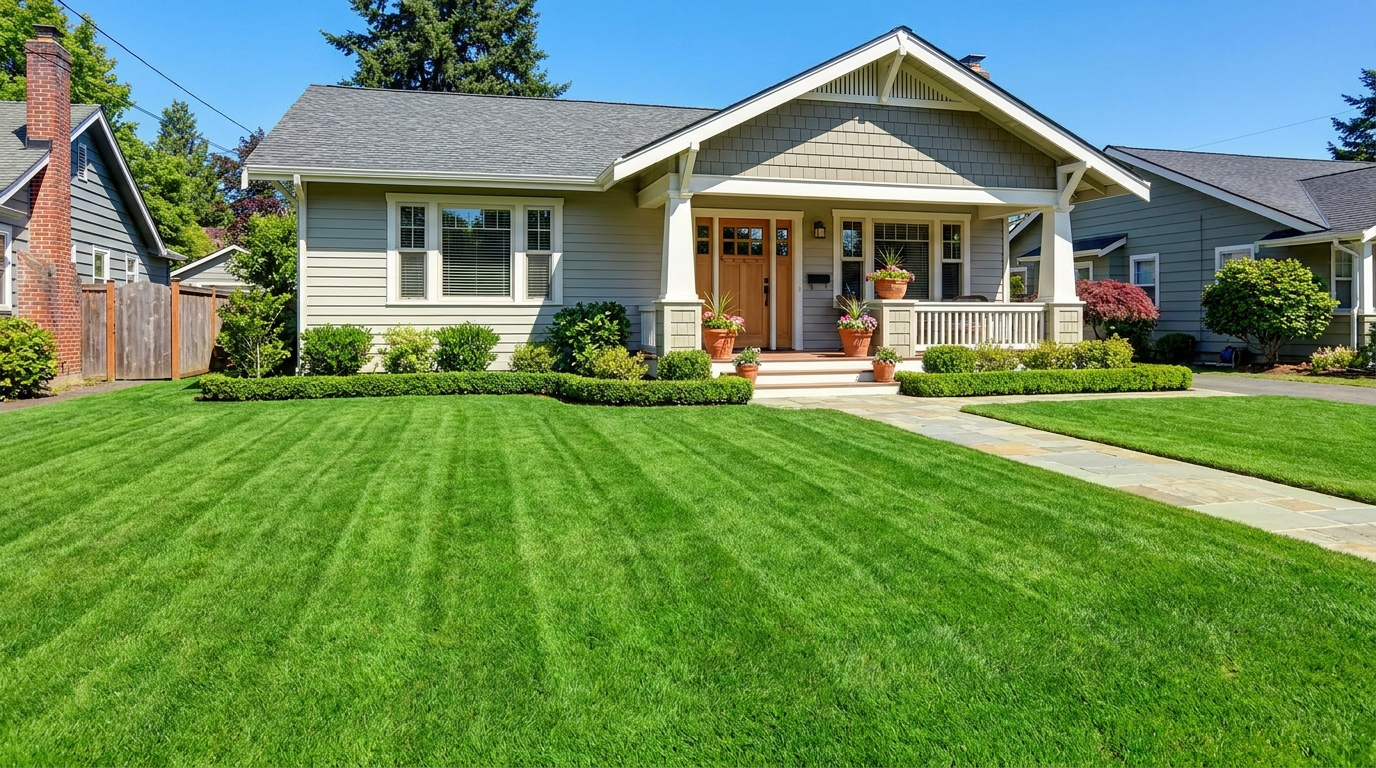
Refresh grass and yard areas for a greener, healthier, better-kept outdoor look.
Try This Tool →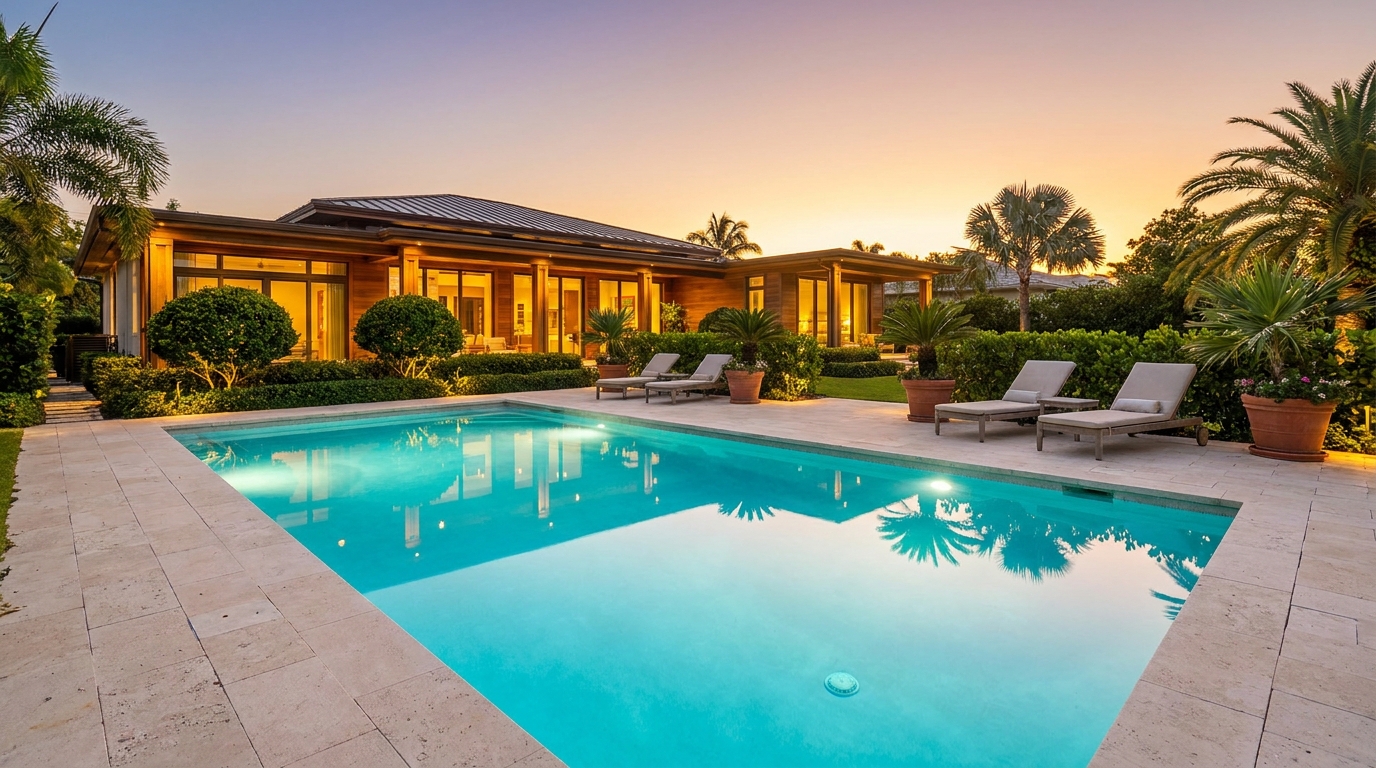
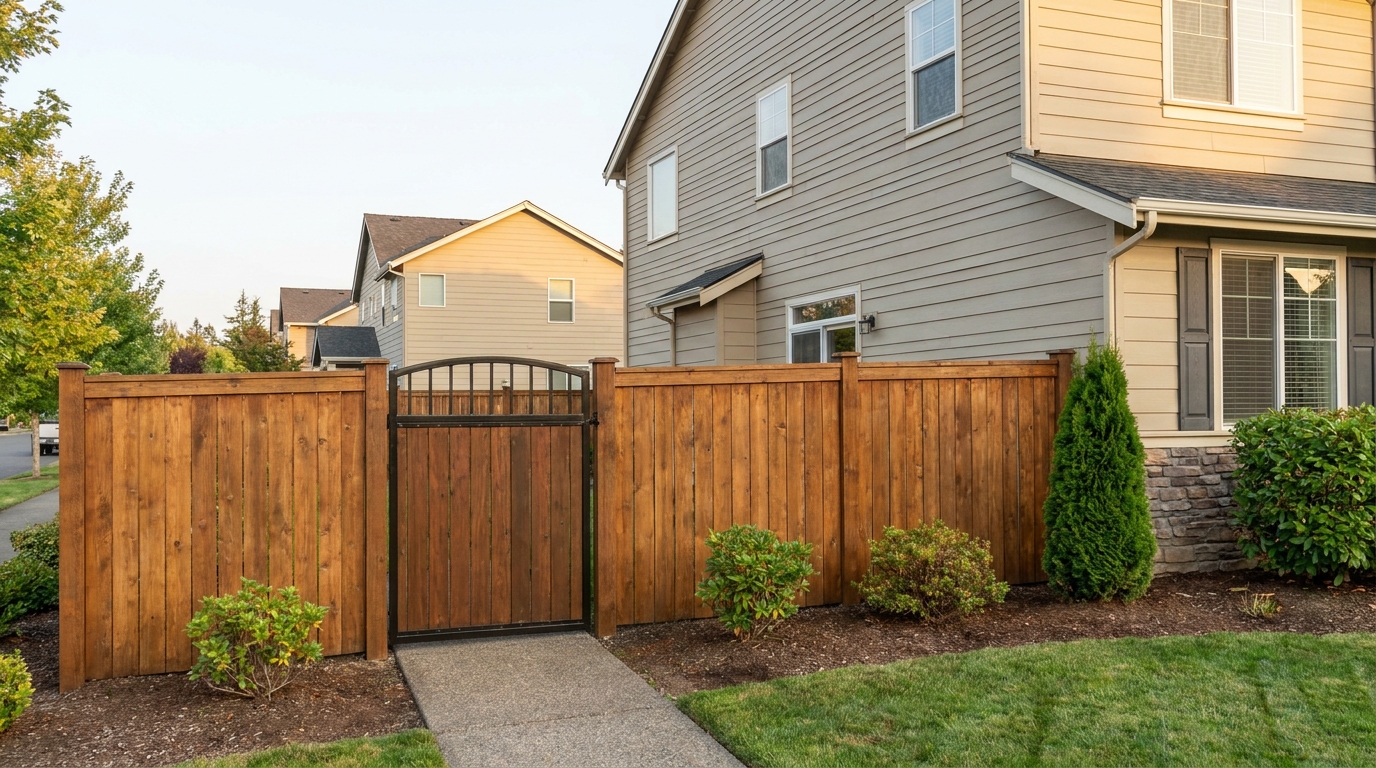
Improve fences and gates so they look cleaner, straighter, and better maintained.
Try This Tool →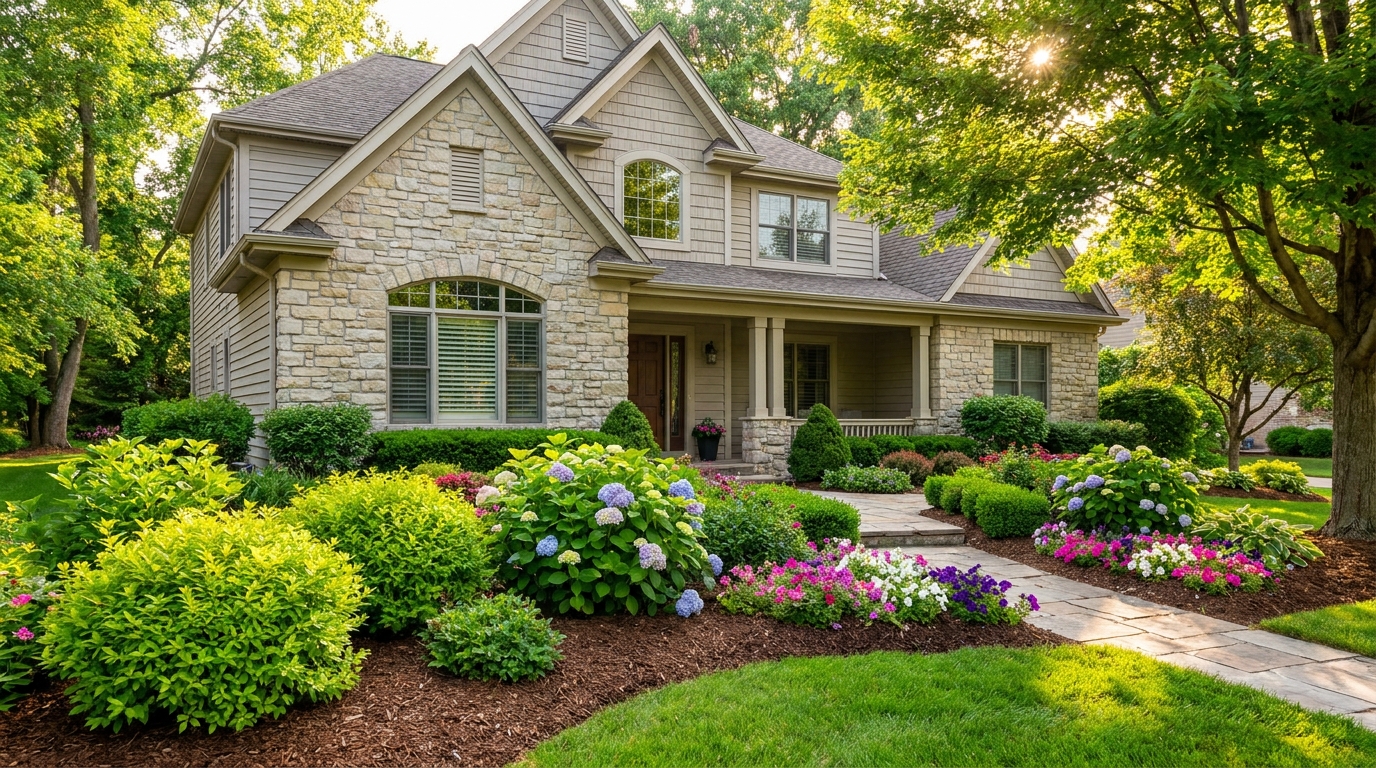
Enhance plants and greenery for a fresher, more vibrant, professionally styled exterior.
Try This Tool →Explore other AI tools to perfect your interior and exterior property photos.
AI image-to-video generation for turning home, room, and property photos into more vivid presentation videos.
02AI exterior renovation for visualizing facade updates, curb appeal improvements, and home exterior remodel ideas.
03AI landscaping design for exploring outdoor concepts, curb appeal upgrades, planting ideas, and yard layout directions.
04AI virtual staging for furnishing empty rooms and creating listing-ready interiors for real estate marketing.
05Free AI image generation for turning text prompts into unlimited visual ideas for home design, interiors, landscaping, renovation
06AI object removal for cleaning up distracting items from room, home, and property photos.
Don't let a stained roof hold back your listing. Use Idealhouse's AI Roof Photo Enhancer to clean, refine, and showcase your property in its best light.