
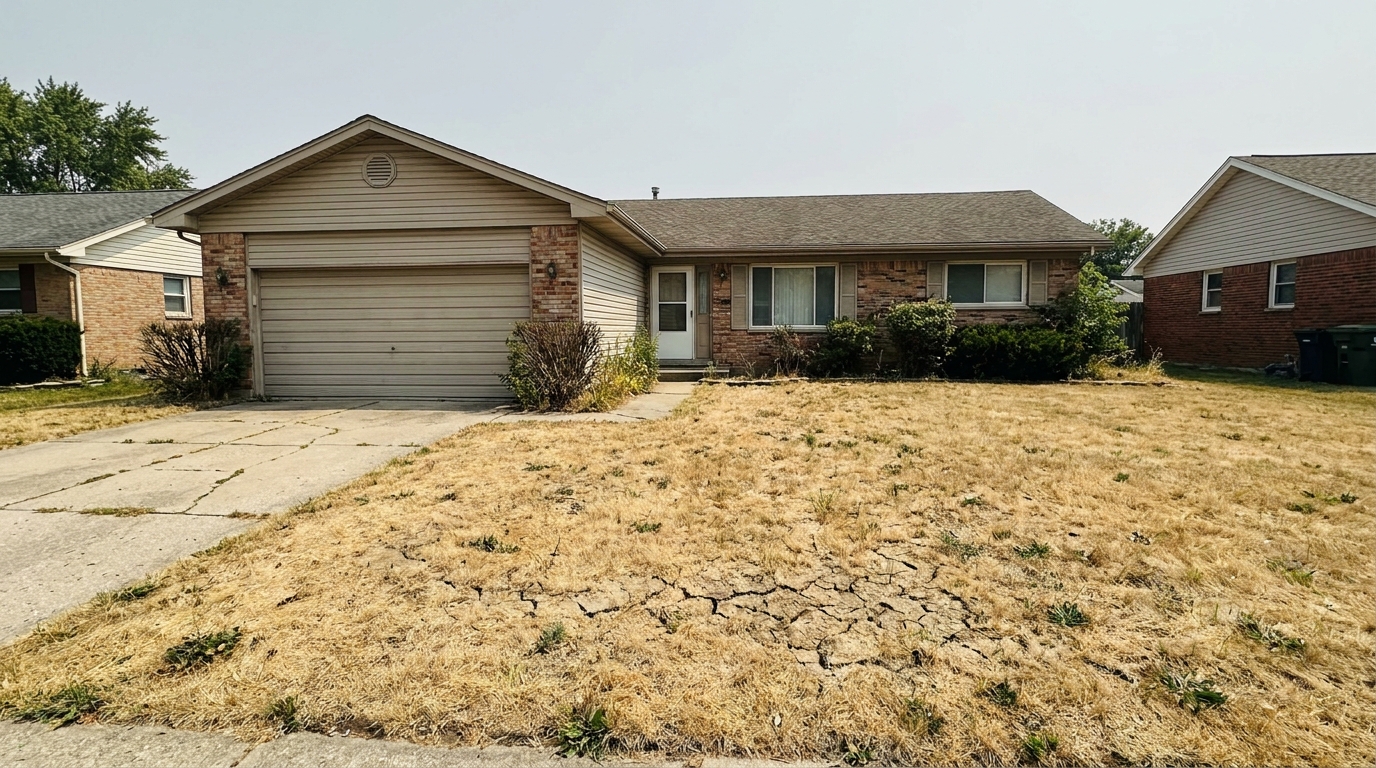
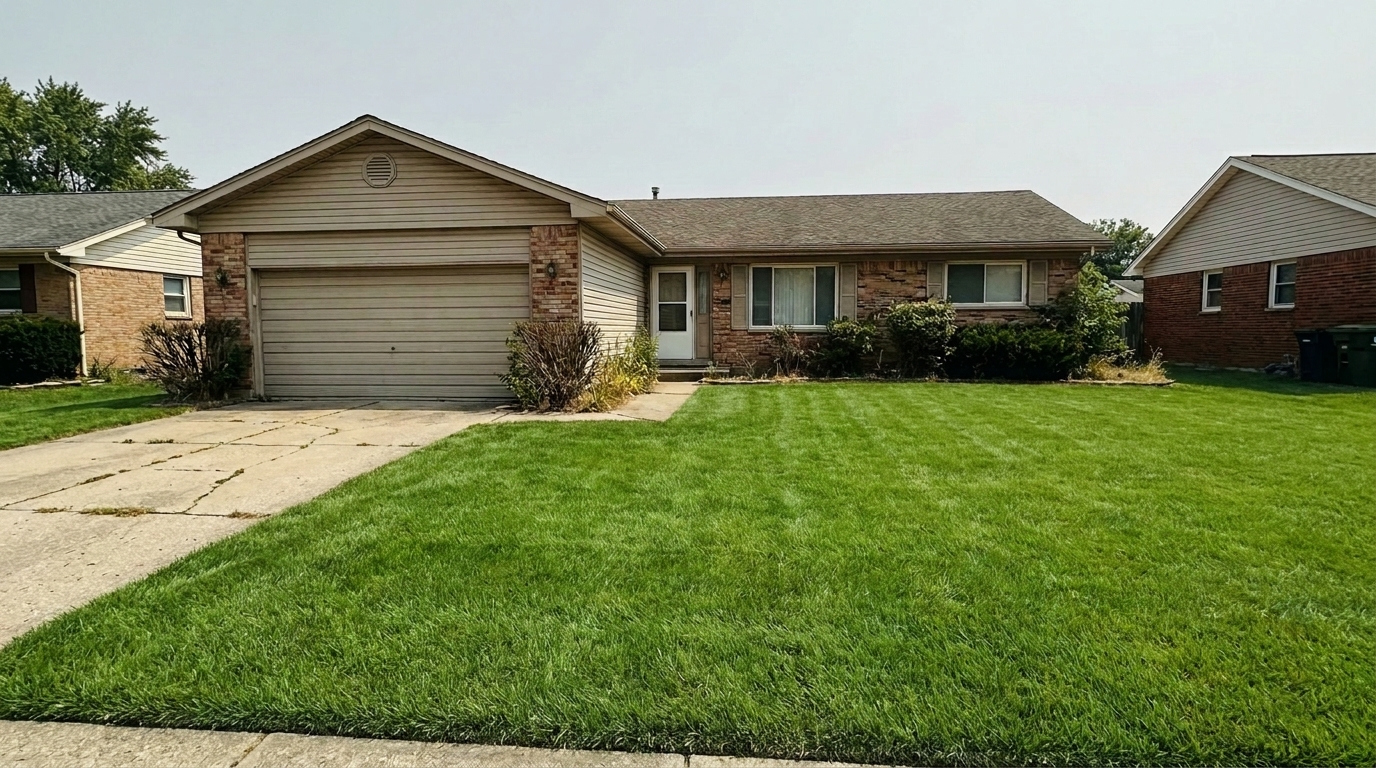

Drought-Stricken Front Yard
Drought-Stricken Front Yard updated with lawn & yard styling.
Transform dry, patchy lawns into lush, vibrant green yards instantly. Elevate your property's curb appeal with professional AI-powered landscaping cleanup.
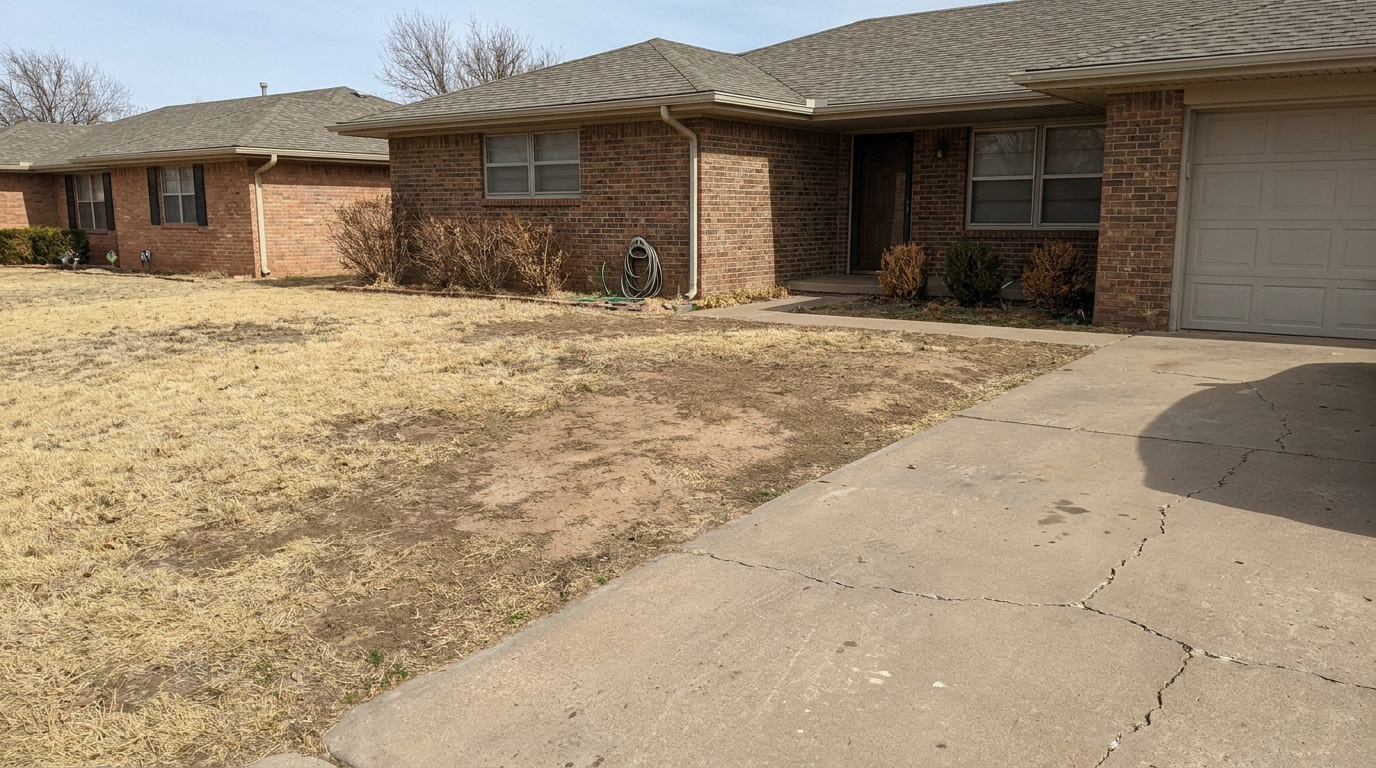
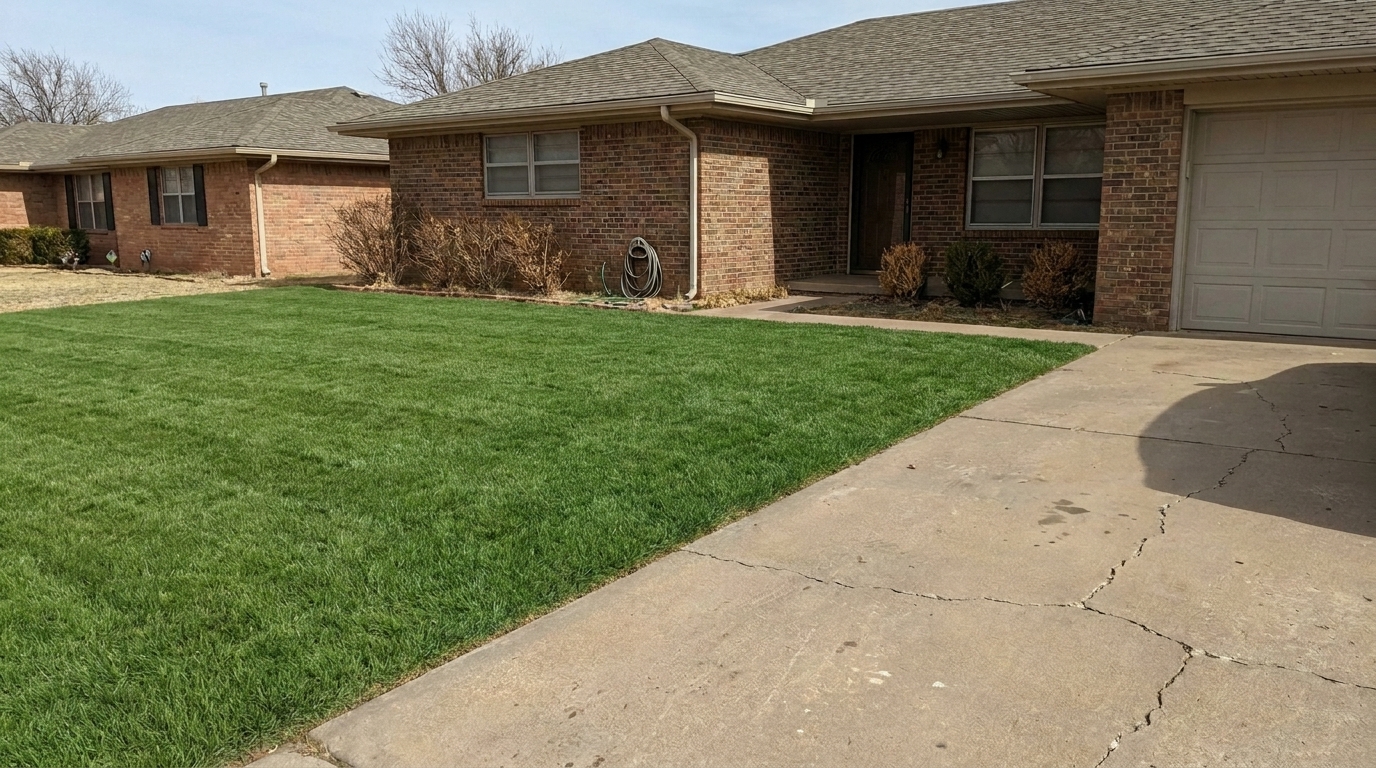
Compare before-and-after transformations of real property yards and lawns.
Drought-Stricken Front Yard updated with lawn & yard styling.
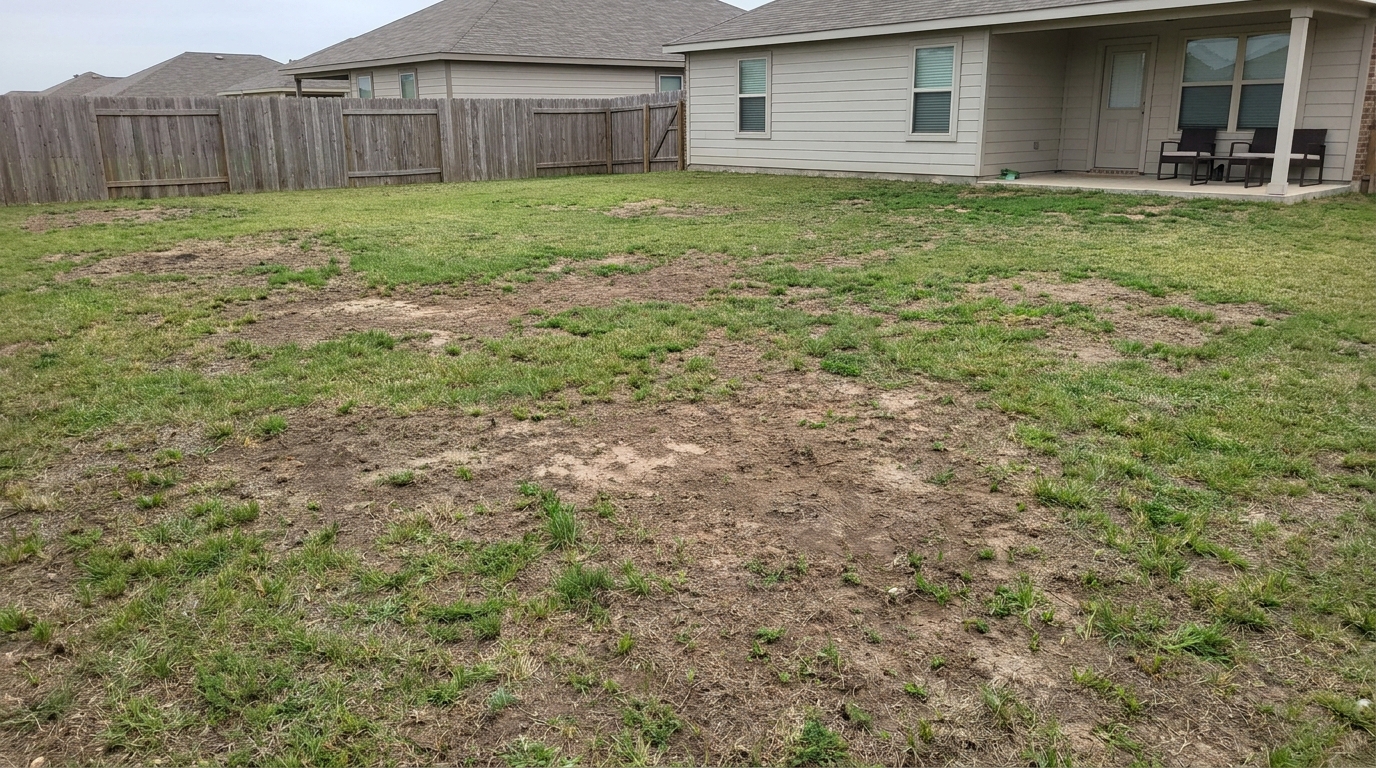
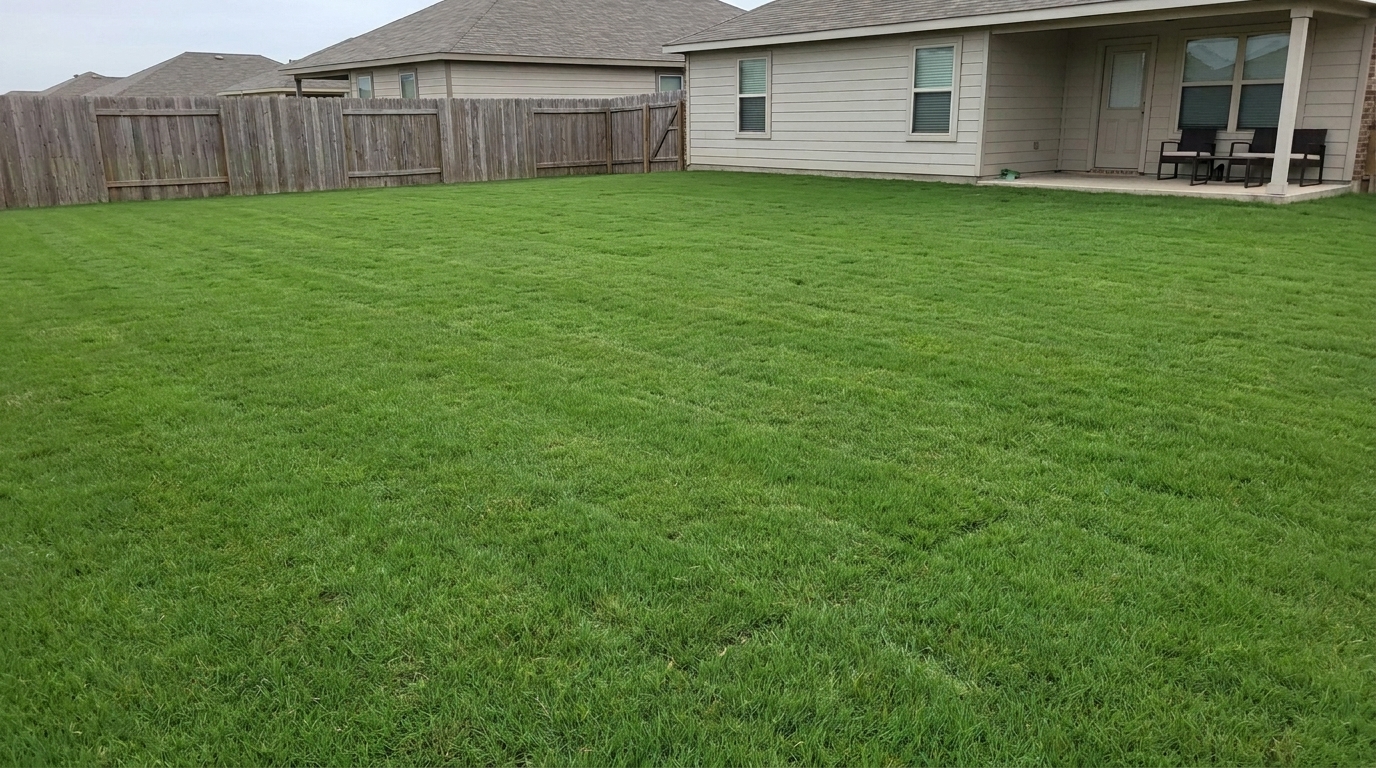
Patchy Backyard Lawn updated with lawn & yard styling.
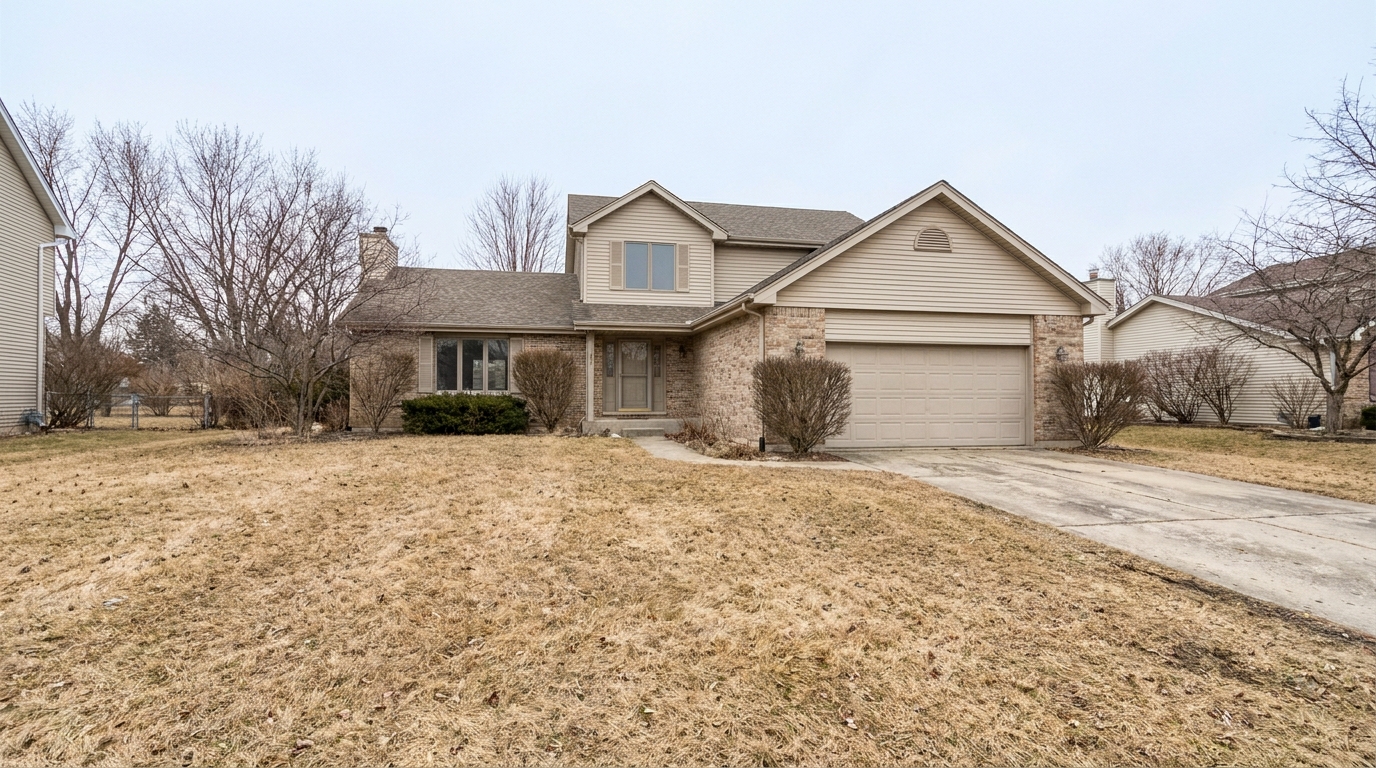
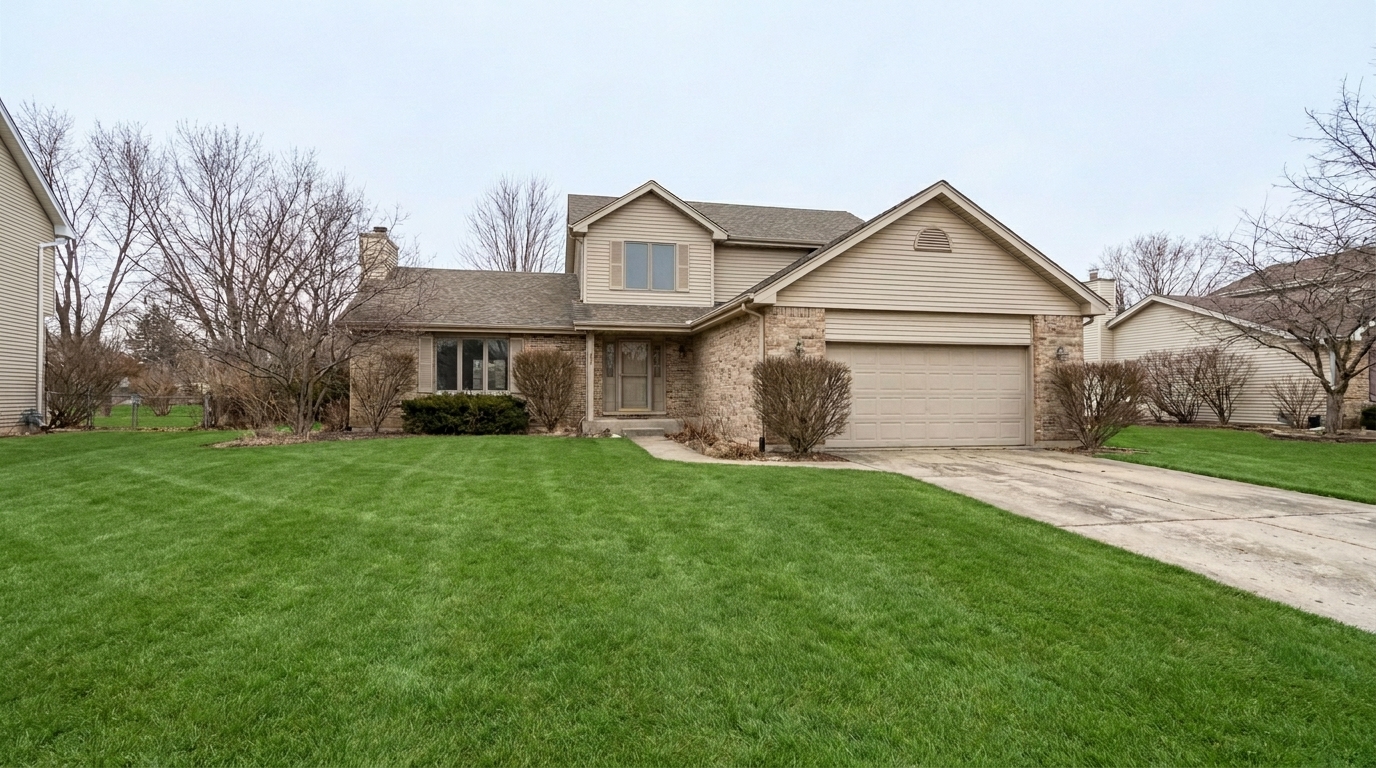
Dormant Winter Turf updated with lawn & yard styling.
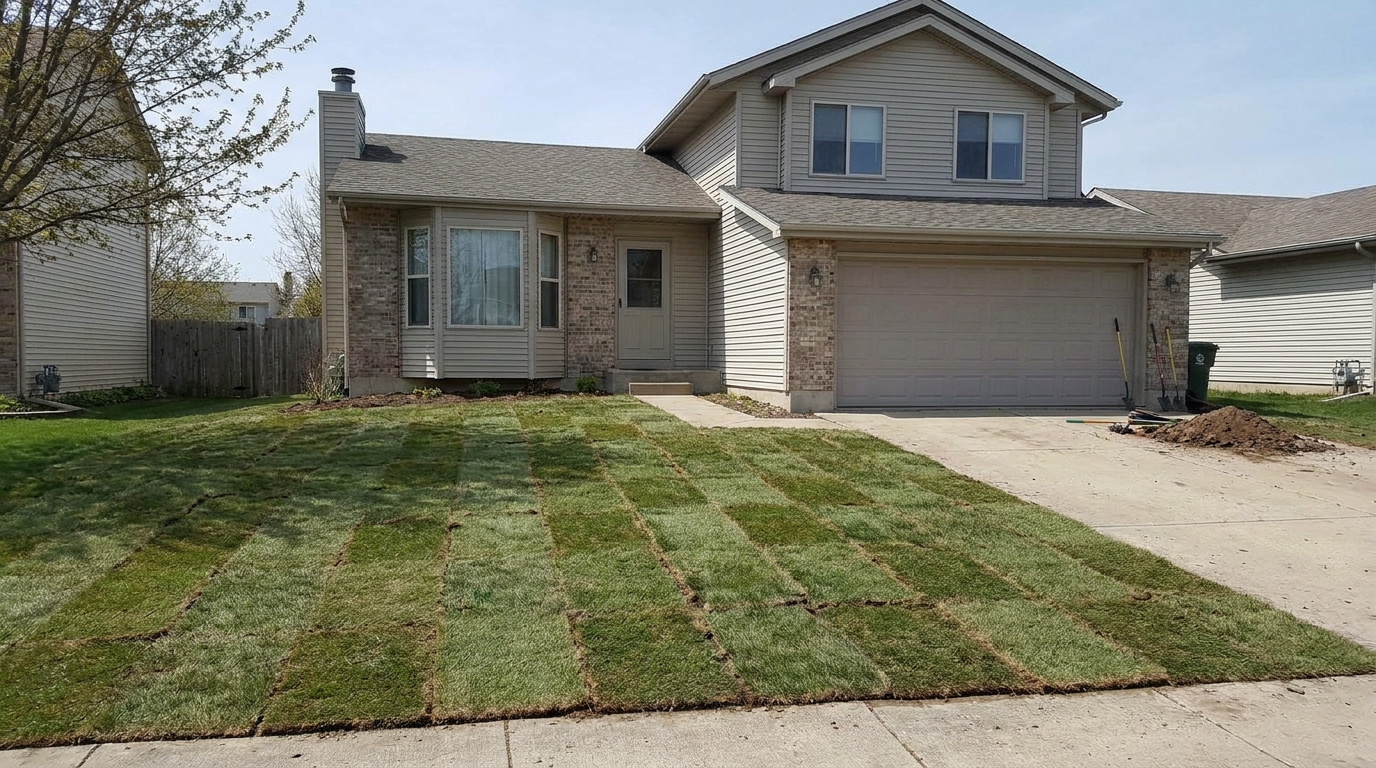
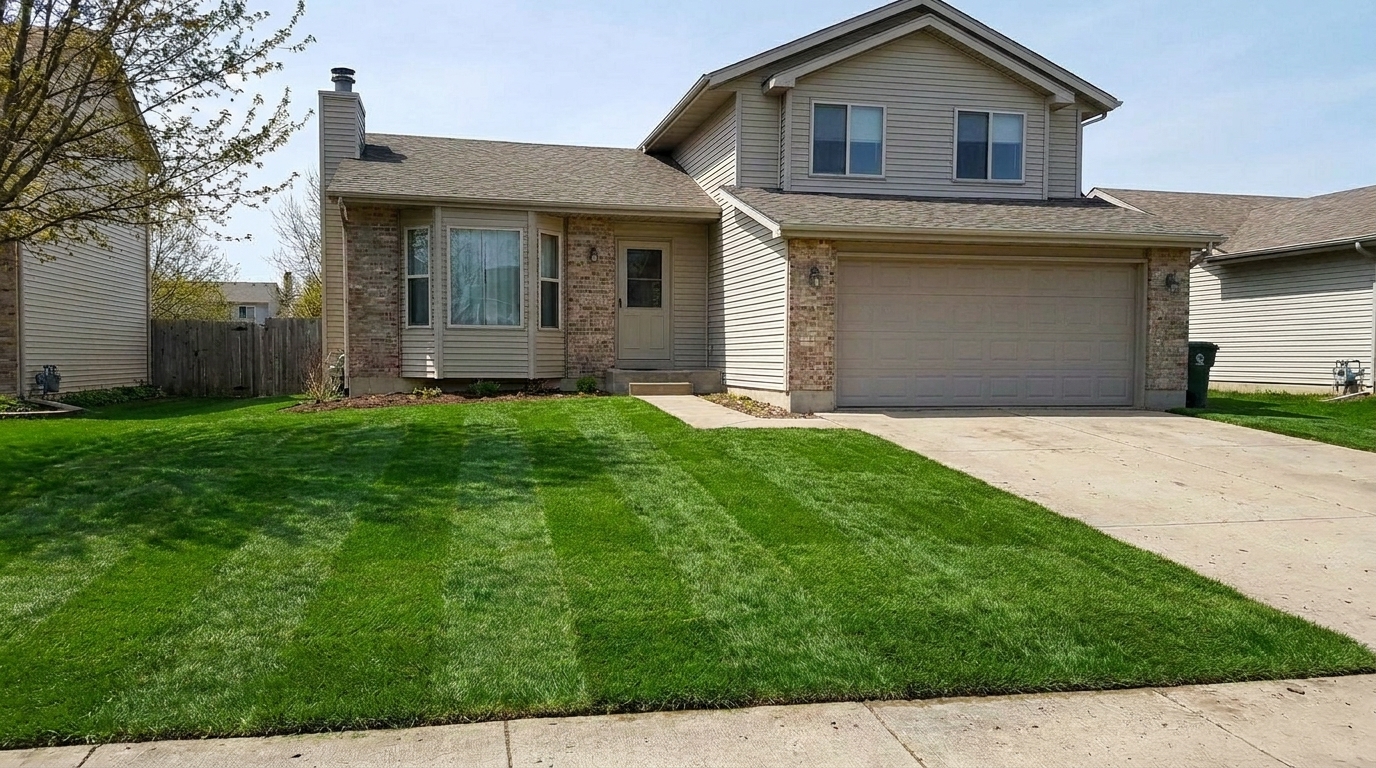
New Sod with Visible Seams updated with lawn & yard styling.
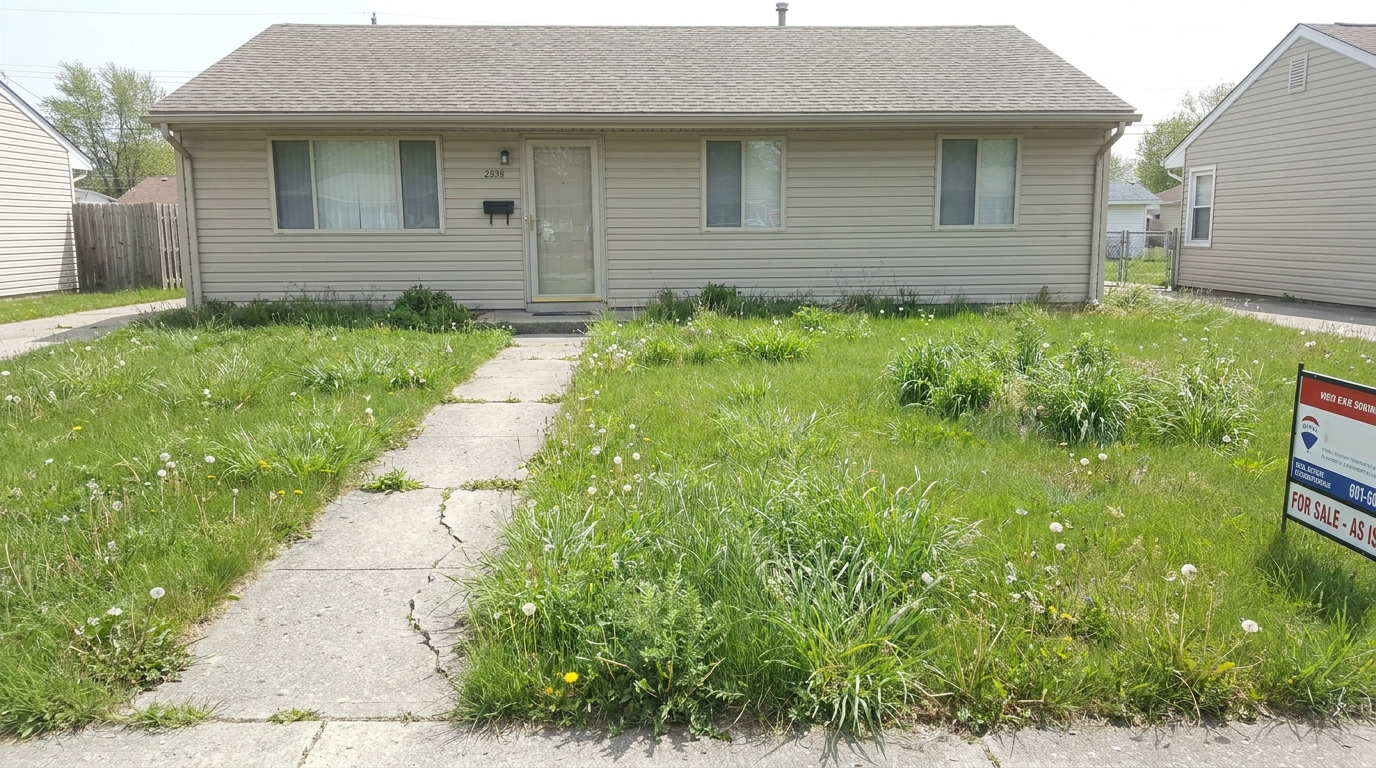
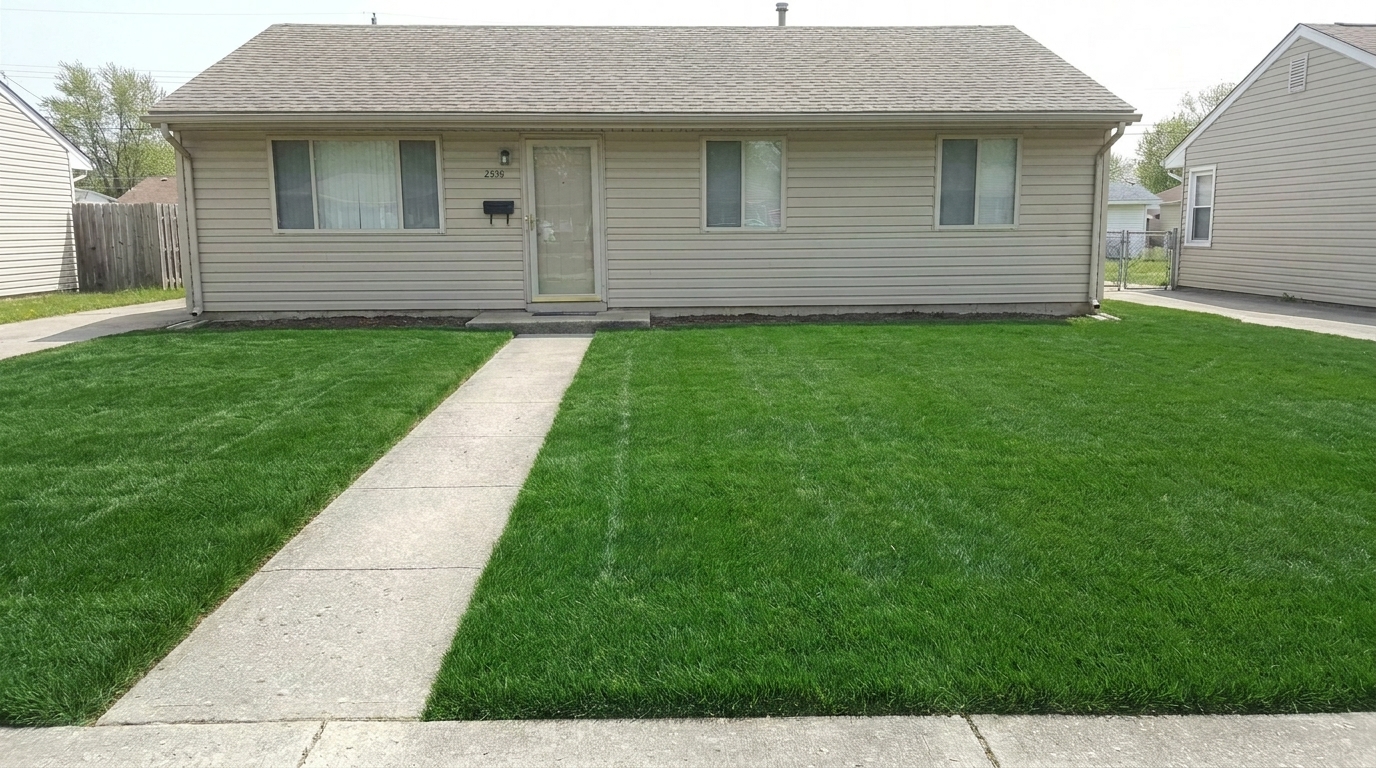
Weed-Infested Lawn updated with lawn & yard styling.
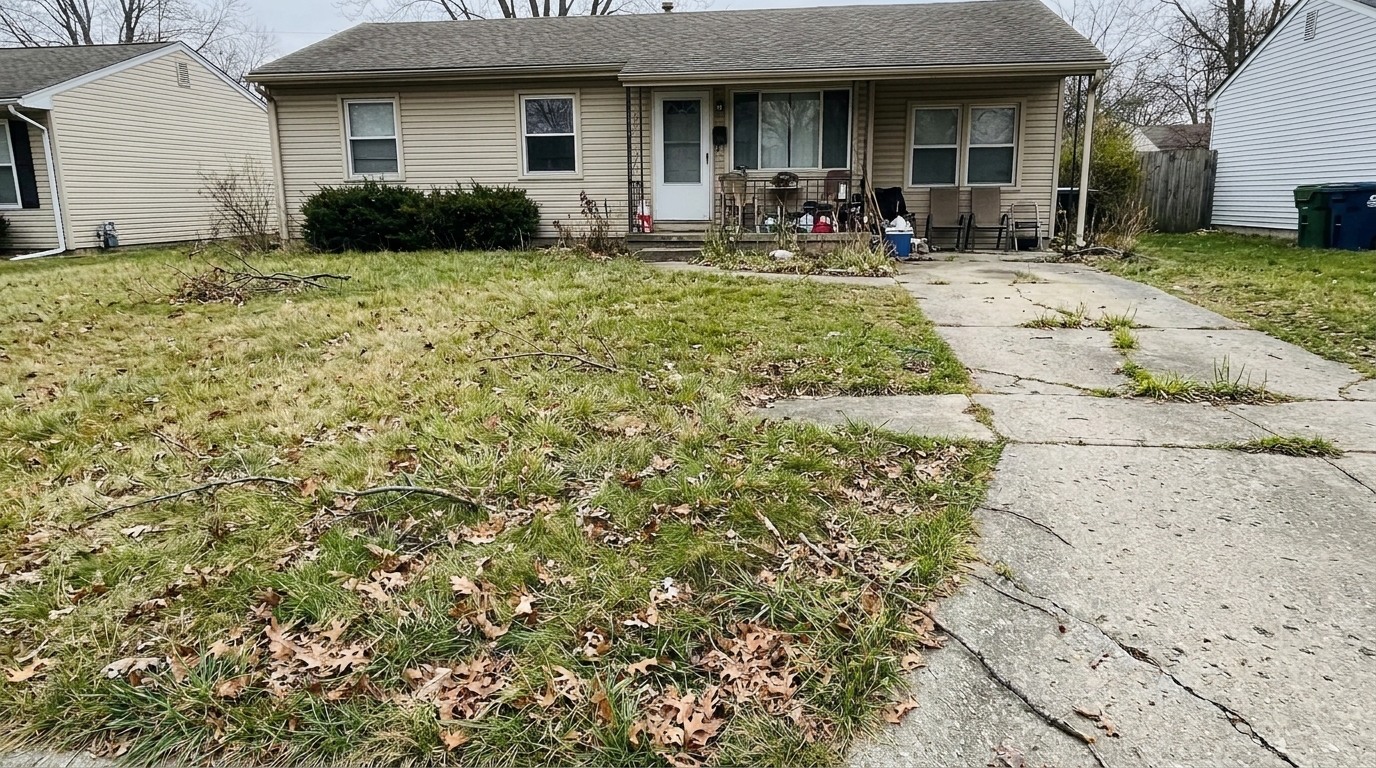
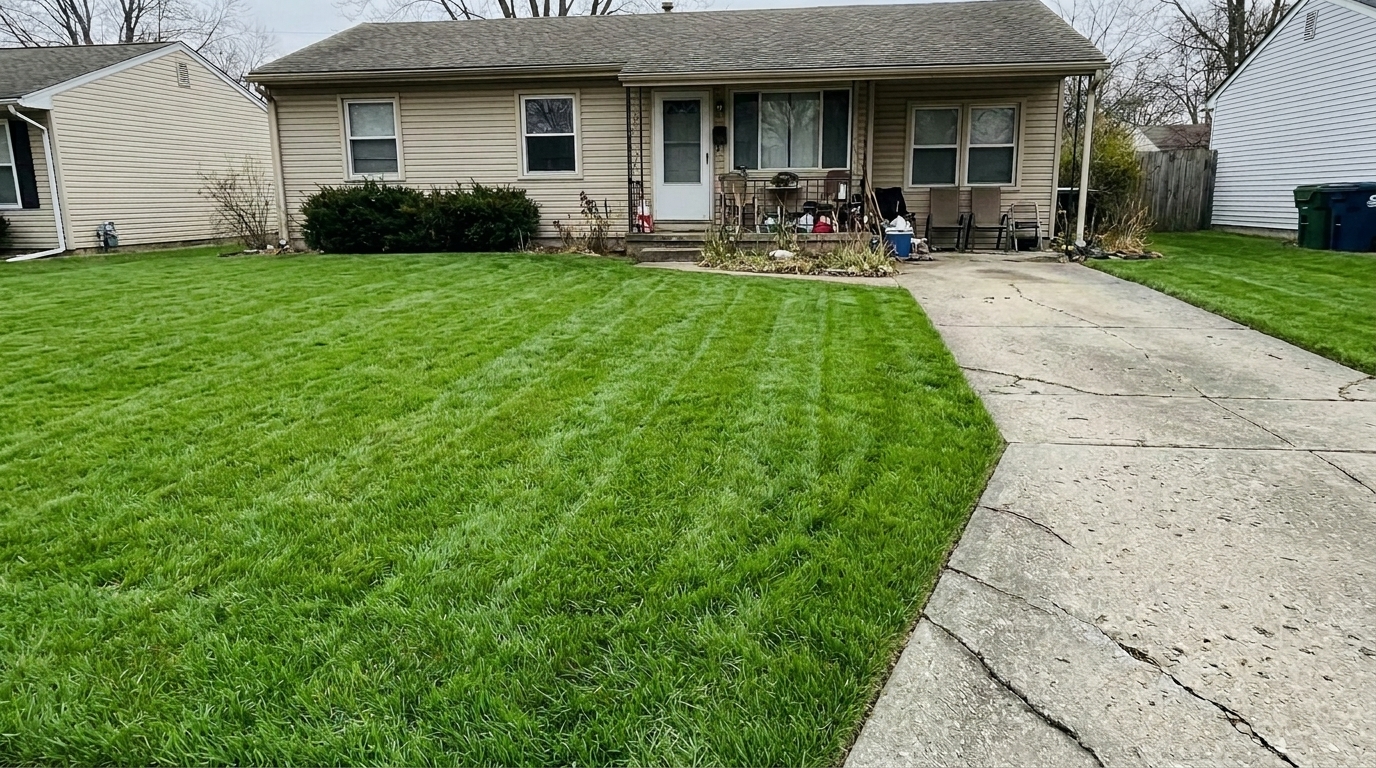
Neglected Vacant Property Yard updated with lawn & yard styling.
Advanced AI tools designed specifically to restore, green, and clean up outdoor spaces.
Automatically isolates lawn and turf areas from driveways, flower beds, and home structures.
Seamlessly fills in dead patches, dirt spots, and uneven areas with realistic grass textures.
Adjusts yellowing or dry grass to a vibrant, healthy green without looking artificially painted.
Digitally removes stray weeds, fallen leaves, and minor yard clutter for a manicured look.
Retains the natural blades and organic depth of the grass, avoiding flat or synthetic-looking surfaces.
Ensures smooth transitions between the enhanced lawn and adjacent walkways, fences, or gardens.
See how different real estate professionals and homeowners use our yard enhancer.
Restore vibrant green curb appeal to properties photographed during dry, hot summer months.
SeasonalClean up overgrown or neglected yards of vacant properties to attract serious buyers.
Property PrepFill in sparse, newly seeded lawns or fresh sod lines for a fully finished look.
New BuildBrighten up dull, dormant winter grass for early spring real estate listings.
SeasonalRefine outdoor shots to ensure a polished, high-end presentation for client galleries.
ProfessionalPresent a clean, low-maintenance, and inviting outdoor space to prospective tenants.
RentalFollow three simple steps to turn patchy, dry grass into a lush, manicured lawn.
Select and upload a high-resolution exterior photo of the property featuring the lawn or yard area.
Select the Lawn & Yard preset to automatically detect patchy, dry, or discolored grass areas.
Save and download the high-quality, listing-ready photo with a lush, vibrant, and naturally green lawn.
Source-backed context for why lawn & yard edits matter inside exterior enhancement workflows.
Lawn & Yard within Exterior Enhancement evidence
Photos are one of the most valuable website features for home buyers; NAR's 2025 generational trends report says 83% of internet-using buyers rated photos as very useful. For Lawn & Yard pages, this supports showing how a focused Exterior Enhancement edit can make the listing photo feel clearer, more polished, and easier for buyers to evaluate.
Source: NAR 2025Lawn & Yard within Exterior Enhancement evidence
Zillow Research's 2025 prospective buyer report ranked high-resolution photos as the number two most important listing feature, selected by 26% of prospective buyers; floor plans ranked first at 33%. For Lawn & Yard pages, this supports showing how a focused Exterior Enhancement edit can make the listing photo feel clearer, more polished, and easier for buyers to evaluate.
Source: Zillow 2025Lawn & Yard within Exterior Enhancement evidence
Redfin reported that professionally photographed homes in the $400,000 range sold three weeks faster and for more than $10,000 relative to list price compared with amateur photos. Use this as supporting context, not as a guaranteed result. For Lawn & Yard pages, this supports showing how a focused Exterior Enhancement edit can make the listing photo feel clearer, more polished, and easier for buyers to evaluate.
Source: RedfinLearn how to elevate your property's exterior presentation by restoring and perfecting lawn and yard photos with professional AI tools.
In real estate marketing, the exterior photo is almost always the first image a prospective buyer sees. A dry, patchy, or neglected lawn can immediately signal deferred maintenance, lowering the perceived value of the entire property. Enhancing the lawn isn't about creating an unrealistic fantasy; it's about presenting the home in its best possible light, reflecting the care and potential of the property. By restoring a healthy, green appearance to the grass, you instantly elevate the listing's curb appeal, driving higher click-through rates on listing portals and generating more showing requests.
Selecting the right preset is crucial for a natural-looking exterior. Use the Lawn & Yard preset when your primary issue is discolored, patchy, or dry grass, as it is specifically calibrated to preserve turf textures while restoring healthy green tones. If your photo suffers from broader issues like dirty concrete, weathered siding, or dull skies, choose the Curb Appeal or Exterior Photo presets for a comprehensive, full-scene upgrade. For properties with prominent garden beds, flowering plants, or dense shrubbery, the Landscaping preset is a better fit, as it enhances organic foliage colors rather than focusing strictly on turf grass. Avoid using the Lawn & Yard preset on high-altitude drone shots; instead, opt for the Drone & Aerial preset, which handles atmospheric haze and wide-angle color correction more effectively.
To achieve the most realistic results, start by preparing your image. First, use basic exposure and perspective corrections to ensure the overall photo is balanced. Next, apply the Lawn & Yard preset to automatically target and restore the grass areas. If there are large, distracting objects on the lawn—such as hoses, toys, or yard signs—use an object removal tool prior to applying the preset. Finally, review the edges where the grass meets driveways, walkways, and flower beds. Our AI automatically handles these transitions, but a quick manual check ensures that the boundaries look sharp, natural, and perfectly integrated with the rest of the property's landscaping.
While AI lawn enhancement is incredibly powerful, it is important to use it ethically and realistically. Use this tool to correct seasonal dormancy, repair temporary dry patches, or clean up minor debris that would normally be addressed before a showing. Avoid over-saturating the grass to an unnatural neon green, as this can create distrust when buyers visit the property in person. If a yard is completely dirt or undergoing major construction, a full virtual staging or landscaping replacement tool may be more appropriate than a simple photo enhancement preset. Always aim for a look that represents a well-watered, professionally maintained version of the actual yard.
Discover more specialized tools to polish every detail of your property's exterior.
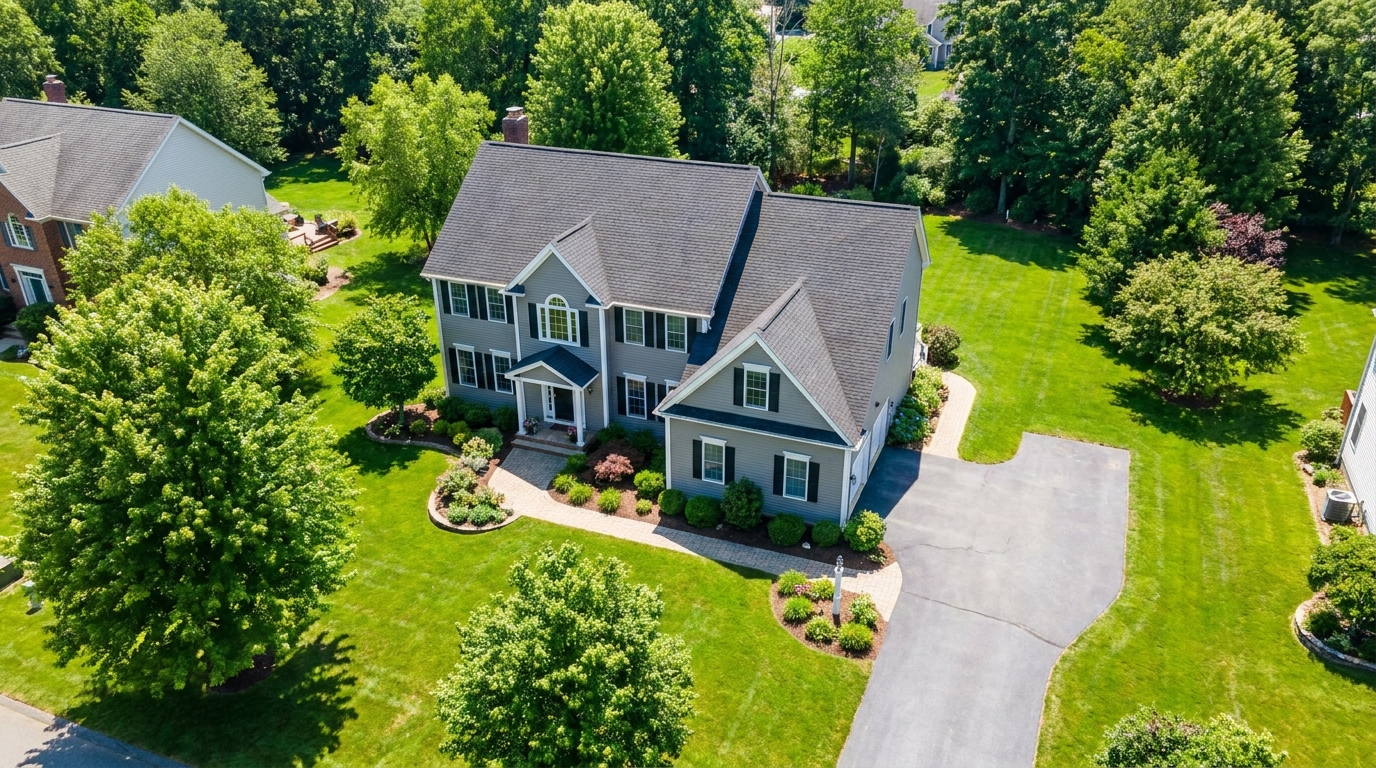
Polish aerial shots with brighter color, cleaner detail, and stronger property context.
Try This Tool →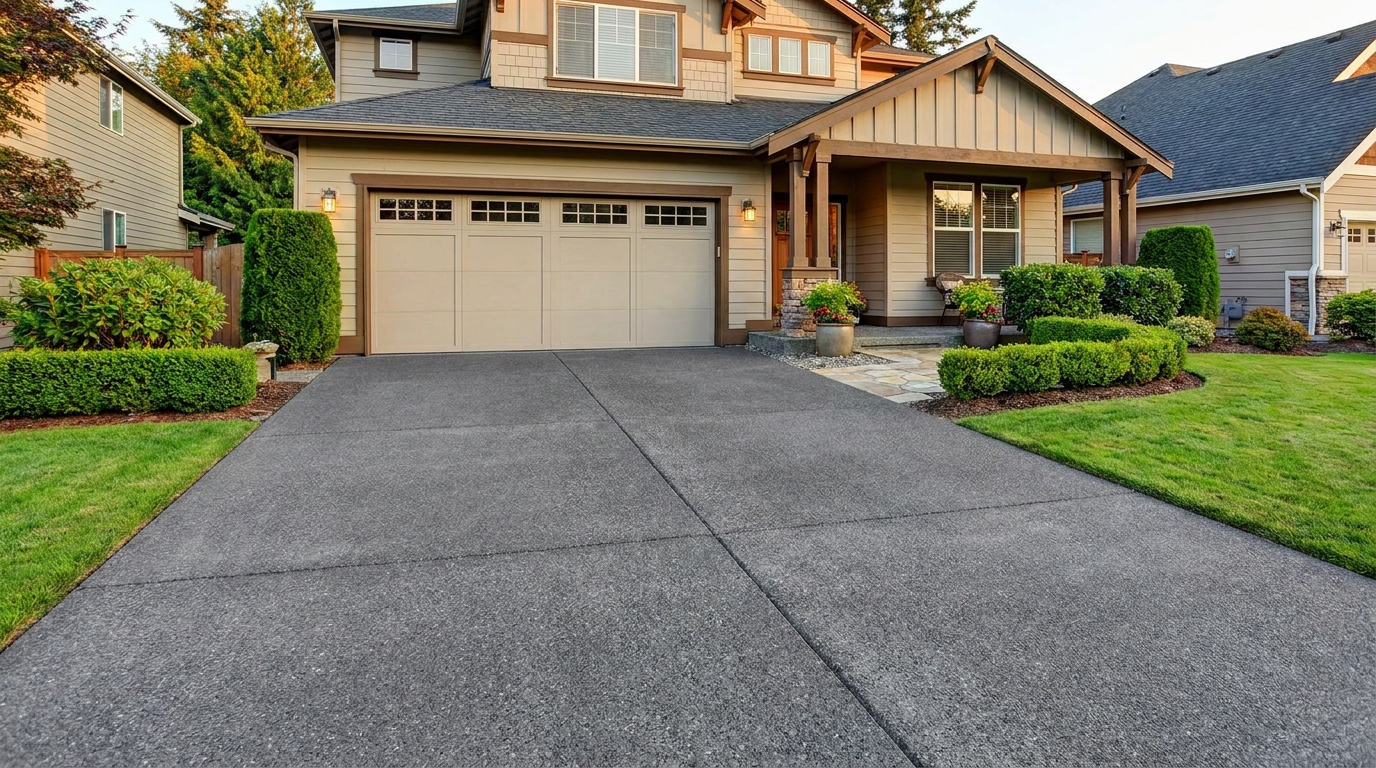
Clean up driveway appearance for a neater entrance and stronger first impression.
Try This Tool →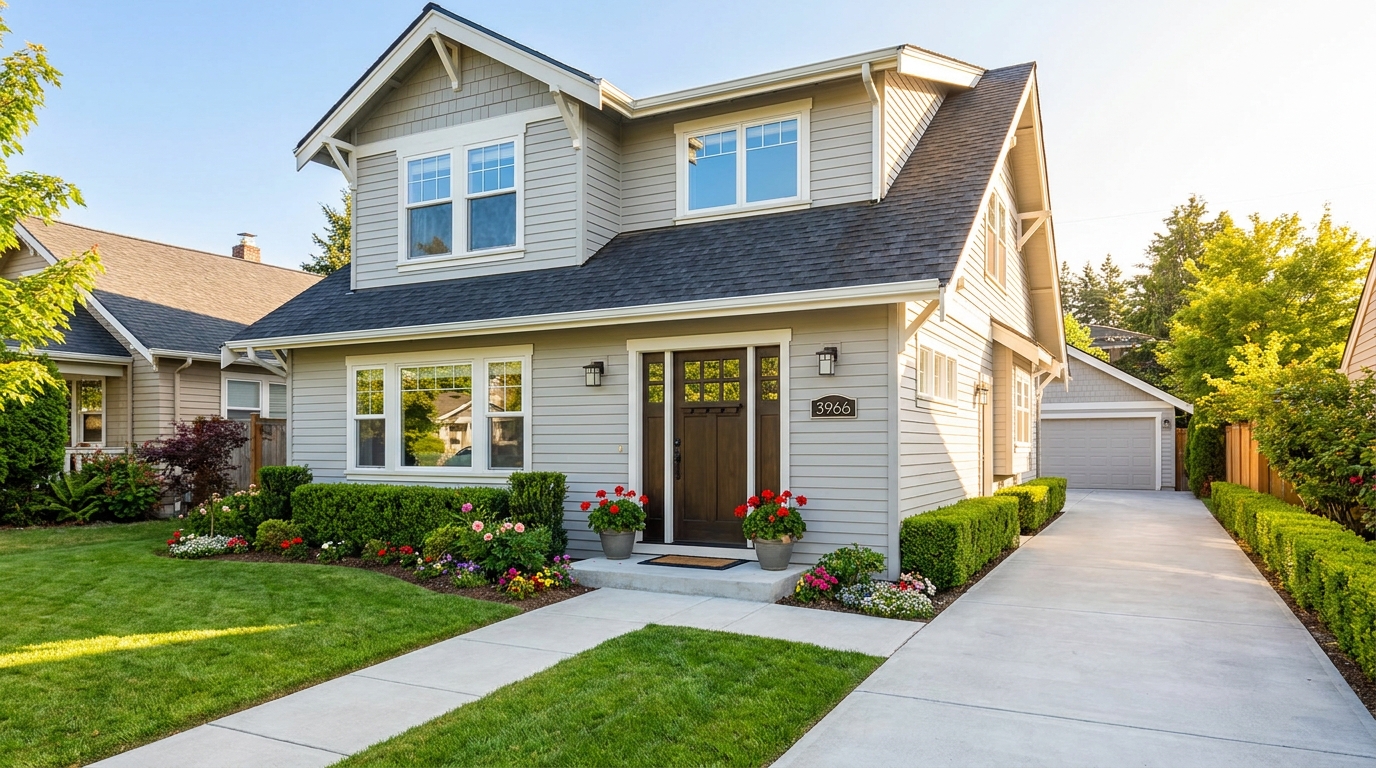
Elevate the home's exterior presence with a brighter, tidier, more inviting street view.
Try This Tool →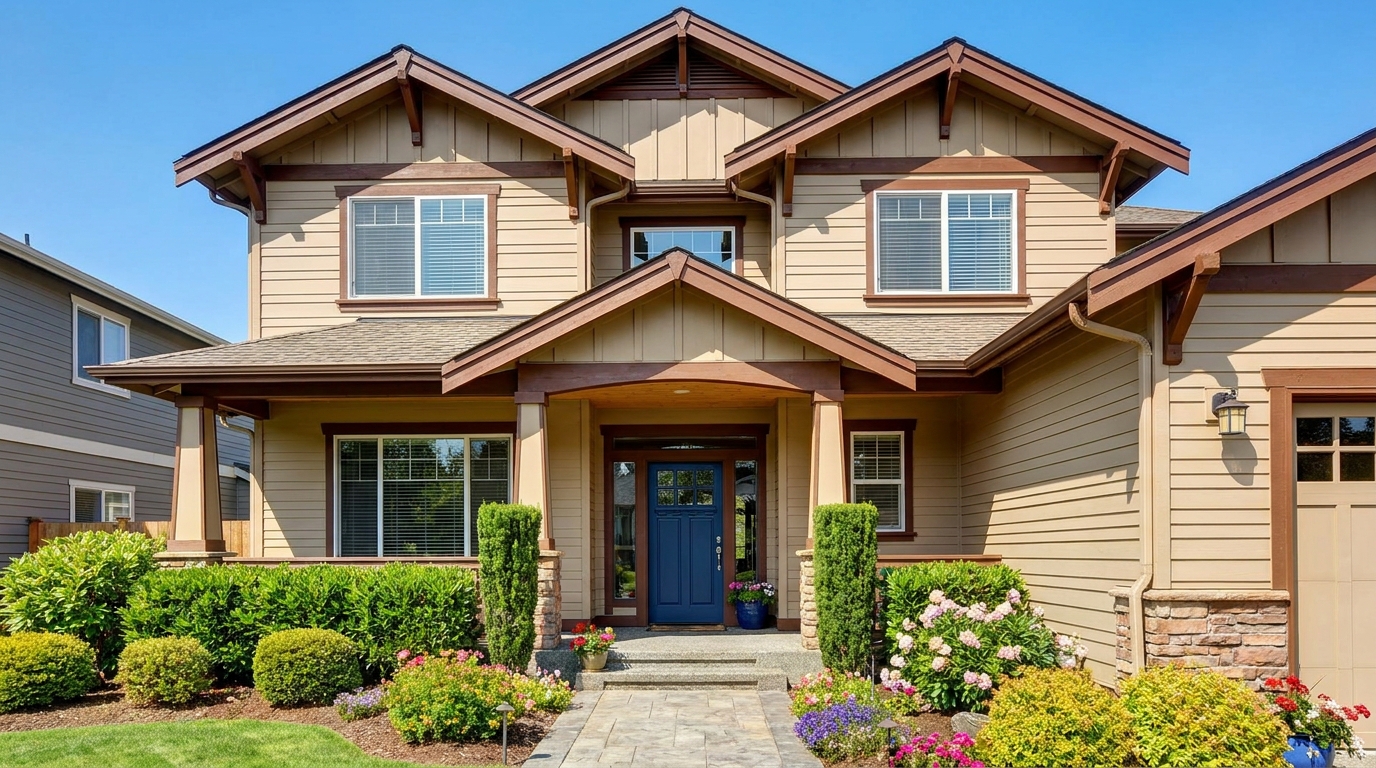
Refine facade tones so exterior materials look cleaner, richer, and more appealing.
Try This Tool →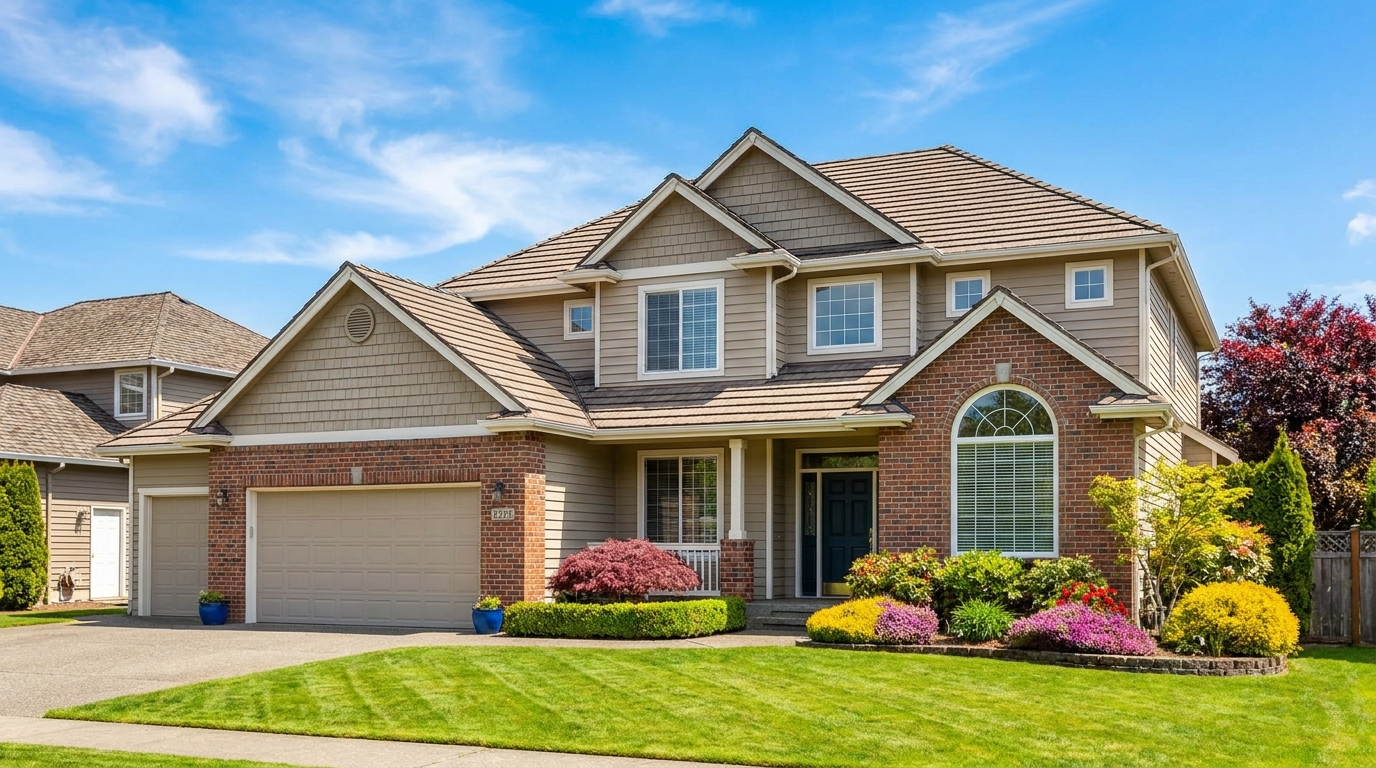
Full exterior enhancement for brighter skies, cleaner lines, and stronger curb appeal.
Try This Tool →
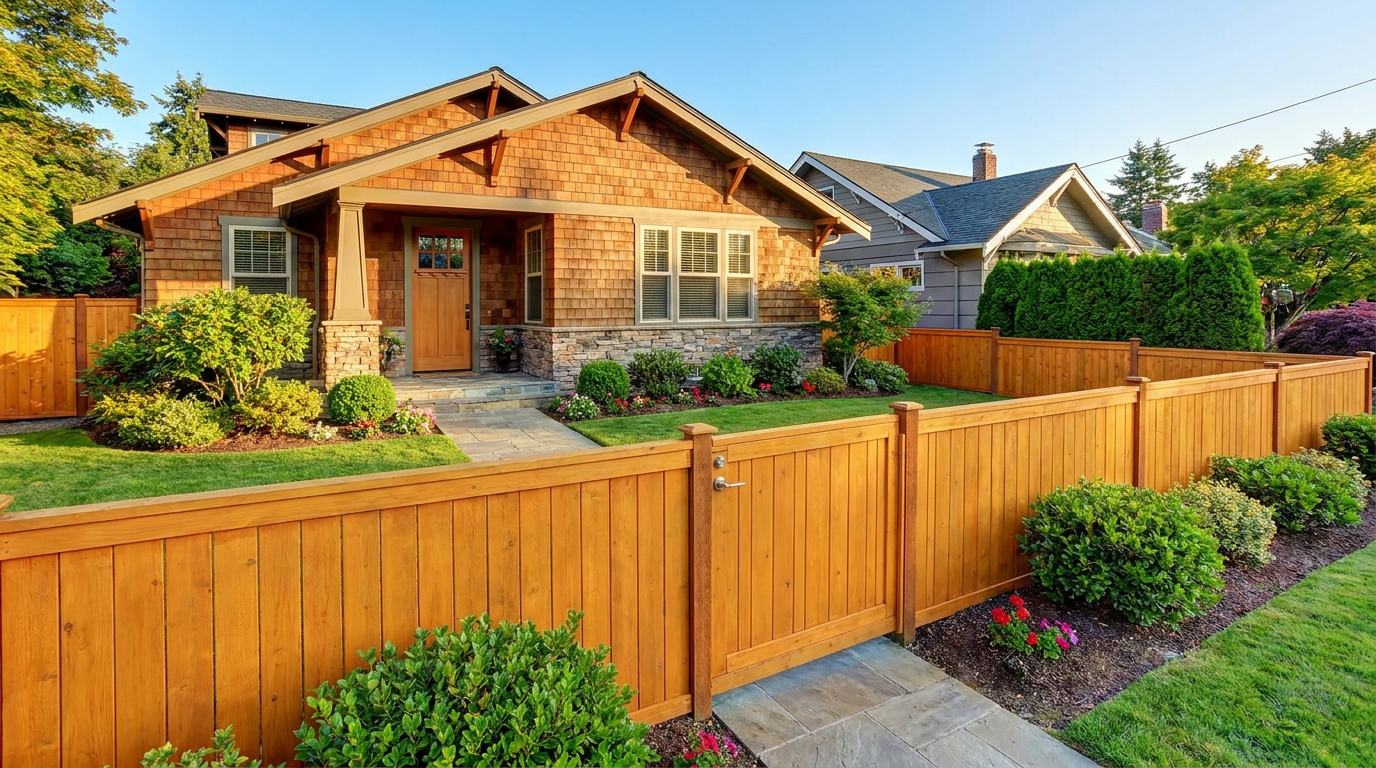
Improve fences and gates so they look cleaner, straighter, and better maintained.
Try This Tool →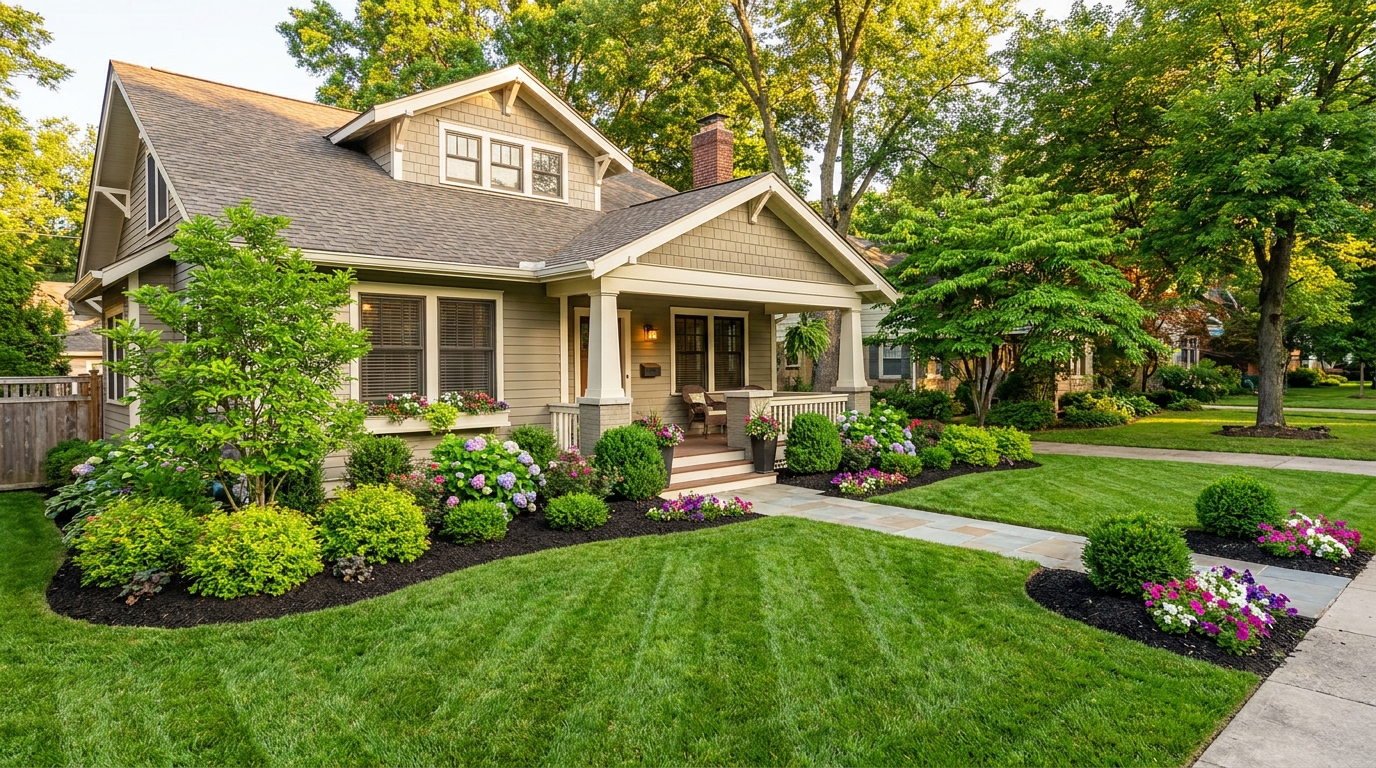
Enhance plants and greenery for a fresher, more vibrant, professionally styled exterior.
Try This Tool →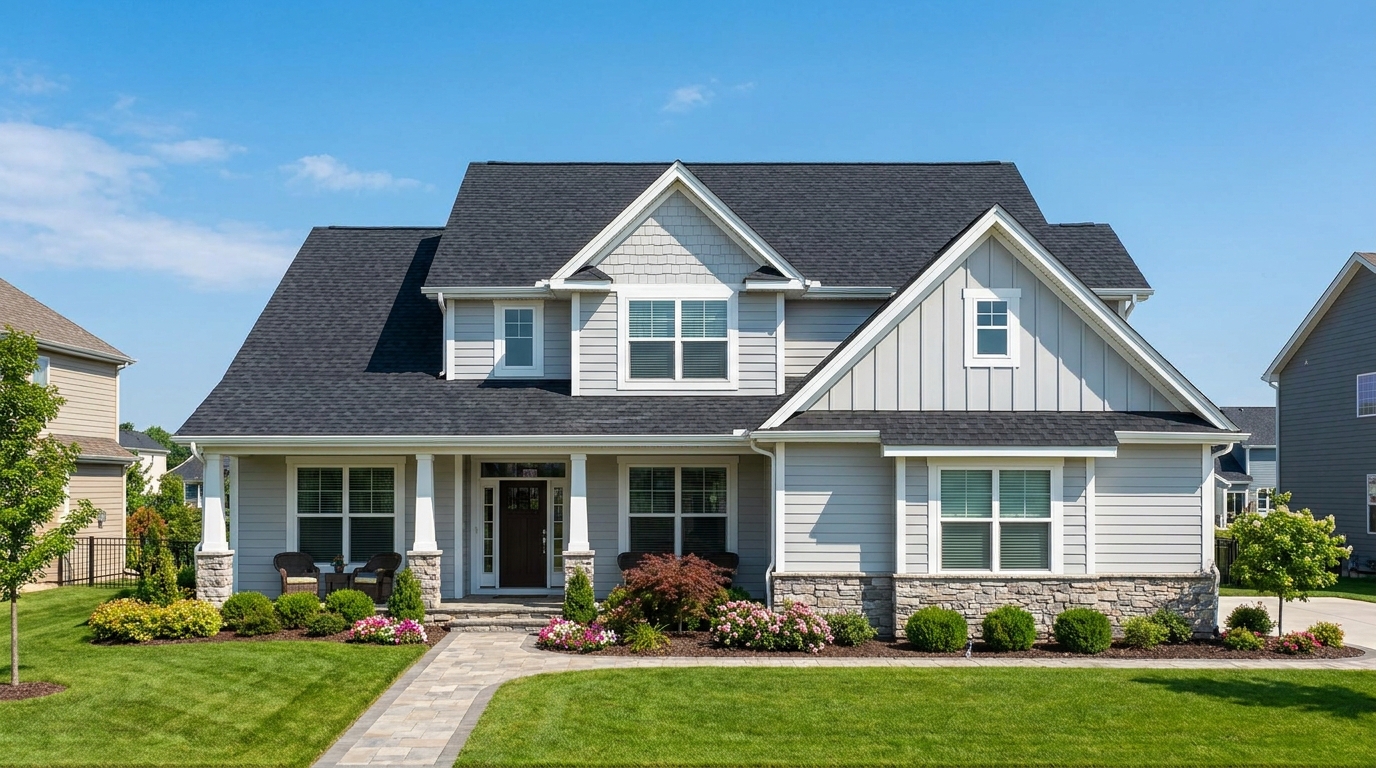
Clean and refine roof appearance for a more cared-for, market-ready exterior photo.
Try This Tool →Explore other AI-powered features to elevate your interior and exterior property photos.
AI image-to-video generation for turning home, room, and property photos into more vivid presentation videos.
02AI exterior renovation for visualizing facade updates, curb appeal improvements, and home exterior remodel ideas.
03AI landscaping design for exploring outdoor concepts, curb appeal upgrades, planting ideas, and yard layout directions.
04AI virtual staging for furnishing empty rooms and creating listing-ready interiors for real estate marketing.
05Free AI image generation for turning text prompts into unlimited visual ideas for home design, interiors, landscaping, renovation
06AI object removal for cleaning up distracting items from room, home, and property photos.
Don't let a dry, patchy lawn turn buyers away. Use our AI Lawn & Yard Photo Enhancer to create stunning, listing-ready exterior photos in seconds.