
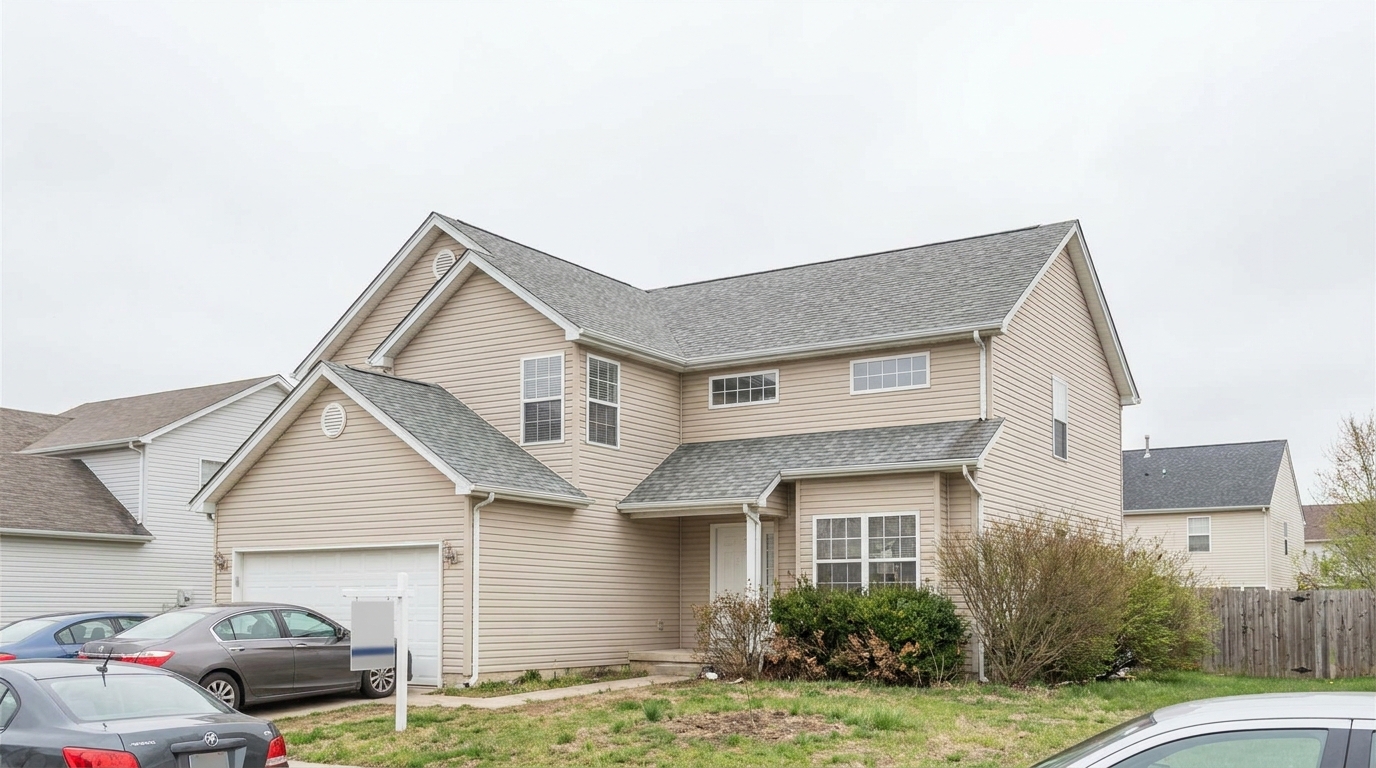
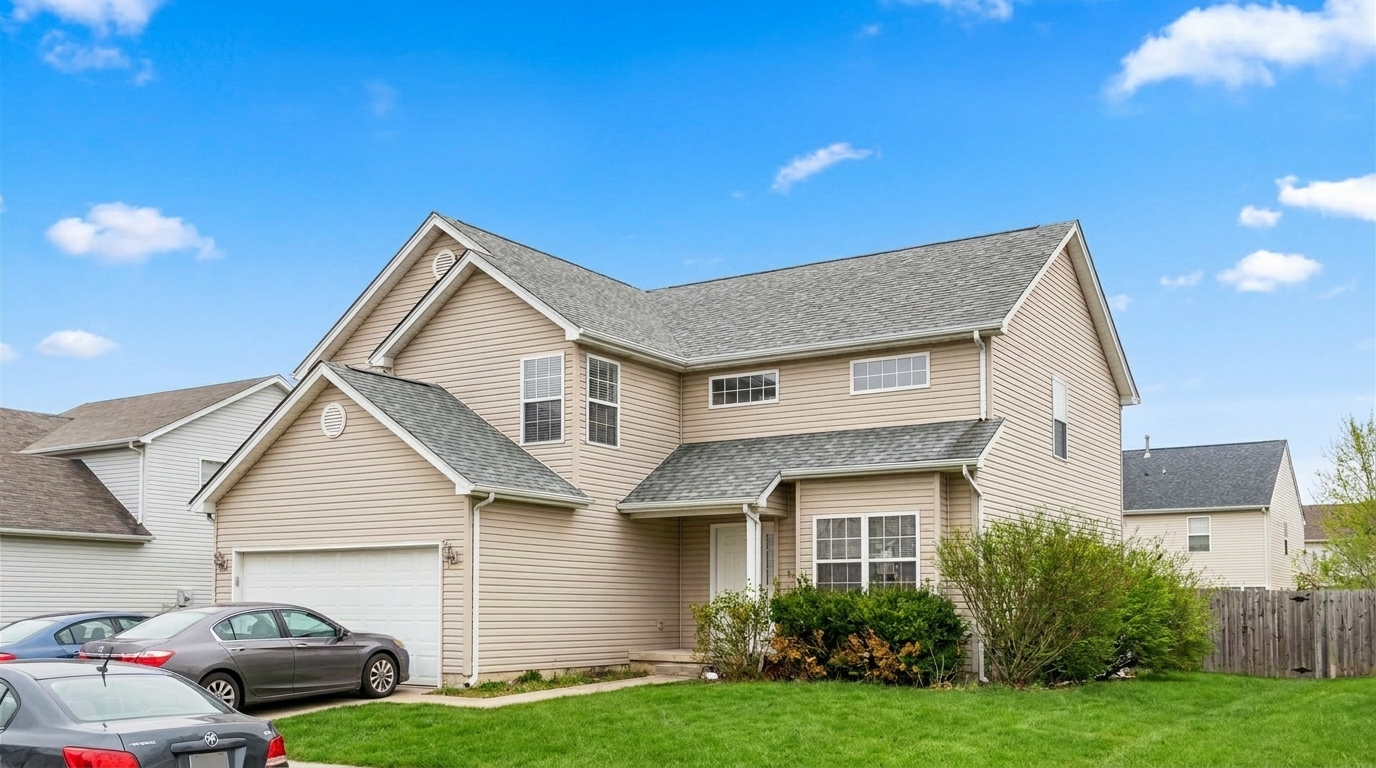

Suburban Facade
Suburban Facade updated with exterior photo styling.
Instantly elevate your real estate listings. Brighten skies, balance colors, and refine architectural details for a stunning first impression.
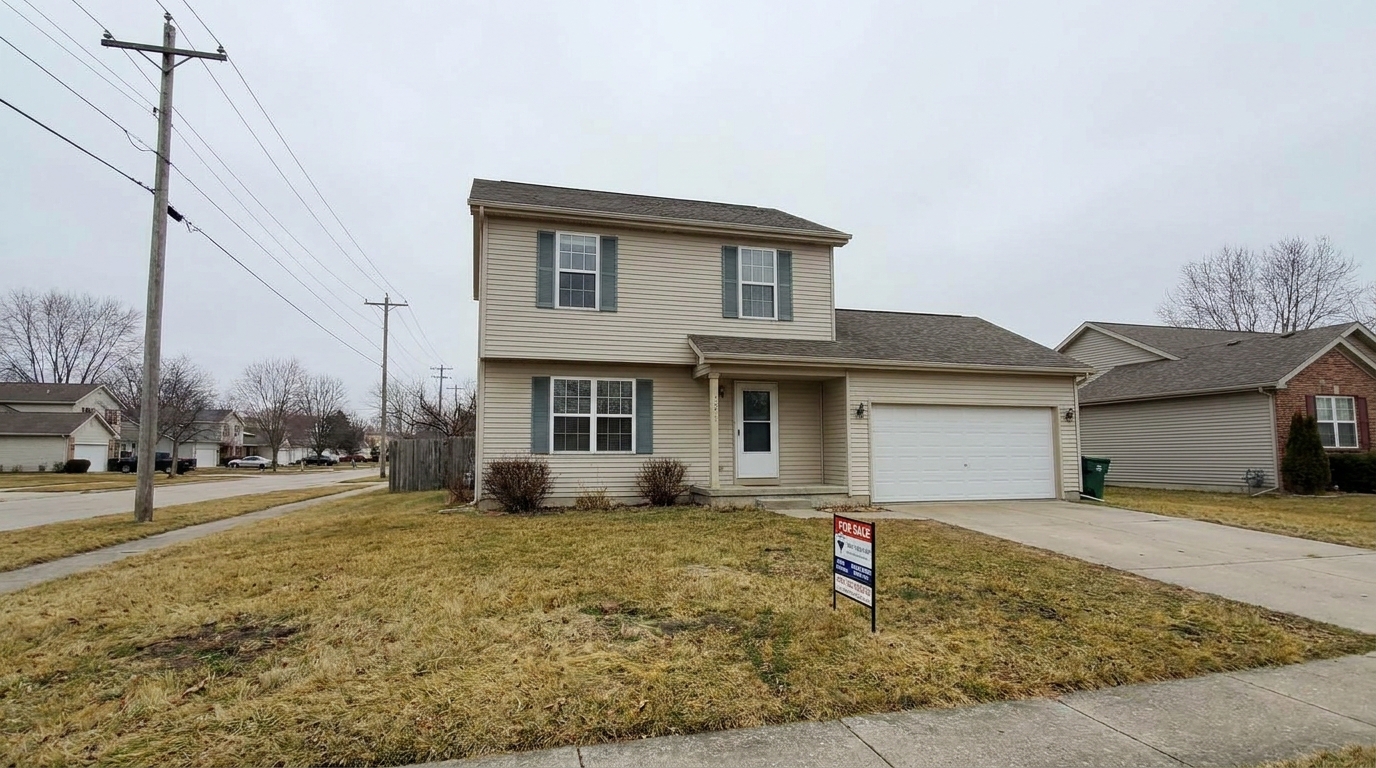
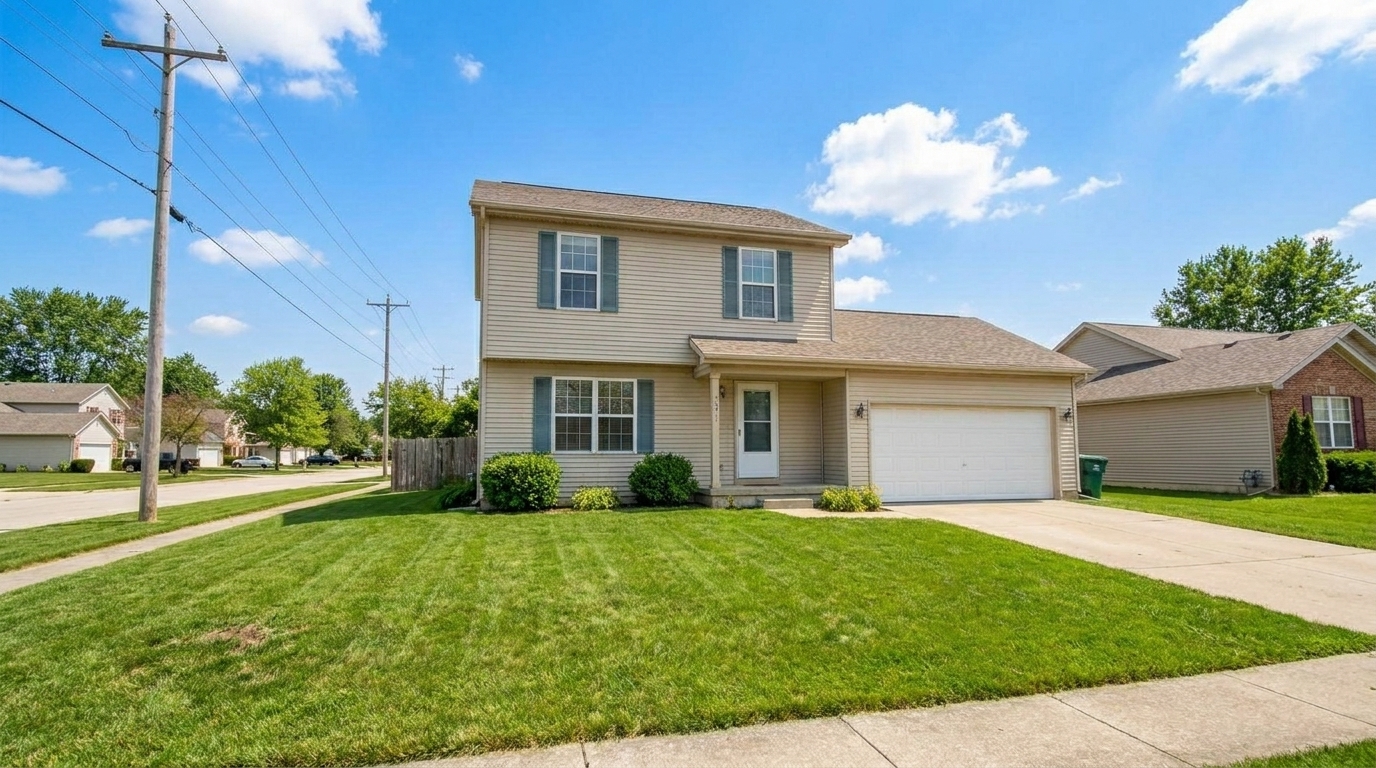
Browse real-world examples of exterior photos enhanced by our AI technology.
Suburban Facade updated with exterior photo styling.
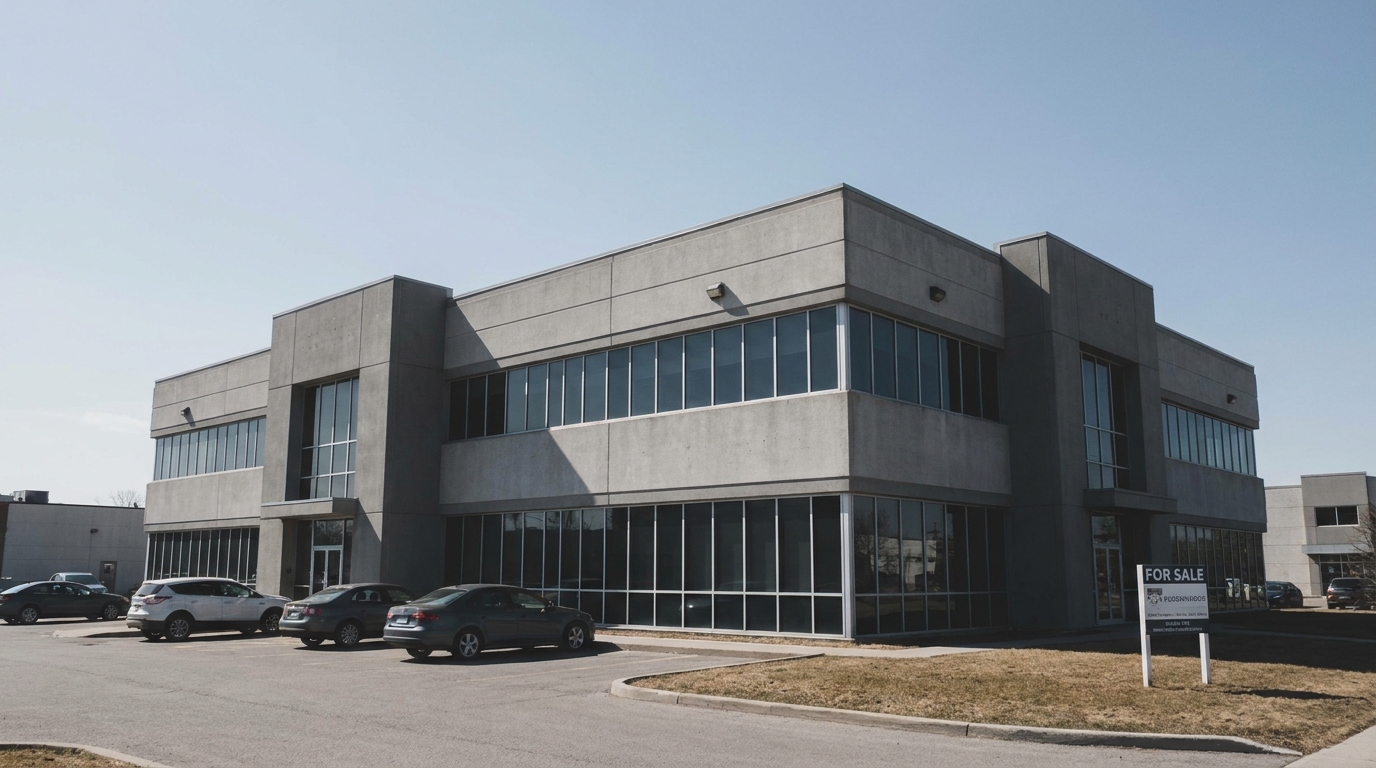
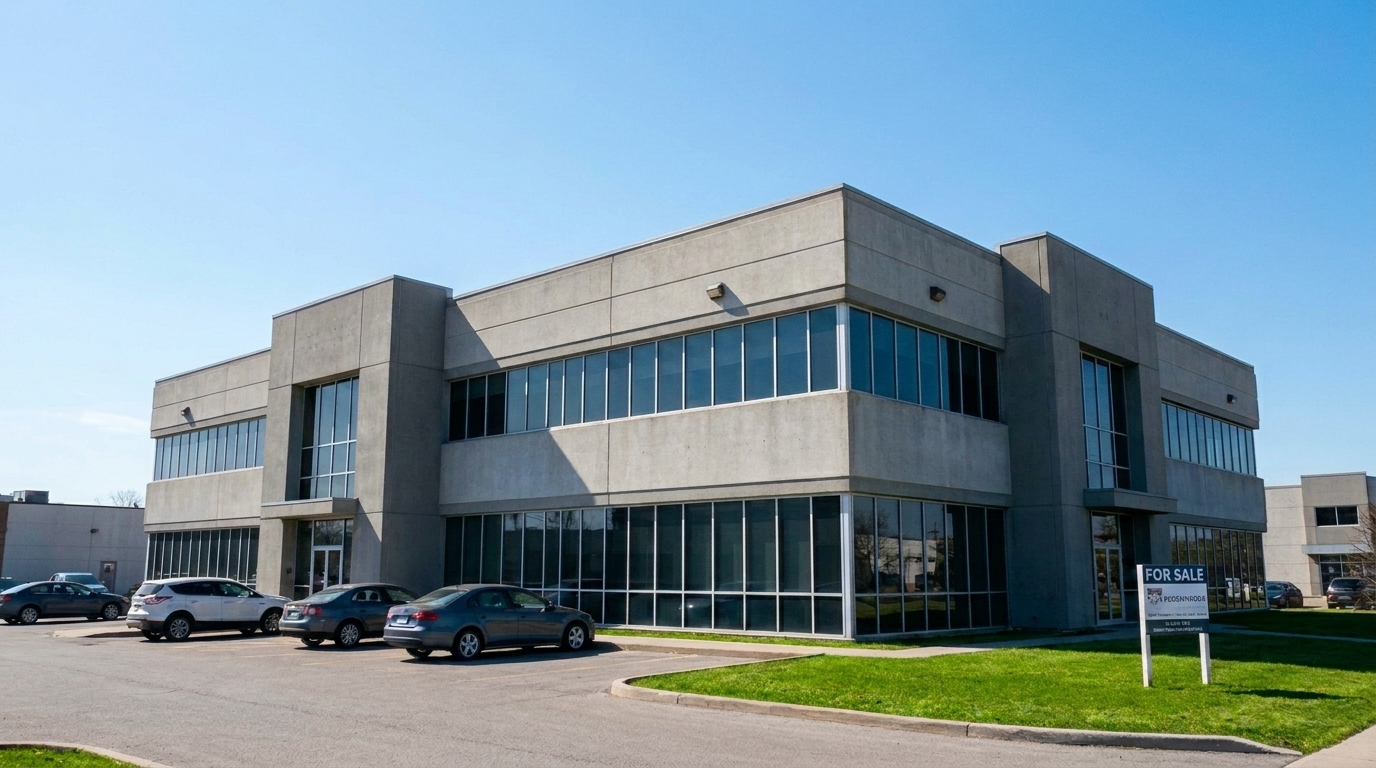
Modern Villa updated with exterior photo styling.
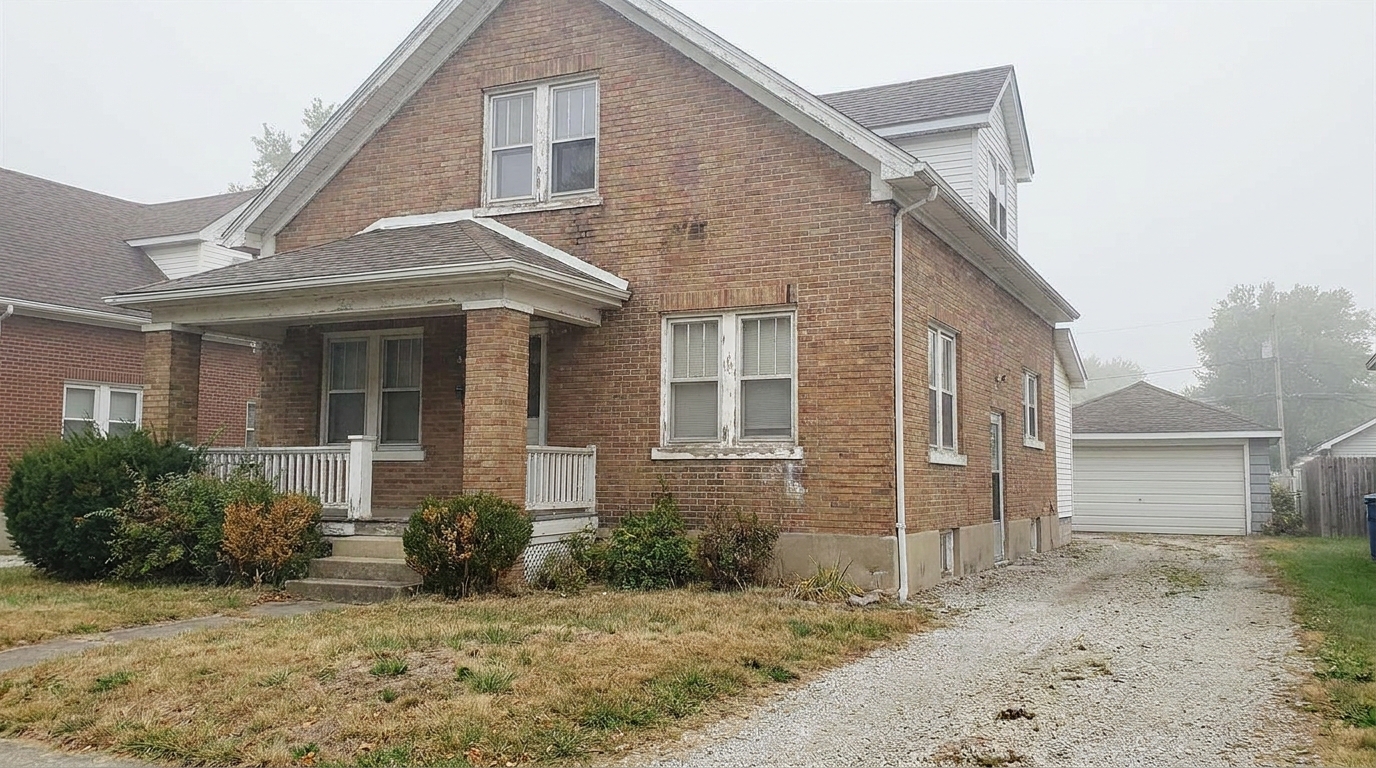
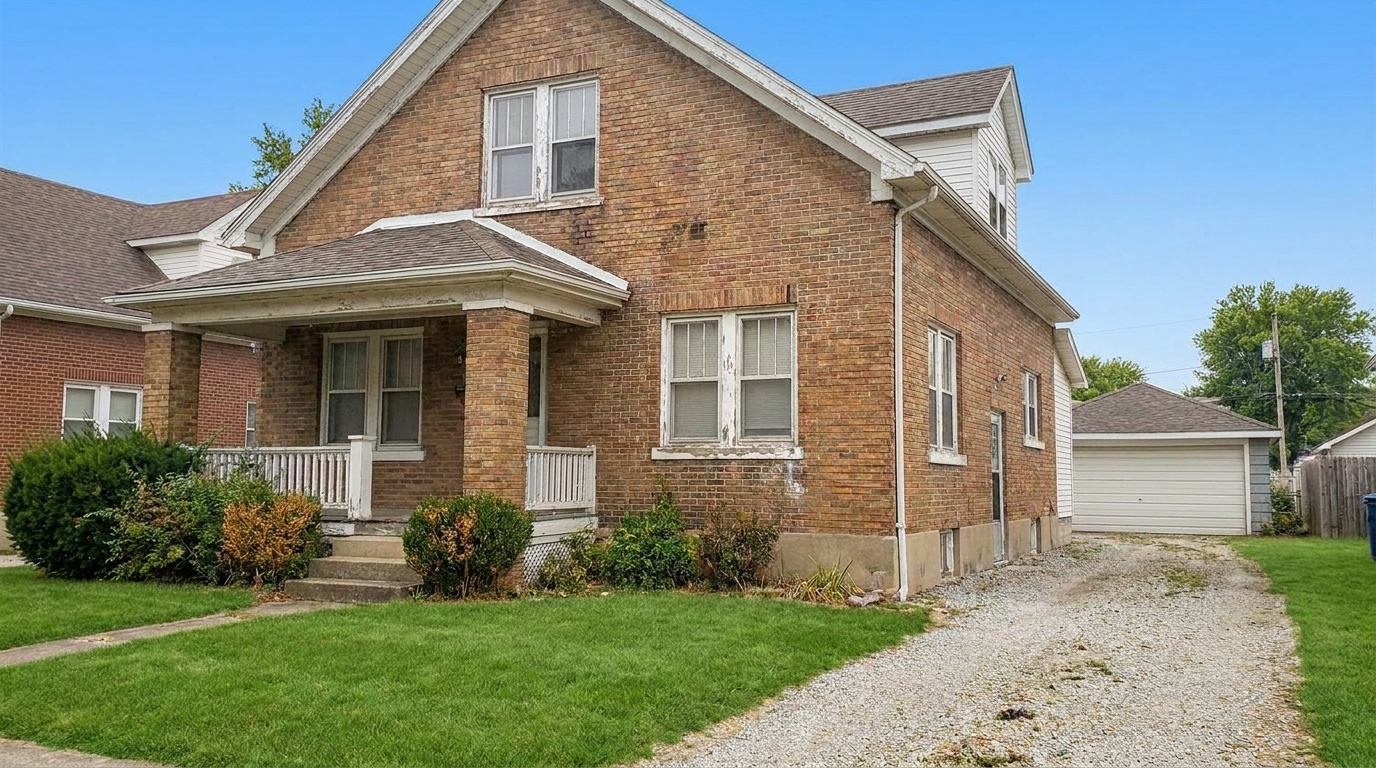
Historic Brick House updated with exterior photo styling.
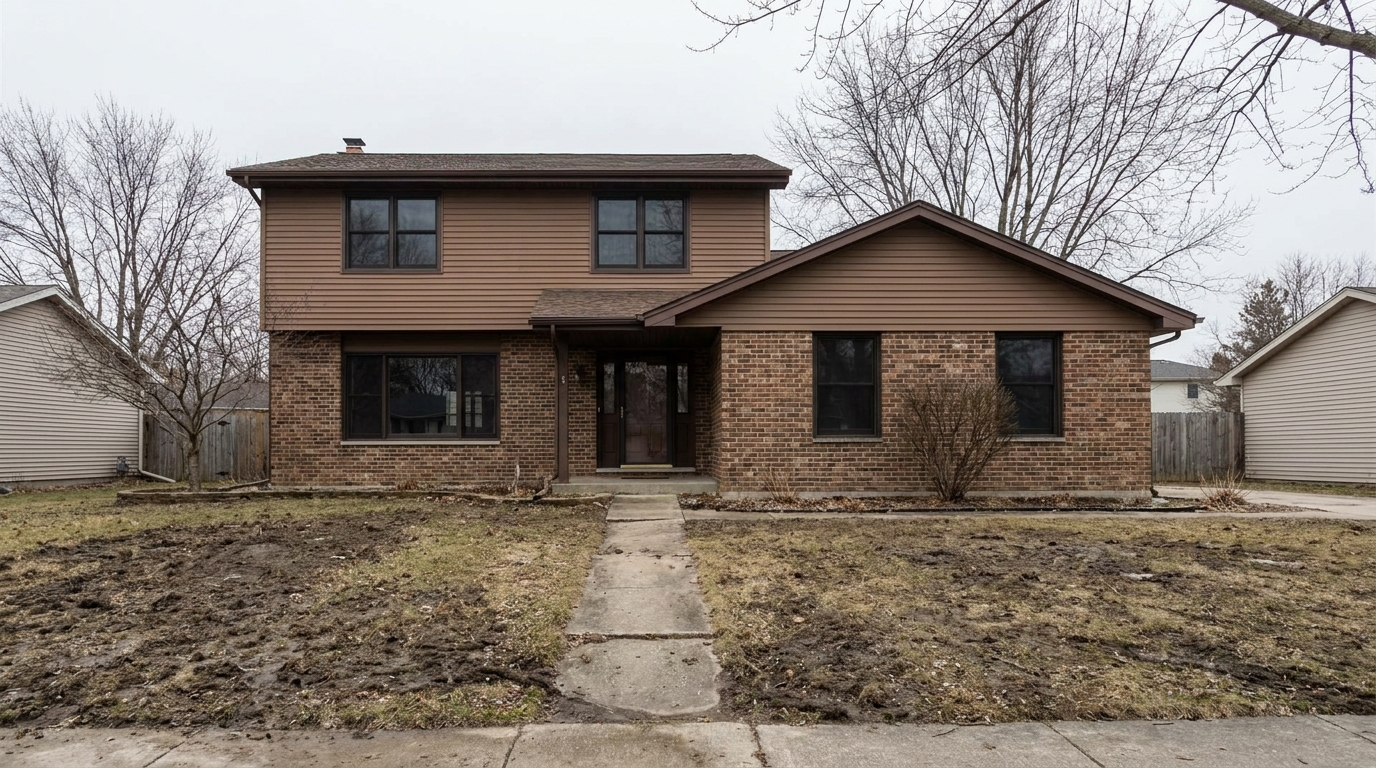
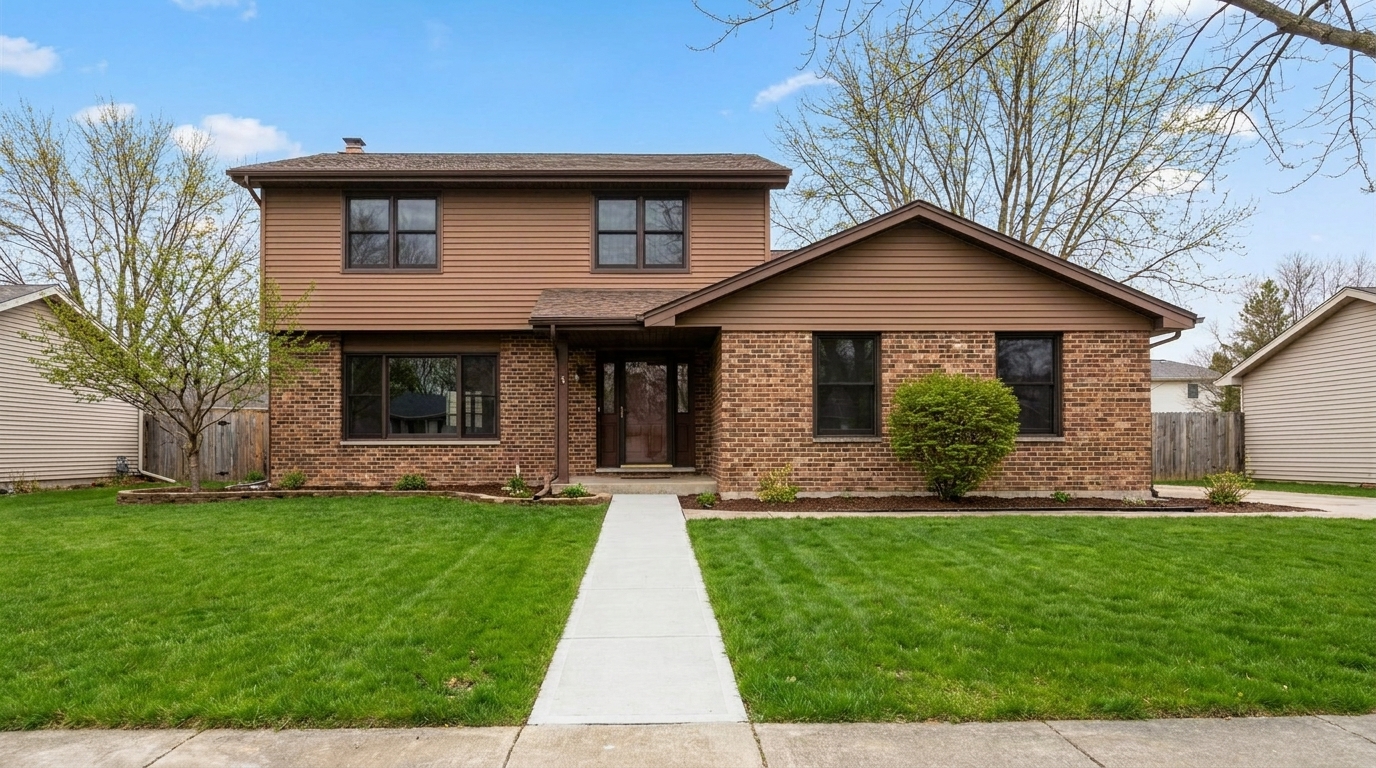
Twilight Exterior updated with exterior photo styling.
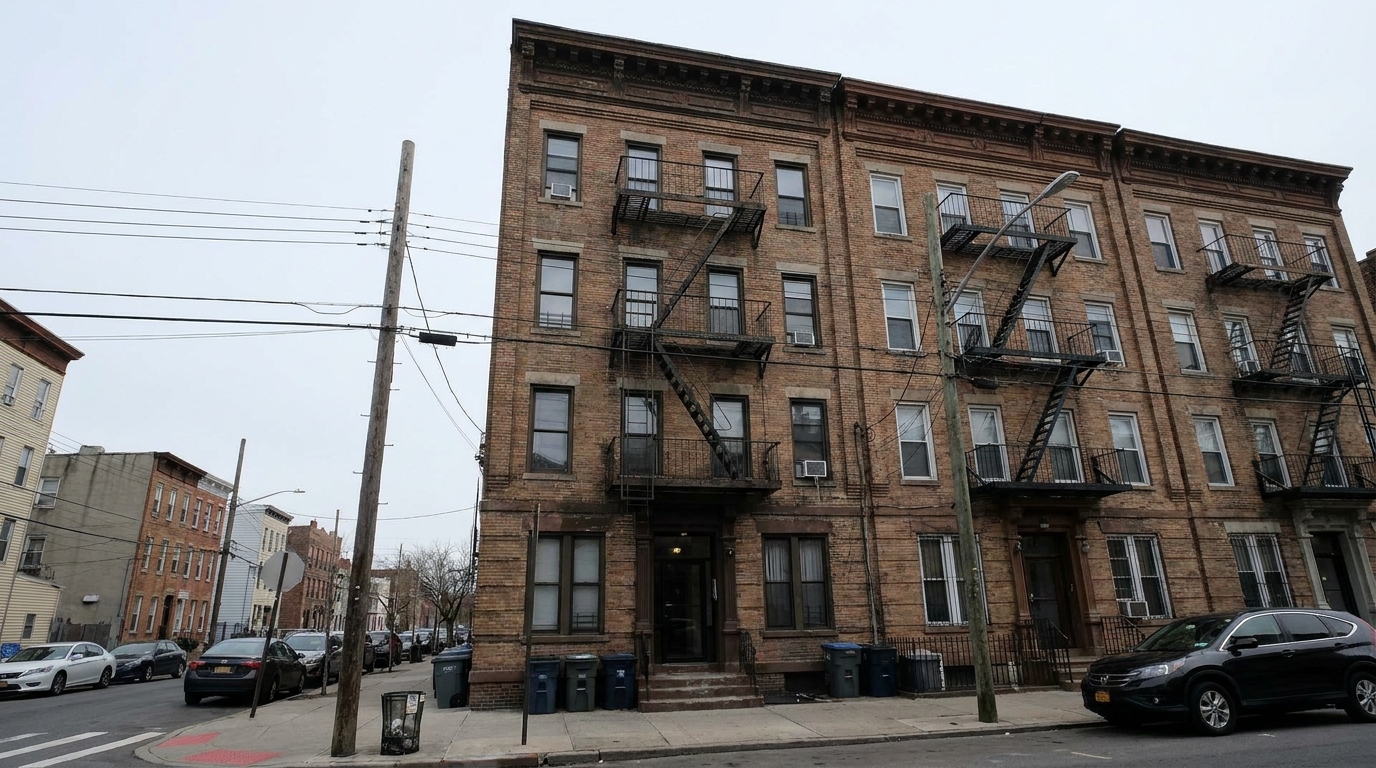
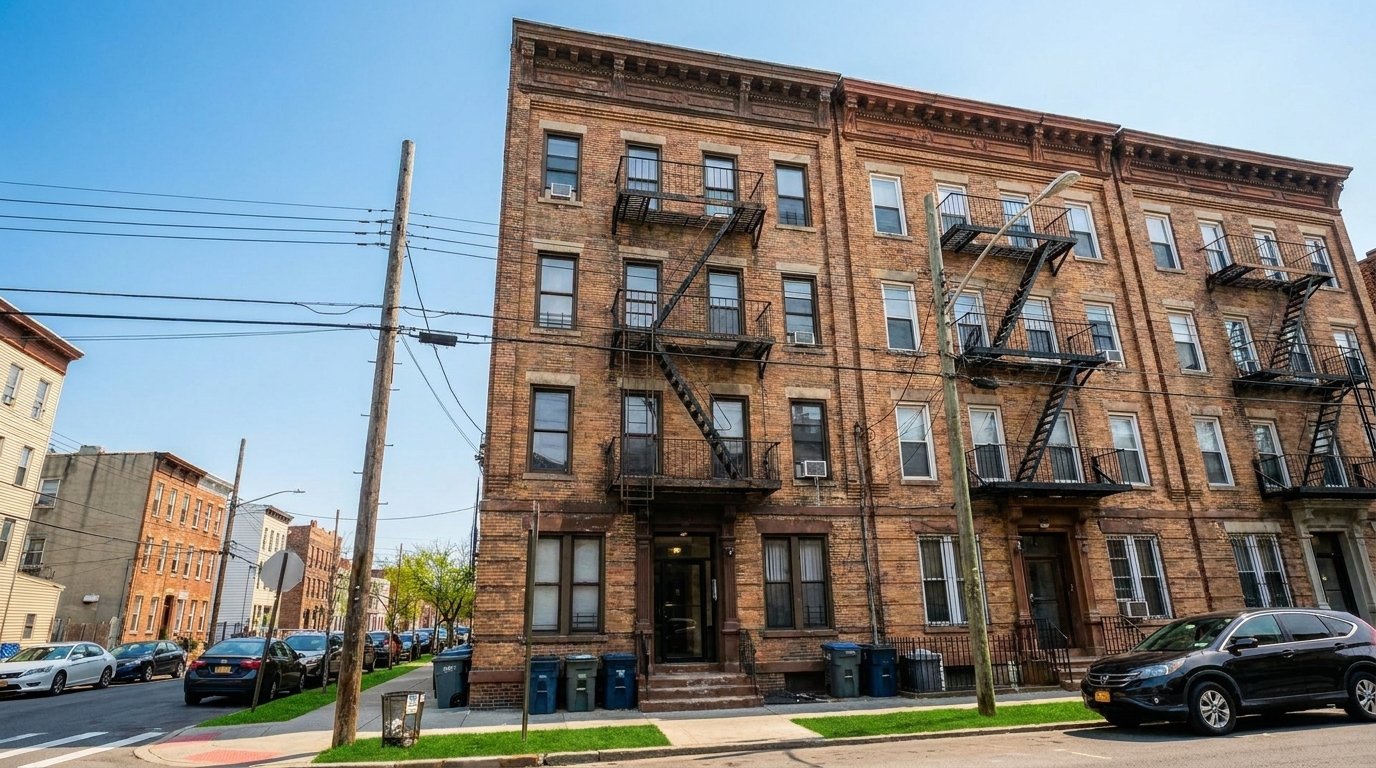
Townhouse Street View updated with exterior photo styling.
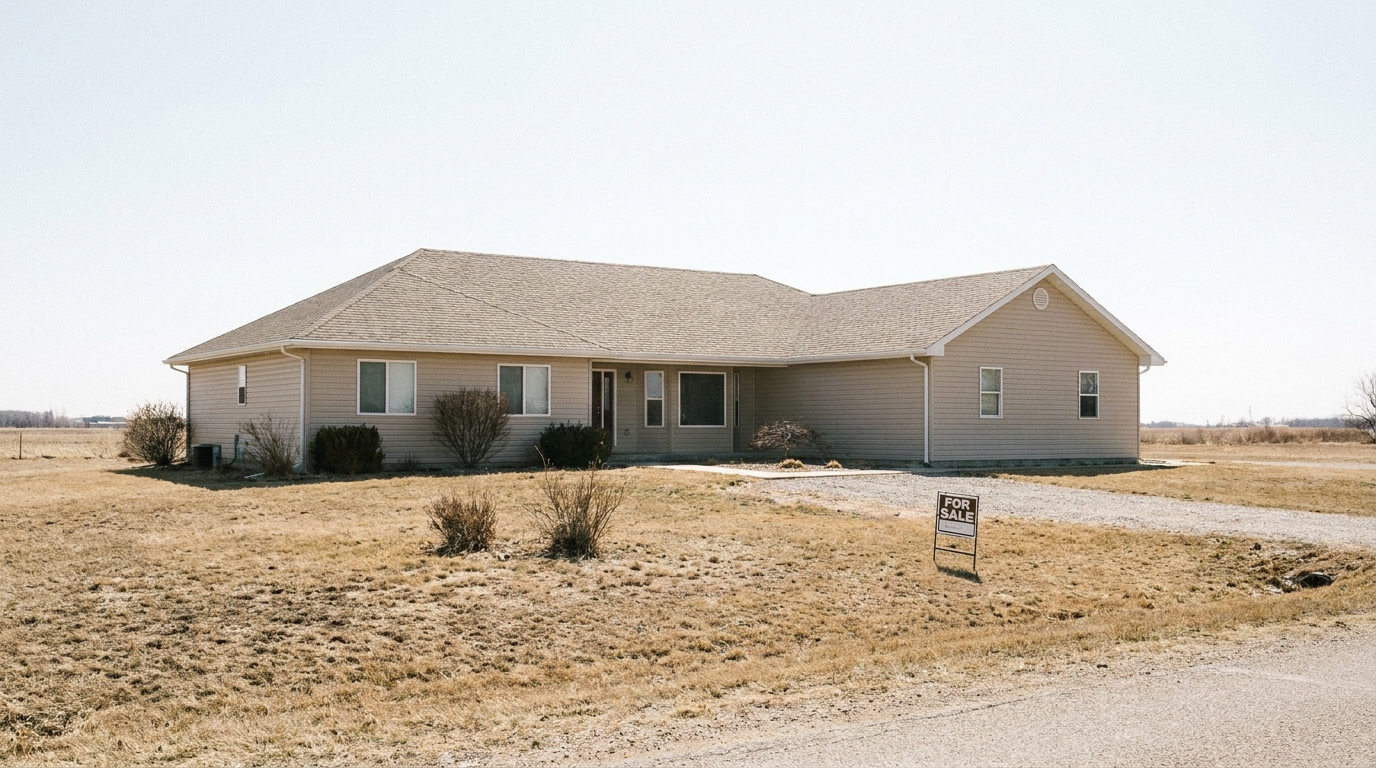
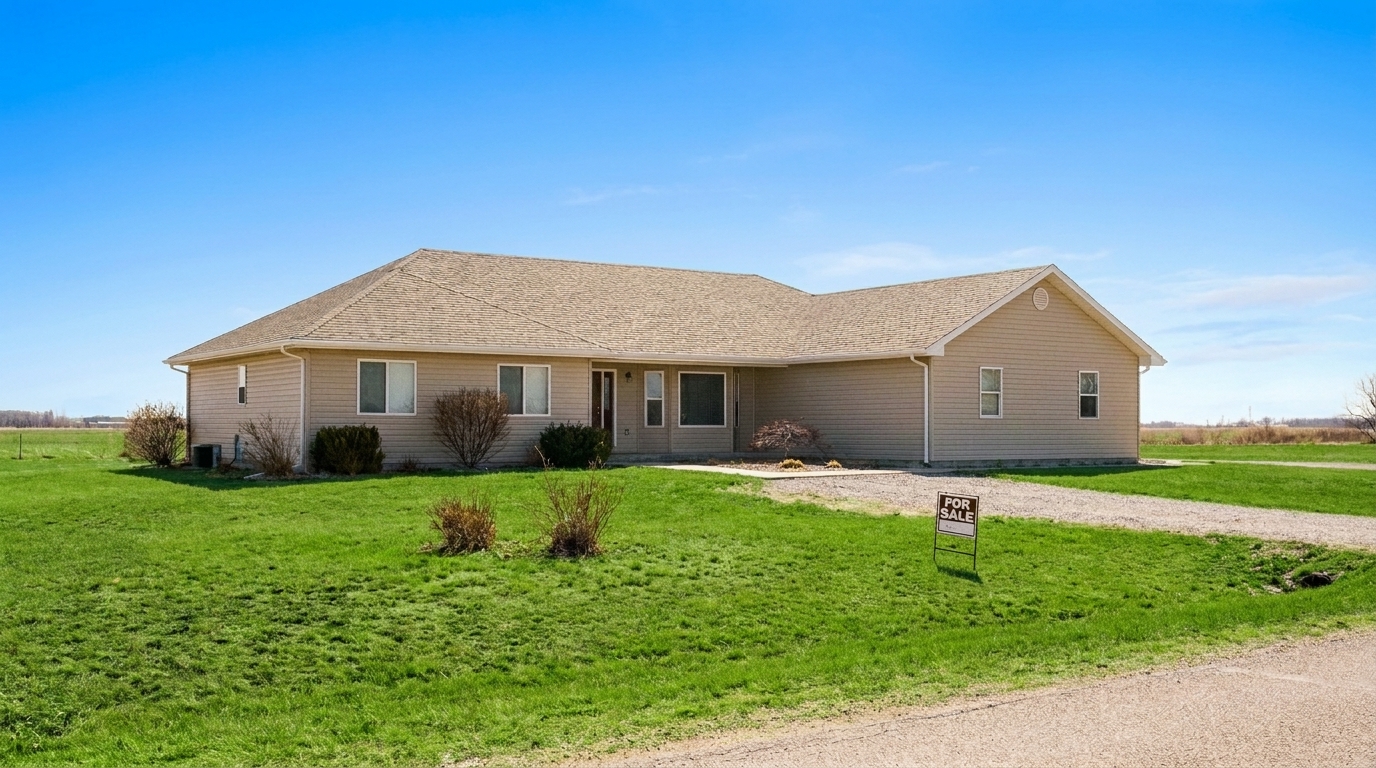
Country Estate updated with exterior photo styling.
Discover the advanced AI capabilities designed to make your property photos shine.
Automatically detects and replaces overcast, gray, or washed-out skies with vibrant blue skies or warm twilight tones while maintaining natural lighting.
Cleans up siding, brightens paint, and balances shadows on the home's exterior to make materials look fresh, clean, and well-maintained.
Enhances grass and landscaping naturally, repairing brown patches and boosting green tones without making the yard look artificial.
Corrects lens distortion and vertical lines automatically, ensuring the home stands straight and looks architecturally accurate.
Evens out harsh midday sunlight and deep shadows, revealing hidden architectural details in shaded entryways and under eaves.
Sharpens textures and architectural elements like brick, stone, and shingles without introducing digital noise or artifacts.
See how different industries leverage our exterior photo enhancer to close deals.
Agents can instantly boost online click-through rates by transforming dull street-view photos into eye-catching hero images.
AgentsPhotographers can speed up batch editing workflows by automating tedious sky replacements and exposure balancing.
PhotographersShowcase rental properties, apartments, and multi-family homes in their best light to attract high-quality tenants faster.
ManagersContractors and remodelers can display stunning before-and-after transformations of siding, roofing, and exterior paint jobs.
ContractorsDesigners and builders can present finished exterior concepts with realistic lighting, clear skies, and polished landscaping.
DesignersBrokers can market office buildings, retail spaces, and mixed-use properties with clean, professional exterior imagery.
BrokersFollow these simple steps to transform your property's street-side appeal.
Drag and drop your high-resolution exterior property image into the enhancer. We support common formats including JPG, PNG, and WebP.
Select the Exterior Photo preset. Our AI instantly analyzes the image to balance exposure, enhance the sky, and clean up facade tones.
Preview the enhanced before-and-after comparison, make any final adjustments, and export your polished, high-resolution photo for your listing.
Source-backed context for why exterior photo edits matter inside exterior enhancement workflows.
Exterior Photo within Exterior Enhancement evidence
Photos are one of the most valuable website features for home buyers; NAR's 2025 generational trends report says 83% of internet-using buyers rated photos as very useful. For Exterior Photo pages, this supports showing how a focused Exterior Enhancement edit can make the listing photo feel clearer, more polished, and easier for buyers to evaluate.
Source: NAR 2025Exterior Photo within Exterior Enhancement evidence
Zillow Research's 2025 prospective buyer report ranked high-resolution photos as the number two most important listing feature, selected by 26% of prospective buyers; floor plans ranked first at 33%. For Exterior Photo pages, this supports showing how a focused Exterior Enhancement edit can make the listing photo feel clearer, more polished, and easier for buyers to evaluate.
Source: Zillow 2025Exterior Photo within Exterior Enhancement evidence
Redfin reported that professionally photographed homes in the $400,000 range sold three weeks faster and for more than $10,000 relative to list price compared with amateur photos. Use this as supporting context, not as a guaranteed result. For Exterior Photo pages, this supports showing how a focused Exterior Enhancement edit can make the listing photo feel clearer, more polished, and easier for buyers to evaluate.
Source: RedfinThe exterior photo is the single most important image in any real estate listing. It is the first thing potential buyers see on search portals, and it directly dictates whether they click to view more or scroll past. This guide covers how to leverage AI to maximize your property's curb appeal while maintaining professional standards.
A successful exterior photo requires three core elements: balanced lighting, a clean environment, and strong architectural lines. Harsh midday sun often creates dark shadows that hide entryways, while overcast days make properties look uninviting. Our AI solves these issues by evening out exposure, replacing gloomy skies with clear blue backdrops, and automatically correcting vertical perspective lines so the home looks structurally sound and professional.
When editing real estate exteriors, choosing the right tool is key to a fast and realistic workflow. The 'Exterior Photo' preset is your best-fit, all-in-one solution for general listings. It applies a balanced pass across the entire image—brightening the sky, correcting facade colors, and cleaning up shadows. However, if a property has a specific, glaring issue, you should use or layer our specialized presets. For example, use 'Lawn & Yard' if the grass is dead or patchy, 'Driveway' to remove oil stains and cracks, or 'Drone & Aerial' to handle wide-angle landscape context. Avoid using the general 'Exterior Photo' preset if you only want to edit a single element without touching the rest of the scene.
For the best results, start by uploading a high-resolution, well-framed shot of the front facade. Apply the 'Exterior Photo' preset first to establish a clean, bright baseline. If the property features a pool or a large driveway that still looks weathered, run those specific areas through our targeted 'Pool' or 'Driveway' tools. Finally, use the adjustment sliders to ensure the colors match the actual physical property, keeping the final output realistic and listing-compliant.
While it is tempting to make every lawn perfectly emerald and every sky a dramatic sunset, real estate marketing requires a balance of beauty and truth. Over-enhancing photos can lead to disappointed buyers during physical showings and potential MLS compliance issues. Use our AI to correct temporary environmental factors—like a cloudy day or bad shadows—but avoid altering permanent structural elements, neighboring properties, or utility lines. Keep your enhancements natural, clean, and representative of the home on its very best day.
Target specific areas of your property's exterior with our dedicated enhancement tools.
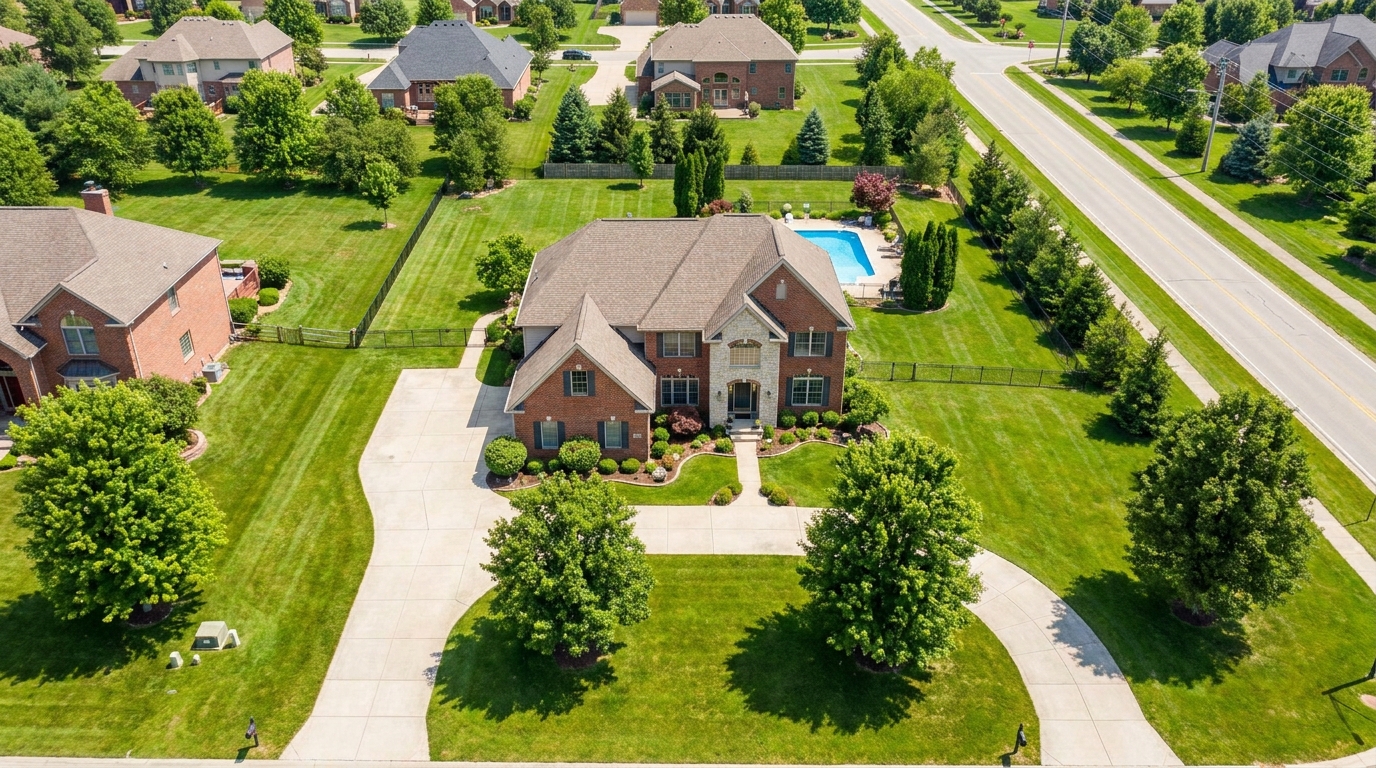
Polish aerial shots with brighter color, cleaner detail, and stronger property context.
Try This Tool →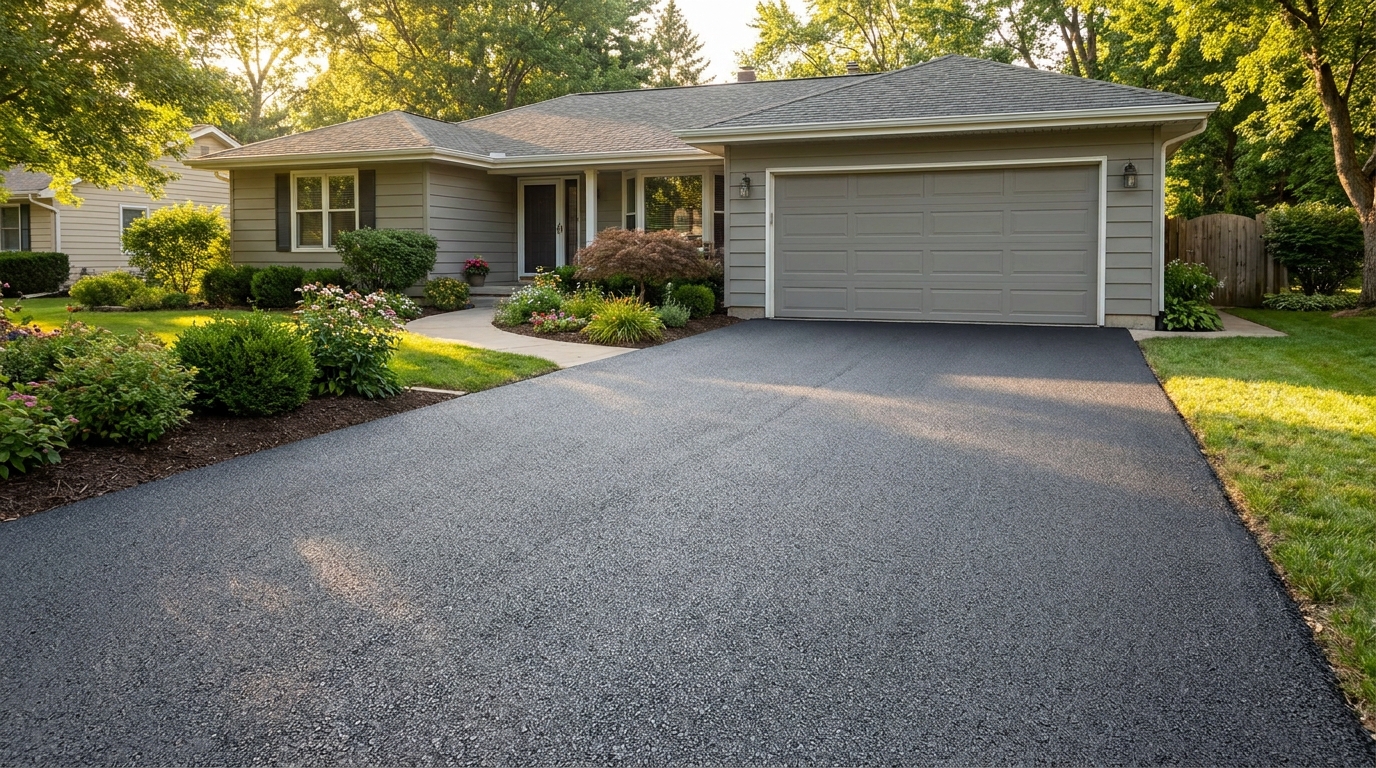
Clean up driveway appearance for a neater entrance and stronger first impression.
Try This Tool →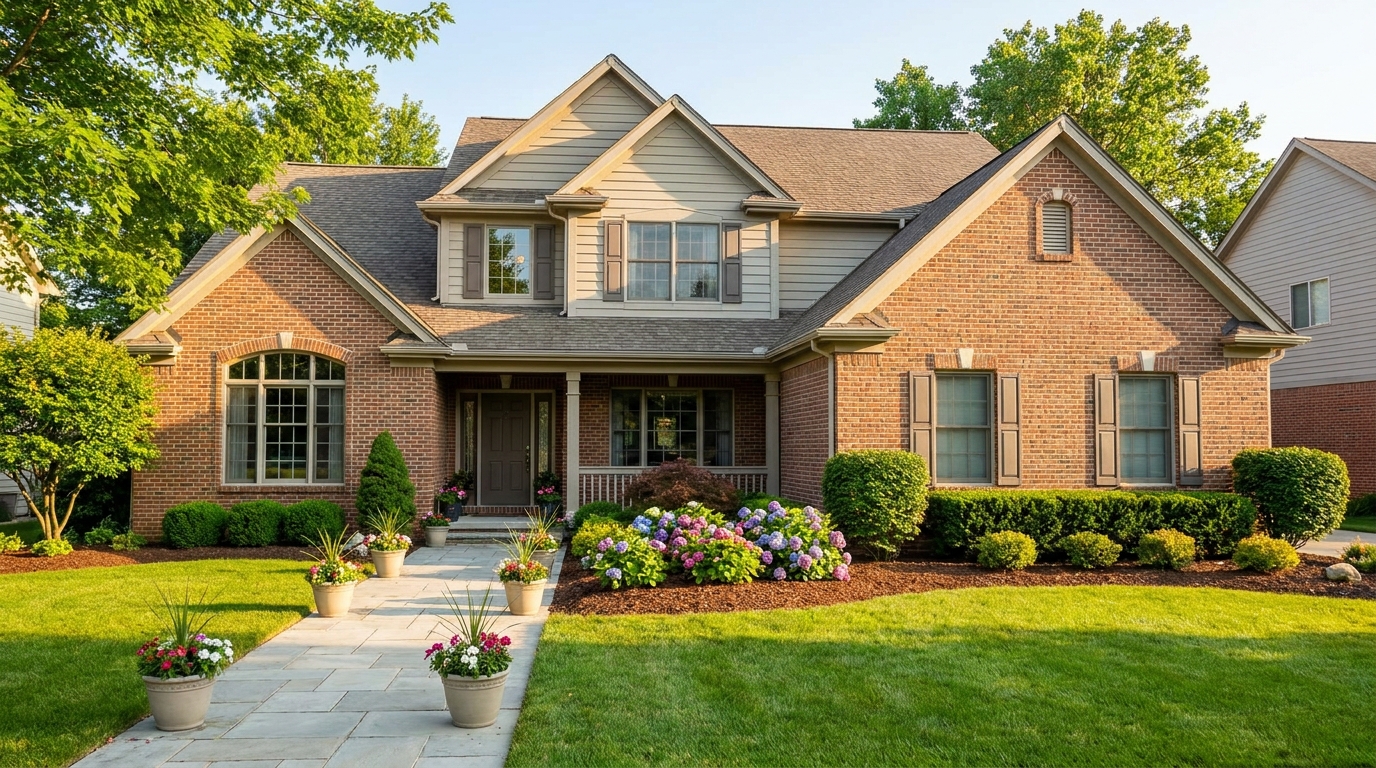
Elevate the home's exterior presence with a brighter, tidier, more inviting street view.
Try This Tool →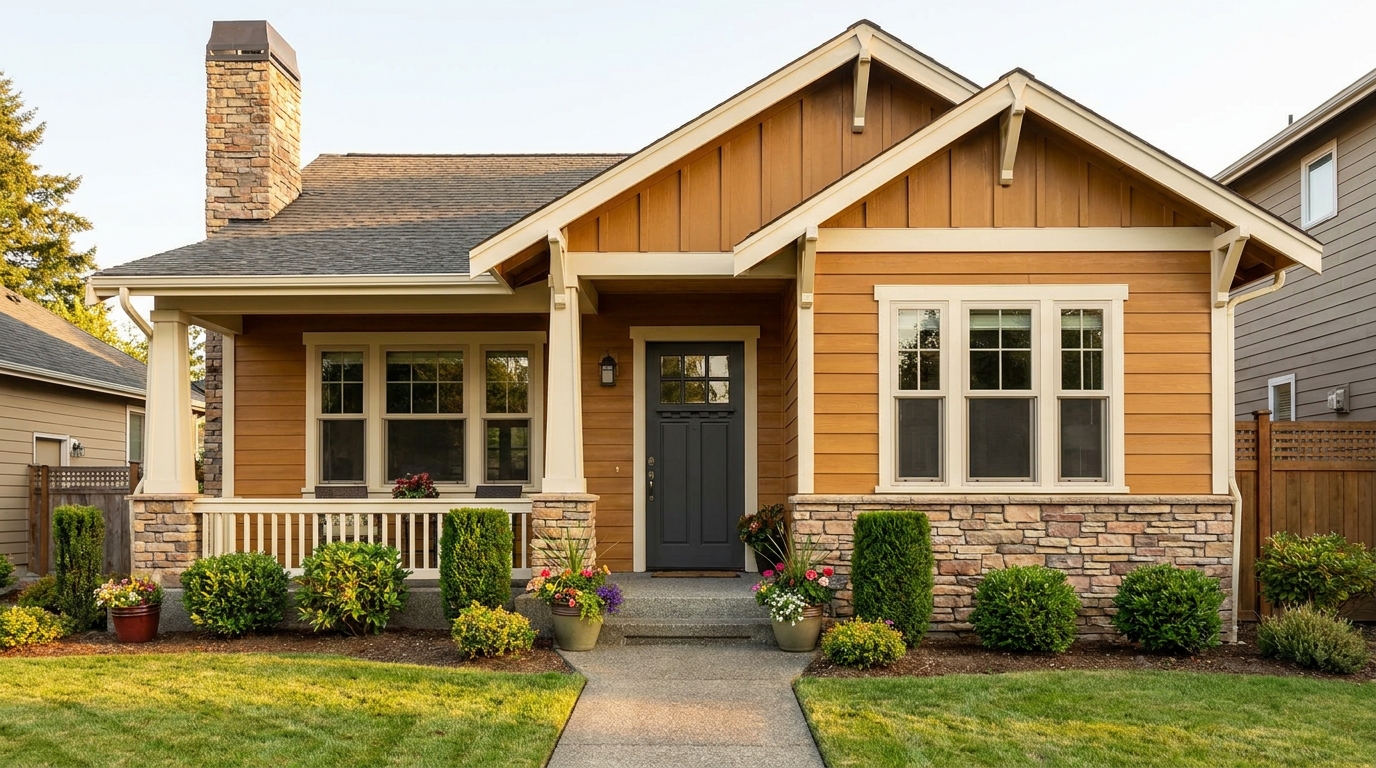
Refine facade tones so exterior materials look cleaner, richer, and more appealing.
Try This Tool →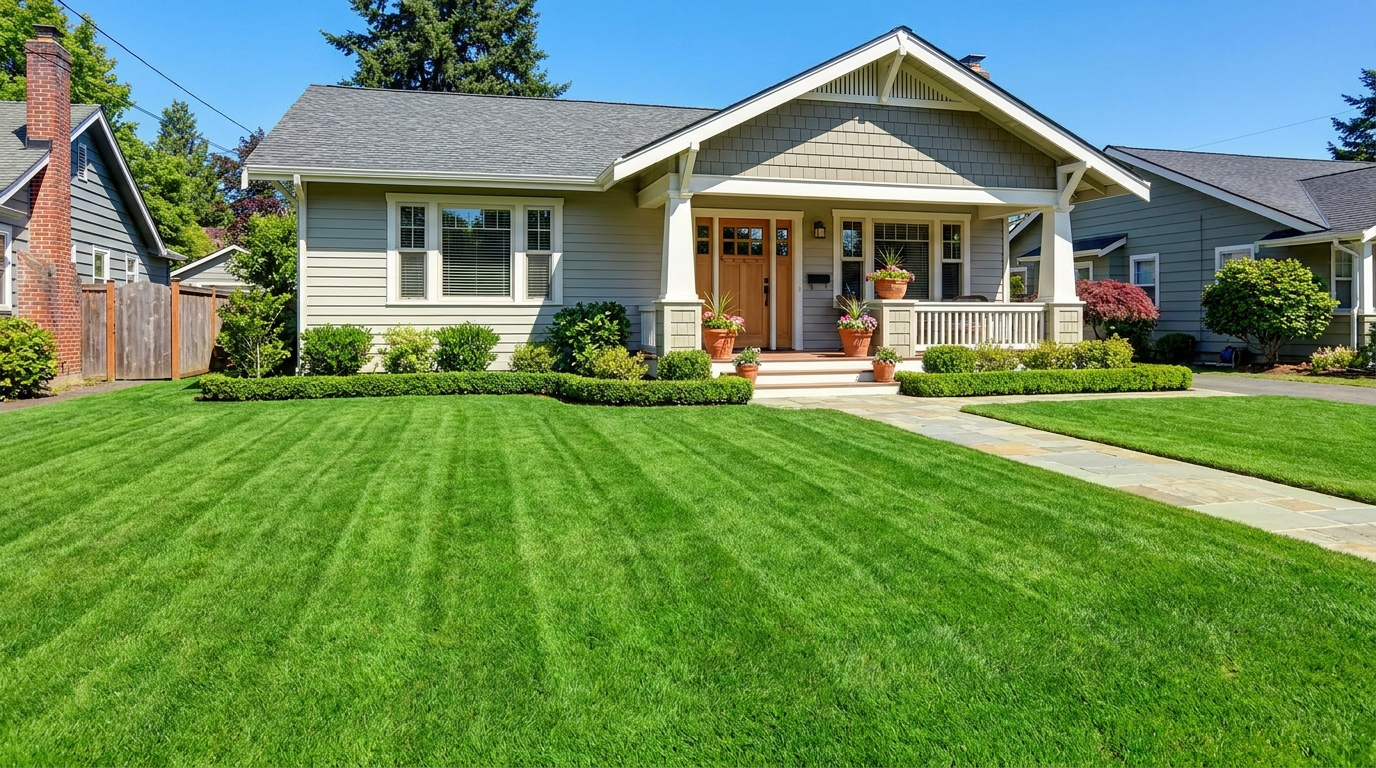
Refresh grass and yard areas for a greener, healthier, better-kept outdoor look.
Try This Tool →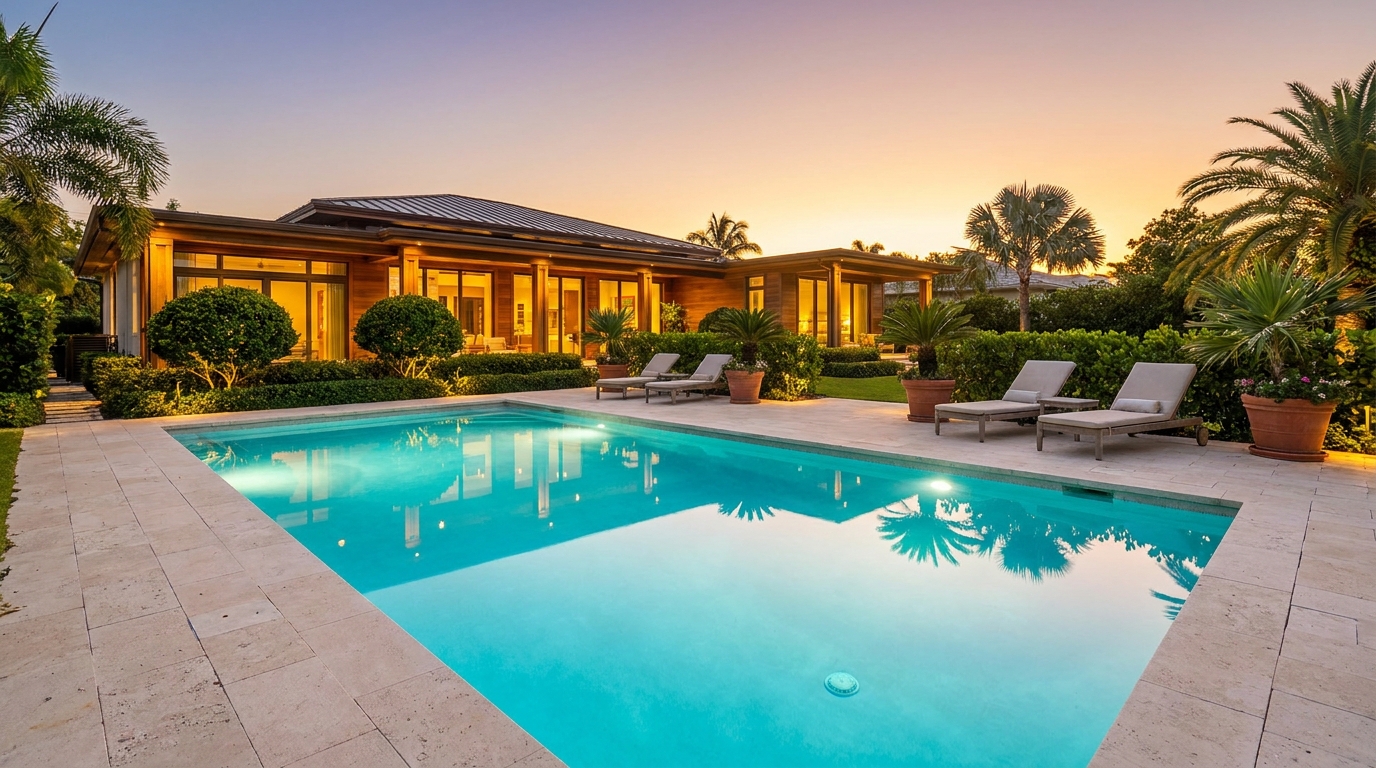
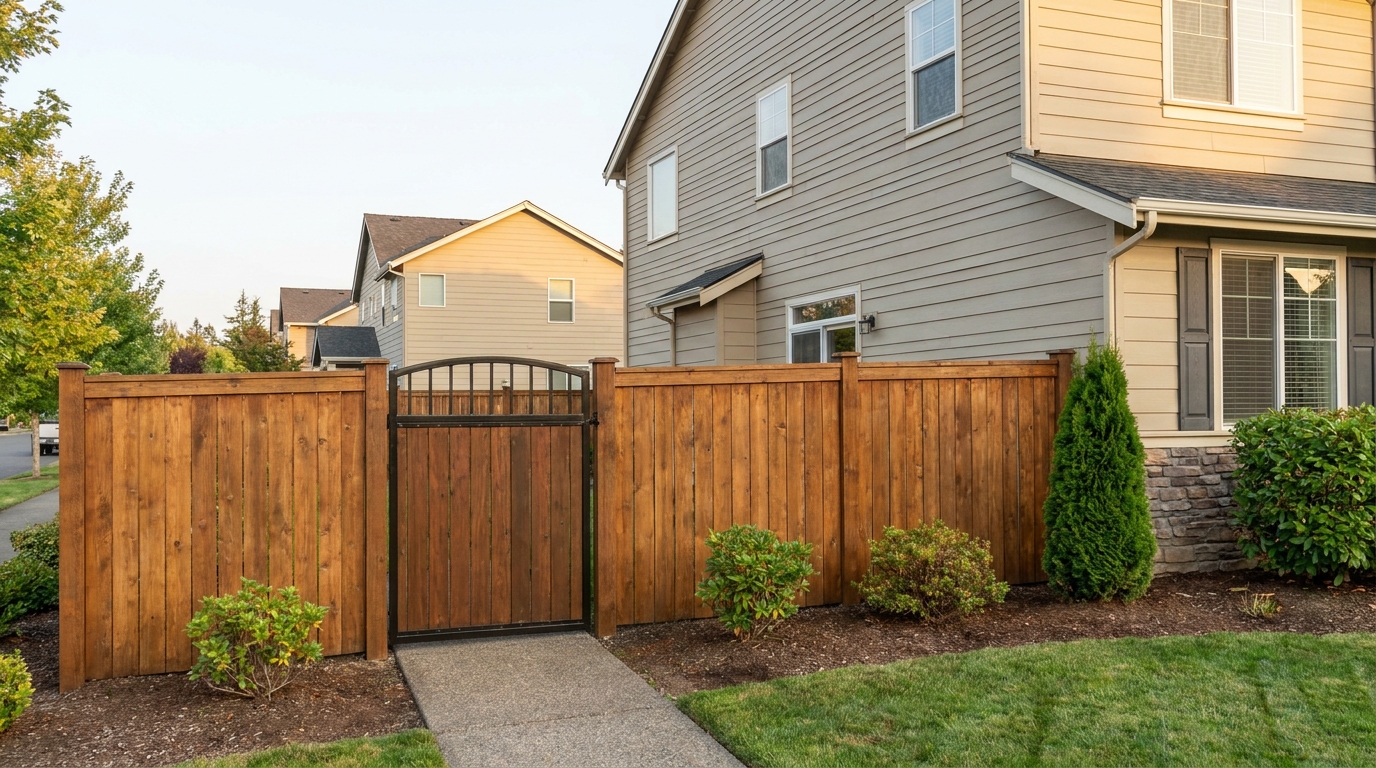
Improve fences and gates so they look cleaner, straighter, and better maintained.
Try This Tool →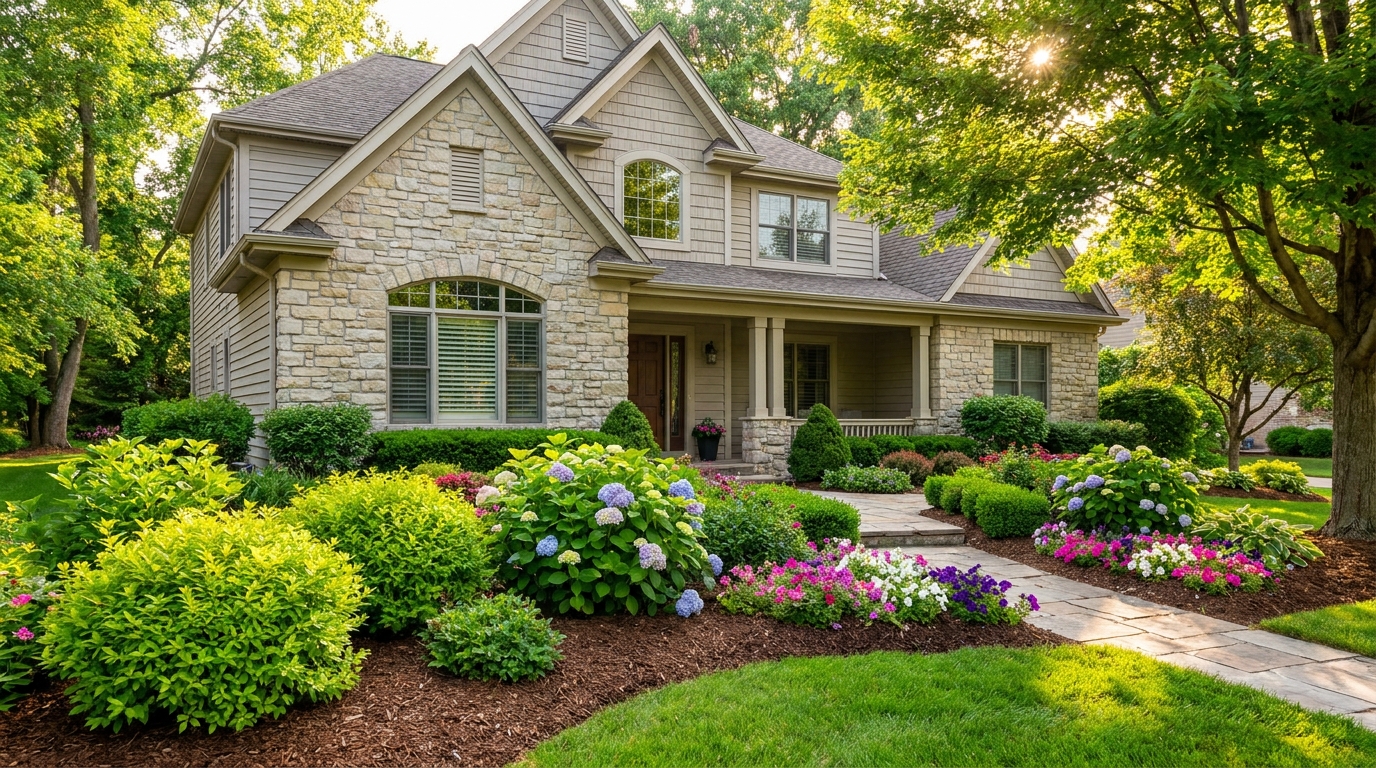
Enhance plants and greenery for a fresher, more vibrant, professionally styled exterior.
Try This Tool →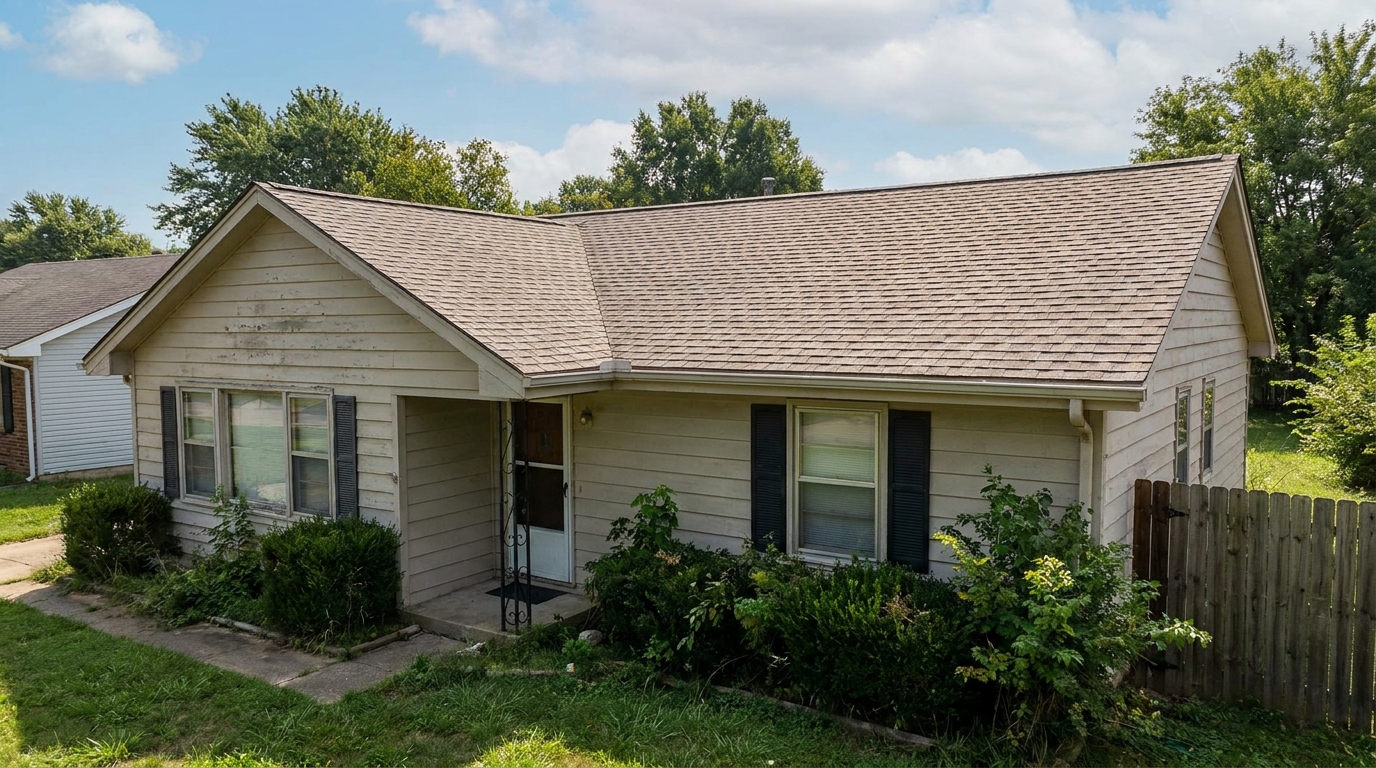
Clean and refine roof appearance for a more cared-for, market-ready exterior photo.
Try This Tool →Explore adjacent AI enhancers to perfect every angle of your property listing.
AI image-to-video generation for turning home, room, and property photos into more vivid presentation videos.
02AI exterior renovation for visualizing facade updates, curb appeal improvements, and home exterior remodel ideas.
03AI landscaping design for exploring outdoor concepts, curb appeal upgrades, planting ideas, and yard layout directions.
04AI virtual staging for furnishing empty rooms and creating listing-ready interiors for real estate marketing.
05Free AI image generation for turning text prompts into unlimited visual ideas for home design, interiors, landscaping, renovation
06AI object removal for cleaning up distracting items from room, home, and property photos.
Transform dull, shadowed exterior shots into vibrant, high-converting listing photos instantly with our AI-powered enhancer.