
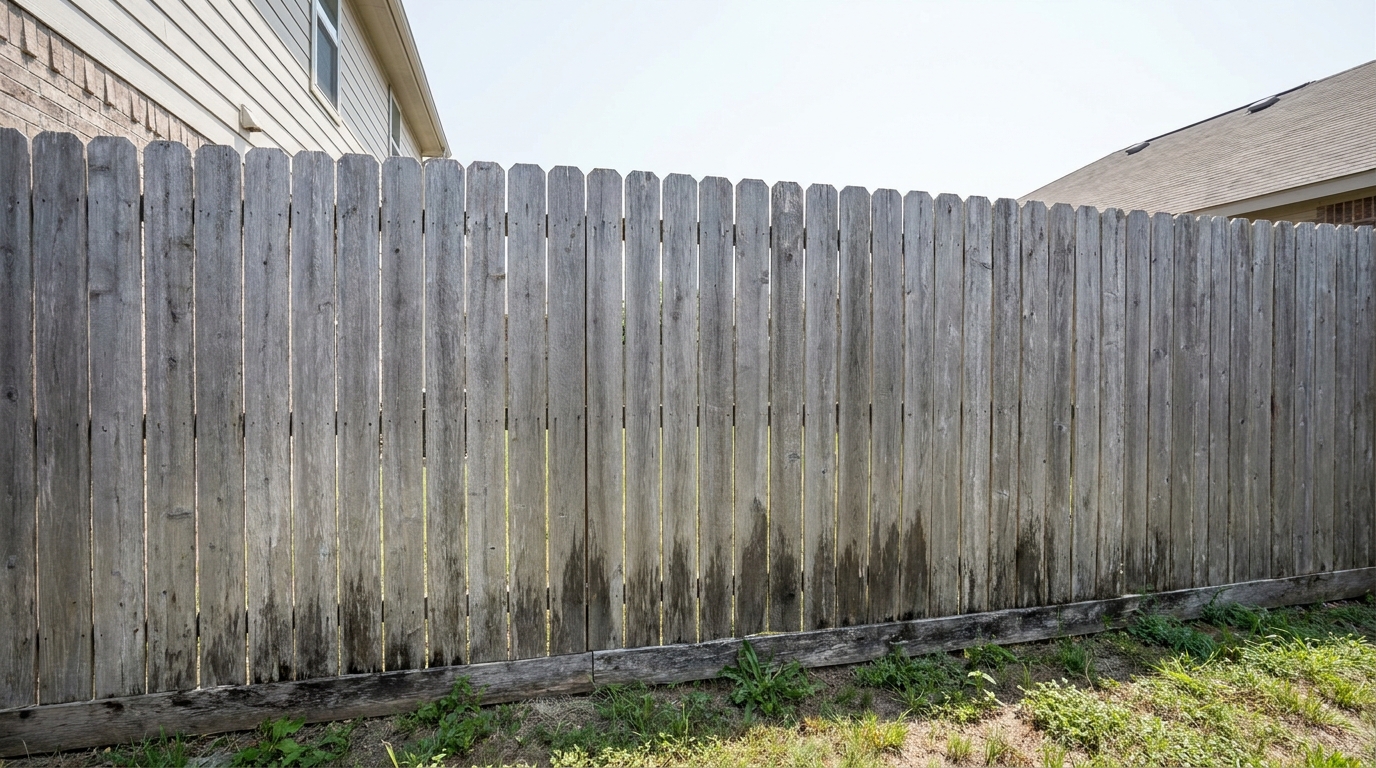
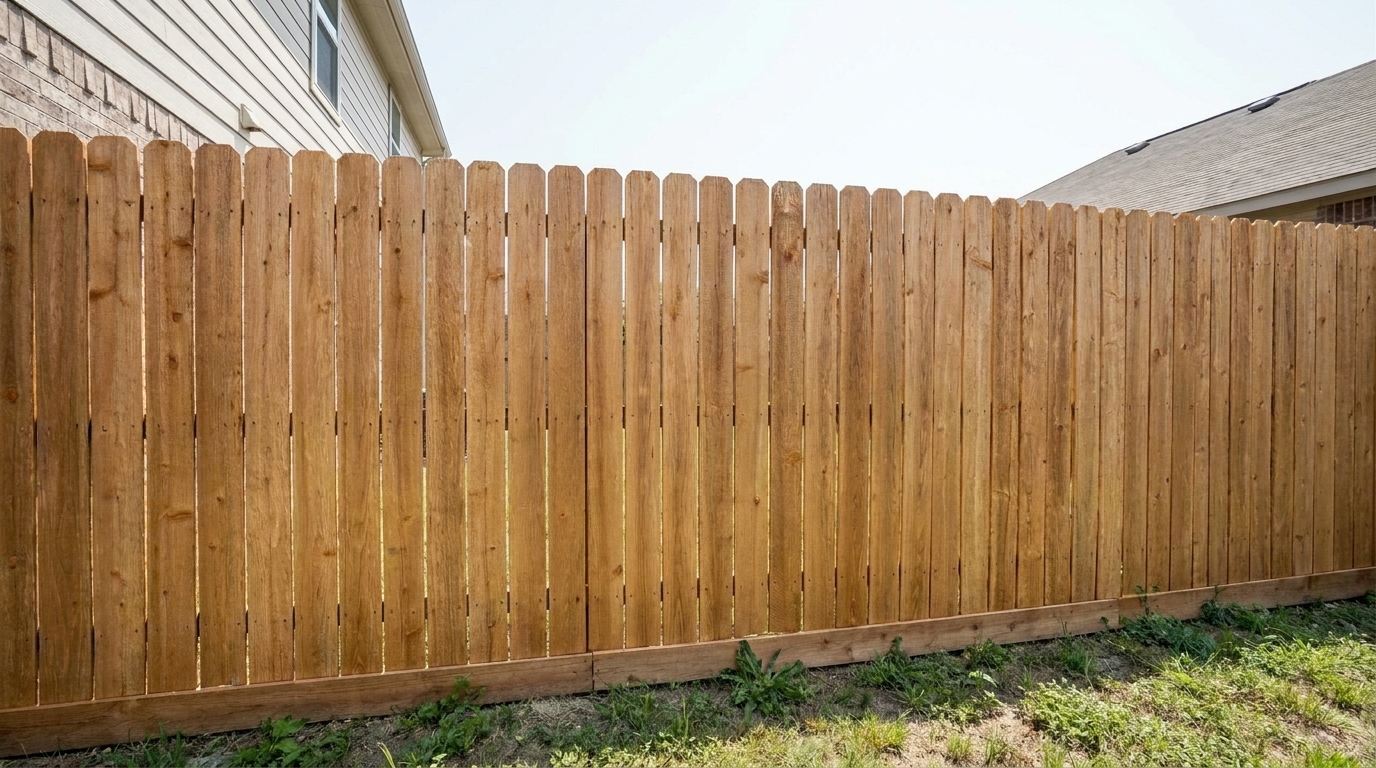

Weathered Wood Boundary
Weathered Wood Boundary updated with fence & gate styling.
Instantly clean, straighten, and restore fences and gates in your property listings. Elevate your exterior real estate photography with AI-powered precision.
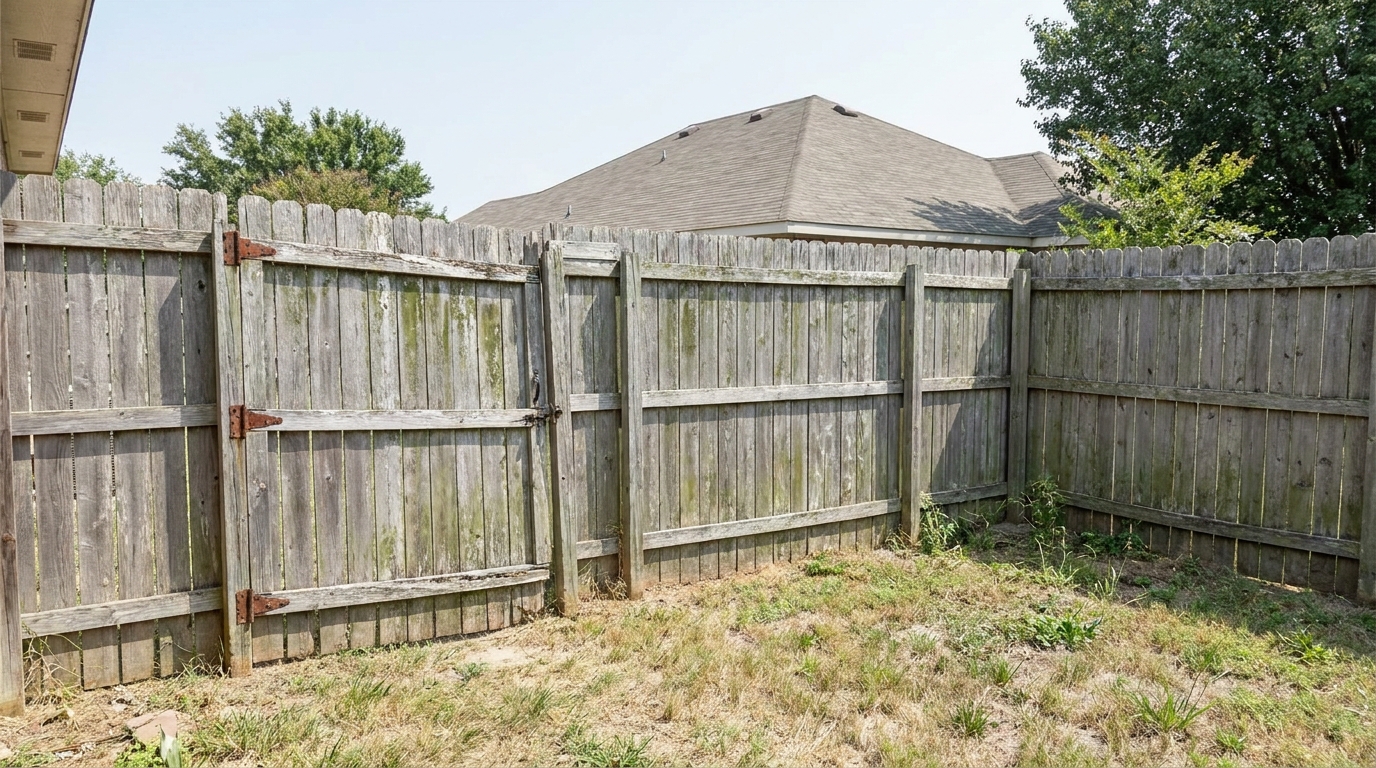
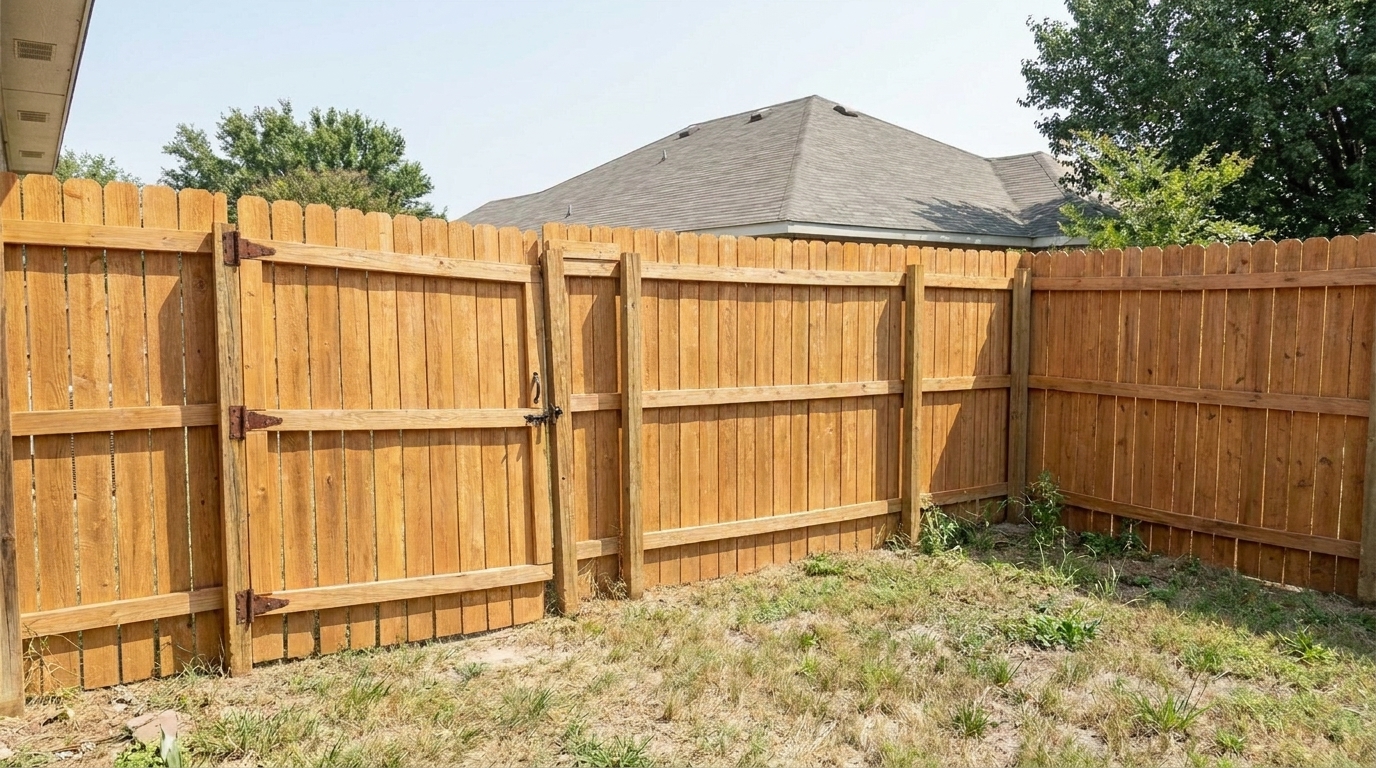
Compare original photos with our AI-enhanced results to see the visual impact.
Weathered Wood Boundary updated with fence & gate styling.
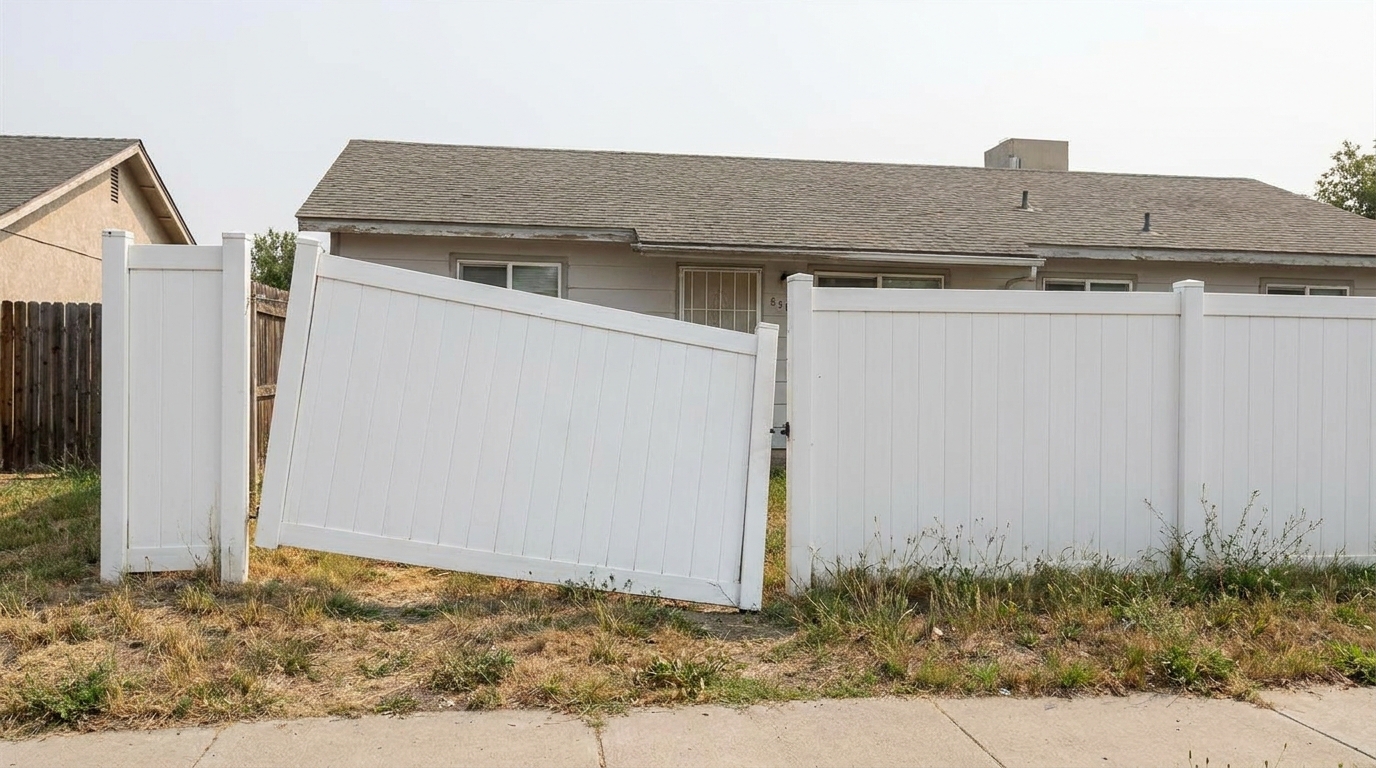
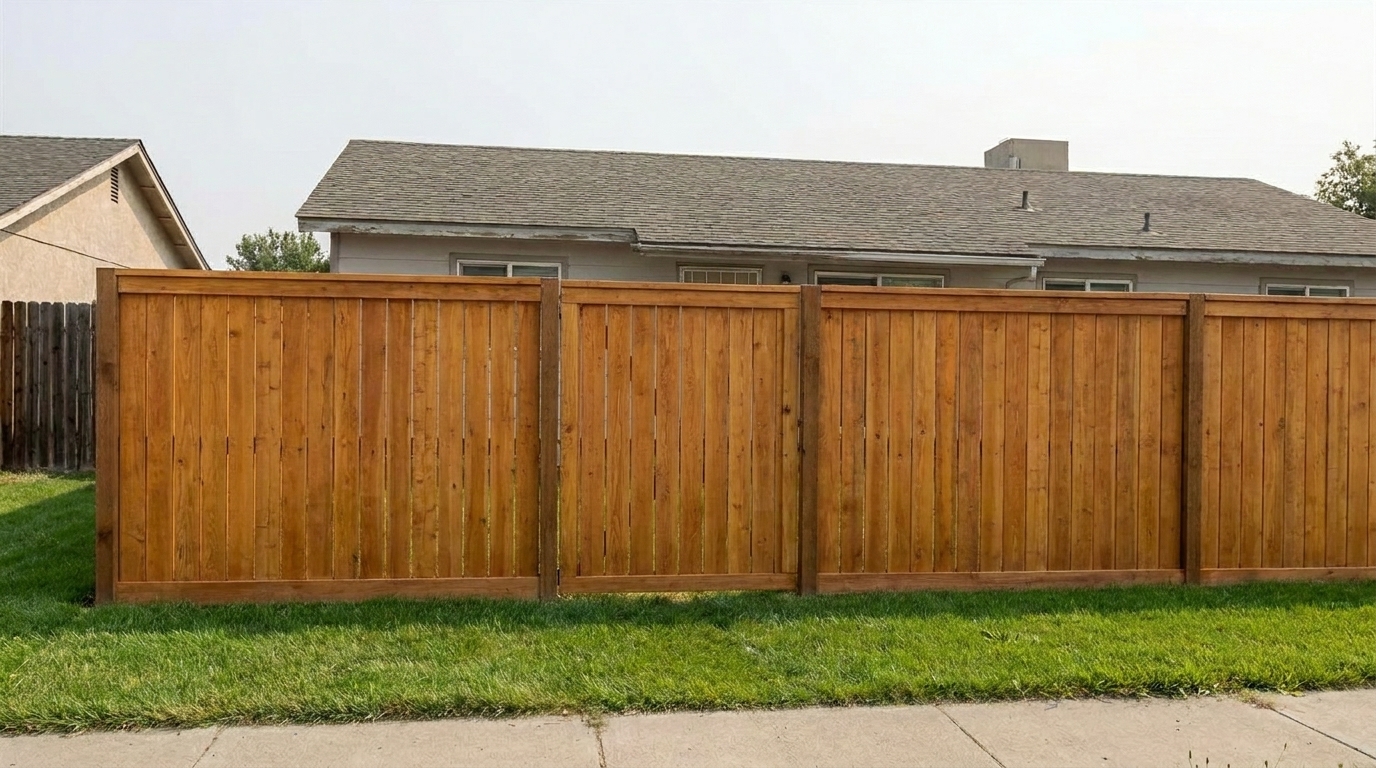
Sagging Garden Gate updated with fence & gate styling.
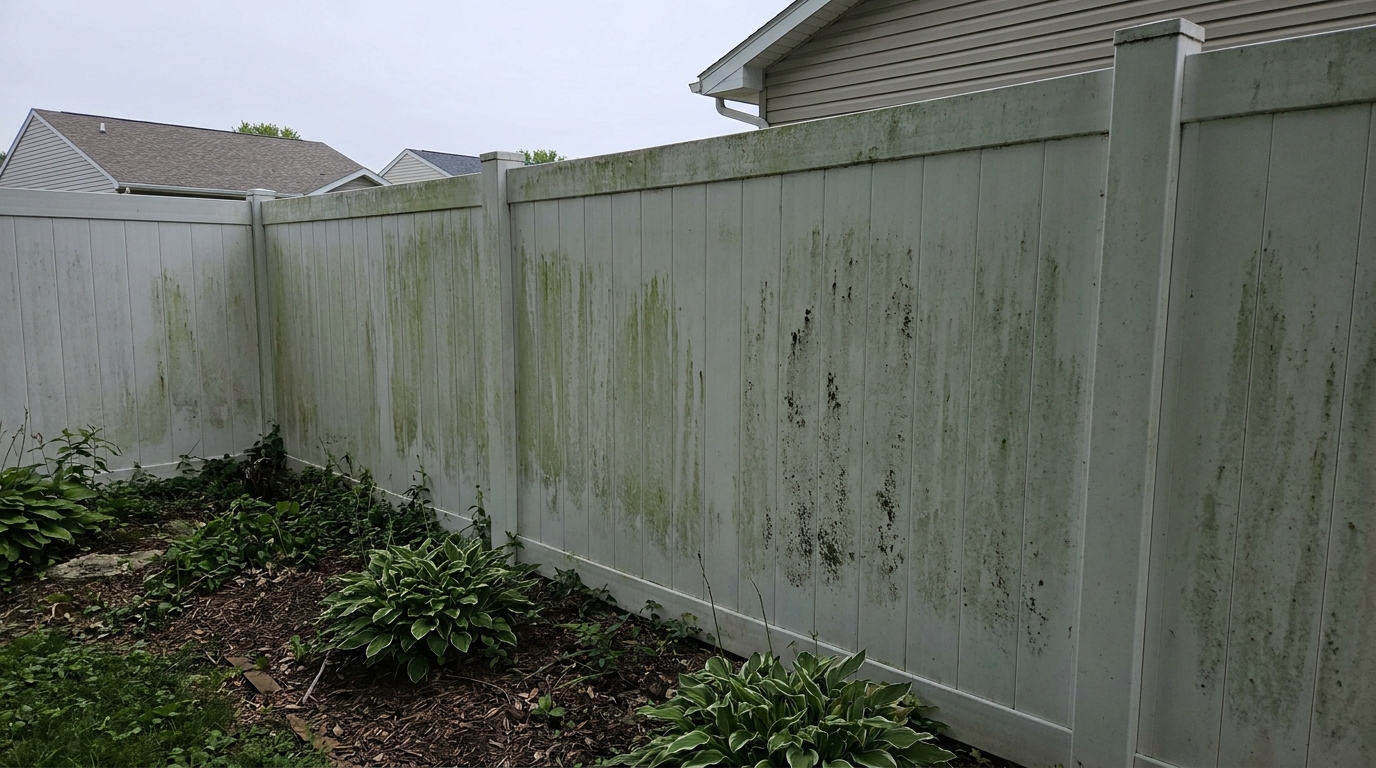
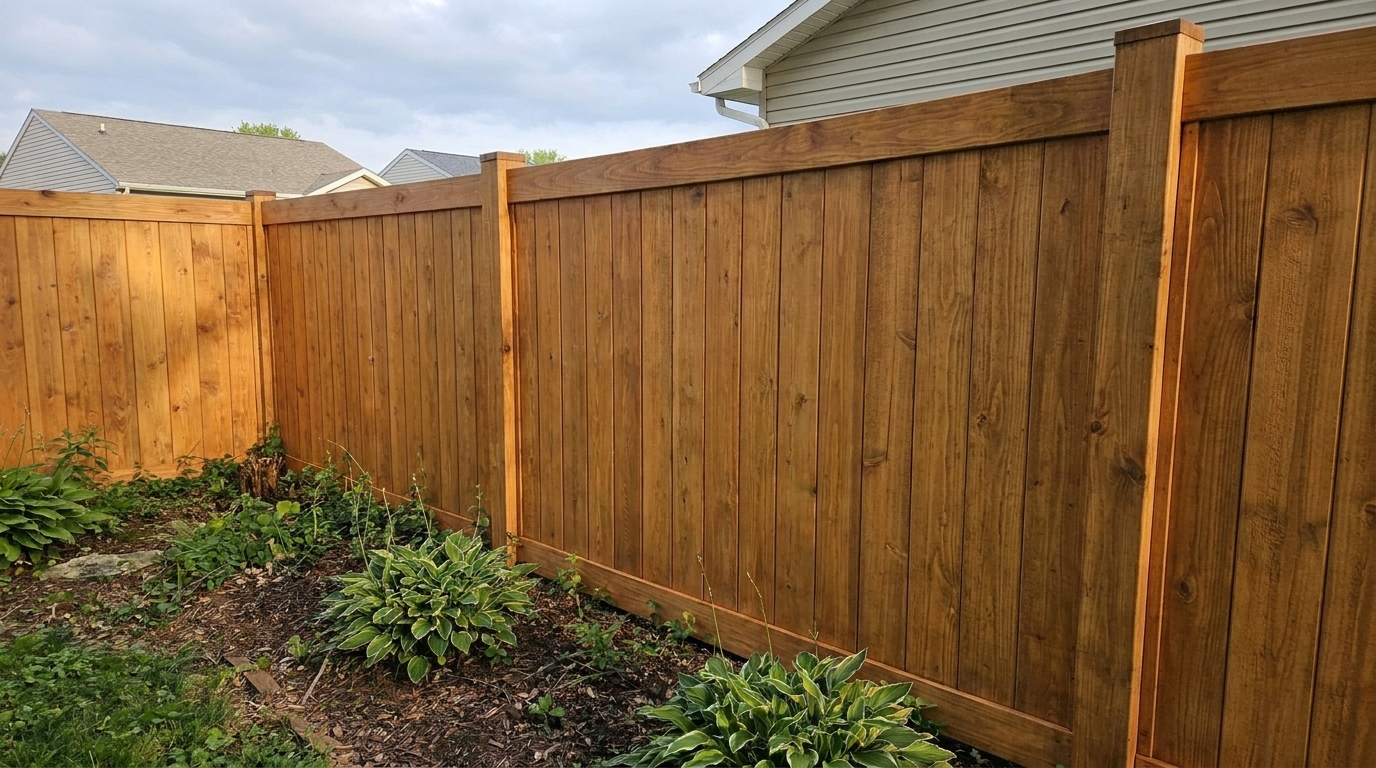
Mildewed Vinyl Fence updated with fence & gate styling.
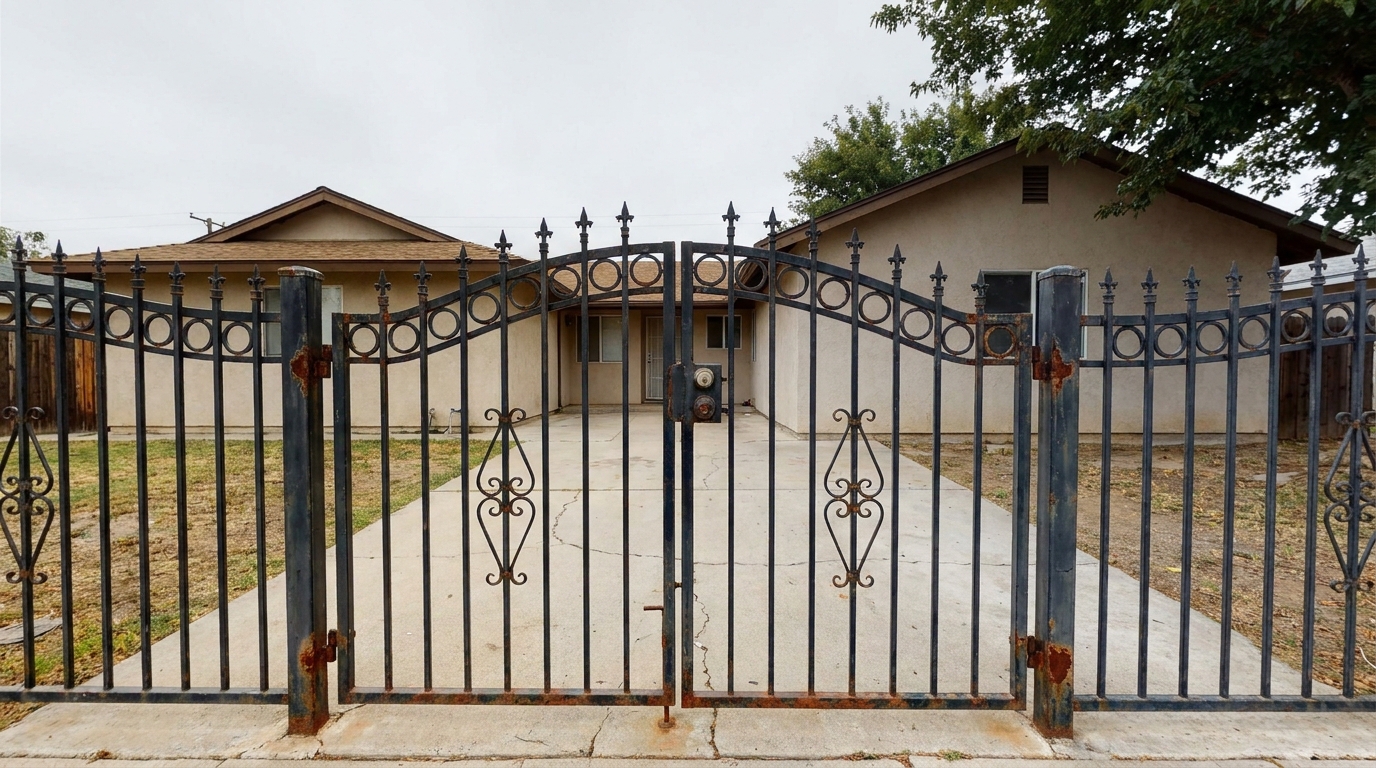
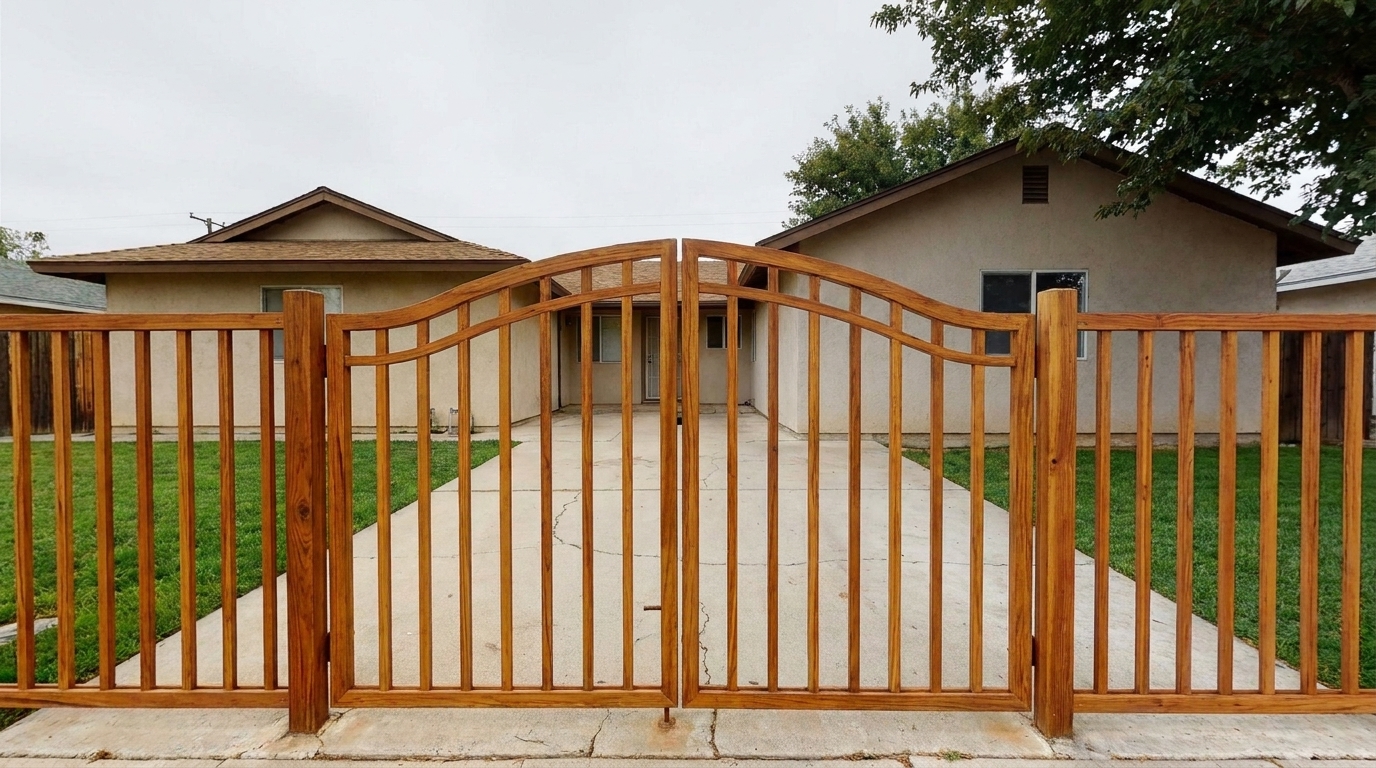
Rusted Wrought Iron updated with fence & gate styling.
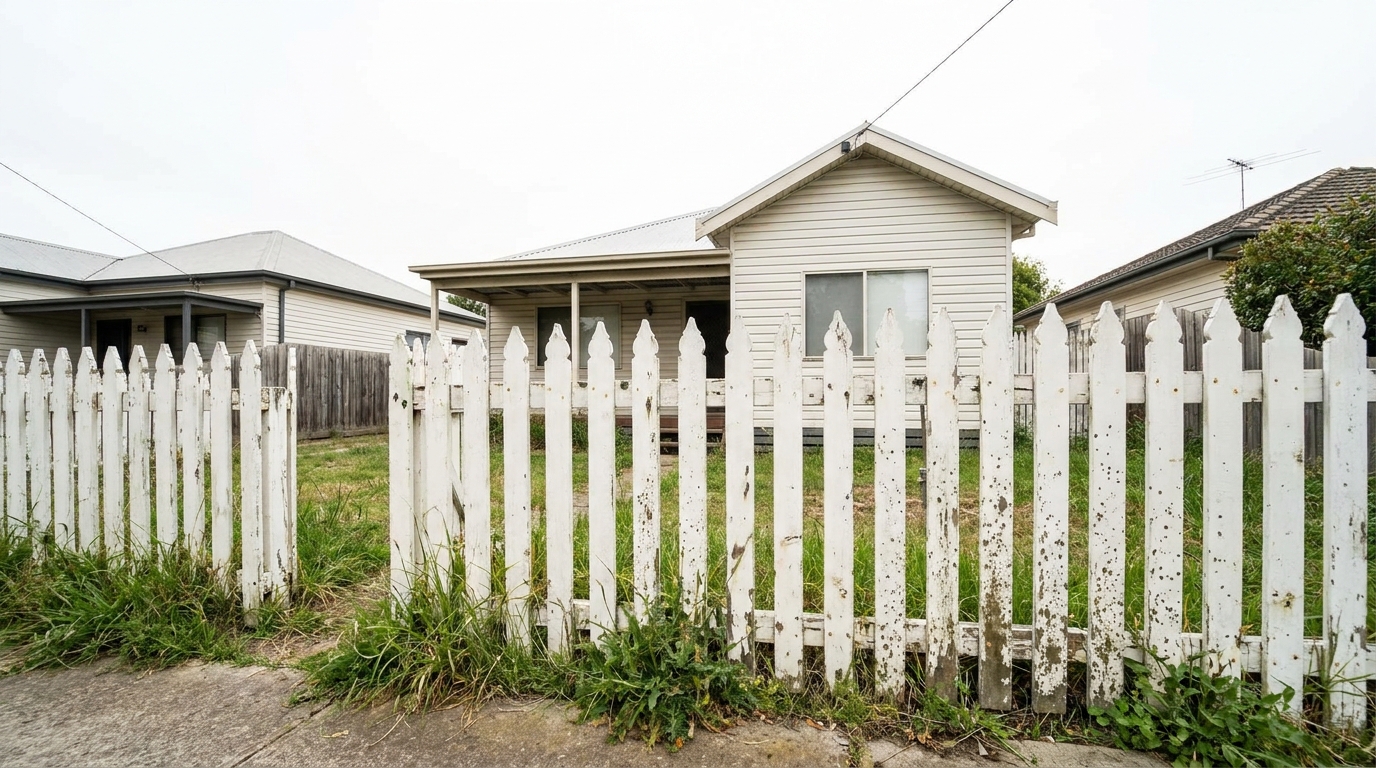
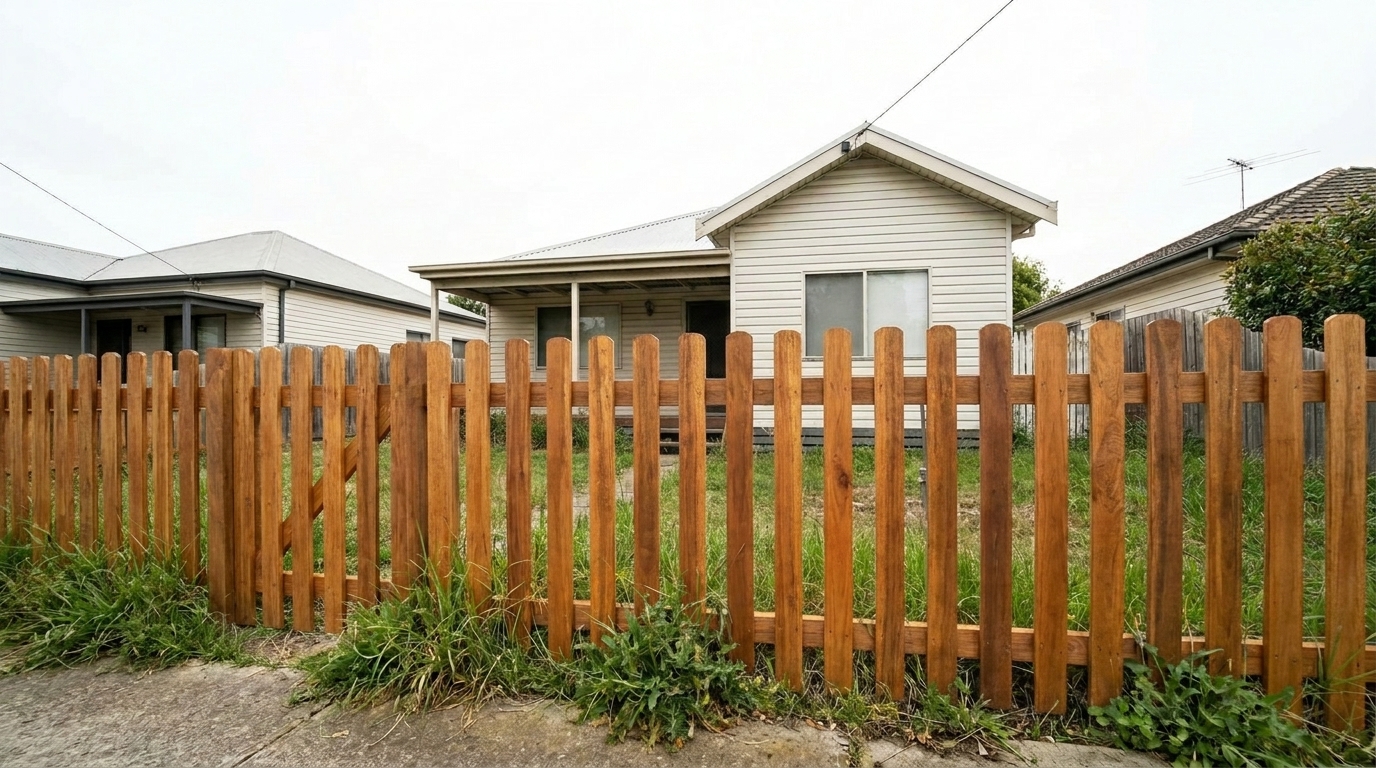
Faded Painted Pickets updated with fence & gate styling.
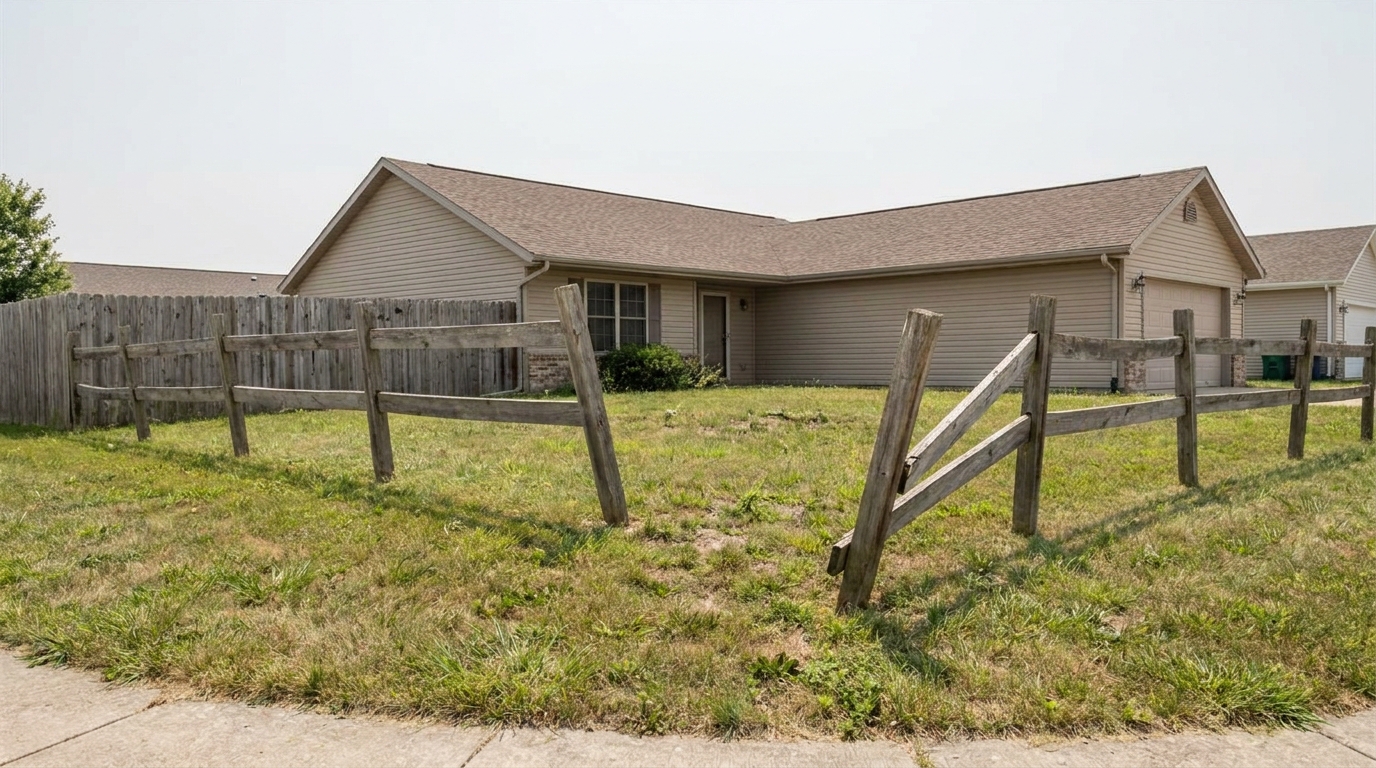
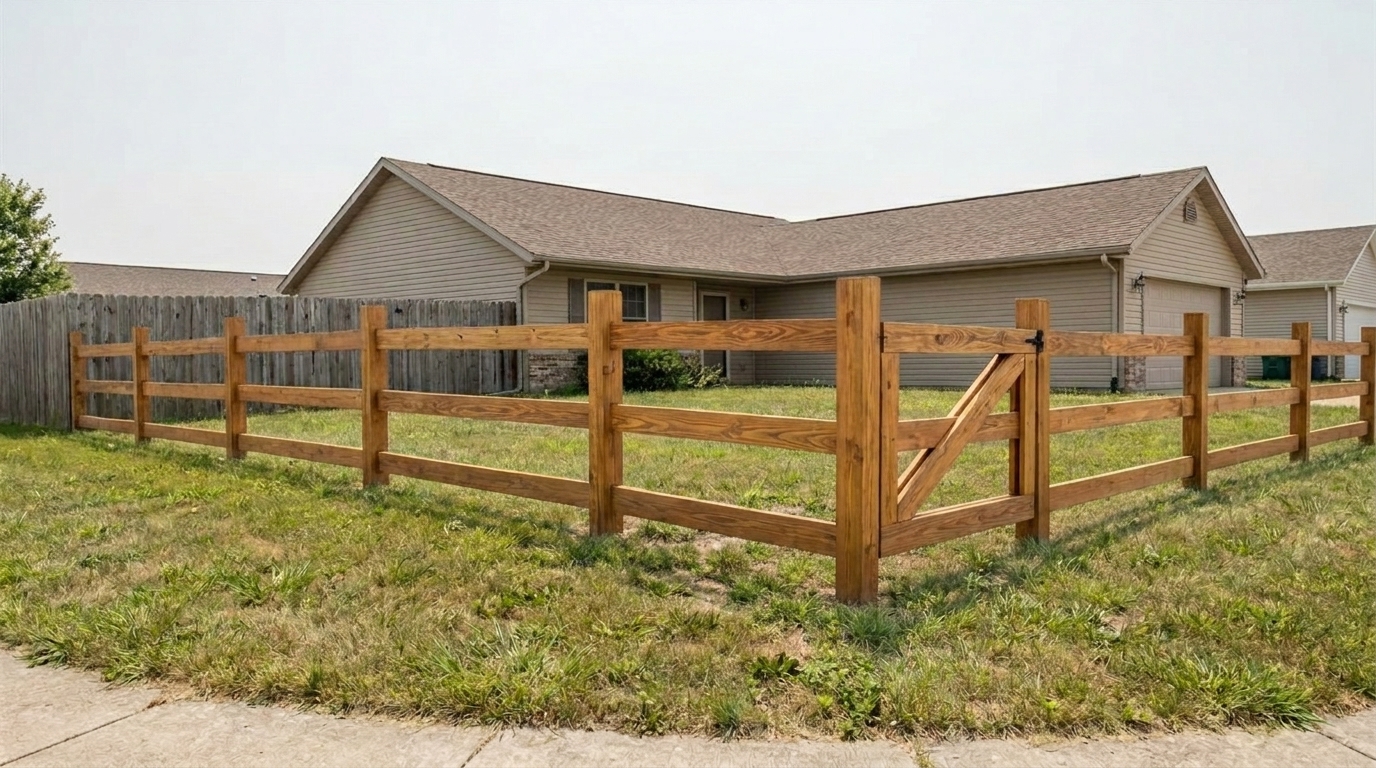
Leaning Post Alignment updated with fence & gate styling.
Our AI-driven tools target specific structural and cosmetic issues to deliver flawless results.
Automatically straightens sagging fence panels, leaning posts, and misaligned gates to restore clean, symmetrical property lines.
Erases mold, mildew, water stains, and dirt from wood, vinyl, brick, and metal surfaces without losing natural texture.
Revitalizes faded paint or weathered wood stain, restoring a fresh, uniform finish that matches the property's aesthetic.
Sharpens and cleans hinges, latches, and decorative metalwork, removing rust spots and restoring metallic luster.
Blends the enhanced fence naturally with surrounding grass, shrubs, and trees to avoid artificial-looking edges.
Retains the authentic look of wood grain, vinyl sheen, and masonry textures so the final image looks completely realistic.
See how different industries use our fence and gate enhancer to close deals faster.
Quickly polish curb appeal photos for older homes with weathered boundary fences to attract more buyers.
Listing PrepSave hours of manual Photoshop cloning by automating fence stain removal and post-alignment.
Workflow SpeedShowcase well-maintained rental properties by ensuring perimeter fences look clean and secure in online listings.
Property MarketingCreate stunning before-and-after portfolios of restoration projects to showcase craftsmanship to prospective clients.
Contractor PortfoliosEnhance FSBO (For Sale By Owner) photos to compete with professional listings on major real estate portals.
FSBO ListingsScale high-volume exterior photo editing workflows with consistent, automated boundary cleanup.
High VolumeFollow these simple steps to clean and restore boundary lines in your listing photos.
Select and upload a high-resolution exterior photo of the property featuring a fence, gate, or boundary wall.
Select the specialized Fence & Gate preset to automatically detect, clean, and align the boundary structures.
Preview the restored boundary lines, make any final adjustments, and download your listing-ready photo.
Source-backed context for why fence & gate edits matter inside exterior enhancement workflows.
Fence & Gate within Exterior Enhancement evidence
Photos are one of the most valuable website features for home buyers; NAR's 2025 generational trends report says 83% of internet-using buyers rated photos as very useful. For Fence & Gate pages, this supports showing how a focused Exterior Enhancement edit can make the listing photo feel clearer, more polished, and easier for buyers to evaluate.
Source: NAR 2025Fence & Gate within Exterior Enhancement evidence
Zillow Research's 2025 prospective buyer report ranked high-resolution photos as the number two most important listing feature, selected by 26% of prospective buyers; floor plans ranked first at 33%. For Fence & Gate pages, this supports showing how a focused Exterior Enhancement edit can make the listing photo feel clearer, more polished, and easier for buyers to evaluate.
Source: Zillow 2025Fence & Gate within Exterior Enhancement evidence
Redfin reported that professionally photographed homes in the $400,000 range sold three weeks faster and for more than $10,000 relative to list price compared with amateur photos. Use this as supporting context, not as a guaranteed result. For Fence & Gate pages, this supports showing how a focused Exterior Enhancement edit can make the listing photo feel clearer, more polished, and easier for buyers to evaluate.
Source: RedfinLearn how to elevate your property's boundary lines and maximize curb appeal with targeted AI editing.
Fences and gates define a property's boundaries and contribute significantly to its first impression. A weathered, stained, or leaning fence can subconsciously signal neglect to potential buyers, even if the home's interior is immaculate. Enhancing these structures ensures the property looks secure, well-maintained, and inviting from the very first glance.
To get the best results, start with a clear, well-lit exterior photo. Ensure the fence is not completely obscured by heavy overgrowth. When applying the Fence & Gate preset, the AI automatically analyzes the material type and structural lines. If the property has multiple exterior issues, we recommend applying this preset first to establish clean borders, followed by our Lawn & Yard or Curb Appeal presets to polish the rest of the scene.
Use the Fence & Gate preset when the primary visual distraction is a weathered, dirty, or leaning boundary structure. If the fence is in good condition but the grass is brown, choose the Lawn & Yard preset instead. For overall lighting adjustments and general facade polishing, the Curb Appeal or Exterior Photo presets are better suited. Avoid using this preset if the fence is completely hidden by foliage, as the AI needs visible structural lines to perform alignment and texture restoration.
While it is tempting to make a fence look brand new, real estate marketing requires a balance between aesthetic appeal and truth in advertising. Our tool focuses on cosmetic cleanup—such as removing temporary dirt, mold, and correcting minor camera-angle distortion—rather than misrepresenting the physical state of the property. This ensures your listings remain compliant with local MLS guidelines while still looking their absolute best.
Discover specialized tools to polish every detail of your property's exterior.
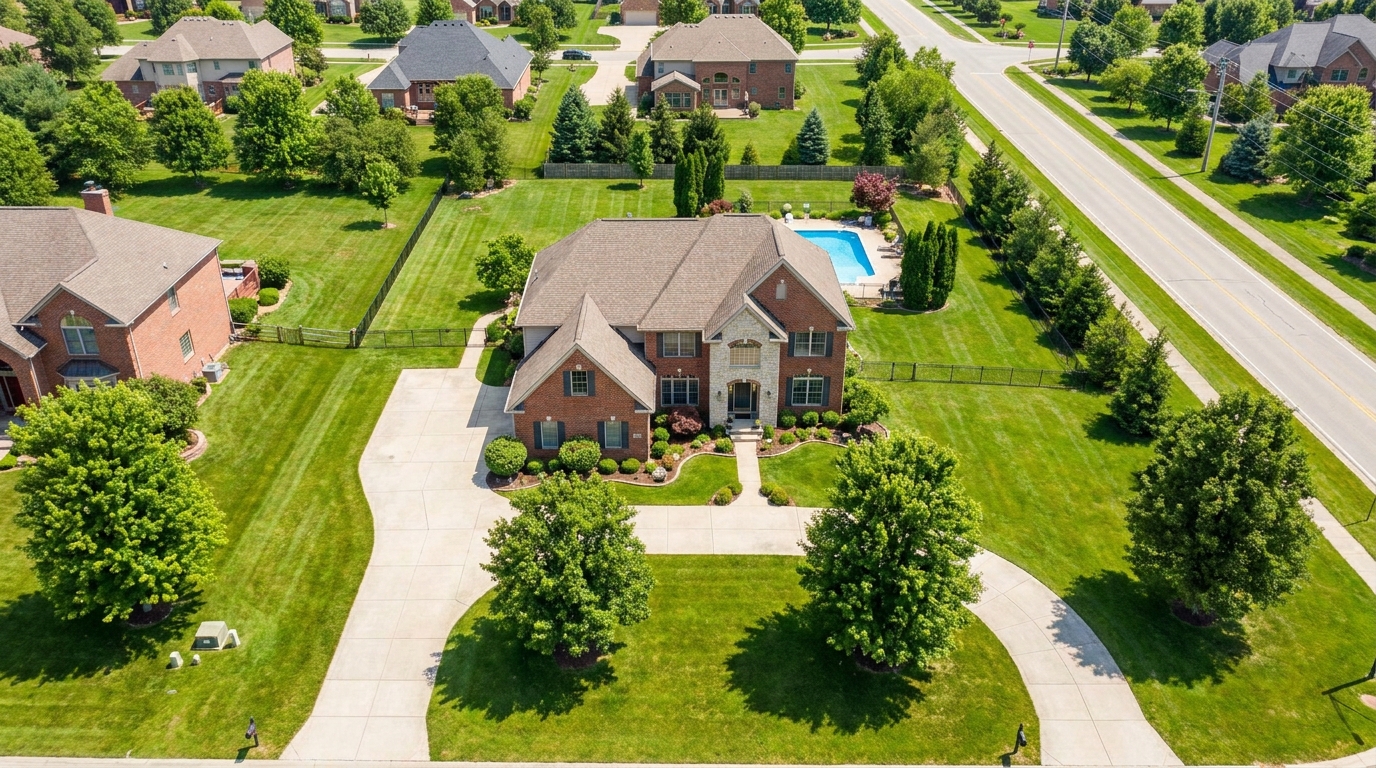
Polish aerial shots with brighter color, cleaner detail, and stronger property context.
Try This Tool →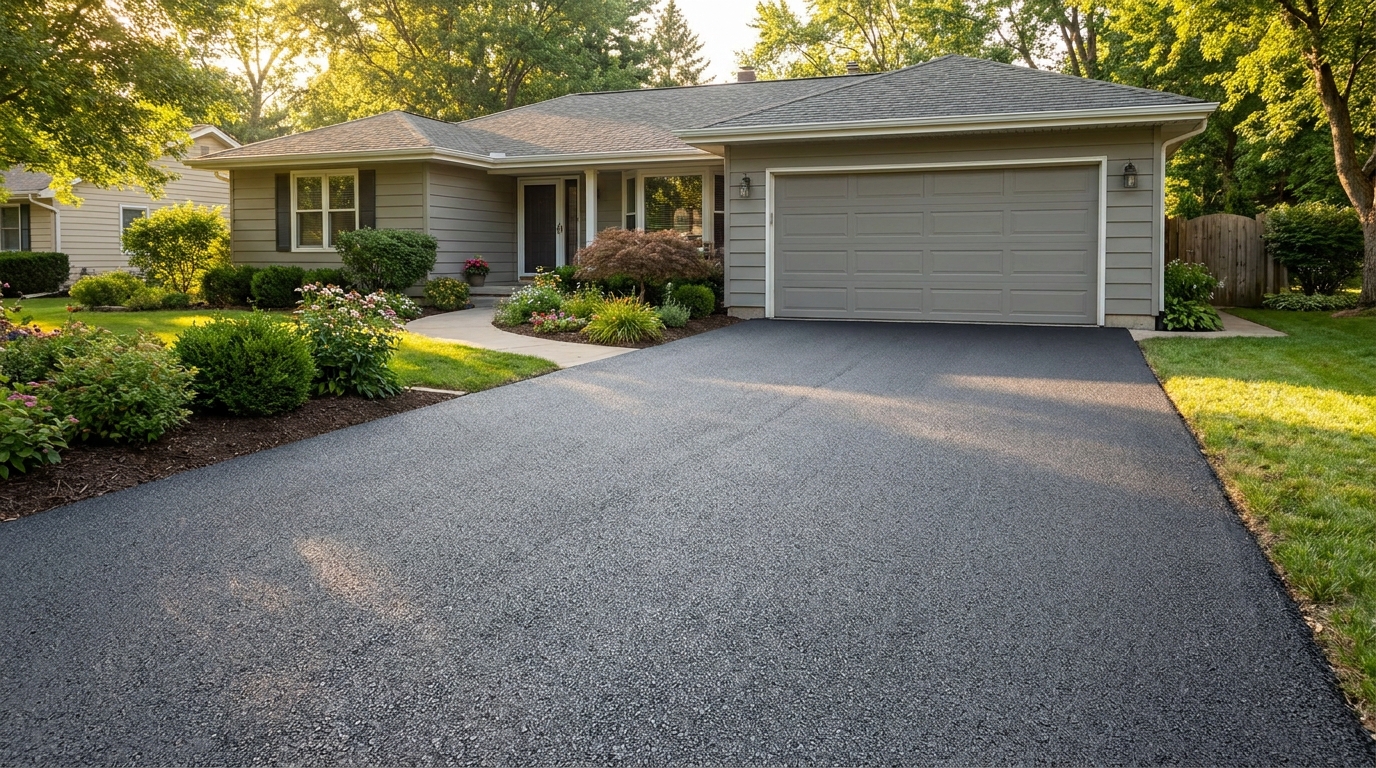
Clean up driveway appearance for a neater entrance and stronger first impression.
Try This Tool →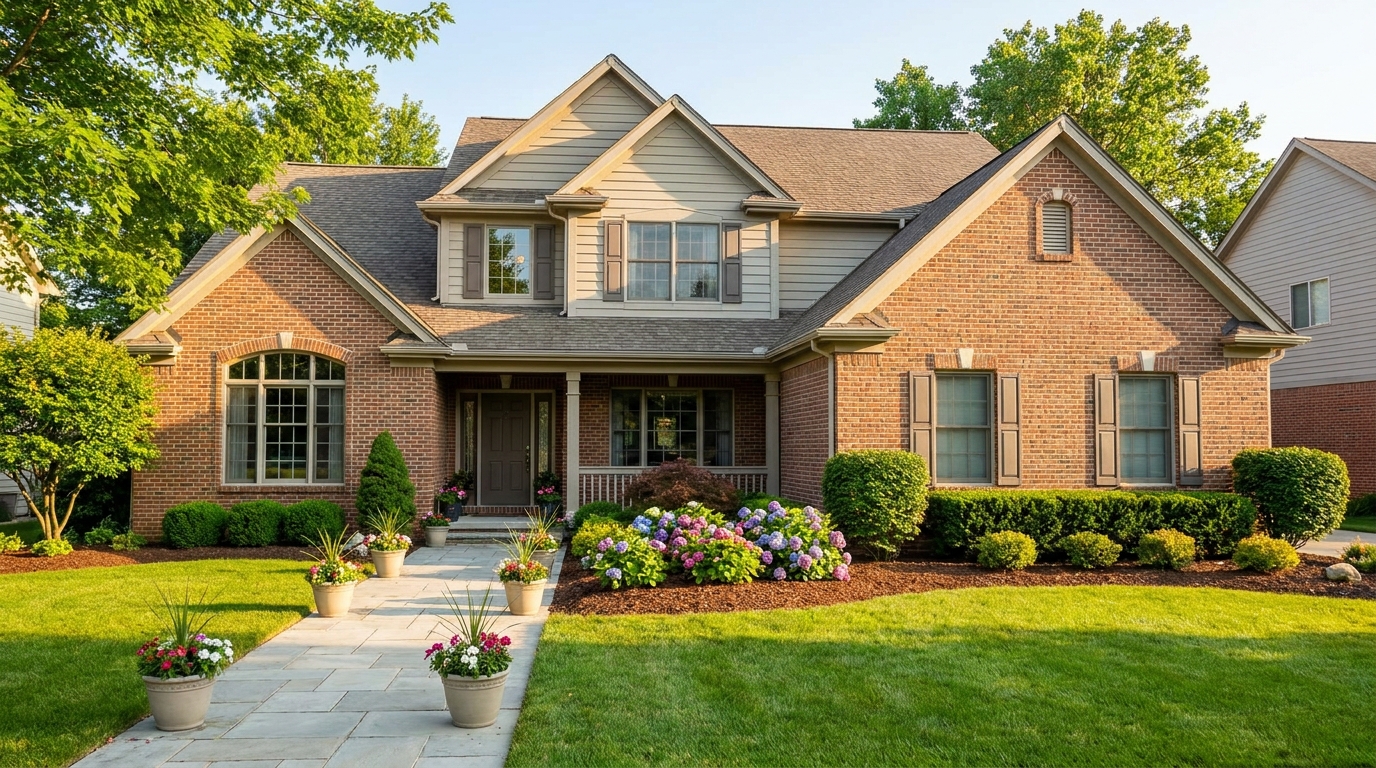
Elevate the home's exterior presence with a brighter, tidier, more inviting street view.
Try This Tool →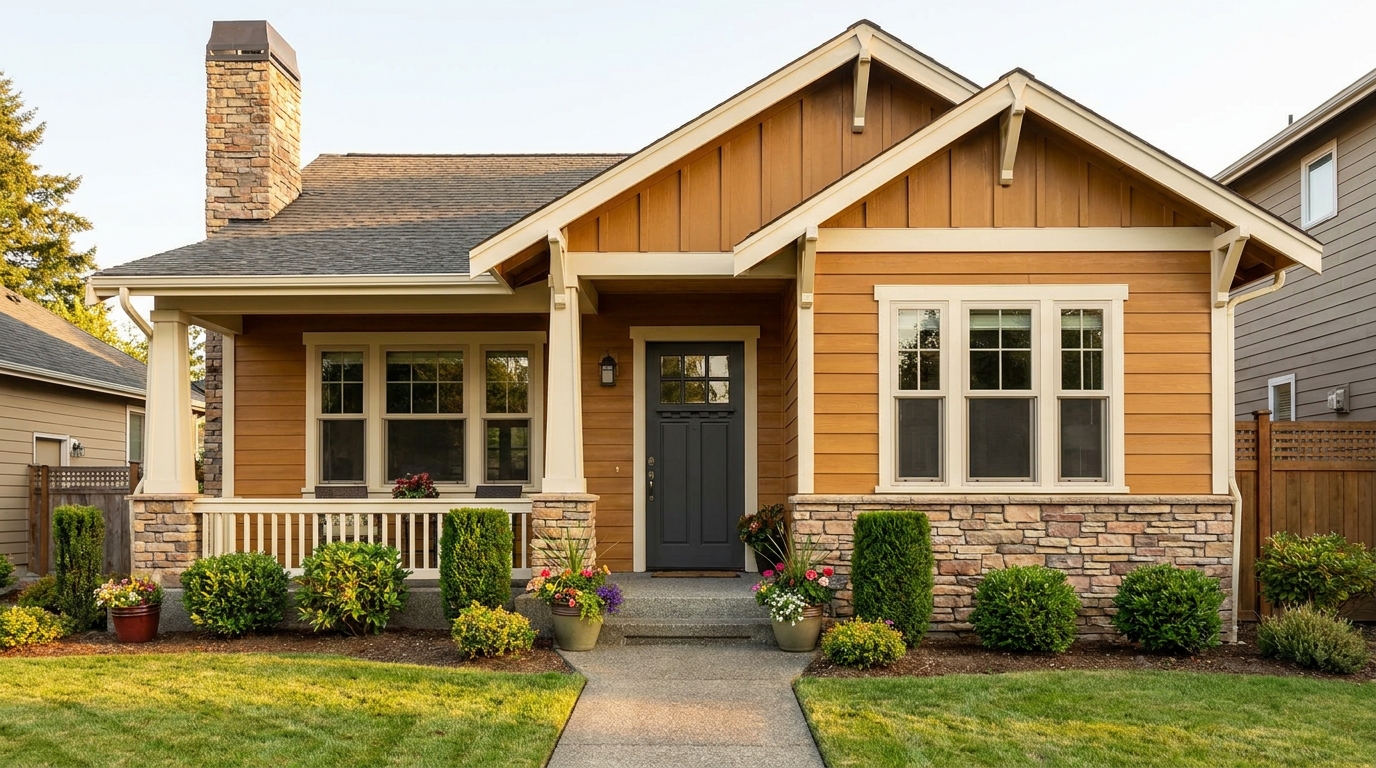
Refine facade tones so exterior materials look cleaner, richer, and more appealing.
Try This Tool →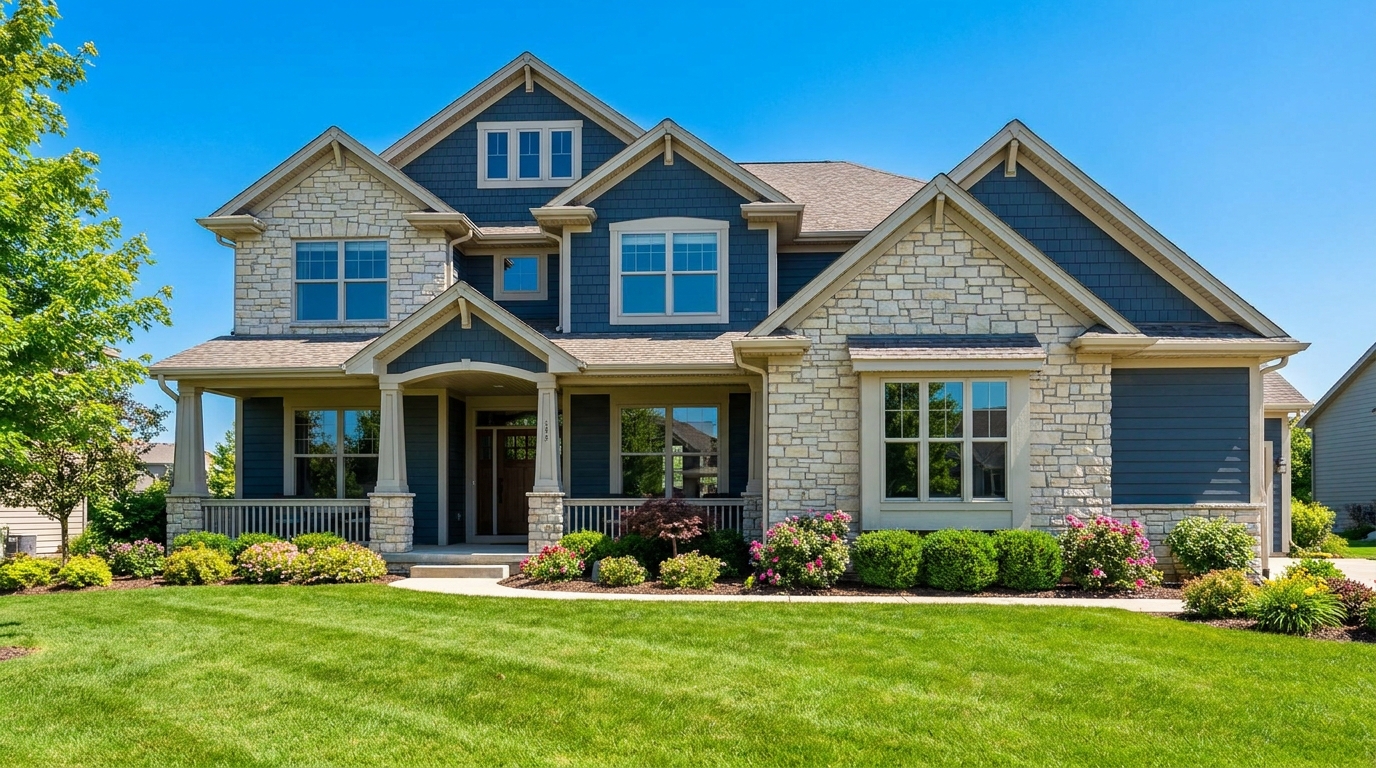
Full exterior enhancement for brighter skies, cleaner lines, and stronger curb appeal.
Try This Tool →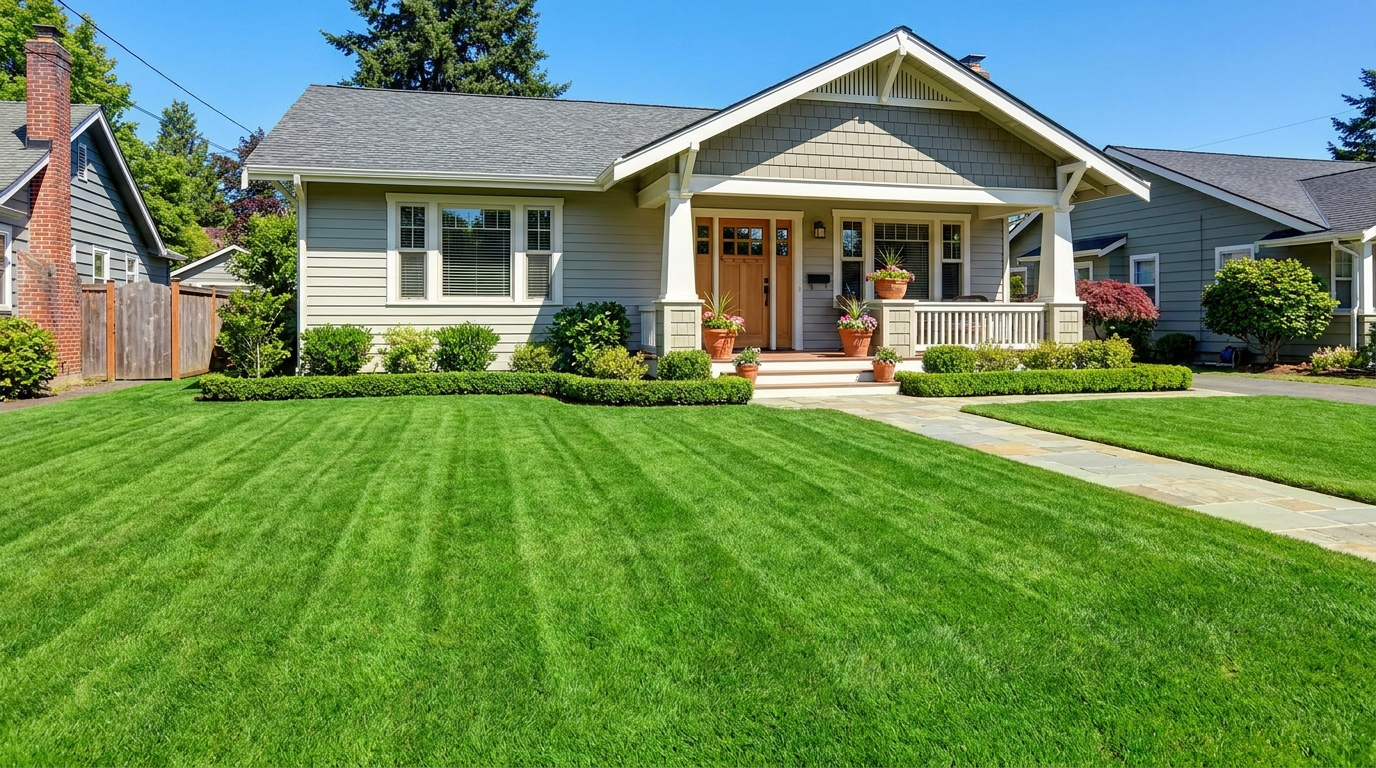
Refresh grass and yard areas for a greener, healthier, better-kept outdoor look.
Try This Tool →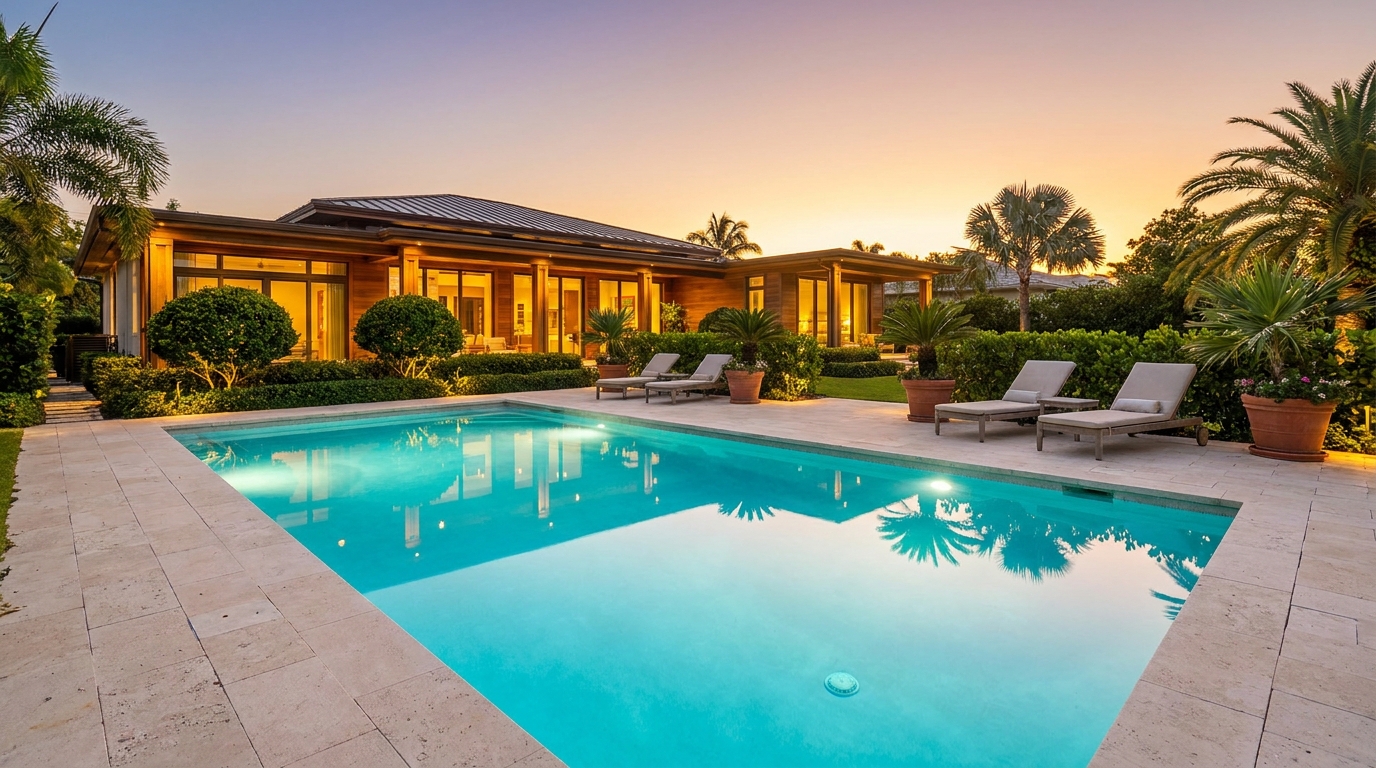
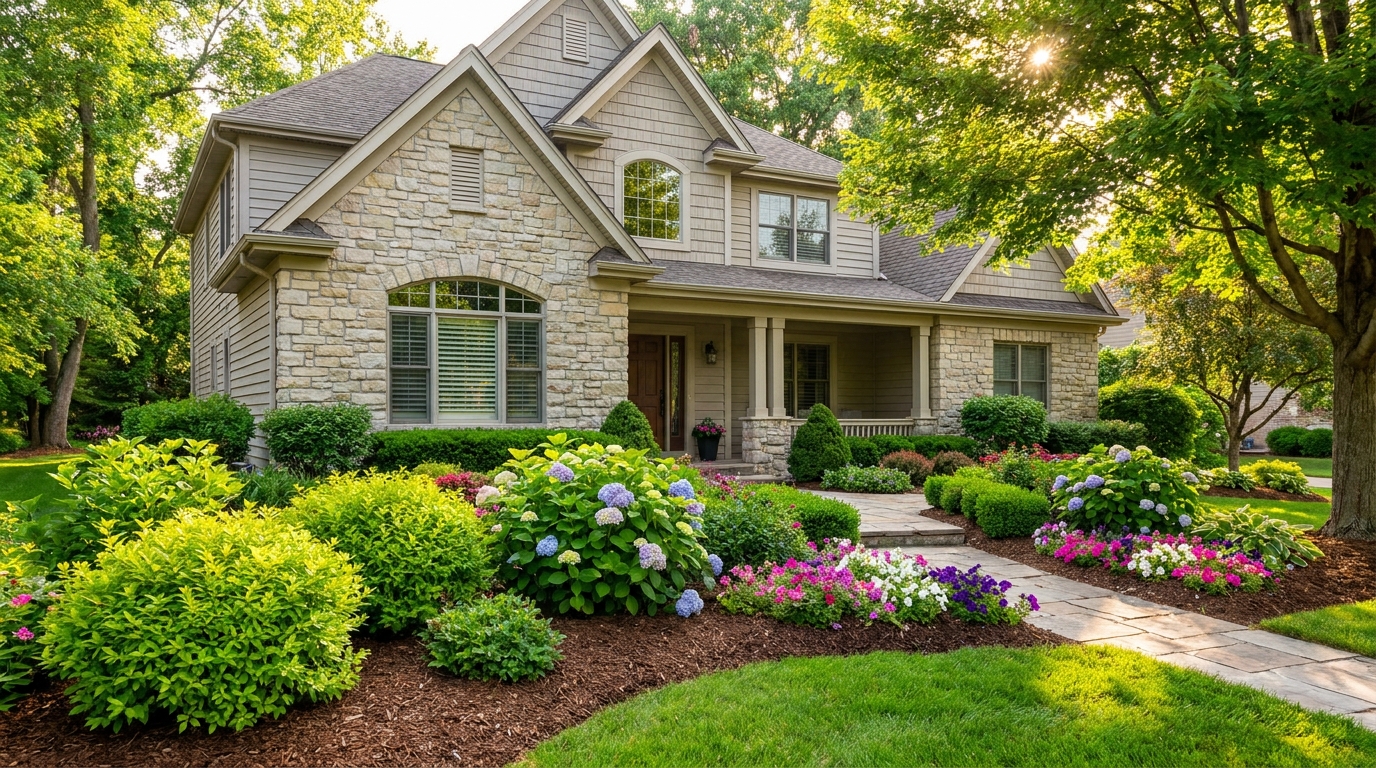
Enhance plants and greenery for a fresher, more vibrant, professionally styled exterior.
Try This Tool →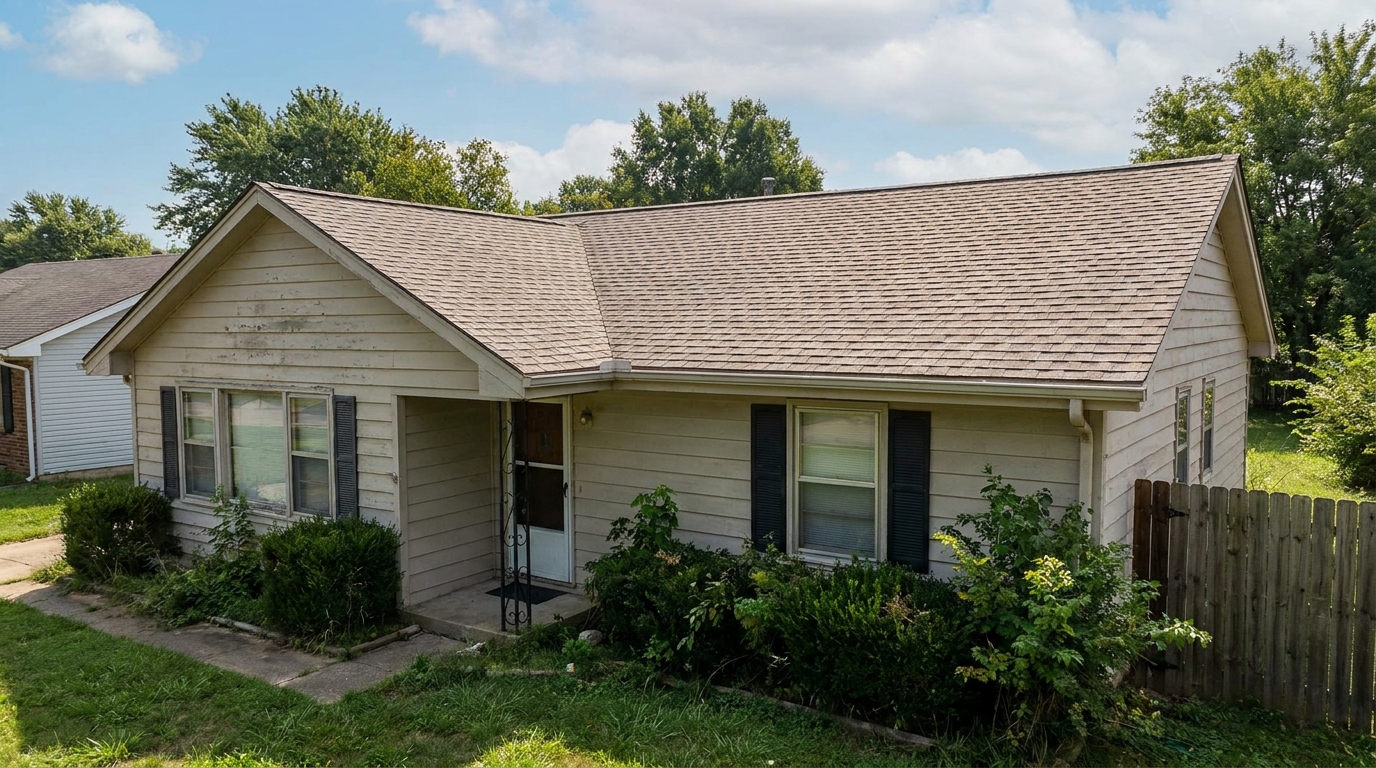
Clean and refine roof appearance for a more cared-for, market-ready exterior photo.
Try This Tool →Explore other powerful AI tools designed to elevate your property marketing.
AI image-to-video generation for turning home, room, and property photos into more vivid presentation videos.
02AI exterior renovation for visualizing facade updates, curb appeal improvements, and home exterior remodel ideas.
03AI landscaping design for exploring outdoor concepts, curb appeal upgrades, planting ideas, and yard layout directions.
04AI virtual staging for furnishing empty rooms and creating listing-ready interiors for real estate marketing.
05Free AI image generation for turning text prompts into unlimited visual ideas for home design, interiors, landscaping, renovation
06AI object removal for cleaning up distracting items from room, home, and property photos.
Don't let a weathered fence ruin your listing's curb appeal. Try our AI-powered Fence & Gate enhancer today and make a flawless first impression.