
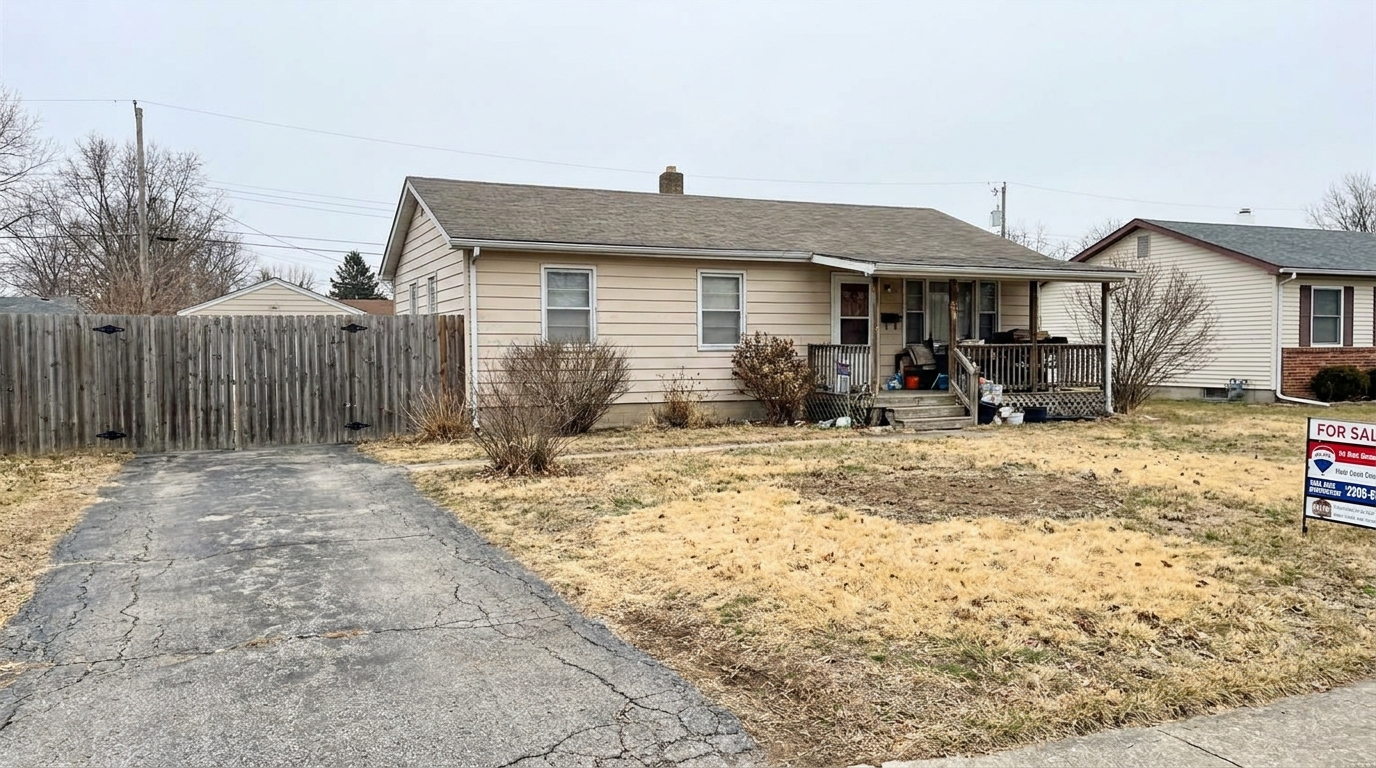
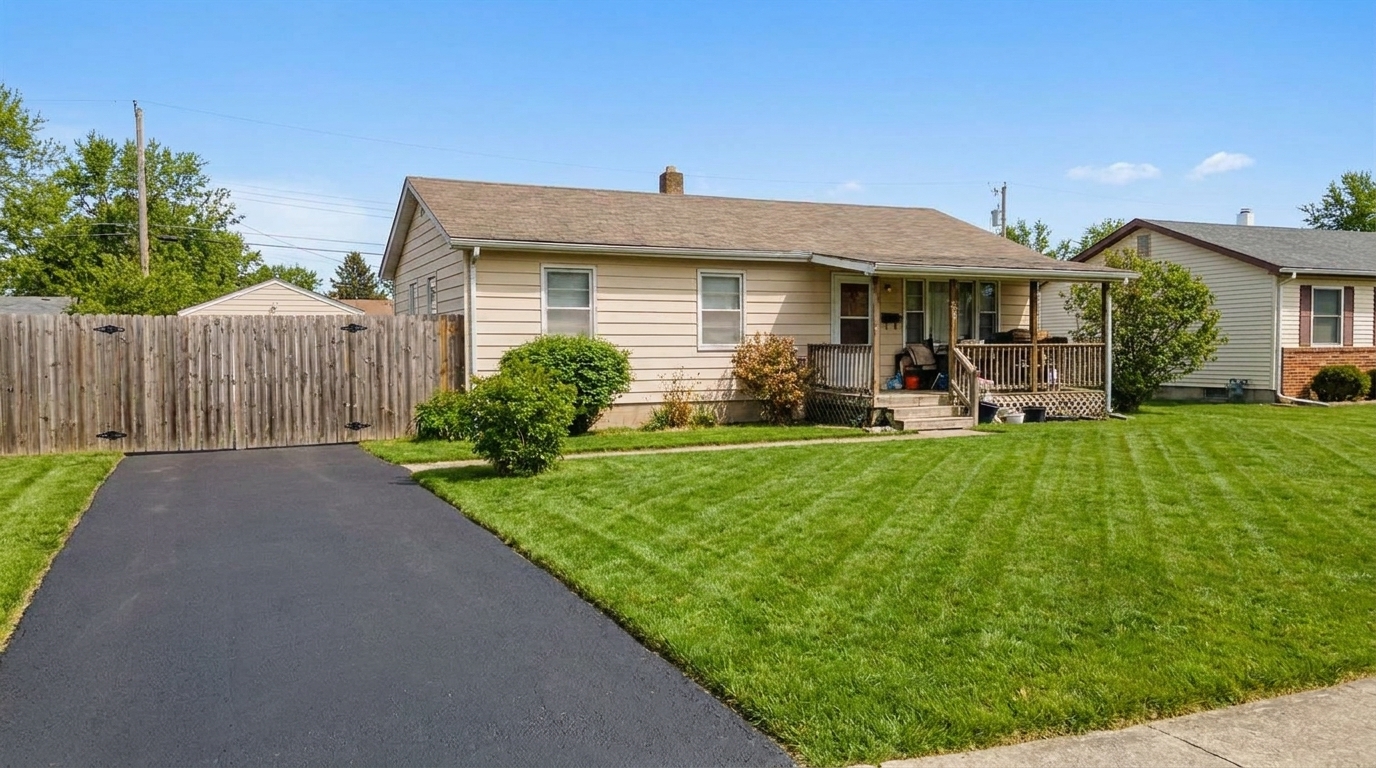

Patchy Lawn Correction
Patchy Lawn Correction updated with drone & aerial styling.
Instantly polish landscaping, lawns, roofs, and driveways. Elevate your real estate listings with professional-grade exterior enhancements.
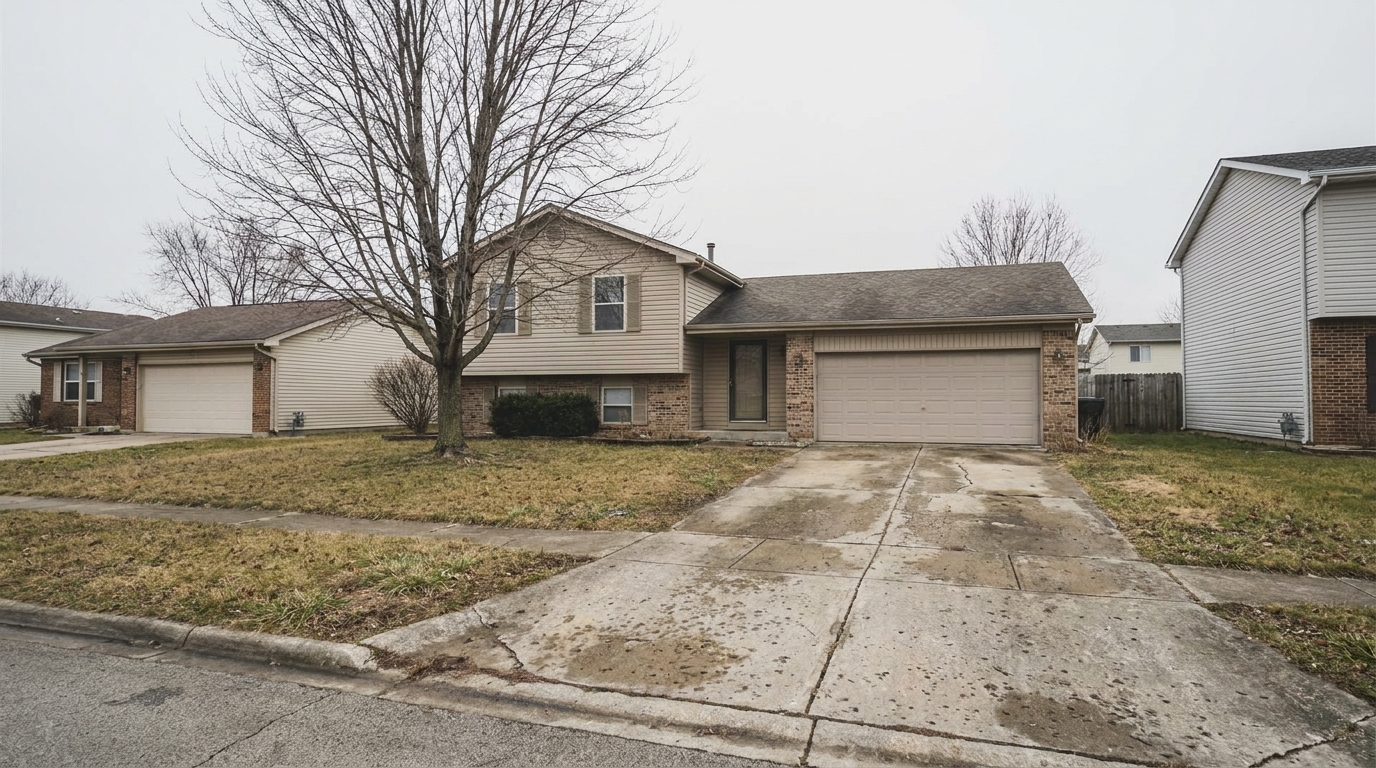
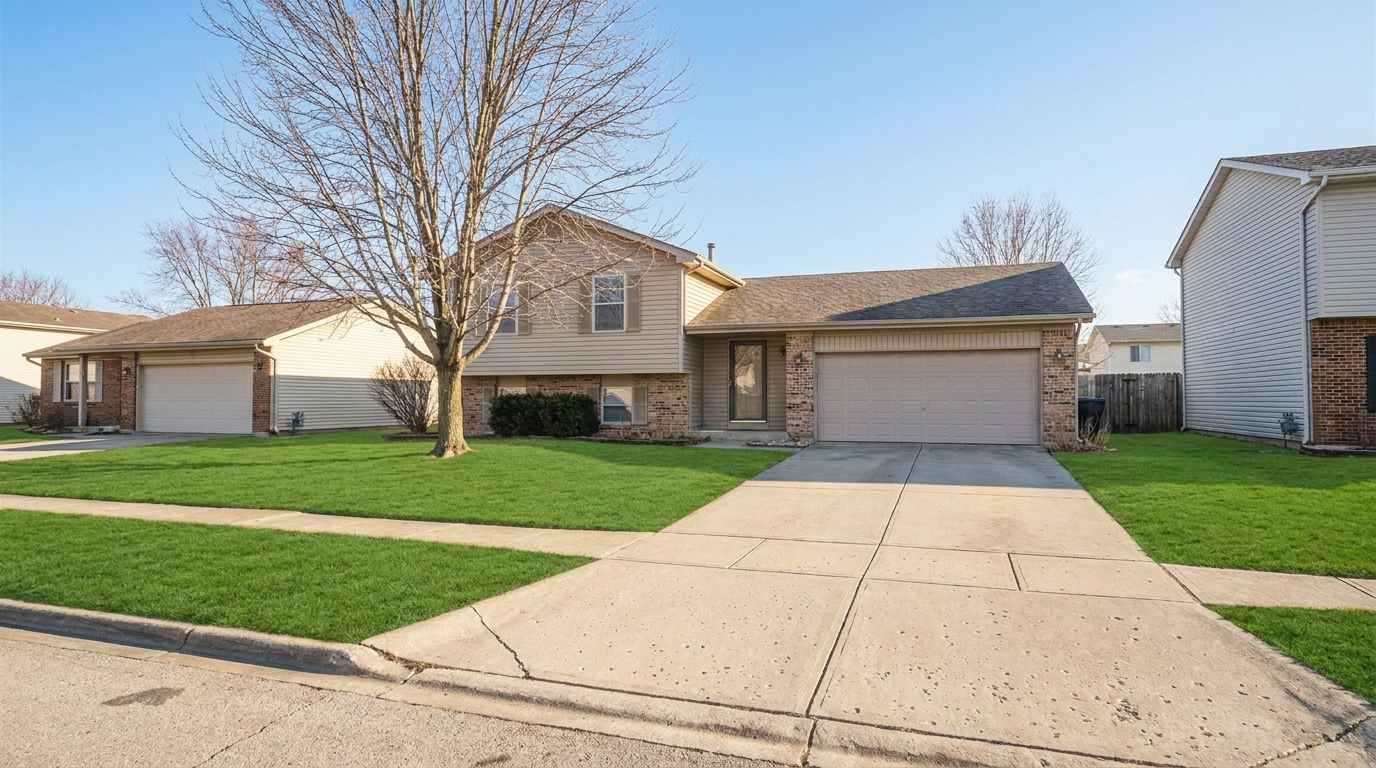
Compare before-and-after results to see the impact of professional AI editing.
Patchy Lawn Correction updated with drone & aerial styling.
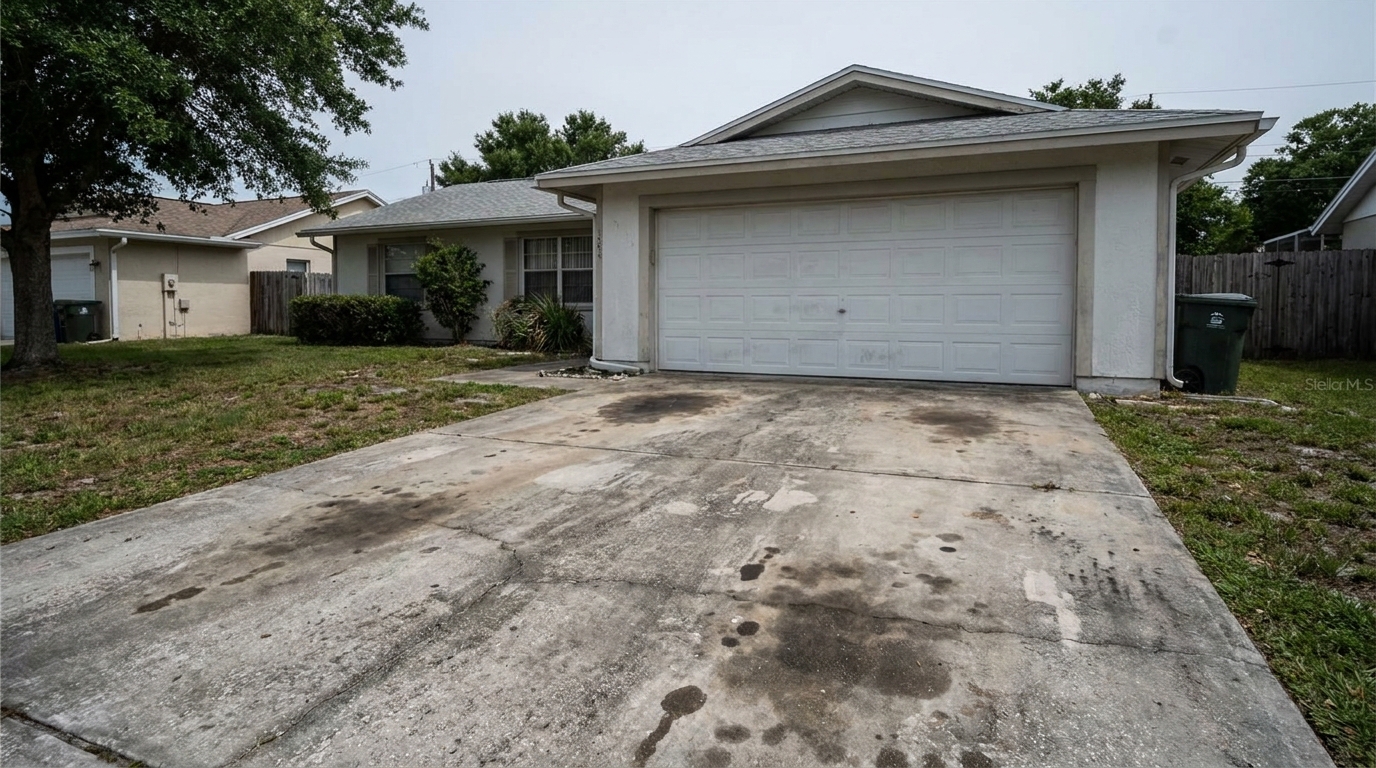
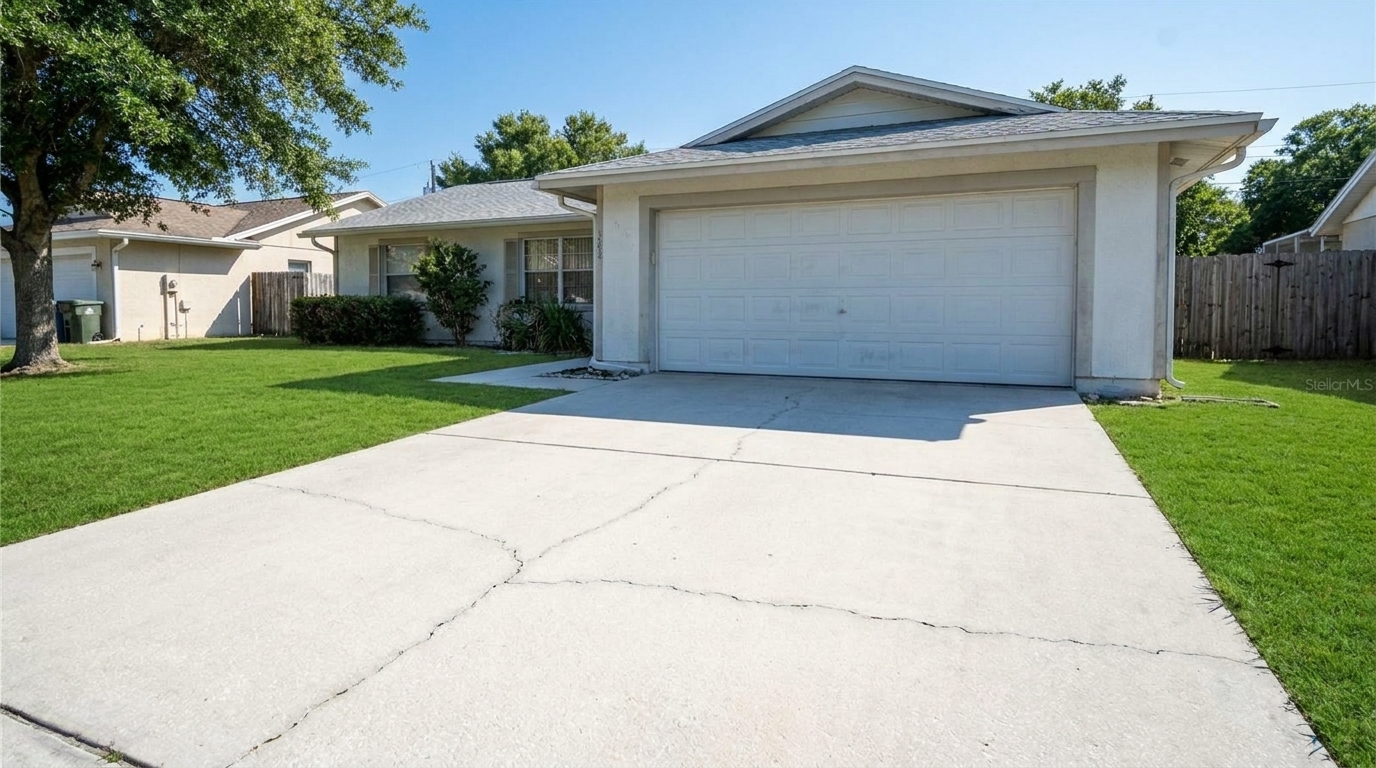
Stained Driveway Cleanup updated with driveway styling.
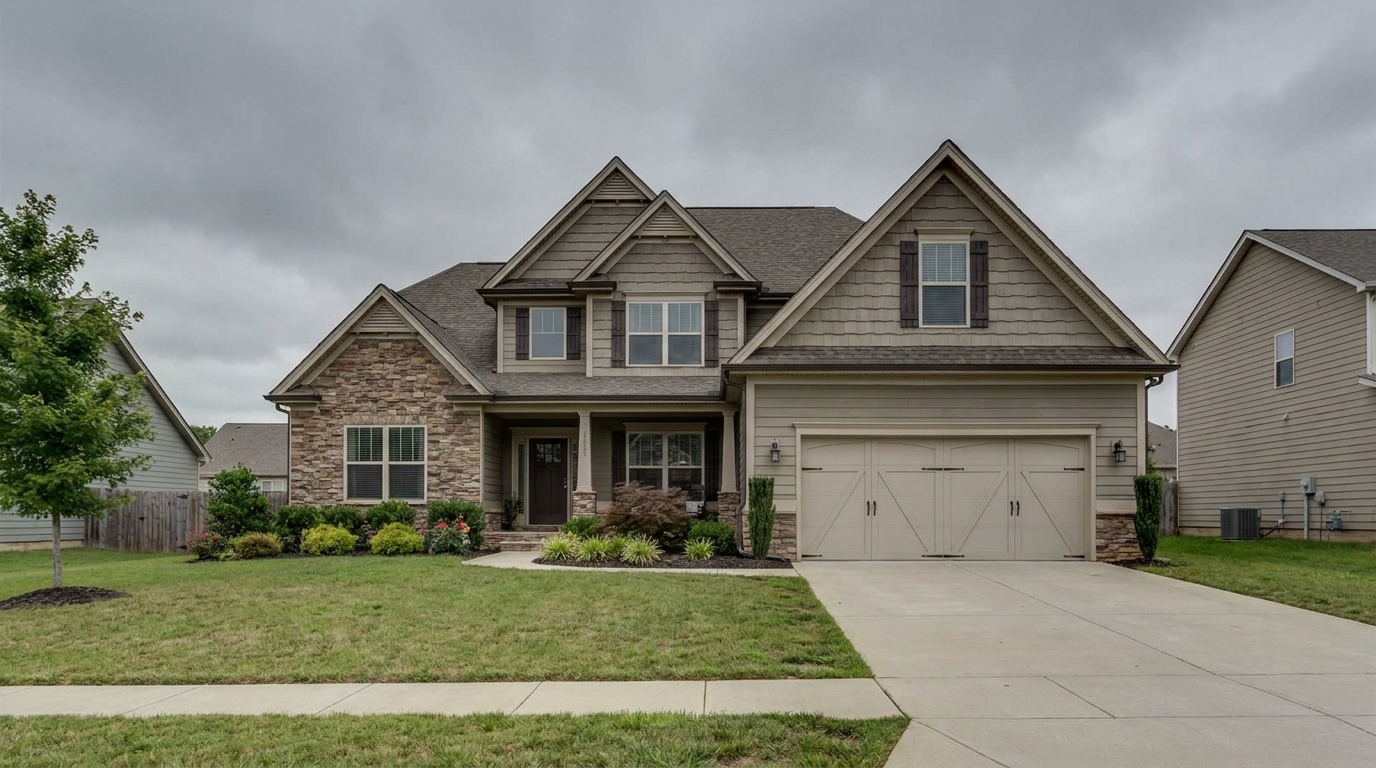
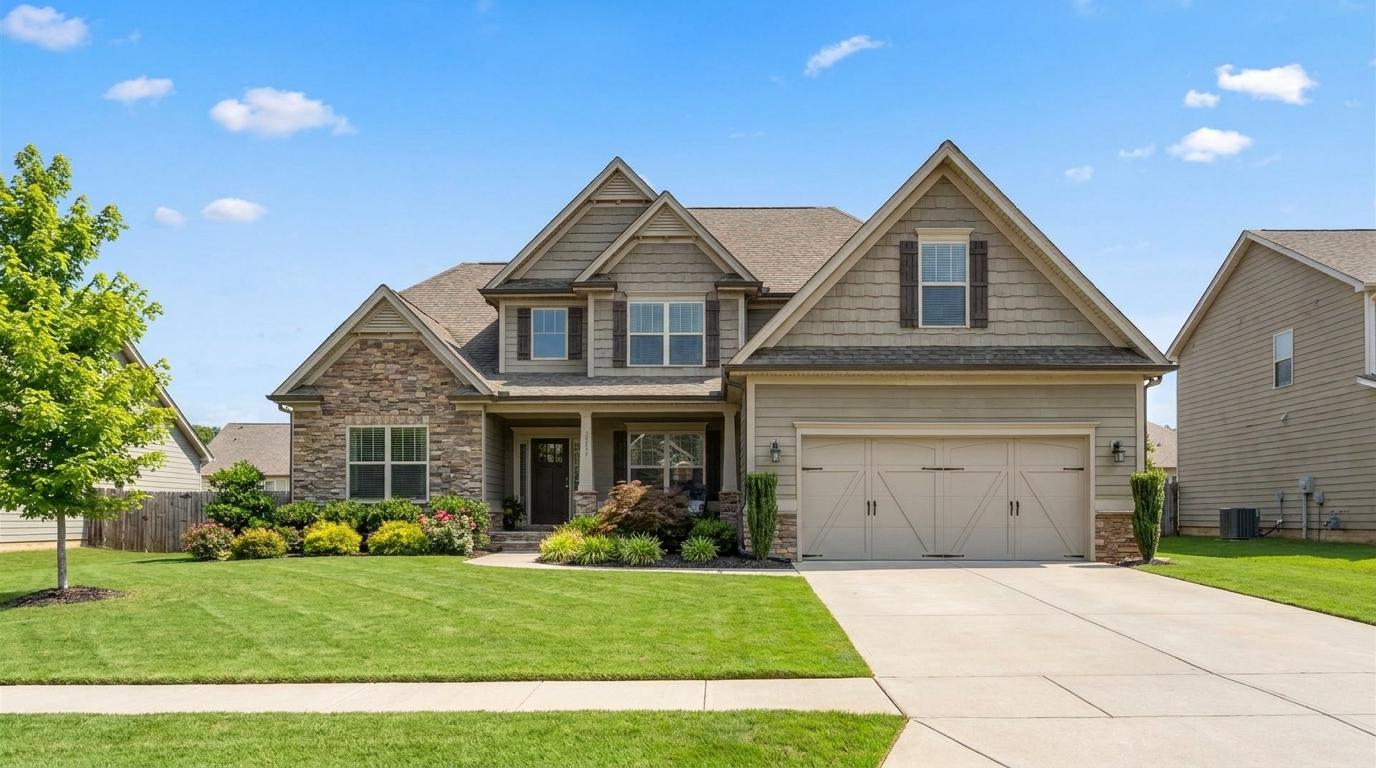
Overcast Sky Replacement updated with curb appeal styling.
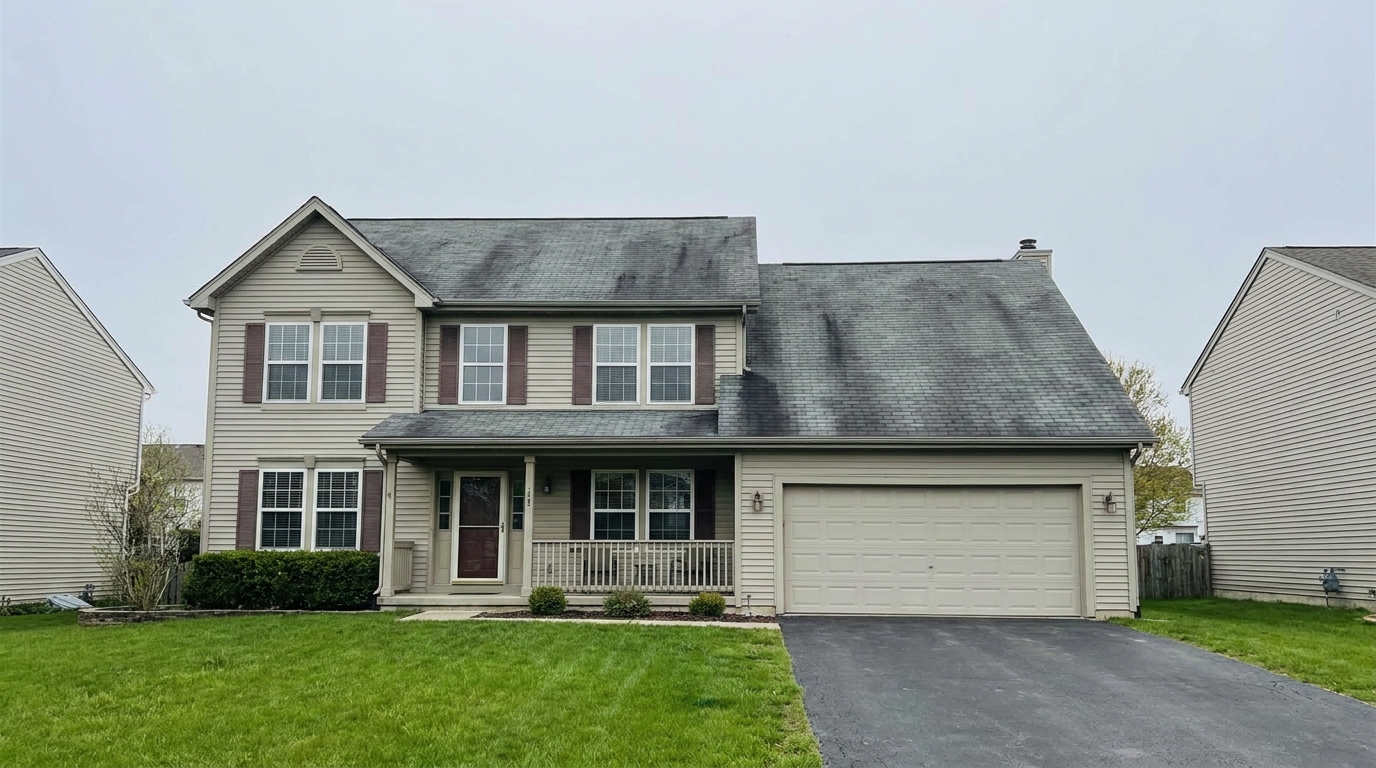
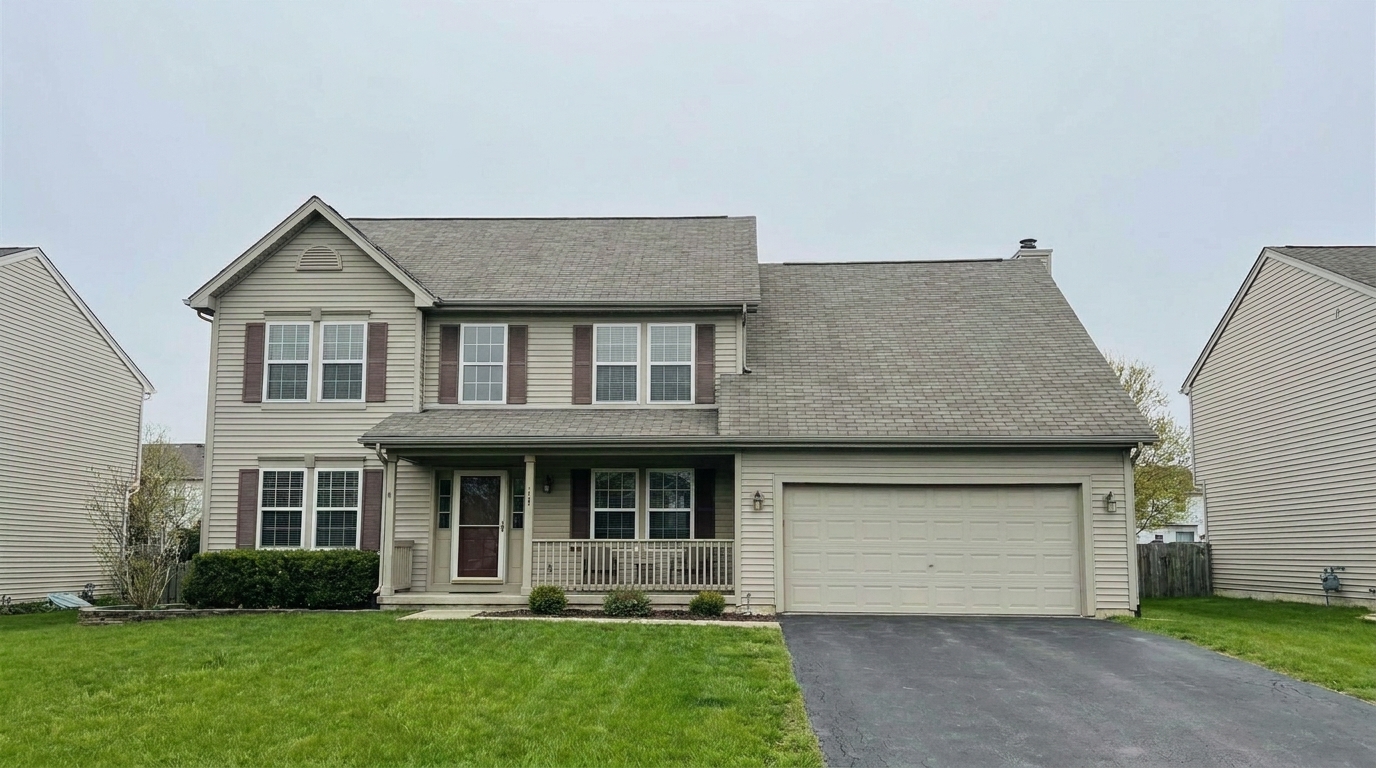
Weathered Roof Refinement updated with exterior color styling.
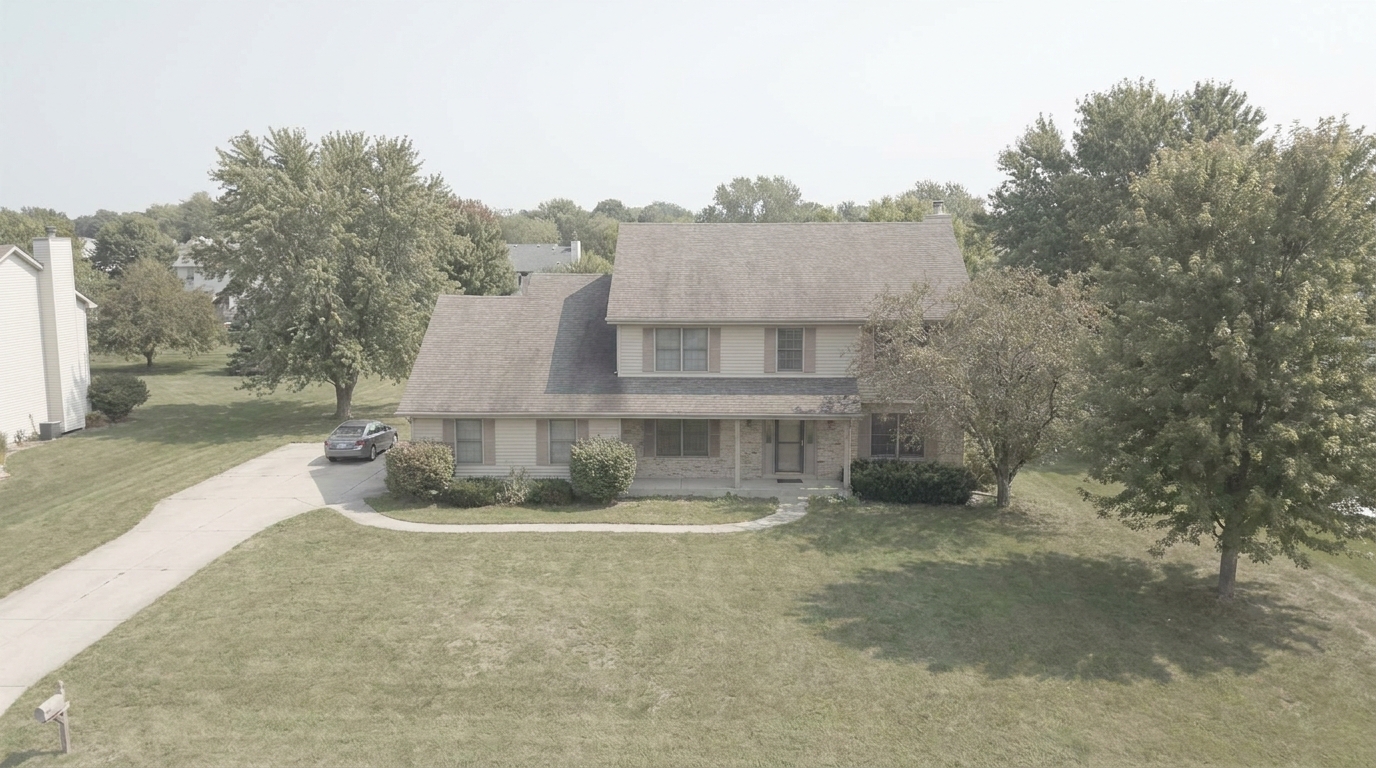
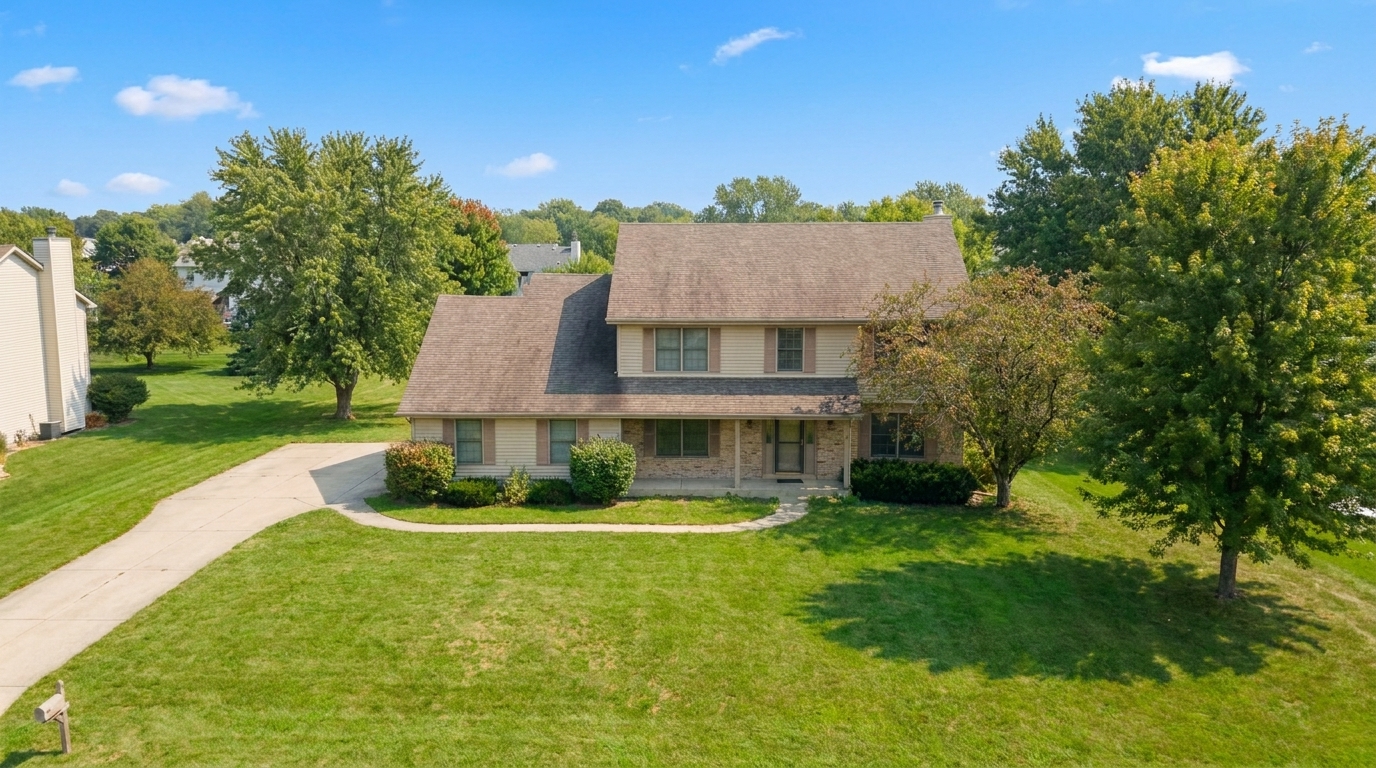
Hazy Aerial Drone Polish updated with exterior photo styling.
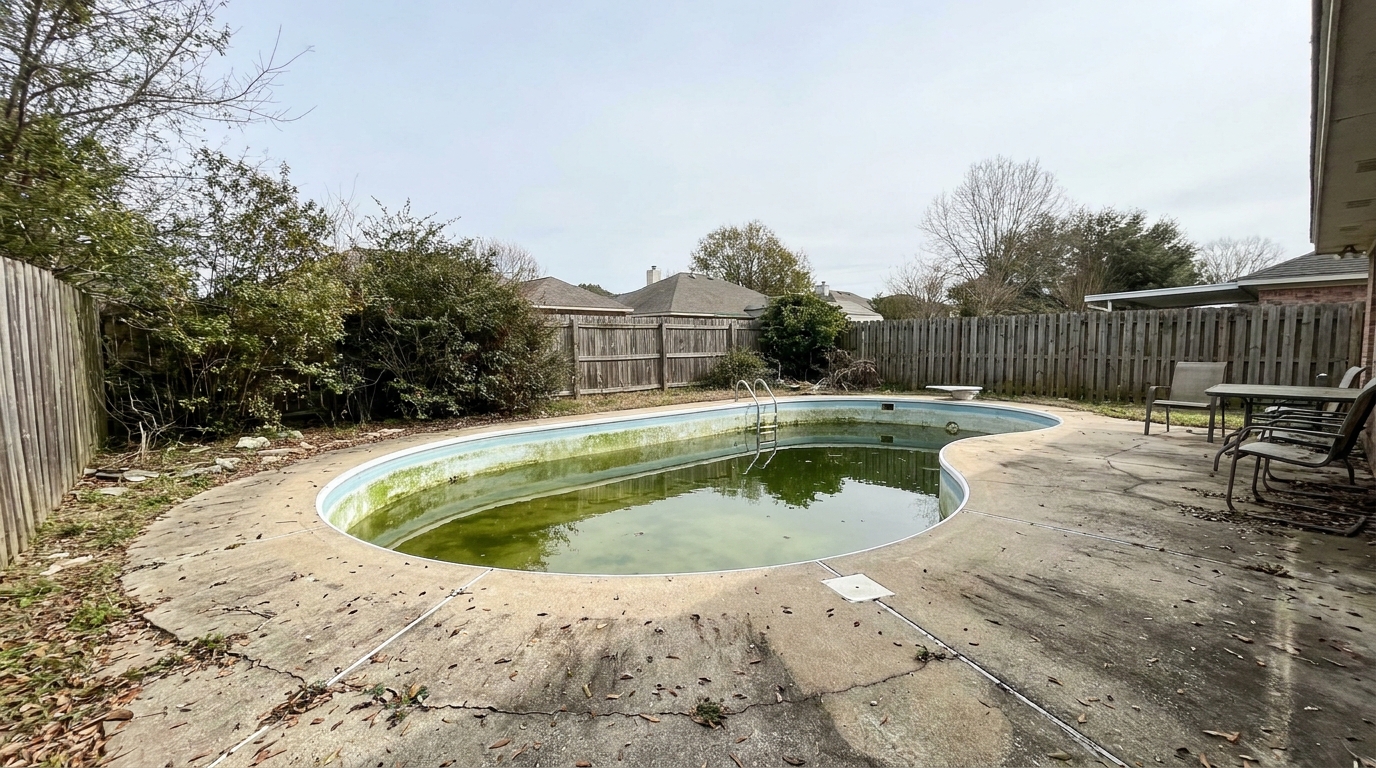
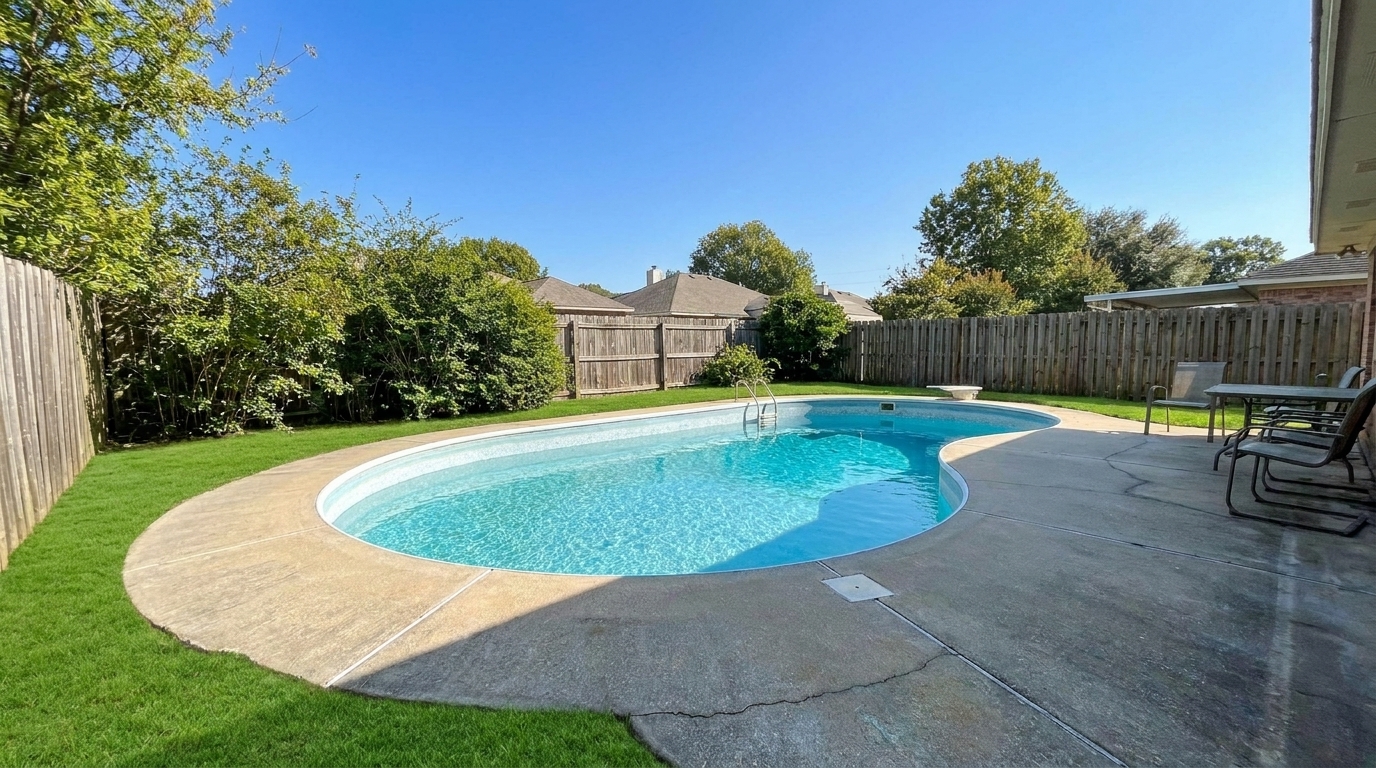
Dull Pool Area Enhancement updated with lawn & yard styling.
Discover how our intelligent tools automatically correct and beautify every detail.
Automatically detects patchy, brown, or dry grass and replaces it with a lush, evenly green, and natural-looking lawn.
Erases oil stains, cracks, and debris from driveways and walkways while preserving realistic concrete or asphalt textures.
Refines exterior paint, siding, and trim tones to make the home look freshly painted and vibrant under natural light.
Cleans up the visual appearance of shingles and tiles, removing dark streaks and weathering for a well-maintained look.
Enhances the color, fullness, and vibrancy of shrubs, trees, and flower beds to maximize perceived curb appeal.
Adjusts exposure, haze, and contrast on high-altitude shots to clearly define property boundaries and surrounding context.
See how different professionals leverage exterior enhancements to win listings.
Instantly boost online listing engagement by presenting a clean, welcoming front exterior shot on the MLS.
ListingsSpeed up post-processing workflows by automating tedious lawn-greening and driveway-cleaning tasks.
WorkflowVisualize potential curb appeal improvements before listing the home or investing in physical landscaping.
InspirationRefresh marketing materials for rental communities, showing off pristine common areas, pools, and manicured grounds.
RentalsShowcase completed renovations with bright, polished exterior photos that highlight new siding, roofs, or paint.
InvestingEnhance aerial and street-level photos of retail or office spaces to attract high-value tenants and buyers.
CommercialFollow these three simple steps to transform your property's curb appeal.
Drag and drop your high-resolution property image (JPG or PNG) into the enhancer.
Choose a specialized preset like Lawn & Yard, Curb Appeal, or Exterior Photo for full-scene optimization.
Let the AI process the details in seconds, then export your high-resolution, MLS-ready listing photo.
Source-backed context for why exterior enhancement can strengthen real estate listing presentation and buyer evaluation.
Exterior Enhancement evidence
Photos are one of the most valuable website features for home buyers; NAR's 2025 generational trends report says 83% of internet-using buyers rated photos as very useful. For Exterior Enhancement pages, this supports explaining why that enhancement category can influence listing presentation, buyer confidence, and perceived property readiness.
Source: NAR 2025Exterior Enhancement evidence
Zillow Research's 2025 prospective buyer report ranked high-resolution photos as the number two most important listing feature, selected by 26% of prospective buyers; floor plans ranked first at 33%. For Exterior Enhancement pages, this supports explaining why that enhancement category can influence listing presentation, buyer confidence, and perceived property readiness.
Source: Zillow 2025Exterior Enhancement evidence
Redfin reported that professionally photographed homes in the $400,000 range sold three weeks faster and for more than $10,000 relative to list price compared with amateur photos. Use this as supporting context, not as a guaranteed result. For Exterior Enhancement pages, this supports explaining why that enhancement category can influence listing presentation, buyer confidence, and perceived property readiness.
Source: RedfinLearn how to leverage advanced AI tools to elevate your property's curb appeal, streamline your marketing workflow, and win more listings.
In real estate, the exterior photo is almost always the first image a buyer sees online. A dull, overcast sky, a stained driveway, or a patchy lawn can cause potential buyers to scroll past a listing immediately. AI-powered exterior enhancement allows agents and photographers to present properties in their best possible light without waiting for the perfect season or spending thousands on physical staging. By optimizing lighting, greening the lawn, and cleaning up surface imperfections, you create an inviting digital storefront that drives higher click-through rates and more showing requests.
To get the most natural results, match your photo's primary weakness to our specialized presets. If the overall lighting is good but the grass is dry, use the Lawn & Yard preset to target only the greenery. For homes with weathered concrete, the Driveway preset cleans up stains without altering the house itself. If the entire image feels flat or was shot on a cloudy day, the full Exterior Photo preset applies a comprehensive pass—balancing exposure, brightening the facade, and enhancing the sky—to deliver a cohesive, professional-grade marketing image.
AI exterior enhancement is highly effective for correcting seasonal limitations (like winter lawns), poor weather conditions, and minor cosmetic blemishes like driveway stains or roof streaks. It is best used to present a clean, idealized version of the property's current state. However, you should avoid using AI to hide permanent structural defects, such as major foundation cracks or damaged siding, as this can lead to disclosure issues and MLS compliance violations. For best results, combine these enhancements with professional photography techniques, using the AI to polish and refine rather than completely rebuild the scene.
The key to successful real estate photo editing is subtlety. Over-enhancing can make a property look artificial, raising red flags for buyers when they visit in person. When using our AI tools, ensure that material textures—such as brick, wood siding, and concrete—retain their natural grit and variation. Keep the sky brightness proportional to the shadows on the ground, and avoid neon-green lawn tones. A realistic, clean, and well-exposed photo will always build more trust with buyers than an obviously manipulated image.
Select a dedicated tool to target specific exterior elements, from lawns to roofs.
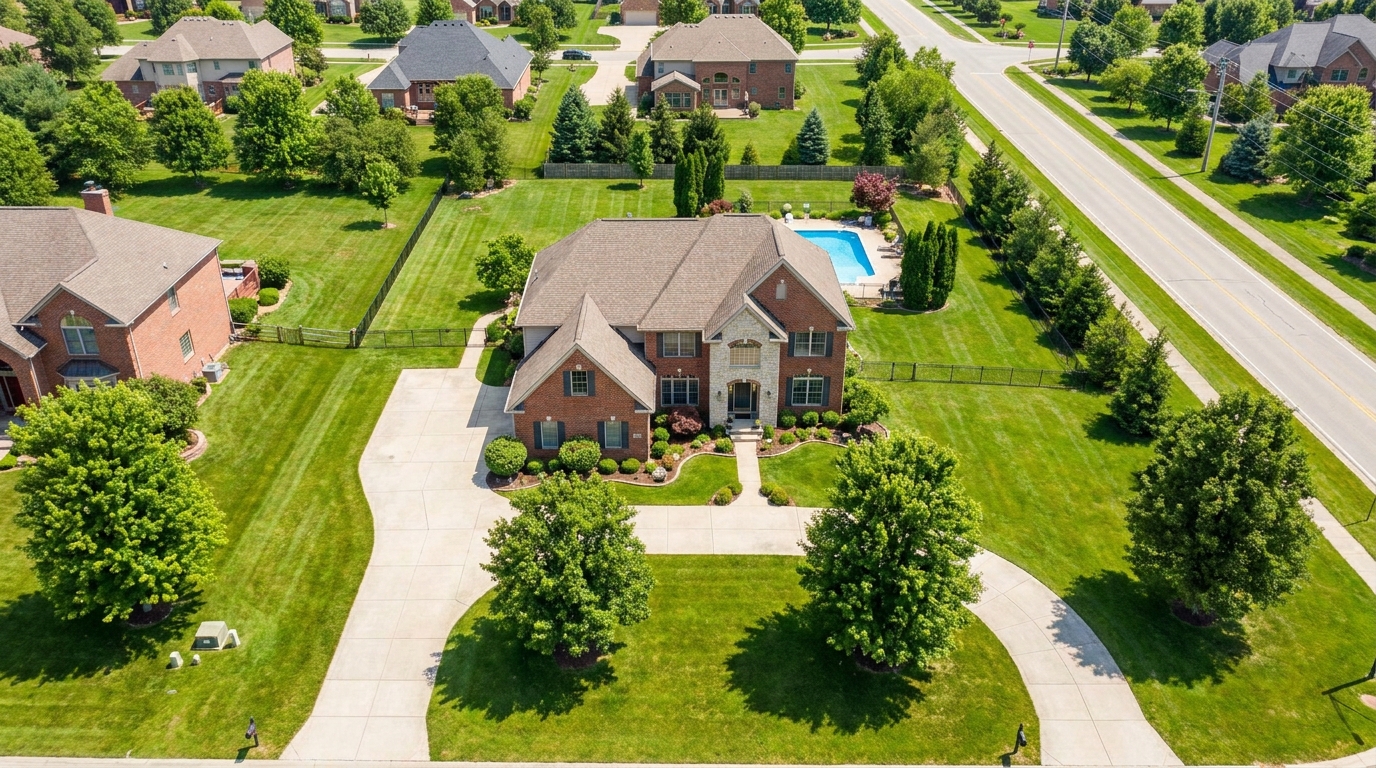
Polish aerial shots with brighter color, cleaner detail, and stronger property context.
Try This Tool →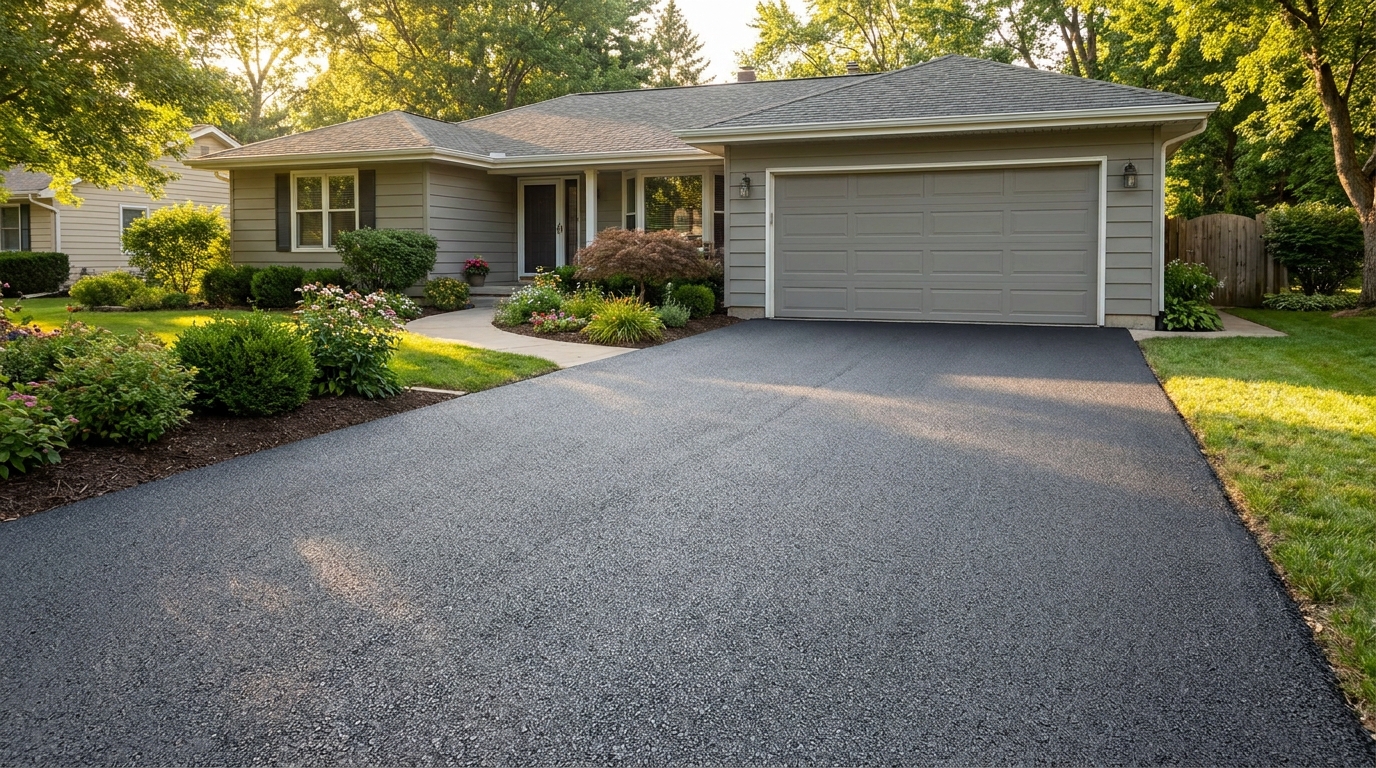
Clean up driveway appearance for a neater entrance and stronger first impression.
Try This Tool →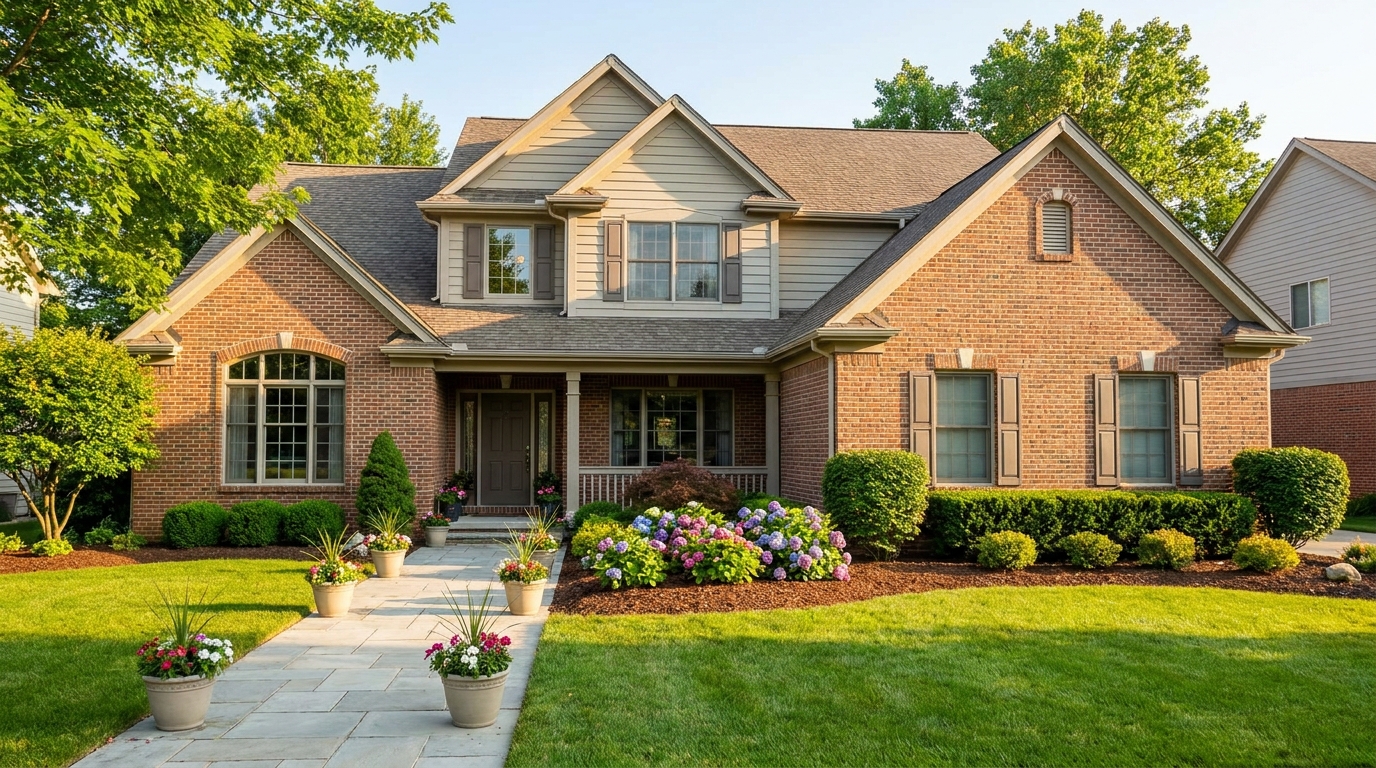
Elevate the home's exterior presence with a brighter, tidier, more inviting street view.
Try This Tool →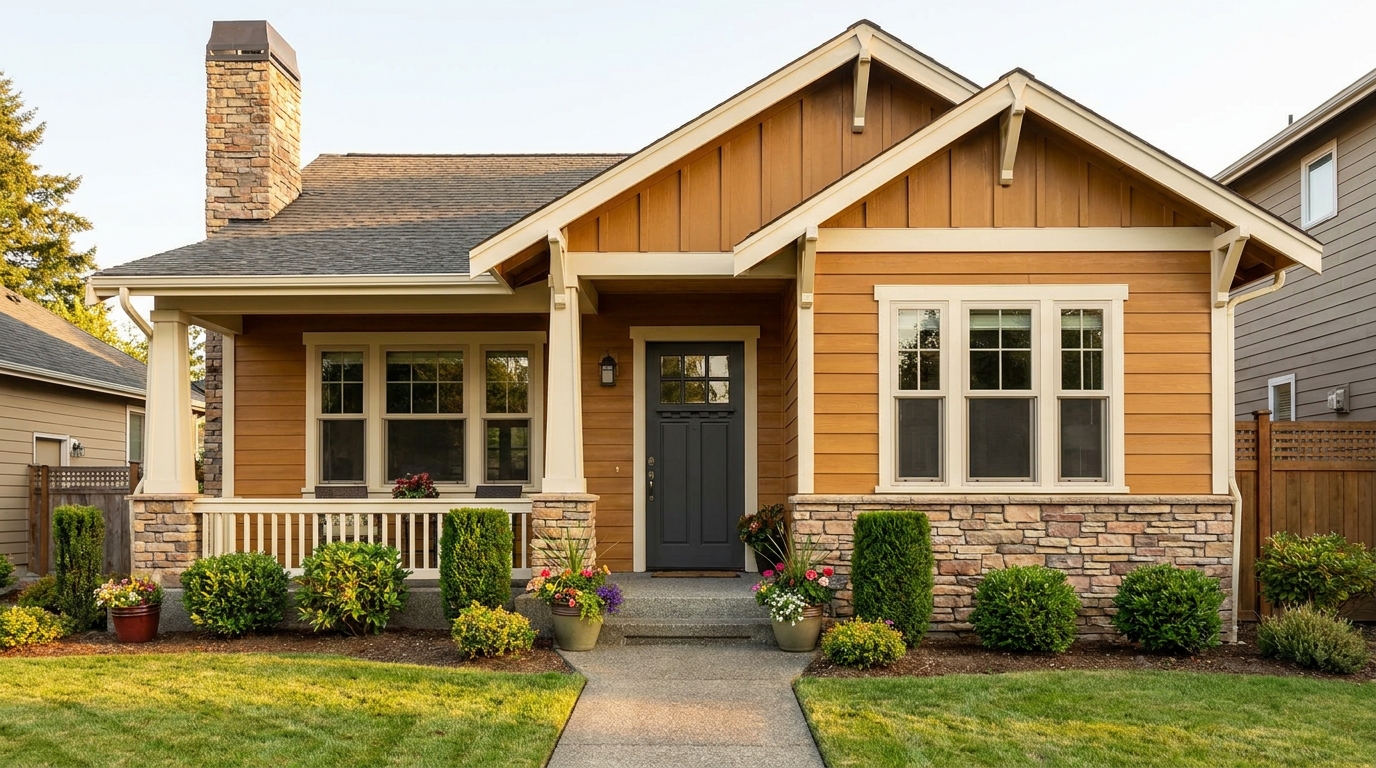
Refine facade tones so exterior materials look cleaner, richer, and more appealing.
Try This Tool →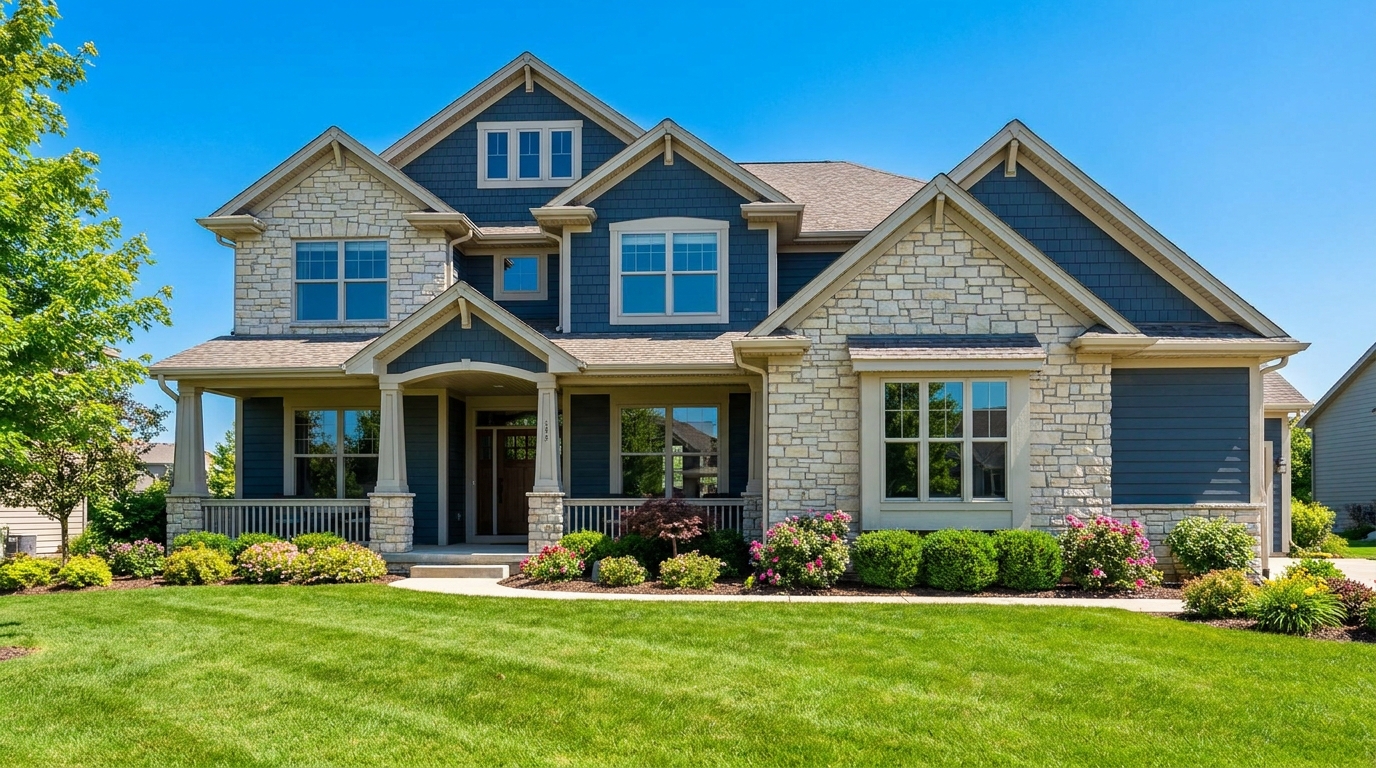
Full exterior enhancement for brighter skies, cleaner lines, and stronger curb appeal.
Try This Tool →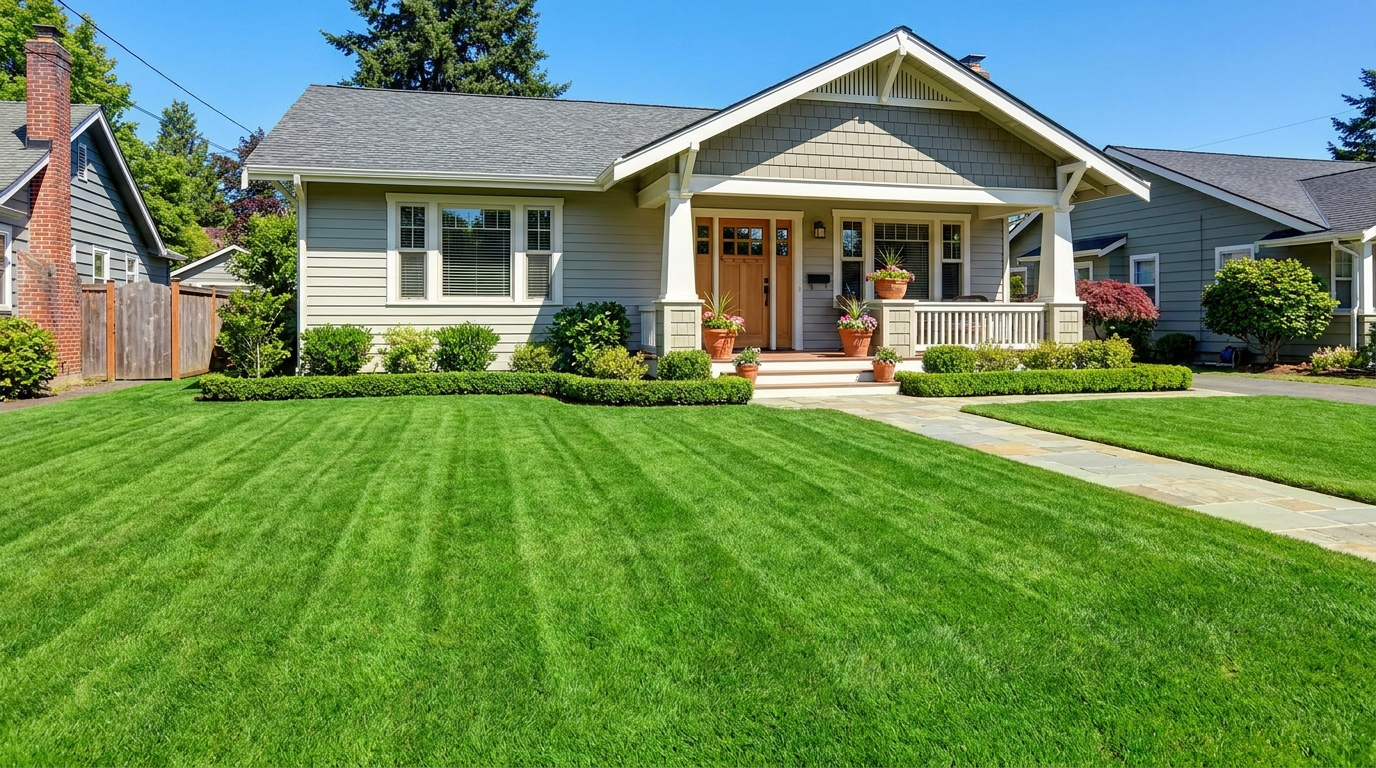
Refresh grass and yard areas for a greener, healthier, better-kept outdoor look.
Try This Tool →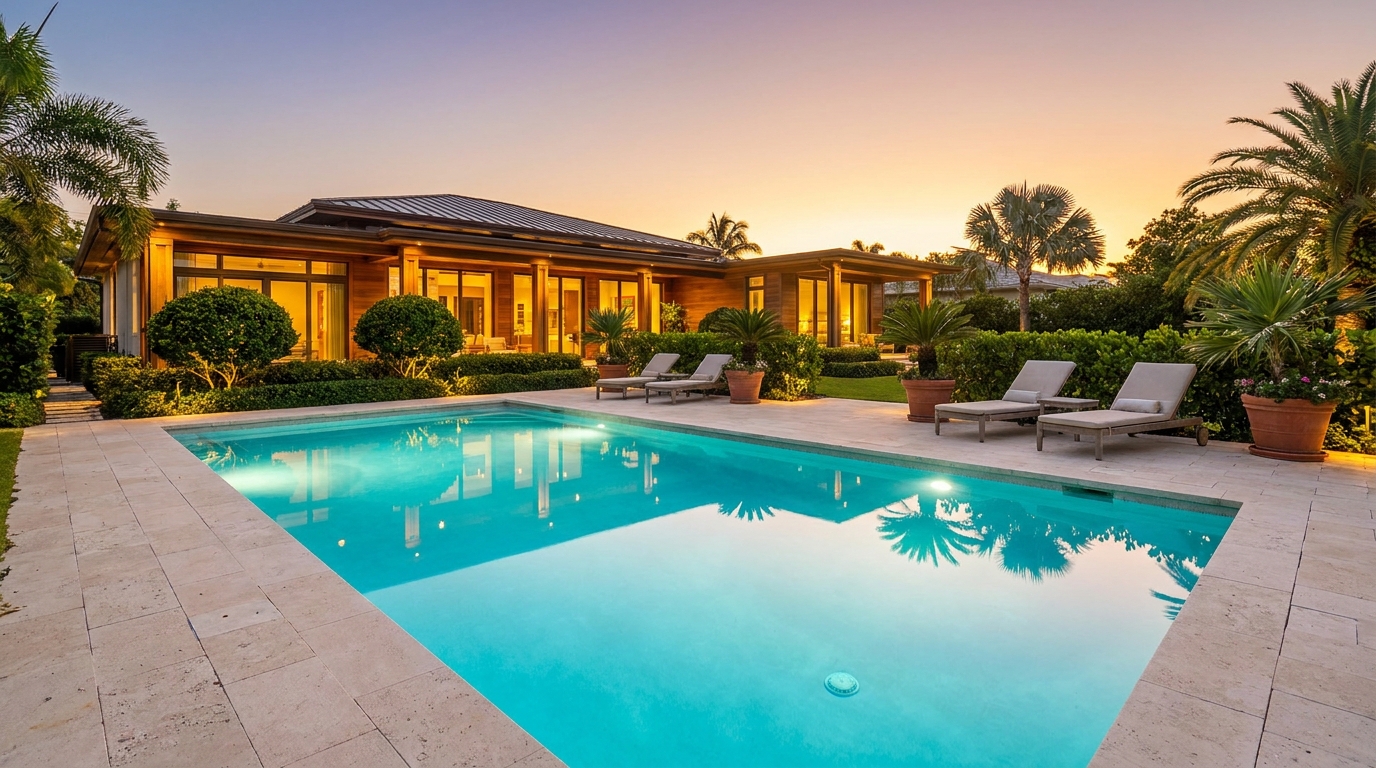
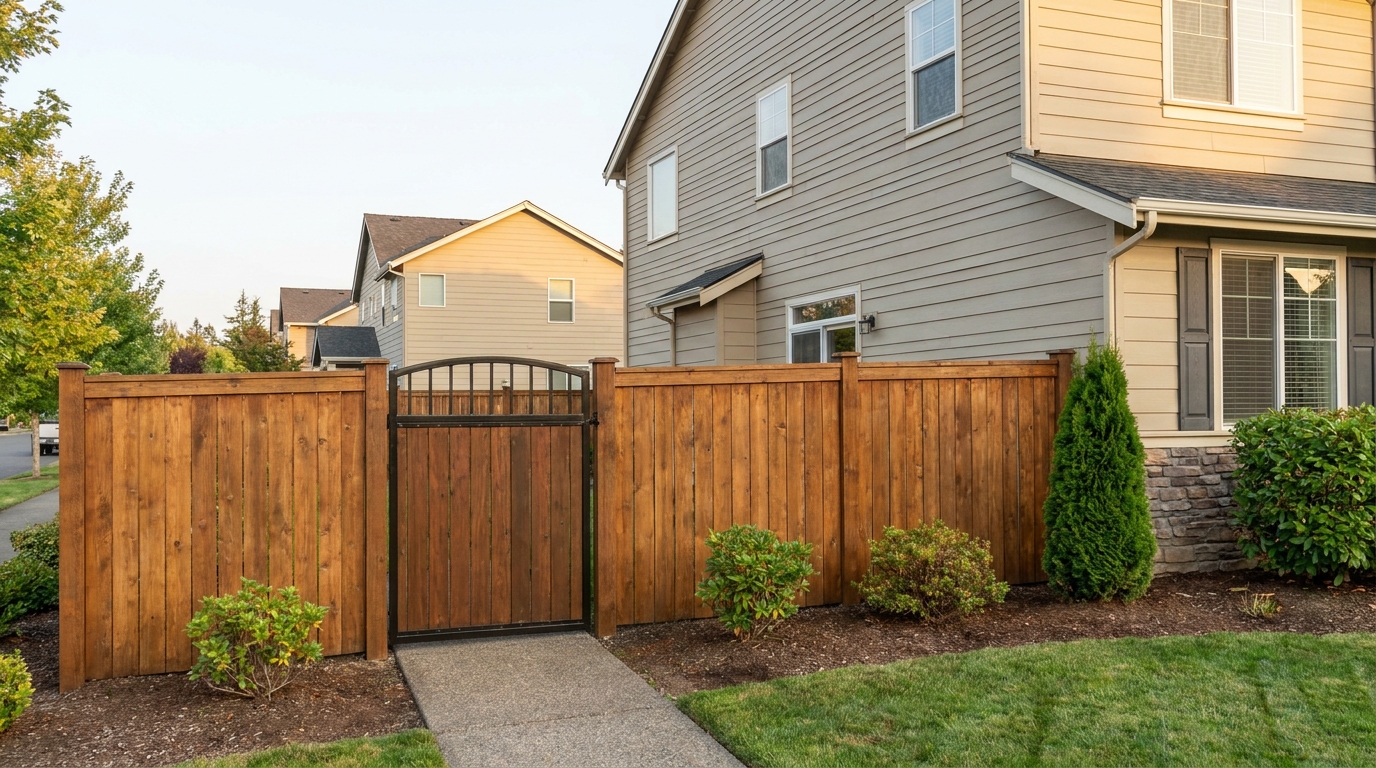
Improve fences and gates so they look cleaner, straighter, and better maintained.
Try This Tool →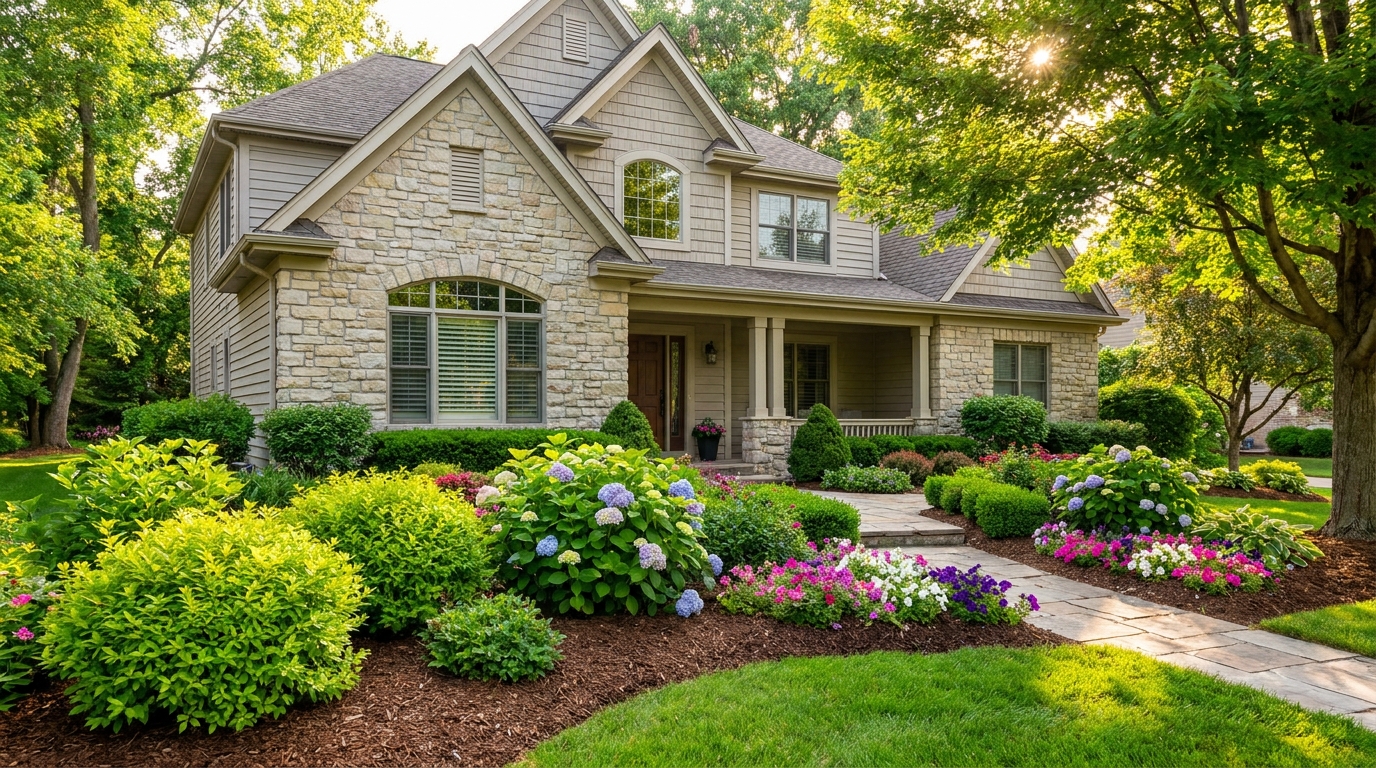
Enhance plants and greenery for a fresher, more vibrant, professionally styled exterior.
Try This Tool →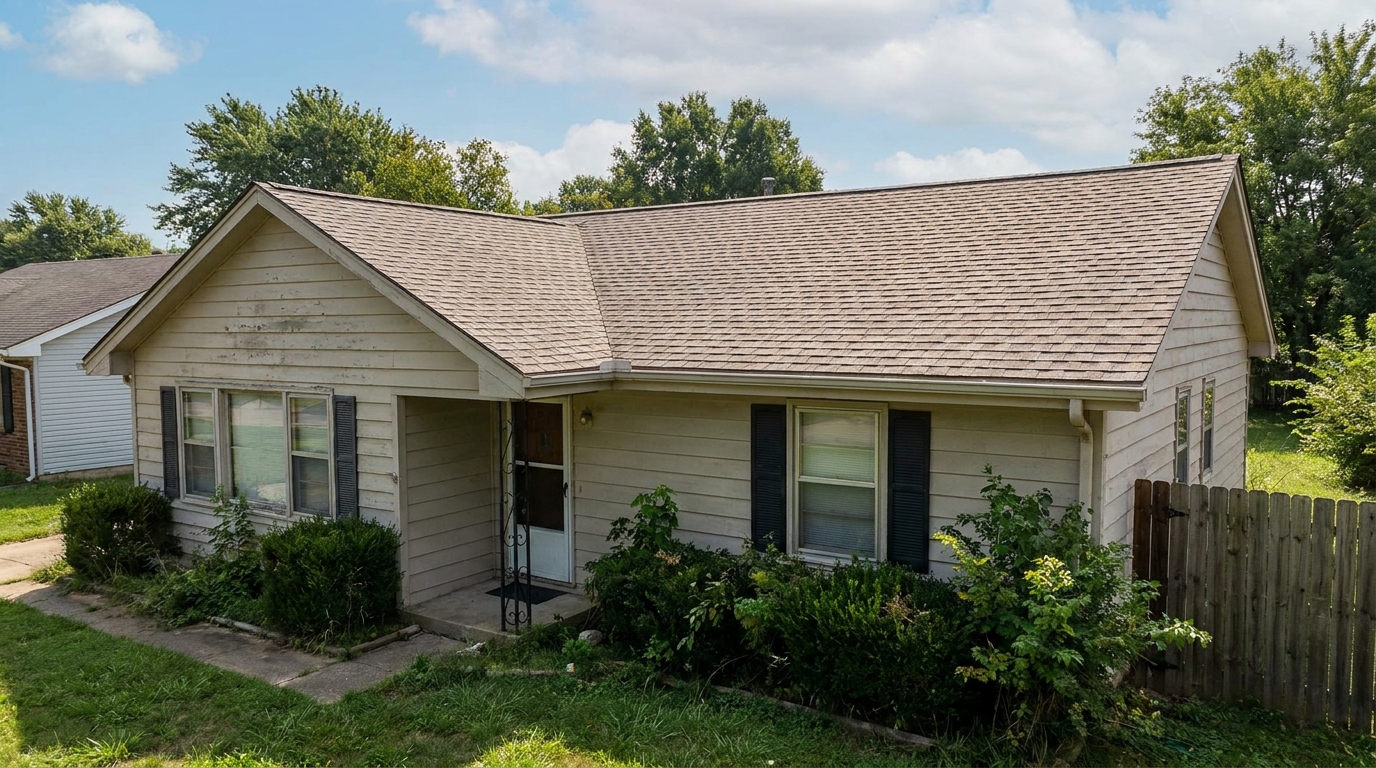
Clean and refine roof appearance for a more cared-for, market-ready exterior photo.
Try This Tool →Discover additional features to perfect your interior and exterior property listings.
AI image-to-video generation for turning home, room, and property photos into more vivid presentation videos.
02AI exterior renovation for visualizing facade updates, curb appeal improvements, and home exterior remodel ideas.
03AI landscaping design for exploring outdoor concepts, curb appeal upgrades, planting ideas, and yard layout directions.
04AI virtual staging for furnishing empty rooms and creating listing-ready interiors for real estate marketing.
05Free AI image generation for turning text prompts into unlimited visual ideas for home design, interiors, landscaping, renovation
06AI object removal for cleaning up distracting items from room, home, and property photos.
Transform dull, weathered exterior photos into vibrant, high-converting real estate listings in seconds with our AI-powered enhancer.