
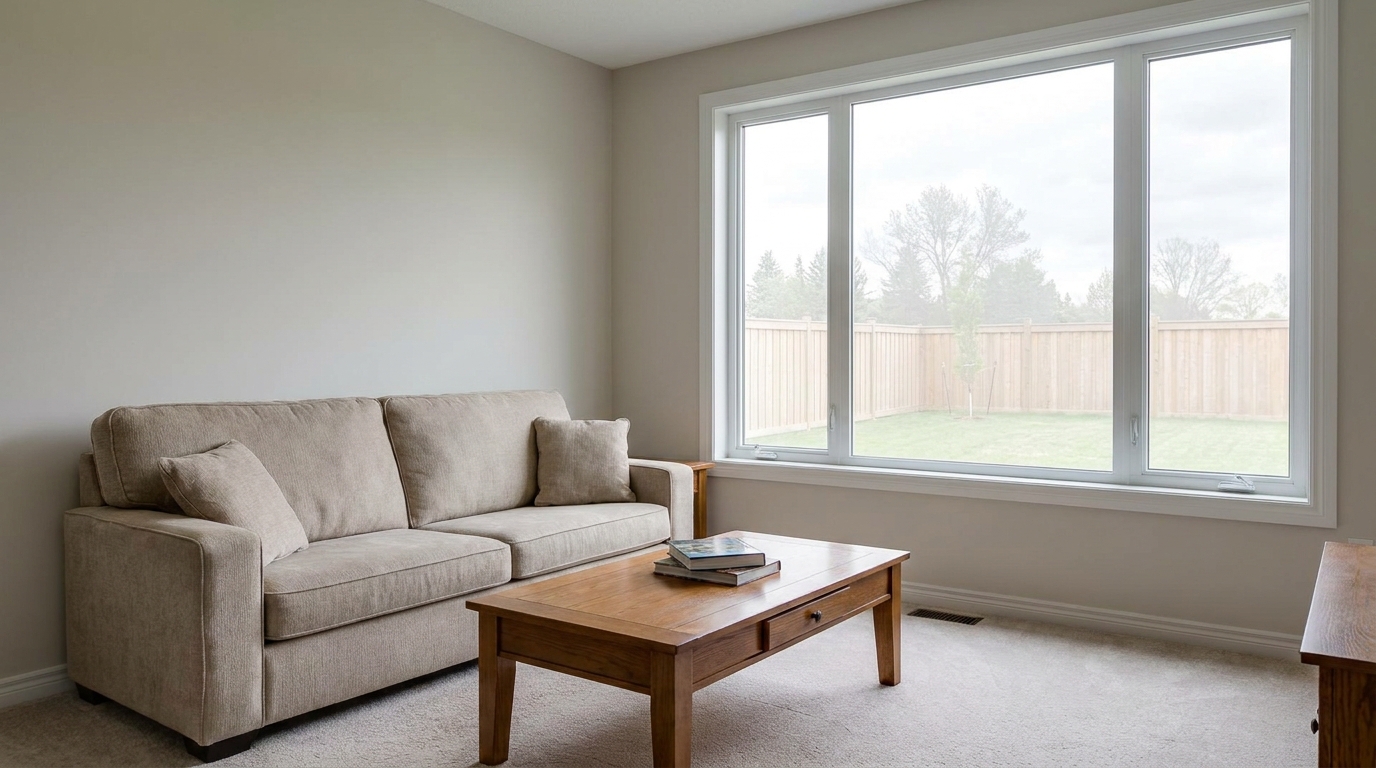
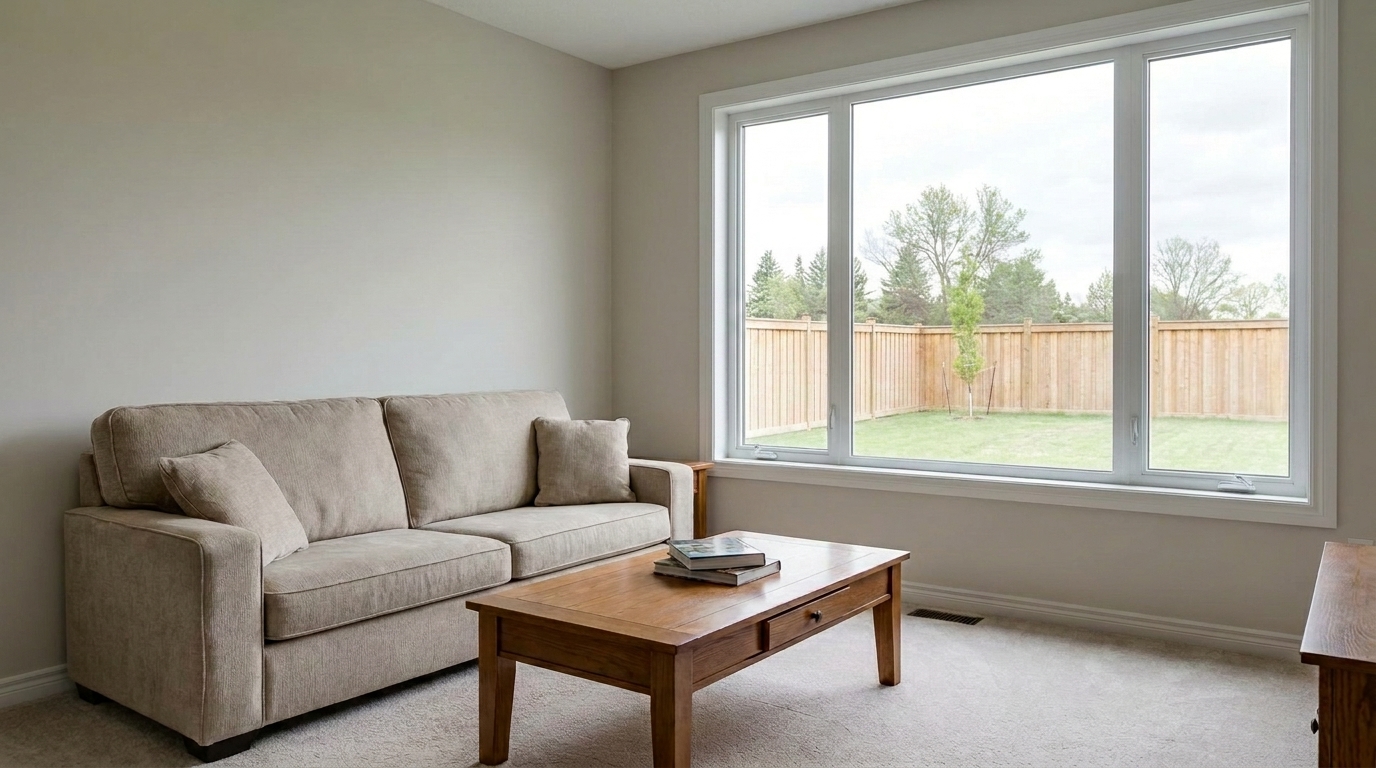

Blown-Out Living Room Windows
Perform a window-pull correction on the exact same living room.
Transform dark, cluttered, or poorly lit indoor shots into bright, professional listing photos. Balance exposure, recover window views, and polish details instantly.
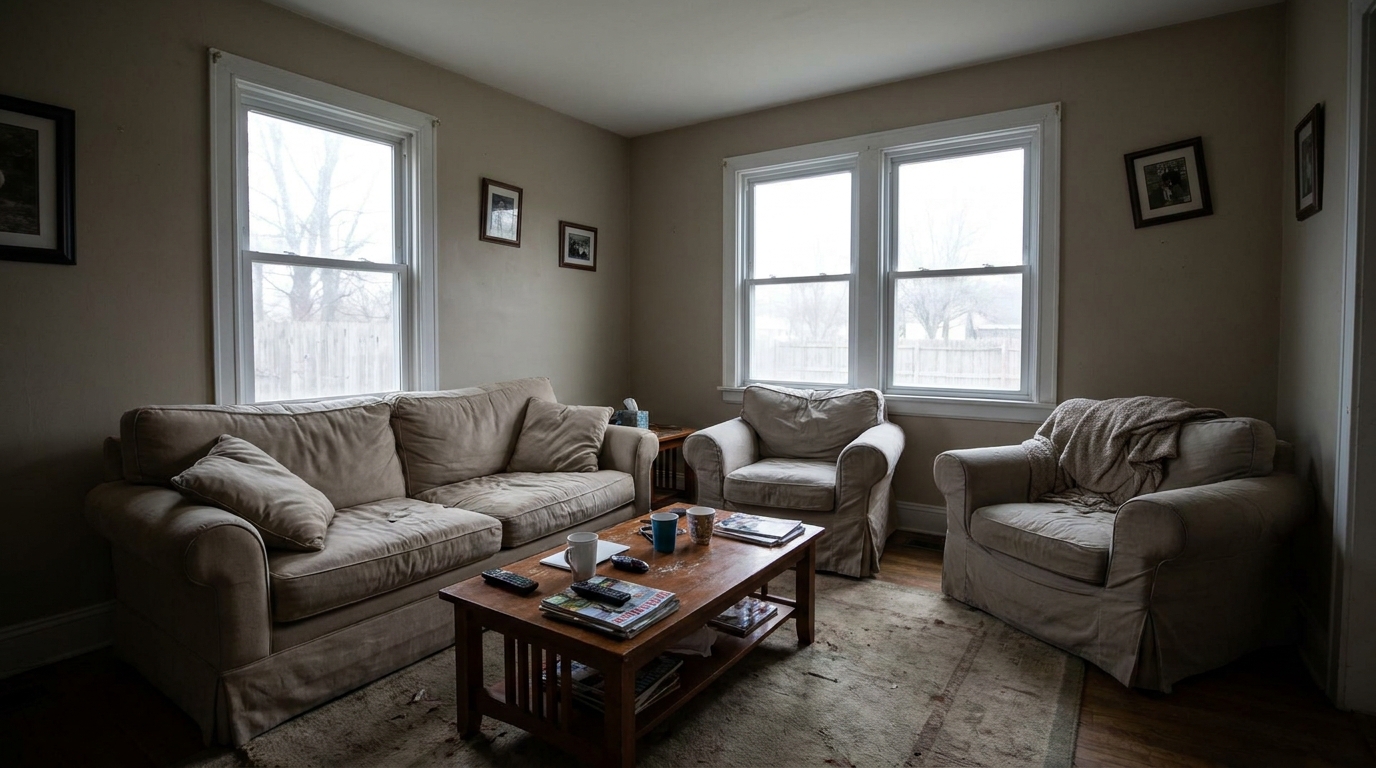
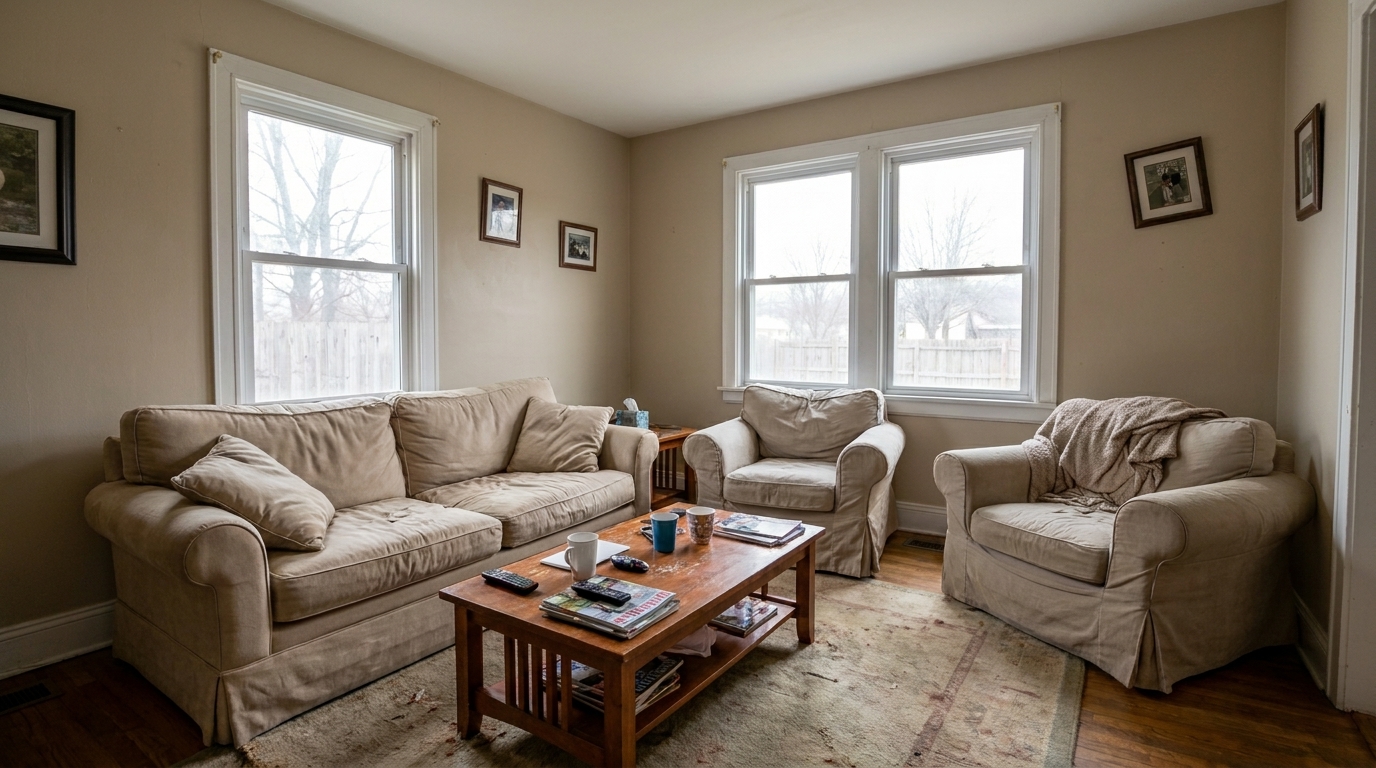
Compare before-and-after results to see the dramatic difference professional AI enhancement makes.
Perform a window-pull correction on the exact same living room.
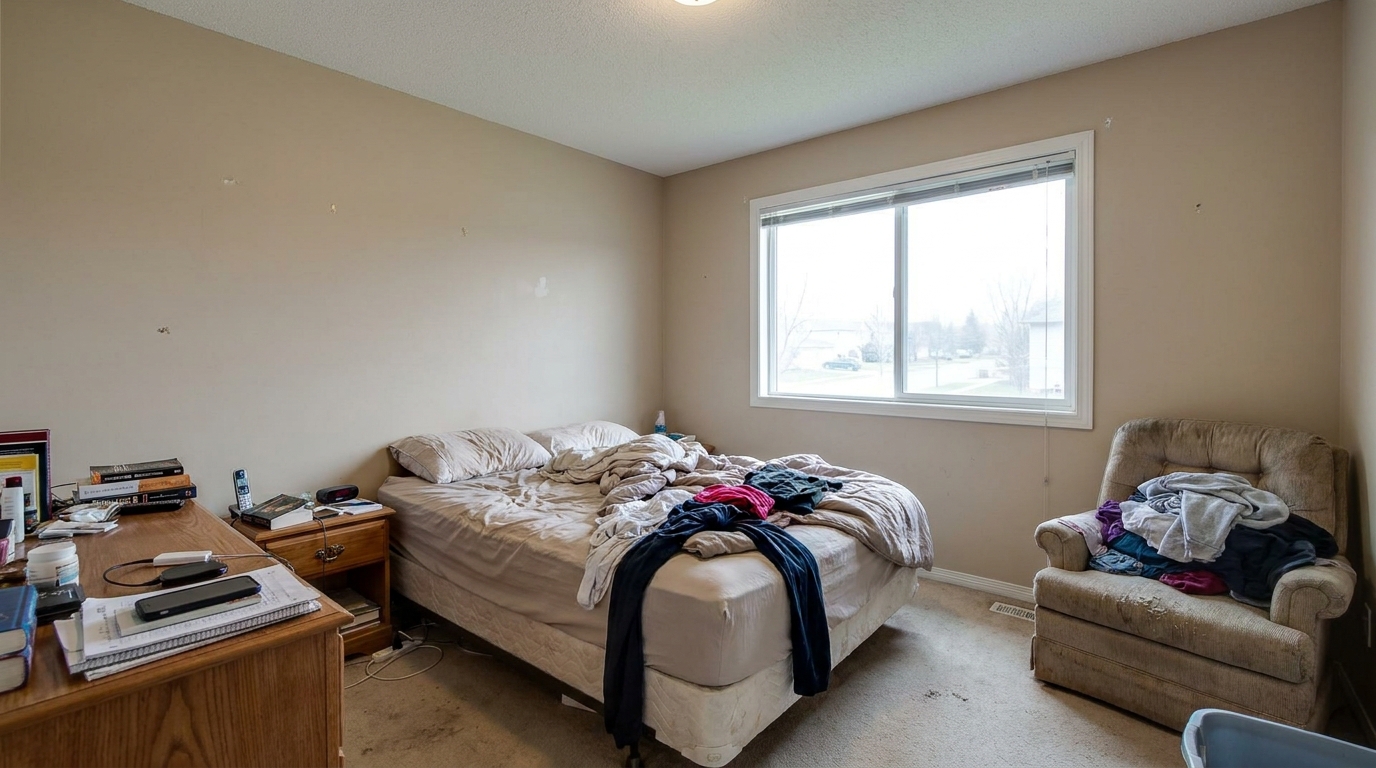
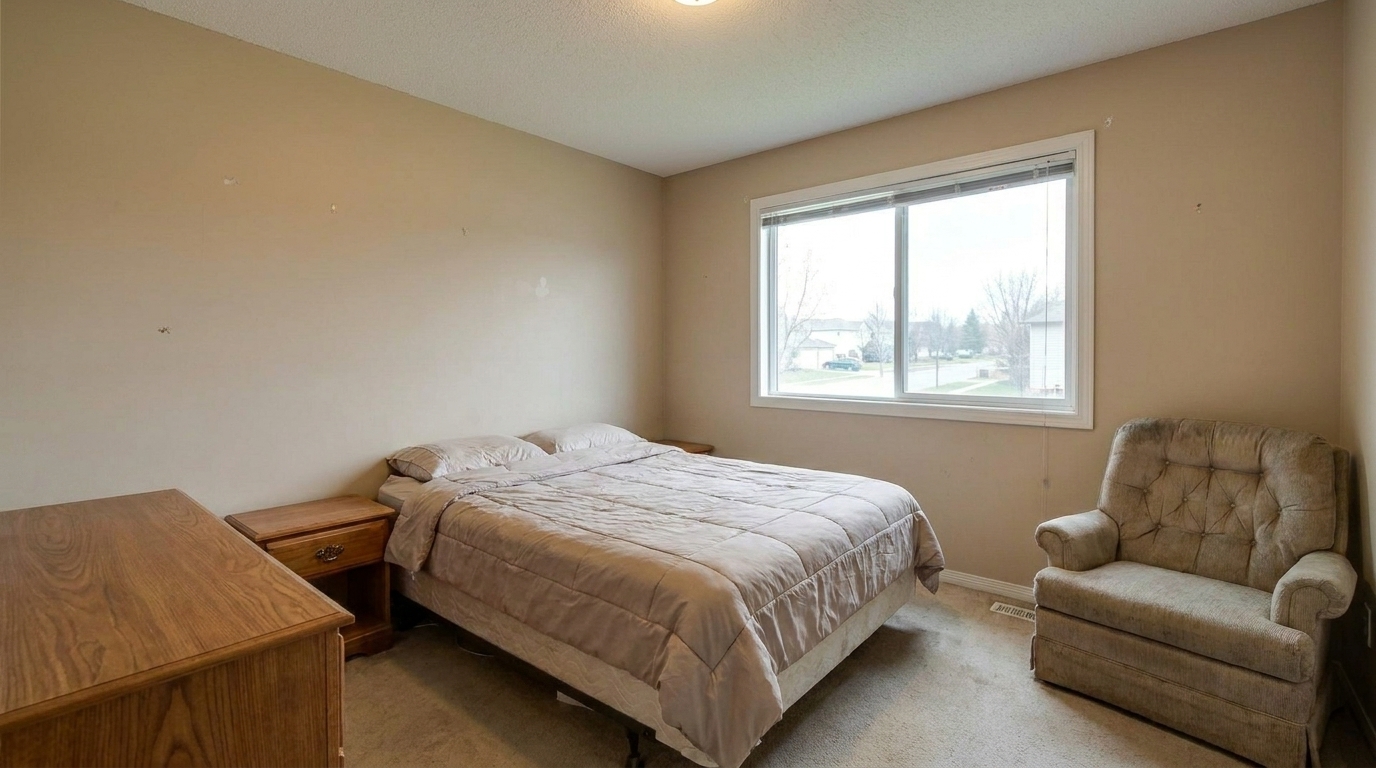
Enhance the same furnished living room into a warm, polished, listing-ready interior: balance exposure, recover natural window.
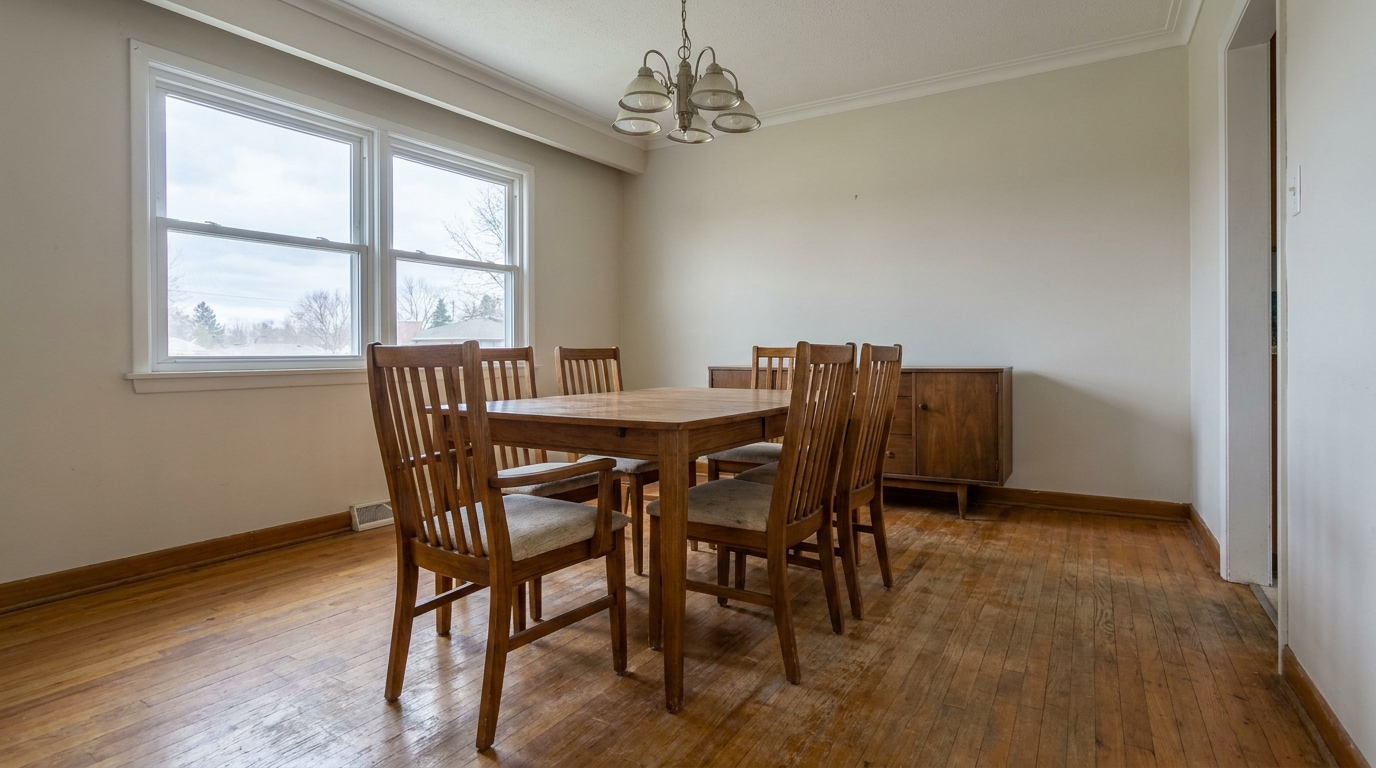
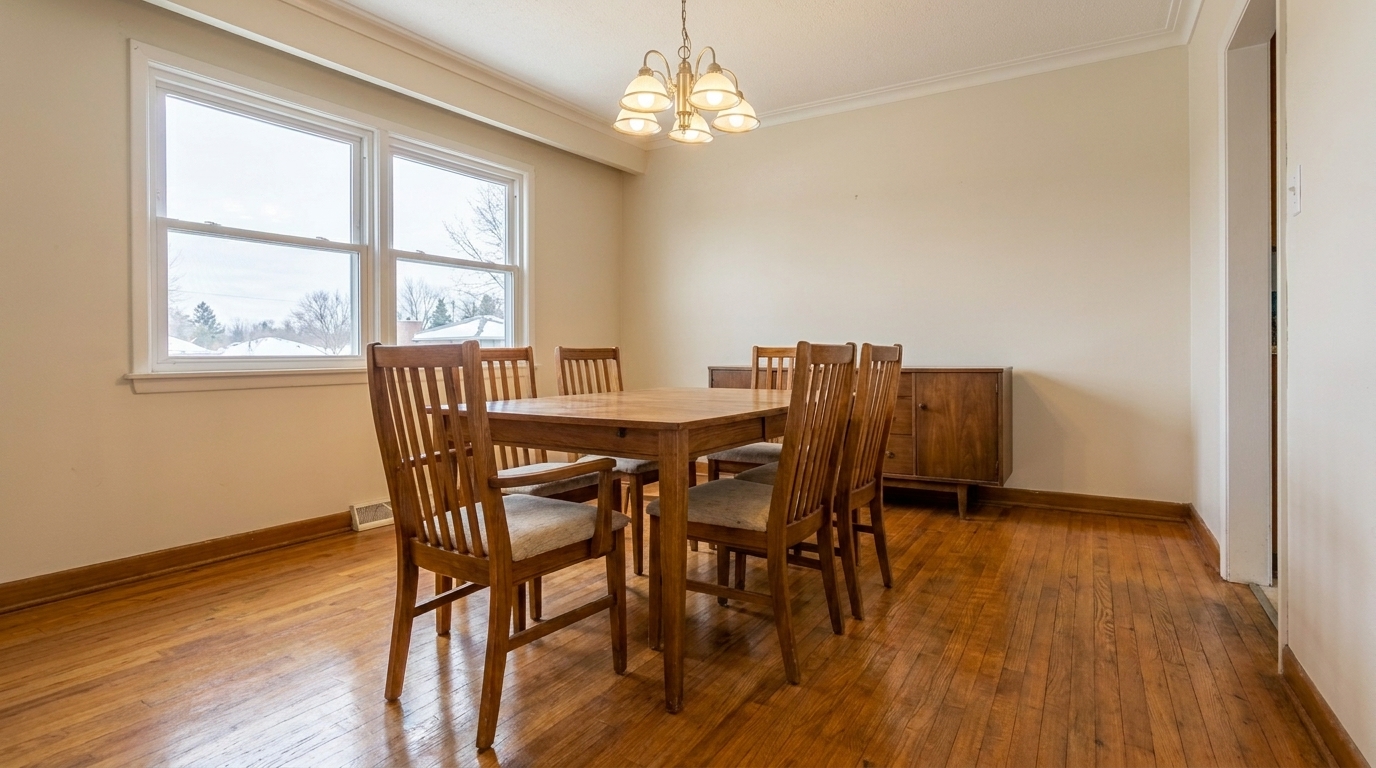
Enhance the same furnished living room into a warm, polished, listing-ready interior: balance exposure, recover natural window.
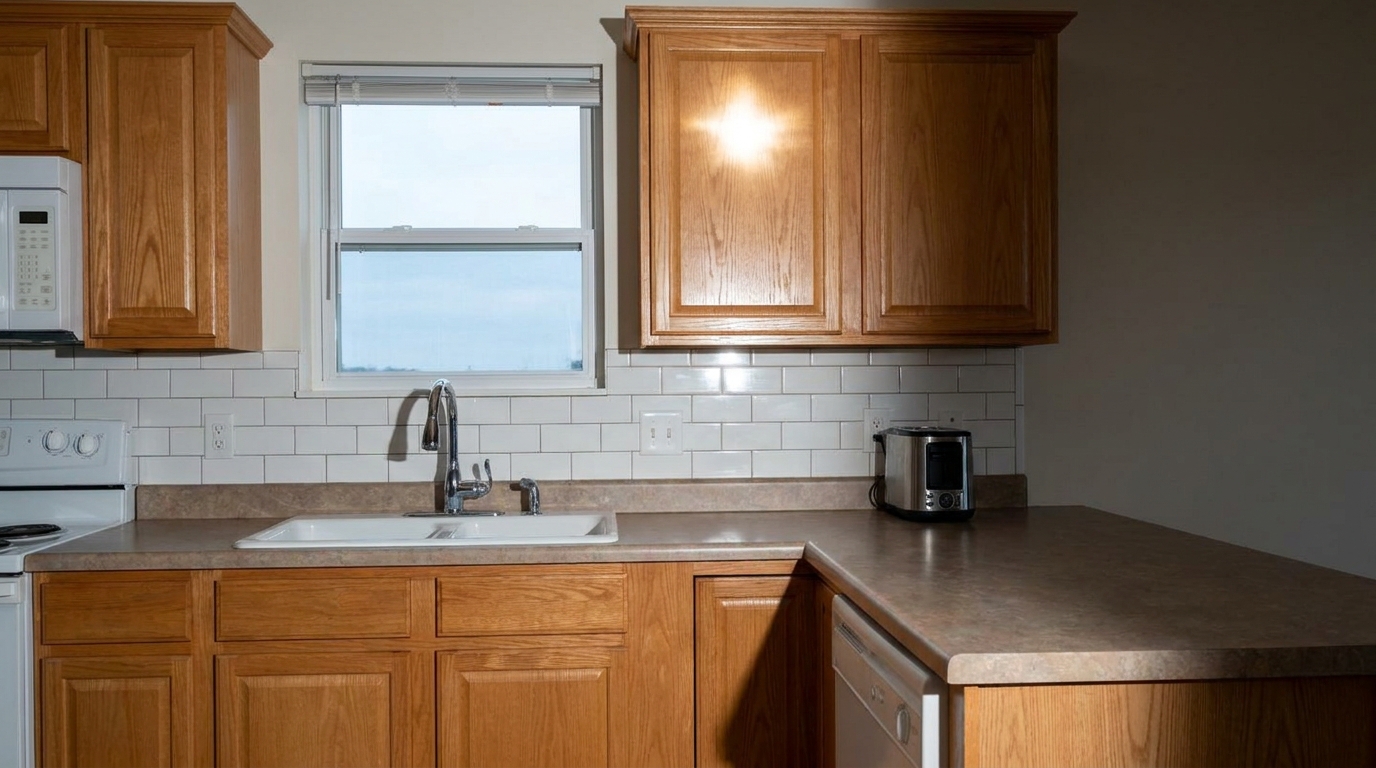
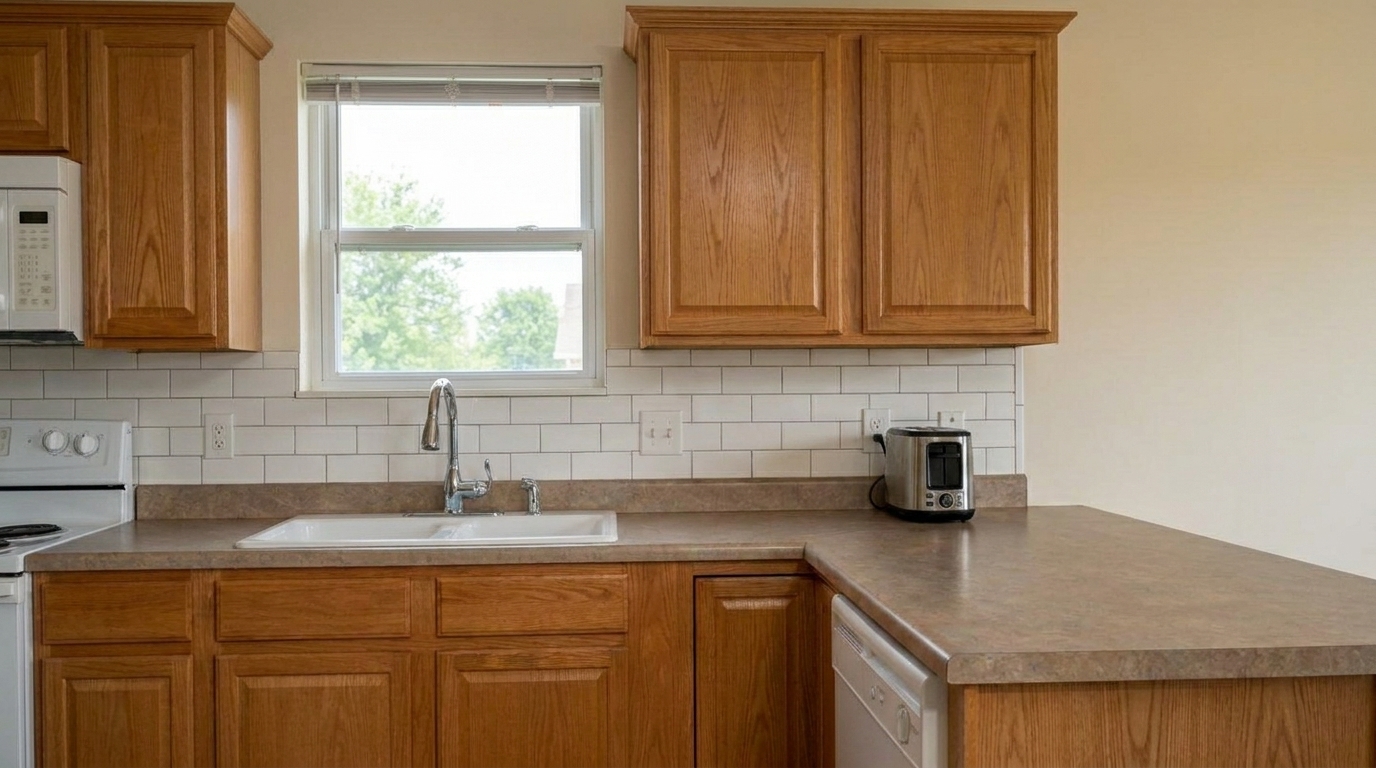
Correct only the obvious on-camera flash defects in the exact same kitchen: remove the flash hotspot, soften hard-edged shadows.
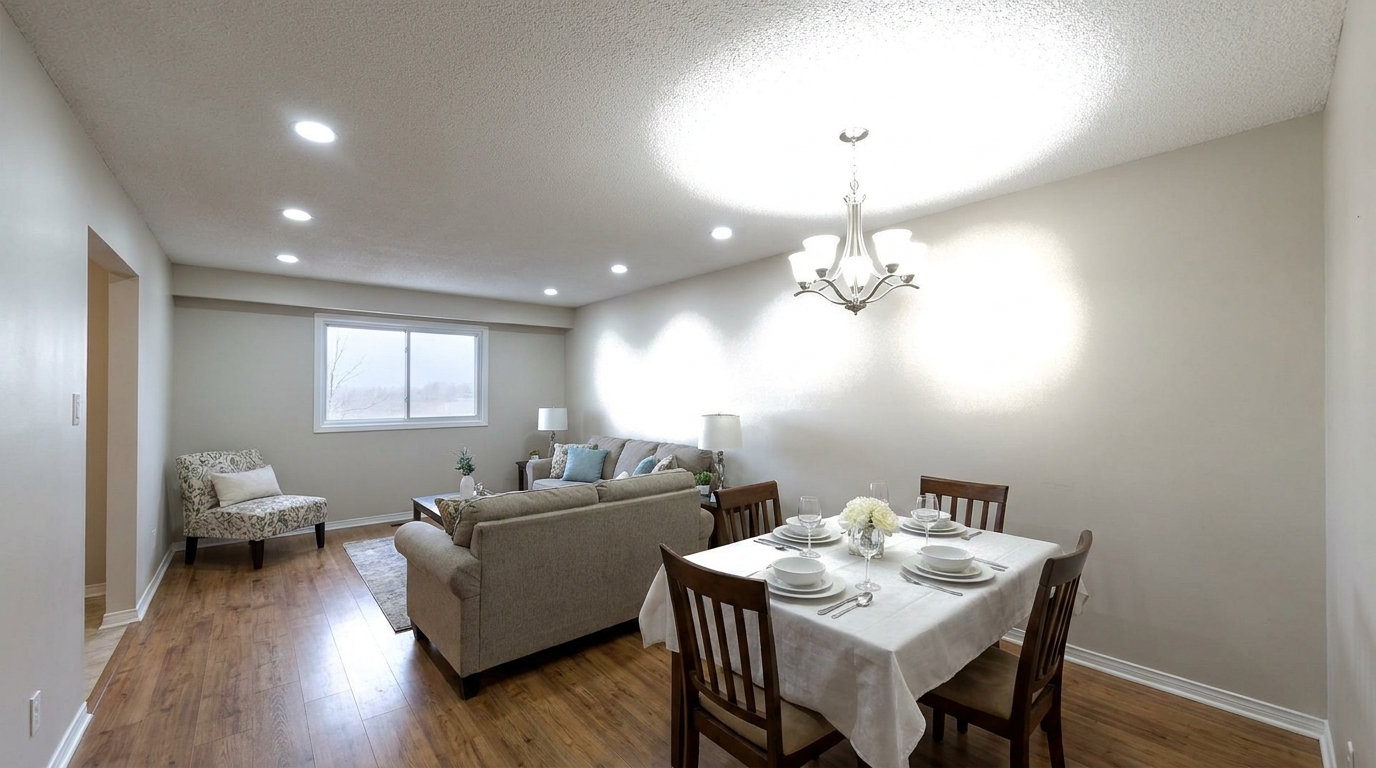
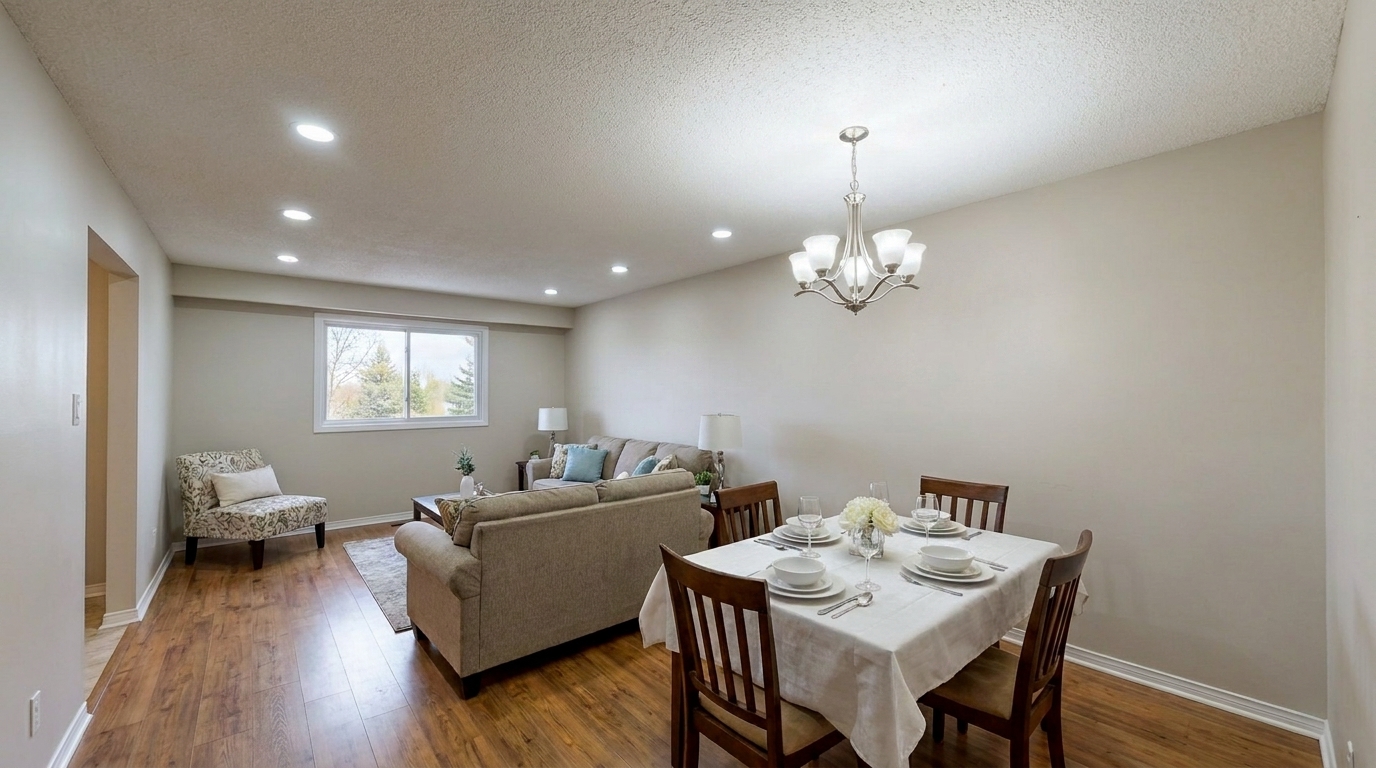
Reduce the blinding ceiling-light hotspots and clipped white halos in the exact same room while keeping the same lights on.
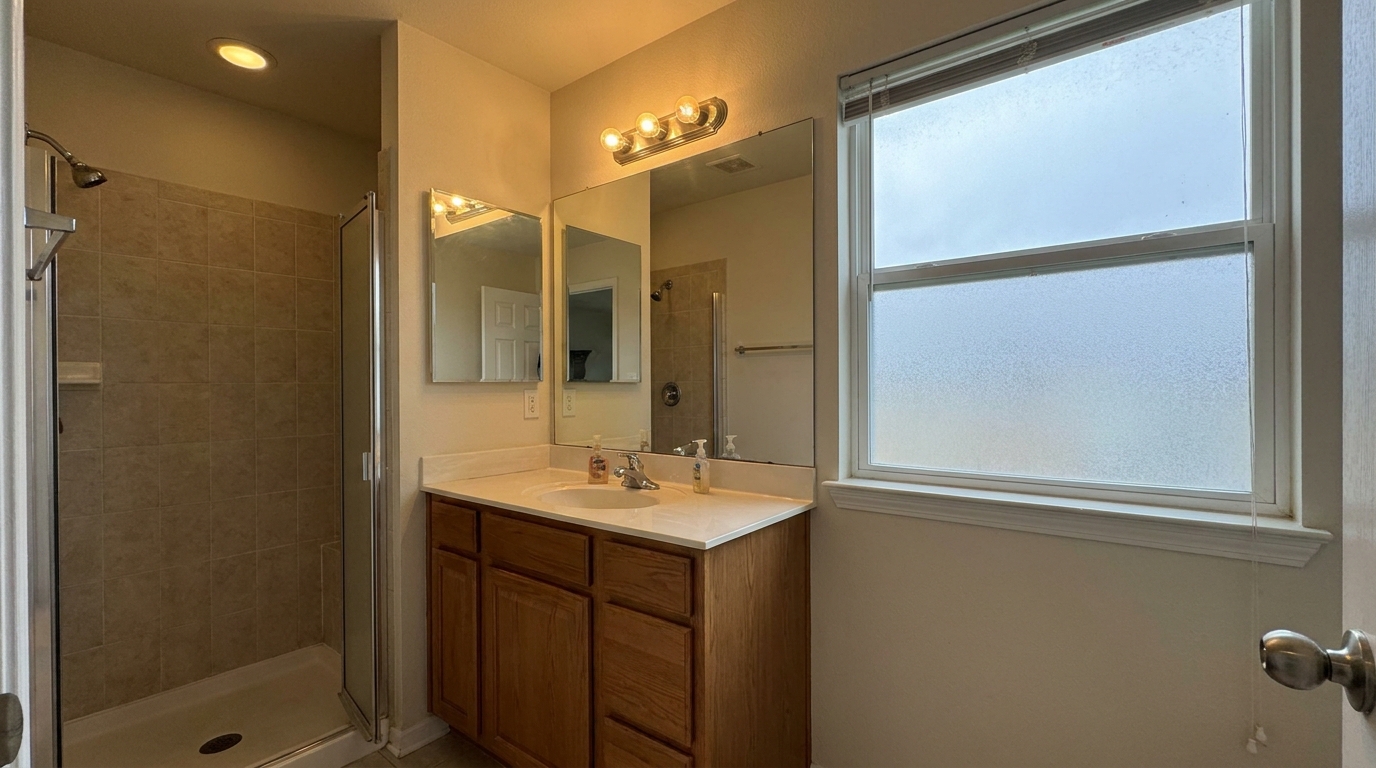
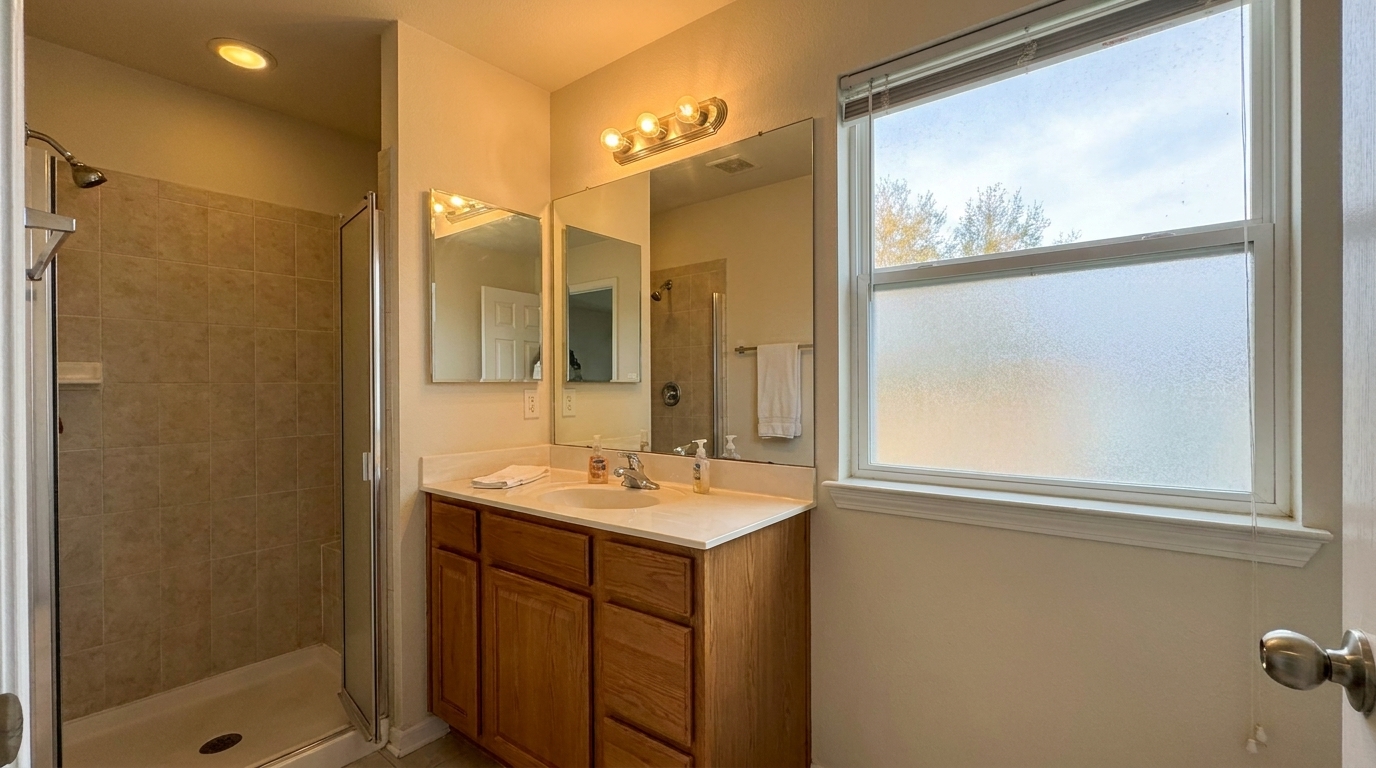
Enhance the same furnished living room into a warm, polished, listing-ready interior: balance exposure, recover natural window.
Discover the advanced AI capabilities designed to handle complex interior lighting and layout corrections.
Automatically recovers blown-out window details, balancing bright outdoor views with interior room lighting for a natural look.
Removes furniture, personal items, and clutter to reveal a clean, spacious, and vacant room layout while preserving architectural details.
Enhances wood grain, depth, and finish on hardwood floors while maintaining realistic reflections and natural textures.
Blends flash and ambient light sources to eliminate harsh shadows and create a warm, evenly lit space without looking artificial.
Softens intense glare and hotspots from light fixtures, ensuring a smoother and more professional interior lighting balance.
Automatically detects and corrects mixed lighting temperatures, ensuring accurate wall, trim, and ceiling colors.
See how agents, photographers, and designers use our interior enhancer to elevate their property listings.
Quickly polish amateur smartphone photos to make listings look professional and attract more buyers on MLS platforms.
Listing MarketingSpeed up post-processing workflows by automating tedious tasks like window pulls, flash blending, and hotspot correction.
Workflow EfficiencyPresent vacant rental units in their best light, highlighting spaciousness and clean flooring to attract quality tenants.
Rental ListingsShowcase completed projects with accurate color representation and balanced lighting that highlights design details.
Portfolio ShowcaseVisualize how a cluttered, occupied home looks completely empty before planning new furniture layouts and staging designs.
Staging PrepHighlight newly renovated features, like freshly polished hardwood floors and clean layouts, in marketing materials.
Renovation MarketingFollow these simple steps to transform raw indoor shots into stunning, market-ready listing images.
Drag and drop your raw or unedited indoor real estate photo (JPEG, PNG, or WEBP) directly into the Idealhouse editor.
Choose a specialized tool like 'Interior Photo' for general polishing, 'Window Pull' for exposure balancing, or 'Occupied to Vacant' for decluttering.
Let the AI process the image in seconds, then download the high-resolution, balanced, and polished result ready for the MLS.
Source-backed context for why interior enhancement can strengthen real estate listing presentation and buyer evaluation.
Interior Enhancement evidence
Photos are one of the most valuable website features for home buyers; NAR's 2025 generational trends report says 83% of internet-using buyers rated photos as very useful. For Interior Enhancement pages, this supports explaining why that enhancement category can influence listing presentation, buyer confidence, and perceived property readiness.
Source: NAR 2025Interior Enhancement evidence
Zillow Research's 2025 prospective buyer report ranked high-resolution photos as the number two most important listing feature, selected by 26% of prospective buyers; floor plans ranked first at 33%. For Interior Enhancement pages, this supports explaining why that enhancement category can influence listing presentation, buyer confidence, and perceived property readiness.
Source: Zillow 2025Interior Enhancement evidence
Redfin reported that professionally photographed homes in the $400,000 range sold three weeks faster and for more than $10,000 relative to list price compared with amateur photos. Use this as supporting context, not as a guaranteed result. For Interior Enhancement pages, this supports explaining why that enhancement category can influence listing presentation, buyer confidence, and perceived property readiness.
Source: RedfinLearn how to choose the right tools and workflows to transform raw indoor shots into stunning, market-ready listing images.
Achieving a professional interior photo depends on selecting the right tool for the specific issue. For general listing preparation, start with the Interior Photo preset to balance overall exposure and color. If your shot has bright, overexposed windows that hide the outdoor view, use the Window Pull preset. For cluttered or lived-in homes, the Occupied to Vacant preset is ideal for showing the home's true potential, though it should be avoided if you need to show the actual physical staging. When dealing with complex lighting, use Flash Ambient Blending to merge harsh flash shots with soft natural light, or the Ceiling Light & Hot Spot Fix to tone down blinding light fixtures. Avoid using heavy floor or light fixes on already well-balanced professional shots to prevent overprocessing.
To get the best results, follow a logical editing sequence. First, address structural clutter by running the Occupied to Vacant preset if the home is currently furnished but needs to be shown empty. Next, apply the Interior Photo or Flash Ambient Blending preset to establish a clean, bright baseline exposure across the entire room. Once the overall lighting is balanced, target specific details: use the Window Pull tool to bring back the outdoor scenery, and finish with the Enhance Hardwood Floors Photo tool to make the flooring pop. This systematic approach ensures you don't over-edit or create conflicting lighting layers.
While it is tempting to maximize brightness and saturation, real estate photos must remain realistic to build trust with buyers. Over-processed photos can lead to disappointment during physical showings. Our AI tools are calibrated to respect physical boundaries, natural light directions, and true material colors. For instance, the hardwood floor enhancer deepens existing tones rather than recoloring them, and the window pull tool maintains a natural exposure difference between inside and outside so the view doesn't look like a pasted-on poster.
AI interior enhancement is perfect for high-volume listings, tight deadlines, and budget-conscious marketing where hiring a professional photographer or editor is impractical. It delivers 90% of the quality of manual editing in a fraction of the time. However, for ultra-luxury properties requiring custom artistic direction, complex multi-exposure HDR blending, or highly specific architectural corrections, manual editing by a specialist photographer may still be preferred. Use AI to scale your everyday listing operations efficiently.
Select a dedicated preset to target specific interior challenges, from window exposure to floor polishing.
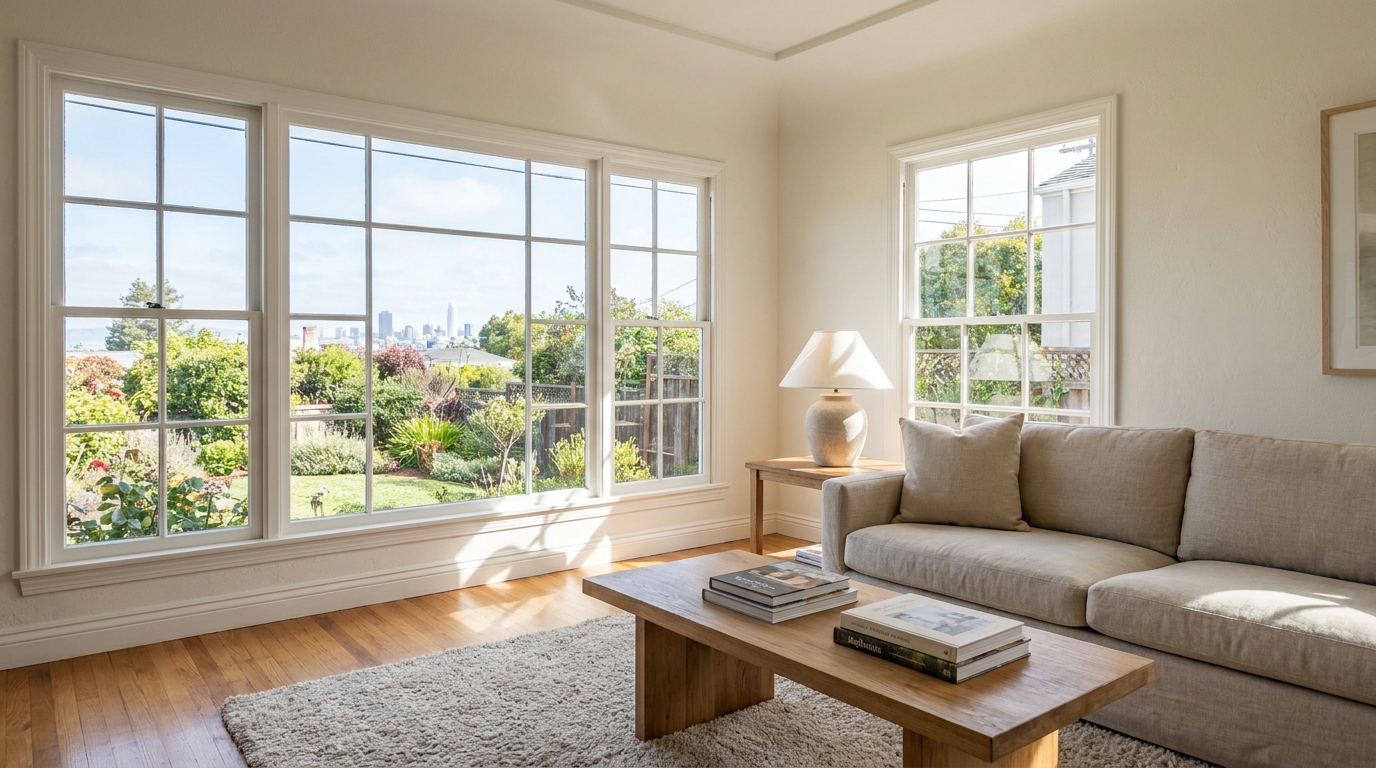
Recover natural window detail while keeping interiors bright, balanced, and realistic.
Try This Tool →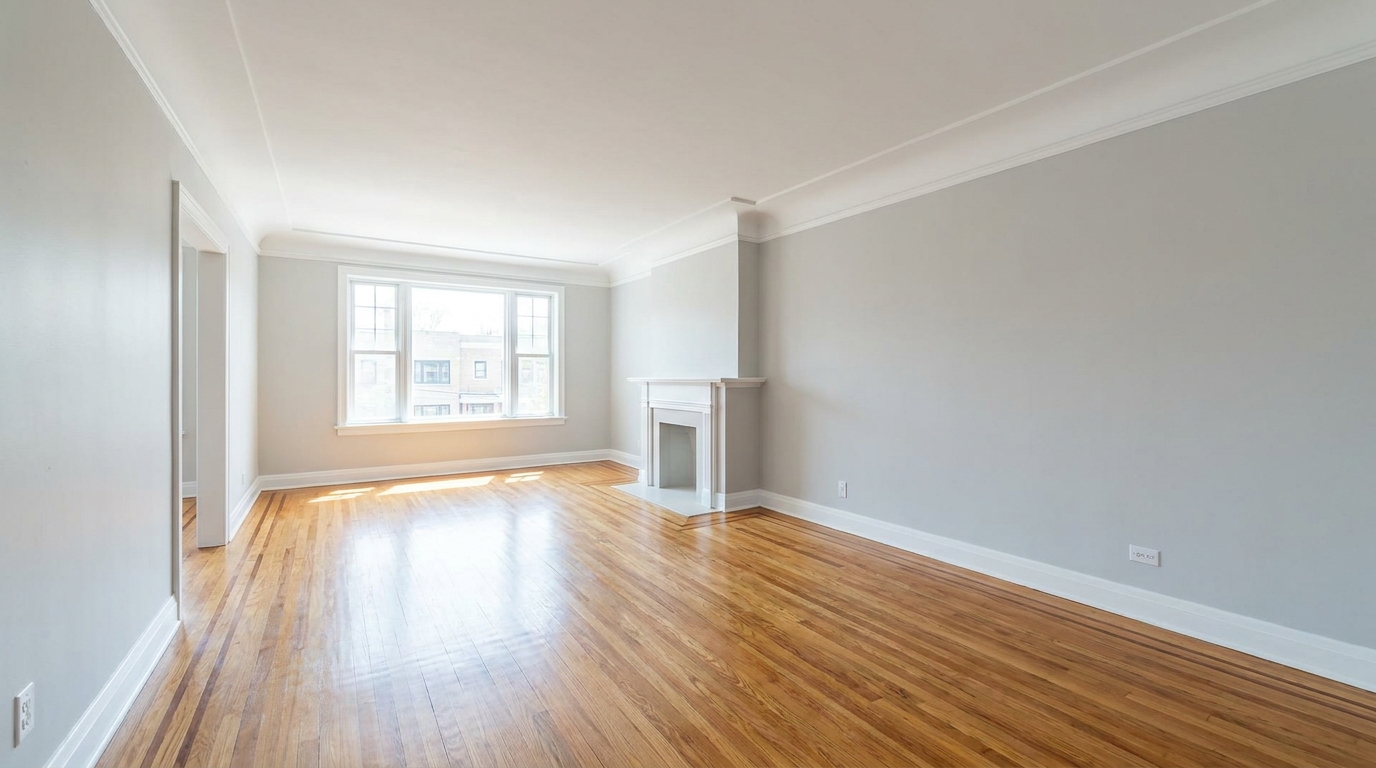
Remove furnishings and personal items to create a clean, spacious vacant-room presentation.
Try This Tool →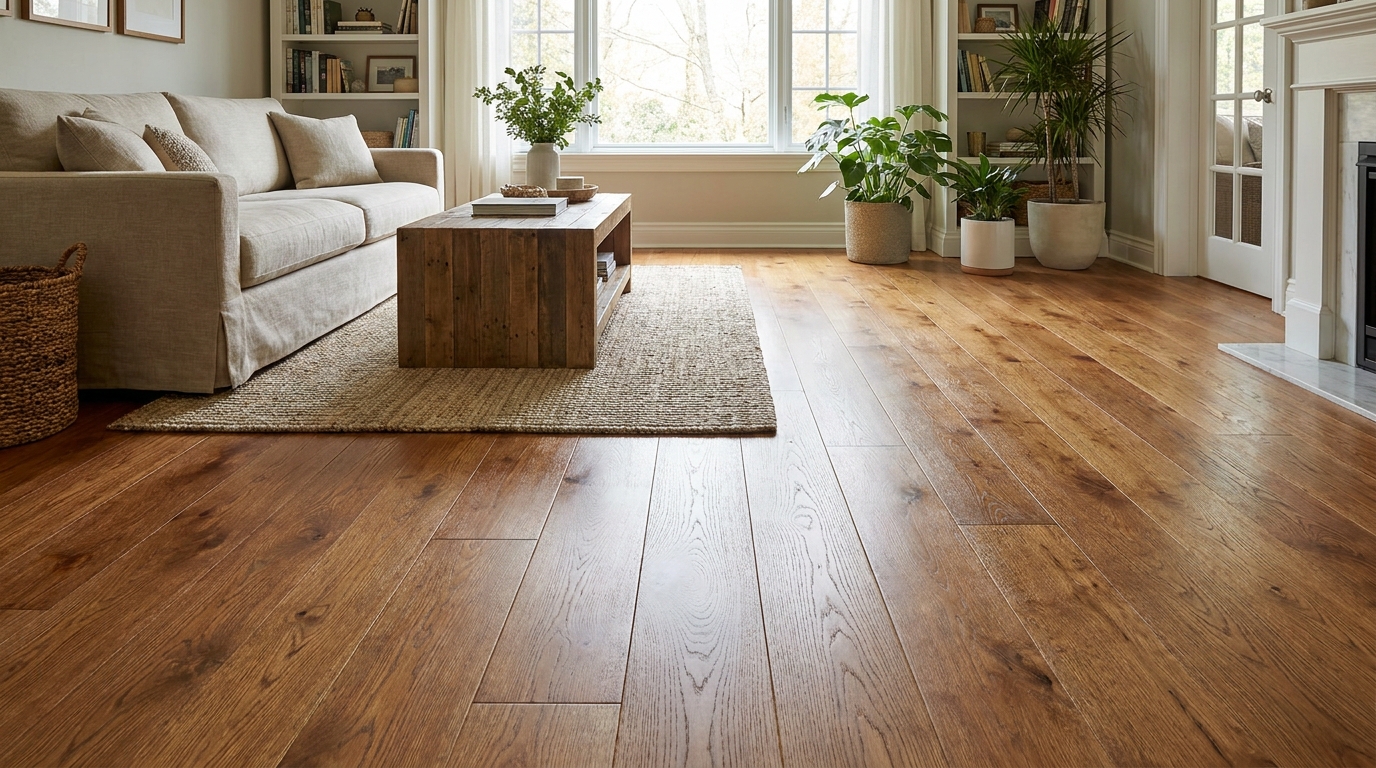
Bring out richer wood tone and cleaner floor detail without looking overprocessed.
Try This Tool →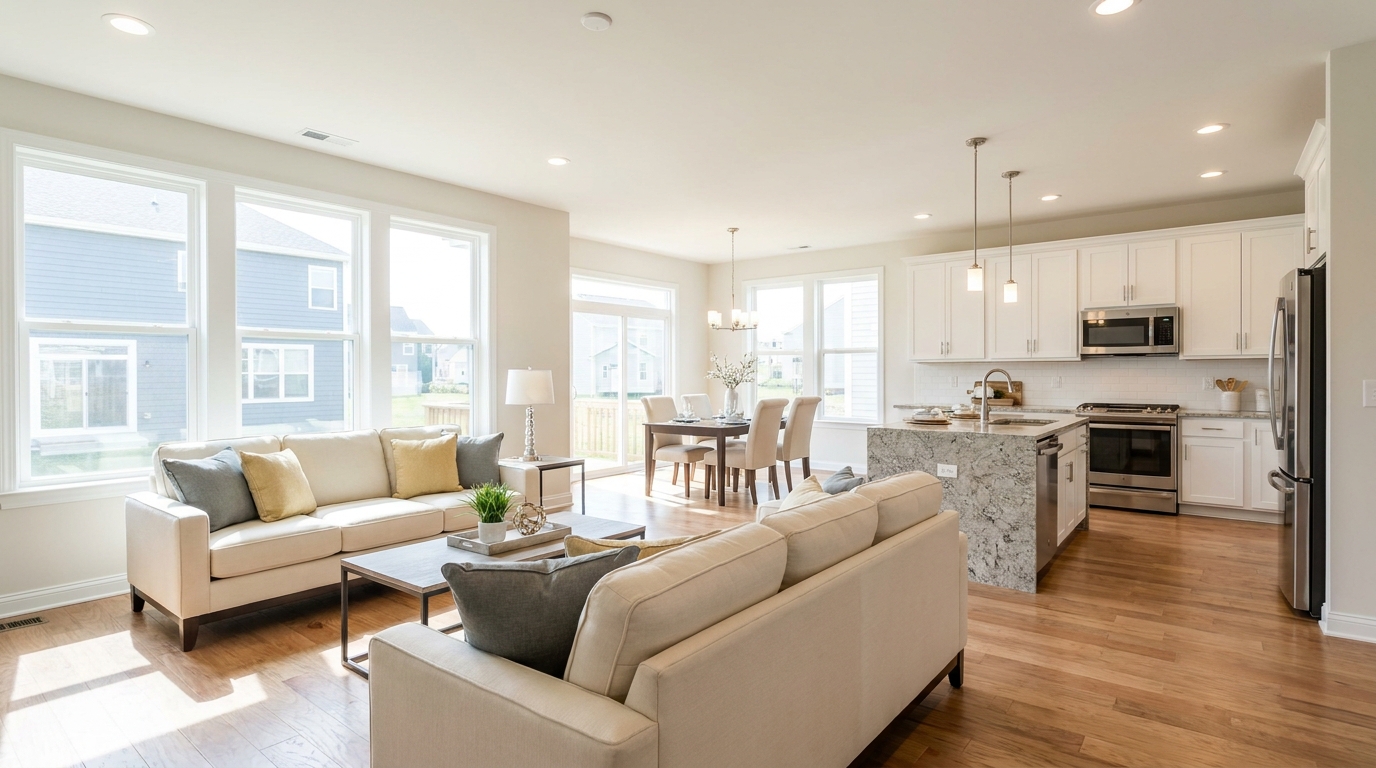
Full interior polishing for brighter rooms, cleaner color, and more inviting listing photos.
Try This Tool →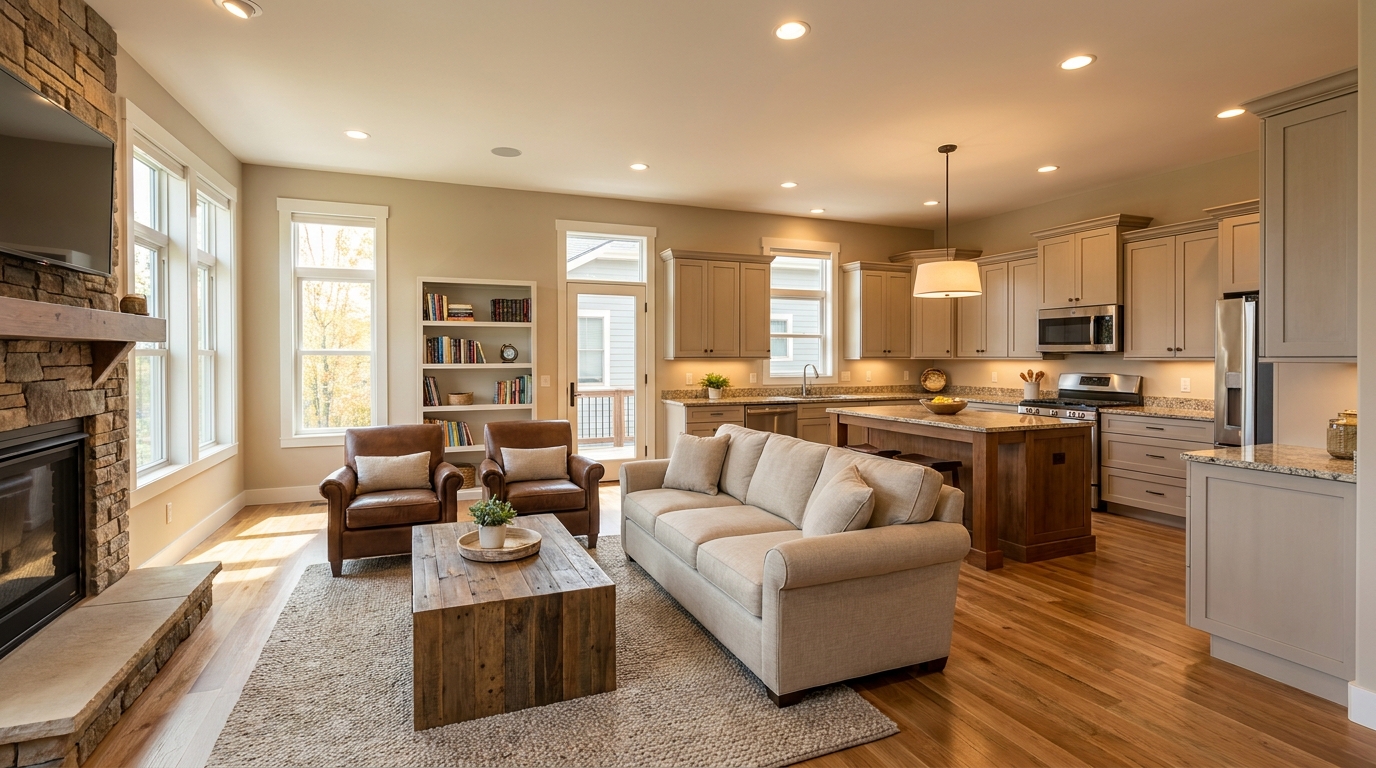
Blend flash and ambient exposures for interiors that feel bright, natural, and well balanced.
Try This Tool →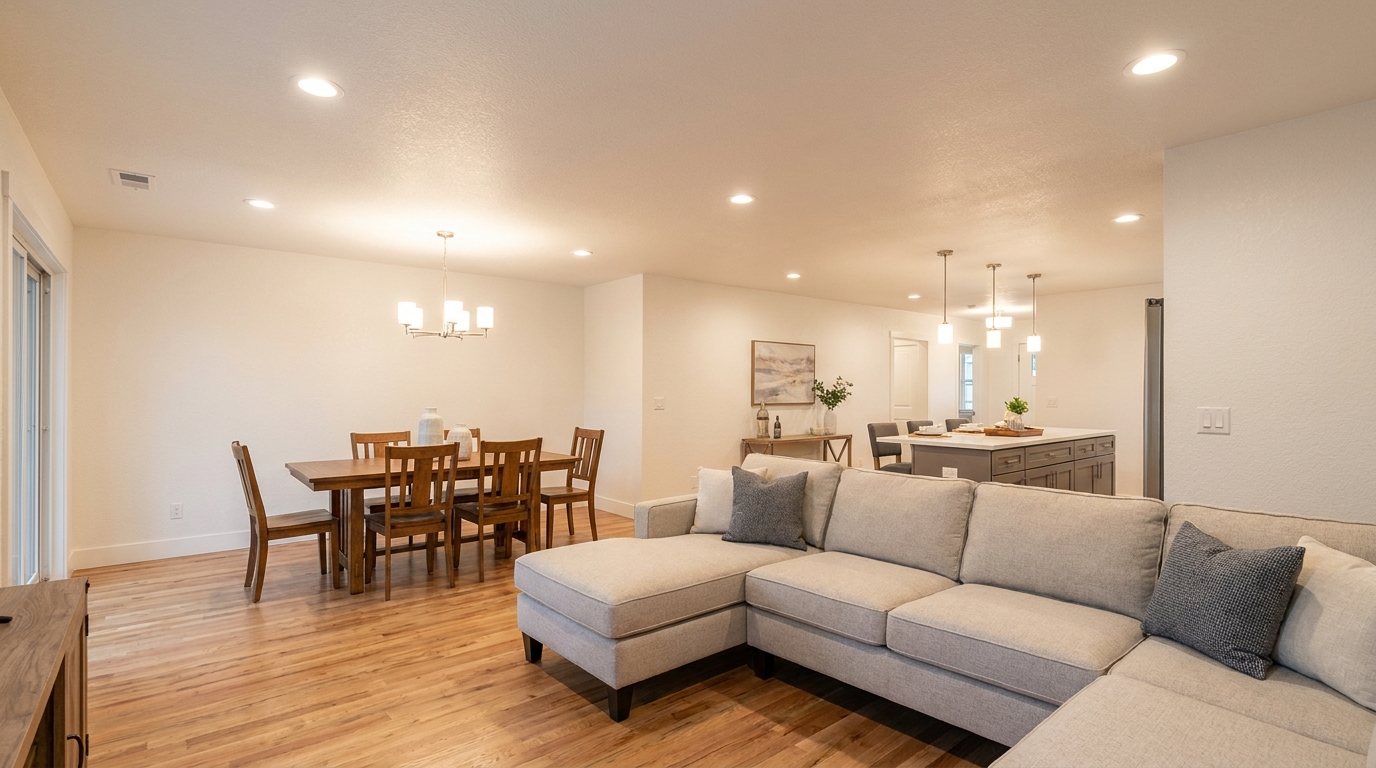
Soften harsh fixture glare and hotspots for smoother, more professional interior lighting.
Try This Tool →Discover complementary AI enhancers to polish exteriors, add virtual fireplaces, and optimize listing quality.
AI image-to-video generation for turning home, room, and property photos into more vivid presentation videos.
02AI exterior renovation for visualizing facade updates, curb appeal improvements, and home exterior remodel ideas.
03AI landscaping design for exploring outdoor concepts, curb appeal upgrades, planting ideas, and yard layout directions.
04AI virtual staging for furnishing empty rooms and creating listing-ready interiors for real estate marketing.
05Free AI image generation for turning text prompts into unlimited visual ideas for home design, interiors, landscaping, renovation
06AI object removal for cleaning up distracting items from room, home, and property photos.
Don't let dark rooms or cluttered spaces turn buyers away. Use our AI-powered Interior Photo Enhancer to create bright, inviting, and professional photos instantly.