
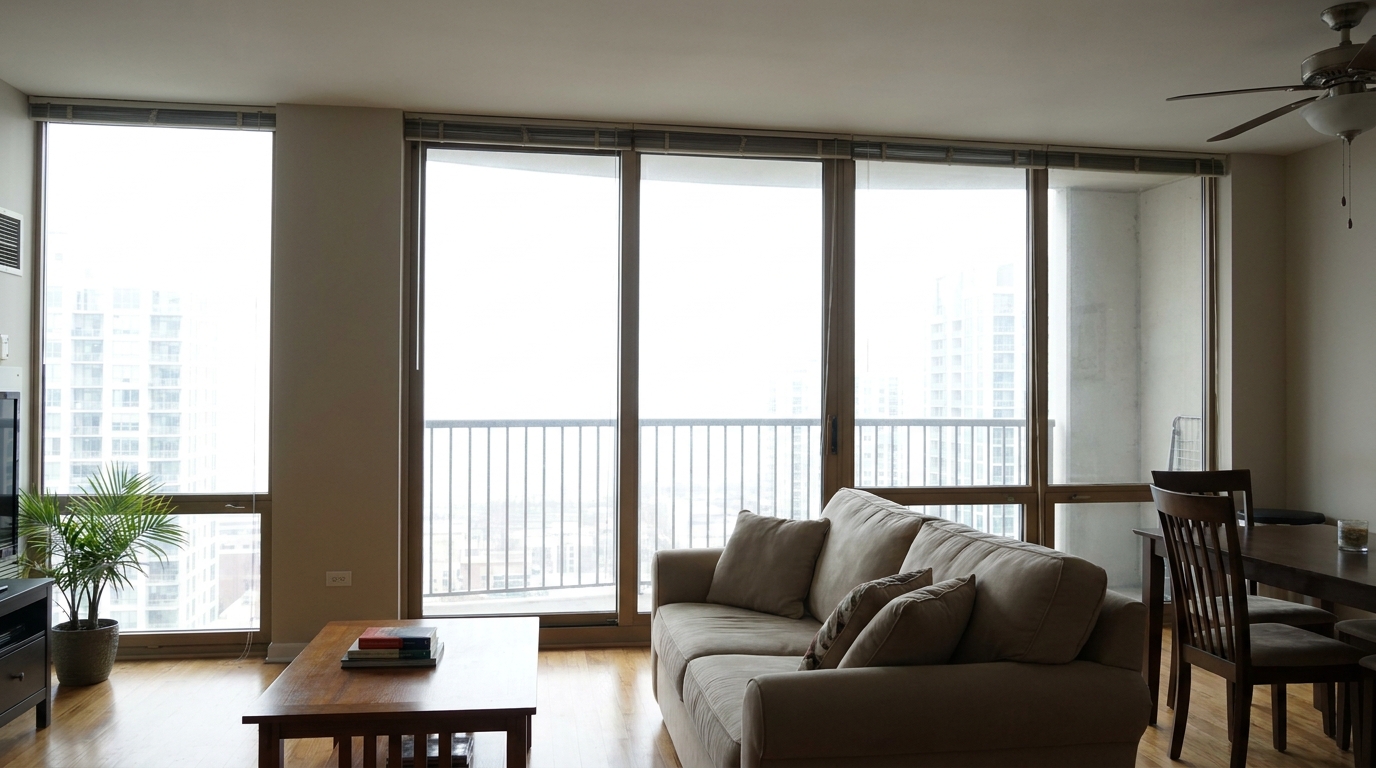
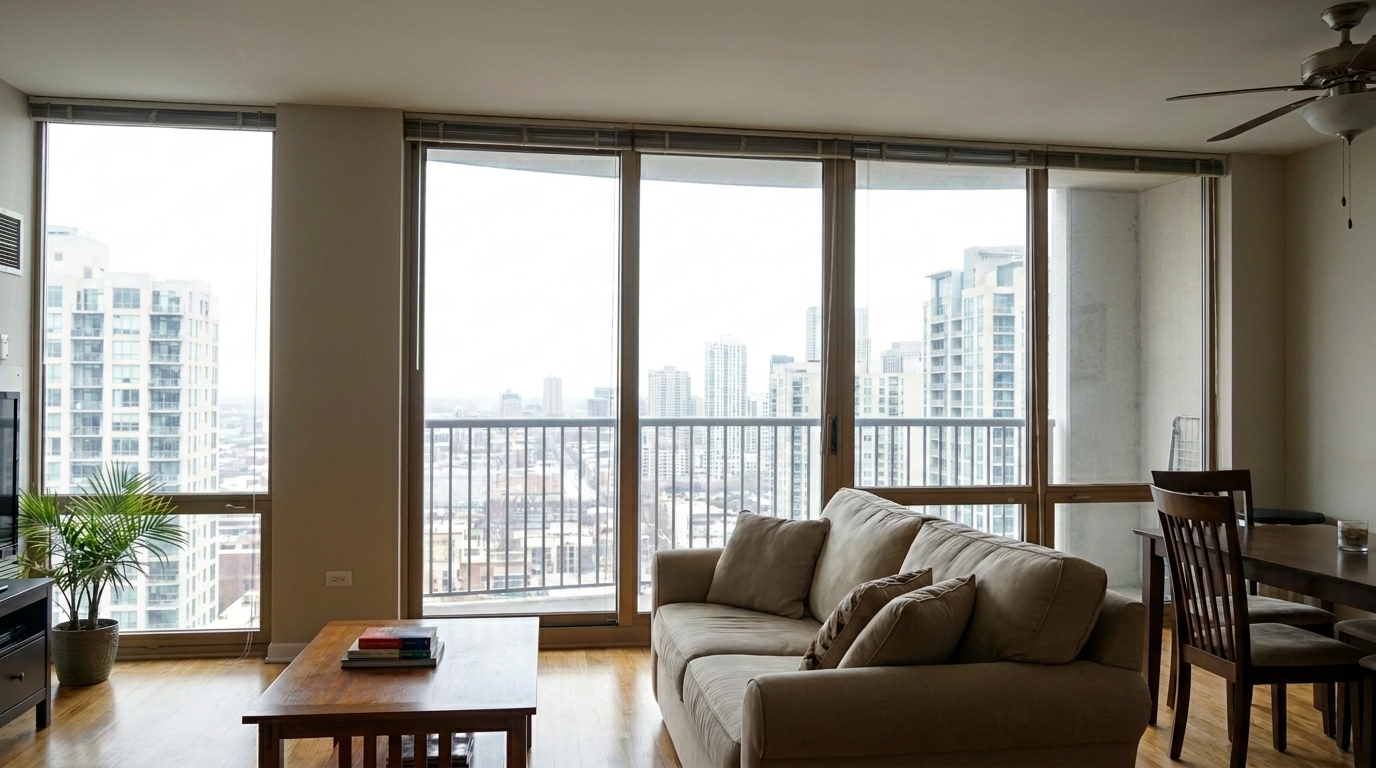

Condo Floor-to-Ceiling Windows
Recover the same urban high-rise view through the existing floor-to-ceiling windows: nearby buildings, city skyline, balcony rail.
Instantly recover blown-out window views while keeping interior lighting bright, balanced, and natural. Perfect for professional real estate listings.
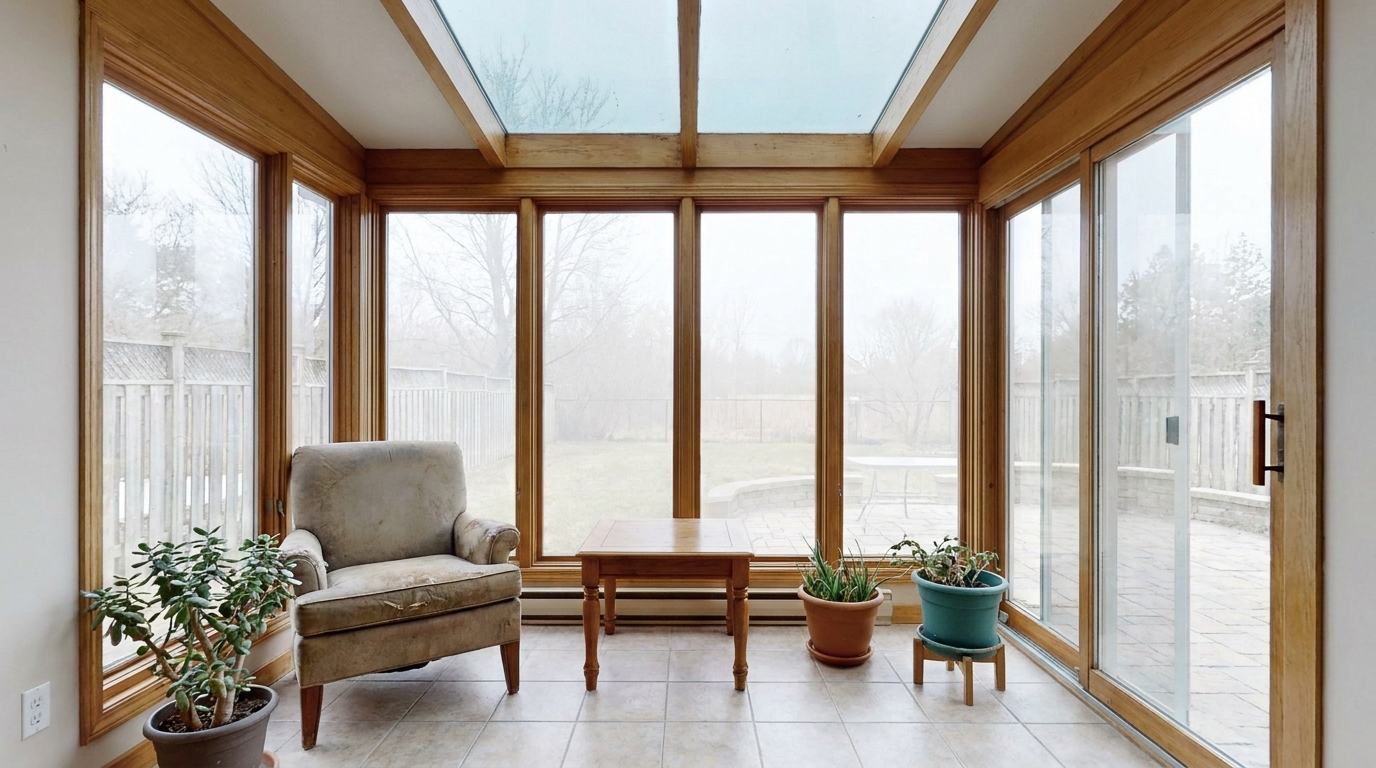
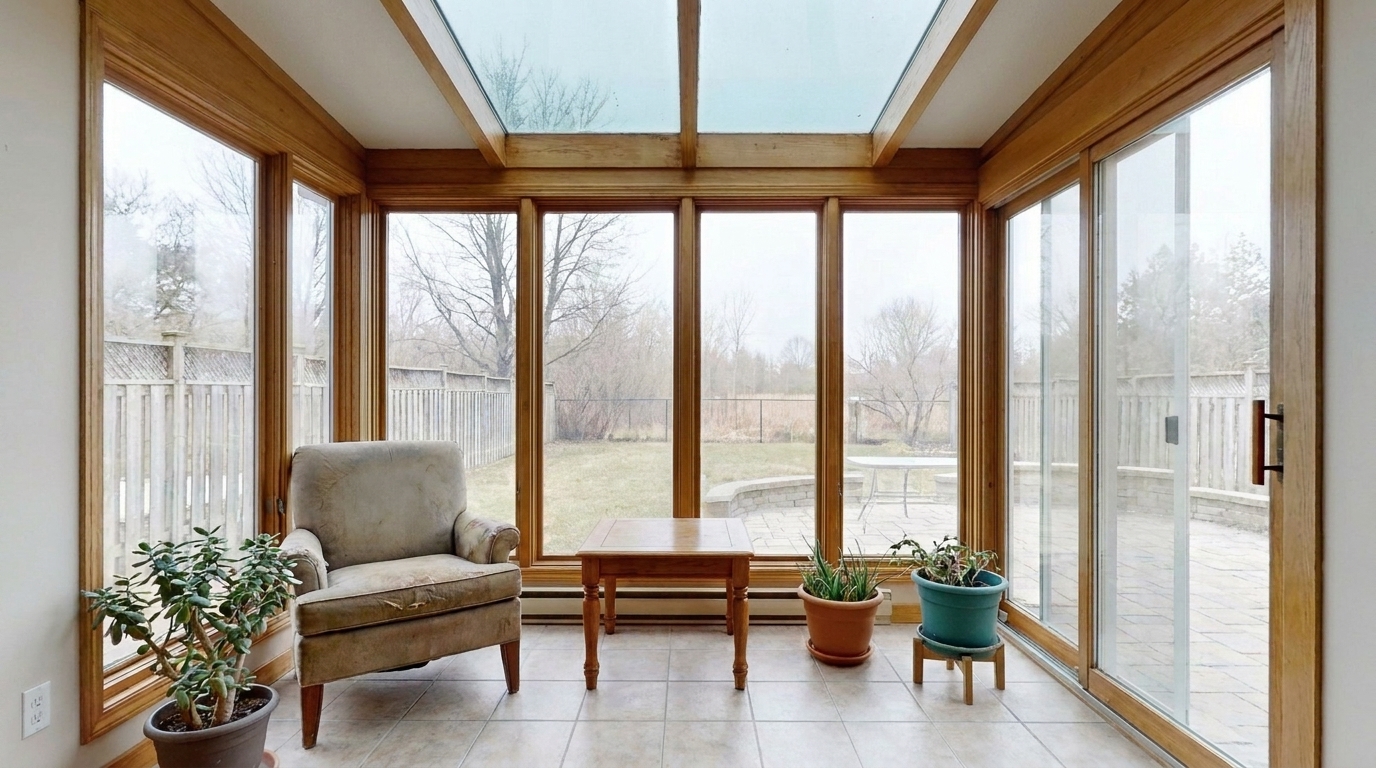
View before-and-after transformations showing recovered window details and balanced exposures.
Recover the same urban high-rise view through the existing floor-to-ceiling windows: nearby buildings, city skyline, balcony rail.
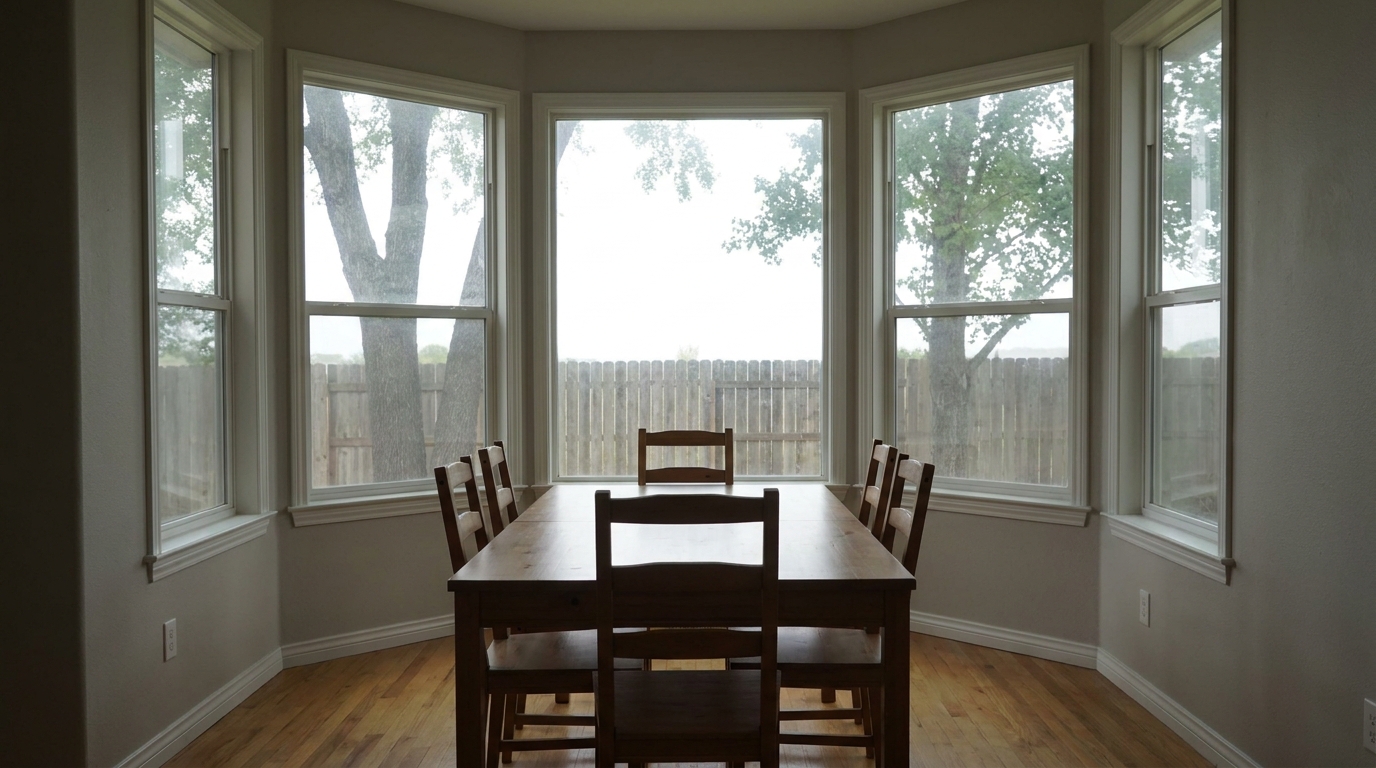
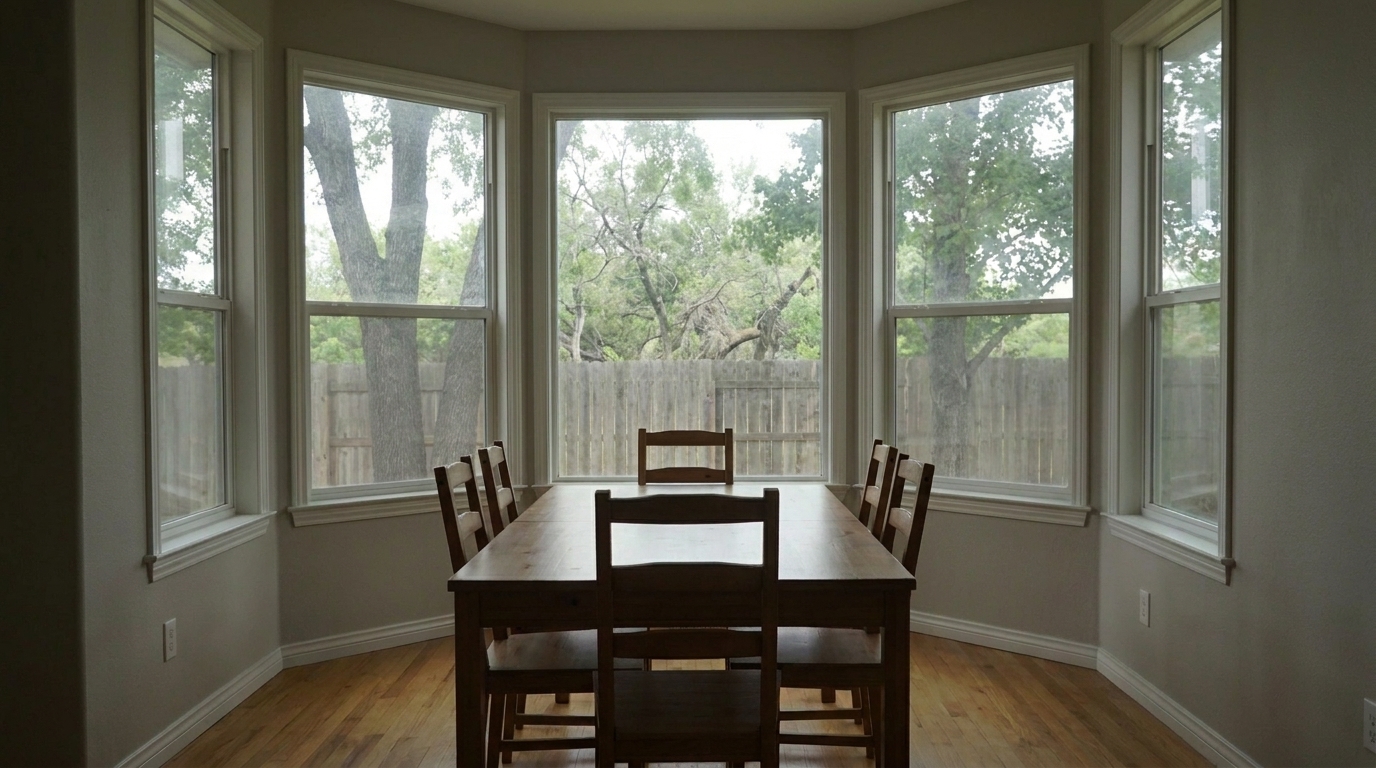
Recover the same wooded-yard or tree detail through the existing bay windows while preserving the exact dining table, chairs.
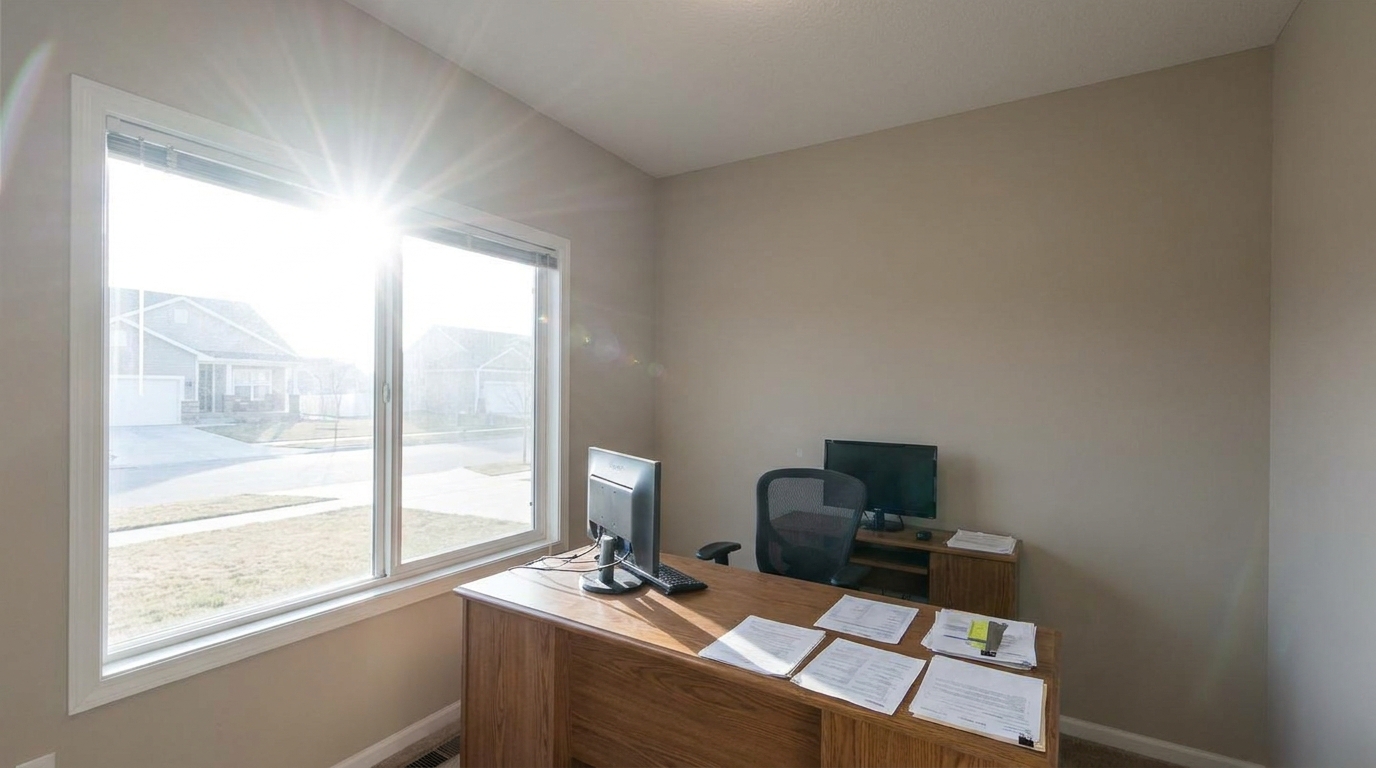
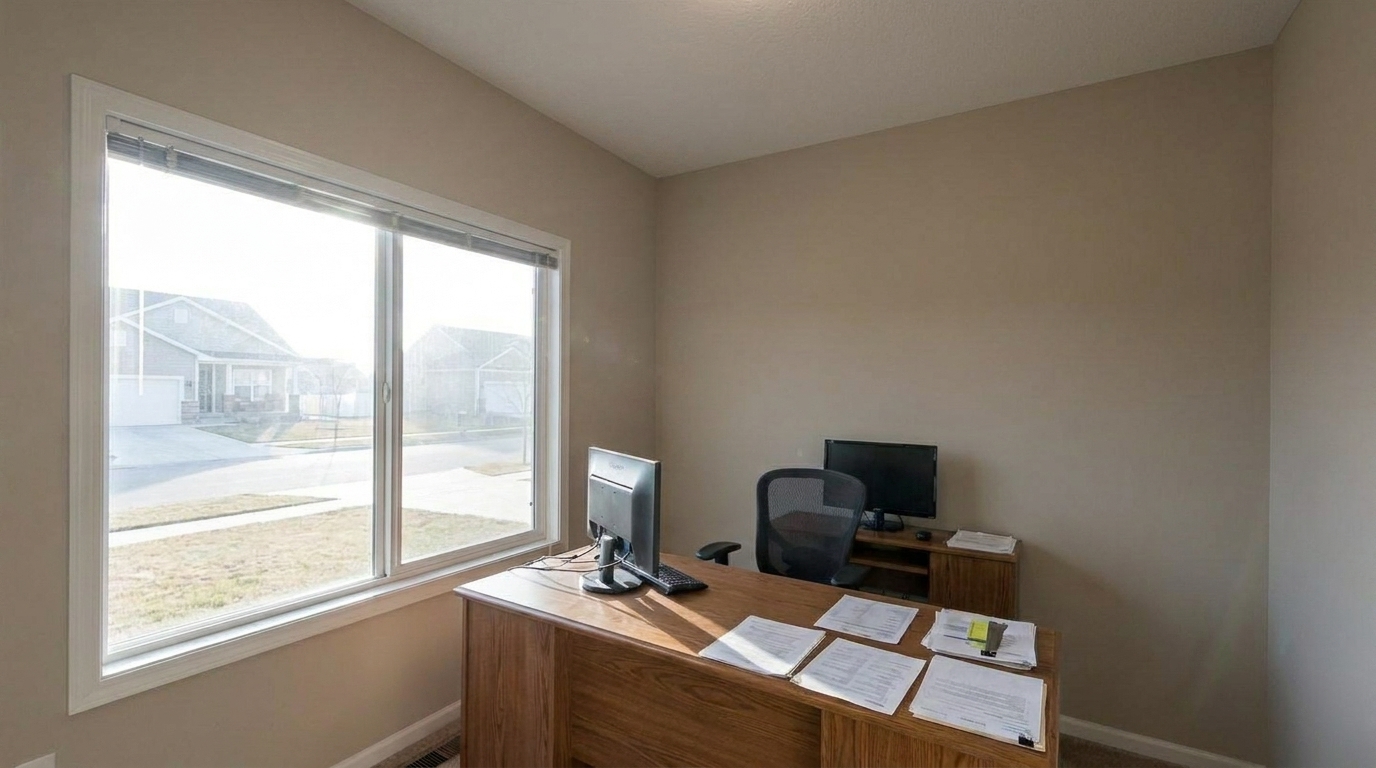
Reduce the same sun flare and recover the original street or neighboring-building view through the existing office window.
Discover how our AI balances interior brightness with exterior views without manual masking.
Automatically identifies window panes, frames, and glass boundaries without requiring manual masking or brush selections.
Intelligently darkens overexposed outdoor views while keeping interior rooms bright, warm, and inviting.
Restores lost textures, colors, and landscapes from bright, blown-out window areas that would otherwise look completely white.
Preserves realistic ambient light spill and soft shadows around window frames to maintain a natural, unedited look.
Eliminates blue or yellow color shifts caused by contrasting indoor light bulbs and outdoor daylight.
Maintains original window structures, walls, and views without adding, removing, or altering any physical elements.
See how real estate professionals and photographers use window pulls to elevate property listings.
Showcase scenic backyard or city views from main living spaces to attract premium buyers.
Living RoomsHighlight ocean, lake, or river views that serve as crucial selling points for coastal listings.
WaterfrontCapture stunning skyline views through floor-to-ceiling windows without darkening the interior room.
CondosReveal beautiful patio or garden landscapes directly outside kitchen windows to enhance the homey feel.
KitchensHelp real estate photographers deliver flawless, balanced interior shots without tedious manual editing.
PhotographersEnable real estate agents to quickly fix overexposed window shots before listing properties online.
AgentsRestore stunning outdoor views through your windows in three simple steps.
Select and upload an interior real estate photo featuring overexposed, blown-out windows where the outdoor view is lost in white glare.
Our AI automatically detects the window frames, analyzes the interior lighting, and recovers the natural exterior view in seconds.
Save your polished, listing-ready photo featuring perfectly balanced indoor and outdoor exposure that highlights the property's true view.
Source-backed context for why window pull edits matter inside interior enhancement workflows.
Window Pull within Interior Enhancement evidence
Photos are one of the most valuable website features for home buyers; NAR's 2025 generational trends report says 83% of internet-using buyers rated photos as very useful. For Window Pull pages, this supports showing how a focused Interior Enhancement edit can make the listing photo feel clearer, more polished, and easier for buyers to evaluate.
Source: NAR 2025Window Pull within Interior Enhancement evidence
Zillow Research's 2025 prospective buyer report ranked high-resolution photos as the number two most important listing feature, selected by 26% of prospective buyers; floor plans ranked first at 33%. For Window Pull pages, this supports showing how a focused Interior Enhancement edit can make the listing photo feel clearer, more polished, and easier for buyers to evaluate.
Source: Zillow 2025Window Pull within Interior Enhancement evidence
Redfin reported that professionally photographed homes in the $400,000 range sold three weeks faster and for more than $10,000 relative to list price compared with amateur photos. Use this as supporting context, not as a guaranteed result. For Window Pull pages, this supports showing how a focused Interior Enhancement edit can make the listing photo feel clearer, more polished, and easier for buyers to evaluate.
Source: RedfinLearn how to balance interior and exterior lighting to showcase stunning views and create professional, high-converting property listings.
In real estate marketing, the view from a window is often a major selling point. However, cameras struggle to capture both a bright outdoor scene and a darker indoor room simultaneously, resulting in blown-out, white windows. A professional window pull solves this by balancing the exposure, making the property look more appealing, spacious, and high-end to potential buyers browsing online listings.
Choose the Window Pull preset when you have a single, well-lit interior shot where only the windows are overexposed. If you have complex lighting, harsh shadows, or severe color casts throughout the entire room, use the Flash Ambient Blending preset instead. For general brightening and color correction where there are no prominent windows or views to recover, the standard Interior Photo preset is your best option.
For the best results, start by applying the Window Pull preset to establish a balanced exposure between the room and the outdoors. If the room features wood flooring, follow up with the Enhance Hardwood Floors preset to enrich wood tones and textures. Finish by using the Ceiling Light & Hot Spot Fix to soften any harsh fixture glare, ensuring a perfectly polished, professional MLS-ready image.
The AI works best when there is some underlying detail in the original image file. For extremely overexposed windows where the camera sensor captured absolutely zero data, the AI will soften the glare but cannot invent a fake landscape. To get the best results, ensure your original photo has a clear window frame and avoid shooting directly into blinding, unshielded midday sun if possible.
Compare the Window Pull tool with other specialized interior editing presets to perfect your listing photos.
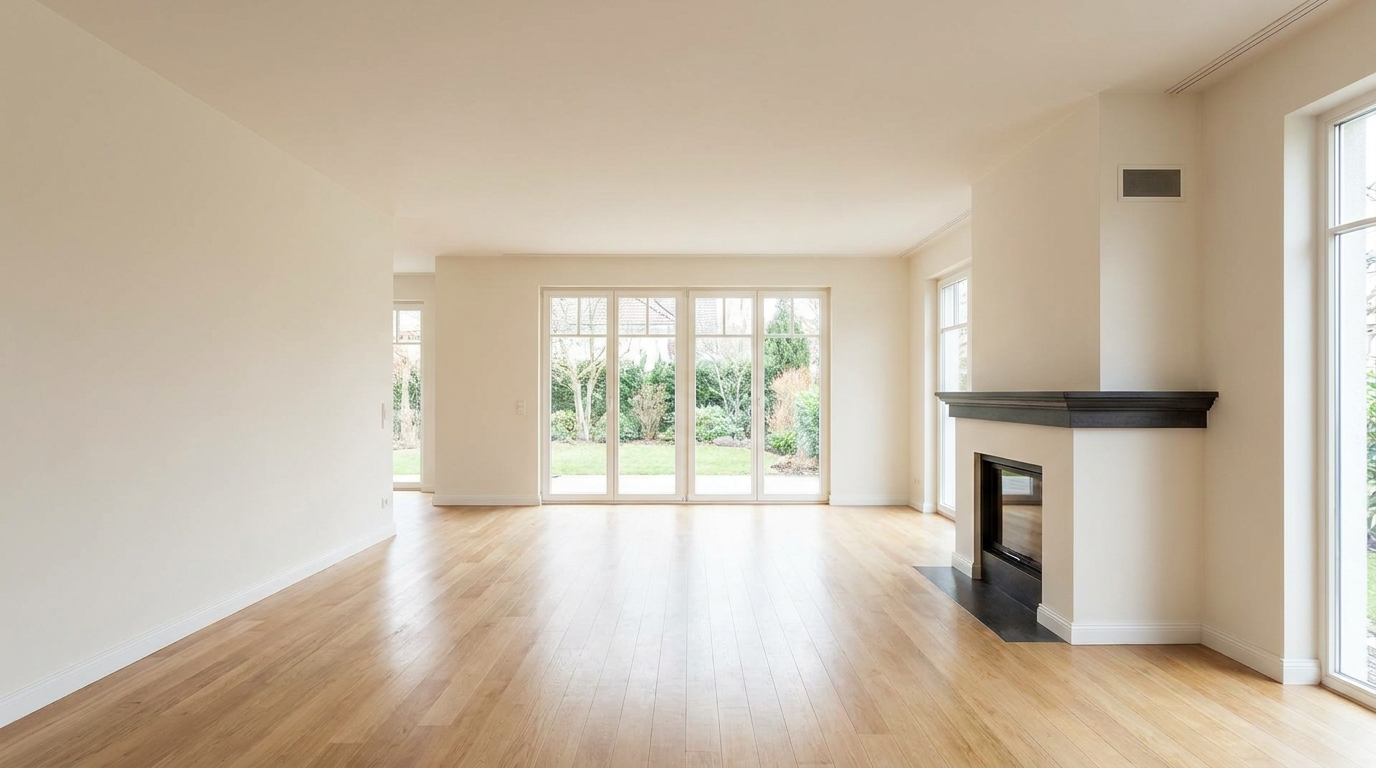
Remove furnishings and personal items to create a clean, spacious vacant-room presentation.
Try This Tool →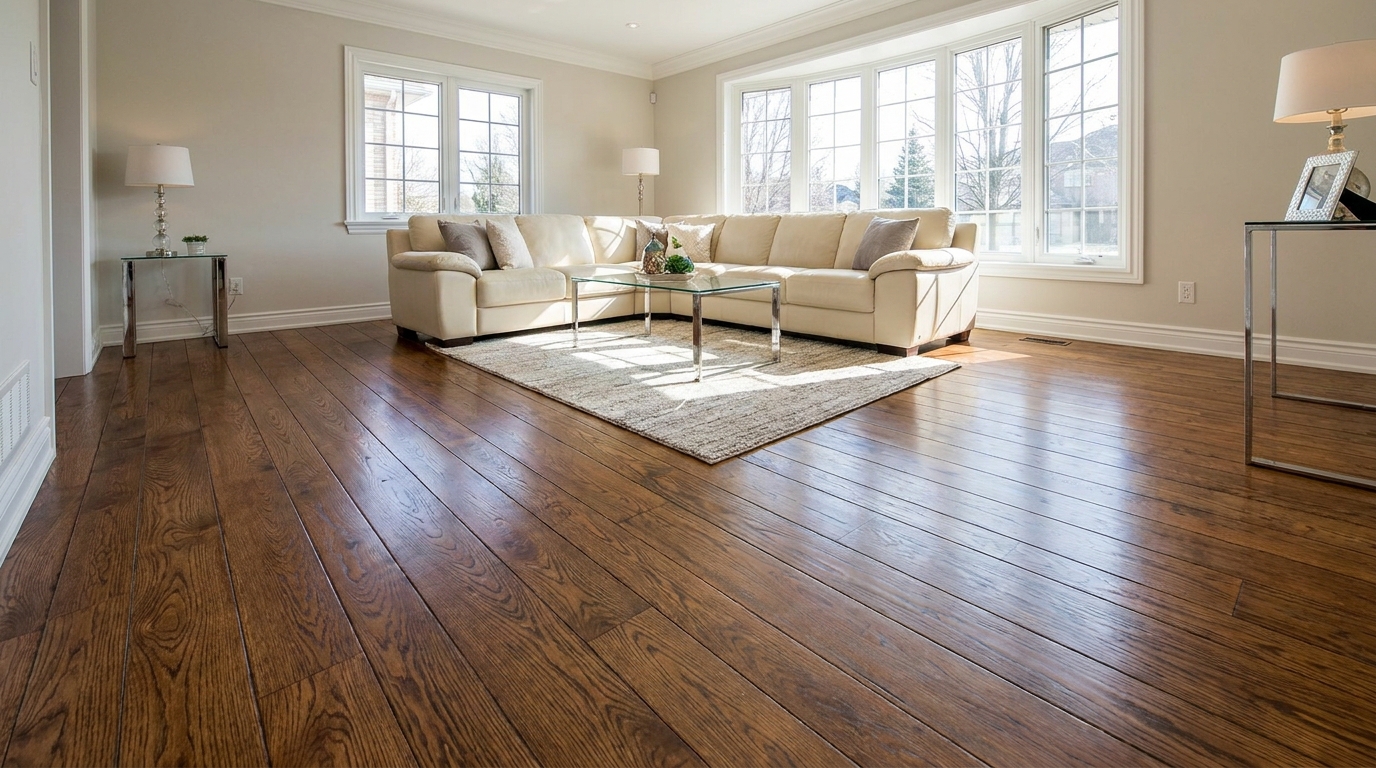
Bring out richer wood tone and cleaner floor detail without looking overprocessed.
Try This Tool →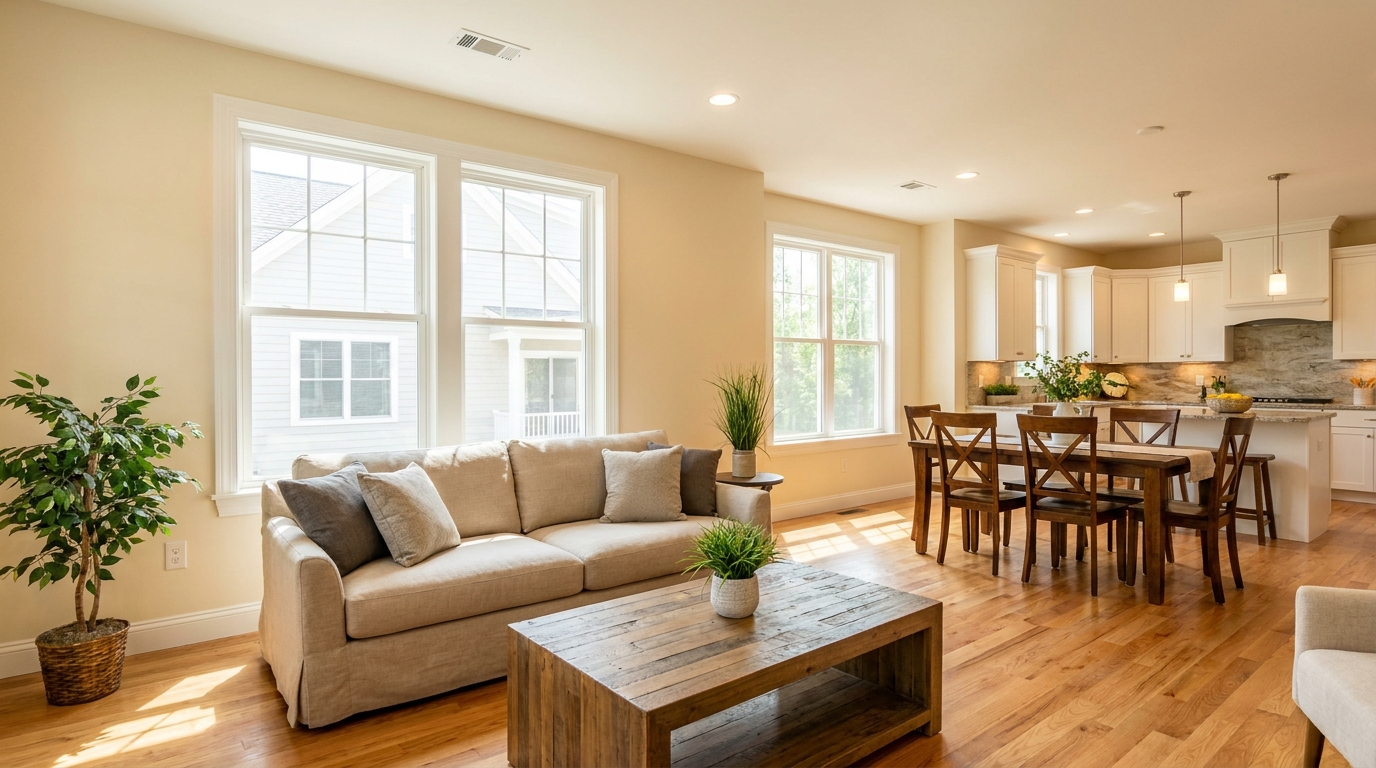
Full interior polishing for brighter rooms, cleaner color, and more inviting listing photos.
Try This Tool →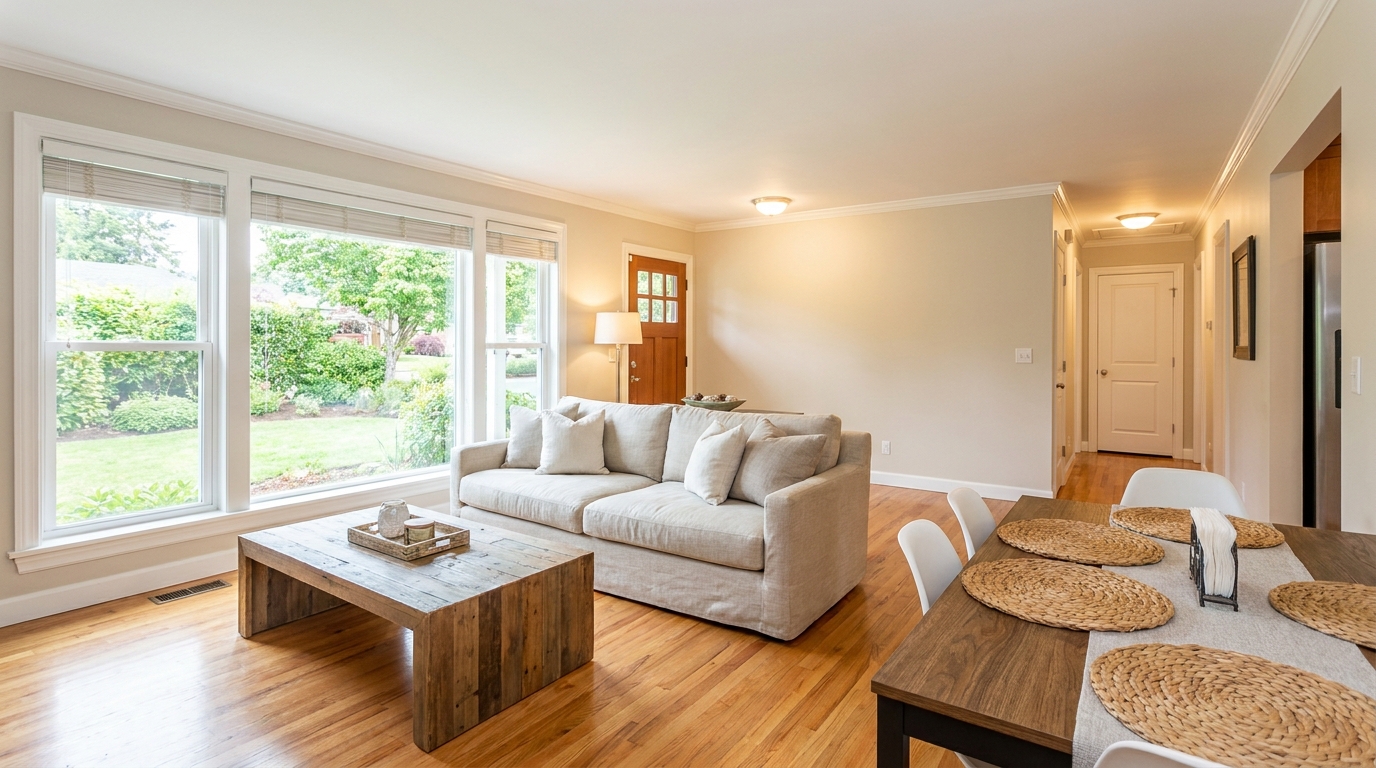
Blend flash and ambient exposures for interiors that feel bright, natural, and well balanced.
Try This Tool →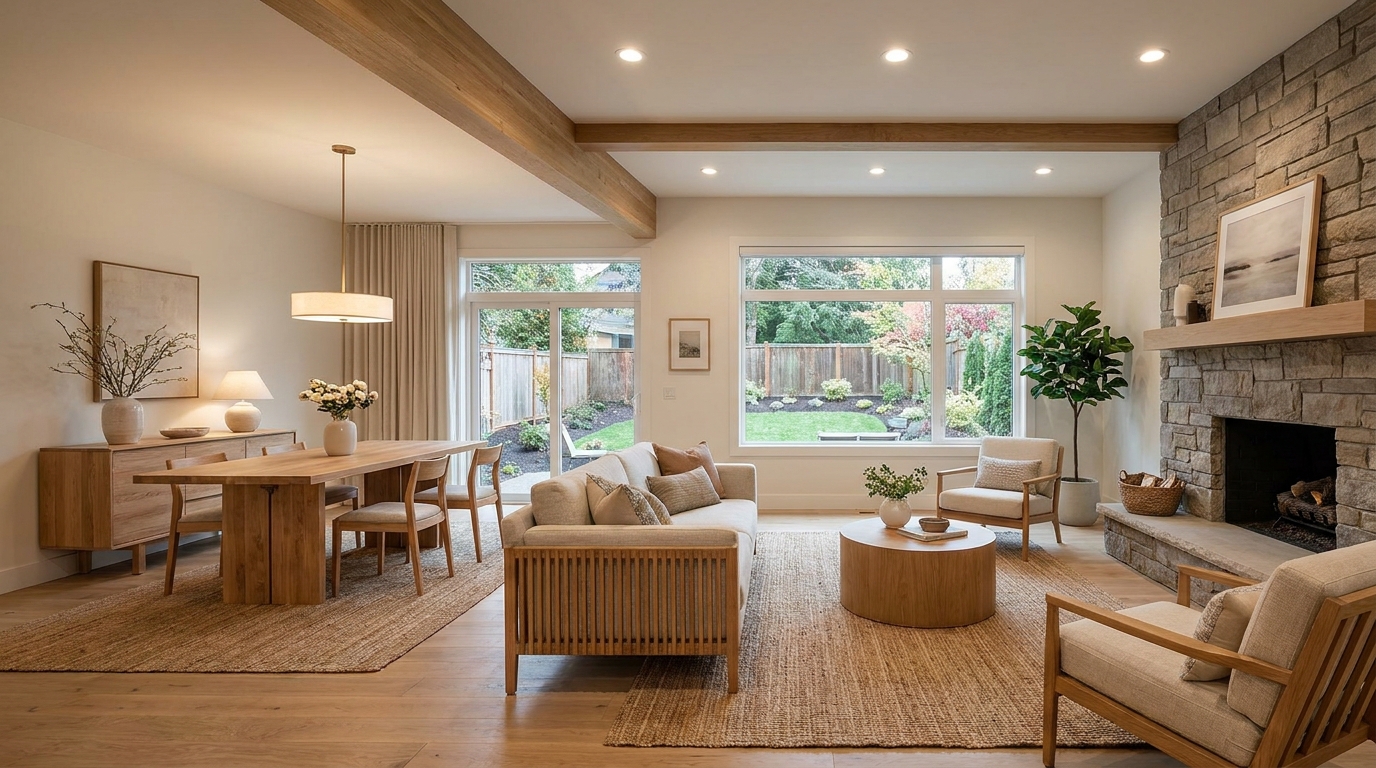
Soften harsh fixture glare and hotspots for smoother, more professional interior lighting.
Try This Tool →Explore additional AI-powered tools designed to elevate your property marketing and listing quality.
AI image-to-video generation for turning home, room, and property photos into more vivid presentation videos.
02AI exterior renovation for visualizing facade updates, curb appeal improvements, and home exterior remodel ideas.
03AI landscaping design for exploring outdoor concepts, curb appeal upgrades, planting ideas, and yard layout directions.
04AI virtual staging for furnishing empty rooms and creating listing-ready interiors for real estate marketing.
05Free AI image generation for turning text prompts into unlimited visual ideas for home design, interiors, landscaping, renovation
06AI object removal for cleaning up distracting items from room, home, and property photos.
Don't let blown-out windows ruin your property photos. Use our AI Window Pull tool to restore beautiful views and attract more buyers today.