
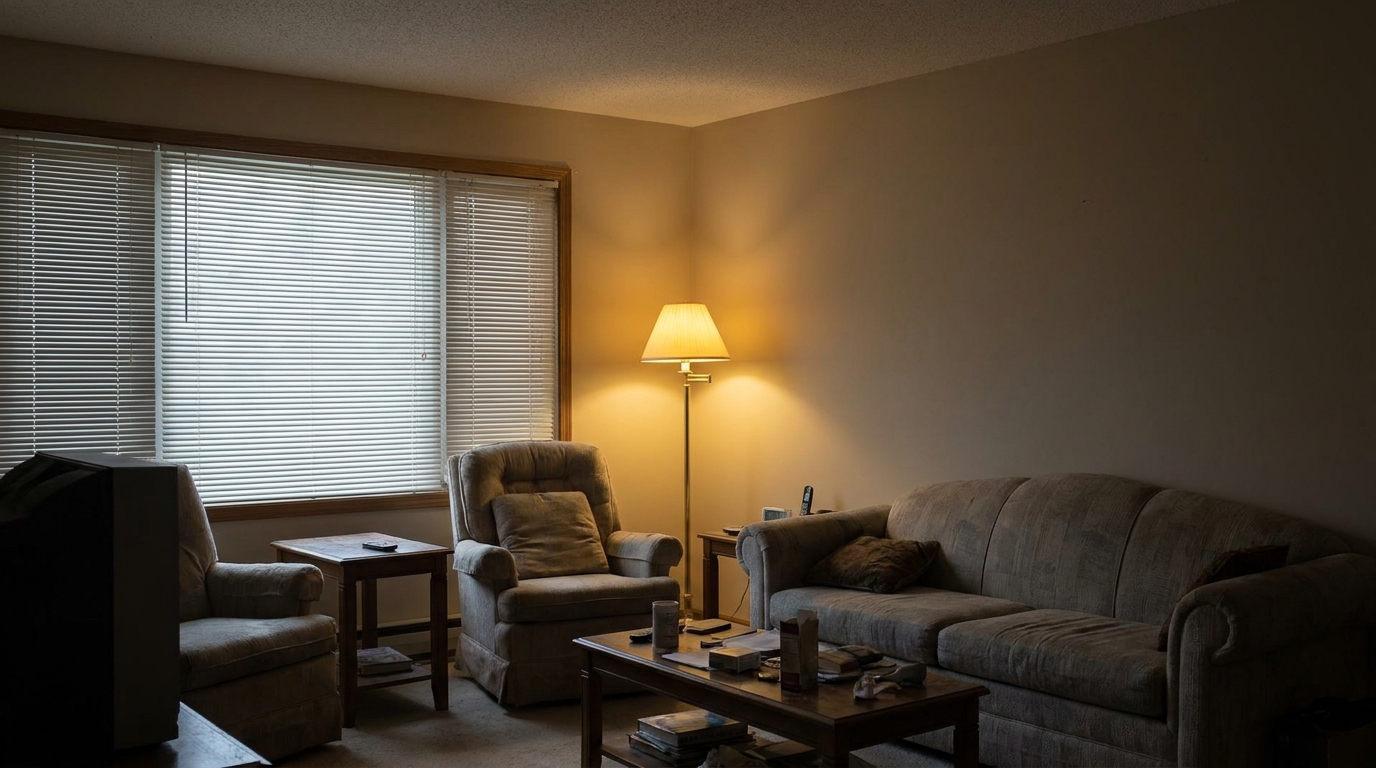
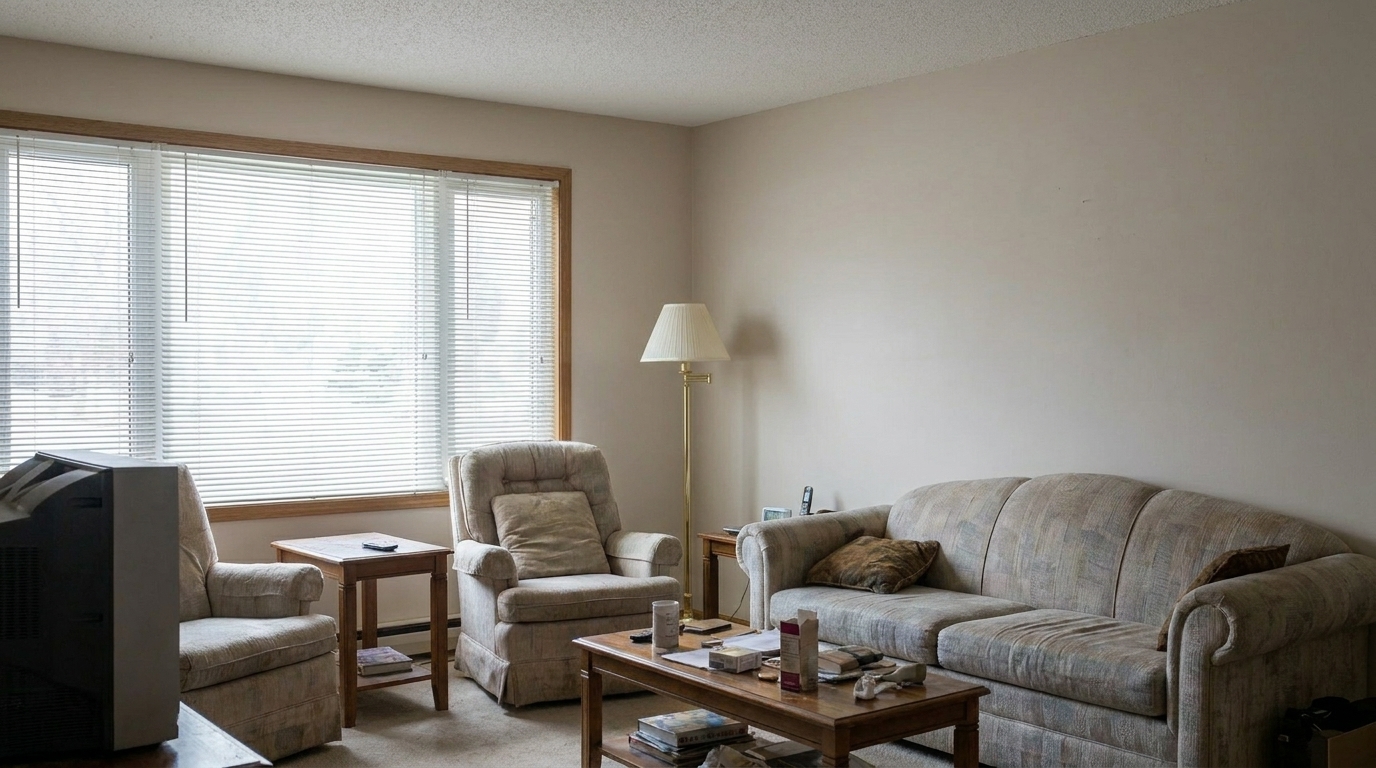

Dim Living Room
Dim Living Room updated with interior photo styling.
Transform dim, off-color indoor shots into bright, professionally balanced listing photos. Instantly correct white balance, boost clarity, and highlight key selling features.
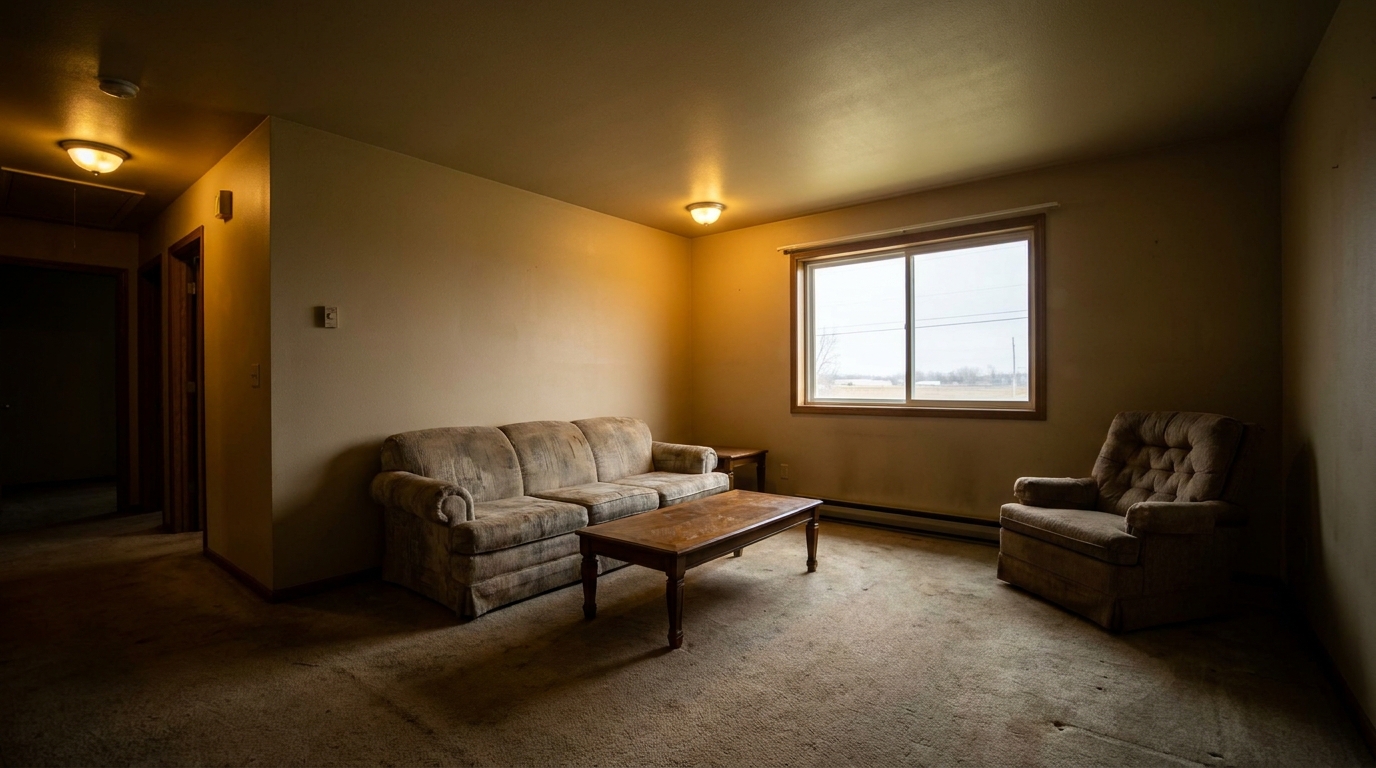
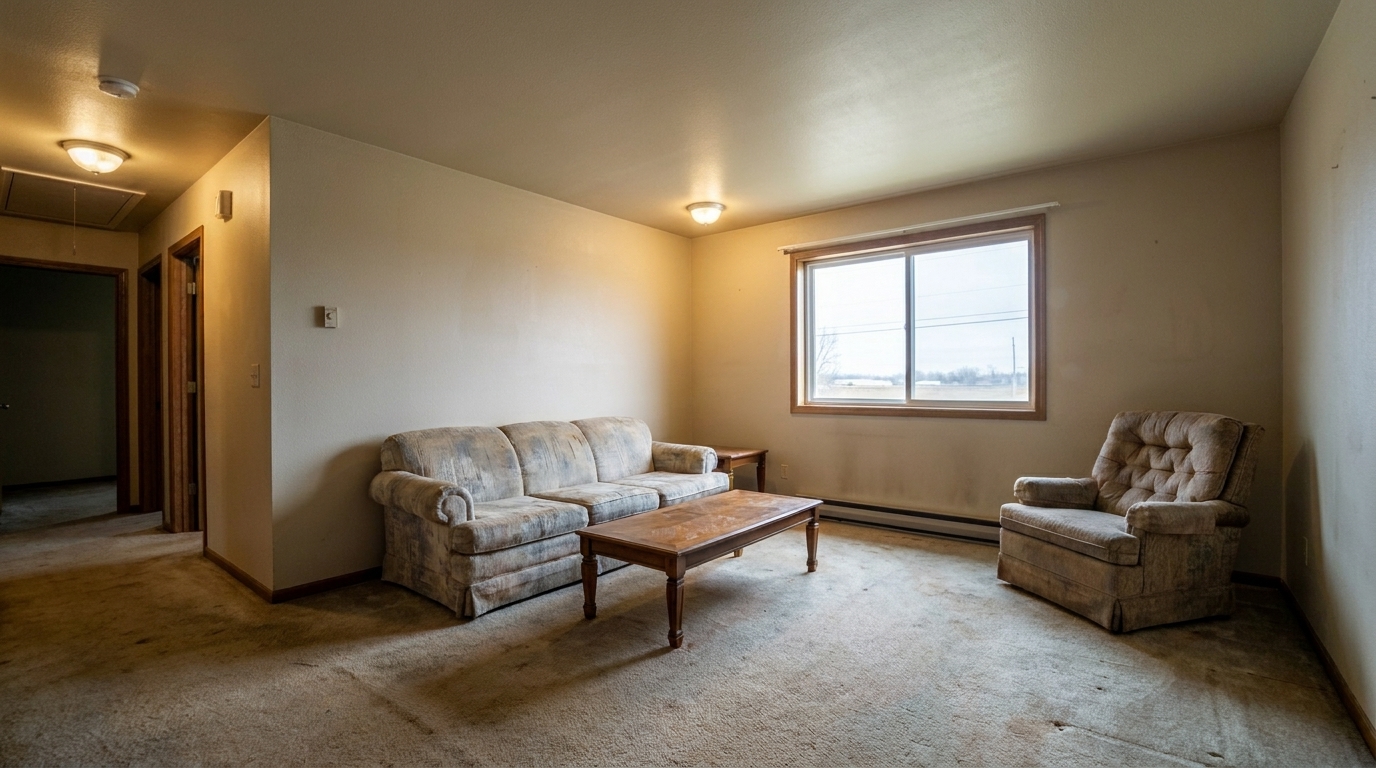
Browse before-and-after examples of enhanced living rooms, kitchens, and bedrooms.
Dim Living Room updated with interior photo styling.
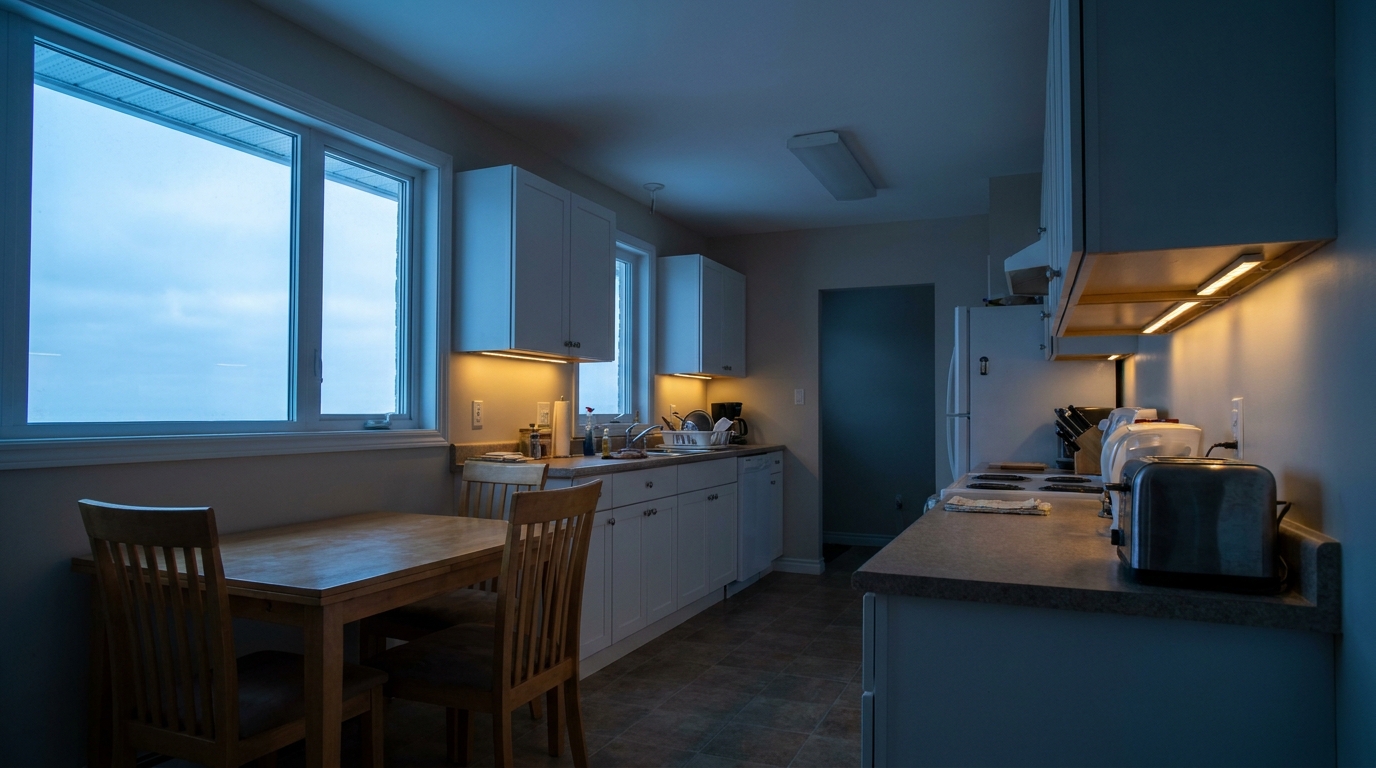
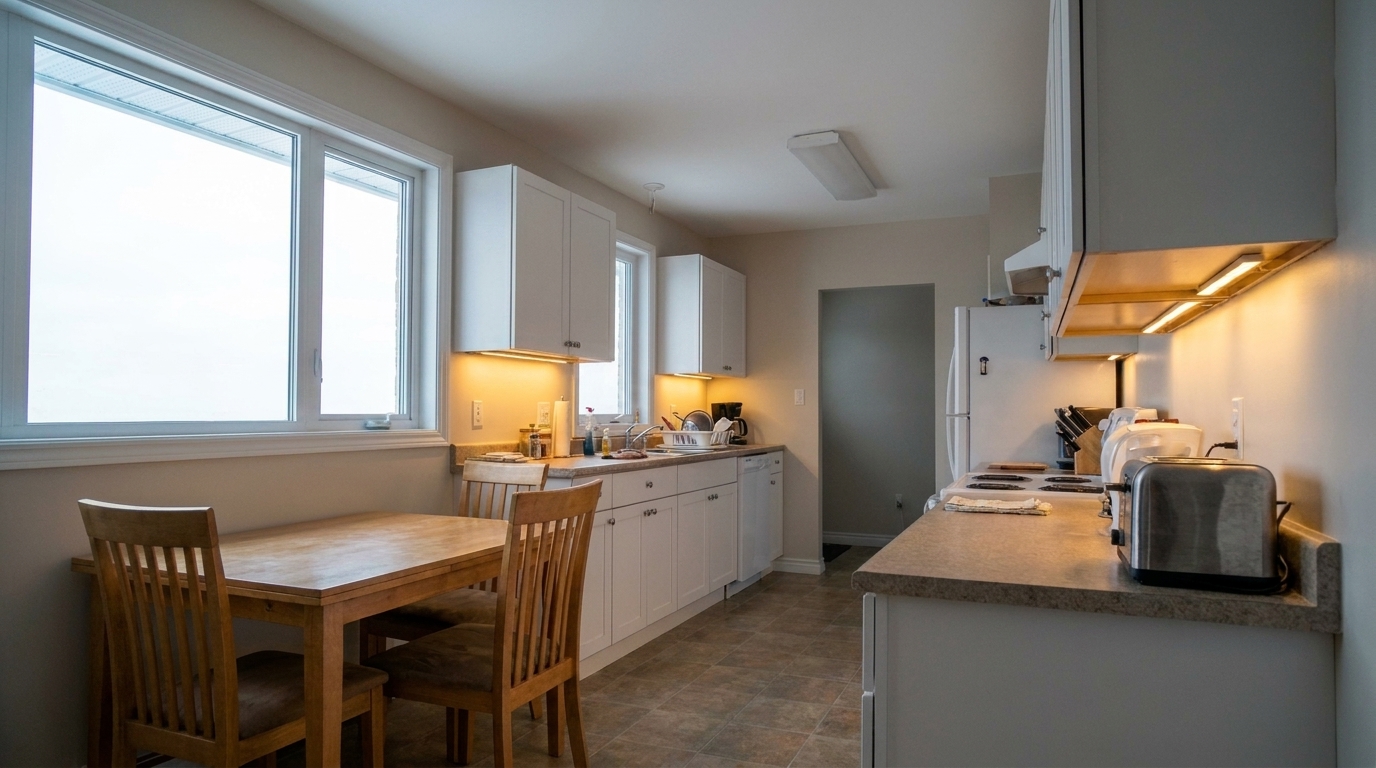
Off-Color Kitchen updated with interior photo styling.
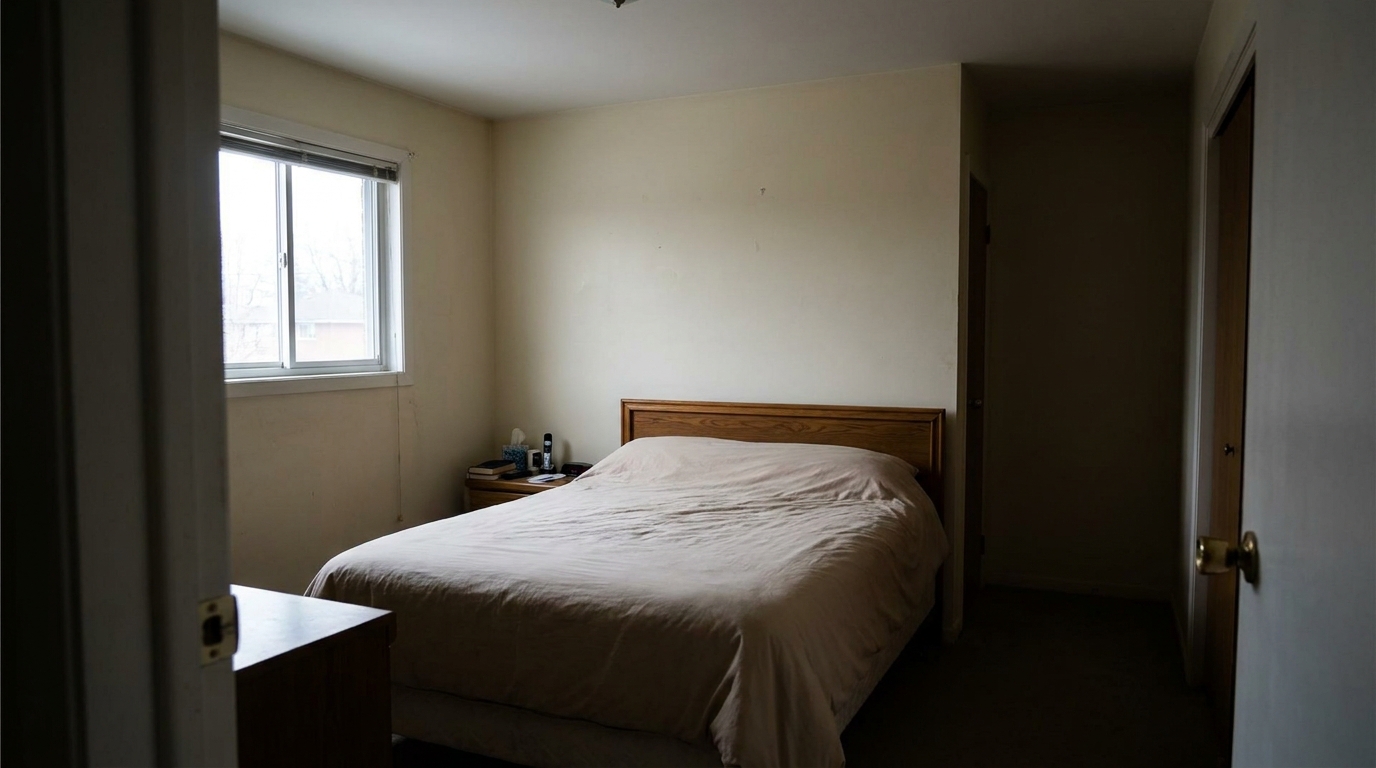
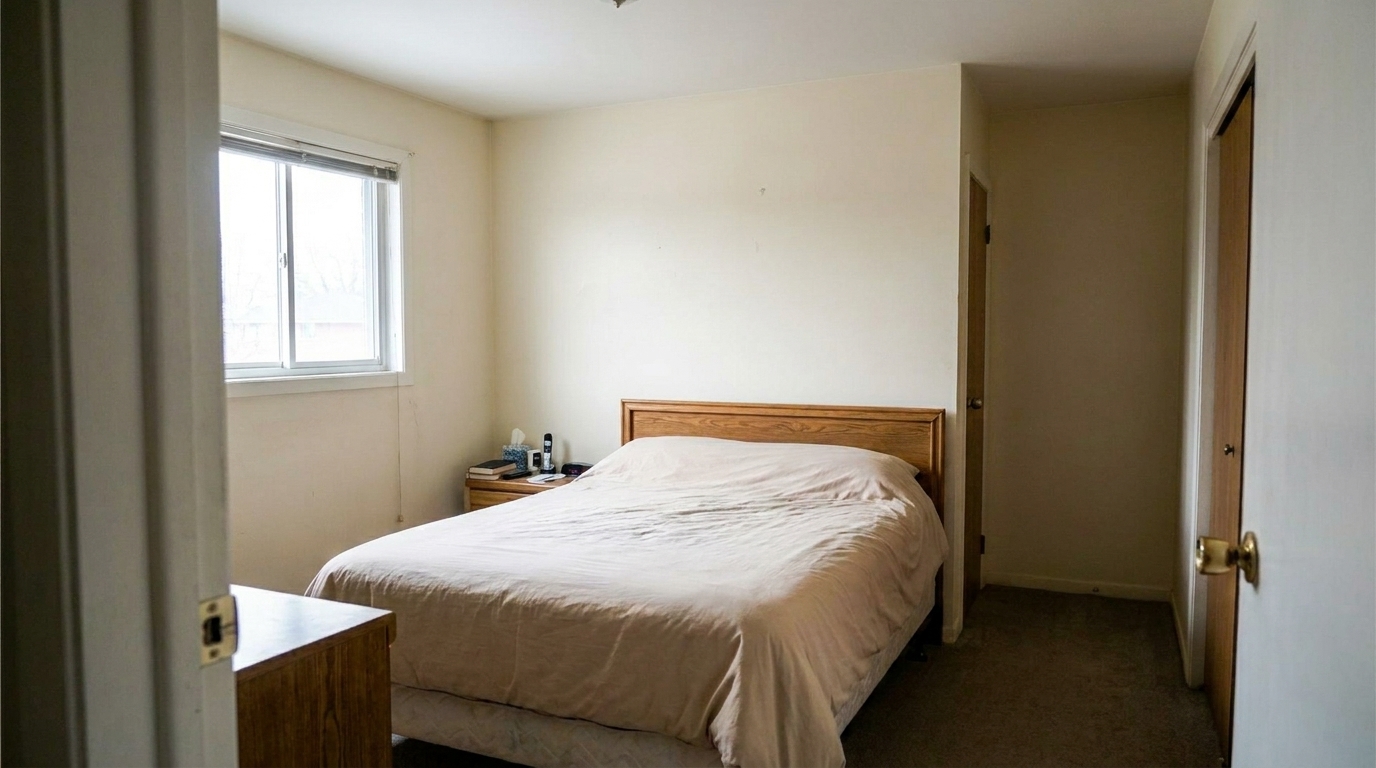
Shadowy Bedroom updated with interior photo styling.
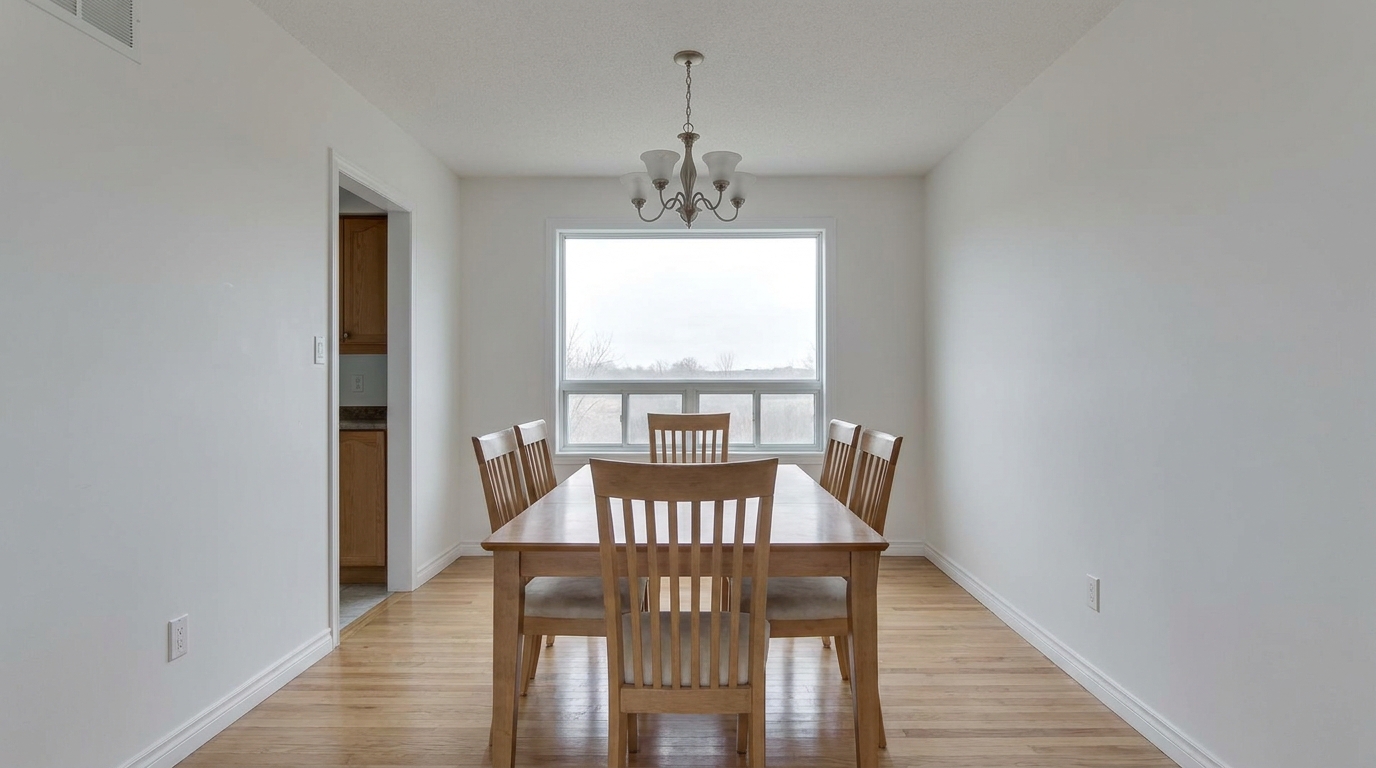
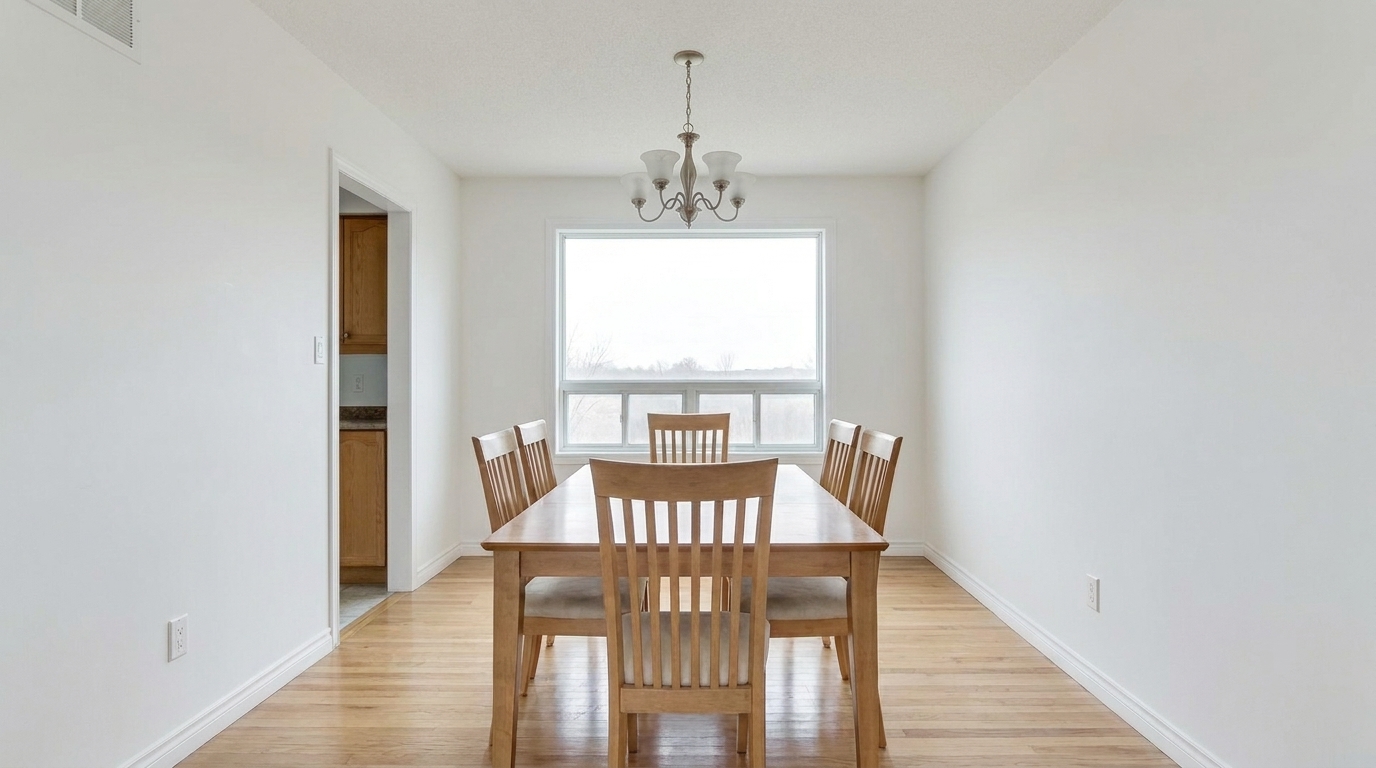
Dull Dining Area updated with interior photo styling.
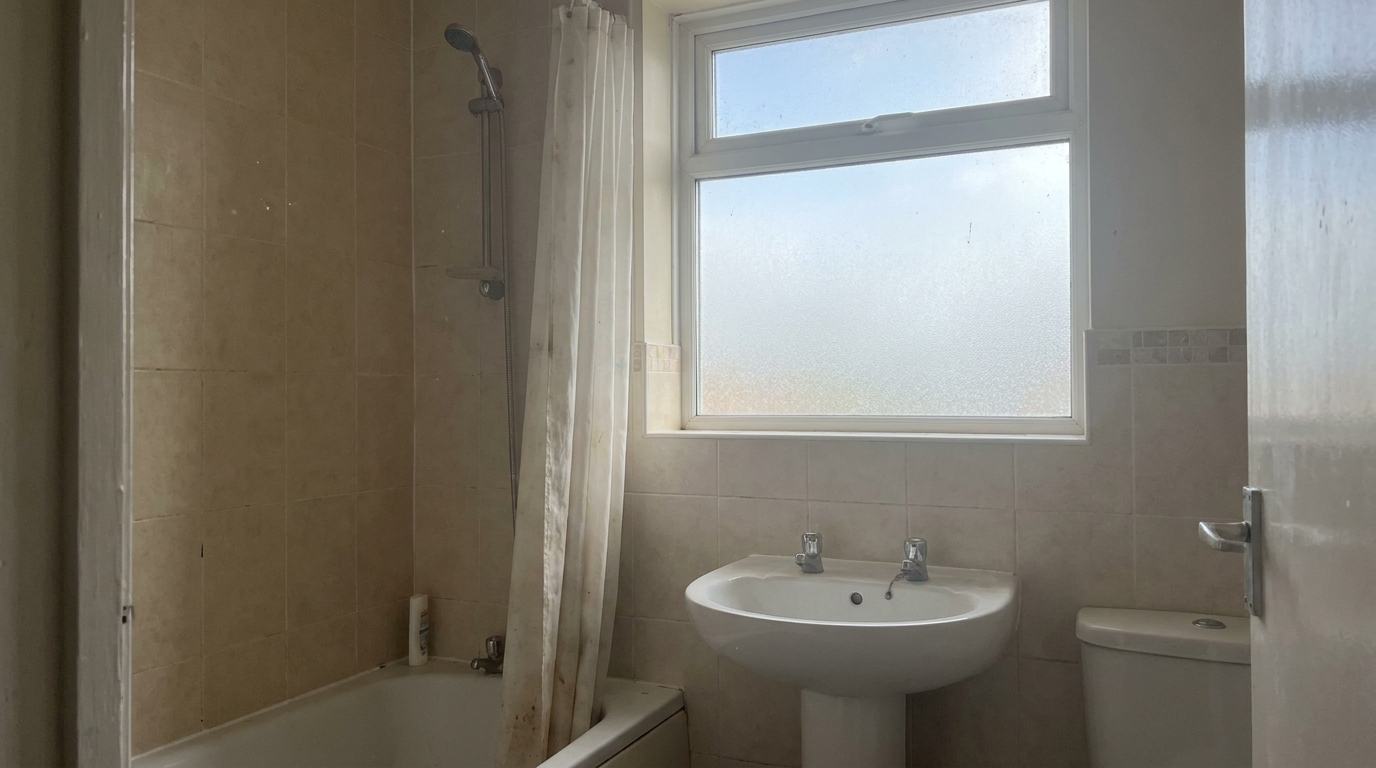
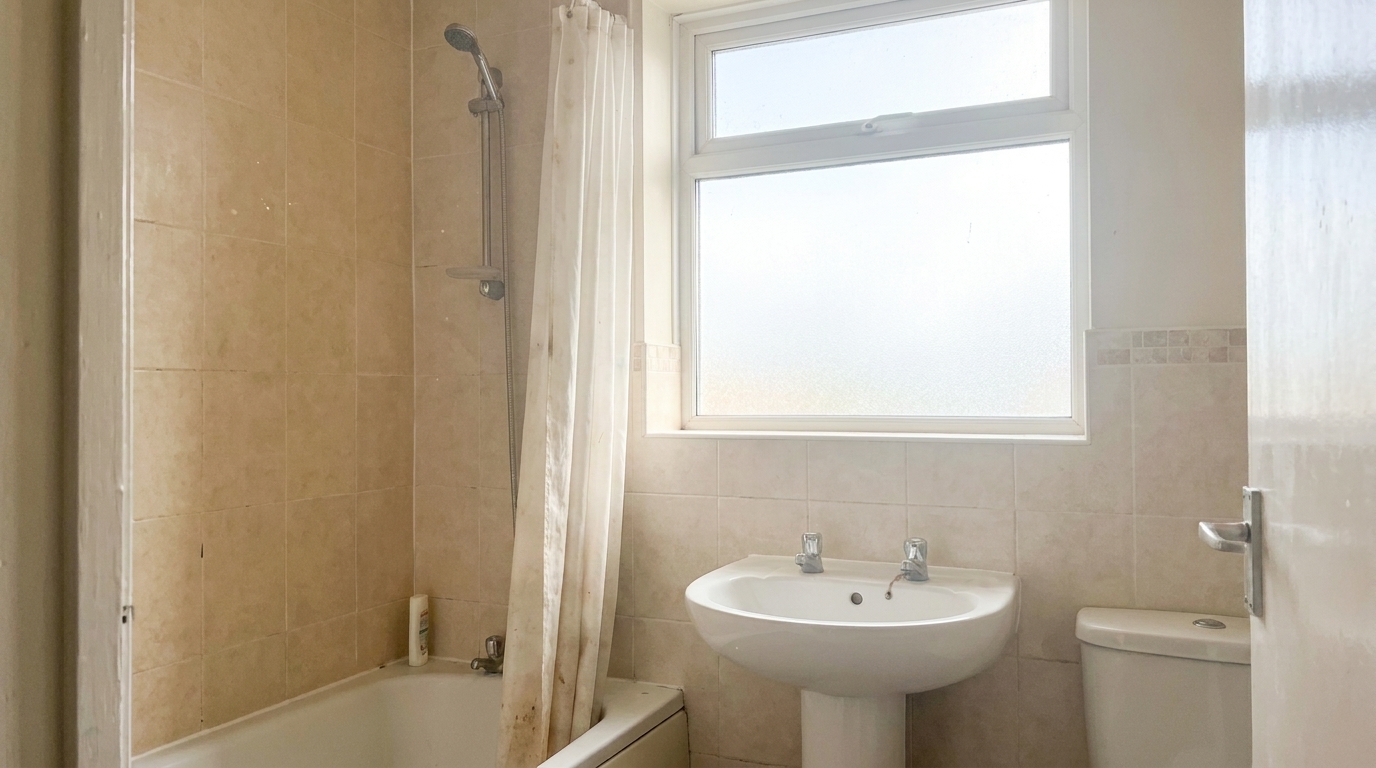
Hazy Bathroom updated with interior photo styling.
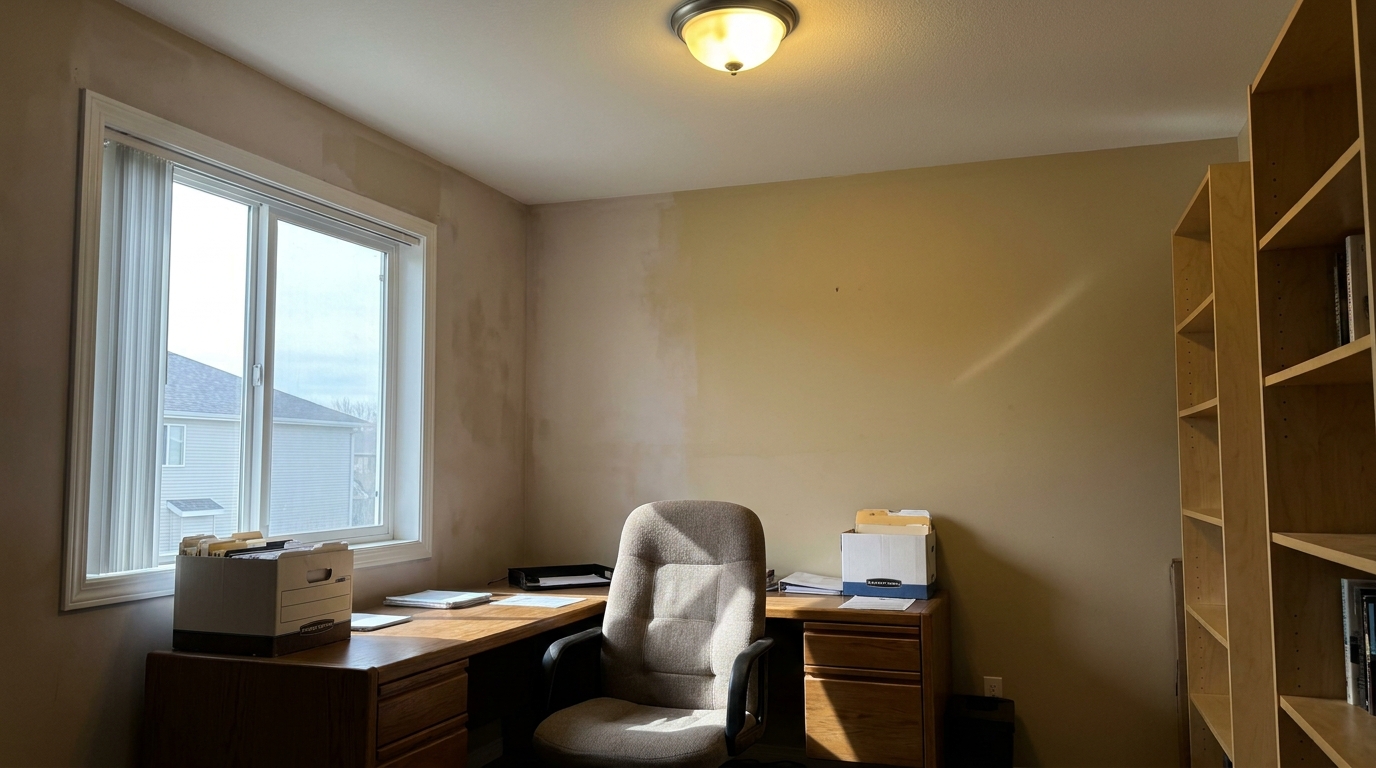
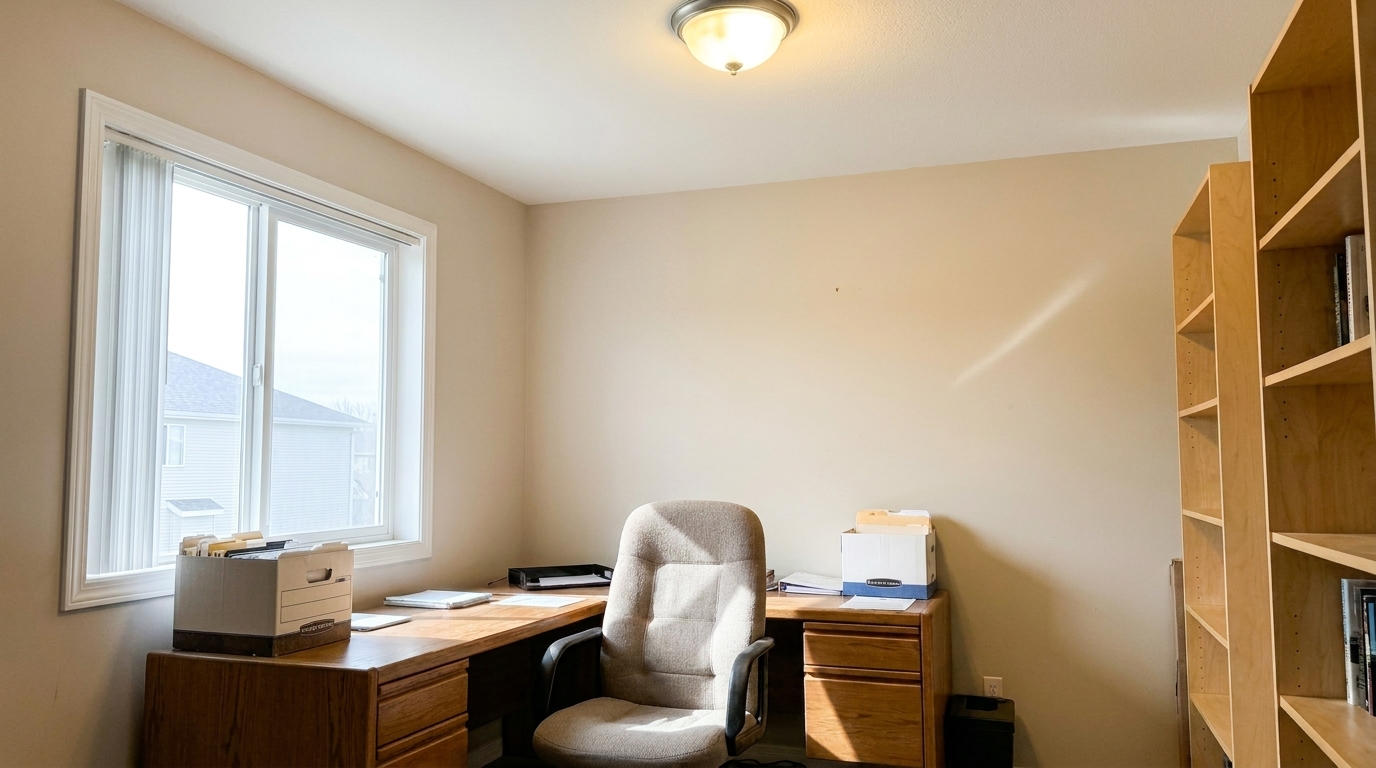
Mixed-Light Office updated with interior photo styling.
Discover the advanced adjustments that make every room look spacious, bright, and inviting.
Automatically brightens dark corners and softens harsh highlights for an even, welcoming glow.
Eliminates yellow or blue color casts caused by mixed indoor and outdoor lighting sources.
Sharpens architectural lines, textures, and finishes without introducing artificial noise.
Maintains realistic depth and dimension so rooms look authentic and spacious rather than flat.
Subtly boosts natural tones in furniture, walls, and decor to make spaces feel warm and inviting.
Apply the same professional-grade interior polish to multiple listing photos simultaneously.
See how different professionals use our interior photo enhancer to elevate their visual marketing.
Transform dim MLS photos into bright, eye-catching listings that attract more clicks.
Real EstateShowcase your design projects with clean, true-to-life colors and crisp details.
DesignersMake your Airbnb or VRBO look cozy, clean, and highly appealing to potential guests.
HospitalityClean up and balance raw room photos before adding digital furniture and decor.
StagingCreate professional marketing materials for apartment communities and leasing offices.
Property ManagementPolishing interior shots to highlight structural details, materials, and spatial flow.
PhotographyFollow three simple steps to polish your indoor property listings with professional clarity.
Upload your raw or unedited interior photo to the Idealhouse platform.
Select the Interior Photo preset to automatically balance exposure, correct white balance, and boost clarity.
Preview the enhanced room and download your high-resolution, listing-ready image.
Source-backed context for why interior photo edits matter inside interior enhancement workflows.
Interior Photo within Interior Enhancement evidence
Photos are one of the most valuable website features for home buyers; NAR's 2025 generational trends report says 83% of internet-using buyers rated photos as very useful. For Interior Photo pages, this supports showing how a focused Interior Enhancement edit can make the listing photo feel clearer, more polished, and easier for buyers to evaluate.
Source: NAR 2025Interior Photo within Interior Enhancement evidence
Zillow Research's 2025 prospective buyer report ranked high-resolution photos as the number two most important listing feature, selected by 26% of prospective buyers; floor plans ranked first at 33%. For Interior Photo pages, this supports showing how a focused Interior Enhancement edit can make the listing photo feel clearer, more polished, and easier for buyers to evaluate.
Source: Zillow 2025Interior Photo within Interior Enhancement evidence
Redfin reported that professionally photographed homes in the $400,000 range sold three weeks faster and for more than $10,000 relative to list price compared with amateur photos. Use this as supporting context, not as a guaranteed result. For Interior Photo pages, this supports showing how a focused Interior Enhancement edit can make the listing photo feel clearer, more polished, and easier for buyers to evaluate.
Source: RedfinLearn how to elevate your indoor property photos with professional-grade AI adjustments.
A great interior listing photo must balance two critical elements: realism and appeal. Buyers want to see a space that feels bright, clean, and spacious, but they also expect it to look authentic when they visit in person. The AI Interior Photo preset achieves this balance by targeting common indoor photography challenges—such as mixed light sources, dark corners, and color distortion—without stripping away the natural shadows that give a room its depth and dimension.
To get the best results, it is important to know when to use the general Interior Photo preset versus our specialized sibling tools. Use the Interior Photo preset as your default starting point for any standard indoor shot that needs overall brightening, color correction, and clarity. However, if your photo has specific issues, choose accordingly: Use Window Pull if the interior is well-lit but the view outside the windows is completely blown out or white. Use Ceiling Light & Hot Spot Fix if bright light fixtures are creating distracting glare or harsh halos on the ceiling. Use Flash Ambient Blending if you shot with an on-camera flash and need to merge it with natural room light for a seamless look. Use Enhance Hardwood Floors if the room is already balanced but the wood grain looks dull or dusty.
For professional results, integrate the Interior Photo preset into a structured workflow. Start by uploading your raw or base exposure. Apply the Interior Photo preset first to establish a clean, balanced baseline for exposure and white balance. Once the overall room is polished, evaluate specific zones. If the hardwood floors need more depth, apply the floor enhancer. If personal clutter is distracting, run the Occupied to Vacant tool. This layered approach ensures maximum visual impact while maintaining architectural integrity.
While highly versatile, the Interior Photo preset is not a cure-all. Avoid using it on exterior shots, as the exposure algorithms are specifically tuned for indoor light dynamics and may overexpose open skies. Additionally, if a room is extremely dark (underexposed by more than 3-4 stops), you should first use a basic exposure slider or blend multiple bracketed exposures before applying this preset to avoid introducing digital noise in the shadow areas.
Compare our core interior photo enhancer with targeted tools for windows, floors, and lighting.
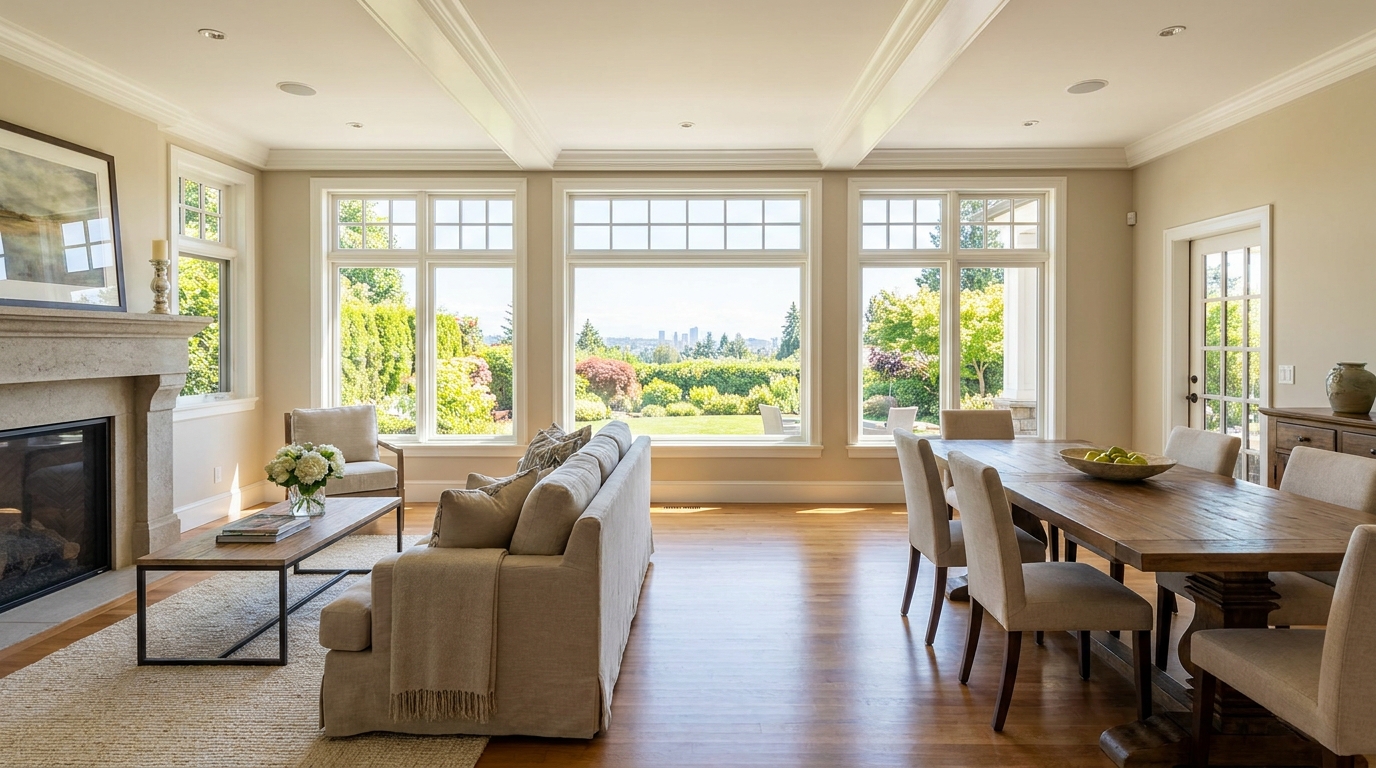
Recover natural window detail while keeping interiors bright, balanced, and realistic.
Try This Tool →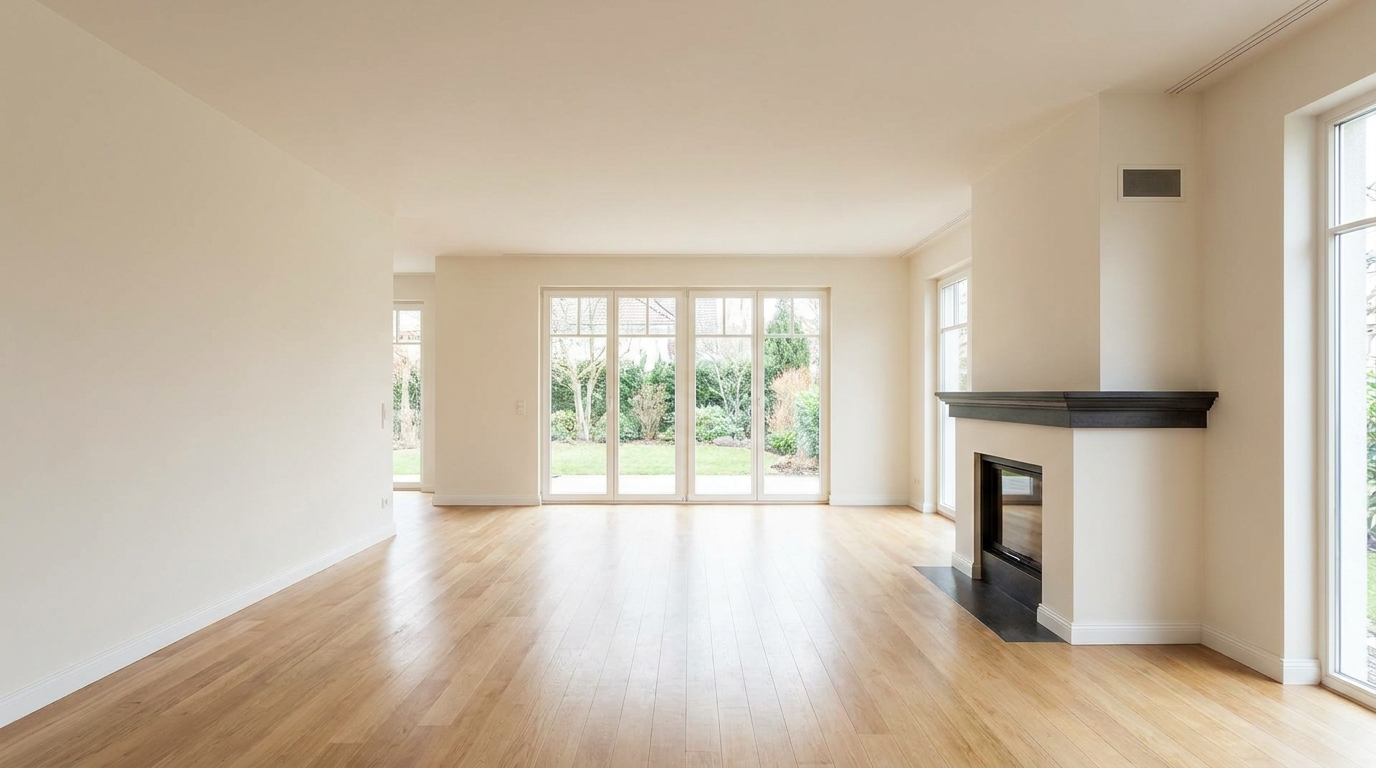
Remove furnishings and personal items to create a clean, spacious vacant-room presentation.
Try This Tool →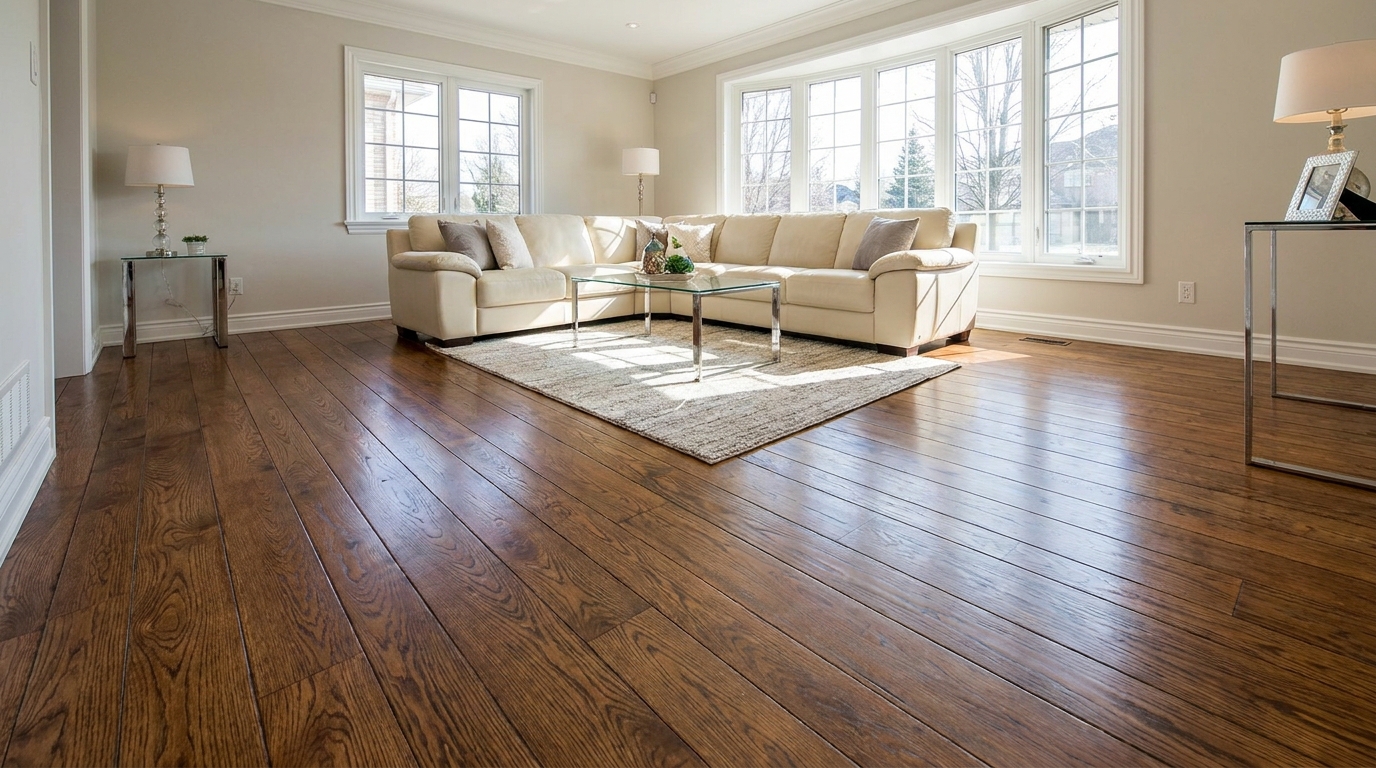
Bring out richer wood tone and cleaner floor detail without looking overprocessed.
Try This Tool →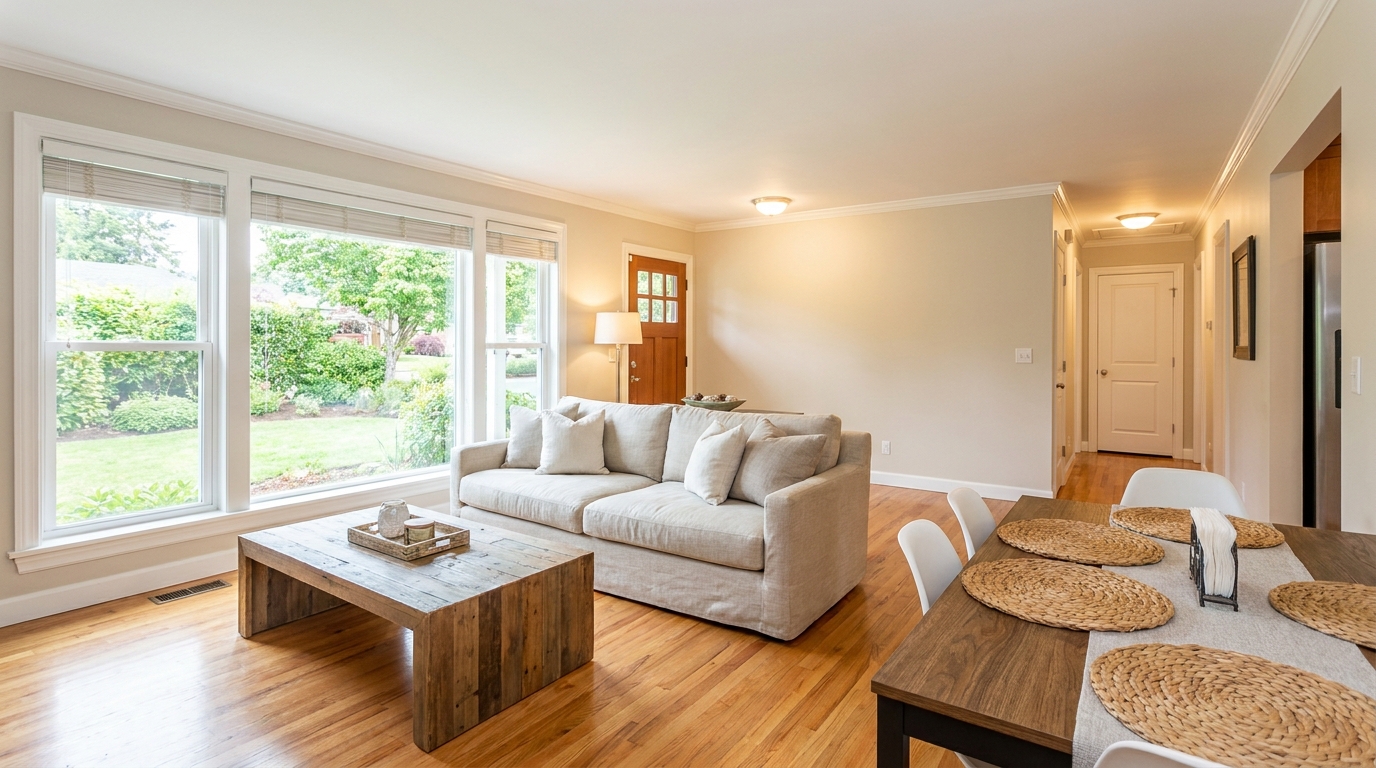
Blend flash and ambient exposures for interiors that feel bright, natural, and well balanced.
Try This Tool →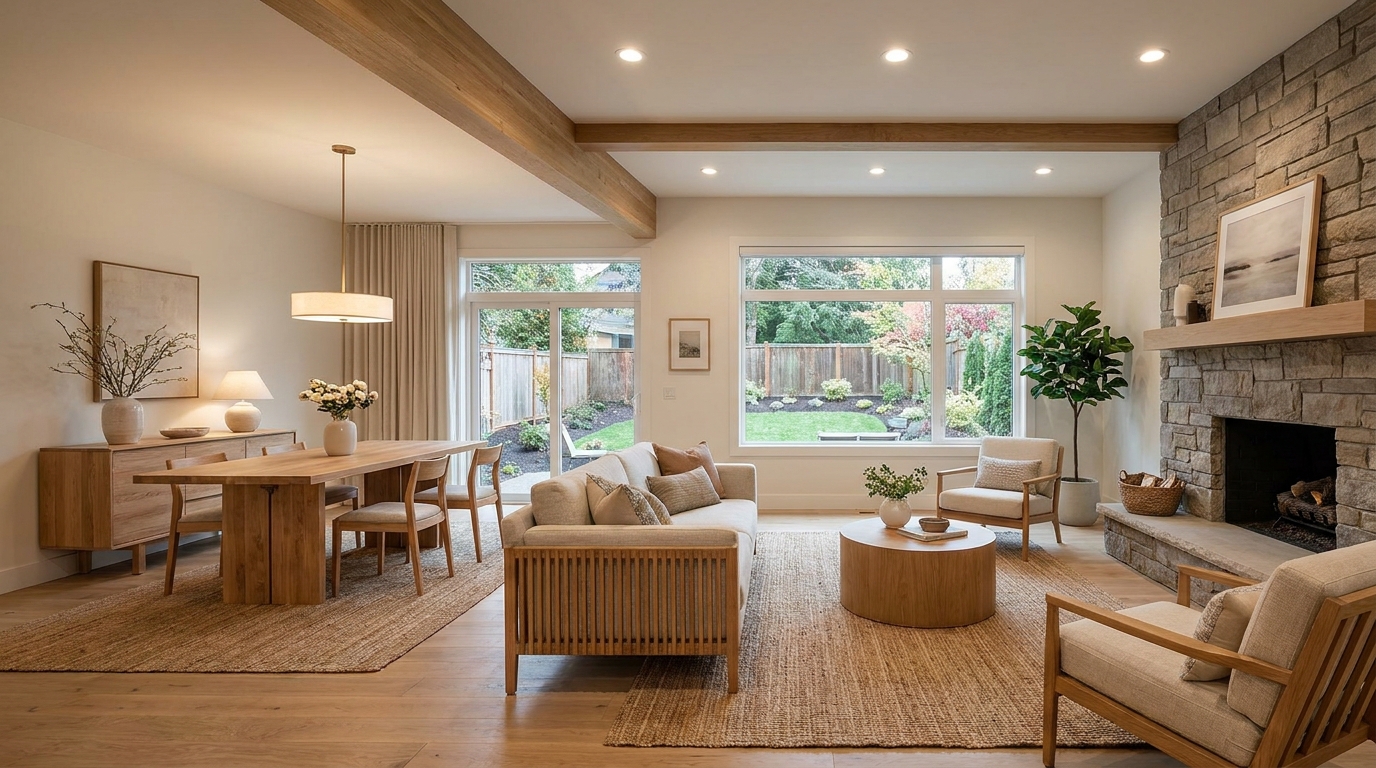
Soften harsh fixture glare and hotspots for smoother, more professional interior lighting.
Try This Tool →Discover additional AI-powered enhancers designed to elevate your property listings.
AI image-to-video generation for turning home, room, and property photos into more vivid presentation videos.
02AI exterior renovation for visualizing facade updates, curb appeal improvements, and home exterior remodel ideas.
03AI landscaping design for exploring outdoor concepts, curb appeal upgrades, planting ideas, and yard layout directions.
04AI virtual staging for furnishing empty rooms and creating listing-ready interiors for real estate marketing.
05Free AI image generation for turning text prompts into unlimited visual ideas for home design, interiors, landscaping, renovation
06AI object removal for cleaning up distracting items from room, home, and property photos.
Upload your indoor property shots now and experience instant, professional-grade AI enhancement.