
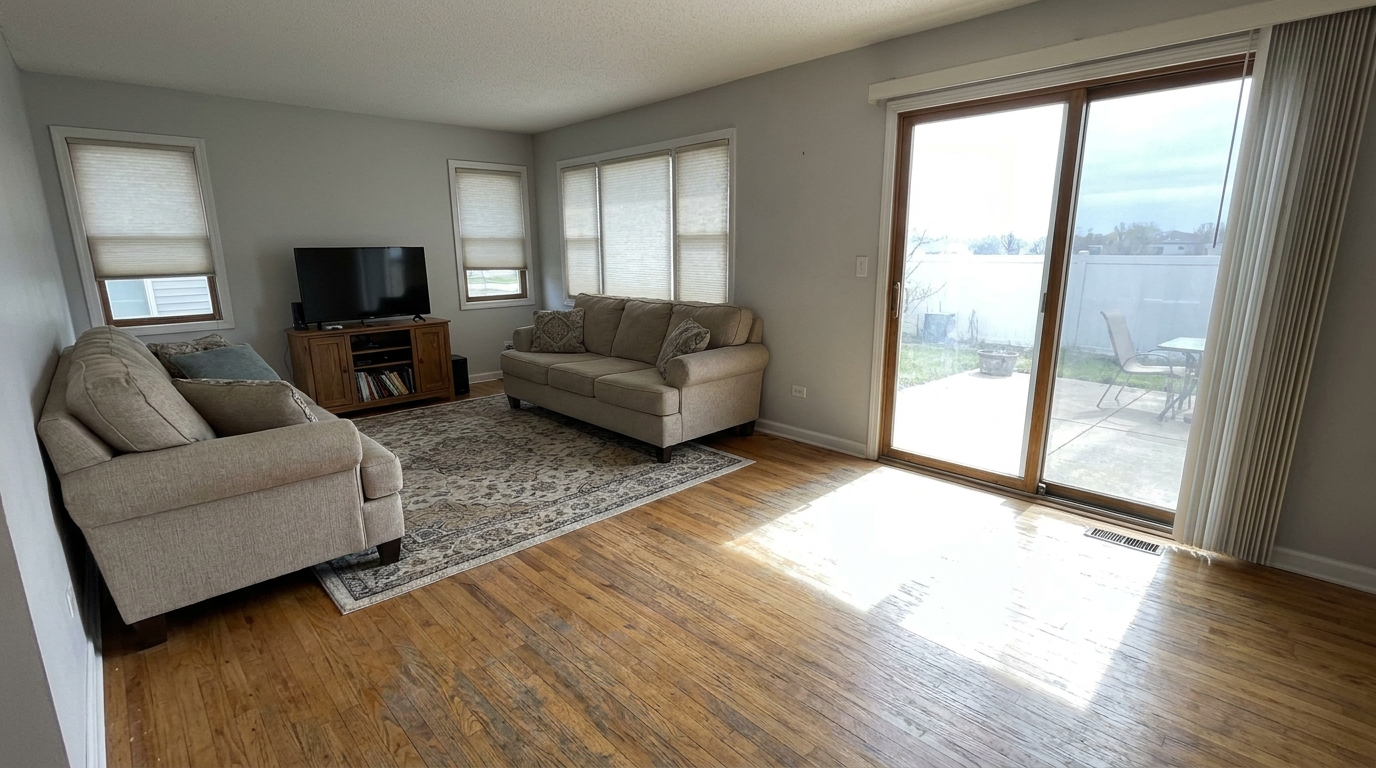
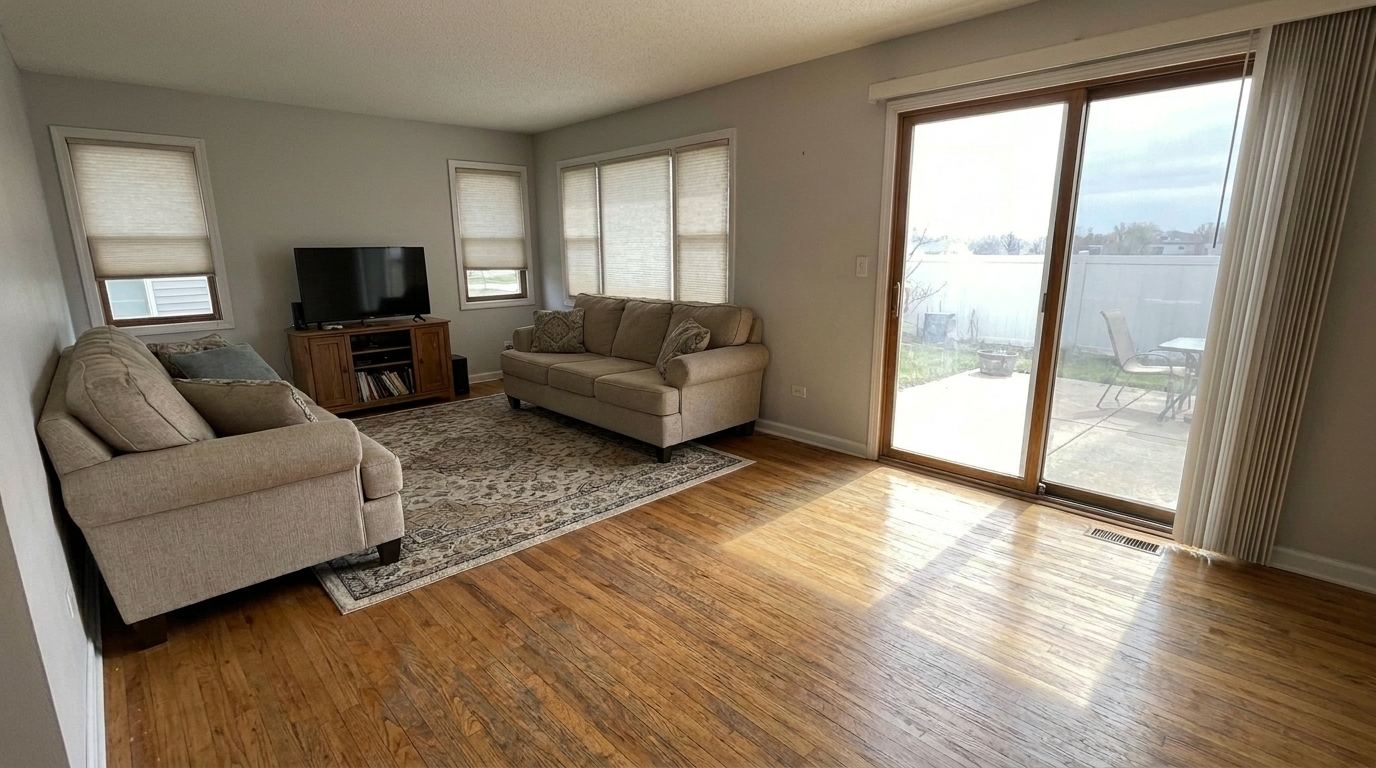

Living Room with Sun Glare
Living Room with Sun Glare updated with enhance hardwood floors photo styling.
Restore rich wood tones, clean surface details, and natural finishes. Perfect for real estate listings and interior design portfolios.
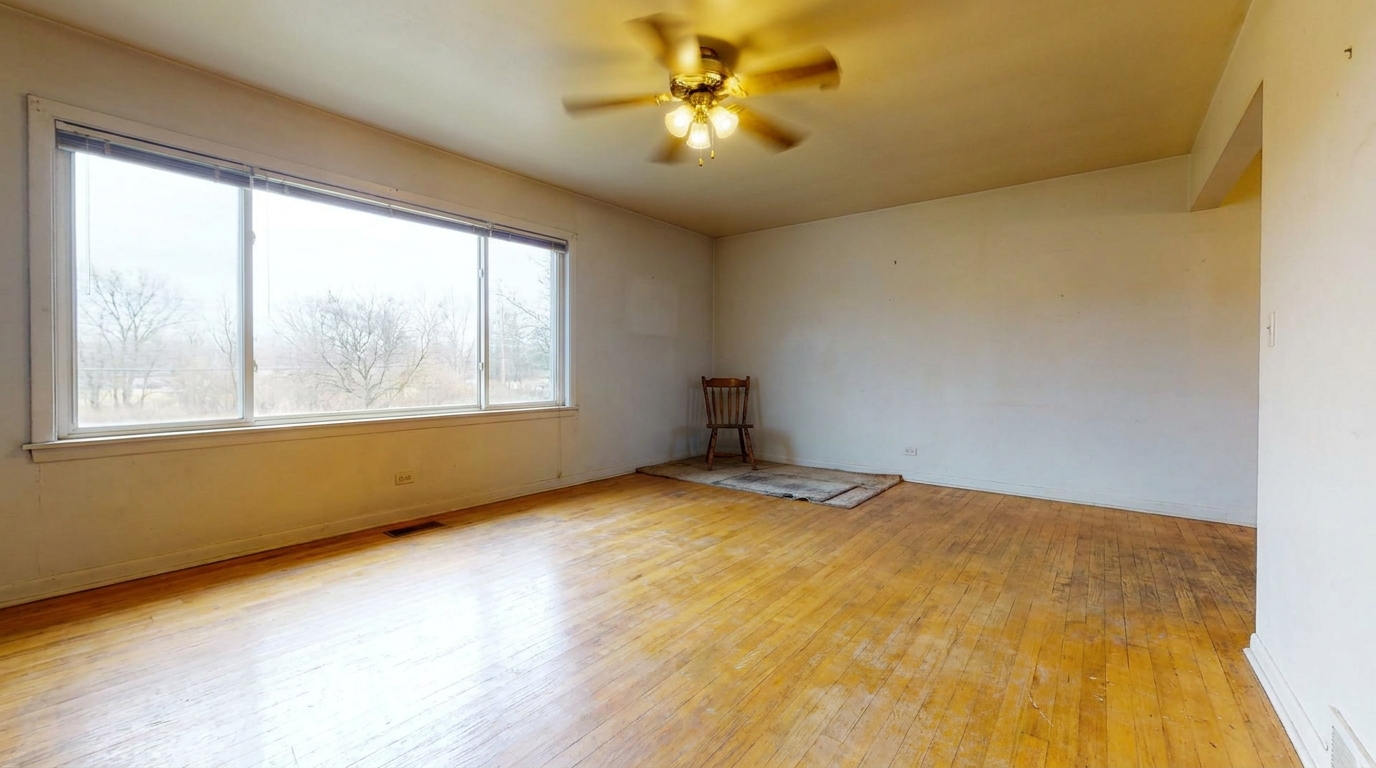
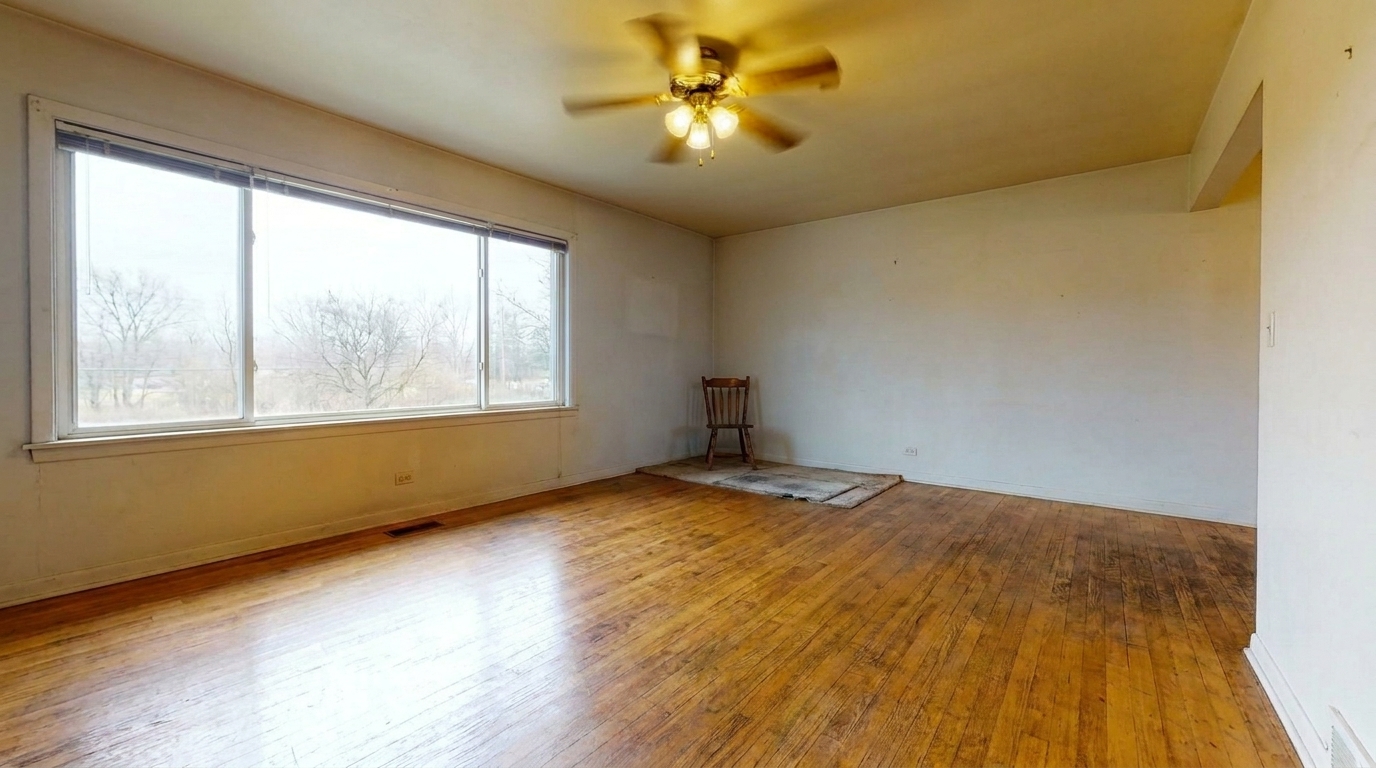
Compare before-and-after transformations showcasing restored wood grain and balanced finishes.
Living Room with Sun Glare updated with enhance hardwood floors photo styling.
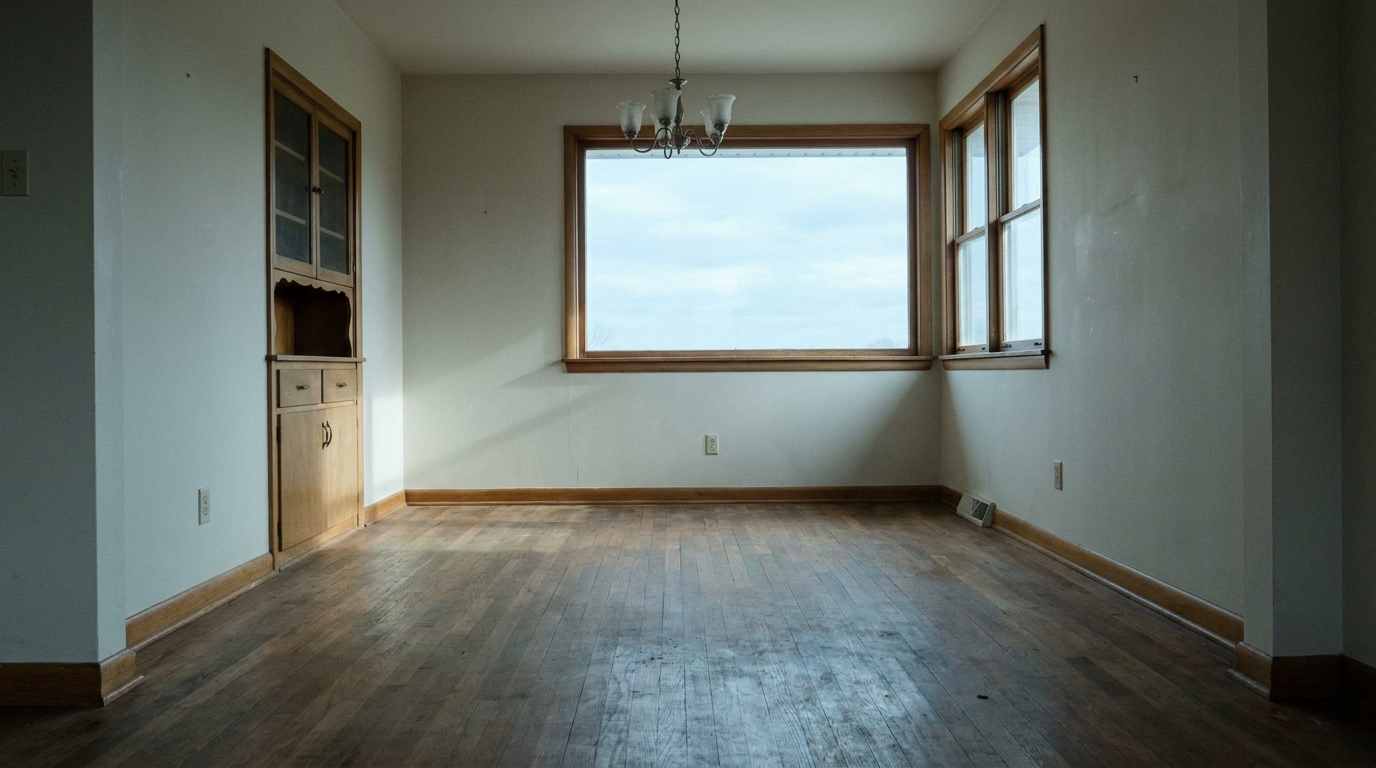
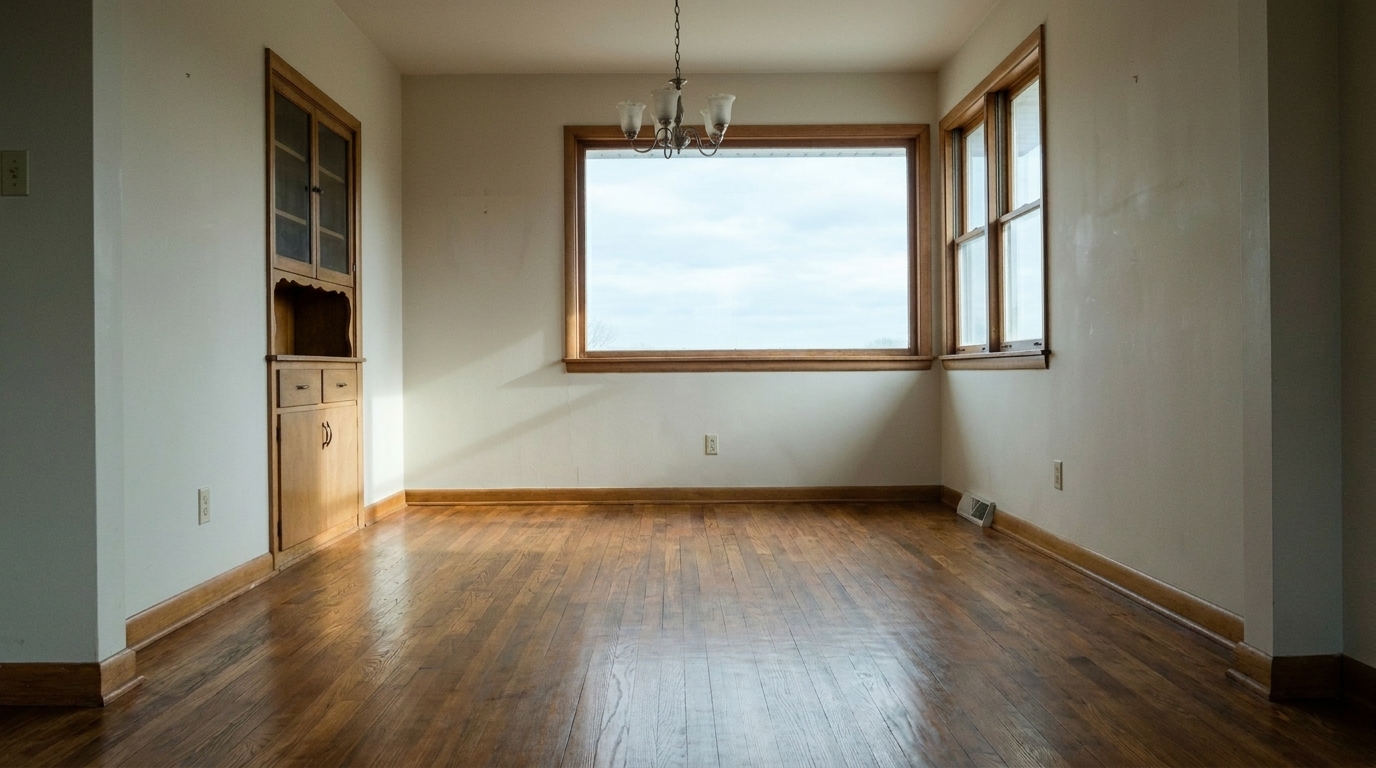
Dull Empty Dining Room updated with enhance hardwood floors photo styling.
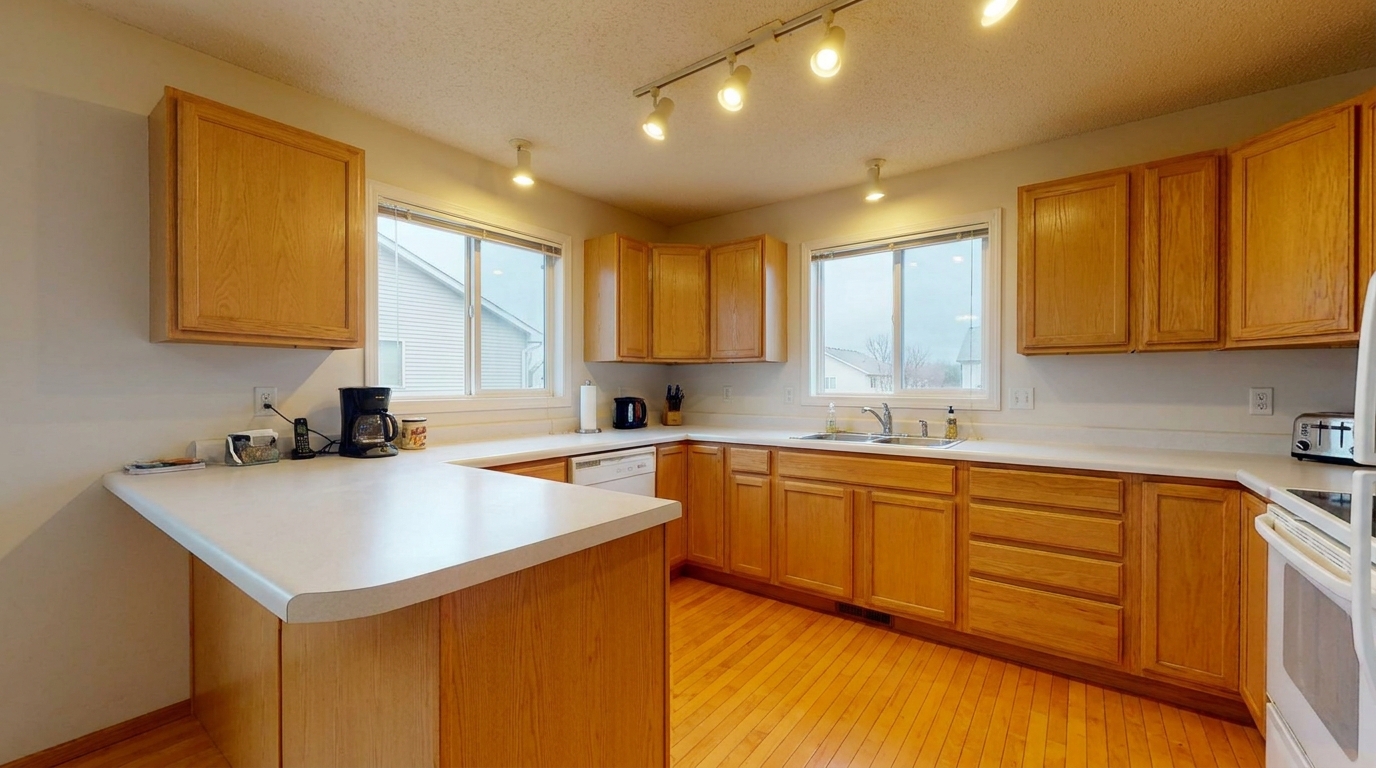
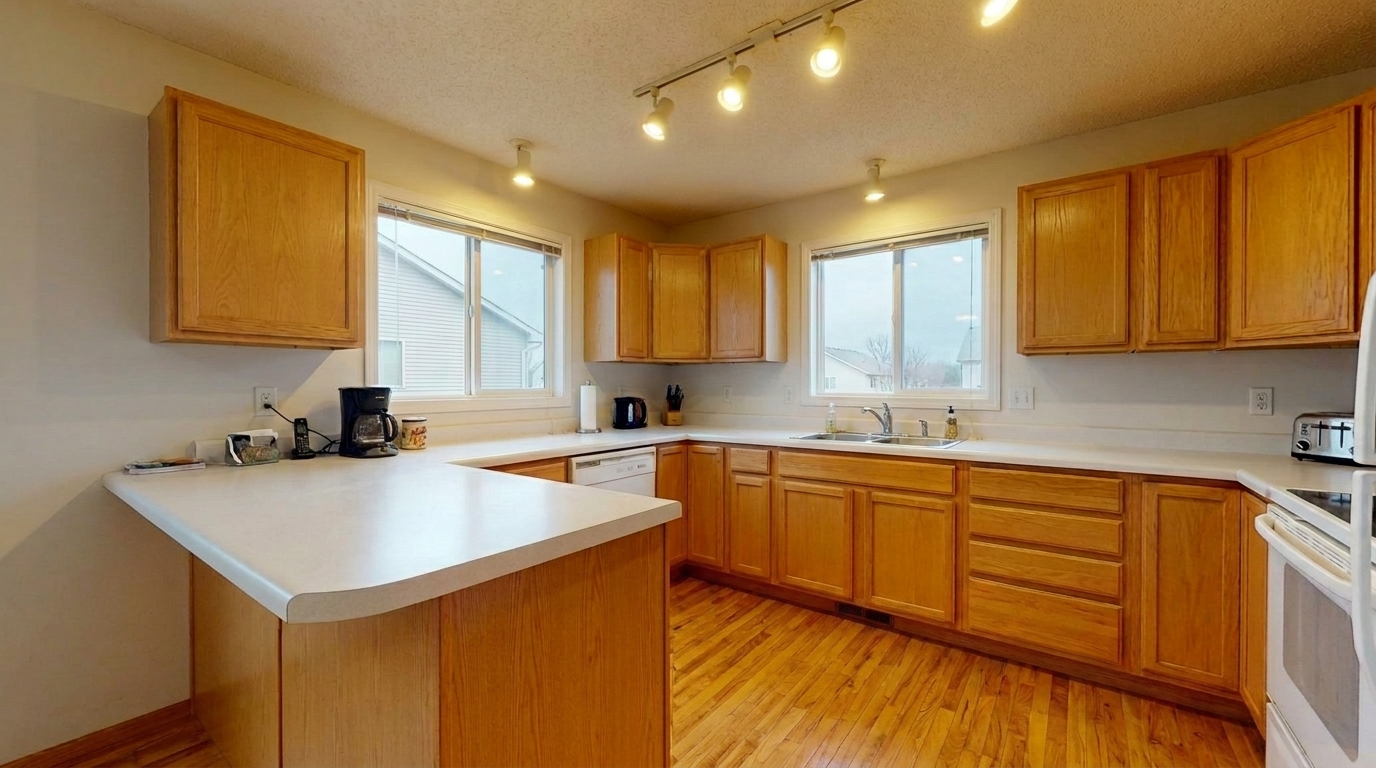
Yellow-Cast Kitchen updated with enhance hardwood floors photo styling.
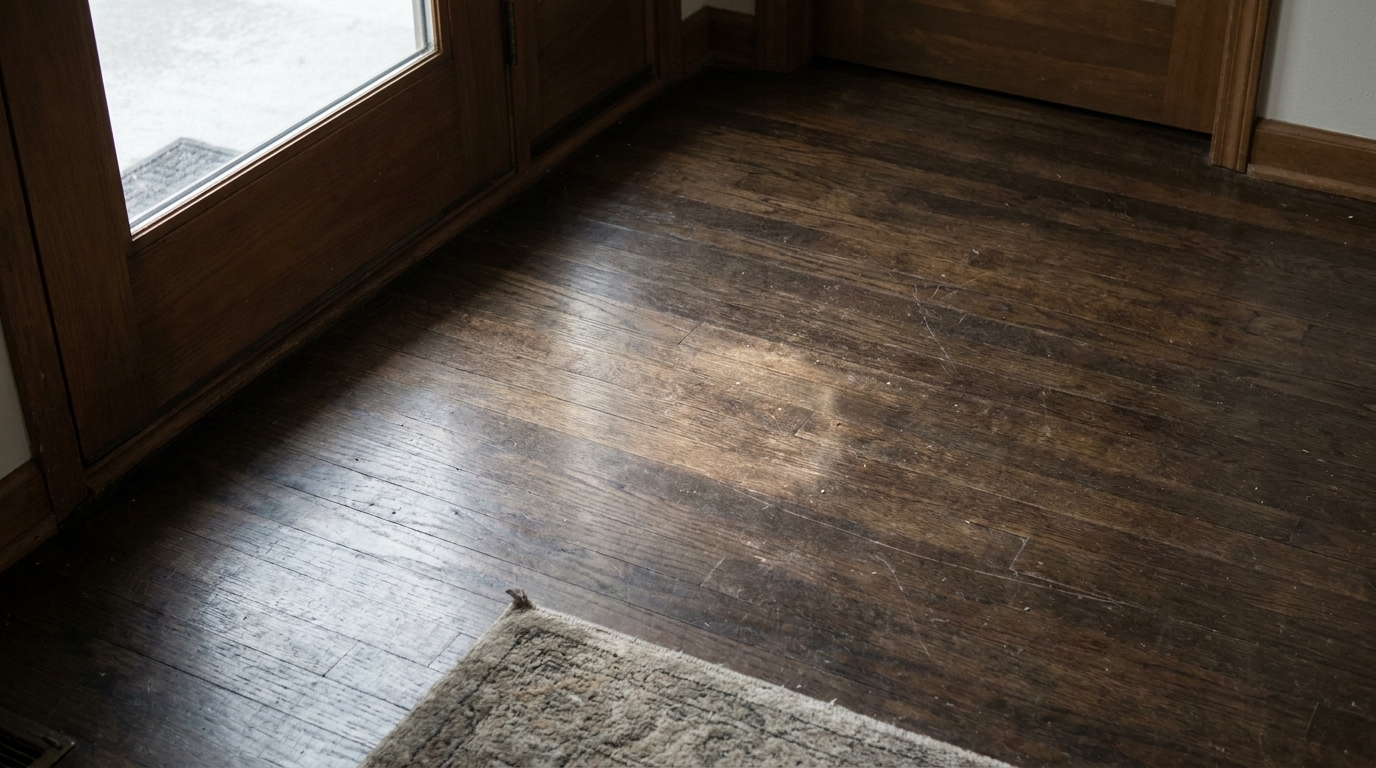
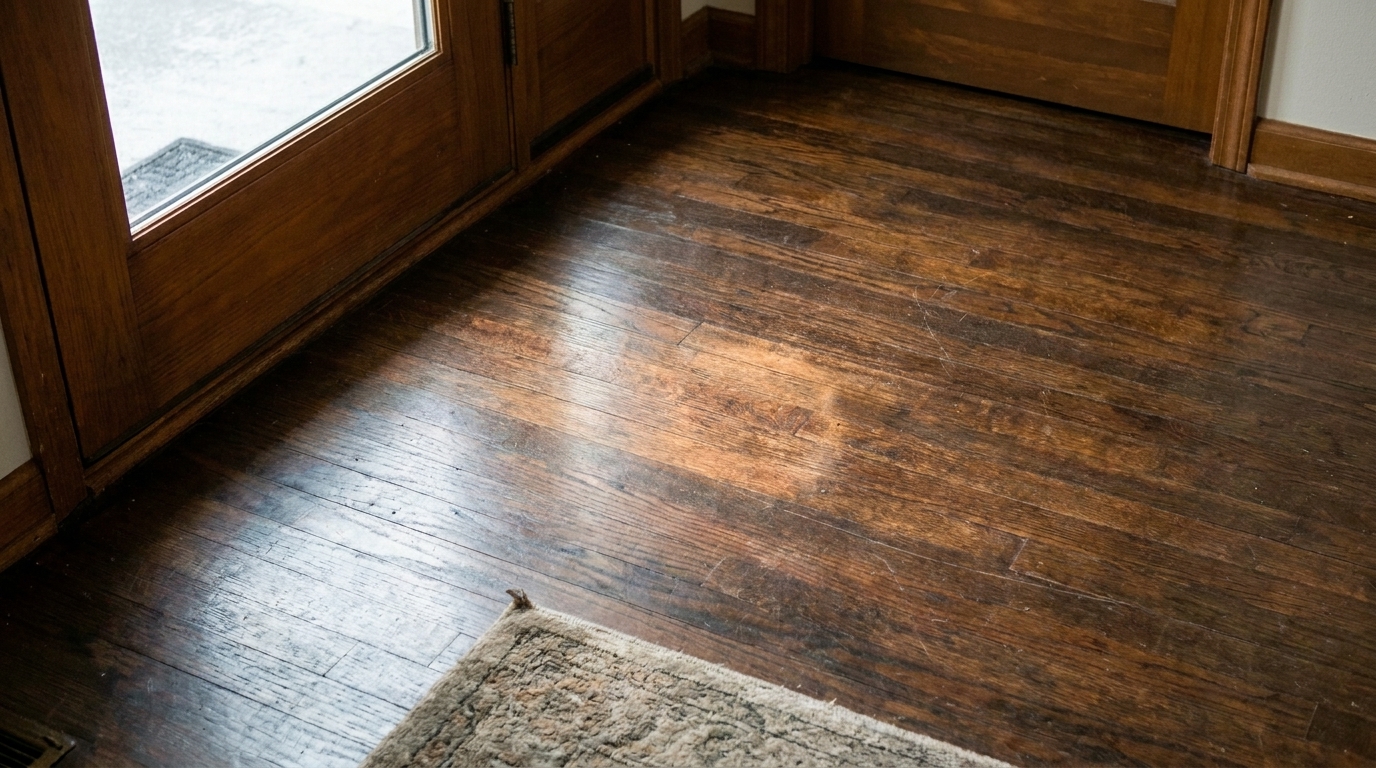
Scuffed Entryway updated with enhance hardwood floors photo styling.
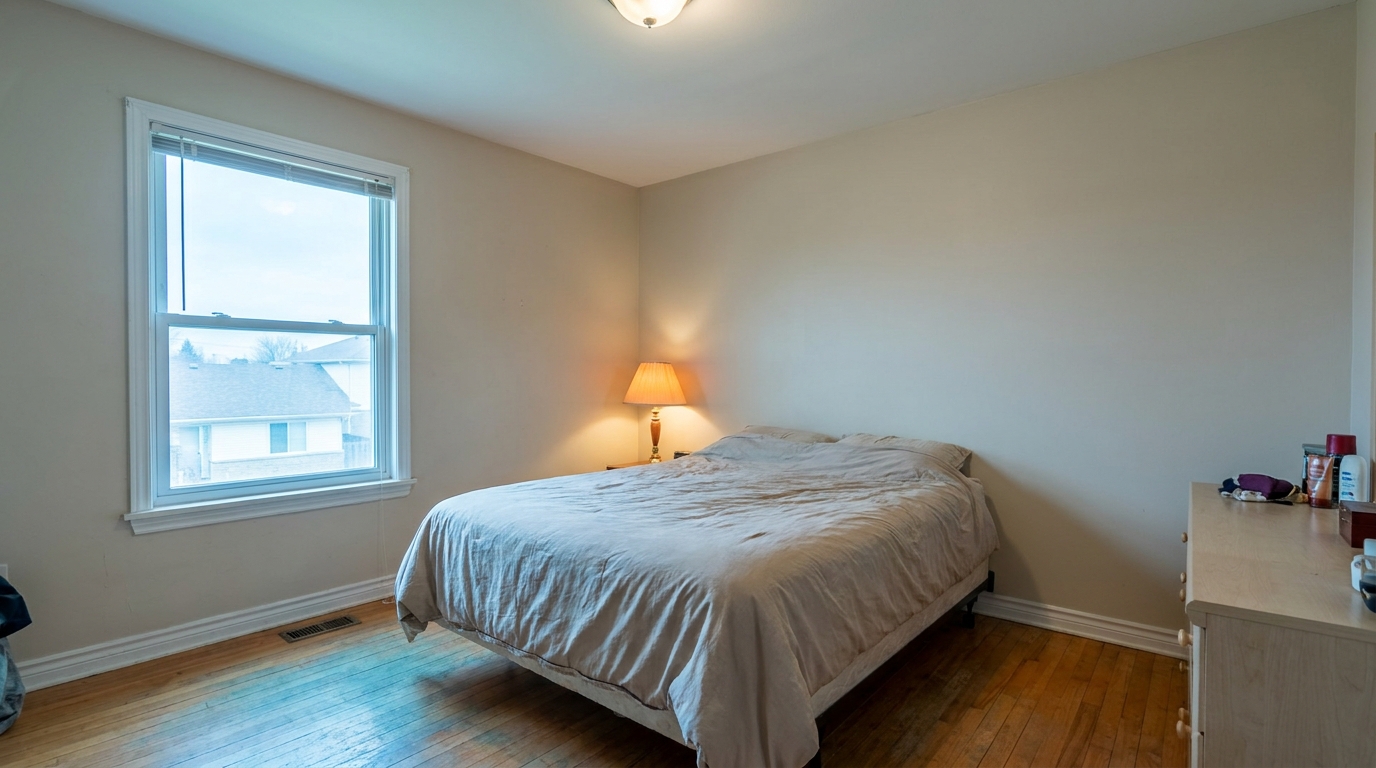
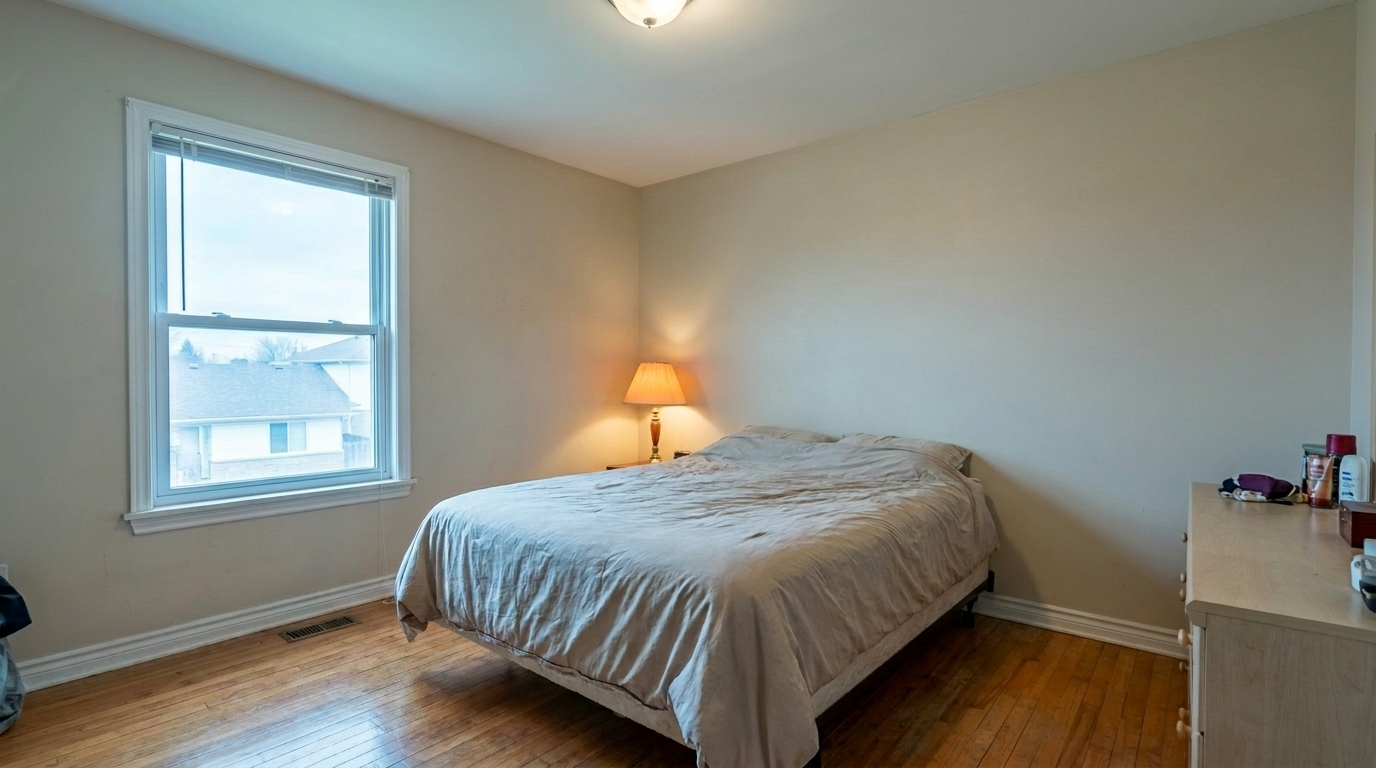
Mixed-Lighting Bedroom updated with enhance hardwood floors photo styling.
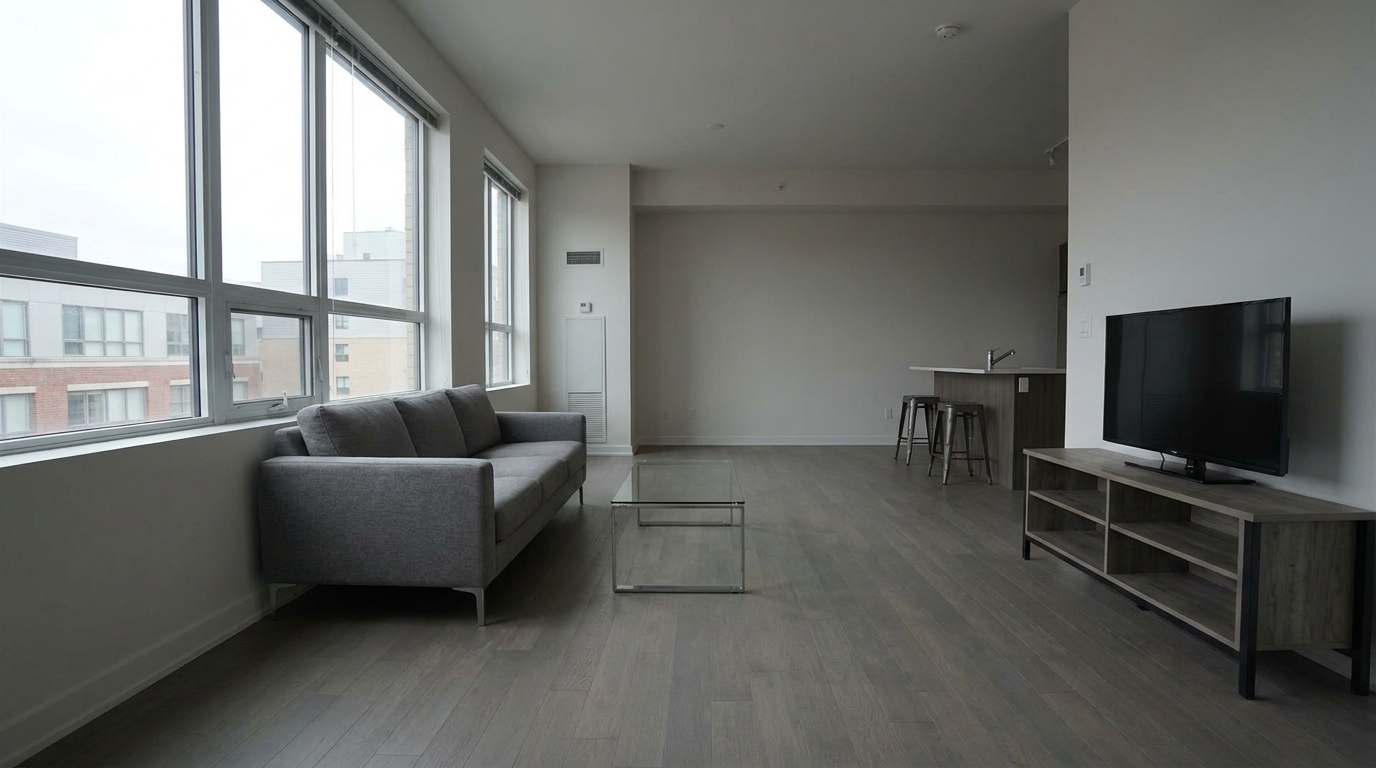
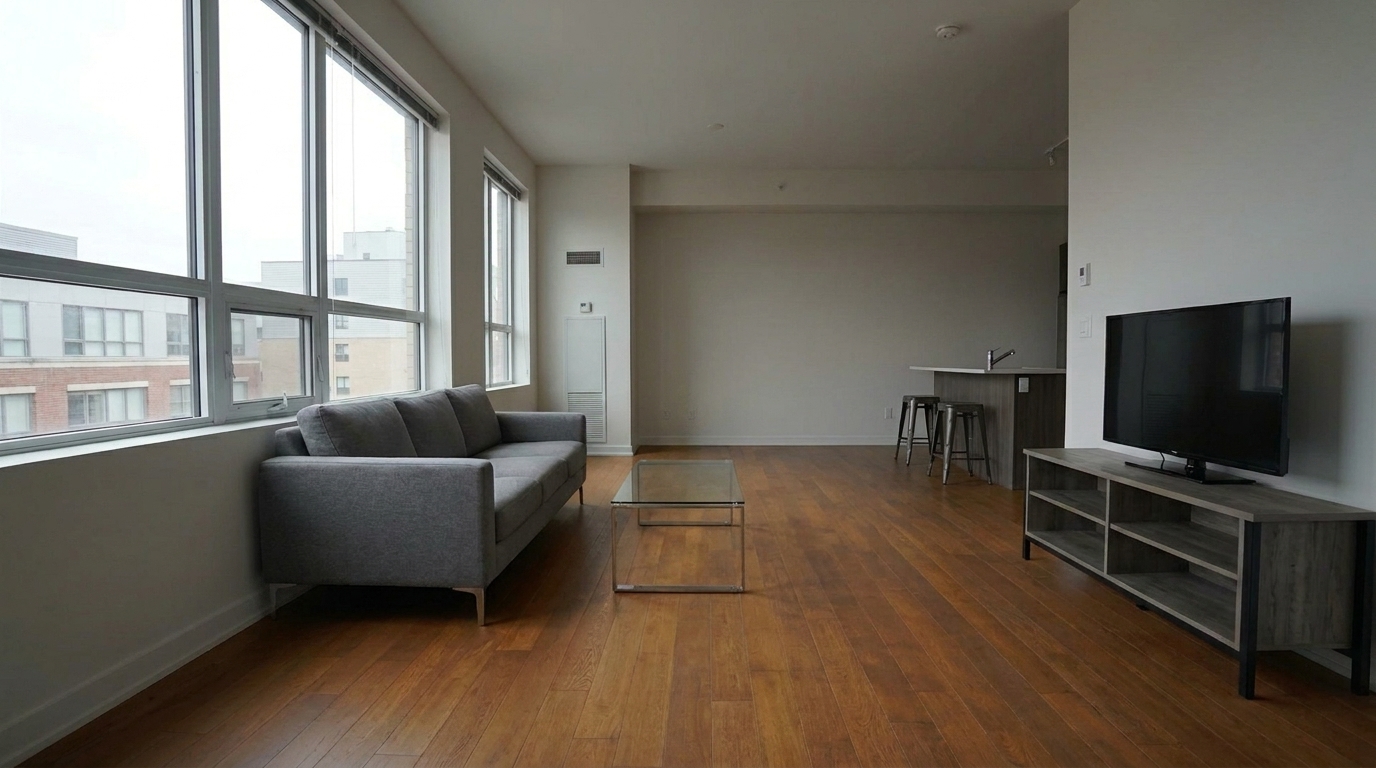
Matte Loft Flooring updated with enhance hardwood floors photo styling.
Our AI-driven tools target grain, tone, and reflections to deliver realistic, high-quality results.
Detects and sharpens natural wood grain patterns, restoring fine textures that often get lost to poor lighting or camera compression.
Automatically corrects unnatural yellow, orange, or blue color casts to reveal the wood's true, rich undertones.
Smooths out harsh light reflections and hot spots from windows or overhead fixtures on glossy floor finishes.
Subtly reduces the visibility of minor scuffs, dust, and light scratches for a cleaner, well-maintained look.
Isolates the flooring automatically, ensuring walls, furniture, and rugs remain completely unaffected by the enhancement.
Adapts to the floor's original finish—whether matte, satin, or high-gloss—to prevent an artificial, plastic-like appearance.
See how clean, vibrant hardwood floors elevate different types of property presentations.
Showcase premium oak, walnut, or cherry hardwood floors in high-end real estate listings to attract discerning buyers.
Real EstateHelp designers present completed residential projects with floors that look rich, clean, and true to life.
PortfolioElevate empty rooms where the hardwood floor is the primary visual element and focal point of the photo.
MarketingHighlight restored historic flooring by bringing out the deep character and patina of aged wood.
RenovationMake apartments and single-family rentals look more inviting with clean, polished, and durable-looking floors.
Property ManagementAllow flooring installation and refinishing professionals to display high-quality before-and-after photos of their work.
ContractorsFollow three simple steps to bring out the natural warmth and depth of wood flooring.
Select and upload a high-resolution interior photo featuring hardwood, laminate, or engineered wood flooring.
Choose the 'Enhance Hardwood Floors Photo' preset to automatically isolate the floor and optimize its texture, tone, and finish.
Save your enhanced photo, featuring restored wood grain, balanced reflections, and rich, natural warmth.
Source-backed context for why enhance hardwood floors photo edits matter inside interior enhancement workflows.
Enhance Hardwood Floors Photo within Interior Enhancement evidence
Photos are one of the most valuable website features for home buyers; NAR's 2025 generational trends report says 83% of internet-using buyers rated photos as very useful. For Enhance Hardwood Floors Photo pages, this supports showing how a focused Interior Enhancement edit can make the listing photo feel clearer, more polished, and easier for buyers to evaluate.
Source: NAR 2025Enhance Hardwood Floors Photo within Interior Enhancement evidence
Zillow Research's 2025 prospective buyer report ranked high-resolution photos as the number two most important listing feature, selected by 26% of prospective buyers; floor plans ranked first at 33%. For Enhance Hardwood Floors Photo pages, this supports showing how a focused Interior Enhancement edit can make the listing photo feel clearer, more polished, and easier for buyers to evaluate.
Source: Zillow 2025Enhance Hardwood Floors Photo within Interior Enhancement evidence
Redfin reported that professionally photographed homes in the $400,000 range sold three weeks faster and for more than $10,000 relative to list price compared with amateur photos. Use this as supporting context, not as a guaranteed result. For Enhance Hardwood Floors Photo pages, this supports showing how a focused Interior Enhancement edit can make the listing photo feel clearer, more polished, and easier for buyers to evaluate.
Source: RedfinFlooring represents one of the largest visual surfaces in any interior photo. Enhancing it correctly can dramatically improve the perceived value of a property.
Floors anchor an interior shot, guiding the viewer's eye through the space. When hardwood floors appear dull, dusty, or discolored due to poor lighting, the entire room can feel neglected or outdated. Enhancing the natural grain and warmth of wood floors immediately elevates the listing's appeal, making spaces feel cleaner, warmer, and more inviting to potential buyers.
For the best results, apply the Hardwood Floor preset after your primary exposure and white balance adjustments are complete. This ensures the AI accurately reads the base colors of the room. Once the overall lighting is balanced, the preset can isolate the wood surfaces to sharpen grain details, correct localized color casts, and soften distracting reflections without altering the rest of the room's elements.
While our general 'Interior Photo' preset applies a broad polish to the entire room, the 'Enhance Hardwood Floors' preset is a specialized tool designed for specific scenarios. Use this preset when the flooring is a major selling point of the home, or when mixed lighting has turned the wood an unnatural orange or yellow. If the room is heavily carpeted or features tile, stick to the general 'Interior Photo' or 'Flash Ambient Blending' presets. Avoid using this tool if you want to completely change the floor material, as this preset is built to restore and enhance existing wood rather than replace it.
One of the biggest challenges in floor photography is managing glare from windows and overhead lights. While a completely matte floor looks flat, an overly glossy floor can create distracting hot spots. This tool balances these elements by softening harsh, blown-out reflections while preserving the natural satin or semi-gloss sheen of the wood, ensuring the final image looks professional and true to life.
Discover specialized tools designed to polish every detail of your interior property photos.
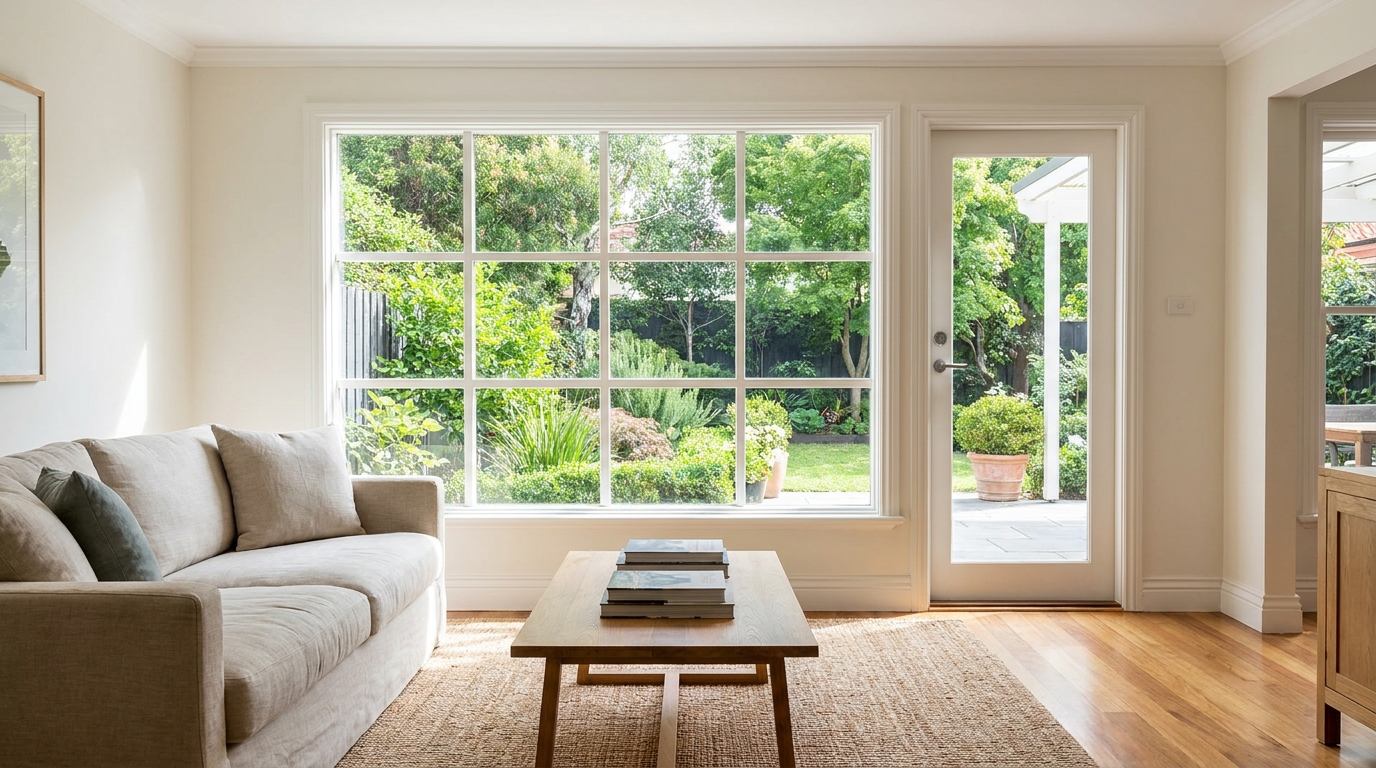
Recover natural window detail while keeping interiors bright, balanced, and realistic.
Try This Tool →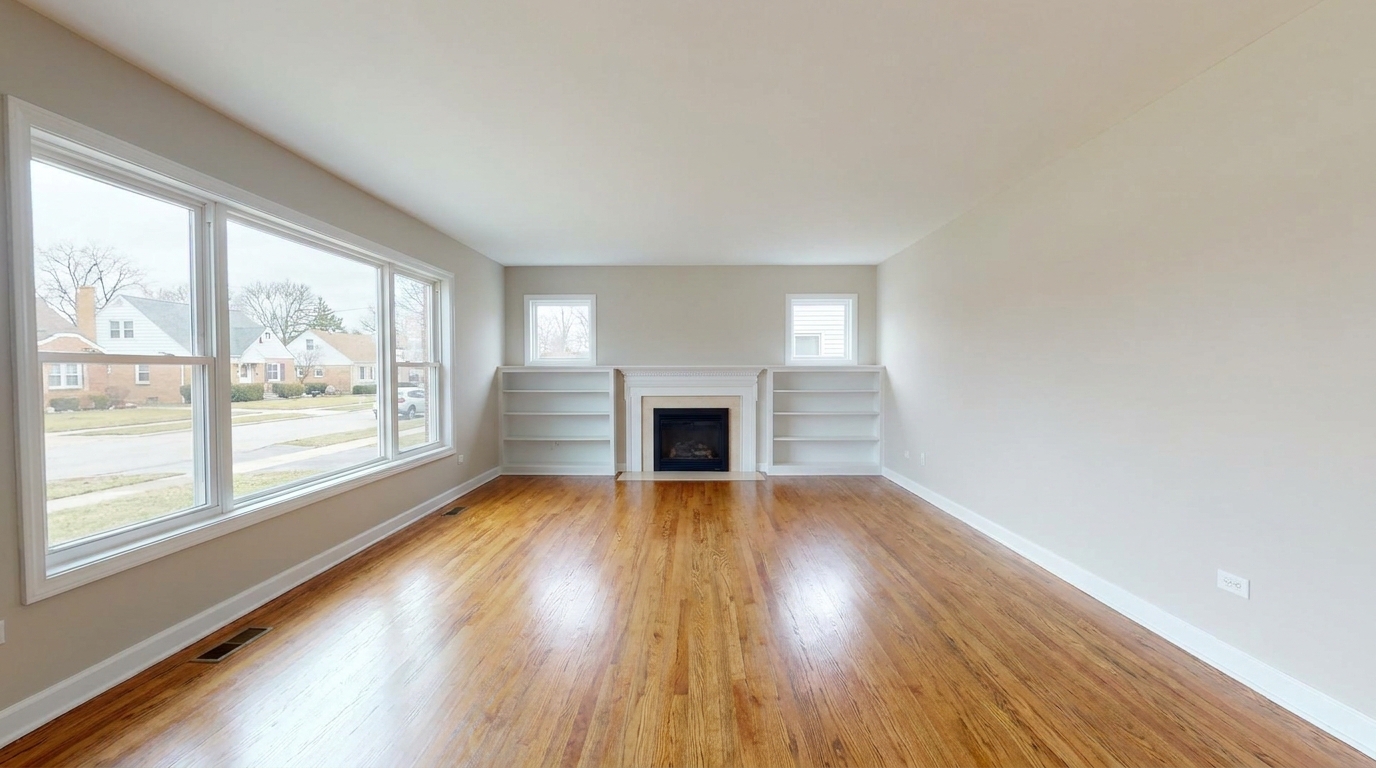
Remove furnishings and personal items to create a clean, spacious vacant-room presentation.
Try This Tool →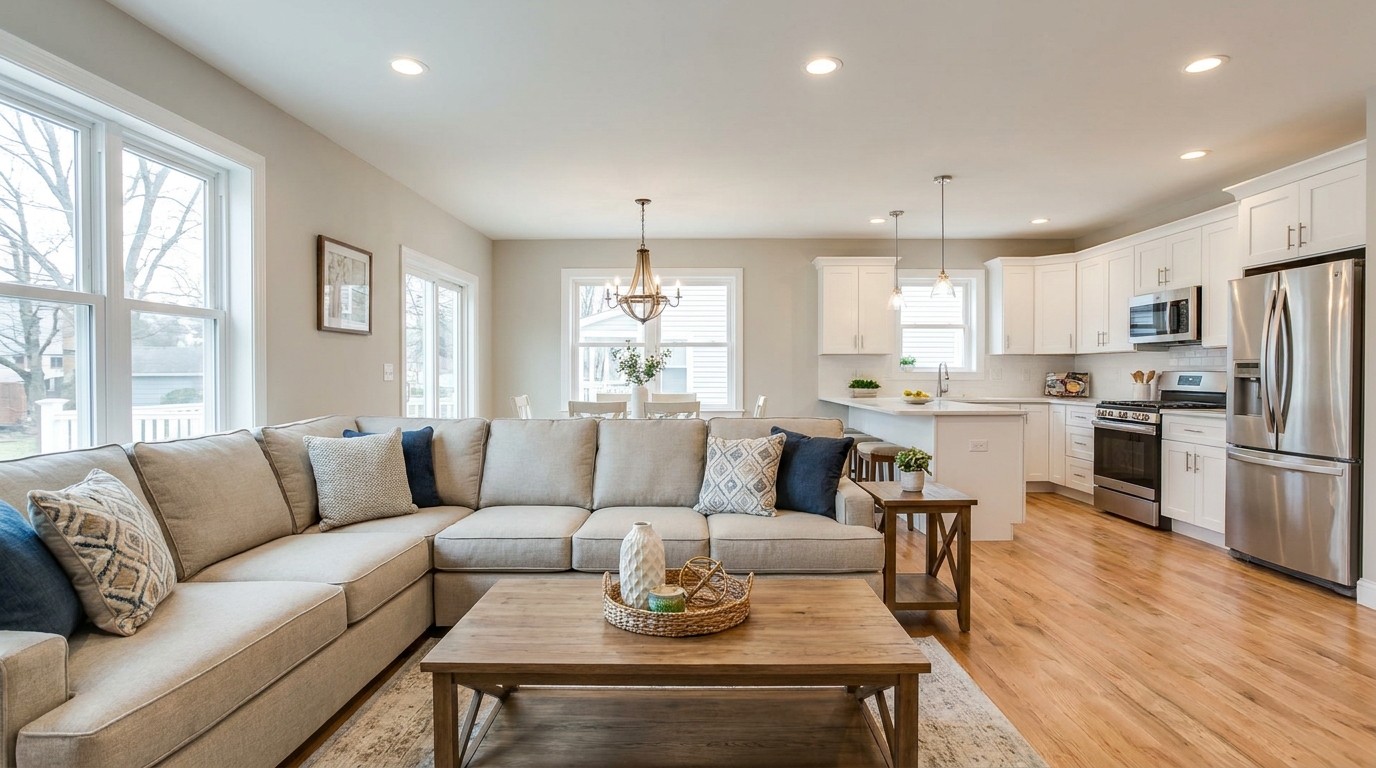
Full interior polishing for brighter rooms, cleaner color, and more inviting listing photos.
Try This Tool →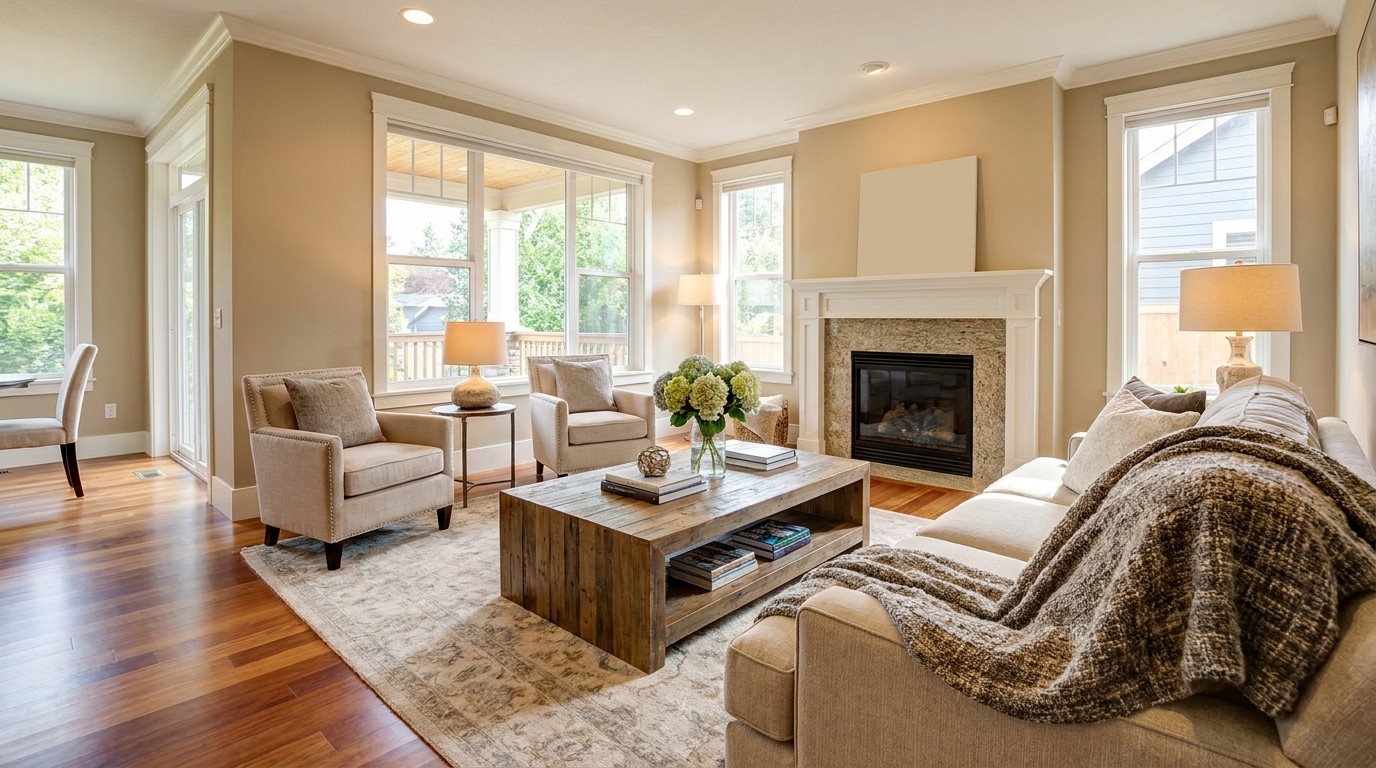
Blend flash and ambient exposures for interiors that feel bright, natural, and well balanced.
Try This Tool →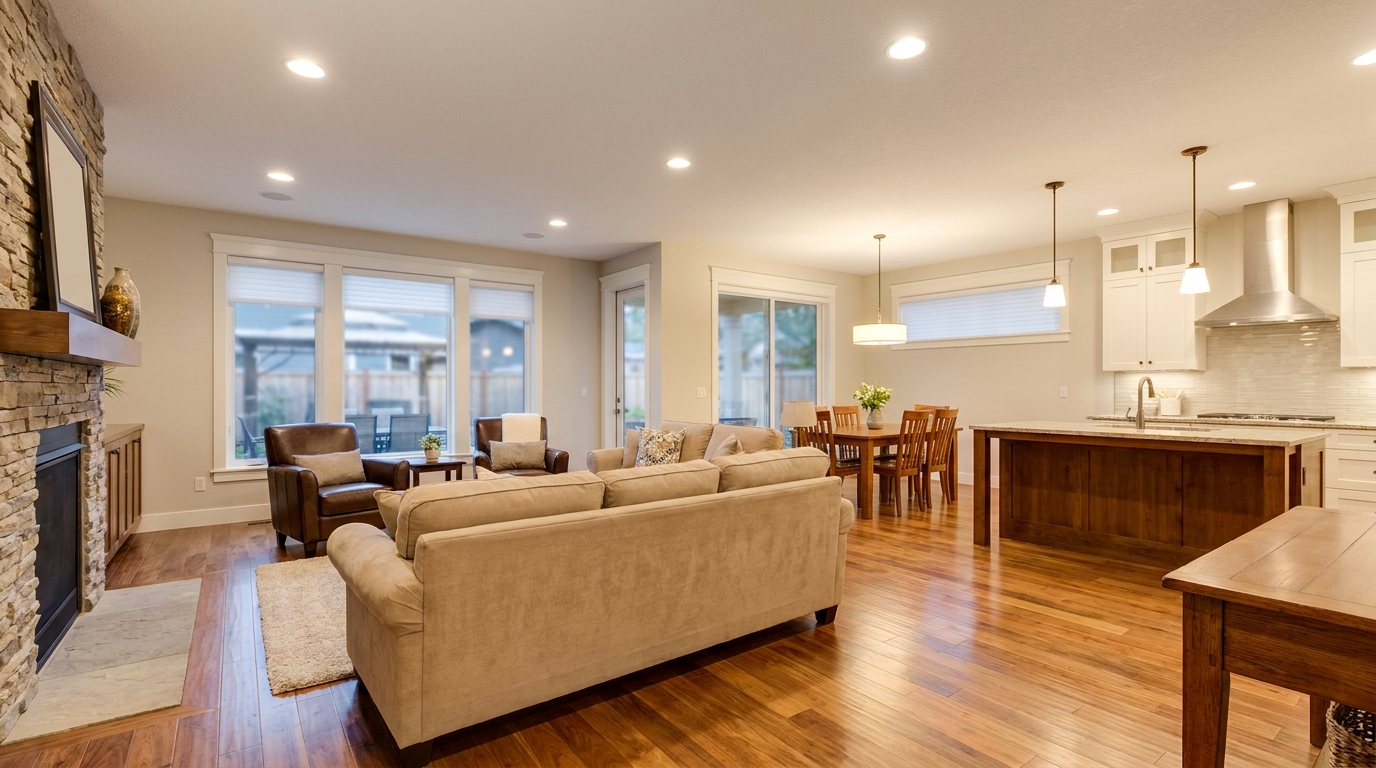
Soften harsh fixture glare and hotspots for smoother, more professional interior lighting.
Try This Tool →Explore additional AI tools to optimize lighting, views, and interior details.
AI image-to-video generation for turning home, room, and property photos into more vivid presentation videos.
02AI exterior renovation for visualizing facade updates, curb appeal improvements, and home exterior remodel ideas.
03AI landscaping design for exploring outdoor concepts, curb appeal upgrades, planting ideas, and yard layout directions.
04AI virtual staging for furnishing empty rooms and creating listing-ready interiors for real estate marketing.
05Free AI image generation for turning text prompts into unlimited visual ideas for home design, interiors, landscaping, renovation
06AI object removal for cleaning up distracting items from room, home, and property photos.
Transform dull, faded, or glare-ridden floors into rich, warm, and inviting assets. Start enhancing your interior photos today.