
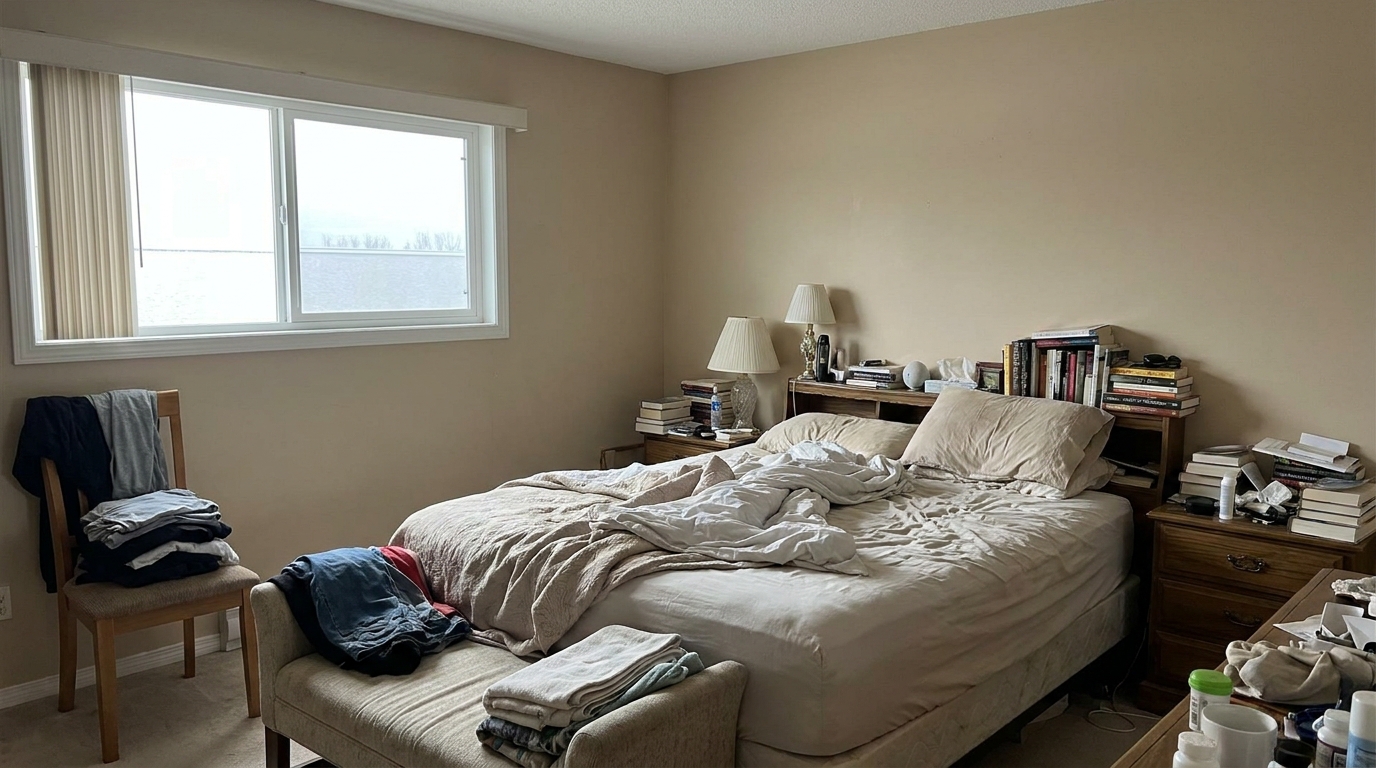
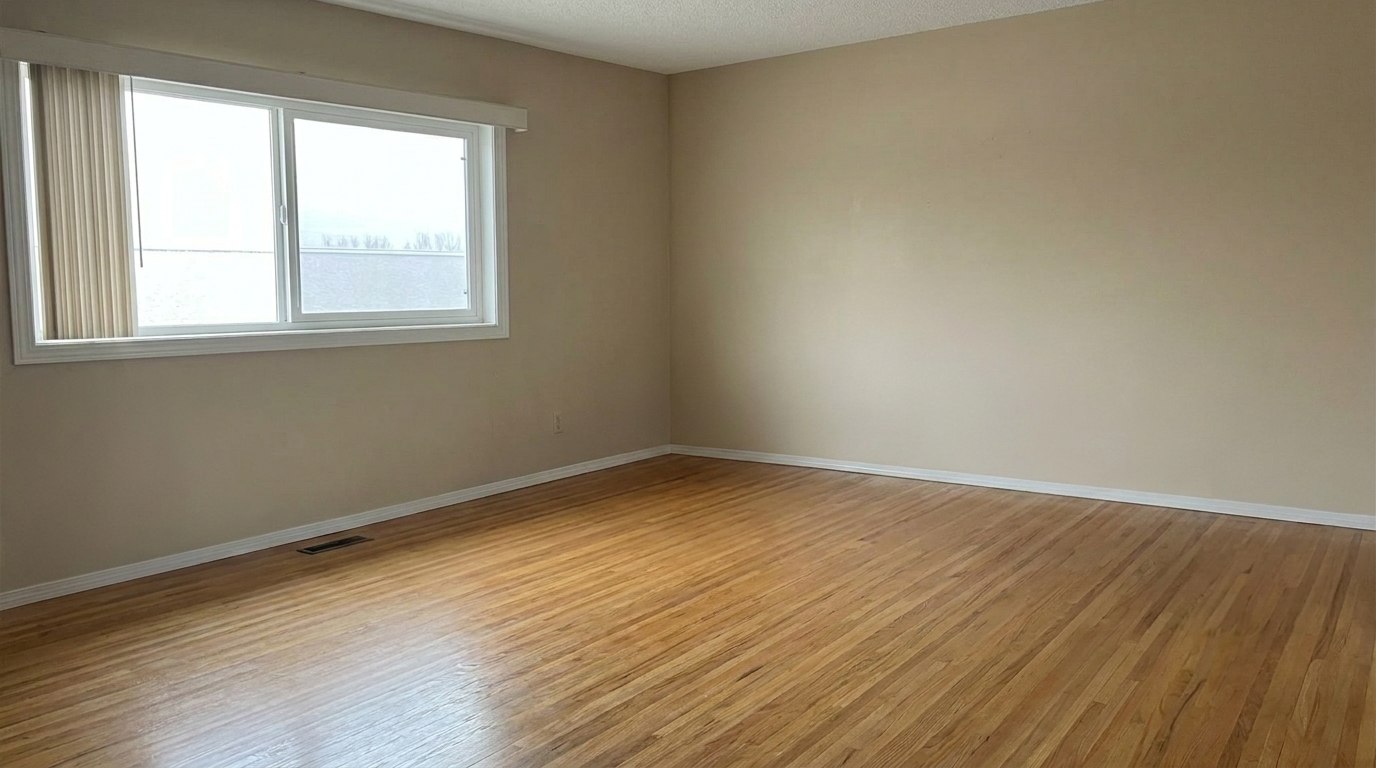

Messy Bedroom
Messy Bedroom updated with occupied to vacant styling.
Instantly clear out furniture, decor, and personal clutter from your interior photos. Present clean, spacious, and listing-ready vacant rooms in seconds.
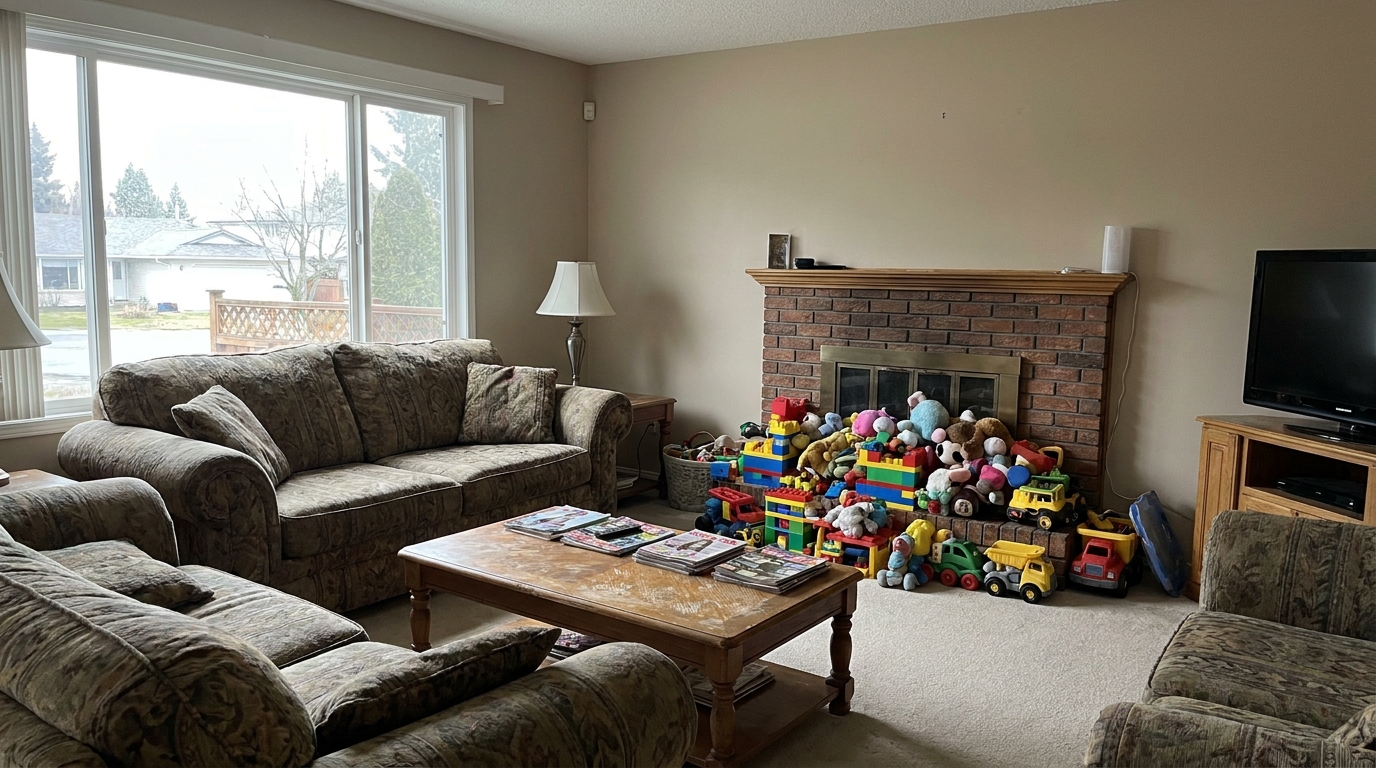
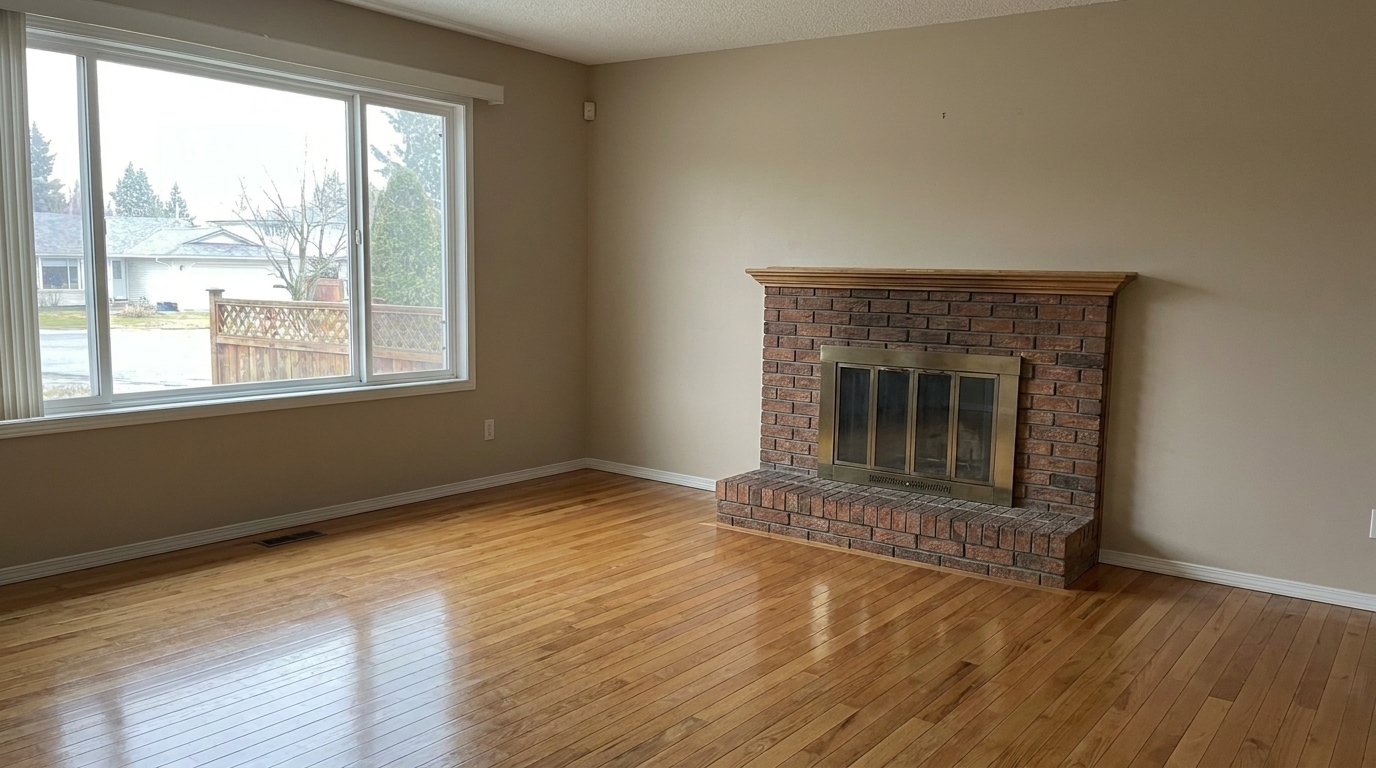
Browse real-world examples of occupied rooms seamlessly converted into clean, vacant spaces.
Messy Bedroom updated with occupied to vacant styling.
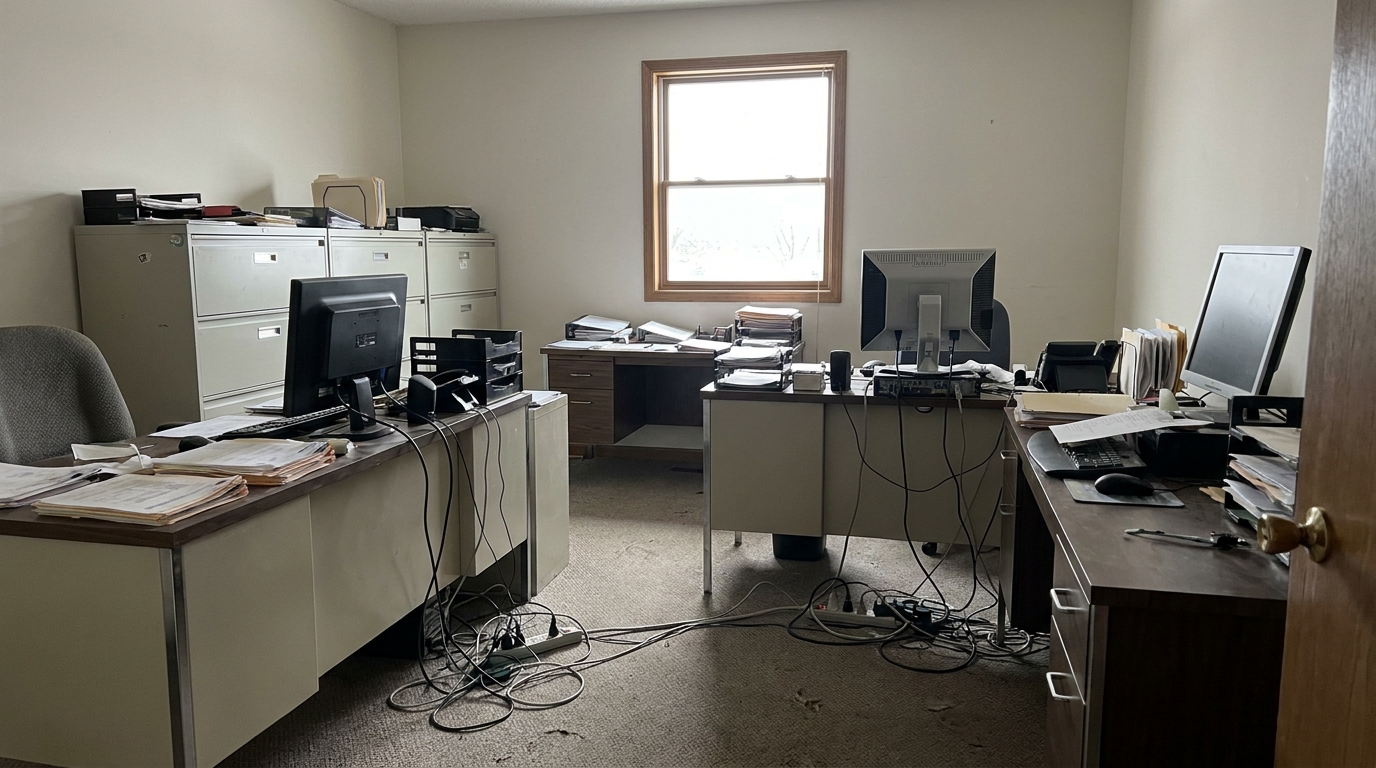
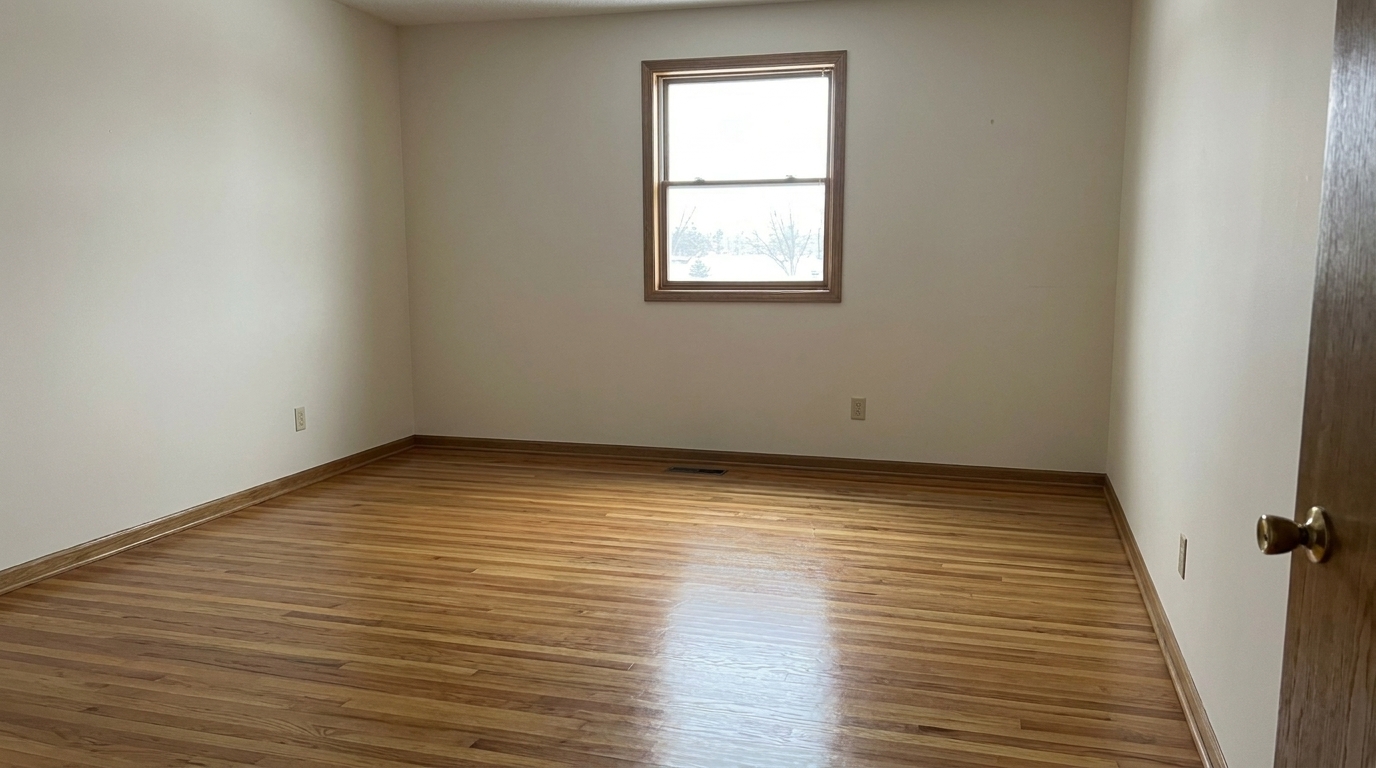
Over-furnished Home Office updated with occupied to vacant styling.
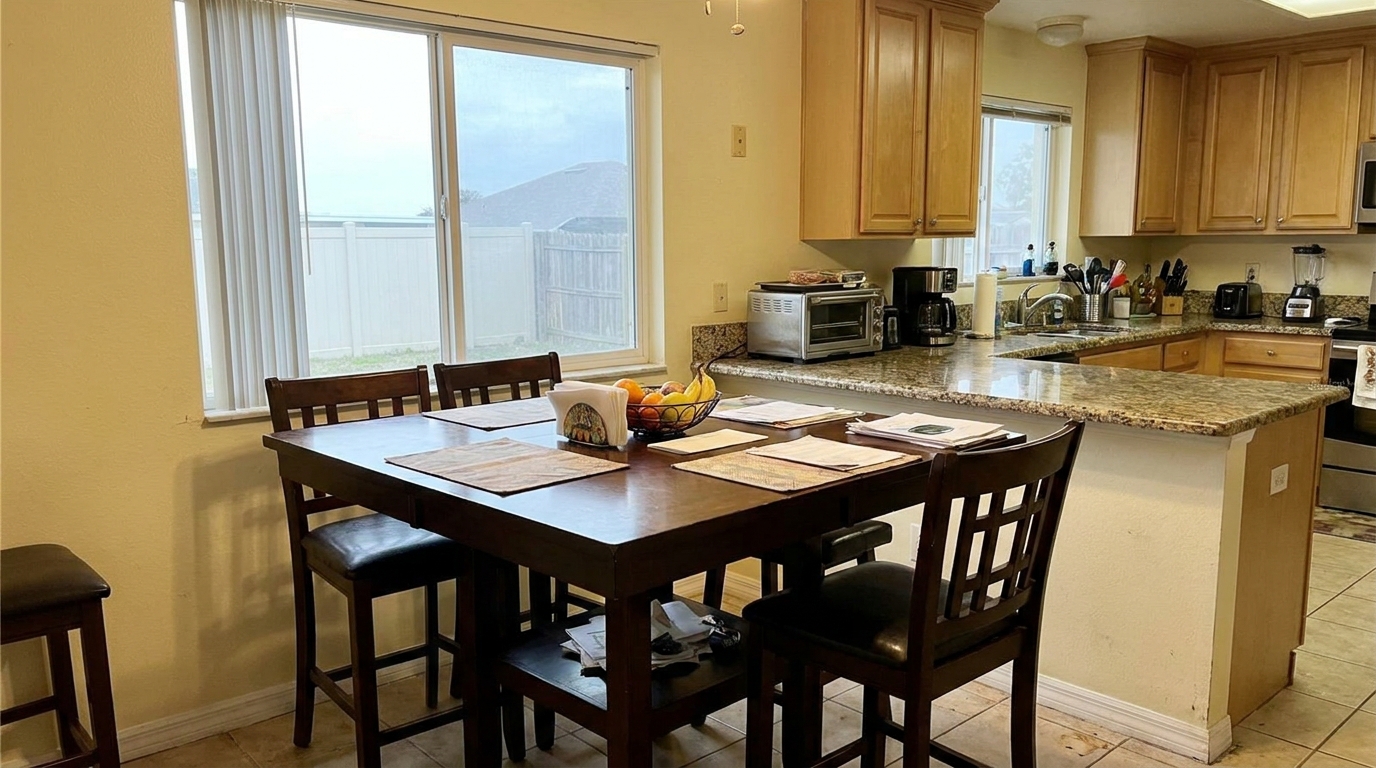
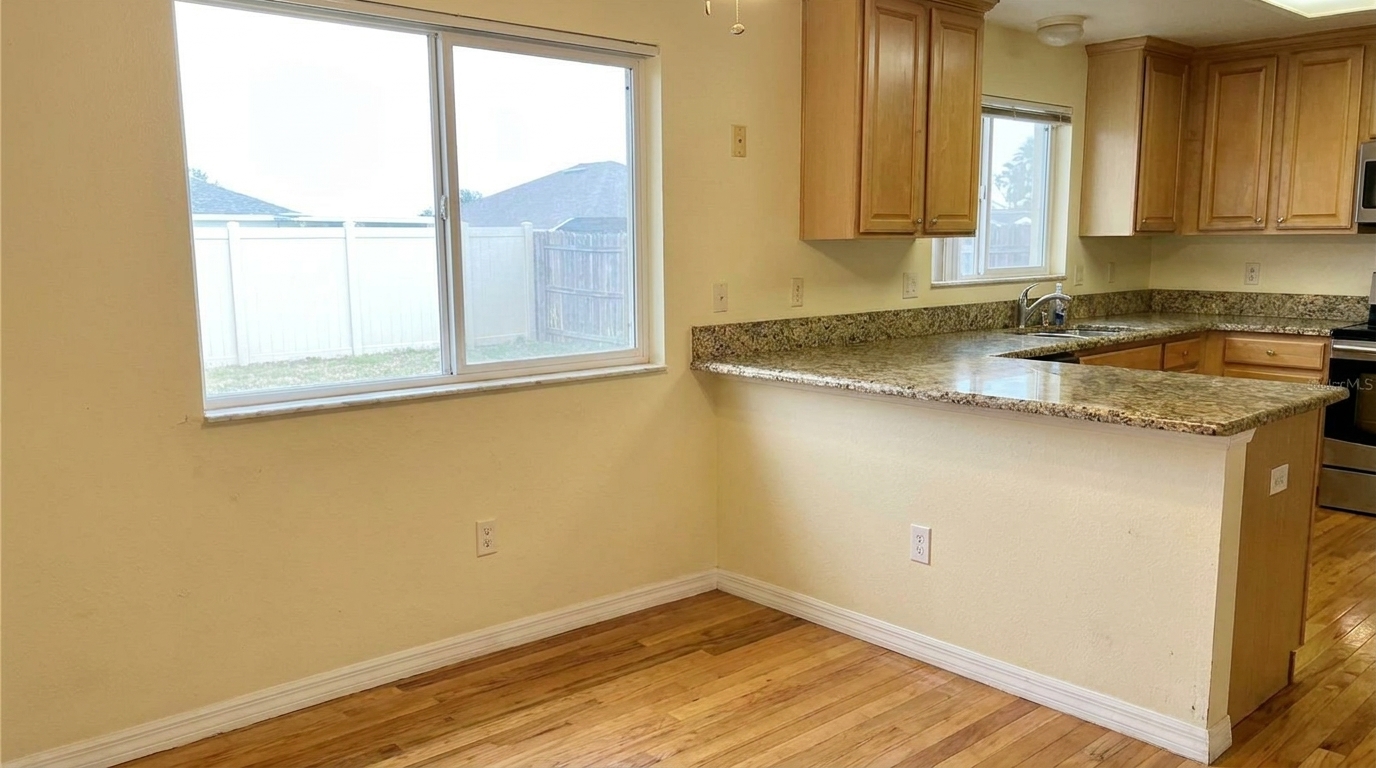
Crowded Kitchen Nook updated with occupied to vacant styling.
Discover how our AI-driven tool cleanly removes furniture while preserving structural integrity.
Automatically identifies and cleanly removes large furniture items like sofas, beds, dining tables, and wardrobes without manual masking.
Keeps original walls, windows, doors, fireplaces, and architectural details perfectly intact while clearing out the room.
Uses advanced generative inpainting to reconstruct flooring textures, baseboards, and wall paint hidden behind removed objects.
Recalculates ambient light and eliminates artificial shadows cast by old furniture, ensuring the empty room looks naturally lit.
Targets and removes smaller distracting items such as family photos, toys, trash cans, and countertop clutter for a neutral presentation.
Delivers crisp, professional-grade images that meet MLS standards and are ready for digital marketing or virtual staging.
See how real estate professionals and designers use virtual emptying to accelerate sales.
Protect tenant privacy and present a clean, neutral space to prospective buyers without requiring physical decluttering.
Real Estate AgentsCreate a blank canvas from a furnished room, allowing you to apply modern virtual staging designs that appeal to target demographics.
Virtual StagersBypass cleaning delays on messy properties by instantly clearing out cluttered rooms to launch listings faster.
Property ManagersHelp buyers visualize the raw space, dimensions, and structural potential of a home by removing outdated furniture.
HomeownersClear out old office desks, partitions, and equipment to showcase open-plan layouts and maximize commercial appeal.
Commercial BrokersRemove temporary, distracting items or poorly placed decor from architectural shots to maintain a high-end portfolio.
PhotographersTransform cluttered or furnished rooms into clean, empty spaces in three simple steps.
Select and upload a high-resolution photo of an occupied, cluttered, or fully furnished room from your device.
Choose the preset to let our AI automatically detect, isolate, and remove all furniture, decor, and personal items.
Review the empty room layout and download your pristine, listing-ready photo, perfect for virtual staging or immediate MLS upload.
Source-backed context for why occupied to vacant edits matter inside interior enhancement workflows.
Occupied to Vacant within Interior Enhancement evidence
Photos are one of the most valuable website features for home buyers; NAR's 2025 generational trends report says 83% of internet-using buyers rated photos as very useful. For Occupied to Vacant pages, this supports showing how a focused Interior Enhancement edit can make the listing photo feel clearer, more polished, and easier for buyers to evaluate.
Source: NAR 2025Occupied to Vacant within Interior Enhancement evidence
Zillow Research's 2025 prospective buyer report ranked high-resolution photos as the number two most important listing feature, selected by 26% of prospective buyers; floor plans ranked first at 33%. For Occupied to Vacant pages, this supports showing how a focused Interior Enhancement edit can make the listing photo feel clearer, more polished, and easier for buyers to evaluate.
Source: Zillow 2025Occupied to Vacant within Interior Enhancement evidence
Redfin reported that professionally photographed homes in the $400,000 range sold three weeks faster and for more than $10,000 relative to list price compared with amateur photos. Use this as supporting context, not as a guaranteed result. For Occupied to Vacant pages, this supports showing how a focused Interior Enhancement edit can make the listing photo feel clearer, more polished, and easier for buyers to evaluate.
Source: RedfinPresenting a property in its best light often means showing its raw potential. Our Occupied to Vacant preset allows you to bypass the logistical headaches of physical staging and cleaning, delivering clean, empty spaces that invite buyers to project their own lives onto the property.
In real estate marketing, clutter is the ultimate distraction. Photos filled with personal belongings, outdated furniture, or tenant mess can cause buyers to dismiss a listing immediately. By converting these occupied spaces into vacant rooms, you highlight the property's actual square footage, architectural lines, and natural light. This clean slate not only looks more professional on MLS platforms but also serves as the essential starting point for virtual staging, allowing you to target specific buyer demographics with tailored digital designs.
To get the absolute best results from the Occupied to Vacant preset, start with a high-quality, well-lit photograph. Ensure your camera angle captures the depth of the room, preferably from a corner or doorway. Before uploading, try to avoid extreme wide-angle lens distortions, as this can affect the AI's perspective when reconstructing floors. Once uploaded, apply the preset and let the engine process. If the room has highly complex custom built-ins that you wish to keep, review the output to ensure the AI distinguished between loose furniture and permanent fixtures.
Choosing the right preset depends entirely on the current state of your property photo. Use the 'Occupied to Vacant' preset when a room is cluttered, outdated, or filled with personal items that distract from the space. Do not use this preset if the home is already professionally staged with high-end furniture; in those cases, use the 'Interior Photo' preset to enhance colors and lighting instead. If your main issue is blown-out windows hiding a beautiful backyard view, pair your workflow with the 'Window Pull' preset. For rooms where the furniture is fine but the flooring looks dull, the 'Enhance Hardwood Floors Photo' preset is your best choice to bring out rich wood tones without emptying the room.
While AI virtual decluttering is incredibly powerful and fast, it is important to understand its technical boundaries. In rooms with highly complex, non-standard flooring patterns (such as intricate custom parquet or unique mosaic tiling), the AI must estimate the pattern hidden beneath large rugs or sofas. This can occasionally result in minor pattern variations. For the most seamless look, use photos with consistent flooring types like standard hardwood, carpet, or large-format tile, which the AI can reconstruct with near-perfect accuracy.
Compare our specialized interior presets to find the perfect enhancement for your property photos.
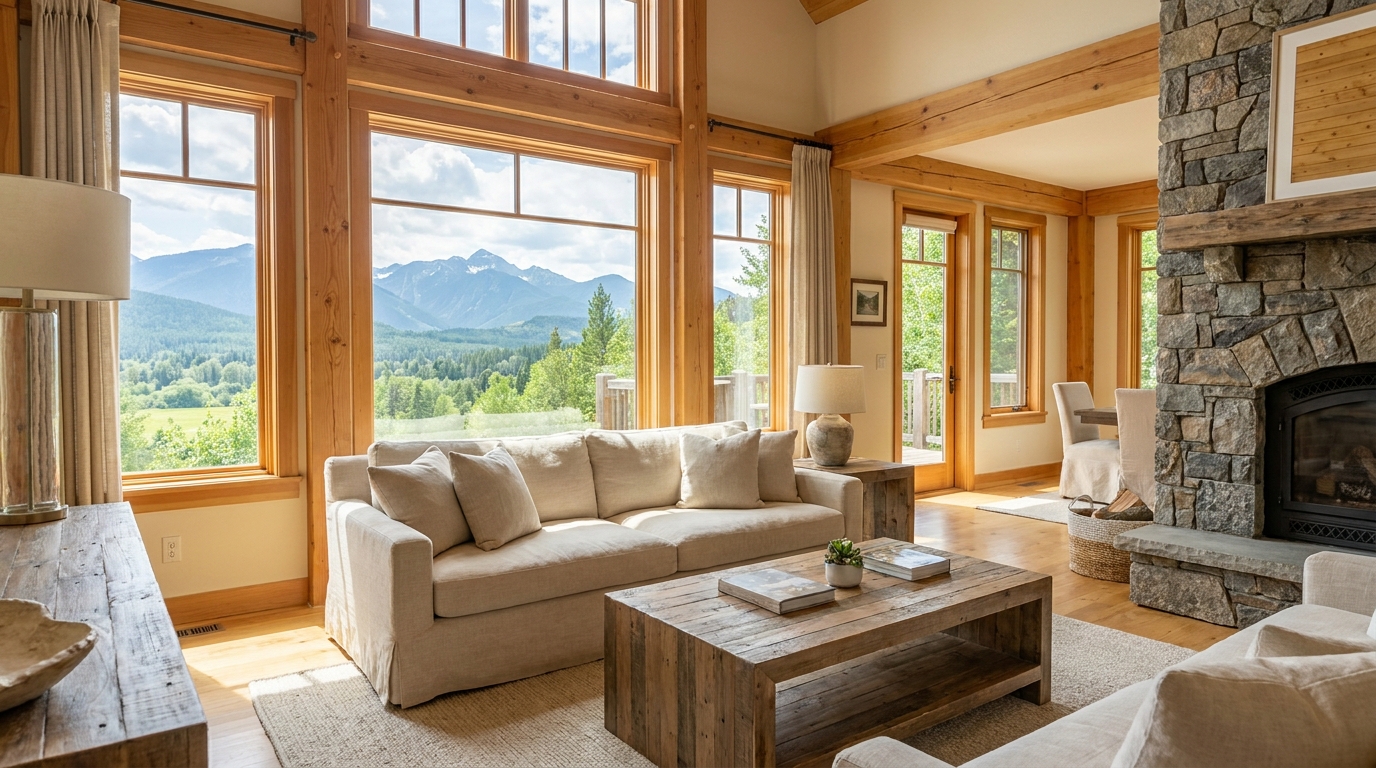
Recover natural window detail while keeping interiors bright, balanced, and realistic.
Try This Tool →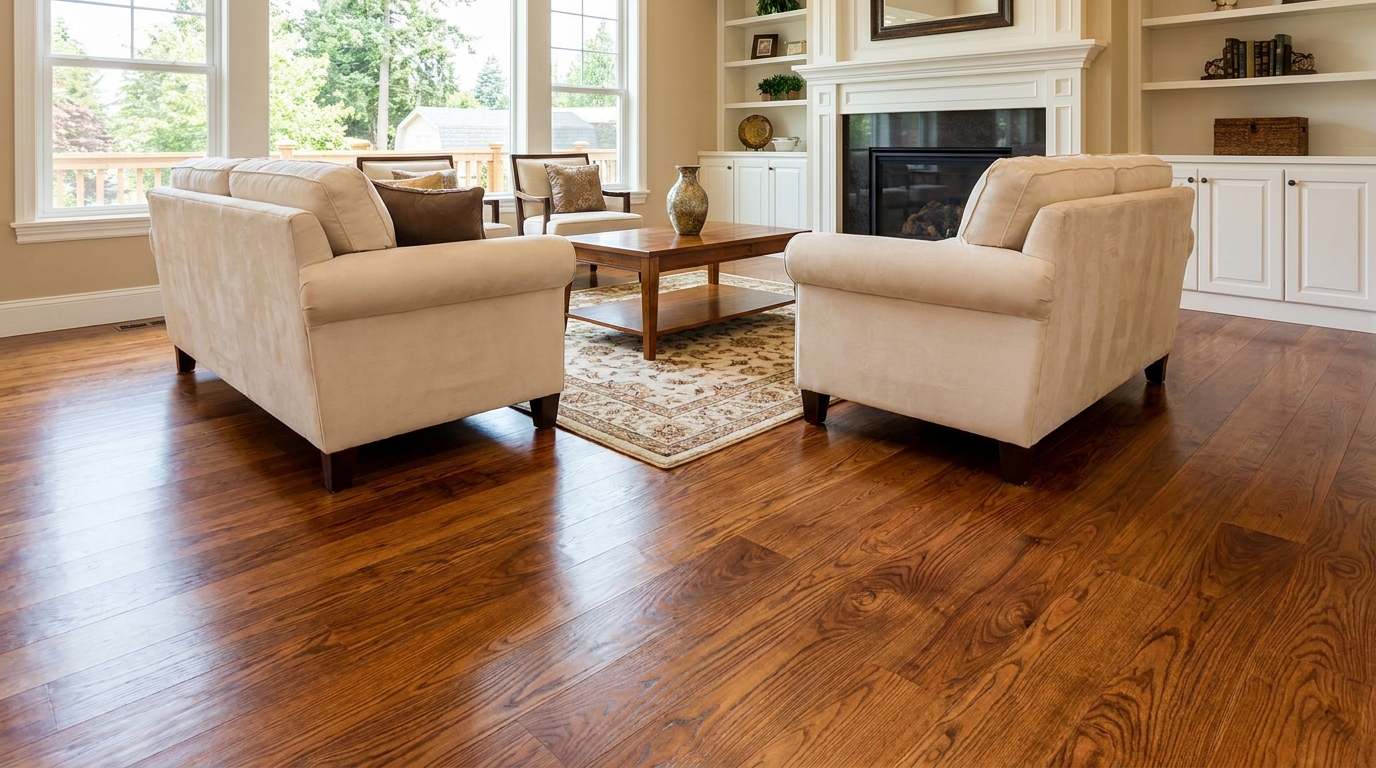
Bring out richer wood tone and cleaner floor detail without looking overprocessed.
Try This Tool →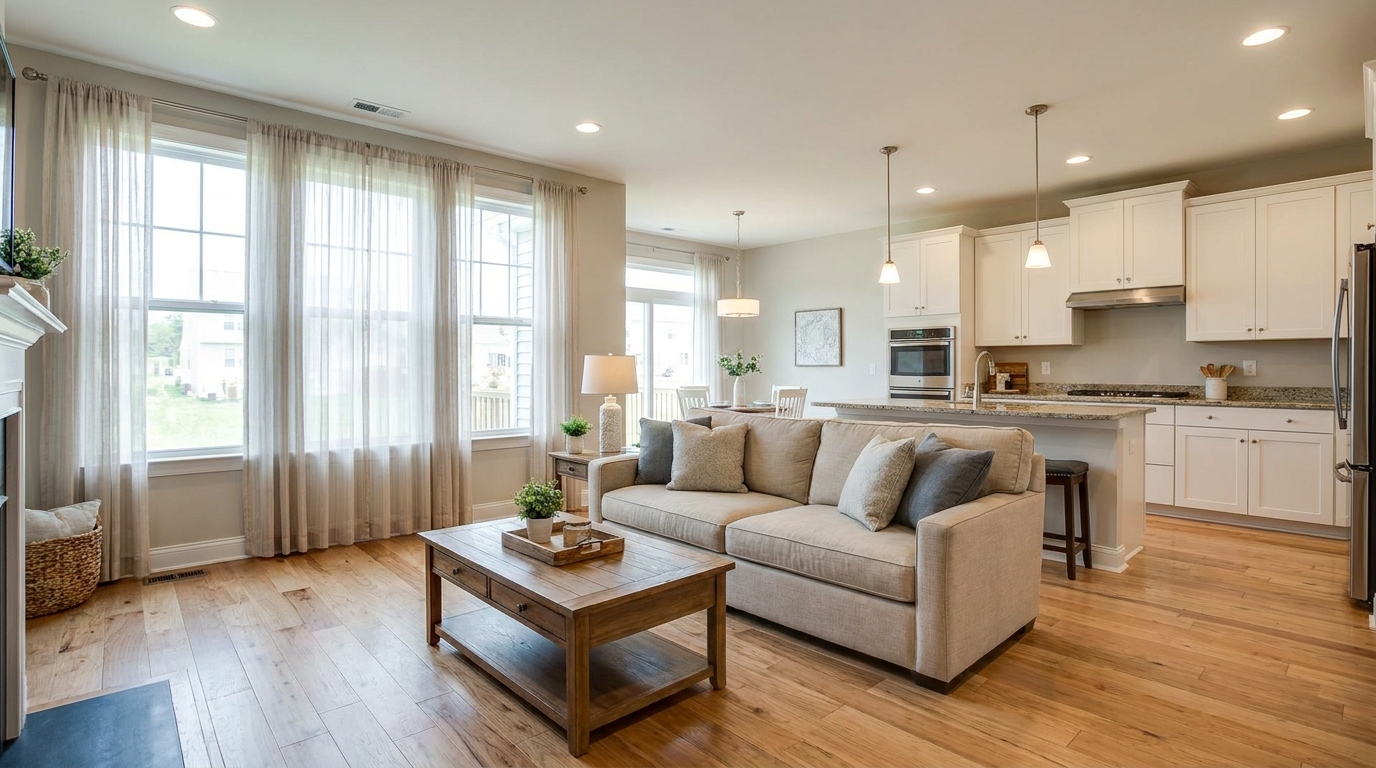
Full interior polishing for brighter rooms, cleaner color, and more inviting listing photos.
Try This Tool →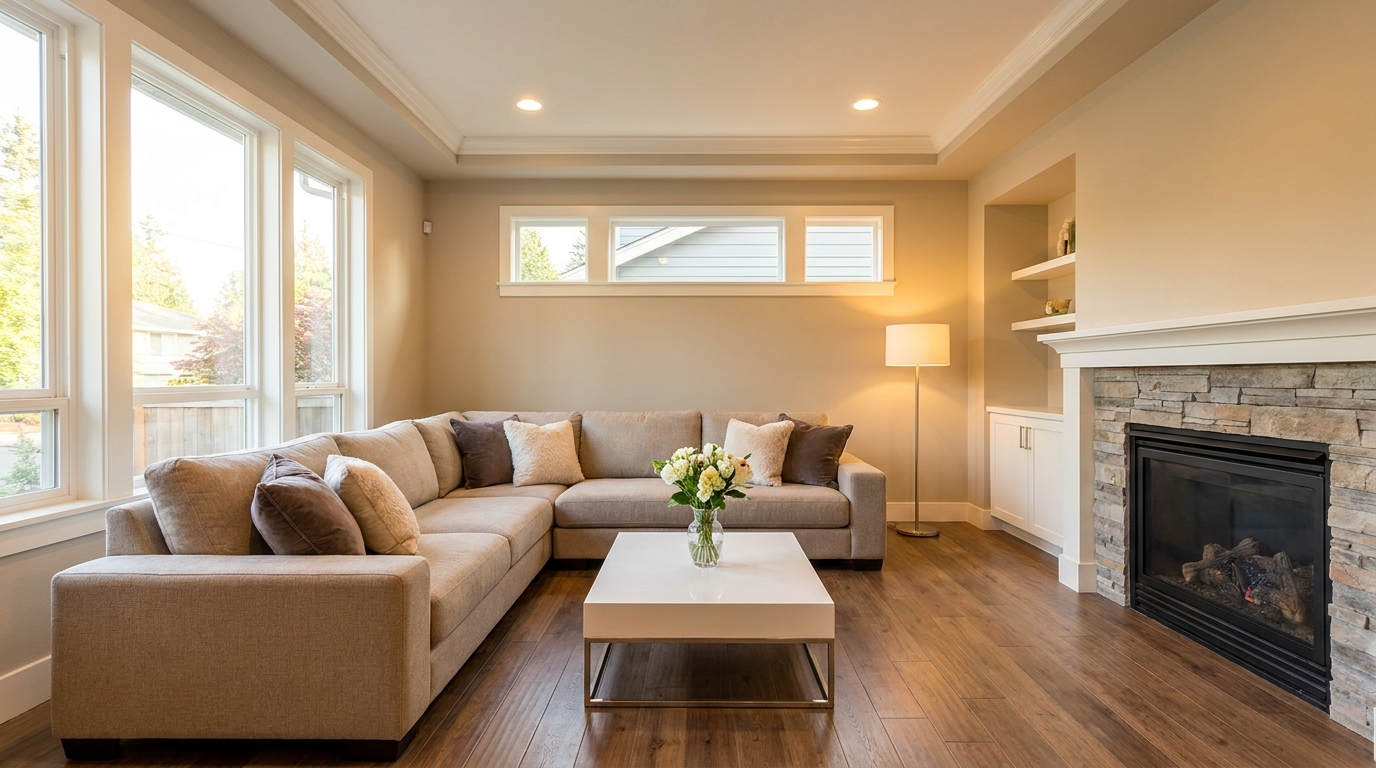
Blend flash and ambient exposures for interiors that feel bright, natural, and well balanced.
Try This Tool →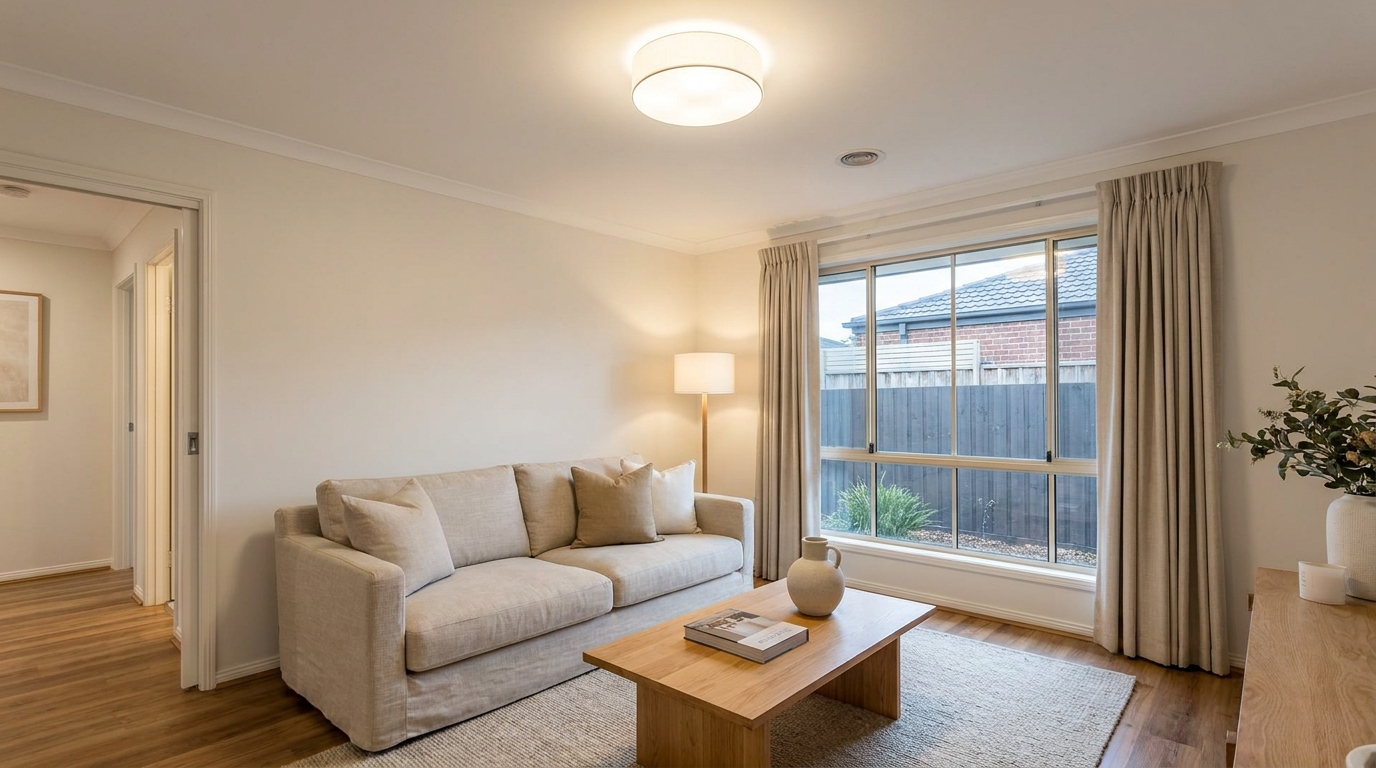
Soften harsh fixture glare and hotspots for smoother, more professional interior lighting.
Try This Tool →Explore our suite of specialized tools designed to elevate your property listings.
AI image-to-video generation for turning home, room, and property photos into more vivid presentation videos.
02AI exterior renovation for visualizing facade updates, curb appeal improvements, and home exterior remodel ideas.
03AI landscaping design for exploring outdoor concepts, curb appeal upgrades, planting ideas, and yard layout directions.
04AI virtual staging for furnishing empty rooms and creating listing-ready interiors for real estate marketing.
05Free AI image generation for turning text prompts into unlimited visual ideas for home design, interiors, landscaping, renovation
06AI object removal for cleaning up distracting items from room, home, and property photos.
Instantly clear out furniture and personal items to showcase the true potential of any property. Try our Occupied to Vacant preset now.