
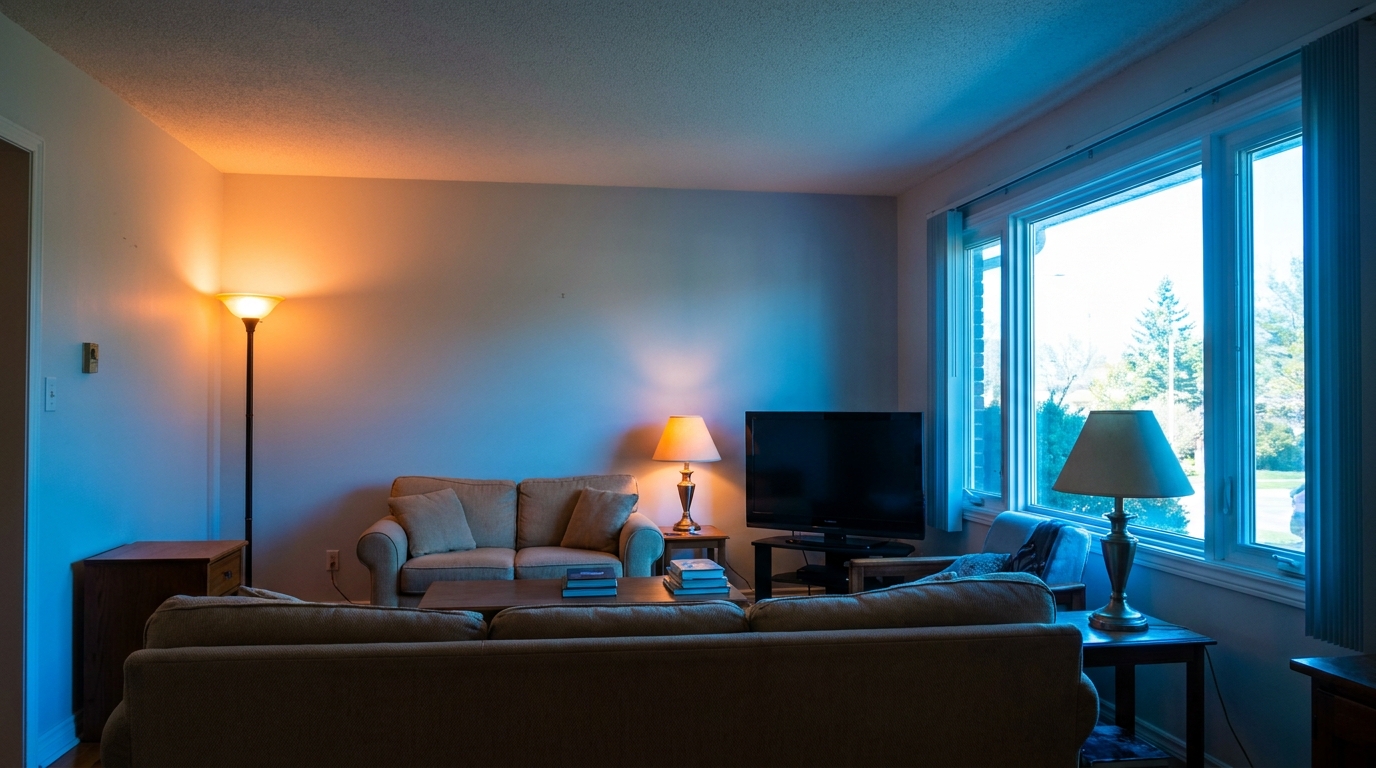
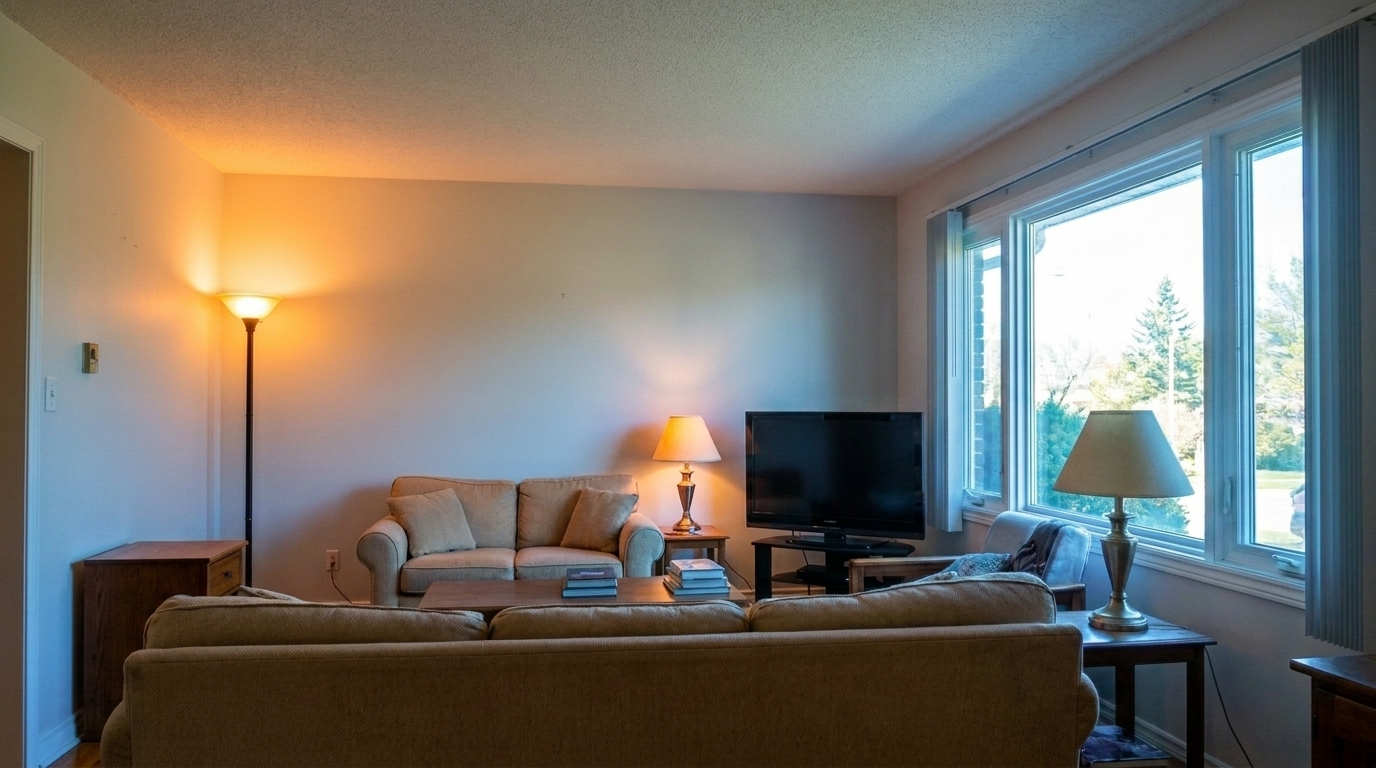

Living Room with Mixed Lighting
Living Room with Mixed Lighting updated with flash ambient blending real estate styling.
Combine the clarity of flash with the warmth of natural ambient light. Create perfectly balanced, professional interior listing photos in seconds.
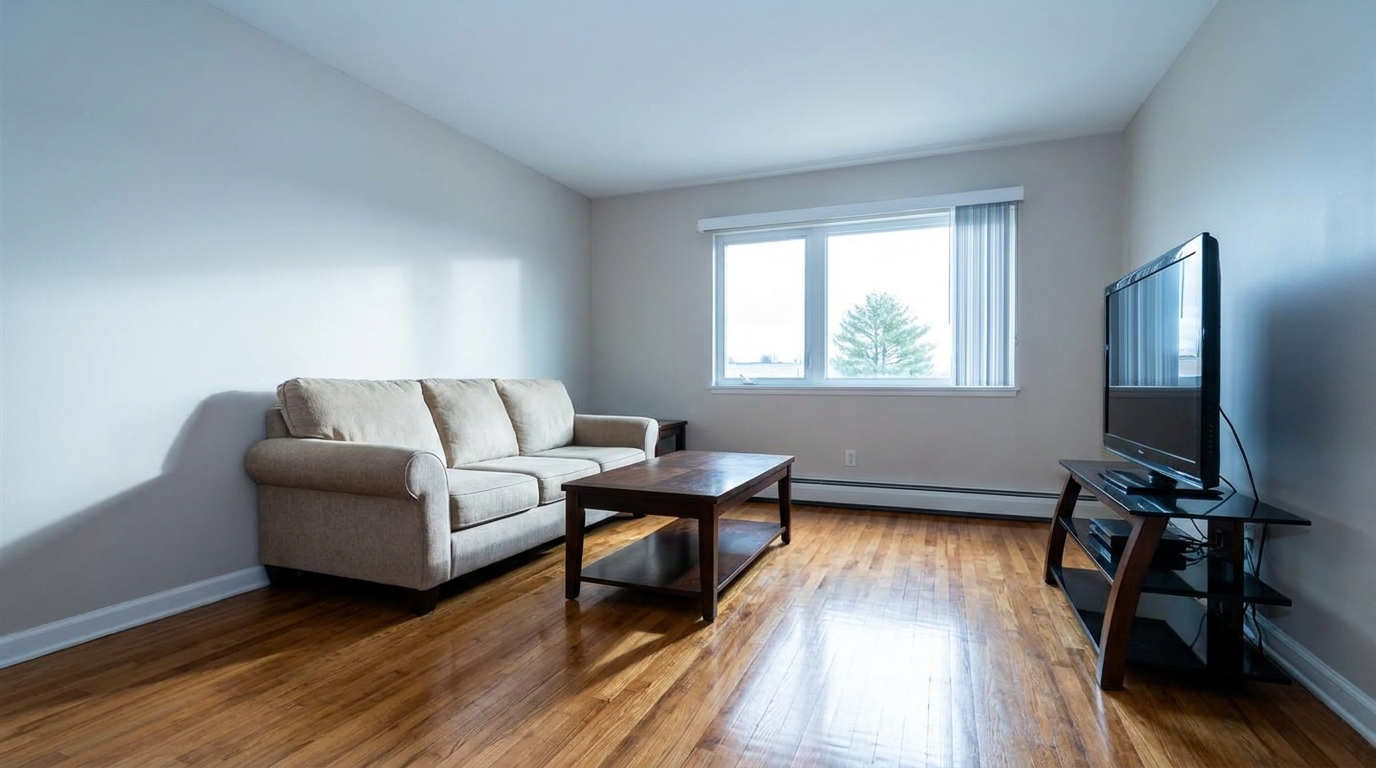
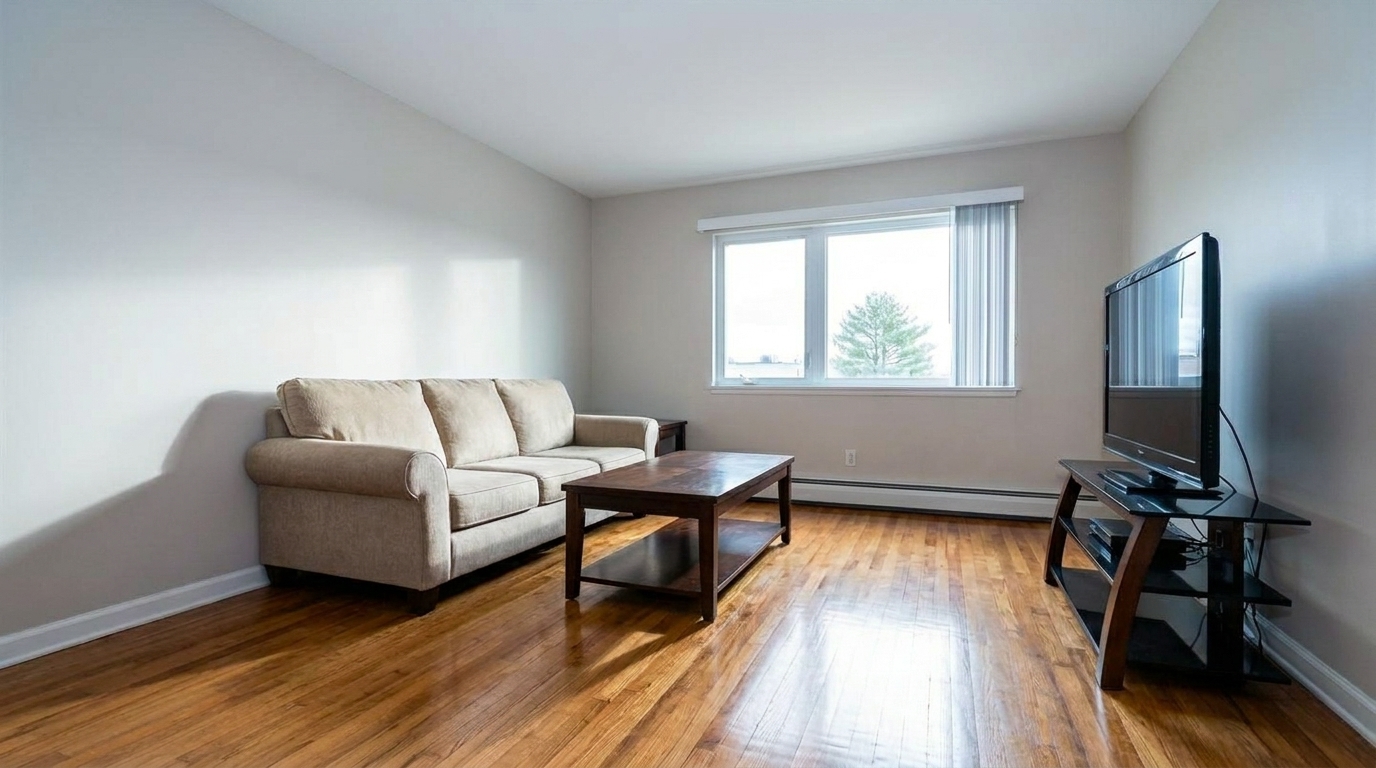
See how blending exposures transforms dark, unevenly lit rooms into bright, inviting spaces.
Living Room with Mixed Lighting updated with flash ambient blending real estate styling.
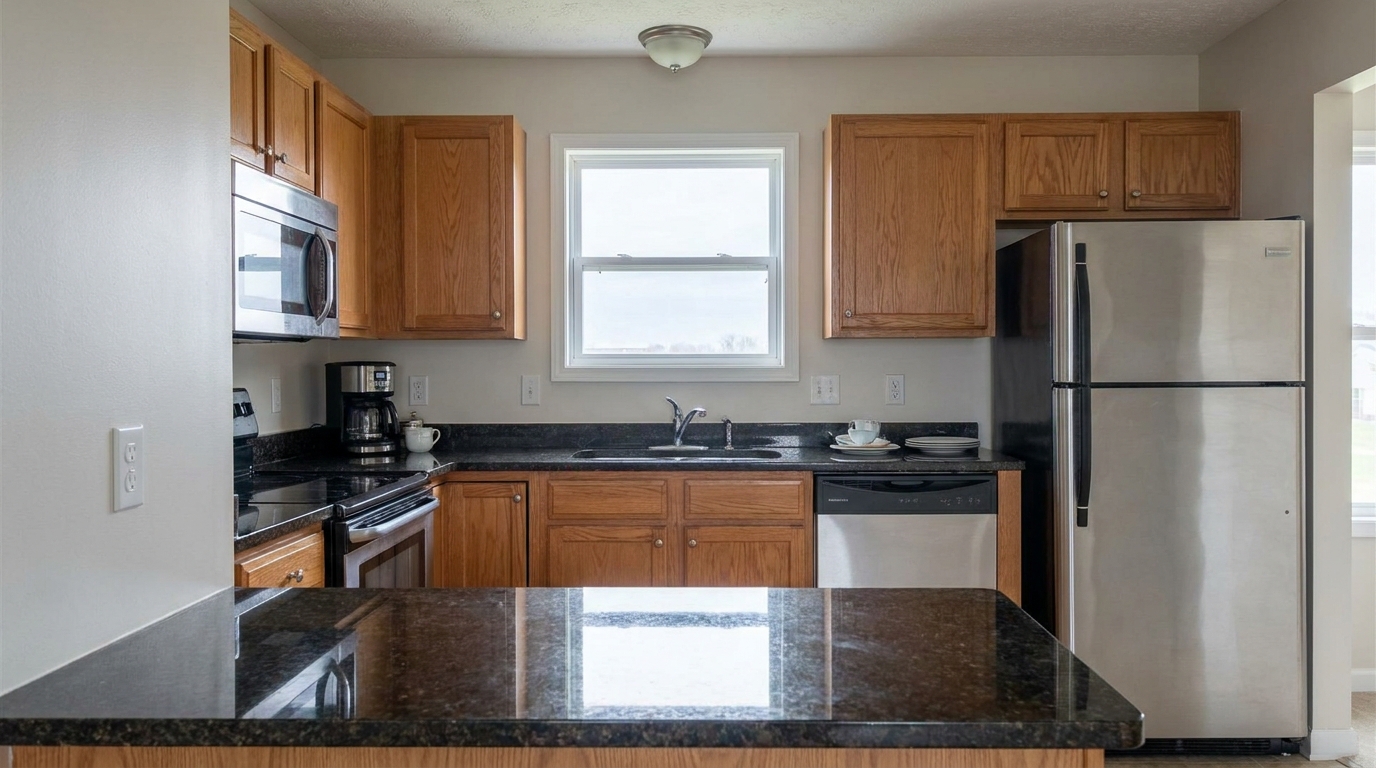
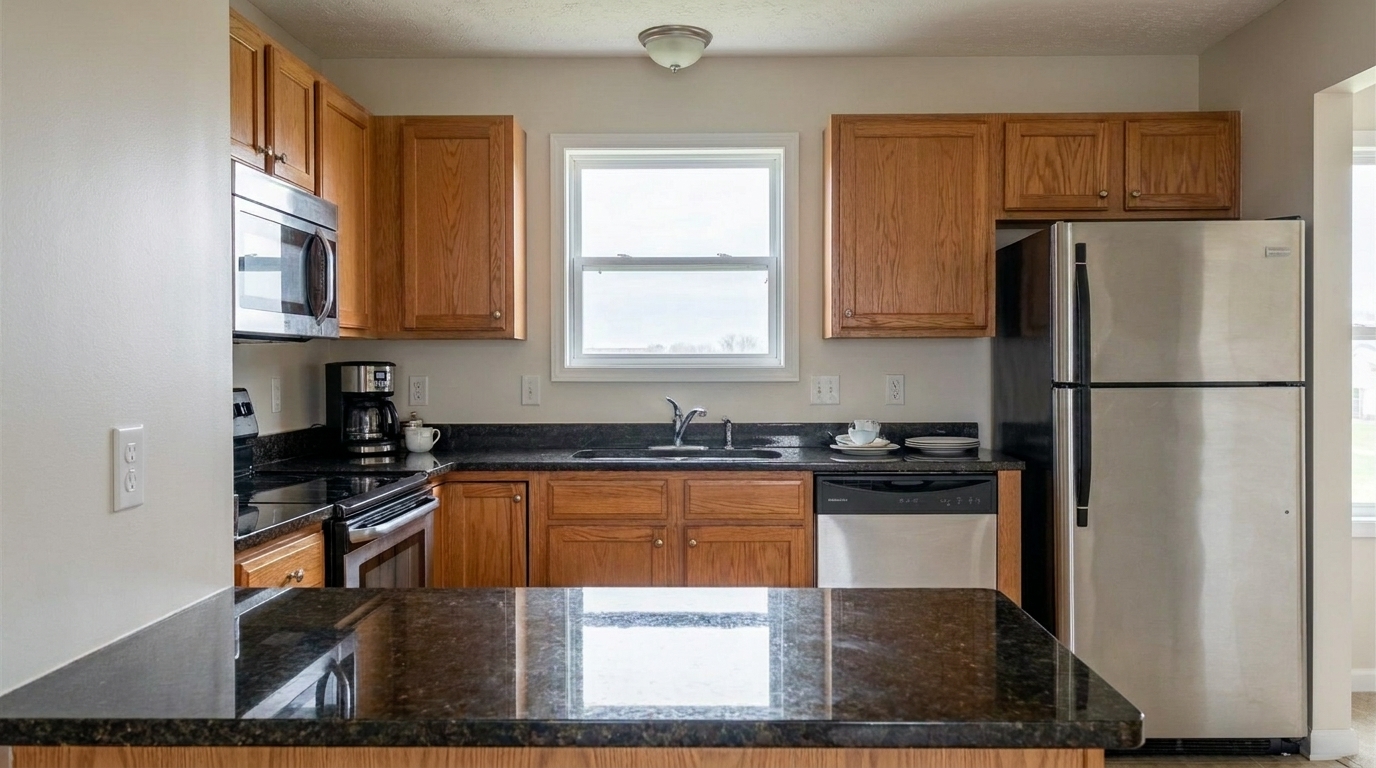
Kitchen with Countertop Glare updated with flash ambient blending real estate styling.
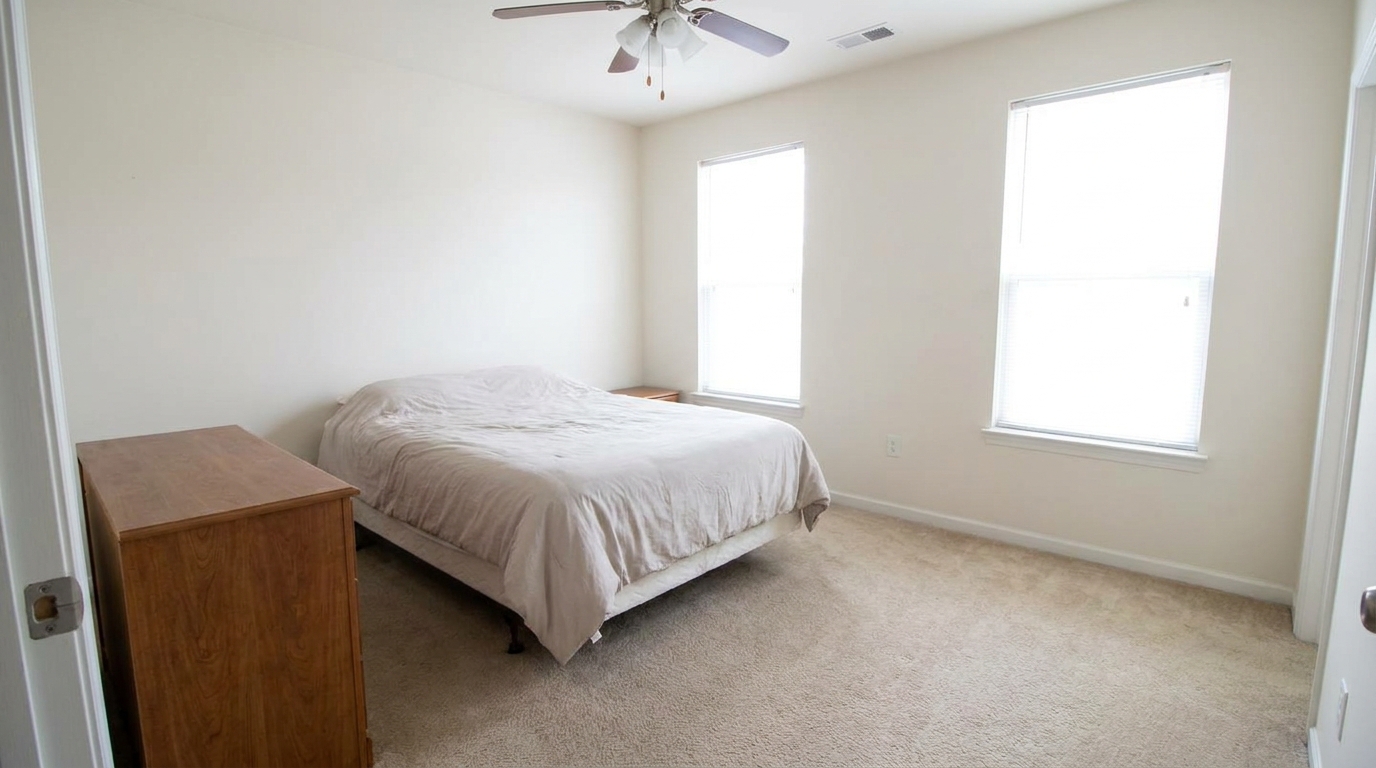
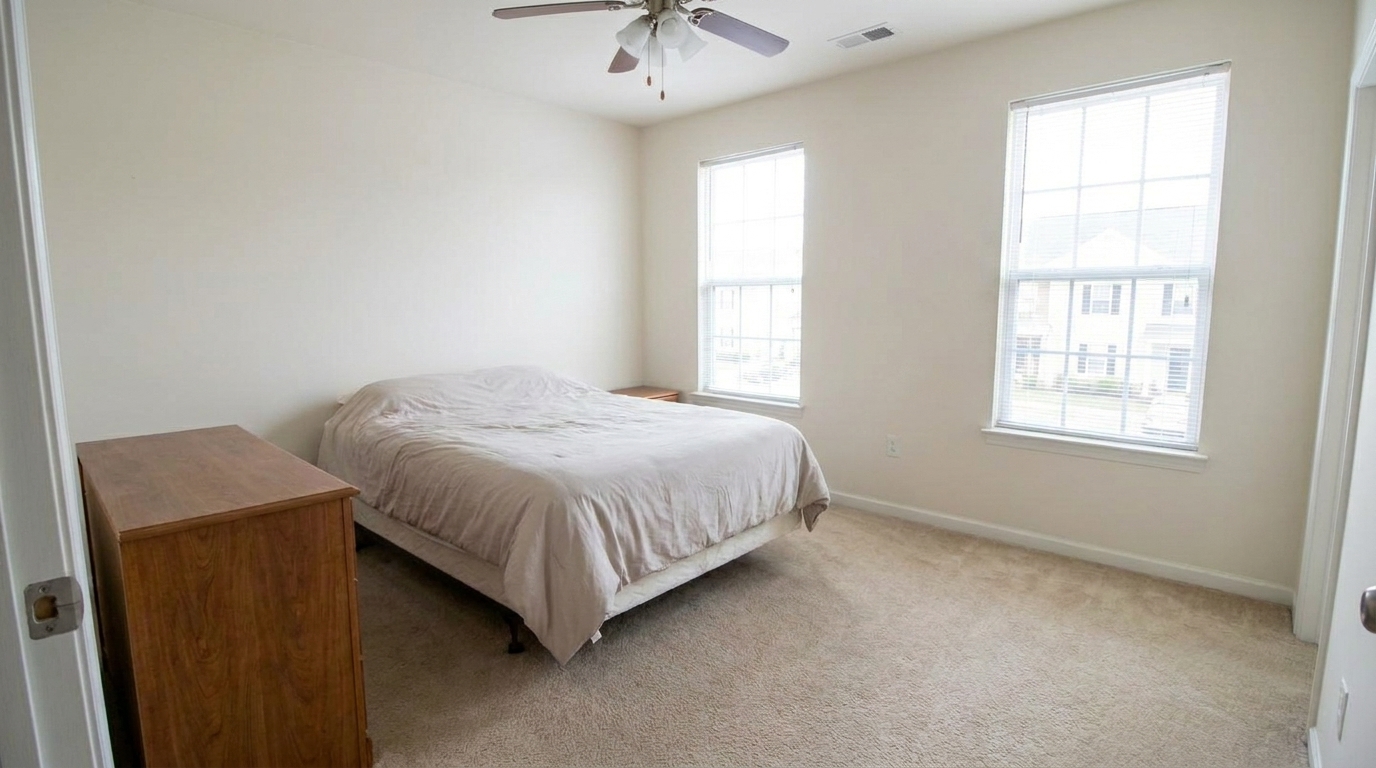
Bedroom with Blown-Out Windows updated with flash ambient blending real estate styling.
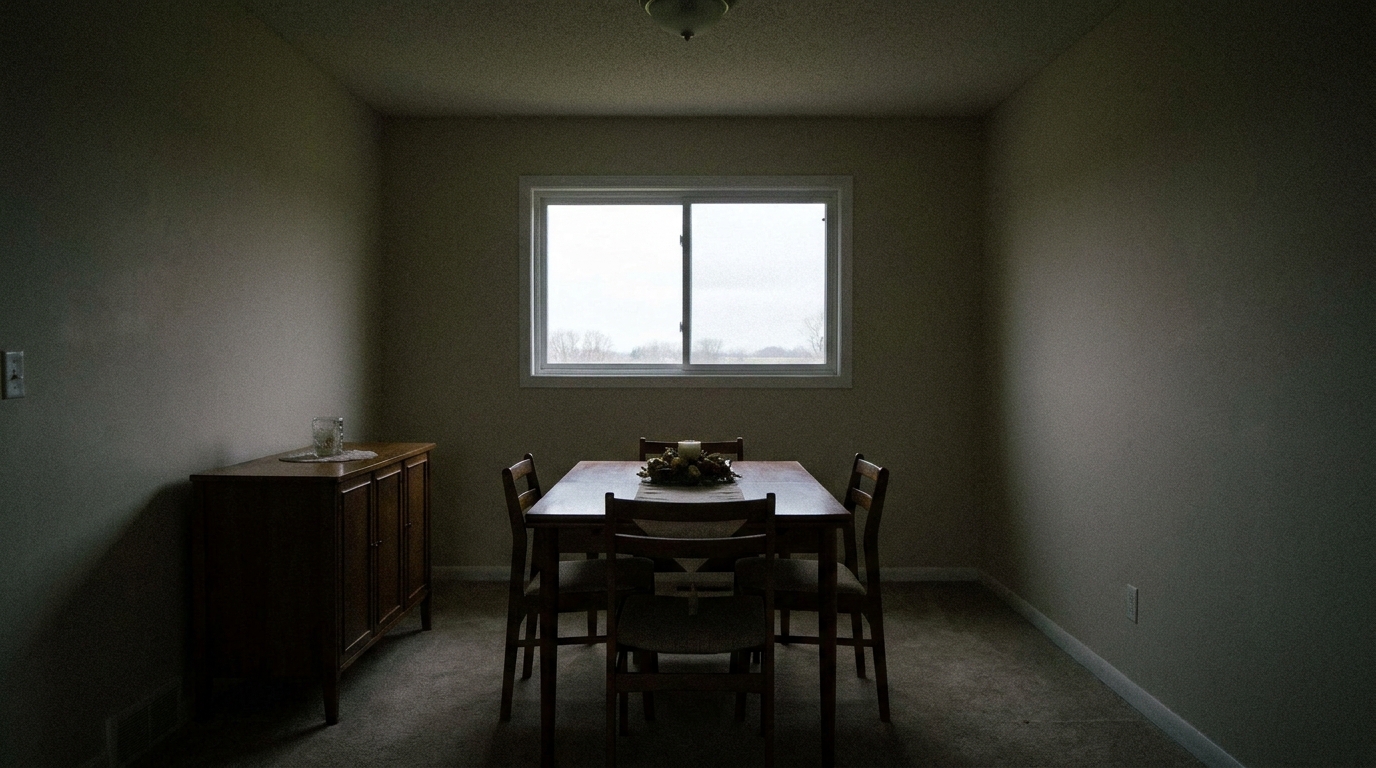
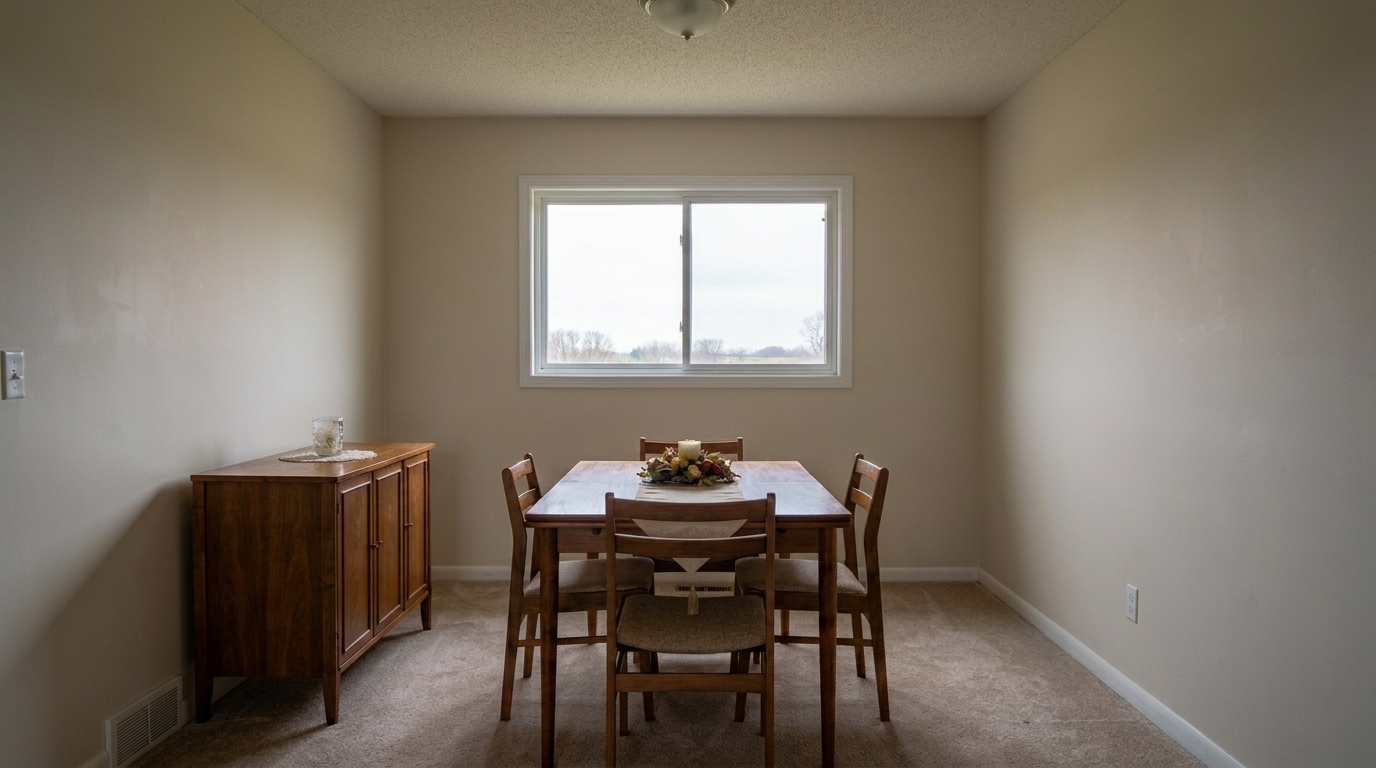
Dark Dining Room Corners updated with flash ambient blending real estate styling.
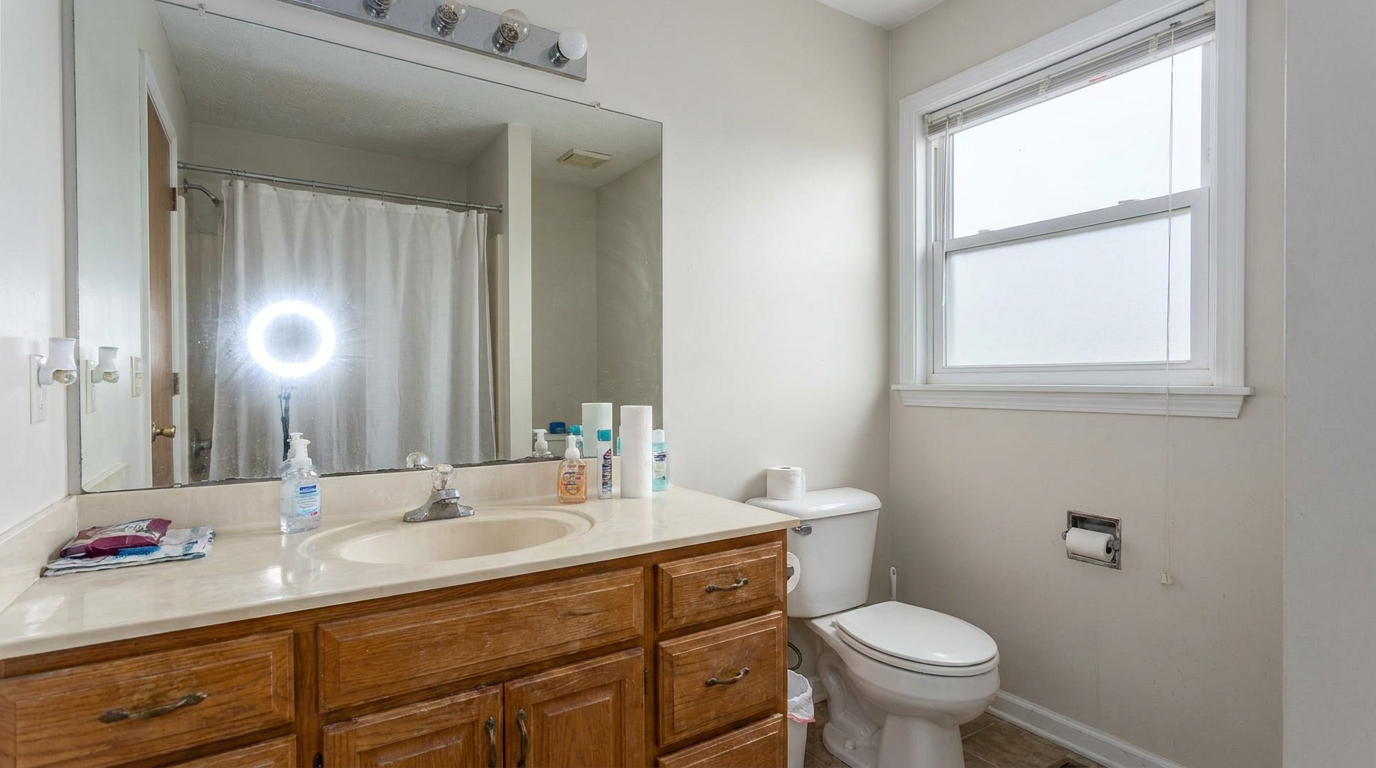
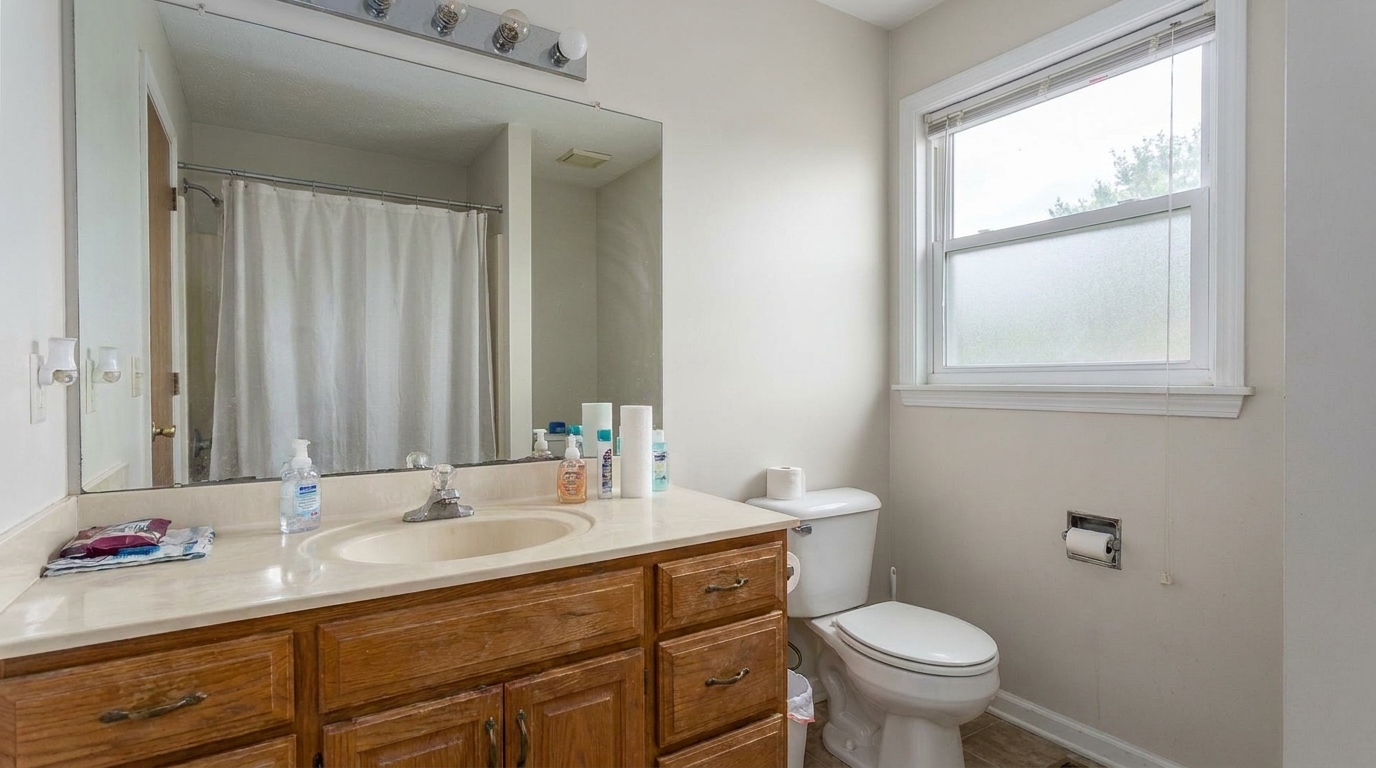
Bathroom Mirror Flash Reflection updated with flash ambient blending real estate styling.
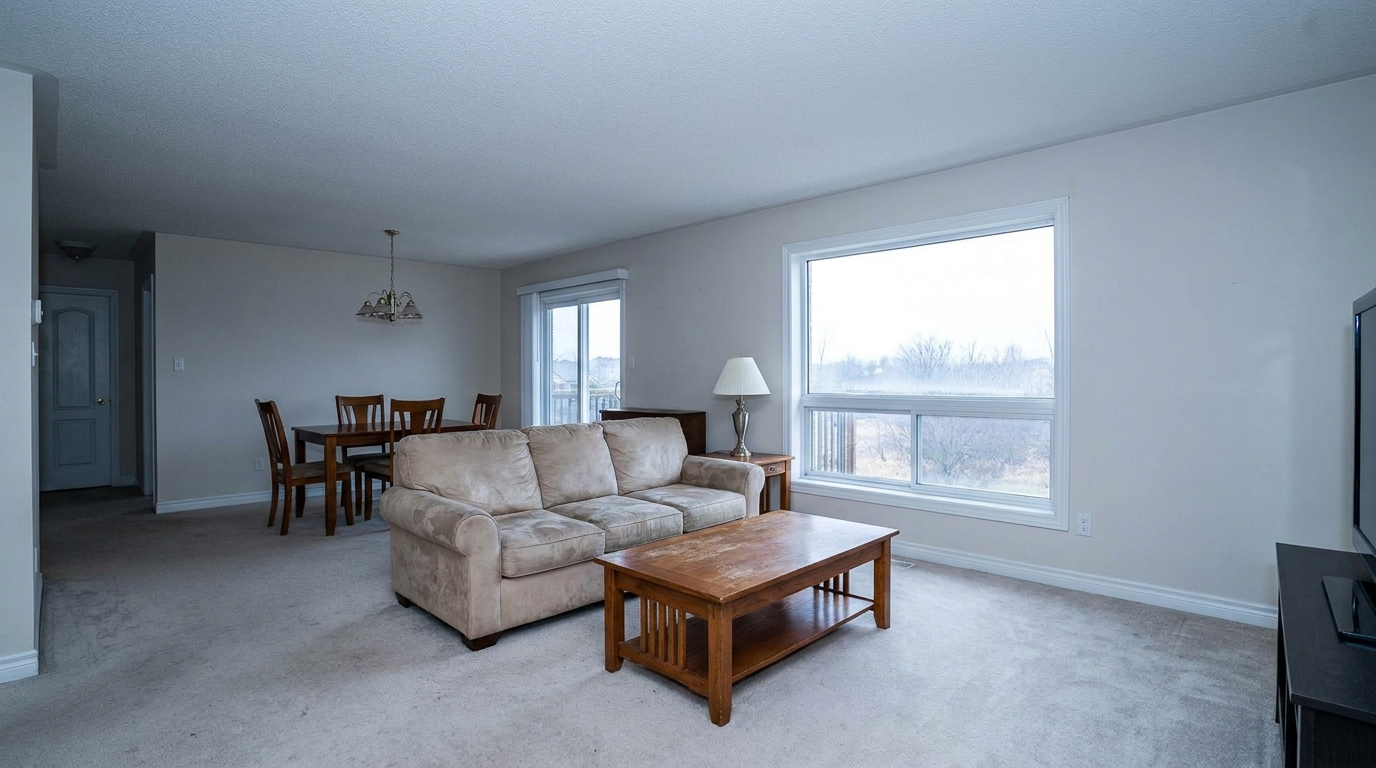
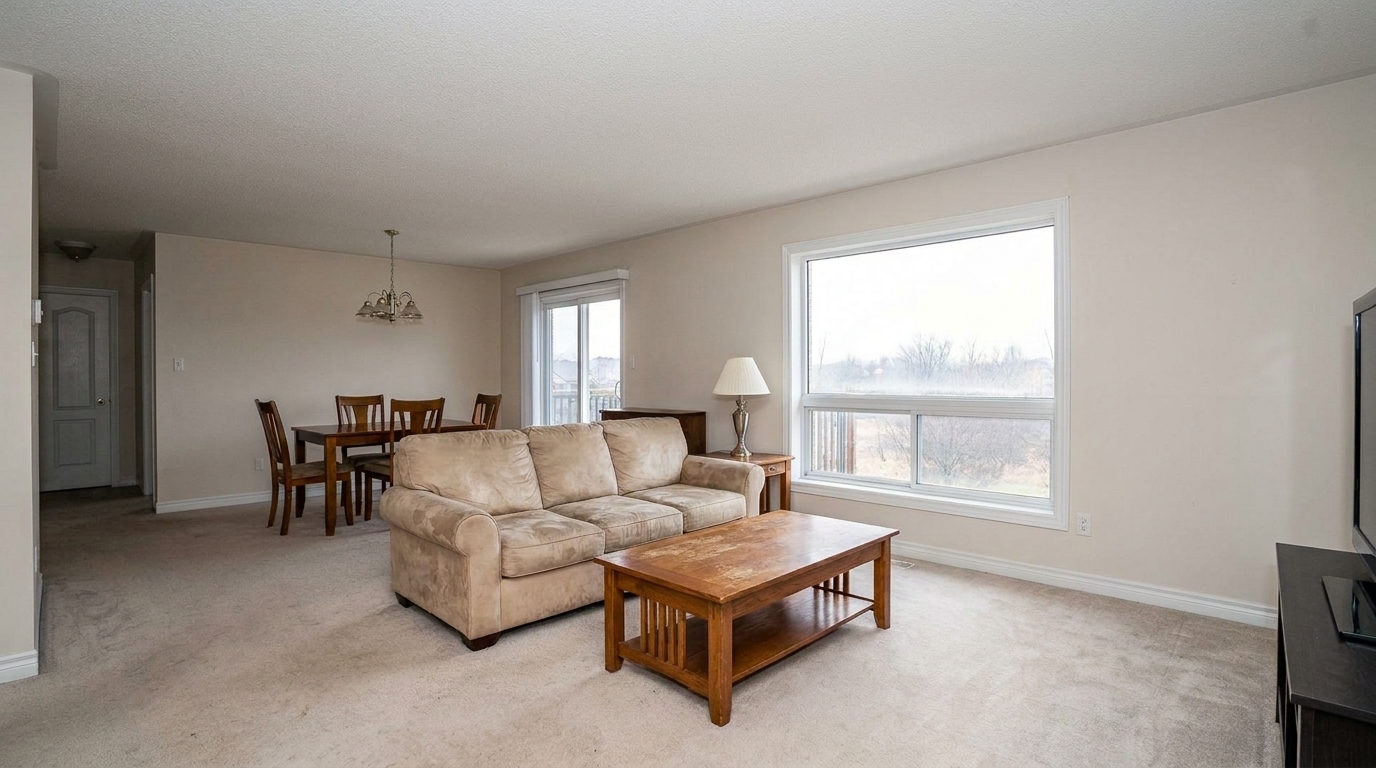
Open-Concept Space with Flat Lighting updated with flash ambient blending real estate styling.
Get the perfect balance of natural light and crisp flash detail without complex manual editing.
Perfecty aligns ambient and flash frames, correcting minor handheld camera movements or tripod shifts between shots.
Eliminates orange glow from incandescent bulbs and blue tints from window light, ensuring accurate wall and floor colors.
Retains soft, realistic ambient shadows to maintain depth and dimension, avoiding a flat, artificial look.
Minimizes harsh flash reflections on windows, mirrors, and polished countertops by blending in clean ambient details.
Balances bright outdoor window views with interior lighting, preventing blown-out windows without manual masking.
Combines the sharp, noise-free textures from the flash exposure with the soft, inviting atmosphere of natural light.
Solve common interior lighting challenges across various property types.
Perfect for spaces combining warm overhead lighting, cool window light, and flash.
Living SpacesIdeal for reducing harsh flash glare on granite countertops and stainless steel appliances.
KitchensBrightens deep corners using flash while maintaining the cozy, natural feel of ambient light.
BedroomsPreserves beautiful outdoor views through windows while keeping the interior perfectly illuminated.
Luxury ListingsEliminates direct flash bounce and glare on mirrors and glass shower doors.
BathroomsSpeeds up the editing workflow for photographers who shoot 'flambient' but want to avoid hours of manual Photoshop masking.
Professional PhotographyAchieve professional flambient results in three simple steps.
Upload both your ambient-light photo and your flash-lit photo of the same interior space to the editor.
The AI instantly aligns the two frames, corrects minor camera shifts, and blends the crisp details of the flash shot with the natural warmth of the ambient exposure.
Save and download your high-resolution, professionally balanced interior photo, perfectly optimized for MLS and property marketing.
Source-backed context for why flash ambient blending real estate edits matter inside interior enhancement workflows.
Flash Ambient Blending Real Estate within Interior Enhancement evidence
Photos are one of the most valuable website features for home buyers; NAR's 2025 generational trends report says 83% of internet-using buyers rated photos as very useful. For Flash Ambient Blending Real Estate pages, this supports showing how a focused Interior Enhancement edit can make the listing photo feel clearer, more polished, and easier for buyers to evaluate.
Source: NAR 2025Flash Ambient Blending Real Estate within Interior Enhancement evidence
Zillow Research's 2025 prospective buyer report ranked high-resolution photos as the number two most important listing feature, selected by 26% of prospective buyers; floor plans ranked first at 33%. For Flash Ambient Blending Real Estate pages, this supports showing how a focused Interior Enhancement edit can make the listing photo feel clearer, more polished, and easier for buyers to evaluate.
Source: Zillow 2025Flash Ambient Blending Real Estate within Interior Enhancement evidence
Redfin reported that professionally photographed homes in the $400,000 range sold three weeks faster and for more than $10,000 relative to list price compared with amateur photos. Use this as supporting context, not as a guaranteed result. For Flash Ambient Blending Real Estate pages, this supports showing how a focused Interior Enhancement edit can make the listing photo feel clearer, more polished, and easier for buyers to evaluate.
Source: RedfinLearn how to master the flambient technique to produce high-end, natural-looking real estate interior photos with minimal effort.
The flash-ambient (flambient) technique is the gold standard for professional interior real estate photography. To implement this workflow, set your camera on a sturdy tripod. First, take an ambient exposure that captures the natural light and warmth of the room, even if the windows are blown out. Next, trigger a flash (either on-camera bounced off the ceiling or off-camera) to capture a second exposure. This flash shot locks in accurate colors, crisp details, and neutralizes color casts. Our AI tool takes these two distinct exposures, automatically aligns them to correct any minor camera movement, and blends them seamlessly. This eliminates the need for tedious manual layer masking in Photoshop, giving you a polished, listing-ready image in seconds.
Understanding when to use Flash Ambient Blending versus other presets is key to an efficient editing workflow. If you have shot multiple exposures (flash and ambient), this preset is your best choice as it offers the highest color accuracy and glare control. However, if you only have a single, natural-light photo with blown-out windows, you should use the Window Pull preset instead. For general, single-exposure interior photos that just need a quick boost in brightness and clarity, the standard Interior Photo preset is more appropriate. If your main issue is simply harsh glare from light fixtures, the Ceiling Light & Hot Spot Fix preset will target those specific areas without needing a flash exposure.
Use Flash Ambient Blending for high-end listings, spaces with complex mixed lighting (such as yellow incandescent bulbs mixed with blue daylight), and rooms with highly reflective surfaces like kitchens and bathrooms. The flash exposure is crucial for neutralizing color casts and restoring true-to-life colors. Do not use this preset if you only have a single exposure, as the algorithm requires both flash and ambient data to perform the blend. Additionally, avoid using it if the two photos were taken from completely different angles or if there is significant movement in the scene (like people or pets moving between shots), as this can cause ghosting artifacts that require manual cleanup.
This tool is specifically designed for real estate photographers, professional editors, and high-volume marketing teams who want to deliver premium-quality interior photos without spending hours on manual post-processing. While manual flambient blending in Photoshop offers ultimate control, it is highly time-consuming. Our AI-driven blending provides a practical tradeoff: it automates 95% of the alignment and masking work, delivering professional-grade results in a fraction of the time. This allows photographers to scale their business, shoot more properties per day, and maintain consistent quality across all listings.
Discover specialized tools designed to elevate your real estate interior photography.
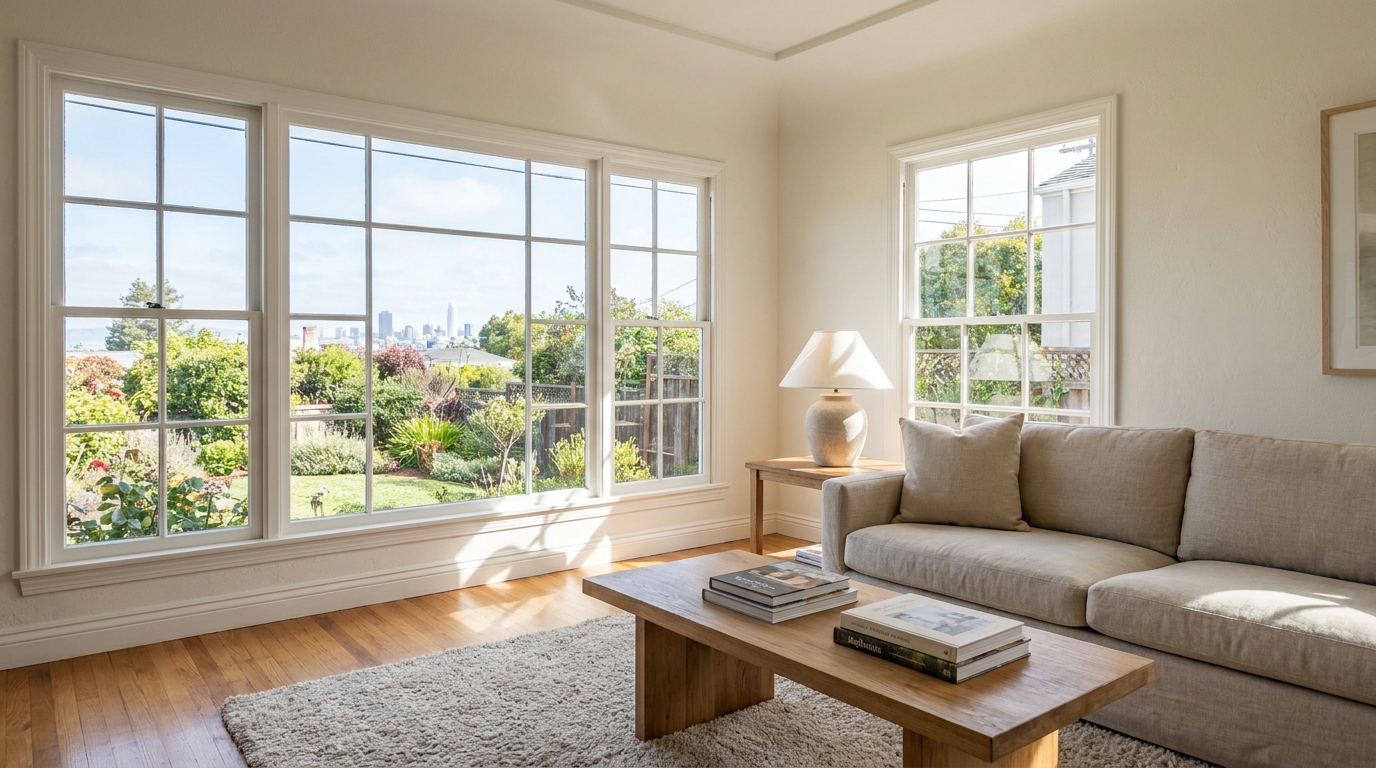
Recover natural window detail while keeping interiors bright, balanced, and realistic.
Try This Tool →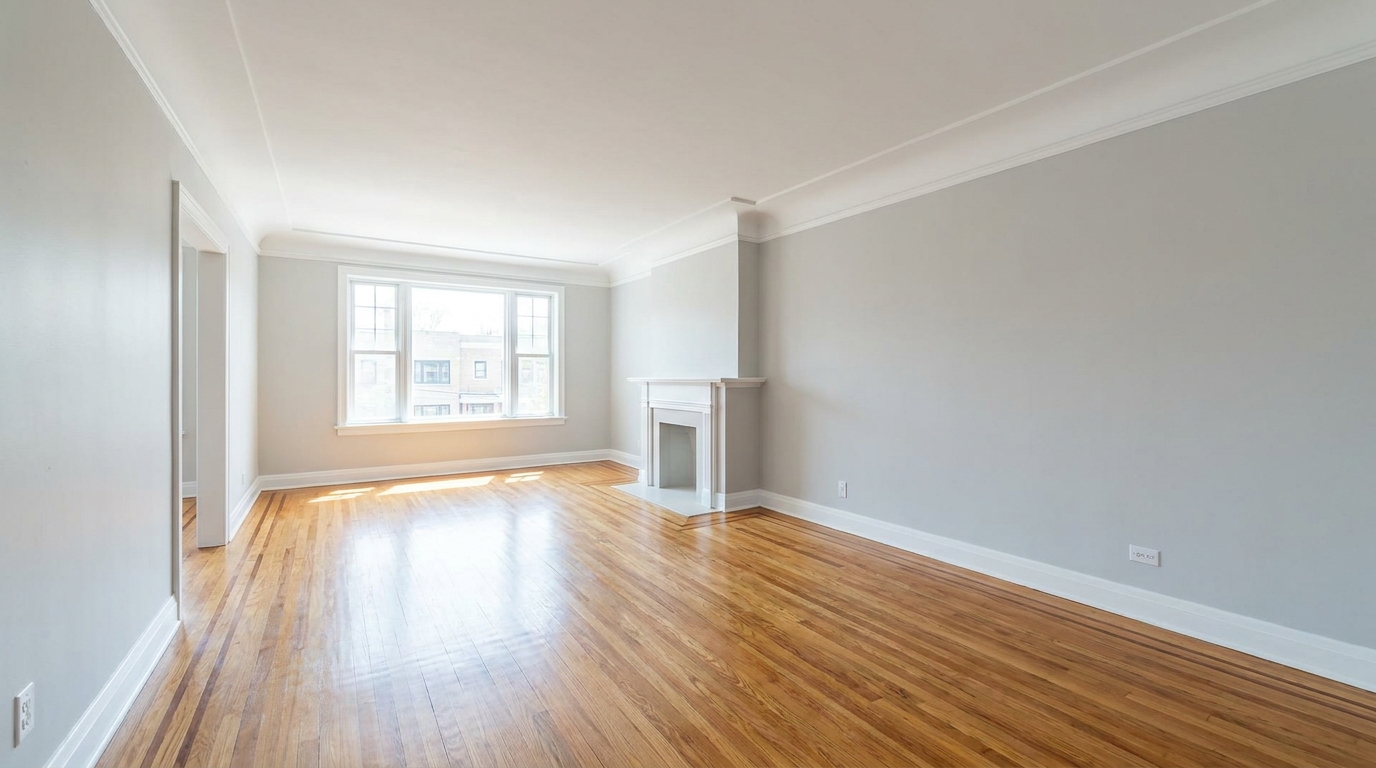
Remove furnishings and personal items to create a clean, spacious vacant-room presentation.
Try This Tool →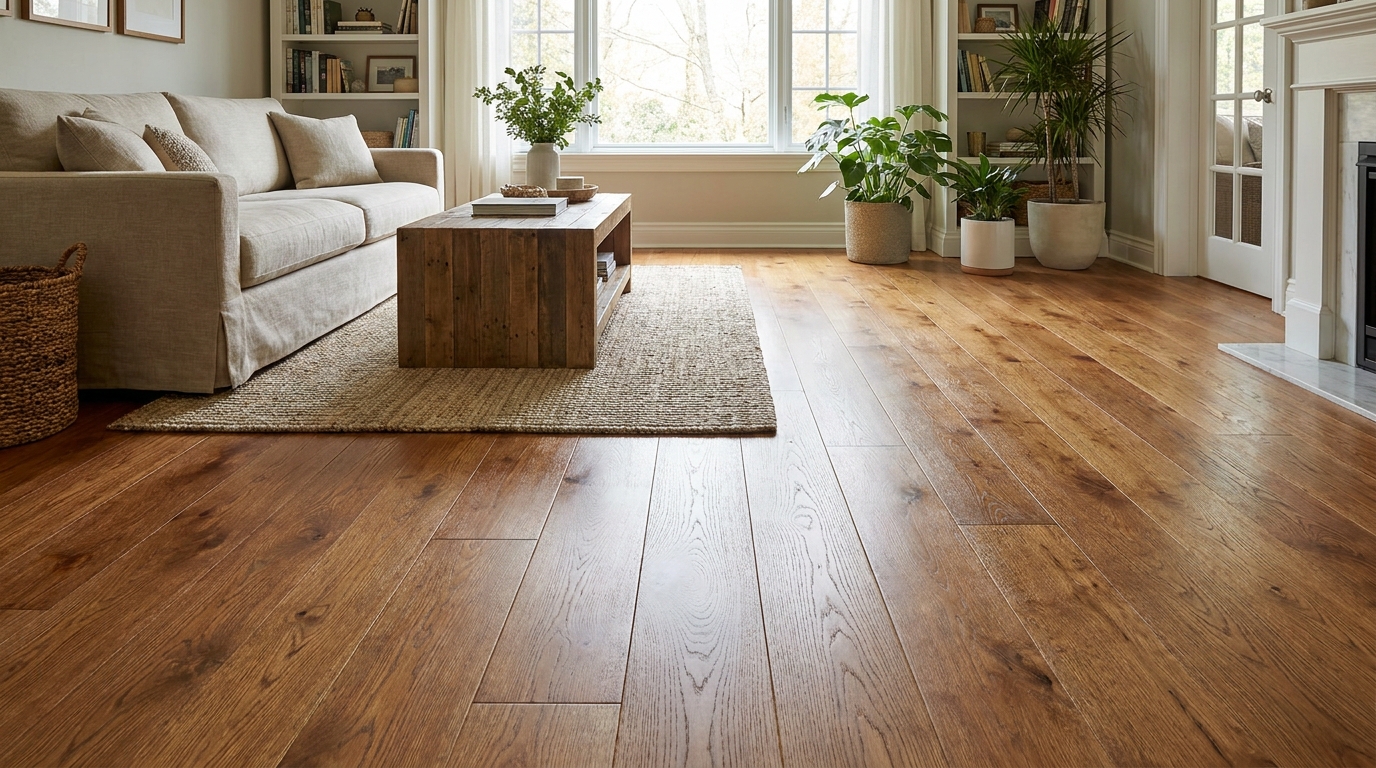
Bring out richer wood tone and cleaner floor detail without looking overprocessed.
Try This Tool →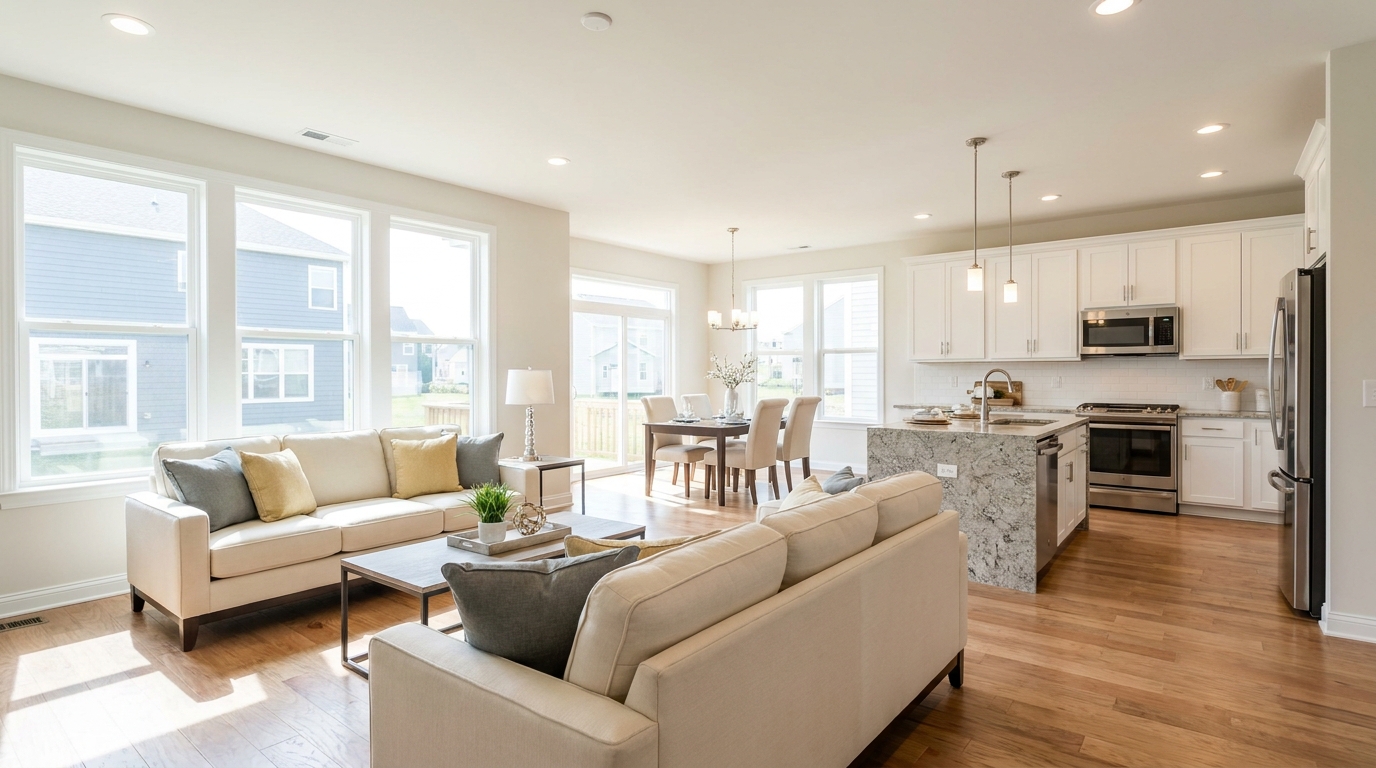
Full interior polishing for brighter rooms, cleaner color, and more inviting listing photos.
Try This Tool →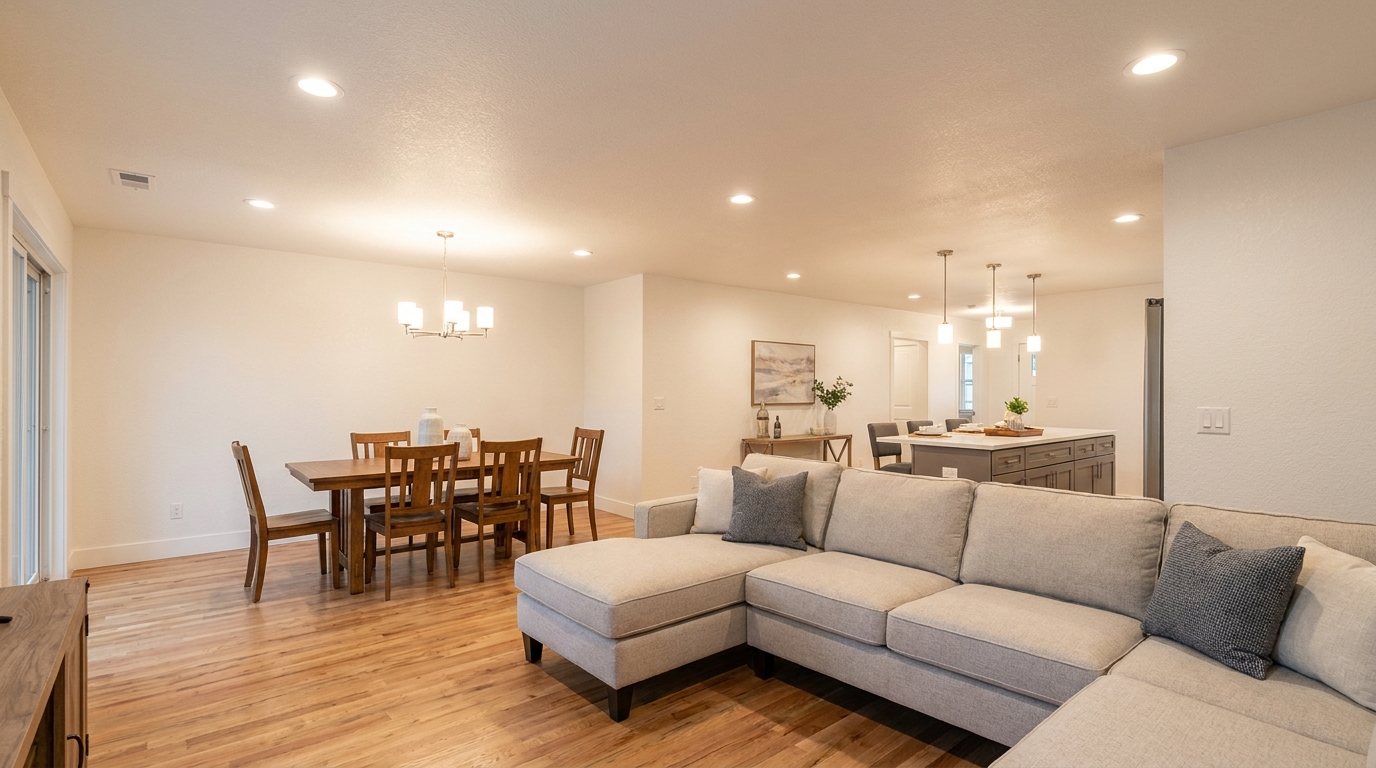
Soften harsh fixture glare and hotspots for smoother, more professional interior lighting.
Try This Tool →Explore more AI-powered tools to polish your property listings.
AI image-to-video generation for turning home, room, and property photos into more vivid presentation videos.
02AI exterior renovation for visualizing facade updates, curb appeal improvements, and home exterior remodel ideas.
03AI landscaping design for exploring outdoor concepts, curb appeal upgrades, planting ideas, and yard layout directions.
04AI virtual staging for furnishing empty rooms and creating listing-ready interiors for real estate marketing.
05Free AI image generation for turning text prompts into unlimited visual ideas for home design, interiors, landscaping, renovation
06AI object removal for cleaning up distracting items from room, home, and property photos.
Stop spending hours manually masking exposures. Try our AI-powered Flash Ambient Blending tool today and create stunning, balanced real estate photos in seconds.