
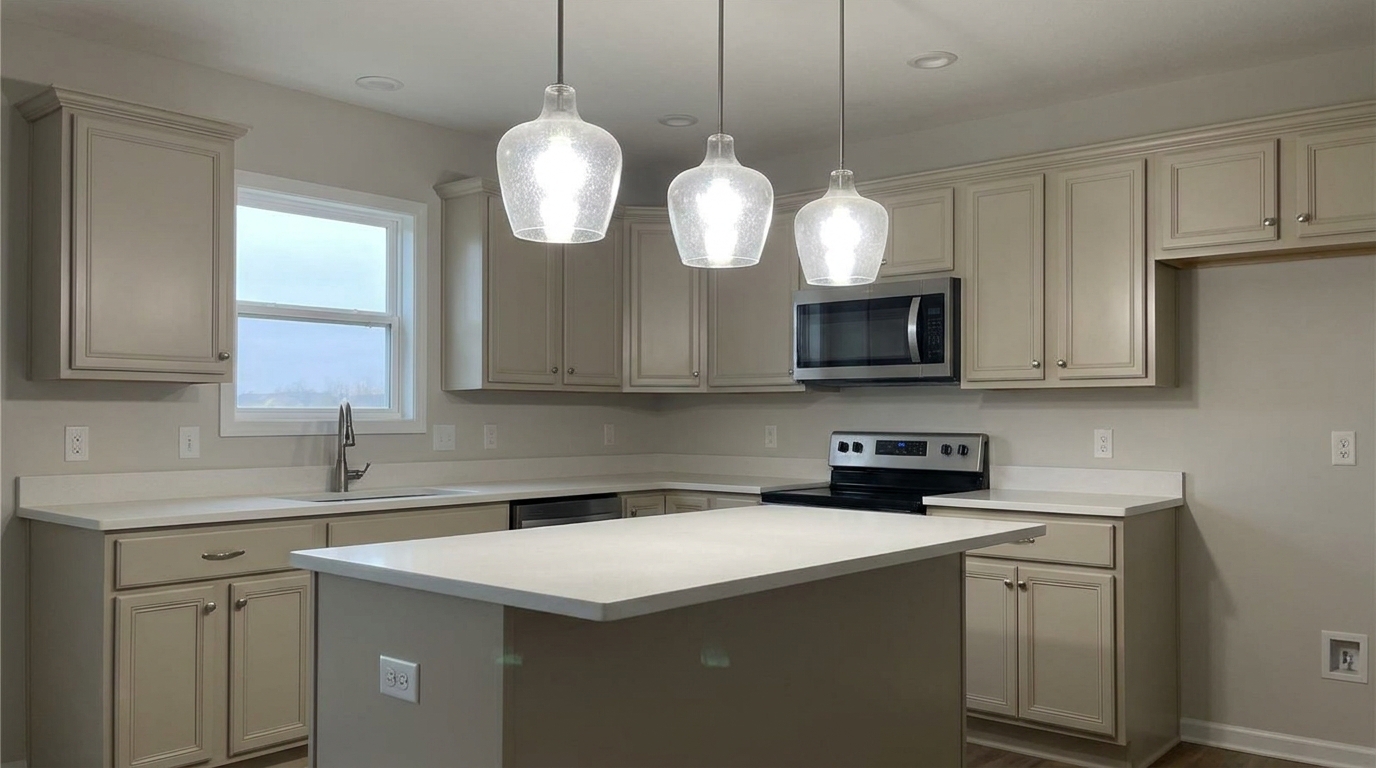
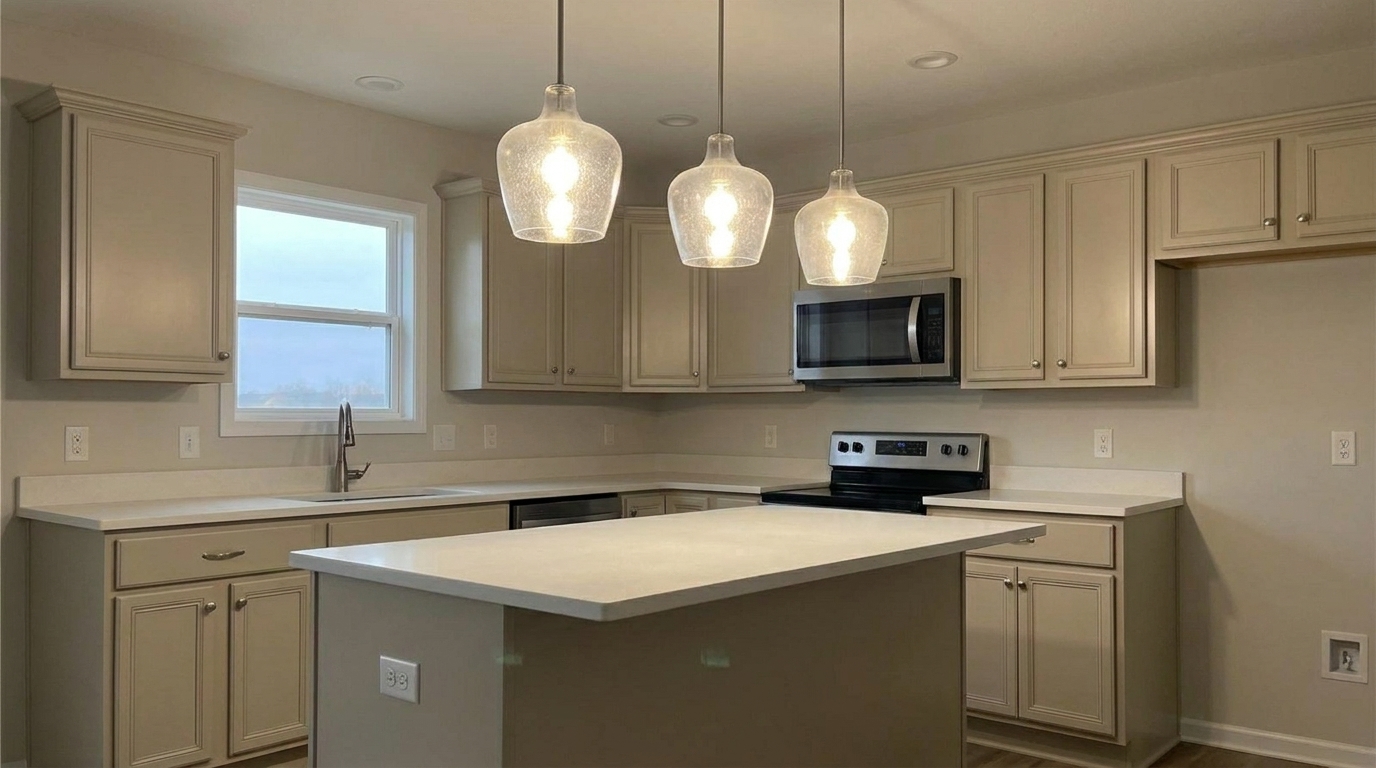

Kitchen Island Pendants
Kitchen Island Pendants updated with ceiling light & hot spot fix styling.
Soften harsh fixture glare and eliminate distracting light halos. Restore balanced, natural illumination to make your real estate listings look clean and professional.
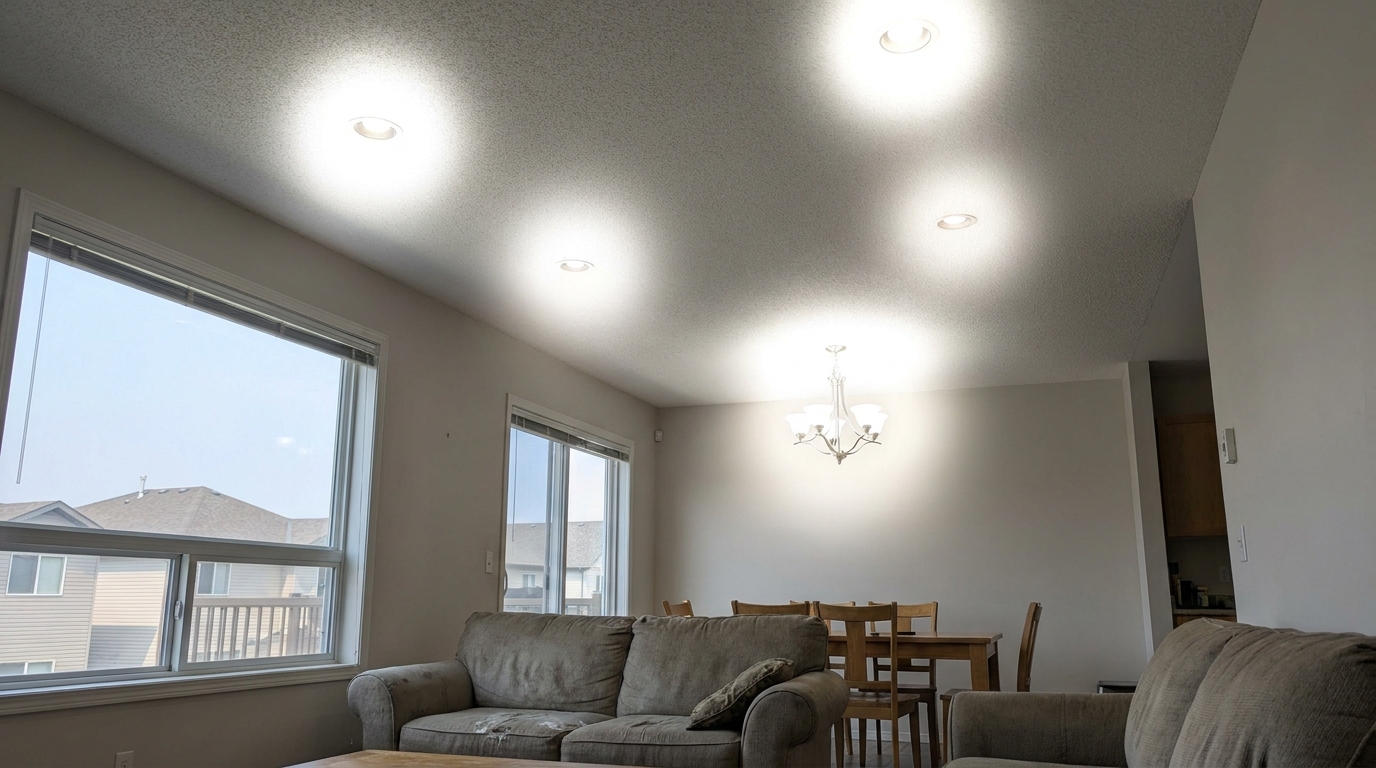
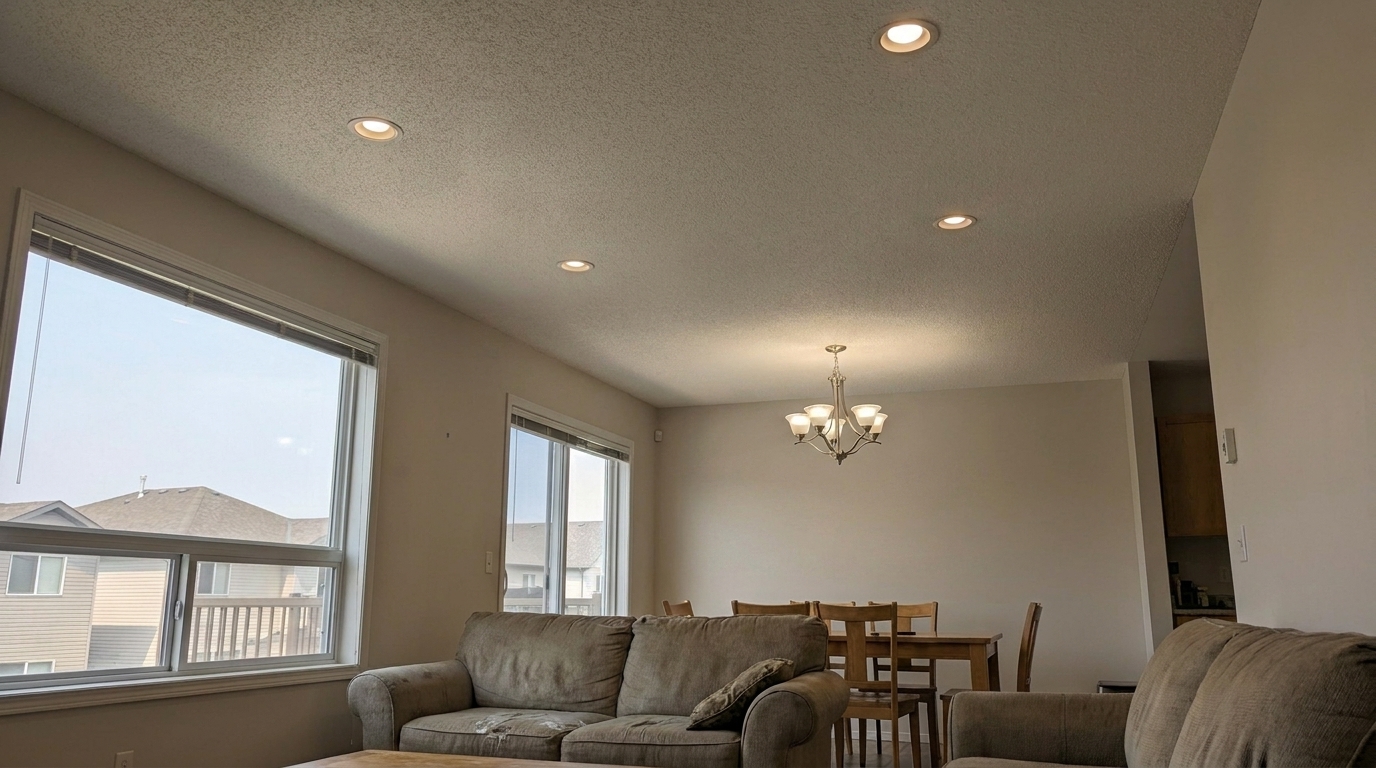
Compare the difference between harsh, blown-out fixtures and balanced, professional lighting.
Kitchen Island Pendants updated with ceiling light & hot spot fix styling.
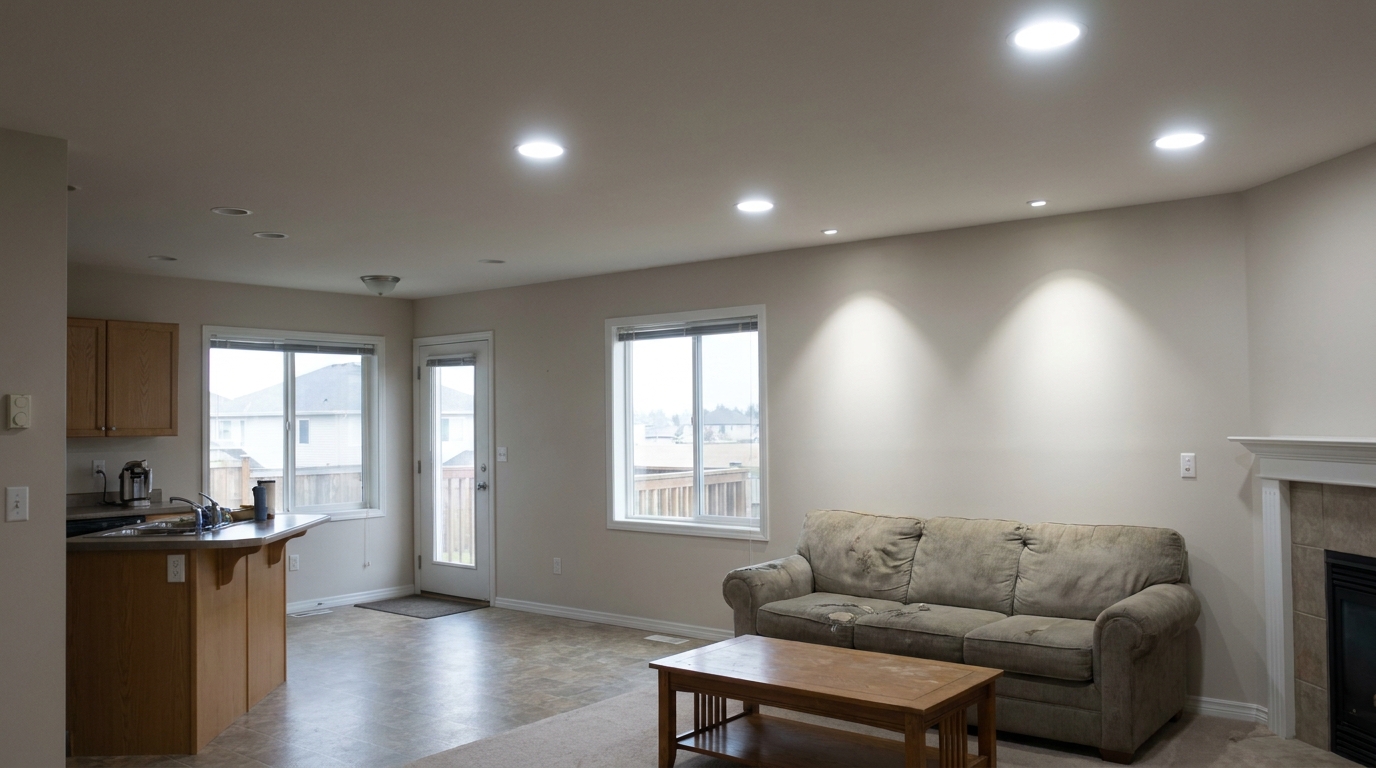
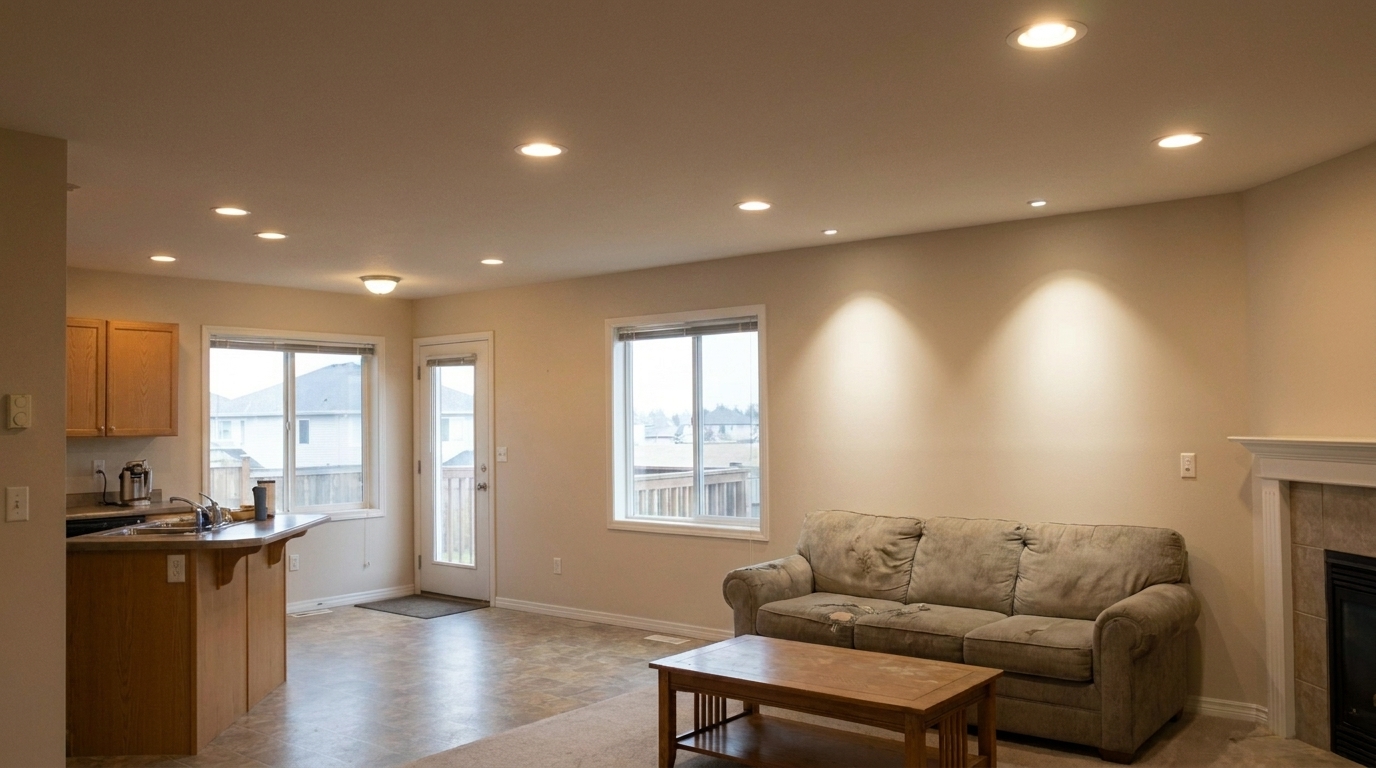
Living Room Recessed Cans updated with ceiling light & hot spot fix styling.
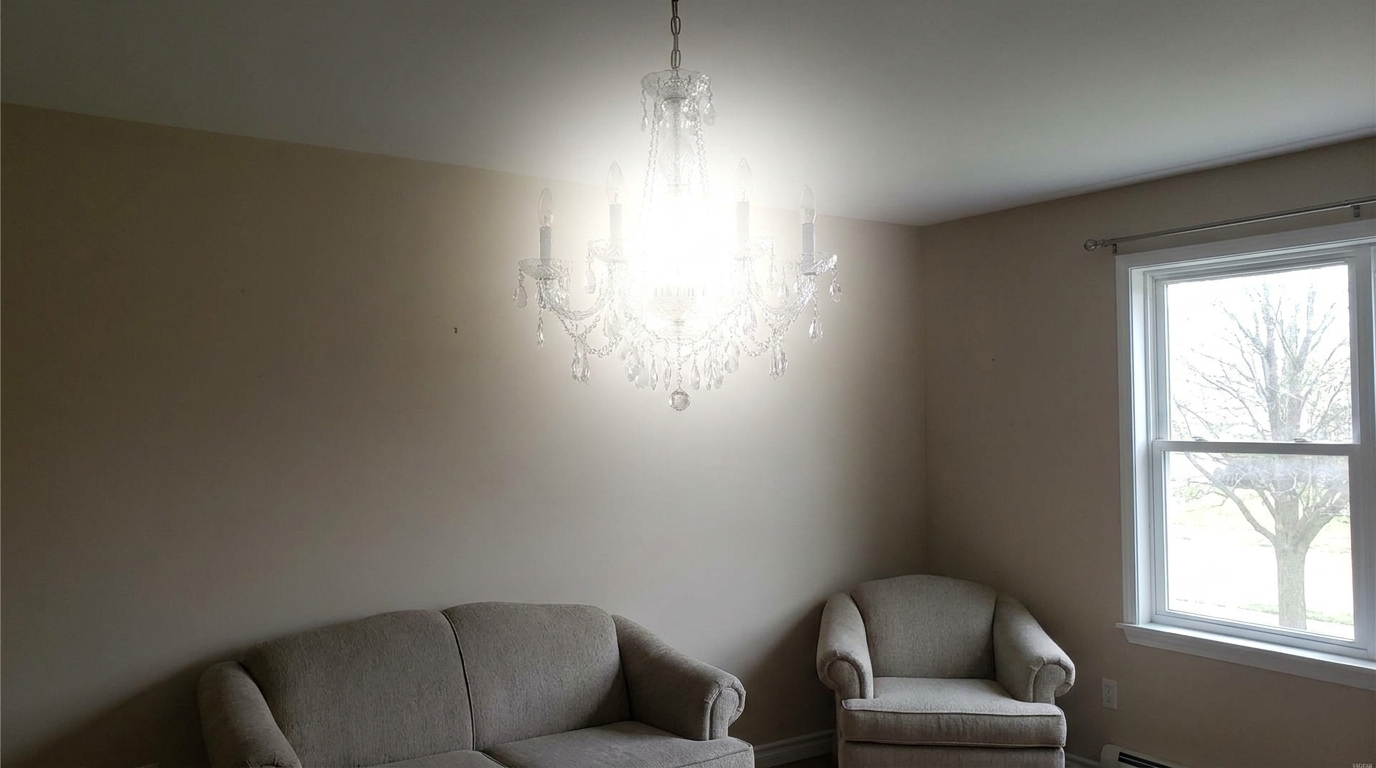
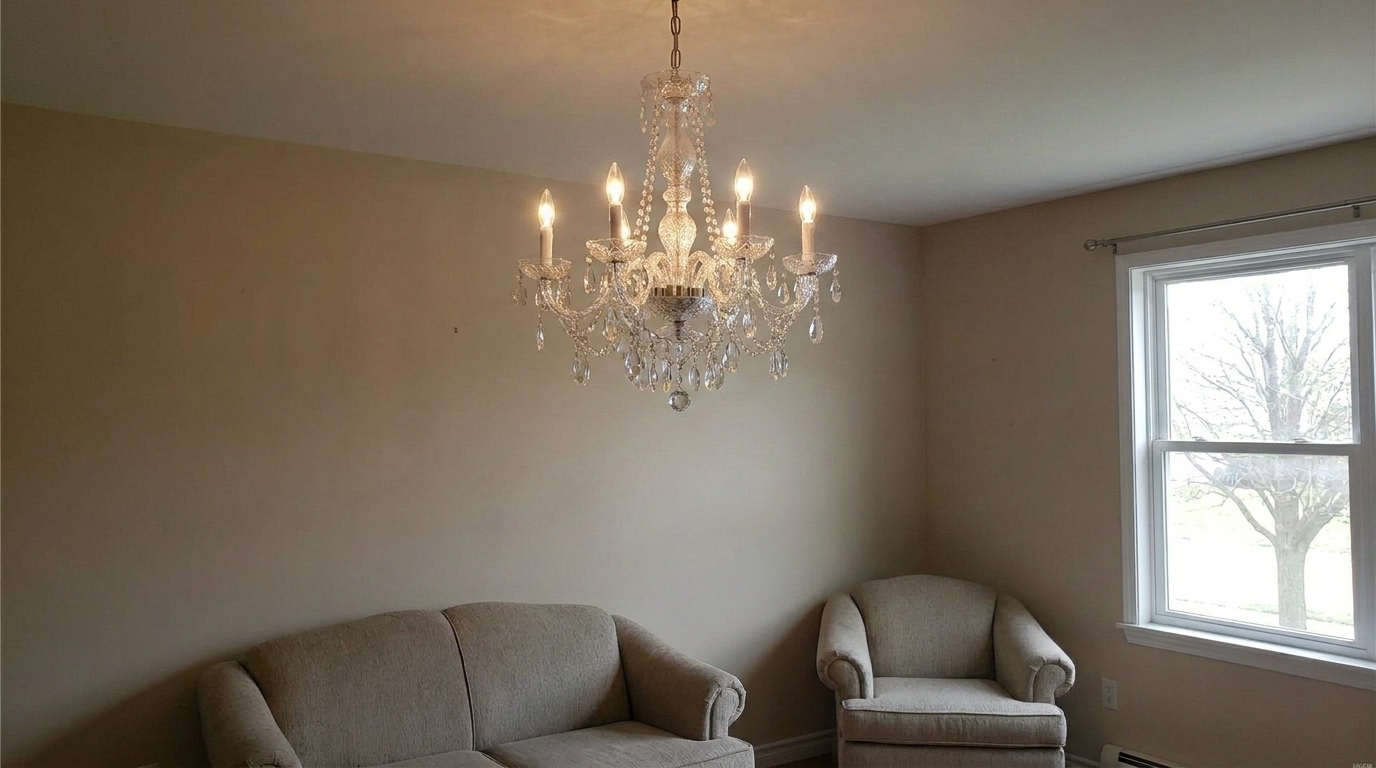
Dining Room Chandelier updated with ceiling light & hot spot fix styling.
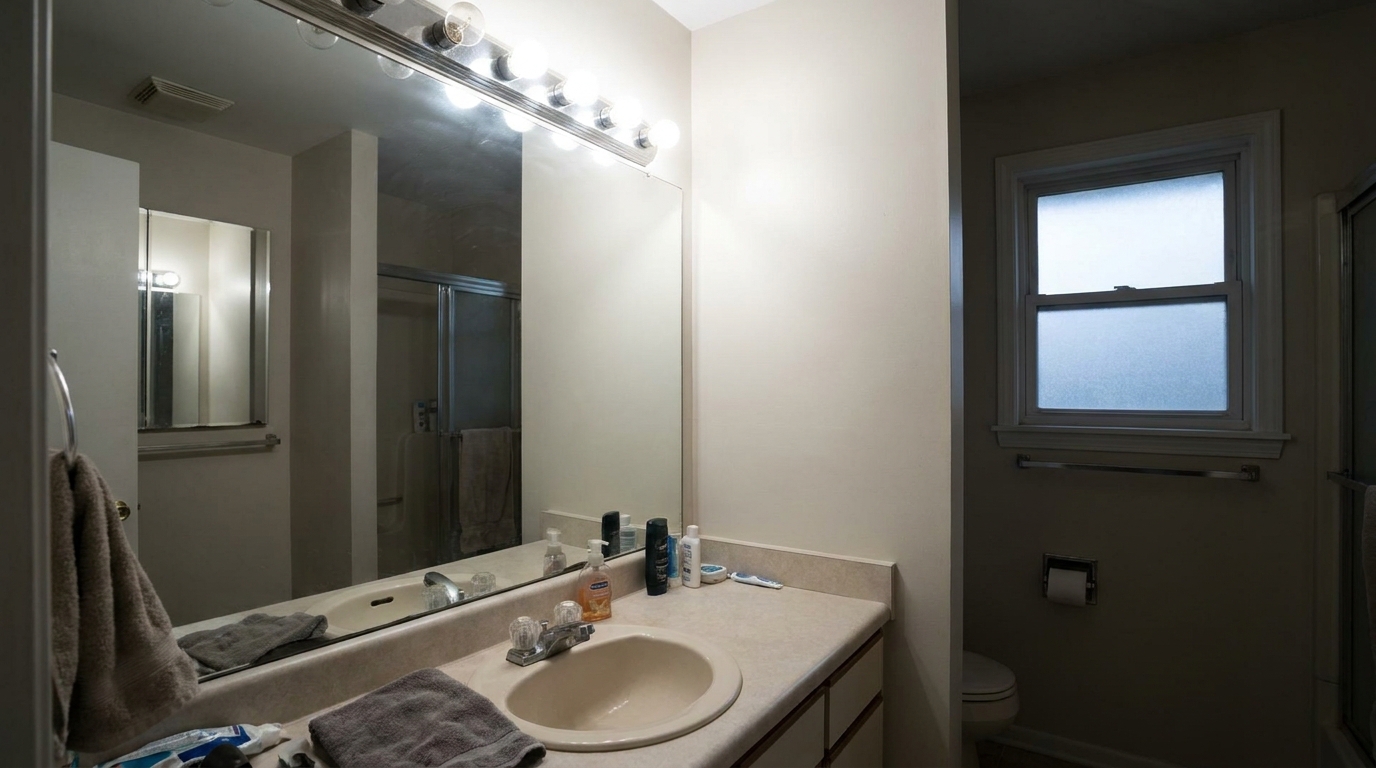
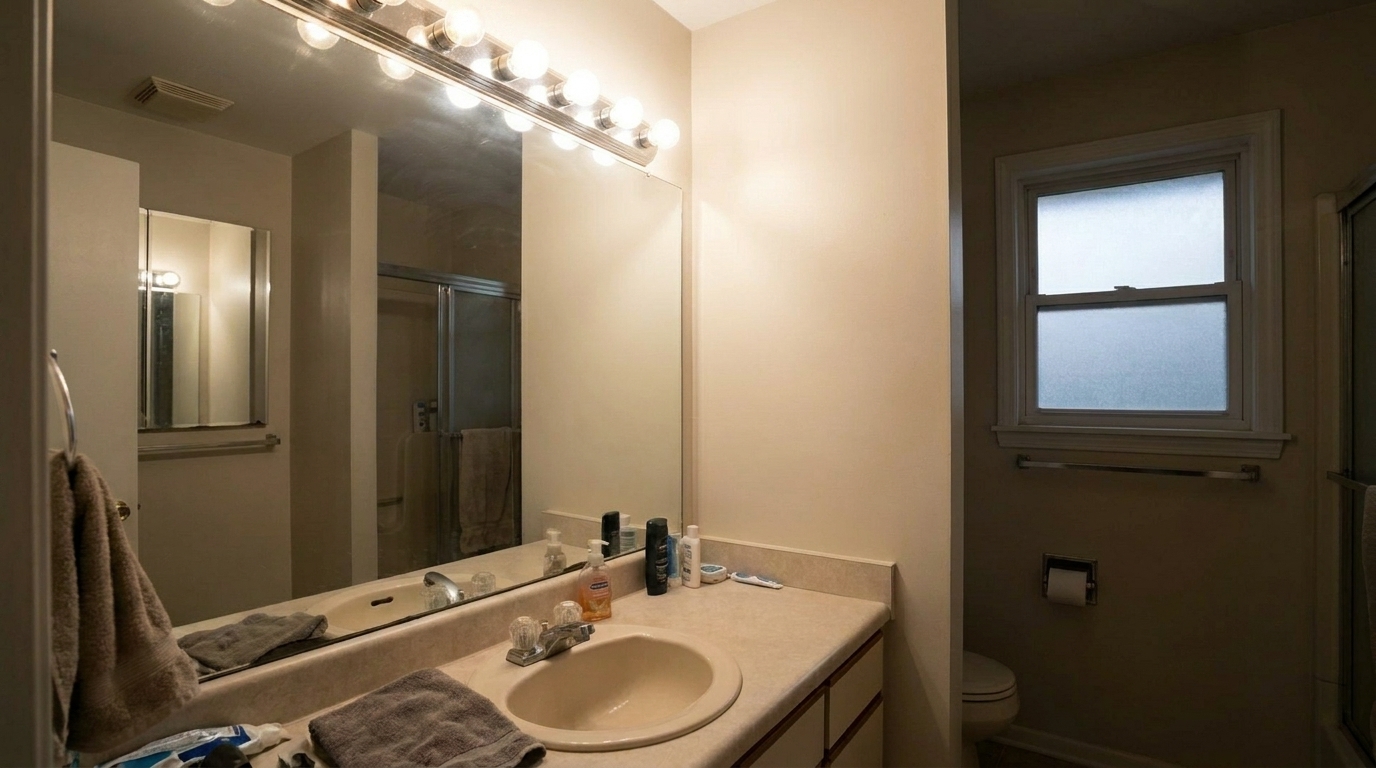
Bathroom Vanity Lights updated with ceiling light & hot spot fix styling.
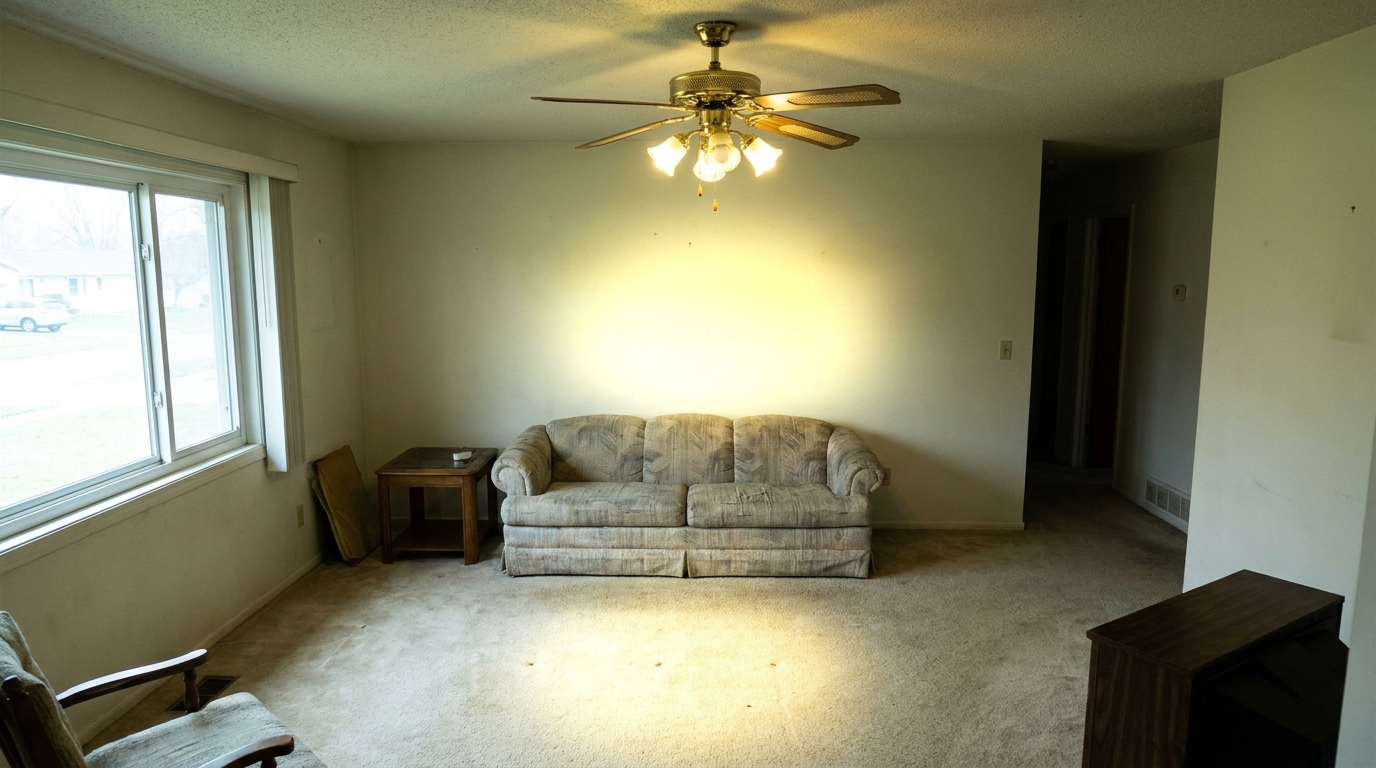
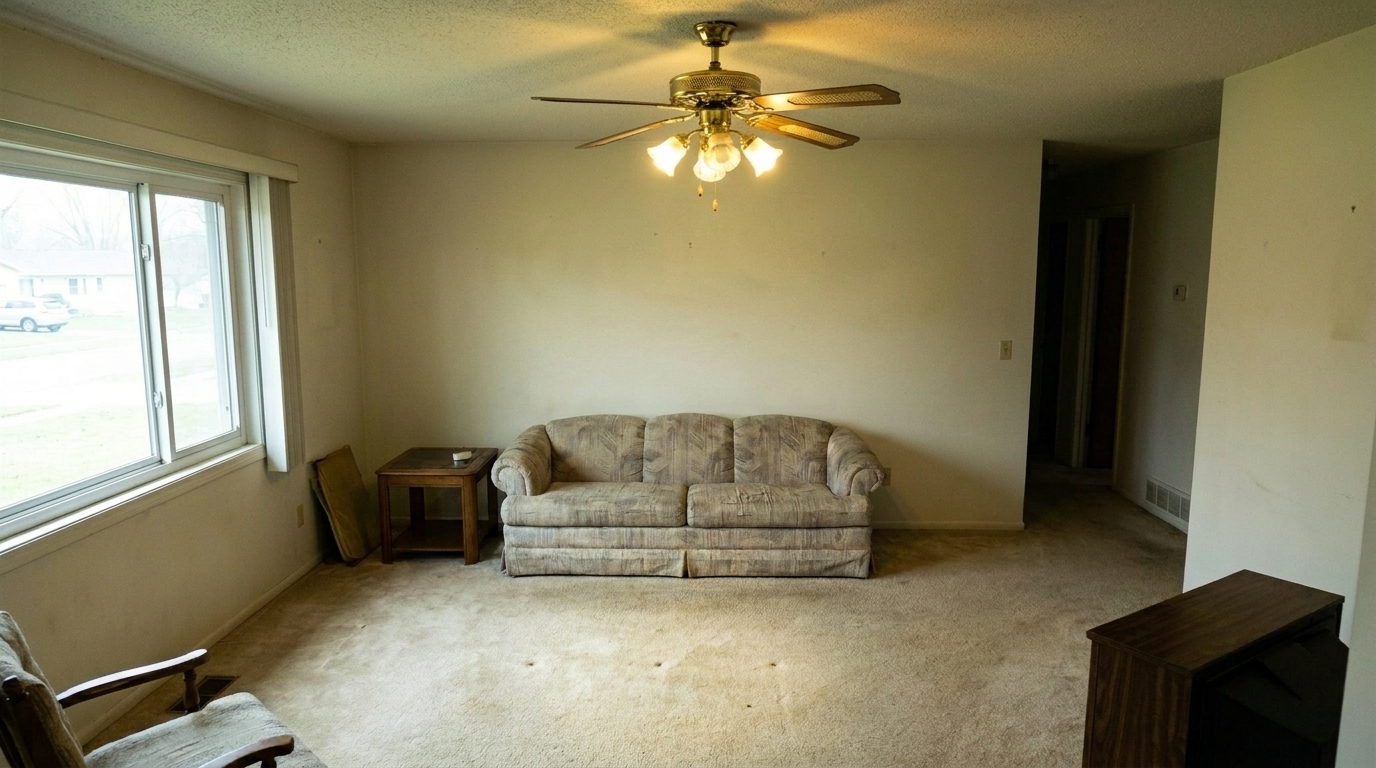
Bedroom Ceiling Fan Light updated with ceiling light & hot spot fix styling.
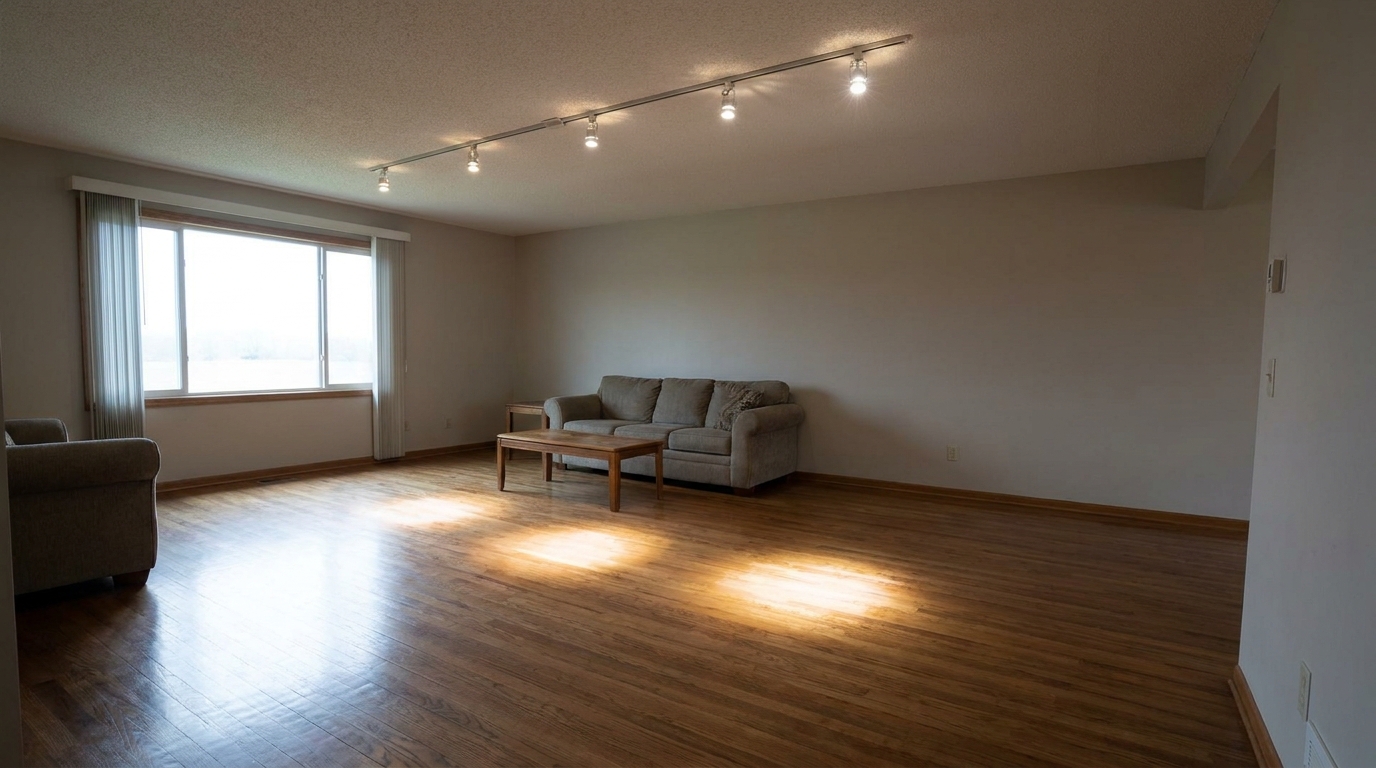
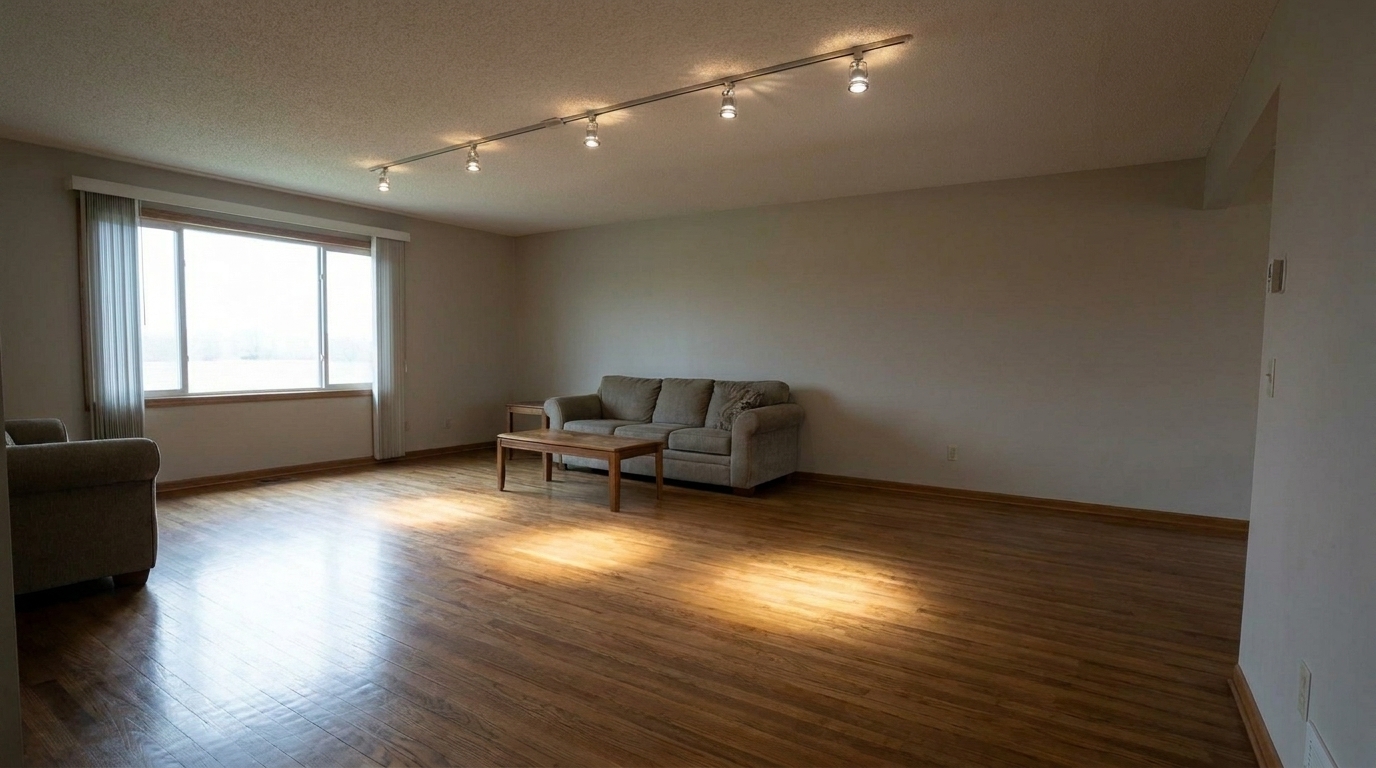
Hallway Track Lighting updated with ceiling light & hot spot fix styling.
Intelligent tools engineered to handle complex interior light sources without losing detail.
Automatically identifies and softens harsh light halos around bulbs and fixtures without affecting the rest of the room.
Keeps the overall room bright and warm while targeting only the overexposed hotspots on ceilings and walls.
Restores the visible textures, shapes, and materials of chandeliers, pendant lights, and recessed cans.
Smooths out the transition between high-intensity light sources and surrounding ceiling surfaces for a natural look.
Prevents yellow or blue color casts often caused by mixed bulb temperatures, keeping colors accurate.
Fixes multiple light fixtures across an entire room photo in a single click, saving hours of manual brushing.
See how professional photographers and agents use hotspot correction to elevate listings.
Soften intense glare from low-hanging glass or metal pendant fixtures over islands to highlight high-end finishes.
KitchensEliminate bright white hotspots on ceilings caused by direct downlighting, creating a smoother ceiling plane.
Living AreasTone down harsh reflections and glare from exposed vanity light bars to make bathrooms feel clean and spa-like.
BathroomsPreserve intricate crystal details and metal finishes while reducing blinding bulb glare in formal dining spaces.
Dining RoomsSmooth out uneven light distribution and harsh shadows from integrated fan light kits for a cozy ambiance.
BedroomsBalance high-intensity directional spotlights in open-plan offices, lobbies, or retail listings.
CommercialFollow these simple steps to soften harsh glare and balance your interior lighting.
Select and upload your real estate interior photo containing harsh ceiling light glare, blown-out recessed cans, or distracting light halos.
Our AI automatically detects light fixtures, chandeliers, and spotlights, instantly softening intense glare while preserving natural ambient light.
Save your polished, professional photo featuring clean fixture details, smooth lighting transitions, and a warm, inviting atmosphere.
Source-backed context for why ceiling light & hot spot fix edits matter inside interior enhancement workflows.
Ceiling Light & Hot Spot Fix within Interior Enhancement evidence
Photos are one of the most valuable website features for home buyers; NAR's 2025 generational trends report says 83% of internet-using buyers rated photos as very useful. For Ceiling Light & Hot Spot Fix pages, this supports showing how a focused Interior Enhancement edit can make the listing photo feel clearer, more polished, and easier for buyers to evaluate.
Source: NAR 2025Ceiling Light & Hot Spot Fix within Interior Enhancement evidence
Zillow Research's 2025 prospective buyer report ranked high-resolution photos as the number two most important listing feature, selected by 26% of prospective buyers; floor plans ranked first at 33%. For Ceiling Light & Hot Spot Fix pages, this supports showing how a focused Interior Enhancement edit can make the listing photo feel clearer, more polished, and easier for buyers to evaluate.
Source: Zillow 2025Ceiling Light & Hot Spot Fix within Interior Enhancement evidence
Redfin reported that professionally photographed homes in the $400,000 range sold three weeks faster and for more than $10,000 relative to list price compared with amateur photos. Use this as supporting context, not as a guaranteed result. For Ceiling Light & Hot Spot Fix pages, this supports showing how a focused Interior Enhancement edit can make the listing photo feel clearer, more polished, and easier for buyers to evaluate.
Source: RedfinHarsh lighting can ruin an otherwise perfect interior shot. Learn how to manage ceiling light hotspots and glare to create balanced, professional listing photos.
When photographing interiors, cameras often struggle with dynamic range. Turning on ceiling lights makes a space feel warm and lived-in, but it frequently results in blown-out hotspots and blinding glare around fixtures. These overexposed areas draw the eye away from the room's selling points, such as high ceilings, beautiful finishes, and spacious layouts. Managing this contrast is essential for creating high-quality real estate listings.
Traditional editing requires complex HDR blending or manual exposure brushing to tone down bright lights. Our AI-powered Ceiling Light & Hot Spot Fix uses advanced semantic segmentation to identify light fixtures and their surrounding halos. It then selectively reduces exposure, recovers lost details within the fixture, and smooths out the transition to the ceiling, all while keeping the ambient room lighting bright and natural.
When editing real estate interiors, selecting the right tool is key to a natural look. Use the Ceiling Light & Hot Spot Fix when your overall room exposure is balanced but individual light fixtures are blown out, creating distracting halos. If your main issue is bright, washed-out windows, choose the Window Pull preset instead. For complex spaces with mixed lighting and deep shadows, Flash Ambient Blending is the superior choice to merge multiple exposures. Avoid using the Ceiling Light Fix as a general room brightener; its primary job is to soften and recover detail from localized, high-intensity light sources, ensuring your ceilings and fixtures look clean and professional.
To get the best results, shoot your interior photos using bracketed exposures (HDR). This ensures the camera captures the maximum amount of detail in both the shadows and the highlights. When editing, apply the Ceiling Light & Hot Spot Fix to soften the fixtures first, then use our general Interior Photo preset to adjust overall brightness, white balance, and color consistency for a flawless finish.
Discover specialized tools designed to perfect every detail of your indoor property photos.
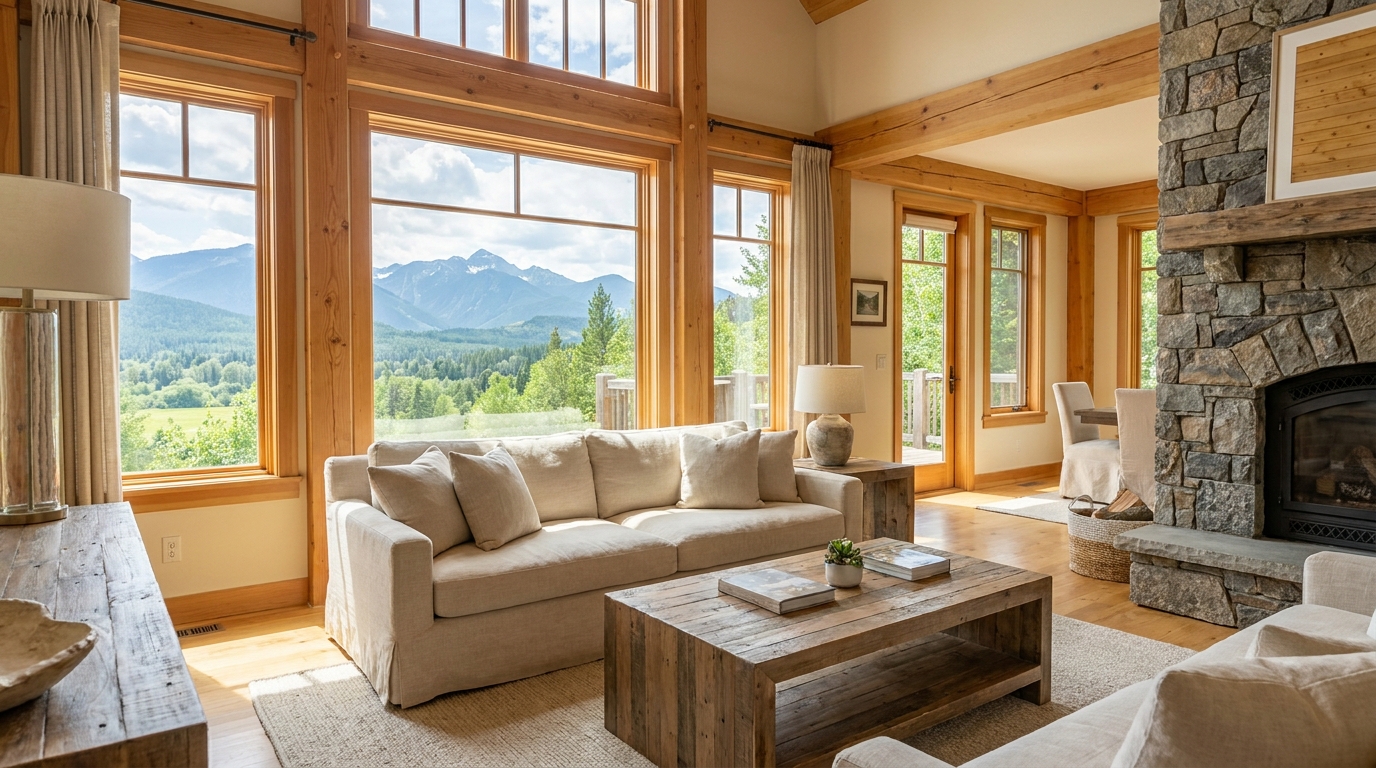
Recover natural window detail while keeping interiors bright, balanced, and realistic.
Try This Tool →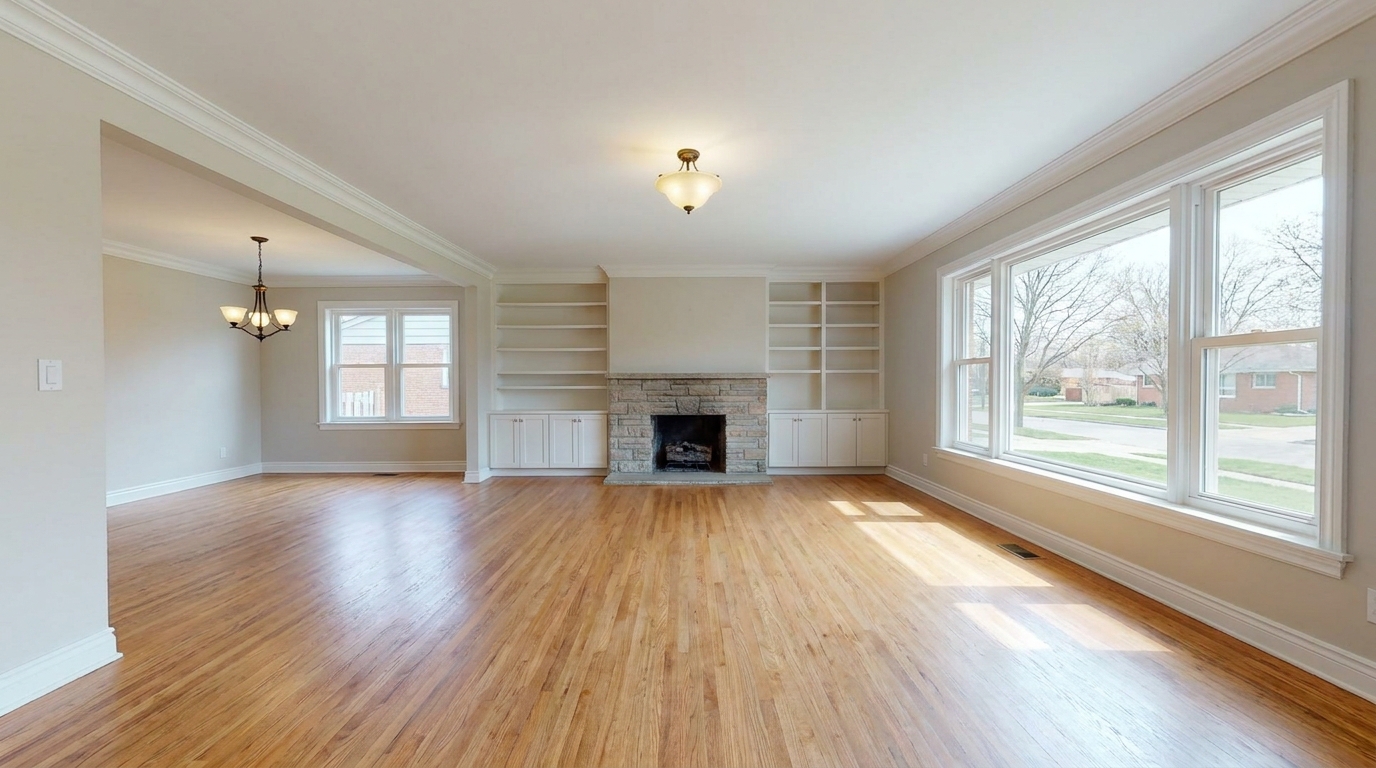
Remove furnishings and personal items to create a clean, spacious vacant-room presentation.
Try This Tool →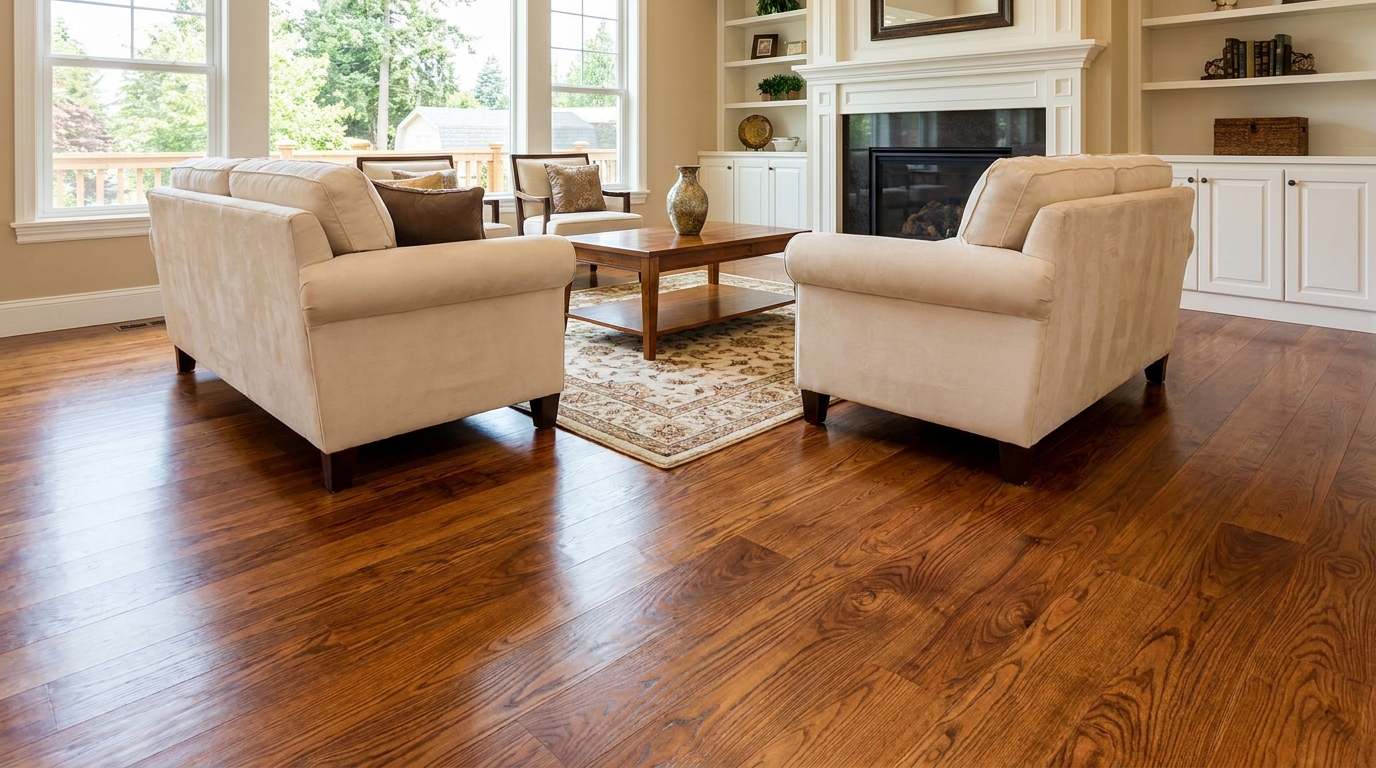
Bring out richer wood tone and cleaner floor detail without looking overprocessed.
Try This Tool →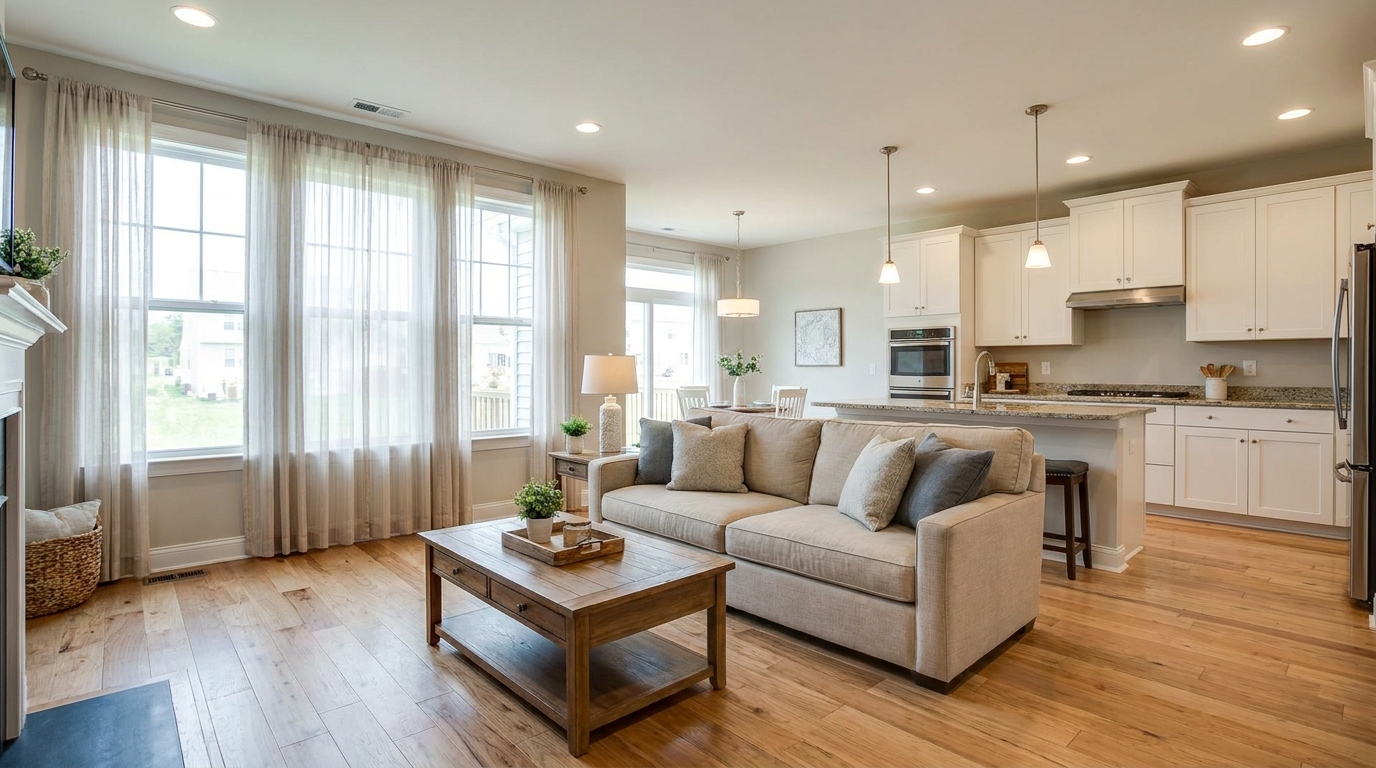
Full interior polishing for brighter rooms, cleaner color, and more inviting listing photos.
Try This Tool →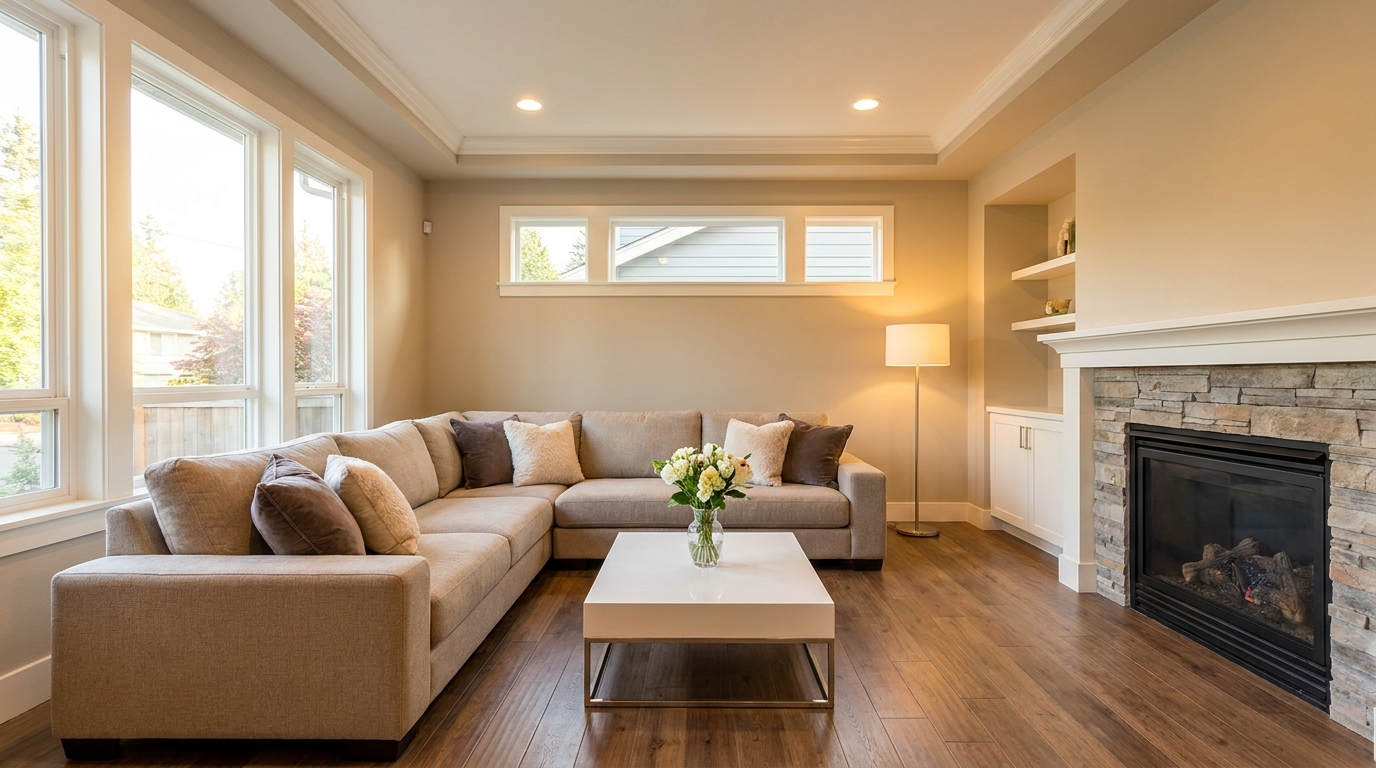
Blend flash and ambient exposures for interiors that feel bright, natural, and well balanced.
Try This Tool →Explore additional AI-powered tools to polish your exterior and interior property photos.
AI image-to-video generation for turning home, room, and property photos into more vivid presentation videos.
02AI exterior renovation for visualizing facade updates, curb appeal improvements, and home exterior remodel ideas.
03AI landscaping design for exploring outdoor concepts, curb appeal upgrades, planting ideas, and yard layout directions.
04AI virtual staging for furnishing empty rooms and creating listing-ready interiors for real estate marketing.
05Free AI image generation for turning text prompts into unlimited visual ideas for home design, interiors, landscaping, renovation
06AI object removal for cleaning up distracting items from room, home, and property photos.
Eliminate distracting hotspots and harsh glare instantly. Try our AI-powered Ceiling Light & Hot Spot Fix today and make your listings shine.