
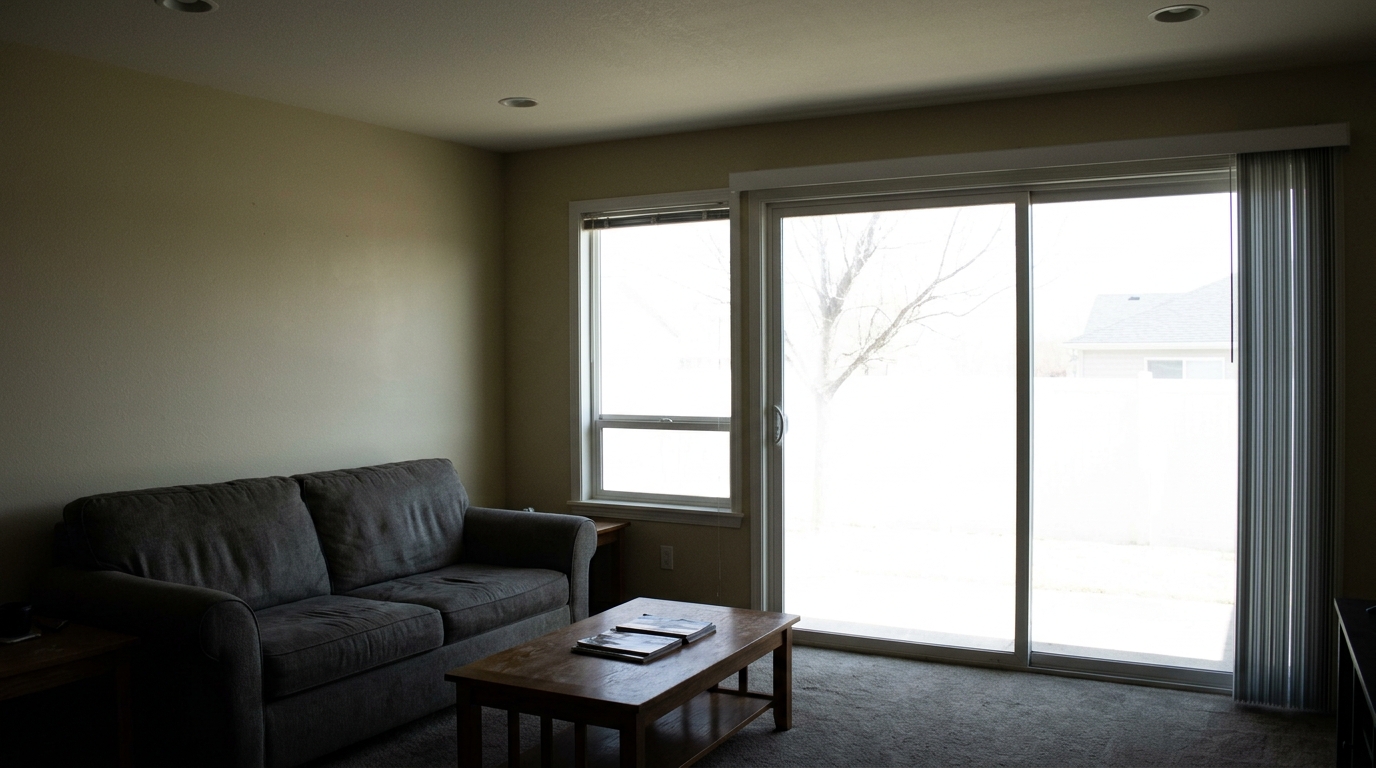
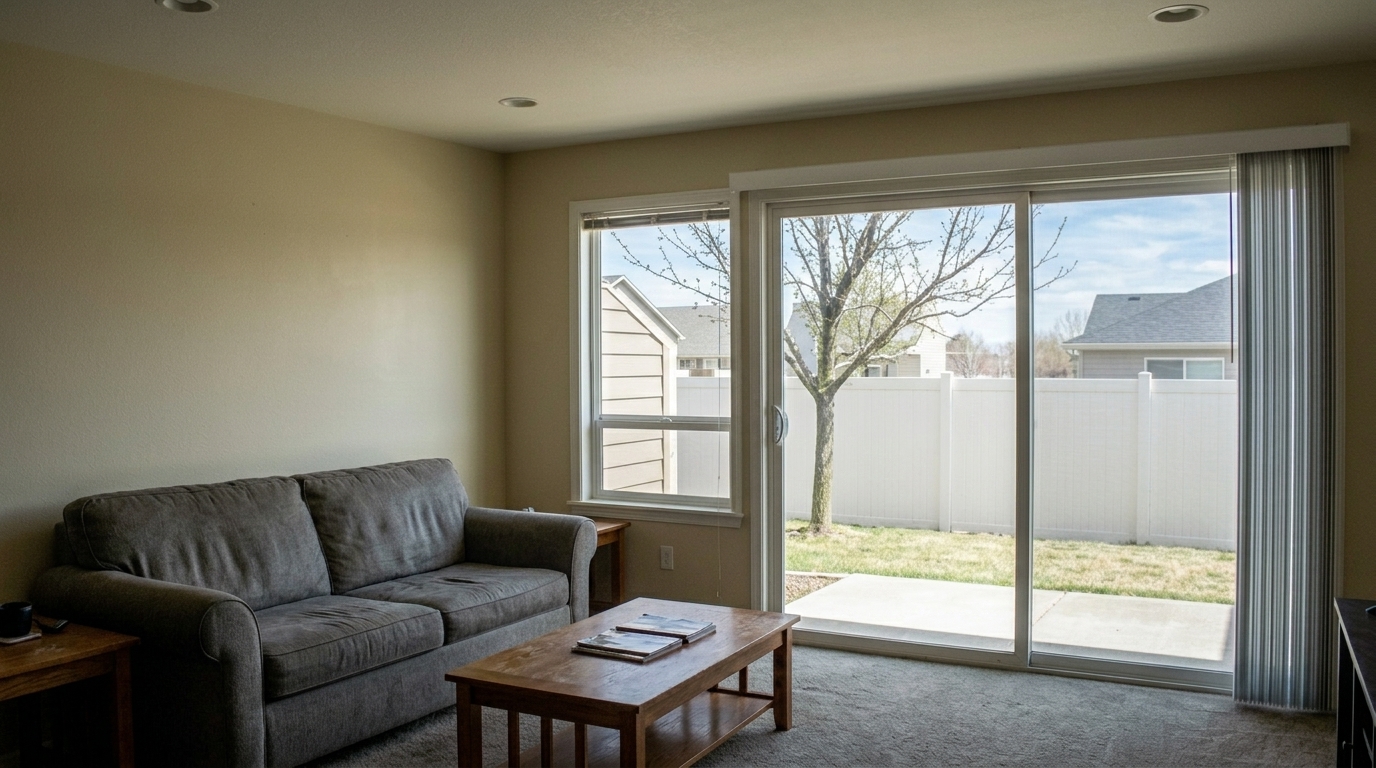

Living Room Window Pull
Balance exposure in the same living room window pull.
Even out harsh highlights and deep shadows automatically. Bring professional balance, clarity, and natural light to every listing photo in seconds.
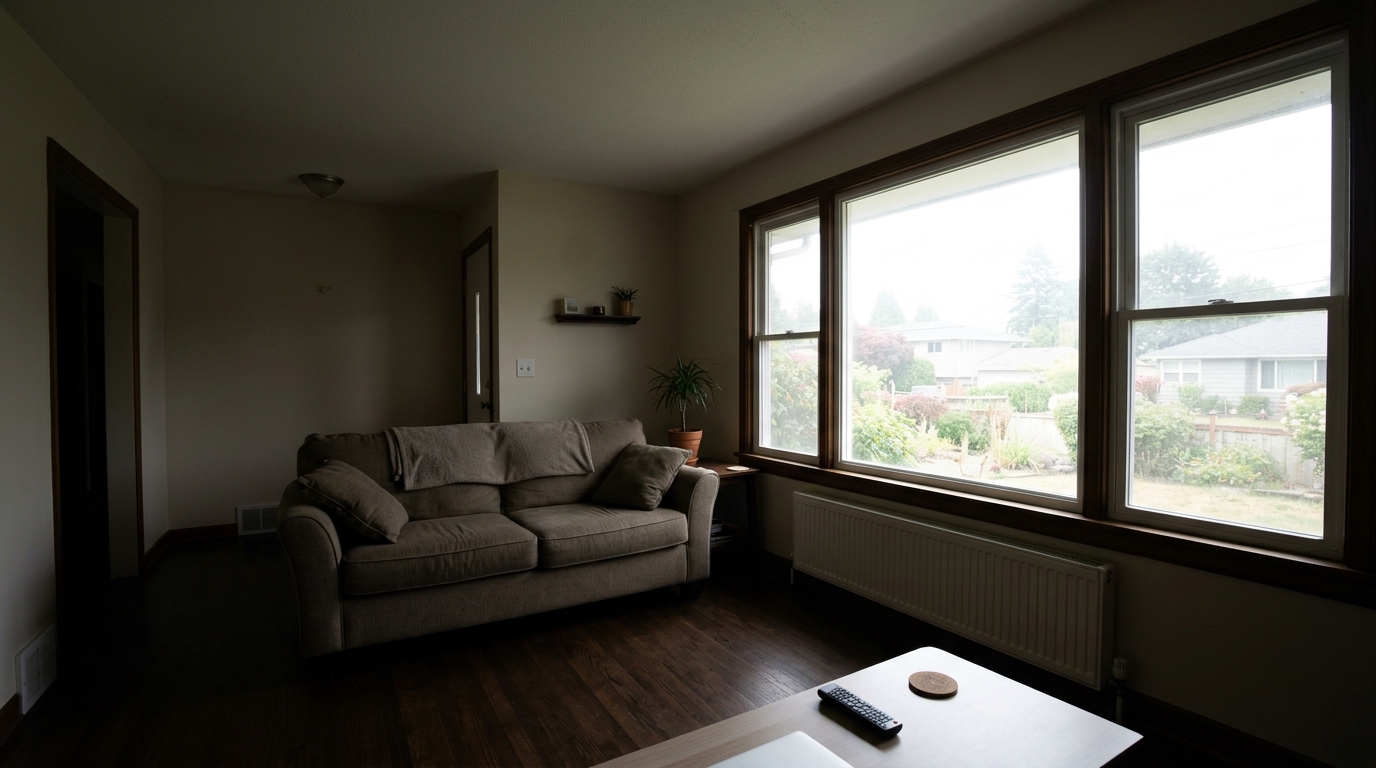
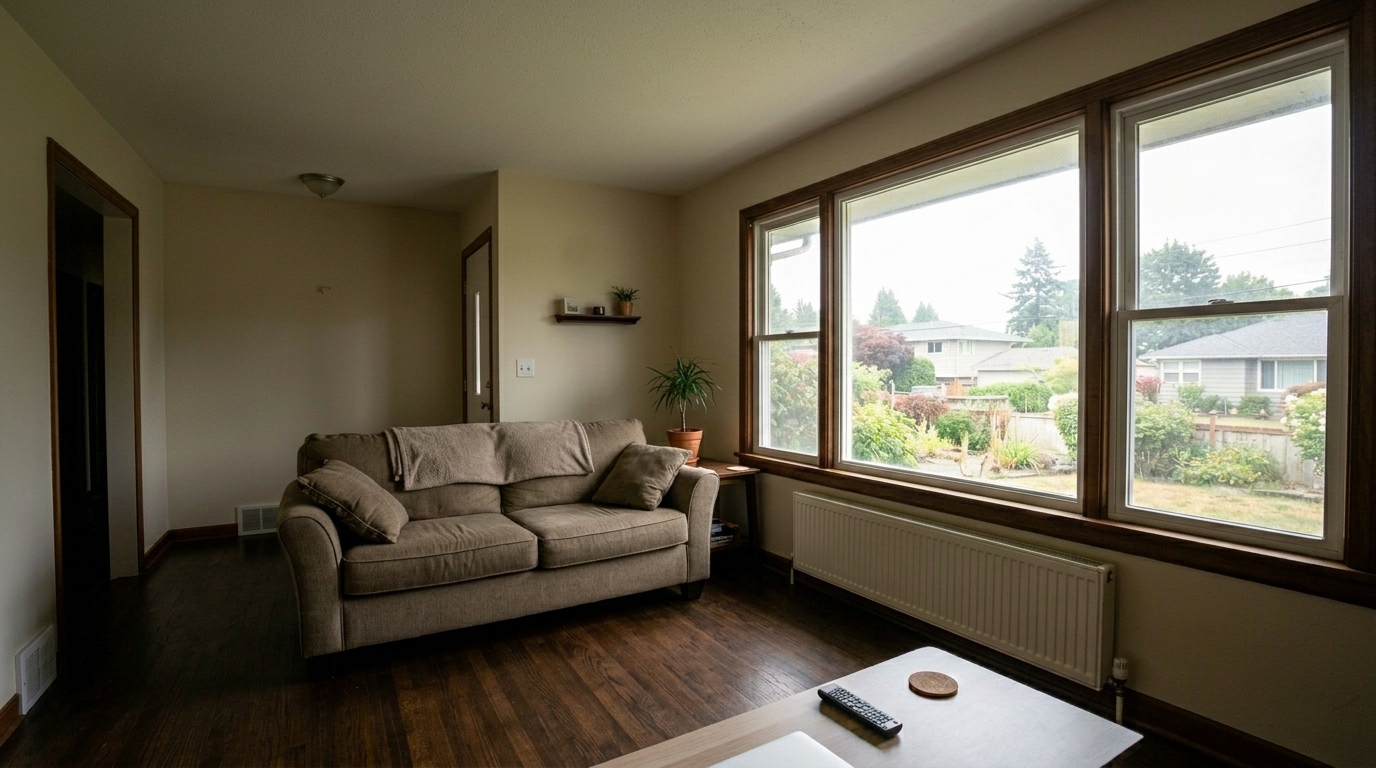
See how balanced exposure transforms dark corners and overexposed windows into stunning views.
Balance exposure in the same living room window pull.
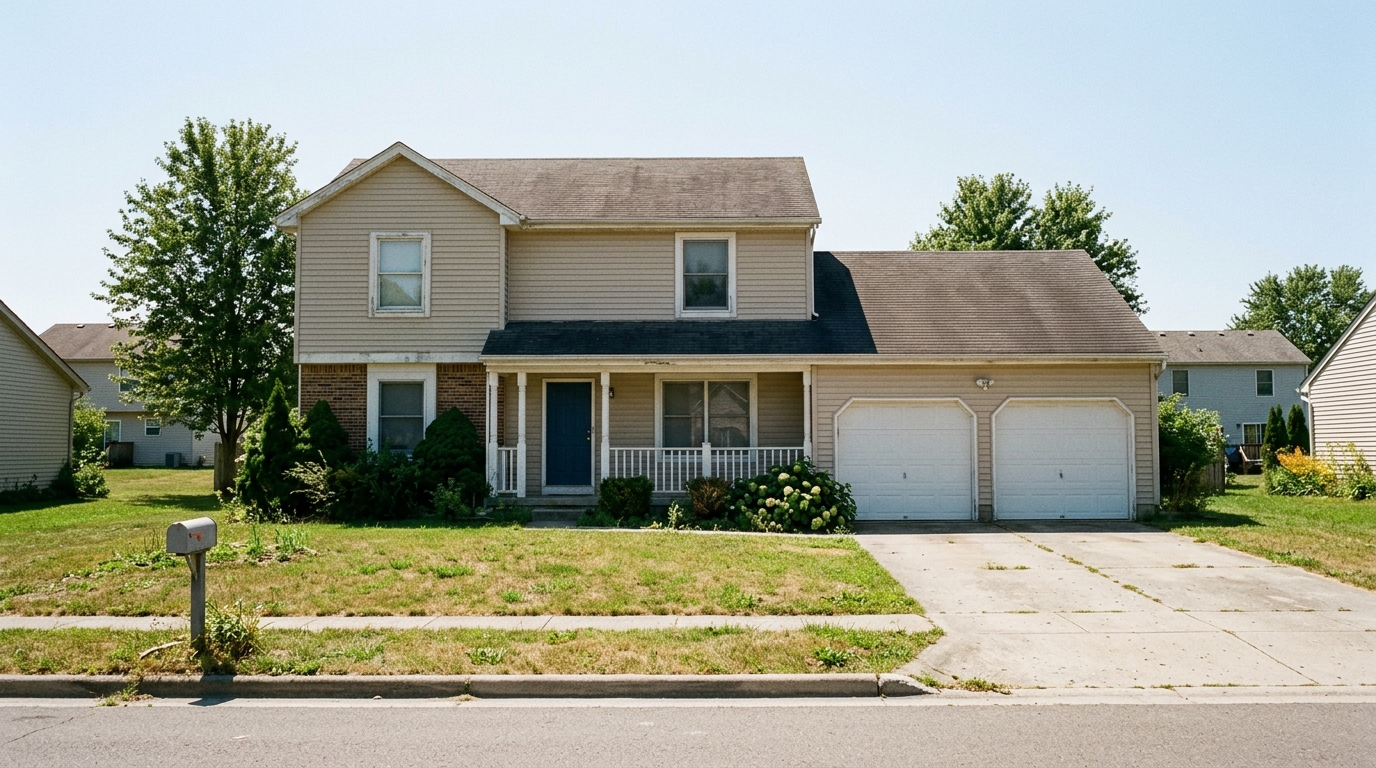
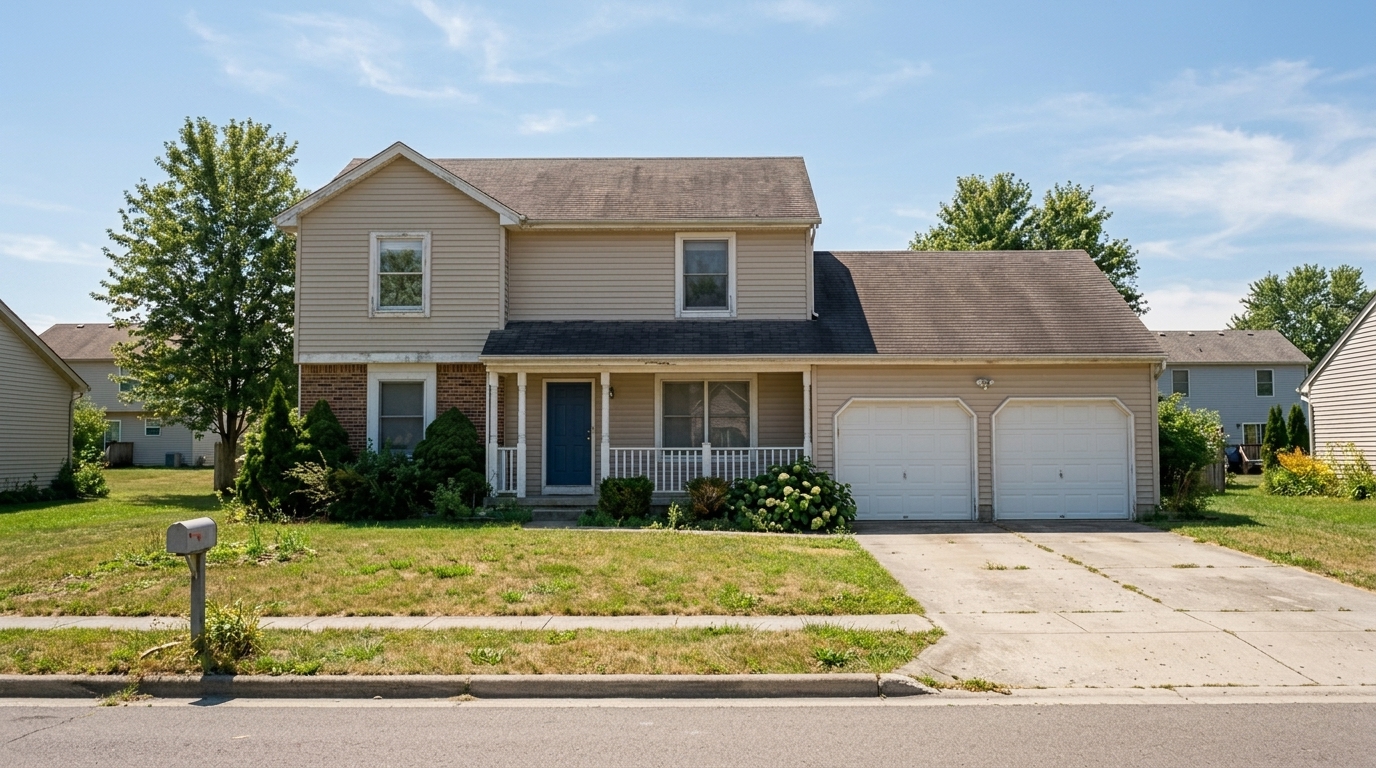
Balance exposure in the same midday exterior shadowing.
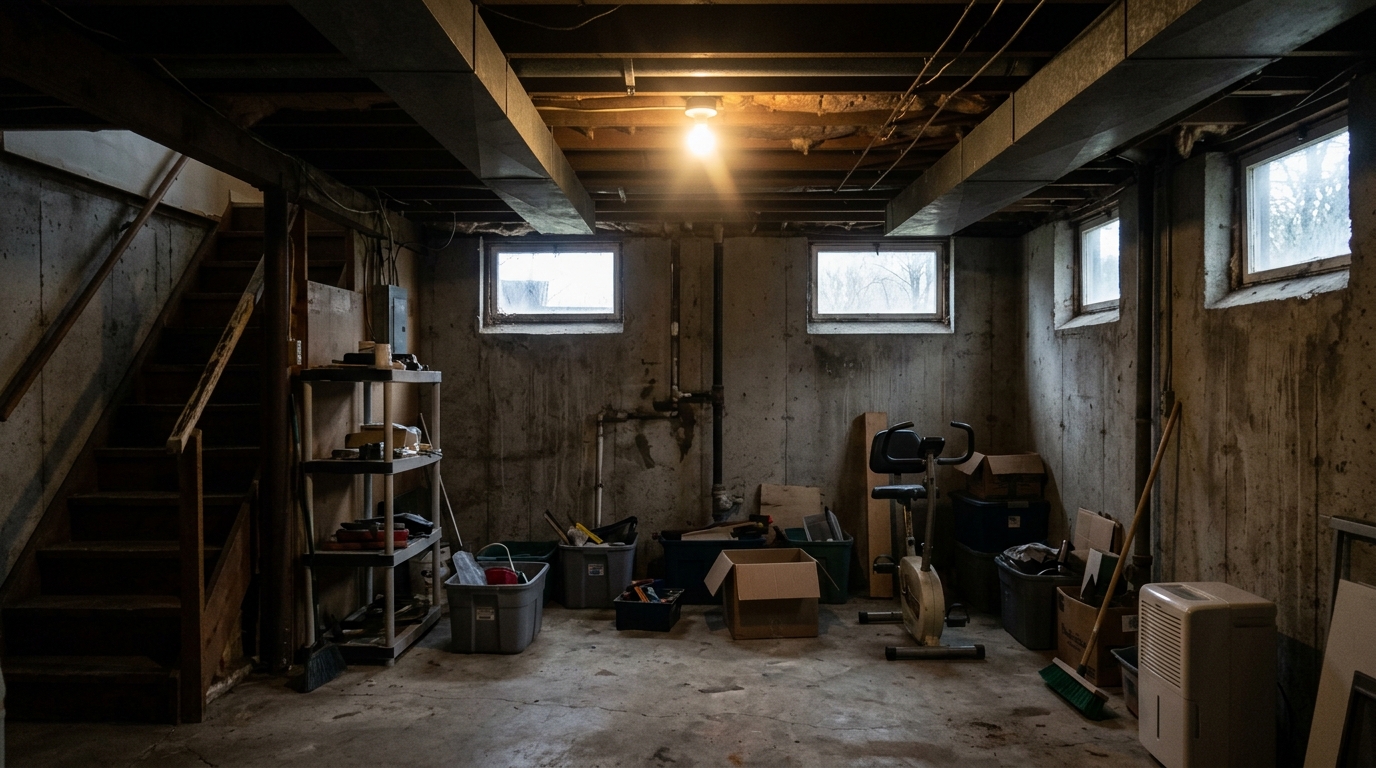
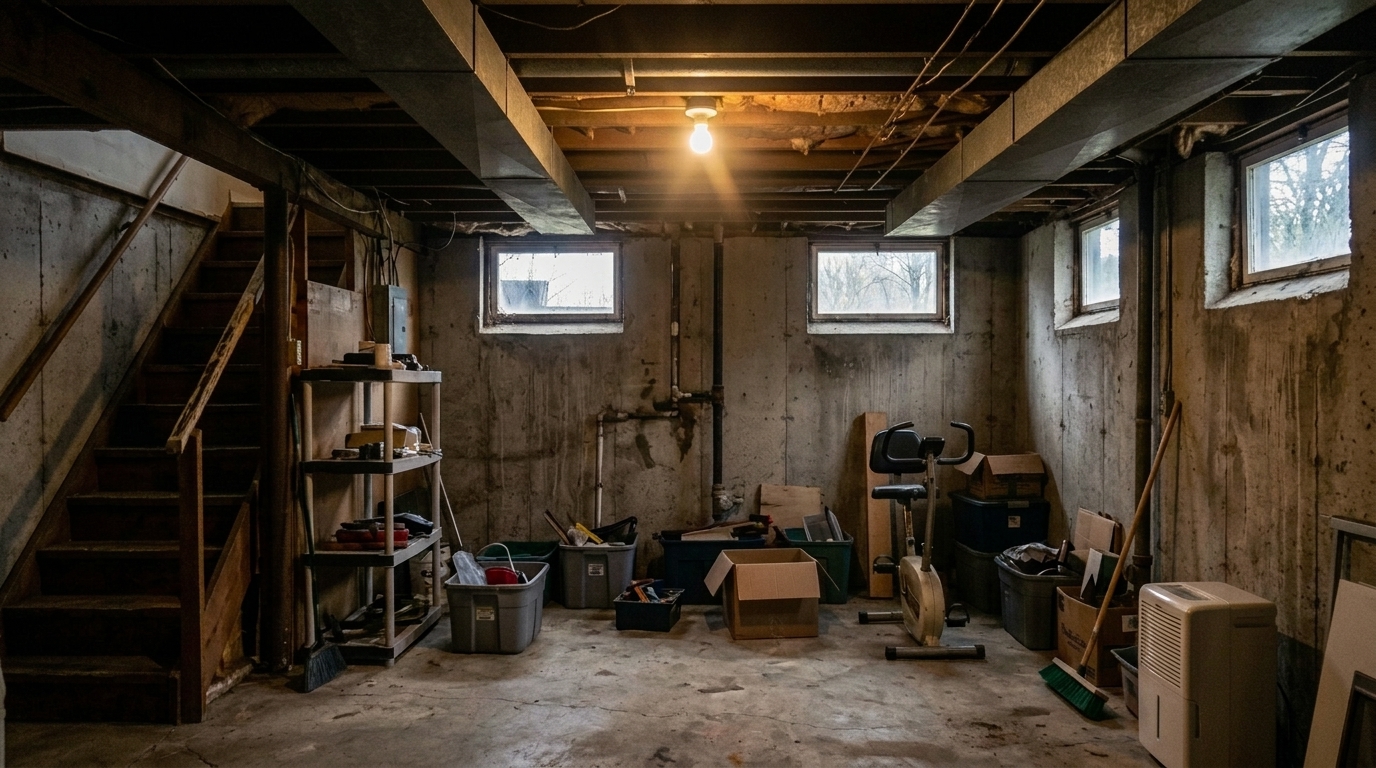
Balance exposure in the same dim basement family room.
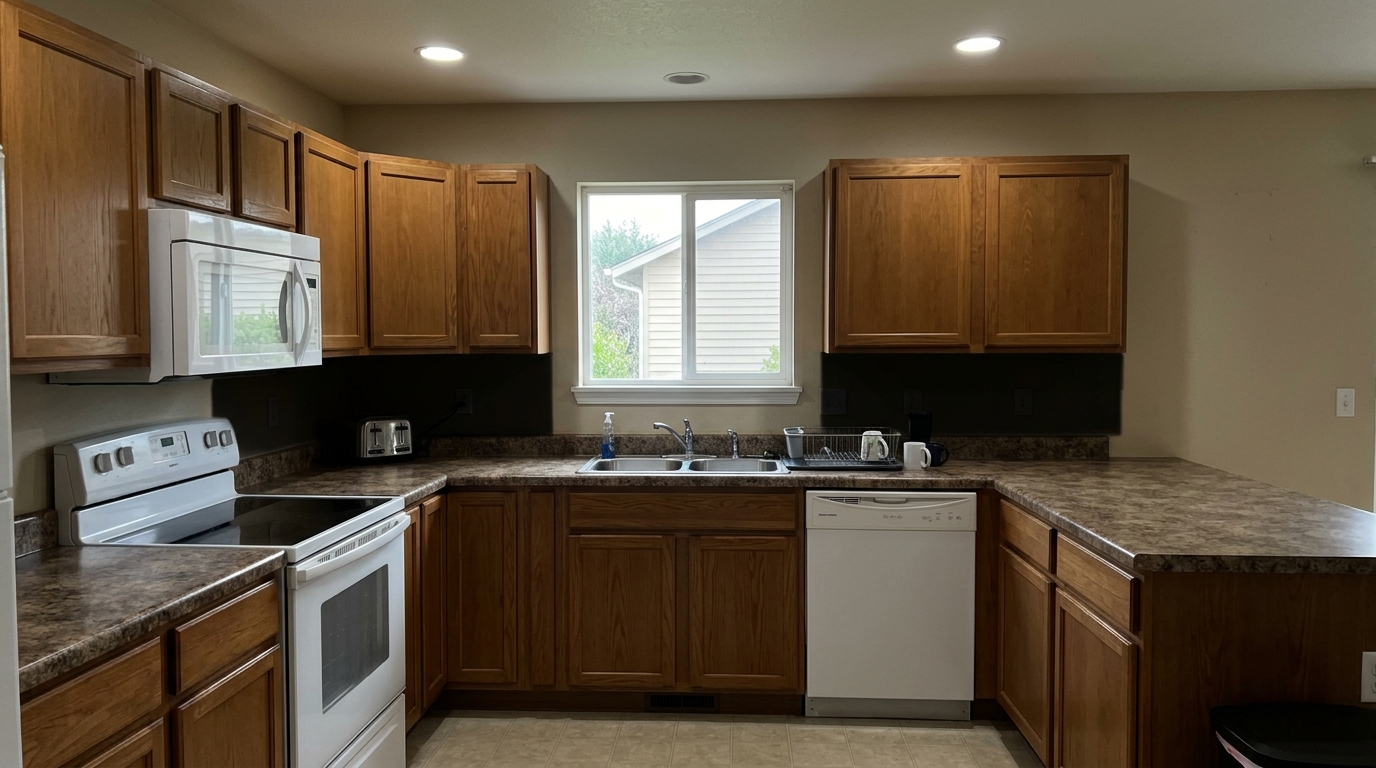
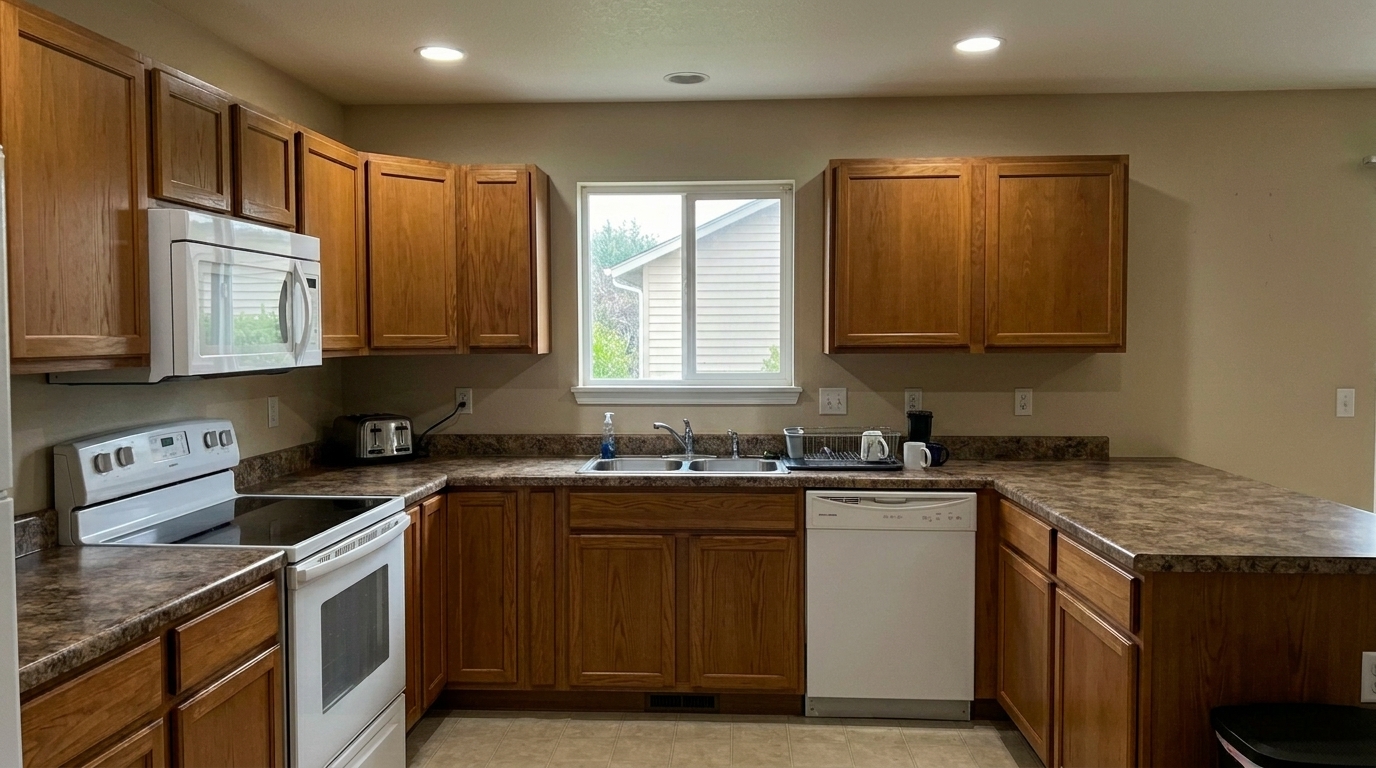
Balance exposure in the same kitchen with under-cabinet shadows.
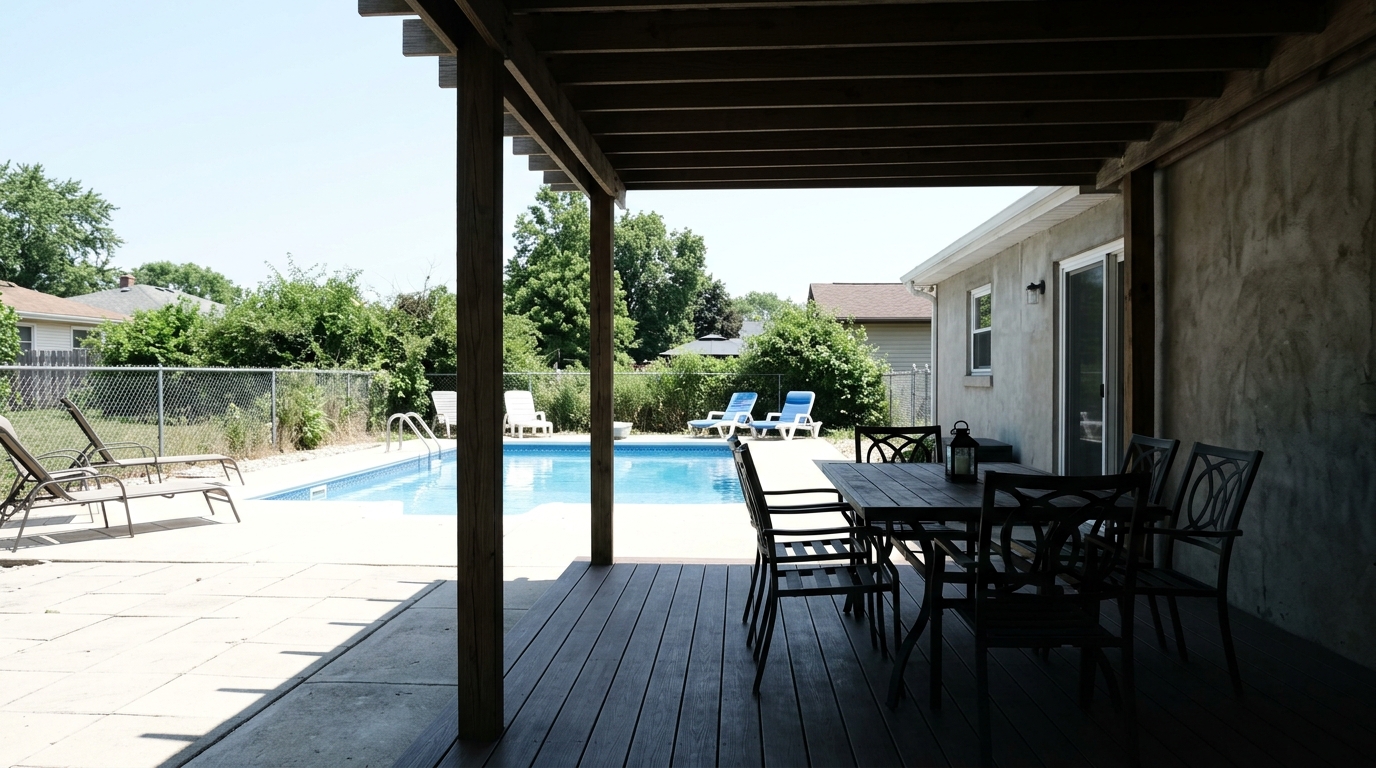
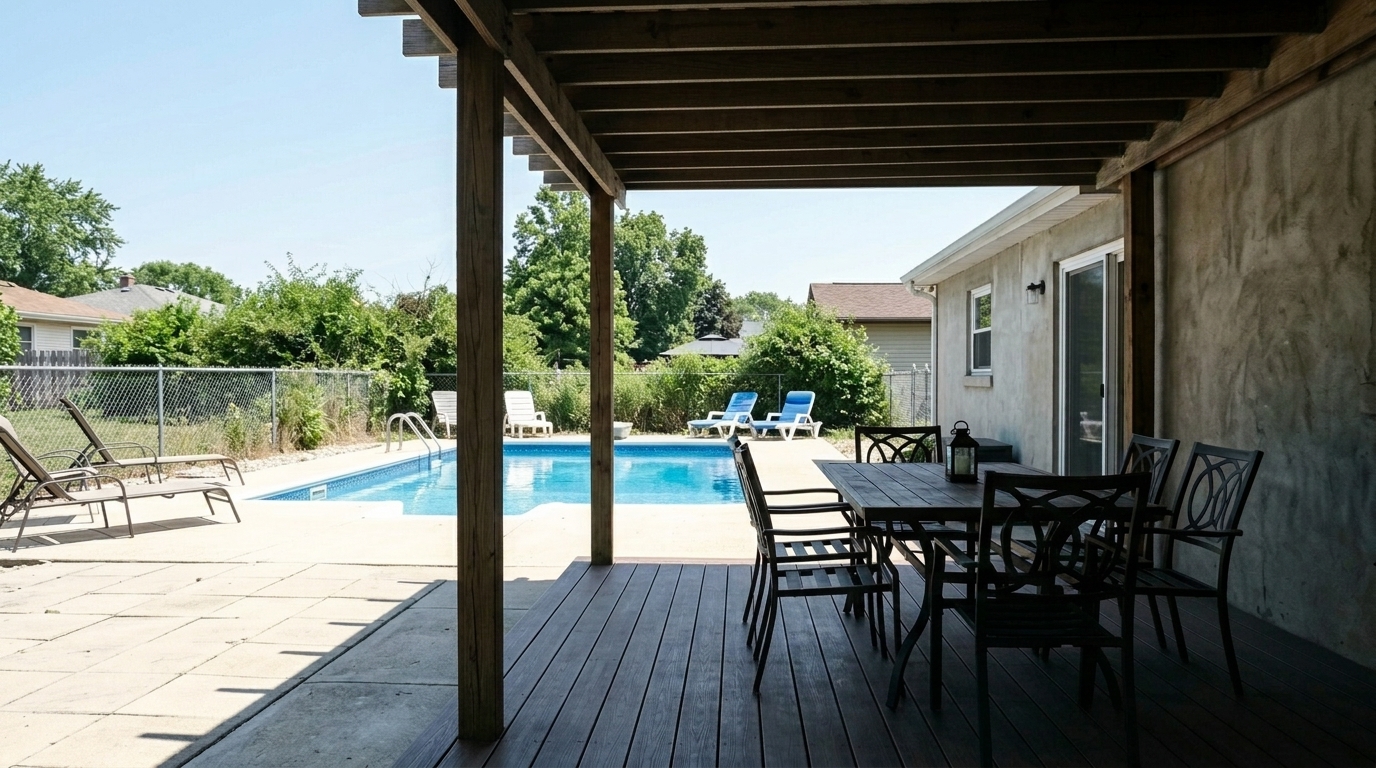
Balance exposure in the same covered patio contrast.
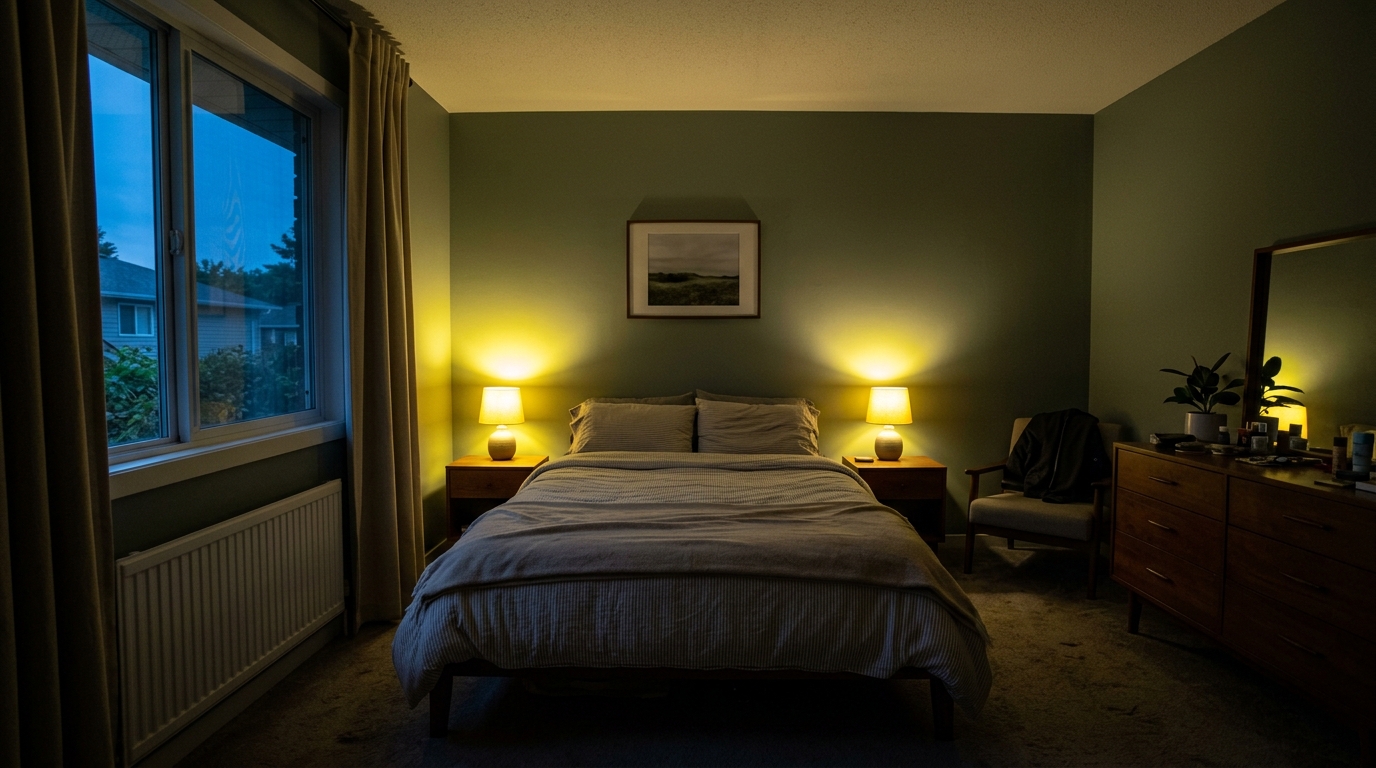
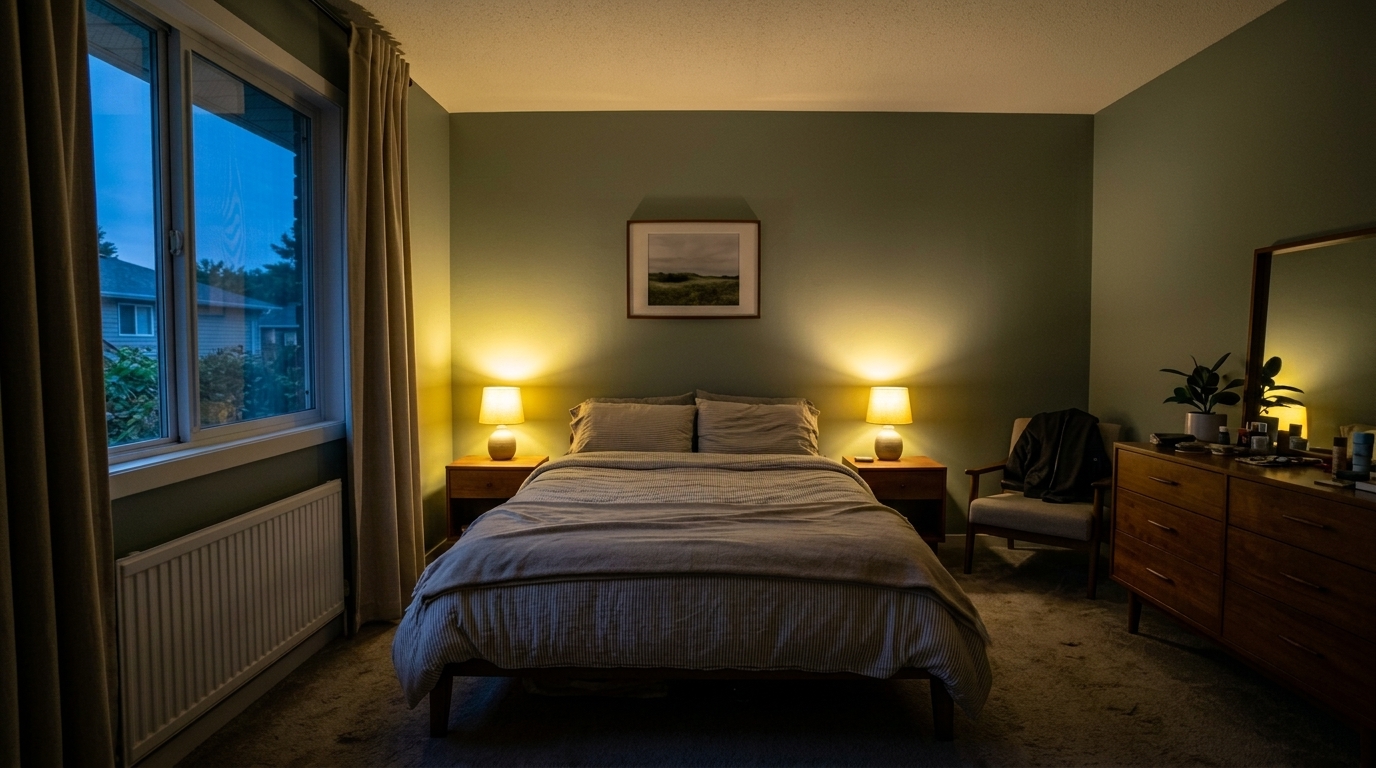
Balance exposure in the same twilight bedroom balance.
Advanced AI algorithms designed to handle complex lighting challenges in real estate photography.
Automatically restores lost details in blown-out windows and bright light fixtures without affecting the rest of the scene.
Gently brightens dark corners, hallways, and shaded areas, revealing hidden architectural features without introducing digital noise.
Evens out extreme contrast between bright outdoor views and indoor spaces, creating a smooth, natural transition of light.
Adjusts brightness levels while keeping original paint colors, wood tones, and textures accurate and vibrant.
Analyzes the unique lighting of each room to apply custom exposure curves, avoiding a flat or artificial HDR look.
Targets specific zones of uneven lighting, such as under-cabinet shadows or harsh spotlight reflections, for a balanced finish.
Solve common lighting issues from high-contrast interiors to bright midday exterior shots.
Perfect for living spaces with large windows where the outdoor view is too bright and the indoor furniture is too dark.
InteriorsBalances harsh, direct sunlight and deep shadows cast by rooflines, trees, or neighboring structures.
ExteriorsBrightens enclosed spaces with limited natural light, making them feel open, airy, and inviting to buyers.
Dim SpacesCorrects photos where the shaded seating area is dark but the sunny backyard background is completely washed out.
Outdoor LivingSmooths out harsh shadows under cabinets and bright hot spots on polished countertops or stainless steel appliances.
KitchensBalances the glowing sky with interior lighting, ensuring both the home's warmth and the sunset view are captured.
TwilightAchieve perfectly balanced lighting across your interior and exterior shots instantly.
Drag and drop your real estate image into the editor. Our tool supports standard formats like JPEG, PNG, and WebP, handling both interior and exterior shots.
Select the Exposure Balancing preset. The AI instantly analyzes the light distribution, identifying overexposed windows and underexposed shadow areas.
Preview the balanced, natural-looking result. Download your optimized, listing-ready photo in high resolution with all details perfectly visible.
Source-backed context for why exposure balancing edits matter inside image optimization workflows.
Exposure Balancing within Image Optimization evidence
Photos are one of the most valuable website features for home buyers; NAR's 2025 generational trends report says 83% of internet-using buyers rated photos as very useful. For Exposure Balancing pages, this supports showing how a focused Image Optimization edit can make the listing photo feel clearer, more polished, and easier for buyers to evaluate.
Source: NAR 2025Exposure Balancing within Image Optimization evidence
Zillow Research's 2025 prospective buyer report ranked high-resolution photos as the number two most important listing feature, selected by 26% of prospective buyers; floor plans ranked first at 33%. For Exposure Balancing pages, this supports showing how a focused Image Optimization edit can make the listing photo feel clearer, more polished, and easier for buyers to evaluate.
Source: Zillow 2025Exposure Balancing within Image Optimization evidence
Redfin reported that professionally photographed homes in the $400,000 range sold three weeks faster and for more than $10,000 relative to list price compared with amateur photos. Use this as supporting context, not as a guaranteed result. For Exposure Balancing pages, this supports showing how a focused Image Optimization edit can make the listing photo feel clearer, more polished, and easier for buyers to evaluate.
Source: RedfinAchieving the perfect balance between bright outdoor views and cozy indoor spaces is one of the biggest challenges in property marketing. Learn how to use AI exposure balancing to create professional, inviting listing photos.
Cameras struggle to capture what the human eye sees naturally. When photographing an interior, shooting for a bright room often results in completely white, blown-out windows. Conversely, exposing for the window view leaves the interior dark and uninviting. AI exposure balancing solves this by analyzing the image in zones, applying targeted adjustments to highlights and shadows simultaneously to mimic natural human vision.
For the best results, apply the Exposure Balancing preset as one of your first editing steps. Correcting the light distribution early ensures that subsequent edits—such as color correction, sharpening, or virtual staging—are applied to an evenly lit canvas. This prevents color distortion in shadow areas and keeps your final listing photos looking cohesive across your entire gallery.
When deciding on your editing workflow, consider the specific needs of your photo. Use the Exposure Balancing preset when your image has good composition and color but suffers from harsh contrast, dark corners, or bright windows. If your photo also has crooked walls or lens distortion, choose the Full Correction Suite or Real Estate Photo Editing preset. For quick, everyday mobile uploads, the MLS Photo Enhancement preset is your best fit, while Glare and Reflection Reduction should be reserved for scenes with distracting reflections on polished floors or glass.
While exposure balancing is highly versatile, it is not a cure-all for extremely low-quality images. If a photo is severely blurry, out of focus, or completely pitch black with no digital information in the shadows, attempting to balance the exposure will only introduce noise and artifacts. In these cases, it is best to reshoot the space with better ambient lighting or use a tripod to capture a cleaner source image.
Choose the perfect preset to refine exposure, correct colors, and polish your property listings.
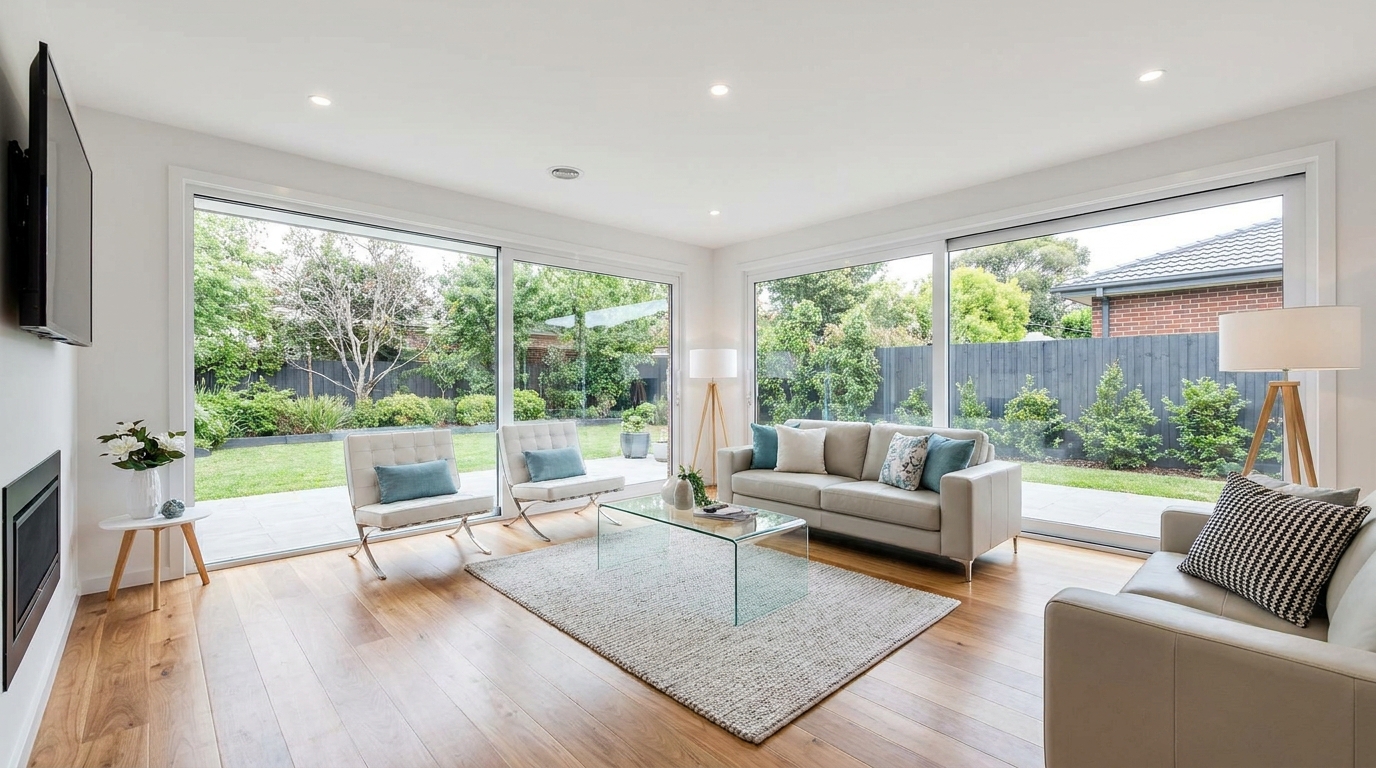
All-in-one correction for brighter, cleaner, listing-ready real estate photos.
Try This Tool →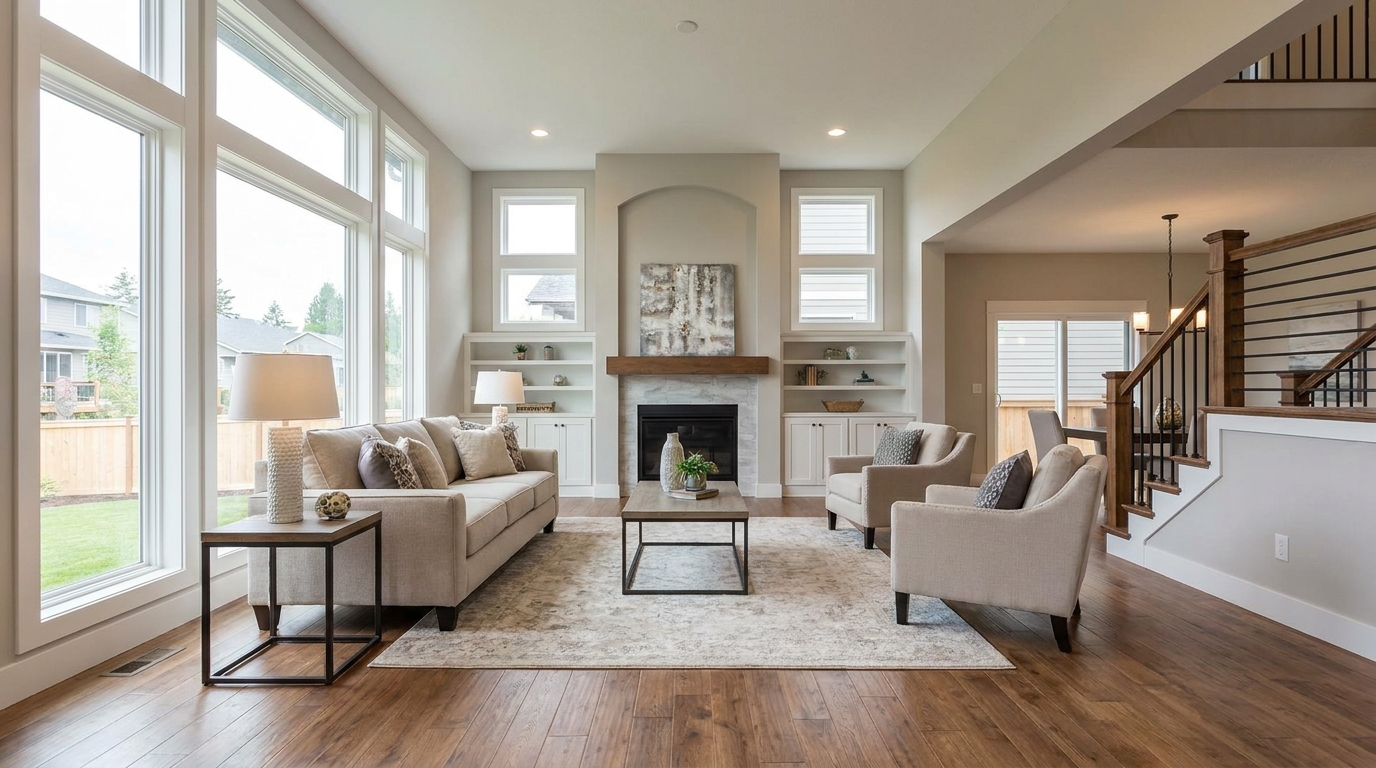
Everyday listing polish with balanced light, true color, and crisp natural detail.
Try This Tool →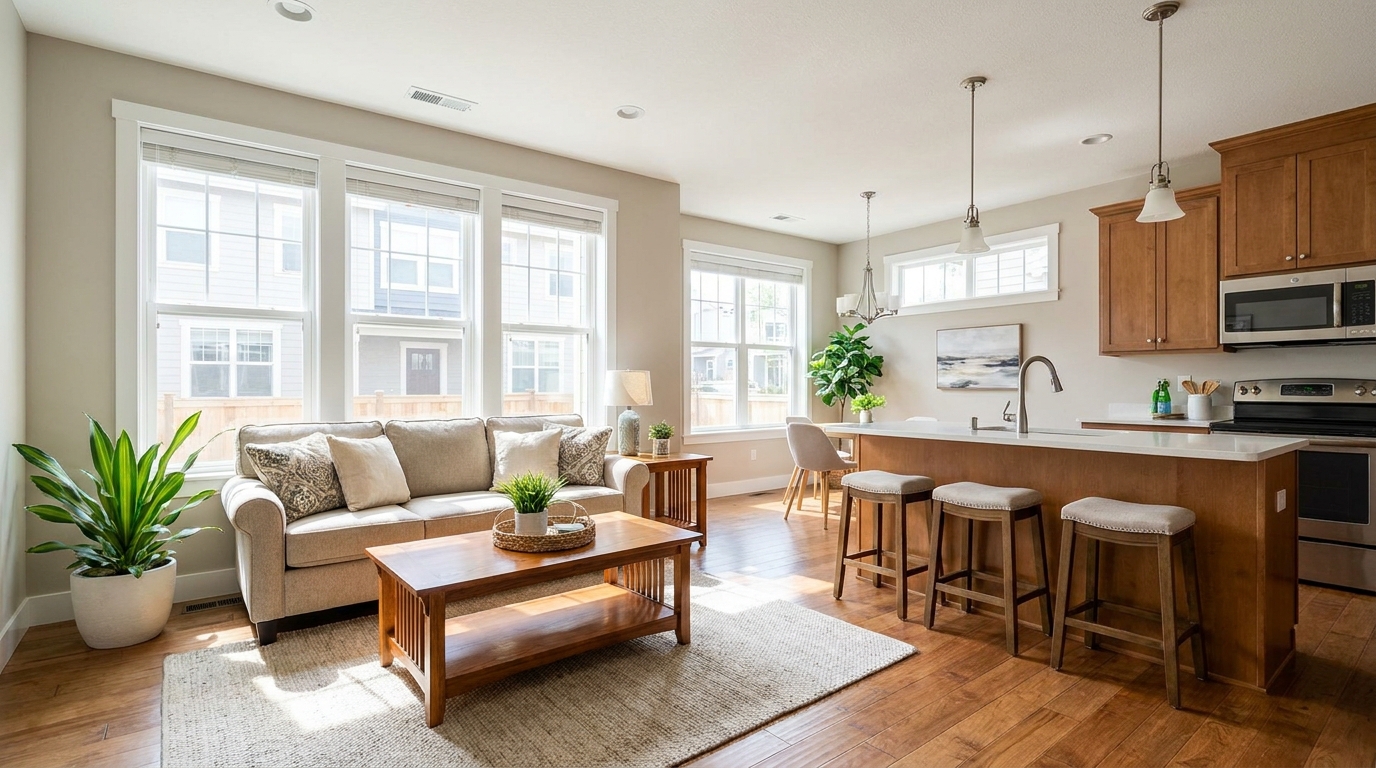
Clean MLS-ready enhancement that makes property photos brighter, sharper, and more consistent.
Try This Tool →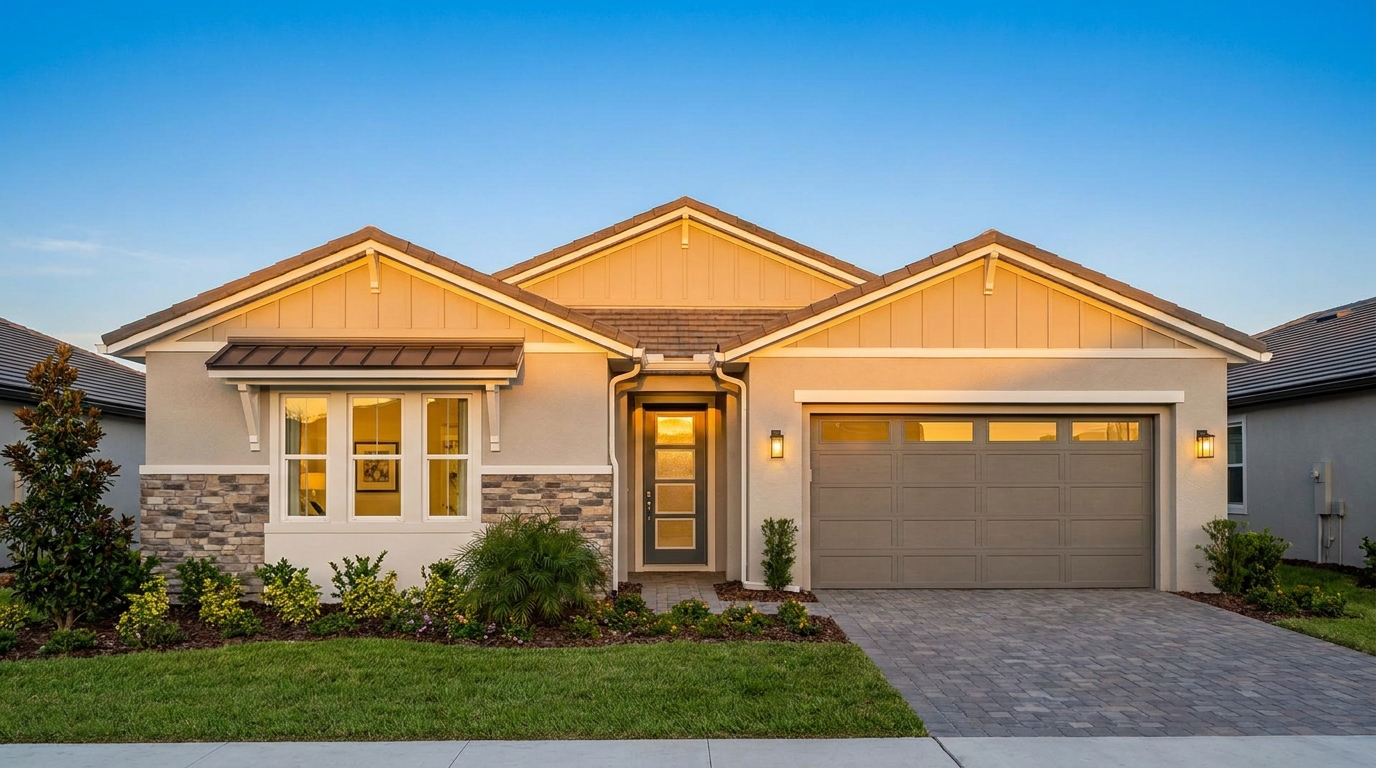
Smart single-exposure editing that recovers detail and delivers a naturally polished result.
Try This Tool →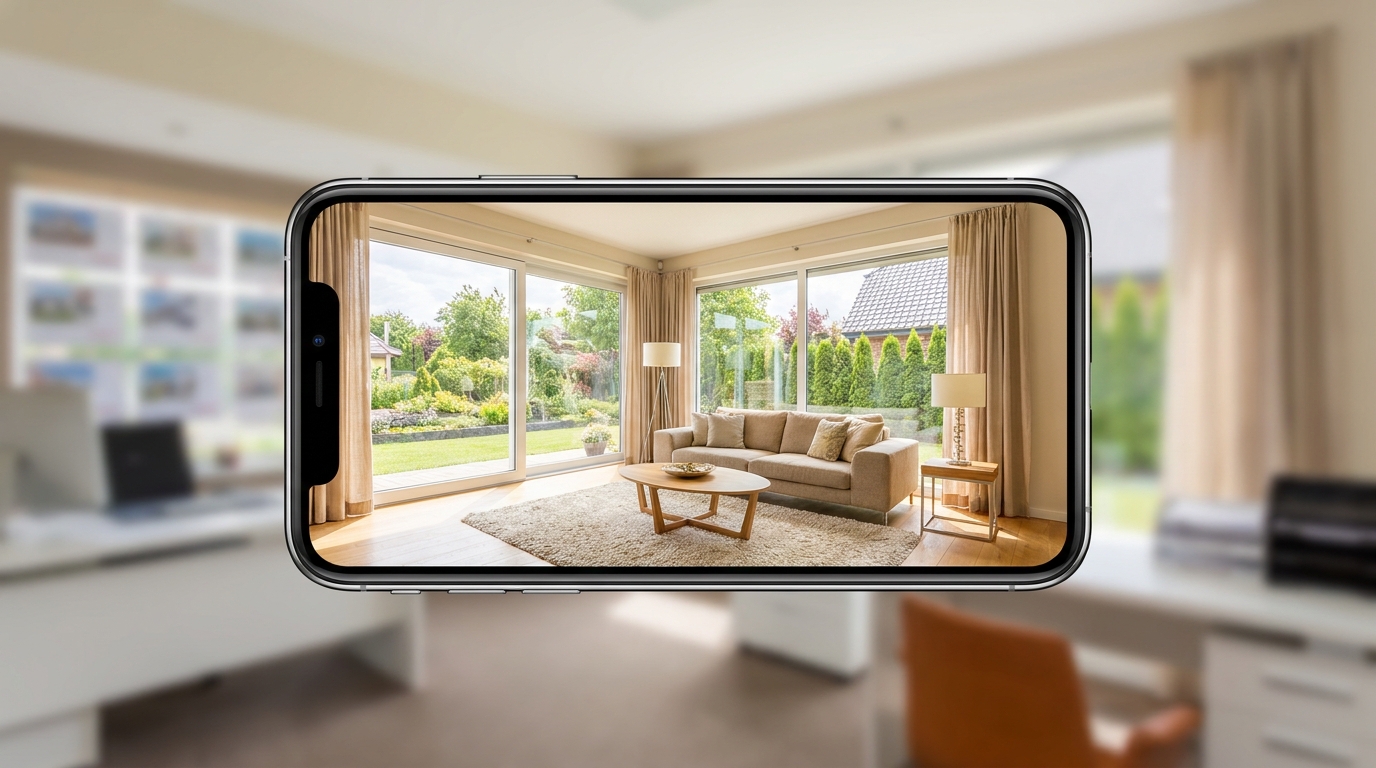
Scroll-stopping optimization for social-ready property photos with bright, clean visual appeal.
Try This Tool →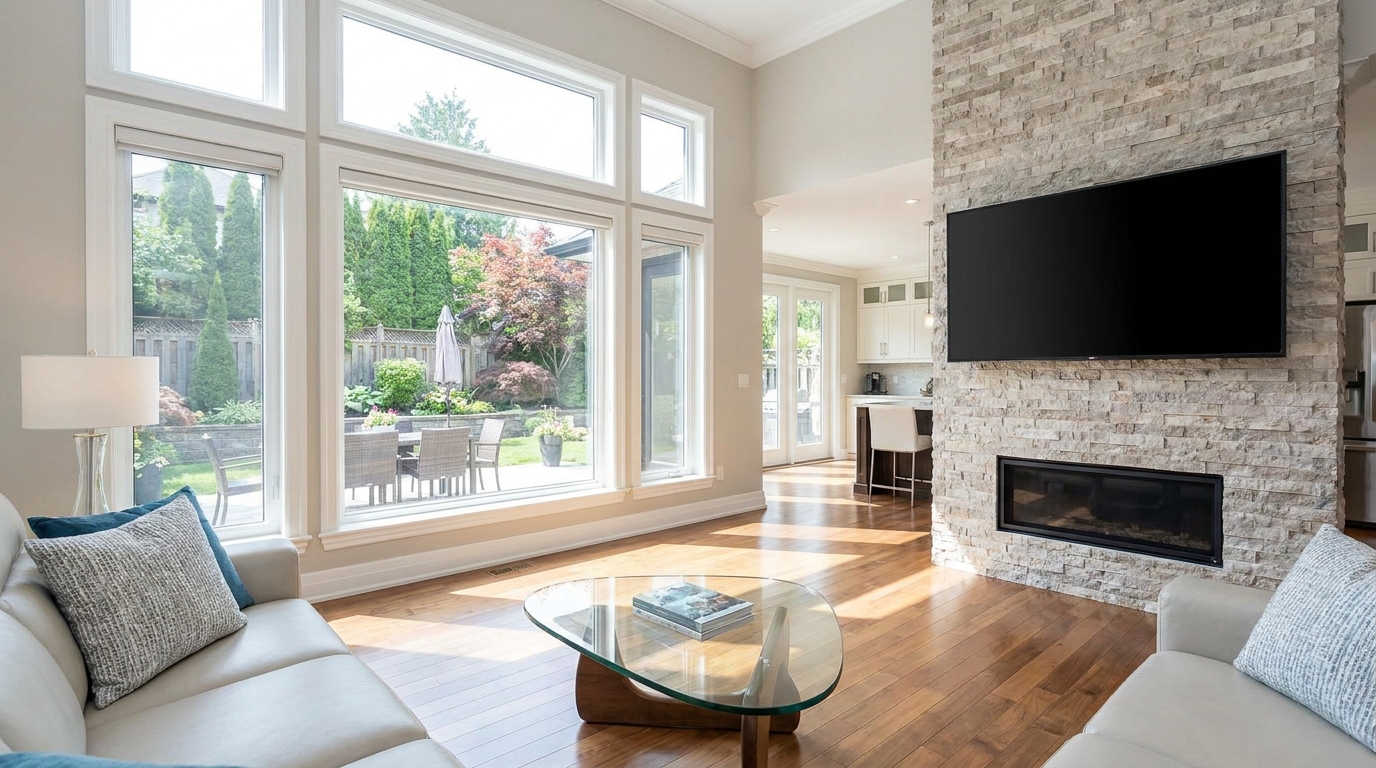
Minimize harsh reflections and distracting glare for a clearer, more premium presentation.
Try This Tool →Explore additional AI presets to elevate your real estate marketing and property presentation.
AI image-to-video generation for turning home, room, and property photos into more vivid presentation videos.
02AI exterior renovation for visualizing facade updates, curb appeal improvements, and home exterior remodel ideas.
03AI landscaping design for exploring outdoor concepts, curb appeal upgrades, planting ideas, and yard layout directions.
04AI virtual staging for furnishing empty rooms and creating listing-ready interiors for real estate marketing.
05Free AI image generation for turning text prompts into unlimited visual ideas for home design, interiors, landscaping, renovation
06AI object removal for cleaning up distracting items from room, home, and property photos.
Stop losing listing-ready photos to bad lighting. Try our AI Exposure Balancing tool today and instantly reveal hidden details in every room.